Machine Learning for Kids
Machine Learning for Kids is an educational website that introduces children to artificial intelligence through interactive projects and beginner-friendly coding. Learners train machine learning models using examples of text, images, numbers, and sounds, then apply them in Scratch activities. It helps develop creativity, computational thinking, and practical AI understanding.
What is Machine Learning for Kids?
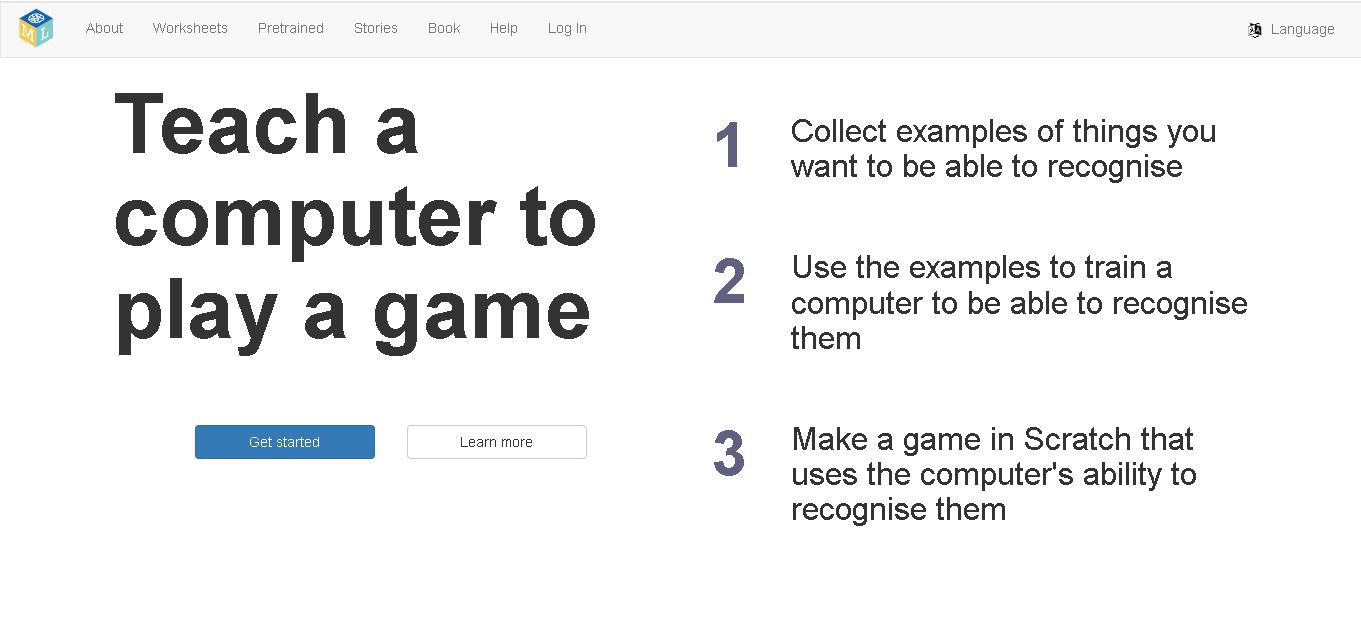
Machine Learning for Kids is an educational website that helps children understand artificial intelligence and machine learning through practical, interactive projects. Created by Dale Lane, it allows learners to train models using examples of text, images, numbers, and sounds, then apply them in coding projects. With guided activities and Scratch integration, the website makes complex AI concepts easier to explore while encouraging creativity, logical thinking, and beginner-friendly programming skills.
Machine Learning for Kids was created by Dale Lane, an IBM software developer, to introduce children to artificial intelligence through practical learning. The website guides users through 3 core steps: collecting examples, training a machine learning model, and building an interactive project. It supports learning with Scratch and offers activities involving text, images, numbers, and sounds. An educational resource describes roughly 24 projects, while the companion book presents 13 guided projects. Some text-recognition features may require IBM cloud services.
- Core Focus: AI & Machine Learning Education, Model Training & Scratch/Python Integration
- Platform Type: 100% Free Web-Based Educational Tool & Project Worksheets Repository
Use Cases:
- Collecting text examples to train a sentiment analysis model that powers an interactive smiling character in Scratch
- Training an image classification model on photos or webcam captures to sort objects or play CAPTCHA games
- Recording audio samples to train a sound recognition model for controlling virtual smart classroom devices
- Integrating trained machine learning API endpoints directly into Python scripts and MIT App Inventor apps
Technology:
- IBM Watson Assistant and TensorFlow-backed machine learning model training engines
- Customized Scratch 3.0 extension adding drag-and-drop ML model prediction blocks
- Browser-based data collection interfaces supporting webcam image captures, microphone sound recordings, and text inputs
Target Users:
- Primary and Secondary School Students (Ages 8 to 16) learning AI fundamentals
- K-12 Computer Science Teachers, STEM Educators, and Code Club Leaders
- Parents and Homeschooling Families seeking practical, hands-on artificial intelligence projects
- Content creators using writing tools to draft STEM curricula, AI literacy guides, and classroom project tutorials
Corporate Entity: Dale Lane / IBM (Open-Source Educational Project / UK)
Key features of Machine Learning for Kids
Machine Learning for Kids' key features are
- Four Data Recognition Modes: Collect data and train models to recognize Text, Images, Numbers, or Sounds.
- Scratch 3.0 Integration: Seamlessly exports trained models into a custom Scratch environment as visual programming blocks.
- Python & App Inventor Support: Exports model endpoints for advanced students coding in Python or building mobile apps.
- Extensive Downloadable Worksheets: Features dozens of step-by-step project guides (e.g., Pac-Man ghost avoidance, Smart Classroom, Sentiment Analyzer).
- No Registration Required Mode: Offers quick "Try Without Registering" sessions for classroom demonstrations.
- 100% Free & Open Source: Fully accessible without subscriptions, advertisements, or paywalls.
Machine Learning for Kids Pricing
Machine Learning for Kids is 100% free for students, teachers, and schools worldwide.
Cost & Access:
- 100% Free: Unlimited access to data collection, model training, Scratch extensions, and project worksheets
- No Ads or Premium Subscriptions: Free open-source educational resource maintained for public use
Disclaimer: Machine Learning for Kids is a free educational open-source project. Teacher accounts can be set up to manage student credentials easily. Visit machinelearningforkids.co.uk to start building projects.
Who is using Machine Learning for Kids?
Machine Learning for Kids is designed for students, educators, and STEM leaders, including
- K-12 CS Teachers & Code Clubs: Introducing students to supervised learning and model training through guided worksheets
- Young Programmers (Ages 8–16): Building smart games and chatbots in Scratch powered by their own trained AI
- STEM Educators & Researchers: Teaching AI ethics, data bias, and machine learning workflows in interactive workshops
- Content Creators: Using writing tools to draft AI literacy articles, coding tutorials, and lesson plans
Best Machine Learning for Kids Alternatives
Some of the top Machine Learning for Kids alternatives include
- Google Teachable Machine
- Scratch (with AI extensions)
- Cognimates
- eCraft2Learn
- LittleAIMaster
- Code.org
Pros and Cons of Machine Learning for Kids
Pros
- Completely free tool bridging the gap between basic block coding and real artificial intelligence principles
- Direct export into Scratch 3.0 makes trained AI models instantly usable in student-created games
- Supports four core data types (text, image, sound, and numerical data) for comprehensive ML learning
- A massive collection of step-by-step PDF worksheets makes classroom lesson planning effortless
Cons
- Full managed class setup requires setting up an admin key/API key for persistent student storage
- Browser sessions without logged-in accounts store trained models temporarily in memory
- UI is functional and educational rather than commercial video-game styled
Why Choose Machine Learning for Kids?
Machine Learning for Kids is the premier free choice for teachers and students seeking to understand how AI models are trained and how to use those models inside custom Scratch and Python projects.
- Integrates directly with Scratch 3.0, Python, and App Inventor
- Includes dozens of free, classroom-tested project worksheets covering image, text, and sound recognition
- 100% free open-source platform with zero ads or subscriptions
Machine Learning for Kids vs. Competitors
The main difference between Machine Learning for Kids and Google Teachable Machine is that Machine Learning for Kids focuses heavily on allowing students to export their trained models directly into Scratch and Python code to build interactive games and apps, whereas Google Teachable Machine is a standalone browser web-cam demo tool primarily for rapid web prototyping. Machine Learning for Kids stands out for its comprehensive classroom project worksheets and coding editor integration.
| Feature / Tool | Machine Learning for Kids (machinelearningforkids.co.uk) | Google Teachable Machine | Cognimates | Code.org (AI for Oceans) |
|---|---|---|---|---|
| Core Focus | Hands-on ML Model Training & Scratch/Python Integration | Rapid Browser-Based Model Training Prototyping | AI & Robotics Block Coding Platform for Kids | Introductory Guided AI & Data Ethics Tutorial |
| Data Modalities | Text, Image, Sound & Numbers | Image, Sound & Pose | Text, Vision & Audio | Pre-curated Image Classification |
| Scratch Export | Yes (Custom Embedded Scratch 3.0 Editor) | p5.js / web export | Built-in Block Editor | Guided Module |
| Project Worksheets | Yes (30+ Detailed PDF Worksheets) | Online Web Tutorials | Sample Activities | Single Guided Lesson |
| Starting Price | 100% Free | 100% Free | 100% Free | 100% Free |
| Best For | Students wanting to build smart Scratch games using their own trained AI models | Quick webcam and audio model training experiments in web browsers | Exploring AI embodied learning and smart toy integrations | First-time 30-minute introductory lessons on AI bias |
How do we rate Machine Learning for Kids?
| Parameter | Rating (out of 5) |
|---|---|
| Educational Concept Clarity & Pedagogy | 5.0 |
| Scratch & Python Integration UX | 4.9 |
| Project Worksheets & Resources | 5.0 |
| Classroom Management & Setup | 4.7 |
| Value for Money | 5.0 |
| Overall Score | 4.92 |
Machine Learning for Kids Review
Machine Learning for Kids is a remarkable, pioneering educational platform created by Dale Lane. By demystifying artificial intelligence and making model training accessible to young coders, it allows children to move beyond passive consumption of AI tools and become active AI creators. The ability to collect custom datasets and instantly block-code predictions in Scratch makes abstract computer science concepts tangible and fun. Supported by an impressive library of free project worksheets, it is an essential resource for computer science classrooms. For educators and parents looking to teach real AI concepts in 2026, Machine Learning for Kids is a standout platform.
Conclusion
Machine Learning for Kids is a valuable starting point for children and educators who want to explore artificial intelligence through practical learning. Its guided projects, model-training activities, and Scratch integration make machine learning concepts easier to understand. Although external service requirements and data privacy considerations deserve attention, the website offers an engaging introduction to AI education. For families and schools building foundational digital skills, it provides a useful way to connect coding with real-world machine learning concepts.
FAQ
Is Machine Learning for Kids suitable for beginners?
Yes, Machine Learning for Kids is suitable for beginners who want to understand artificial intelligence without starting with complicated programming. You can explore guided activities, train simple models, and create interactive Scratch projects. Teachers and parents can use these activities to introduce children to machine learning through practical, engaging learning experiences.
What can children create with Machine Learning for Kids?
Children can create interactive games, simple AI applications, and projects that respond to text, images, numbers, or sounds. For example, learners can train a model to recognize different objects and use its predictions in a Scratch game. These activities help children understand how training data influences computer predictions.
Does Machine Learning for Kids require coding experience?
No, children can begin exploring machine learning without advanced coding knowledge. The website provides guided activities and integrates with Scratch, a visual programming environment that uses blocks instead of requiring traditional code. Beginners can learn by following instructions, experimenting with examples, and gradually developing their programming and problem-solving abilities.
Is Machine Learning for Kids free to use?
Machine Learning for Kids has been offered as a free educational resource, making it useful for families and schools exploring AI education. However, certain features, particularly text-recognition projects, may depend on external services and account configuration. Check the official website's current instructions before planning classroom activities or relying on specific integrations.
How does Machine Learning for Kids teach artificial intelligence?
The website introduces AI through a hands-on process. Children collect examples, use those examples to train a machine learning model, and incorporate the trained model into an interactive project. This approach helps learners understand how computers recognize patterns, make predictions, and respond to information instead of simply reading theoretical explanations.
Can teachers use Machine Learning for Kids in classrooms?
Yes, teachers can use Machine Learning for Kids to introduce AI concepts through structured classroom activities. The resource includes project worksheets and teacher guidance, helping educators organize practical exercises for students. Teachers can adapt activities to different learning levels and encourage teamwork, experimentation, and discussion about responsible artificial intelligence use.
User Reviews
No reviews yet for Machine Learning for Kids.
Featured Tools
Featured AI tools from TechShark
Melody Genie
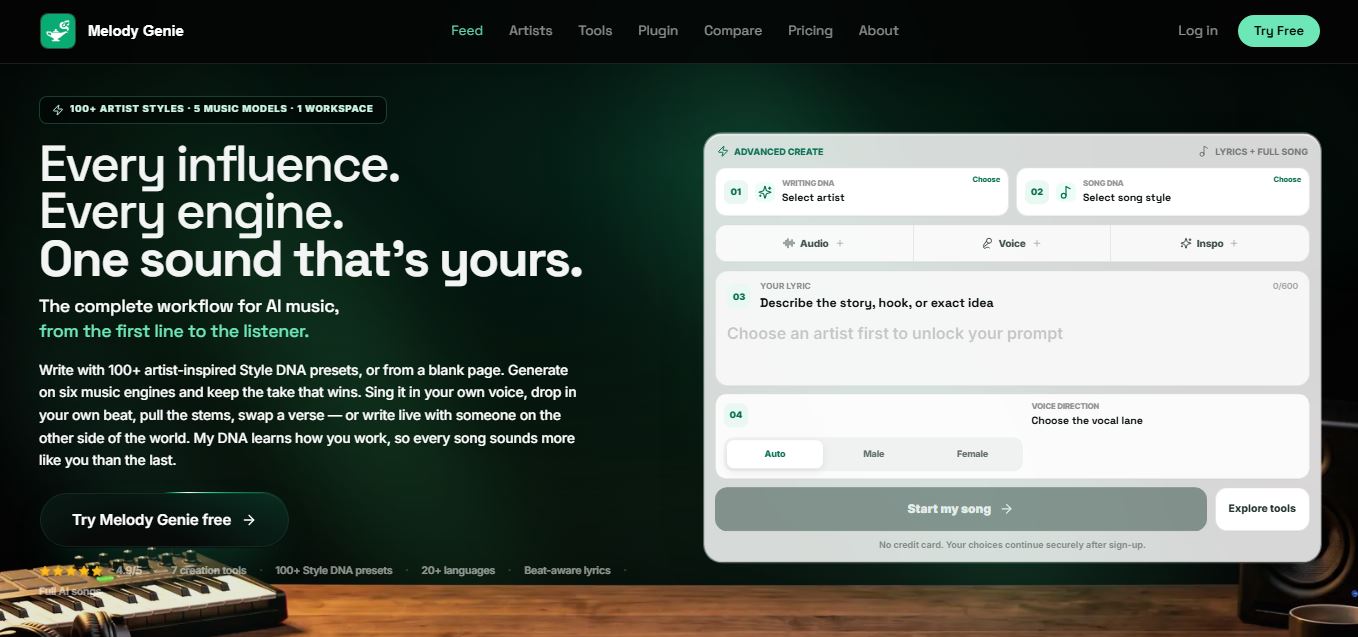
MelodyGenie is an AI-powered music generator that creates original songs from simple text prompts. Users can choose styles, moods, and genres, then instantly generate melodies and full tracks, making it easy for creators, marketers, and hobbyists to produce custom music without musical expertise.
Freemium
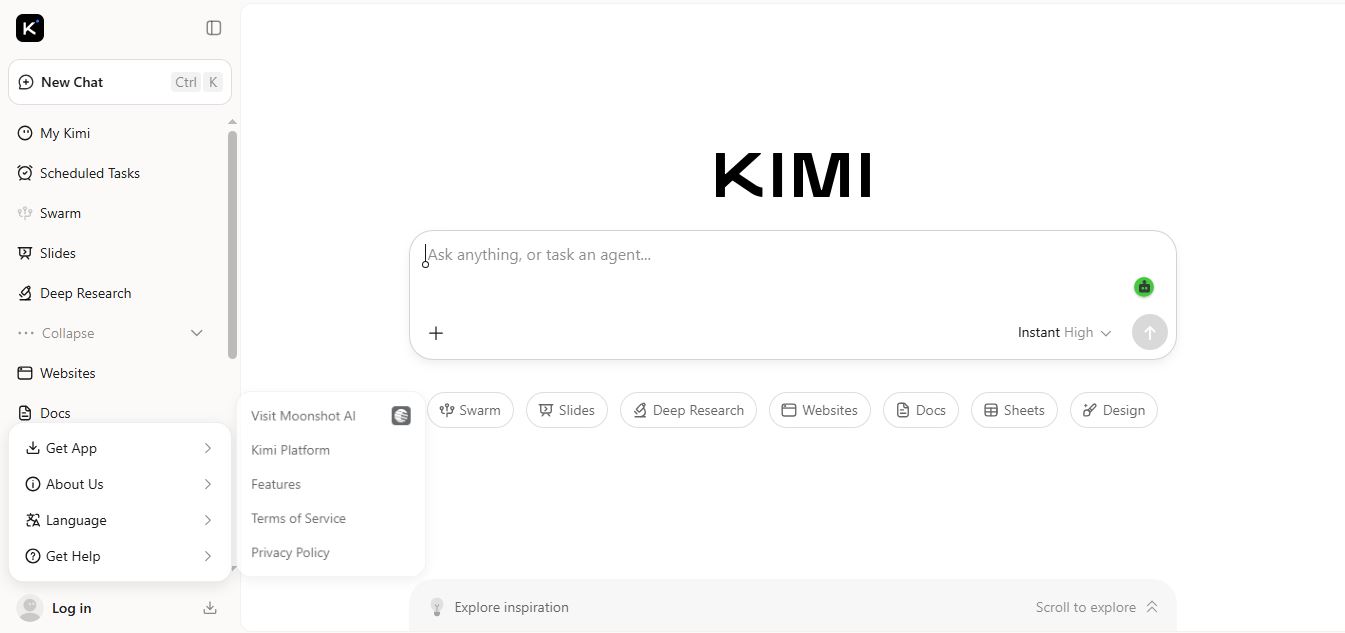
Kimi AI
Kimi AI is an advanced AI assistant developed by Moonshot AI that helps you chat, research, write, code, and automate tasks in one place. It supports web search, file analysis, and multimodal inputs, and can even run autonomous “agent” workflows to complete complex tasks end-to-end.
Freemium
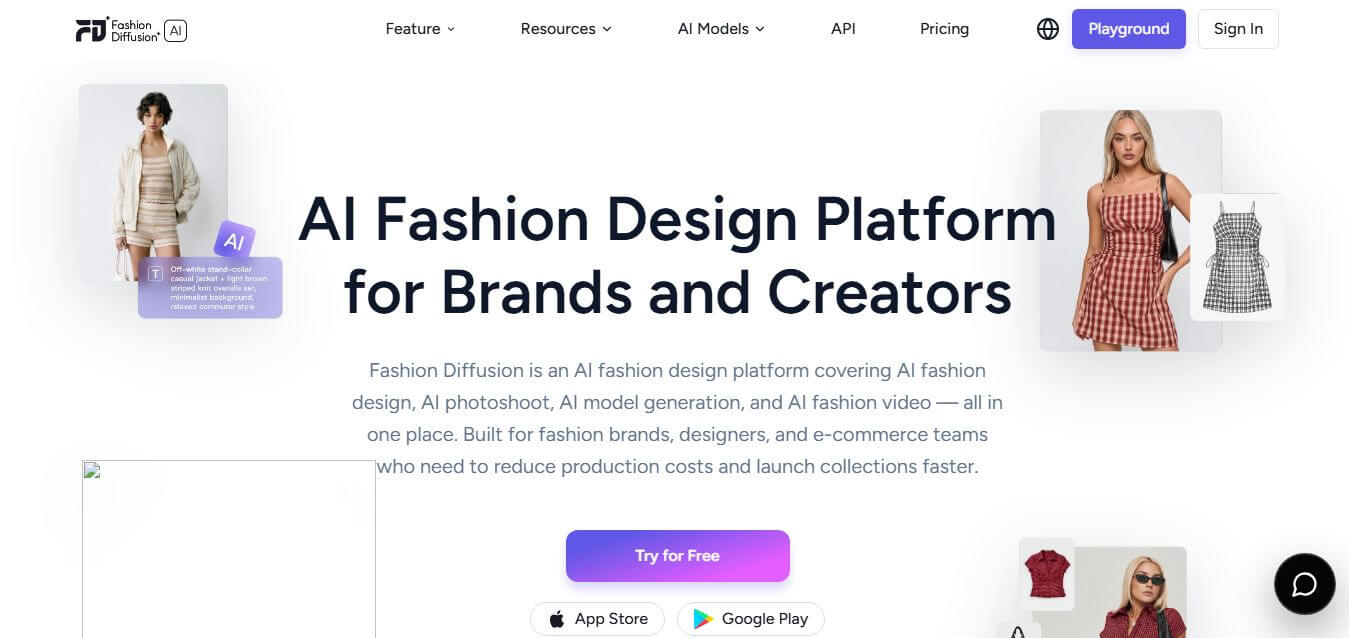
Fashion Diffusion AI
Fashion Diffusion is an AI-powered fashion design platform that helps brands and designers create clothing designs, virtual try-ons, AI models, product photos, and marketing visuals faster and cost-effectively.
Paid
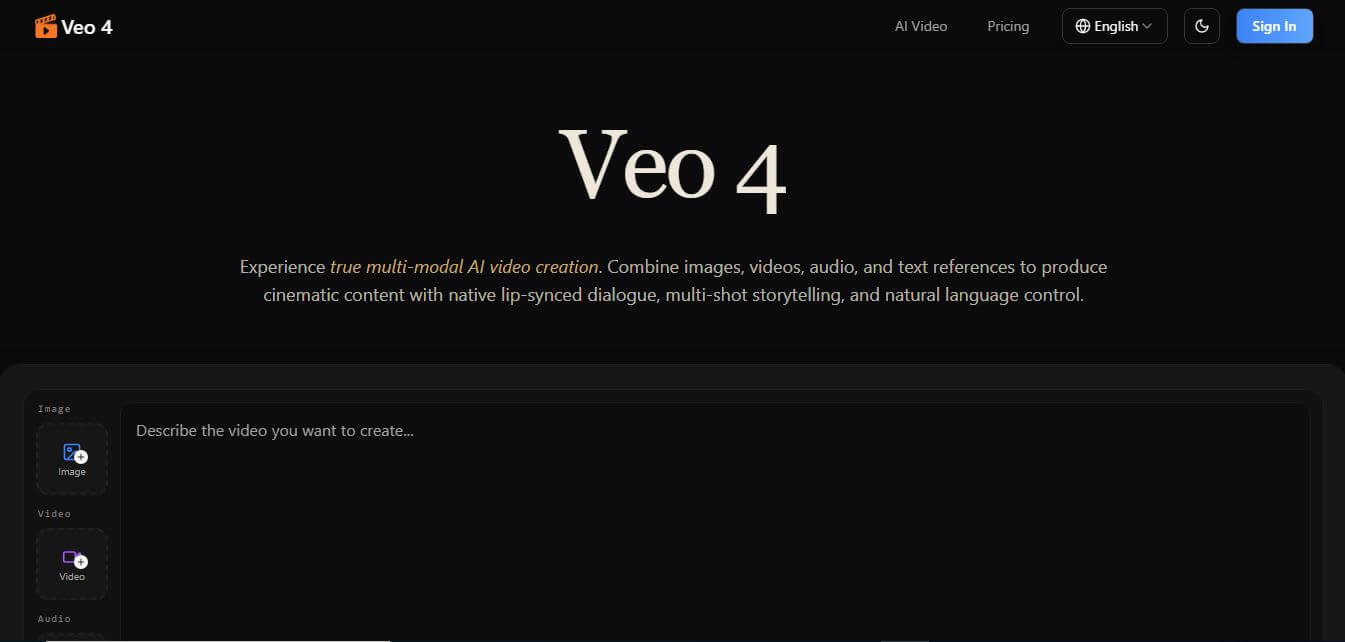
Veo 4
Veo 4 AI is an AI video creation platform that generates dramatic videos from text, images, audio, and video prompts using realistic motion and synchronized sound.
Paid
Alternatives
Alternatives to Machine Learning for Kids
The best Machine Learning for Kids alternatives include Google Teachable Machine, Cognimates, eCraft2Learn, Scratch AI extensions, and Code.org AI for Oceans. These platforms introduce children to machine learning and artificial intelligence. While Machine Learning for Kids allows students to train models and export them directly into Scratch 3.0 games, alternatives like Google Teachable Machine focus on browser-based webcam prototyping.
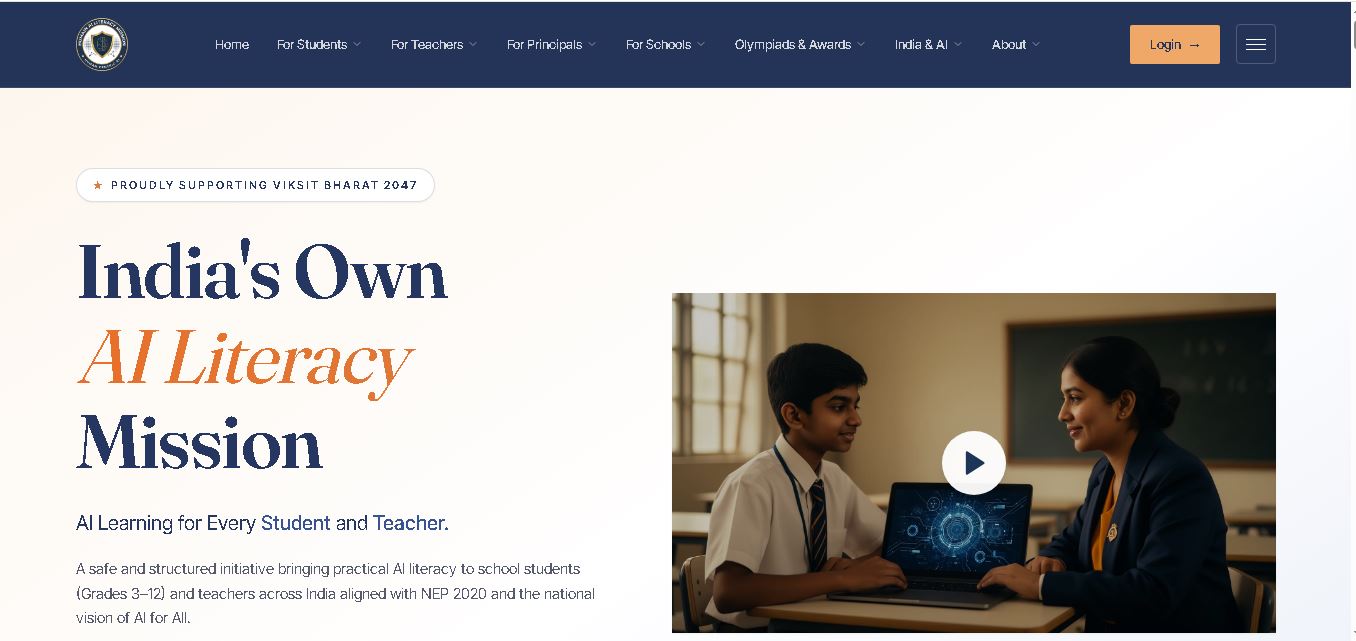 4.9
Humain AI Literacy Mission (HAILM)
Kids
Humain AI Literacy Mission is an educational initiative helping Indian students in Grades 3–12 and teachers develop practical artificial intelligence skills. It offers foundational AI courses, interactive activities, assessments, and certificates. Aligned with NEP 2020 and international educational guidance, HAILM promotes responsible AI use, digital safety, critical thinking, and future-ready learning.
 4.9
Brisk Teaching
Kids
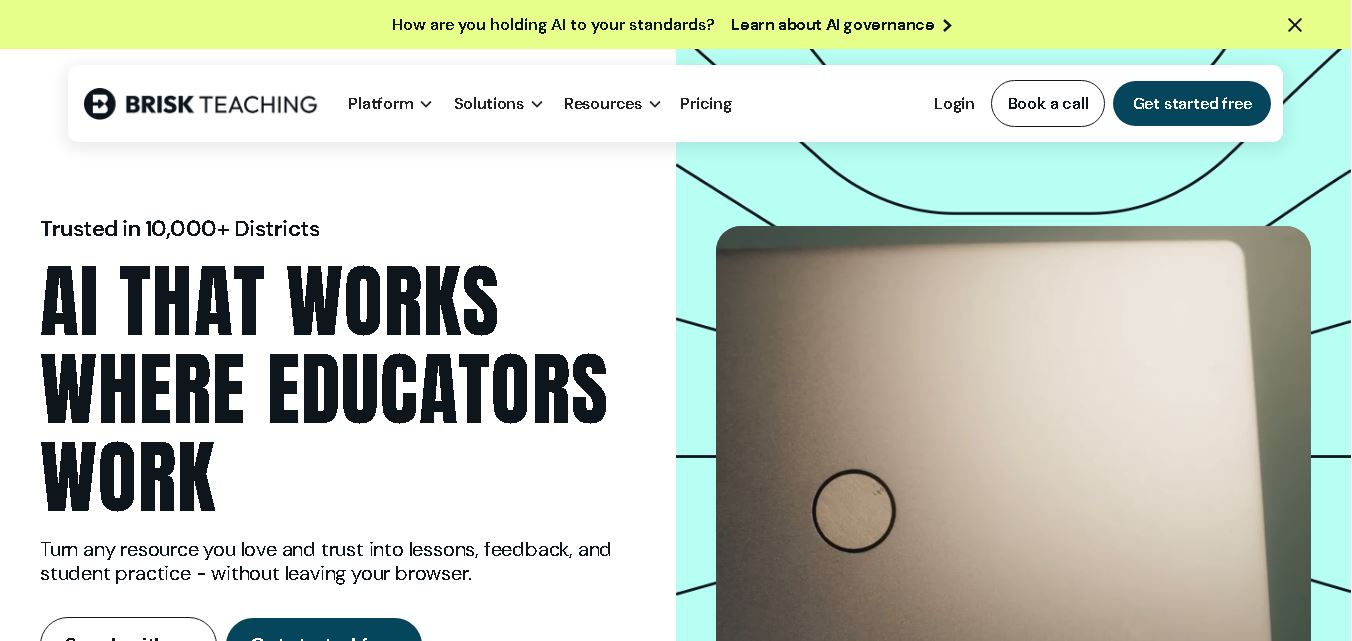
Brisk Teaching helps educators create lesson plans, quizzes, worksheets, presentations, and personalized feedback using AI. It integrates with familiar teaching tools and supports differentiated instruction, translation, and student activities. With free educator access and advanced school plans, Brisk helps teachers reduce repetitive preparation and focus more on meaningful classroom learning.
 4.9
Diffit
Kids
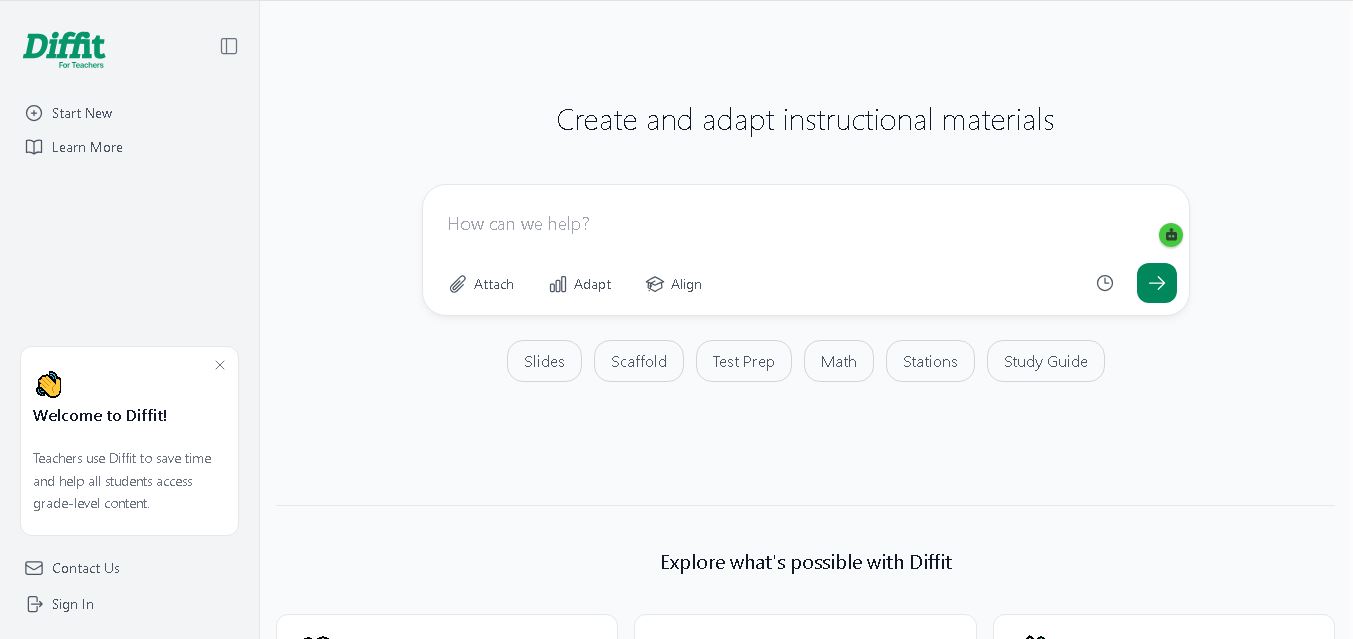
Diffit helps teachers create differentiated classroom materials from topics, text, PDFs, URLs, and video transcripts. It can produce reading passages, vocabulary tasks, comprehension questions, worksheets, and lesson activities tailored to student needs. Educators can edit, print, share, and, with eligible plans, export resources to familiar teaching tools more efficiently.
 5.0
MagicSchool AI
Kids
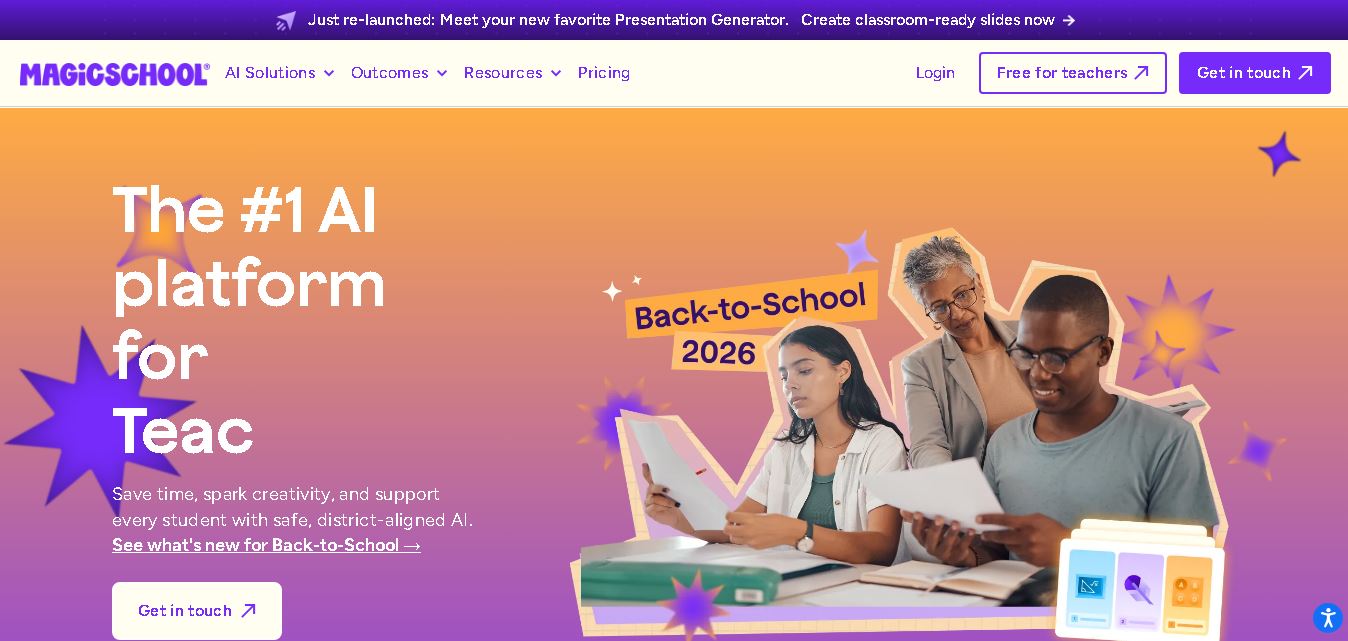
MagicSchool AI helps teachers and students use artificial intelligence for educational tasks. It offers tools for lesson planning, quiz creation, worksheet generation, writing feedback, and personalized learning. With free and paid plans, it supports classroom productivity, differentiated instruction, and responsible AI adoption across schools and educational institutions worldwide.
 4.9
Curipod
Kids
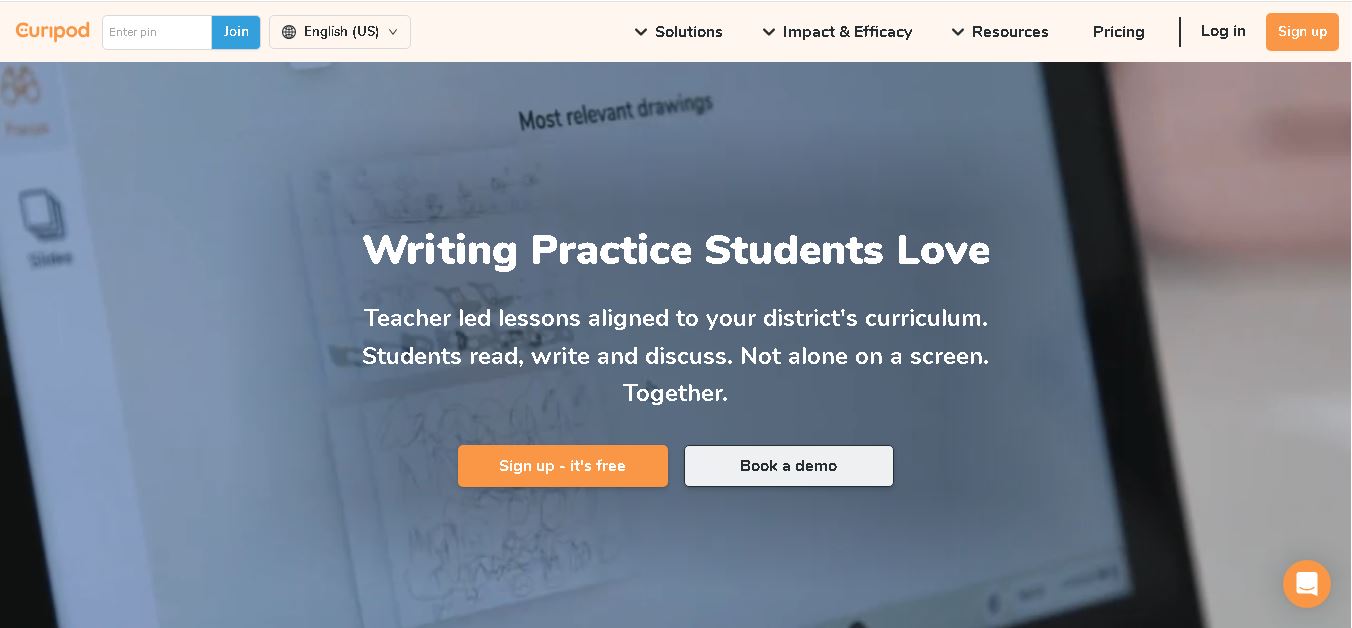
Curipod offers teachers a practical way to create interactive lessons, encourage classroom participation, and provide structured feedback on student learning. Its AI-assisted lesson generation, writing activities, and assessment tools can reduce preparation time while supporting more engaging instruction. The free plan provides an accessible starting point, while schools can explore paid options for broader needs. For educators seeking technology that combines classroom interaction with teacher-controlled AI, Curipod is worth evaluating against their curriculum, privacy, and teaching requirements.
 4.8
Powtoon
Kids
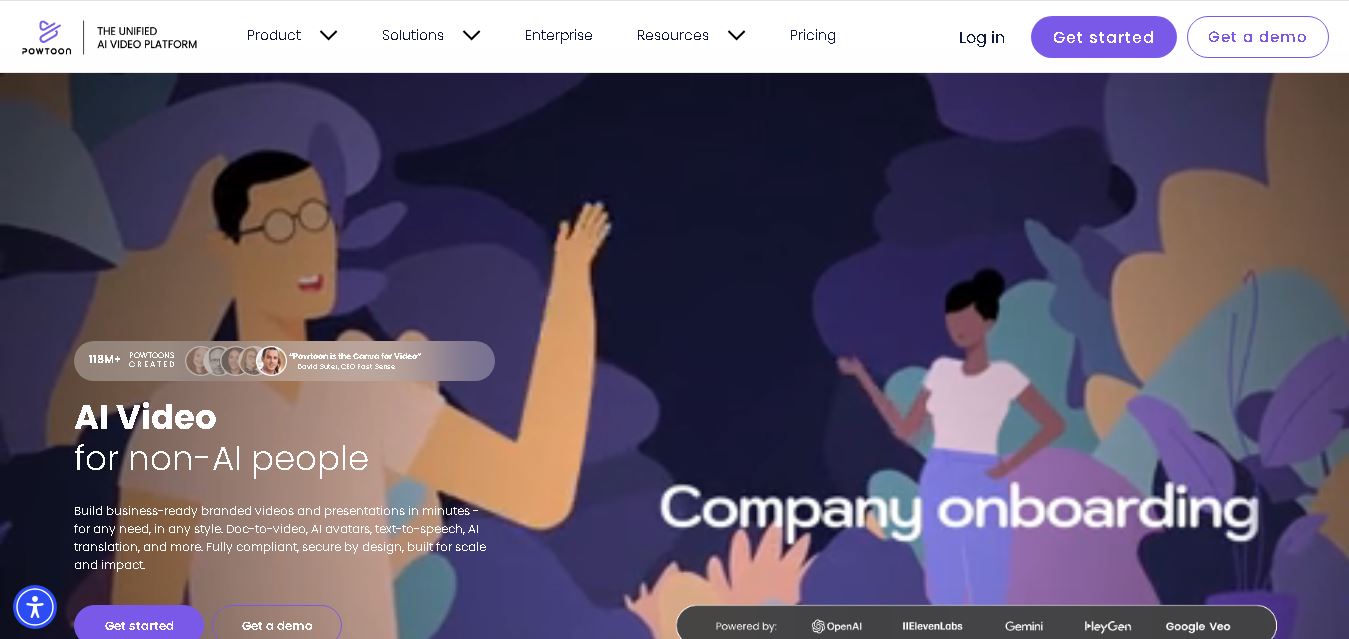
Powtoon is an online video and presentation creation tool for producing animated explainers, educational videos, marketing content, and business presentations. It offers customizable templates, animated characters, multimedia editing, and AI-assisted features. Beginners, educators, marketers, and businesses can use it to transform complex ideas into engaging visual stories without advanced animation skills.
 4.8
Animaker
Kids
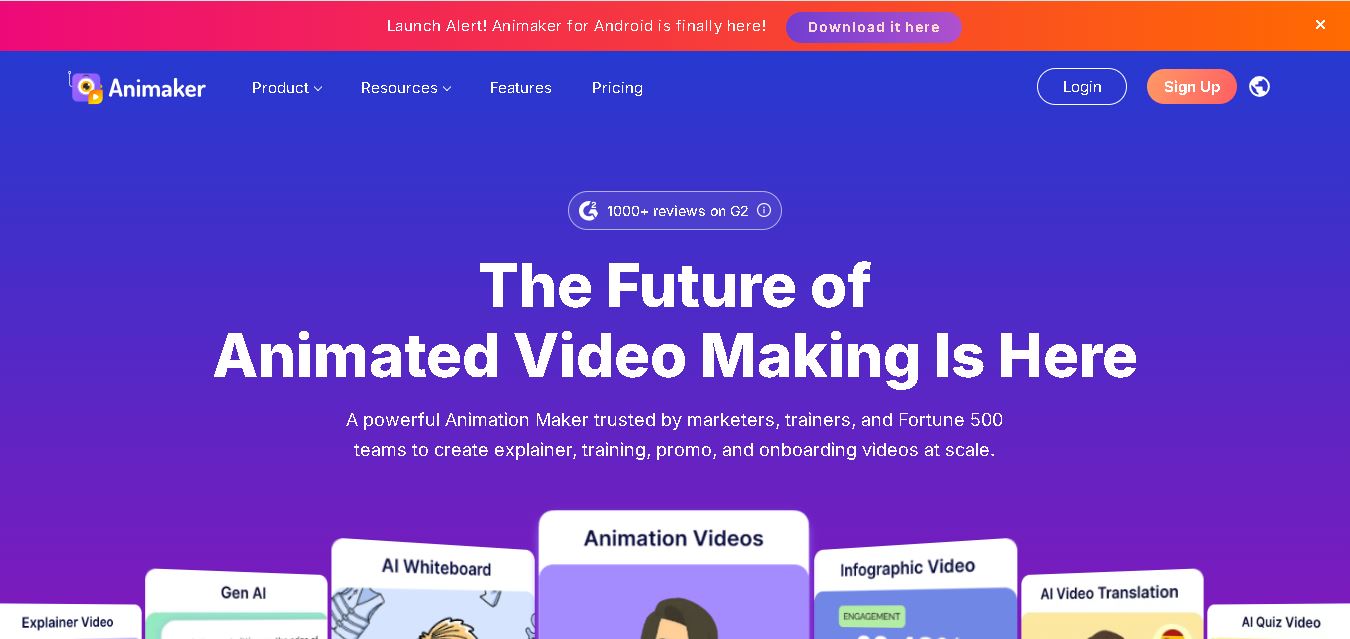
Animaker helps users create animated videos, explainer content, presentations, and promotional materials using customizable characters, templates, AI video generation, and editing features. Its online editor supports voiceovers, subtitles, and multilingual video translation. It is useful for marketers, educators, businesses, and creators who want engaging videos without advanced animation or editing expertise.
 5.0
Google Read Along
Kids
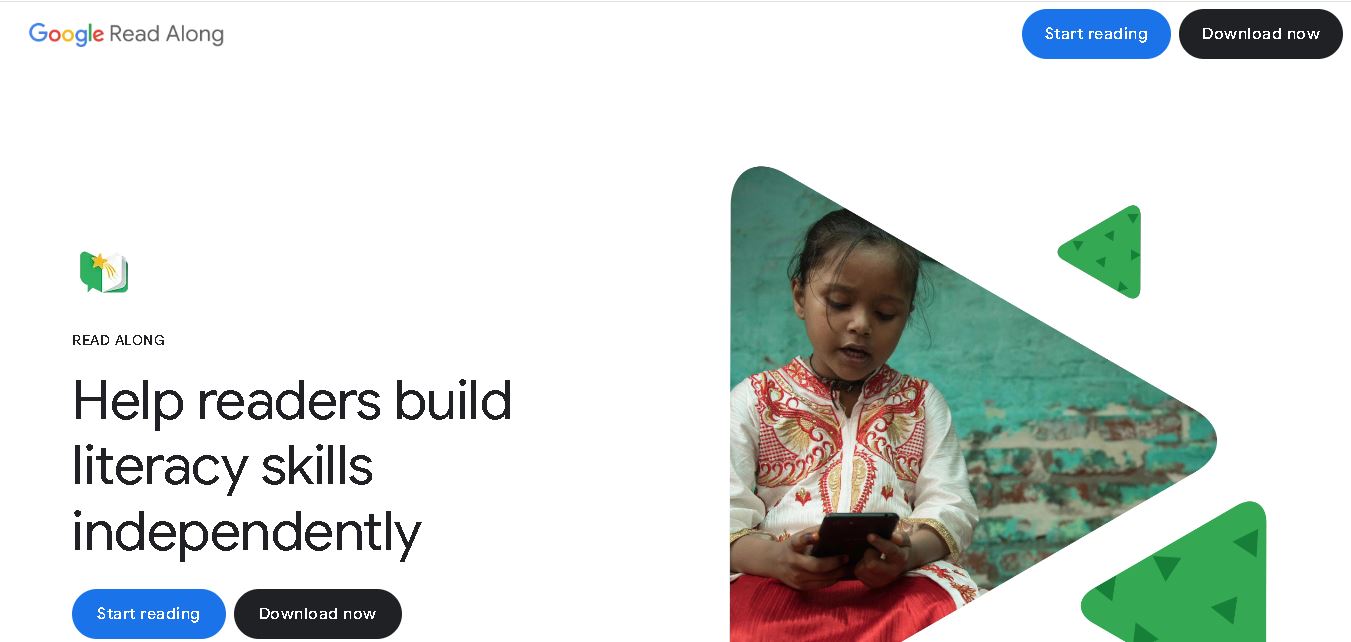
Google Read Along is a free reading practice tool for children that improves pronunciation, fluency, and confidence through interactive stories, reading games, and real-time feedback from its assistant, Diya. Supporting multiple languages and offline Android access, it helps families and educators make early literacy practice more engaging, accessible, and convenient for young learners.
 4.8
Squibler
Kids
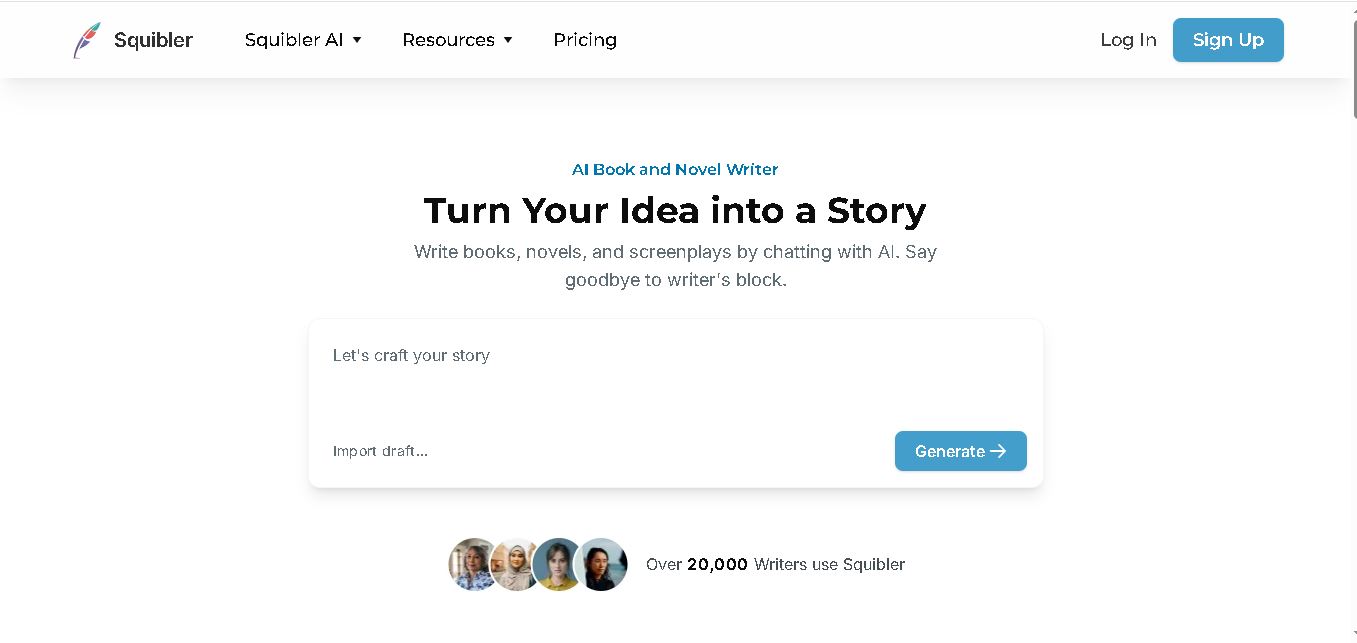
Squibler is an AI writing assistant for creating books, novels, screenplays, and story outlines. It helps writers develop characters, organize chapters, refine existing drafts, and generate visuals. With free and paid plans, Squibler supports beginners and experienced authors seeking a more structured, efficient, and creative long-form writing workflow.