
Squibler
Squibler is an AI writing assistant for creating books, novels, screenplays, and story outlines. It helps writers develop characters, organize chapters, refine existing drafts, and generate visuals. With free and paid plans, Squibler supports beginners and experienced authors seeking a more structured, efficient, and creative long-form writing workflow.
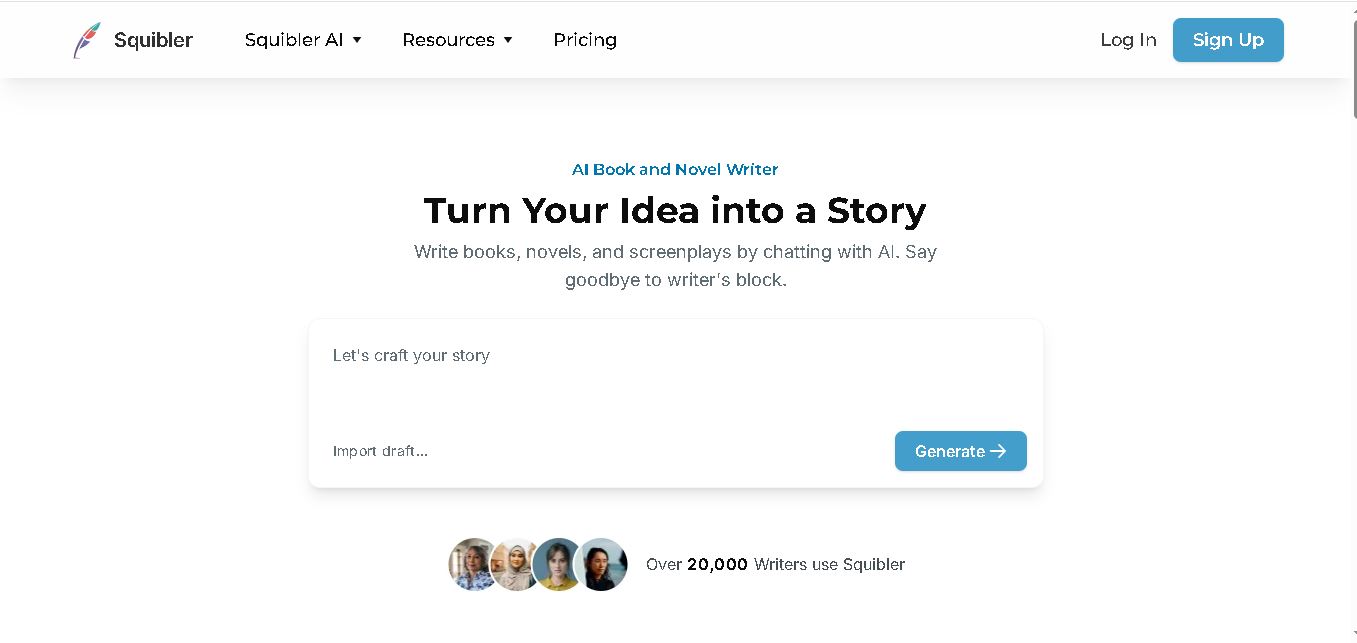
What is Squibler?
Squibler is a writing application that helps authors plan, draft, organize, and refine books, novels, and screenplays with artificial intelligence. It enables users to generate story outlines, develop characters, create chapters, improve existing passages, and produce visuals for their projects. Its AI Smart Writer assists with revisions while allowing writers to guide creative decisions. Squibler is suitable for fiction, nonfiction, memoirs, and screenwriting, making long-form writing more organized and manageable.
Squibler is an AI writing tool focused on books, novels, and screenplays. Its official website reports that more than 20,000 writers use the platform. Squibler offers 3 main pricing tiers: Free, Plus, and Pro. The Free plan includes 1,000 AI credits per month, while Plus provides 10,000 credits monthly and Pro offers unlimited AI credits. Its features include full-length manuscript generation, screenplay creation, story outlining, AI-assisted editing, and visual generation. Pricing and features may change, so verify details on the official website.
- Core Focus: AI Book & Novel Drafting, Screenwriting, Narrative Elements Management & Full Manuscript Generation
- Platform Type: AI Long-Form Writing Environment & Book Publishing Workspace
Use Cases:
- Generating full-length novel drafts and structured chapter-by-chapter plot outlines
- Drafting cinematic screenplays complete with standardized industry formatting, scene headings, and character dialogue
- Tracking character profiles, settings, lore, and plot points to prevent narrative contradictions across long manuscripts
- Generating scene visualizer artwork and video prompts to storyboard key moments and book cover concepts
Technology:
- Proprietary Smart Writer AI engine tuned specifically for long-form narrative structure, pacing, and dialogue generation
- Story Elements intelligence system referencing character traits, settings, and world rules during AI generation
- Multi-format document exporter converting manuscripts directly into PDF, DOCX, and ePub files ready for Amazon KDP or physical printing
Target Users:
- Fiction Novelists (Fantasy, Sci-Fi, Romance, Thriller, Mystery) managing intricate plots
- Screenwriters and Playwrights formatting movie scripts and TV episodes
- Non-Fiction Authors, Ghostwriters, and Memoirists organizing extensive research into structured chapters
- Content creators using writing tools to draft manuscript reviews, novel outlining guides, and AI publishing tutorials
Corporate Entity: Squibler Inc. (USA)

Key features of Squibler
Squibler's key features are
- Full-Length Book & Screenplay Generator: Instantly expand story ideas into complete multi-chapter novel drafts or formatted screenplays.
- AI Smart Co-Author Editor: Write alongside an AI assistant that suggests plot continuations, dialogue polishes, and scene rewrites.
- Story Elements Database: Maintain character profiles, locations, and lore items that the AI actively references to preserve continuity.
- Scene Visualizer & Storyboarding: Convert text descriptions into original AI images and video sequences for visual pitch decks.
- Goal Tracking & Word Count Analytics: Set daily writing targets, monitor chapter progress, and maintain consistent writing habits.
- Self-Publishing Export Engine: Export clean files formatted for ePub, PDF, Word, Amazon KDP, and physical book printing.
Squibler Pricing
Squibler provides a free tier with monthly credits alongside subscription plans tailored for individual authors and high-volume creators.
Free Tier:
- Free Plan ($0/mo): Includes 1,000 AI credits per month, basic scene testing, and full project access
Paid Subscription Tiers:
- Squibler Plus (~$15.83/mo billed annually or $29.99/mo): Includes 10,000 AI credits per month, full manuscript generation, elements tracking, and PDF/DOCX exports
- Squibler Pro (~$29.99/mo billed annually or $49.99/mo): Unlimited AI credits, unlimited full book and screenplay generation, and multi-project co-writing features
Disclaimer: Pricing plans and credit allocations are updated regularly. Visit squibler.io/pricing for current subscription rates.
Who is using Squibler?
Squibler is designed for fiction and non-fiction authors, screenwriters, and educators, including
- Fiction Authors: Outlining fantasy worlds, mystery red herrings, and multi-book romance series
- Screenwriters: Drafting Hollywood-style screenplays with automated scene formatting and character dialogue
- Indie Publishers & Self-Publishers: Generating KDP-ready ePub files and ordering physical proof copies
- Content Creators: Using writing tools to draft novel reviews, screenwriting guides, and self-publishing comparisons
Best Squibler Alternatives
Some of the top Squibler alternatives include
- Sudowrite
- NovelAI
- Jasper (Long-Form)
- Scrivener (Traditional)
- Plottr
- Oscar Stories
Pros and Cons of Squibler
Pros
- Purpose-built for long-form books and screenplays rather than basic short-form marketing copy
- Story elements actively preserves character traits and world-building consistency across chapters
- Supports both prose novel writing and industry-standard screenplay script formatting in one platform
- Built-in visualizer converts text passages into visual scene assets and pitch storyboards
Cons
- Free plan credit allocation (1,000 credits/mo) is limited for full novel generation without upgrading
- Requires human review and editing to ensure generated prose matches an author's unique voice
- Cloud-based workspace requires an active internet connection for real-time AI generation
Why Choose Squibler?
Squibler is the premier choice for authors and screenwriters seeking an all-in-one AI co-author that manages plot structure, character consistency, and manuscript formatting from blank page to published book.
- Tracks characters, settings, and lore to maintain plot continuity
- Includes AI scene visualizer tools for storyboarding and cover art inspiration
- Exports formatted ePub, DOCX, and PDF files ready for self-publishing channels
Squibler vs. Competitors
The main difference between Squibler, Sudowrite, and Scrivener is that Squibler combines full automated book/screenplay generation with built-in script formatting and scene visualizers, whereas Sudowrite focuses heavily on prose enhancement and brainstorming for fiction authors, and Scrivener is a non-AI traditional manuscript organizer. Squibler stands out for its versatility across both novels and screenplays with AI co-author support.
| Feature / Tool | Squibler (squibler.io) | Sudowrite | Scrivener | NovelAI |
|---|---|---|---|---|
| Core Focus | AI Full Book & Screenplay Generation Suite | AI Creative Fiction Writing Assistant | Traditional Long-Form Manuscript Organizer | AI Storytelling Companion & Text Adventure |
| Screenplay Support | Yes (Industry Standard Script Formatting) | No (Prose Fiction Focus) | Yes (Scriptwriting Mode) | No |
| Elements / Lore Tracking | Yes (Story Elements Memory) | Yes (Story Bible) | Manual Corkboard & Cards | Yes (Lorebook Memory) |
| Target Audience | Novelists, Screenwriters & Indie Authors | Fiction Novelists & Creative Writers | Professional Authors & Researchers | Fiction Writers & RPG Storytellers |
| Starting Price | Free Tier / ~$15.83/mo (Plus) / $29.99/mo (Pro) | ~$10–$22/month | ~$59.99 One-Time License | ~$10–$25/month |
| Best For | Writers wanting an AI co-pilot for full books, scripts, and KDP exports | Fiction writers needing sensory description and prose brainstorming | Authors wanting complete offline manual manuscript control | Interactive AI story continuation and customized AI models |
How do we rate Squibler?
| Parameter | Rating (out of 5) |
|---|---|
| Manuscript & Screenplay AI Drafting | 4.9 |
| Character & Story Elements Continuity | 4.8 |
| User Interface & Scene Management | 4.9 |
| Publishing Export & Formatting Options | 4.8 |
| Value for Money | 4.7 |
| Overall Score | 4.82 |
Squibler Review
Squibler is an exceptional AI book and screenplay writing workspace that empowers authors to overcome writer's block and streamline long-form manuscript creation. By combining intelligent scene generation, character continuity tracking, script formatting, and multi-format self-publishing exports, Squibler provides a complete suite for modern authors. Its ability to generate full drafts while keeping the author in total creative control makes it an invaluable writing companion. For novelists, screenwriters, and indie authors seeking an elite AI writing platform in 2026, Squibler is a top-tier choice.
Conclusion
Squibler provides a practical workspace for writers who want to develop ideas into structured books, novels, and screenplays with AI assistance. Its outlining, manuscript generation, editing, and visual creation features can support different stages of the creative process. For SEO, AEO, and GEO-focused content, clearly describing these capabilities, intended users, and pricing helps readers and search systems understand the tool. Writers should still review generated content carefully to maintain originality, accuracy, and narrative quality.
FAQ
What can you create with Squibler?
With Squibler, you can create novels, nonfiction books, screenplays, memoirs, story outlines, and individual scenes. If you have an unfinished manuscript, you can also use its AI writing assistance to expand passages, improve descriptions, and organize chapters. It helps transform your initial idea into a structured, editable draft.
Is Squibler free to use?
Yes, Squibler offers a free plan that includes 1,000 AI credits per month. You can explore its writing capabilities before upgrading to a paid subscription. If you regularly generate complete manuscripts or manage multiple writing projects, compare the Plus and Pro plans to determine which better suits your needs.
How much does Squibler cost?
Squibler offers three plans: Free at $0, Plus at $29.99 monthly, and Pro at $89.99 monthly. Annual billing reduces the effective monthly prices to approximately $15.83 for Plus and $49.17 for Pro. Check the official pricing page for current offers, billing conditions, and included features before subscribing.
Can Squibler write an entire book?
Yes, Squibler supports full-length book generation using your initial concept, genre, and story details. It can organize a manuscript into chapters and scenes, giving you a foundation to develop further. However, you should review the generated material carefully, correct inconsistencies, strengthen the narrative, and add your own expertise and creative perspective.
Can beginners use Squibler without writing experience?
Yes, beginners can use Squibler to develop their first writing project. You can start with a simple idea, generate an outline, and gradually build chapters with AI assistance. Its structured writing workflow can reduce the difficulty of getting started, although learning storytelling, editing, and narrative development remains important for producing quality work.
Does Squibler support screenplay writing?
Yes, Squibler includes screenplay generation for users developing scripts for film and other storytelling projects. It can help structure scenes, create dialogue, and develop a screenplay draft from an initial concept. You can then revise the pacing, character motivations, and dialogue to better match your creative vision and intended audience.
User Reviews
No reviews yet for Squibler.
Featured Tools
Featured AI tools from TechShark
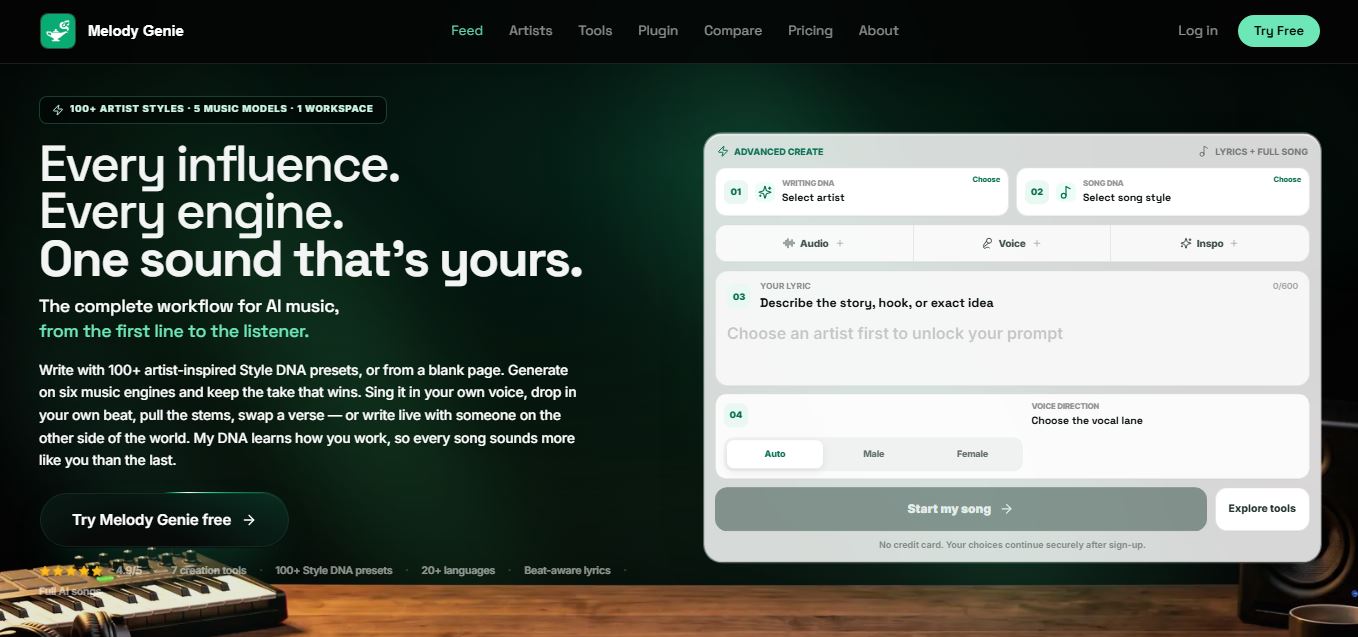
Melody Genie
MelodyGenie is an AI-powered music generator that creates original songs from simple text prompts. Users can choose styles, moods, and genres, then instantly generate melodies and full tracks, making it easy for creators, marketers, and hobbyists to produce custom music without musical expertise.
Freemium
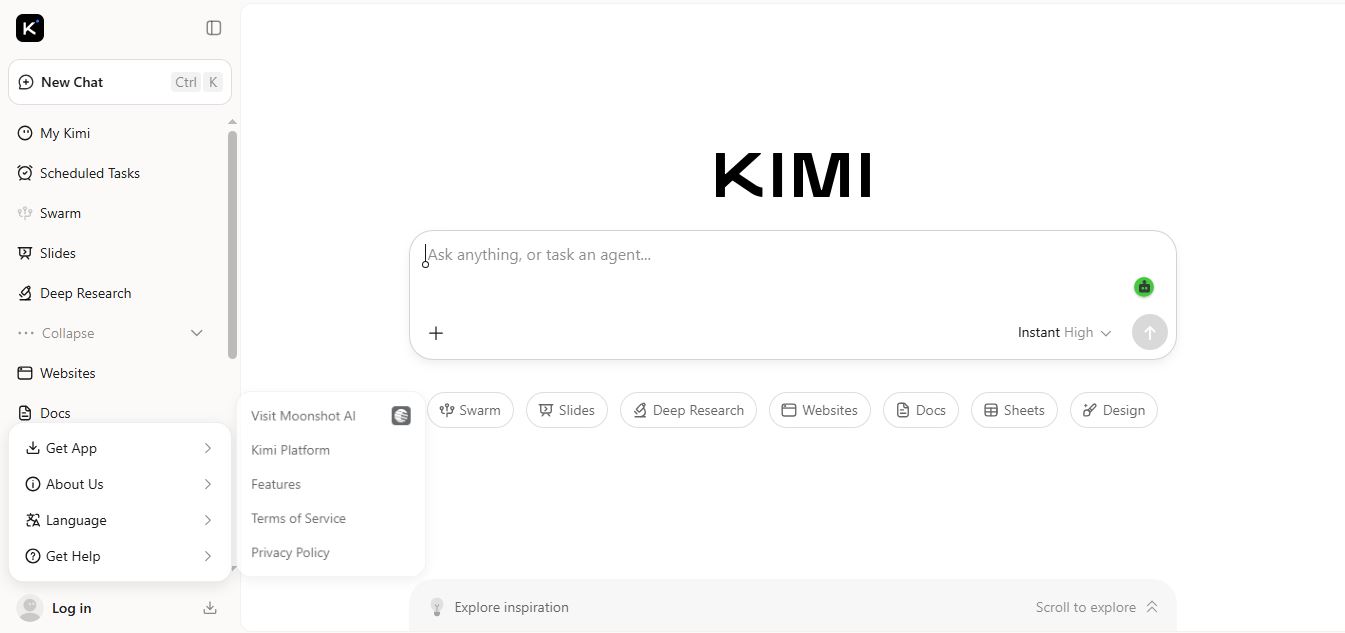
Kimi AI
Kimi AI is an advanced AI assistant developed by Moonshot AI that helps you chat, research, write, code, and automate tasks in one place. It supports web search, file analysis, and multimodal inputs, and can even run autonomous “agent” workflows to complete complex tasks end-to-end.
Freemium

Fashion Diffusion AI
Fashion Diffusion is an AI-powered fashion design platform that helps brands and designers create clothing designs, virtual try-ons, AI models, product photos, and marketing visuals faster and cost-effectively.
Paid
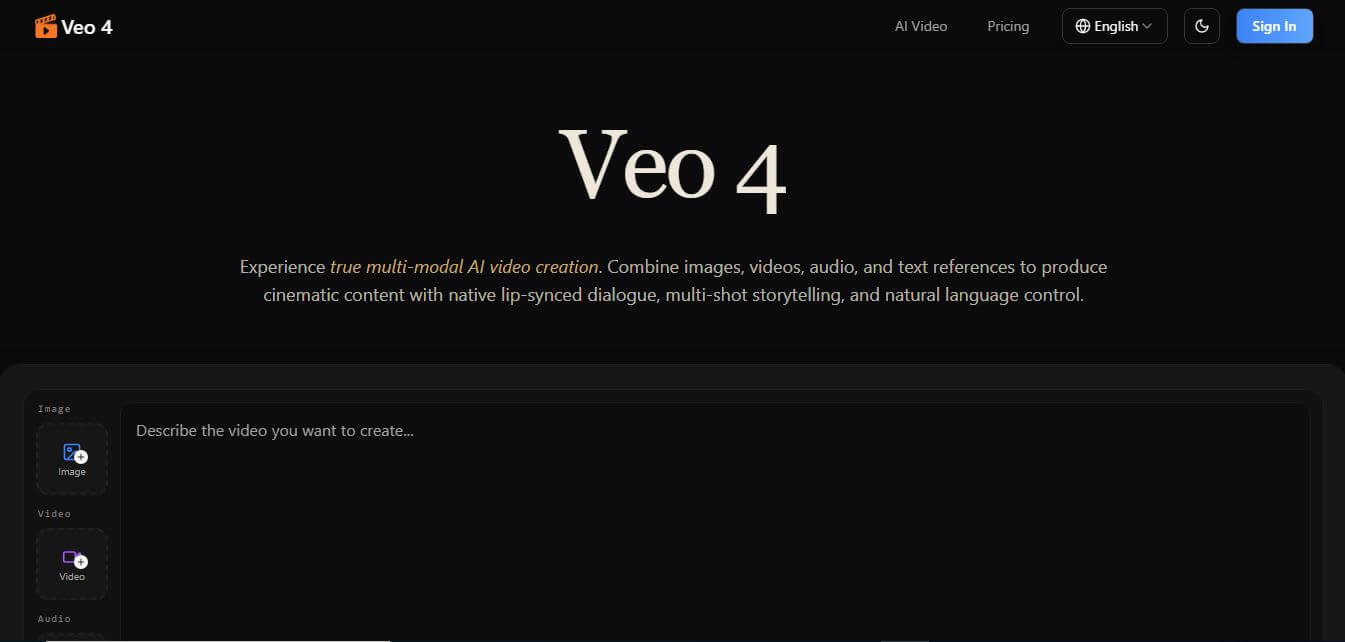
Veo 4
Veo 4 AI is an AI video creation platform that generates dramatic videos from text, images, audio, and video prompts using realistic motion and synchronized sound.
Paid
Alternatives
Alternatives to Squibler
The best Squibler alternatives include Sudowrite, NovelAI, Jasper, Scrivener, Plottr, and Oscar Stories. These platforms provide story generation, manuscript organization, and writing assistance. While Squibler excels at combining full AI book drafting, screenplay formatting, and publishing export tools in one workspace, alternatives like Scrivener focus on traditional offline manuscript management.
 4.9
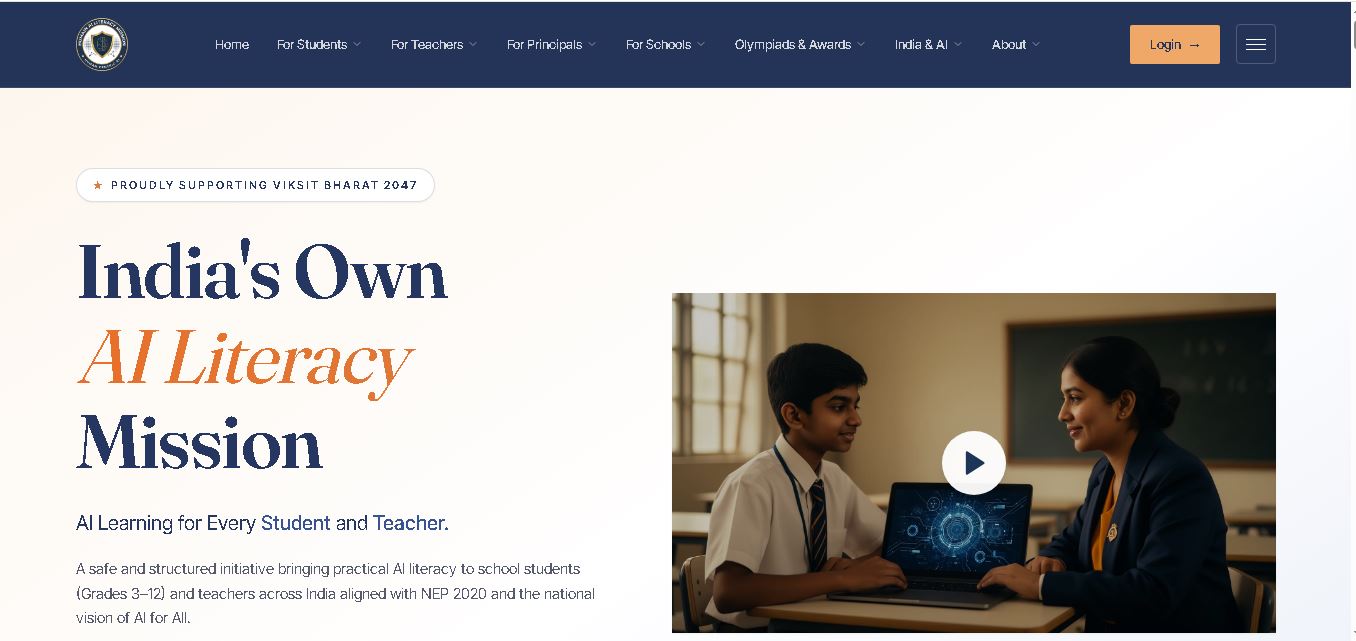
Humain AI Literacy Mission (HAILM)
Kids
Humain AI Literacy Mission is an educational initiative helping Indian students in Grades 3–12 and teachers develop practical artificial intelligence skills. It offers foundational AI courses, interactive activities, assessments, and certificates. Aligned with NEP 2020 and international educational guidance, HAILM promotes responsible AI use, digital safety, critical thinking, and future-ready learning.
 4.9
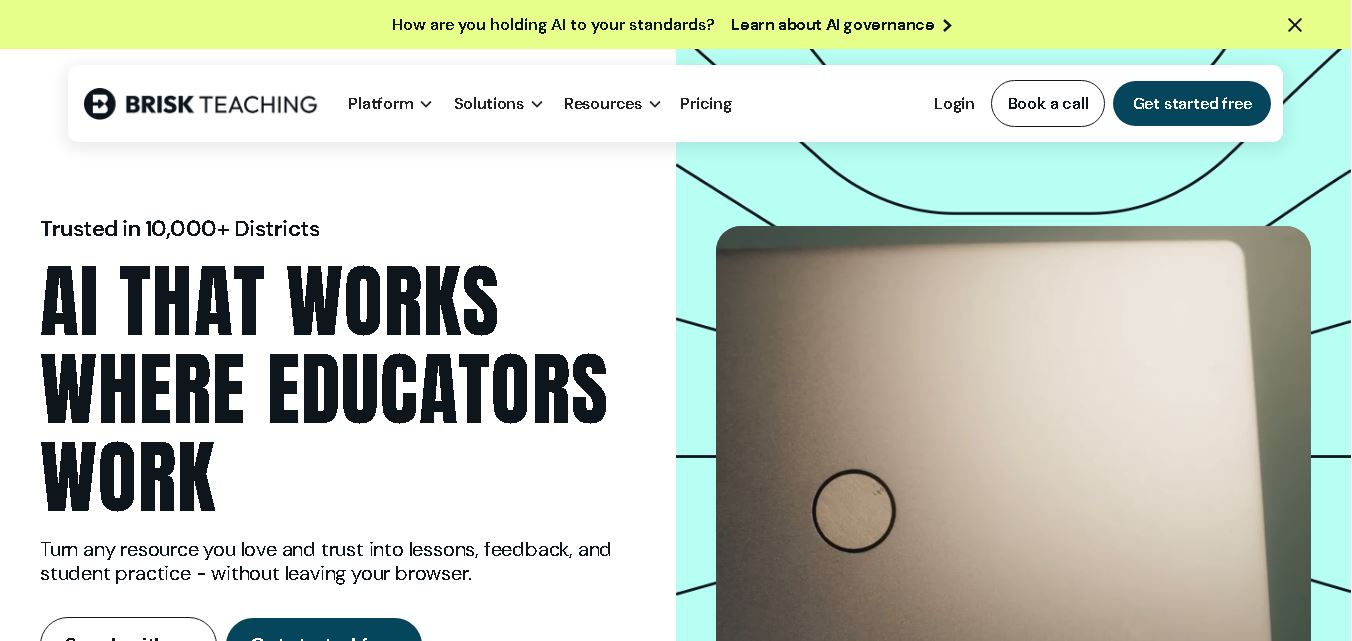
Brisk Teaching
Kids
Brisk Teaching helps educators create lesson plans, quizzes, worksheets, presentations, and personalized feedback using AI. It integrates with familiar teaching tools and supports differentiated instruction, translation, and student activities. With free educator access and advanced school plans, Brisk helps teachers reduce repetitive preparation and focus more on meaningful classroom learning.
 4.9
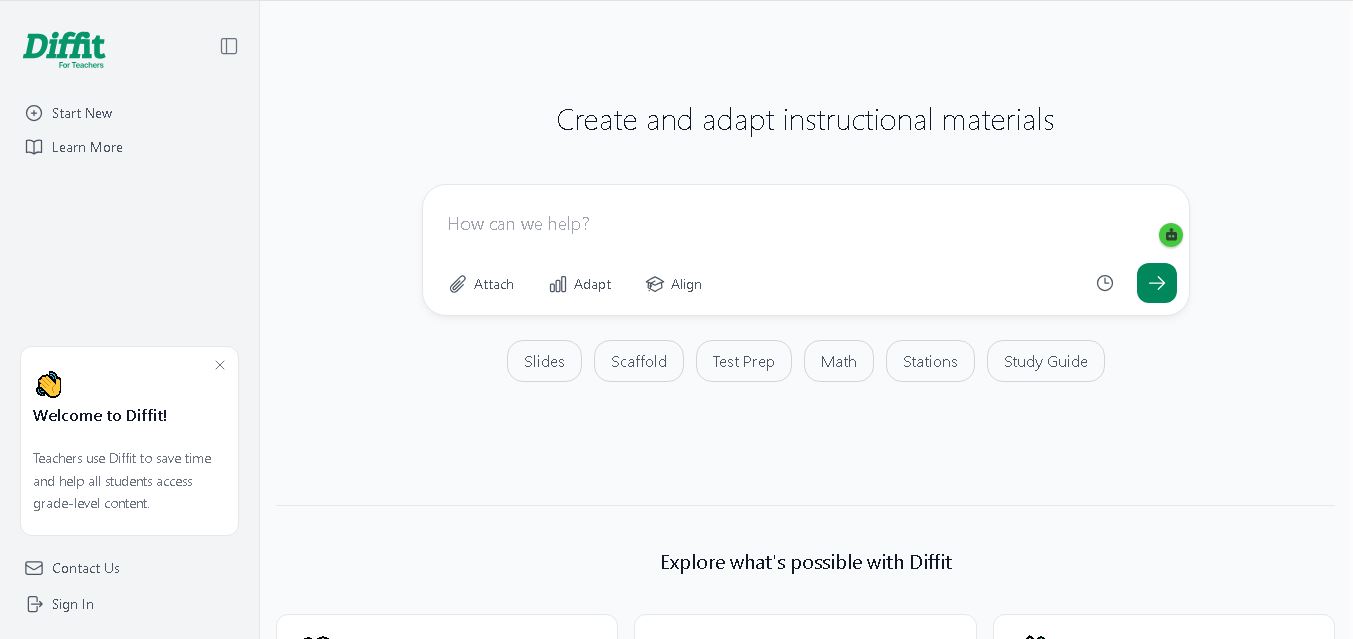
Diffit
Kids
Diffit helps teachers create differentiated classroom materials from topics, text, PDFs, URLs, and video transcripts. It can produce reading passages, vocabulary tasks, comprehension questions, worksheets, and lesson activities tailored to student needs. Educators can edit, print, share, and, with eligible plans, export resources to familiar teaching tools more efficiently.
 5.0
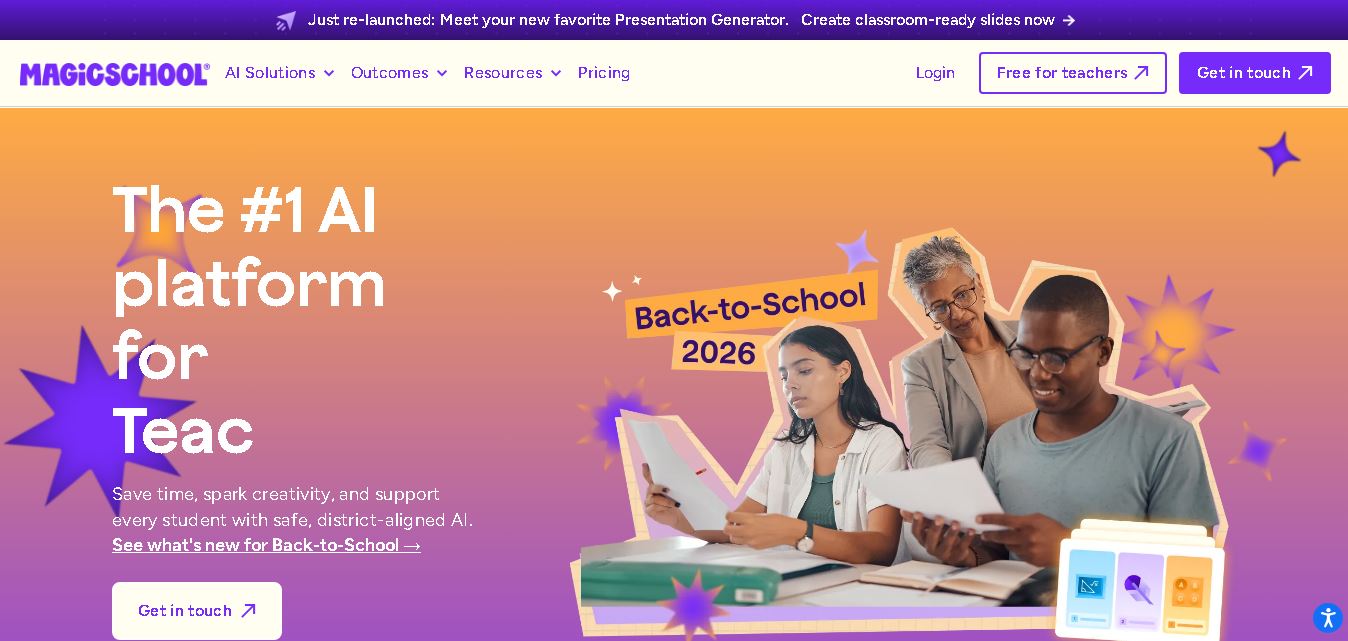
MagicSchool AI
Kids
MagicSchool AI helps teachers and students use artificial intelligence for educational tasks. It offers tools for lesson planning, quiz creation, worksheet generation, writing feedback, and personalized learning. With free and paid plans, it supports classroom productivity, differentiated instruction, and responsible AI adoption across schools and educational institutions worldwide.
 4.9
Curipod
Kids
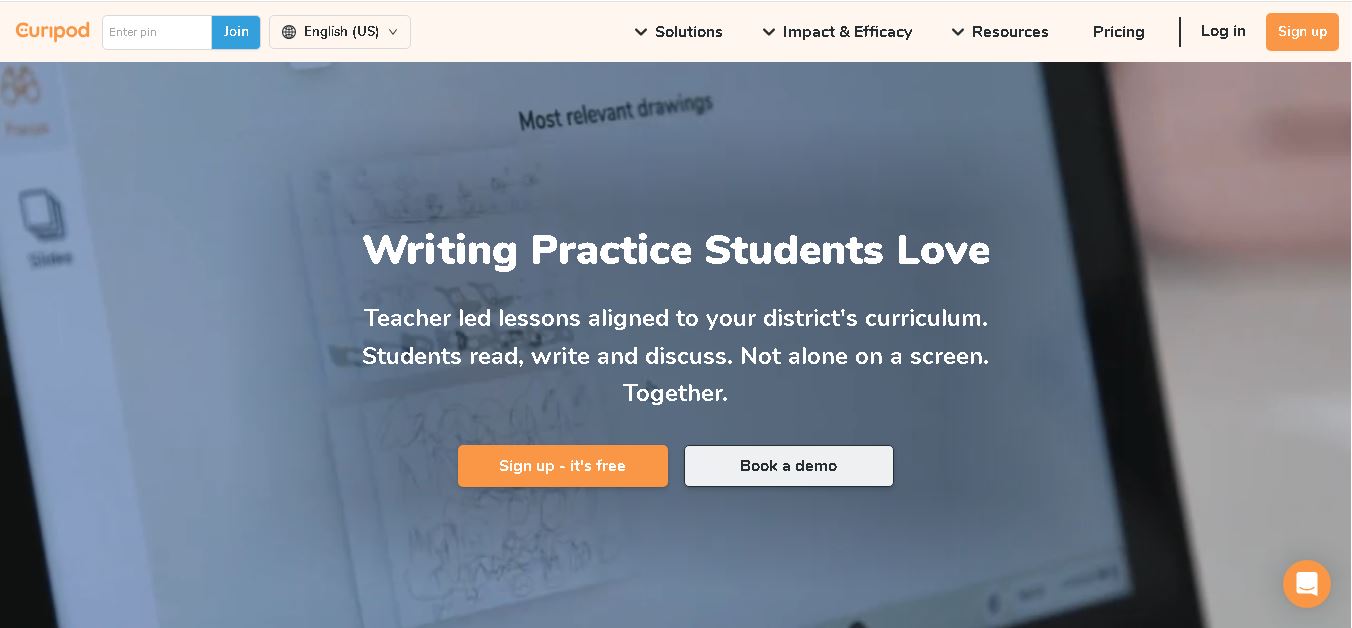
Curipod offers teachers a practical way to create interactive lessons, encourage classroom participation, and provide structured feedback on student learning. Its AI-assisted lesson generation, writing activities, and assessment tools can reduce preparation time while supporting more engaging instruction. The free plan provides an accessible starting point, while schools can explore paid options for broader needs. For educators seeking technology that combines classroom interaction with teacher-controlled AI, Curipod is worth evaluating against their curriculum, privacy, and teaching requirements.
 4.8
Powtoon
Kids
Powtoon is an online video and presentation creation tool for producing animated explainers, educational videos, marketing content, and business presentations. It offers customizable templates, animated characters, multimedia editing, and AI-assisted features. Beginners, educators, marketers, and businesses can use it to transform complex ideas into engaging visual stories without advanced animation skills.
 4.8
Animaker
Kids
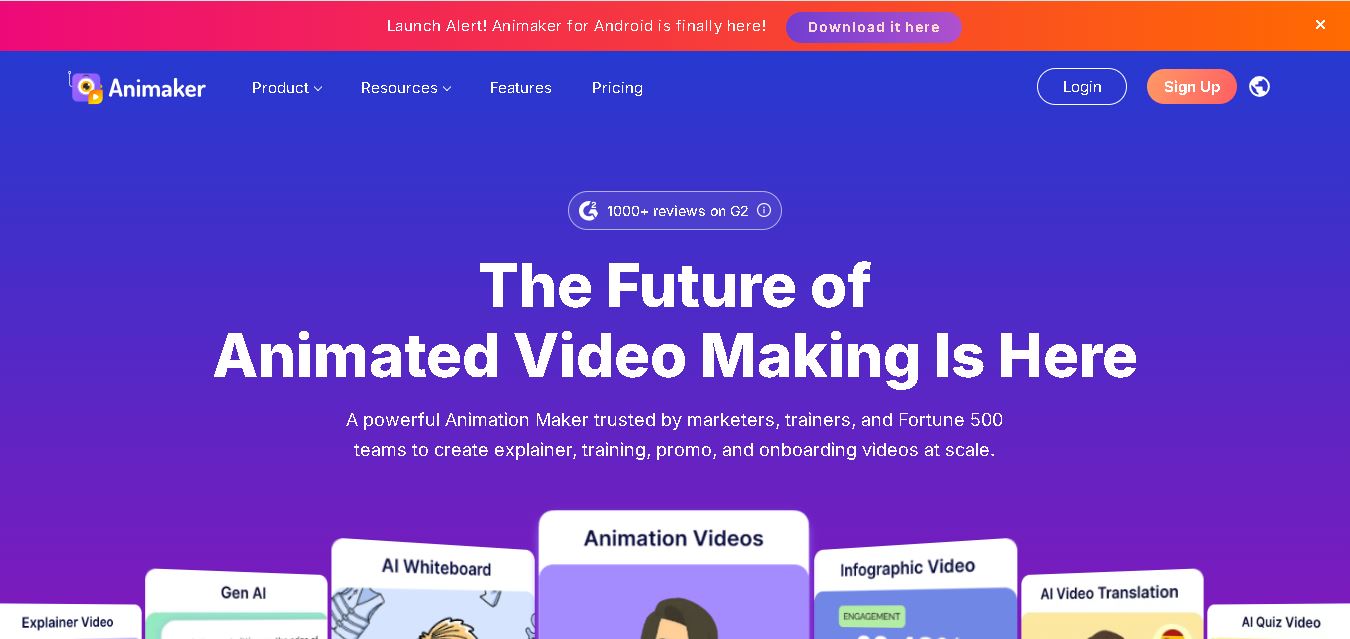
Animaker helps users create animated videos, explainer content, presentations, and promotional materials using customizable characters, templates, AI video generation, and editing features. Its online editor supports voiceovers, subtitles, and multilingual video translation. It is useful for marketers, educators, businesses, and creators who want engaging videos without advanced animation or editing expertise.
 5.0
Google Read Along
Kids
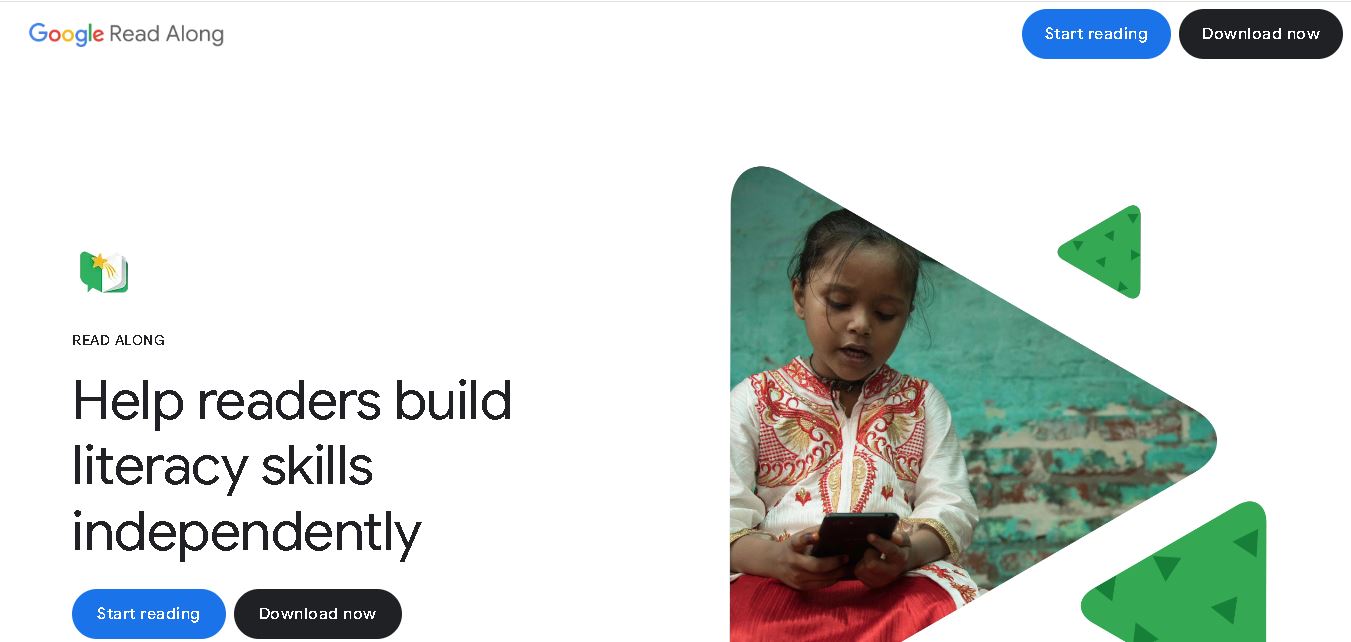
Google Read Along is a free reading practice tool for children that improves pronunciation, fluency, and confidence through interactive stories, reading games, and real-time feedback from its assistant, Diya. Supporting multiple languages and offline Android access, it helps families and educators make early literacy practice more engaging, accessible, and convenient for young learners.
 4.8
BedtimeStory.ai
Kids
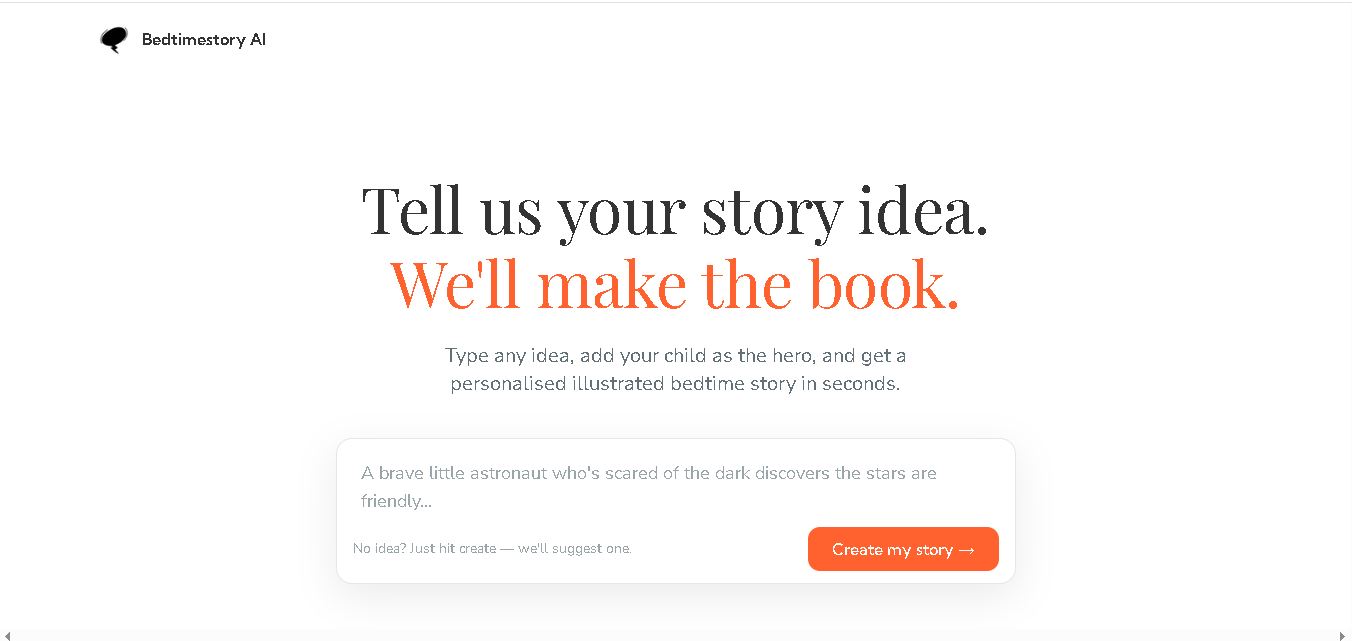
Bedtimestory.ai helps parents turn simple ideas into personalized, illustrated bedtime stories starring their children. Users can add family members, explore genres, choose illustration styles, and include meaningful lessons. It also offers story creation possibilities for authors and educators, making imaginative storytelling more accessible for family reading, learning, and creative inspiration.