Animaker
Animaker helps users create animated videos, explainer content, presentations, and promotional materials using customizable characters, templates, AI video generation, and editing features. Its online editor supports voiceovers, subtitles, and multilingual video translation. It is useful for marketers, educators, businesses, and creators who want engaging videos without advanced animation or editing expertise.
What is Animaker?
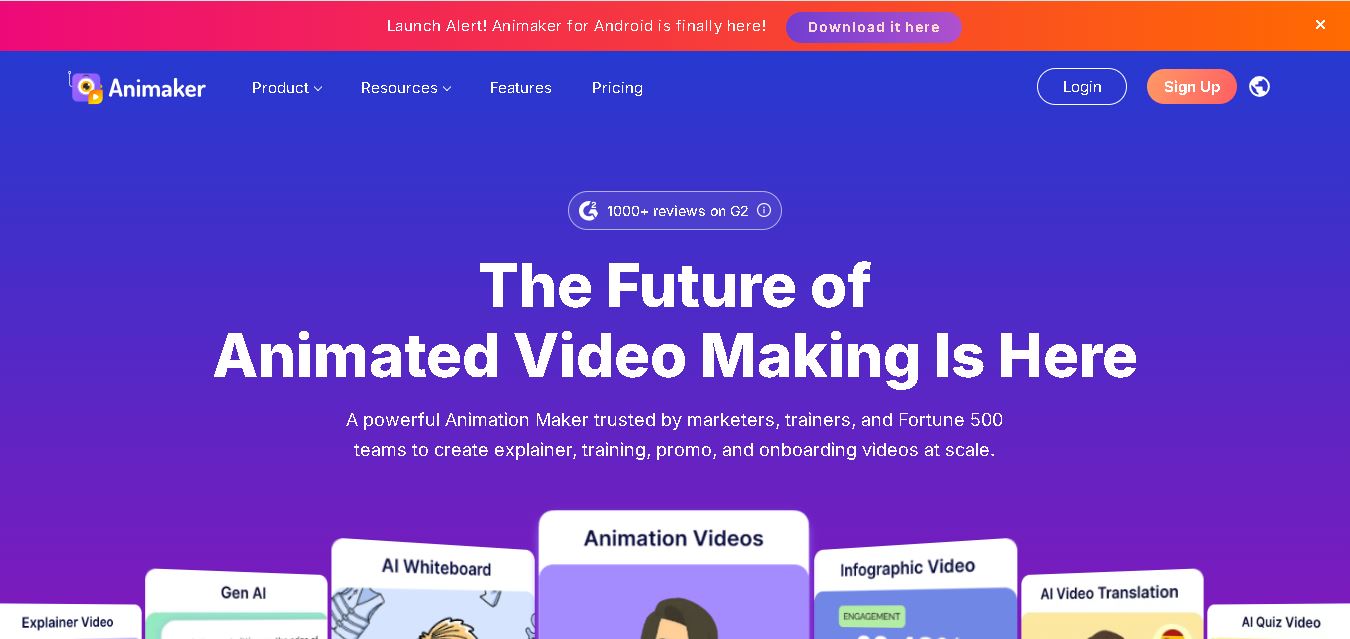
Animaker is an online video creation tool that helps individuals and businesses produce animated videos, explainer videos, presentations, and marketing content without advanced animation skills. It provides customizable characters, ready-made templates, AI-generated videos, voiceovers, subtitles, and editing tools. Users can create educational content, training materials, product demonstrations, and social media videos through a browser-based editor, making animation more accessible to beginners, educators, marketers, and professional content creators.
Animaker offers 1,000+ video templates, 100 million+ stock media assets, 70,000+ icons, and 30,000+ music tracks and stickers, according to its official website. Its features include AI video generation, custom character creation, whiteboard animation, automatic subtitles, and video translation into 100+ languages. The platform supports multiple video formats and offers export resolutions that vary by subscription plan. A free plan is available with limited features and watermarked downloads. No advanced animation experience is required to begin creating videos.
- Core Focus: 2D Animation, Whiteboard Videos, Explainer Video Creation & Cloud Video Editing
- Platform Type: Browser-Based SaaS Animation Studio & Video Production Platform
Use Cases:
- Creating engaging marketing explainer videos, product promos, and social media ads
- Designing educational animated lessons, STEM tutorials, and classroom instructional videos
- Producing whiteboard sketching videos, 2D character animations, and animated GIFs
- Generating automated text-to-speech voiceovers and synchronized character lip-syncing
Technology:
- Cloud-based HTML5 animation editor supporting multi-track timeline editing and character builders
- Advanced AI text-to-speech voice generation engine with multilingual accents and voice modulation
- Extensive cloud asset library featuring millions of stock photos, videos, music tracks, and graphic props
Target Users:
- Marketers, Social Media Managers, and Entrepreneurs creating video ads and presentations
- K-12 and University Educators designing interactive multimedia learning modules
- Freelance Designers, Content Creators, and Corporate Communicators
- Content creators using writing tools to draft video marketing guides, animation tutorials, and software reviews
Corporate Entity: Animaker Inc. (Global SaaS / Wilmington, DE, USA)
Key features of Animaker
Animaker's key features are
- Drag-and-Drop Animation Studio: Intuitive timeline editor allowing users to animate characters, props, and camera movements effortlessly.
- Custom Character Builder: Design unique animated characters by customizing facial features, clothing, accessories, and expressions.
- Whiteboard & 2D Video Styles: Switch between whiteboard drawing, 2D cartoon animation, vertical video, and infographic styles.
- AI Text-to-Speech & Voiceover: Generate realistic voiceovers instantly in multiple languages and accents with automated lip-sync.
- Massive Stock Asset Library: Access millions of stock images, background tracks, video clips, and graphic elements.
- Direct Social & Cloud Export: Render and export videos in HD/4K or publish directly to YouTube, Facebook, and cloud storage.
Animaker Pricing
Animaker offers a free starter tier alongside tiered monthly and annual subscription plans for professionals and teams.
Free Tier:
- Basic video creation tools, standard templates, and watermarked exports with monthly limits
Paid Subscription Plans:
- Starter / Basic Plans: Affordable monthly or annual plans (ranging from ~$10 to ~$20/mo) removing watermarks and unlocking HD exports and premium assets
- Pro / Enterprise Plans: Advanced team collaboration, 4K video rendering, unlimited premium downloads, and commercial licensing rights
Disclaimer: Pricing tiers, promotional discounts, and feature allocations vary. Visit animaker.com/pricing for current subscription rates.
Who is using Animaker?
Animaker is designed for marketers, educators, and video creators, including
- Digital Marketers: Producing high-converting explainer videos and animated social ads
- Educators & Trainers: Building engaging educational animations and instructional e-learning modules
- Content Creators: Enhancing YouTube videos and presentations with custom animated assets
- Content Creators: Using writing tools to draft video creation guides, marketing strategies, and software reviews
Best Animaker Alternatives
Some of the top Animaker alternatives include
- Vyond
- Powtoon
- Renderforest
- Canva (Video Suite)
- Doodly
- Adobe Express
Pros and Cons of Animaker
Pros
- An extremely user-friendly drag-and-drop timeline editor makes 2D animation accessible to complete beginners
- Advanced character builder allows infinite customization of animated avatars and heroes
- Robust AI voiceover and automated lip-syncing save hours of audio production time
- Cloud-based architecture lets you create and render videos from any web browser without heavy desktop hardware
Cons
- Free tier includes watermarks and export restrictions that require upgrading for commercial use
- Complex 4K video rendering can occasionally take time on the cloud server
- Requires an active internet connection for editing and asset retrieval
Why Choose Animaker?
Animaker is the premier choice for creators and marketers looking for a versatile, cloud-based animation suite that delivers professional explainer videos and 2D animations without a steep learning curve.
- Includes a custom character builder with thousands of design variations
- Features automated AI voiceover generation and character lip-syncing
- Offers massive stock asset libraries and multi-format video exports
Animaker vs. Competitors
The main difference between Animaker, Vyond, and Powtoon is that Animaker offers an exceptionally versatile, user-friendly cloud studio combining 2D animation, whiteboard drawing, and custom character building at an accessible price point, whereas Vyond focuses heavily on high-end enterprise corporate compliance training videos, and Powtoon emphasizes quick marketing presentations. Animaker stands out for its balanced blend of power and ease of use.
| Feature / Tool | Animaker (animaker.com) | Vyond | Powtoon | Renderforest |
|---|---|---|---|---|
| Core Focus | 2D Animation, Whiteboard & Explainer Videos | Enterprise Professional Business & Training Animation | Marketing Presentations & Animated Videos | All-in-One Video, Logo & Website Maker |
| Character Builder | Yes (Deep Custom Character Creator) | Yes (Advanced Business Character Creator) | Yes (Template Characters) | Limited Stock Scenes |
| AI Voiceover & Lip-Sync | Yes (Automated TTS & Lip Sync) | Yes (Text-to-Speech & Voice Sync) | Voiceover Tools | Voiceover Studio |
| Target Audience | Marketers, Educators & Creators | Corporate HR, Trainers & Businesses | Marketers & Educators | Small Businesses & Creators |
| Starting Price | Free Tier / Paid Monthly & Annual Plans | Higher-End Business Plans | Free Tier / Paid Subscriptions | Free Tier / Paid Plans |
| Best For | Creating custom animated explainer and marketing videos easily | Professional enterprise training and corporate videos | Quick animated marketing clips and presentations | Rapid template-based video and brand asset creation |
How do we rate Animaker?
| Parameter | Rating (out of 5) |
|---|---|
| Animation Studio & Timeline Usability | 4.9 |
| Character Builder & Asset Variety | 4.8 |
| AI Voiceover & Lip-Sync Tools | 4.8 |
| Export Quality & Rendering Speed | 4.8 |
| Value for Money | 4.8 |
| Overall Score | 4.82 |
Animaker Review
Animaker is a phenomenal, feature-rich cloud animation platform that empowers anyone to produce professional-grade animated videos, whiteboard sketches, and marketing explainers without prior design experience. By combining an intuitive multi-track timeline, a powerful custom character builder, and automated AI voiceover lip-syncing, Animaker simplifies complex video production into an enjoyable creative process. Its flexible pricing and massive asset library make it an industry favorite. For marketers, educators, and creators seeking an elite video animation suite in 2026, Animaker is an exceptional choice.
Conclusion
Animaker is a practical option for individuals, educators, marketers, and businesses looking to create animated videos without mastering complex animation software. Its combination of AI video generation, customizable characters, templates, voiceovers, and multilingual tools supports a wide range of content needs. For beginners, the free plan offers a way to explore its capabilities. Before upgrading, compare subscription limits, export quality, and commercial licensing to determine whether Animaker fits your creative workflow and budget.
FAQ
Is Animaker free to use?
Yes, Animaker offers a free plan that lets you explore its video creation and animation features before purchasing a subscription. You can create videos and download a limited number of projects, but free exports include a watermark. If you need higher resolutions, additional downloads, or premium assets, consider upgrading to a paid plan.
How much does Animaker cost?
Animaker offers a free plan and several paid subscriptions for different video creation needs. Its official pricing page lists Basic at $15 per month, Starter at $25 per month, and Pro at $43 per month when billed annually. Enterprise pricing is customized. Check the official pricing page for current rates and billing options.
How can you create a video using Animaker?
To create a video with Animaker, sign up for an account, choose a template or enter a text prompt, and generate your initial scenes. Customize characters, backgrounds, animations, and transitions using the editor. Add music, voiceovers, and subtitles, preview your project, and export the finished video in an available format.
What are the main features of Animaker?
Animaker includes AI video generation, animated character creation, whiteboard animations, infographic videos, customizable templates, text-to-speech, automatic subtitles, and video translation. It also provides editing tools, stock media, music, and collaboration features. These capabilities help you produce educational, promotional, training, and social media videos without relying entirely on traditional animation software.
Can Animaker generate AI voiceovers?
Yes, Animaker includes AI voice generation that converts written scripts into spoken narration. You can choose from available voices and languages to suit your audience and video style. Voiceovers can support explainer videos, presentations, training materials, and marketing campaigns. Available voices, usage limits, and language options may vary by feature and subscription plan.
What types of videos can you create with Animaker?
Animaker supports animated explainer videos, cartoon videos, whiteboard animations, educational lessons, product demonstrations, presentations, promotional content, and employee training materials. You can also create infographic videos and social media content using templates and customizable characters. Its combination of animation and editing tools makes it suitable for communicating ideas visually across different industries and audiences.
User Reviews
No reviews yet for Animaker.
Featured Tools
Featured AI tools from TechShark
Melody Genie
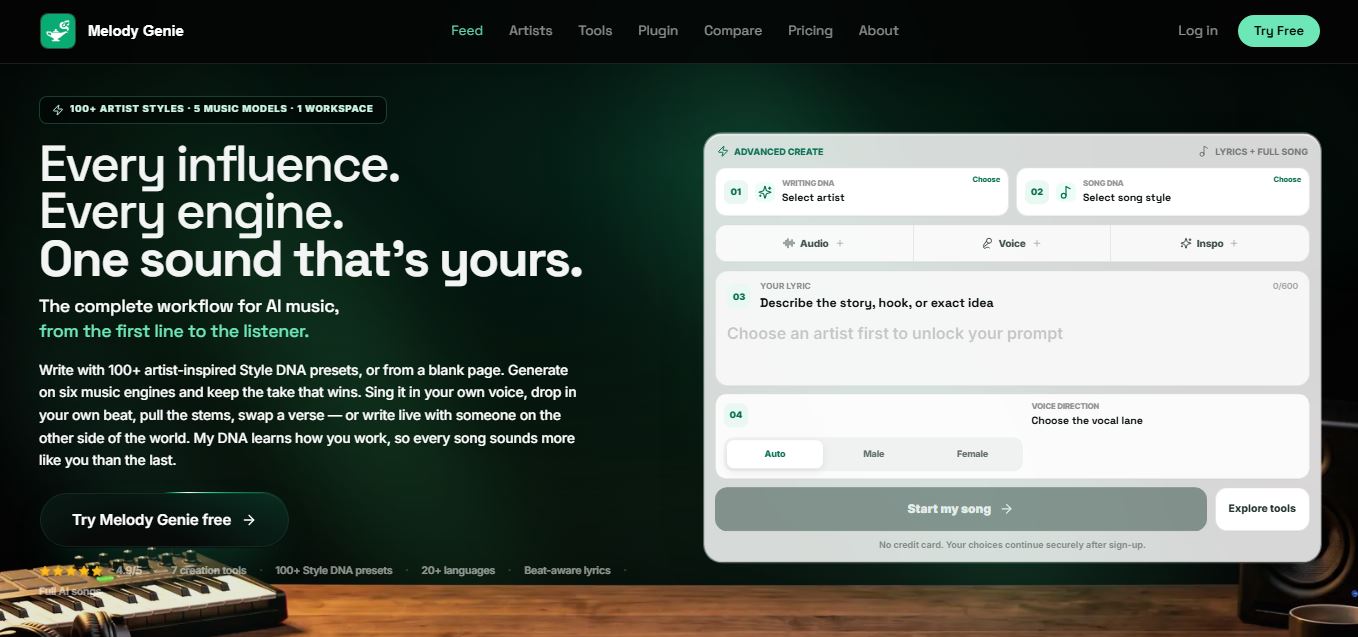
MelodyGenie is an AI-powered music generator that creates original songs from simple text prompts. Users can choose styles, moods, and genres, then instantly generate melodies and full tracks, making it easy for creators, marketers, and hobbyists to produce custom music without musical expertise.
Freemium
Kimi AI
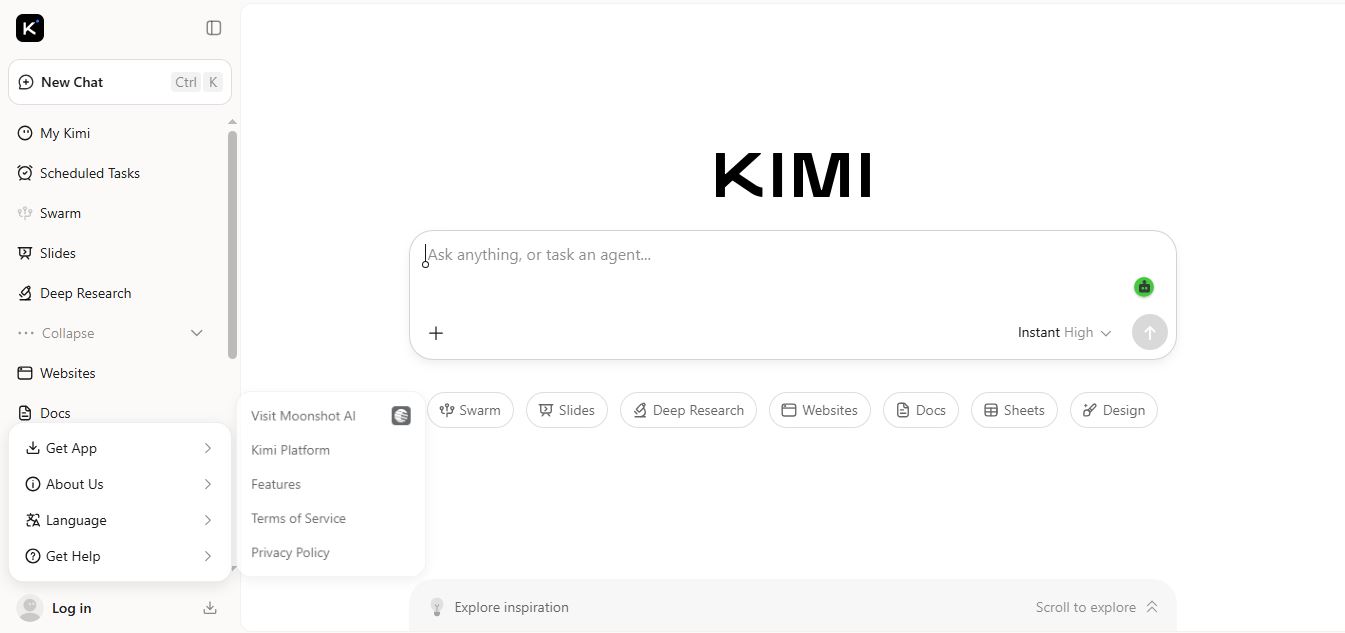
Kimi AI is an advanced AI assistant developed by Moonshot AI that helps you chat, research, write, code, and automate tasks in one place. It supports web search, file analysis, and multimodal inputs, and can even run autonomous “agent” workflows to complete complex tasks end-to-end.
Freemium
Fashion Diffusion AI
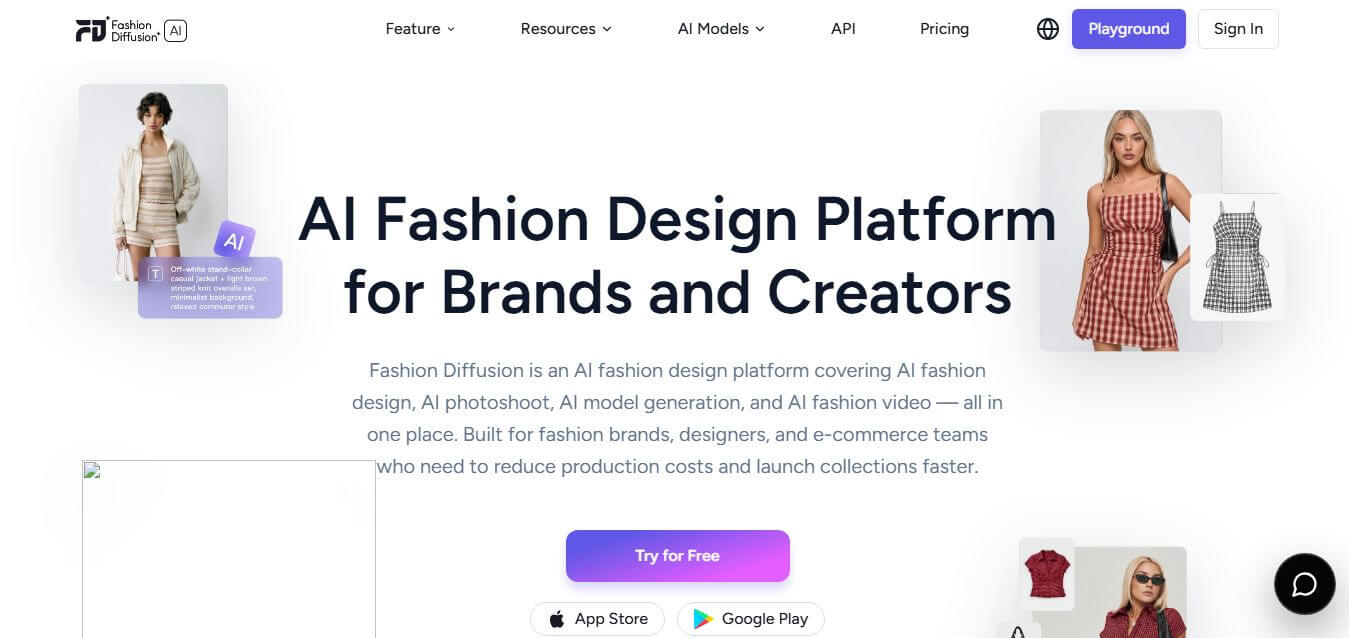
Fashion Diffusion is an AI-powered fashion design platform that helps brands and designers create clothing designs, virtual try-ons, AI models, product photos, and marketing visuals faster and cost-effectively.
Paid
Veo 4
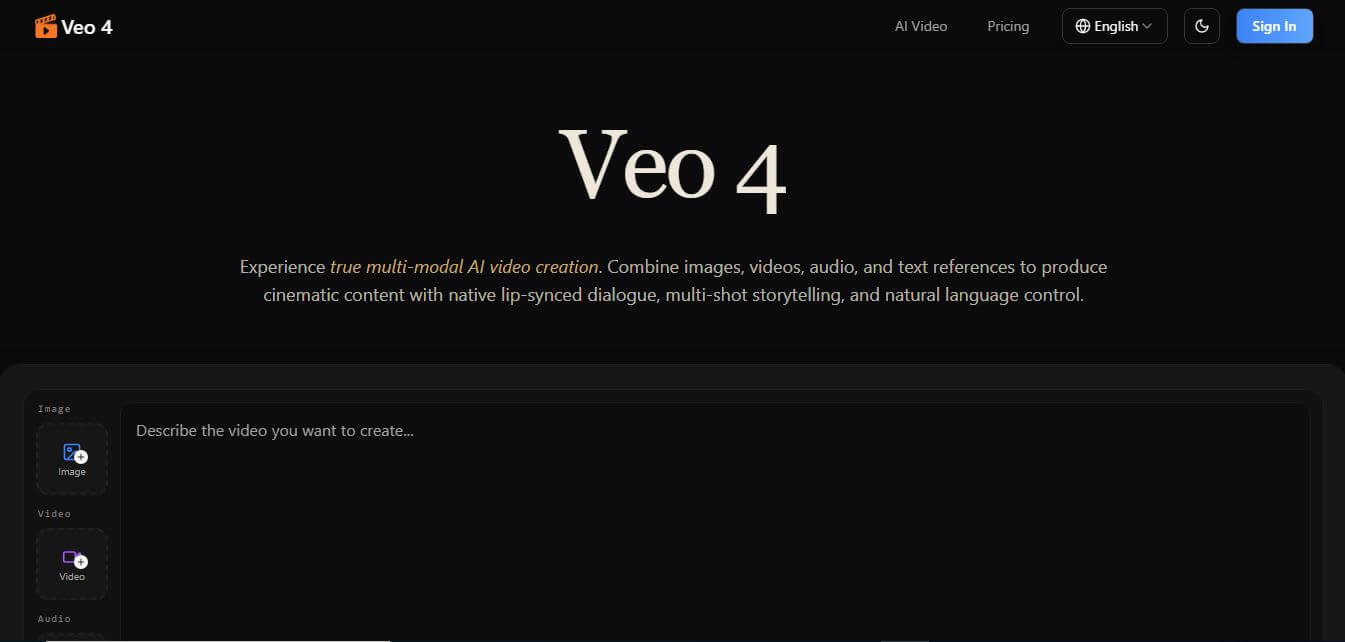
Veo 4 AI is an AI video creation platform that generates dramatic videos from text, images, audio, and video prompts using realistic motion and synchronized sound.
Paid
Alternatives
Alternatives to Animaker
The best Animaker alternatives include Vyond, Powtoon, Renderforest, Canva Video Suite, Doodly, and Adobe Express. These platforms provide animation and video creation tools for marketers and educators. While Animaker offers an intuitive multi-track cloud editor with custom character builders and AI voice sync, alternatives like Vyond specialize in high-end corporate business training videos.
 4.9
Humain AI Literacy Mission (HAILM)
Kids
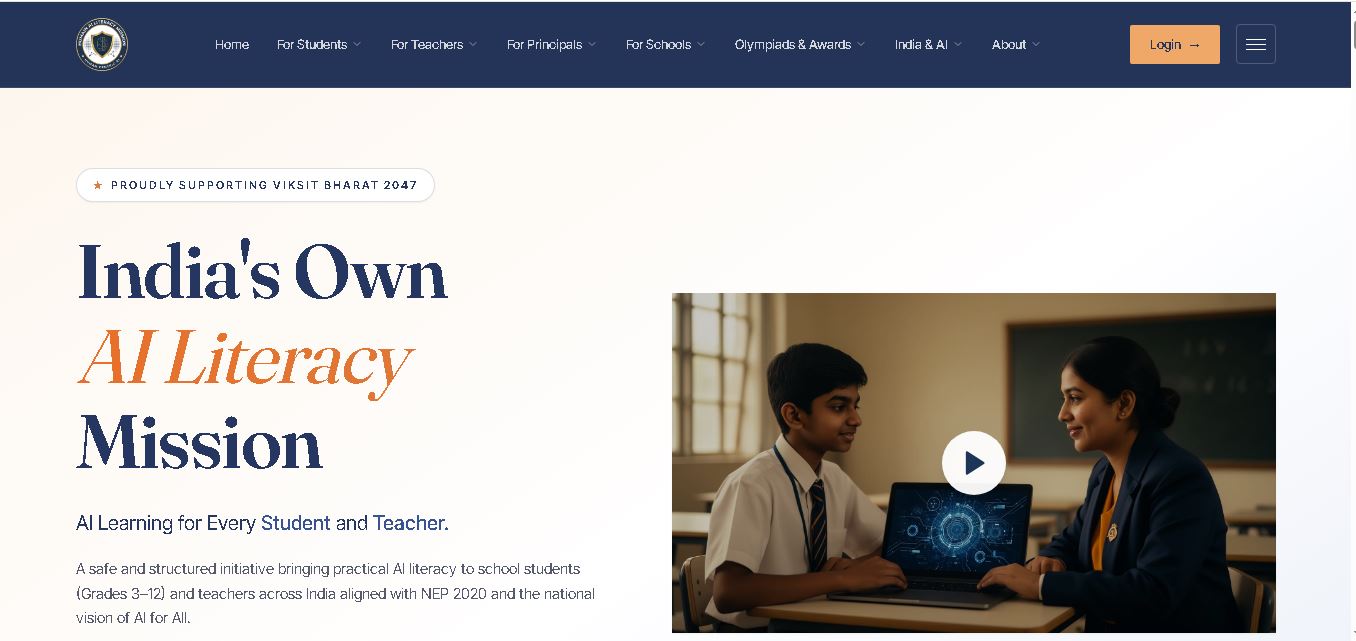
Humain AI Literacy Mission is an educational initiative helping Indian students in Grades 3–12 and teachers develop practical artificial intelligence skills. It offers foundational AI courses, interactive activities, assessments, and certificates. Aligned with NEP 2020 and international educational guidance, HAILM promotes responsible AI use, digital safety, critical thinking, and future-ready learning.
 4.9
Brisk Teaching
Kids
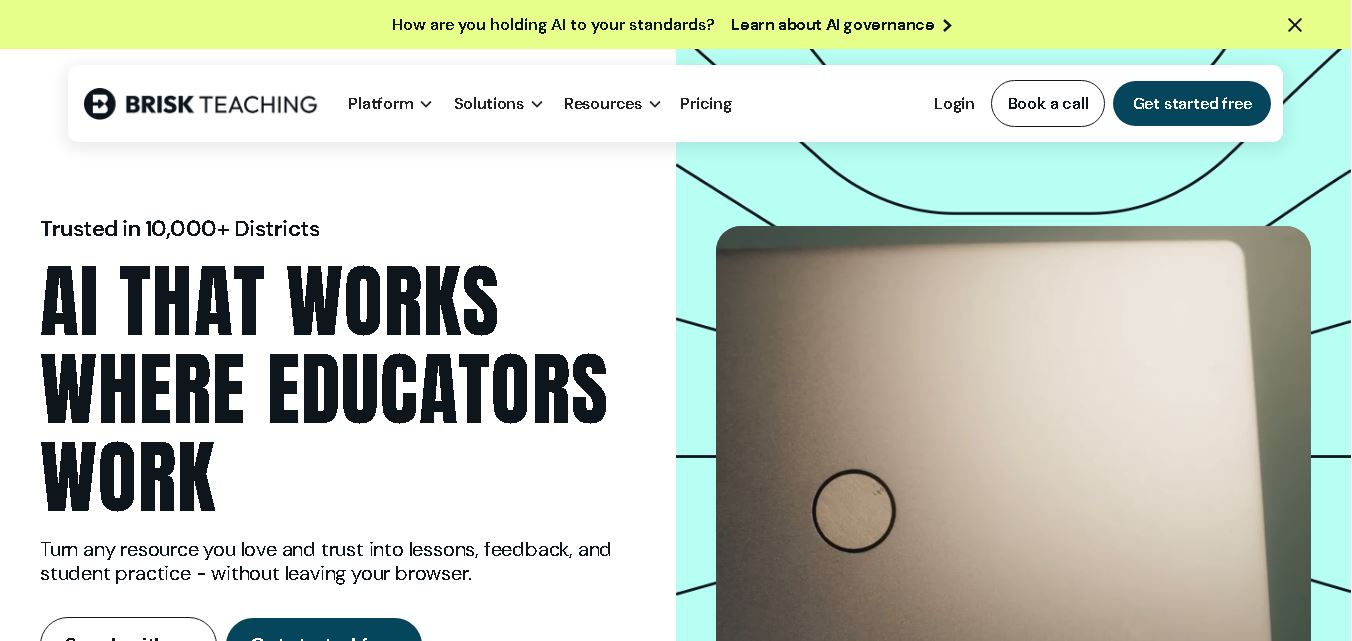
Brisk Teaching helps educators create lesson plans, quizzes, worksheets, presentations, and personalized feedback using AI. It integrates with familiar teaching tools and supports differentiated instruction, translation, and student activities. With free educator access and advanced school plans, Brisk helps teachers reduce repetitive preparation and focus more on meaningful classroom learning.
 4.9
Diffit
Kids
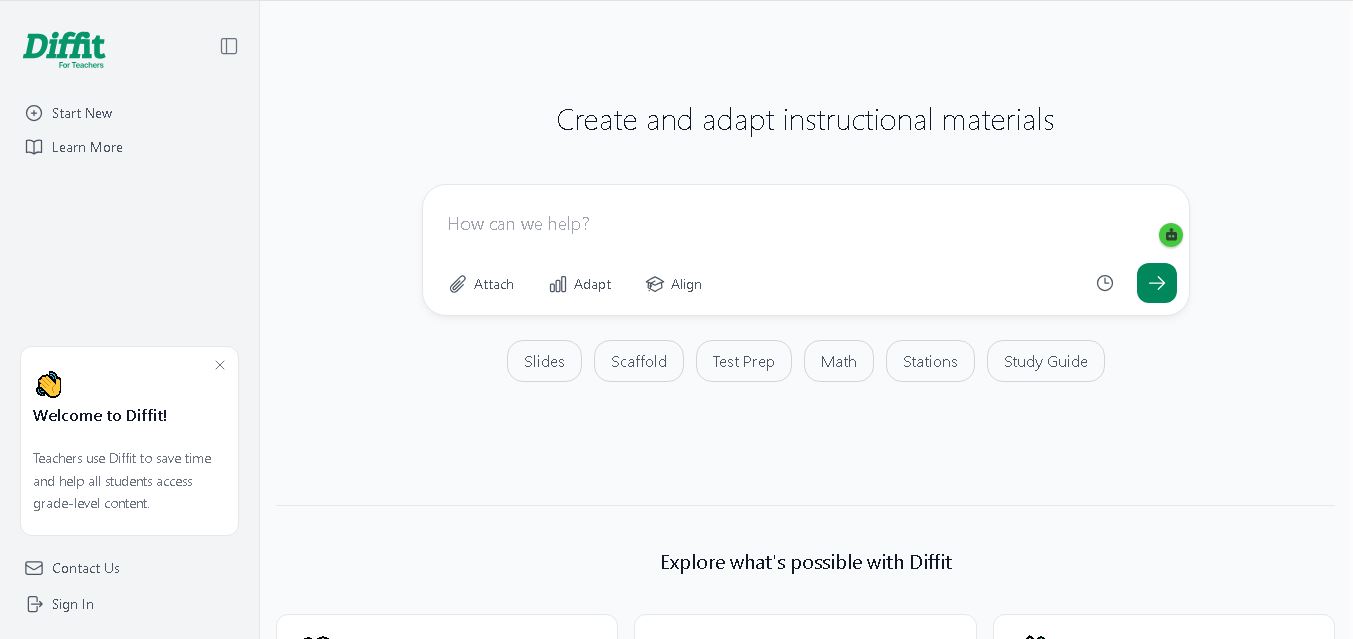
Diffit helps teachers create differentiated classroom materials from topics, text, PDFs, URLs, and video transcripts. It can produce reading passages, vocabulary tasks, comprehension questions, worksheets, and lesson activities tailored to student needs. Educators can edit, print, share, and, with eligible plans, export resources to familiar teaching tools more efficiently.
 5.0
MagicSchool AI
Kids
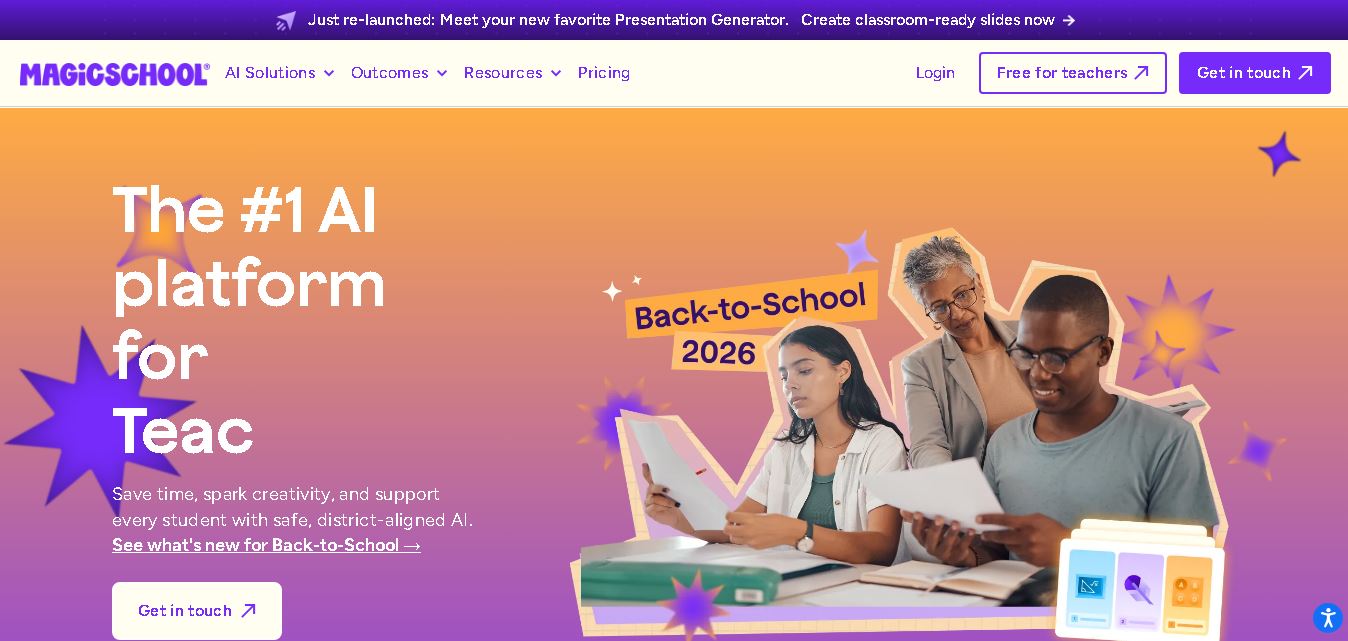
MagicSchool AI helps teachers and students use artificial intelligence for educational tasks. It offers tools for lesson planning, quiz creation, worksheet generation, writing feedback, and personalized learning. With free and paid plans, it supports classroom productivity, differentiated instruction, and responsible AI adoption across schools and educational institutions worldwide.
 4.9
Curipod
Kids
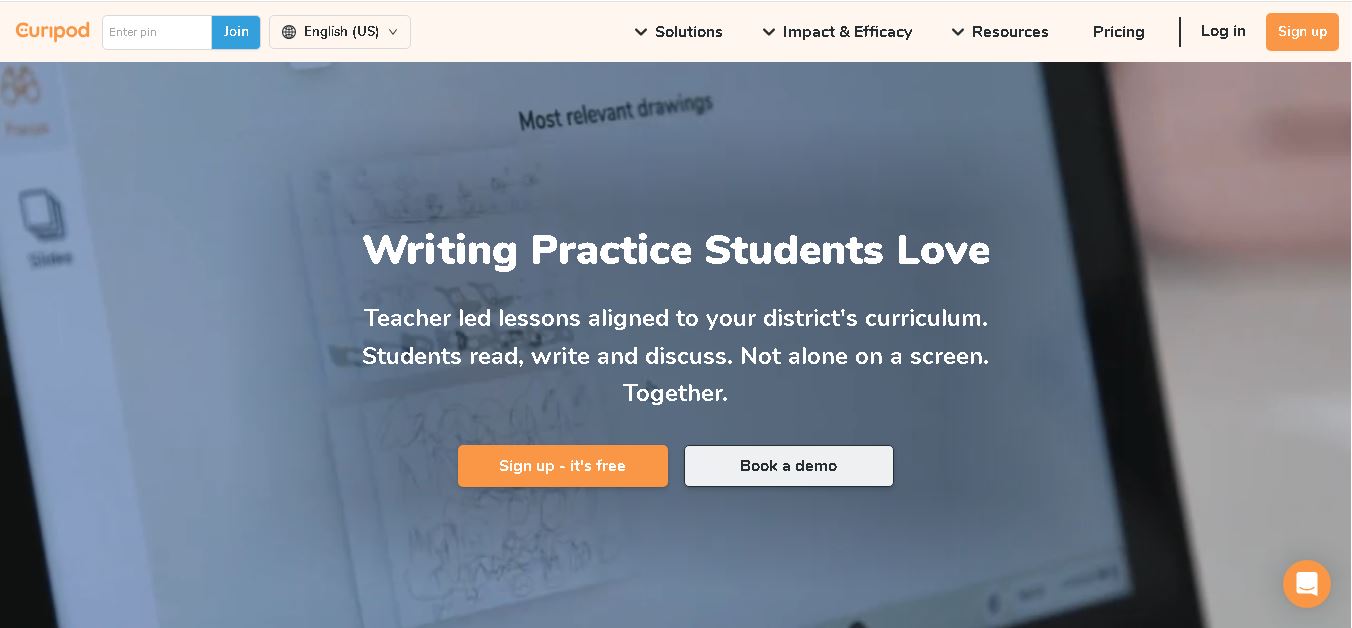
Curipod offers teachers a practical way to create interactive lessons, encourage classroom participation, and provide structured feedback on student learning. Its AI-assisted lesson generation, writing activities, and assessment tools can reduce preparation time while supporting more engaging instruction. The free plan provides an accessible starting point, while schools can explore paid options for broader needs. For educators seeking technology that combines classroom interaction with teacher-controlled AI, Curipod is worth evaluating against their curriculum, privacy, and teaching requirements.
 4.8
Powtoon
Kids
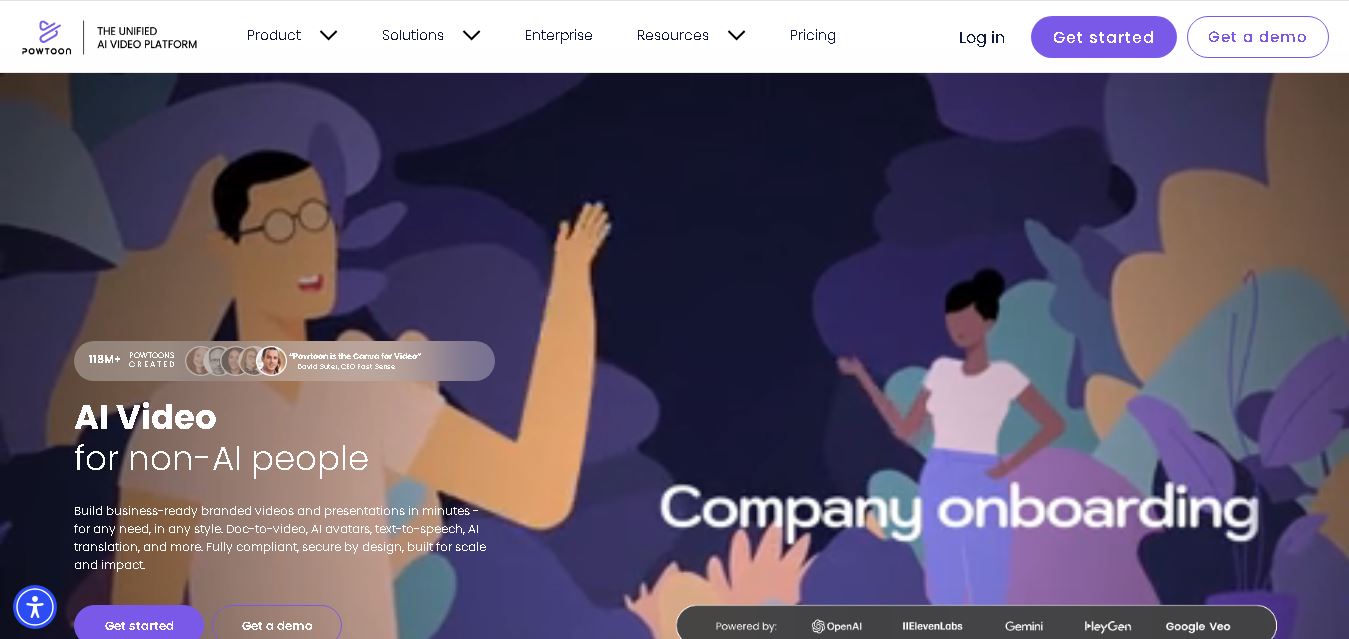
Powtoon is an online video and presentation creation tool for producing animated explainers, educational videos, marketing content, and business presentations. It offers customizable templates, animated characters, multimedia editing, and AI-assisted features. Beginners, educators, marketers, and businesses can use it to transform complex ideas into engaging visual stories without advanced animation skills.
 5.0
Google Read Along
Kids
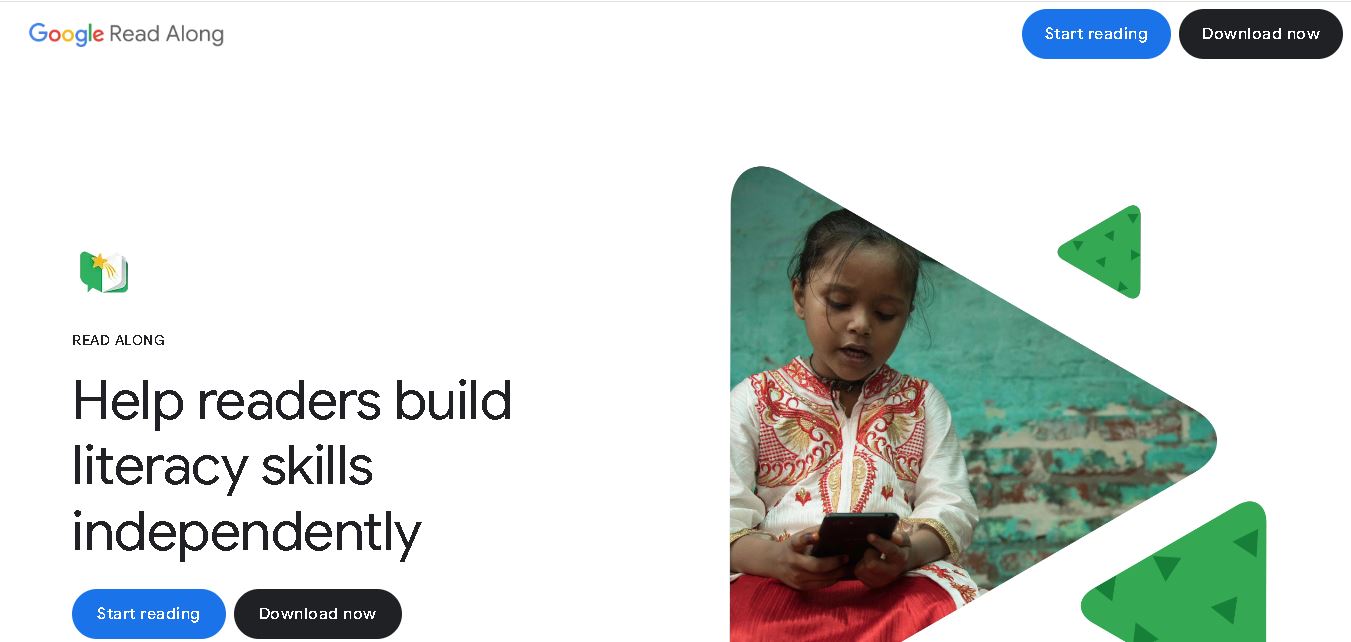
Google Read Along is a free reading practice tool for children that improves pronunciation, fluency, and confidence through interactive stories, reading games, and real-time feedback from its assistant, Diya. Supporting multiple languages and offline Android access, it helps families and educators make early literacy practice more engaging, accessible, and convenient for young learners.
 4.8
Squibler
Kids
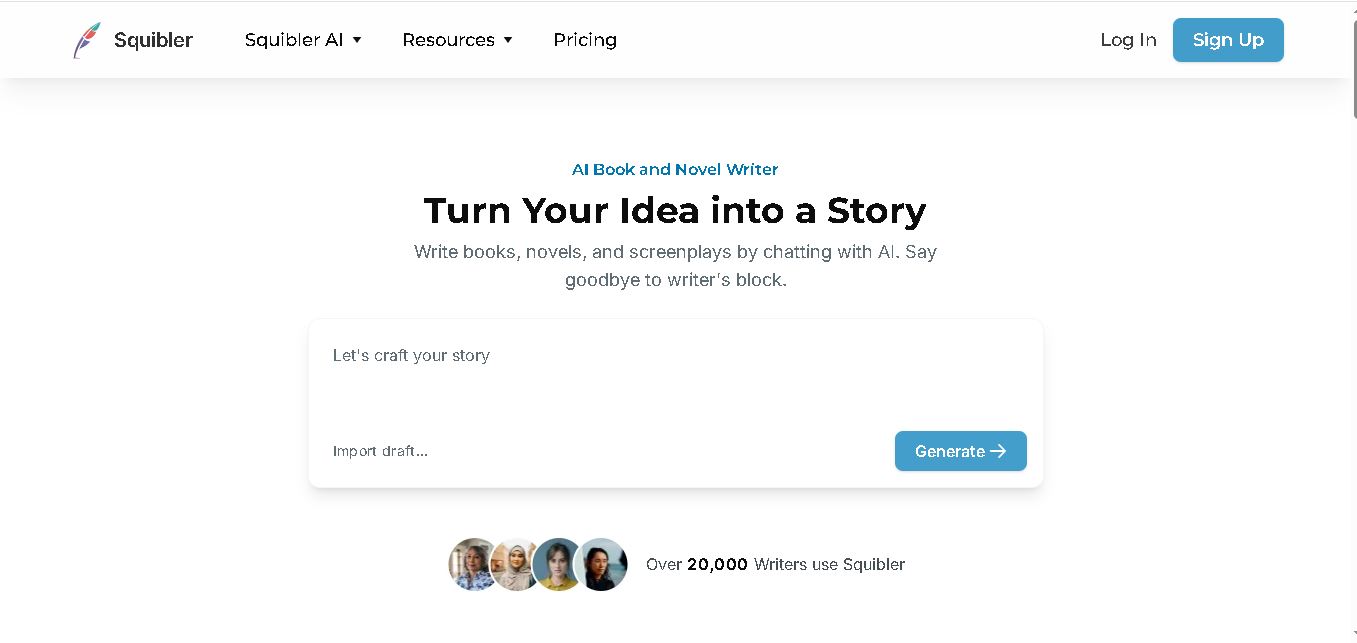
Squibler is an AI writing assistant for creating books, novels, screenplays, and story outlines. It helps writers develop characters, organize chapters, refine existing drafts, and generate visuals. With free and paid plans, Squibler supports beginners and experienced authors seeking a more structured, efficient, and creative long-form writing workflow.
 4.8
BedtimeStory.ai
Kids
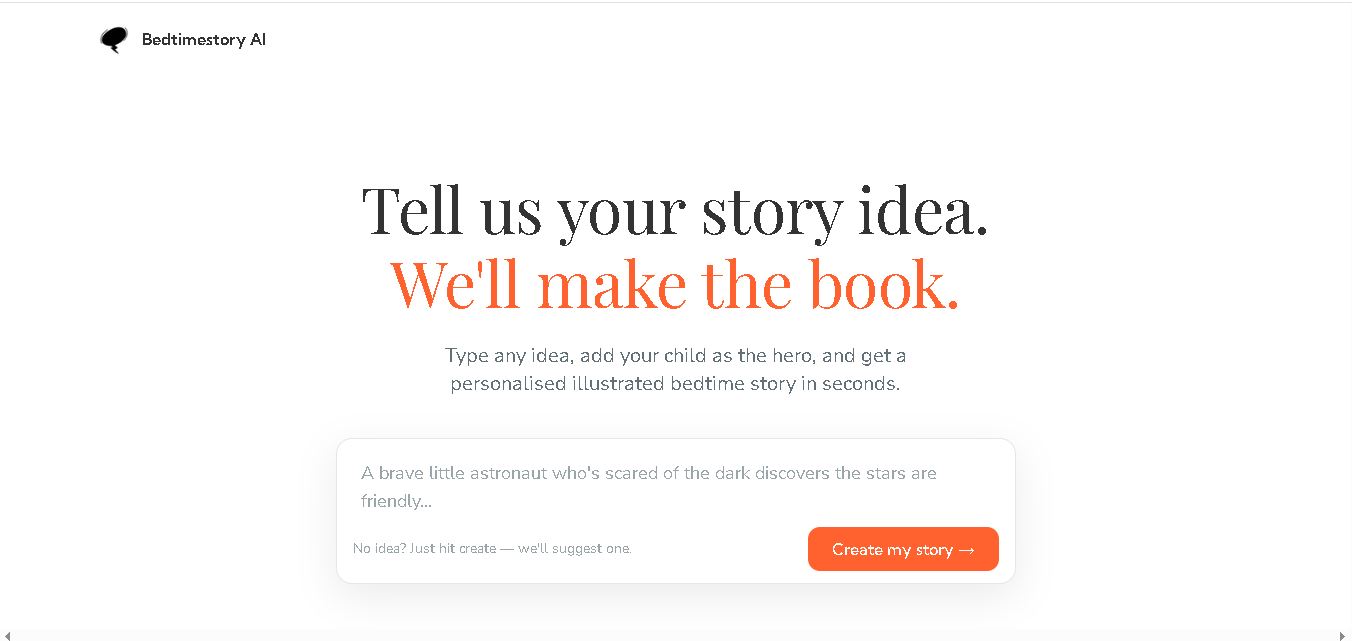
Bedtimestory.ai helps parents turn simple ideas into personalized, illustrated bedtime stories starring their children. Users can add family members, explore genres, choose illustration styles, and include meaningful lessons. It also offers story creation possibilities for authors and educators, making imaginative storytelling more accessible for family reading, learning, and creative inspiration.