Scratch
Scratch is a free, visual coding platform that helps children and beginners create interactive games, animations, stories, and digital artwork. Its drag-and-drop programming blocks make coding easier to understand without requiring traditional programming syntax. Developed at the MIT Media Lab, Scratch encourages creativity, logical reasoning, collaboration, and hands-on learning through its global community.
What is Scratch?
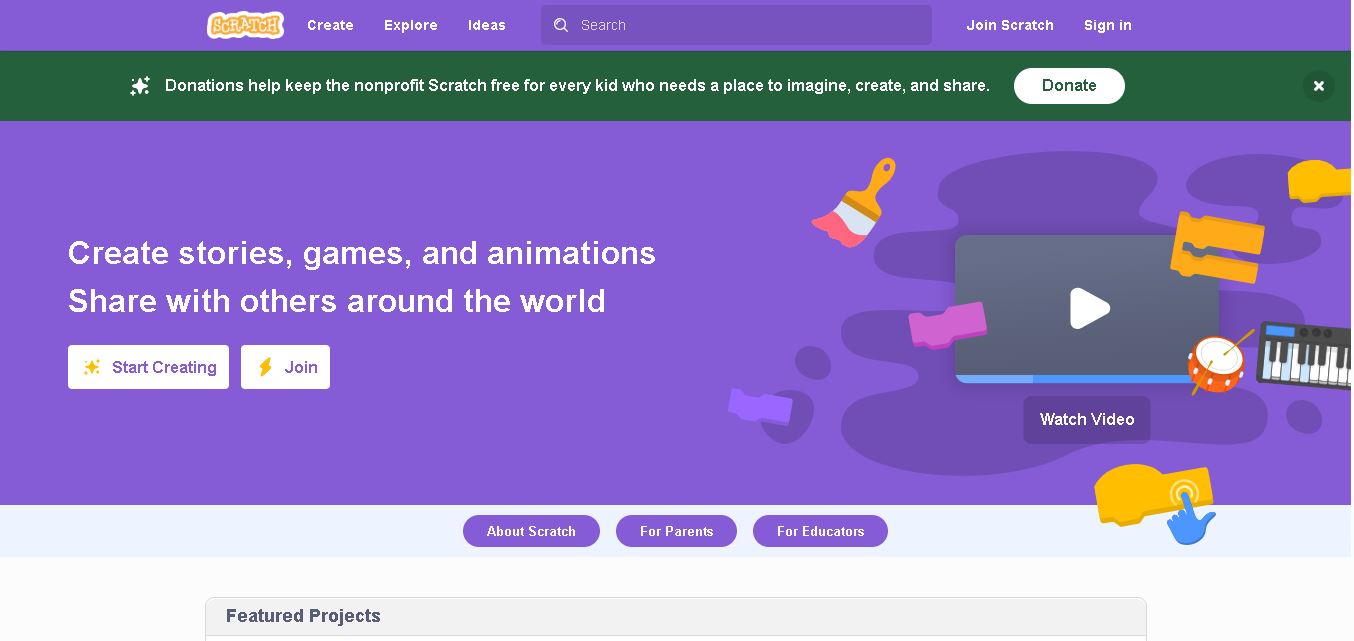
Scratch is a visual programming platform that helps children and beginners learn coding by creating interactive stories, games, animations, and digital art. Developed at the MIT Media Lab in 2007, it uses colorful, drag-and-drop coding blocks instead of requiring users to memorize programming syntax. Learners can experiment with characters, sounds, backgrounds, and logical instructions to build their own projects. Available for free, Scratch also encourages collaboration by allowing users to share their creations with a global learning community.
Scratch was launched in 2007 by the MIT Media Lab under the leadership of Professor Mitchel Resnick. In 2019, the project transitioned to the independent nonprofit Scratch Foundation. According to the Foundation’s 2024 annual report, Scratch had reached 140 million users worldwide and supported the creation of more than 1 billion projects. The platform serves learners in diverse educational settings and promotes creativity, computational thinking, and collaboration. Scratch is free to use, and its visual programming interface helps beginners develop coding skills without writing traditional code.
- Core Focus: Visual Block-Based Coding, Interactive Game Development & Creative Community
- Platform Type: 100% Free Web-Based Programming Environment & Global Online Creator Community
Use Cases:
- Empowering kids and students to design and code custom video games, platformers, and arcade challenges
- Creating interactive digital stories, animated cartoons, and multimedia art projects
- Learning foundational computer science concepts like loops, conditional logic, variables, and event handling
- Sharing creative projects publicly and remixing community-made games and code blocks
Technology:
- Drag-and-drop visual block programming architecture built on HTML5 and JavaScript
- Offline and online editor supporting multi-platform execution across desktop browsers, tablets, and computers
- Robust moderation and safety algorithms protecting young creators within the global online community
Target Users:
- Children and Students aged 8 to 16 learning to code for the first time
- K-12 Computer Science Teachers, Coding Instructors, and Librarians
- Parents and Homeschooling Families seeking free, high-quality STEM education tools
- Content creators using writing tools to draft coding tutorials, curriculum guides, and STEM educational reviews
Corporate Entity: Scratch Foundation (in collaboration with the MIT Media Lab / Cambridge, MA, USA)

Key features of Scratch
Scratch's key features are
- Visual Drag-and-Drop Blocks: Snap together code blocks for motion, looks, sound, events, control, and sensing without syntax errors.
- Global Online Community: Share projects, explore millions of community creations, leave constructive feedback, and remix code.
- Built-in Paint Editor & Sound Recorder: Draw custom characters (sprites), design backgrounds, and record custom audio or music.
- ScratchJr Companion App: Scaled-down visual programming app for younger children aged 5 to 7.
- Educator Accounts & Classrooms: Teachers can manage student accounts, create virtual studios, and track classroom coding progress.
- 100% Free & Open Access: Entirely free platform supported by the non-profit Scratch Foundation and philanthropic partners.
Scratch Pricing
Scratch is completely free for all users worldwide as part of the Scratch Foundation's non-profit mission to make creative computing accessible to every child.
Cost & Access:
- 100% Free: Unlimited access to the online editor, community sharing, educator accounts, and coding tutorials
- No Ads or Paywalls: Completely free forever without commercial advertisements or premium subscriptions
Disclaimer: Scratch is operated by the non-profit Scratch Foundation and is funded through donations and grants. Visit scratch.mit.edu to start coding instantly.
Who is using Scratch?
Scratch is designed for young learners, educators, and creators worldwide, including
- Students & Kids (Ages 8–16): Building games, animations, and interactive stories independently
- K-12 Computer Science Teachers: Teaching foundational programming concepts in classrooms globally
- Coding Camps & After-School Programs: Utilizing Scratch as the baseline introductory curriculum for young programmers
- Content Creators: Using writing tools to draft coding curricula, game design guides, and educational articles
Best Scratch Alternatives
Some of the top Scratch alternatives include
- Tynker
- Code.org (App Lab / Game Lab)
- Blockly (Google)
- Roblox Studio
- Minecraft: Education Edition
- Hopscotch
Pros and Cons of Scratch
Pros
- Completely free, open-access platform with zero subscription fees or advertisements
- Intuitive visual block coding eliminates syntax frustration and lowers the barrier to entry
- Massive global community encourages collaboration, inspiration, and project remixing
- Backed by the prestigious MIT Media Lab and Scratch Foundation educational research
Cons
- Block-based structure eventually requires transitioning to text-based languages (Python, JavaScript) for advanced computer science
- Online community moderation requires ongoing vigilance to maintain safe interactions among millions of young users
- Performance can occasionally lag with extremely complex or graphic-heavy sprite projects
Why Choose Scratch?
Scratch is the definitive choice for introducing children to computer science, offering a joyful, creative, and completely free visual programming environment.
- Fosters computational thinking, problem-solving, and creative expression
- Provides a thriving, moderated global community of young creators
- 100% free and open to everyone, everywhere without ads or paywalls
Scratch vs. Competitors
The main difference between Scratch, Tynker, and Code.org is that Scratch is a 100% free, non-profit open community created by MIT specifically focused on open-ended creative expression and storytelling through block coding, whereas Tynker and Code.org often incorporate gamified paid courses, structured lesson pathways, and commercial add-ons. Scratch stands out for its unmatched community scale and creative freedom.
| Feature / Tool | Scratch (scratch.mit.edu) | Tynker | Code.org | Roblox Studio |
|---|---|---|---|---|
| Core Focus | Visual Block Coding & Creative Community | Gamified Coding Courses & Minecraft Modding | K-12 Computer Science Curriculum & Labs | 3D Game Development & Lua Scripting |
| Pricing | 100% Free (Non-Profit Foundation) | Paid Subscriptions / Free Tiers | 100% Free (Non-Profit) | Free Editor / Monetized Ecosystem |
| Target Age | Ages 8 to 16 | Ages 5 to 18 | K-12 Students & Teachers | Ages 13+ (Advanced Creators) |
| Community Sharing | Yes (Global Public Remix Community) | Platform Community | Classroom Shares | Roblox Marketplace |
| Best For | Kids wanting open-ended game and story creation for free | Structured, gamified coding paths and modding | School districts implementing structured CS curricula | Teens building immersive 3D multiplayer games |
How do we rate Scratch?
| Parameter | Rating (out of 5) |
|---|---|
| Visual Programming & Ease of Use | 5.0 |
| Community & Creative Freedom | 5.0 |
| Educational Impact & Pedagogy | 5.0 |
| Teacher & Classroom Tools | 4.8 |
| Value for Money | 5.0 |
| Overall Score | 4.96 |
Scratch Review
Scratch is a legendary, world-changing educational platform that has introduced tens of millions of children to the joys of computer science and computational thinking. Developed by the MIT Media Lab, its ingenious visual block-based programming removes syntax barriers while empowering young creators to build games, animations, and interactive stories. Backed by a vibrant, safe global community and 100% free non-profit access, Scratch remains the undisputed gold standard for introductory coding. For children, parents, and educators seeking the premier creative programming environment in 2026, Scratch is an absolute masterpiece.
Conclusion
Scratch is a valuable starting point for anyone who wants to explore coding through creativity and experimentation. Its visual programming environment helps learners develop problem-solving skills while building games, animations, and interactive stories. With free access, educational resources, and a worldwide community, Scratch supports both independent learning and classroom activities. For parents, teachers, and beginners, it offers an accessible way to understand programming fundamentals and build confidence before exploring more advanced coding tools.
FAQ
Is Scratch free to use?
Yes, Scratch is free to use and is designed to make coding accessible to learners without a subscription. You can create projects in the browser, explore community creations, and use built-in tutorials to learn. Some features may depend on your device or internet connection, but the Scratch experience remains free.
Who can use Scratch for learning coding?
Scratch is designed especially for children aged 8 to 16, although teenagers, adults, teachers, and beginners can also use it. If you are introducing coding to a child, Scratch offers an approachable starting point. Its visual blocks help learners understand programming concepts while creating games, animations, stories, and interactive projects.
What can you create with Scratch?
With Scratch, you can create interactive games, animated stories, digital artwork, quizzes, simulations, and educational projects. You can control characters, add sounds, change backgrounds, and program responses to keyboard inputs or mouse clicks. This flexibility helps beginners turn their ideas into interactive experiences while practicing logical thinking and creative problem-solving skills.
Do you need coding experience to use Scratch?
No, you do not need previous coding experience to start using Scratch. Its block-based editor lets you connect programming instructions visually instead of typing complicated syntax. Beginners can follow tutorials, experiment with sample projects, and learn through practice. As your confidence grows, you can build increasingly complex games, animations, and interactive applications.
Can teachers use Scratch in classrooms?
Yes, teachers can use Scratch to introduce programming, computational thinking, and creative learning across different subjects. Students can develop interactive presentations, mathematical simulations, educational games, and storytelling projects. Collaborative activities encourage learners to share ideas and solve problems together. Scratch can support classroom instruction from elementary education through more advanced learning environments.
Can you share projects with other Scratch users?
Yes, registered Scratch users can share projects with the community, allowing others to explore their creations and learn from their approaches. Users can also remix eligible shared projects, adapting existing ideas into something new. This collaborative environment encourages experimentation, feedback, and creative development while helping learners discover different ways to solve programming challenges.
User Reviews
No reviews yet for Scratch.
Featured Tools
Featured AI tools from TechShark

Melody Genie
MelodyGenie is an AI-powered music generator that creates original songs from simple text prompts. Users can choose styles, moods, and genres, then instantly generate melodies and full tracks, making it easy for creators, marketers, and hobbyists to produce custom music without musical expertise.
Freemium

Kimi AI
Kimi AI is an advanced AI assistant developed by Moonshot AI that helps you chat, research, write, code, and automate tasks in one place. It supports web search, file analysis, and multimodal inputs, and can even run autonomous “agent” workflows to complete complex tasks end-to-end.
Freemium

Fashion Diffusion AI
Fashion Diffusion is an AI-powered fashion design platform that helps brands and designers create clothing designs, virtual try-ons, AI models, product photos, and marketing visuals faster and cost-effectively.
Paid

Veo 4
Veo 4 AI is an AI video creation platform that generates dramatic videos from text, images, audio, and video prompts using realistic motion and synchronized sound.
Paid
Alternatives
Alternatives to Scratch
The best Scratch alternatives include Tynker, Code.org, Blockly, Roblox Studio, Minecraft Education, and Hopscotch. These platforms offer coding education and game development tools for youth. While Scratch provides a 100% free open-ended creative programming community designed by MIT, alternatives like Tynker offer structured gamified courses and modding.
 4.9
4.9Humain AI Literacy Mission (HAILM)
Kids
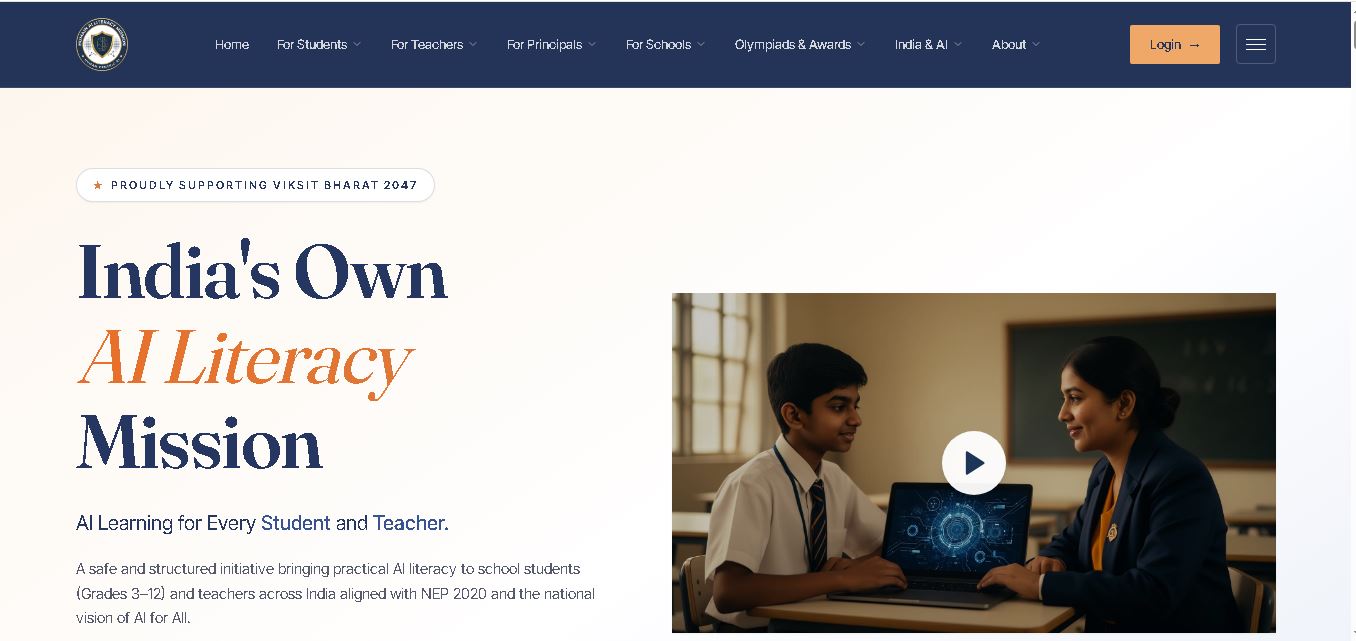
Humain AI Literacy Mission is an educational initiative helping Indian students in Grades 3–12 and teachers develop practical artificial intelligence skills. It offers foundational AI courses, interactive activities, assessments, and certificates. Aligned with NEP 2020 and international educational guidance, HAILM promotes responsible AI use, digital safety, critical thinking, and future-ready learning.
 4.9
4.9Brisk Teaching
Kids
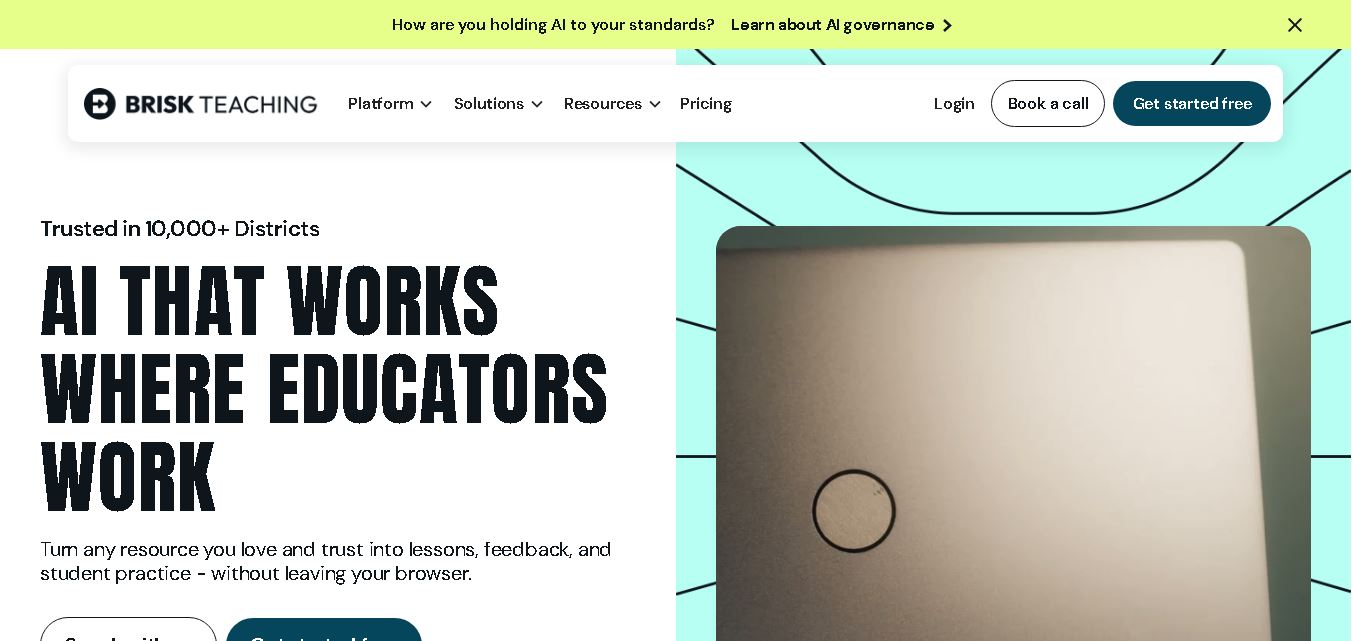
Brisk Teaching helps educators create lesson plans, quizzes, worksheets, presentations, and personalized feedback using AI. It integrates with familiar teaching tools and supports differentiated instruction, translation, and student activities. With free educator access and advanced school plans, Brisk helps teachers reduce repetitive preparation and focus more on meaningful classroom learning.
 4.9
4.9Diffit
Kids
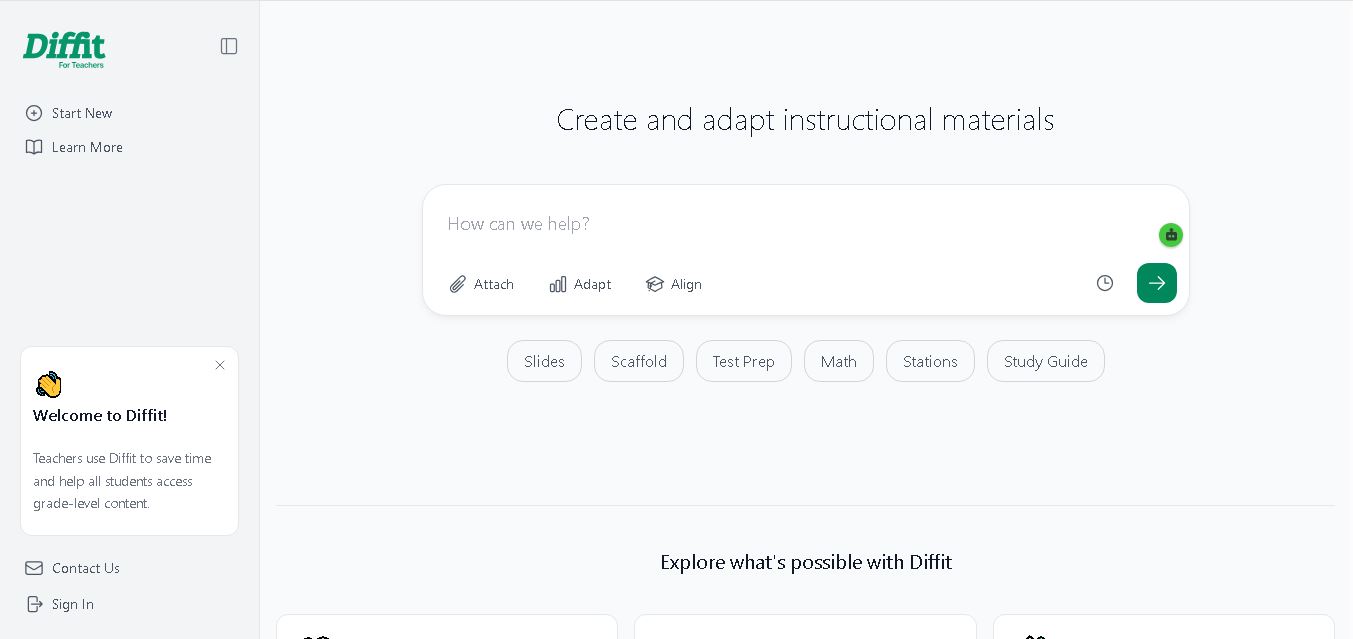
Diffit helps teachers create differentiated classroom materials from topics, text, PDFs, URLs, and video transcripts. It can produce reading passages, vocabulary tasks, comprehension questions, worksheets, and lesson activities tailored to student needs. Educators can edit, print, share, and, with eligible plans, export resources to familiar teaching tools more efficiently.
 5.0
5.0MagicSchool AI
Kids
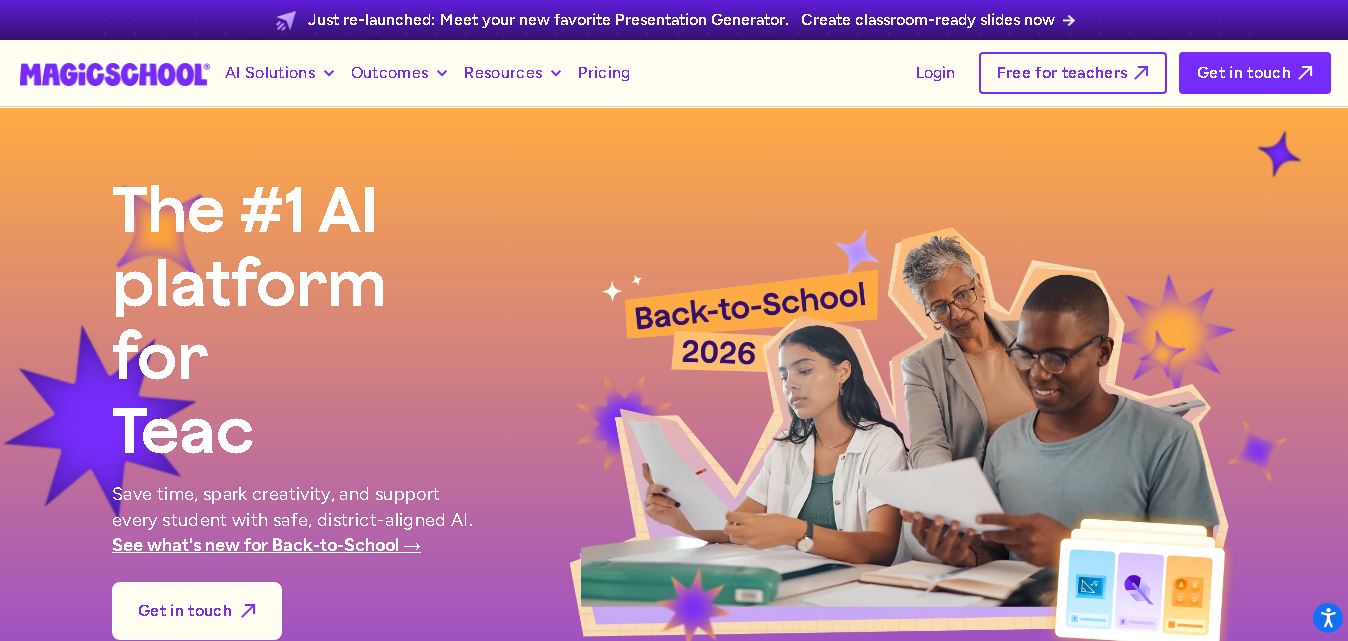
MagicSchool AI helps teachers and students use artificial intelligence for educational tasks. It offers tools for lesson planning, quiz creation, worksheet generation, writing feedback, and personalized learning. With free and paid plans, it supports classroom productivity, differentiated instruction, and responsible AI adoption across schools and educational institutions worldwide.
 4.9
4.9Curipod
Kids
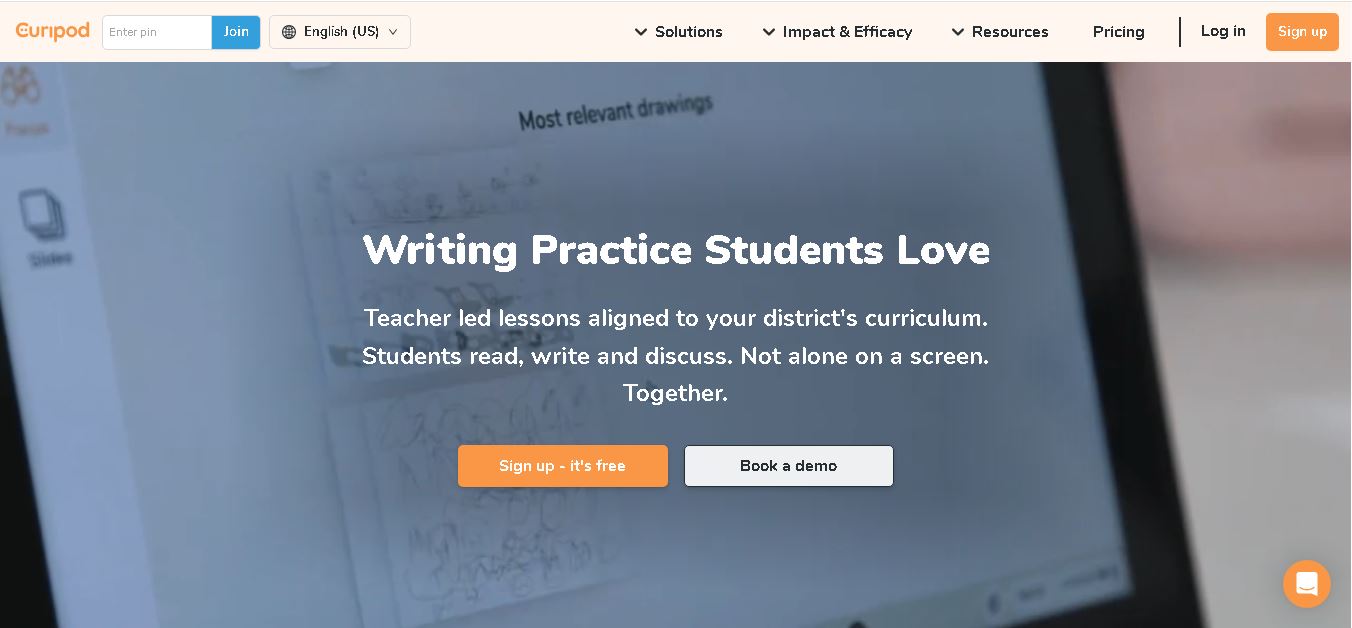
Curipod offers teachers a practical way to create interactive lessons, encourage classroom participation, and provide structured feedback on student learning. Its AI-assisted lesson generation, writing activities, and assessment tools can reduce preparation time while supporting more engaging instruction. The free plan provides an accessible starting point, while schools can explore paid options for broader needs. For educators seeking technology that combines classroom interaction with teacher-controlled AI, Curipod is worth evaluating against their curriculum, privacy, and teaching requirements.
 4.8
4.8Powtoon
Kids
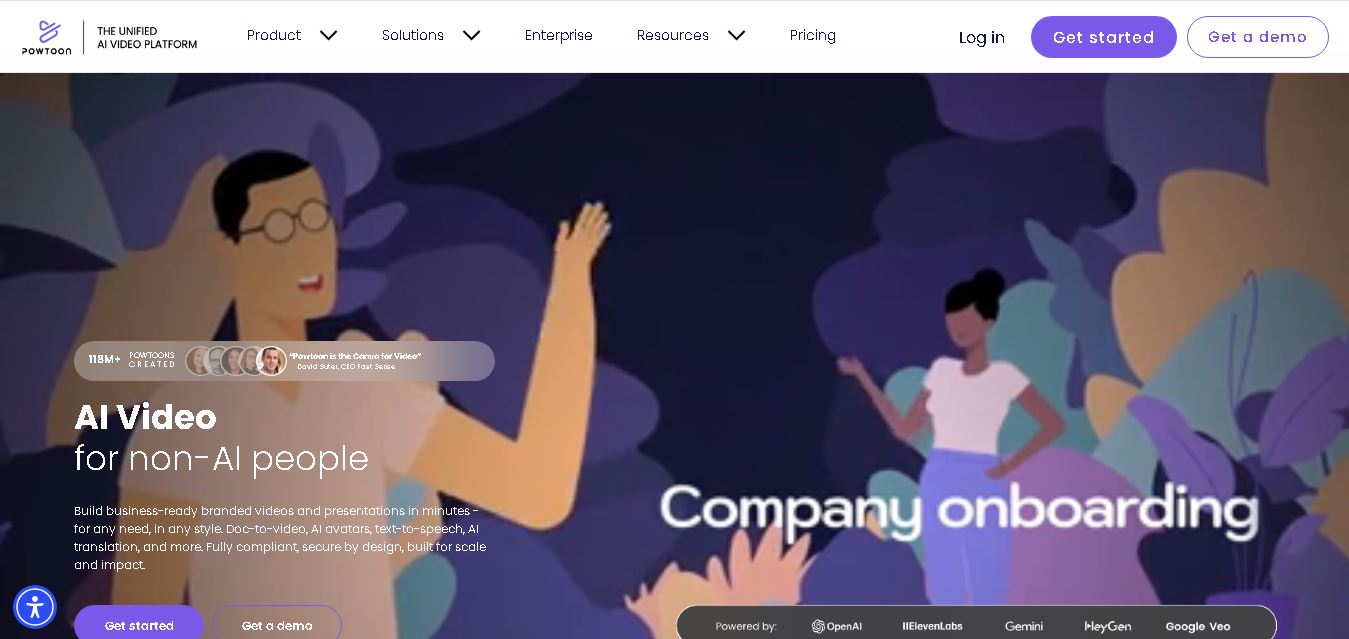
Powtoon is an online video and presentation creation tool for producing animated explainers, educational videos, marketing content, and business presentations. It offers customizable templates, animated characters, multimedia editing, and AI-assisted features. Beginners, educators, marketers, and businesses can use it to transform complex ideas into engaging visual stories without advanced animation skills.
 4.8
4.8Animaker
Kids
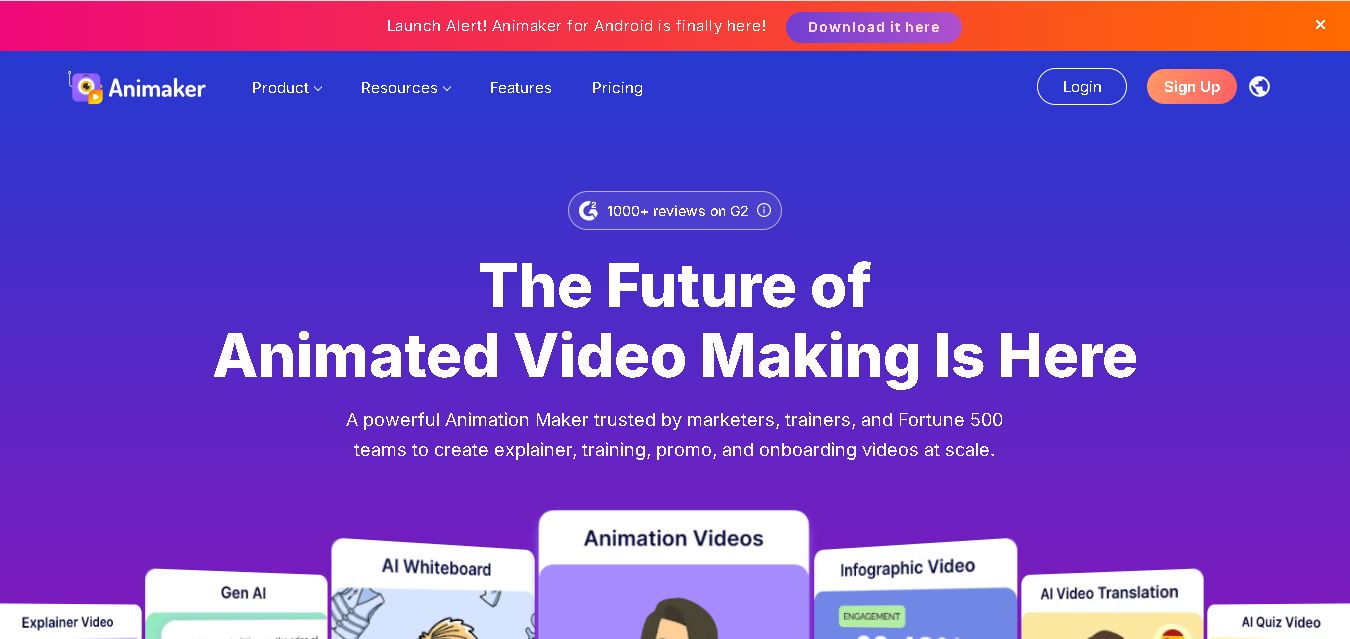
Animaker helps users create animated videos, explainer content, presentations, and promotional materials using customizable characters, templates, AI video generation, and editing features. Its online editor supports voiceovers, subtitles, and multilingual video translation. It is useful for marketers, educators, businesses, and creators who want engaging videos without advanced animation or editing expertise.
 5.0
5.0Google Read Along
Kids
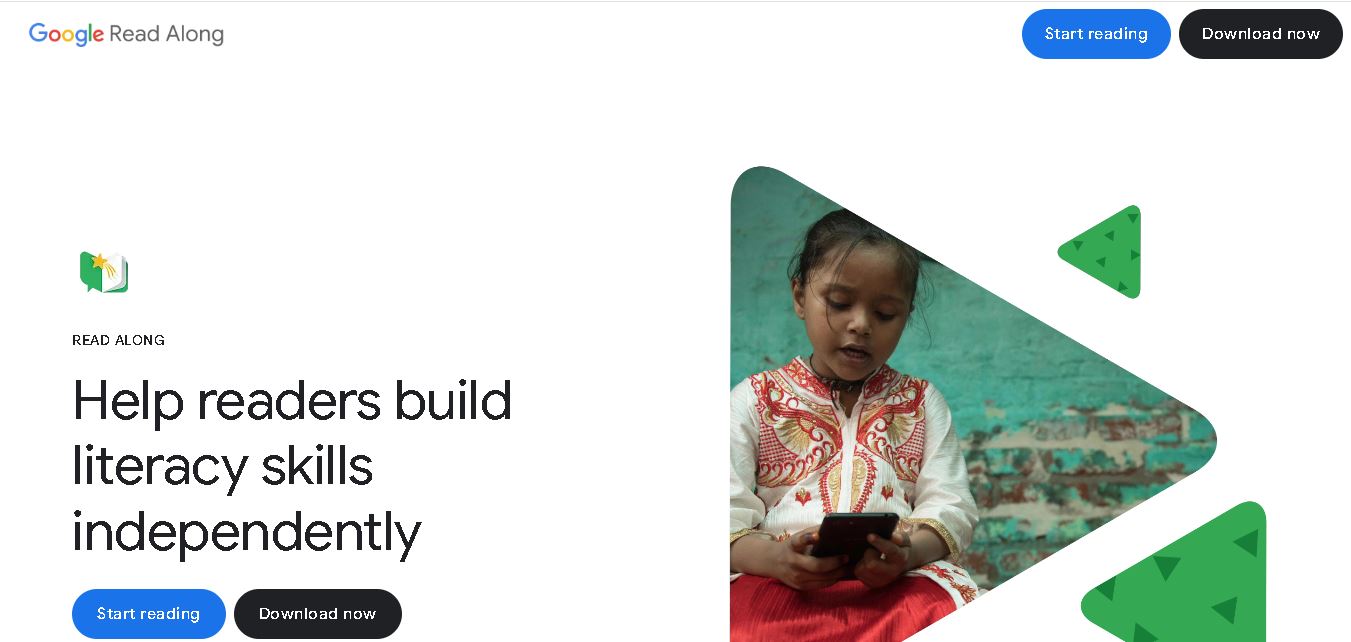
Google Read Along is a free reading practice tool for children that improves pronunciation, fluency, and confidence through interactive stories, reading games, and real-time feedback from its assistant, Diya. Supporting multiple languages and offline Android access, it helps families and educators make early literacy practice more engaging, accessible, and convenient for young learners.
 4.8
4.8Squibler
Kids
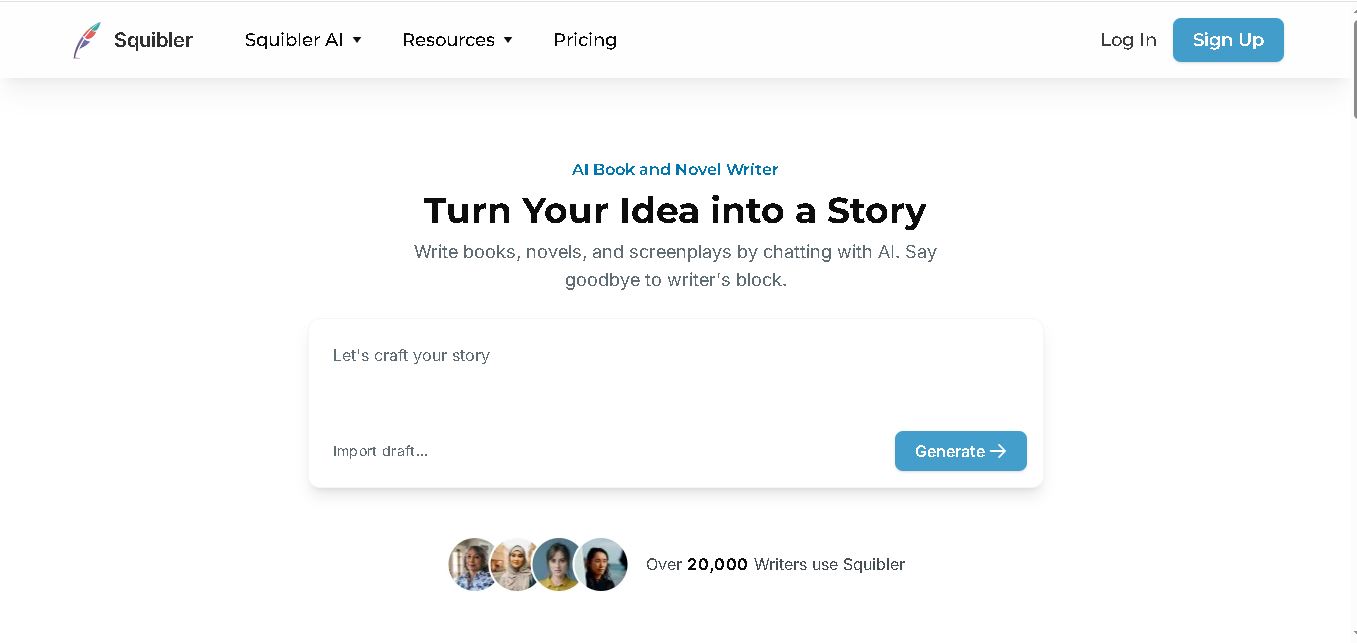
Squibler is an AI writing assistant for creating books, novels, screenplays, and story outlines. It helps writers develop characters, organize chapters, refine existing drafts, and generate visuals. With free and paid plans, Squibler supports beginners and experienced authors seeking a more structured, efficient, and creative long-form writing workflow.