Krea AI Enhancer
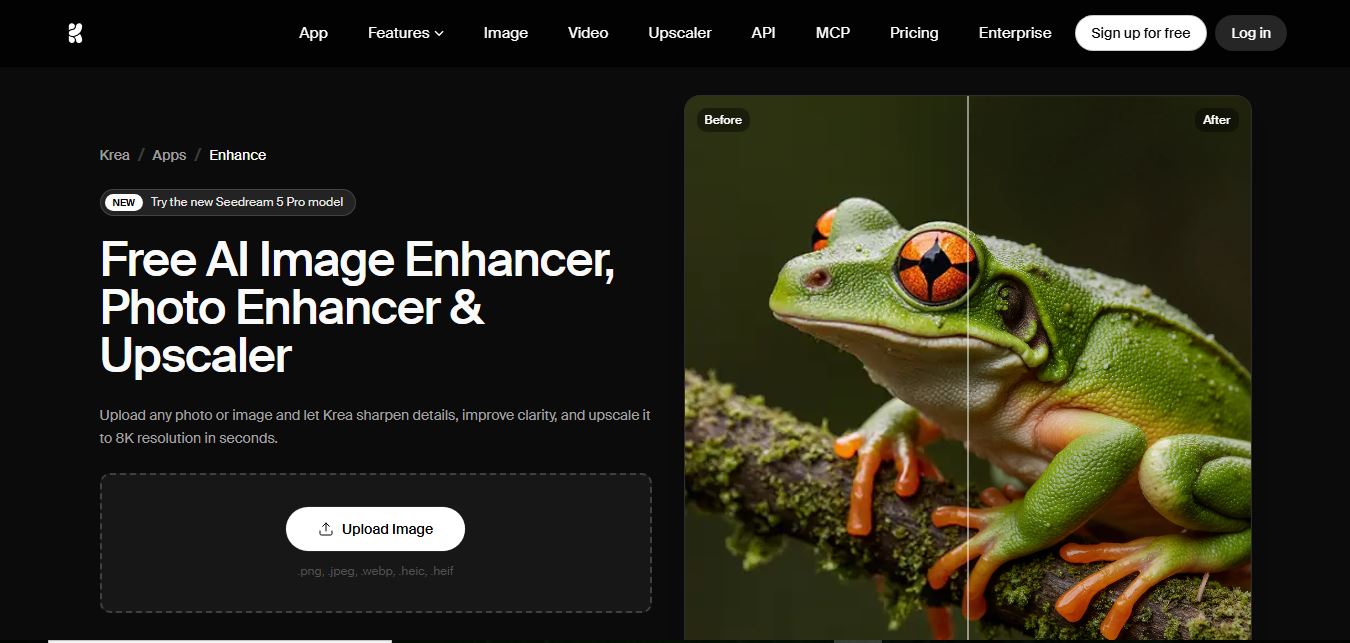
Krea AI Image Enhancer is an AI-powered tool that helps users upscale, sharpen, and restore low-quality images instantly. It improves resolution, reduces noise, and reconstructs missing details, turning blurry or pixelated photos into high-quality visuals suitable for design, ecommerce, and content creation.
What is Krea AI Enhancer?
Krea AI Enhance is an AI-powered image enhancement tool that improves photo quality by upscaling resolution, sharpening details, and refining textures in real time. It allows users to upload images and instantly enhance clarity while maintaining natural-looking results. The tool also supports creative control, letting users adjust styles and refine outputs for different use cases like design, social media, or marketing. Built for creators and professionals, it makes high-quality image enhancement fast and accessible without requiring advanced editing skills.
Co-founded by Victor Perez and Diego Rodríguez, Krea AI has rapidly emerged as one of the most innovative generative visual studios in the AI landscape, serving millions of visual artists and enterprise creators worldwide. Within the Krea suite, the Enhancer & Upscaler app enables creators to upscale images from modest web resolutions up to stunning 22K ultra-high-definition formats. Operating with fine-grained Creativity, Resemblance, and Clarity controls, users can choose whether to faithfully clean an existing photograph or prompt the generative engine to invent intricate photographic fidelity from heavily degraded source material.
- Founders / Leadership: Victor Perez (Co-founder & CEO) and Diego Rodríguez (Co-founder & CPO)
- Launch / Evolution: Launched in 2023; expanded through 2024–2026 with ultra-resolution upscaling up to 22K, Topaz integration, real-time interactive canvas pipelines, and visual Node Workflows
Use Cases:
- Upscaling AI-generated images from Midjourney, Stable Diffusion, or FLUX into sharp, production-grade resolutions with realistic textures
- Restoring heavily compressed digital photos, video stills, and vintage scans by synthesizing realistic facial details and sharp edges
- Enhancing 3D CGI viewports, architectural visualization renders, and game asset concept sketches for client presentation decks
- Connecting automated upscaling pipelines into Krea Nodes to batch-process creative assets alongside video animation and real-time canvas tools
Technology:
- Generative latent diffusion upscaling architecture synthesizing coherent sub-pixel textures and micro-details
- Resemblance and Creativity balance sliders allowing granular control between faithful restoration and artistic enhancement
- Cloud-accelerated GPU infrastructure supporting extreme multi-gigapixel tiling and upscaling up to 22K resolution
Target Users:
- Digital artists, concept designers, and illustrators producing gallery-ready high-resolution prints and portfolios
- VFX artists, game developers, and 3D animators preparing textures and environment concept art
- E-commerce retailers and creative agencies seeking crisp, studio-lit commercial advertising imagery
- Content creators using writing tools to draft visual content briefs, product listings, and promotional campaign copy
Corporate Entity: Operates as Krea Inc. (San Francisco, CA, USA & Global)

Key features of Krea AI Enhancer
Krea AI Enhancer's key features are
- Generative Detail Synthesis: Intelligently hallucinates and reconstructs micro-textures like skin pores, hair strands, fabric textures, and realistic materials on blurry inputs.
- Ultra-High-Resolution Upscaling (Up to 22K): Enlarge images from standard 1K/2K resolution up to 22K ultra-high-definition scale for large-format physical printing.
- Creativity & Resemblance Sliders: Balance the generation between exact fidelity to the source image (high resemblance) and imaginative realism (high creativity).
- Prompt-Guided Enhancement: Add descriptive text prompts to guide how the AI interprets and refines specific sections (e.g., "hyperrealistic leather texture, golden hour light").
- Color Correction & Negative Prompts: Fine-tune color vibrancy or insert negative constraints to prevent unwanted artifacts, distortion, or painterly smoothing.
- Integrated Real-Time Canvas: Seamlessly move enhanced assets into Krea's real-time interactive generation canvas for ongoing inpainting, outpainting, and sketching.
- Visual Node Workflows: Connect the enhancer into visual flowchart pipelines to automate multi-stage generation, upscaling, and animation steps.
- Topaz Standard Model Access: Pro-tier integration offering access to specialized Topaz algorithmic upscaling engines alongside Krea's proprietary neural models.
Krea AI Enhancer Pricing
Krea AI operates on a freemium compute-unit model, offering free daily testing units alongside affordable monthly and discounted annual subscriptions for commercial creators.
Free Plan:
- $0 / Free access
- Includes 100 compute units per day, basic 2K image upscaling, full access to real-time canvas, limited LoRA training, and standard GPU queues (personal use only, no commercial rights)
Basic Plan:
- $9.00 / month (or $5.00 / month billed annually at $60.00/year)
- Includes 5,000 monthly compute units, full commercial license, upscaling up to 22K, access to Topaz Standard upscalers, 4 concurrent image jobs, and unlimited relaxed generation mode
Pro Plan:
- $35.00 / month (or $21.00 / month billed annually at $252.00/year)
- Includes 20,000 monthly compute units, priority rendering queue, 8 concurrent image jobs, full access to all video generation models, and early access to experimental features
Max Plan:
- $105.00 / month (or $63.00 / month billed annually at $756.00/year)
- Includes 60,000 monthly compute units, 16 concurrent image jobs, highest GPU priority, and enterprise-grade node workflow support
Disclaimer: Prices are listed in USD. Commercial rights and 22K ultra-high-resolution upscaling require an active paid subscription (Basic, Pro, or Max). Unused monthly compute units do not roll over. Visit krea.ai/pricing for active plans.
Who is using Krea AI Enhancer?
Krea AI Enhancer is designed for artists, designers, and creative studios, including
- AI Artists & Prompters: Transforming low-resolution Midjourney or Stable Diffusion generations into ultra-sharp portfolio and gallery pieces
- Concept Artists & Matte Painters: Synthesizing high-frequency details onto fast digital roughs and photographic plates
- 3D Visualizers & Architects: Enhancing low-sample viewport renders into high-resolution client presentations without long GPU render times
- E-Commerce Brands & Ad Creatives: Upscaling supplier product photos and social media graphics into crisp advertising collaterals
- Content Creators: Using writing tools to draft visual content briefs, product listings, and promotional campaign copy
- Filmmakers & Animators: Preparing high-resolution character keyframes before passing them into video animation models
Best Krea AI Enhancer Alternatives
Some of the strongest Krea AI Enhancer alternatives include
- Magnific AI
- Let's Enhance Image Enhancer
- Topaz Photo AI (Gigapixel)
- Picsart AI Image Enhancer
- Upscayl (Open Source)
- Cutout.pro Photo Enhancer
Pros and Cons of Krea AI Enhancer
Pros
- Generative hallucination capability synthesizes photorealistic textures (skin, hair, fabric) that traditional upscalers cannot recreate
- Capable of upscaling images up to 22K resolution, suitable for massive commercial billboards and gallery prints
- Adjustable Creativity and Resemblance sliders provide precise balance between source fidelity and generative imagination
- Directly integrated into Krea's real-time canvas, video generation, and visual Node Workflows
- Affordable entry point starting at $5/month on annual billing with unlimited relaxed generation mode
Cons
- Setting the Creativity slider too high can alter subtle facial identity or invent unwanted visual elements
- Free plan provides 100 compute units per day without commercial rights and restricts upscaling to 2K
- Unused monthly compute units do not roll over to subsequent billing cycles
- Extreme 22K super-resolution upscaling jobs consume significant compute units from monthly allocations
Why Choose Krea AI Enhancer?
Krea AI Enhancer is the premier choice for creators and digital artists who want a generative upscaler that doesn't just smooth edges, but intelligently invents photorealistic micro-textures up to 22K resolution within a connected creative suite.
- Upscale images up to 22K resolution with realistic generative texture synthesis
- Fine-tune results using granular Creativity and Resemblance sliders
- Guide enhancement using natural language text prompts and negative constraints
- Connect directly to real-time generative canvas tools and automated Node Workflows
- Access Topaz Standard models and proprietary latent diffusion networks from one hub
Krea AI Enhancer vs. Competitors
The main difference between Krea AI Enhancer, Magnific AI, Let's Enhance Image Enhancer, and Topaz Photo AI is that Krea embeds generative hallucination upscaling up to 22K directly into an all-in-one creative ecosystem (real-time canvas, nodes, video) starting at just $9/month ($5/mo annual), whereas Magnific AI is a premium dedicated generative upscaler starting at $39/month, Let's Enhance focuses on cloud print-scale upscaling with credit rollovers, and Topaz Photo AI is a standalone desktop software relying on local GPU hardware. Krea stands out for its 22K resolution ceiling, generative slider versatility, and workflow connectivity.
| Feature / Tool | Krea AI Enhancer (krea.ai) | Magnific AI | Let's Enhance | Topaz Photo AI |
|---|---|---|---|---|
| Core Focus | Generative Upscaling & Creative Studio | High-End Generative Upscaling & Relight | Print-Scale AI Upscaling (512 MP) | Professional Desktop Photo Upscaling |
| Maximum Upscaling | Up to 22K Resolution | Up to 16x (Ultra-HD) | Up to 16x (512 Megapixels) | Up to 16x (Gigapixel Quality) |
| Generative Hallucination Controls | Yes (Creativity & Resemblance sliders) | Yes (Hallucination & Creativity sliders) | Specialized Neural Models | Algorithmic Denoise & Sharpen |
| Creative Studio Ecosystem | Yes (Real-time Canvas, Video, Nodes) | Upscaler & Relight Studio | No Integrated Canvas | No Creative Studio |
| Starting Paid Price | $9.00/mo ($5.00/mo annual) | $39.00 / month | $9.00/mo ($12.00/mo monthly) | $199.00 One-Time License |
| Best For | Artists Wanting 22K Detail & Creative Suite | Power Creators Needing Cinematic Detail | Print-on-Demand & Credit Rollovers | Photographers Needing Offline Desktop Upscaling |
How do we rate Krea AI Enhancer?
| Parameter | Rating (out of 5) |
|---|---|
| Generative Texture Reconstruction & Realism | 5.0 |
| Upscaling Resolution Range (Up to 22K) | 5.0 |
| Ecosystem Synergy (Canvas, Nodes & Video) | 4.9 |
| Control Precision (Creativity & Prompts) | 4.8 |
| Value for Money | 4.8 |
| Overall Score | 4.90 |
Krea AI Enhancer Review
Krea AI Enhancer represents a significant evolution in visual upscaling technology. For years, upscaling meant stretching pixels and applying unsharp masks, which frequently produced plastic or pixelated results on low-resolution files. Krea solves this by leveraging generative latent diffusion: it understands what textures—such as human skin, woven textiles, animal fur, or brickwork—look like in the physical world, and reconstructs those details into the image. Its Creativity and Resemblance sliders give creators precise control over the output, ensuring the subject's identity is maintained while synthesizing missing fidelity. Combined with upscaling capabilities reaching up to 22K resolution and integration into Krea’s node workflows and real-time canvas, it provides a comprehensive generative enhancement environment for digital creators.
Conclusion
Krea AI Enhancer is an industry-leading generative photo enhancer and upscaler that redefines image super-resolution. By uniting generative detail synthesis, upscaling up to 22K, prompt guidance, and direct integration with real-time canvas and node workflows into a unified platform starting at just $9/month, it bridges the gap between rough concept art and gallery-quality visuals. While casual users needing basic unblurring may utilize standard tools like Adobe Express, Krea AI Enhancer’s generative depth, extreme resolution ceiling, and creative ecosystem make it an indispensable visual tool.
FAQ
What is Krea AI Image Enhancer and how does it work?
Krea AI Image Enhancer is an AI-powered upscaling and enhancement tool that improves image quality, sharpness, and resolution in seconds. You upload an image, and the AI reconstructs missing details, enhances clarity, and increases resolution (up to 8K–22K depending on plan). It’s part of the larger Krea ecosystem, so you can generate, edit, and refine images in one workflow.
What problem does Krea solve better than other enhancers?
Most tools only upscale images, but Krea goes further by adding realistic details, textures, and depth instead of just stretching pixels. It solves the issue of AI-generated images looking soft or low-quality, making it especially useful for creators working with Midjourney, DALL·E, or product visuals.
What are the key features of Krea Enhancer?
Krea offers AI upscaling, detail reconstruction, noise reduction, color enhancement, and batch processing. It also supports video enhancement (4K upscaling), multi-image processing, and workflow automation (Nodes)—which is rare in basic enhancer tools.
How much can Krea upscale images?
Krea can upscale images to 4K, 8K, 16K, and even up to ~22K resolution depending on your plan and settings. This makes it suitable for high-end use cases like print, ads, and detailed product visuals.
Is Krea AI Image Enhancer free?
Yes, Krea offers a free plan with daily credits (around 100 compute units/day), allowing you to enhance images without paying. However, usage is limited, and high-resolution or bulk processing requires a paid plan.
Can Krea enhance videos as well?
Yes, Krea supports AI video upscaling, allowing users to convert low-resolution videos into 4K-quality outputs with improved clarity and reduced noise. This makes it more powerful than tools that only handle images.
Who should use Krea Enhancer?
Krea is ideal for designers, content creators, marketers, photographers, and AI artists. It’s especially valuable for people working with AI-generated content, product images, or high-resolution assets where quality directly impacts performance.
User Reviews
No reviews yet for Krea AI Enhancer.
Featured Tools
Featured AI tools from TechShark

Melody Genie
MelodyGenie is an AI-powered music generator that creates original songs from simple text prompts. Users can choose styles, moods, and genres, then instantly generate melodies and full tracks, making it easy for creators, marketers, and hobbyists to produce custom music without musical expertise.
Freemium

Kimi AI
Kimi AI is an advanced AI assistant developed by Moonshot AI that helps you chat, research, write, code, and automate tasks in one place. It supports web search, file analysis, and multimodal inputs, and can even run autonomous “agent” workflows to complete complex tasks end-to-end.
Freemium

Fashion Diffusion AI
Fashion Diffusion is an AI-powered fashion design platform that helps brands and designers create clothing designs, virtual try-ons, AI models, product photos, and marketing visuals faster and cost-effectively.
Paid

Veo 4
Veo 4 AI is an AI video creation platform that generates dramatic videos from text, images, audio, and video prompts using realistic motion and synchronized sound.
Paid
Alternatives
Alternatives to Krea AI Enhancer
The best Krea AI Enhancer alternatives include Magnific AI, Let's Enhance Image Enhancer, Topaz Photo AI (Gigapixel), Picsart AI Image Enhancer, Upscayl (Open Source), and Cutout.pro Photo Enhancer. These platforms provide AI photo upscaling, generative detail synthesis, and image restoration. While Krea AI Enhancer specializes in generative detail synthesis up to 22K resolution with Creativity and Resemblance controls integrated into real-time canvas and node workflows starting at $9/month ($5/mo annual), alternatives like Magnific AI offer dedicated cinematic hallucination upscaling starting at $39/month, Let's Enhance delivers print-scale 512 MP upscaling with credit rollovers, and Topaz Photo AI operates as an offline desktop utility. Choosing the right tool depends on whether you require generative hallucination upscaling with 22K outputs and creative canvas tools, dedicated print workflows, or offline desktop software.
Neural.love
AI Image Enhancer
Neural.love is an AI-powered creative platform for generating images, editing photos, enhancing videos, restoring old media, and animating pictures. It combines multiple AI tools in a browser-based workspace, helping content creators, marketers, photographers, designers, and businesses improve visual content without relying entirely on traditional editing software.
 4.9
4.9EnhancePhoto AI
AI Image Enhancer
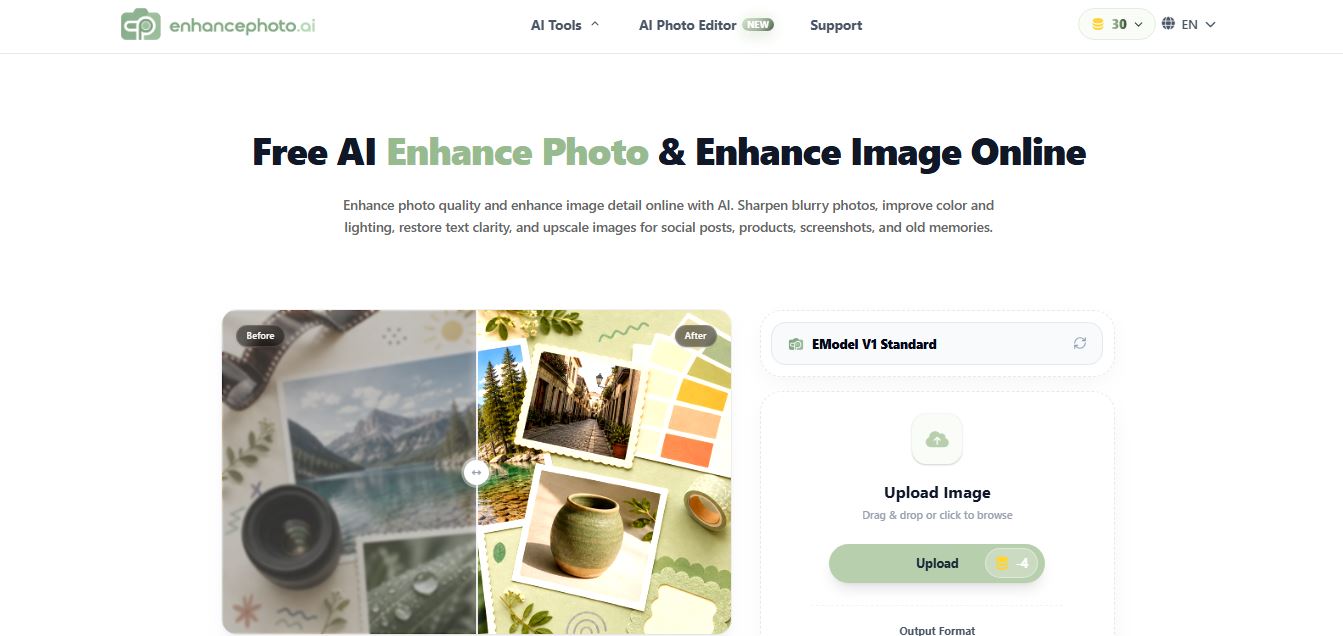
EnhancePhoto.ai is an AI-powered image enhancement tool that helps users sharpen blurry photos, improve colors, fix lighting, and upscale resolution up to high-quality outputs. It works directly in the browser with no login, offering fast, watermark-free results for social media, ecommerce, and content creation.
 4.8
4.8EzEnhancer AI
AI Image Enhancer
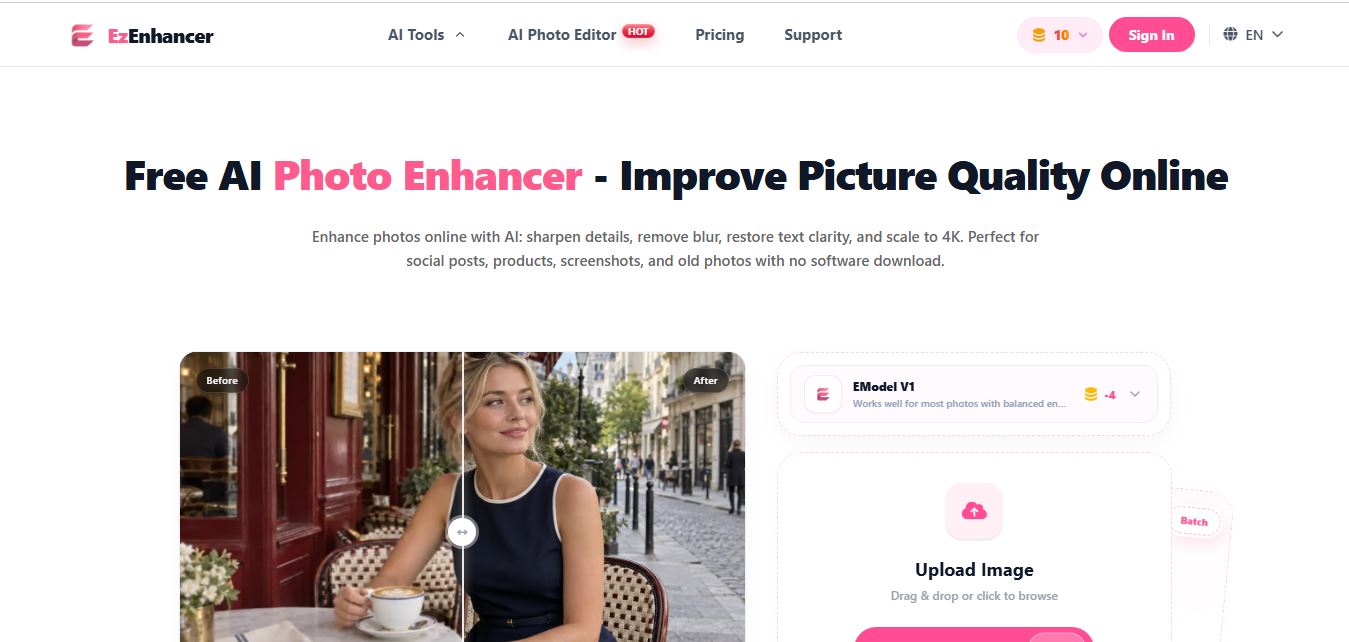
EzEnhancer is an AI-powered image and video enhancement platform that helps users upscale resolution, sharpen details, remove blur, and restore old or low-quality media. It offers tools like background removal, colorization, and noise reduction, enabling fast, browser-based editing without installing software.
 4.9
4.9Deep Image AI
AI Image Enhancer
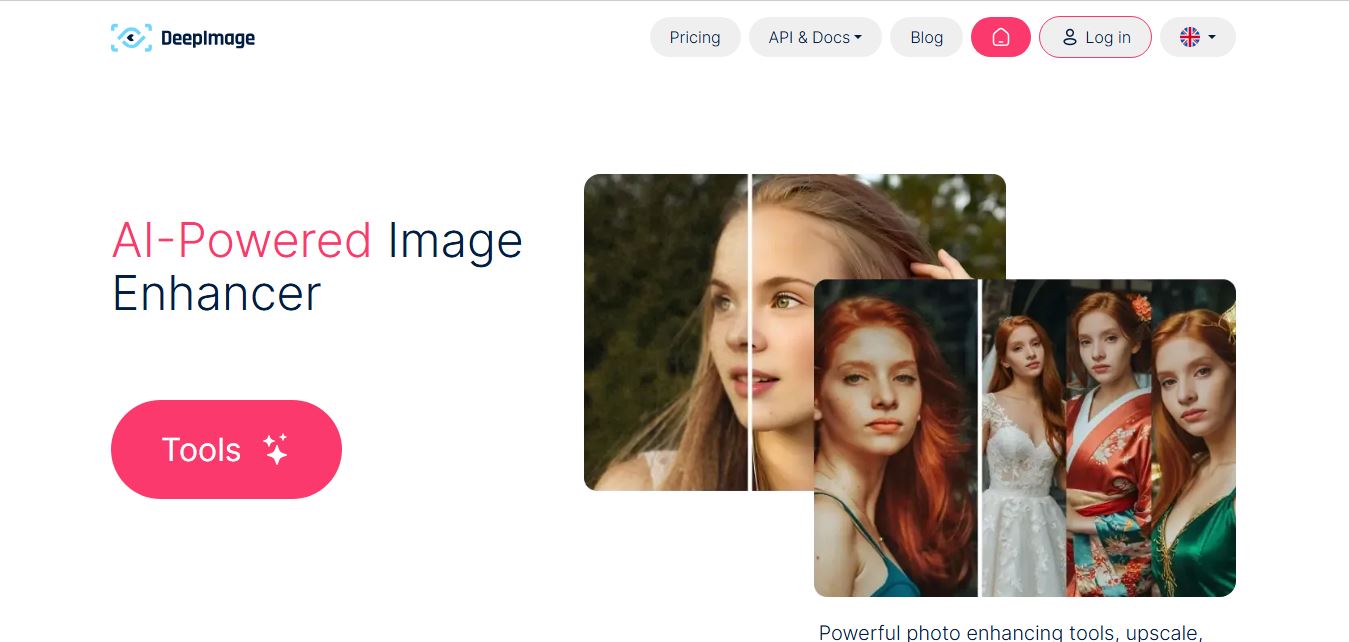
Deep Image AI is an AI-powered image enhancement platform that helps users upscale resolution, sharpen details, reduce noise, and improve colors automatically. It uses neural networks to analyze images and apply enhancements, enabling fast, high-quality results for ecommerce, design, printing, and professional visual workflows.
 4.8
4.8Visual Paradigm Image Enhancer
AI Image Enhancer
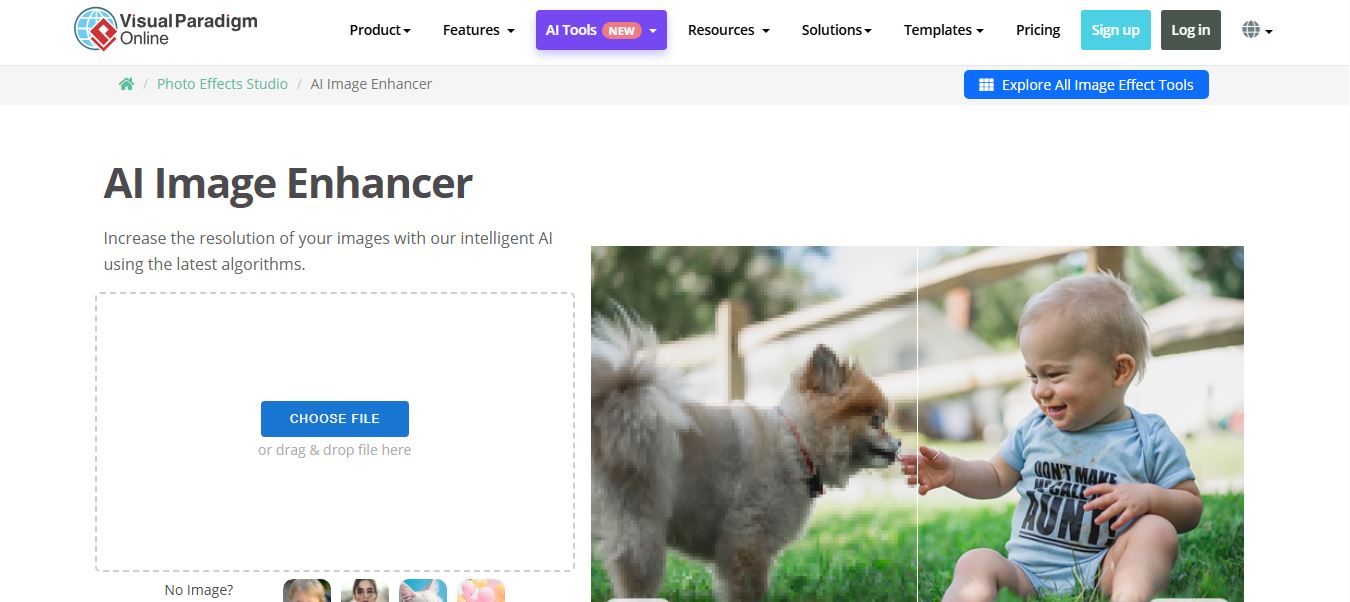
Visual Paradigm Image Enhancer is an AI-powered online tool that helps users upscale resolution, sharpen details, and improve photo quality instantly. It offers one-click enhancement, noise reduction, and unblur features, making it easy to create clear, high-resolution images without installing software.
 4.9
4.9Adobe Express Image Enhancer
AI Image Enhancer
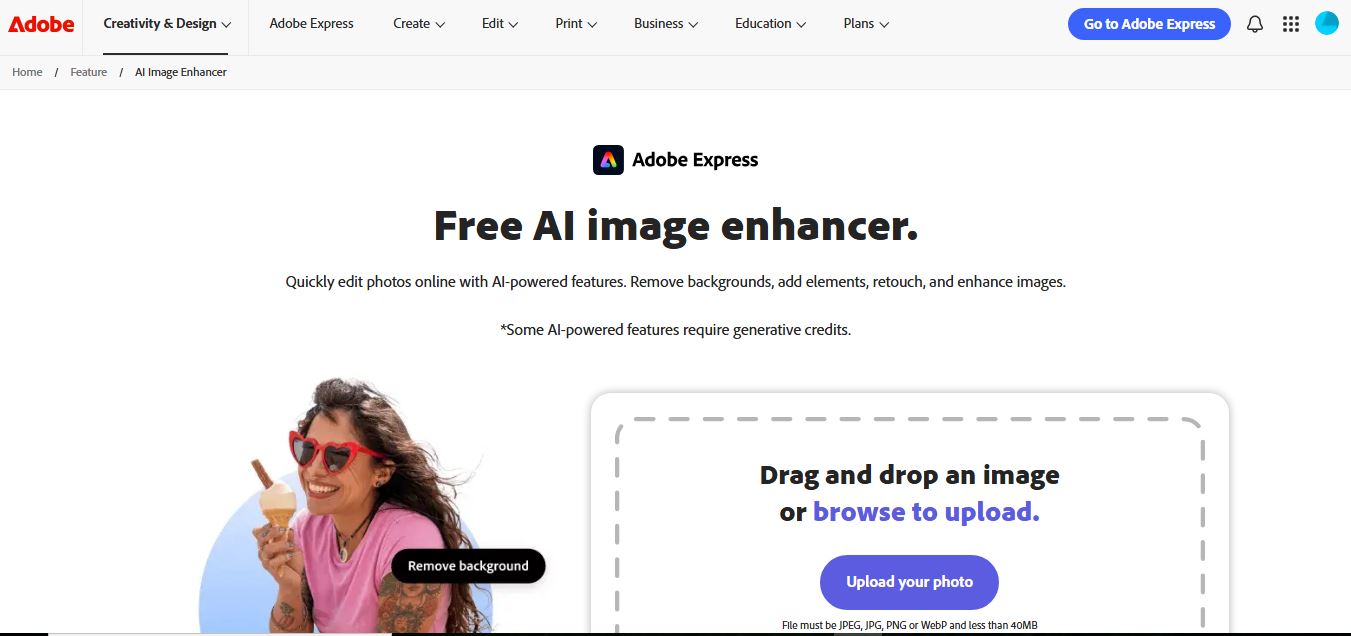
Adobe Express Image Enhancer is a free AI-powered tool that helps users improve photo quality with one-click auto-enhance, background removal, and object editing. It also offers manual controls for brightness, contrast, and sharpness, making it easy to create polished visuals for design, marketing, and social media.
 4.8
4.8Cutout.pro Photo Enhancer & Upscaler
AI Image Enhancer
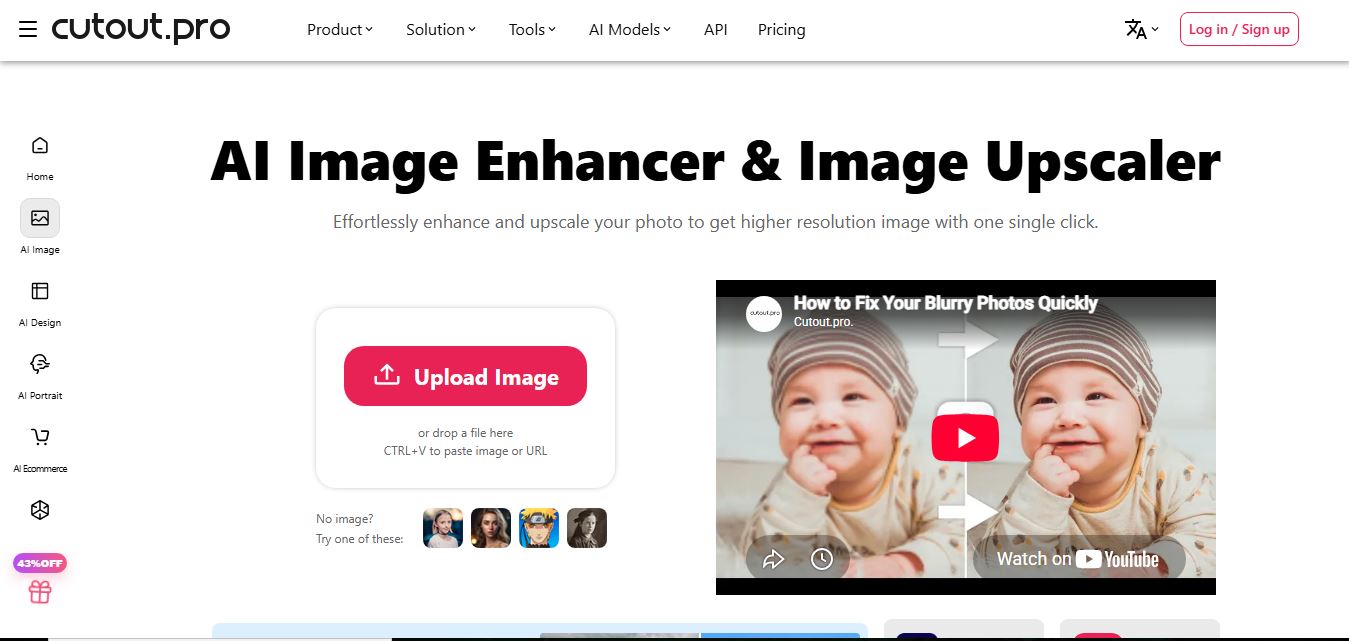
Cutout.Pro Photo Enhancer is an AI-powered image enhancement tool that helps users upscale resolution, sharpen blurry photos, and remove noise automatically. It uses advanced AI to restore details, improve clarity, and convert low-quality images into high-resolution visuals suitable for printing, ecommerce, and marketing.
 4.8
4.8Picsart AI Image Enhancer
AI Image Enhancer
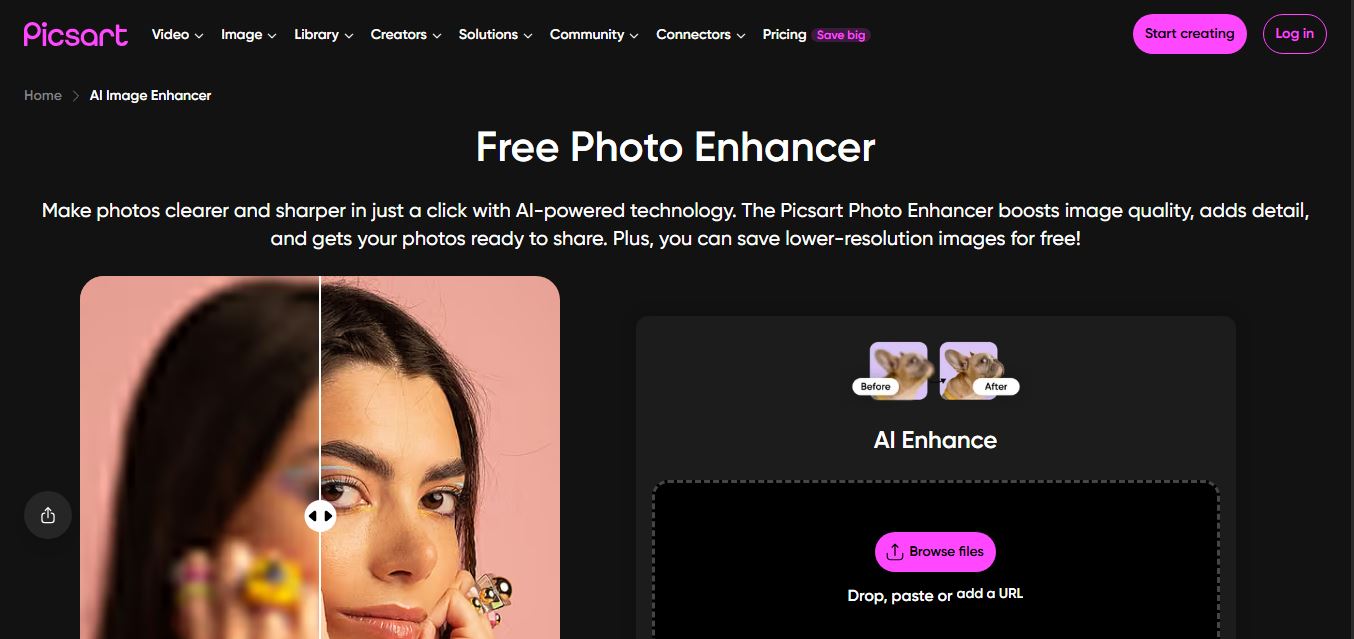
Picsart AI Image Enhancer is an AI-powered tool that helps users improve photo quality by sharpening details, removing noise, fixing blur, and increasing resolution instantly. It uses advanced AI to restore clarity, enhance colors, and upscale images, making visuals sharper and more professional in seconds.