
Picsart AI Image Enhancer
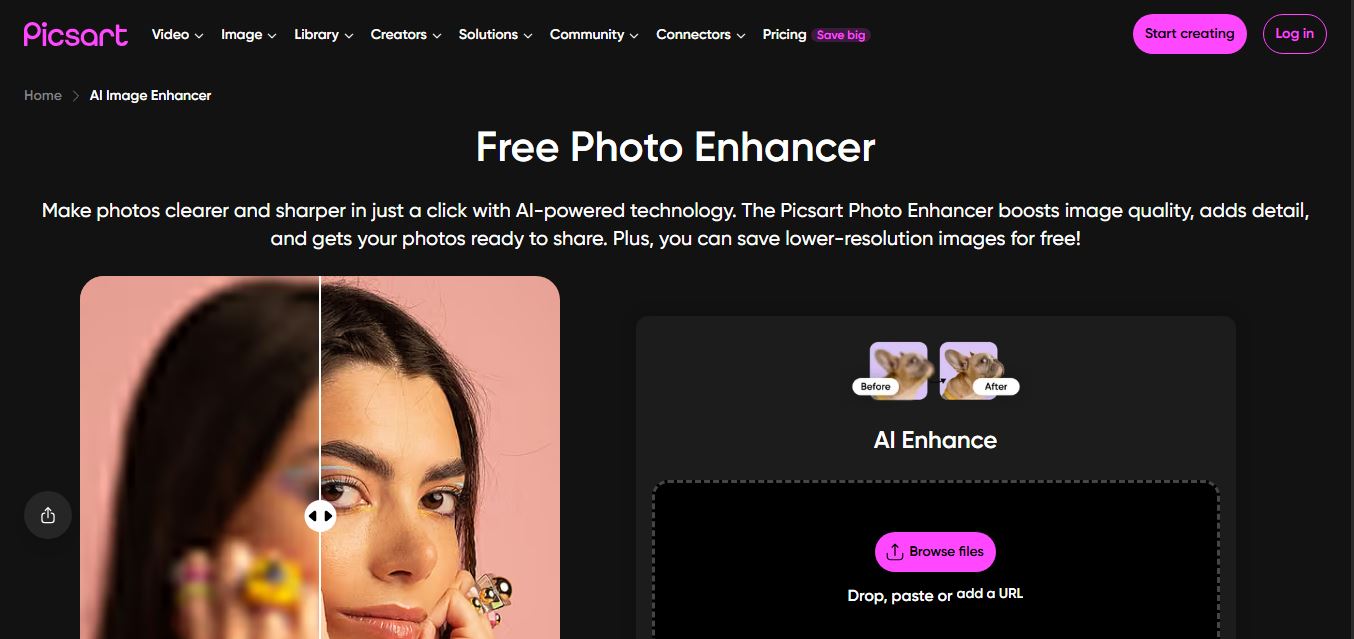
Picsart AI Image Enhancer is an AI-powered tool that helps users improve photo quality by sharpening details, removing noise, fixing blur, and increasing resolution instantly. It uses advanced AI to restore clarity, enhance colors, and upscale images, making visuals sharper and more professional in seconds.
What is Picsart AI Image Enhancer?
Picsart AI Image Enhancer is an AI-powered tool that improves image quality by enhancing resolution, sharpening details, and reducing noise with just a few clicks. It allows users to upscale low-quality or blurry images while maintaining clarity, making them suitable for social media, marketing, or printing. The tool works directly in the browser and also integrates with Picsart’s broader editing suite, enabling further customization like filters, backgrounds, and effects. It’s designed for creators, marketers, and everyday users who want quick, professional-looking results without advanced editing skills.
Developed under Picsart's comprehensive visual suite (founded by Hovhannes Avoyan), Picsart serves over 150 million monthly active creators worldwide. Available across modern desktop web browsers, iOS, and Android applications, the AI Image Enhancer allows users to upscale photo resolution up to 4K UHD. Beyond simple pixel upscaling, the platform leverages deep learning computer vision to reconstruct missing facial details, reduce camera sensor grain, balance exposure, and seamlessly transfer enhanced visuals into Picsart's complete design studio, bulk photo editor, and marketing template library.
- Platform / Developer: Picsart Inc. (Miami, FL, USA & Global)
- Launch / Evolution: Expanded through 2024–2026 with ultra-HD 4K enhancement algorithms, facial detail reconstruction, bulk image processing up to 50–100 images, and seamless mobile-to-web synchronization
Use Cases:
- Restoring and sharpening blurry or out-of-focus portraits and selfies for profile pictures and social media posts
- Upscaling low-resolution smartphone product photos to crisp, marketplace-ready assets for Amazon, Shopify, and Etsy
- De-noising vintage family photographs and compressed digital screenshots to recover sharp details
- Preparing visual graphics, flyers, and promotional posters for high-resolution digital publishing or physical printing
Technology:
- Deep convolutional neural networks and generative restoration models trained on millions of high-contrast photographic textures
- Facial landmark reconstruction algorithms that intelligently detect and sharpen eyes, eyebrows, lips, and hair strands without artificial plastic distortion
- Cross-platform rendering pipeline providing fast, GPU-accelerated cloud processing across web and mobile clients
Target Users:
- Social media influencers, YouTubers, and TikTok creators needing fast photo touch-ups on the go
- E-commerce store owners and resellers turning amateur phone photography into professional commercial product listings
- Digital marketers and small business owners creating crisp marketing collaterals and social ad banners
- Content creators using writing tools to draft visual content briefs, product listings, and promotional campaign copy
Corporate Entity: Operates as Picsart Inc. (Miami, FL, USA & Global)

Key features of Picsart AI Image Enhancer
Picsart AI Image Enhancer's key features are
- One-Tap AI Image Clarity: Automatically detects compression artifacts, blur, and lighting flaws, sharpening the image in 5 to 10 seconds.
- High-Resolution Upscaling (Up to 4K): Upscales low-resolution images into ultra-high-definition resolution suitable for digital displays and print media.
- Facial Feature Reconstruction: Uses intelligent face-parsing AI to restore realistic detail to facial features, hair, and eyes in vintage or out-of-focus portraits.
- Noise & Grain Reduction: Eliminates sensor noise, color banding, and compression grain commonly found in low-light phone photos.
- Automatic Color & Contrast Correction: Balances exposure, shadows, and color vibrancy to give photos a rich, studio-lit appearance.
- Batch Enhancement (Bulk Editing): Pro and Ultra subscribers can batch-enhance multiple images simultaneously (up to 50–100 images per session) to save time.
- Seamless Design Studio Integration: Move enhanced photos directly into Picsart's editor to add typography, stickers, graphic overlays, and social media layout presets.
- Universal Cross-Device Access: Available as a browser-based web application and native mobile apps on iOS and Android with automatic cloud sync.
Picsart AI Image Enhancer Pricing
Picsart operates on a freemium model with free web and mobile tools alongside Pro and Ultra subscriptions for high-volume AI usage and commercial assets.
Free Plan:
- $0 / Free access
- Includes basic AI image enhancement, standard editing tools, free templates, and limited trial AI credits with watermarks on select premium features
Picsart Pro:
- $15.00 / month billed monthly (or $10.50 / month billed annually at $126.00/year; introductory offers often available around $5/month)
- Includes full access to the AI Image Enhancer, 500 monthly AI credits, watermark-free high-res downloads, bulk editing up to 50 images at once, background removal, and millions of stock photos
Picsart Ultra:
- $45.00 / month billed monthly (or $31.66 / month billed annually at $379.92/year)
- Includes 1,500 monthly AI credits, bulk editing up to 100 images at once, 300 GB cloud storage per seat, commercial license, team seat expansion, and priority GPU processing
Disclaimer: Prices are listed in USD and adjust according to regional billing. Unused monthly AI credits do not permanently roll over on all plans. Check picsart.com/pricing for active discounts and promotional trials.
Who is using Picsart AI Image Enhancer?
Picsart AI Image Enhancer is designed for creators, marketers, and sellers, including
- Social Media Content Creators: Sharpening selfies, travel photos, and video stills for Instagram, TikTok, and YouTube thumbnails
- E-Commerce Sellers & Resellers: Enhancing product shots taken under low indoor lighting to produce sharp catalog imagery
- Graphic Designers & Marketers: Upscaling low-resolution client logos and stock imagery before placing them into marketing campaigns
- Genealogy & Family Archivists: Restoring and de-noising scanned old family photographs and vintage prints
- Content Creators: Using writing tools to draft visual content briefs, product listings, and promotional campaign copy
- Everyday Mobile Users: Fixing accidental camera shake, motion blur, and poor resolution on memorable phone snapshots
Best Picsart AI Image Enhancer Alternatives
Some of the strongest Picsart AI Image Enhancer alternatives include
- Topaz Photo AI
- Remini
- Upscayl
- Vmake AI Image Enhancer
- Fotor Photo Enhancer
- Pixelcut Image Upscaler
Pros and Cons of Picsart AI Image Enhancer
Pros
- One-click automated enhancement delivers noticeable improvements in sharpness and facial clarity in 5 to 10 seconds
- Upscales photos up to 4K resolution while reducing sensor noise and compression grain
- Directly integrated into Picsart's comprehensive editing ecosystem with filters, text overlays, and templates
- Available across desktop browsers and native mobile apps with cloud synchronization
- Supports batch editing for up to 50–100 images simultaneously on Pro and Ultra plans
Cons
- Free version provides limited trial AI credits and may include watermarks on certain export tools
- Sharpening on high-contrast images or low-resolution text can occasionally look slightly aggressive or over-processed
- Advanced batch processing and 4K uncompressed exports require a paid Pro or Ultra subscription
- Lacks granular manual algorithmic controls (like individual noise thresholds) available in desktop suites like Topaz Photo AI
Why Choose Picsart AI Image Enhancer?
Picsart AI Image Enhancer is an effective choice for creators and small businesses looking for an accessible, all-in-one photo enhancement solution that sharpens photos, upscales resolution to 4K, and connects directly into a design studio across mobile and web.
- Sharpen blurry and pixelated photos in seconds with one-click automated AI
- Upscale low-resolution images up to 4K resolution with realistic texture preservation
- Restore facial features and eliminate sensor grain automatically
- Batch enhance up to 100 images at once to streamline catalog launches
- Access your photo projects seamlessly across web browsers and mobile apps
Picsart AI Image Enhancer vs. Competitors
The main difference between Picsart AI Image Enhancer, Remini, Topaz Photo AI, and Upscayl is that Picsart embeds AI upscaling and enhancement directly inside an all-in-one graphic design and social template studio across web and mobile, whereas Remini focuses primarily on mobile face reconstruction and portrait enhancement, Topaz Photo AI is a premium desktop-grade utility for professional photographers, and Upscayl is a free open-source local desktop upscaler. Picsart stands out for its all-in-one design environment, bulk online editing, and multi-device convenience.
| Feature / Tool | Picsart AI Image Enhancer | Remini | Topaz Photo AI | Upscayl |
|---|---|---|---|---|
| Core Focus | All-in-One AI Design Studio & Enhancer | Mobile AI Face Restoration & Enhancing | Professional Desktop Photo Upscaling | Open-Source Local AI Image Upscaler |
| Maximum Upscaling | Up to 4K UHD | High-Resolution Mobile HD | Up to 16x (Gigapixel Quality) | Up to 16x Local Upscaling |
| Integrated Design Studio | Yes (Templates, Fonts, Stickers) | No Design Studio | No Design Studio | No Design Studio |
| Platform Availability | Web, iOS, Android | iOS, Android, Web | macOS, Windows (Desktop) | macOS, Windows, Linux |
| Starting Paid Price | Free tier / Pro $10.50/mo (annual) | Free trial / ~$6.99–$9.99/week | $199.00 one-time license | 100% Free Open Source |
| Best For | Social Creators Needing Enhancing & Design | Quick Mobile Portrait & Selfie Restoration | Professional Photographers & Print Work | Offline Free Local Upscaling on Fast GPUs |
How do we rate Picsart AI Image Enhancer?
| Parameter | Rating (out of 5) |
|---|---|
| Clarity Restoration & De-blurring Quality | 4.8 |
| 4K Upscaling & Facial Feature Precision | 4.8 |
| Integration with Picsart Design Studio | 5.0 |
| Cross-Device Experience (Web & Mobile) | 4.9 |
| Value for Money | 4.7 |
| Overall Score | 4.84 |
Picsart AI Image Enhancer Review
Picsart AI Image Enhancer offers practical value by making photo restoration and upscaling accessible without complex technical controls. Rather than opening separate standalone upscaler utilities and moving files across applications, users can drop an out-of-focus photo or low-resolution graphic directly into Picsart, enhance it in seconds, and proceed with graphic design or social media layout tasks. The facial reconstruction model works reliably on portraits by clarifying eyes, smoothing compression noise, and improving sharpness without giving subjects an overly artificial appearance. Combined with bulk batch editing and cross-device mobile accessibility, Picsart is a versatile photo enhancement tool for creators, marketers, and online sellers.
Conclusion
Picsart AI Image Enhancer is a capable AI photo upscaling and clarity restoration platform that simplifies visual post-processing for creators and small businesses. By uniting one-tap de-blurring, 4K resolution upscaling, facial feature recovery, noise reduction, and seamless integration with Picsart’s design templates across web and mobile, it eliminates the learning curve of traditional photo editing. While high-end photographers doing fine-art large-format printing may choose specialized desktop utilities like Topaz Photo AI, Picsart’s speed, template integration, and mobile convenience make it an essential graphic utility.
FAQ
What is Picsart AI Image Enhancer and how does it work?
Picsart AI Image Enhancer is a one-click AI tool that improves image quality, sharpness, and resolution automatically. You upload a photo, and the AI enhances details, removes blur, and balances colors to make the image look clearer and more professional—without manual editing.
What problem does this tool solve?
It solves the issue of low-quality, blurry, or pixelated images, which is common for old photos, compressed images, or product photos. Instead of manually editing in Photoshop, this tool automates enhancement, making images usable for social media, ads, or e-commerce instantly.
What features does Picsart AI Image Enhancer offer?
Key features include automatic sharpening, blur fixing, color correction, and resolution enhancement. It’s integrated into the broader Picsart ecosystem, so after enhancement you can continue editing with filters, background removal, templates, and other AI tools.
Is Picsart AI Image Enhancer free to use?
Picsart offers free access to basic editing, but the AI Enhance feature (especially high-resolution export) is typically part of paid subscription plans.
Can Picsart enhance images in bulk?
Yes, Picsart supports batch editing (up to 50–100 images depending on plan), making it useful for e-commerce sellers or content teams handling large volumes of visuals.
Does it work on all types of images?
It works best on slightly blurry, low-resolution, or compressed images. The AI significantly improves clarity in these cases, though extremely damaged or very low-quality images may still have limitations.
Who should use Picsart AI Image Enhancer?
It’s ideal for e-commerce sellers, marketers, content creators, photographers, and social media managers who need quick, high-quality visuals. It’s especially useful when image quality directly impacts conversions (product images, ads, thumbnails).
User Reviews
No reviews yet for Picsart AI Image Enhancer.
Featured Tools
Featured AI tools from TechShark

Melody Genie
MelodyGenie is an AI-powered music generator that creates original songs from simple text prompts. Users can choose styles, moods, and genres, then instantly generate melodies and full tracks, making it easy for creators, marketers, and hobbyists to produce custom music without musical expertise.
Freemium

Kimi AI
Kimi AI is an advanced AI assistant developed by Moonshot AI that helps you chat, research, write, code, and automate tasks in one place. It supports web search, file analysis, and multimodal inputs, and can even run autonomous “agent” workflows to complete complex tasks end-to-end.
Freemium

Fashion Diffusion AI
Fashion Diffusion is an AI-powered fashion design platform that helps brands and designers create clothing designs, virtual try-ons, AI models, product photos, and marketing visuals faster and cost-effectively.
Paid

Veo 4
Veo 4 AI is an AI video creation platform that generates dramatic videos from text, images, audio, and video prompts using realistic motion and synchronized sound.
Paid
Alternatives
Alternatives to Picsart AI Image Enhancer
The best Picsart AI Image Enhancer alternatives include Topaz Photo AI, Remini, Upscayl, Vmake AI Image Enhancer, Fotor Photo Enhancer, and Pixelcut Image Upscaler. These platforms provide AI image upscaling, photo restoration, and blur removal. While Picsart specializes in combining AI image enhancement up to 4K with a complete graphic design studio, mobile apps, and bulk editing for up to 100 images, alternatives like Topaz Photo AI deliver specialized desktop-grade photographic enlargement, Remini focuses on mobile face restoration, and Upscayl provides free open-source local processing. Choosing the right tool depends on whether you require an all-in-one design studio with mobile sync, dedicated portrait restoration, or offline GPU upscaling.
Neural.love
AI Image Enhancer
Neural.love is an AI-powered creative platform for generating images, editing photos, enhancing videos, restoring old media, and animating pictures. It combines multiple AI tools in a browser-based workspace, helping content creators, marketers, photographers, designers, and businesses improve visual content without relying entirely on traditional editing software.
 4.9
4.9EnhancePhoto AI
AI Image Enhancer
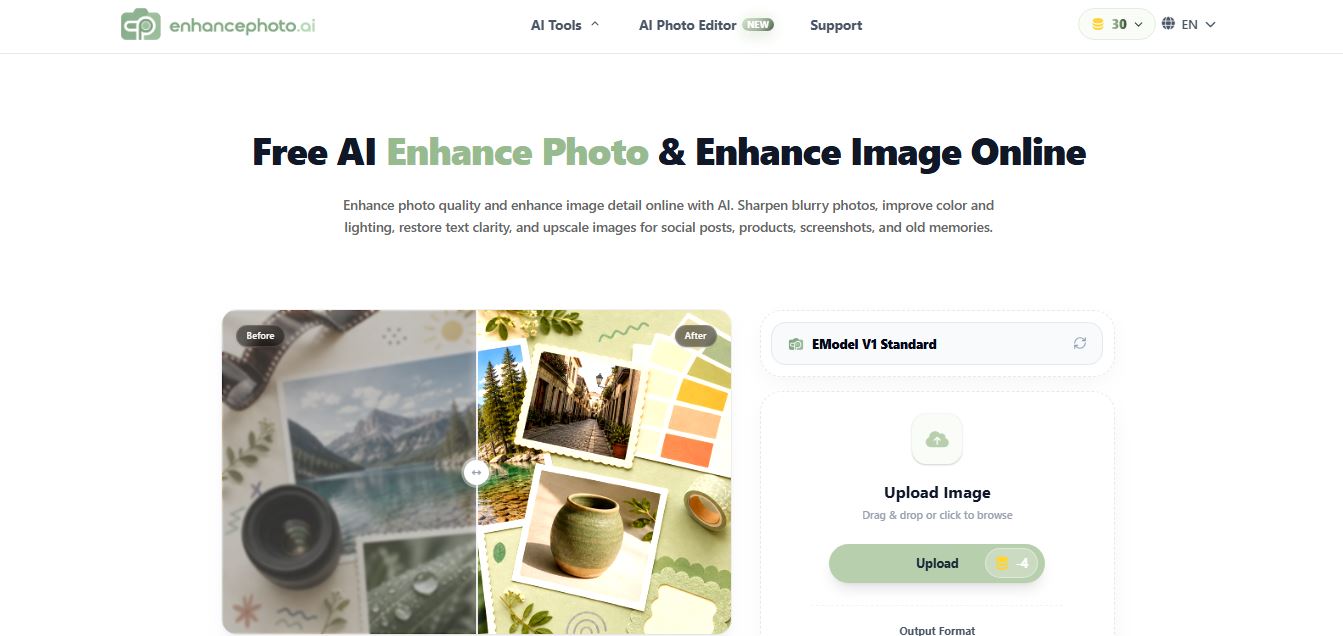
EnhancePhoto.ai is an AI-powered image enhancement tool that helps users sharpen blurry photos, improve colors, fix lighting, and upscale resolution up to high-quality outputs. It works directly in the browser with no login, offering fast, watermark-free results for social media, ecommerce, and content creation.
 4.8
4.8EzEnhancer AI
AI Image Enhancer
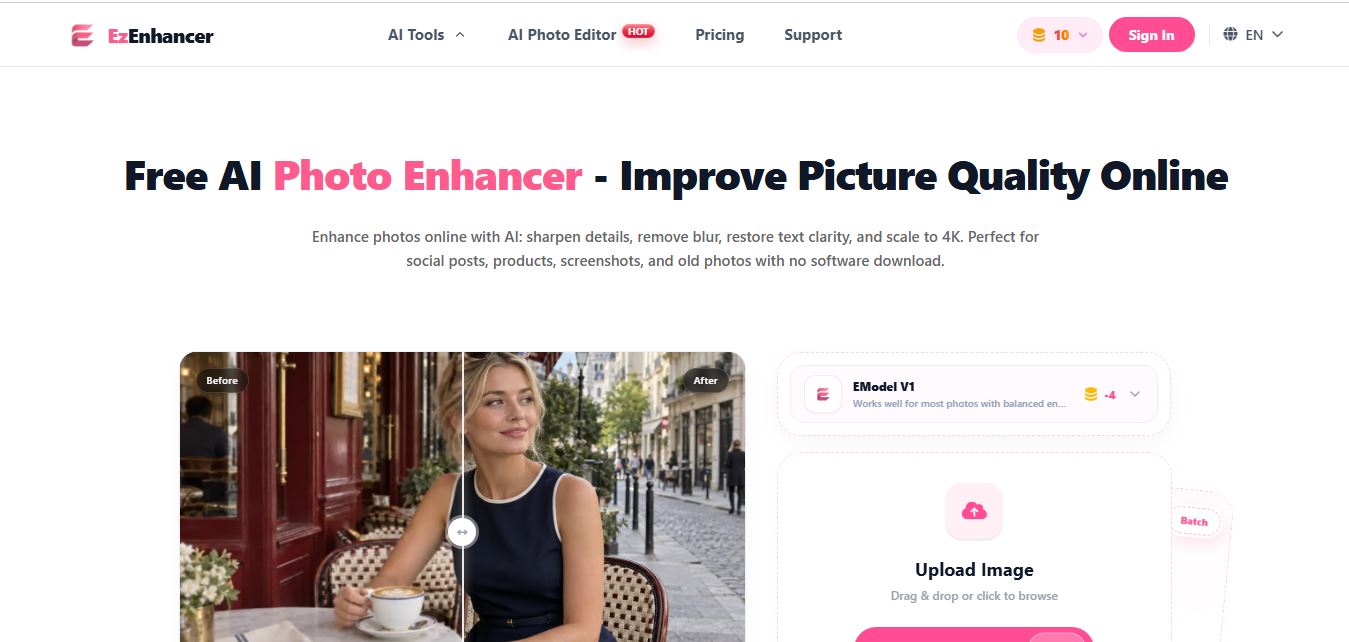
EzEnhancer is an AI-powered image and video enhancement platform that helps users upscale resolution, sharpen details, remove blur, and restore old or low-quality media. It offers tools like background removal, colorization, and noise reduction, enabling fast, browser-based editing without installing software.
 4.9
4.9Deep Image AI
AI Image Enhancer
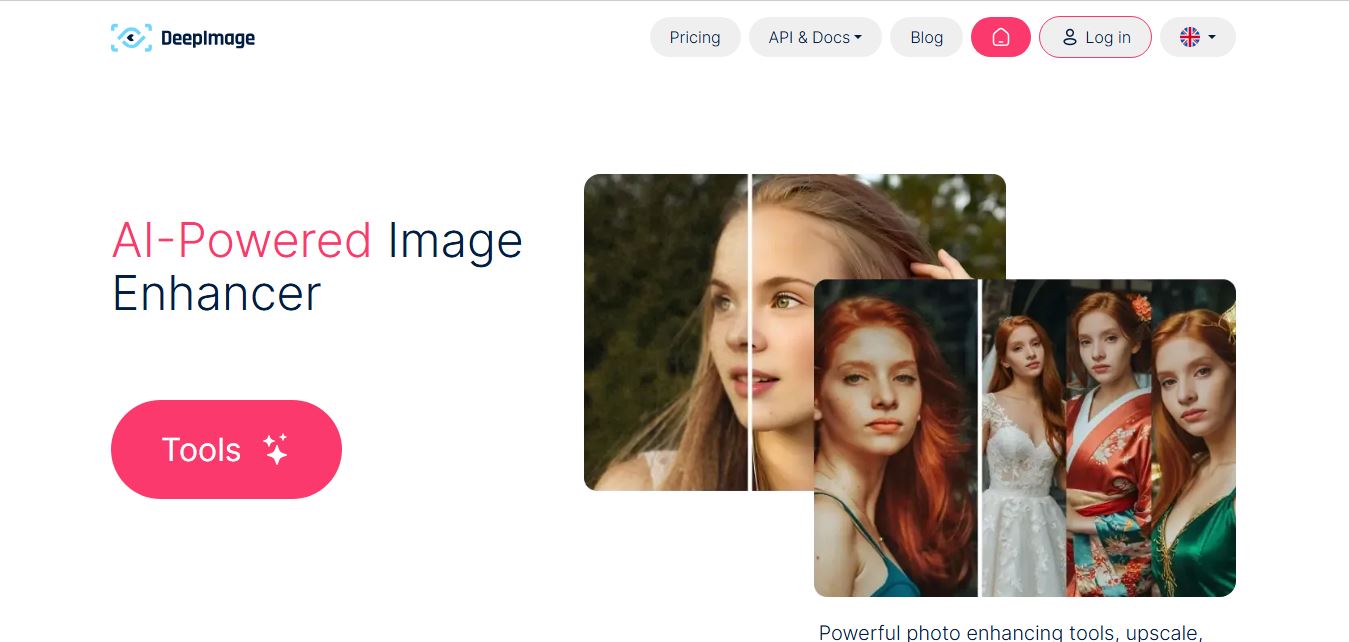
Deep Image AI is an AI-powered image enhancement platform that helps users upscale resolution, sharpen details, reduce noise, and improve colors automatically. It uses neural networks to analyze images and apply enhancements, enabling fast, high-quality results for ecommerce, design, printing, and professional visual workflows.
 4.9
4.9Krea AI Enhancer
AI Image Enhancer
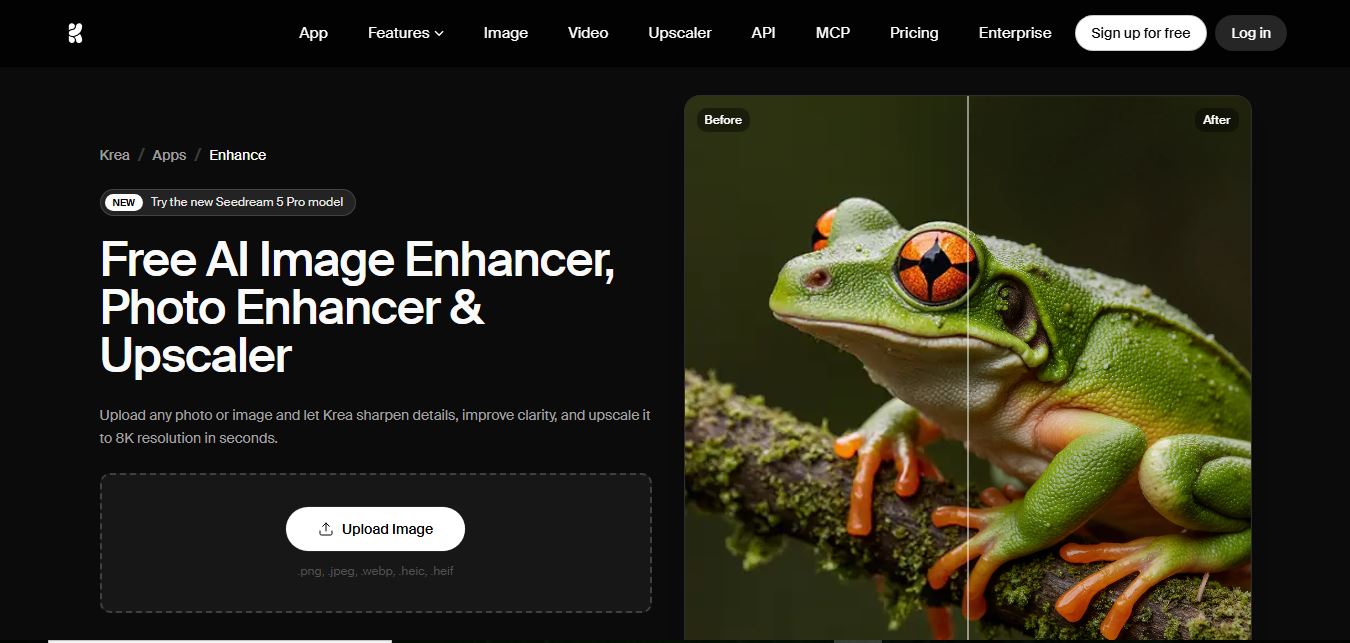
Krea AI Image Enhancer is an AI-powered tool that helps users upscale, sharpen, and restore low-quality images instantly. It improves resolution, reduces noise, and reconstructs missing details, turning blurry or pixelated photos into high-quality visuals suitable for design, ecommerce, and content creation.
 4.8
4.8Visual Paradigm Image Enhancer
AI Image Enhancer
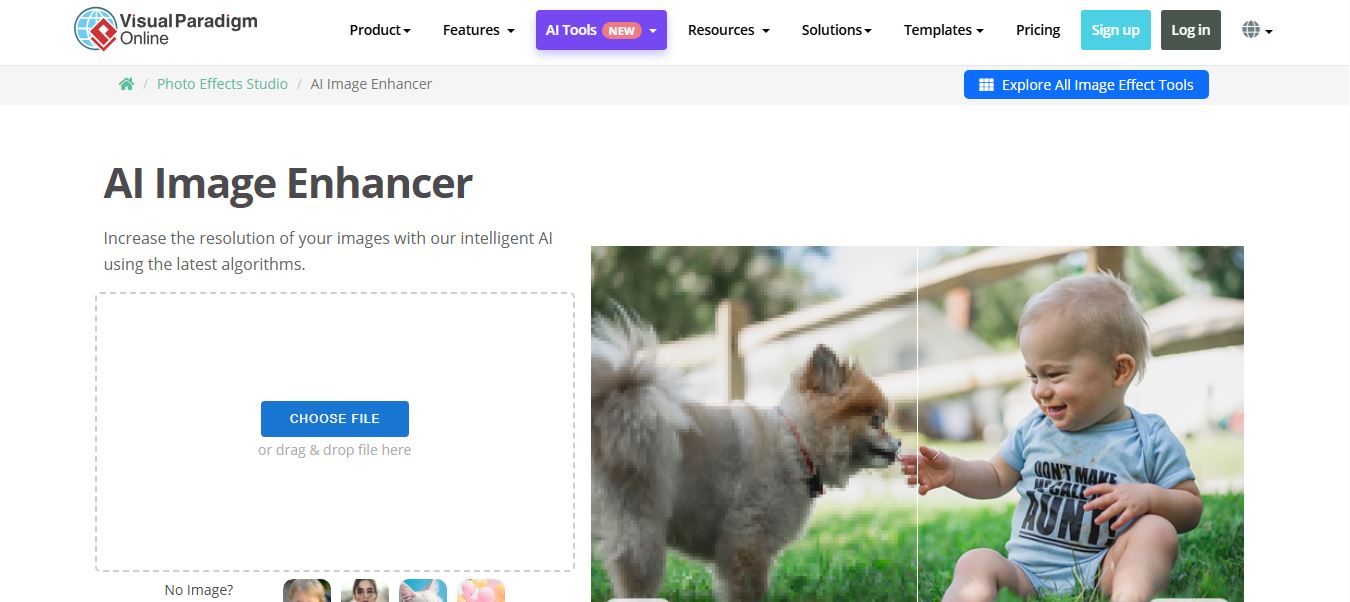
Visual Paradigm Image Enhancer is an AI-powered online tool that helps users upscale resolution, sharpen details, and improve photo quality instantly. It offers one-click enhancement, noise reduction, and unblur features, making it easy to create clear, high-resolution images without installing software.
 4.9
4.9Adobe Express Image Enhancer
AI Image Enhancer
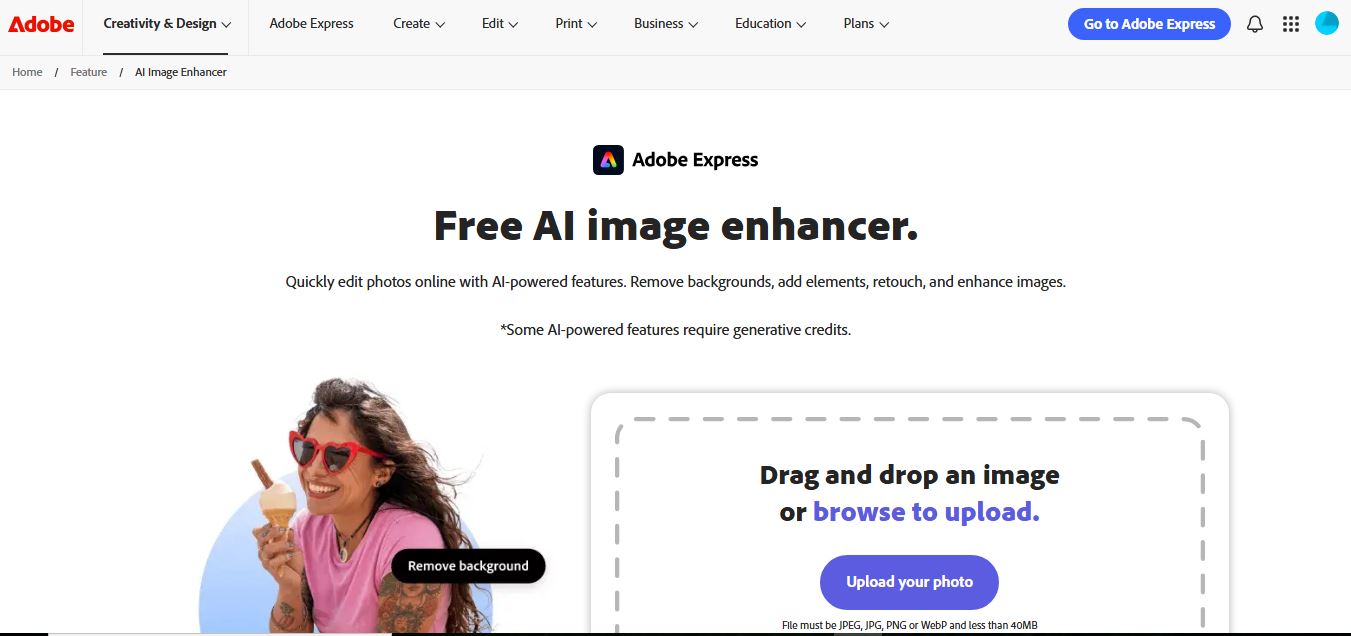
Adobe Express Image Enhancer is a free AI-powered tool that helps users improve photo quality with one-click auto-enhance, background removal, and object editing. It also offers manual controls for brightness, contrast, and sharpness, making it easy to create polished visuals for design, marketing, and social media.
 4.8
4.8Cutout.pro Photo Enhancer & Upscaler
AI Image Enhancer
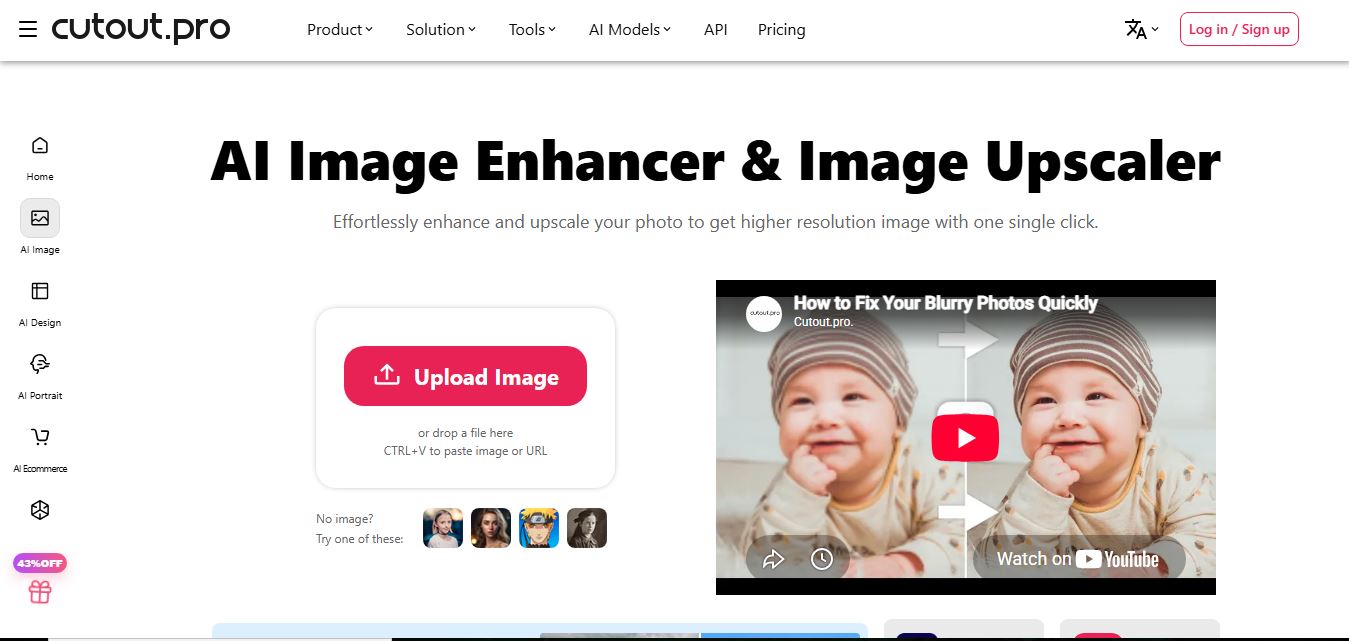
Cutout.Pro Photo Enhancer is an AI-powered image enhancement tool that helps users upscale resolution, sharpen blurry photos, and remove noise automatically. It uses advanced AI to restore details, improve clarity, and convert low-quality images into high-resolution visuals suitable for printing, ecommerce, and marketing.