EzEnhancer AI
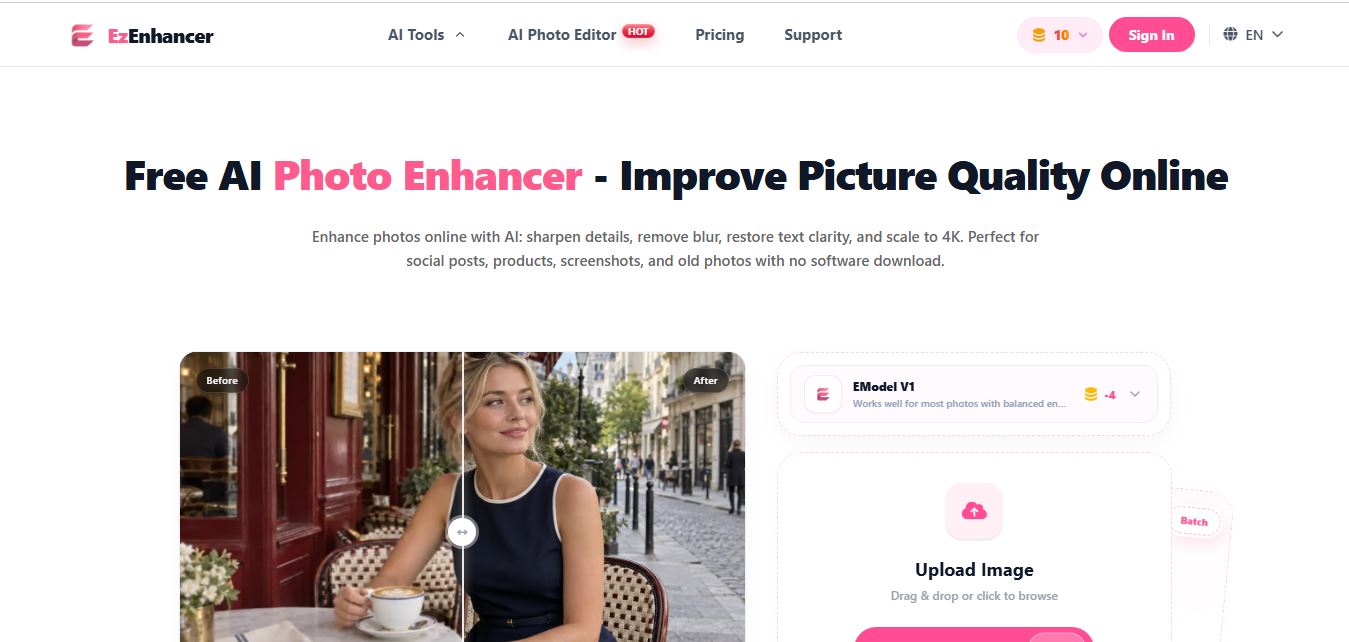
EzEnhancer is an AI-powered image and video enhancement platform that helps users upscale resolution, sharpen details, remove blur, and restore old or low-quality media. It offers tools like background removal, colorization, and noise reduction, enabling fast, browser-based editing without installing software.
What is EzEnhancer AI?
EZEnhancer is an AI-powered image enhancement tool that helps users improve photo quality by upscaling resolution, sharpening details, and reducing noise automatically. It allows users to upload low-quality or blurry images and transform them into clear, high-resolution visuals within seconds. The platform is designed for creators, marketers, and businesses who need quick, professional-looking results without manual editing. With a simple interface and fast processing, EZEnhancer makes image enhancement easy and accessible for everyday use.
Built as a versatile, browser-first image post-processing toolkit, EzEnhancer AI serves creators, archivists, and online merchants worldwide. Powered by advanced Deep Convolutional Neural Networks (CNNs) and generative restoration models, the platform repairs common digital photographic issues including motion blur, compression artifacts, underexposure, and digital camera grain. Beyond standard one-click sharpening, EzEnhancer AI brings together an entire ecosystem of micro-utilities—including 4K photo upscaling, vintage photo scratch repair, black-and-white photo colorization, AI background removal, noise reduction, and smart social cropping—with daily free credits and watermark-free downloads.
- Platform / Developer: EzEnhancer AI (Global Online Creative AI Suite)
- Evolution / Launch: Scaled through 2024–2026 with deep learning CNN restoration models, 4K super-resolution upscaling, vintage photo repair modules, privacy-first temporary cloud caching, and small-batch processing for VIP accounts
Use Cases:
- Unblurring out-of-focus portraits, soft camera snapshots, and compressed screenshots for social media feeds and profile avatars
- Upscaling low-resolution supplier product photos to crisp 4K resolution for Amazon, Shopify, and eBay marketplace listings
- Restoring faded, scratched, and creased vintage family photographs and colorizing historical black-and-white portraits
- Isolating product subjects and removing distracting backgrounds to create clean e-commerce packshots and marketing banners
Technology:
- Deep Convolutional Neural Networks (CNN) and context-aware latent models trained to reconstruct missing edge details and facial biometrics
- Sub-pixel super-resolution algorithms synthesizing coherent textures without causing blur or jagged edge artifacts
- Privacy-conscious cloud processing architecture that automatically deletes uploaded source files following image generation
Target Users:
- Social media managers, influencers, and YouTubers wanting quick browser-based photo sharpening and thumbnail touch-ups
- E-commerce sellers, dropshippers, and small business owners creating clean product listings from low-quality supplier photos
- Genealogy researchers, family archivists, and historians repairing and colorizing vintage family portraits
- Content creators using writing tools to draft product listings, design briefs, and promotional marketing collateral
Corporate Entity: Operates as EzEnhancer AI (Global)

Key features of EzEnhancer AI
EzEnhancer AI's key features are
- One-Click AI Image Enhancer: Automatically detects compression artifacts, lighting issues, and softness, enhancing sharpness and colors in seconds.
- 4K Photo Upscaling: Reconstructs missing pixels based on contextual image data to enlarge low-resolution images up to 4K resolution with clear details.
- AI Photo Restoration & Scratch Removal: Detects and repairs scratches, tears, dust spots, and creases on scanned vintage photos.
- AI Photo Colorizer: Intelligently injects realistic, natural color palettes into historical black-and-white portraits and monochrome images.
- AI Unblur & Detail Sharpener: Intelligently evaluates optical motion blur and soft focus to restore facial details, hair strands, and text readability.
- Automated Background Remover: Isolates primary foreground subjects and strips away backgrounds for clean transparent PNG exports.
- Noise & Grain Reduction: Eliminates digital camera sensor grain and JPEG compression noise commonly found in low-light evening photography.
- Format Converter & Smart Cropper: Converts images across JPG, PNG, and WebP formats, and applies AI-assisted auto-cropping for social media aspect ratios.
EzEnhancer AI Pricing
EzEnhancer AI operates on a freemium credit model, providing free daily credits alongside flexible monthly subscriptions and VIP plans for high-volume creators.
Free Plan:
- $0 / Free access
- Includes complimentary daily free credits, basic image enhancement, 4K upscaling previews, watermark-free downloads within available credits, and zero mandatory software installation
Paid & VIP Subscriptions:
- Starts from approximately $8.00 to $45.00 / month depending on credit allowances and batch processing capacity
- Includes expanded monthly credit pools, batch processing for 2 to 20 images simultaneously, faster cloud GPU processing queues, priority server access, and extended cloud storage history
Disclaimer: Prices are listed in USD. Free trial tools allow users to test core sharpening and upscaling features without upfront software purchase. Check ezenhancer.ai for current plan pricing and credit promotions.
Who is using EzEnhancer AI?
EzEnhancer AI is designed for creators, sellers, and everyday users, including
- Social Media Content Creators: Sharpening blurry smartphone snapshots and preparing clear graphics for Instagram, TikTok, and YouTube
- E-Commerce Sellers & Dropshippers: Enhancing supplier product photos and removing busy backgrounds for clean marketplace catalogs
- Family Historians & Archivists: Digitizing family scrapbooks, removing scratches, and colorizing black-and-white heirloom pictures
- Digital Marketers & Solo Entrepreneurs: Quickly touching up marketing collaterals and event photos without hiring external designers
- Content Creators: Using writing tools to draft product listings, design briefs, and promotional marketing collateral
- Casual Smartphone Users: Fixing camera shake, motion blur, and low-light noise on personal memories
Best EzEnhancer AI Alternatives
Some of the strongest EzEnhancer AI alternatives include
- Let's Enhance Image Enhancer
- Picsart AI Image Enhancer
- Cutout.pro Photo Enhancer
- Krea AI Enhancer
- HitPaw FotorPea
- Upscayl
Pros and Cons of EzEnhancer AI
Pros
- 100% browser-based operation requiring no heavy desktop software download or local GPU installation
- Offers daily free credits and delivers watermark-free results within available credit allowances
- Comprehensive toolbox combining sharpening, 4K upscaling, scratch repair, colorization, and background removal
- Simple drag-and-drop workflow with intuitive before-and-after split slider comparisons
- Privacy-conscious architecture that automatically deletes uploaded files from temporary storage
Cons
- Extreme motion blur or severely degraded faces may yield AI-estimated textures that require manual verification
- Batch processing of larger photo libraries (2 to 20 images) is restricted to VIP paid plans
- Processing speed on the free tier can fluctuate during peak server traffic hours
- Lacks advanced manual camera correction sliders and RAW image debayering found in desktop tools like Topaz Photo AI
Why Choose EzEnhancer AI?
EzEnhancer AI is an effective choice for creators, sellers, and casual users who want an accessible, all-in-one browser photo enhancer that sharpens images, repairs vintage photos, and upscales resolution up to 4K without complex desktop software.
- Enhance photos, unblur details, and upscale to 4K resolution in a few clicks
- Repair scratched vintage photos and colorize black-and-white portraits
- Isolate subjects and remove backgrounds directly within the same dashboard
- Test tools with daily free credits and watermark-free exports
- No software downloads or specialized GPU hardware required
EzEnhancer AI vs. Competitors
The main difference between EzEnhancer AI, Let's Enhance Image Enhancer, Picsart AI Image Enhancer, and HitPaw FotorPea is that EzEnhancer AI focuses on a lightweight, browser-based photo toolbox combining 4K upscaling, scratch repair, colorization, and background removal with daily free credits, whereas Let's Enhance specializes in high-megapixels print upscaling (up to 512 MP) with rollover credits, Picsart embeds upscaling inside a complete graphic design template studio, and HitPaw FotorPea is a dedicated desktop software suite offering unlimited offline batch processing. EzEnhancer AI stands out for its no-install web convenience, multi-tool restoration breadth, and accessible entry point.
| Feature / Tool | EzEnhancer AI (ezenhancer.ai) | Let's Enhance | Picsart AI Enhancer | HitPaw FotorPea |
|---|---|---|---|---|
| Core Focus | Browser AI Photo Enhancer & Restoration | Print-Scale AI Upscaling (512 MP) | All-in-One Design Studio & Enhancer | Desktop Batch Photo Restoration Suite |
| Platform Type | Web Browser (Desktop & Mobile) | Cloud Web Platform / API | Web, iOS, Android | Windows & Mac Desktop Software |
| Maximum Upscaling | Up to 4K Resolution | Up to 16x (512 Megapixels) | Up to 4K UHD | Up to 4K / 8K Resolution |
| Vintage Photo Repair & Colorize | Yes (Built-in scratch repair & colorizer) | Yes (Old Photo Model) | Basic restoration filters | Yes (Dedicated Scratch & Colorize models) |
| Starting Paid Price | Free credits / Paid ~$8–$45/mo | Free trial / Starter $9.00/mo (annual) | Free tier / Pro $10.50/mo (annual) | $22.39/mo or $130.39 Perpetual |
| Best For | Quick Browser Touch-ups & Photo Restoration | Print-on-Demand & Credit Rollovers | Social Creators Needing Design Templates | Heavy Desktop Batch Restoration Users |
How do we rate EzEnhancer AI?
| Parameter | Rating (out of 5) |
|---|---|
| Clarity Restoration & Unblurring Quality | 4.8 |
| 4K Upscaling & Texture Sharpness | 4.8 |
| Photo Restoration & Colorization Breadth | 4.9 |
| Ease of Use & Zero-Install Speed | 4.9 |
| Value for Money | 4.8 |
| Overall Score | 4.84 |
EzEnhancer AI Review
EzEnhancer AI delivers a practical, hassle-free solution for common image enhancement and restoration tasks. For users who only need to unblur a family photo, upscale a product graphic for an online listing, or colorize an old scanned portrait, downloading bulky desktop software or managing complicated subscription commitments can be frustrating. EzEnhancer AI simplifies this by housing all essential photo tools in a responsive web browser interface. Its deep convolutional neural networks handle soft edges and digital noise effectively, while the inclusion of daily free credits allows users to evaluate results before subscribing. For casual creators, online sellers, and family archivists seeking a fast, dependable photo enhancer, EzEnhancer AI is an easy bookmark.
Conclusion
EzEnhancer AI is a capable free online AI photo enhancer and restoration toolkit that makes image quality improvement accessible from any device. By combining one-click deblurring, 4K super-resolution upscaling, vintage scratch repair, black-and-white colorization, and automated background removal into a clean, zero-install browser dashboard, it removes technical barriers from photo post-processing. While high-volume studio photographers requiring unlimited offline processing may prefer desktop suites like HitPaw FotorPea, EzEnhancer AI’s ease of use, tool versatility, and daily free credit model make it an appealing online photo utility.
FAQ
What is EzEnhancer AI and how does EzEnhancer AI work?
EzEnhancer AI is an online AI-powered image and video enhancement platform that improves media quality using advanced algorithms. Users can upload images or videos, choose a specific enhancement task like upscaling or restoration, and the tool automatically sharpens details, reduces noise, and improves clarity. The workflow is simple—upload, guide the AI, review the result, and download the enhanced output.
What problem does EzEnhancer AI solve for users?
EzEnhancer AI solves the problem of low-quality, blurry, or compressed media that reduces visual impact. Instead of using complex editing software, users can quickly enhance images and videos with AI, making content suitable for social media, marketing, or professional use without manual editing.
What are the key features of EzEnhancer AI?
EzEnhancer AI offers features like image upscaling, sharpening, deblurring, background removal, photo restoration, and AI-based editing with text prompts. It also includes video enhancement, compression, and multi-step workflows, allowing users to handle both images and videos in one platform.
How powerful is EzEnhancer AI for image and video upscaling?
EzEnhancer AI can upscale images up to 4K resolution while maintaining clarity and detail, and it also improves video quality by sharpening frames and reducing compression artifacts. The platform focuses on enhancing quality without changing the original look or story of the media.
Does EzEnhancer AI support AI photo editing with prompts?
Yes, EzEnhancer AI includes an AI photo editor where users can describe changes in plain language, such as modifying backgrounds, removing objects, or changing styles. The system processes these instructions and generates updated images without requiring design skills or manual tools.
How does EzEnhancer AI pricing work?
EzEnhancer AI uses a combination of daily free credits and subscription-based credits. Free users get a limited daily quota, while paid plans provide monthly credits that can roll over within limits. Users can also purchase one-time credit packs for additional usage without subscribing.
Can EzEnhancer AI handle bulk processing or workflows?
EzEnhancer AI supports structured workflows where users can apply multiple enhancements like upscaling, restoration, and compression in sequence. While it’s primarily designed for individual tasks, its workflow system allows efficient handling of multiple media files.
Who should use EzEnhancer AI?
EzEnhancer AI is ideal for content creators, marketers, designers, and businesses that need to improve image or video quality quickly. It is especially useful for social media content, product visuals, and restoring old media without investing time in advanced editing tools.
User Reviews
No reviews yet for EzEnhancer AI.
Featured Tools
Featured AI tools from TechShark

Melody Genie
MelodyGenie is an AI-powered music generator that creates original songs from simple text prompts. Users can choose styles, moods, and genres, then instantly generate melodies and full tracks, making it easy for creators, marketers, and hobbyists to produce custom music without musical expertise.
Freemium

Kimi AI
Kimi AI is an advanced AI assistant developed by Moonshot AI that helps you chat, research, write, code, and automate tasks in one place. It supports web search, file analysis, and multimodal inputs, and can even run autonomous “agent” workflows to complete complex tasks end-to-end.
Freemium

Fashion Diffusion AI
Fashion Diffusion is an AI-powered fashion design platform that helps brands and designers create clothing designs, virtual try-ons, AI models, product photos, and marketing visuals faster and cost-effectively.
Paid

Veo 4
Veo 4 AI is an AI video creation platform that generates dramatic videos from text, images, audio, and video prompts using realistic motion and synchronized sound.
Paid
Alternatives
Alternatives to EzEnhancer AI
The best EzEnhancer AI alternatives include Let's Enhance Image Enhancer, Picsart AI Image Enhancer, Cutout.pro Photo Enhancer, Krea AI Enhancer, HitPaw FotorPea, and Upscayl (Open Source). These platforms provide AI photo upscaling, image sharpening, and vintage photo restoration. While EzEnhancer AI specializes in an accessible, browser-based toolkit combining 4K upscaling, scratch repair, colorization, and background removal with daily free credits, alternatives like Let's Enhance deliver print-scale upscaling up to 512 megapixels with credit rollovers, Picsart combines photo enhancing with a complete graphic design template studio, and HitPaw FotorPea operates as an offline desktop application with unlimited batch editing. Choosing the right tool depends on whether you require quick, no-install browser restoration with daily free credits, dedicated print enlargement, or heavy desktop software.
Neural.love
AI Image Enhancer
Neural.love is an AI-powered creative platform for generating images, editing photos, enhancing videos, restoring old media, and animating pictures. It combines multiple AI tools in a browser-based workspace, helping content creators, marketers, photographers, designers, and businesses improve visual content without relying entirely on traditional editing software.
 4.9
4.9EnhancePhoto AI
AI Image Enhancer
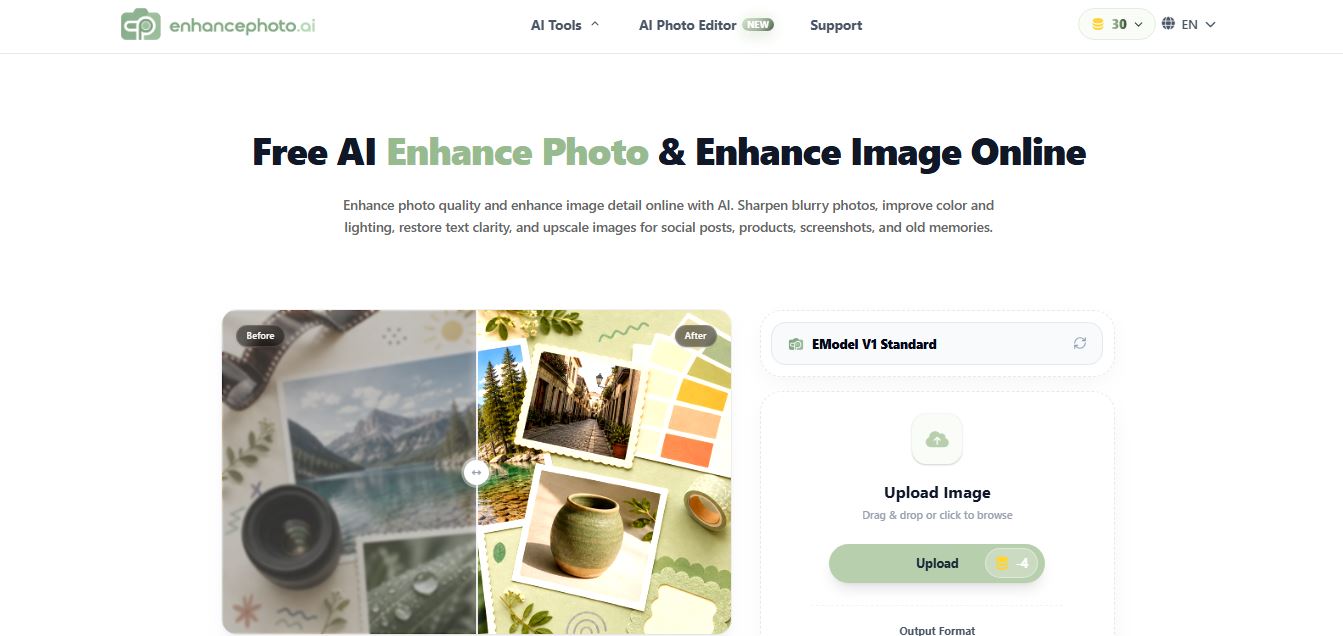
EnhancePhoto.ai is an AI-powered image enhancement tool that helps users sharpen blurry photos, improve colors, fix lighting, and upscale resolution up to high-quality outputs. It works directly in the browser with no login, offering fast, watermark-free results for social media, ecommerce, and content creation.
 4.9
4.9Deep Image AI
AI Image Enhancer
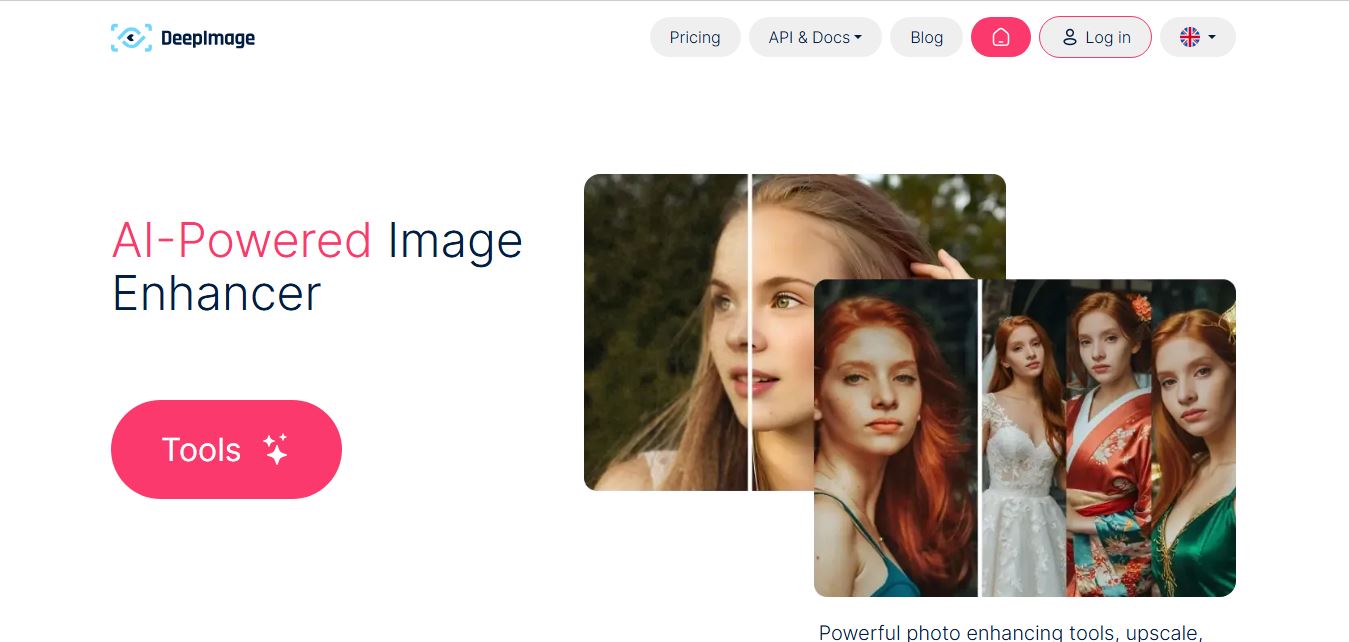
Deep Image AI is an AI-powered image enhancement platform that helps users upscale resolution, sharpen details, reduce noise, and improve colors automatically. It uses neural networks to analyze images and apply enhancements, enabling fast, high-quality results for ecommerce, design, printing, and professional visual workflows.
 4.9
4.9Krea AI Enhancer
AI Image Enhancer
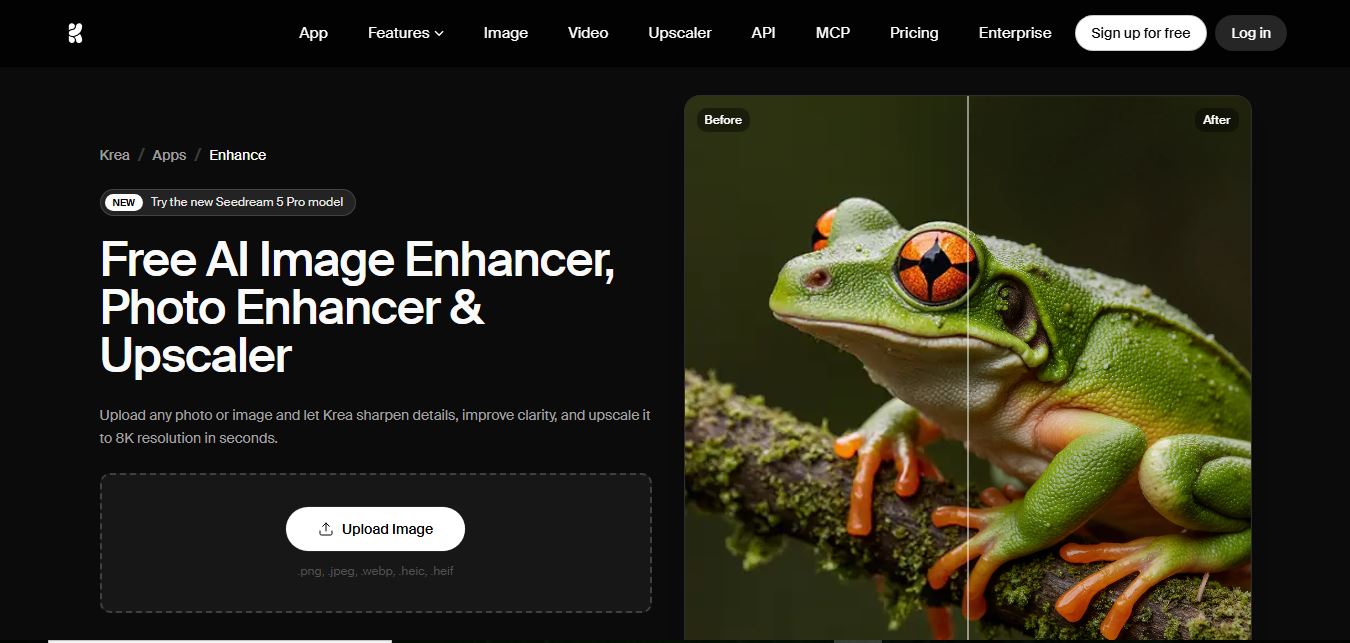
Krea AI Image Enhancer is an AI-powered tool that helps users upscale, sharpen, and restore low-quality images instantly. It improves resolution, reduces noise, and reconstructs missing details, turning blurry or pixelated photos into high-quality visuals suitable for design, ecommerce, and content creation.
 4.8
4.8Visual Paradigm Image Enhancer
AI Image Enhancer
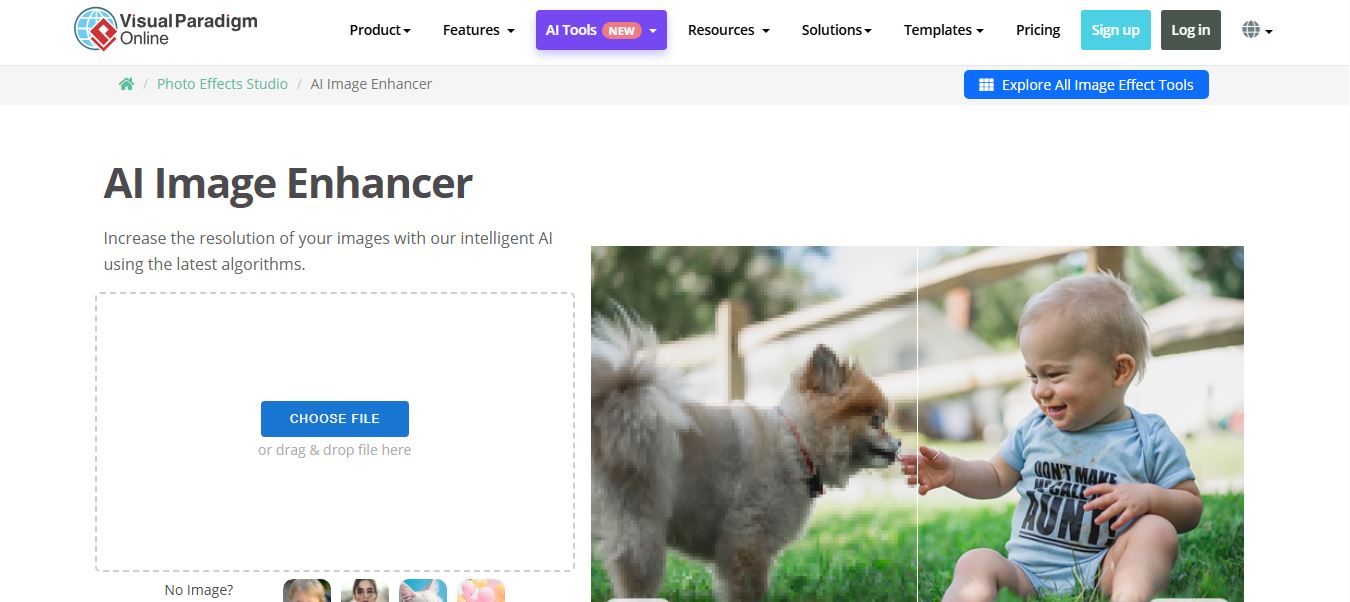
Visual Paradigm Image Enhancer is an AI-powered online tool that helps users upscale resolution, sharpen details, and improve photo quality instantly. It offers one-click enhancement, noise reduction, and unblur features, making it easy to create clear, high-resolution images without installing software.
 4.9
4.9Adobe Express Image Enhancer
AI Image Enhancer
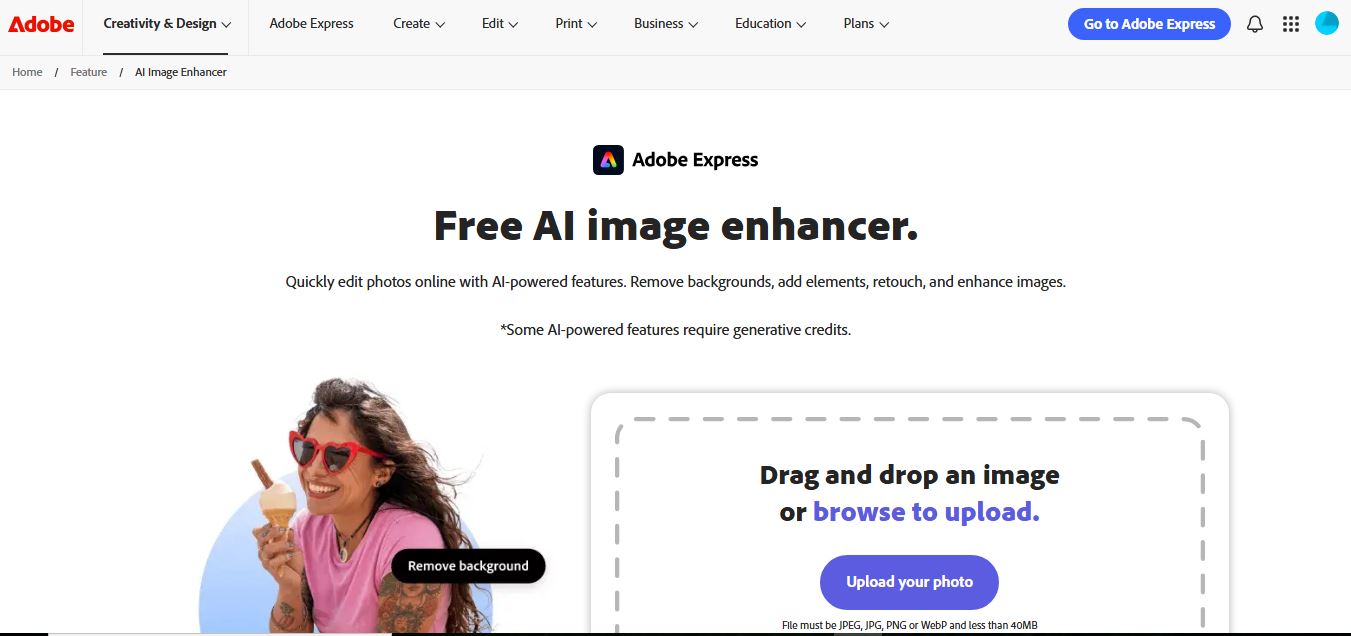
Adobe Express Image Enhancer is a free AI-powered tool that helps users improve photo quality with one-click auto-enhance, background removal, and object editing. It also offers manual controls for brightness, contrast, and sharpness, making it easy to create polished visuals for design, marketing, and social media.
 4.8
4.8Cutout.pro Photo Enhancer & Upscaler
AI Image Enhancer
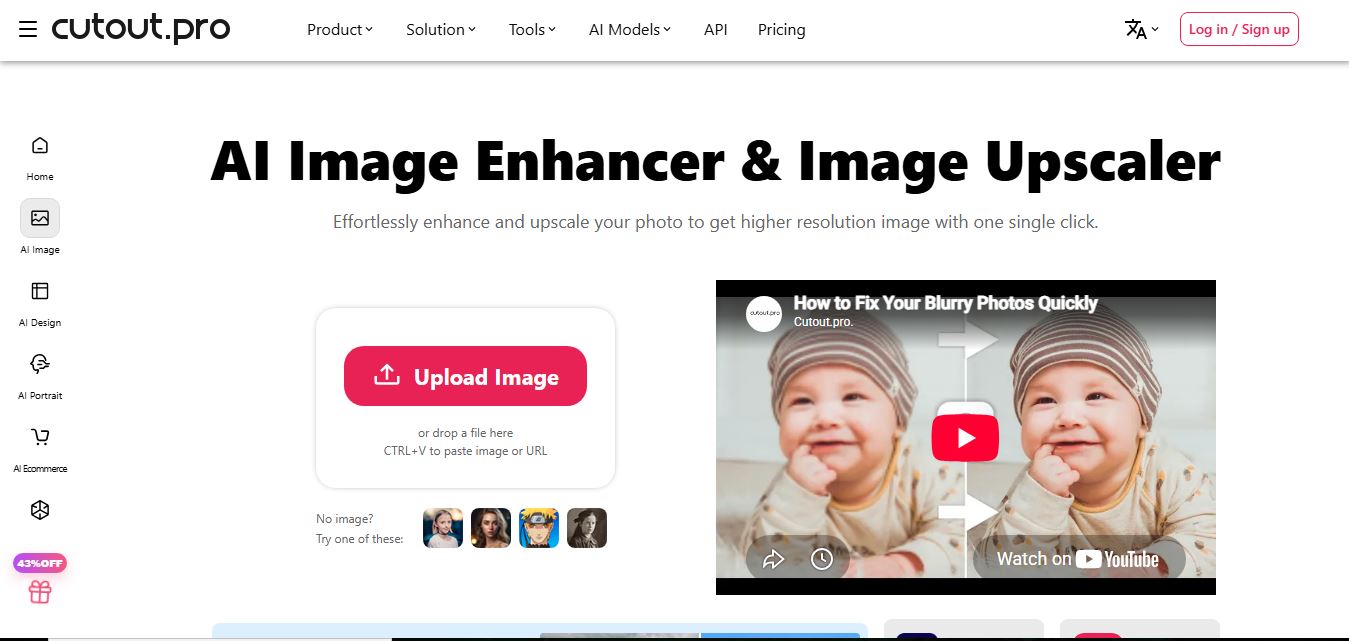
Cutout.Pro Photo Enhancer is an AI-powered image enhancement tool that helps users upscale resolution, sharpen blurry photos, and remove noise automatically. It uses advanced AI to restore details, improve clarity, and convert low-quality images into high-resolution visuals suitable for printing, ecommerce, and marketing.
 4.8
4.8Picsart AI Image Enhancer
AI Image Enhancer
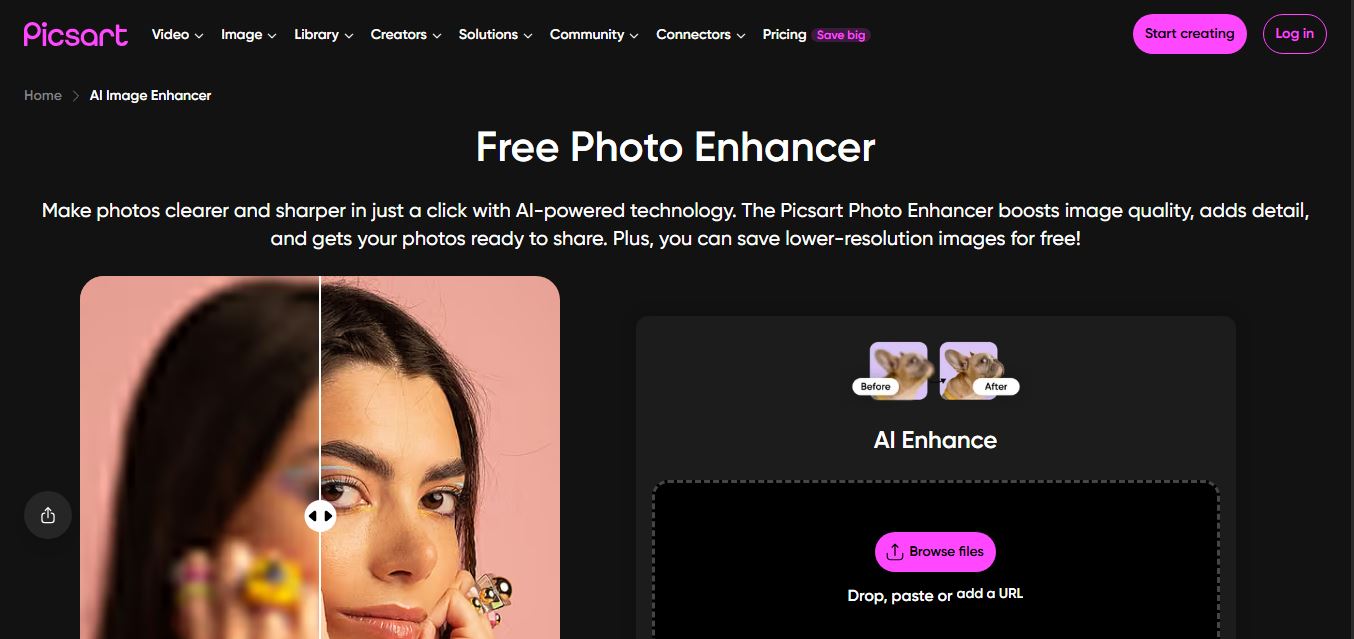
Picsart AI Image Enhancer is an AI-powered tool that helps users improve photo quality by sharpening details, removing noise, fixing blur, and increasing resolution instantly. It uses advanced AI to restore clarity, enhance colors, and upscale images, making visuals sharper and more professional in seconds.