EnhancePhoto AI
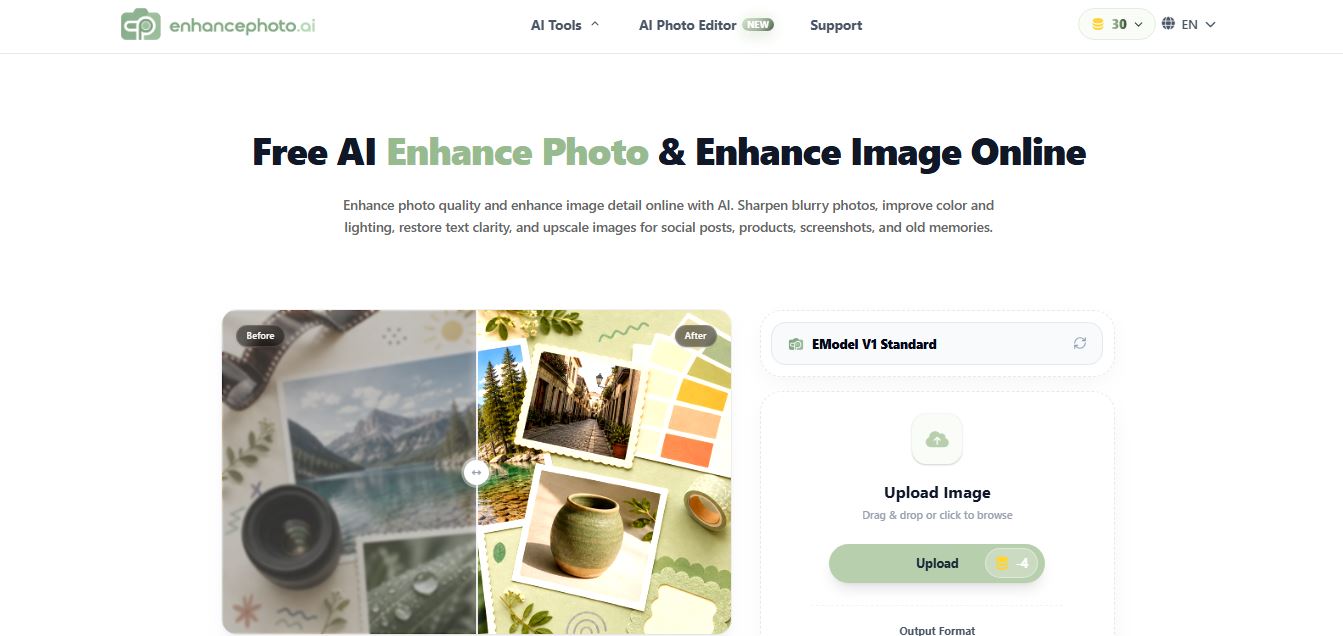
EnhancePhoto.ai is an AI-powered image enhancement tool that helps users sharpen blurry photos, improve colors, fix lighting, and upscale resolution up to high-quality outputs. It works directly in the browser with no login, offering fast, watermark-free results for social media, ecommerce, and content creation.
What is EnhancePhoto AI?
EnhancePhoto AI is an AI-powered image enhancement tool that improves photo quality by sharpening details, increasing resolution, and reducing noise automatically. It allows users to upload low-quality or blurry images and instantly convert them into clear, high-resolution visuals suitable for social media, marketing, or print. The platform is designed for ease of use, requiring no advanced editing skills, making it ideal for creators, photographers, and businesses who need quick and professional results.
Built as an accessible, browser-first image processing utility, EnhancePhoto AI serves creators, merchants, and digital archivists worldwide with a straightforward no-sign-up workflow. Powered by deep convolutional neural networks and element-aware detail recovery models, the platform repairs common digital photography flaws including motion blur, compression artifacts, underexposure, and digital camera grain. Beyond standard one-click sharpening, EnhancePhoto AI can upscale photos from low resolution to 2K, 4K, 8K, and up to 16K ultra-high-definition outputs—differentiating distinct visual materials such as human skin, hair strands, and fabric weaves so images retain authentic photographic texture rather than an artificial, waxy plastic look.
- Platform / Developer: EnhancePhoto AI (Global Online Creative AI Platform)
- Evolution / Launch: Scaled through 2024–2026 with up to 16K super-resolution upscaling, element-aware detail recovery, automated vintage photo restoration, privacy-first automatic file deletion, and instant browser processing
Use Cases:
- Sharpening and unblurring out-of-focus portraits, soft smartphone snapshots, and screenshots for social media feeds and avatars
- Upscaling low-resolution supplier product photos to crisp 4K or 8K resolution for Amazon, Shopify, and Etsy marketplace catalogs
- Enlarging digital illustrations, anime art, and AI-generated concepts to 16K resolution for ultra-high-definition wallpapers and print posters
- Restoring faded, scratched, and noisy vintage family prints while preserving authentic facial features without waxy distortion
Technology:
- Element-aware neural reconstruction networks that distinguish skin, hair, and clothing fibers to apply targeted texture synthesis
- Multi-scale sub-pixel super-resolution algorithms upscaling images to 2K, 4K, 8K, and up to 16K resolution
- Privacy-conscious cloud rendering pipeline that processes images in under 10 seconds and automatically deletes uploaded files after completion
Target Users:
- Social media managers and creators needing rapid, zero-login photo touch-ups for YouTube thumbnails and Instagram posts
- E-commerce sellers, dropshippers, and small business owners improving product catalog images without hiring external retouchers
- Print-on-demand merchandisers upscaling source graphics and photos for large-format physical posters, canvas prints, and apparel
- Content creators using writing tools to draft product listings, design briefs, and promotional marketing collateral
Corporate Entity: Operates as EnhancePhoto AI (Global)

Key features of EnhancePhoto AI
EnhancePhoto AI's key features are
- One-Click AI Image Enhancement: Automatically detects compression noise, optical blur, and poor dynamic range to optimize image sharpness and colors in seconds.
- Ultra-High-Resolution Upscaling (Up to 16K): Enlarge low-resolution files to 2K, 4K, 8K, and up to 16K resolution, providing high pixel density suitable for large physical prints.
- Element-Aware Detail Recovery: Intelligently distinguishes between skin pores, hair strands, fabric textures, and background foliage to avoid plastic or overly smoothed textures.
- Old & Damaged Photo Restoration: Repairs scratches, tears, fading, and dust marks on scanned historical photographs while restoring lost edge sharpness.
- AI Blur Removal & Denoise: Corrects camera shake, soft focus, and low-light sensor grain from smartphone snapshots and digital screenshots.
- Fast Cloud Processing (< 10 Seconds): High-speed GPU processing completes image enhancements and upscaling passes in under 10 seconds for standard files.
- Zero Friction & No Registration: Access the tool directly in your browser without mandatory user account creation, software installations, or credit card requirements.
- Clean Watermark-Free Exports: Download enhanced, full-resolution images without intrusive brand watermarks or forced logo overlays.
EnhancePhoto AI Pricing
EnhancePhoto AI is structured as an accessible, web-first utility offering free image enhancement tools and daily credits with no forced paywalls or mandatory subscriptions.
Free Web Tool:
- $0 / Free online access with free daily credits
- Includes access to AI photo enhancement, element-aware detail recovery, blur removal, vintage restoration, upscaling up to 16K, watermark-free downloads, and zero mandatory account registration
Disclaimer: Prices are listed in USD. EnhancePhoto AI operates with free daily credits and requires no checkout or subscription step for standard web tools. Visit enhancephoto.ai for current terms and credit limits.
Who is using EnhancePhoto AI?
EnhancePhoto AI is designed for creators, sellers, and everyday users, including
- Social Media Content Creators: Unblurring smartphone selfies, travel snapshots, and video stills for social media profiles and thumbnails
- E-Commerce Sellers & Resellers: Enhancing low-resolution supplier product photos to create sharp, high-converting listings for Amazon and Shopify
- Print-on-Demand (POD) Vendors: Upscaling artwork, digital graphics, and photos to 8K and 16K resolutions for large-format physical posters and merchandise
- Family Historians & Archivists: Restoring scratched, faded, and discolored vintage family prints without manual Photoshop retouching
- Content Creators: Using writing tools to draft product listings, design briefs, and promotional marketing collateral
- Casual Web Users: Sharpening fuzzy screenshots and low-resolution personal photos quickly in the browser
Best EnhancePhoto AI Alternatives
Some of the strongest EnhancePhoto AI alternatives include
- EzEnhancer AI
- Let's Enhance Image Enhancer
- Krea AI Enhancer
- Picsart AI Image Enhancer
- Cutout.pro Photo Enhancer
- Upscayl
Pros and Cons of EnhancePhoto AI
Pros
- Free to use with daily credits and no mandatory account sign-up, credit card entry, or software installation
- Supports super-resolution upscaling up to 16K, suitable for large-scale physical print and ultra-HD displays
- Element-aware processing treats hair, skin, and fabrics separately to avoid waxy, artificial smoothing
- Fast processing speeds returning enhanced images in under 10 seconds for most standard files
- Downloads full-resolution enhanced files without compulsory watermarks
Cons
- Heavy image processing queues during peak web traffic hours may occasionally increase processing times
- Lacks granular parameter sliders (such as individual micro-contrast or color balance curves) found in desktop suites like Topaz Photo AI
- Extreme 16K upscaling outputs can result in large file sizes that take longer to download on slower connections
- Does not include an integrated full graphic design or template canvas like Adobe Express or Picsart
Why Choose EnhancePhoto AI?
EnhancePhoto AI is an effective choice for creators and small businesses seeking a fast, zero-friction photo enhancer and upscaler that delivers natural textures and upscaling up to 16K without requiring accounts or adding watermarks.
- Unblur blurry photos and restore image clarity in under 10 seconds
- Upscale resolution up to 16K for ultra-sharp digital displays and print-on-demand
- Preserve authentic skin pores, hair strands, and fabric textures with element-aware processing
- Restore vintage scratched photographs without manual editing tools
- Download watermark-free results directly in your browser with zero registration
EnhancePhoto AI vs. Competitors
The main difference between EnhancePhoto AI, EzEnhancer AI, Let's Enhance Image Enhancer, and Krea AI Enhancer is that EnhancePhoto AI provides a zero-signup, watermark-free web utility featuring element-aware detail recovery and upscaling up to 16K with free daily credits, whereas EzEnhancer AI provides a multi-tool browser toolkit with scratch repair and colorization, Let's Enhance offers commercial print-scale upscaling with credit rollovers, and Krea AI specializes in generative texture synthesis up to 22K with real-time canvas tools. EnhancePhoto AI stands out for its no-login convenience, 16K upscaling ceiling, and natural element-aware texture preservation.
| Feature / Tool | EnhancePhoto AI | EzEnhancer AI | Let's Enhance | Krea AI Enhancer |
|---|---|---|---|---|
| Core Focus | No-Signup AI Enhancer & 16K Upscaler | Browser Photo Toolkit & 4K Upscaler | Print-Scale AI Upscaling (512 MP) | Generative Upscaling & Creative Studio |
| Maximum Upscaling | Up to 16K Resolution | Up to 4K Resolution | Up to 16x (512 Megapixels) | Up to 22K Ultra-HD |
| Registration Required | No (Zero-Login Instant Web Use) | No (Free Web Access) | Yes (Account Required) | Yes (Account Required) |
| Watermark on Free Exports | No Watermark on Free Results | No Watermark within free credits | Watermarked on Free Trial | No Watermark (Personal Use) |
| Starting Price | Free / Daily Credits (No Checkout) | Free credits / Paid ~$8–$45/mo | Free trial / Starter $9.00/mo (annual) | Free tier / Basic $5.00/mo (annual) |
| Best For | Quick Watermark-Free 16K Upscaling | Fast Browser Photo Edits & Colorizing | Commercial Print-on-Demand Catalogs | Artists Wanting Generative Canvas Tools |
How do we rate EnhancePhoto AI?
| Parameter | Rating (out of 5) |
|---|---|
| Clarity Restoration & Texture Sharpness | 4.8 |
| Upscaling Resolution Breadth (Up to 16K) | 4.9 |
| Element-Aware Detail Preservation | 4.9 |
| Zero-Signup Speed & Ease of Use | 5.0 |
| Value for Money | 5.0 |
| Overall Score | 4.92 |
EnhancePhoto AI Review
EnhancePhoto AI provides a practical solution to image restoration and upscaling by eliminating the common hurdles found on many AI platforms. Instead of requiring users to register accounts, subscribe to recurring plans, or endure heavy watermarks, EnhancePhoto AI delivers a clean, browser-native tool that processes images in under 10 seconds. Its element-aware detail recovery model addresses a major problem with basic upscalers—the artificial, waxy smoothing of faces—by treating skin, hair, and clothing fibers with distinct textural adjustments. Capable of upscaling images up to 16K resolution, EnhancePhoto AI is a handy utility for e-commerce catalog updates, social media visual touch-ups, and print-on-demand enlargements.
Conclusion
EnhancePhoto AI is an accessible, high-performance online photo enhancer and upscaler that simplifies photo quality restoration. By combining element-aware detail recovery, 16K super-resolution upscaling, vintage photo repair, and sub-10-second processing into a zero-signup, watermark-free browser platform, it removes friction from visual post-processing. While users seeking a full graphic design canvas or complex prompt hallucination sliders may explore tools like Adobe Express or Krea AI, EnhancePhoto AI’s speed, output clarity, and free accessibility make it an effective photo enhancement utility.
FAQ
What is EnhancePhoto.ai and how does EnhancePhoto.ai work?
EnhancePhoto.ai is a free AI-powered image enhancement platform that improves photo quality, sharpness, and resolution automatically. Users upload an image, and EnhancePhoto.ai analyzes it to enhance clarity, fix lighting, reduce noise, and rebuild missing details. The process is simple and requires no manual editing, making it ideal for quick improvements.
What problem does EnhancePhoto.ai solve for users?
EnhancePhoto.ai solves the problem of blurry, low-resolution, or compressed images that reduce visual quality. Instead of using complex tools like Photoshop, users can enhance images instantly with AI, making them suitable for social media, product listings, presentations, or print use.
What are the key features of EnhancePhoto.ai?
EnhancePhoto.ai offers features like AI image enhancement, sharpening, noise reduction, color correction, and resolution upscaling. It also includes tools such as photo restoration, watermark removal, and prompt-based editing, allowing users to handle multiple image tasks within one platform.
How powerful is EnhancePhoto.ai for image upscaling?
EnhancePhoto.ai can upscale images using AI to 2× or 4× sizes and even target resolutions like 4K, 8K, or 16K. Instead of simply stretching pixels, it reconstructs details to maintain natural-looking textures and edges, making it suitable for prints, product images, and high-resolution displays.
How does EnhancePhoto.ai pricing work?
EnhancePhoto.ai primarily operates on a free model with daily credits, but some versions or advanced workflows may use a credit-based system where each image enhancement consumes credits. The cost depends on the selected model and output settings, and users can choose between free usage or paid credits for higher-quality processing.
Who should use EnhancePhoto.ai?
EnhancePhoto.ai is ideal for content creators, e-commerce sellers, marketers, designers, and everyday users who need quick image improvements. It is especially useful when image quality directly impacts performance, such as product photos, ads, social media posts, and portfolios.
User Reviews
No reviews yet for EnhancePhoto AI.
Featured Tools
Featured AI tools from TechShark

Melody Genie
MelodyGenie is an AI-powered music generator that creates original songs from simple text prompts. Users can choose styles, moods, and genres, then instantly generate melodies and full tracks, making it easy for creators, marketers, and hobbyists to produce custom music without musical expertise.
Freemium

Kimi AI
Kimi AI is an advanced AI assistant developed by Moonshot AI that helps you chat, research, write, code, and automate tasks in one place. It supports web search, file analysis, and multimodal inputs, and can even run autonomous “agent” workflows to complete complex tasks end-to-end.
Freemium

Fashion Diffusion AI
Fashion Diffusion is an AI-powered fashion design platform that helps brands and designers create clothing designs, virtual try-ons, AI models, product photos, and marketing visuals faster and cost-effectively.
Paid

Veo 4
Veo 4 AI is an AI video creation platform that generates dramatic videos from text, images, audio, and video prompts using realistic motion and synchronized sound.
Paid
Alternatives
Alternatives to EnhancePhoto AI
The best EnhancePhoto AI alternatives include EzEnhancer AI, Let's Enhance Image Enhancer, Krea AI Enhancer, Picsart AI Image Enhancer, Cutout.pro Photo Enhancer, and Upscayl (Open Source). These platforms provide AI photo upscaling, image sharpening, and vintage photo restoration. While EnhancePhoto AI specializes in a zero-login, watermark-free browser utility featuring element-aware detail recovery and upscaling up to 16K with free daily credits, alternatives like Let's Enhance focus on print-scale upscaling with credit rollovers, EzEnhancer AI offers a multi-tool browser toolkit with scratch repair and colorization, and Krea AI provides generative texture synthesis up to 22K with real-time canvas tools. Choosing the right tool depends on whether you require quick, watermark-free 16K upscaling with no sign-up, dedicated print workflows, or generative canvas editing.
Neural.love
AI Image Enhancer
Neural.love is an AI-powered creative platform for generating images, editing photos, enhancing videos, restoring old media, and animating pictures. It combines multiple AI tools in a browser-based workspace, helping content creators, marketers, photographers, designers, and businesses improve visual content without relying entirely on traditional editing software.
 4.8
4.8EzEnhancer AI
AI Image Enhancer
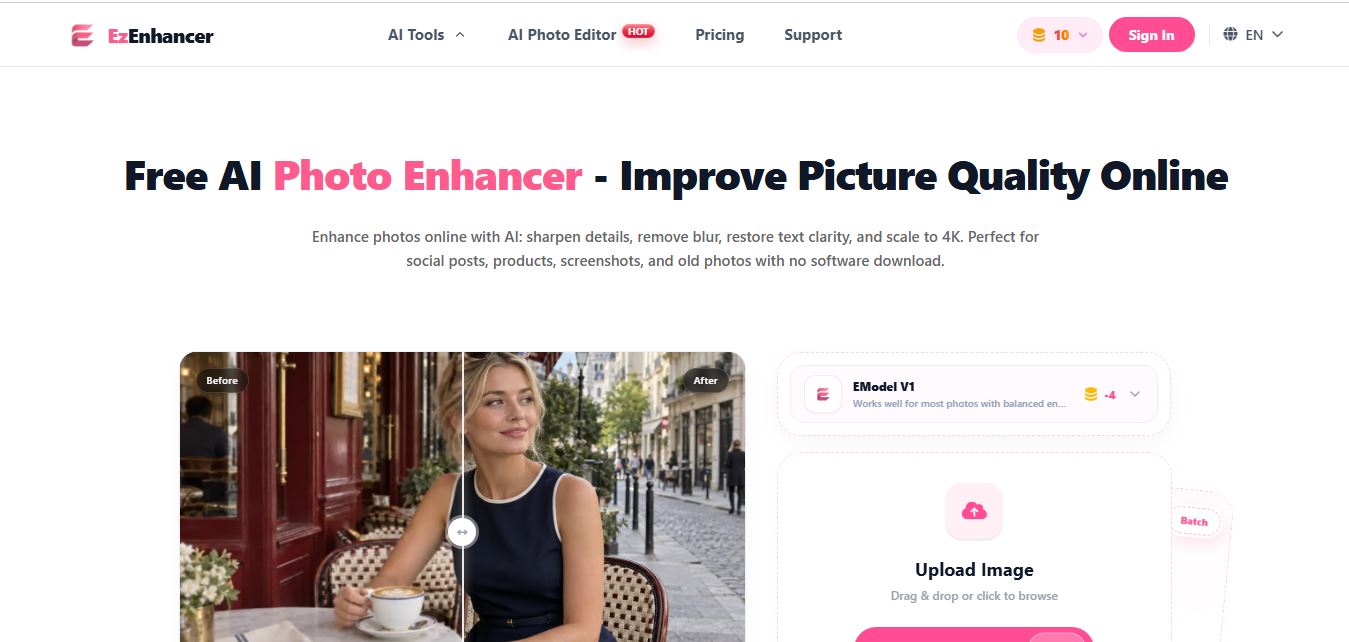
EzEnhancer is an AI-powered image and video enhancement platform that helps users upscale resolution, sharpen details, remove blur, and restore old or low-quality media. It offers tools like background removal, colorization, and noise reduction, enabling fast, browser-based editing without installing software.
 4.9
4.9Deep Image AI
AI Image Enhancer
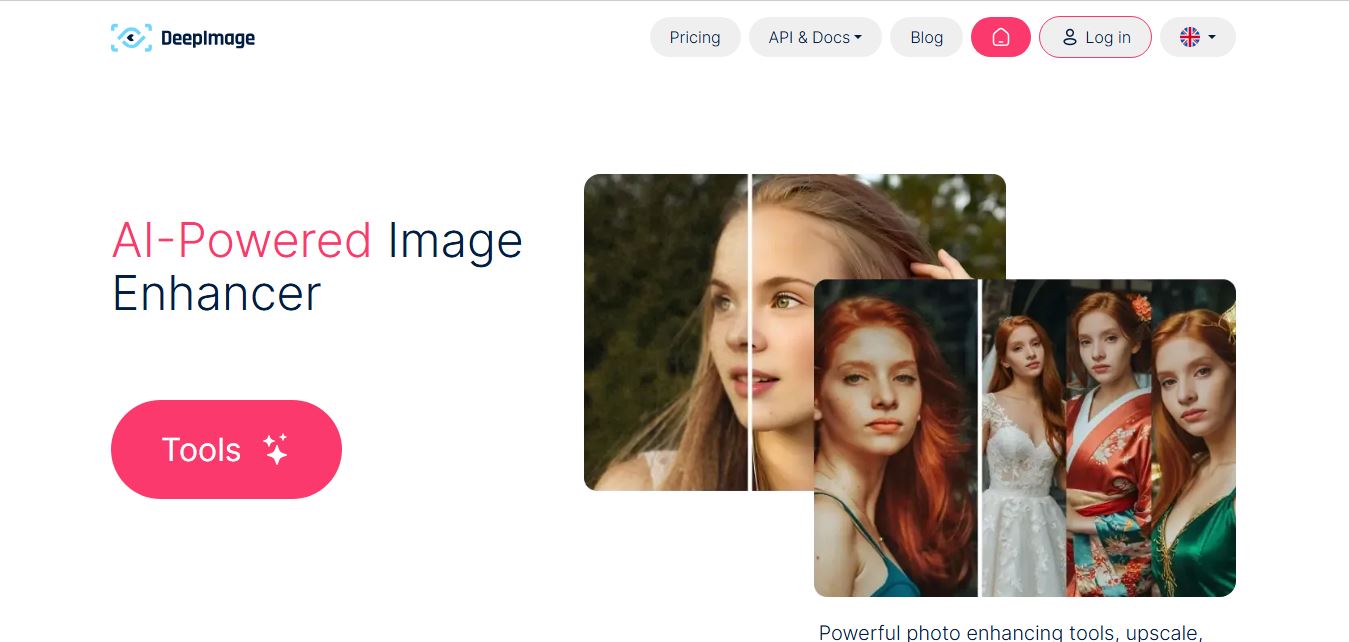
Deep Image AI is an AI-powered image enhancement platform that helps users upscale resolution, sharpen details, reduce noise, and improve colors automatically. It uses neural networks to analyze images and apply enhancements, enabling fast, high-quality results for ecommerce, design, printing, and professional visual workflows.
 4.9
4.9Krea AI Enhancer
AI Image Enhancer
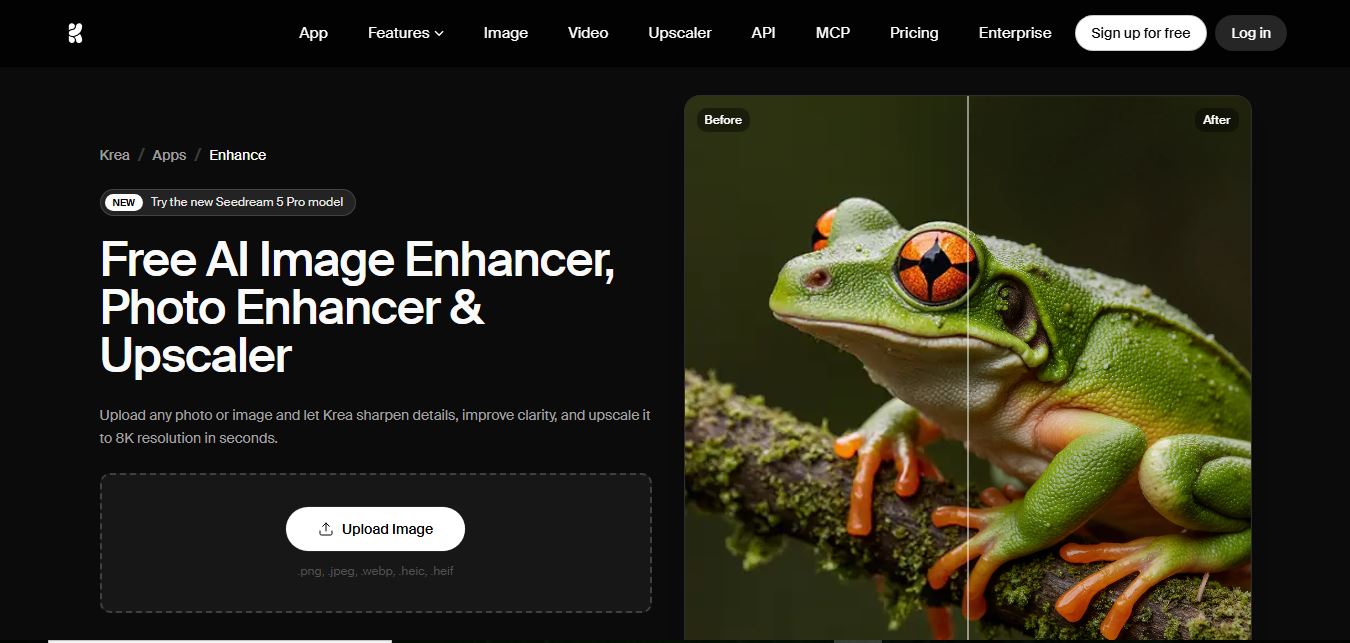
Krea AI Image Enhancer is an AI-powered tool that helps users upscale, sharpen, and restore low-quality images instantly. It improves resolution, reduces noise, and reconstructs missing details, turning blurry or pixelated photos into high-quality visuals suitable for design, ecommerce, and content creation.
 4.8
4.8Visual Paradigm Image Enhancer
AI Image Enhancer
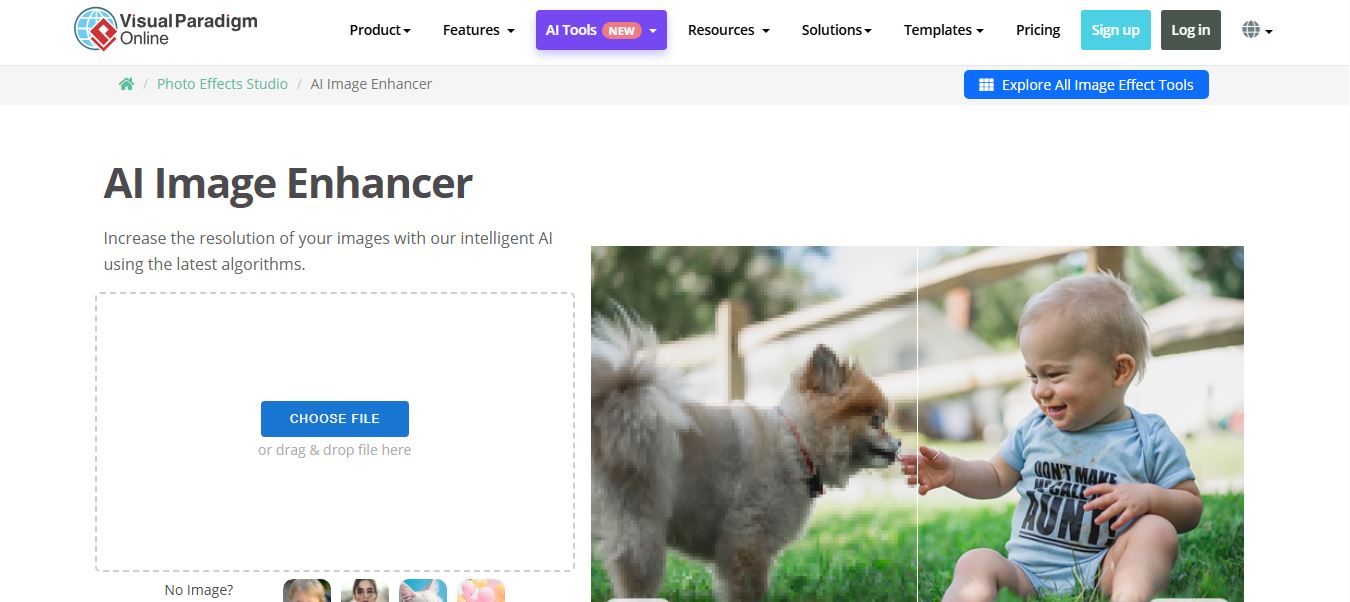
Visual Paradigm Image Enhancer is an AI-powered online tool that helps users upscale resolution, sharpen details, and improve photo quality instantly. It offers one-click enhancement, noise reduction, and unblur features, making it easy to create clear, high-resolution images without installing software.
 4.9
4.9Adobe Express Image Enhancer
AI Image Enhancer
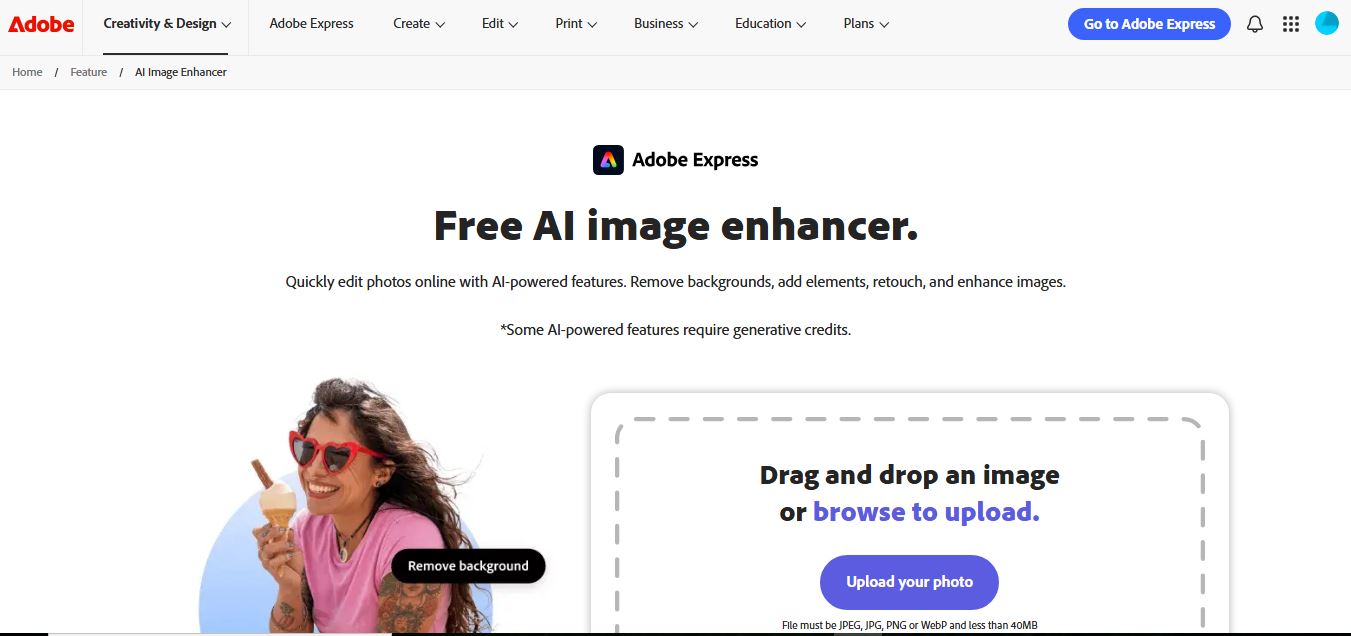
Adobe Express Image Enhancer is a free AI-powered tool that helps users improve photo quality with one-click auto-enhance, background removal, and object editing. It also offers manual controls for brightness, contrast, and sharpness, making it easy to create polished visuals for design, marketing, and social media.
 4.8
4.8Cutout.pro Photo Enhancer & Upscaler
AI Image Enhancer
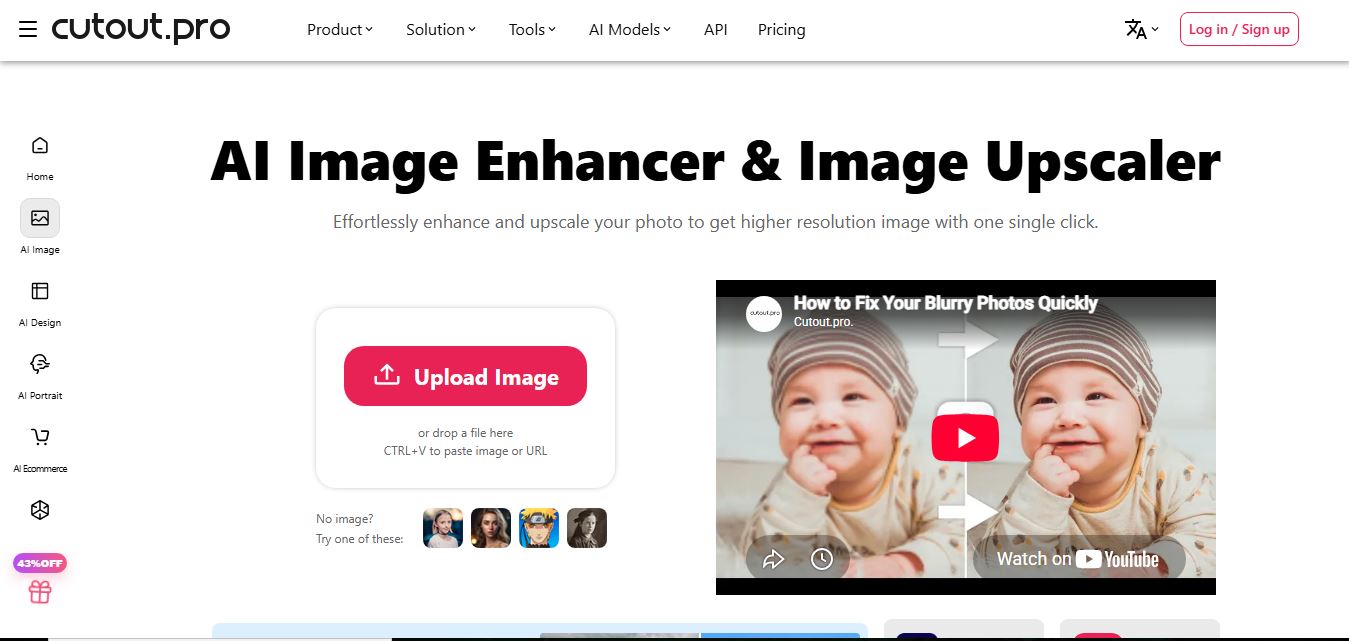
Cutout.Pro Photo Enhancer is an AI-powered image enhancement tool that helps users upscale resolution, sharpen blurry photos, and remove noise automatically. It uses advanced AI to restore details, improve clarity, and convert low-quality images into high-resolution visuals suitable for printing, ecommerce, and marketing.
 4.8
4.8Picsart AI Image Enhancer
AI Image Enhancer
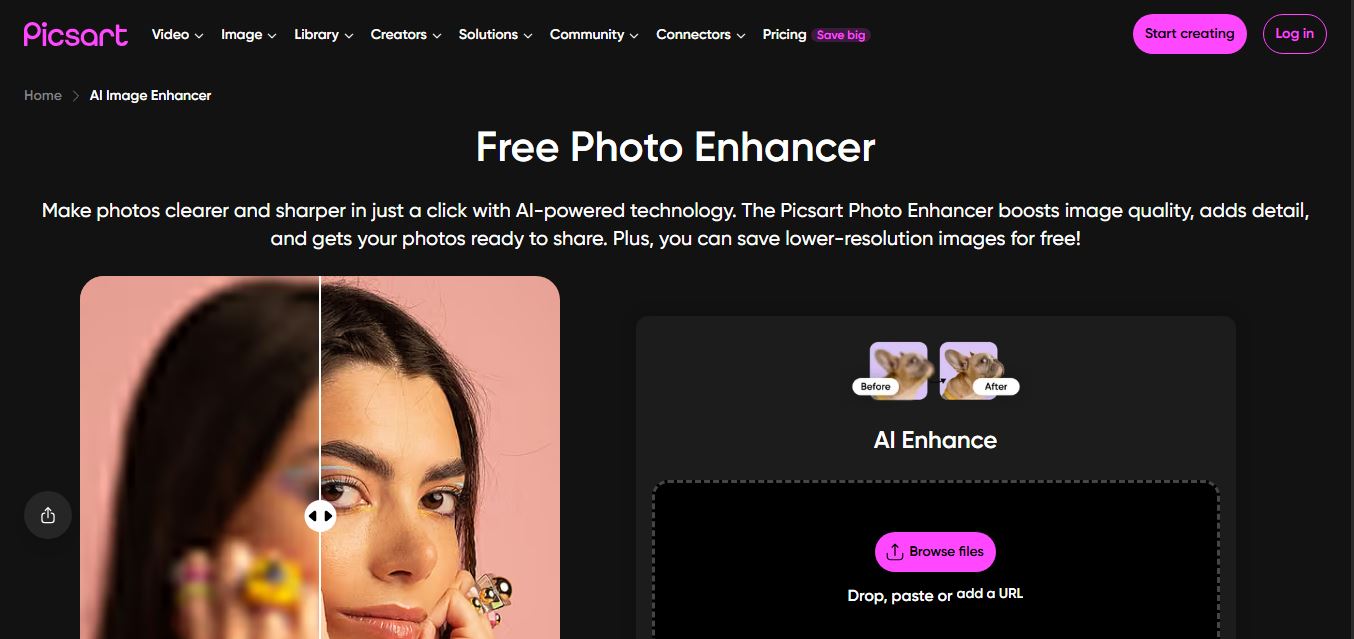
Picsart AI Image Enhancer is an AI-powered tool that helps users improve photo quality by sharpening details, removing noise, fixing blur, and increasing resolution instantly. It uses advanced AI to restore clarity, enhance colors, and upscale images, making visuals sharper and more professional in seconds.