
Khroma
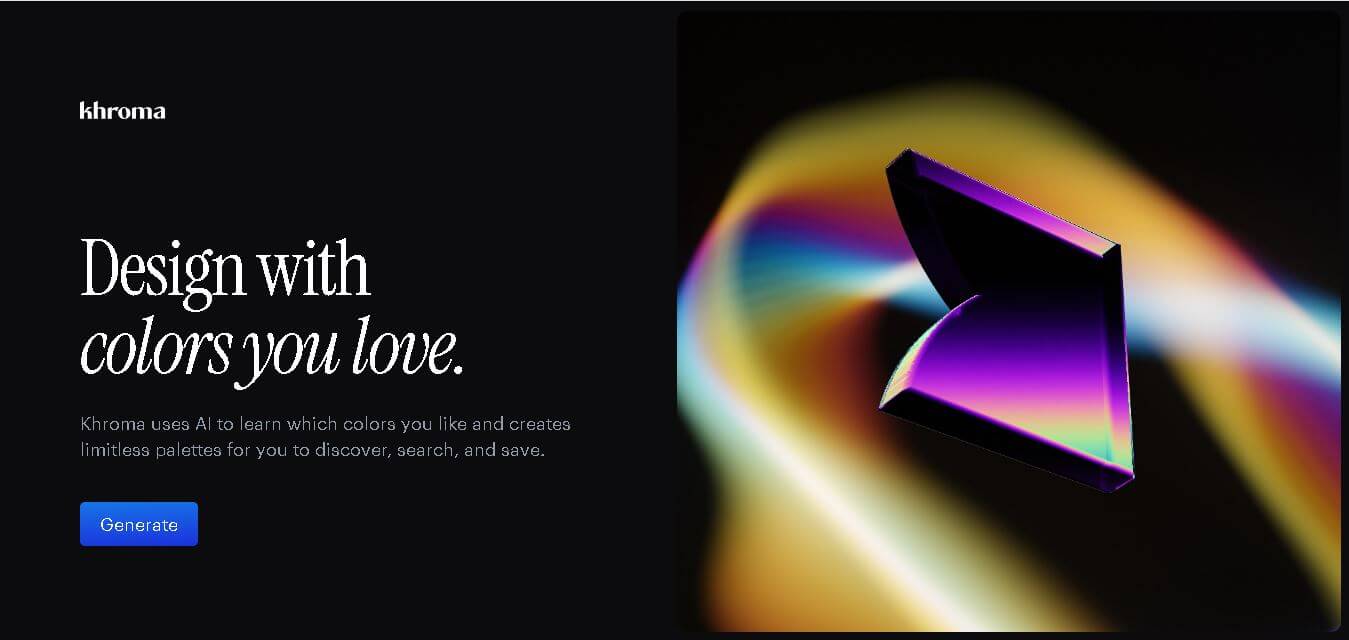
Khroma is a personalized color discovery tool for designers that learns your color preferences and generates endless combinations. You can explore palettes, gradients, typography, and images, then search results using color properties or HEX and RGB values. Favorite combinations can be saved with useful color information and accessibility ratings.
What is Khroma?
Khroma is a personalized color discovery tool that learns your preferred colors and generates combinations based on your visual taste. Users select colors to train its neural-network-based algorithm, which then creates palettes, gradients, typography combinations, and custom image previews. It also lets designers search results using hue, tint, value, HEX, or RGB values. Favorite combinations can be saved for later reference, along with color names, HEX codes, RGB values, CSS code, and WCAG accessibility ratings.
Khroma is a browser-based color tool created by George Hastings that learns from your selected colors to generate personalized combinations. Its algorithm draws on thousands of popular human-made palettes to create new color combinations. Users can search by hue, tint, value, HEX, and RGB values, while saved combinations provide color names, HEX codes, RGB values, CSS code, and WCAG ratings. The tool supports 4 main viewing formats: typography, gradients, palettes, and custom images, helping designers evaluate colors in context.
- Platform Role: AI Color Palette Generator, UI/UX Color Discovery Tool & Design Assistant
- Developer & Creator: George Hastings
- Cross-Platform Access: Web Browser (desktop-optimized experience)
Use Cases:
- Training a personalized neural network to automatically curate color pairs tailored to your visual design style
- Exploring multi-color combinations previewed across real-world design templates like typography, posters, dual-tone images, and gradients
- Searching and filtering color palettes by specific hue, tint, saturation, hex code, or RGB parameters
- Checking color contrast ratios and WCAG accessibility standards for accessible web and interface design
- Building a personalized, unlimited collection of color combos with instant access to CSS code and color codes
Technology:
- In-browser neural network algorithm trained on user selection to generate custom color models and block undesirable colors
- Machine learning model trained on thousands of curated human-made color palettes from across the web
- Automated WCAG accessibility rating calculation engine for visual readability assessment
- Dynamic WebGL / Canvas rendering engine for real-time visual display across typography, gradients, and image overlays
Target Users:
- UI/UX designers crafting digital interfaces, web color schemes, and app design systems
- Brand Strategists & Graphic Designers looking for personalized color inspiration for brand identities
- Front-end developers needing quick access to CSS color variables and WCAG contrast compliance metrics
- Digital illustrators & artists seeking harmonious color palettes for creative projects
Acquisition: Independent web application created and operated by George Hastings (khroma.co)

What are the key features of Khroma?
Khroma's key platform features are
- Personalized AI Algorithm: Select 50 favorite colors to train a custom neural network that predicts and generates palettes tailored to your aesthetic preference.
- Multiple Viewing Templates: View generated color combinations rendered as typography, color blocks, 2-color gradients, custom image duotones, or 4-color palettes.
- Advanced Color Search & Filter: Filter palettes by exact hue, warmth, tint, value, hex codes, or color names to quickly find specific project palettes.
- Built-in WCAG Accessibility Check: Evaluates contrast ratios for text-on-background combinations to ensure compliance with Web Content Accessibility Guidelines.
- One-Click Code Exporting: Copy color names, Hex codes, RGB values, and CSS snippets directly to your clipboard for a rapid development workflow.
- Unlimited Personal Library: Save and bookmark your favorite color combinations into a searchable personal library for future reference.
How much does Khroma cost?
Khroma is completely free to use directly in any modern desktop web browser.
Free Consumer Tier:
- $0 / Free Plan: Full access to algorithm training, unlimited palette generation, search filters, CSS export, and library bookmarking.
Disclaimer: Khroma is completely free with no paywall or premium subscription required. Optimal performance and palette generation require a desktop browser.
Who should use Khroma?
Khroma is designed for creative professionals and digital designers, including
- Product & UI Designers: Designers needing tailored, accessible color combinations for digital user interfaces and design systems.
- Brand & Graphic Designers: Creatives seeking unique, non-generic color palettes tailored to specific brand aesthetics.
- Web Developers: Engineers needing instant hex codes, RGB values, and WCAG contrast feedback during front-end styling.
What are the best alternatives to Khroma?
Some of the strongest Khroma alternatives include
- Coolors.co
- Adobe Color
- Realtime Colors
- Colormind (AI Palette Generator)
- Happy Hues
- Huemint (AI Color Generator)
What are the pros and cons of Khroma?
What are the pros of Khroma?
- The personalized AI engine adapts specifically to your visual style rather than outputting random color sets
- Real-world display templates allow you to preview color combos on actual typography, gradients, and images
- Includes essential developer data like WCAG accessibility contrast ratings, Hex, RGB, and CSS code
- 100% free with no intrusive ads or subscription paywalls
What are the cons of Khroma?
- Requires an initial 50-color selection setup step before the generator can be unlocked
- Desktop-focused interface with limited feature functionality on mobile browsers
- Lacks direct native export plugins for Figma or Adobe Creative Cloud
Why should you choose Khroma?
Random color generators often produce uninspired or clashing color combinations that don't fit your project's brand identity. Khroma eliminates this trial-and-error approach by leveraging machine learning to understand your specific design taste. By training a custom neural network on your preferences and previewing palettes directly on text, gradients, and images, Khroma provides a faster, more intuitive path to finding perfect color harmonies.
How does Khroma compare to competitors?
The primary distinction between Khroma, Coolors, Adobe Color, and Colormind lies in personalization and visual context. While Coolors offers rapid manual palette generation and Adobe Color focuses on strict color wheel rules, Khroma uses a personalized neural network that learns your style and previews color combinations on realistic visual layouts.
| Feature / Platform | Khroma | Coolors.co | Adobe Color | Colormind |
|---|---|---|---|---|
| Core Focus | AI Personalized Color Discovery | Fast Manual & Trending Palette Generator | Color Harmony Rules & Ecosystem Integration | Deep Learning Color Palette Engine |
| AI Personalization | High (trained on user color preferences) | None (Random / Rule-based) | None (rule-based harmony) | Moderate (trained on film & art datasets) |
| Visual Preview Modes | Typography, Duotone Images, Gradients, Palettes | Color Bars, Collages, UI Previews | Color Wheel, Swatches, Accessibility Tools | UI Component Previews |
| WCAG Contrast Check | Integrated on every pair | Available via separate tool | Dedicated accessibility tab | Manual inspection needed |
| Best For | Designers wanting personalized AI color recommendations | Quick, manual color palette generation and export | Adobe Creative Cloud power users | Developers looking to apply AI palettes directly to web UI |
How do we rate Khroma?
| Parameter | Rating (out of 5) |
|---|---|
| AI Personalization & Recommendation Quality | 4.8 |
| User Interface & Visual Previews | 4.9 |
| Searchability & Filtering Tools | 4.7 |
| Developer Export & Accessibility Tools | 4.6 |
| Value for Money | 5.0 |
| Overall Score | 4.80 |
What is our review and verdict on Khroma?
Khroma offers one of the most innovative and personalized approaches to digital color discovery. By converting your individual taste into a neural network training model, it avoids generic color combinations and delivers curated, usable palettes. The ability to instantly preview combinations across typography, gradients, and images paired with WCAG contrast ratings makes it a standout tool for modern web and graphic designers.
Conclusion
Khroma offers a practical way to discover colors based on individual design preferences rather than relying entirely on generic palettes. Its personalized generation, flexible search, multiple preview formats, saved collections, CSS values, and WCAG ratings make it useful for designers exploring colors for digital projects. For anyone who wants faster, more personalized color inspiration, Khroma provides a focused browser-based workflow that can simplify palette discovery while giving designers useful information for applying selected combinations.
FAQ
What does Khroma do?
Khroma learns your preferred colors and uses that information to generate personalized color combinations. Instead of relying only on predefined palettes, it creates suggestions based on your selected preferences. You can explore combinations as palettes, gradients, typography, or images, then search, filter, and save options that fit your design requirements.
How does Khroma learn my color preferences?
You train Khroma by selecting colors you like. These choices are used by its neural-network-based algorithm to understand the types of colors you prefer and block colors you dislike. Once trained, Khroma generates combinations designed around your individual color taste instead of providing the same generic suggestions to every designer.
Who can benefit most from Khroma?
Khroma is particularly useful for graphic designers, UI/UX designers, web designers, brand creators, artists, and creative professionals who frequently need color inspiration. It can help when developing visual identities, website interfaces, marketing graphics, presentations, or other creative projects where finding suitable and visually appealing color combinations is important.
Can Khroma generate color palettes automatically?
Yes. After learning your color preferences, Khroma generates personalized combinations automatically. Its purpose is to help you continuously discover combinations that align with your visual taste. You can view generated results in different formats and save combinations that work well for your project, making color exploration faster and more personalized.
Can I search for specific colors in Khroma?
Yes. Khroma includes search and filtering options that let you narrow generated combinations using hue, tint, value, color, HEX, and RGB values. This is useful when you already have a specific color direction in mind and want to discover complementary or suitable combinations without manually browsing unrelated palette suggestions.
Does Khroma provide HEX and RGB color values?
Yes. Khroma provides practical color information for saved combinations, including color names, HEX codes, and RGB values. It also provides CSS code, which can be particularly useful for web designers and developers who want to move a selected color combination from exploration into an actual website or digital product.
User Reviews
No reviews yet for Khroma.
Featured Tools
Featured AI tools from TechShark

Melody Genie
MelodyGenie is an AI-powered music generator that creates original songs from simple text prompts. Users can choose styles, moods, and genres, then instantly generate melodies and full tracks, making it easy for creators, marketers, and hobbyists to produce custom music without musical expertise.
Freemium

Kimi AI
Kimi AI is an advanced AI assistant developed by Moonshot AI that helps you chat, research, write, code, and automate tasks in one place. It supports web search, file analysis, and multimodal inputs, and can even run autonomous “agent” workflows to complete complex tasks end-to-end.
Freemium

Fashion Diffusion AI
Fashion Diffusion is an AI-powered fashion design platform that helps brands and designers create clothing designs, virtual try-ons, AI models, product photos, and marketing visuals faster and cost-effectively.
Paid

Veo 4
Veo 4 AI is an AI video creation platform that generates dramatic videos from text, images, audio, and video prompts using realistic motion and synchronized sound.
Paid
Alternatives
Alternatives to Khroma
The best Khroma alternatives include Coolors.co, Adobe Color, Colormind, and Realtime Colors. While Khroma uses personalized AI neural networks trained on your visual taste to generate and preview color combinations across typography, gradients, and images, alternatives like Coolors offer fast manual palette generation and Adobe Color integrates deeply with Adobe Creative Cloud.
 4.7
4.7Flux.ai
Design
Flux AI is an AI-powered electronics design platform that helps engineers create schematics, design printed circuit boards (PCBs), select components, and optimize routing. Its browser-based workspace supports real-time collaboration, design validation, and manufacturing exports, making hardware development more accessible for individuals, startups, and engineering teams.
 4.8
4.8Repaint
Design
Repaint helps entrepreneurs and small businesses build websites, online stores, booking systems, and custom web applications using AI chat. Users can generate designs, edit content, manage customer accounts, accept payments, and organize business data without traditional coding. It offers subscription plans with different usage limits and business management capabilities.
 4.8
4.8SWAPP
Design
SWAPP helps architecture firms automate construction documentation, BIM modeling, and QA work inside Revit and ArchiCAD. Its Frank agent applies firm-specific standards to repetitive production tasks, while workflow memory preserves organizational knowledge. The platform is suited to teams seeking faster delivery, consistency, and less manual production effort across complex projects.
 4.9
4.9Adobe Stock
Design
Adobe Stock is a creative asset marketplace that helps designers and businesses access millions of royalty-free images, videos, templates, and 3D assets. It integrates with Adobe Creative Cloud, enabling users to search, customize, and license high-quality visuals quickly for marketing, design, and content creation.
 4.9
4.9Yellow Images
Design
Yellow Images is a digital marketplace that helps designers create branding and marketing visuals using high-quality mockups, fonts, PNGs, and graphic assets. It offers a large library of ready-to-use creative resources, enabling faster design workflows for agencies, freelancers, and ecommerce businesses.
 4.9
4.9Placeit
Design
Placeit is a browser-based design platform that helps creators and businesses generate mockups, logos, videos, and marketing visuals using ready-made templates. It allows users to quickly customize designs and download professional assets, making it ideal for ecommerce, social media, and branding without advanced design skills.
 4.8
4.8Figma AI
Design
Figma AI brings generative and assistive tools directly into Figma workflows, helping designers move from ideas to editable designs, visuals, prototypes, and production-ready experiences faster. Users can generate concepts, edit images, search files, automate repetitive work, and collaborate with teammates while keeping creative exploration inside the familiar Figma design environment.
 4.7
4.7PageGPT
Design
PageGPT helps businesses, creators, marketers, and entrepreneurs create customized landing pages and websites with AI. Users can describe their product and preferred style, generate designs with copy and images, then refine the result through chat or drag-and-drop editing. It also supports responsive pages, custom effects, and publishing options.
 4.8
4.8Locofy.ai
Design
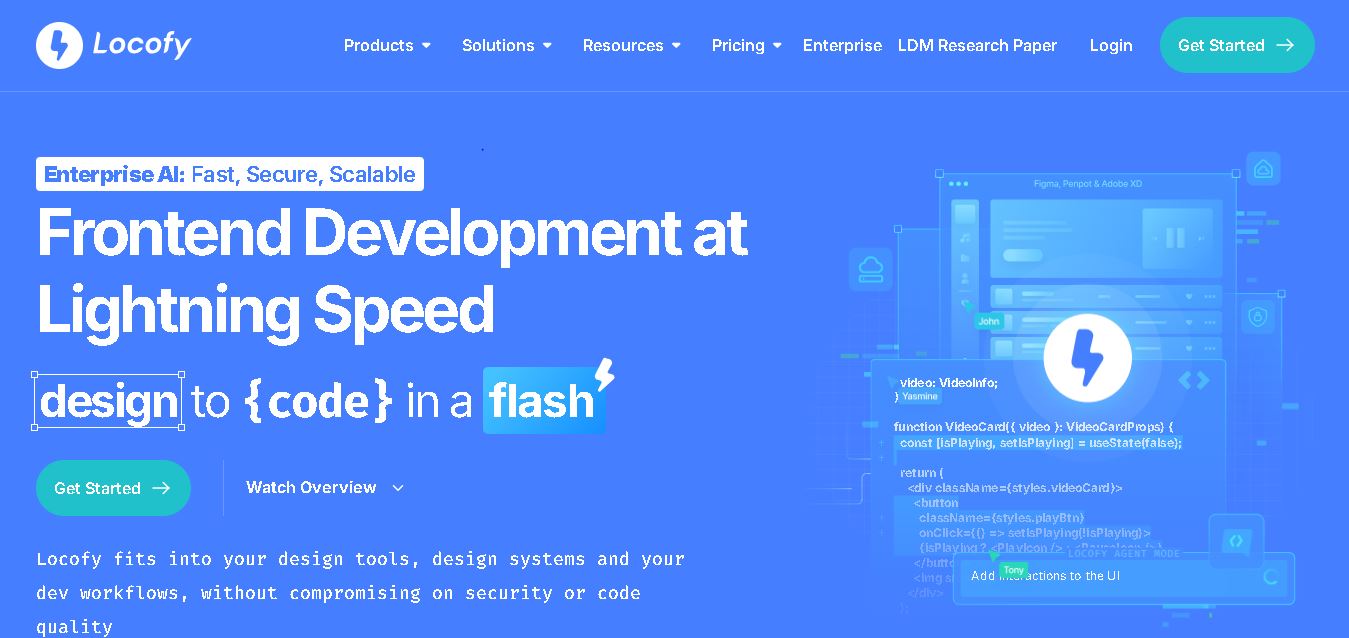
Locofy helps teams transform UI designs into developer-friendly frontend code without rebuilding interfaces manually. It supports popular design tools, web and mobile frameworks, responsive layouts, reusable components, and AI-assisted refinement. Designers can prepare screens while developers customize, export, synchronize, and continue development within familiar workflows and coding environments for teams.