
GPT for Sheets and Docs
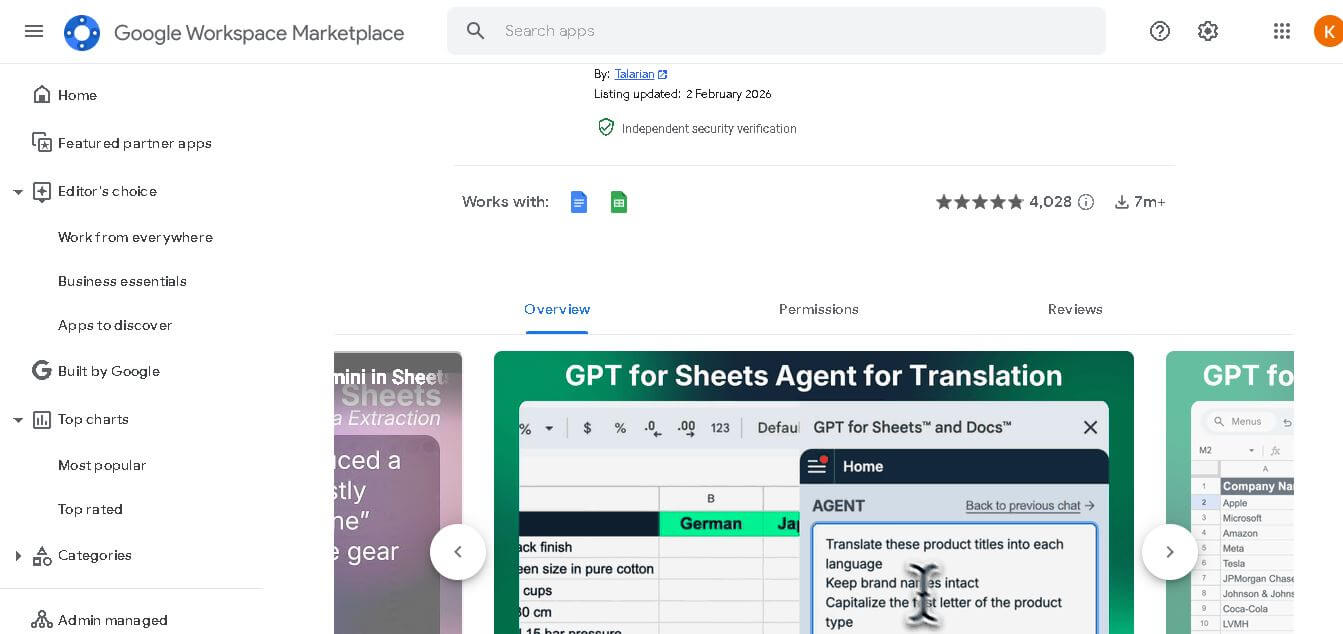
GPT for Sheets and Docs is an AI productivity tool that helps users generate, analyze, and automate content directly inside Google Sheets and Google Docs.
What is GPT for Sheets and Docs AI?
- Founders: Developed by independent AI-focused product builders
- Launch: Released as a Google Workspace Marketplace add-on
- Use Cases: Content creation, data cleaning, formula generation, summaries
- Technology: Large Language Models (LLMs) with Google Workspace integration
GPT for Sheets and Docs is an ai-powered spreadsheets platform that works with Google Sheets and Google Docs to boost user productivity throughout their daily work activities. The platform enables users to create content and summarize information and clean their spreadsheets and write formulas and automate their tasks from a single work environment. The tool provides fast and accurate solutions to professionals, which enhances their work speed through its design. The smart assistant GPT for Sheets and Docs provides support to users who work with Google Workspace through their document drafting and data analysis and their large dataset management tasks. The technology provides users with AI-powered results through its seamless setup, which allows them to operate the system without requiring deep technical expertise.
Key Features
GPT for Sheets and Docs AI's key features are
- AI Content Generation: Create blog drafts, emails, reports, and summaries directly inside Google Docs
- Smart Spreadsheet Assistance: Generate formulas, clean data, and analyze trends within Google Sheets
- Custom Prompts: Users can write tailored prompts for specific business or personal tasks
- Time-Saving Automation: Reduces repetitive manual work in both documents and spreadsheets
- Easy Integration: Installs directly from Google Workspace with minimal setup
- User-Friendly Interface: Designed for beginners and professionals alike
Pricing
- Free trial available
- Usage-based plans
- Monthly subscription options
- Premium feature upgrades
Disclaimer: For the latest and most accurate pricing information, please visit the official GPT for Sheets and Docs AI website.
Who is using it?
A wide range of users and organizations are using GPT for Sheets and Docs AI
- Digital marketers
- Data analysts
- Startup teams
- Content writers
- Business professionals
Alternatives
Some GPT for Sheets and Docs AI alternatives are
- Google Gemini for Workspace
- Notion AI
- Microsoft Copilot
- Jasper AI
- SheetAI
Conclusion
Google Workspace users who need comprehensive writing assistance will find the AI tool GPT for Sheets and Docs to be an effective writing resource. The system delivers writing resources together with data analysis tools and automated solutions, which help users accomplish their daily work activities more efficiently. The system provides value to all users through its design, which allows people to achieve better outcomes with reduced effort, and its multiple usage possibilities.
People are also reading
FAQ
Does GPT for Sheets and Docs work inside Google Workspace?
Yes, it integrates directly with Google Sheets and Google Docs.
Is coding knowledge required to use it?
No, it’s designed for non-technical users.
Can it generate formulas in Google Sheets?
Yes, it can create and explain formulas based on prompts.
Is there a free version available?
A free trial is available with limited usage.
Who benefits the most from this tool?
Marketers, analysts, writers, and business teams benefit the most.
User Reviews
No reviews yet for GPT for Sheets and Docs.
Featured Tools
Featured AI tools from TechShark

Melody Genie
MelodyGenie is an AI-powered music generator that creates original songs from simple text prompts. Users can choose styles, moods, and genres, then instantly generate melodies and full tracks, making it easy for creators, marketers, and hobbyists to produce custom music without musical expertise.
Freemium

Kimi AI
Kimi AI is an advanced AI assistant developed by Moonshot AI that helps you chat, research, write, code, and automate tasks in one place. It supports web search, file analysis, and multimodal inputs, and can even run autonomous “agent” workflows to complete complex tasks end-to-end.
Freemium

Fashion Diffusion AI
Fashion Diffusion is an AI-powered fashion design platform that helps brands and designers create clothing designs, virtual try-ons, AI models, product photos, and marketing visuals faster and cost-effectively.
Paid

Veo 4
Veo 4 AI is an AI video creation platform that generates dramatic videos from text, images, audio, and video prompts using realistic motion and synchronized sound.
Paid
Alternatives
Alternatives to GPT for Sheets and Docs
GPT for Sheets and Docs brings AI writing, data analysis, and formula assistance into Google Workspace, helping teams and individuals save time, reduce manual work, and improve accuracy.
 4.9
4.9Equals
Spreadsheets
Equals is an AI-powered spreadsheet and GTM analytics platform that helps teams connect live data, build dashboards, and answer business questions using natural language. It combines a managed data warehouse, spreadsheet, and AI analyst, enabling faster, reliable insights without SQL or complex data tools.
 4.9
4.9Google Sheets
Spreadsheets
Google Sheets is a cloud-based spreadsheet tool that helps users create, edit, and collaborate on data in real time. It supports formulas, charts, automation, and integrations with Google Workspace, enabling teams to manage data, analyze information, and build workflows from anywhere with shared access.
 4.9
4.9Row Zero
Spreadsheets
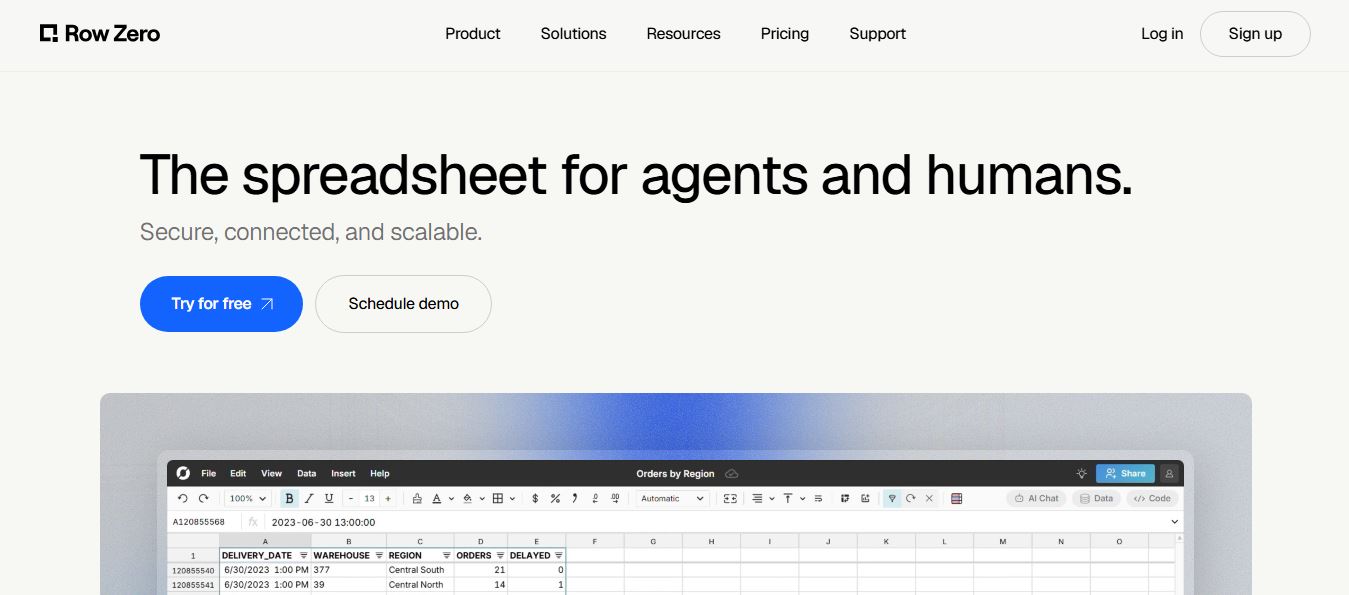
Row Zero is an AI-powered cloud spreadsheet platform that helps teams analyze massive datasets using familiar spreadsheet workflows. It connects directly to data warehouses, auto-updates live data, and scales to billions of rows, enabling fast, secure, and collaborative data analysis without traditional spreadsheet limitations.
 4.9
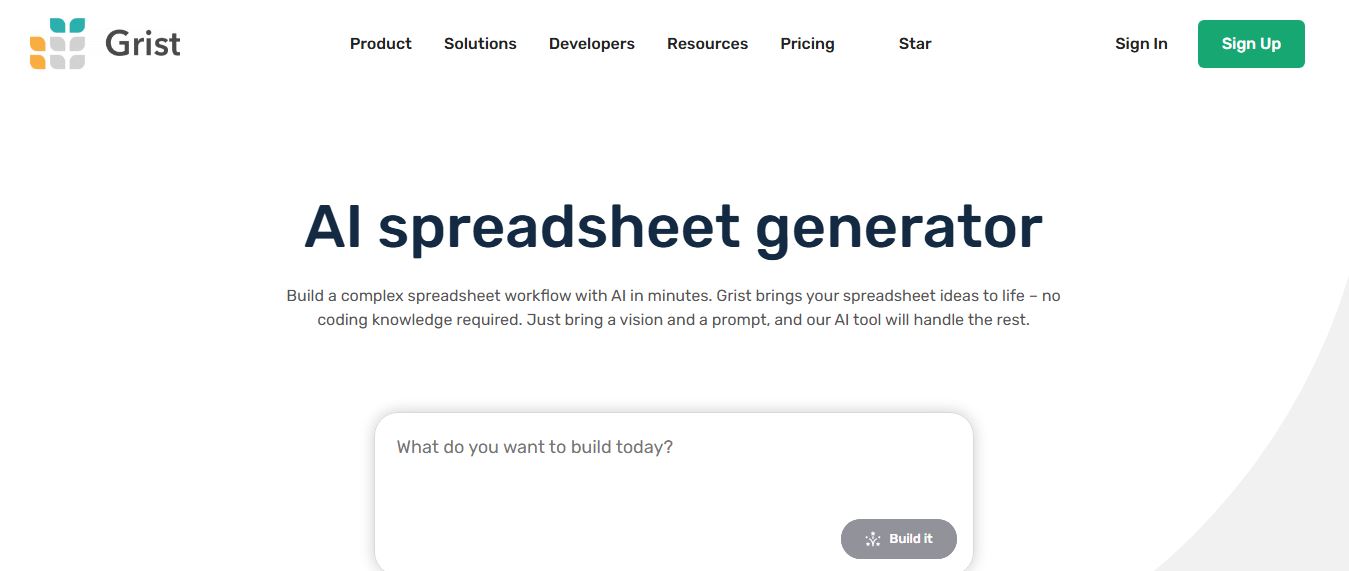
4.9Grist AI Spreadsheet Generator
Spreadsheets
Grist AI Spreadsheet Generator (getgrist.com/ai/spreadsheet-generator/) is an open-source, relational AI spreadsheet and custom application builder that turns text prompts into structured relational databases, Python formulas, dashboards, and access rules via an in-product AI Assistant and Model Context Protocol (MCP).
 4.9
4.9Shortcut AI
Spreadsheets
Shortcut AI is an AI-powered Excel agent that helps finance teams build financial models, analyze data, and automate complex spreadsheet workflows using natural language. It generates formulas, structures reports, and processes data with high accuracy, enabling faster decision-making and reducing manual analysis work.
 4.9
4.9Microsoft Excel
Spreadsheets
Microsoft Excel AI (Copilot for Excel) is an AI-powered assistant that helps users analyze data, write formulas, create charts, and generate insights using natural language. It automates complex tasks, highlights trends, and builds reports, enabling faster, data-driven decisions directly within Excel workflows.
 4.9
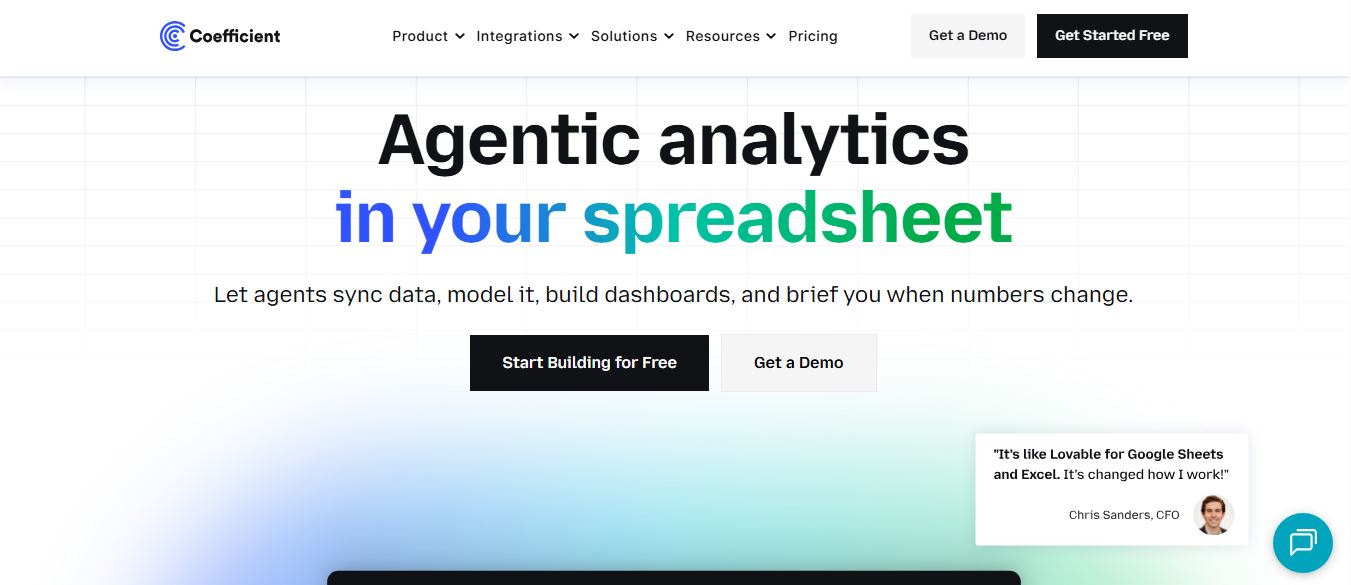
4.9Coefficient
Spreadsheets
Coefficient is an AI-powered spreadsheet automation platform that connects live data from tools like Salesforce, HubSpot, and databases directly into Google Sheets and Excel. It enables real-time reporting, automated refreshes, and AI-driven analysis, helping teams build dashboards and workflows without manual exports or coding.
 4.9
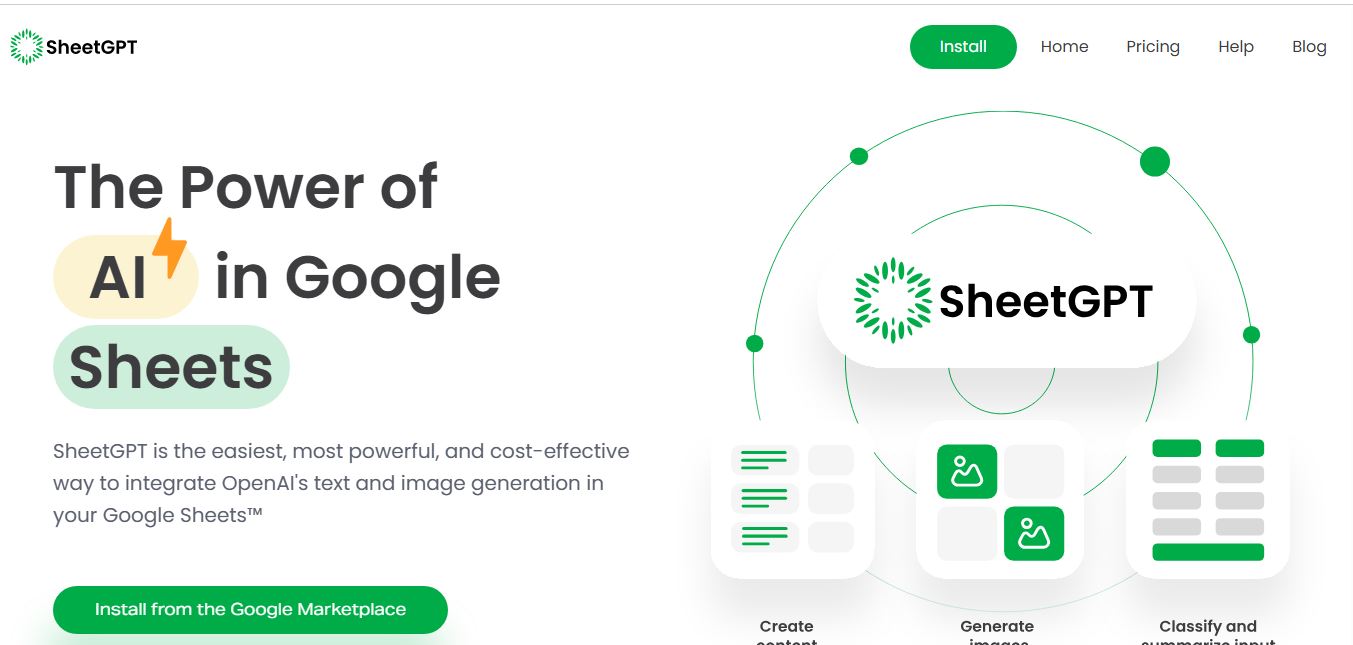
4.9SheetGPT
Spreadsheets
SheetGPT is an AI-powered Google Sheets add-on that helps users generate content, analyze data, and automate tasks using simple formulas like =GPT(). It integrates models like ChatGPT, Claude, and Gemini, enabling faster workflows for summarization, translation, classification, and large-scale spreadsheet operations.
 4.9
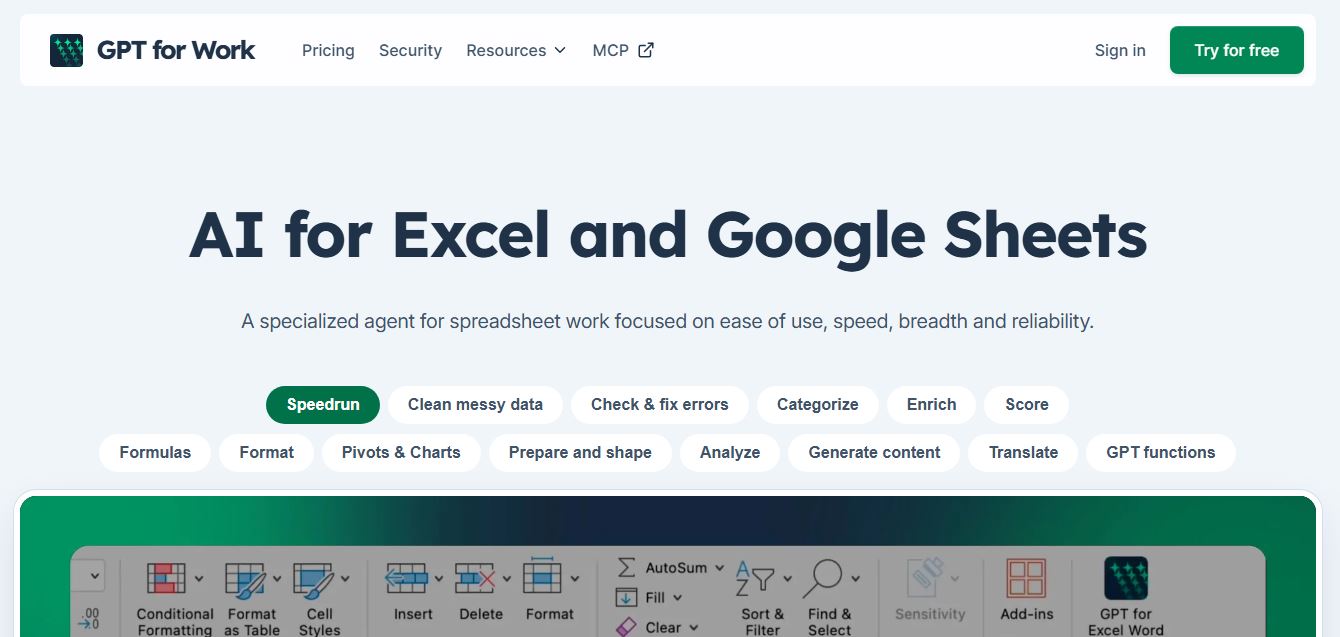
4.9GPT for Work
Spreadsheets
GPT for Work is an AI-powered spreadsheet assistant that helps users automate tasks in Excel and Google Sheets using natural language. It writes formulas, cleans data, generates content, and processes thousands of rows in bulk, enabling faster analysis, workflow automation, and data-driven decision-making.