Google Vids
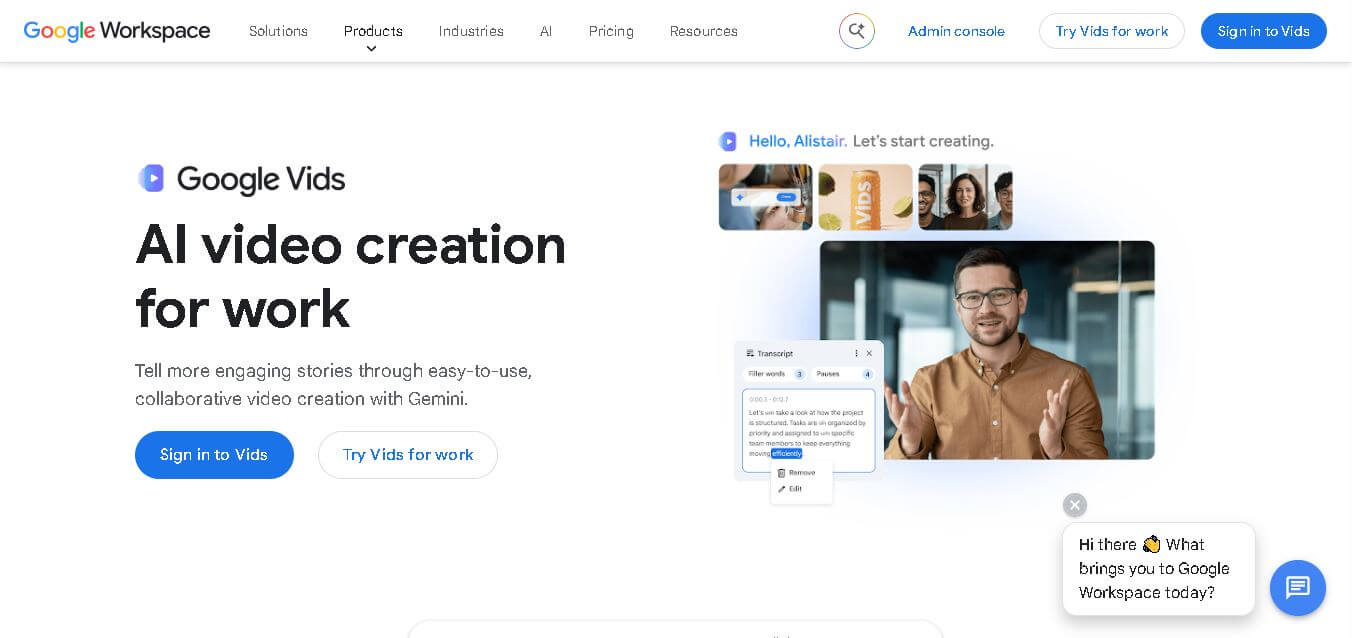
Google Vids is a workplace video creation tool that helps teams turn presentations, prompts, recordings, and media into engaging videos. It offers templates, AI-generated clips, avatars, voiceovers, transcript-based editing, captions, collaboration, and direct YouTube export. It is especially useful for training, onboarding, sales, marketing, and internal business communication teams today.
What is Google Vids?
Google Vids is Google Workspace’s collaborative video creation and editing application for turning ideas, presentations, recordings, and media into business-ready videos. It combines templates, screen recording, transcript-based editing, AI-generated clips, avatars, voiceovers, captions, and localization tools in one workspace. Users can begin with Google Slides, templates, or prompts, then refine videos collaboratively. Designed for workplace communication, Vids helps teams create training, onboarding, sales, marketing, and internal communication content without requiring advanced video-editing expertise.
Google Vids supports videos up to 30 minutes and offers widescreen, vertical, and square formats. Its AI avatars and voiceovers support 24 languages, while automatic transcription and captioning improve accessibility. Users can generate video clips from text prompts, animate images, record screens, edit through transcripts, and collaborate with Workspace controls. Vids also connects with Google Slides, Drive, Photos, and YouTube. Creation and editing require desktop access, while viewing works on desktop and mobile devices, making Vids practical for business communication, training, and marketing.
- Platform Role: Work-focused AI Video Generation & Editing Tool
- Developer & Organization: Google / Alphabet Inc.
- Cross-Platform Access: Web Browser (Google Workspace ecosystem) and mobile apps across iOS and Android
Use Cases:
- Converting Google Slides presentations and PDF briefs into structured, interactive video explainer modules
- Generating customer enablement videos, product pitch demos, and personalized sales outreach clips
- Creating streamlined employee onboarding videos and training courses translated across multiple global languages
- Recording screen presentations, webcam video demos, and team announcements with built-in teleprompter assistance
- Collaborating asynchronously on video timelines with team members via real-time Google Workspace commenting and co-editing
Technology:
- Gemini generative AI models providing automated storyboarding, script drafting, and context-aware scene suggestions
- Integration with Google's advanced video generation technology (Veo) for high-fidelity scene rendering and realistic avatars
- AI-driven synthetic voiceovers and photorealistic presenter avatars capable of multi-language translation and lip-syncing
- Enterprise-grade Google Workspace security backbone with encryption, access management, and policy compliance
Target Users:
- Sales and marketing professionals creating quick pitch videos, product walkthroughs, and client updates
- Human Resources and Learning & Development teams producing interactive training and onboarding modules
- Educators and academic institutions creating dynamic video lectures from existing educational slide decks
- Cross-functional remote teams needing asynchronous video updates without dedicated videography skills or equipment
Acquisition: Native application developed, hosted, and operated by Google LLC (workspace.google.com/products/vids)

What are the key features of Google Vids?
Google Vids' key platform features are
- “Help Me Create” Storyboarding: Prompts Gemini to outline scenes, write drafts, write voiceover scripts, and suggest relevant stock media.
- Slide-to-Video Transformation: Imports existing Google Slides or Docs to instantly construct logical video outlines and timing tracks.
- Custom AI Avatars & Voiceovers: Generates synthetic presenter avatars and high-quality AI voiceovers across over 20 languages.
- In-App Recording Studio: Built-in webcam recorder, screen sharing, and read-along teleprompter for quick face-to-camera capture.
- Royalty-Free Stock Media Library: Integrated access to millions of stock videos, photos, graphics, and background music tracks.
- Real-Time Collaboration: Co-edit video timelines, leave comments, and manage version history just like in Google Docs or Slides.
How much does Google Vids cost?
Google Vids is included as a core application in Google Workspace business and education subscription tiers, with advanced generative AI features unlocked via Gemini for Workspace plans.
Google Workspace Bundled Plans:
- Workspace Business Starter ($6 - $7.20/user/month): Includes standard Google Vids access for video editing, recording, stock media, and basic AI features.
- Workspace Business Standard / Plus ($12 - $21.60/user/month): Includes core Vids access along with elevated storage and team security controls.
- Education Editions (Free / Paid): Full access to Google Workspace for Education Fundamentals, Standard, and Plus.
- Gemini for Workspace Add-On ($20/user/month): Unlocks advanced generative video tools, AI custom avatars, and multi-language voiceover translation features.
Disclaimer: Standard Google Vids functionality is included with Google Workspace plans. Advanced AI avatar generation and multi-language script translation require a Gemini for Workspace add-on license.
Who should use Google Vids?
Google Vids is designed for workspace organizations, educators, and businesses, including
- Corporate Operations & HR Teams: Departments looking to scale onboarding and internal communications with engaging videos instead of static PDFs.
- Sales & Business Development Teams: Account executives wanting to send personalized video pitches to prospects in minutes.
- Teachers & Educational Institutions: Educators seeking to convert static lesson plans and lecture slides into engaging video presentations.
- Distributed Remote Teams: Organizations needing asynchronous video updates to reduce reliance on live meeting hours.
What are the best alternatives to Google Vids?
Some of the strongest Google Vids alternatives include
What are the pros and cons of Google Vids?
What are the pros of Google Vids?
- Deep native integration with Google Workspace, Drive, Slides, and Docs with zero software downloads
- Real-time multi-user co-editing and commenting directly on video timelines
- Fast script-to-video workflow using Gemini for automated storyboarding and speech generation
- Integrated recording studio with built-in teleprompter and audio-leveling capabilities
What are the cons of Google Vids?
- Limited advanced video editing tools compared to dedicated suites like Adobe Premiere or Final Cut Pro
- Maximum video duration limits (typically capped around 10 minutes) suitable for workplace communications rather than long-form content
- Advanced AI video features and photorealistic avatar options require paid Gemini add-on licenses
Why should you choose Google Vids?
Creating work videos traditionally requires complex desktop software, dedicated editing knowledge, and hours of manual assembly. Google Vids eliminates these barriers by bringing video creation directly into the Google Workspace suite. By using Gemini AI to draft storyboards, generate scripts, and animate slides, Google Vids enables any team member to produce polished business videos in minutes.
How does Google Vids compare to competitors?
The primary difference between Google Vids, Synthesia, Loom, and Canva lies in platform integration and intent. While Loom focuses on fast screen recording and Synthesia specializes in realistic enterprise AI avatars, Google Vids provides an all-in-one collaborative video creation experience natively connected to Google Workspace files and team workflows.
| Feature / Platform | Google Vids | Synthesia | Loom | Canva Video |
|---|---|---|---|---|
| Core Focus | Workspace AI Video Creation & Collaboration | Enterprise AI Avatars & Synthetic Video | Async Screen & Cam Recording | Drag-and-Drop Graphic Video Design |
| Workspace Ecosystem | Native Google Workspace (Drive, Slides, Docs) | Standalone Web App / API Integrations | Atlassian / Standalone Chrome & Desktop | Canva Design Ecosystem |
| AI Script & Storyboard | Google Gemini Integrated | Built-in AI Assistant | AI Summaries & Title Generation | Magic Design AI |
| Real-Time Co-Editing | Yes (Google Docs style multi-user) | Limited (folder/team sharing) | No (comment-based) | Yes (multi-user design canvas) |
| Best For | Workspace teams converting slides and docs to business videos | High-end corporate training with photorealistic AI actors | Quick, informal async screen recordings and updates | Marketing graphics, social media posts, and visual decks |
How do we rate Google Vids?
| Parameter | Rating (out of 5) |
|---|---|
| Google Workspace Integration & Collaboration | 5.0 |
| Ease of Use & Storyboard Generation | 4.8 |
| AI Voiceover & Script Assistance | 4.7 |
| Media Library & Asset Quality | 4.6 |
| Value for Money (Included with Workspace) | 4.9 |
| Overall Score | 4.80 |
What is our review and verdict on Google Vids?
Google Vids represents a natural evolution for modern workplace communication. By integrating generative AI storyboarding, automated voiceovers, and slide conversion into the Google Workspace ecosystem, it turns video creation into a mainstream, collaborative activity. While it won't replace professional video editing software for film or complex post-production, it is an outstanding tool for business storytelling.
Conclusion
Google Vids brings video creation closer to everyday workplace workflows by combining familiar Workspace collaboration with AI-assisted creation and editing. Its support for templates, Slides, screen recording, avatars, voiceovers, captions, and 24-language localization makes it useful for teams creating training, sales, marketing, and internal videos. With desktop-based creation and videos limited to 30 minutes, it is best suited to focused business storytelling rather than long-form production. For Workspace users, Vids offers a practical way to create polished video content faster.
FAQ
What is Google Vids used for?
Google Vids is useful when you need to turn information into a clear, shareable video without learning complex editing software. You can create onboarding lessons, sales pitches, product explainers, training videos, internal updates, and presentations. It also helps teams collaborate, review content, add captions, and share finished videos securely today.
Can beginners create videos with Google Vids?
Yes. Google Vids is designed for people without advanced editing experience. You can start with templates, Google Slides, recordings, or simple prompts, then refine the result using straightforward editing tools. Transcript-based editing reduces timeline complexity, while AI can help generate clips, music, avatars, and voiceovers for your project easily.
Does Google Vids support AI-generated video?
Yes. Google Vids can generate video clips from text prompts and modify existing footage through Gemini features. You can also create customizable AI avatars, generate voiceovers, animate images, and add native audio. These capabilities are useful when you need professional-looking visual content but lack suitable footage, presenters, or production resources.
Can Google Vids create videos in different languages?
Yes. Google Vids supports AI avatar scripting and voiceovers in 24 languages, helping teams adapt workplace videos for international audiences. It also supports multilingual transcription and captioning for recorded videos. This makes Vids particularly useful for organizations creating onboarding, training, product, or internal communication content across multiple regions and teams.
Can I edit Google Vids using a transcript?
Yes. Google Vids lets you edit videos through their text transcripts, making it easier to remove unwanted sections and refine spoken content without managing a complicated timeline. You can then add captions, transitions, and visuals. This approach is convenient for presentations, screen recordings, training videos, and narrated content.
Is Google Vids available for free?
Google Vids can be tried at no cost, while advanced features and expanded usage limits are available through eligible Google Workspace plans and Google AI plans. Availability can depend on the account and plan. If you are evaluating Vids, starting with the trial lets you understand its workflow before upgrading Vids.
User Reviews
No reviews yet for Google Vids.
Featured Tools
Featured AI tools from TechShark

Melody Genie
MelodyGenie is an AI-powered music generator that creates original songs from simple text prompts. Users can choose styles, moods, and genres, then instantly generate melodies and full tracks, making it easy for creators, marketers, and hobbyists to produce custom music without musical expertise.
Freemium

Kimi AI
Kimi AI is an advanced AI assistant developed by Moonshot AI that helps you chat, research, write, code, and automate tasks in one place. It supports web search, file analysis, and multimodal inputs, and can even run autonomous “agent” workflows to complete complex tasks end-to-end.
Freemium

Fashion Diffusion AI
Fashion Diffusion is an AI-powered fashion design platform that helps brands and designers create clothing designs, virtual try-ons, AI models, product photos, and marketing visuals faster and cost-effectively.
Paid

Veo 4
Veo 4 AI is an AI video creation platform that generates dramatic videos from text, images, audio, and video prompts using realistic motion and synchronized sound.
Paid
Alternatives
Alternatives to Google Vids
The best Google Vids alternatives include Synthesia, Loom, Canva Video, and Descript. While Google Vids provides a collaborative, browser-first video creator deeply integrated into Google Workspace and powered by Gemini AI, alternatives like Synthesia focus on photorealistic AI avatars and Loom specializes in rapid asynchronous screen recording.
 4.9
4.9Clipchamp
Video Generator
Clipchamp is an AI-powered online video editor by Microsoft that helps users record, edit, and share videos directly from the browser. It offers templates, stock media, and AI tools like subtitles, voiceovers, and noise removal, enabling fast, professional video creation without advanced editing skills.
 4.9
4.9CapCut
Video Editing
CapCut is a popular video editing tool that helps creators produce engaging videos with effects, transitions, filters, templates, subtitles, and AI-powered features. Available on multiple platforms, CapCut makes it easy to edit videos for TikTok, Instagram Reels, YouTube Shorts, and other social media channels.
 4.9
4.9Pika
Video Generator
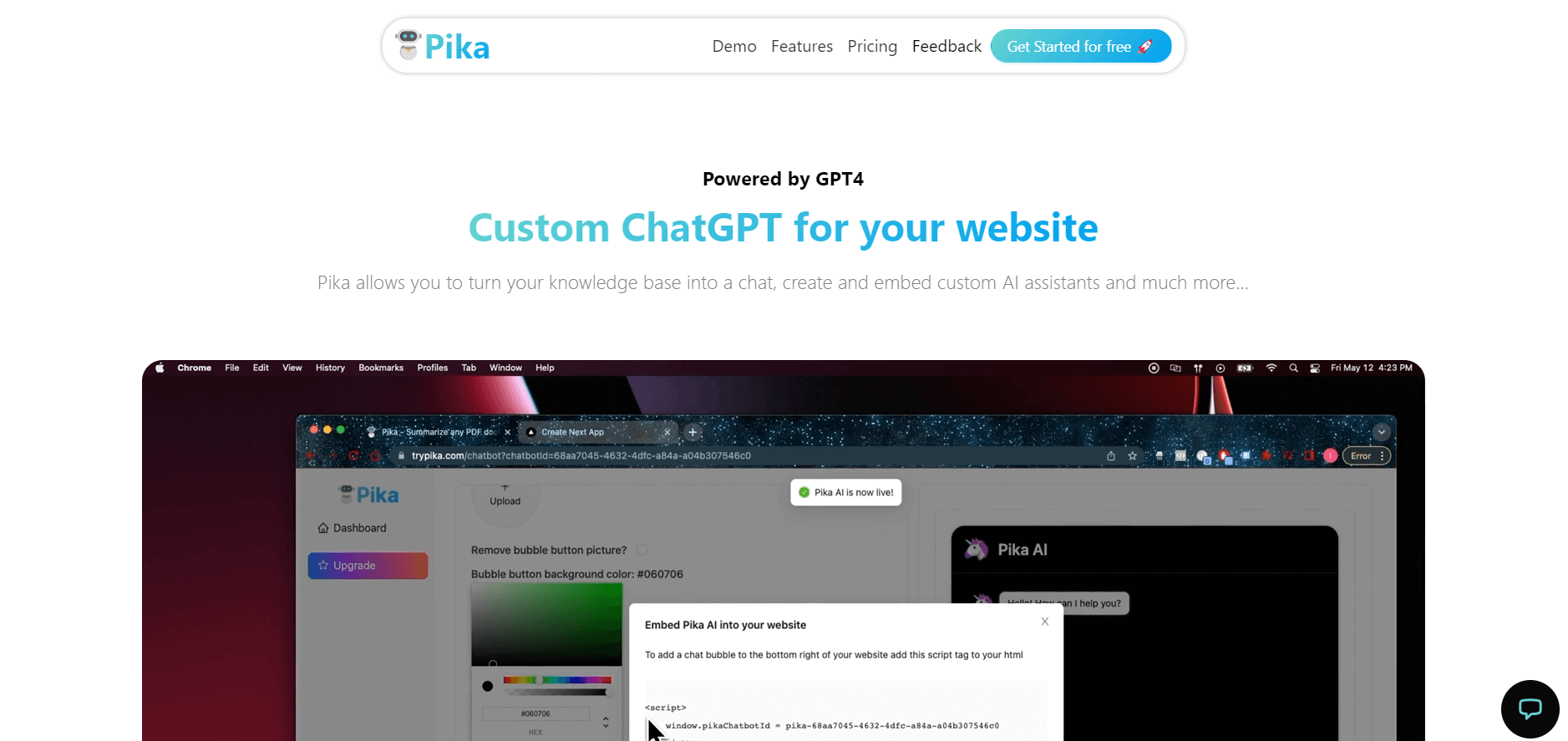
Pika is an AI video generation and creative effects platform that transforms text prompts, still images, and video clips into cinematic video sequences, meme animations, and viral visual effects using its proprietary generative video models.
 4.7
4.7Hotshot AI
Video Generator
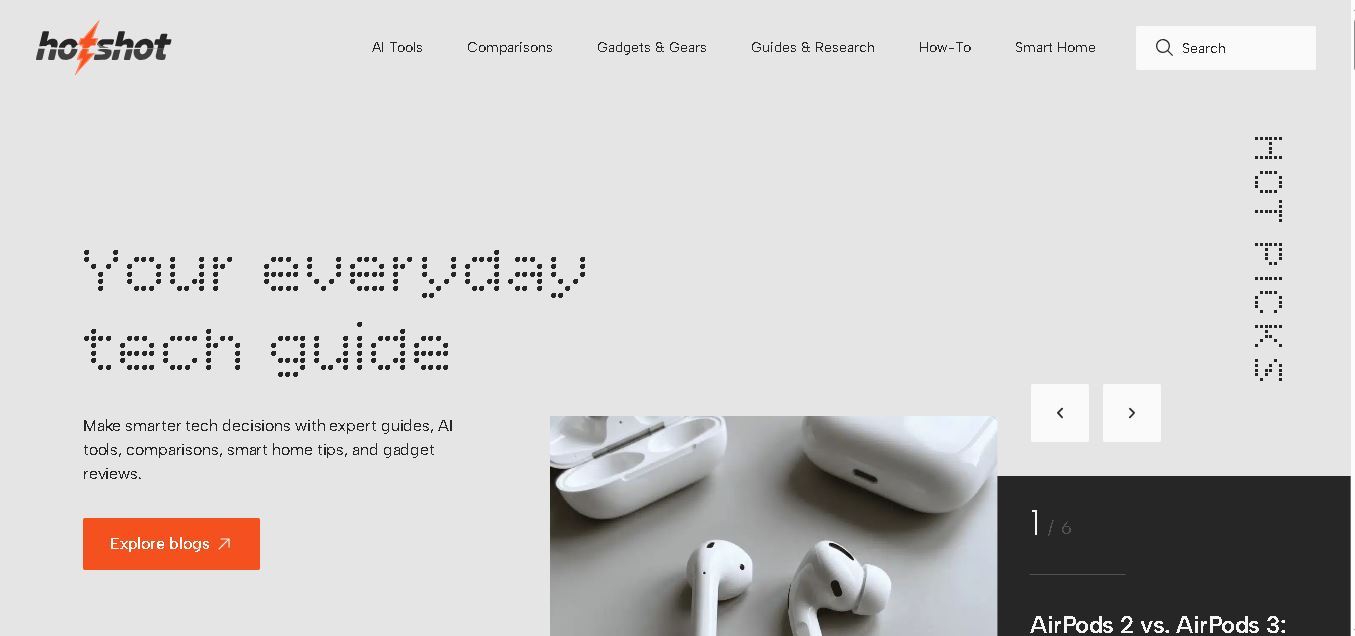
Hotshot is an everyday technology publication covering AI tools, gadgets, smart home technology, comparisons, research, and practical how-to guides. It helps readers understand products, evaluate software, compare options, and solve common technology problems through accessible articles created for people who want clearer information before making technology-related decisions online with confidence.
 4.7
4.7VideoPlus AI
Video Generator
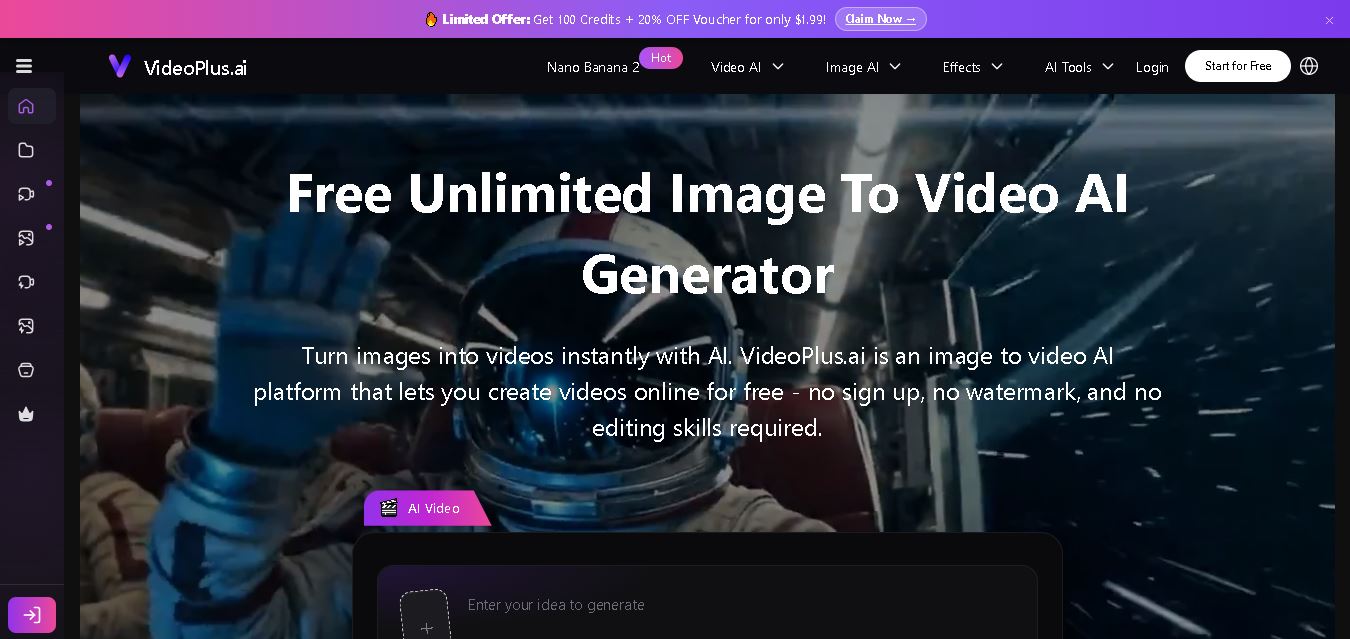
VideoPlus.ai is a versatile AI creation platform for generating and transforming videos and images. It supports text-to-video, image-to-video, reference-to-video, video-to-video, animation, image generation, enhancement, lip syncing, and creative effects. Multiple AI video models are available, making it useful for creators, marketers, designers, and businesses.
 4.7
4.7VideoTube
Video Generator
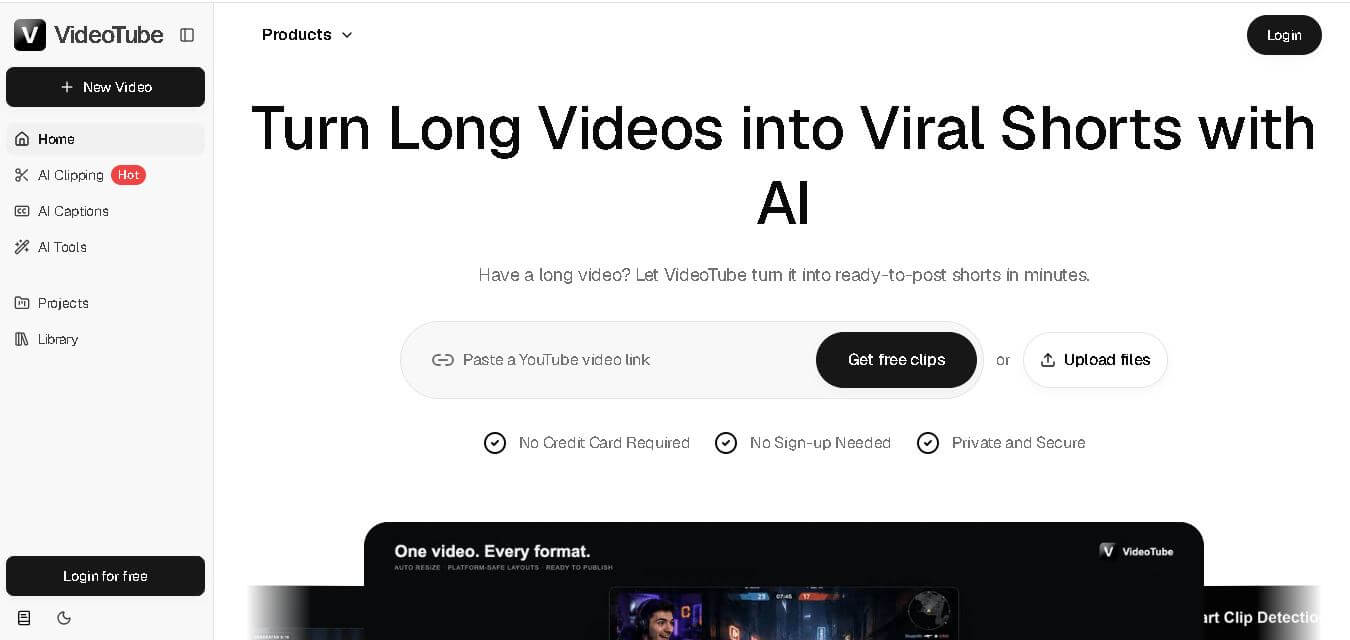
VideoTube helps creators transform long videos into short, social-ready content with AI. It can detect engaging moments, generate captions, remove filler, add B-roll, and automatically reframe videos for vertical platforms. Podcasters, YouTubers, educators, marketers, and agencies can repurpose existing content faster without relying on complicated video editing workflows.
 4.7
4.7TYPPO
Video Generator
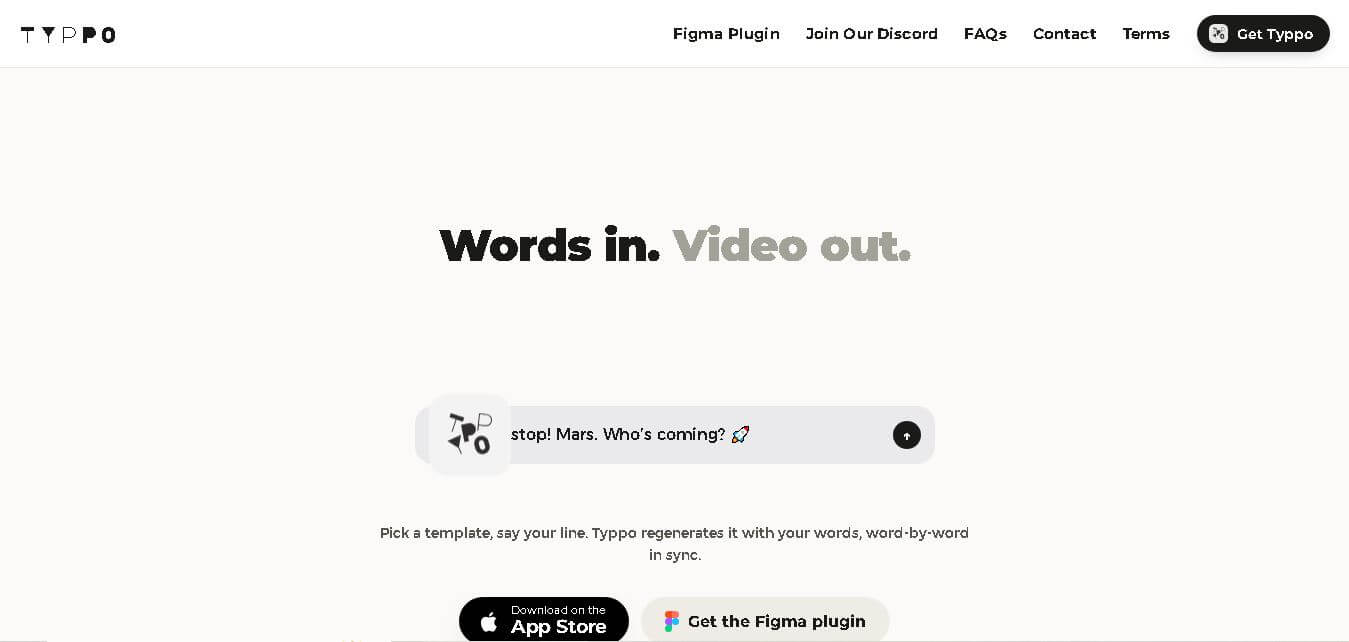
Typpo turns spoken words into animated videos without requiring design skills. Record a message, let the app transform your voice into motion graphics, and share the result on mobile-focused social channels. It supports multiple languages and offers a simple workflow for creators, marketers, communicators, and anyone wanting faster visual content creation.
 4.8
4.8Pollo AI
Video Generator
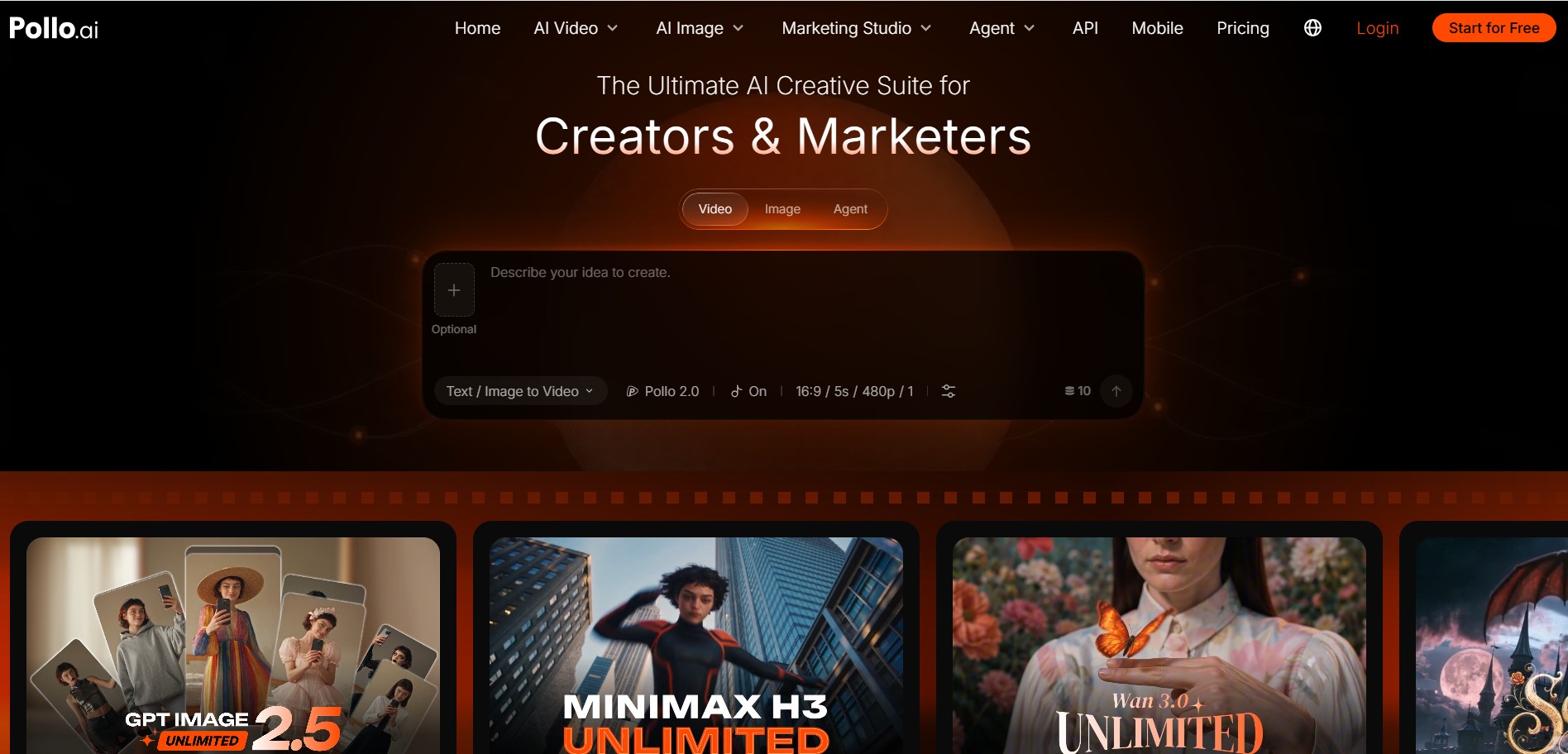
Pollo AI helps creators generate videos and visual content from text, images, and creative prompts. It combines multiple AI video models in one platform and supports workflows such as text-to-video, image-to-video, avatars, video transformation, and reference-based generation. A free tier lets users explore its core creative capabilities before upgrading.
iMini AI
Video Generator
iMini AI (imini.com) is an all-in-one AI creative agent and generative content hub that combines leading AI models into a single interface for generating images, videos, presentations, branding, and deep research reports.