
Flow Studio
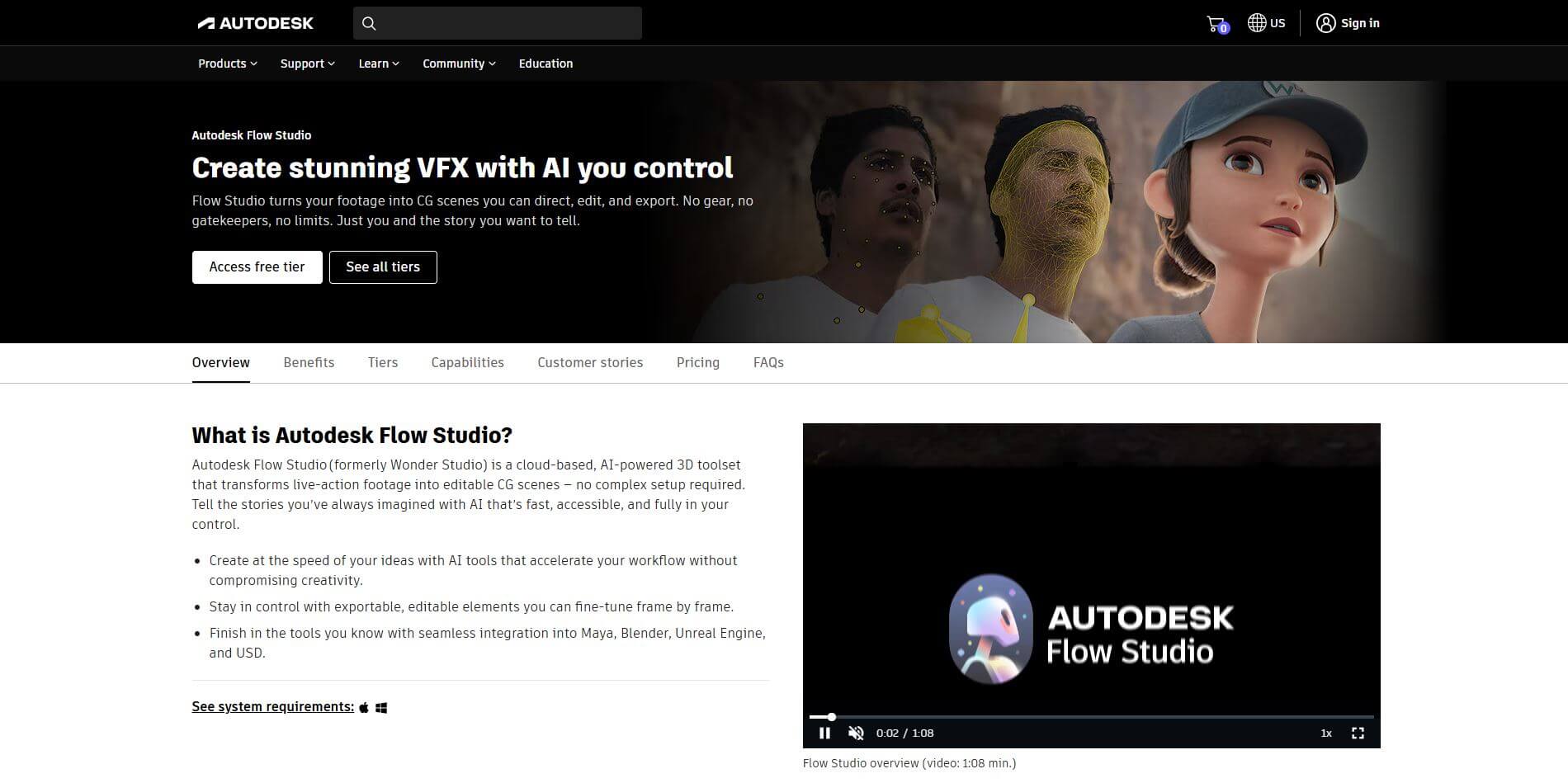
Flow Studio is a cloud-based AI tool by Autodesk that transforms live action into editable CG scenes—fast, creative, and user-driven.
What is Flow Studio?
- Founder: Originated from Wonder Dynamics, acquired by Autodesk in May 2024.
- Launch: Rebranded as Autodesk Flow Studio in March 2025; freemium pricing introduced in August 2025.
- Use Cases: Indie filmmakers, artists, educators, and studios use it to insert CG characters, animate scenes, and accelerate VFX workflows.
- Technology: Combines AI-powered markerless motion capture, video-to-3D conversion, clean plate and camera-track extraction, plus seamless export via USD, FBX, and DCC formats.
Autodesk Flow Studio is a web browser-based, AI-powered VFX platform that democratizes cinematic storytelling for every creator. Autodesk built and acquired Wonder Dynamics' Wonder Studio in March 2025, and it currently operates under the Autodesk Flow umbrella. Flow Studio eliminates the technical barriers that have deterred creators for decades—no motion-capture suits, no green screens, no complex staging; simply upload your live-action footage, and Flow Studio will process it using markerless motion capture, video-to-3D reconstruction, camera tracking, and clean-plate generation. The finished content will be a fully editable CG scene, including character passes, alpha masks, and mocap data, in formats like USD, FBX, or directly into Maya, Blender, Unreal, or even 3ds Max. Flow Studio has a simple and engaging interface to efficiently teach filmmakers, educators, and small studios, and affordable pricing has a free tier that was introduced in August 2025. Ultimately, Flow Studio has created a VFX tool that is committed to limiting distractions from the creative process while eliminating the technical obstacles that slow down the process of learning, prototyping, or production. The tool speeds up creative workflows while keeping artists in control, ensuring every frame can be refined to satisfy the final vision.
Flow Studio Video/Demo
People are also reading
FAQ
What does Flow Studio do?
It transforms live video into editable CG scenes using AI-driven motion capture, tracking, and compositing—all in the cloud.
How did Flow Studio come about?
Originally launched as Wonder Studio by Wonder Dynamics, Autodesk acquired it in 2024 and rebranded it within the Flow platform in 2025.
Can I try it for free?
Yes—Autodesk introduced a free tier in August 2025, offering core AI VFX tools without cost for exploratory use.
What kind of outputs can I export?
You can export mocap, camera tracks, clean plates, and 3D scenes in USD, FBX, or directly into tools like Maya, Blender, Unreal Engine.
Who benefits most from Flow Studio?
Indie creators, students, educators, small studios, or anyone wanting high-quality VFX without complex hardware or high costs.
User Reviews
No reviews yet for Flow Studio.
Featured Tools
Featured AI tools from TechShark

Melody Genie
MelodyGenie is an AI-powered music generator that creates original songs from simple text prompts. Users can choose styles, moods, and genres, then instantly generate melodies and full tracks, making it easy for creators, marketers, and hobbyists to produce custom music without musical expertise.
Freemium

Kimi AI
Kimi AI is an advanced AI assistant developed by Moonshot AI that helps you chat, research, write, code, and automate tasks in one place. It supports web search, file analysis, and multimodal inputs, and can even run autonomous “agent” workflows to complete complex tasks end-to-end.
Freemium

Fashion Diffusion AI
Fashion Diffusion is an AI-powered fashion design platform that helps brands and designers create clothing designs, virtual try-ons, AI models, product photos, and marketing visuals faster and cost-effectively.
Paid

Veo 4
Veo 4 AI is an AI video creation platform that generates dramatic videos from text, images, audio, and video prompts using realistic motion and synchronized sound.
Paid
Alternatives
Alternatives to Flow Studio
Flow Studio is an AI-powered video creation platform that helps businesses, educators, and creators produce engaging videos with templates, editing tools, and collaboration features—making professional video production simple, scalable, and cost-effective for diverse content needs.
 4.9
4.9Media.io
Video Editing
Media.io is an AI-powered creative platform that helps users generate, edit, and enhance videos, images, audio, and ads from simple prompts or assets. It combines AI generation, editing, and workflows in one place, enabling creators to turn ideas into polished content quickly without switching tools.
 4.9
4.9Artlist
Image
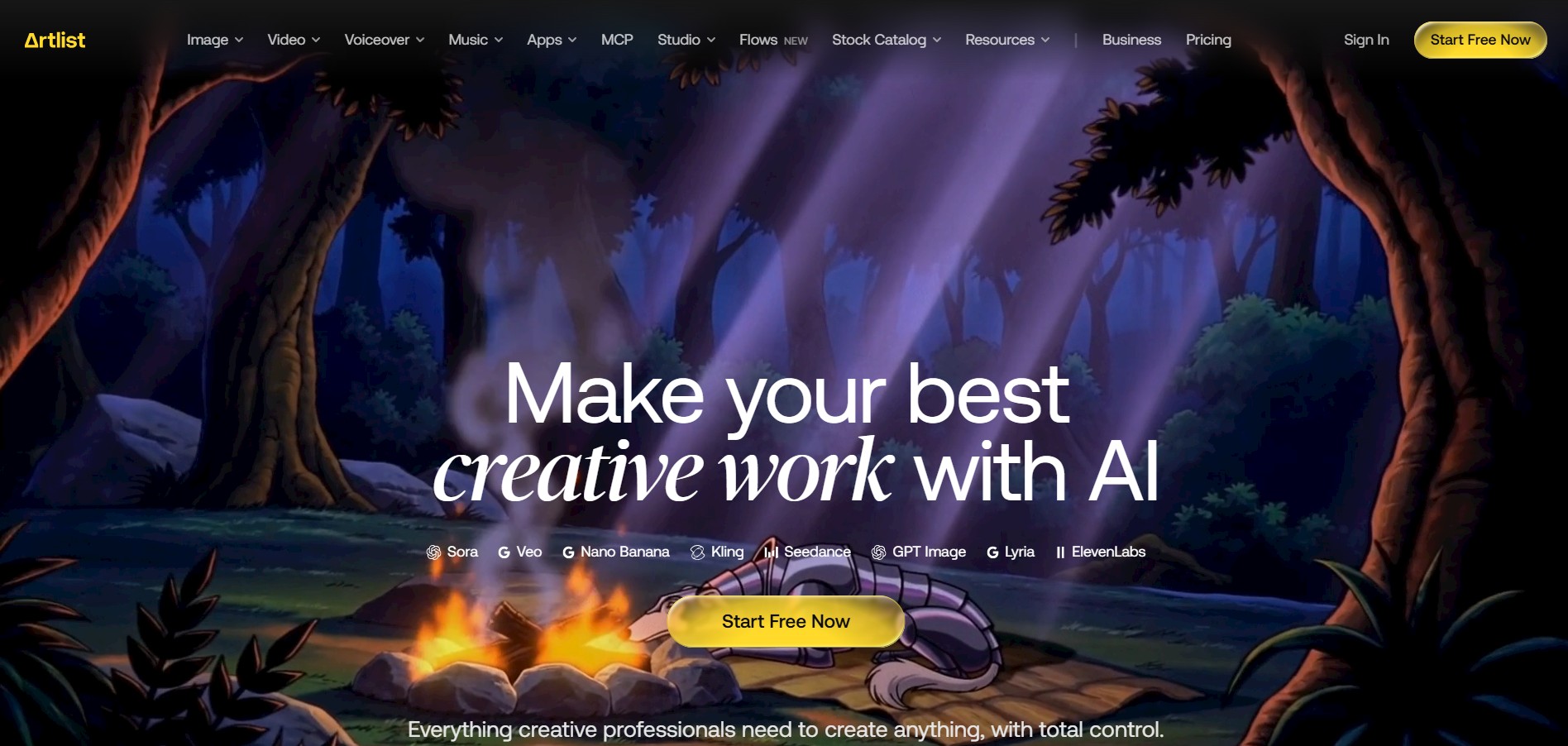
Artlist is a subscription-based platform that provides high-quality royalty-free music, sound effects, and video assets for creators. It helps filmmakers, YouTubers, and marketers access unlimited creative resources, making it easy to produce professional content without worrying about licensing issues.
 4.8
4.8Loqua
Text-to-Video
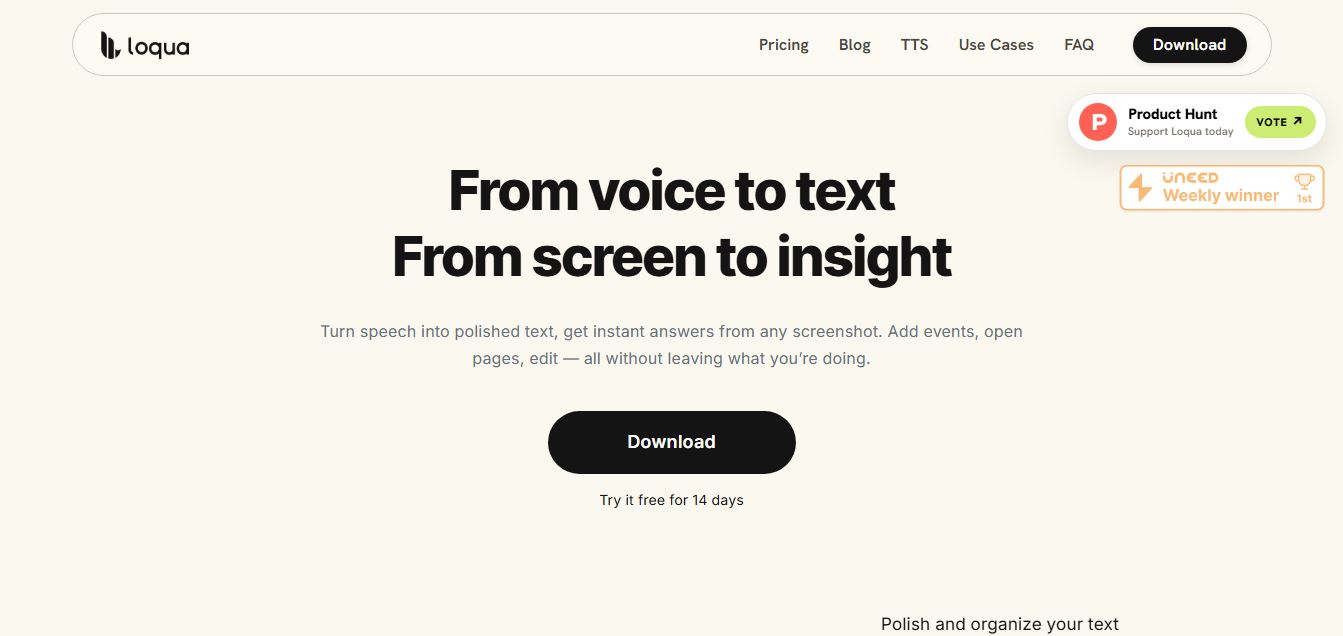
Loqua is an AI-powered voice typing, multimodal desktop agent, and intelligent dictation software for macOS and Windows that turns natural speech into structured, filler-free text across any app at 220 WPM, paired with Capture to Ask visual screen queries, speak-to-edit rewriting, and voice-triggered desktop automations.
 4.8
4.8InVideo
Text-to-Video
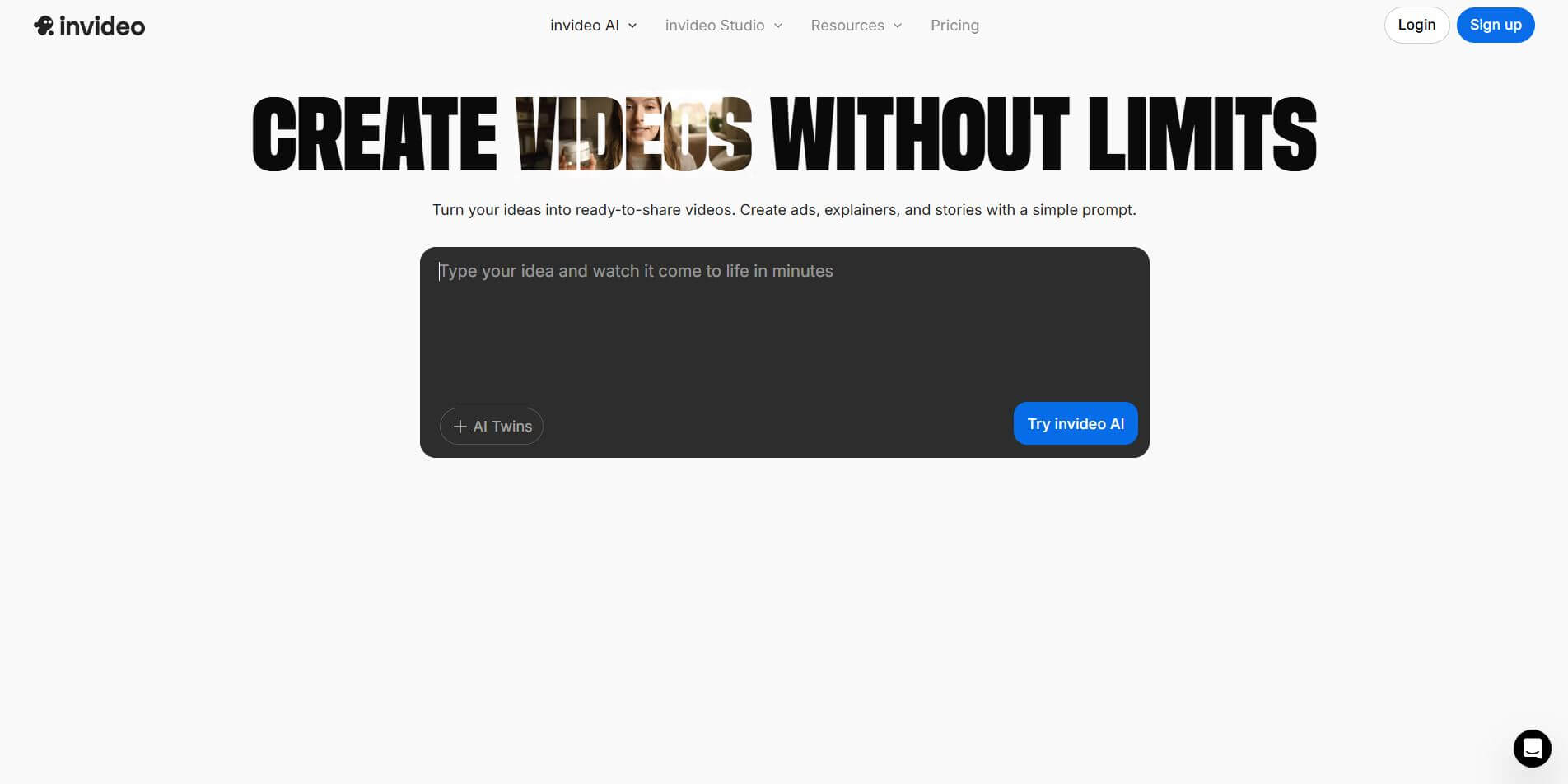
InVideo (invideo.io) is an AI-native video creation and production platform featuring InVideo AI, which turns text prompts, topics, and scripts into fully produced, narrated, and stock-matched videos with automated voiceovers, subtitles, and conversational editing.
 4.9
4.9Kling AI
Text-to-Video
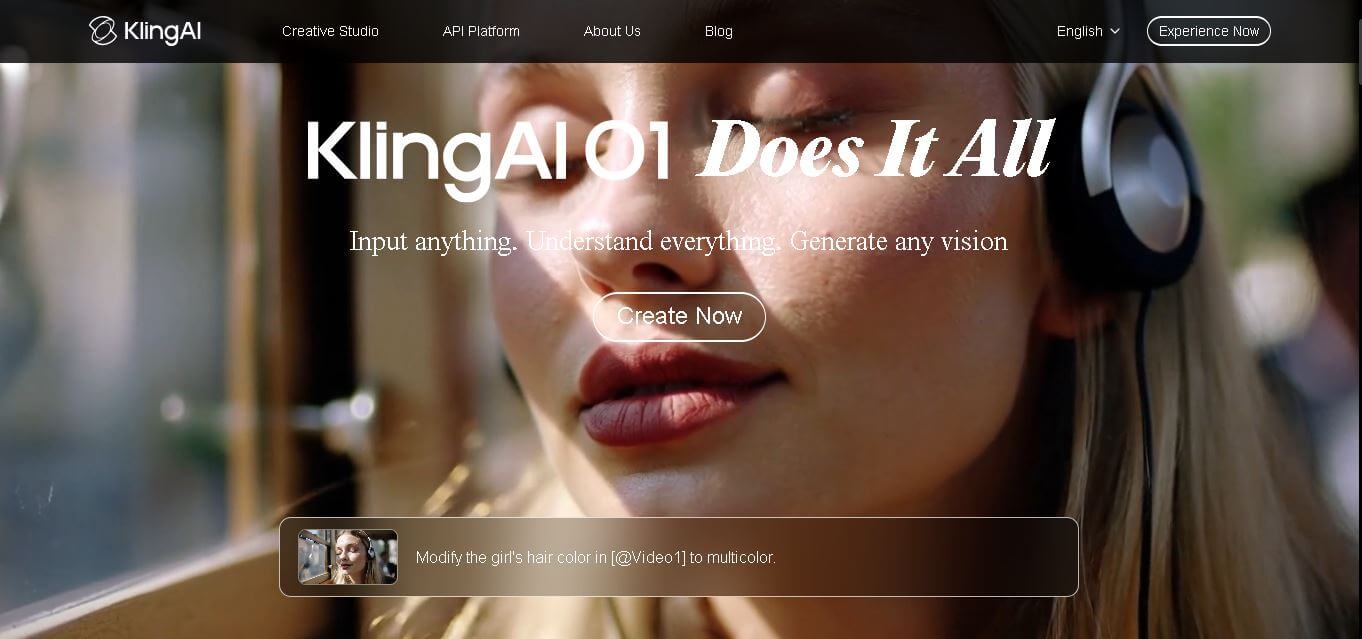
Kling AI is a flagship text-to-video and image-to-video creative studio developed by Kuaishou Technology, renowned for realistic physical motion, up to 4K cinematic video generation, native audio and lip-sync, start/end frame control, and 3D spatio-temporal camera direction.
 4.7
4.7Emu Video
Text-to-Video
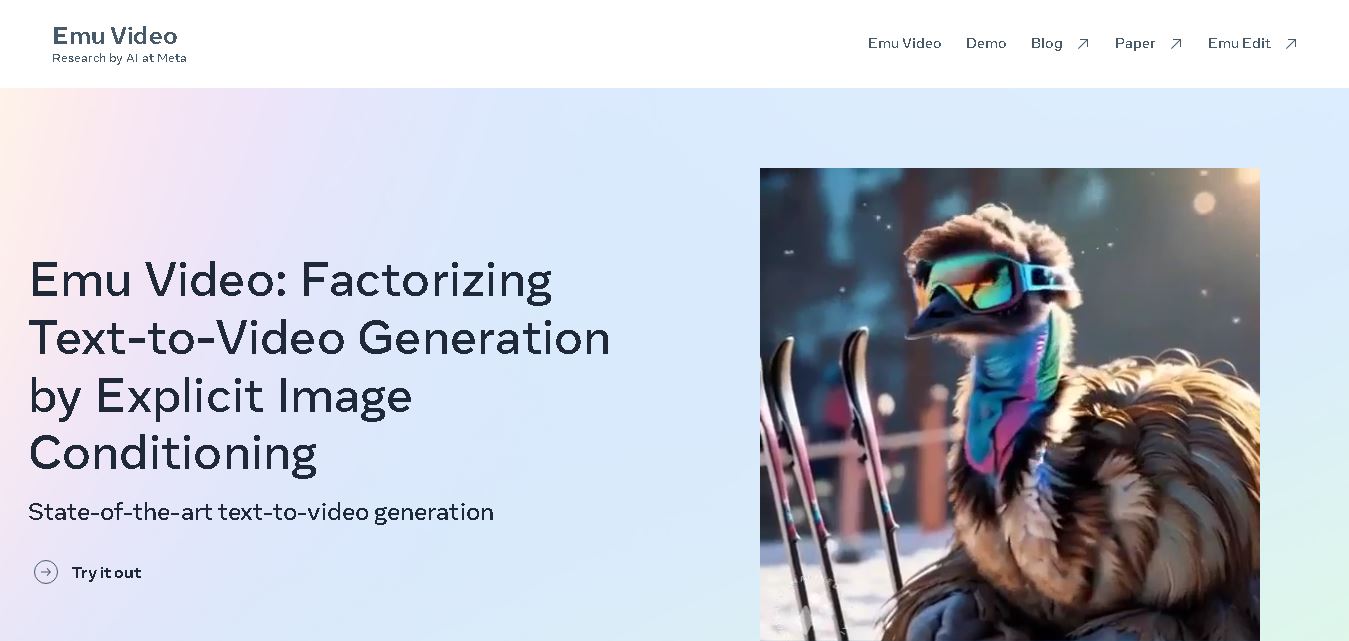
Emu Video is a text-to-video generation model developed by Meta that transforms written prompts into short, high-quality videos. It follows a two-step generation process to improve visual consistency, motion quality, and realism. The model also supports image-guided animation, making it suitable for creative storytelling, research, and multimedia content generation.
 4.9
4.9Stivio
Video Generator
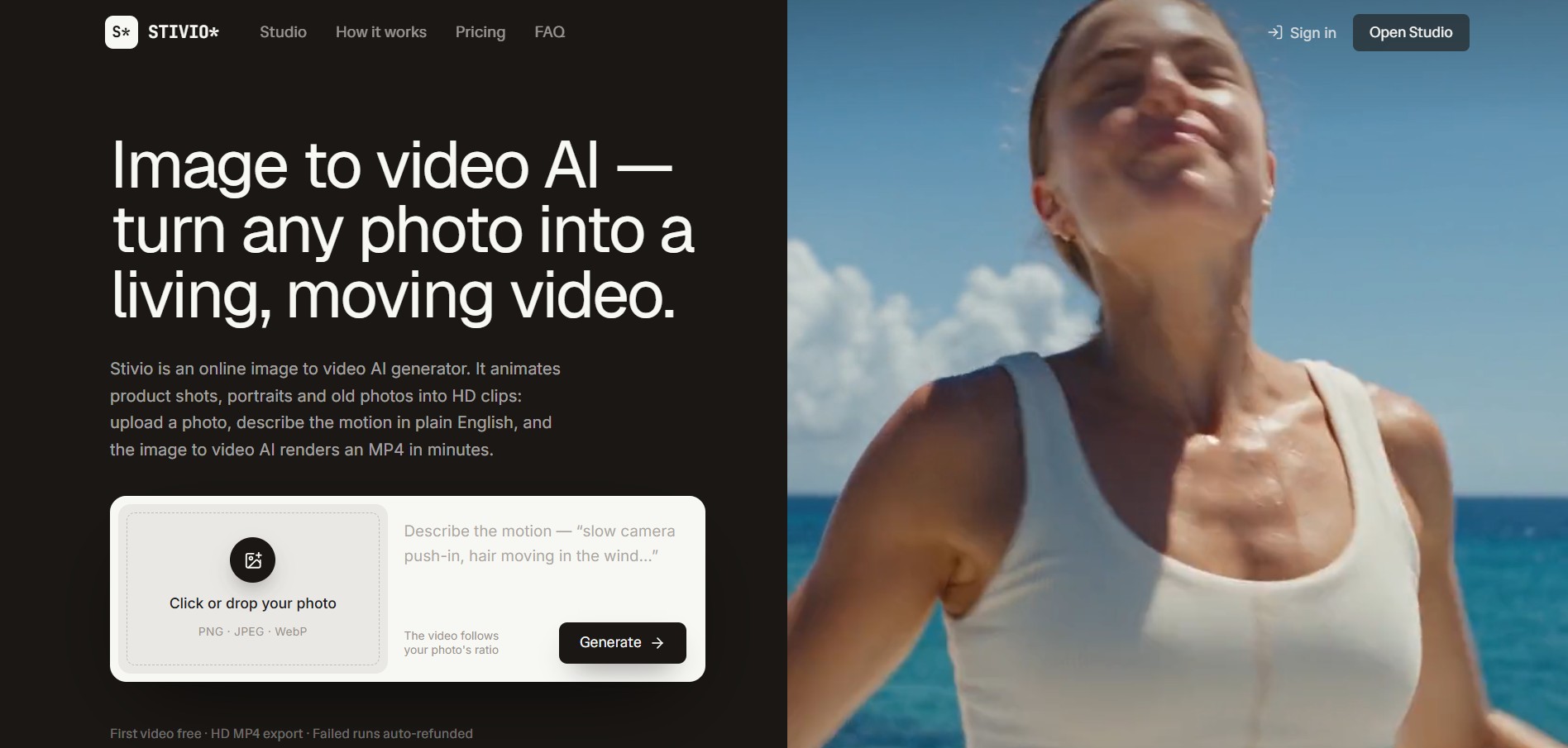
Stivio is an online image-to-video AI generator and multi-model animation studio that turns static product shots, portraits, and vintage photos into 3- to 30-second HD MP4 video clips using plain-English motion prompts across six foundation engines including Kling, Wan, MiniMax, and Seedance.
 4.8
4.8GeniLoop AI
Text-to-Video
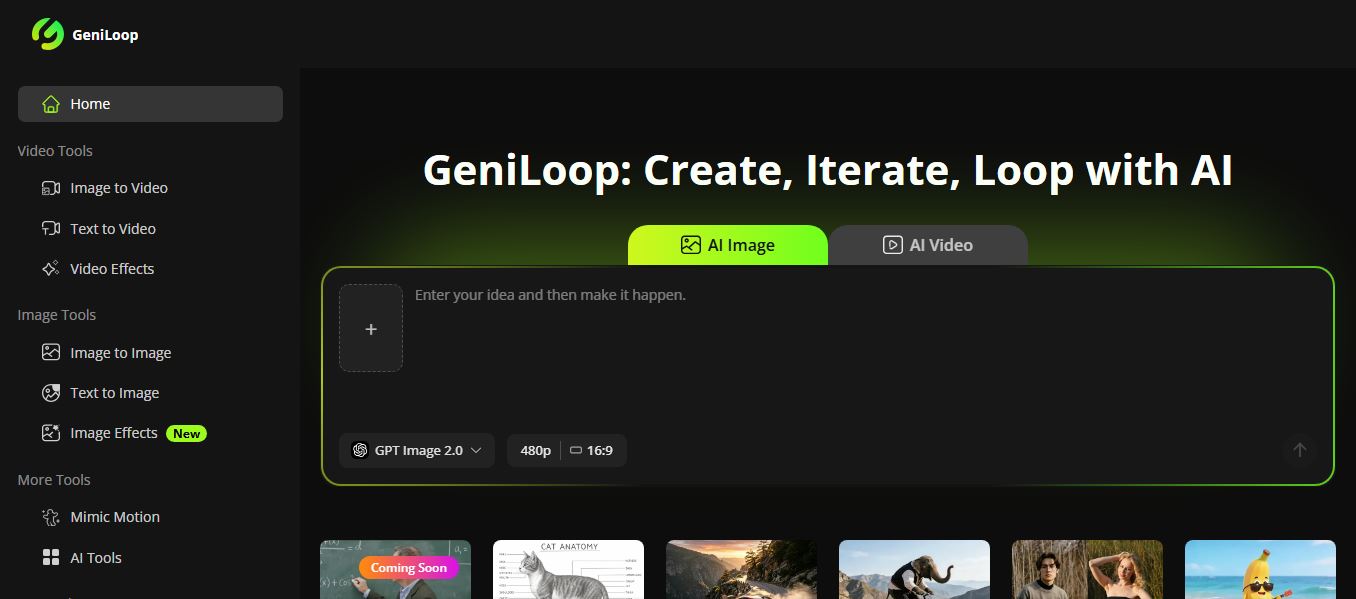
GeniLoop AI is an all-in-one AI studio that lets you create images, videos, and visual content from simple prompts. It supports tools like text-to-video, image-to-video, and hundreds of effects, helping creators generate high-quality visuals quickly without editing skills.
 4.7
4.7PixVerse AI
Text-to-Video
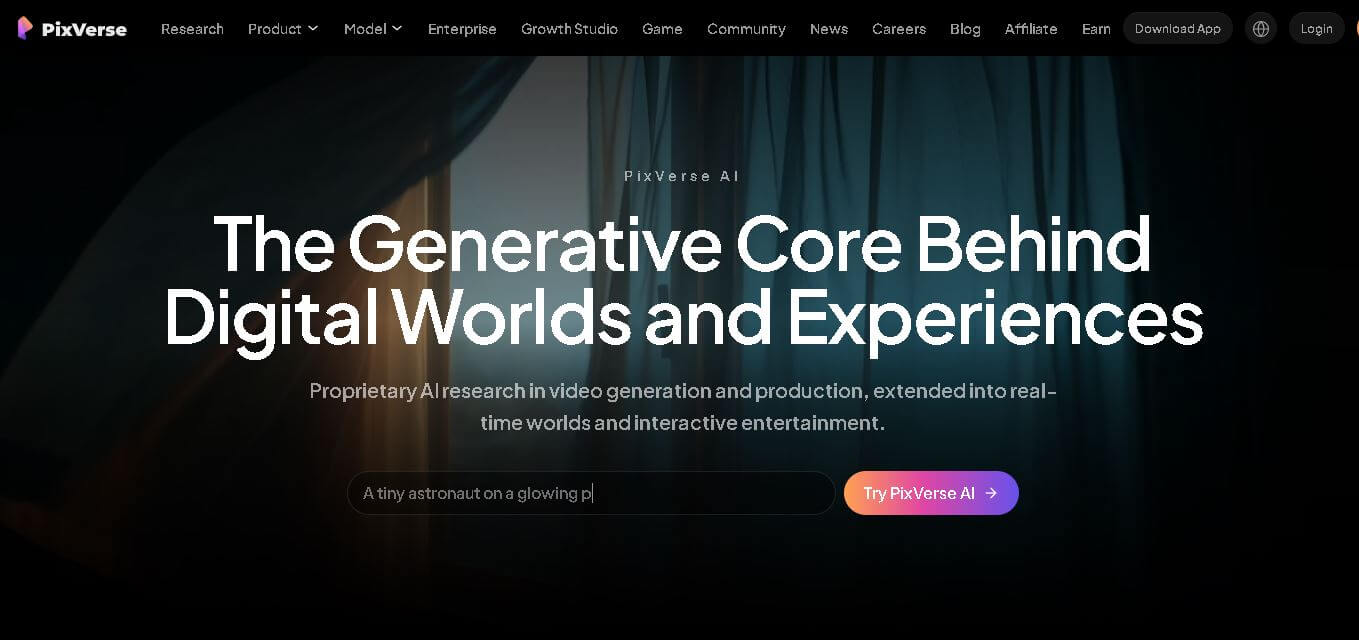
PixVerse is a generative video creation tool that transforms text prompts, images, and reference media into high-quality videos. It enables individuals, creators, marketers, and businesses to produce cinematic clips, social media content, advertisements, and animations with customizable styles, motion controls, templates, lip-sync, and AI-assisted editing in just a few steps.