
VideoGen
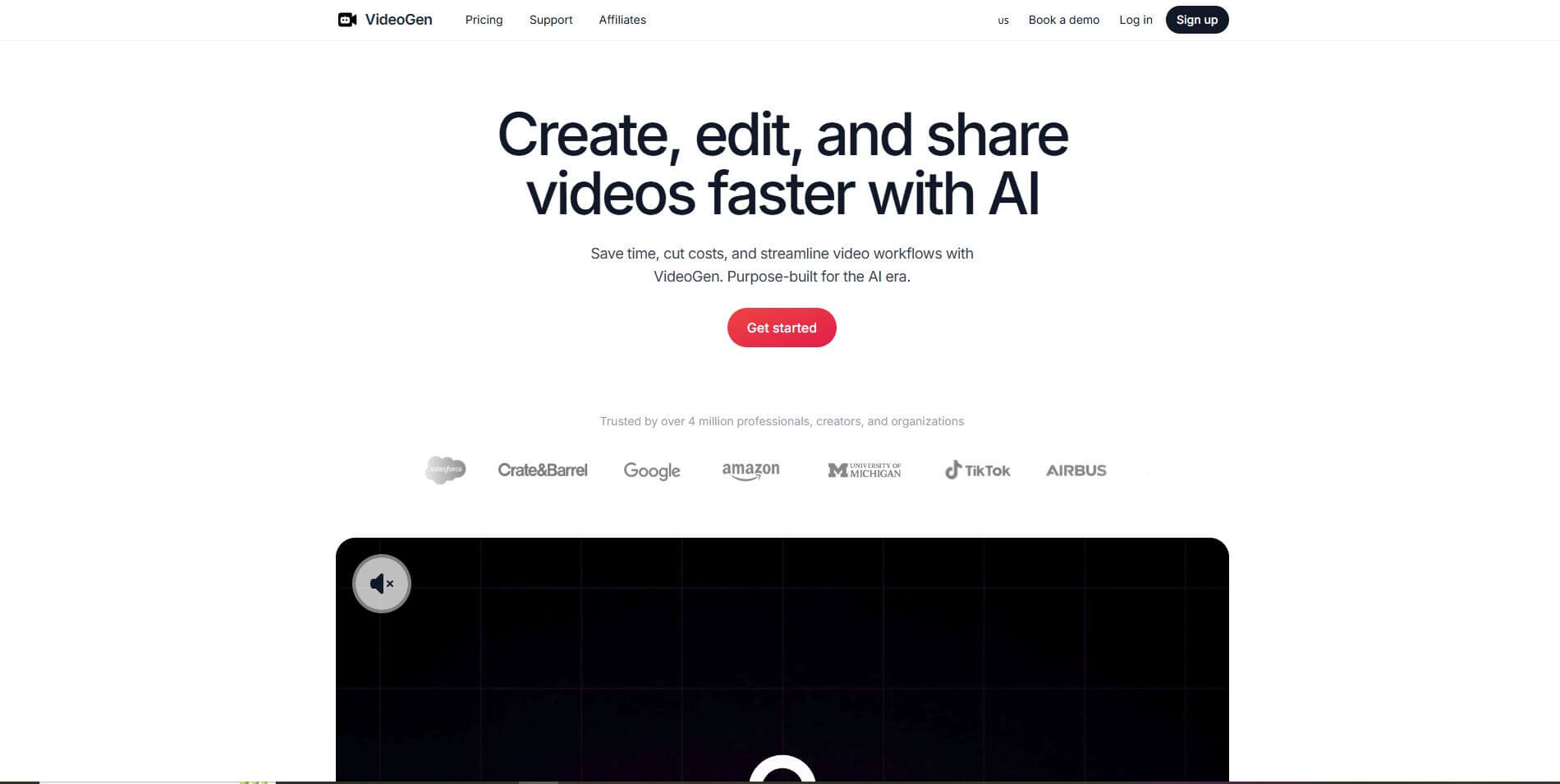
VideoGen is an AI-powered video generation platform that transforms text into engaging, professional-quality videos within minutes, eliminating the need for advanced editing skills or expensive production resources.
What is VideoGen?
- Founders: Anton Koenig & David Grossman
- Launch: 2025
- Use Cases: Marketing campaigns, social media content, training modules, explainer videos, product showcases, and educational resources
- Technology: AI-driven scriptwriting, natural text-to-speech, multilingual voiceovers, automated editing, and integrated stock footage library
VideoGen is an AI-powered video generation tool that focuses on making video production easier and faster. It takes texts, prompts, or blog posts as inputs and translates them into a video that looks polished. VideoGen empowers individuals and businesses to make professional video content without needing technical skills. The platform automates every step, including generating a video script, matching stock footage, editing video transitions, adding video captions, creating a voiceover, and automatically generating a natural-sounding voice that can speak in over 150 voices in 40+ languages and accents. VideoGen makes it easy to get started with video as a content medium, without having to worry about video quality. VideoGen offers a pipeline for video production that is automated and inexpensive, with no pixels or corner cutting. Use VideoGen to create and share videos for a global audience. If you are creating short-form videos for TikTok or Instagram or simply different videos for training, for educational purposes, your own product explainers, video promos, or anything else, VideoGen can help create these videos, even at scale. Creators, entrepreneurs, and enterprises use VideoGen as their go-to production solution, from a production cycle of days to minutes. VideoGen is changing the way we create content—it's bringing video production at studio quality to a simple, browser-based AI powered experience.
VideoGen Video/Demo
People are also reading
FAQ
How fast can VideoGen create a video?
Most videos are generated within minutes, depending on complexity and length.
Do I need prior editing knowledge?
No, VideoGen handles all scripting, editing, and voiceovers automatically.
Does it support multiple languages?
Yes, it offers more than 40 languages and accents with over 150 voice options.
Are the videos copyright-safe?
Yes, VideoGen uses licensed, copyright-free media suitable for commercial use.
What type of content works best?
It’s ideal for marketing campaigns, product demos, social media posts, training, and educational videos.
User Reviews
No reviews yet for VideoGen.
Featured Tools
Featured AI tools from TechShark

Melody Genie
MelodyGenie is an AI-powered music generator that creates original songs from simple text prompts. Users can choose styles, moods, and genres, then instantly generate melodies and full tracks, making it easy for creators, marketers, and hobbyists to produce custom music without musical expertise.
Freemium

Kimi AI
Kimi AI is an advanced AI assistant developed by Moonshot AI that helps you chat, research, write, code, and automate tasks in one place. It supports web search, file analysis, and multimodal inputs, and can even run autonomous “agent” workflows to complete complex tasks end-to-end.
Freemium

Fashion Diffusion AI
Fashion Diffusion is an AI-powered fashion design platform that helps brands and designers create clothing designs, virtual try-ons, AI models, product photos, and marketing visuals faster and cost-effectively.
Paid

Veo 4
Veo 4 AI is an AI video creation platform that generates dramatic videos from text, images, audio, and video prompts using realistic motion and synchronized sound.
Paid
Alternatives
Alternatives to VideoGen
VideoGen is an AI-powered video generation platform that allows users to instantly generate videos from scripts, articles, or prompts. The platform automates scripting, editing, voiceovers, captions, and stock footage selection, enabling effortless video production for marketing, education, training, and social media.
Neural.love
AI Image Enhancer
Neural.love is an AI-powered creative platform for generating images, editing photos, enhancing videos, restoring old media, and animating pictures. It combines multiple AI tools in a browser-based workspace, helping content creators, marketers, photographers, designers, and businesses improve visual content without relying entirely on traditional editing software.
 4.8
4.8Shuffll
Video Editing
Shuffll goes beyond traditional video creation by connecting personalized video directly to enterprise data and workflows. Its API-first infrastructure, 40+ AI models, automated production, and built-in brand governance make it suitable for organizations that need video at scale. For businesses seeking higher engagement without building large production teams, Shuffll offers a practical way to turn existing data into personalized, on-brand video experiences.
 4.8
4.8Opus Clip (Opus Pro)
Video Editing
OpusClip helps creators transform long-form videos into short, social-ready clips. It can identify engaging moments, generate captions, reframe footage, add B-roll, enhance audio, and support publishing across major social platforms. It is designed for creators, marketers, podcasters, businesses, and teams that want to scale video content production.
 4.8
4.8Dubbah
Video Editing
Dubbah helps Mac users translate and dub videos into 14 languages while preserving a familiar speaker voice. The app processes media locally, supports editing translated lines, and works offline after setup. With no account, subscription, or per-minute fee, it offers a simple, straightforward option for creators producing multilingual video content.
 4.9
4.9Clipchamp
Video Generator
Clipchamp is an AI-powered online video editor by Microsoft that helps users record, edit, and share videos directly from the browser. It offers templates, stock media, and AI tools like subtitles, voiceovers, and noise removal, enabling fast, professional video creation without advanced editing skills.
 4.9
4.9CapCut
Video Editing
CapCut is a popular video editing tool that helps creators produce engaging videos with effects, transitions, filters, templates, subtitles, and AI-powered features. Available on multiple platforms, CapCut makes it easy to edit videos for TikTok, Instagram Reels, YouTube Shorts, and other social media channels.
 4.9
4.9Media.io
Video Editing
Media.io is an AI-powered creative platform that helps users generate, edit, and enhance videos, images, audio, and ads from simple prompts or assets. It combines AI generation, editing, and workflows in one place, enabling creators to turn ideas into polished content quickly without switching tools.
 4.9
4.9Video Candy
Video Editing
Video Candy is a free online video editing platform that helps users trim, merge, compress, convert, and enhance videos directly in the browser. It offers 70+ tools with a simple drag-and-drop interface, making video editing fast, accessible, and efficient without installing complex software.
 4.8
4.8Vheer
Image
Vheer is a free AI image and video generator that helps users create visuals from text or photos instantly. It includes tools for image editing, background removal, and image-to-video conversion, offering unlimited generations without signup, making it ideal for quick, creative content production.