Fathom
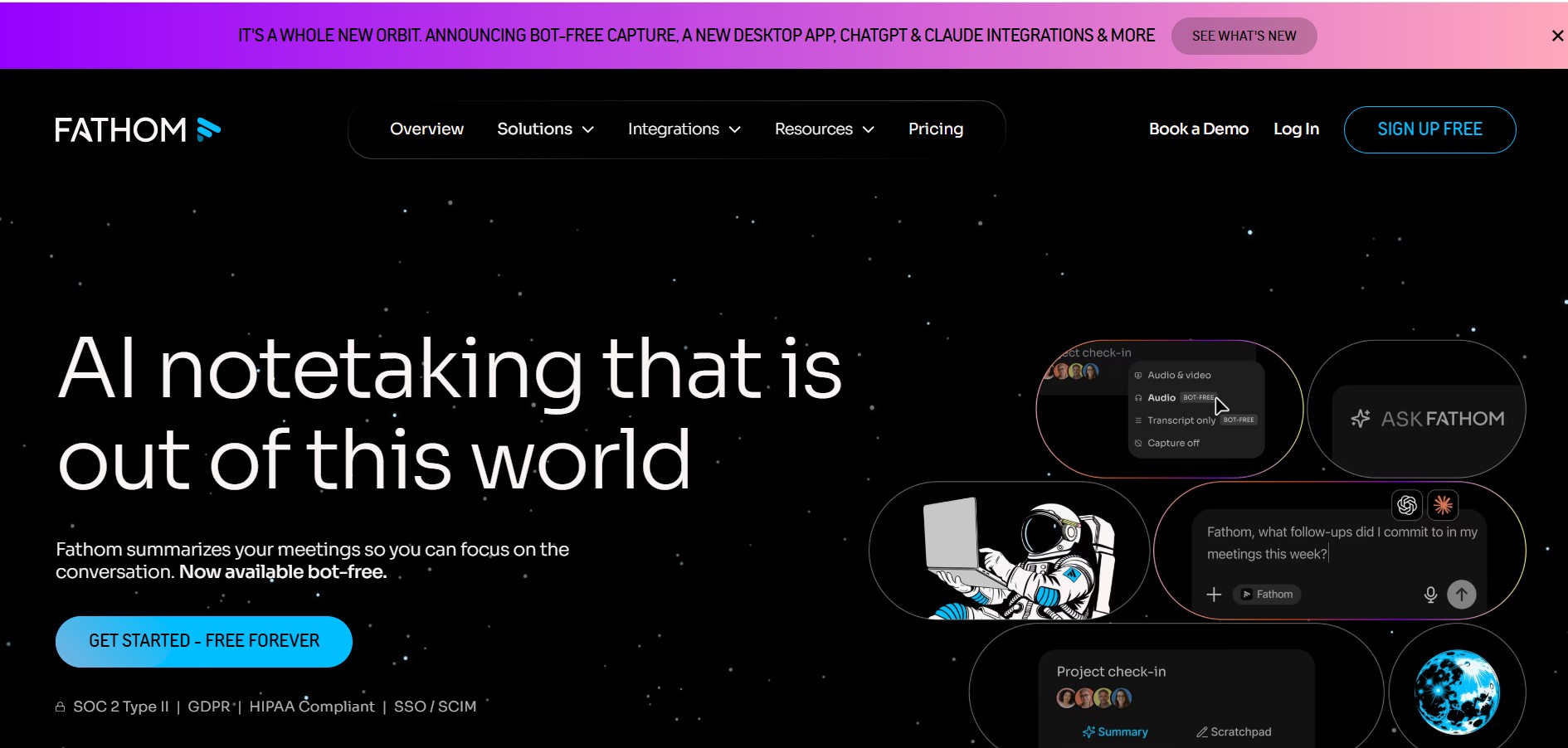
Fathom is an AI-powered notetaker that records, transcribes, highlights, and summarizes meetings instantly, allowing you to stay focused on the conversation rather than taking notes. It integrates with major video conferencing platforms and CRM systems.
What is Fathom?
Fathom is a free AI meeting notetaker that records, transcribes, highlights, and summarizes your meetings so you can stay fully engaged in the conversation. Instead of scrambling to take notes during calls, you just connect Fathom to your video conferencing platform, and it handles the rest—delivering a concise summary, a full transcript, and key highlights in under 30 seconds after the meeting ends.
Fathom was recognized as the #1 Highest Satisfaction product by G2 in 2024. It's widely used by sales teams, customer success managers, executives, and project managers who want to save time and improve meeting productivity. The tool is available as a free tier with basic features, with premium advanced features available through a free trial and paid subscription.
- Headquarters: United States
- Core Focus: AI Meeting Notetaker, Transcription, Summarization, CRM Integration
What can you do with Fathom?
- Record and transcribe meetings automatically on Zoom, Google Meet, and Microsoft Teams
- Get AI-generated summaries with key decisions and action items delivered right after the call
- Highlight important moments during the meeting for quick reference later
- Share specific meeting clips or full summaries with teammates or clients
- Sync summaries and tasks directly to your CRM (Salesforce, HubSpot, etc.) for seamless follow-ups
- Transcribe meetings in 28 languages, making it ideal for global teams
Technology behind it:
- AI-powered transcription and summarization engine
- Multi-language support (28 languages)
- CRM integrations (Salesforce, HubSpot, and others)
- Works with Zoom, Google Meet, and Microsoft Teams
- Secure data handling with strict privacy protocols
Who is it for?
- Sales teams that want to focus on client conversations rather than note-taking
- Customer success managers tracking client interactions and follow-ups
- Executives and leaders who need efficient meeting management
- Project managers keeping detailed records of team meetings
- Freelancers managing client calls and deliverables
- Educators using it for remote teaching and recording lectures
Pricing model: Freemium—free tier available, premium tier with advanced features via trial then paid subscription.

Key features of Fathom
Here's what Fathom offers:
- AI-Powered Summaries: Delivers concise, accurate meeting summaries in under 30 seconds after the call ends. No more waiting hours for notes.
- Full Transcription: Provides complete transcripts of every meeting, so you can search for specific details later.
- Highlighting: During the meeting, you can highlight key moments. Fathom saves these as clips you can share or refer back to.
- Multi-Language Support: Transcribes meetings in 28 languages, making it useful for international teams and global clients.
- CRM Integration: Syncs meeting summaries, highlights, and action items directly to your CRM (Salesforce, HubSpot, and others). Streamlines follow-ups and keeps records updated.
- Customizable Sharing: Share specific clips or the full summary with team members, clients, or stakeholders—tailored to what they need to see.
- Broad Compatibility: Works natively with Zoom, Google Meet, and Microsoft Teams. No complex setup required.
Fathom Pricing
Fathom follows a freemium model. The free tier covers core features for individuals, and the premium tier unlocks advanced functionality for teams and power users.
Free Tier:
- AI-powered summaries and transcriptions
- Meeting highlights and clips
- Works with Zoom, Google Meet, and Teams
- Basic sharing options
- Transcription in 28 languages
- Ideal for individuals and small teams getting started
Premium Tier:
- Advanced features beyond the free tier
- Available through a free trial first
- Requires a paid subscription after the trial ends
- Includes deeper CRM integrations, team workspaces, and advanced analytics
- Best for teams that need enhanced collaboration and workflow automation
Note: Pricing details may change. For the most current pricing and plan comparisons, visit the official Fathom website.
Who is using Fathom?
Fathom is trusted by teams and individuals across many roles, including:
- Sales Teams: To focus on client conversations instead of typing notes, and to automatically log meetings in their CRM.
- Customer Success Managers: To track client interactions, capture key points, and improve response times.
- Executives: To manage leadership communications and keep records of strategic meetings without manual effort.
- Project Managers: To document team meetings, track progress, and assign action items from summaries.
- Freelancers: To manage client calls, record deliverables, and maintain clear records without extra admin work.
- Educators: To record and transcribe remote teaching sessions for student reference and review.
Best Fathom Alternatives
If you're exploring other meeting notetakers, consider these alternatives:
- Otter.ai
- Fireflies.ai
- Grain
- Avoma
- Supernormal
- tl;dv
What makes Fathom stand out is its focus on simplicity, speed (summaries in under 30 seconds), and broad CRM integration. Many users also appreciate that it's been recognized as the #1 highest satisfaction product by G2 in 2024.
Pros and Cons of Fathom
Pros
- Saves time—users report saving about 20 minutes per meeting, which adds up to about 1.5 weeks per year
- Helps you stay engaged in conversations instead of typing notes
- Summaries and transcripts are available almost immediately after meetings
- Easy to set up and use—minimal learning curve
- Transcribes in 28 languages, useful for global teams
- CRM integration makes follow-ups smoother and keeps records up to date
- Recognized for high security and privacy standards
Cons
- Requires a stable internet connection—doesn't work well offline
- Some participants may have privacy concerns about being recorded (needs consent)
- Premium pricing isn't clearly displayed on the website—you need to start a trial to see costs
- The extensive feature set might feel overwhelming for less tech-savvy users
Why choose Fathom?
Fathom is for anyone who wants to reclaim time from meetings and stay focused on conversations. Instead of juggling note-taking and active listening, you can fully engage in discussions while Fathom captures everything in the background.
- Save hours every week: The average user saves 20 minutes per meeting—that's 1.5 weeks of time back every year.
- Never miss details: AI summaries capture key decisions and action items automatically.
- Works where you meet: Integrates with Zoom, Google Meet, and Teams—so it fits into your existing workflow.
- Keeps your CRM updated: Sync summaries and tasks directly to Salesforce or HubSpot without manual data entry.
- Privacy-first approach: Adheres to strict security protocols and gives you control over sharing.
Fathom vs. Competitors
The main difference between Fathom and other meeting notetakers is its focus on speed and simplicity. While Otter.ai and Fireflies.ai offer similar transcription and summarization features, Fathom emphasizes rapid delivery (summaries in under 30 seconds), strong CRM integration, and has the recognition of being the #1 highest satisfaction product by G2 in 2024. However, Otter.ai offers more real-time collaboration features, and Fireflies.ai has broader AI conversation intelligence capabilities beyond just note-taking.
| Feature / Tool | Fathom | Otter.ai | Fireflies.ai | Grain |
|---|---|---|---|---|
| Core Focus | AI notetaker with fast summaries | Real-time transcription & collaboration | Meeting transcription & intelligence | Sales call recording & highlights |
| Free Tier | Yes | Yes | Yes | Yes |
| Summary Speed | Under 30 seconds | Real-time during meeting | After meeting ends | After meeting ends |
| CRM Integration | Yes (Salesforce, HubSpot) | Limited | Yes (wide range) | Yes (sales-focused) |
| Best For | Teams wanting quick, simple summaries | Collaborative real-time notes | Conversation intelligence & analytics | Sales teams & customer calls |
How do we rate Fathom?
| Parameter | Rating (out of 5) |
|---|---|
| Accuracy and Reliability | 4.8 |
| Ease of Use | 4.7 |
| Functionality and Features | 4.6 |
| Performance and Speed | 4.5 |
| Customization and Flexibility | 4.2 |
| Data Privacy and Security | 4.9 |
| Support and Resources | 4.3 |
| Cost-Efficiency | 4.8 |
| Integration Capabilities | 4.6 |
| Overall Score | 4.6 |
Fathom Review
Fathom is a reliable, easy-to-use meeting notetaker that delivers exactly what it promises: record, transcribe, highlight, and summarize meetings with minimal effort. The speed of summaries—under 30 seconds—is impressive and genuinely useful for busy professionals who need information quickly.
Users consistently report saving about 20 minutes per meeting, which adds up significantly over time. The tool's integration with Zoom, Google Meet, and Teams means it works wherever you already meet. And for sales and customer-facing teams, the CRM sync (Salesforce, HubSpot) makes follow-ups seamless.
One area to be aware of: like any meeting recording tool, you need to handle privacy and consent appropriately. Some participants may be uncomfortable with recordings, so transparency is key. Furthermore, the premium pricing isn't immediately clear from the website—you'll need to start a free trial to see the costs, which might be a minor hurdle for some teams.
Overall, Fathom is a strong choice for individuals and teams who want a simple, fast, and effective AI meeting assistant. Its recognition as the #1 product for highest satisfaction by G2 in 2024 reflects its quality and user satisfaction.
Conclusion
Fathom transforms how you handle meetings. By taking care of notes, transcripts, and summaries, it lets you focus on what matters—the conversation. Whether you're in sales, customer success, project management, or running a remote team, Fathom saves time, improves follow-ups, and keeps your records organized. With a generous free tier and a premium option for advanced needs, it's an accessible and valuable tool for professionals across industries.
FAQ
What is Fathom?
Fathom is an AI meeting assistant that records, transcribes, highlights, and summarizes online meetings. It helps users capture important information without manually taking notes and can turn meeting conversations into summaries, action items, and follow-up content.
What can Fathom be used for?
Fathom can be used for meeting transcription, AI-generated summaries, action-item tracking, follow-up emails, meeting searches, and sharing important clips. It is useful for sales calls, customer meetings, interviews, internal discussions, and other professional conversations.
Does Fathom work with Zoom, Google Meet, and Microsoft Teams?
Yes. Fathom supports major video-conferencing platforms, including Zoom, Google Meet, and Microsoft Teams. Users can connect their calendars and configure Fathom to automatically capture eligible meetings for transcription and note-taking.
Can Fathom automatically summarize meetings?
Yes. Fathom generates AI meeting summaries after calls and can identify important information such as decisions and action items. Paid plans provide unlimited advanced AI summaries, while the free plan includes advanced summaries for the first five calls each month.
Is Fathom free to use?
Yes. Fathom offers a free plan with unlimited recordings, storage, and transcriptions. The free plan also includes advanced AI summaries for the first five calls each month, while premium plans provide additional AI features and unlimited advanced summaries.
How much does Fathom cost?
Fathom offers a free individual plan, while its Premium plan is listed at $15 per user per month. Team plans are priced higher and add features such as team-wide meeting libraries, CRM integrations, and advanced collaboration capabilities. Pricing can vary with billing options and plan updates
Who should use Fathom?
Fathom is useful for sales teams, executives, customer-success professionals, project managers, recruiters, consultants, and anyone who regularly attends online meetings. Its transcription, summaries, searchable meeting records, and follow-up features can reduce manual note-taking and make important meeting information easier to access
User Reviews
No reviews yet for Fathom.
Featured Tools
Featured AI tools from TechShark

Melody Genie
MelodyGenie is an AI-powered music generator that creates original songs from simple text prompts. Users can choose styles, moods, and genres, then instantly generate melodies and full tracks, making it easy for creators, marketers, and hobbyists to produce custom music without musical expertise.
Freemium

Kimi AI
Kimi AI is an advanced AI assistant developed by Moonshot AI that helps you chat, research, write, code, and automate tasks in one place. It supports web search, file analysis, and multimodal inputs, and can even run autonomous “agent” workflows to complete complex tasks end-to-end.
Freemium

Fashion Diffusion AI
Fashion Diffusion is an AI-powered fashion design platform that helps brands and designers create clothing designs, virtual try-ons, AI models, product photos, and marketing visuals faster and cost-effectively.
Paid

Veo 4
Veo 4 AI is an AI video creation platform that generates dramatic videos from text, images, audio, and video prompts using realistic motion and synchronized sound.
Paid
Alternatives
Alternatives to Fathom
The top Fathom alternatives include Otter.ai, Fireflies.ai, Grain, Avoma, Supernormal, and tl;dv. While Fathom is recognized for its speed (summaries in under 30 seconds) and simplicity, Otter.ai excels in real-time collaborative transcription. Fireflies.ai offers broader conversation intelligence and analytics beyond just note-taking. Grain focuses on sales-specific call recording and highlighting. Avoma combines AI meeting assistance with agenda building and conversation intelligence. The right choice depends on whether you need simple, fast summaries or more advanced analytics and team collaboration features.
 4.8
4.8Trint
Audio Editing
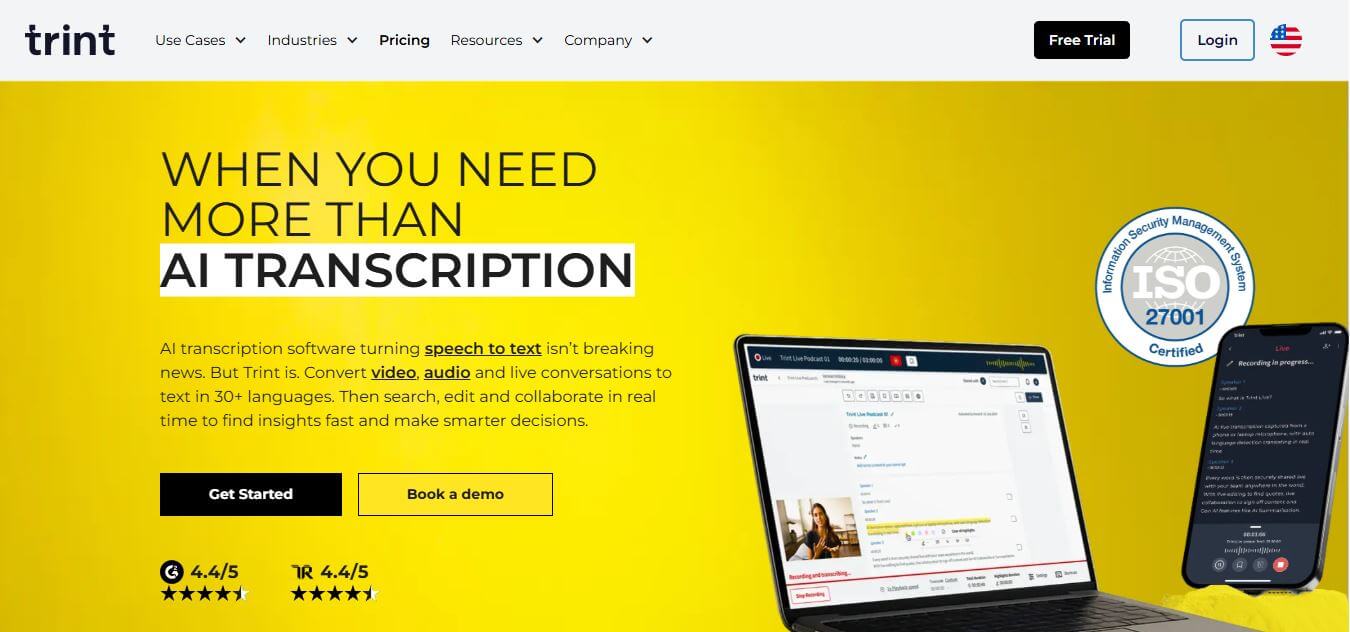
Trint helps professionals turn audio, video, and live conversations into editable, searchable transcripts. It supports multilingual transcription, translation, captions, collaboration, speaker identification, and AI-assisted content discovery. With web, desktop, and mobile workflows, Trint is built for journalists, media teams, businesses, podcasters, researchers, and organizations that need to transform spoken content efficiently.
 4.8
4.8LALAL.AI
Audio Editing
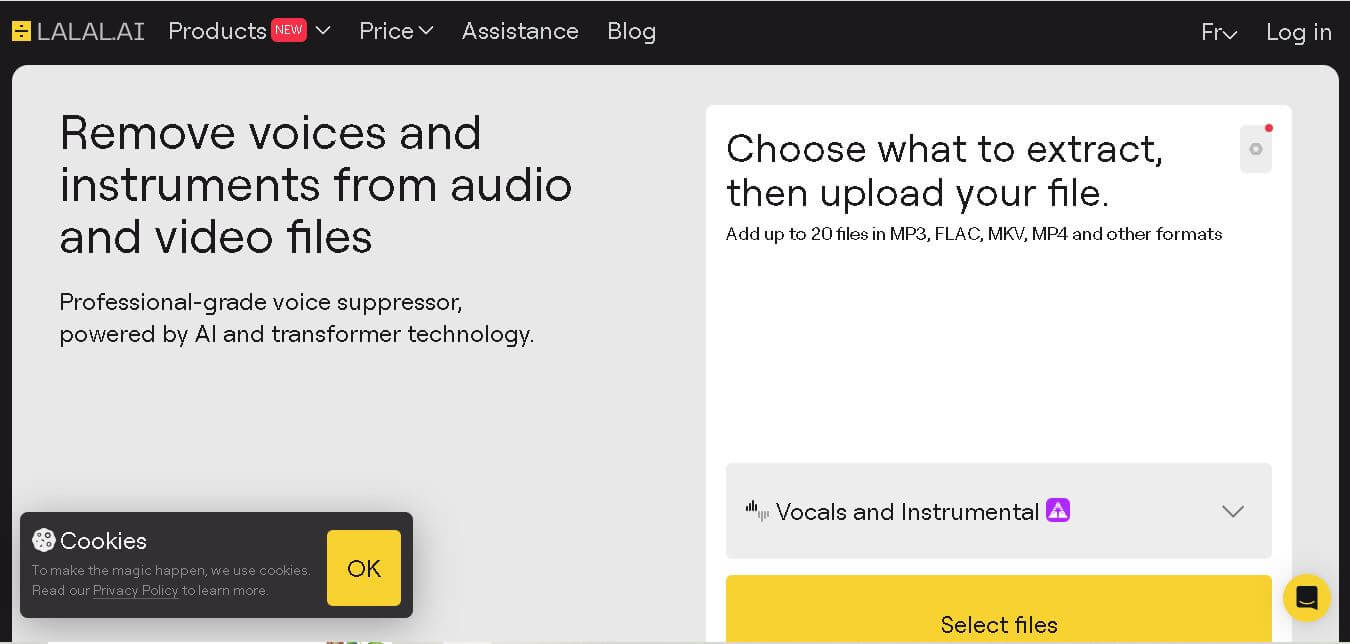
LALAL.AI helps musicians, producers, editors, and creators separate vocals and instruments from existing audio or video recordings. Its tools support stem splitting, vocal removal, voice cleaning, echo reduction, and other audio-processing tasks. Users can work through web, desktop, and mobile applications while choosing different neural networks for separation.
 4.8
4.8AI Coustics
Audio Editing
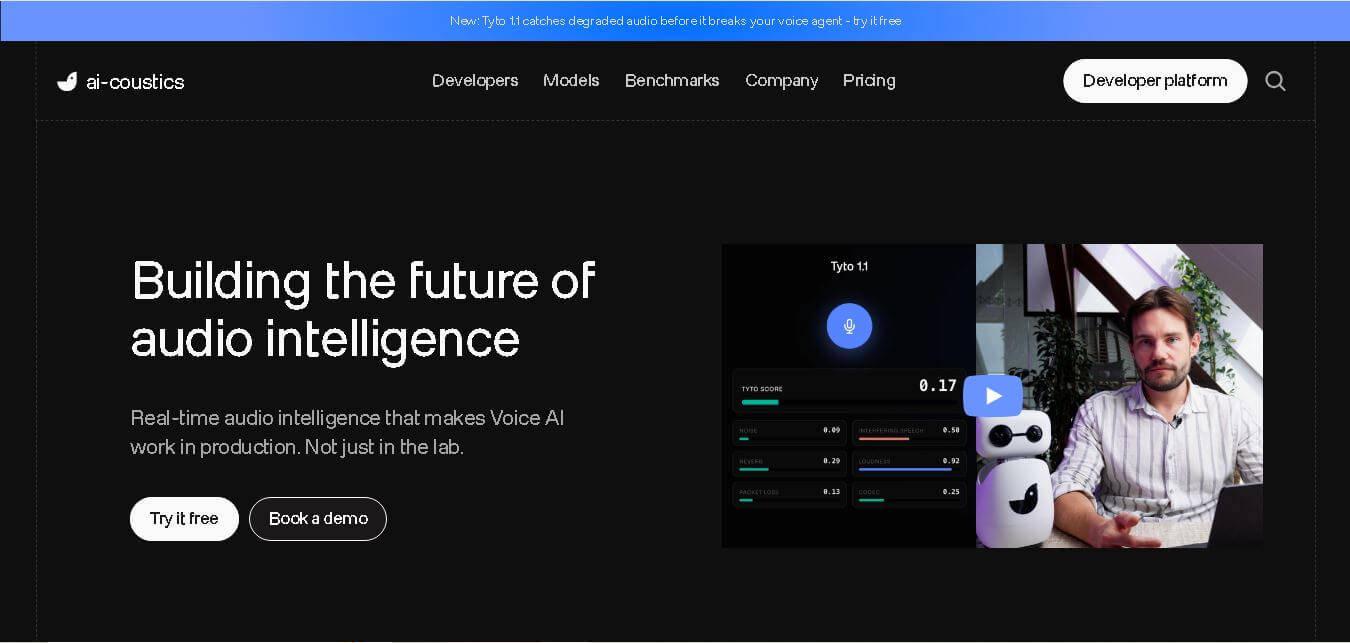
AI Coustics is an AI-powered audio intelligence platform that helps developers improve speech quality for voice AI systems. It enhances, isolates, and analyzes audio in real time, reducing noise and errors, so tools like speech recognition and voice agents perform reliably in real-world conditions.
 4.7
4.7FineVoice AI
Audio Editing
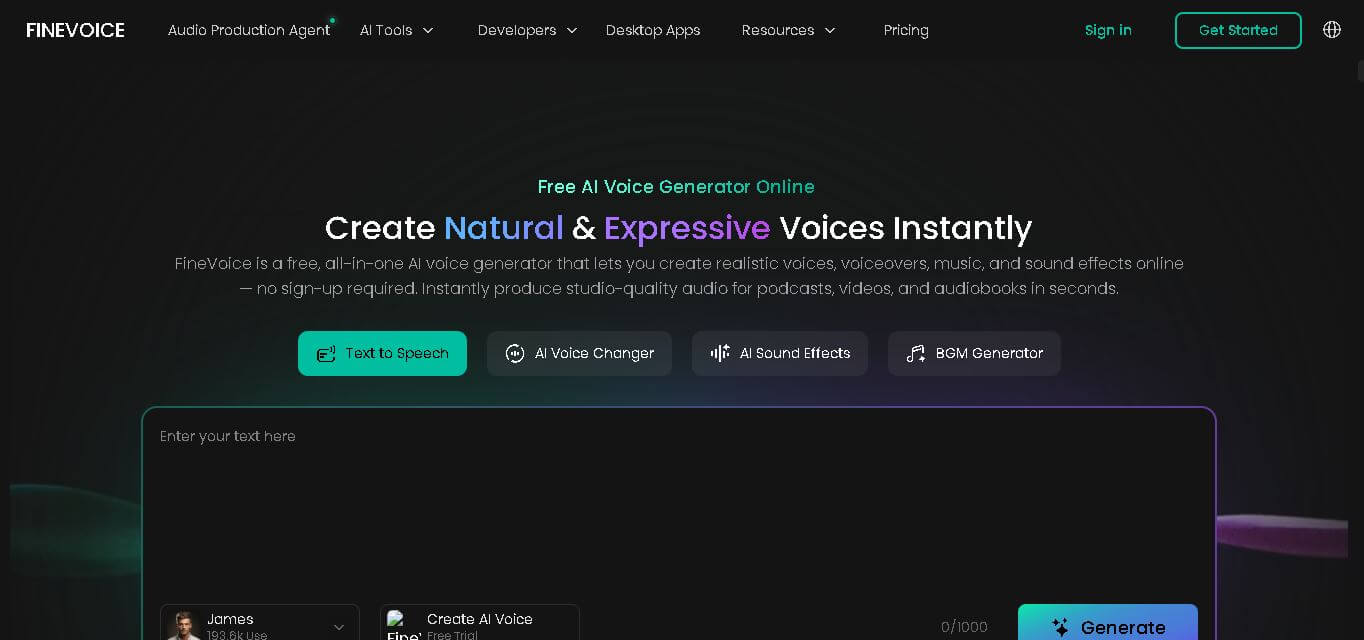
FineVoice helps creators turn text and recordings into natural audio using voice generation, cloning, voice changing, enhancement, transcription, music, and sound-effect tools. With support for 154 languages and 1,500+ voices, it can simplify voiceover production for videos, podcasts, education, gaming, marketing, audiobooks, and other digital content.
 4.6
4.6Cleanvoice AI
Audio Editing
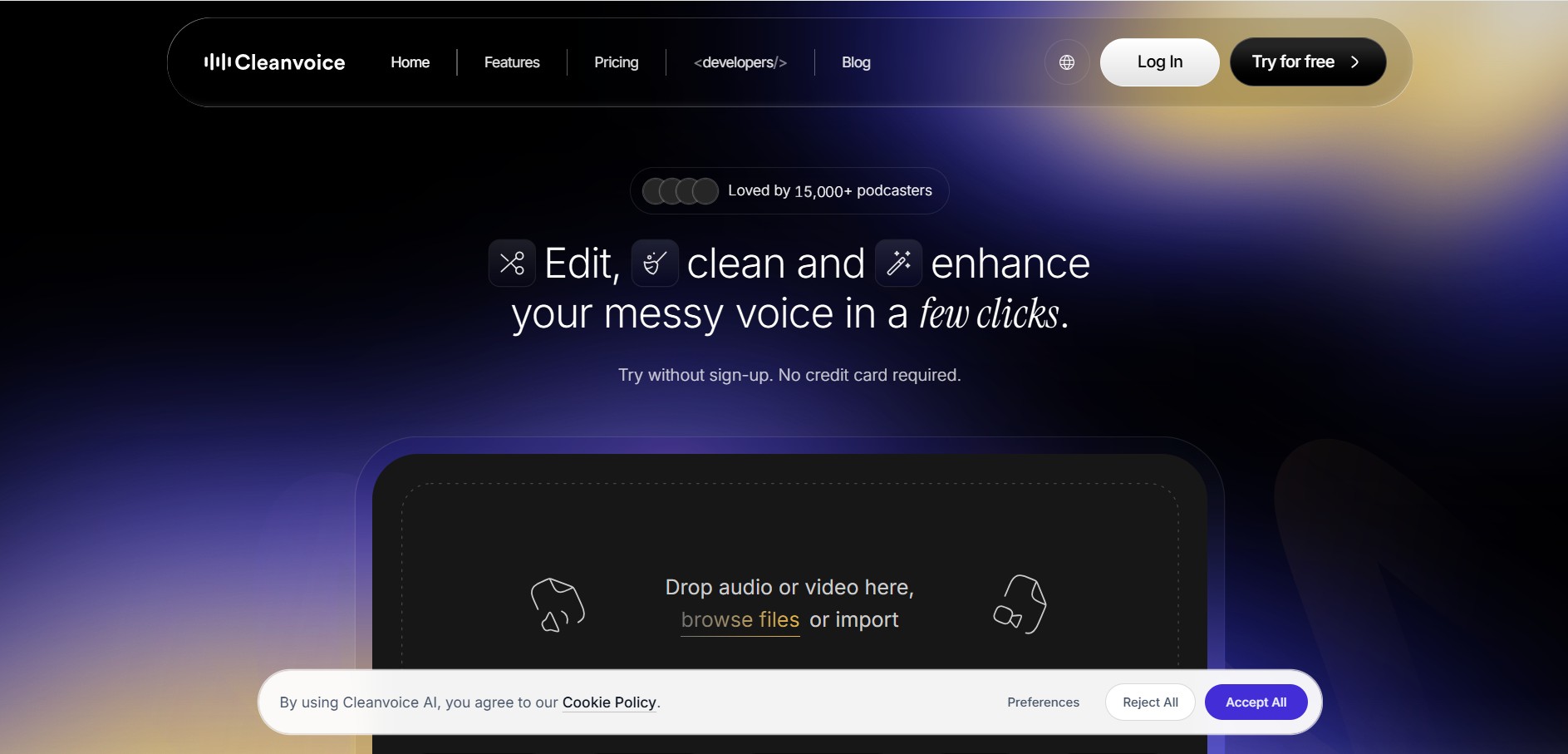
Cleanvoice is a podcast and audio editing tool that automatically improves recordings by removing filler words, background noise, mouth sounds, stutters, and long pauses. It also generates transcripts, summaries, and show notes, helping creators, businesses, and agencies produce professional-quality audio and video content with minimal manual editing.
 4.6
4.6AudioCleaner AI
Audio Editing
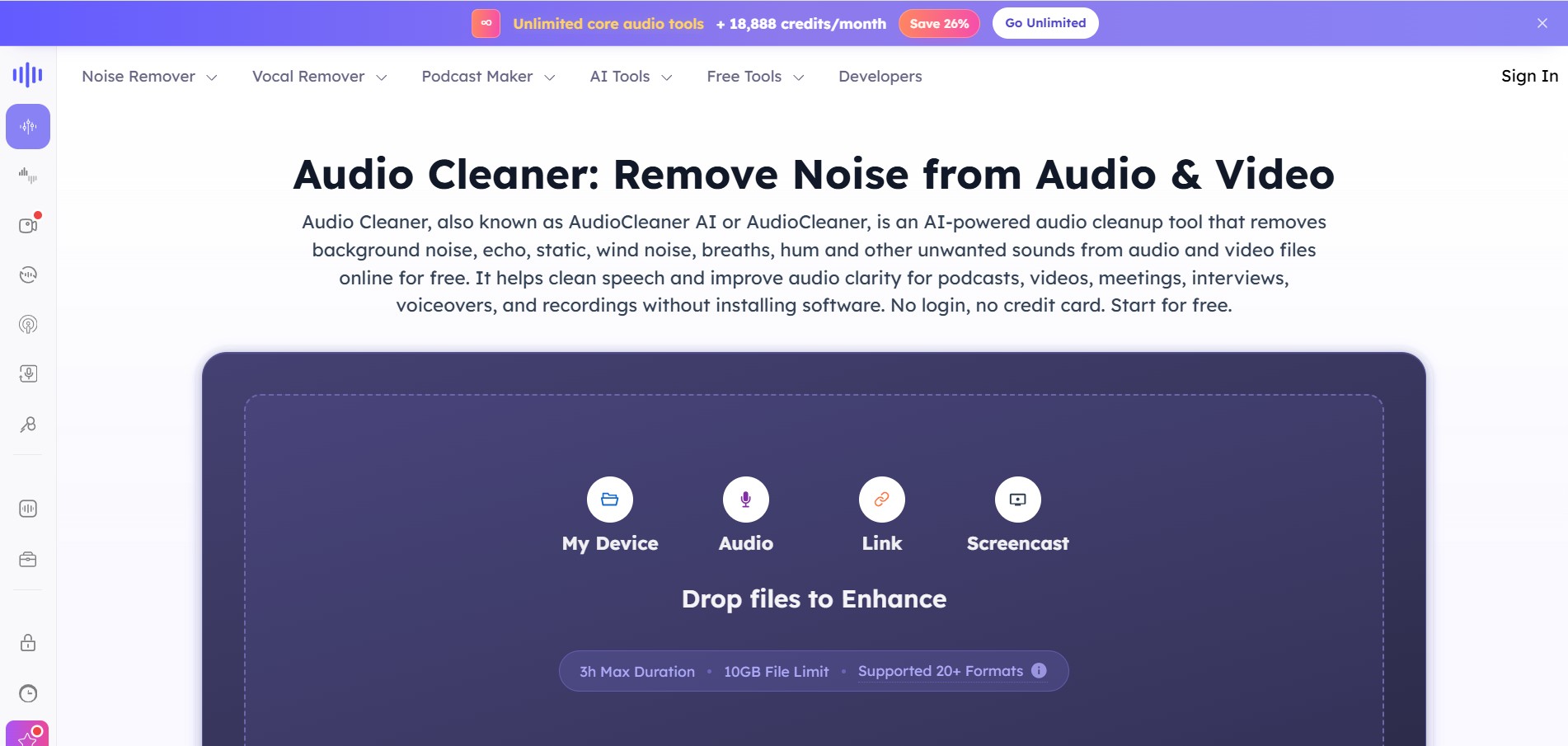
AudioCleaner AI is an online audio enhancement tool that improves sound quality by removing unwanted background noise, echo, static, mouth clicks, and other distractions from audio and video files. It also offers vocal separation, podcast generation, voice transformation, and text-to-speech features, making audio editing faster, simpler, and more accessible.
 4.8
4.8Speak AI
Transcriber
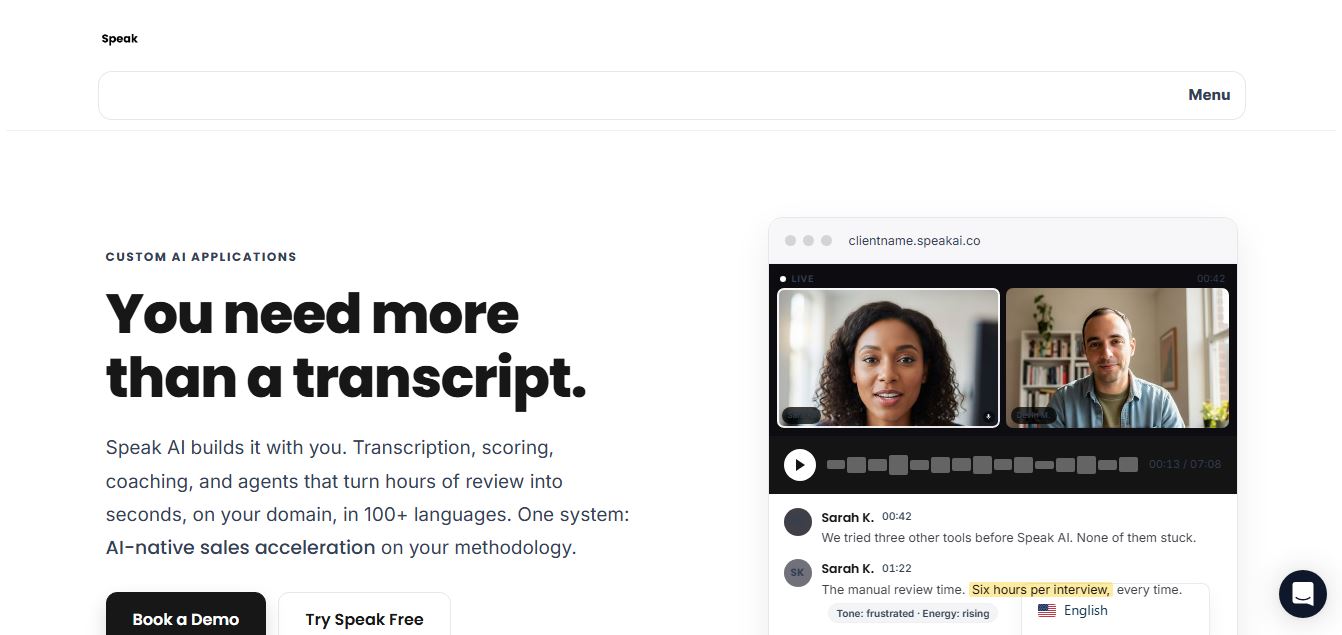
Speak AI is an AI-powered audio transcription, qualitative research, and NLP analysis platform that converts unstructured speech, video recordings, and text into searchable transcripts, sentiment insights, and multi-model AI summaries.
 4.8
4.8Altered AI
Audio Editing
Altered AI (Altered Studio) is a professional Voice AI platform and Speech-to-Speech voice changer that morphs your voice into diverse characters, alters accents, and provides voice cloning, real-time voice skins, and audio cleanup for media production and games.
 4.7
4.7TemPolor
Audio Editing
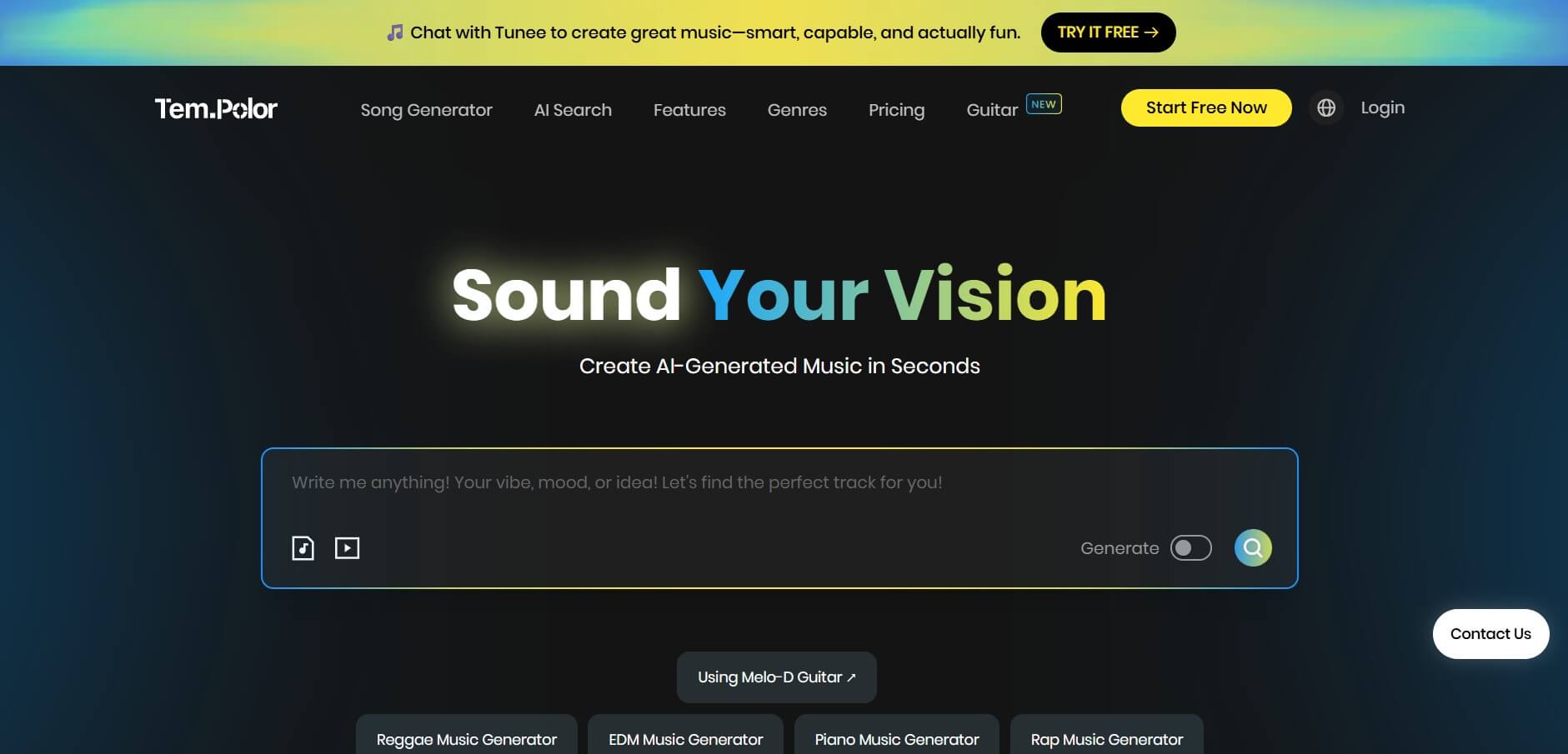
TemPolor is an AI music and song generator that creates professional, royalty-free tracks, lyrics, vocals, and instrumentals in seconds. It provides creators and developers with tools like voice cloning, stem splitting, MIDI arranging, and a scalable AI Music API.