
Cleanvoice AI
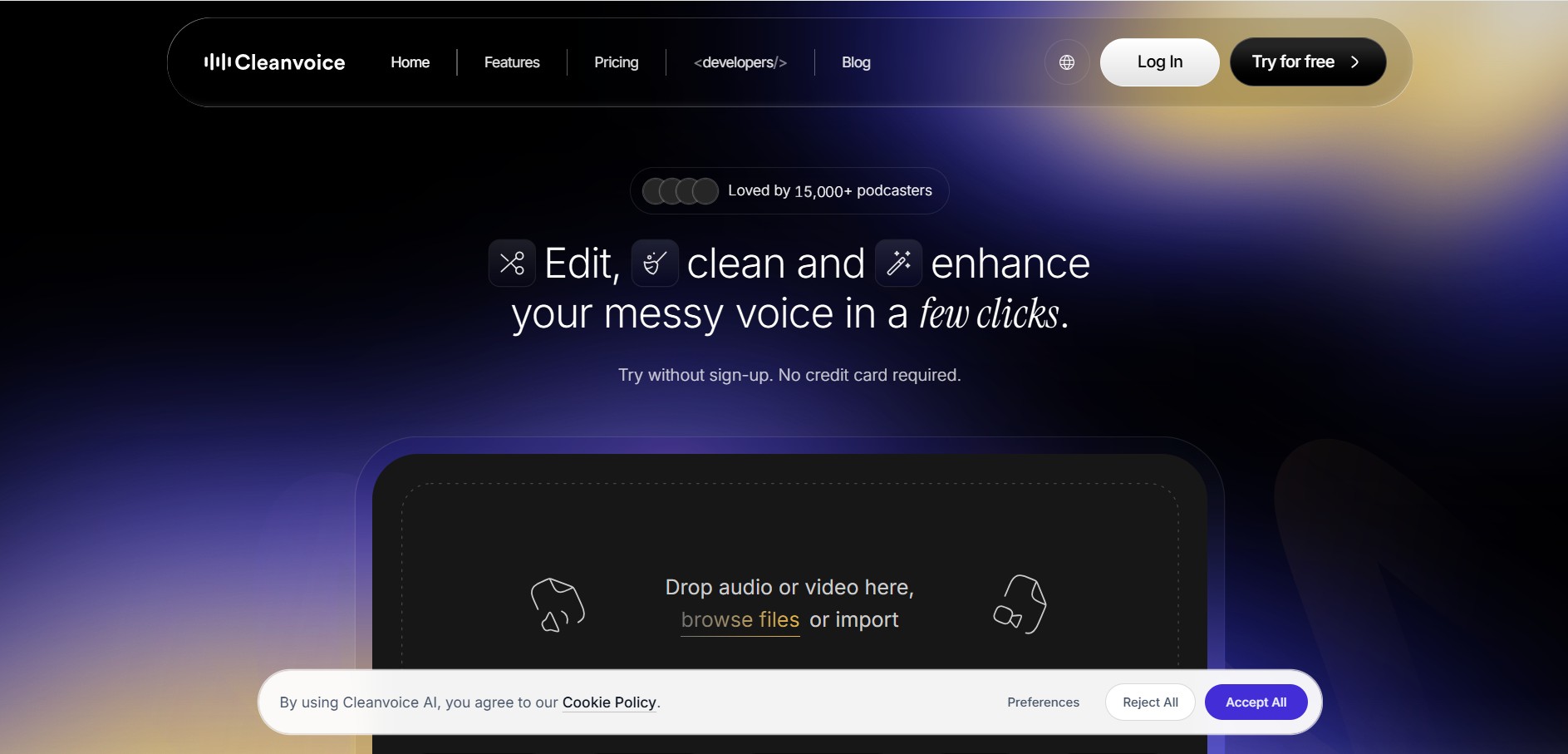
Cleanvoice is a podcast and audio editing tool that automatically improves recordings by removing filler words, background noise, mouth sounds, stutters, and long pauses. It also generates transcripts, summaries, and show notes, helping creators, businesses, and agencies produce professional-quality audio and video content with minimal manual editing.
What is Cleanvoice AI?
Cleanvoice is an automated audio and video editing solution designed to simplify the post-production process for podcasts, interviews, voiceovers, webinars, and other spoken content. Instead of spending hours manually editing recordings, users can upload their files and let the software detect and remove unwanted sounds, improve audio quality, and generate transcripts, summaries, and show notes. It supports multiple languages and works for both individual creators and professional teams. By combining editing, enhancement, and content generation in one workflow, Cleanvoice helps users publish polished recordings faster while maintaining natural voice quality and reducing overall production time.
Cleanvoice is trusted by 15,000+ podcasters worldwide and has removed more than 14.4 million seconds of dead air, over 5 million filler words, and 5 million mouth sounds and stutters from uploaded recordings. The platform offers a 30-minute free trial, supports 20+ languages, and provides flexible pricing starting at $11. These numbers highlight its growing adoption among podcast creators, businesses, and agencies looking to automate audio editing while saving valuable production time.
- Core Focus: Automated Audio Cleaning, Filler Word Removal, Noise & Reverb Suppression, and Podcast Post-Production
- Developer: Cleanvoice
Use Cases:
- Removing stuttering, hesitation sounds, and filler words from podcast interviews
- Cleaning mouth clicks, popping, and heavy breathing from professional voiceover tracks
- Eliminating room reverb, background noise, and environmental rain/wind sounds
- Automatically trimming dead air and silent pauses to tighten spoken pacing
Technology:
- Multilingual filler word detection neural engine supporting over 30 languages
- Mouth sound and breath isolation algorithms
- Background noise removal and acoustic room de-reverberation modeling
- Timeline markers export for popular DAWs (Adobe Audition, Premiere Pro, Final Cut Pro)
Target Users:
- Podcasters and interview show hosts reducing post-production time
- Audio engineers, videographers, and post-production studios
- Educators, online course creators, and audiobook narrators
Ecosystem: Web Audio Cleaning Studio, Timeline Export Plugins, Developer API/SDK, and Free Podcasting Tools.

Key features of Cleanvoice AI
Cleanvoice AI's key features are
- Multilingual Filler Word Removal: Automatically identifies and cuts out filler sounds ("uh," "um," "err") in over 30 languages, including English, German, French, and Spanish.
- Mouth Sound & Breath Eraser: Erases irritating lip smacks, saliva sounds, and excessive breathing without compromising voice warmness.
- Dead Air & Silence Trimmer: Detects unnaturally long pauses and automatically trims them to a natural, comfortable length.
- Background Noise & Reverb Cleaner: Eliminates static, background hums, wind, and echo from untreated room acoustics.
- DAW Timeline & Marker Export: Export cut markers directly to Adobe Premiere Pro, Audition, or Final Cut Pro for manual fine-tuning.
- Speech Enhancement API & SDK: Integrate Cleanvoice automated editing capabilities into custom enterprise software or workflows.
Cleanvoice AI Pricing
Cleanvoice AI operates on a flexible hybrid pricing model offering monthly subscriptions alongside non-expiring pay-as-you-go credit packs. A 30-minute free trial is available upon signup.
Free Trial:
- $0 (30 minutes of free audio processing credits)
- Full feature access to test filler word removal, noise cancellation, and exports
Pay-As-You-Go Credits (Valid for 2 Years):
- $11 Plan: 5 hours of processed audio ($2.20/hour)
- $20 Plan: 10 hours of processed audio ($2.00/hour)
- $45 Plan: 30 hours of processed audio ($1.50/hour)
Monthly Subscriptions (Unused credits roll over up to 3x limit):
- $11/month: 10 hours of audio processing ($1.10/hour)
- $30/month: 30 hours of audio processing ($1.00/hour)
- $90/month: 100 hours of audio processing ($0.90/hour)
Disclaimer: For the latest and most accurate pricing information, please visit the official Cleanvoice AI website.
Is Cleanvoice AI Worth It?
Cleanvoice AI is highly worth it for podcasters and voiceover artists who spend hours manually editing out filler words, mouth clicks, and silences. The time saved during post-production easily justifies the affordable cost per hour.
Real-World Use Cases
- Podcast Episode Cleanup: Removing hundreds of filler words and hesitations from raw remote podcast interviews in minutes.
- Video Voiceover Restoration: Cleaning field recordings affected by wind, echo, or background rain.
- Audiobook & Course Production: Removing mouth smacks and heavy breathing for professional audiobook delivery.
- DAW Pre-Editing: Using Cleanvoice markers in Adobe Premiere to perform initial rough cuts automatically.
Who is using Cleanvoice AI?
Cleanvoice AI is designed for audio creators and editors, including
- Podcasters & Show Hosts: Creators producing weekly audio episodes on tight schedules
- Voiceover Artists & Audio Narrators: Voice actors needing pristine, mouth-sound-free recordings
- Videographers & Sound Engineers: Editors outsourcing routine rough audio cleaning tasks
Best Cleanvoice AI Alternatives
Some of the strongest Cleanvoice AI alternatives include
- Adobe Podcast (Enhance Speech)
- Descript
- Podcastle
- Krisp
- Auphonic
Pros and Cons of Cleanvoice AI
Pros
- Exceptional detection of filler words and mouth smacks across 30+ languages
- Flexible pricing options (pay-as-you-go credits that roll over)
- Allows exporting edit timeline markers directly into professional DAWs
- Significantly reduces post-production editing time by up to 80%
- Includes noise and room echo suppression tools
Cons
- Requires an active internet connection for audio processing
- Aggressive settings can occasionally clip word starts if not previewed
- Not a full DAW multi-track recording workstation like Logic Pro or Pro Tools
Why Choose Cleanvoice AI?
Cleanvoice AI stands out because it specializes heavily in micro-audio cleanup tasks that traditional noise removal tools ignore—such as lip smacks, mouth clicks, stutters, and hesitations. Its multilingual recognition and DAW export markers make it an indispensable time-saver for audio editors.
- Saves hours of tedious waveform editing per recording session
- Maintains speech clarity and natural vocal cadence
- Integrates with professional editing workflows via markers and API access
- The fair credit model ensures you only pay for the exact hours of audio processed
How Cleanvoice AI Works
- 1. Upload Audio Track: Drag and drop your MP3, WAV, or M4 An audio recording onto Cleanvoice AI.
- 2. Select Removal Filters: Choose which elements to process (filler words, mouth sounds, dead air, and background noise).
- 3. Process & Preview: Cleanvoice analyzes the speech waveform and highlights detected edits for review.
- 4. Export Audio or DAW Markers: Download the cleaned audio file directly or export timeline markers for your favorite DAW.
Cleanvoice AI vs. Competitors
The main difference between Cleanvoice AI, Adobe Podcast, and Descript is that Cleanvoice AI focuses explicitly on targeted removal of specific spoken defects (mouth sounds, fillers, and stutters) across 30+ languages with DAW export integration, whereas Adobe Podcast focuses on voice enhancement filters and Descript operates as a full text-based media editor.
| Feature | Cleanvoice AI | Adobe Podcast | Descript |
|---|---|---|---|
| Primary Focus | Automated Audio Artifact & Filler Word Cleanup | Studio Vocal Enhancement & Noise Removal | Text-Based Audio & Video Editing Workspace |
| Mouth Sound & Stutter Removal | Yes (dedicated algorithms) | Limited | Yes (filler words) |
| DAW Timeline Export | Yes (Premiere, Audition, FCP) | No | Yes |
| Free Access | Yes (30-min trial) | Yes (free tier available) | Yes (free plan available) |
| Starting Price | $11/month or $11 pay-as-you-go | Free / $9.99/mo (Express) | $12/month |
How do we rate Cleanvoice AI?
| Parameter | Rating (out of 5) |
|---|---|
| Ease of Use | 4.7 |
| Filler & Artifact Detection | 4.8 |
| Audio Processing Quality | 4.6 |
| Value for Money | 4.5 |
| Speed & Performance | 4.7 |
| Overall Score | 4.6 |
Cleanvoice AI Review
Cleanvoice AI is a powerful, highly efficient audio post-production assistant. By handling tedious tasks like identifying filler words, trimming silent gaps, and eliminating mouth clicking, it enables podcast producers and audio creators to focus on storytelling rather than repetitive waveform editing.
Conclusion
Cleanvoice is an efficient solution for anyone looking to simplify audio and video editing without sacrificing quality. Its automated workflow removes common recording issues, enhances speech clarity, and generates valuable content such as transcripts and show notes in just a few clicks. Whether you are a podcaster, educator, marketer, business professional, or video creator, the platform helps reduce editing time while delivering polished results. Flexible pricing, a free trial, multilingual support, and developer APIs make Cleanvoice suitable for both individuals and organizations seeking a faster, smarter, and more scalable approach to producing high-quality spoken content.
FAQ
What is Cleanvoice mainly used for?
Cleanvoice is primarily used to edit spoken audio and video without requiring professional editing skills. It automatically removes filler words, background noise, mouth sounds, breathing noises, stutters, and long silences while enhancing audio quality. It also creates transcripts, summaries, and show notes, making it an excellent solution for podcasters, YouTubers, educators, marketers, and businesses that regularly publish voice-based content.
Can beginners use Cleanvoice without editing experience?
Yes. Cleanvoice is designed for users of all skill levels, including complete beginners. You simply upload your audio or video file, choose the editing options you want, and the platform processes everything automatically. There is no need to learn complex editing software, making it a practical choice for creators who want professional-quality results with minimal effort and technical knowledge.
Does Cleanvoice only work for podcasts?
No. Although podcasters widely use Cleanvoice, the platform also supports interviews, webinars, online courses, YouTube videos, voiceovers, business presentations, customer recordings, and other spoken media. Anyone producing audio or video content can use the platform to improve sound quality, remove unwanted noises, and create polished recordings suitable for publishing or professional communication.
Does Cleanvoice improve audio quality?
Yes. Beyond removing unwanted sounds, Cleanvoice includes audio enhancement features that balance volume levels, reduce background noise, minimize echo, and improve overall clarity. These improvements help recordings sound more professional without requiring expensive studio equipment or advanced editing skills, making it easier to produce broadcast-quality content from ordinary recordings.
Is Cleanvoice worth using for content creators?
If you frequently create podcasts, videos, courses, or interviews, Cleanvoice can save significant editing time while improving production quality. Its automation reduces repetitive editing tasks and allows creators to focus on producing content instead of spending hours removing mistakes manually. The added transcription and summarization features further increase productivity throughout the publishing process.
Does Cleanvoice offer a free trial?
Yes. Cleanvoice allows new users to try the platform with 30 minutes of free processing before purchasing a plan. No credit card is required to begin the trial, making it easy to test its editing quality, workflow, and features before deciding whether a subscription or pay-as-you-go plan fits your content production needs.
User Reviews
No reviews yet for Cleanvoice AI.
Featured Tools
Featured AI tools from TechShark

Melody Genie
MelodyGenie is an AI-powered music generator that creates original songs from simple text prompts. Users can choose styles, moods, and genres, then instantly generate melodies and full tracks, making it easy for creators, marketers, and hobbyists to produce custom music without musical expertise.
Freemium

Kimi AI
Kimi AI is an advanced AI assistant developed by Moonshot AI that helps you chat, research, write, code, and automate tasks in one place. It supports web search, file analysis, and multimodal inputs, and can even run autonomous “agent” workflows to complete complex tasks end-to-end.
Freemium

Fashion Diffusion AI
Fashion Diffusion is an AI-powered fashion design platform that helps brands and designers create clothing designs, virtual try-ons, AI models, product photos, and marketing visuals faster and cost-effectively.
Paid

Veo 4
Veo 4 AI is an AI video creation platform that generates dramatic videos from text, images, audio, and video prompts using realistic motion and synchronized sound.
Paid
Alternatives
Alternatives to Cleanvoice AI
The best Cleanvoice AI alternatives include Adobe Podcast, Descript, Podcastle, Krisp, and Auphonic. Adobe Podcast provides robust studio voice enhancement. Descript offers full text-based audio and video editing. Podcastle serves as an all-in-one recording and editing suite, while Krisp specializes in real-time noise cancellation.
 4.8
4.8Trint
Audio Editing
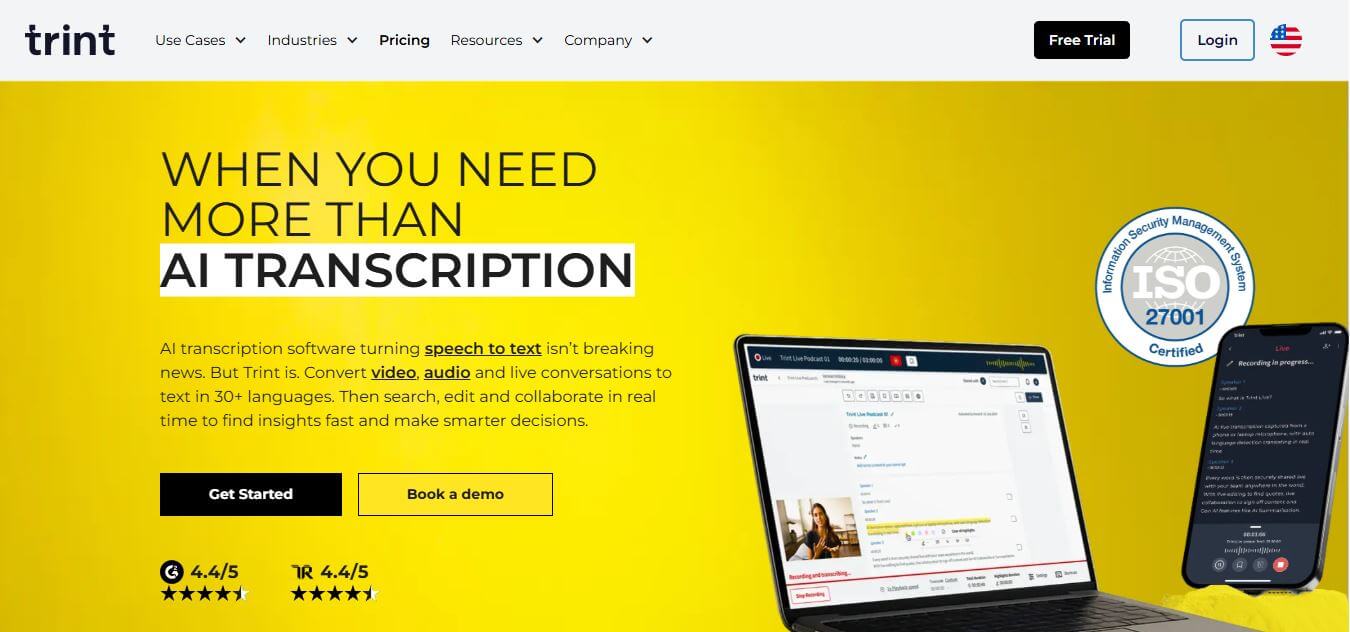
Trint helps professionals turn audio, video, and live conversations into editable, searchable transcripts. It supports multilingual transcription, translation, captions, collaboration, speaker identification, and AI-assisted content discovery. With web, desktop, and mobile workflows, Trint is built for journalists, media teams, businesses, podcasters, researchers, and organizations that need to transform spoken content efficiently.
 4.8
4.8LALAL.AI
Audio Editing
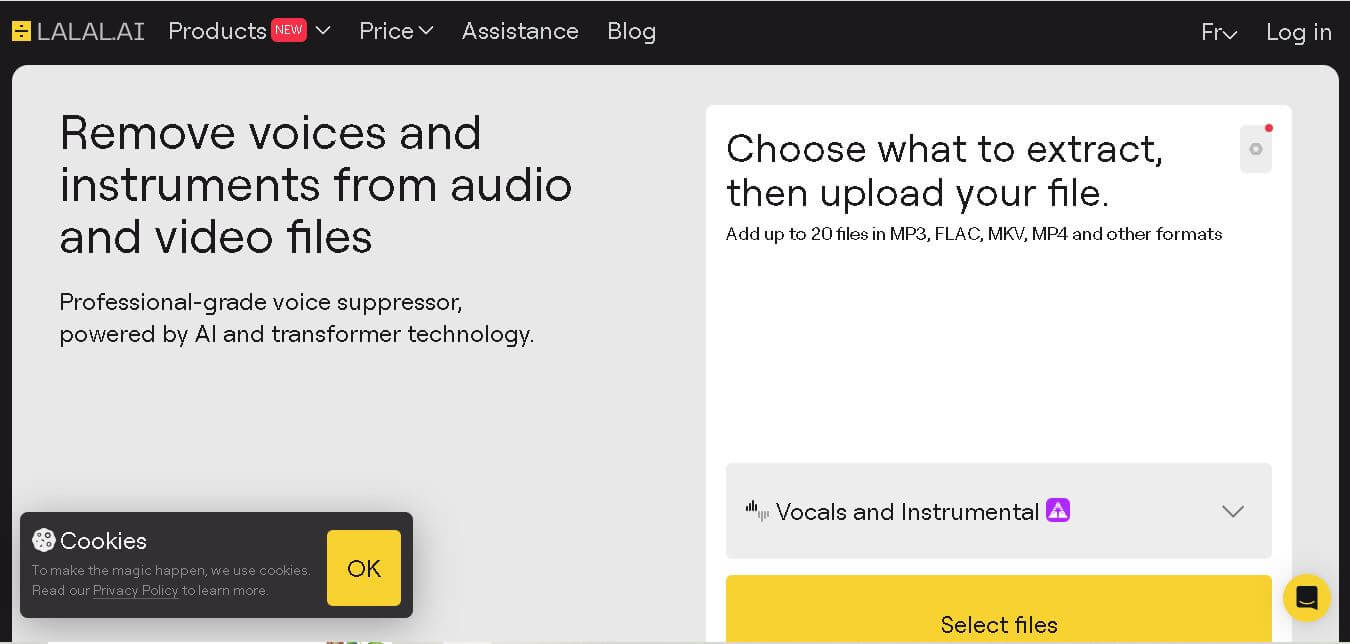
LALAL.AI helps musicians, producers, editors, and creators separate vocals and instruments from existing audio or video recordings. Its tools support stem splitting, vocal removal, voice cleaning, echo reduction, and other audio-processing tasks. Users can work through web, desktop, and mobile applications while choosing different neural networks for separation.
 4.8
4.8AI Coustics
Audio Editing
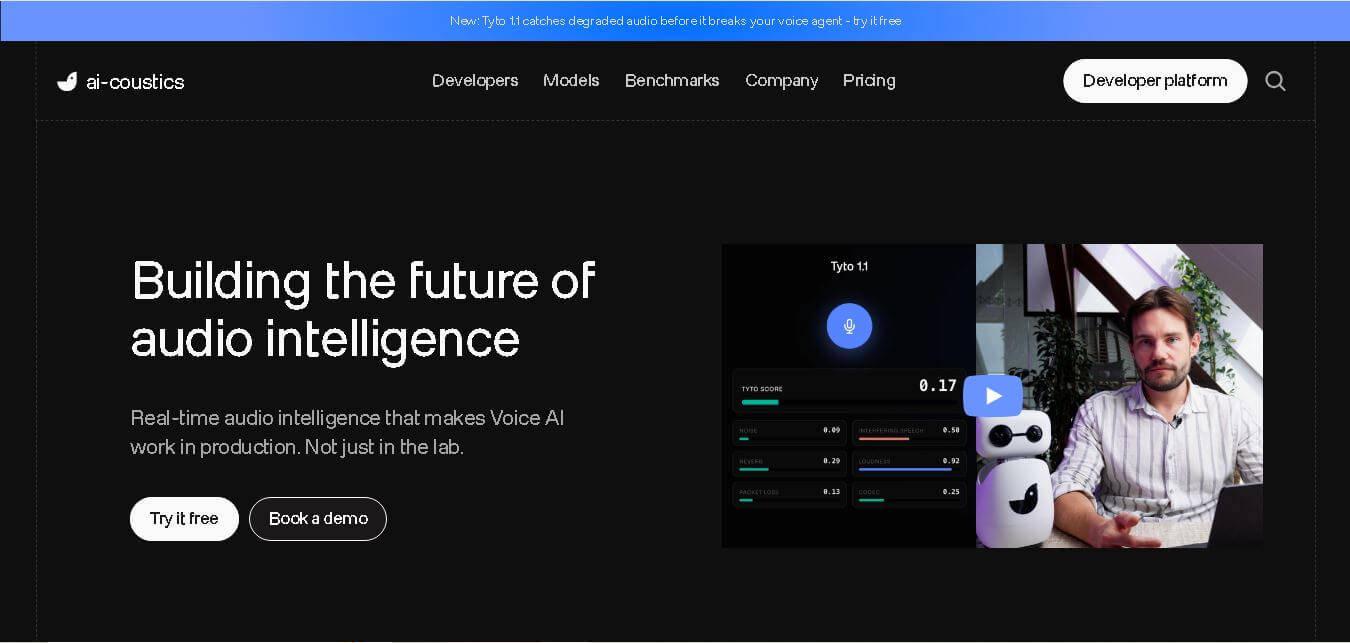
AI Coustics is an AI-powered audio intelligence platform that helps developers improve speech quality for voice AI systems. It enhances, isolates, and analyzes audio in real time, reducing noise and errors, so tools like speech recognition and voice agents perform reliably in real-world conditions.
 4.7
4.7FineVoice AI
Audio Editing
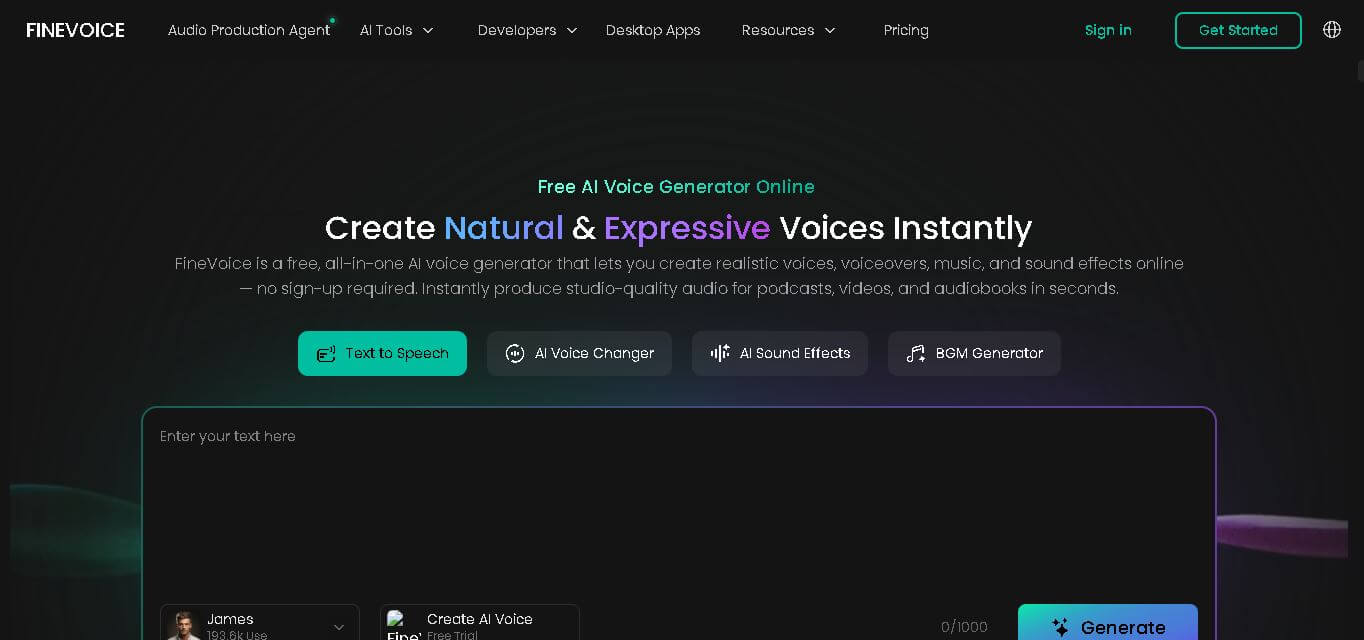
FineVoice helps creators turn text and recordings into natural audio using voice generation, cloning, voice changing, enhancement, transcription, music, and sound-effect tools. With support for 154 languages and 1,500+ voices, it can simplify voiceover production for videos, podcasts, education, gaming, marketing, audiobooks, and other digital content.
 4.6
4.6AudioCleaner AI
Audio Editing
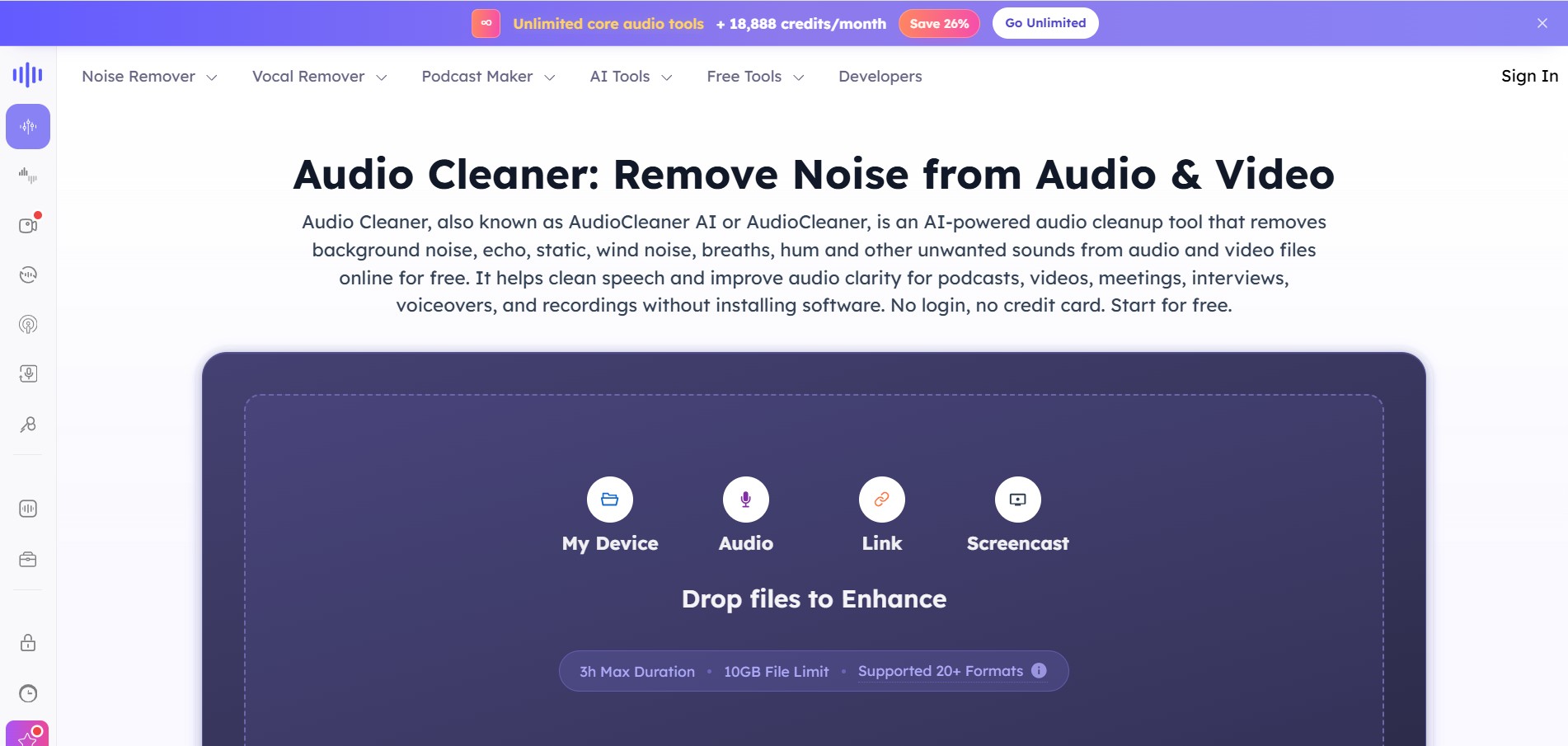
AudioCleaner AI is an online audio enhancement tool that improves sound quality by removing unwanted background noise, echo, static, mouth clicks, and other distractions from audio and video files. It also offers vocal separation, podcast generation, voice transformation, and text-to-speech features, making audio editing faster, simpler, and more accessible.
 4.6
4.6Fathom
Audio Editing
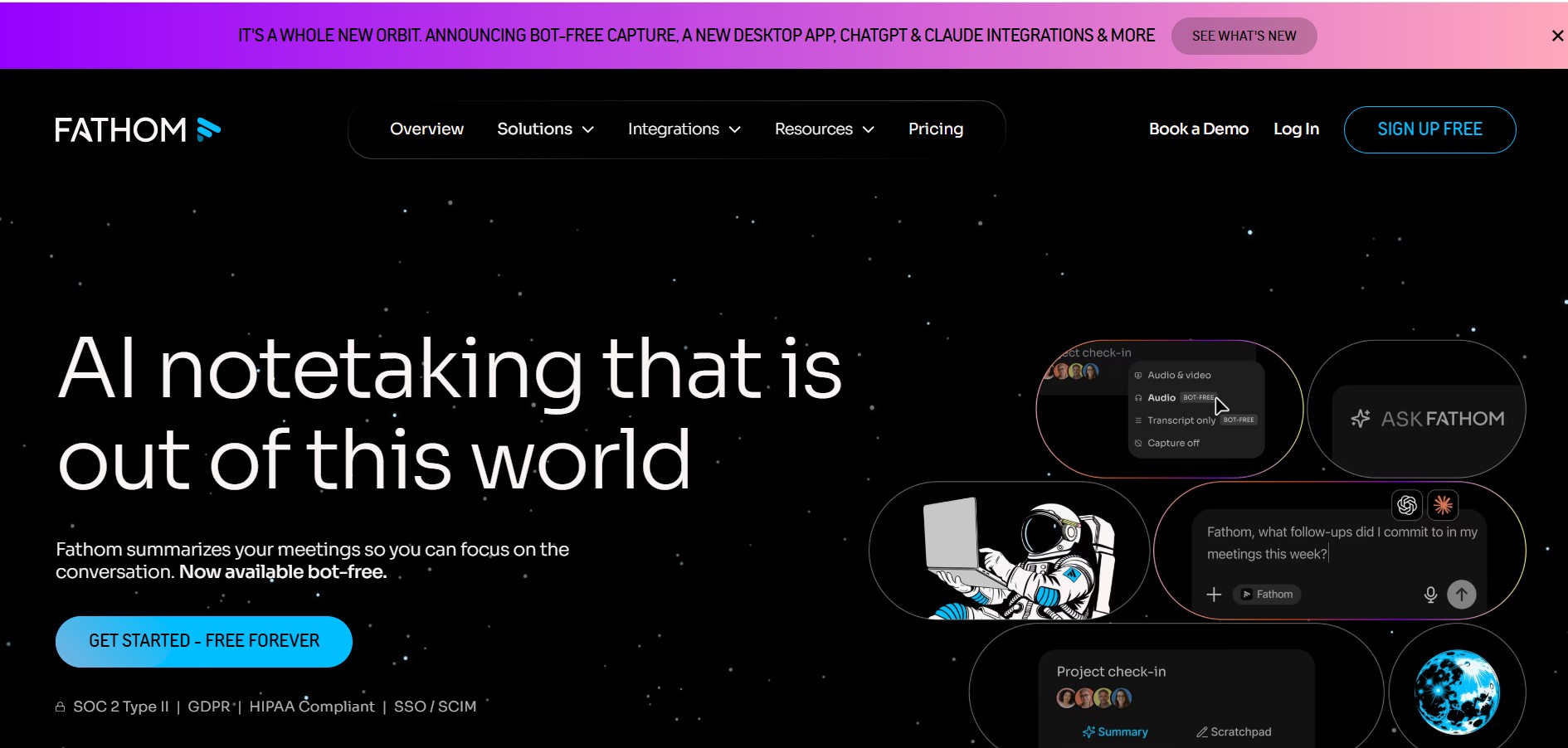
Fathom is an AI-powered notetaker that records, transcribes, highlights, and summarizes meetings instantly, allowing you to stay focused on the conversation rather than taking notes. It integrates with major video conferencing platforms and CRM systems.
 4.8
4.8Speak AI
Transcriber
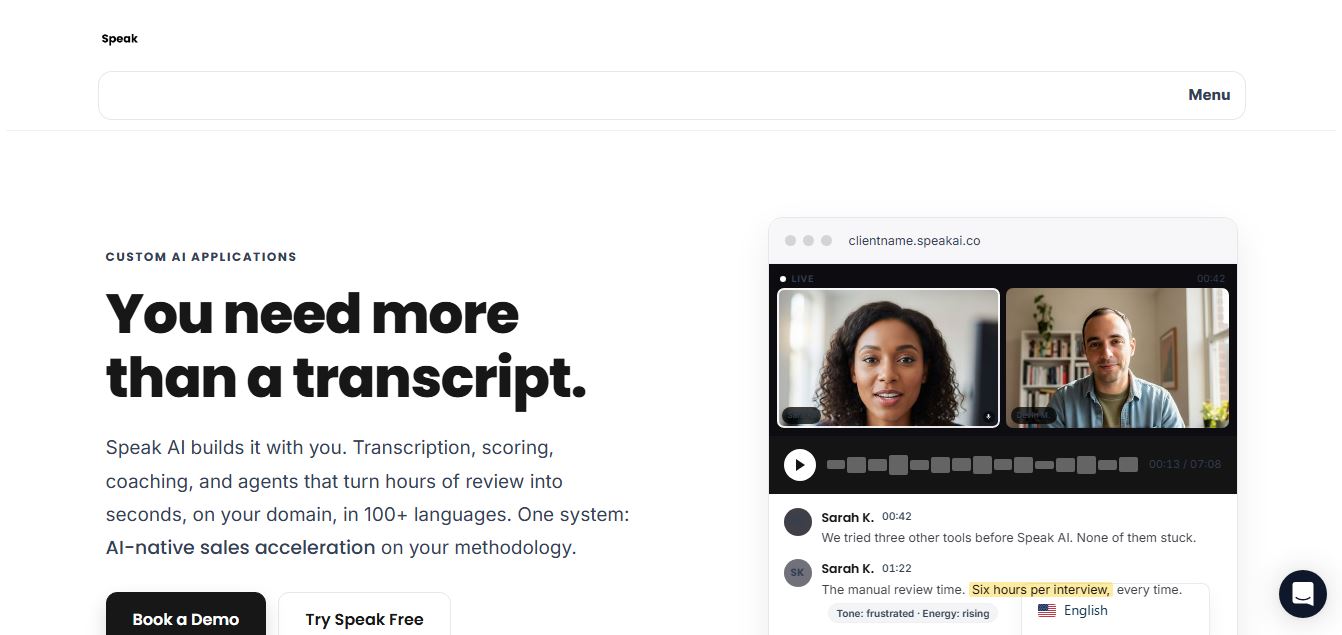
Speak AI is an AI-powered audio transcription, qualitative research, and NLP analysis platform that converts unstructured speech, video recordings, and text into searchable transcripts, sentiment insights, and multi-model AI summaries.
 4.8
4.8Altered AI
Audio Editing
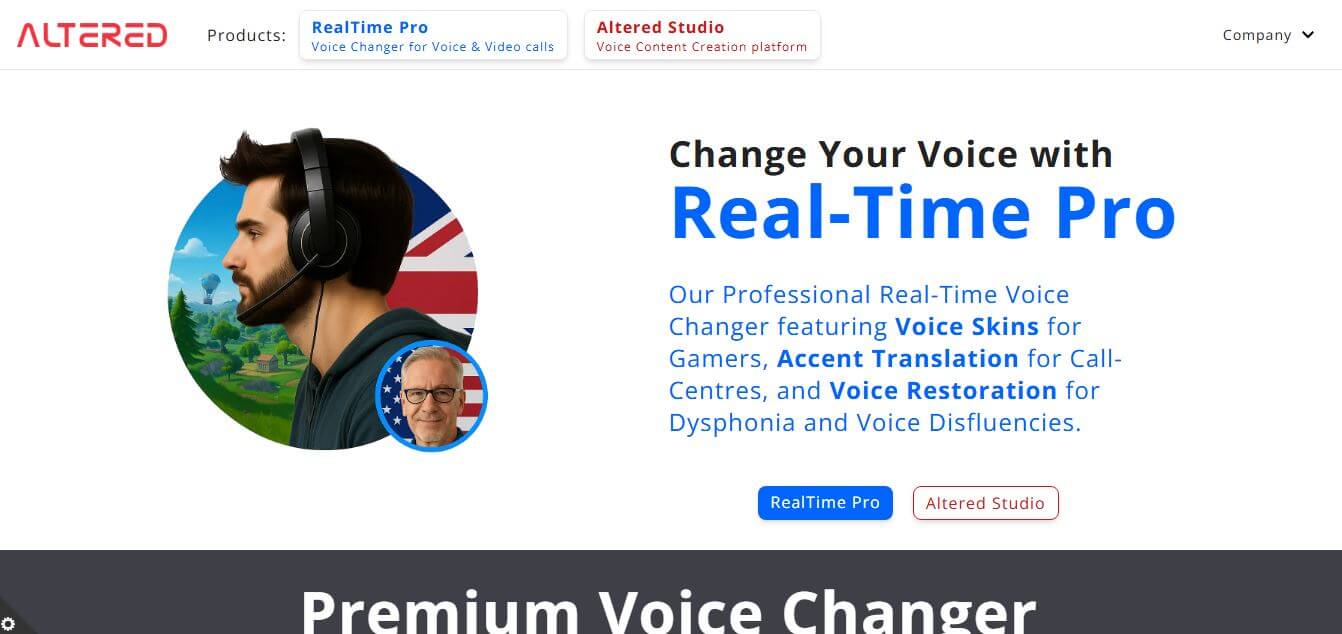
Altered AI (Altered Studio) is a professional Voice AI platform and Speech-to-Speech voice changer that morphs your voice into diverse characters, alters accents, and provides voice cloning, real-time voice skins, and audio cleanup for media production and games.
 4.7
4.7TemPolor
Audio Editing
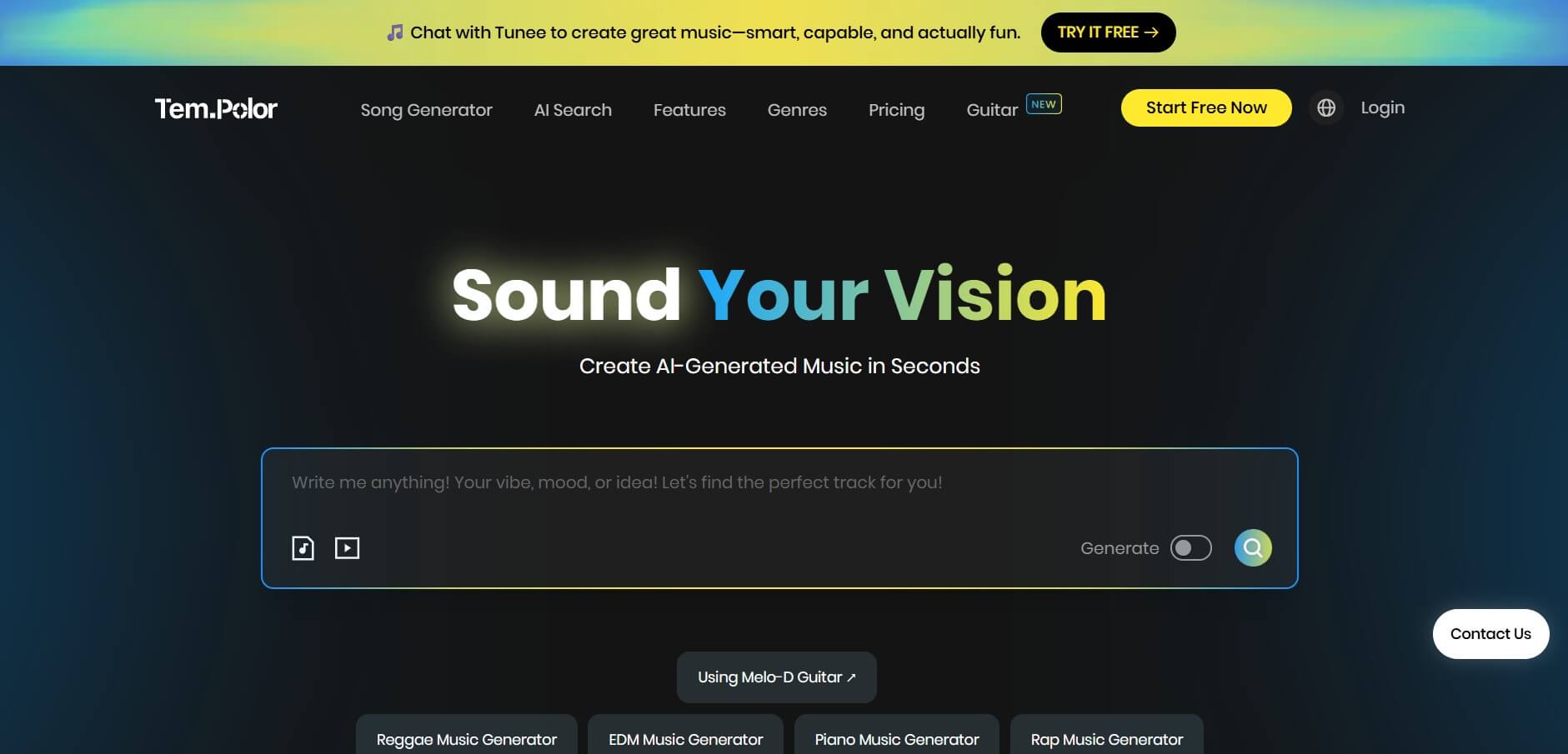
TemPolor is an AI music and song generator that creates professional, royalty-free tracks, lyrics, vocals, and instrumentals in seconds. It provides creators and developers with tools like voice cloning, stem splitting, MIDI arranging, and a scalable AI Music API.