AudioCleaner AI
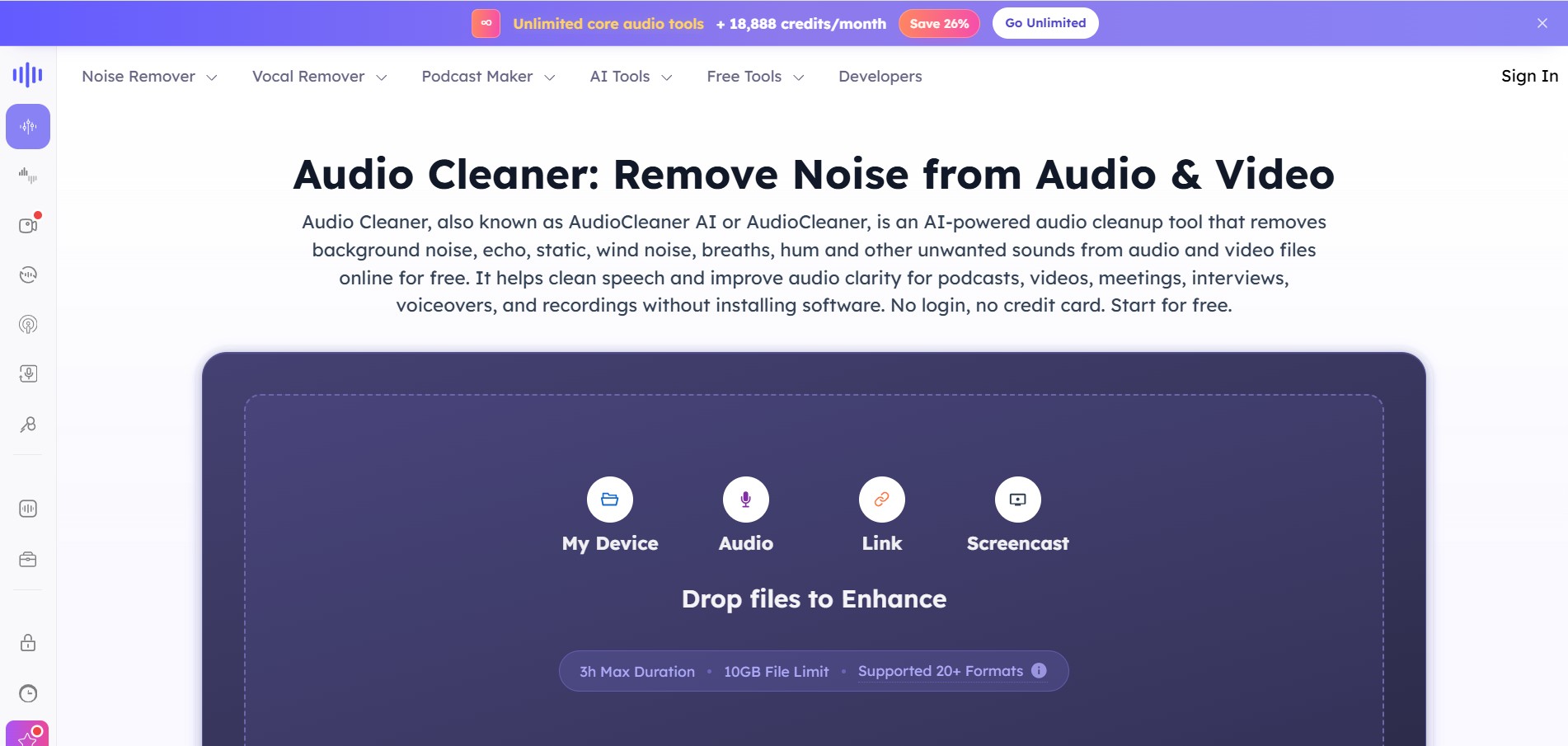
AudioCleaner AI is an online audio enhancement tool that improves sound quality by removing unwanted background noise, echo, static, mouth clicks, and other distractions from audio and video files. It also offers vocal separation, podcast generation, voice transformation, and text-to-speech features, making audio editing faster, simpler, and more accessible.
What is AudioCleaner AI?
AudioCleaner AI is a web-based audio processing solution designed to enhance the clarity and quality of audio recordings using advanced machine learning technologies. It helps users remove background noise, reduce echo, normalize audio levels, separate vocals from music, and create professional-quality sound without requiring advanced editing skills. Besides audio enhancement, it includes features such as AI voice changing, podcast generation, karaoke creation, and text-to-speech conversion. Since it works directly through a browser, users can process files without installing software. The platform is suitable for creators, businesses, educators, musicians, and anyone who wants clearer, more polished audio content.
AudioCleaner AI supports 20+ audio and video file formats and can process recordings of up to 3 hours (10,800 seconds) through its enhancement API. The platform offers automated noise removal, vocal isolation, podcast generation, text-to-speech, and voice transformation tools. Its billing system calculates usage by audio duration, rounded to the nearest minute. Subscription plans start from 600 monthly credits, while larger plans provide thousands of credits and API access for high-volume users and businesses.
- Core Focus: AI Noise Removal, Vocal Isolation, and Speech Enhancement
- Launch Year: 2020
Use Cases:
- Removing background hiss, hum, and traffic noise from podcasts and interviews
- Isolating vocals and extracting instrumentals or karaoke tracks from song files
- Trimming long silences, mouth clicks, and breath sounds from e-learning voiceovers
- Enhancing video audio recorded on smartphones or in untreated acoustic environments
Technology:
- Deep-learning neural networks trained on broad speech and environmental noise datasets
- Automated equalization and dynamic compression algorithms
- Browser-native multi-format audio and video file parser
Target Users:
- Podcasters, broadcasters, and audiobook narrators seeking polished vocal tracks
- YouTubers, vloggers, and social media creators filming in noisy outdoor environments
- Online educators, coaches, and trainers building clear instructional videos
Ecosystem: Features a web-based studio dashboard, specialized noise profile selectors, stem splitting tools, and cloud storage.

Key features of AudioCleaner AI
AudioCleaner AI's key features are
- Multi-Target Noise Removal: Intelligently eliminates static hiss, HVAC rumble, wind interference, dog barks, and ambient background chatter.
- Speech Clarity & Vocal Boost: Applies automatic leveling, EQ, and voice restoration to ensure speech remains crisp and upfront.
- Mouth Sound & Breath Filter: Removes annoying saliva clicks, lip smacks, and heavy breath intakes from close-mic recordings.
- Stem & Vocal Isolation: Separates lead vocals, backing tracks, drums, and instruments for music creation or acapella extraction.
- Silence & Pause Trimmer: Automatically identifies and removes dead air and long pauses to keep recordings engaging.
- Wide Format Compatibility: Supports all major audio and video inputs, including MP3, WAV, MP4, MOV, FLAC, AAC, and WMA.
AudioCleaner AI Pricing
AudioCleaner AI operates on a freemium model with free web access, flexible credit subscription tiers, and pay-as-you-go options.
Free Plan:
- $0/month
- Access to free noise reduction trials and quick audio previews without requiring software installation
Subscription & Credit Plans:
- Starter: $9.90/month (or $7.50/mo billed yearly) – 600 credits/month for core cleanup tools
- Pro: $22.90/month (or $16.60/mo billed yearly) – 2,000 credits/month with priority queueing
- Business / Unlimited: $37.90 - $89.90/month – Up to 18,888 credits/month, concurrent jobs, and commercial licensing rights
Disclaimer: For the latest and most accurate pricing information, please visit the official udioClear AI website.
Is AudioCleaner AI Worth It?
AudioCleaner AI is highly worth it for content creators, podcasters, and educators who need clear, commercial-ready voice tracks without spending hours tweaking manual noise gates and equalizers. Its ability to isolate specific noise types—like wind or mouth clicks—makes it a versatile problem solver for field recordings.
Real-World Use Cases
- Outdoor Vlogging Cleanup: Vloggers clean up street noise, wind interference, and cafe ambiance from phone-recorded video footage.
- Podcast Voice Polishing: Hosts eliminate room echo and mouth smacks from home studio microphone tracks before publishing.
- Online Course Production: Teachers strip background hums and long silent pauses from video lectures to enhance student retention.
- Karaoke Track Creation: Music producers isolate vocals from backing tracks to practice remixes or create acapella versions.
Who is using AudioCleaner AI?
AudioCleaner AI is designed for digital media creators, including
- Podcasters & Show Hosts: Enhancing remote guest interviews recorded over Zoom or Skype
- Video Editors & Filmmakers: Fixing problematic dialogue tracks on tight post-production deadlines
- Educators & Course Creators: Cleaning up raw instructional audio recordings for e-learning portals
- Musicians & Producers: Extracting clean vocal stems and removing background amp hiss from demo tracks
Best AudioCleaner AI Alternatives
Some of the strongest AudioCleaner AI alternatives include
- Adobe Podcast Enhance
- LALAL.AI
- Descript
- Krisp
- Auphonic
Pros and Cons of AudioCleaner AI
Pros
- Fast web-based processing requiring zero software downloads
- Targeted filters for specific audio issues (mouth sounds, wind, echo, silences)
- Combines noise reduction with vocal/instrumental stem separation
- Preserves vocal warmth and speech clarity without robotic artifacts
- Supports both audio and video file uploads directly
Cons
- High-volume processing requires paid credit subscriptions
- Severely distorted or clipped source audio may still have slight quality limits
- Requires internet connectivity for cloud AI processing
Why Choose AudioCleaner AI?
AudioCleaner AI offers a flexible alternative to traditional audio editing plugins by combining targeted noise removal algorithms with an accessible browser interface. Instead of applying blanket noise reduction that destroys speech clarity, AudioCleaner AI separates voice frequencies from unwanted artifacts intelligently.
- Saves hours of tedious manual audio restoration work
- Eliminates the need for expensive acoustic soundproofing treatment
- Features dedicated toggles for wind, breath, and silence removal
- Rolls unused credits over month-to-month on active plans
How AudioCleaner AI Works
- 1. Upload Media: Drag and drop your audio or video file (MP3, WAV, MP4, MOV) into the AudioCleaner AI web app.
- 2. Select Repair Filter: Choose your enhancement type—such as Noise Removal, Breath Removal, or Vocal Isolation.
- 3. AI Processing: The neural engine analyzes the waveform, isolates background noise, and rebuilds vocal frequencies.
- 4. Preview & Download: Compare original and processed audio side-by-side, then download the cleaned file.
AudioCleaner AI vs. Competitors
The main difference between AudioCleaner AI, Adobe Podcast, and LALAL.AI is that AudioCleaner AI provides specialized micro-filters (like mouth sound and wind removal) alongside general vocal enhancement and stem separation. While Adobe Podcast focuses on aggressive room echo removal and LALAL.AI specializes in music stem separation, AudioCleaner AI provides a balanced utility suite for daily spoken-word and video audio workflows.
| Feature | AudioCleaner AI | Adobe Podcast Enhance | LALAL.AI |
|---|---|---|---|
| Primary Focus | Noise, Breath & Vocal Cleaner | Studio Speech Restorer | Stem & Vocal Separation |
| Targeted Filters | Wind, Breath, Mouth Clicks, Silence | General Speech Enhancement | Instrumental/Vocal Stems |
| Video File Support | Yes (MP4, MOV, etc.) | Audio primarily | Yes |
| Silence Trimmer | Native Built-in | No | No |
| Starting Price | Freemium / $9.90/mo | Free / Included in Creative Cloud | Pay-as-you-go packs |
How do we rate AudioCleaner AI?
| Parameter | Rating (out of 5) |
|---|---|
| Ease of Use | 4.8 |
| Noise Reduction Quality | 4.6 |
| Feature Variety | 4.7 |
| Value for Money | 4.5 |
| Processing Speed | 4.7 |
| Overall Score | 4.6 |
AudioCleaner AI Review
AudioCleaner AI is an efficient and user-friendly web application for removing unwanted audio distractions. Its specialized filters for mouth clicks, wind, and room reverb provide tailored solutions where standard noise gates fall short. For creators, podcasters, and educators who need clear audio without complex DAW software, AudioCleaner AI offers a reliable cloud workflow.
Conclusion
AudioCleaner AI is a versatile solution for improving audio quality while simplifying complex editing tasks. From removing unwanted background noise to generating podcasts, separating vocals, converting text into speech, and transforming voices, the platform offers a broad collection of AI-driven tools within a browser-based environment. Its support for multiple file formats, scalable API, and flexible credit-based pricing makes it useful for individuals, content creators, educators, businesses, and developers alike. Whether you need clearer meeting recordings or professional podcast production, AudioCleaner AI provides an efficient way to create polished audio with less manual effort and faster processing.
FAQ
What is AudioCleaner AI mainly used for?
AudioCleaner AI is primarily used to improve audio quality by removing background noise, echo, static sounds, breathing noises, and other unwanted distractions. It also supports vocal separation, voice modification, podcast creation, karaoke generation, and text-to-speech conversion. Whether you're recording podcasts, online meetings, interviews, videos, or music, it helps produce cleaner, more professional audio with minimal editing effort.
Who can benefit from using AudioCleaner AI?
AudioCleaner AI is suitable for podcasters, YouTubers, educators, musicians, journalists, marketers, remote workers, businesses, and students. Anyone who records audio or video can use the platform to enhance sound quality without learning professional editing software. Its browser-based workflow also makes it convenient for beginners and experienced creators alike.
Does AudioCleaner AI support different audio formats?
Yes. AudioCleaner AI supports more than 20 popular audio and video formats, allowing users to upload recordings from different devices and editing tools. This broad compatibility makes it easy to clean podcasts, interviews, lectures, webinars, videos, and music files without converting them into another format before processing.
Can AudioCleaner AI remove background noise automatically?
Yes. AudioCleaner AI automatically detects and reduces unwanted sounds such as traffic noise, fan noise, keyboard clicks, static, echo, mouth sounds, and other environmental distractions. The AI processes recordings with minimal manual input, helping users improve voice clarity while preserving the natural quality of the original audio whenever possible.
Is AudioCleaner AI suitable for professional content creators?
Yes. Many content creators use AudioCleaner AI to improve podcasts, YouTube videos, online courses, interviews, webinars, and marketing content. Along with audio enhancement, it offers vocal separation, AI voice generation, podcast production, and automation features that simplify content creation while reducing editing time and improving overall production quality.
Does AudioCleaner AI offer API access for developers?
Yes. AudioCleaner AI provides APIs for audio enhancement, vocal separation, podcast generation, and text-to-speech integration. Developers can automate audio processing inside their applications using asynchronous workflows. API usage is managed through a credit-based billing system, making it suitable for businesses, SaaS products, and enterprise automation projects.
User Reviews
No reviews yet for AudioCleaner AI.
Featured Tools
Featured AI tools from TechShark

Melody Genie
MelodyGenie is an AI-powered music generator that creates original songs from simple text prompts. Users can choose styles, moods, and genres, then instantly generate melodies and full tracks, making it easy for creators, marketers, and hobbyists to produce custom music without musical expertise.
Freemium

Kimi AI
Kimi AI is an advanced AI assistant developed by Moonshot AI that helps you chat, research, write, code, and automate tasks in one place. It supports web search, file analysis, and multimodal inputs, and can even run autonomous “agent” workflows to complete complex tasks end-to-end.
Freemium

Fashion Diffusion AI
Fashion Diffusion is an AI-powered fashion design platform that helps brands and designers create clothing designs, virtual try-ons, AI models, product photos, and marketing visuals faster and cost-effectively.
Paid

Veo 4
Veo 4 AI is an AI video creation platform that generates dramatic videos from text, images, audio, and video prompts using realistic motion and synchronized sound.
Paid
Alternatives
Alternatives to AudioCleaner AI
The best AudioCleaner AI alternatives include Adobe Podcast Enhance, LALAL.AI, Descript, Krisp, and Auphonic. Adobe Podcast Enhance excels at turning low-quality microphone recordings into studio-grade voice tracks. LALAL.AI provides high-precision vocal and instrumental stem extraction. Descript offers AI text-based audio/video editing with Studio Sound features. Krisp delivers real-time noise cancellation during calls, while Auphonic automates audio leveling and loudness normalization for podcasters.
 4.8
4.8Trint
Audio Editing
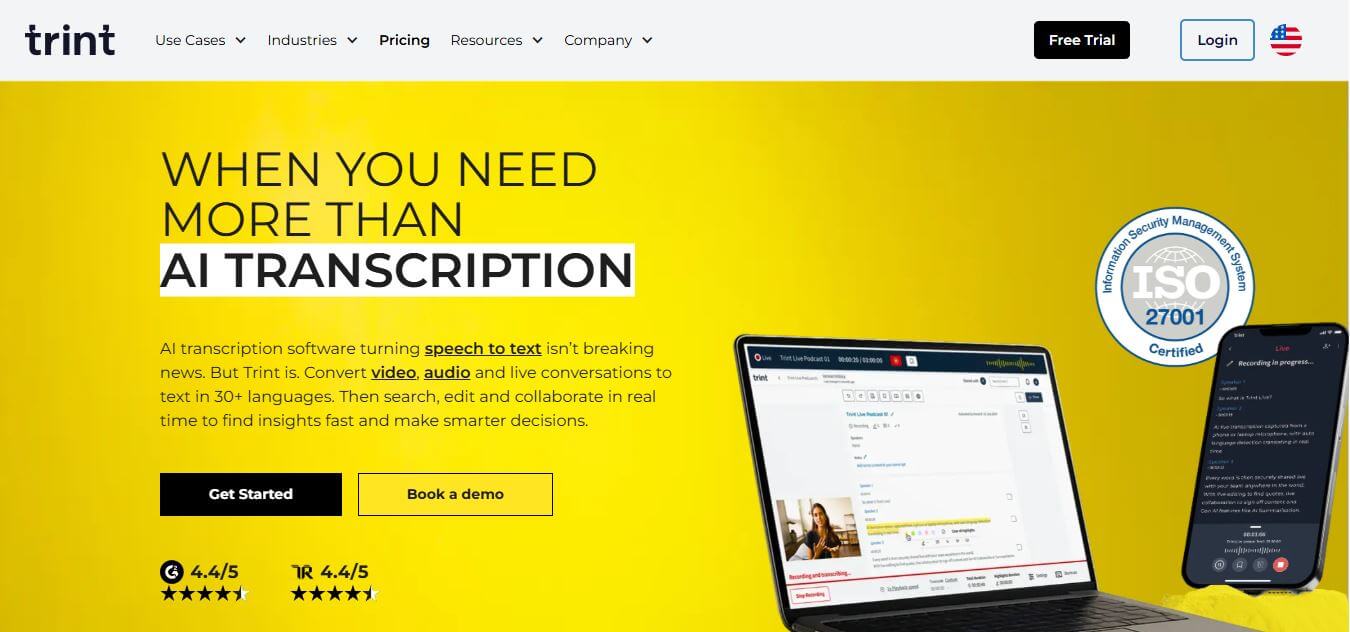
Trint helps professionals turn audio, video, and live conversations into editable, searchable transcripts. It supports multilingual transcription, translation, captions, collaboration, speaker identification, and AI-assisted content discovery. With web, desktop, and mobile workflows, Trint is built for journalists, media teams, businesses, podcasters, researchers, and organizations that need to transform spoken content efficiently.
 4.8
4.8LALAL.AI
Audio Editing
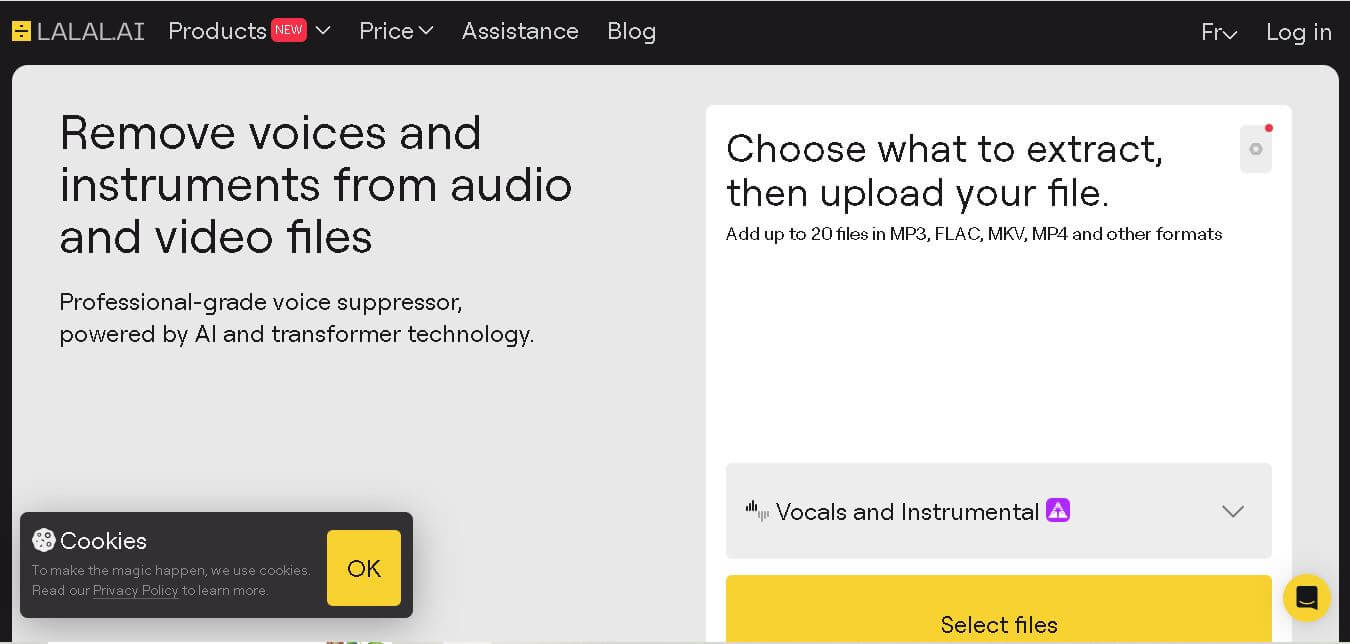
LALAL.AI helps musicians, producers, editors, and creators separate vocals and instruments from existing audio or video recordings. Its tools support stem splitting, vocal removal, voice cleaning, echo reduction, and other audio-processing tasks. Users can work through web, desktop, and mobile applications while choosing different neural networks for separation.
 4.8
4.8AI Coustics
Audio Editing
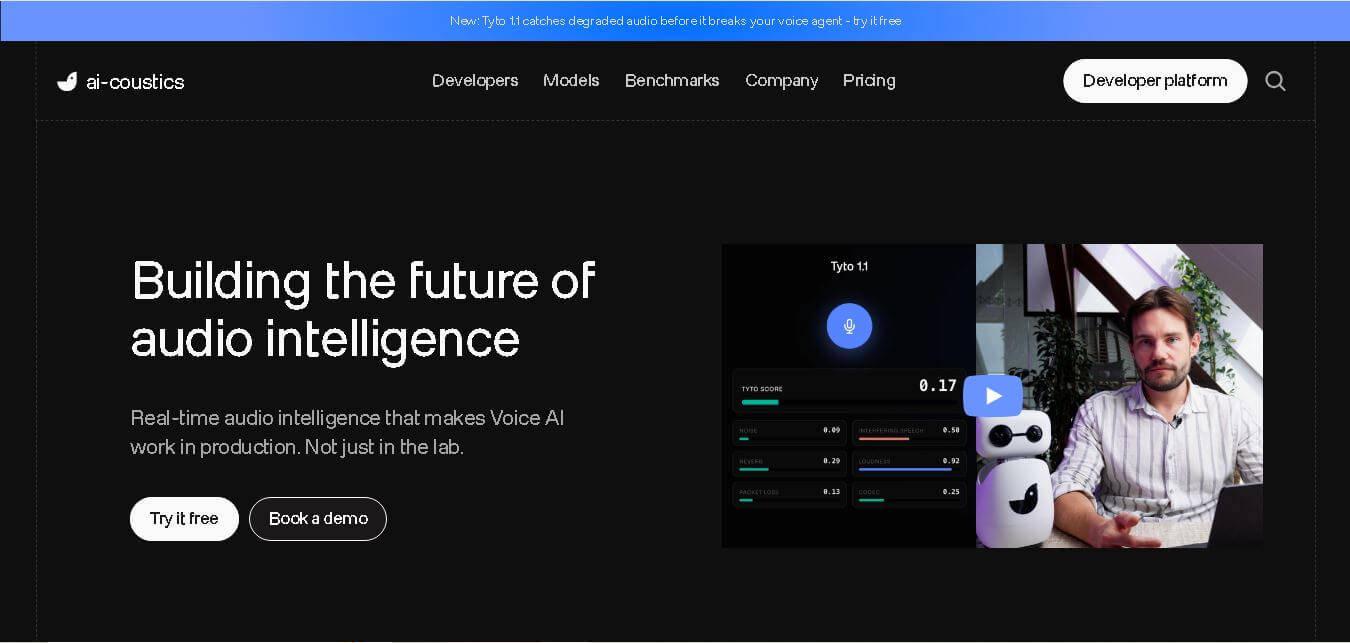
AI Coustics is an AI-powered audio intelligence platform that helps developers improve speech quality for voice AI systems. It enhances, isolates, and analyzes audio in real time, reducing noise and errors, so tools like speech recognition and voice agents perform reliably in real-world conditions.
 4.7
4.7FineVoice AI
Audio Editing
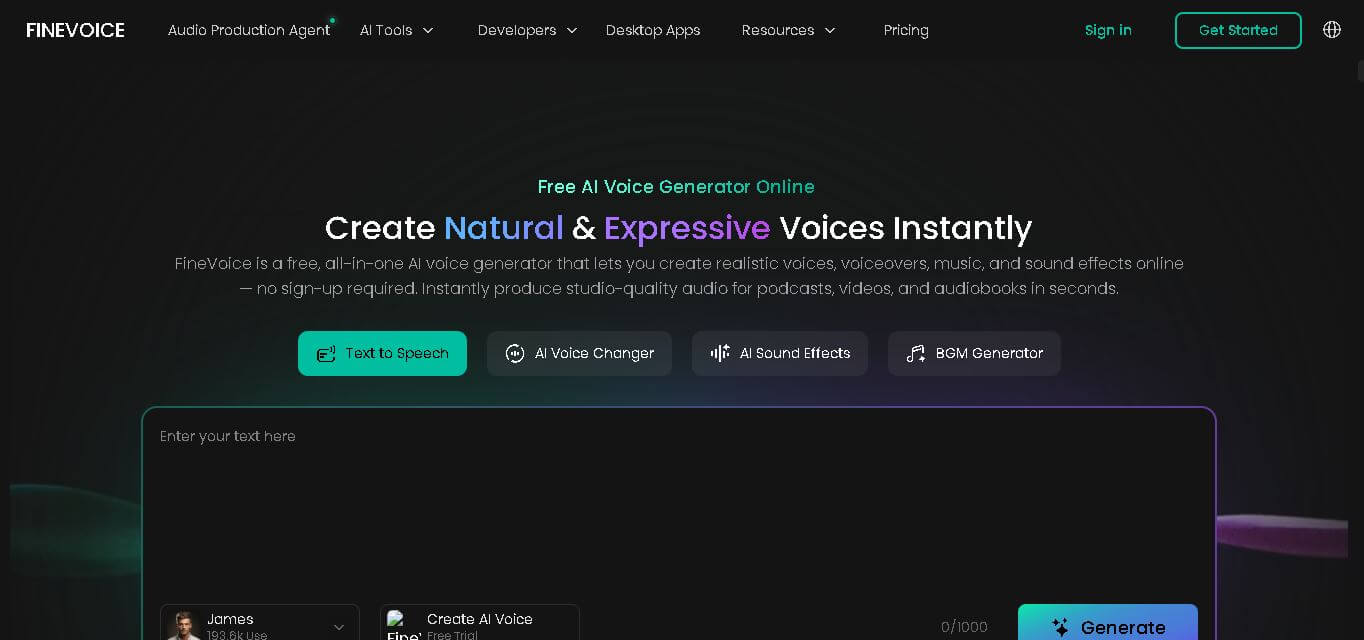
FineVoice helps creators turn text and recordings into natural audio using voice generation, cloning, voice changing, enhancement, transcription, music, and sound-effect tools. With support for 154 languages and 1,500+ voices, it can simplify voiceover production for videos, podcasts, education, gaming, marketing, audiobooks, and other digital content.
 4.6
4.6Cleanvoice AI
Audio Editing
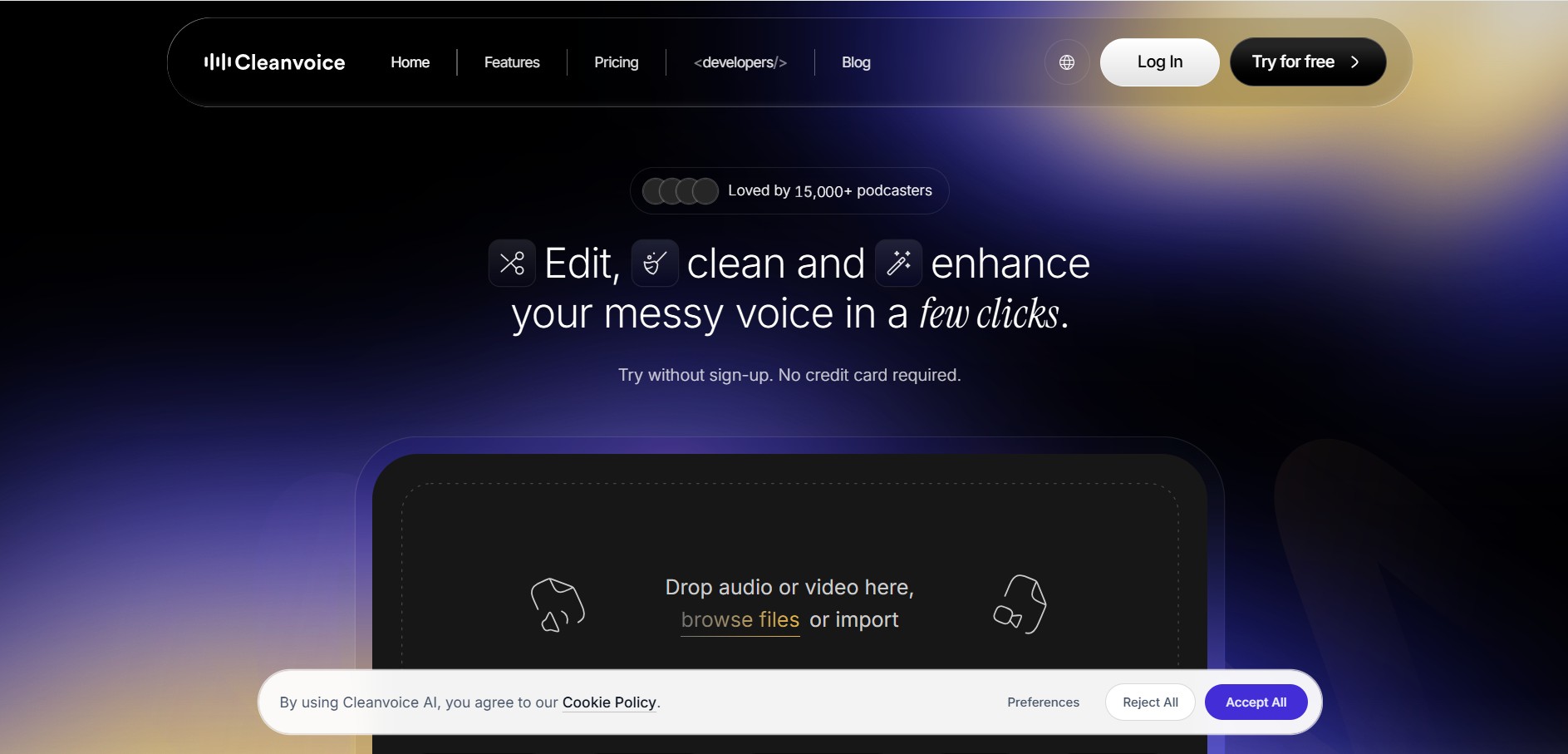
Cleanvoice is a podcast and audio editing tool that automatically improves recordings by removing filler words, background noise, mouth sounds, stutters, and long pauses. It also generates transcripts, summaries, and show notes, helping creators, businesses, and agencies produce professional-quality audio and video content with minimal manual editing.
 4.6
4.6Fathom
Audio Editing
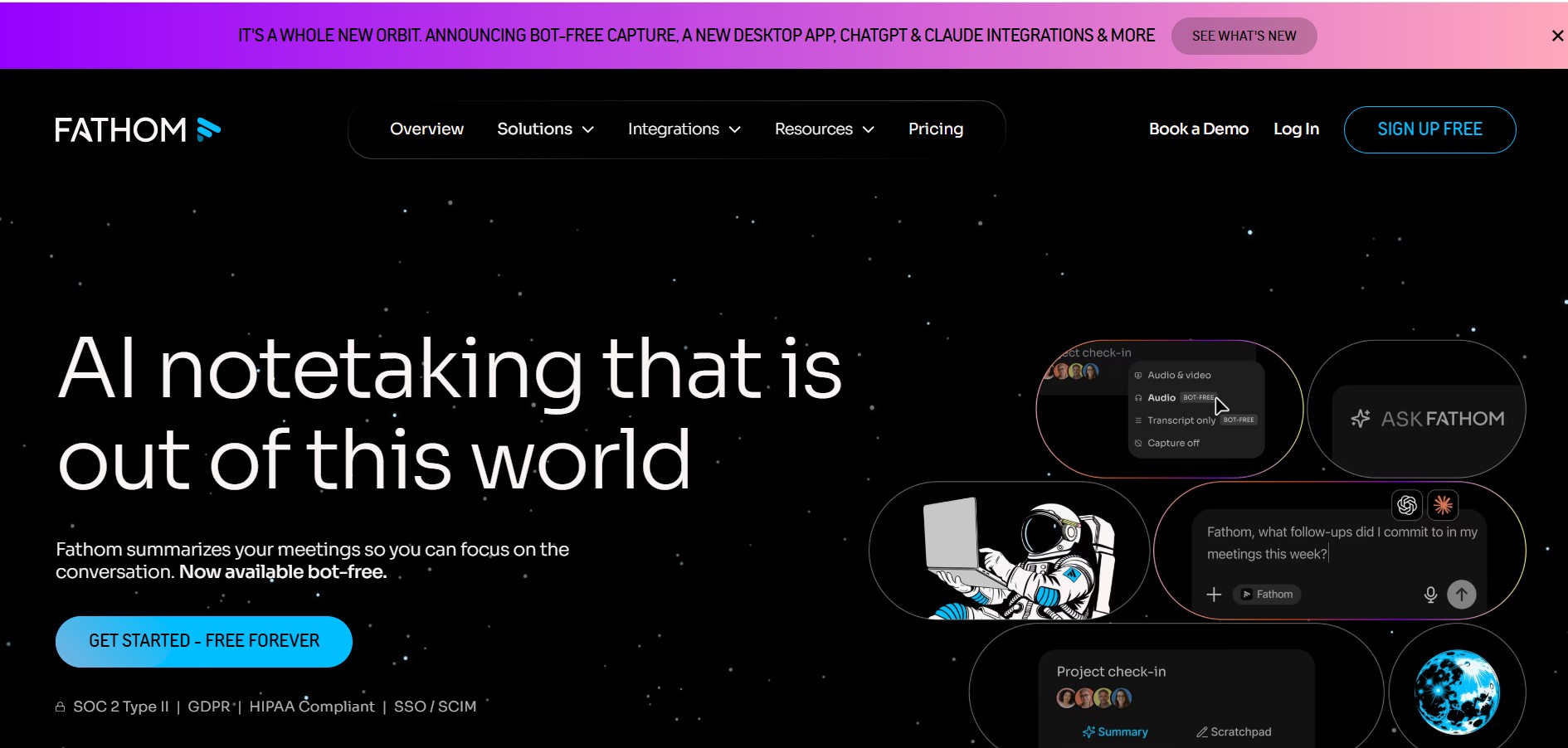
Fathom is an AI-powered notetaker that records, transcribes, highlights, and summarizes meetings instantly, allowing you to stay focused on the conversation rather than taking notes. It integrates with major video conferencing platforms and CRM systems.
 4.8
4.8Speak AI
Transcriber
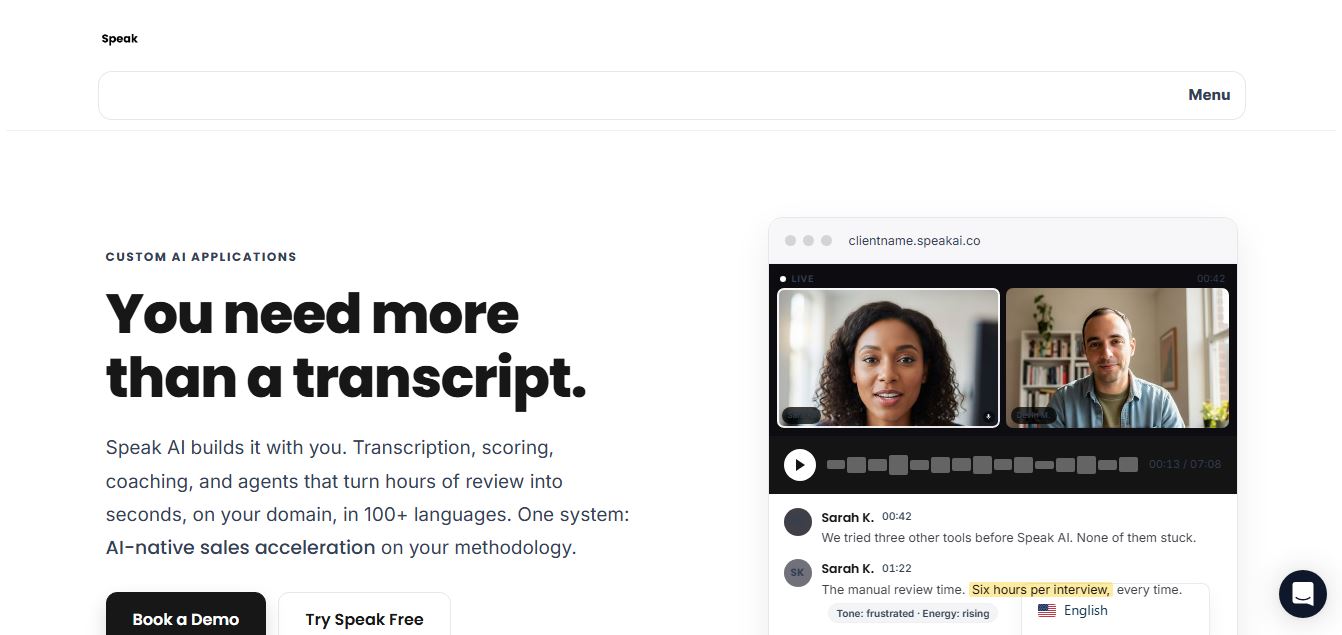
Speak AI is an AI-powered audio transcription, qualitative research, and NLP analysis platform that converts unstructured speech, video recordings, and text into searchable transcripts, sentiment insights, and multi-model AI summaries.
 4.8
4.8Altered AI
Audio Editing
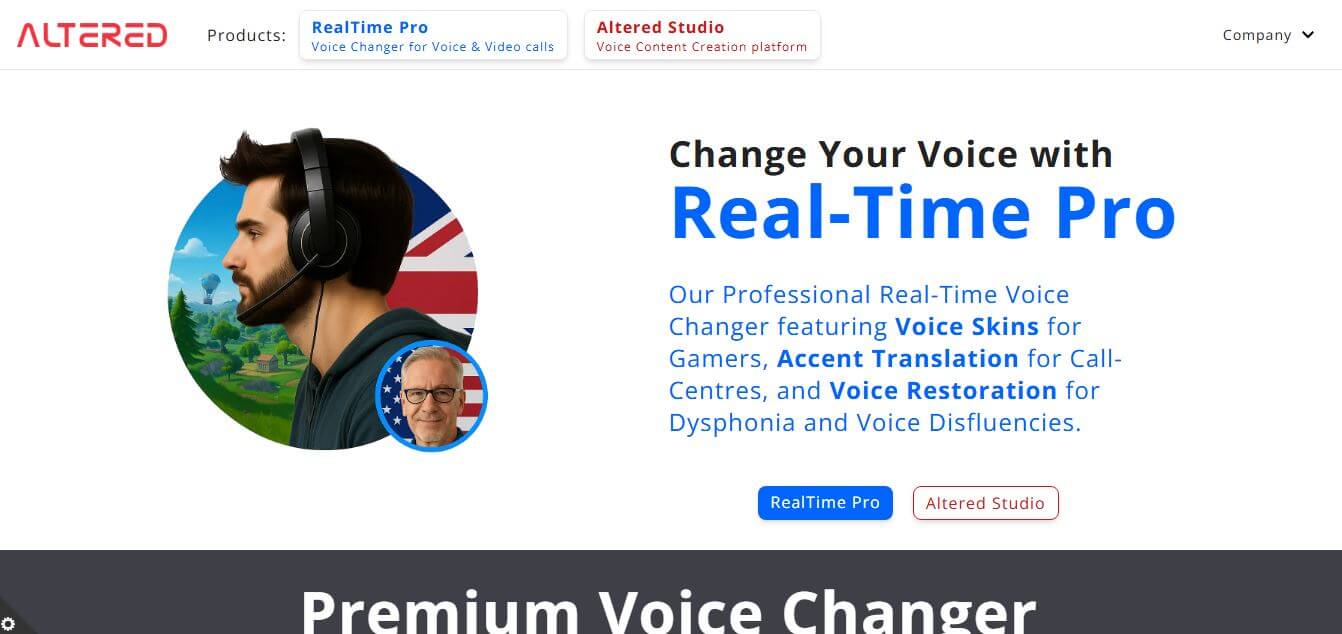
Altered AI (Altered Studio) is a professional Voice AI platform and Speech-to-Speech voice changer that morphs your voice into diverse characters, alters accents, and provides voice cloning, real-time voice skins, and audio cleanup for media production and games.
 4.7
4.7TemPolor
Audio Editing
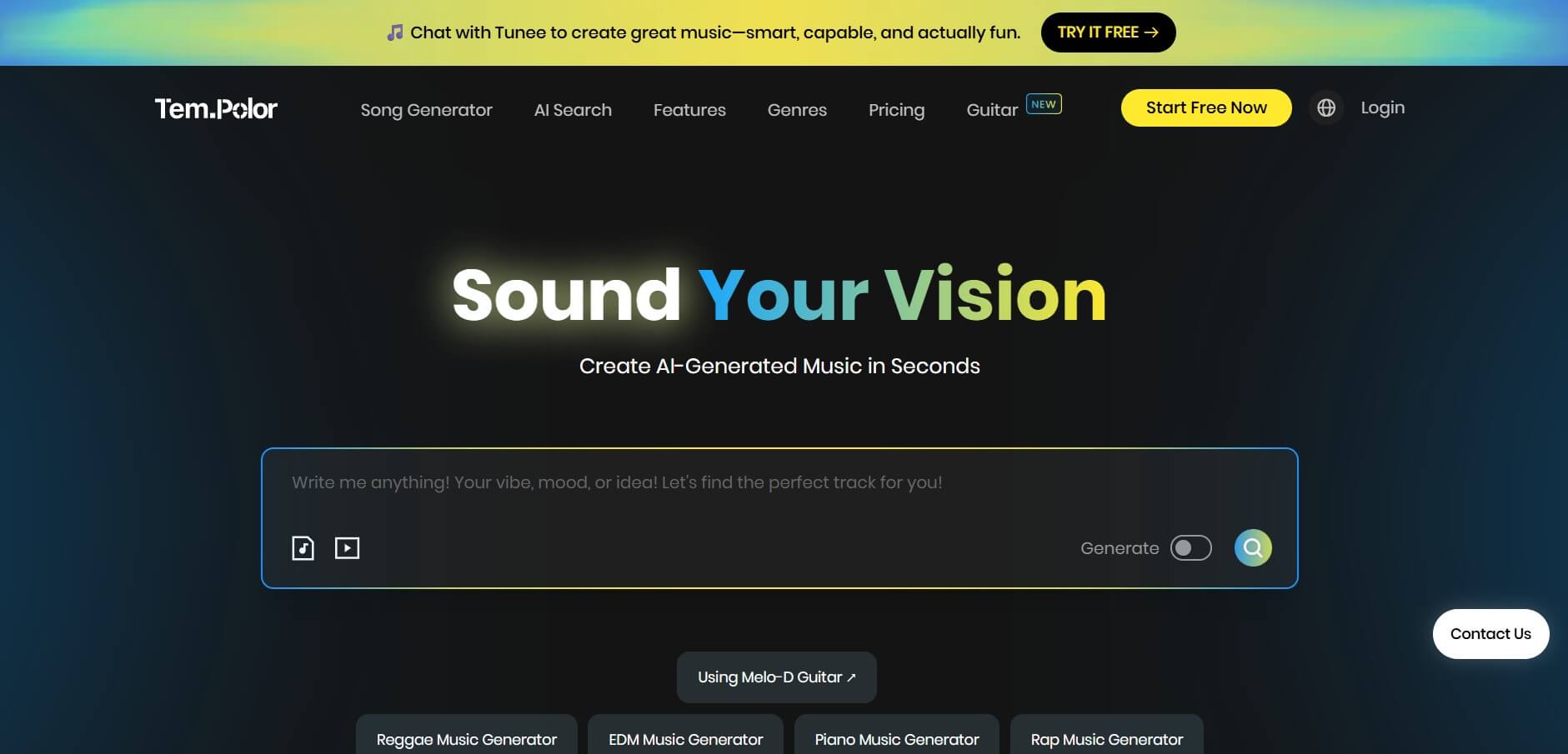
TemPolor is an AI music and song generator that creates professional, royalty-free tracks, lyrics, vocals, and instrumentals in seconds. It provides creators and developers with tools like voice cloning, stem splitting, MIDI arranging, and a scalable AI Music API.