
Funy AI
Funy AI brings multiple creative tools into one place for generating, editing, enhancing, and transforming visual content. Users can create videos from text or images, generate artwork, improve photo quality, remove backgrounds, and experiment with creative effects. Its simple interface and no-sign-up access make experimentation convenient for beginners and creators.
What is Funy AI?
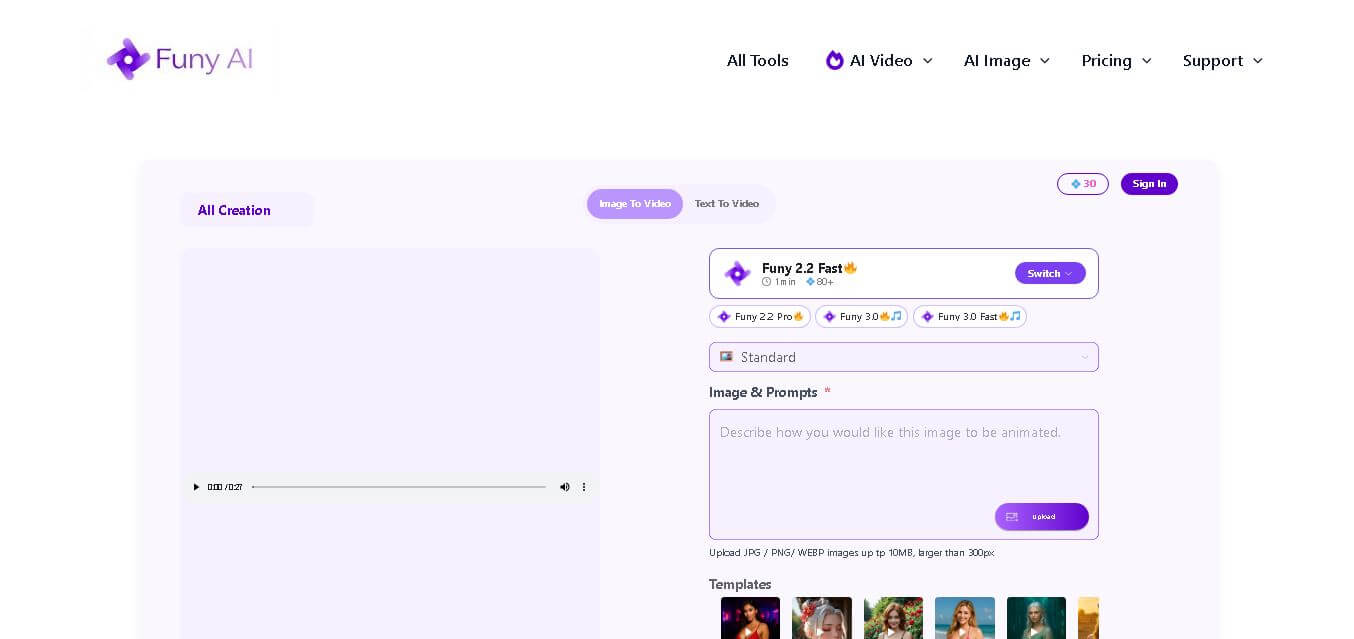
Funy AI is a creative toolkit for generating and editing images and videos through accessible AI-based tools. It lets users turn text into videos, animate images, generate artwork, enhance photos, remove backgrounds, change hairstyles, and create specialized visual effects. Funy AI is designed for creators, marketers, designers, e-commerce users, and anyone wanting quick visual content without complex editing software.
Funy AI offers 20+ visible AI video and image-related tools across its platform, including text-to-video, image-to-video, image generation, background removal, image enhancement, hairstyle changes, and unblur tools. Its website supports access across Windows, Mac, iOS, and Android, while the platform states that users can start without signing up. Funy AI also provides 30+ free credits for certain services, while purchased credits do not expire. Its AI video ecosystem lists 10 video models, including Sora, Veo, Kling, Pika, and Luma.
- Platform Role: AI Video Generator, Image-to-Video Animator & Visual Effects Suite
- Developer & Organization: Funy AI
- Cross-Platform Access: Web Browser (zero-install on desktop, iOS, and Android)
Use Cases:
- Animating static photos into dynamic short videos, romantic animations, dance clips, and social media greetings
- Generating custom video scenes from simple descriptive text prompts using advanced text-to-video AI models
- Testing virtual hairstyles, aging filters, face swaps, and digital headshots without professional photo editing skills
- Sharpening blurry images, enhancing portrait details, and removing image backgrounds for quick product cataloging
- Converting raw sketches and ideas into high-resolution digital artwork and 3D character illustrations
Technology:
- Integration with leading open and proprietary text-to-video and image-to-video models (including Kling AI, Luma, Hailuo, and Wan)
- On-device and cloud-based computer vision algorithms for image enhancement, unblurring, and edge-detection background removal
- Generative adversarial networks (GANs) and diffusion models fine-tuned for facial transformation, hairstyle styling, and age progression
- Secure cloud infrastructure powered by Stripe integration for seamless, non-subscription VIP token access
Target Users:
- Social media content creators and influencers seeking quick, trend-driven viral video effects for TikTok, Shorts, and Reels
- Casual consumers wanting to generate fun animated videos or edit profile photos without technical friction
- Digital marketers needing rapid visual asset generation, background removal, and quick image upscaling
- E-commerce store owners looking to clean up product images and create simple promotional video clips
Acquisition: Independent web-based SaaS application operated at funy.ai

What are the key features of Funy AI?
Funy AI's key platform features are
- No Sign-Up Friction: Access and test core video and image creation micro-tools instantly without creating an account upfront.
- Image-to-Video Generator: Breathes movement into static photographs to create hugging, dancing, fighting, or kissing animations in a single click.
- Text-to-Video AI Studio: Converts written prompt descriptions into cinematic video scenes across various artistic and realistic styles.
- AI Photo Enhancer & Unblur: Automatically sharpens out-of-focus portraits, reduces noise, and restores image clarity within seconds.
- AI Hairstyle & Appearance Changer: Enables virtual hair try-ons, color transformations, face swaps, and age filter previews on uploaded photos.
- Automated Background Remover: Instantly isolates subjects and removes background elements to produce clean PNG visual assets.
How much does Funy AI cost?
Funy AI operates on a freemium credit system, providing complimentary credits upon arrival with affordable credit packs and VIP upgrade options for high-volume generation.
Free Consumer Tier:
- $0 / Free Plan: Complimentary credit allowance (30+ free credits) for immediate testing with no sign-up required.
VIP & Paid Credit Bundles:
- Paid Credit Packs / VIP Upgrades: Flexible one-time payment options or credit top-ups for extra rendering capacity, faster generation queues, and extended HD outputs.
Disclaimer: Core micro-tools offer free initial credits without sign-up. Heavy rendering, extended video lengths, and priority server queues consume credits that can be replenished via credit purchases.
Who should use Funy AI?
Funy AI is designed for casual creators, social influencers, and visual editors, including
- TikTok & Instagram Creators: Influencers creating trending visual effects, hugging/kissing video animations, and viral meme clips.
- Casual Internet Users: Anyone wanting to unblur old family photos, experiment with new hairstyles, or send animated greetings.
- Small Business Marketers: Teams needing quick background removal, image sharpening, and promotional video clips on a budget.
What are the best alternatives to Funy AI?
Some of the strongest Funy AI alternatives include
- Runway (Gen-2 / Gen-3 Alpha)
- Luma Dream Machine
- Pika Labs
- Veed.io AI Video Generator
- Vidnoz AI
- Remini (for Photo Enhancement)
What are the pros and cons of Funy AI?
What are the pros of Funy AI?
- Instant zero-signup user access eliminates initial registration friction
- Comprehensive suite of diverse tools combining video generation, photo utilities, and AI face effects in one site
- Generous initial free credit allowance allowing users to try features before buying top-ups
- Pay-as-you-go credit flexibility avoids forcing users into recurring monthly subscription locks
What are the cons of Funy AI?
- Output video length and granular motion controls are simpler compared to advanced node-based editors like Runway
- Credit consumption varies based on output quality and the selected underlying AI video engine
- Advanced enterprise team management and brand kit controls are not supported
Why should you choose Funy AI?
Navigating complex video editors or creating accounts across multiple specialized AI sites slows down simple visual creation. Funy AI solves this friction by consolidating text-to-video, image animation, photo enhancement, and background removal into one accessible web hub. Whether you need to generate a quick social media video trend or sharpen a blurry product photo, Funy AI lets you complete the task in seconds directly inside your browser.
How does Funy AI compare to competitors?
The primary distinction between Funy AI, Runway, Luma, and Vidnoz is workflow friction and target audience. While Runway and Luma focus on heavy professional cinematic production with complex timeline settings, Funy AI prioritizes fast, single-click social effects, photo cleanup, and immediate browser usability without mandatory sign-ups.
| Feature / Platform | Funy AI | Runway | Luma Dream Machine | Vidnoz AI |
|---|---|---|---|---|
| Core Focus | Zero-Signup AI Video Effects & Photo Tools | Professional AI Video Editing & Generation | High-Fidelity Cinematic AI Motion | AI Avatar & Business Video Generation |
| Sign-Up Requirement | None (Try immediately for free) | Required | Required | Required |
| Photo Utilities Included | Yes (Unblur, BG Removal, Hairstyle, Aging) | Limited (Focuses on video assets) | No (video focused) | Basic image utilities |
| Pricing Model | Free credits/credit packs & VIP top-ups | Freemium / Monthly subscriptions | Freemium / Paid monthly plans | Freemium/Paid subscriptions |
| Best For | Casual creators wanting fast, frictionless video effects and photo fixes | Filmmakers and VFX artists needing granular prompt and camera control | Creators needing hyper-realistic motion physics and 3D scenes | Corporate teams creating AI avatar presentations and training videos |
How do we rate Funy AI?
| Parameter | Rating (out of 5) |
|---|---|
| Ease of Use & Accessibility | 4.9 |
| Feature Variety & Micro-Tool Selection | 4.8 |
| Video & Photo Generation Speed | 4.7 |
| Image Enhancement & Editing Quality | 4.6 |
| Value for Money | 4.8 |
| Overall Score | 4.76 |
What is our review and verdict on Funy AI?
Funy AI delivers a refreshingly simple, fast, and versatile AI creative suite. By removing sign-up requirements and packing text-to-video, photo animation, background removal, and face editing tools into one interface, it serves as a go-to platform for quick visual experiments. While advanced filmmakers may prefer heavy timeline tools, Funy AI excels at accessible, real-time content creation.
Conclusion
Funy AI combines image generation, video creation, photo enhancement, background removal, and creative effects in one accessible toolkit. Its no-sign-up approach, broad selection of tools, cross-device availability, and free usage options make it appealing for beginners and experienced creators alike. Whether you need social content, marketing visuals, product images, or experimental videos, Funy AI provides multiple ways to turn ideas into visual content quickly.
FAQ
Is Funy AI free to use?
Yes, Funy AI provides free access to several creative tools and offers free credits for users to try its services. The official pricing page states that new users receive 30+ free credits, and it promotes some individual tools as free and unlimited. Paid usage is available through credit purchases, depending on the feature.
Do I need to create an account to use Funy AI?
No, you can start using many Funy AI tools without creating an account. The official website specifically promotes no-sign-up access for its creative tools, allowing you to experiment with image generation, video creation, enhancement, and other features immediately. Signing up can still provide additional account and credit-management benefits.
What can I create with Funy AI?
You can create both images and videos using Funy AI. Its toolkit includes text-to-video, image-to-video, AI art generation, image-to-image editing, headshots, hairstyle changes, photo enhancement, background removal, unblurring, and creative effects. This makes it useful for social media content, marketing visuals, personal projects, product imagery, and creative experimentation.
Can Funy AI create videos from images?
Yes, Funy AI includes an image-to-video generator that can animate static images and turn them into video content. You can upload an image and use the tool to create motion-based visuals without relying on traditional video-editing software. The platform also supports text-to-video generation for creating scenes from written prompts.
Can I use Funy AI-generated content commercially?
According to Funy AI's official website, AI-generated content is described as public domain and can be used commercially, provided that users follow the platform's content policy. This can make the service useful for marketing materials, social media campaigns, client projects, branding assets, and other commercial creative work. Always review current terms before publishing.
How does Funy AI pricing work?
Funy AI uses credits for certain transformations and tasks, with different activities consuming different amounts. Its pricing information states that users can receive 30+ free credits initially, while additional usage can be purchased. The pricing page also says unused purchased credits do not expire, giving users flexibility when managing future creative projects.
User Reviews
No reviews yet for Funy AI.
Featured Tools
Featured AI tools from TechShark

Melody Genie
MelodyGenie is an AI-powered music generator that creates original songs from simple text prompts. Users can choose styles, moods, and genres, then instantly generate melodies and full tracks, making it easy for creators, marketers, and hobbyists to produce custom music without musical expertise.
Freemium

Kimi AI
Kimi AI is an advanced AI assistant developed by Moonshot AI that helps you chat, research, write, code, and automate tasks in one place. It supports web search, file analysis, and multimodal inputs, and can even run autonomous “agent” workflows to complete complex tasks end-to-end.
Freemium

Fashion Diffusion AI
Fashion Diffusion is an AI-powered fashion design platform that helps brands and designers create clothing designs, virtual try-ons, AI models, product photos, and marketing visuals faster and cost-effectively.
Paid

Veo 4
Veo 4 AI is an AI video creation platform that generates dramatic videos from text, images, audio, and video prompts using realistic motion and synchronized sound.
Paid
Alternatives
Alternatives to Funy AI
The best Funy AI alternatives include Runway, Luma Dream Machine, Pika Labs, and Veed.io. While Funy AI provides a zero-signup, lightweight toolbox for quick video effects, image unblurring, and photo styling, alternatives like Runway and Luma offer dedicated pro-grade video editing timelines and fine-grained camera motion controls.
 4.9
4.9iPic Ai
Image
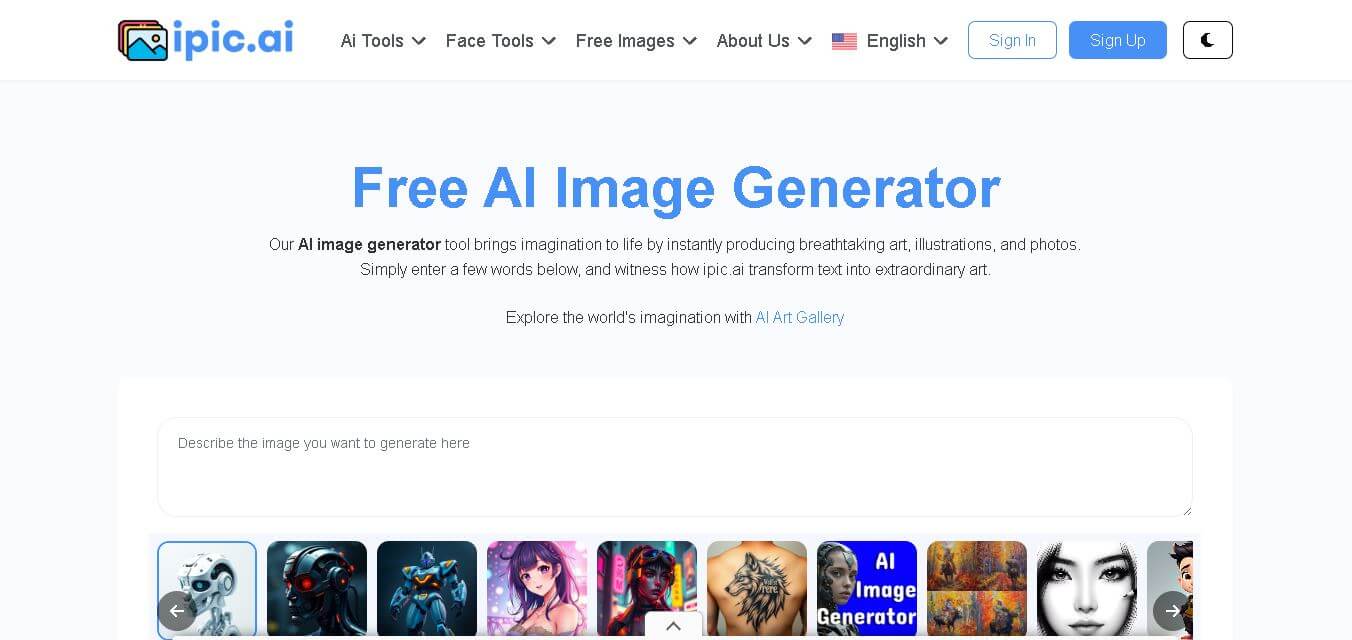
iPic is an AI-powered image generation and editing platform that lets users create visuals from text prompts and enhance photos with tools like background removal, upscaling, and style filters. It’s designed for quick, creative image creation for marketing, social media, and design needs.
 4.7
4.7Illusion Diffusion (AP123)
Art
IllusionDiffusion helps creators turn patterns, shapes, and illusion images into visually striking artwork. Users provide an input illusion and text prompt, then adjust controls such as illusion strength and seed to influence the result. It is particularly useful for experimental AI art, social media graphics, creative concepts, and visual design projects.
 4.5
4.5Neural Love
Art
Neural.love helps creators improve, generate, restore, and transform visual content with AI. You can upscale images, enhance videos, restore old photographs, generate AI art, animate images, and edit visuals online. Its browser-based tools make advanced image and video processing accessible without requiring complex editing software or technical expertise.
 4.9
4.9Leonardo AI
Design
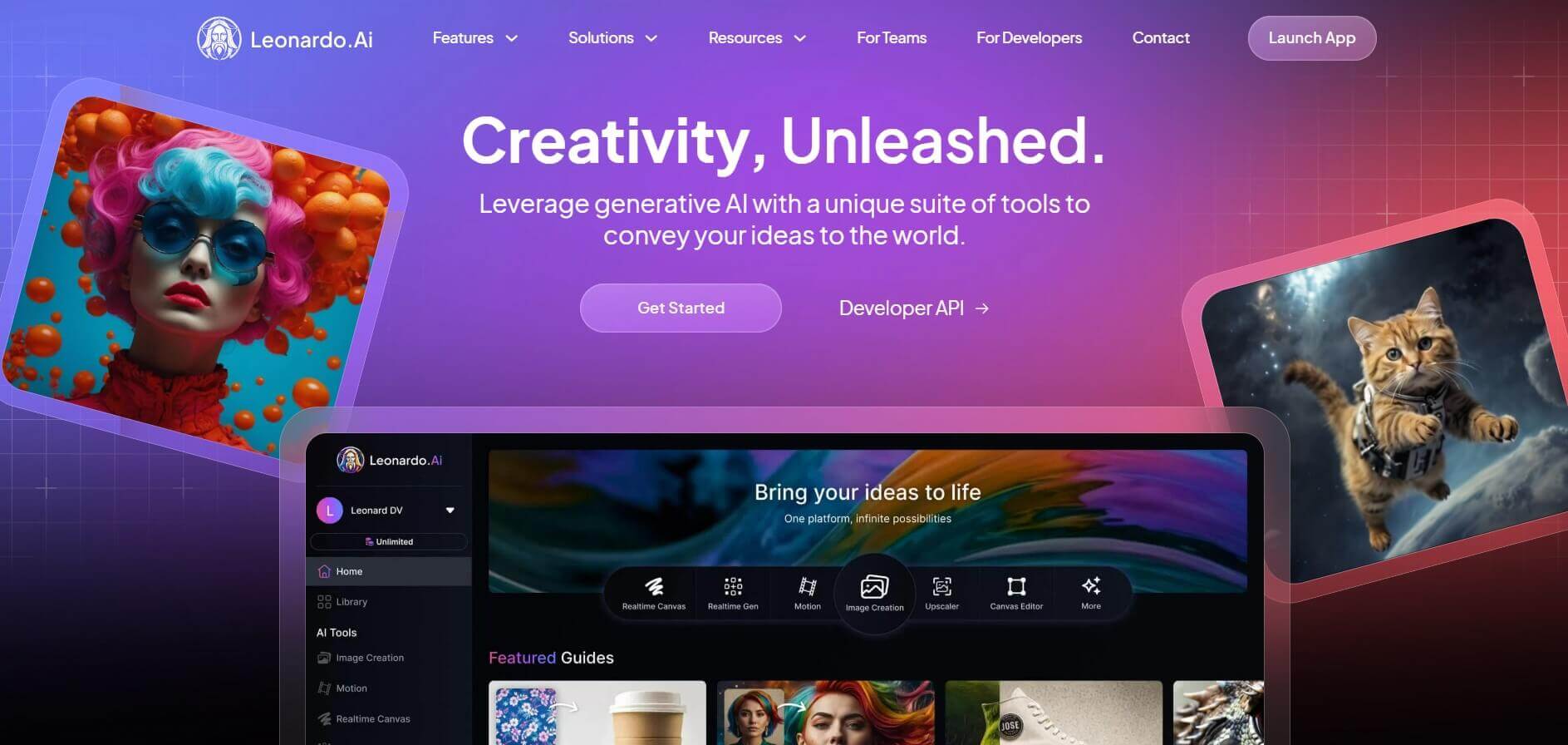
Leonardo is an advanced generative AI platform for image and video creation, featuring custom model fine-tuning (LoRA training), Real-Time Canvas, Real-Time Generation, and multi-model support across proprietary Phoenix, Lucid, and FLUX architectures.
 4.8
4.8Coool.ai
Art
Coool.ai is a comprehensive web-based platform that aggregates over 15 leading AI image and video generation models—including Midjourney, Flux, Kling, and Veo—into a single interface with a community prompt gallery.
 4.6
4.6KrispCall
Art
KrispCall is an AI-driven cloud telephony service that integrates business calling, texting, and analytics directly into CRM and help desk workflows. It offers AI Copilot, global virtual numbers, and over 100 integrations to modernize sales and support team communications.
 4.7
4.7QuickSearchPlus
Art
QuickSearchPlus is a unified calendar and meeting command centre that syncs Google, Outlook, Zoom, and team calendars into a single view. It provides AI-powered agendas, live meeting guidance, automatic summaries, paid or free booking links, and social chat booking for Instagram and Facebook.
 4.5
4.5QuickQR Art
Art
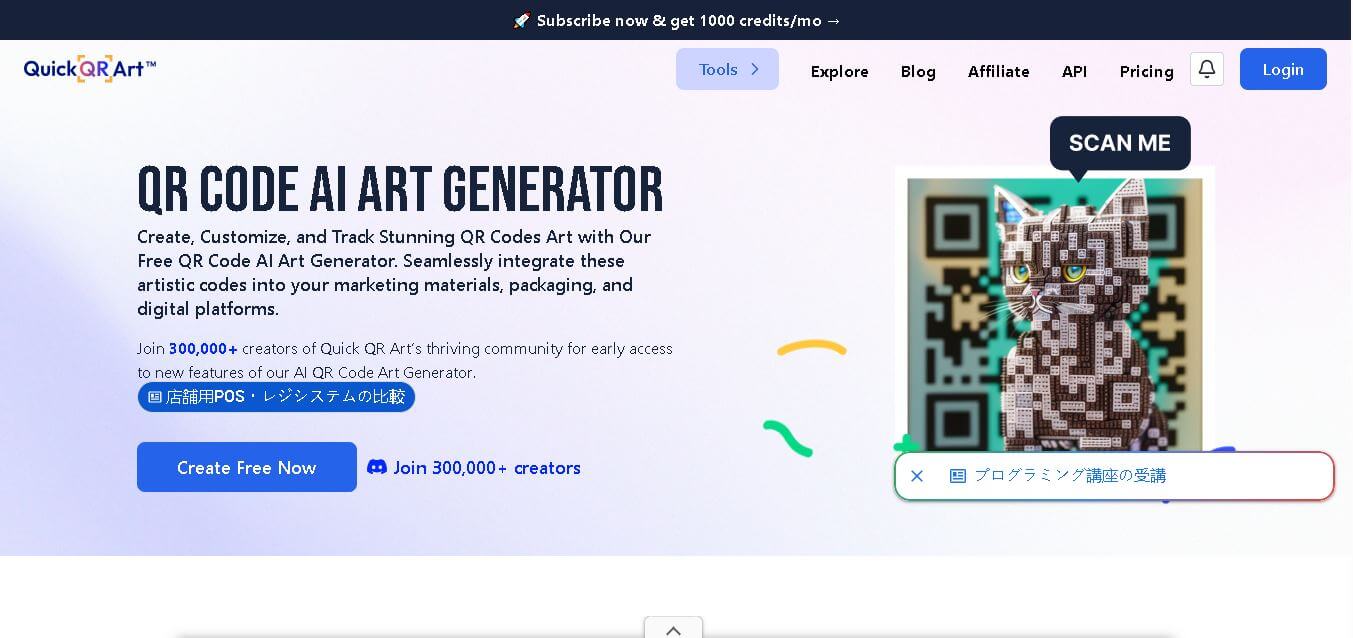
Quick QR Art is a creative QR code generation tool that transforms ordinary QR codes into visually appealing artwork while keeping them scannable. It helps individuals, marketers, designers, and businesses create branded QR experiences with customization, analytics, dynamic QR codes, and AI-generated designs that improve engagement across digital and print campaigns.
 4.8
4.8Lexica Art
Image
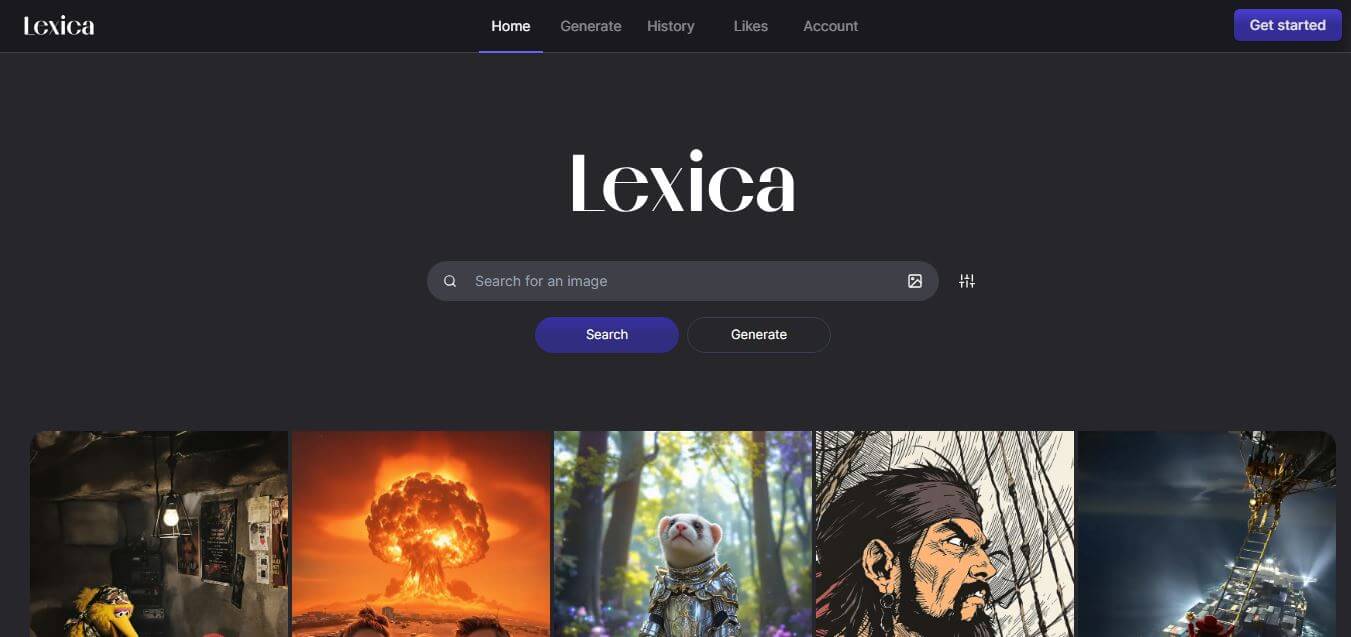
Lexica Art (lexica.art) is a specialized AI image generation platform and searchable prompt discovery engine powered by the Aperture model, enabling creators to search millions of photorealistic AI artworks and generate high-resolution visual assets.