Illusion Diffusion (AP123)
IllusionDiffusion helps creators turn patterns, shapes, and illusion images into visually striking artwork. Users provide an input illusion and text prompt, then adjust controls such as illusion strength and seed to influence the result. It is particularly useful for experimental AI art, social media graphics, creative concepts, and visual design projects.

What is Illusion Diffusion?
IllusionDiffusion is a creative image generator that produces optical-illusion artwork by combining a user-provided pattern with a text prompt. It uses Stable Diffusion together with Monster Labs’ QR Code ControlNet to preserve the structure of the supplied illusion while generating a detailed visual scene. Users can upload an illusion image, describe the desired artwork, adjust illusion strength, select sampling options, and generate the final composition through a Gradio interface.
IllusionDiffusion is hosted as a Hugging Face Space by AP123 and currently has more than 5,400 likes. Its implementation uses Stable Diffusion, ControlNet, a 512×512 initial processing size, and 1024×1024 upscaled processing. Generation uses 15 inference steps initially and 20 additional steps during upscaling. The interface provides 2 sampler choices, an illusion-strength range from 0 to 5, seed control up to 9,999,999,999, and 6 built-in example images.
- Platform Role: Generative AI Optical Illusion & Pattern Art Generator
- Developer & Creator: AP123 (with community contributions from multimodalart and workflow discovery by Mr. Ugleh)
- Cross-Platform Access: Web Browser (Hugging Face Spaces powered by Gradio interface)
Use Cases:
- Creating viral social media graphics with hidden text, brand logos, or face silhouettes embedded in natural scenery
- Generating artistic scannable QR code art and stylized pattern artwork for marketing campaigns
- Designing surreal optical illusion posters, digital artwork, and creative thumbnail images
- Experimenting with Stable Diffusion Control Net conditioning scale parameters for generative art research
Technology:
- Stable Diffusion generative image backbone for rendering detailed text-to-image prompt environments
- Monster Labs QR Code ControlNet model for conditioning latent diffusion steps on high-contrast pattern inputs
- Gradio Python web framework hosted on Hugging Face ZeroGPU infrastructure for real-time model interaction
- Adjustable ControlNet conditioning scale and illusion strength parameters for fine-tuning pattern visibility
Target Users:
- Digital artists and graphic designers exploring experimental AI art techniques and optical illusions
- Social media managers and creators making high-engagement, eye-catching visual content
- AI researchers and prompt engineers testing ControlNet conditioning and image-to-image diffusion workflows
Acquisition: Open-source web application hosted on Hugging Face (huggingface.co/spaces/AP123/IllusionDiffusion)

What are the key features of Illusion Diffusion?
Illusion Diffusion's key platform features are
- Input Pattern Masking: Upload any black-and-white pattern, logo, text overlay, or spiral image to serve as the hidden illusion base.
- Illusion Strength Control: Granular slider allowing users to balance pattern visibility (high strength) versus natural scene realism (low strength).
- Text-to-Image Scene Prompting: Combine control patterns with descriptive prompts (e.g., "medieval village", "lush tropical forest", "cosmic nebula").
- Negative Prompt Support: Exclude unwanted visual artifacts, blurriness, or low-quality features from the final output.
- Preset Pattern Examples: Includes built-in spirals, checkerboards, and geometric shapes for instant testing without manual uploads.
- Open API Access: Supports automated integration and script calls through Hugging Face's Gradio API client.
How much does Illusion Diffusion cost?
Illusion Diffusion is completely free to use on Hugging Face, though high community traffic can result in queue waiting times on public hardware infrastructure.
Pricing & Access Tier:
- $0 / Free Community Space: Unlimited public generation using shared ZeroGPU infrastructure on Hugging Face.
- Hugging Face PRO (Optional $9/mo): Grants priority GPU access and faster queue processing across Hugging Face Spaces.
- Duplicate Space (Self-Hosted): Users can duplicate the space to run on their own hardware or dedicated private GPU instances.
Disclaimer: Illusion Diffusion is a free open-source demo space. High usage volumes can cause temporary server queues or busy status warnings.
Who should use Illusion Diffusion?
Illusion Diffusion is designed for AI creators and visual storytellers, including
- Content Creators & Marketers: Professionals seeking unique visual hooks to increase post engagement on platforms like X, Reddit, and Instagram.
- AI Art Enthusiasts: Hobbyists interested in learning how ControlNet manipulates latent space generation in Stable Diffusion.
- Brand Designers: Creatives experimenting with subtle brand logo placement inside environmental digital art.
What are the best alternatives to Illusion Diffusion?
Some of the strongest Illusion Diffusion alternatives include
- Krea AI
- ControlNet
- Artbreeder
- Midjourney
- Foocus
What are the pros and cons of Illusion Diffusion?
What are the pros of Illusion Diffusion?
- 100% free web-based tool with no credit card requirement or mandatory sign-up
- Intuitive interface for applying complex ControlNet workflows without local GPU setup
- High-quality blending of structural patterns into complex, detailed landscapes
- Open-source codebase that can be duplicated or customized on private infrastructure
What are the cons of Illusion Diffusion?
- Public space suffers from long queue times and high traffic slowdowns during peak hours
- Requires precise tuning of the illusion strength slider to avoid over-exposing the underlying pattern
- Fewer fine-tuning controls compared to running Stable Diffusion and ControlNet locally
Why should you choose Illusion Diffusion?
Setting up local Stable Diffusion environments with ControlNet extension pipelines can be technically daunting and resource-intensive. Illusion Diffusion eliminates this complexity by providing a ready-to-use, browser-based app. By pairing Monster Labs' QR ControlNet model with a simple Gradio UI, it lets anyone instantly create captivating optical illusions and hidden pattern artwork in seconds.
How does Illusion Diffusion compare to competitors?
The primary distinction between Illusion Diffusion, Krea AI, and local ControlNet lies in convenience, hosting infrastructure, and granular control. While local WebUI setups offer total freedom over model checkpoints and LoRAs, Illusion Diffusion provides the fastest zero-setup browser environment for generating illusion artwork.
| Feature / Platform | Illusion Diffusion (AP123) | Krea AI | Local WebUI (ControlNet) | Artbreeder |
|---|---|---|---|---|
| Core Focus | Free Hugging Face Optical Illusion Generator | Real-Time AI Canvas & Illusion Tool | Complete Local SD Generation Suite | Collaborative & Pattern AI Art Studio |
| Installation Required | None (100% web-based) | None (web app) | High (Requires local Python/GPU setup) | None (web app) |
| Model Control | Fixed SD + QR ControlNet Pipeline | Proprietary Real-Time Models | Unrestricted Checkpoints, LoRAs & Models | Custom Artbreeder Models |
| Pricing Structure | Free Open Source | Freemium ($24+/mo) | Free (Requires own hardware) | Freemium ($8.99+/mo) |
| Best For | Quick, free optical illusion creation without local GPU requirements | Real-time visual manipulation and professional design work | Power users needing offline, fully customizable ControlNet setups | Casual creators mixing and breeding stylistic AI art |
How do we rate Illusion Diffusion?
| Parameter | Rating (out of 5) |
|---|---|
| Illusion Quality & Pattern Blending | 4.8 |
| Ease of Use & UI Simplicity | 4.9 |
| Accessibility & Open-Source Availability | 5.0 |
| Server Speed & Queue Performance | 3.8 |
| Value for Money (Free Tool) | 5.0 |
| Overall Score | 4.70 |
What is our review and verdict on Illusion Diffusion?
Illusion Diffusion is an outstanding demonstration of how community-driven AI innovation can bring complex generative workflows to the public. By encapsulating ControlNet conditioning inside a zero-install web application, creator AP123 made optical illusion artwork accessible to millions. Despite potential queue delays during peak traffic times, its combination of simplicity, high output quality, and zero cost makes it a must-try tool.
Conclusion
IllusionDiffusion offers a distinctive approach to AI image creation by combining text prompts with visual illusion patterns. Its Stable Diffusion and ControlNet-based workflow gives creators control over both the subject and underlying structure of generated artwork. With adjustable illusion strength, prompts, negative prompts, samplers, seeds, and upscaling, it provides an accessible way to experiment with creative optical-illusion designs.
FAQ
What can I create with IllusionDiffusion?
With IllusionDiffusion, you can create artwork where an underlying pattern or shape influences the generated scene. For example, you can provide a spiral, checkerboard, or another suitable illusion image and describe a landscape, character, building, or fantasy environment. The resulting image combines your prompt with the supplied visual structure.
How does IllusionDiffusion generate optical illusions?
IllusionDiffusion combines Stable Diffusion with Monster Labs’ QR Code ControlNet. Your uploaded pattern acts as the conditioning image while the text prompt describes the visual content. ControlNet helps maintain the structure of that input during generation, creating artwork that can reveal the original pattern through the generated scene.
Do I need an input image to use IllusionDiffusion?
Yes. The application checks that an input illusion image has been provided before starting generation. You can upload your own image or select from the examples included in the interface. The official Space currently provides six example files, including checkerboard, pattern, spiral, and other sample images.
Can I control how strongly the illusion appears?
Yes. IllusionDiffusion includes an Illusion Strength control that adjusts the ControlNet conditioning scale. The interface provides a range from 0 to 5, with a default value of 0.8. Changing this setting can alter how strongly the generated artwork follows the structure of your input illusion.
Can I use prompts to control the generated artwork?
Yes. The Prompt field lets you describe what you want the final image to depict. The application also provides a Negative Prompt field for specifying elements you want to avoid. Combining a clear visual description with a suitable illusion image gives you greater control over the generated composition.
Does IllusionDiffusion provide advanced generation settings?
Yes. Its Advanced Options include Guidance Scale, sampler selection, ControlNet start and end points, upscaler strength, and seed settings. These controls allow experienced users to experiment with how closely the generation follows the prompt and input pattern. The available samplers include DPM++ Karras SDE and Euler.
User Reviews
No reviews yet for Illusion Diffusion (AP123).
Featured Tools
Featured AI tools from TechShark

Melody Genie
MelodyGenie is an AI-powered music generator that creates original songs from simple text prompts. Users can choose styles, moods, and genres, then instantly generate melodies and full tracks, making it easy for creators, marketers, and hobbyists to produce custom music without musical expertise.
Freemium

Kimi AI
Kimi AI is an advanced AI assistant developed by Moonshot AI that helps you chat, research, write, code, and automate tasks in one place. It supports web search, file analysis, and multimodal inputs, and can even run autonomous “agent” workflows to complete complex tasks end-to-end.
Freemium

Fashion Diffusion AI
Fashion Diffusion is an AI-powered fashion design platform that helps brands and designers create clothing designs, virtual try-ons, AI models, product photos, and marketing visuals faster and cost-effectively.
Paid

Veo 4
Veo 4 AI is an AI video creation platform that generates dramatic videos from text, images, audio, and video prompts using realistic motion and synchronized sound.
Paid
Alternatives
Alternatives to Illusion Diffusion (AP123)
The best Illusion Diffusion alternatives include Krea AI, Artbreeder, and local ControlNet setups on Automatic1111. While Illusion Diffusion offers a completely free, zero-install web app on Hugging Face to generate hidden pattern illusions using Stable Diffusion, alternatives like Krea AI offer real-time canvas editing and local WebUI setups allow advanced custom model checkpoints.
 4.9
4.9iPic Ai
Image
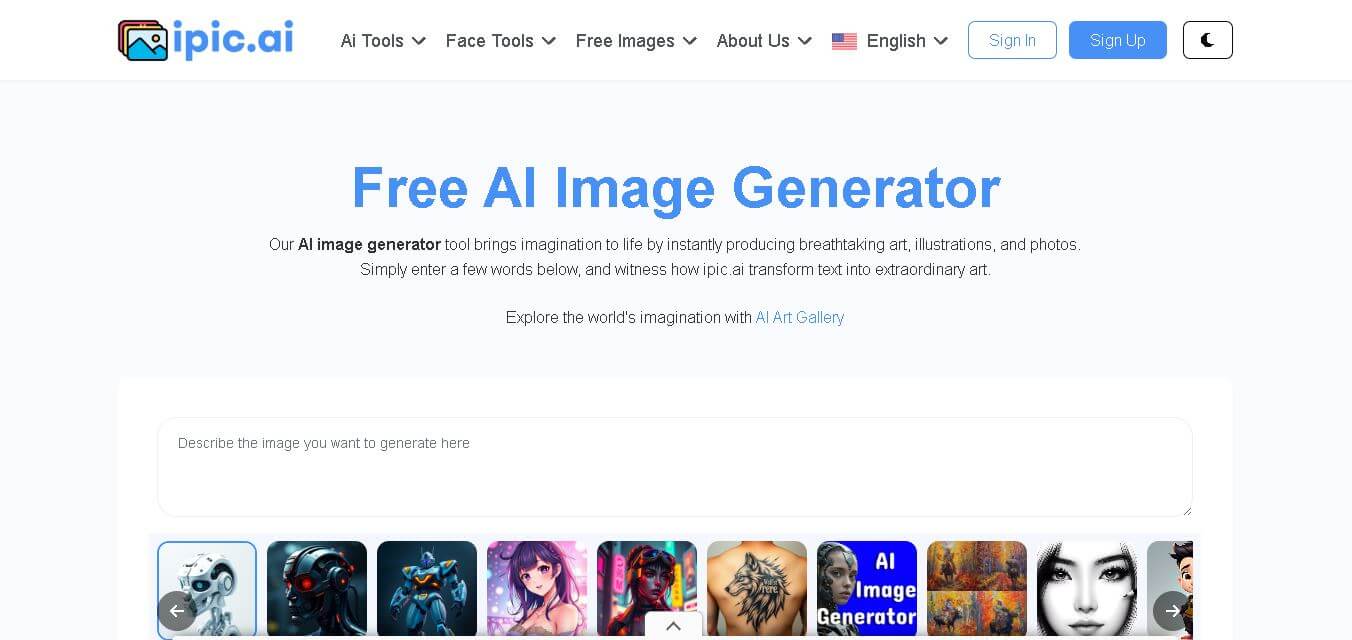
iPic is an AI-powered image generation and editing platform that lets users create visuals from text prompts and enhance photos with tools like background removal, upscaling, and style filters. It’s designed for quick, creative image creation for marketing, social media, and design needs.
 4.8
4.8Funy AI
Art
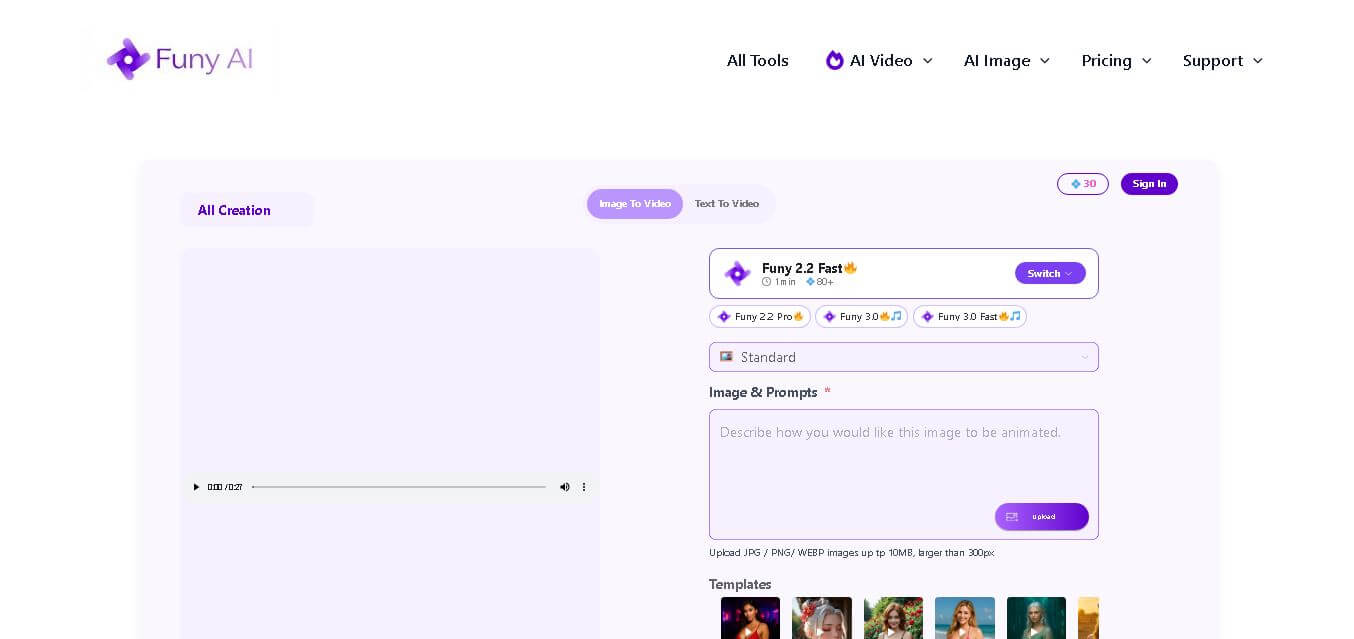
Funy AI brings multiple creative tools into one place for generating, editing, enhancing, and transforming visual content. Users can create videos from text or images, generate artwork, improve photo quality, remove backgrounds, and experiment with creative effects. Its simple interface and no-sign-up access make experimentation convenient for beginners and creators.
 4.5
4.5Neural Love
Art
Neural.love helps creators improve, generate, restore, and transform visual content with AI. You can upscale images, enhance videos, restore old photographs, generate AI art, animate images, and edit visuals online. Its browser-based tools make advanced image and video processing accessible without requiring complex editing software or technical expertise.
 4.9
4.9Leonardo AI
Design
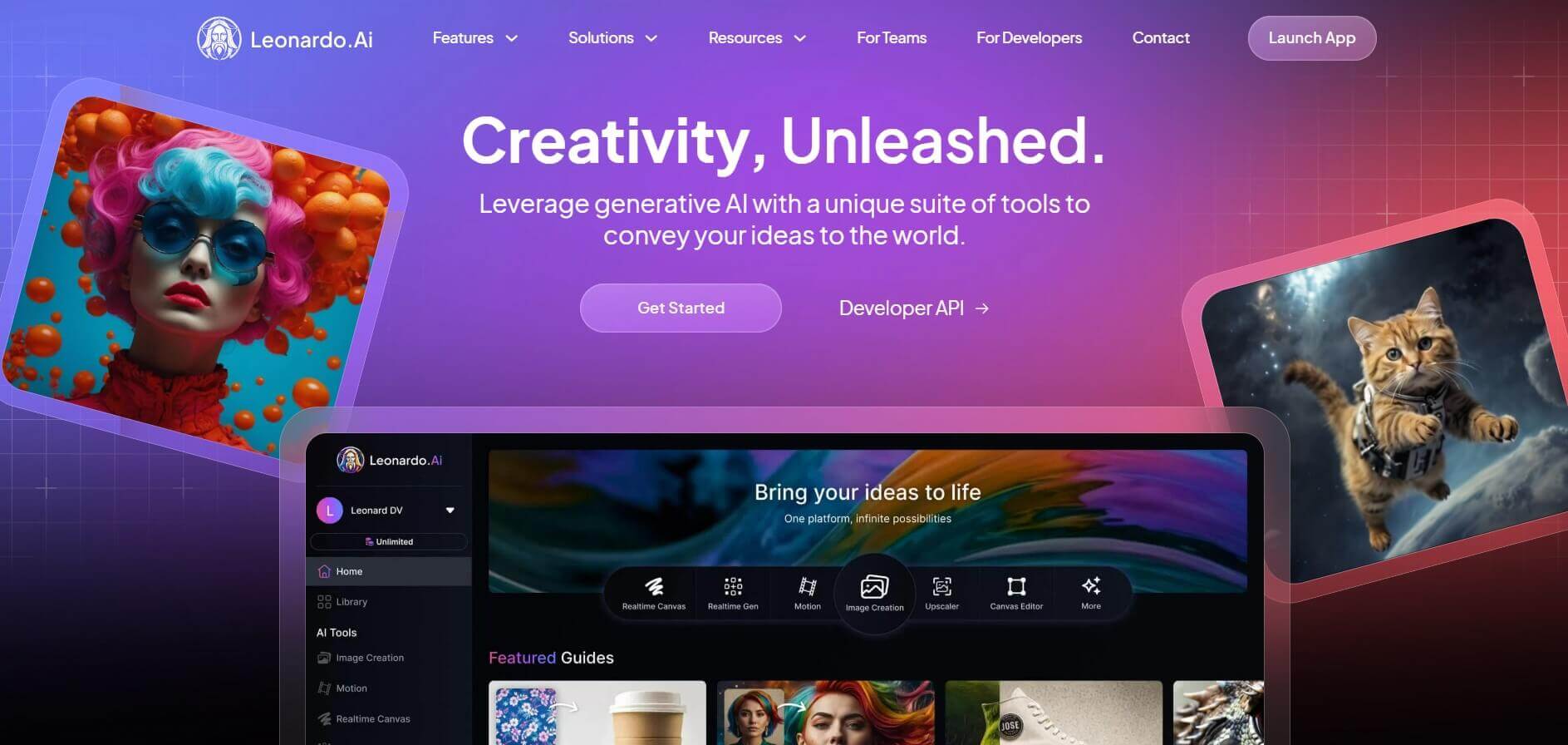
Leonardo is an advanced generative AI platform for image and video creation, featuring custom model fine-tuning (LoRA training), Real-Time Canvas, Real-Time Generation, and multi-model support across proprietary Phoenix, Lucid, and FLUX architectures.
 4.8
4.8Coool.ai
Art
Coool.ai is a comprehensive web-based platform that aggregates over 15 leading AI image and video generation models—including Midjourney, Flux, Kling, and Veo—into a single interface with a community prompt gallery.
 4.6
4.6KrispCall
Art
KrispCall is an AI-driven cloud telephony service that integrates business calling, texting, and analytics directly into CRM and help desk workflows. It offers AI Copilot, global virtual numbers, and over 100 integrations to modernize sales and support team communications.
 4.7
4.7QuickSearchPlus
Art
QuickSearchPlus is a unified calendar and meeting command centre that syncs Google, Outlook, Zoom, and team calendars into a single view. It provides AI-powered agendas, live meeting guidance, automatic summaries, paid or free booking links, and social chat booking for Instagram and Facebook.
 4.5
4.5QuickQR Art
Art
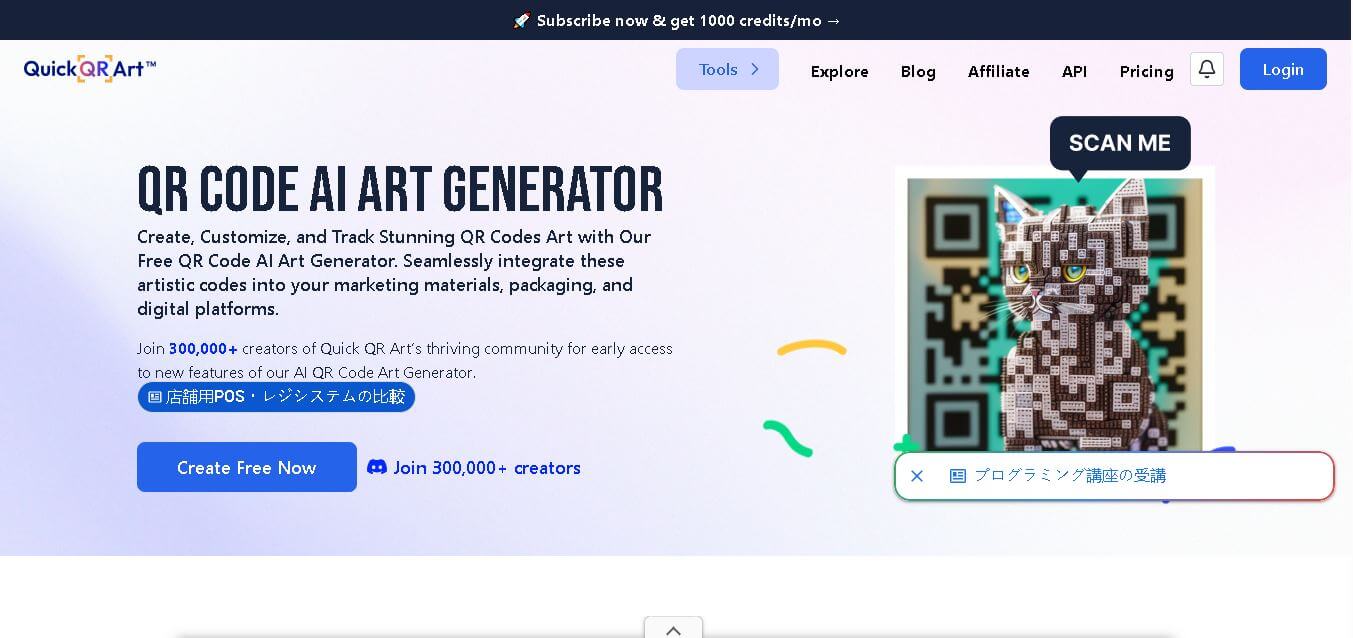
Quick QR Art is a creative QR code generation tool that transforms ordinary QR codes into visually appealing artwork while keeping them scannable. It helps individuals, marketers, designers, and businesses create branded QR experiences with customization, analytics, dynamic QR codes, and AI-generated designs that improve engagement across digital and print campaigns.
 4.8
4.8Lexica Art
Image
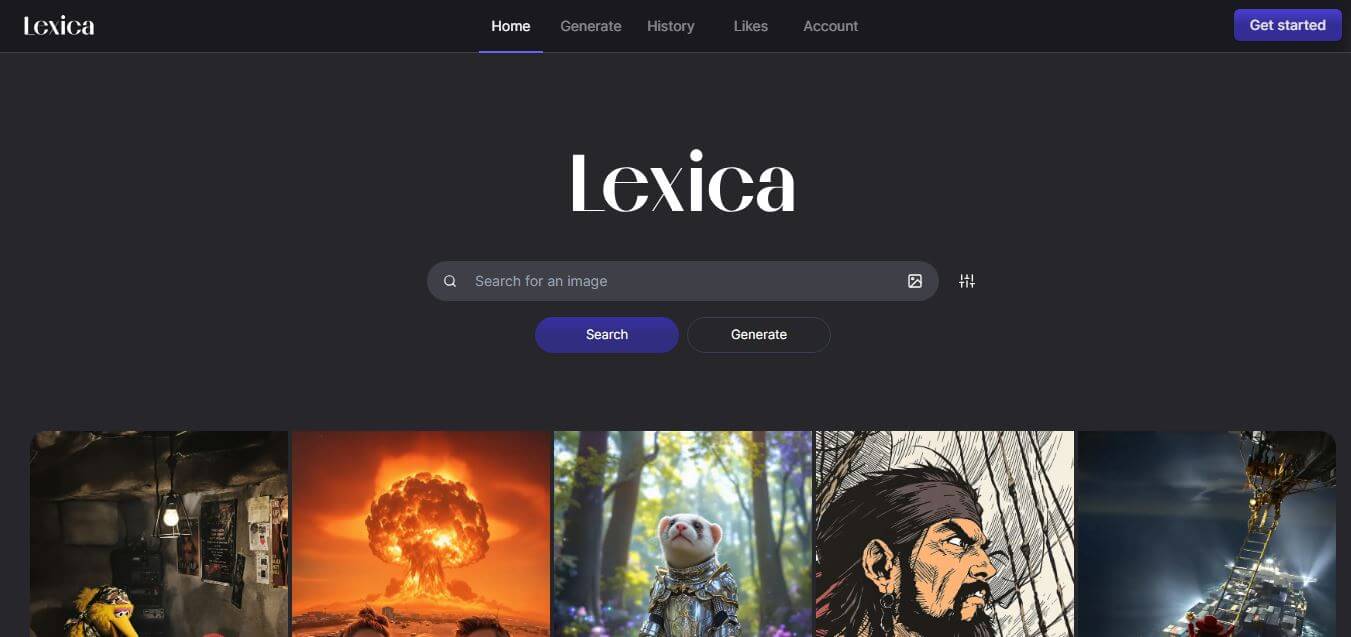
Lexica Art (lexica.art) is a specialized AI image generation platform and searchable prompt discovery engine powered by the Aperture model, enabling creators to search millions of photorealistic AI artworks and generate high-resolution visual assets.