ChatDOC
ChatDOC (chatdoc.com) is an AI-powered document analysis assistant that extracts, summarizes, and answers questions from PDFs, DOCX, scanned files, and websites with direct source traceability.
What is ChatDOC?
ChatDOC is an advanced AI document reading and analysis tool designed to interactively summarize, parse, and answer questions from documents. Built on specialized PDF parsing technology, ChatDOC enables users to extract insights, interpret complex data tables, and analyze mathematical formulas directly from uploaded files.
Engineered to deliver “Instant AI document insights with verifiable source citations,” ChatDOC links every answer directly to exact text snippets, table rows, or figures in the original file to prevent hallucination and simplify cross-checking.
- Platform Role: AI Document Reader, File Chatbot & Data Extraction Assistant
- Developer & Organization: ChatDOC
- Cross-Platform Access: Web App, Chrome Extension, API Integration
Use Cases:
- Summarizing long academic papers, research articles, and arXiv documents
- Extracting structured data from financial reports, balance sheets, and PDF tables
- Analyzing scanned legal contracts, manuals, and scanned image documents using OCR
- Cross-referencing multiple documents simultaneously in unified research collections
- Verifying AI-generated answers against hyperlinked source footnotes in original documents
Technology:
- Proprietary PDF structure extraction engine optimized for tables, column layouts, and mathematical formulas
- Multi-LLM integration with access to top-tier reasoning models like GPT-4o
- Optical Character Recognition (OCR) for text extraction from scanned documents
- Vector indexing and Retrieval-Augmented Generation (RAG) architecture for source attribution
Target Users:
- Researchers, academics, and students digesting technical papers and literature
- Financial analysts and accountants evaluating financial statements, invoices, and earnings reports
- Legal professionals reviewing multi-page contracts, compliance filings, and case law
- Knowledge workers needing fast, verifiable summaries from lengthy corporate documents
Acquisition: Independent SaaS application available globally at chatdoc.com
What are the key features of ChatDOC?
ChatDOC's key platform features are
- Verifiable Source Traceability: Highlights exact paragraphs, table cells, or image fragments in the original document corresponding to AI answers.
- Interactive Element Selection: Allows users to drag-select specific tables, text blocks, or formulas for isolated AI analysis and breakdown.
- Multi-Document Chat: Upload multiple files or whole folders to query across an entire library simultaneously.
- OCR & Scan Support: Built-in OCR capabilities parse scanned PDFs and images into readable, searchable content.
- Broad Format Compatibility: Supports PDF, DOC/DOCX, EPUB, Markdown, TXT, scanned files, and live web URLs.
- Formula & Table Recognition: Accurately interprets nested tables and LaTeX formulas often misparsed by basic document chats.
- Chrome Browser Extension: Allows users to chat with PDFs and web pages directly within their browser tabs.
How much does ChatDOC cost?
ChatDOC offers a freemium pricing structure with a free tier and flexible paid upgrades for heavy document workloads.
Pricing Tiers:
- Free Tier ($0 / Month): Upload up to 2 files per 24 hours (max 10 files total, up to 20 pages per file), with access to core Q&A functions.
- Pro Plan (~$8.99 / Month): Higher upload quotas (up to 300 files/month), unlimited PDF page limits, 300 questions per 24 hours, OCR support, multi-document chat, and GPT-4o access.
- Pay-As-You-Go Packages: Standalone question or document credit packages available for sporadic large-scale parsing needs.
Disclaimer: Pricing details and quota caps are subject to updates. Visit chatdoc.com for current plan tiers and API pricing.
Who should use ChatDOC?
ChatDOC is designed for professionals and academics handling data-heavy files, including
- Academics & STEM Researchers: Users analyzing complex scientific papers with tables and mathematical formulas.
- Financial Analysts: Auditors and accountants requiring precise line-item table extractions from financial statements.
- Legal Teams: Attorneys auditing lengthy legal contracts who require direct source verification for every cited clause.
- Consultants & Analysts: Professionals performing market research across multi-file collections.
What are the best alternatives to ChatDOC?
Some of the strongest ChatDOC alternatives include
- ChatPDF
- AskYourPDF
- PDF.ai
- Humata AI
- Unriddle AI
- Claude AI (Document Uploads)
What are the pros and cons of ChatDOC?
What are the pros of ChatDOC?
- Superior PDF table and formula parsing compared to standard document chatbots
- Direct citation links jumping directly to highlighted source passages in the document preview
- Multi-document query capability across large file collections
- Supports drag-and-drop region selection for precise snippet analysis
What are the cons of ChatDOC?
- Free version has strict file upload and page limit restrictions
- Advanced model access (e.g., GPT-4o) and OCR credits require paid plan upgrades
- Large scanned files may require longer processing times during initial parsing
Why should you choose ChatDOC?
While generic AI chatbots can answer document questions, they frequently struggle with tables, formulas, and accurate citations. ChatDOC solves these pitfalls with its tailored PDF parsing engine and direct visual citation tracking. Users can verify every answer on the spot, making ChatDOC a premier tool for rigorous academic, financial, and technical analysis.
How does ChatDOC compare to competitors?
Compared to popular competitors like ChatPDF and AskYourPDF, ChatDOC focuses heavily on technical accuracy, precise table extraction, and visual citation mapping rather than simple text summarization.
| Feature / Platform | ChatDOC | ChatPDF | Humata AI | AskYourPDF |
|---|---|---|---|---|
| Table & Formula Parsing | Advanced (Dedicated Parser) | Basic Text Parsing | Moderate | Basic |
| Data Traceability | Direct Click-to-Source Highlighting | Page Number References | Page Citations | Page References |
| Area Selection Chat | Yes (Drag & Select Text/Tables) | No | No | No |
| Multi-Document Search | Supported | Limited / Pro Plan | Supported | Supported |
| Best For | Financial, scientific, and technical PDF analysis | Quick single PDF summaries | Academic research papers | Browser extension & API integrations |
How do we rate ChatDOC?
| Parameter | Rating (out of 5) |
|---|---|
| Document Parsing Accuracy | 4.8 |
| Citation & Traceability | 4.9 |
| User Interface & Experience | 4.6 |
| Table & Formula Extraction | 4.7 |
| Value for Money | 4.5 |
| Overall Score | 4.7 |
What is our review and verdict on ChatDOC?
ChatDOC stands out in the crowded AI document reader space due to its precise focus on data traceability and technical file parsing. Its ability to accurately extract information from tables, formulas, and multi-file collections while offering clickable visual citations makes it an essential tool for serious analytical tasks.
What is the final conclusion on ChatDOC?
If you regularly work with complex PDFs, financial sheets, or academic literature and need answers you can instantly verify against original sources, ChatDOC is one of the most reliable AI file readers available.
User Reviews
No reviews yet for ChatDOC.
Featured Tools
Featured AI tools from TechShark

Melody Genie
MelodyGenie is an AI-powered music generator that creates original songs from simple text prompts. Users can choose styles, moods, and genres, then instantly generate melodies and full tracks, making it easy for creators, marketers, and hobbyists to produce custom music without musical expertise.
Freemium

Kimi AI
Kimi AI is an advanced AI assistant developed by Moonshot AI that helps you chat, research, write, code, and automate tasks in one place. It supports web search, file analysis, and multimodal inputs, and can even run autonomous “agent” workflows to complete complex tasks end-to-end.
Freemium

Fashion Diffusion AI
Fashion Diffusion is an AI-powered fashion design platform that helps brands and designers create clothing designs, virtual try-ons, AI models, product photos, and marketing visuals faster and cost-effectively.
Paid

Veo 4
Veo 4 AI is an AI video creation platform that generates dramatic videos from text, images, audio, and video prompts using realistic motion and synchronized sound.
Paid
Alternatives
Alternatives to ChatDOC
The best ChatDOC alternatives include ChatPDF, Humata AI, AskYourPDF, and PDF.ai. While ChatDOC excels at structured table parsing, formula extraction, and click-to-source traceability, alternatives like ChatPDF offer quick lightweight summaries and Humata AI specializes in multi-document academic literature research.
 4.9
4.9Equals
Spreadsheets
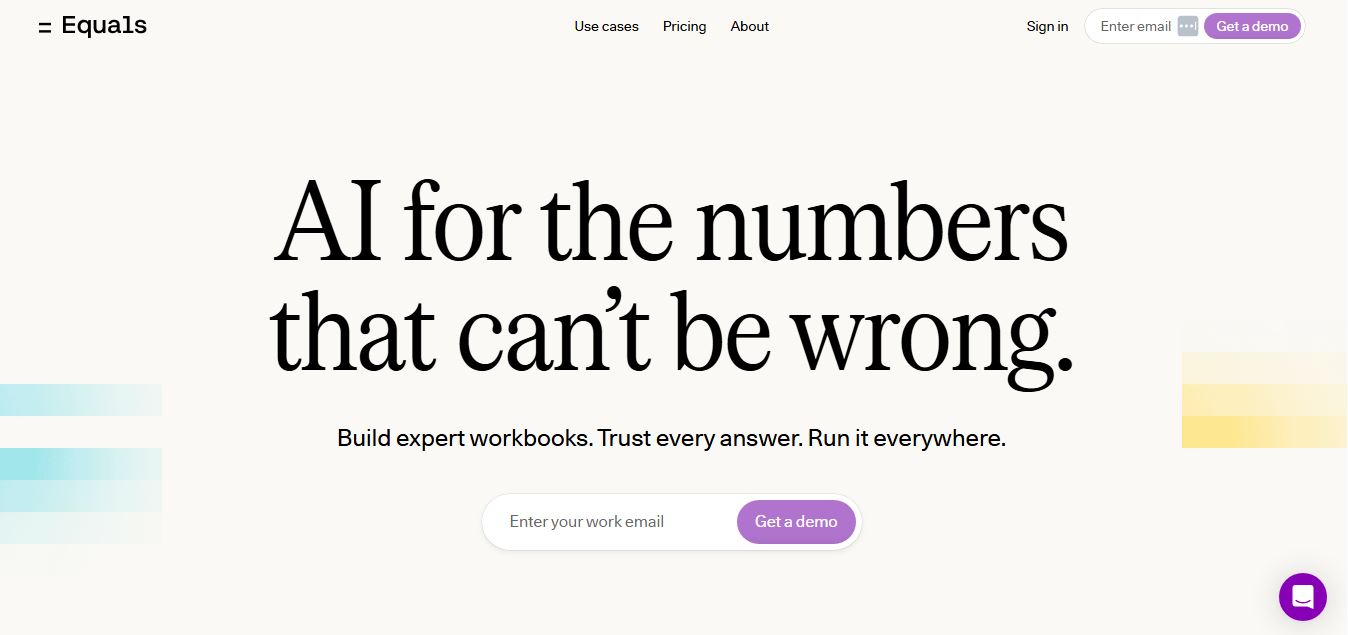
Equals is an AI-powered spreadsheet and GTM analytics platform that helps teams connect live data, build dashboards, and answer business questions using natural language. It combines a managed data warehouse, spreadsheet, and AI analyst, enabling faster, reliable insights without SQL or complex data tools.
 4.9
4.9Google Sheets
Spreadsheets
Google Sheets is a cloud-based spreadsheet tool that helps users create, edit, and collaborate on data in real time. It supports formulas, charts, automation, and integrations with Google Workspace, enabling teams to manage data, analyze information, and build workflows from anywhere with shared access.
 4.9
4.9Row Zero
Spreadsheets
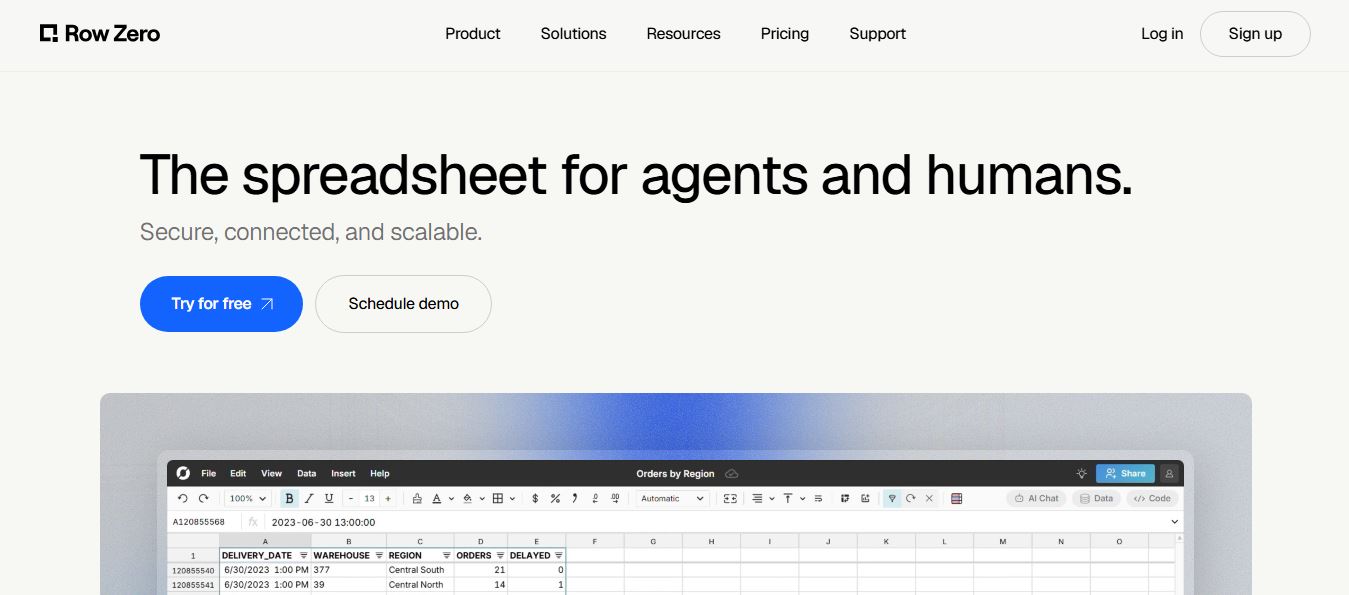
Row Zero is an AI-powered cloud spreadsheet platform that helps teams analyze massive datasets using familiar spreadsheet workflows. It connects directly to data warehouses, auto-updates live data, and scales to billions of rows, enabling fast, secure, and collaborative data analysis without traditional spreadsheet limitations.
 4.9
4.9Grist AI Spreadsheet Generator
Spreadsheets
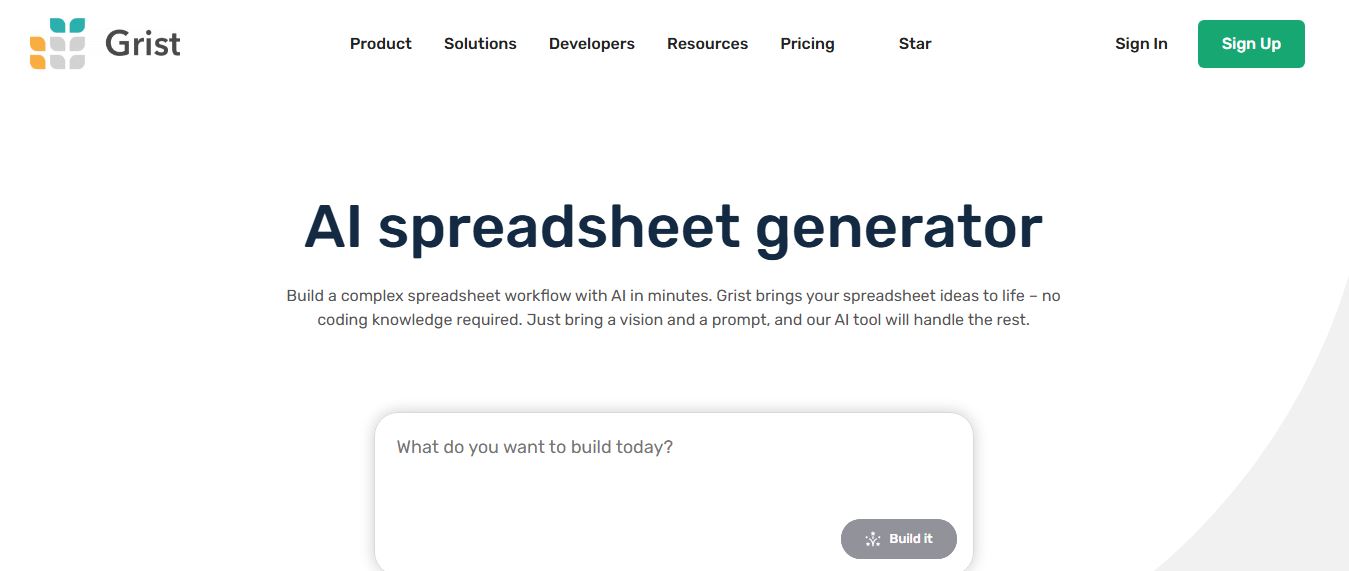
Grist AI Spreadsheet Generator (getgrist.com/ai/spreadsheet-generator/) is an open-source, relational AI spreadsheet and custom application builder that turns text prompts into structured relational databases, Python formulas, dashboards, and access rules via an in-product AI Assistant and Model Context Protocol (MCP).
 4.9
4.9Shortcut AI
Spreadsheets
Shortcut AI is an AI-powered Excel agent that helps finance teams build financial models, analyze data, and automate complex spreadsheet workflows using natural language. It generates formulas, structures reports, and processes data with high accuracy, enabling faster decision-making and reducing manual analysis work.
 4.9
4.9Microsoft Excel
Spreadsheets
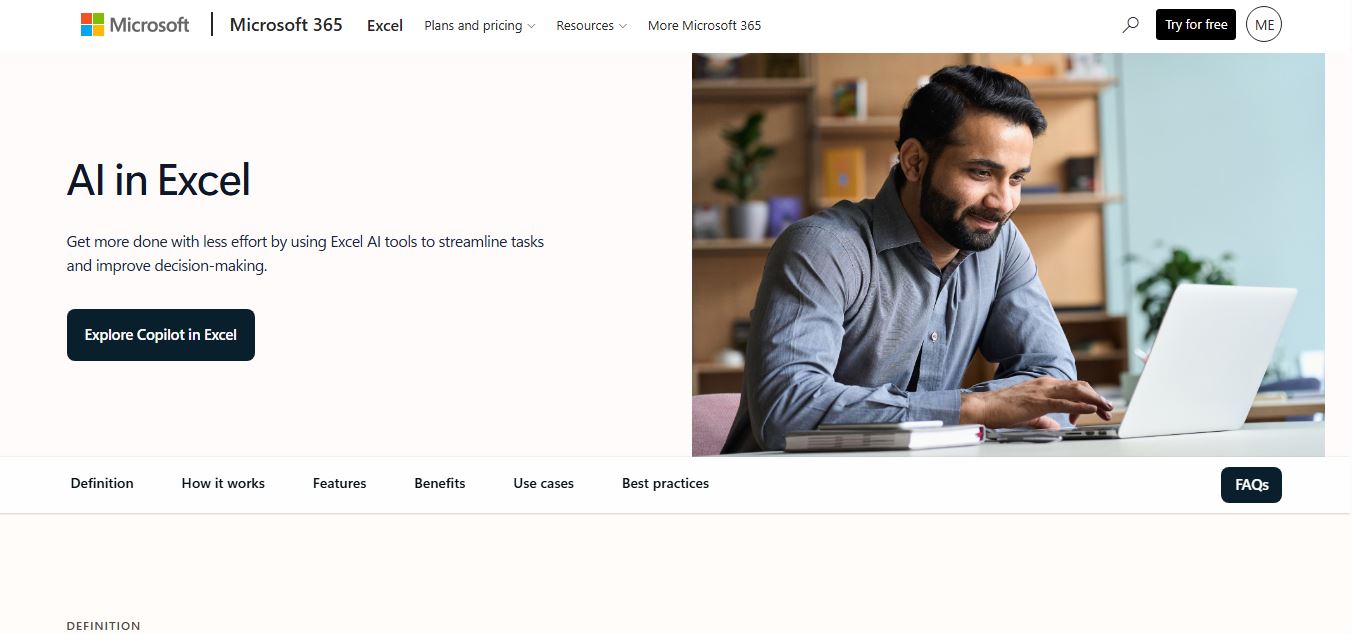
Microsoft Excel AI (Copilot for Excel) is an AI-powered assistant that helps users analyze data, write formulas, create charts, and generate insights using natural language. It automates complex tasks, highlights trends, and builds reports, enabling faster, data-driven decisions directly within Excel workflows.
 4.9
4.9Coefficient
Spreadsheets
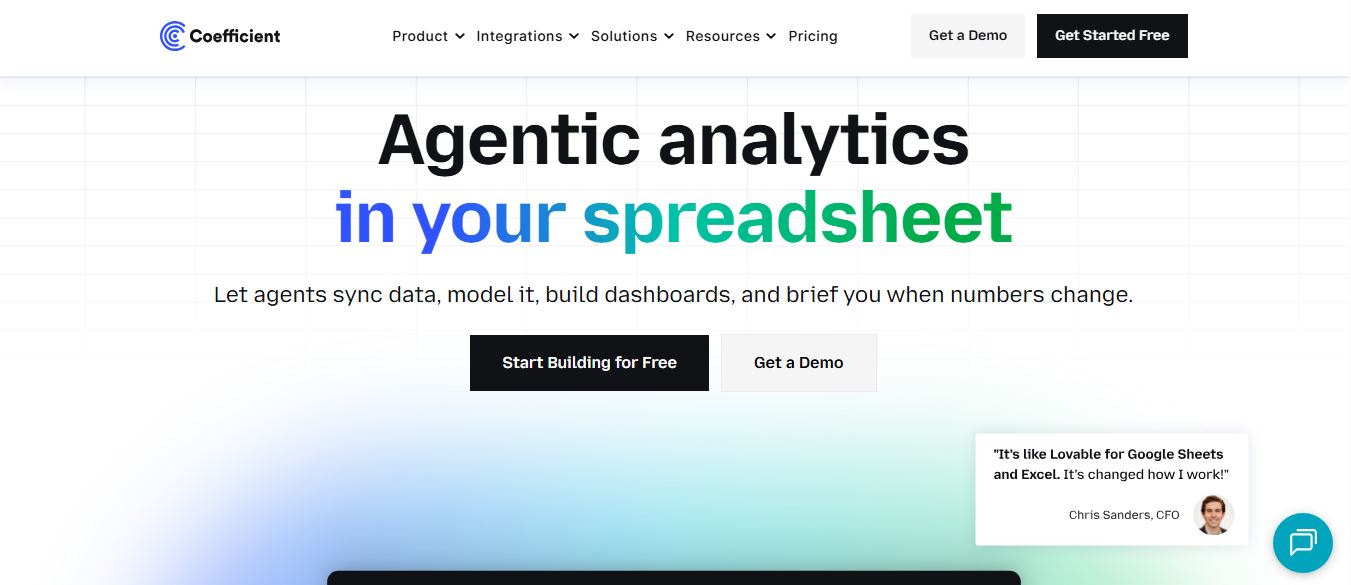
Coefficient is an AI-powered spreadsheet automation platform that connects live data from tools like Salesforce, HubSpot, and databases directly into Google Sheets and Excel. It enables real-time reporting, automated refreshes, and AI-driven analysis, helping teams build dashboards and workflows without manual exports or coding.
 4.9
4.9SheetGPT
Spreadsheets
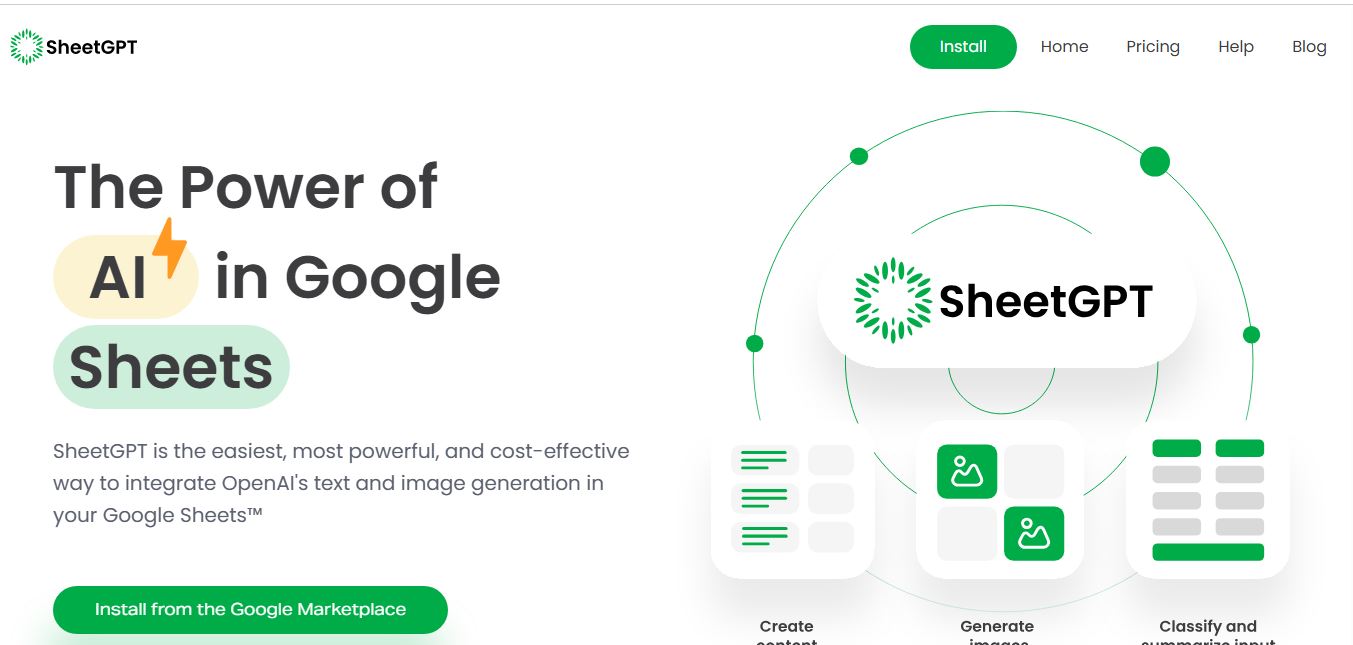
SheetGPT is an AI-powered Google Sheets add-on that helps users generate content, analyze data, and automate tasks using simple formulas like =GPT(). It integrates models like ChatGPT, Claude, and Gemini, enabling faster workflows for summarization, translation, classification, and large-scale spreadsheet operations.
 4.9
4.9GPT for Work
Spreadsheets
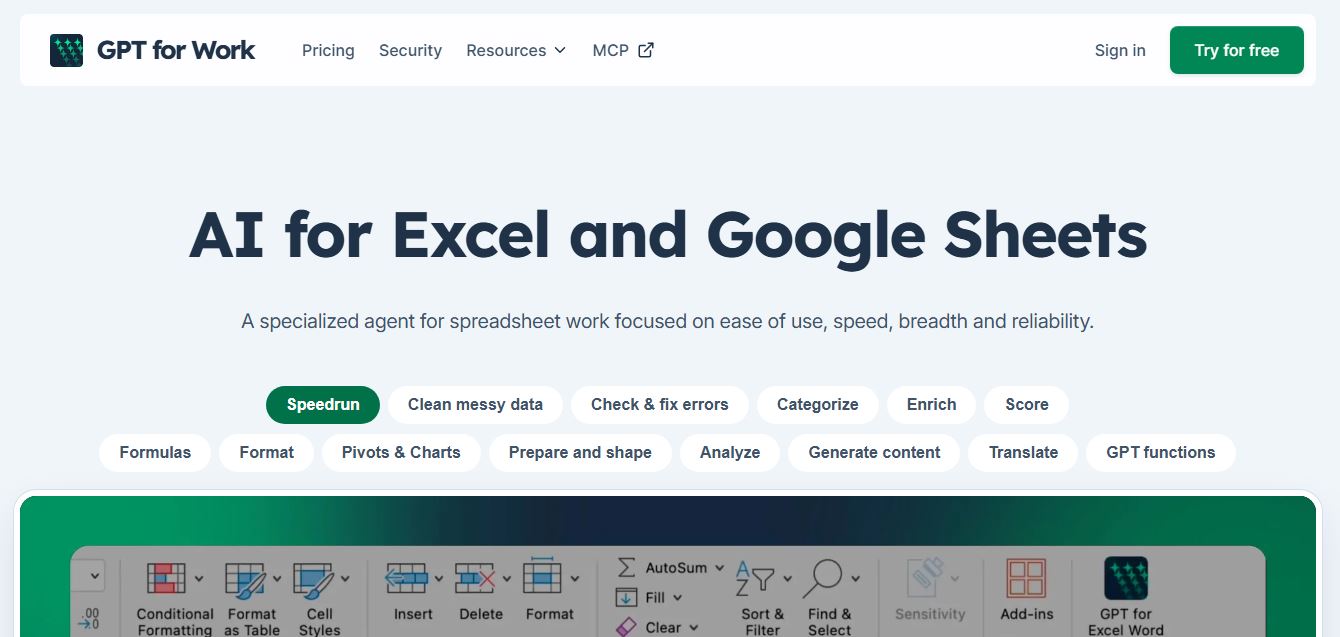
GPT for Work is an AI-powered spreadsheet assistant that helps users automate tasks in Excel and Google Sheets using natural language. It writes formulas, cleans data, generates content, and processes thousands of rows in bulk, enabling faster analysis, workflow automation, and data-driven decision-making.