Blockode AI Photo Studio
Blockode AI Photo Studio is an AI-powered portrait and photoshoot generation tool that trains custom AI models from user selfies to produce high-resolution, commercial-grade avatars, portraits, and 4K creative photoshoots from text prompts.
What is Blockode AI Photo Studio?
Blockode AI Photo Studio is an AI-powered tool that turns your selfies into professional, studio-quality photos in minutes. You simply upload a few images, and the platform trains a custom model based on your face. Then, using prompts, you can generate creative photoshoots in different styles—like business, fashion, or fantasy. Creators, marketers, and individuals mainly use it to get high-quality visuals without expensive photoshoots or editing skills.
Built to democratize high-end creative portraiture, Blockode AI Photo Studio combines fine-tuned diffusion models with custom prompt assistance and 4K image upscaling. Instead of coordinating complex lighting setups, wardrobe changes, and physical locations, users can generate diverse, high-fidelity photoshoots across dozens of styles and scenes directly inside their web browser.
- Platform Role: AI Virtual Photo Studio, Personalized Avatar Generator & 4K Portrait Creator
- Core Delivery: Browser-based custom AI training, image-to-image synthesis, and high-resolution 4K asset downloads
- Commercial Rights: Full commercial license included with generated photoshoot packages
Use Cases:
- Generating professional executive headshots for LinkedIn, personal portfolios, and company websites without booking a photographer
- Creating diverse lifestyle, fashion, and aesthetic photoshoots for Instagram, X, and personal branding channels
- Producing high-resolution 4K digital avatars and creative character portraits for gaming and creator profiles
- Testing creative visual styles, backdrops, and lighting scenarios using natural language prompt controls
- Experimenting with image-to-image variations to refine facial framing, pose styling, and wardrobe designs
Technology:
- Custom fine-tuning pipeline training dedicated diffusion weights on user facial geometry from multi-angle selfies
- AI prompt-assist system that structures natural language inputs for optimal lighting, composition, and realistic texture
- Integrated high-fidelity upscaler delivering clean, artifact-free 4K exports suitable for commercial print and web display
- Privacy-first data lifecycle automatically wiping custom-trained weights within 24 hours of exhausting photoshoot credits
Target Users:
- Entrepreneurs, founders, and professionals needing affordable, high-quality corporate headshots
- Social media influencers, creators, and models scaling aesthetic visual content without recurring studio costs
- Digital marketers and small businesses requiring realistic portrait assets for landing pages and marketing collateral
- Everyday users exploring personalized AI art, stylized avatars, and creative photography
Acquisition: Specialized consumer and creator AI portrait application
What are the key features of Blockode AI Photo Studio?
Blockode AI Photo Studio's key platform features are
- Custom Model Training: Upload 10 to 20 multi-angle selfies to train an exclusive AI model tailored specifically to your facial features and likeness.
- AI Prompt Assist: Built-in prompt engineering assistants help guide lighting, scene composition, framing, and wardrobe aesthetics.
- Image-to-Image Generation: Use existing reference images to guide posture, color grading, and environmental context for newly generated shots.
- 4K Ultra-HD Exports: Upscale and download finished portraits in crisp 4K resolution ready for high-resolution displays or print.
- Commercial Usage Rights: Every generated portrait comes with full commercial licensing for business, marketing, and personal projects.
- Automated Data Deletion: User models and training datasets are automatically purged 24 hours after studio credits are consumed to preserve privacy.
How much does Blockode AI Photo Studio cost?
Blockode AI Photo Studio operates on a pay-per-studio model rather than an ongoing recurring monthly subscription, reflecting the compute-intensive nature of custom AI model training.
Pricing Package:
- Custom Studio Package ($19.90 one-time per studio): Includes 1 custom-trained AI model, 50 AI photoshoot generations, 10 AI prompt assists, image-to-image generator access, 4K export capability, public gallery access, and full commercial licensing.
Disclaimer: Because training personalized models requires dedicated cloud GPU compute, Blockode AI Photo Studio does not provide a free training tier. Visit photostudio.blockode.co for current pricing and package updates.
Who should use Blockode AI Photo Studio?
Blockode AI Photo Studio is designed for creators, job seekers, and digital professionals, including
- Corporate Job Seekers & Executives: Upgrading LinkedIn profiles and CVs with professional studio headshots on a budget.
- Content Creators & Influencers: Generating thematic seasonal imagery and stylized social posts without hiring photographers.
- Freelancers & Solopreneurs: Creating polished team and author bios across personal landing pages and client pitches.
- Digital Artists: Experimenting with avatar styling and personalized fantasy or sci-fi portrait concepts.
What are the best alternatives to Blockode AI Photo Studio?
Some of the strongest Blockode AI Photo Studio alternatives include
- Aragon AI
- HeadshotPro
- Photo AI
- Secta AI
- Lensa AI (Magic Avatars)
- Try it on AI
What are the pros and cons of Blockode AI Photo Studio?
What are the pros of Blockode AI Photo Studio?
- One-time pay-per-use pricing avoids unwanted recurring monthly subscription charges
- Custom-trained AI models capture authentic facial likeness better than generic zero-shot prompts
- High-resolution 4K output ensures clean, clear images suitable for professional applications
- Automatic deletion of trained models after credit usage provides peace of mind regarding privacy
- Full commercial usage rights included with every purchase package
What are the cons of Blockode AI Photo Studio?
- No free trial available due to the GPU compute requirements of training individual custom models
- Model output quality depends directly on the lighting, angle variety, and resolution of user-uploaded selfies
- Generations are capped at 50 shots per studio package, requiring new purchases for additional shoots
Why should you choose Blockode AI Photo Studio?
Booking a traditional studio photoshoot can easily cost several hundred dollars and take days to schedule, shoot, and retouch. Blockode AI Photo Studio compresses this entire experience into an affordable, fast digital workflow. By uploading everyday smartphone selfies, you can receive dozens of custom-styled, high-resolution portraits in diverse environments, giving you complete creative control over your professional image.
- Eliminate high studio photography fees and scheduling hassles
- Receive personalized, custom-trained portraits tailored to your unique facial geometry
- Produce clear, print-ready 4K headshots and creative avatars
- Keep your facial data secure with automated model purging policies
How does Blockode AI Photo Studio compare to competitors?
While Aragon AI and HeadshotPro focus almost entirely on standardized corporate business attire and corporate backdrops, Blockode AI Photo Studio and Photo AI offer greater creative flexibility, allowing users to craft stylized aesthetic photoshoots and avatars alongside traditional professional headshots using custom prompts.
| Feature / Platform | Blockode AI Photo Studio | Aragon AI | HeadshotPro | Photo AI |
|---|---|---|---|---|
| Primary Focus | Custom AI photoshoots & 4K portraits | Professional corporate headshots | Team & individual business headshots | Virtual photography & social modeling |
| Pricing Model | One-time pay-per-studio ($19.90) | One-time tiers (from $35) | One-time tiers (from $29) | Monthly subscription (from $29/mo) |
| Prompt Customization | Yes (Manual prompt & AI assist) | Limited (Curated presets) | Preset backgrounds & clothing styles | Full prompt-based studio controls |
| Export Resolution | 4K Ultra-HD | High-resolution web export | High-resolution web export | 4K export capability |
| Data Retention Policy | Model deleted within 24h after use | Auto-purged after 30 days | Auto-deleted after 7 days | User-managed library |
| Best For | Affordable creative photoshoots & avatars | Individual business & corporate profiles | Remote company teams and LinkedIn users | Influencers creating recurring photo series |
How do we rate Blockode AI Photo Studio?
| Parameter | Rating (out of 5) |
|---|---|
| Likeness Accuracy & Facial Realism | 4.6 |
| Prompt Flexibility & Styling Variety | 4.7 |
| 4K Export Quality & Resolution | 4.8 |
| Data Privacy & Deletion Controls | 4.8 |
| Value for Money | 4.7 |
| Overall Score | 4.72 |
What is our review and verdict on Blockode AI Photo Studio?
Blockode AI Photo Studio provides a straightforward, cost-effective avenue for generating high-fidelity custom portraits and creative avatars without the ongoing overhead of monthly subscriptions. Its combination of personalized model fine-tuning, prompt assistance, and 4K upscaling makes it a competitive choice for professionals and creators looking to refresh their digital appearance quickly.
Conclusion
PhotoStudio by Blockode makes product photography faster and more scalable by generating high-quality visuals without traditional shoots. Instead of setting up studios, lighting, and props, users can create polished product images with AI in minutes. This is especially useful for eCommerce brands and marketers needing consistent visuals at scale. Overall, it simplifies content production, reduces costs, and helps businesses present products professionally while maintaining speed and flexibility in their workflow.
FAQ
What does PhotoStudio by Blockode actually do?
PhotoStudio by Blockode is an AI-powered tool that turns your selfies into fully generated photoshoots. Instead of booking a photographer or setting up a studio, you upload a few images and the platform creates high-quality portraits in different styles, settings, and themes. It essentially replaces traditional photoshoots with a faster, digital workflow that produces realistic and creative visuals.
How does the AI photoshoot process work?
The process starts by uploading multiple selfies from different angles so the AI can understand your facial features and appearance. The system then trains a custom model based on your images and allows you to generate photos using text prompts. These prompts define the style, environment, or character, and the AI produces multiple variations that look like professional photos.
What kind of photos can I generate with PhotoStudio?
You can create a wide range of images, including professional headshots, social media content, fantasy characters, and themed portraits like cyberpunk, medieval, or cinematic styles. The tool supports creative experimentation, allowing you to place yourself in virtually any scenario while maintaining a realistic likeness.
Do I need photography or editing skills to use it?
No, the platform is designed for beginners and non-designers. The AI handles the complex parts like lighting, composition, and styling, so you only need to upload images and write simple prompts. This makes it accessible for creators, professionals, and anyone who wants high-quality visuals without technical skills.
Can I use the generated images for commercial purposes?
Yes, PhotoStudio typically provides a commercial usage license for generated images, meaning you can use them for branding, marketing, social media, or business purposes. This makes it useful for creators, influencers, and businesses that need professional visuals without recurring photoshoot costs.
What image quality does PhotoStudio provide?
The platform generates high-resolution images, often up to 4K quality, making them suitable for professional use such as websites, ads, and print materials. The quality largely depends on the input photos you provide—clear, varied images usually result in more accurate and realistic outputs.
Is PhotoStudio free or paid?
PhotoStudio is a paid tool because it requires significant computing power to train custom AI models and generate images. Pricing typically includes a package with a set number of photoshoots or generated images, making it more of a one-time or usage-based investment rather than a fully free tool.
User Reviews
No reviews yet for Blockode AI Photo Studio.
Featured Tools
Featured AI tools from TechShark

Melody Genie
MelodyGenie is an AI-powered music generator that creates original songs from simple text prompts. Users can choose styles, moods, and genres, then instantly generate melodies and full tracks, making it easy for creators, marketers, and hobbyists to produce custom music without musical expertise.
Freemium

Kimi AI
Kimi AI is an advanced AI assistant developed by Moonshot AI that helps you chat, research, write, code, and automate tasks in one place. It supports web search, file analysis, and multimodal inputs, and can even run autonomous “agent” workflows to complete complex tasks end-to-end.
Freemium

Fashion Diffusion AI
Fashion Diffusion is an AI-powered fashion design platform that helps brands and designers create clothing designs, virtual try-ons, AI models, product photos, and marketing visuals faster and cost-effectively.
Paid

Veo 4
Veo 4 AI is an AI video creation platform that generates dramatic videos from text, images, audio, and video prompts using realistic motion and synchronized sound.
Paid
Alternatives
Alternatives to Blockode AI Photo Studio
The best Blockode AI Photo Studio alternatives include Aragon AI, HeadshotPro, Photo AI, and Secta AI. While Blockode AI Photo Studio provides a one-time $19.90 pay-per-studio package featuring custom model training, prompt assistance, and 4K creative photoshoots, alternatives like Aragon AI specialize strictly in corporate headshots and Photo AI operates on a monthly subscription model.
 4.7
4.7Flux.ai
Design
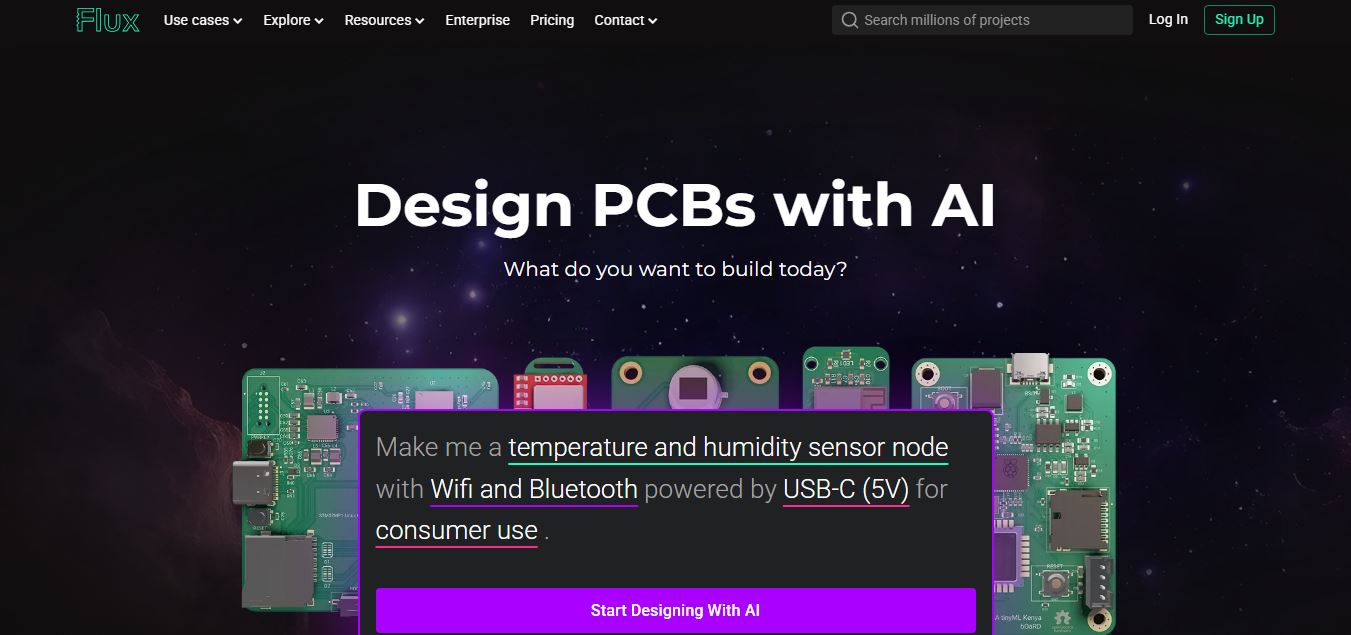
Flux AI is an AI-powered electronics design platform that helps engineers create schematics, design printed circuit boards (PCBs), select components, and optimize routing. Its browser-based workspace supports real-time collaboration, design validation, and manufacturing exports, making hardware development more accessible for individuals, startups, and engineering teams.
 4.8
4.8Repaint
Design
Repaint helps entrepreneurs and small businesses build websites, online stores, booking systems, and custom web applications using AI chat. Users can generate designs, edit content, manage customer accounts, accept payments, and organize business data without traditional coding. It offers subscription plans with different usage limits and business management capabilities.
 4.8
4.8SWAPP
Design
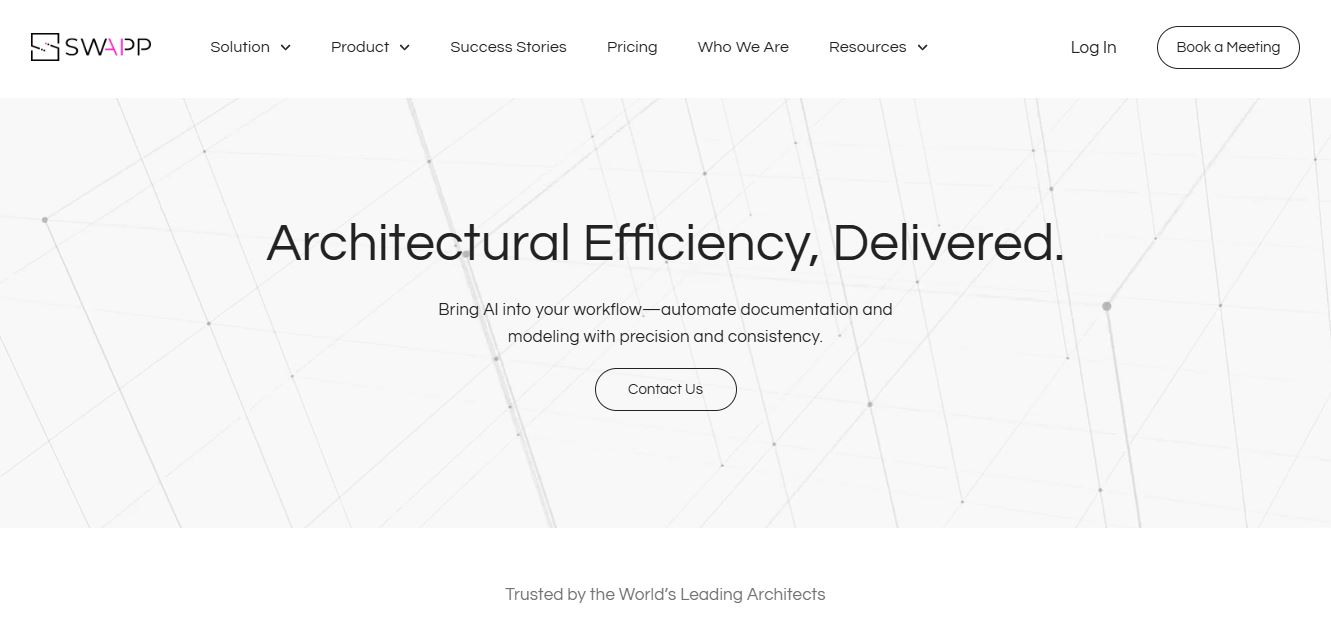
SWAPP helps architecture firms automate construction documentation, BIM modeling, and QA work inside Revit and ArchiCAD. Its Frank agent applies firm-specific standards to repetitive production tasks, while workflow memory preserves organizational knowledge. The platform is suited to teams seeking faster delivery, consistency, and less manual production effort across complex projects.
 4.9
4.9Adobe Stock
Design
Adobe Stock is a creative asset marketplace that helps designers and businesses access millions of royalty-free images, videos, templates, and 3D assets. It integrates with Adobe Creative Cloud, enabling users to search, customize, and license high-quality visuals quickly for marketing, design, and content creation.
 4.9
4.9Yellow Images
Design
Yellow Images is a digital marketplace that helps designers create branding and marketing visuals using high-quality mockups, fonts, PNGs, and graphic assets. It offers a large library of ready-to-use creative resources, enabling faster design workflows for agencies, freelancers, and ecommerce businesses.
 4.9
4.9Placeit
Design
Placeit is a browser-based design platform that helps creators and businesses generate mockups, logos, videos, and marketing visuals using ready-made templates. It allows users to quickly customize designs and download professional assets, making it ideal for ecommerce, social media, and branding without advanced design skills.
 4.8
4.8Figma AI
Design
Figma AI brings generative and assistive tools directly into Figma workflows, helping designers move from ideas to editable designs, visuals, prototypes, and production-ready experiences faster. Users can generate concepts, edit images, search files, automate repetitive work, and collaborate with teammates while keeping creative exploration inside the familiar Figma design environment.
 4.7
4.7PageGPT
Design
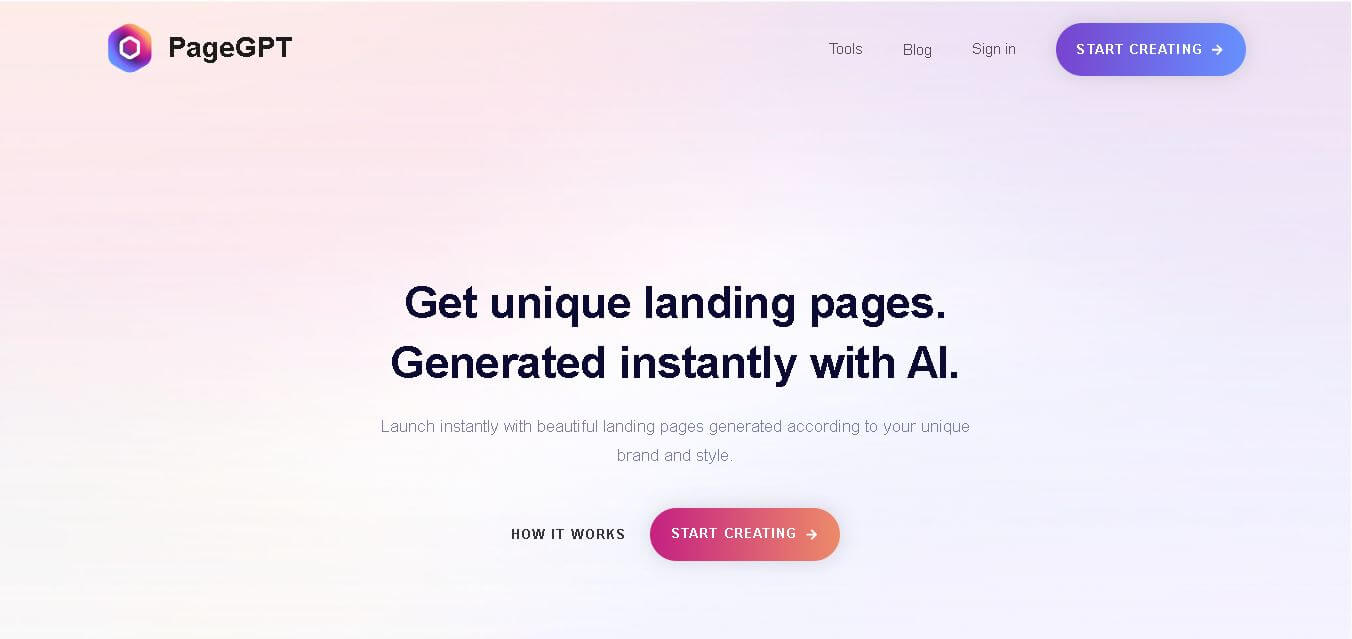
PageGPT helps businesses, creators, marketers, and entrepreneurs create customized landing pages and websites with AI. Users can describe their product and preferred style, generate designs with copy and images, then refine the result through chat or drag-and-drop editing. It also supports responsive pages, custom effects, and publishing options.
 4.8
4.8Locofy.ai
Design
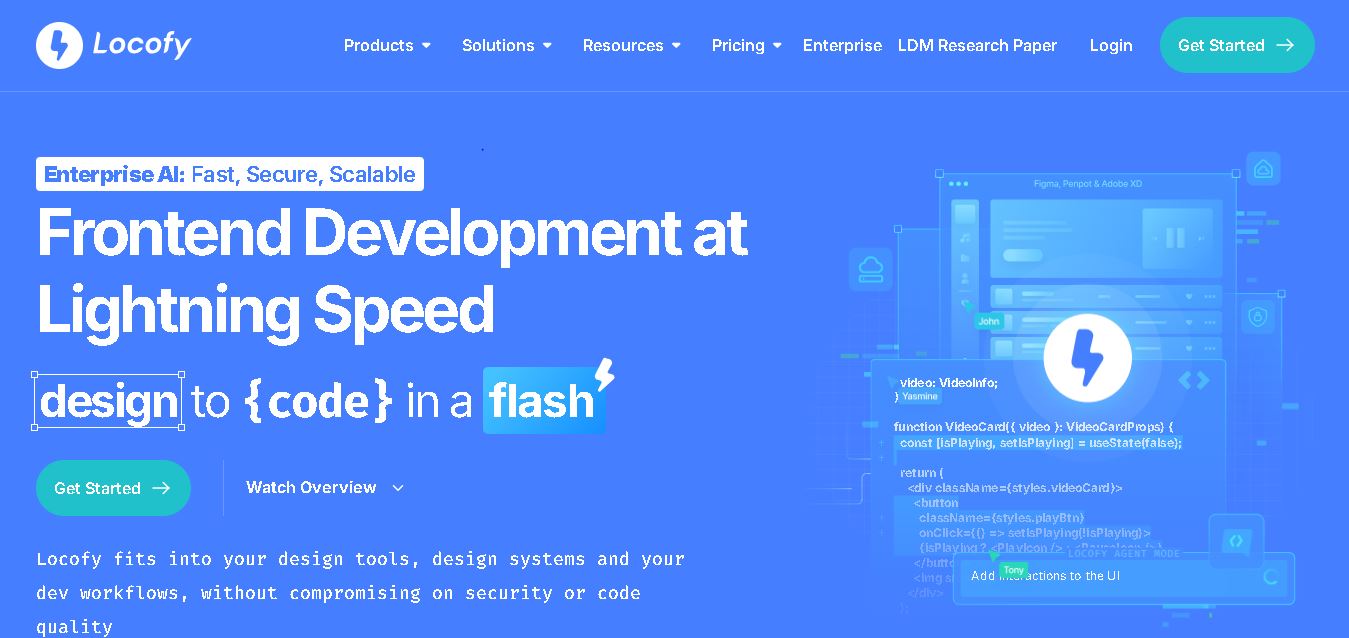
Locofy helps teams transform UI designs into developer-friendly frontend code without rebuilding interfaces manually. It supports popular design tools, web and mobile frameworks, responsive layouts, reusable components, and AI-assisted refinement. Designers can prepare screens while developers customize, export, synchronize, and continue development within familiar workflows and coding environments for teams.