TechShark logoTechShark
  • AI Tools
  • Blog
  • Submit AI Tool
Get started
Tutorials

Step-by-step guides to master the most popular AI tools.

AI Glossary

Plain-English definitions of essential AI terms and concepts.

Compare AI Tools

Side-by-side feature, pricing and capability breakdowns.

About Us

Learn the story, mission and team behind TechShark.

Contact Us

Get in touch with our team for support or partnerships.

star-fillFeatured

Browse 1,500+ AI tools across every workflow.

Find the right tool for writing, design, code, video, research and more all in one curated directory.

Explore directory
AI ToolsBlogSubmit AI Tool
Resources
TutorialsAI GlossaryCompare AI ToolsAbout UsContact Us
Get started
TechShark logoTechShark.

TechShark — Discover, Compare & Master the Best AI Tools.

Top Categories

  • Logo
  • Marketing
  • Productivity
  • Social Media
  • Video Editing
  • Writing

Top AI Tools

  • ChatGPT
  • DeepSeek AI
  • Google Gemini
  • Grok
  • Midjourney AI
  • Notion AI
  • Perplexity AI

Resources

  • Blog
  • Tools
  • Compare AI Tools
  • Contact Us
  • AI Glossary

TechShark Links

  • Home
  • About
  • Submit your tool
  • Privacy Policy
  • Terms of Services
  • Sitemap

© 2026 TechShark.io All rights reserved.

We may earn compensation for purchases made through some links on this site.

Top des AI tools

Browse AI tools grouped by tag, then refine by price, rating, and freshness.

Clear filters
AllFreeFreemiumPaid
Tag: des×
Figma AI preview4.8

Figma AI

Design

Figma AI brings generative and assistive tools directly into Figma workflows, helping designers move from ideas to editable designs, visuals, prototypes, and production-ready experiences faster. Users can generate concepts, edit images, search files, automate repetitive work, and collaborate with teammates while keeping creative exploration inside the familiar Figma design environment.

FreemiumView tool
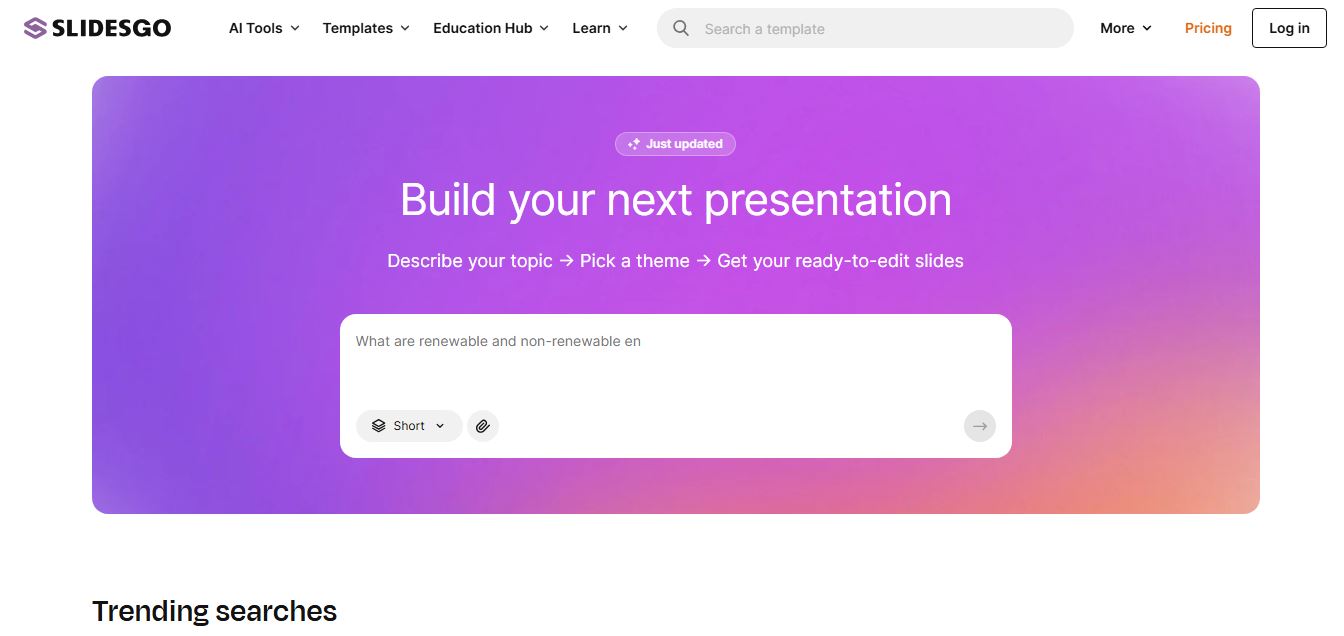
Slidesgo preview4.9

Slidesgo

Presentation

Slidesgo is a platform that offers free and premium presentation templates for Google Slides and PowerPoint. It provides professionally designed slides for business, education, and creative use, helping users create visually appealing presentations quickly without starting from scratch.

FreemiumView tool
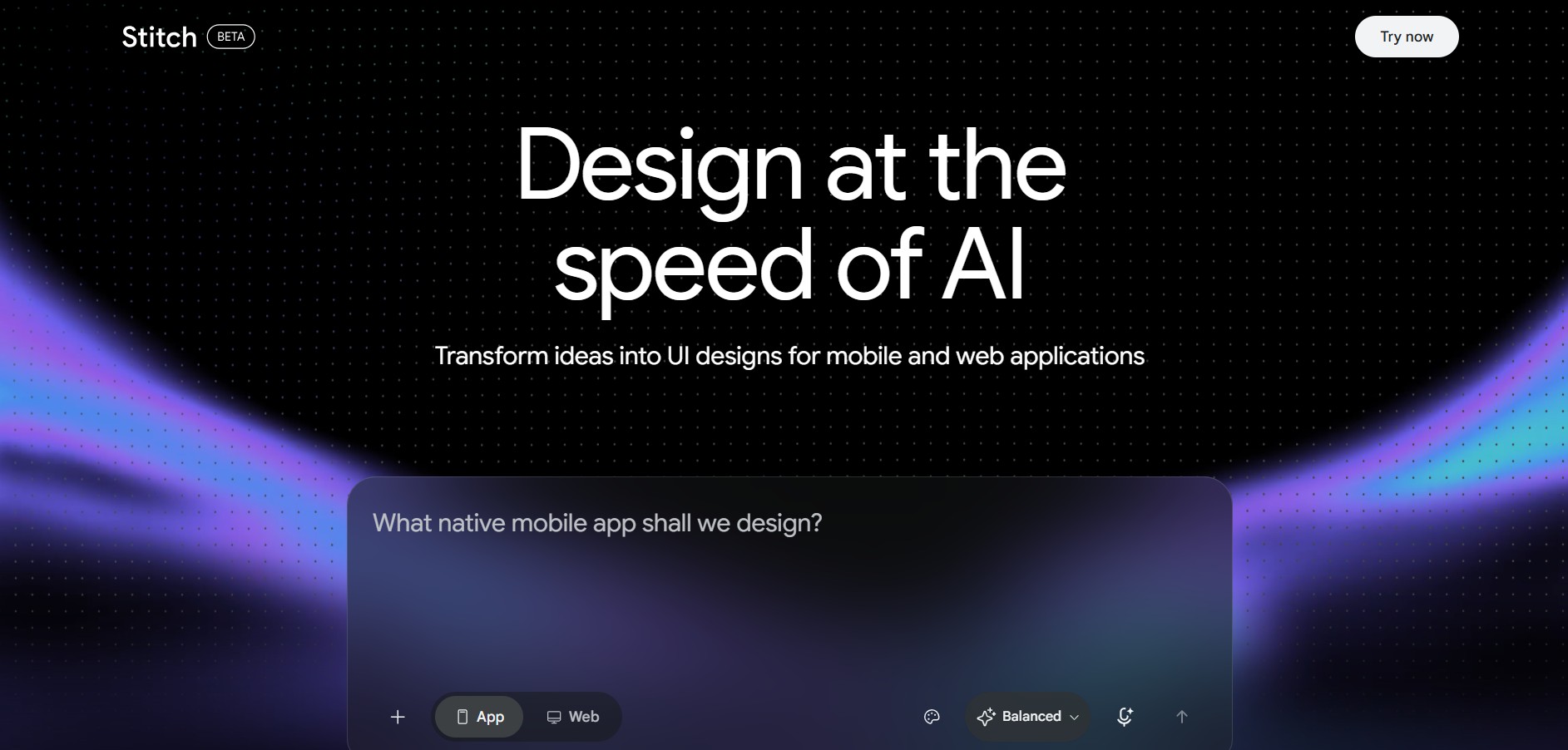
Google Stitch preview4.9

Google Stitch

AI Agent

Google Stitch is an AI-powered UI design and prototyping workspace developed by Google Labs that converts natural language prompts, voice commands, website URLs, and paper wireframe sketches into responsive app interfaces, design systems, and developer-ready front-end code.

FreeView tool
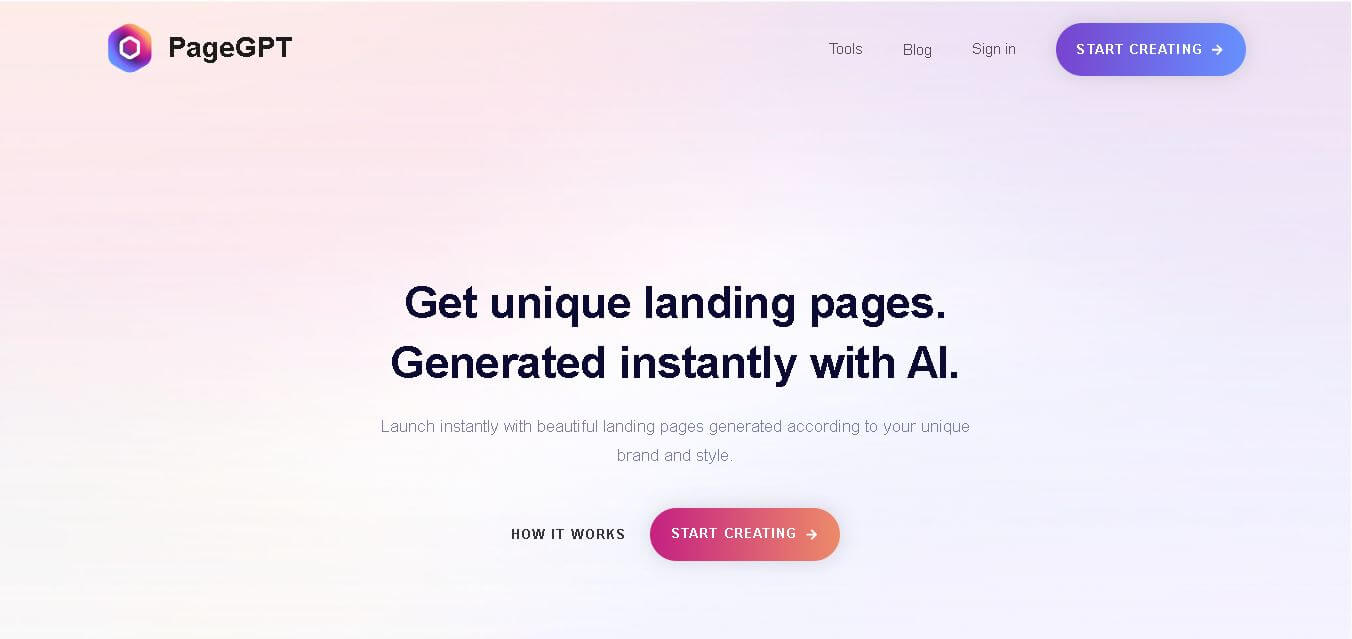
PageGPT preview4.7

PageGPT

Design

PageGPT helps businesses, creators, marketers, and entrepreneurs create customized landing pages and websites with AI. Users can describe their product and preferred style, generate designs with copy and images, then refine the result through chat or drag-and-drop editing. It also supports responsive pages, custom effects, and publishing options.

FreemiumView tool
Locofy.ai preview4.8

Locofy.ai

Design

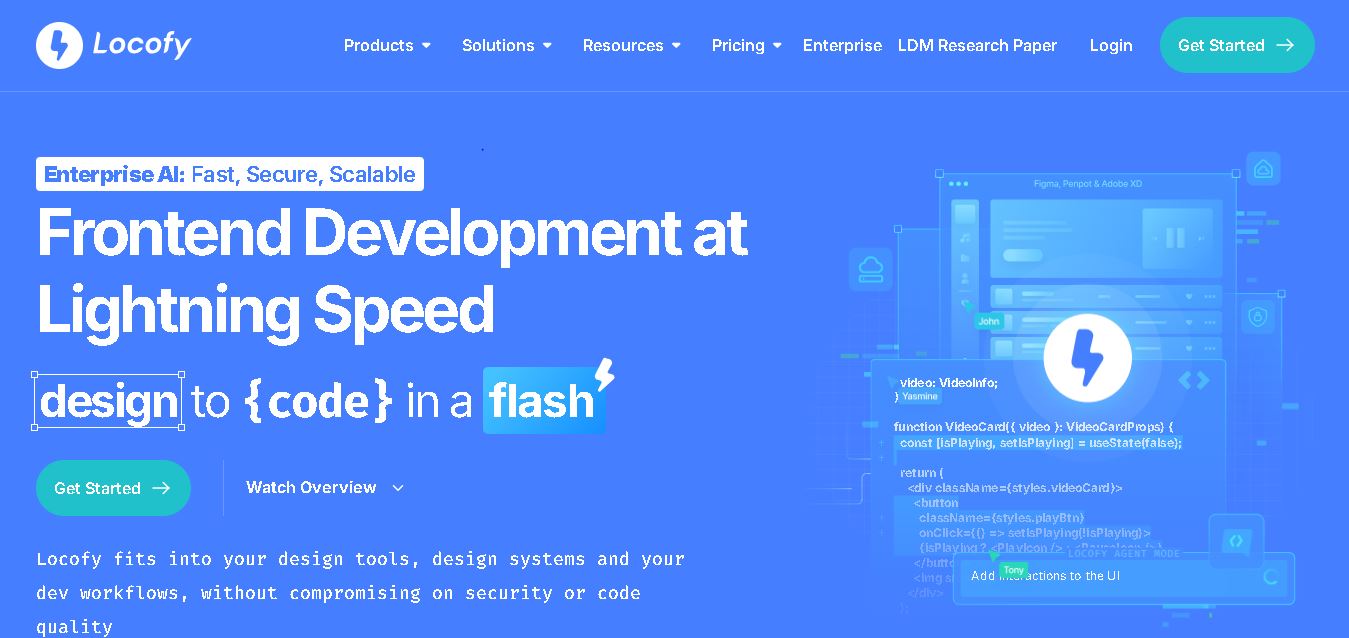
Locofy helps teams transform UI designs into developer-friendly frontend code without rebuilding interfaces manually. It supports popular design tools, web and mobile frameworks, responsive layouts, reusable components, and AI-assisted refinement. Designers can prepare screens while developers customize, export, synchronize, and continue development within familiar workflows and coding environments for teams.

FreemiumView tool
Rooms.xyz preview4.8

Rooms.xyz

Design

Rooms.xyz is a browser and mobile-based 3D design and game creation platform that allows users to build, code, and remix interactive 3D rooms and mini-games. Built by Things, Inc., the platform features a TikTok-like vertical feed for browsing user-generated worlds, a no-code Actions editor, deep Lua scripting support, and AI-powered voice/character integrations via Google's Gemini API.

FreeView tool
UiMagic preview4.6

UiMagic

Design

UiMagic helps users transform natural-language product ideas into full-stack applications without beginning from a blank coding environment. Its text-based approach can help developers, founders, designers, and creators quickly experiment with application concepts and move toward working products. The platform is currently presented as a beta product focused on faster application development.

FreemiumView tool
1210Next
Canva preview4.9

Canva

Design

Canva is a versatile online design and visual communication tool for creating presentations, social media graphics, videos, documents, websites, marketing materials, and more. Its drag-and-drop editor, templates, collaboration features, creative assets, and AI tools make content creation easier for beginners, professionals, teams, educators, marketers, and businesses.

FreemiumView tool
Khroma preview4.8

Khroma

Design

Khroma is a personalized color discovery tool for designers that learns your color preferences and generates endless combinations. You can explore palettes, gradients, typography, and images, then search results using color properties or HEX and RGB values. Favorite combinations can be saved with useful color information and accessibility ratings.

FreeView tool
Fontjoy preview4.7

Fontjoy

Design

Fontjoy is a font pairing generator that helps designers discover complementary typefaces quickly. Its deep-learning approach recommends combinations based on visual compatibility, while generation, locking, editing, and text-preview options make it easier to experiment with typography for websites, branding, marketing materials, presentations, and other creative projects.

FreeView tool
BA
4.7

Blockode AI Photo Studio

Design

Blockode AI Photo Studio is an AI-powered portrait and photoshoot generation tool that trains custom AI models from user selfies to produce high-resolution, commercial-grade avatars, portraits, and 4K creative photoshoots from text prompts.

PaidView tool
Visily preview4.6

Visily

AI Agent

Visily is a visual design and prototyping tool that helps people turn product ideas into wireframes, mockups, diagrams, and interactive prototypes. Users can begin with text prompts, screenshots, sketches, templates, or diagrams and edit the resulting designs on a flexible canvas. It is designed particularly for non-designers, product managers, business analysts, founders, and cross-functional teams.

FreemiumView tool