AskYourPDF
AskYourPDF helps users understand documents through AI-powered conversations, summaries, and information extraction. You can upload files, ask questions in natural language, and locate relevant information without reading every page manually. It supports research, studying, professional document review, and business workflows, with additional features available through paid plans and integrations.
What is AskYourPDF?
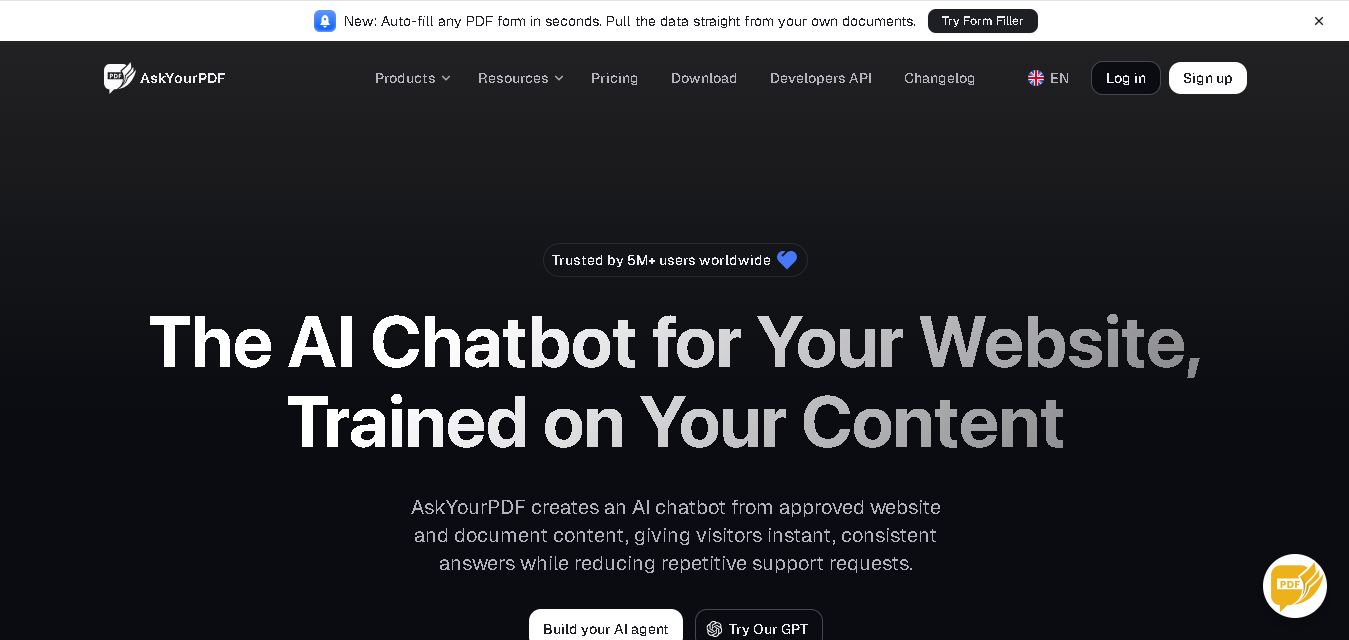
AskYourPDF is a document interaction tool that allows users to ask questions, extract information, and summarize content from uploaded files. It supports research papers, reports, books, presentations, and other documents, helping students, researchers, professionals, and businesses understand complex information more efficiently. Its features include document-based conversations, cited answers, multi-document analysis, OCR, AI assistants, and PDF form filling, depending on the selected plan.
AskYourPDF reports serving more than 5 million users worldwide. Its free plan supports 1 document per day, up to 100 pages per document, and 50 questions daily. Premium supports up to 2,500 pages per document, while Pro supports up to 6,000 pages. Annual-billing prices listed on the official website are $11.99 per month for Premium and $14.99 for Pro. Features include OCR, multi-document conversations, citations, and multiple AI models. Availability and limits may change as plans evolve.
- Platform Focus: AI document chat, PDF summarization, vector document search, and research extraction
- Launch Year: AI Document Chat & Reading Assistant
Use Cases:
- Summarizing lengthy academic research papers, textbooks, and study materials for students
- Extracting key clauses, dates, and provisions from legal contracts and corporate filings
- Interrogating multi-page financial reports, earnings transcripts, and market data sheets
- Building a centralized digital library to chat across multiple documents simultaneously
Technology:
- Retrieval-Augmented Generation (RAG) pipeline paired with vector embeddings for semantic document search
- Integrated OCR engine to parse text from scanned files, tables, and image-based PDFs
- Multi-platform delivery supporting web dashboards, ChatGPT Custom GPTs, Chrome extension, and iOS/Android apps
Target Users:
- University students and academic researchers reviewing literature and study guides
- Legal professionals, paralegals, and consultants analyzing contracts and legal briefs
- Business analysts, financial experts, and busy executives reviewing corporate documentation
Corporate Entity: Operates as AskYourPDF / askyourpdf.com

Key features of AskYourPDF
AskYourPDF's key features are
- Conversational PDF Chat: Ask questions in plain language and receive accurate, context-aware answers extracted directly from uploaded files.
- Inline Page Citations: Verifies answer accuracy by linking every generated response back to the specific page number and passage.
- Multi-Document Support: Chat across multiple uploaded PDFs and document collections in a single conversation thread.
- OCR & Multi-Format Parsing: Processes text, scanned PDFs, DOCX, EPUB, PPTX, and TXT documents.
- Cross-Platform Accessibility: Access the platform via web interface, Chrome extension, ChatGPT Plugin, or mobile apps.
- AI Summarizer & Flashcard Generator: Automatically extract key takeaways, summaries, and revision questions from study files.
AskYourPDF Pricing
AskYourPDF operates on a freemium pricing model with free daily limits alongside recurring monthly and annual subscription tiers.
Free Plan:
- $0 / Free
- Includes 1 document upload per day (up to 15MB or 100 pages) and up to 50 chat questions daily
Premium Plan:
- $11.99 / month (or discounted with annual billing)
- Includes up to 50 documents per day, 2,500 pages per file, 1,200 questions daily, larger file size limits, and priority processing
Pro Plan:
- $14.99 / month (or discounted with annual billing)
- Includes up to 150 documents per day, 6,000 pages per file, 100,000 questions daily, advanced OCR tools, and multi-document chat
Who is using AskYourPDF?
AskYourPDF is designed for students, academics, and professionals, including
- University Students & Scholars: Reviewing study notes, textbook chapters, and research articles quickly
- Legal & Business Analysts: Inspecting contract terms, policy manuals, and market research reports
- Casual Readers: Summarizing non-fiction e-books and long whitepapers
Best AskYourPDF Alternatives
Some of the strongest AskYourPDF alternatives include
Pros and Cons of AskYourPDF
Pros
- Inline citations make checking primary sources and verification straightforward
- Supports multiple access points including ChatGPT plugins, Chrome extensions, and mobile apps
- Handles large document files up to thousands of pages on Pro tiers
- Free plan allows casual testing without adding credit card information
Cons
- Free plan applies strict daily document upload and page limits
- OCR quality on heavily corrupted handwritten or low-resolution scans can vary
- Complex data tables sometimes require specialized table extraction tools like ChatDOC
Why Choose AskYourPDF?
AskYourPDF is an ideal choice for anyone looking for an accessible, multi-platform AI document assistant that quickly summarizes files and provides cited answers to complex queries.
- Converts static PDFs and DOCX files into interactive natural language chats
- Links answers directly to specific document pages for instant source checking
- Integrates with ChatGPT, web browsers, and mobile devices
- Supports multi-document queries to chat across multiple files at once
AskYourPDF vs. Competitors
The main difference between AskYourPDF, ChatPDF, PDF.ai, and ChatDOC is that AskYourPDF provides broad cross-platform ecosystem access including ChatGPT plugins, Chrome extensions, and mobile apps alongside web chat, whereas ChatPDF focuses primarily on a lightweight browser chat interface, PDF.ai incorporates built-in PDF annotation tools, and ChatDOC specializes in structured table and data extraction. AskYourPDF stands out for its cross-platform availability and ChatGPT ecosystem integration.
| Feature / Tool | AskYourPDF (askyourpdf.com) | ChatPDF | PDF.ai | ChatDOC |
|---|---|---|---|---|
| Core Focus | Cross-Platform AI PDF Chat & Ecosystem | Simple Web AI PDF Chat | PDF Annotation & AI Chat | Structured Table & Data PDF Parsing |
| ChatGPT Plugin / Extension | Yes (Plugin, Chrome Ext, Mobile) | Web App Focus | Chrome Extension | Web App Focus |
| Page Citation Links | Yes (Inline Page References) | Yes | Yes | Yes (Visual Highlighting) |
| Starting Price Range | Free tier / $11.99/mo Premium | Free tier / ~$19.99/mo | Free tier / ~$15/mo | Free tier / ~$9/mo |
| Best For | Multi-Platform PDF Chat & Plugins | Quick Casual PDF Summaries | Document Markup & Q&A | Table-Heavy & Financial PDF Analysis |
How do we rate AskYourPDF?
| Parameter | Rating (out of 5) |
|---|---|
| Document Chat & Q&A Accuracy | 4.7 |
| Citation Precision & Verification | 4.8 |
| Cross-Platform Integration (Apps & Plugins) | 4.9 |
| Ease of Use & Dashboard UX | 4.8 |
| Value for Money | 4.6 |
| Overall Score | 4.76 |
AskYourPDF Review
AskYourPDF provides a highly effective, versatile solution for users who need to process long documents efficiently. By connecting AI models directly to uploaded PDFs with page-level citation links, it removes the tedium of manual scanning. Its cross-platform ecosystem—spanning web, mobile apps, Chrome extensions, and ChatGPT integration—makes it an exceptionally convenient co-pilot for academic research and professional document analysis.
Conclusion
AskYourPDF is a useful tool for students, researchers, professionals, and businesses that need to understand documents more efficiently. Its conversational interface, document summaries, page citations, OCR, and multi-document analysis can simplify research and information retrieval. The free plan provides a practical starting point, while paid subscriptions unlock higher limits and additional capabilities. For the best results, verify important answers against original sources and select a plan that matches your document volume, privacy requirements, and workflow.
FAQ
What can you use AskYourPDF for?
You can use AskYourPDF to understand research papers, summarize lengthy reports, review textbooks, and extract important details from documents. Instead of searching manually through hundreds of pages, ask questions in plain language and receive relevant answers. It is especially useful for students, researchers, professionals, and anyone working with information-heavy files.
How does AskYourPDF work?
AskYourPDF works by analyzing uploaded documents and responding to questions about their contents. Upload a supported file, open a conversation, and ask for summaries, explanations, important figures, or specific details. Depending on the feature, responses can include citations pointing to relevant pages, helping you verify information directly against the original document.
Is AskYourPDF free to use?
Yes, AskYourPDF offers a free plan with usage limits. The listed allowance includes one document daily, up to 100 pages per document, and 50 questions per day. If you regularly analyze longer files or multiple documents, consider Premium or Pro. Check the official pricing page for current limits and billing terms.
Which file formats does AskYourPDF support?
AskYourPDF supports several document formats, including PDF, TXT, PPT, PPTX, CSV, EPUB, and RTF, according to its documentation. Supported formats may vary by feature. This flexibility makes the tool useful for analyzing research papers, presentations, ebooks, and reports. Check the upload interface for the latest supported file types.
Can AskYourPDF help students and researchers?
AskYourPDF can help students summarize chapters, understand difficult concepts, identify research findings, and locate important information in academic papers. Researchers can use it to review methodologies, compare findings across documents, and retrieve relevant passages. Always verify quotations, page references, and factual claims before including AI-generated answers in academic assignments or published research.
Does AskYourPDF provide answers with citations?
Yes, AskYourPDF supports document-based answers with citations that help users trace information to relevant pages. This feature is valuable when checking research findings, reviewing reports, or locating specific statements. However, citations do not guarantee that every interpretation is correct. Open the referenced pages and confirm that the original text supports the generated response.
User Reviews
No reviews yet for AskYourPDF.
Featured Tools
Featured AI tools from TechShark

Melody Genie
MelodyGenie is an AI-powered music generator that creates original songs from simple text prompts. Users can choose styles, moods, and genres, then instantly generate melodies and full tracks, making it easy for creators, marketers, and hobbyists to produce custom music without musical expertise.
Freemium

Kimi AI
Kimi AI is an advanced AI assistant developed by Moonshot AI that helps you chat, research, write, code, and automate tasks in one place. It supports web search, file analysis, and multimodal inputs, and can even run autonomous “agent” workflows to complete complex tasks end-to-end.
Freemium

Fashion Diffusion AI
Fashion Diffusion is an AI-powered fashion design platform that helps brands and designers create clothing designs, virtual try-ons, AI models, product photos, and marketing visuals faster and cost-effectively.
Paid

Veo 4
Veo 4 AI is an AI video creation platform that generates dramatic videos from text, images, audio, and video prompts using realistic motion and synchronized sound.
Paid
Alternatives
Alternatives to AskYourPDF
The best AskYourPDF alternatives include ChatPDF, PDF.ai, ChatDOC, Humata AI, SciSpace, and NotebookLM. These platforms offer AI document chat, summarization, and PDF Q&A features. While AskYourPDF specializes in broad cross-platform availability—including ChatGPT plugins, Chrome extensions, and mobile apps—alternatives like ChatDOC excel at structured table parsing, and NotebookLM provides free multi-source audio research notebooks.
 4.8
4.8AnswerThis
Research
AnswerThis helps researchers discover academic papers, summarize studies, analyze PDFs, and write literature reviews with source-backed citations. Its features include AI research search, academic writing, reference management, and collaborative workspaces. Suitable for students, researchers, and scientific teams, it streamlines research workflows while helping users organize evidence and prepare clearer academic documents.
 4.8
4.8Litmaps
Research
Litmaps helps researchers discover academic papers, visualize citation relationships, and organize literature reviews through interactive research maps. It offers paper recommendations, collaboration, reference management, and publication alerts. Students, PhD candidates, academics, and research professionals can use Litmaps to identify influential studies, explore emerging research connections, and monitor new publications relevant to their work.
 4.9
4.9ResearchRabbit
Research
ResearchRabbit helps researchers discover academic papers, explore citation networks, and organize literature for research projects. Its interactive visualizations reveal connections between publications and authors, while personalized recommendations support further discovery. With collections, collaboration, and Zotero integration, it helps students and academics manage sources and develop more organized, comprehensive literature reviews efficiently.
 4.9
4.9Semantic Scholar
Research
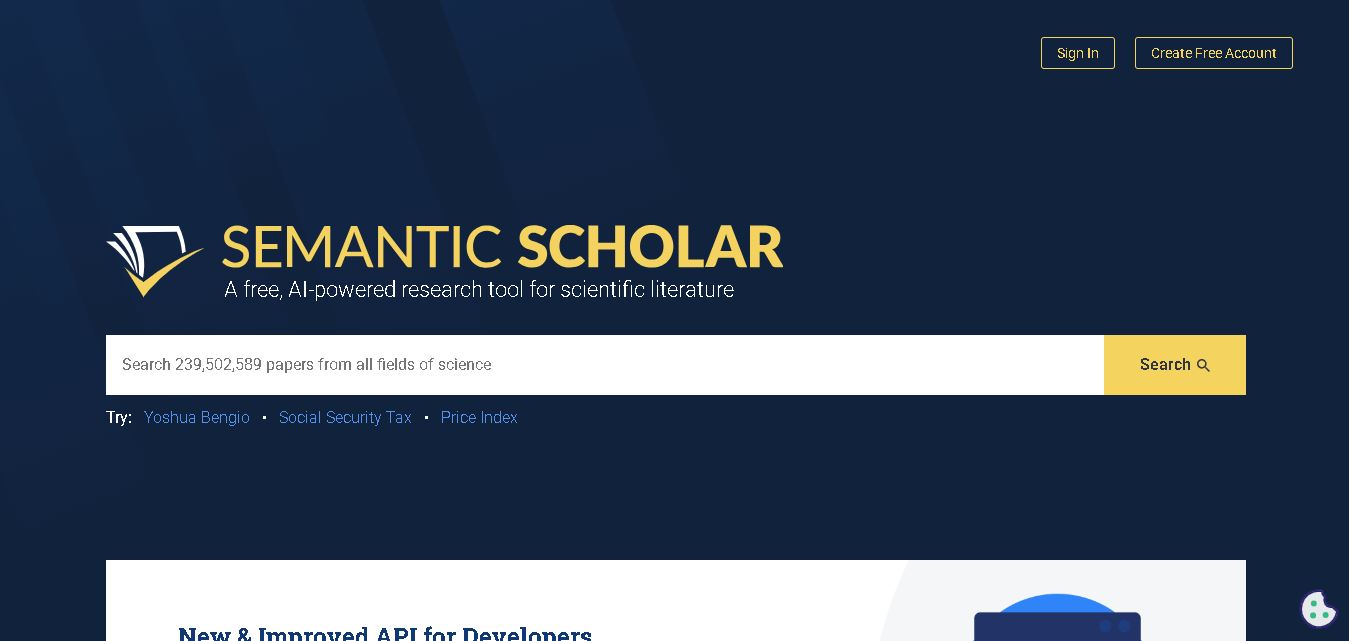
Semantic Scholar helps students, researchers, and academics discover scientific papers using AI-powered search and research tools. It provides paper summaries, citation information, related studies, personalized research recommendations, and alerts for new publications. Its free search experience makes academic literature easier to explore, organize, and evaluate across numerous scientific disciplines worldwide.
 4.9
4.9Manifold
Research
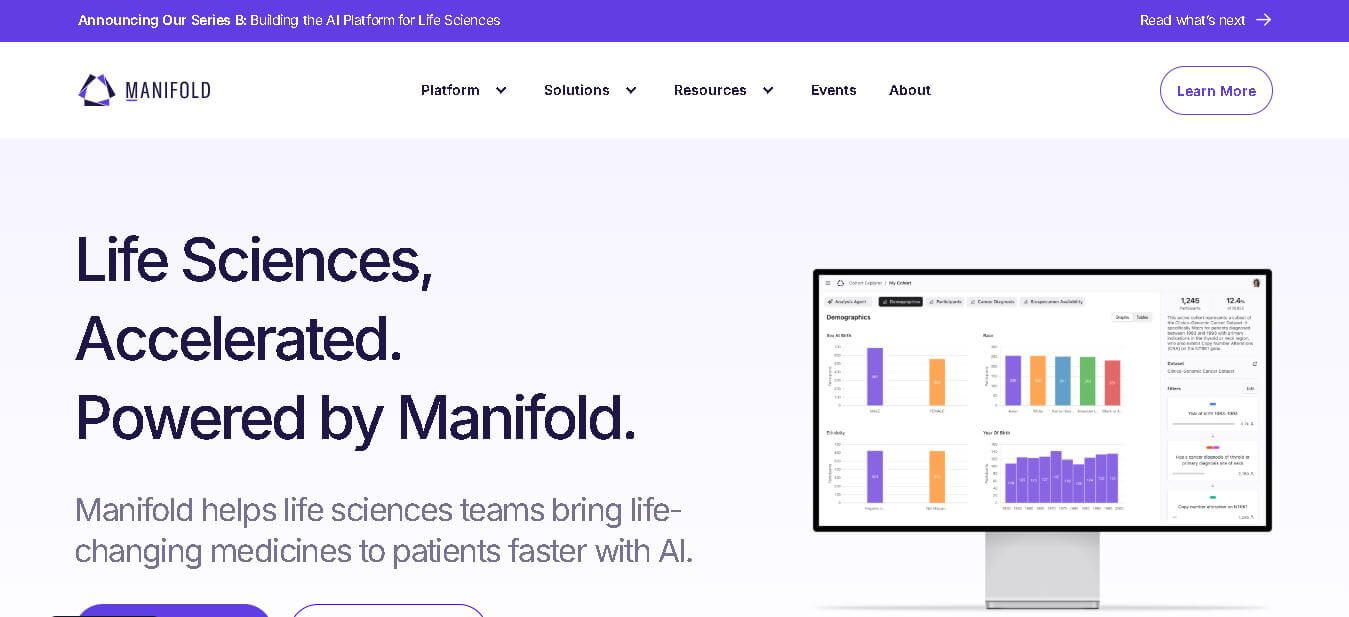
Manifold helps life sciences organizations turn complex clinical, genomic, and real-world data into governed, self-service insights. Its specialist agents support natural-language queries, cohort building, bioinformatics, statistical analysis, data partnerships, and evidence generation. Teams can keep sensitive data within their cloud while controlling access, auditing activity, and scaling research workflows securely.
 5.0
5.0Rayyan
Research
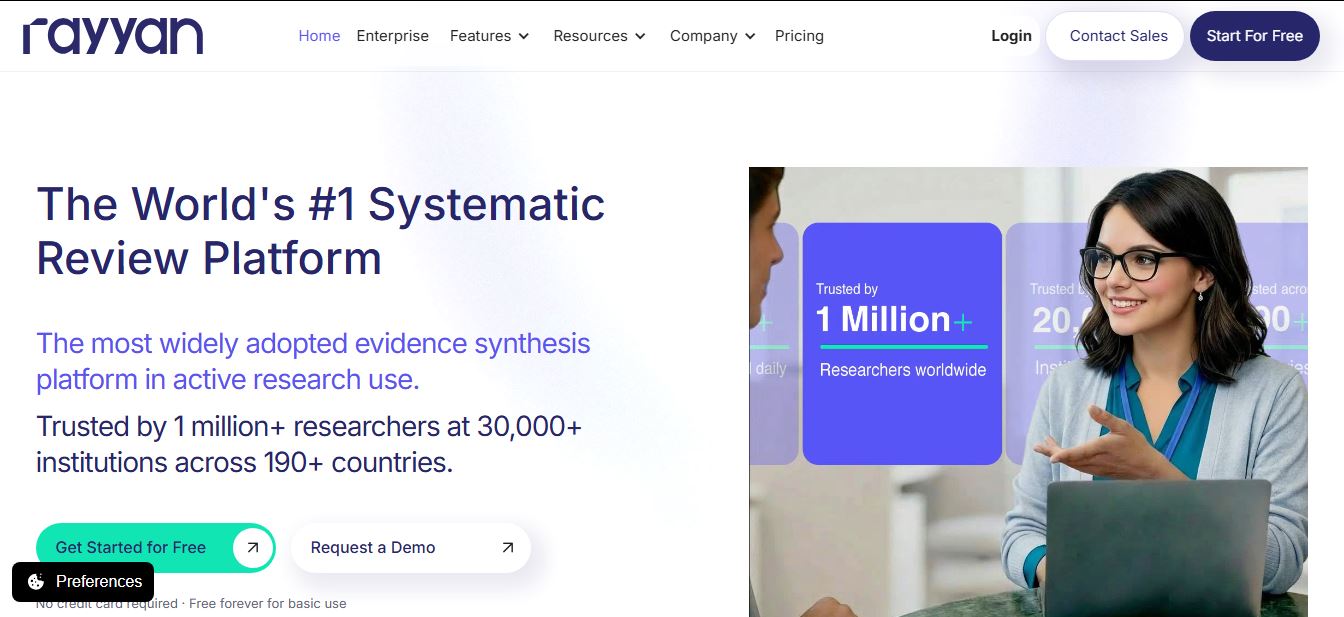
Rayyan is an AI-powered systematic review and literature review platform that helps researchers organize references, remove duplicates, screen studies, extract data, assess risk of bias, and generate PRISMA reports. Its AI features assist with relevance ranking, article screening, and structured data extraction while keeping researchers in control.
 4.9
4.9EvidenceHunt
Research
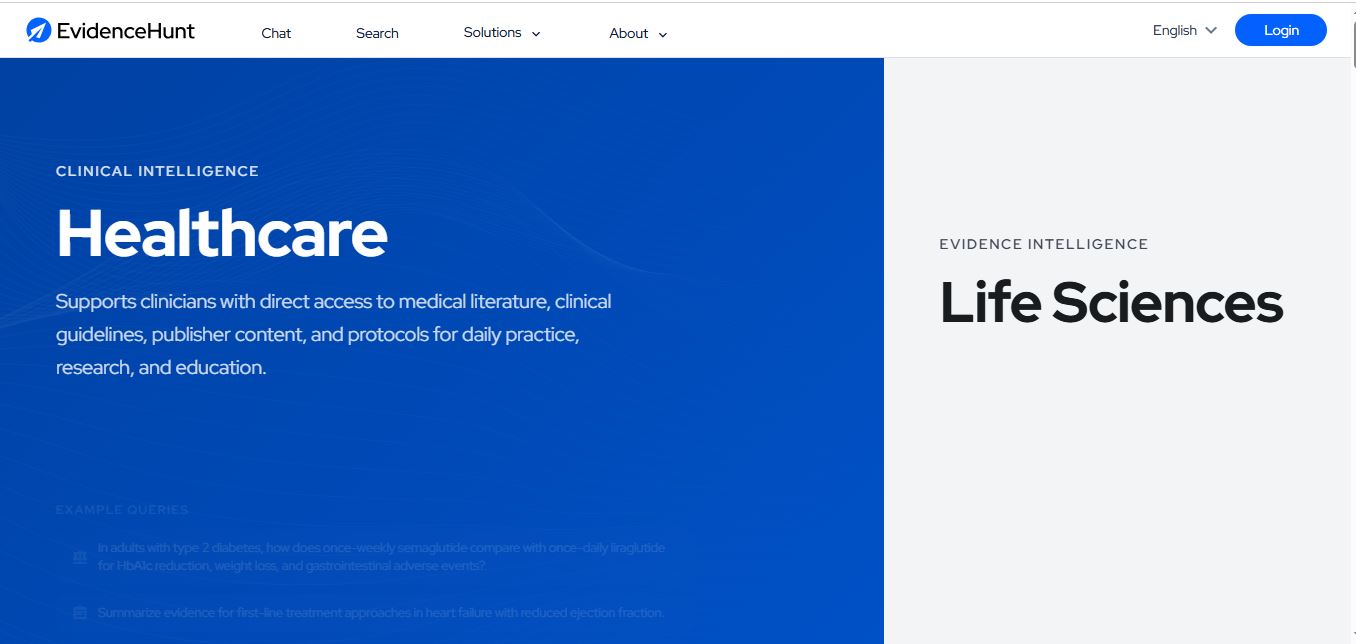
EvidenceHunt is an AI-powered medical research platform that helps clinicians, researchers, and life science teams find and analyze scientific evidence. It searches medical literature, guidelines, and internal documents, then generates citation-grounded answers, evidence tables, systematic reviews, and traceable insights for faster, evidence-based research.
 4.9
4.9Elicit
Research
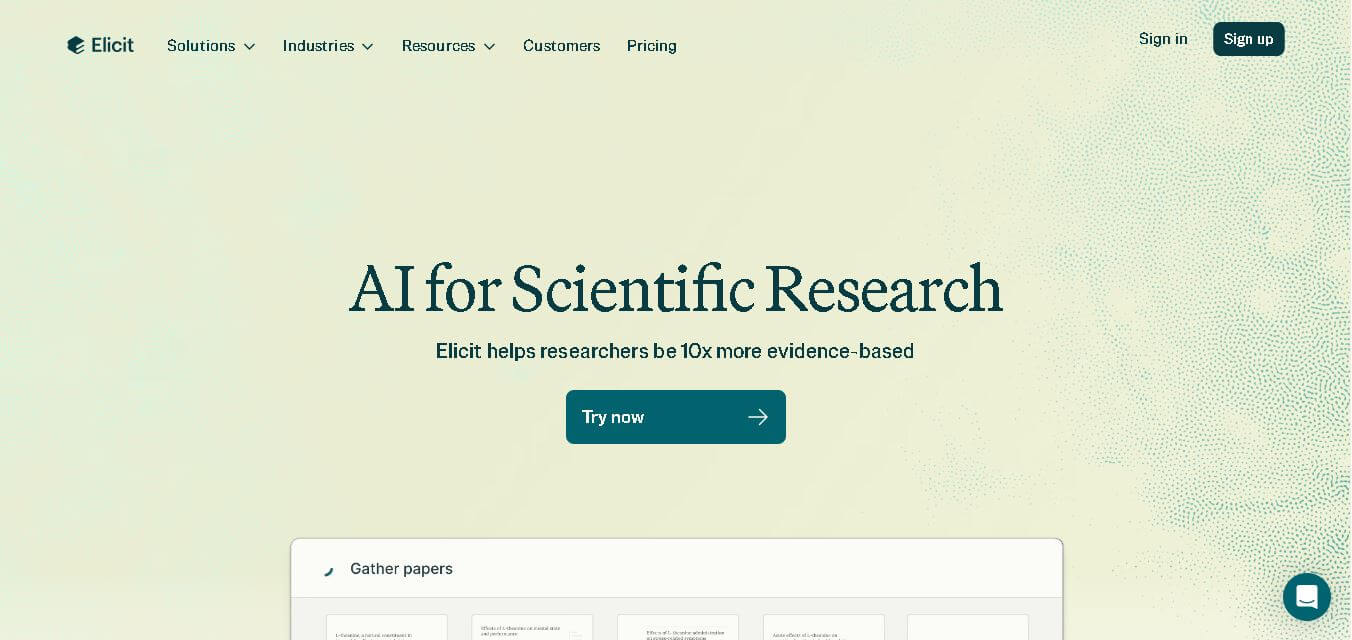
Elicit is an AI-powered research assistant that helps users find, summarize, and analyze academic papers at scale. It searches millions of studies, extracts key data, and generates evidence-backed reports, enabling researchers to conduct literature reviews, compare findings, and make informed decisions faster.
 4.8
4.8Scholarcy
Research
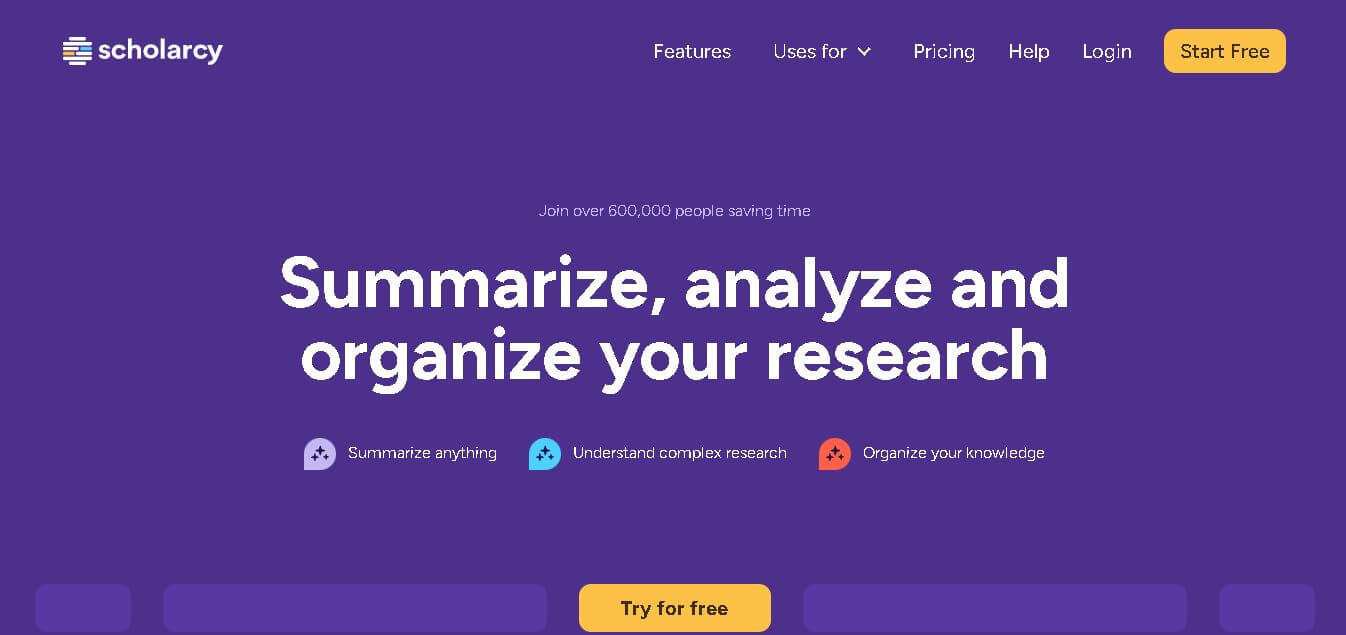
Scholarcy is an AI-powered research assistant that helps students and researchers summarize, analyze, and organize academic papers. It turns complex documents into structured flashcards with key findings, concepts, and references, enabling faster reading, better understanding, and efficient literature review workflows.