
ChatPDF
ChatPDF is an AI-powered document assistant that lets users upload PDFs, ask questions, summarize content, and extract insights instantly through conversational AI.
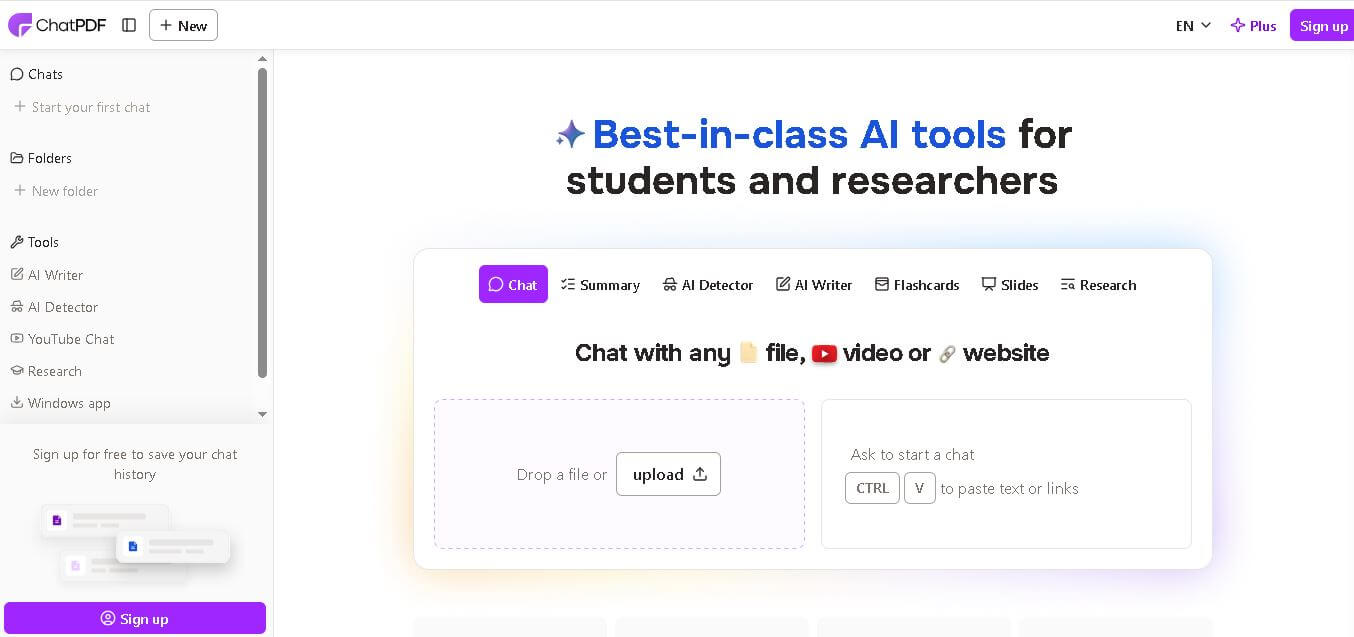
What is ChatPDF AI?
ChatPDF is like an AI powered research platform where you can talk to PDF documents in a more natural way. Instead of wading through those long reports, research papers, manuals, or e-books yourself, you upload the PDF and then you ask the AI chatbot questions as if you were just conversing normally. Then it kind of quickly gives a short summary, it clarifies tricky topics, it pulls out the important takeaways, and in general it helps you save that valuable time you would otherwise spend reading line by line.
ChatPDF is really common with students, educators, researchers, legal professionals, and even businesses that deal with big documents all the time. The interface looks simple enough, it processes fast, and it also supports multiple languages, so it ends up being a pretty efficient AI productivity tool for document analysis and knowledge extraction, honestly.
ChatPDF has become one of the most widely used AI document assistants for students and professionals around the world. The platform processes millions of PDF pages monthly and supports rapid AI-powered question answering, summarization, translation, and information retrieval. Its growing popularity reflects increasing demand for AI-based productivity tools in the education, business, and research industries.

Founders
- Developed by a team of AI and SaaS entrepreneurs
- Public founder information is limited
Launch Date: Launched in 2023
Use Cases
- Research paper summarization
- Contract and legal document analysis
- Study material understanding
- Business report analysis
- eBook summarization
- Academic learning assistance
- PDF-based question answering
- Knowledge extraction from documents
Technology
- Artificial Intelligence
- Natural Language Processing (NLP)
- Large Language Models (LLMs)
- OCR and document parsing technology
- Cloud-based AI infrastructure
- Semantic search systems
Key Features
ChatPDF's key features are
- AI PDF Chat: Users can upload PDF files and ask questions in conversational language. The AI instantly provides contextual answers from the document.
- Smart Summarization: The platform generates concise summaries of lengthy reports, academic papers, and books within seconds.
- Citation-Based Responses: ChatPDF often references sections from uploaded documents, helping users verify information more easily.
- Multi-Language Support: Users can interact with PDFs in multiple languages, making the platform accessible globally.
- Fast Document Analysis: The AI quickly scans hundreds of pages and extracts the most relevant information efficiently.
- Academic Research Assistance: Students and researchers can simplify complex research papers and understand technical concepts faster.
- Cloud Accessibility Users: can access their uploaded files and conversations online without requiring heavy software installations.
Pricing
-
Free Plan
- Limited PDF uploads
- Basic AI chat access
- Standard document processing
-
Plus Plan
- More document uploads
- Faster responses
- Extended chat limits
- Larger PDF support
-
Enterprise/Custom Options
- Business-focused solutions
- Team collaboration capabilities
- Advanced document handling
Disclaimer: For the latest and most accurate pricing information, please visit the official ChatPDF website.
Who is using ChatPDF?
A diverse range of users and organizations utilize ChatPDF
- Students
- Researchers
- Teachers and educators
- Legal professionals
- Business analysts
- Corporate teams
- Financial consultants
- Content creators
- Healthcare professionals
- Technical documentation teams
Alternatives
Some ChatPDF alternatives are
Pros & Cons
Pros
- Easy-to-use interface
- Fast PDF summarization
- Accurate contextual answers
- Helpful for academic research
- Saves time on document reading
- Supports large documents
- Cloud-based accessibility
- Useful for professional workflows
Cons
- Limited free plan features
- Accuracy may vary for complex documents
- Requires internet connection
- Some advanced features need paid subscription
- Public founder transparency is limited
How Did We Rate ChatPDF?
| Category | Score |
|---|---|
| Creative Accuracy | 8.8/10 |
| User Experience | 9.2/10 |
| Tools & Capabilities | 8.9/10 |
| Speed & Efficiency | 9.4/10 |
| Creative Freedom | 8.4/10 |
| Trust & Transparency | 8.0/10 |
| Help & Community | 7.9/10 |
| Value for Money | 8.8/10 |
| Ecosystem Fit | 8.7/10 |
| Overall Score | 8.8/10 |
Conclusion
ChatPDF has emerged as a powerful AI tool for chatting with PDF documents in a more natural way. Instead of manually digging through pages, you can ask questions directly, get summaries of the file, and have it simplify harder material that would normally take longer to understand. That makes it pretty useful for students, researchers, and also professionals, not only in theory but day-to-day. It also cuts down on the manual reading time and boosts productivity quite a bit, which is probably why people keep coming back.
People are also reading
FAQ
What is ChatPDF used for?
ChatPDF is used for summarizing PDFs, answering document-based questions, extracting insights, and simplifying research or business documents using AI.
Is ChatPDF free to use?
Yes, ChatPDF offers a free plan with limited features and usage restrictions.
Can ChatPDF summarize research papers?
Yes, the platform is widely used for summarizing academic and research papers quickly.
Does ChatPDF support multiple languages?
Yes, users can interact with documents in multiple languages.
Is ChatPDF good for students?
Yes, students use ChatPDF for studying, note-making, research understanding, and exam preparation.
User Reviews
No reviews yet for ChatPDF.
Featured Tools
Featured AI tools from TechShark

Melody Genie
MelodyGenie is an AI-powered music generator that creates original songs from simple text prompts. Users can choose styles, moods, and genres, then instantly generate melodies and full tracks, making it easy for creators, marketers, and hobbyists to produce custom music without musical expertise.
Freemium

Kimi AI
Kimi AI is an advanced AI assistant developed by Moonshot AI that helps you chat, research, write, code, and automate tasks in one place. It supports web search, file analysis, and multimodal inputs, and can even run autonomous “agent” workflows to complete complex tasks end-to-end.
Freemium

Fashion Diffusion AI
Fashion Diffusion is an AI-powered fashion design platform that helps brands and designers create clothing designs, virtual try-ons, AI models, product photos, and marketing visuals faster and cost-effectively.
Paid

Veo 4
Veo 4 AI is an AI video creation platform that generates dramatic videos from text, images, audio, and video prompts using realistic motion and synchronized sound.
Paid
Alternatives
Alternatives to ChatPDF
ChatPDF alternatives include Verisk, Cytora, Shift Technology, Socotra, Earnix, and Guidewire. ChatPDF helps students, researchers, professionals, and businesses interact with PDF documents using AI. Users can summarize reports, analyze files, ask contextual questions, and quickly retrieve important information from lengthy documents without manual searching.
 4.7
4.7Breyta
Customer Support
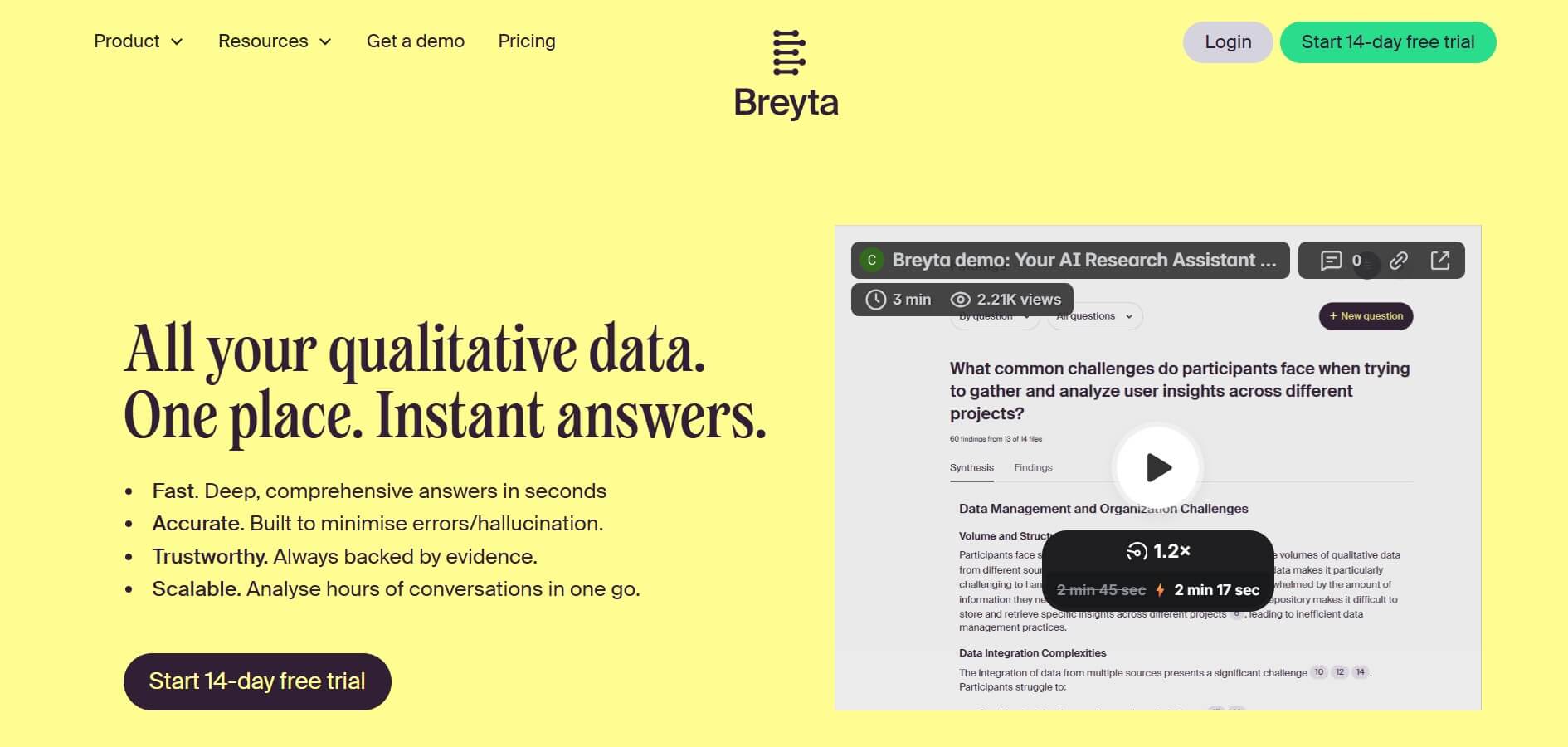
Breyta helps creators and businesses build, automate, package, and sell AI workflows and agents. It supports LLM, HTTP, code, database, storage, webhook, approval, and notification steps. Users can publish workflows as apps, HTTP endpoints, MCP tools, or reusable components while Breyta manages hosting, execution, billing, customer installations, and payouts.
 4.9
4.9HubSpot
Marketing
HubSpot is an AI-powered customer platform that helps businesses manage marketing, sales, customer service, and content in one place. It offers a free CRM, automation tools, analytics, and AI features, enabling teams to attract leads, close deals, and deliver better customer experiences at scale.
 4.9
4.9Edubrain AI
Education
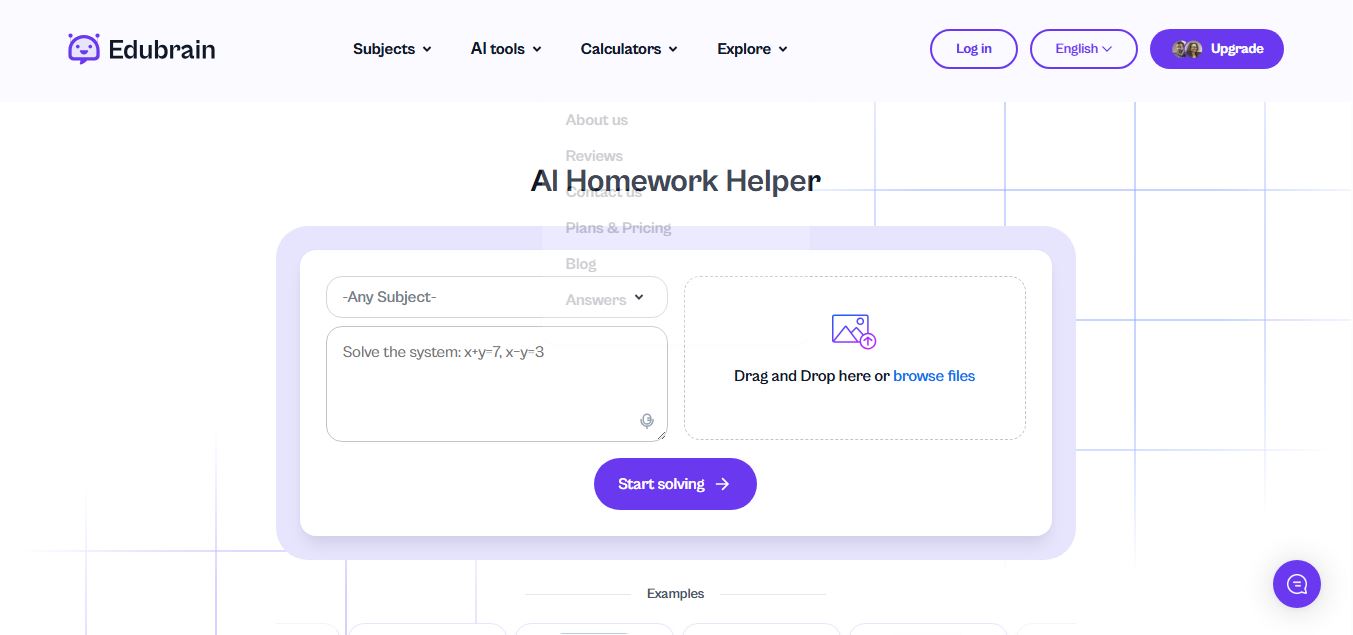
Edubrain is an AI-powered homework assistant that helps students solve questions across 90+ subjects using text, images, PDFs, or audio. It provides step-by-step explanations, adapts to learning styles, and works without sign-up, enabling faster understanding, exam prep, and personalized study support.
 4.8
4.8Math AI
Education
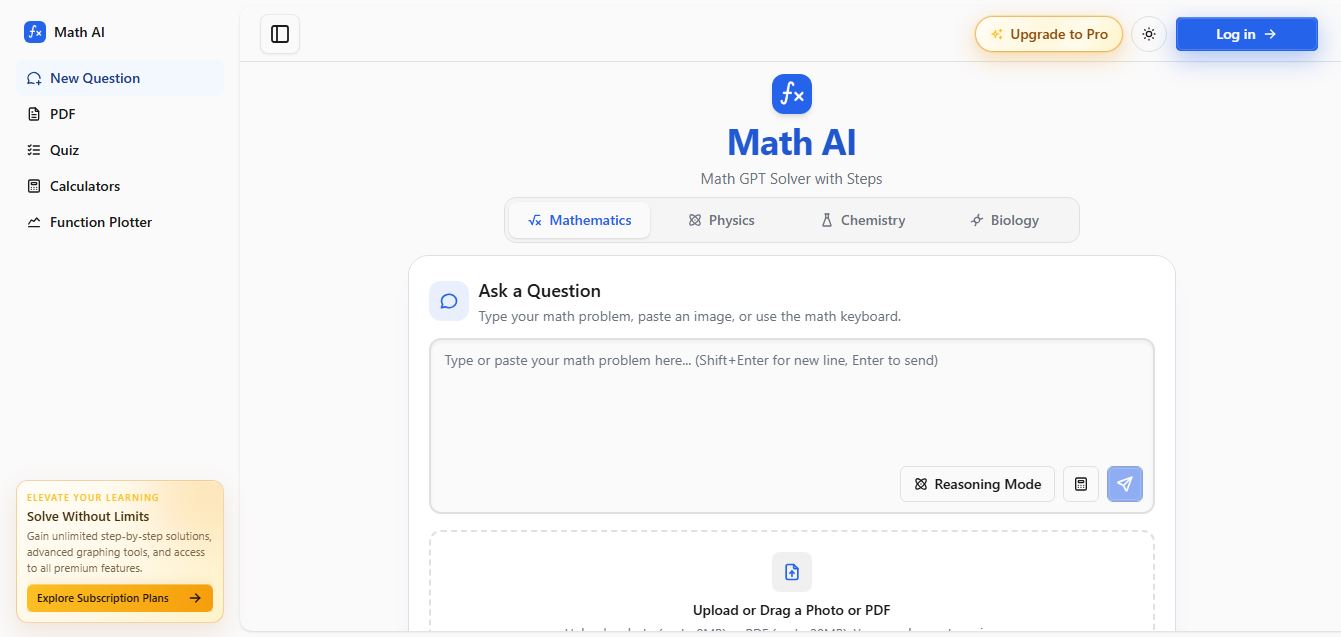
Math AI is an AI-powered math learning platform that helps users solve problems using text or images with step-by-step explanations. It supports algebra, calculus, and more, offering quizzes, graphs, and personalized tutoring to improve understanding and make studying, homework, and exam preparation easier.
 4.9
4.9ThetaWise
Education
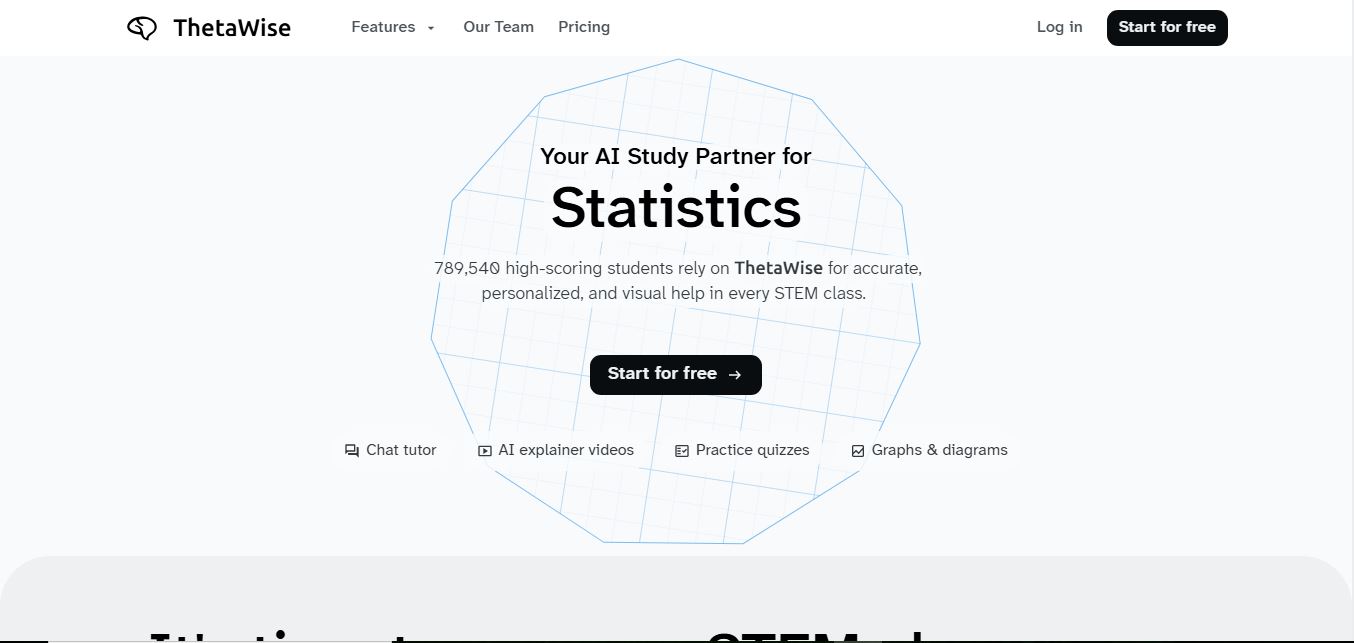
ThetaWise is an AI-powered STEM learning platform that helps students solve math and science problems with step-by-step explanations, video lessons, and practice quizzes. It acts like a 24/7 tutor, adapting to learning styles and improving understanding, test performance, and concept mastery.
 4.9
4.9Mathos AI
Education
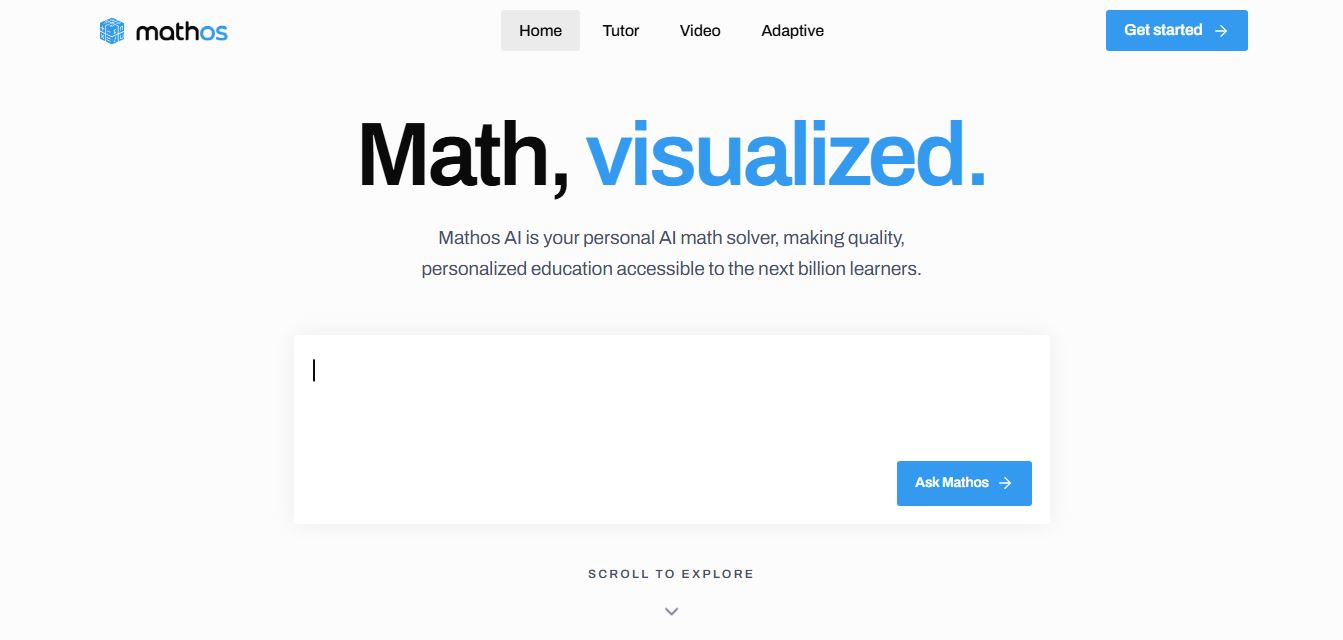
Mathos AI is an AI-powered math solver and tutor that helps students solve problems with step-by-step explanations and personalized guidance. It turns questions into lessons, generates quizzes, flashcards, and videos, and adapts to mistakes, enabling deeper understanding instead of just providing answers.
 4.8
4.8Brainly
Education
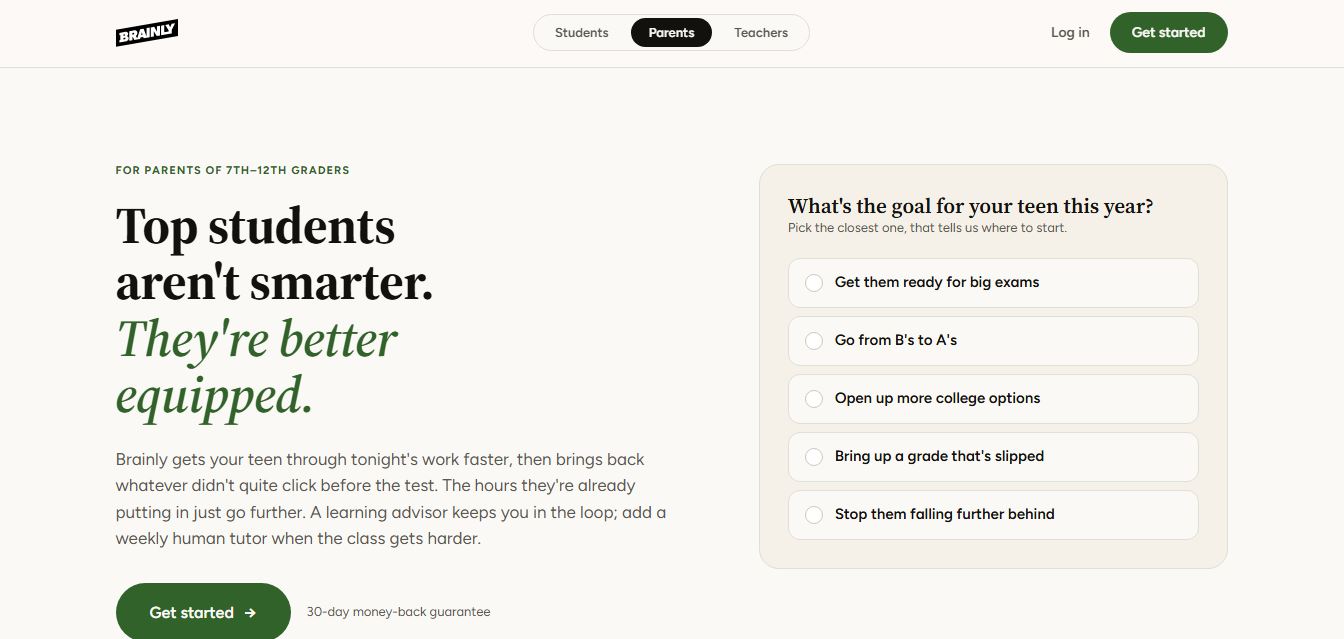
Brainly is an AI-powered learning platform that helps students solve homework, study concepts, and prepare for exams with step-by-step explanations. It combines AI guidance with a global community of experts, turning questions into personalized learning and helping students understand—not just complete—their schoolwork.
 4.8
4.8Gauth
Education
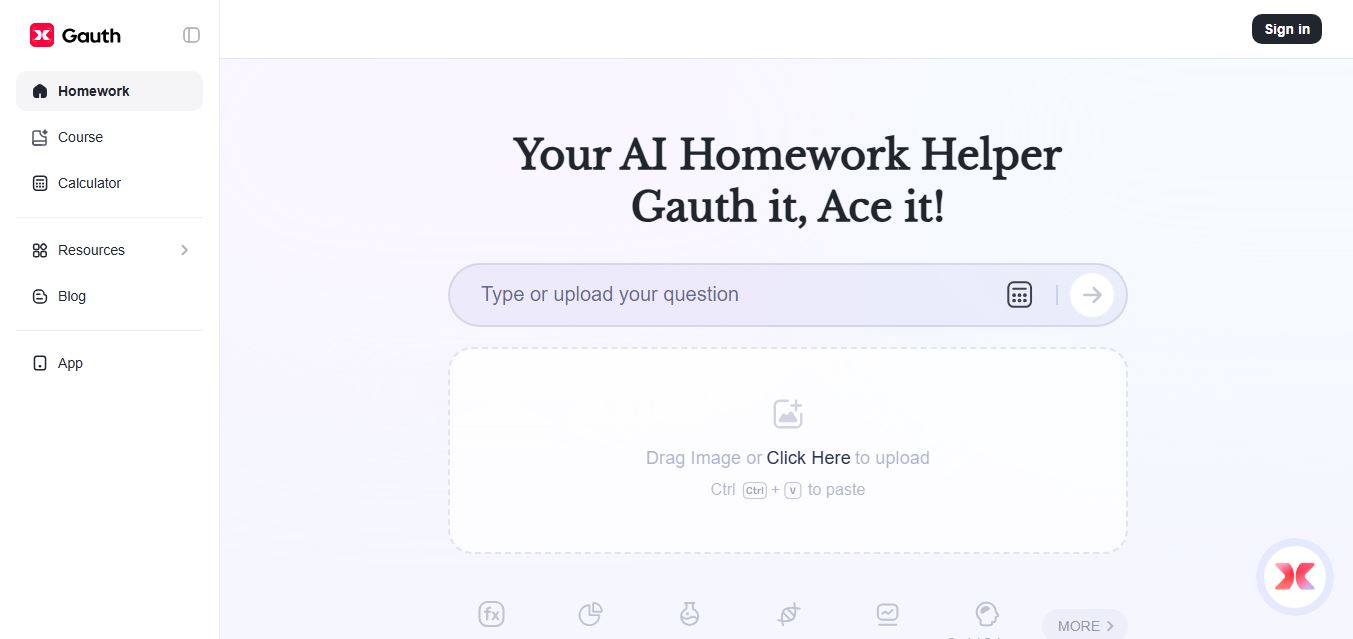
Gauth (formerly Gauthmath) is an AI-powered homework helper that lets students solve problems by typing or snapping a photo. It delivers step-by-step explanations across math and other subjects, combines AI with live tutor support, and helps users understand concepts, complete homework, and prepare for exams.
 4.7
4.7AI Math Solver
Education
AIMathSolve is an AI-powered math solver that helps users solve problems across algebra, calculus, geometry, and more using text or image input. It generates step-by-step explanations, recognizes handwritten equations, and improves understanding, making it useful for homework, learning, and exam preparation.