
FigEditor
FigEditor AI helps researchers create scientific illustrations, flowcharts, graphical abstracts, and academic diagrams from text prompts, sketches, or reference images. Its editing and vectorization features simplify visual revisions, while SVG and high-resolution PNG exports support different research workflows. It is useful for students, scientists, educators, and research professionals preparing visual materials.
What is FigEditor?
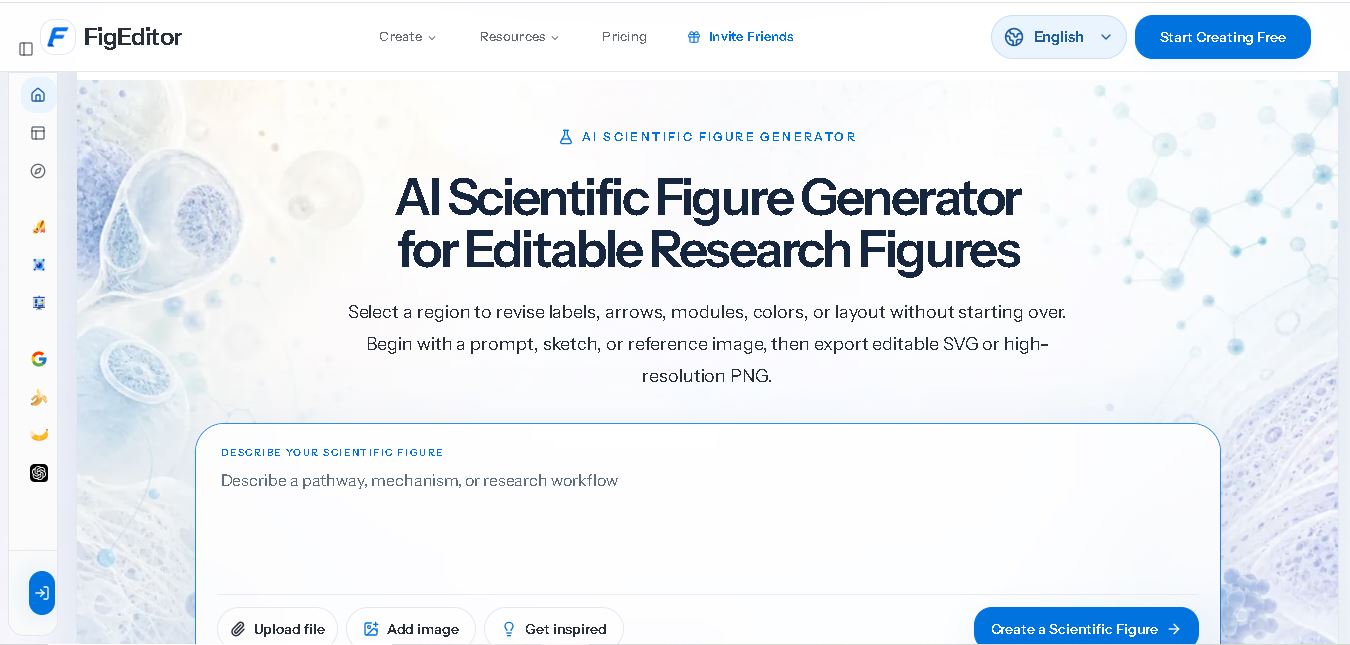
FigEditor AI is a scientific illustration and diagram creation tool that helps researchers transform complex ideas into clear, editable visuals. Users can generate figures from text prompts, hand-drawn sketches, or reference images and refine labels, arrows, colors, and layouts. It supports research diagrams, scientific illustrations, graphical abstracts, and posters, with export options including editable SVG and high-resolution PNG. Researchers can use it to prepare visuals for academic papers, presentations, and educational materials.
FigEditor AI specializes in scientific figure generation, editing, and vectorization for academic and research projects. It supports three primary starting methods: text prompts, sketches, and reference images. Users can refine individual visual elements and export figures as SVG or high-resolution PNG files. The website lists four one-time credit packages containing 225, 680, 2,020, and 4,520 credits, priced at $9.90, $29.90, $89, and $199, respectively. Credits do not expire, according to its pricing information.
- Platform Focus: AI scientific figure generation, graphical abstract creation, editable SVG vectorization, flowchart building, and research poster design
- Developer / Entity: FigEditor Product Team
- Launch Year: AI Scientific Illustration Platform
Use Cases:
- Generating structured scientific figures, biological pathways, and experimental workflows from text prompts
- Polishing hand-drawn whiteboard or notebook sketches into clean, publication-ready research graphics
- Creating graphical abstracts, scientific posters, journal covers, and conceptual frameworks for paper submissions
- Vectorizing flat raster graphics (PNG/JPG) into editable SVG files to modify labels, modules, and colors
- Building technical flowcharts, mind maps, heatmaps, and data visualization charts
Technology:
- Proprietary image model suite (Paper Banana, Nano Banana series, GPT Image 2) tailored for technical and biological diagram generation
- Regional selection and image-to-vector parsing algorithms rendering editable SVG layers
- Web-based interactive canvas supporting text-to-diagram, flowchart generation, and chart synthesis
Target Users:
- Academic researchers, professors, and PhD candidates submitting manuscripts to scientific journals
- Biomedical scientists, lab managers, and R&D teams preparing grant applications and posters
- Scientific communicators and journal editors creating graphical summaries
Corporate Entity: Operates as FigEditor / figeditor.ai

Key features of FigEditor
FigEditor's key features are
- Text to Figure: Describe a biological mechanism, chemical pathway, or experimental workflow to generate a structured visual draft.
- Sketch to Figure: Upload hand-drawn structure drafts or layout concepts and convert them into clean scientific figures.
- Reference to Figure: Guide composition, color palette, and visual density using existing reference graphics while inserting original research content.
- Figure Vectorizer & Editable SVG Export: Convert flat PNG or JPG images back into scalable, editable vector graphics.
- Regional Revision Workspace: Select specific diagram regions to revise arrows, text labels, modules, or colors without starting over.
- Specialized Academic Tools: Dedicated modules for Scientific Poster Maker, Graphical Abstract Maker, Journal Cover Maker, and Conceptual Frameworks.
FigEditor Pricing
FigEditor operates on a non-expiring credit pack pricing model with one-time payments for watermark-free downloads and advanced feature access.
Pay-As-You-Go Credit Packs:
- Credit Bundle Options (e.g., 680 Credits, 4,520 Credits) via one-time payments
- Credits never expire and include watermark-free high-resolution PNG exports, SVG vector downloads, advanced AI models, and poster/diagram workflows
Who is using FigEditor?
FigEditor is designed for scientific researchers and academic authors, including
- Academic Researchers & Faculty: Preparing journal figures for Nature, Science, Cell, and IEEE publication standards
- Graduate Students & Postdocs: Drafting graphical abstracts, thesis figures, and conference posters
- Biotech & Medical R&D Teams: Illustrating technical drug mechanisms and experimental procedures for grant proposals
Best FigEditor Alternatives
Some of the strongest FigEditor alternatives include
- BioRender
- Mind the Graph
- Bioicons
- EdrawMax
- Inkscape
- Mermaid.live
Pros and Cons of FigEditor
Pros
- Converts rough hand-drawn sketches and text prompts directly into clean scientific graphics
- Exports editable SVG vectors, allowing granular post-processing in Illustrator or PowerPoint
- Regional editing allows researchers to revise specific labels and arrows without re-generating the entire image
- Non-expiring credit model provides flexible usage without recurring monthly subscription lock-in
Cons
- AI-generated scientific figures require human verification to ensure biological and chemical accuracy
- Advanced generation tasks and high-resolution exports consume credit balances
- Lacks the pre-curated, peer-reviewed icon library found in legacy tools like BioRender
Why Choose FigEditor?
FigEditor is an ideal choice for scientific researchers who want an AI co-pilot that can rapidly convert text descriptions or hand sketches into publication-ready, editable vector figures without rebuilding graphics from scratch.
- Transforms research text prompts and rough sketches into structured figures
- Provides editable SVG exports for fine-tuning labels and layouts
- Supports specialized academic formats like graphical abstracts and scientific posters
- Offers transparent pay-as-you-go pricing with non-expiring credits
FigEditor vs. Competitors
The main difference between FigEditor, BioRender, and Mind the Graph is that FigEditor uses generative AI to turn sketches, prompts, and reference images into editable vector figures, whereas BioRender relies on a massive manual library of drag-and-drop icon templates, and Mind the Graph offers traditional infographic templates. FigEditor stands out for its generative sketch-to-figure pipeline and editable SVG vectorization.
| Feature / Tool | FigEditor (figeditor.ai) | BioRender | Mind the Graph | EdrawMax |
|---|---|---|---|---|
| Core Focus | AI Scientific Figure Generation & Sketch Vectorization | Drag-and-Drop Scientific Icon & Diagram Builder | Scientific Infographic & Graphical Abstract Templates | General Purpose Technical & Flowchart Diagramming |
| Generative AI (Text/Sketch to Figure) | Yes (AI Prompt & Sketch Conversion) | Limited (Template & Icon Library) | No (Manual Templates) | AI Diagramming Tools |
| Editable SVG Export | Yes (Full Vectorization) | Yes (Paid Tiers) | Yes (Paid Tiers) | Yes |
| Pricing Model | Pay-As-You-Go Credit Packs (Non-Expiring) | Monthly / Annual Subscriptions (~$35-$99+/mo) | Monthly / Annual Subscriptions (~$9-$15/mo) | Subscription / Perpetual License |
| Best For | Rapid Generation of Figures from Text/Sketches with SVG Editing | Standardized Peer-Reviewed Biological Illustrating | Budget-Conscious Infographic & Poster Creation | General Engineering & IT Process Flowcharts |
How do we rate FigEditor?
| Parameter | Rating (out of 5) |
|---|---|
| Generative AI & Sketch Recognition | 4.8 |
| SVG Vectorization & Editability | 4.9 |
| Academic Poster & Abstract Tool Suite | 4.7 |
| Ease of Use & Workspace UX | 4.8 |
| Value for Money | 4.8 |
| Overall Score | 4.80 |
FigEditor Review
FigEditor is a standout AI workspace for scientific visuals. By bridging generative AI with editable vector outputs, it solves one of the biggest headaches in scientific publishing: turning hand sketches and abstract concepts into clean, editable figures. Its regional revision canvas and flexible pay-as-you-go credit pricing make it an essential tool for modern scientific researchers.
Conclusion
FigEditor AI is a useful tool for researchers, students, and educators who want to create scientific illustrations, flowcharts, graphical abstracts, and academic diagrams more efficiently. Its text-to-figure generation, sketch conversion, editing capabilities, and SVG exports support flexible research workflows. Although the tool can simplify visual design, it cannot guarantee scientific accuracy. Review every generated figure carefully and check publication requirements before use. Overall, FigEditor AI can be a practical addition to your academic content creation toolkit.
FAQ
How can FigEditor AI help you create scientific figures?
FigEditor AI helps you transform complex research ideas into organized scientific visuals without designing every element manually. You can describe your experiment, mechanism, or workflow and generate an initial figure. Afterward, refine labels, arrows, colors, and layouts to create visuals suitable for research papers, presentations, posters, and academic projects.
Can you use FigEditor AI without graphic design experience?
Yes, FigEditor AI is suitable for beginners who need scientific illustrations but lack professional design skills. You can start with a text prompt, upload a rough sketch, or provide a reference image. The tool generates an initial visual that you can review and refine before incorporating it into your research materials.
What types of scientific figures can FigEditor AI generate?
FigEditor AI supports several research visualization needs, including scientific illustrations, experimental workflows, flowcharts, mechanism diagrams, graphical abstracts, and research posters. You can also create conceptual frameworks and architecture diagrams. These options help researchers explain complicated information visually, although specialized scientific content still requires careful verification before publication or presentation.
Can FigEditor AI convert sketches into professional scientific illustrations?
Yes, FigEditor AI can transform rough sketches into cleaner scientific illustrations. Upload a photograph of your notebook drawing or an early diagram and describe the intended structures, labels, and relationships. The generated result provides a starting point for further editing, helping you improve visual consistency without recreating the entire figure manually.
Does FigEditor AI support editable SVG and PNG exports?
Yes, FigEditor AI supports editable SVG files and high-resolution PNG exports. SVG is useful when you need scalable graphics and further editing in compatible applications, while PNG works well for presentations and documents. You should check the exported file's readability, dimensions, and resolution against your intended publication or presentation requirements.
Is FigEditor AI free to use?
FigEditor AI advertises free credits for getting started, alongside paid subscriptions and one-time credit packages. Its pricing page lists credit packs starting at $9.90 for 225 credits, with larger options available for more extensive projects. Check the official website for current offers, generation costs, and feature availability before purchasing credits.
User Reviews
No reviews yet for FigEditor.
Featured Tools
Featured AI tools from TechShark

Klap
Klap is an AI-powered video editing tool that turns long videos into engaging short clips for TikTok, Instagram Reels, and YouTube Shorts. It automatically finds the best moments, adds captions, and resizes videos, helping creators save time and create more content with less effort.
Free

Melody Genie
MelodyGenie is an AI-powered music generator that creates original songs from simple text prompts. Users can choose styles, moods, and genres, then instantly generate melodies and full tracks, making it easy for creators, marketers, and hobbyists to produce custom music without musical expertise.
Freemium

Fashion Diffusion AI
Fashion Diffusion is an AI-powered fashion design platform that helps brands and designers create clothing designs, virtual try-ons, AI models, product photos, and marketing visuals faster and cost-effectively.
Paid
Veo 4
Veo 4 AI is an AI video creation platform that generates dramatic videos from text, images, audio, and video prompts using realistic motion and synchronized sound.
Paid
Alternatives
Alternatives to FigEditor
The best FigEditor alternatives include BioRender, Mind the Graph, Bioicons, EdrawMax, Inkscape, and Mermaid.live. These platforms offer scientific diagramming, icon libraries, and vector graphics tools. While FigEditor specializes in an AI-powered workspace that turns prompts and rough sketches into editable SVG vector figures and graphical abstracts, alternatives like BioRender provide manual drag-and-drop peer-reviewed icon libraries.
 4.8
Summate.it
Research
Summate.it is a web-based AI article summarizer that helps users understand lengthy online content quickly. It extracts article text and uses OpenAI to generate concise summaries highlighting essential information. Students, researchers, marketers, and professionals can use it to review online articles efficiently, save reading time, and simplify everyday information gathering.
 4.9
Cradle
Research
Cradle helps biotechnology researchers design, engineer, and optimize proteins using artificial intelligence and laboratory data. Its capabilities include protein sequence generation, multi-property optimization, candidate scoring, and experimental learning. The platform supports pharmaceutical, agricultural, and industrial biotechnology research, helping scientific teams explore promising molecules while reducing unnecessary experimental cycles and improving research workflows.
 4.9
Iris.ai
Research
Iris.ai helps enterprises and research teams organize complex information, analyze scientific literature, and build AI workflows using organizational knowledge. Its solutions support document extraction, contextual search, data processing, and AI response evaluation. The platform is particularly relevant to research-intensive businesses seeking better information retrieval, reliable answers, and controlled enterprise AI applications.
 4.8
Lightmatter
Research
Lightmatter develops photonic computing technologies that help AI data centers connect processors and transfer information more efficiently. Its products include Passage optical interconnects, Guide light engines, and Envise photonic AI computing technology. The company aims to address bandwidth and power constraints affecting large-scale AI training, inference, and high-performance computing infrastructure.
 4.8
GoMim
Research
GoMim is an AI math solver that helps students understand mathematical concepts through step-by-step solutions. It supports typed questions, image uploads, and subjects including algebra, geometry, and calculus. With an interactive AI tutor, question history, and free and paid plans, GoMim makes homework assistance and independent study more accessible.
 4.8
AlphaResearch
Research
AlphaResearch helps investors, financial analysts, and corporate strategists research companies using financial documents, earnings transcripts, market data, and sentiment analysis. Its features include document search, filing alerts, stock screening, institutional ownership tracking, and research notes. The platform simplifies financial information discovery, helping users investigate companies and support informed investment research decisions.
 4.8
Gatsbi
Research
Gatsbi is an AI research assistant that helps researchers discover ideas, draft academic papers, review scientific literature, and prepare patent disclosures. It combines research discovery, manuscript generation, and evidence synthesis in one workflow. The tool is useful for academics, scientists, engineers, and innovation teams seeking to streamline complex research tasks.
 4.9
Metagene-1
Research
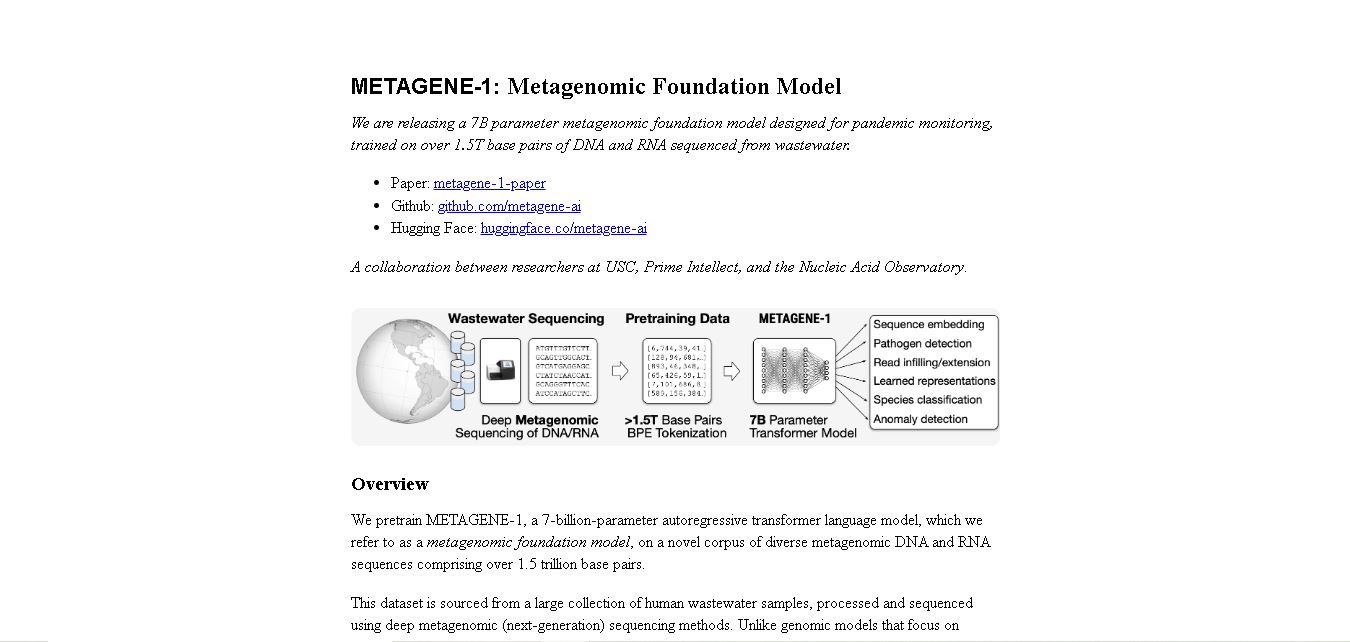
METAGENE-1 is a metagenomic foundation model designed to help researchers analyze DNA and RNA sequences. Trained on extensive wastewater sequencing data, it supports genomic embedding, pathogen detection research, biosurveillance, and pandemic monitoring. The model provides researchers with an AI-based approach to studying microbial diversity and identifying patterns in complex metagenomic datasets.
 4.8
WisPaper
Research
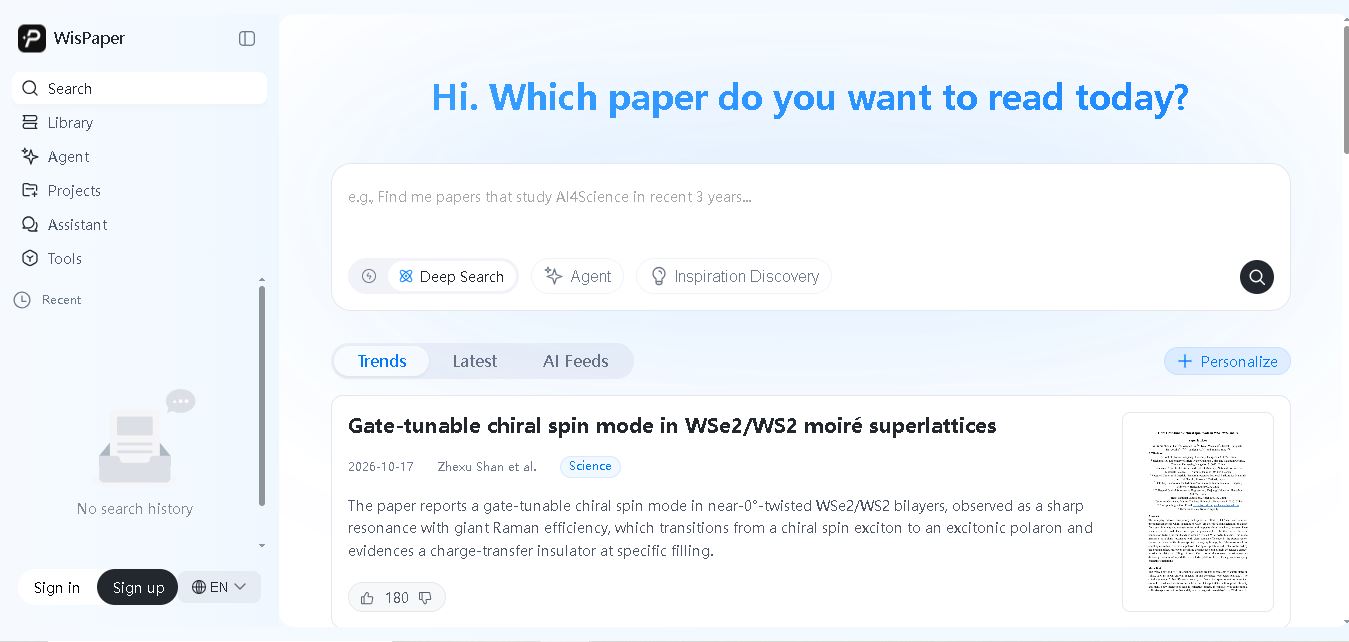
WisPaper AI helps students, academics, and researchers search scientific literature, explore research questions, and organize academic papers. Its features include AI-powered search, paper summaries, library-based question answering, research assistance, and personalized literature updates. It simplifies literature discovery and supports evidence-based research while allowing users to review sources and verify findings.