Adobe Illustrator
Adobe Illustrator is the industry-standard vector graphics software powered by Adobe Firefly AI. It enables designers to create scalable logos, icons, illustrations, typography, and complex graphics for print, web, interactive, and video.
What is Adobe Illustrator?
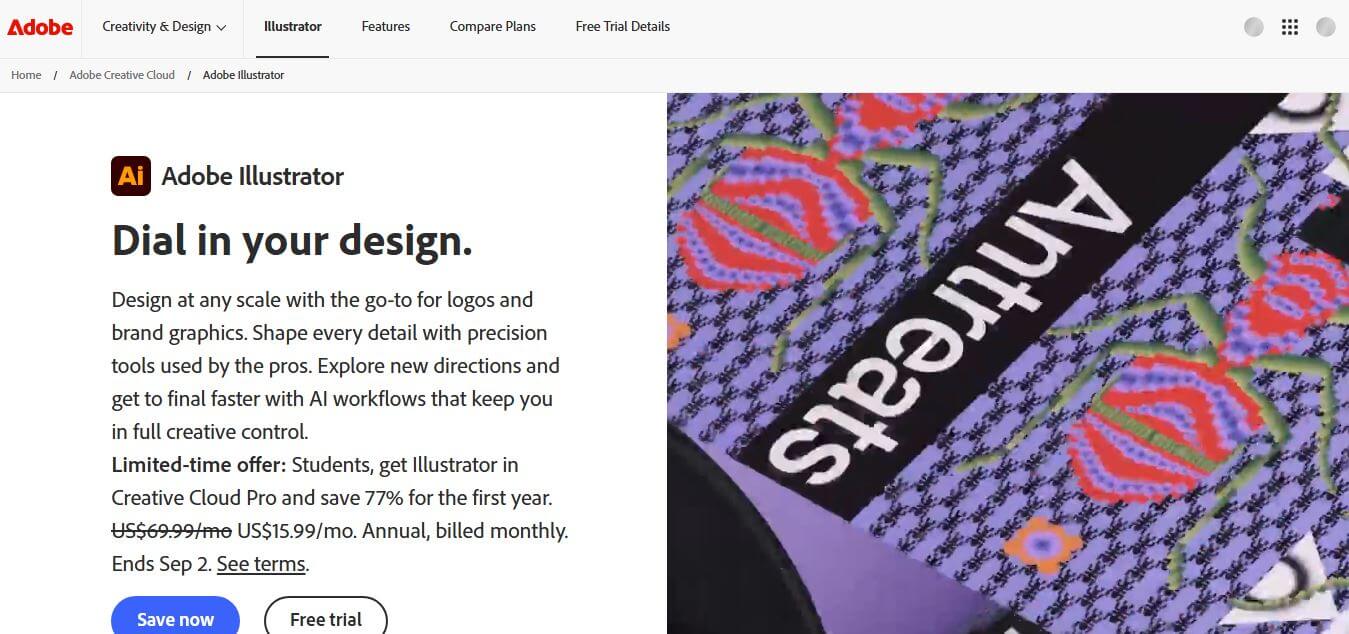
Adobe Illustrator is a leading vector graphics design software widely used by professionals for creating logos, illustrations, icons, typography, and complex artwork. Known for its precision and scalability, Illustrator allows users to design graphics that can be resized without losing quality, making it ideal for both digital and print projects. The tool offers a wide range of advanced features such as pen tools, shape builders, color controls, and AI-powered enhancements that streamline the creative process. Whether you are a beginner or an experienced designer, Illustrator provides flexibility and control to bring creative ideas to life. Its seamless integration with other Adobe Creative Cloud apps further enhances productivity and workflow efficiency.
Originally introduced in 1987 by Adobe Inc., Illustrator remains the global standard for professional graphic design and typography. With native integration of Adobe Firefly AI models, users can generate scalable SVG vectors, patterns, and shape fills in seconds while retaining complete anchor-point editability and seamless Creative Cloud ecosystem syncing.
- Developer: Adobe Inc.
- Launch Year: 1987 (Firefly AI Integration: 2023–2026)
- Use Cases:
- Designing scalable logos, icon sets, and corporate brand identities
- Creating custom vector illustrations, editorial artwork, and infographics
- Crafting typography, custom lettering, product packaging, and print collateral
- Generating editable vector patterns, shapes, and artwork from text prompts
- Technology:
- Adobe Firefly Vector AI Engine for text-to-vector graphic and pattern generation
- Precision Bezier curve engine with GPU-accelerated rendering
- Multi-platform sync via Creative Cloud Libraries and Cloud Documents
- Target Users:
- Graphic designers, brand identity strategists, and art directors
- Vector artists, digital illustrators, and UI/UX visual designers
- Packaging specialists, apparel designers, and typography creators
- Ecosystem: Integrates directly with Photoshop, InDesign, After Effects, Adobe Express, Adobe Fonts, and Adobe Stock via Creative Cloud.

Key features of Adobe Illustrator
Adobe Illustrator's key features are
- Text to Vector Graphic (Firefly AI): Generates clean, fully editable, resolution-independent vector subjects, scenes, and icons directly from natural language prompts.
- Generative Recolor & Shape Fill: Instantly recolors complex multi-layer artwork and populates custom vector shapes using AI prompt descriptors.
- Precision Vector & Bezier Editing: Features industry-leading Pen, Curvature, Pathfinder, and Shape Builder tools for granular geometric path manipulation.
- Advanced Typography Controls: Comprehensive font styling, variable font support, non-destructive path text, and deep integration with Adobe Fonts.
- Generative Expand & Text to Pattern: Expands existing canvas artwork seamlessly and creates repeating vector pattern tiles on demand.
- Multi-Device & Web Support: Offers fully synced workspaces across desktop (macOS/Windows), stylus-friendly iPad apps, and light web browser editing.
Adobe Illustrator Pricing
Adobe Illustrator is available via monthly or annual subscription plans and includes a 7-day free trial.
7-Day Free Trial:
- $0 for 7 days
- Full access to desktop, iPad, and web applications with trial Firefly generative credits
Illustrator Single App Plan:
- $22.99/month (annual commitment, billed monthly) or $34.49/month (month-to-month)
- Includes Illustrator on desktop & iPad, 100GB cloud storage, Adobe Fonts, Adobe Portfolio, and 25 monthly Firefly credits
Creative Cloud All Apps Plan:
- From $59.99 to $69.99/month
- Includes Illustrator alongside 20+ creative apps (Photoshop, InDesign, After Effects) and higher generative credit limits
Disclaimer: For the latest and most accurate pricing information, please visit the official Adobe Illustrator AI website.
Is Adobe Illustrator Worth It?
Adobe Illustrator is undeniably worth it for professional graphic designers, branding agencies, and illustrators who require production-ready vector graphics. Its deep integration with Adobe Firefly generative AI accelerates concept exploration while maintaining complete anchor-point precision that no simple visual tool can match.
Real-World Use Cases
- Corporate Identity Systems: Agencies build scalable corporate logos, style guides, and brand asset libraries that scale infinitely without pixelation.
- Commercial Product Packaging: Packaging specialists design precise print dielines, labels, and typography layouts ready for commercial manufacturing.
- Digital Illustration & Editorial Artwork: Artists craft complex visual stories, editorial graphics, and infographics with custom brushes and generative fills.
- Textile & Pattern Design: Fashion designers create seamless repeating vector patterns and technical garment sketches using Text to Pattern tools.
Who is using Adobe Illustrator?
Adobe Illustrator is designed for a broad range of visual professionals, including
- Brand & Graphic Designers: Professionals building vector brand systems, marketing collateral, and typography
- Digital Illustrators & Concept Artists: Visual artists producing vector artwork, icons, and detailed editorial graphics
- Packaging & Merchandise Creators: Product designers building print-ready dielines and merchandise graphics
- UI/UX Designers: Digital specialists creating scalable SVG icons and crisp design components
Best Adobe Illustrator Alternatives
Some of the strongest Adobe Illustrator alternatives include
- Affinity Designer
- CorelDRAW
- Inkscape
- Figma
- Linearity Curve (formerly Vectornator)
Pros and Cons of Adobe Illustrator
Pros
- Industry-standard Bezier path editing and precision vector tools
- Native Firefly AI generates clean, node-editable vector objects rather than flat rasters
- Unmatched integration with Creative Cloud applications like Photoshop and InDesign
- Comprehensive typography controls and access to the full Adobe Fonts library
- Multi-device workflow supporting desktop, iPad stylus integration, and web environments
Cons
- Subscription-only pricing without a perpetual one-time purchase option
- Steep learning curve for beginner creators mastering path tools and Bezier curves
- Can be resource-intensive when working with complex, multi-artboard documents
Why Choose Adobe Illustrator?
Adobe Illustrator remains the premier choice in vector design because it bridges classic graphic design precision with cutting-edge AI features. Unlike raster generative tools, Illustrator's Firefly features output fully editable path geometry, preserving complete creative control for production work.
- Produces clean, scalable vector paths with customizable anchor points
- Accelerates palette exploration and shape generation via natural language AI prompts
- Offers complete CMYK print prepress color control and optimized SVG exports
- Protects commercial projects with Firefly's commercially safe AI model training framework
How Adobe Illustrator Works
- Setup Artboard: Choose project dimensions, target output (print CMYK or web RGB), and artboard orientation.
- Draft & Prompt: Use standard Pen and Shape tools or enter text prompts into the Text to Vector panel to generate base graphics.
- Edit & Refine: Manipulate anchor points, adjust stroke weights, apply generative recolor, and organize layers.
- Export & Share: Export clean vector files in AI, SVG, EPS, or PDF formats, or sync directly to Creative Cloud Libraries.
Adobe Illustrator vs. Competitors
The main difference between Adobe Illustrator, Affinity Designer, and CorelDRAW is Illustrator's deep Creative Cloud ecosystem integration and native vector-aware Firefly generative AI. While Affinity Designer provides a popular one-time purchase model and CorelDRAW excels in specialized signmaking prepress, Illustrator offers the widest industry adoption, typography control, and AI vector features.
| Feature | Adobe Illustrator | Affinity Designer | CorelDRAW |
|---|---|---|---|
| Primary Focus | Vector Graphics & Generative AI | Pro Vector & Raster Design | Vector Graphics & Prepress |
| Licensing Model | Subscription Only | One-Time Purchase | Subscription or Perpetual |
| Generative Vector AI | Native (Firefly Model) | None | Basic Bitmap Tracing AI |
| Ecosystem Sync | Full Creative Cloud Suite | Affinity Suite Sync | Corel Ecosystem |
| Starting Price | From $22.99/month | ~$69.99 one-time | From $22.42/month |
How do we rate Adobe Illustrator?
| Parameter | Rating (out of 5) |
|---|---|
| Ease of Use | 4.4 |
| Vector Precision | 4.9 |
| Feature Set & AI Tools | 4.9 |
| Value for Money | 4.6 |
| Ecosystem Integration | 5.0 |
| Overall Score | 4.8 |
Adobe Illustrator Review
Adobe Illustrator continues to be one of the most trusted and widely used tools for vector graphic design, especially among professionals. Its biggest strength lies in precision and scalability—designers can create artwork that remains sharp at any size, which is essential for logos, branding, and print materials. Users consistently praise its powerful tools like the Pen tool, Shape Builder, and advanced color controls, which allow for highly detailed and creative work.
Another major advantage is its seamless integration with other Adobe Creative Cloud applications, making workflows smoother for designers working across multiple platforms. Many professionals also appreciate the constant updates and new AI-powered features that help speed up repetitive tasks and improve productivity.
However, Illustrator is not without its drawbacks. One of the most common concerns is its steep learning curve, which can make it difficult for beginners to get started. Additionally, the subscription-based pricing can feel expensive, especially for freelancers or students. Performance issues, such as lag when working with complex files, are also occasionally reported.
Overall, Adobe Illustrator is a powerful, feature-rich tool that delivers professional-grade results. While it requires time and investment to master, it remains the industry standard for high-quality vector design and is well worth it for serious designers.
Conclusion
Adobe Illustrator remains one of the most powerful and reliable tools for vector graphic design. Its advanced features, precision, and seamless integration with the Creative Cloud ecosystem make it a top choice for professionals across industries. Whether creating simple icons or complex illustrations, it provides the flexibility and control needed for high-quality results. With continuous updates and AI-driven improvements, Illustrator continues to evolve, helping designers work faster, smarter, and more creatively in an ever-changing digital landscap.
FAQ
What is Adobe Illustrator, and how does Adobe Illustrator help designers?
Adobe Illustrator is a professional vector graphics design software used to create logos, icons, illustrations, and complex artwork. It helps designers turn ideas into scalable visuals that maintain quality at any size, whether for social media posts or large billboards. Adobe Illustrator gives full creative control with precise tools, making it a go-to choice for both beginners and professionals.
What makes Adobe Illustrator different from other design tools?
Adobe Illustrator stands out because it works with vector graphics instead of pixels. This means designs can be resized infinitely without losing quality, unlike raster-based tools. Designers prefer Adobe Illustrator when they need sharp, flexible graphics that work across print, web, and digital platforms.
What kind of projects can Adobe Illustrator be used for?
Adobe Illustrator can be used for a wide range of creative projects such as logo design, branding, marketing materials, packaging, typography, and illustrations. It allows users to create artwork that can be applied anywhere—from business cards to billboards—while maintaining perfect clarity and consistency.
How does Adobe Illustrator use AI features?
Adobe Illustrator includes advanced AI-powered features such as Generative Shape Fill, Concept to Vector, and Generative Expand. These tools help users convert rough sketches into polished designs, experiment with styles, and expand artwork quickly, which significantly speeds up the creative process.
Is Adobe Illustrator suitable for beginners as well as professionals?
Adobe Illustrator is designed for both beginners and experienced designers. Beginners benefit from templates, tutorials, and intuitive tools, while professionals rely on its precision, flexibility, and advanced features to create high-quality designs. This balance makes Adobe Illustrator one of the most widely used design tools globally.
Is Adobe Illustrator free or paid?
Adobe Illustrator is a paid software available through a subscription model, but it offers a free trial for new users. Pricing typically starts on a monthly plan, and users also get access to additional features like cloud storage, fonts, and templates as part of the Adobe Creative Cloud ecosystem.
User Reviews
No reviews yet for Adobe Illustrator.
Featured Tools
Featured AI tools from TechShark

Melody Genie
MelodyGenie is an AI-powered music generator that creates original songs from simple text prompts. Users can choose styles, moods, and genres, then instantly generate melodies and full tracks, making it easy for creators, marketers, and hobbyists to produce custom music without musical expertise.
Freemium

Kimi AI
Kimi AI is an advanced AI assistant developed by Moonshot AI that helps you chat, research, write, code, and automate tasks in one place. It supports web search, file analysis, and multimodal inputs, and can even run autonomous “agent” workflows to complete complex tasks end-to-end.
Freemium

Fashion Diffusion AI
Fashion Diffusion is an AI-powered fashion design platform that helps brands and designers create clothing designs, virtual try-ons, AI models, product photos, and marketing visuals faster and cost-effectively.
Paid

Veo 4
Veo 4 AI is an AI video creation platform that generates dramatic videos from text, images, audio, and video prompts using realistic motion and synchronized sound.
Paid
Alternatives
Alternatives to Adobe Illustrator
The best Adobe Illustrator alternatives include Affinity Designer, CorelDRAW, Inkscape, Figma, and Linearity Curve. Affinity Designer offers a popular one-time purchase option for vector illustration. CorelDRAW excels at technical vector layouts and signmaking prepress. Inkscape provides a free open-source vector editor, while Figma serves as a premier tool for digital interface and SVG component design.
 4.7
4.7Flux.ai
Design
Flux AI is an AI-powered electronics design platform that helps engineers create schematics, design printed circuit boards (PCBs), select components, and optimize routing. Its browser-based workspace supports real-time collaboration, design validation, and manufacturing exports, making hardware development more accessible for individuals, startups, and engineering teams.
 4.8
4.8Repaint
Design
Repaint helps entrepreneurs and small businesses build websites, online stores, booking systems, and custom web applications using AI chat. Users can generate designs, edit content, manage customer accounts, accept payments, and organize business data without traditional coding. It offers subscription plans with different usage limits and business management capabilities.
 4.8
4.8SWAPP
Design
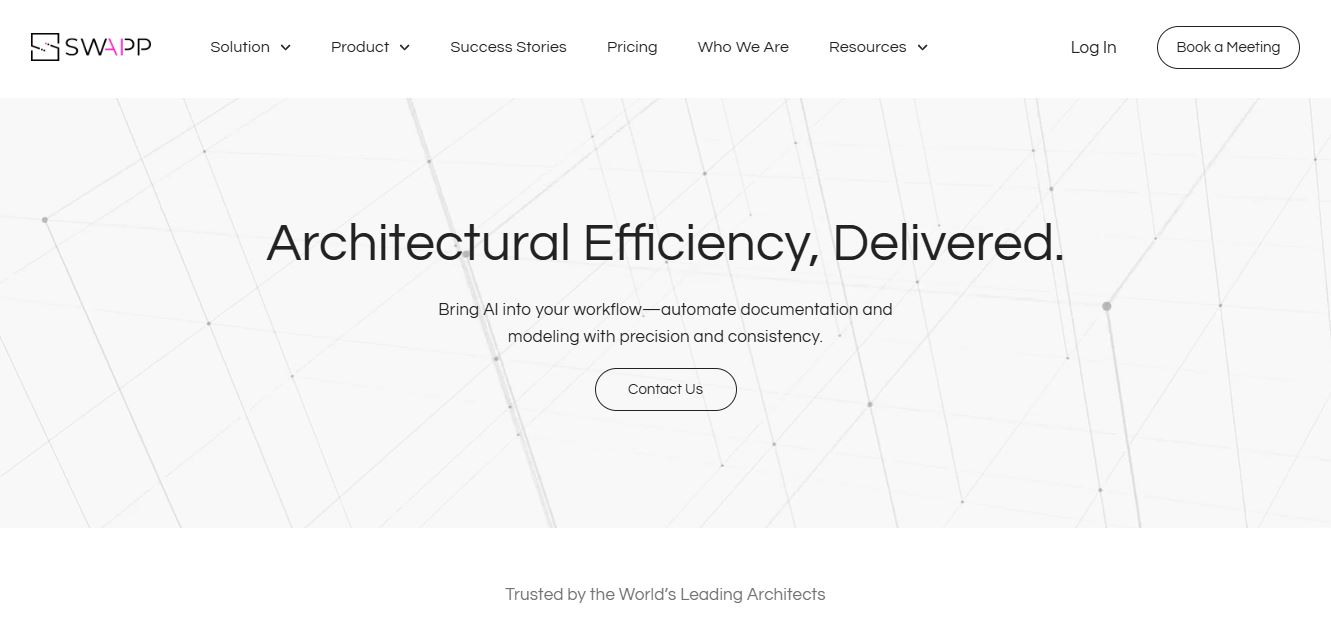
SWAPP helps architecture firms automate construction documentation, BIM modeling, and QA work inside Revit and ArchiCAD. Its Frank agent applies firm-specific standards to repetitive production tasks, while workflow memory preserves organizational knowledge. The platform is suited to teams seeking faster delivery, consistency, and less manual production effort across complex projects.
 4.9
4.9Adobe Stock
Design
Adobe Stock is a creative asset marketplace that helps designers and businesses access millions of royalty-free images, videos, templates, and 3D assets. It integrates with Adobe Creative Cloud, enabling users to search, customize, and license high-quality visuals quickly for marketing, design, and content creation.
 4.9
4.9Yellow Images
Design
Yellow Images is a digital marketplace that helps designers create branding and marketing visuals using high-quality mockups, fonts, PNGs, and graphic assets. It offers a large library of ready-to-use creative resources, enabling faster design workflows for agencies, freelancers, and ecommerce businesses.
 4.9
4.9Placeit
Design
Placeit is a browser-based design platform that helps creators and businesses generate mockups, logos, videos, and marketing visuals using ready-made templates. It allows users to quickly customize designs and download professional assets, making it ideal for ecommerce, social media, and branding without advanced design skills.
 4.8
4.8Figma AI
Design
Figma AI brings generative and assistive tools directly into Figma workflows, helping designers move from ideas to editable designs, visuals, prototypes, and production-ready experiences faster. Users can generate concepts, edit images, search files, automate repetitive work, and collaborate with teammates while keeping creative exploration inside the familiar Figma design environment.
 4.7
4.7PageGPT
Design
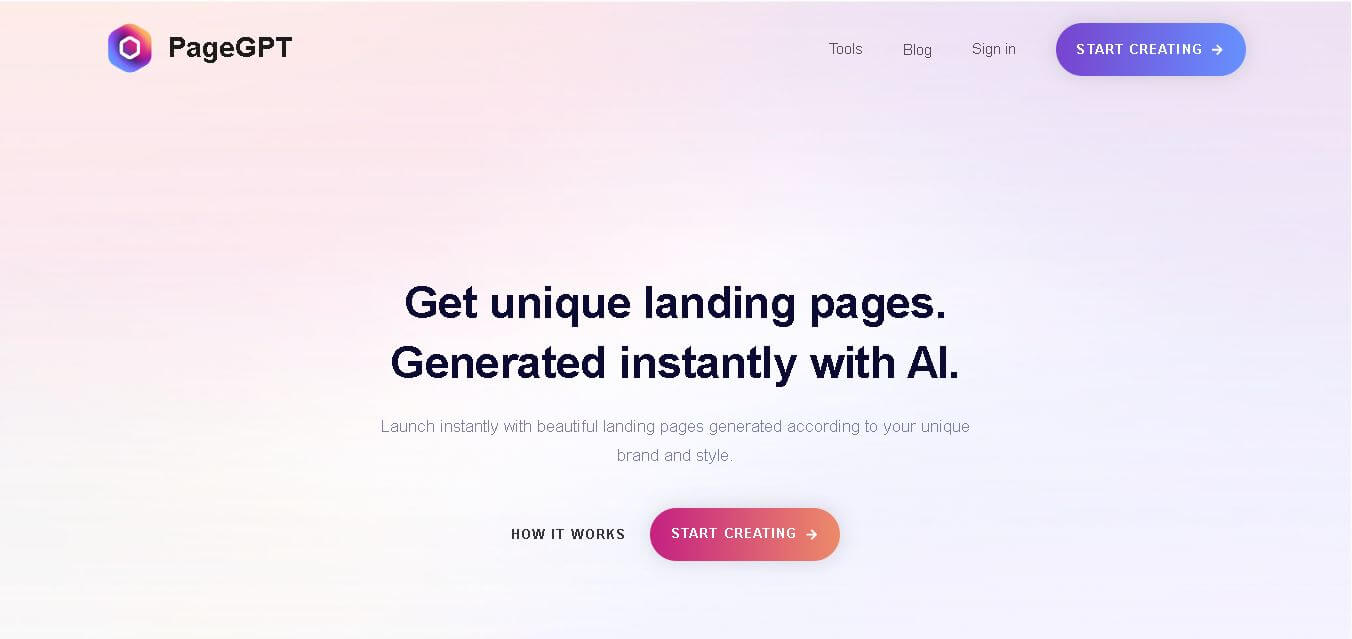
PageGPT helps businesses, creators, marketers, and entrepreneurs create customized landing pages and websites with AI. Users can describe their product and preferred style, generate designs with copy and images, then refine the result through chat or drag-and-drop editing. It also supports responsive pages, custom effects, and publishing options.
 4.8
4.8Locofy.ai
Design
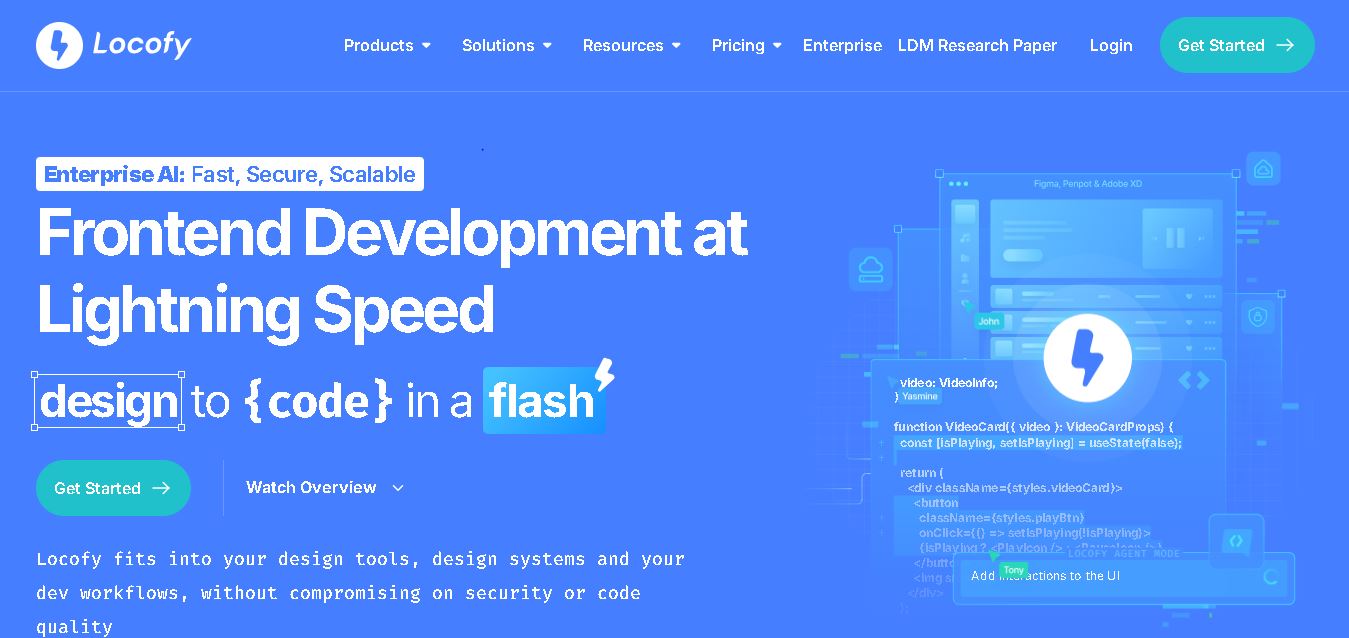
Locofy helps teams transform UI designs into developer-friendly frontend code without rebuilding interfaces manually. It supports popular design tools, web and mobile frameworks, responsive layouts, reusable components, and AI-assisted refinement. Designers can prepare screens while developers customize, export, synchronize, and continue development within familiar workflows and coding environments for teams.