Discover the best AI tools
Browse, compare, and filter AI tools by category, price, rating, and workflow fit so you can build the right AI stack faster.
 4.8
4.8superReply
Email Assistant
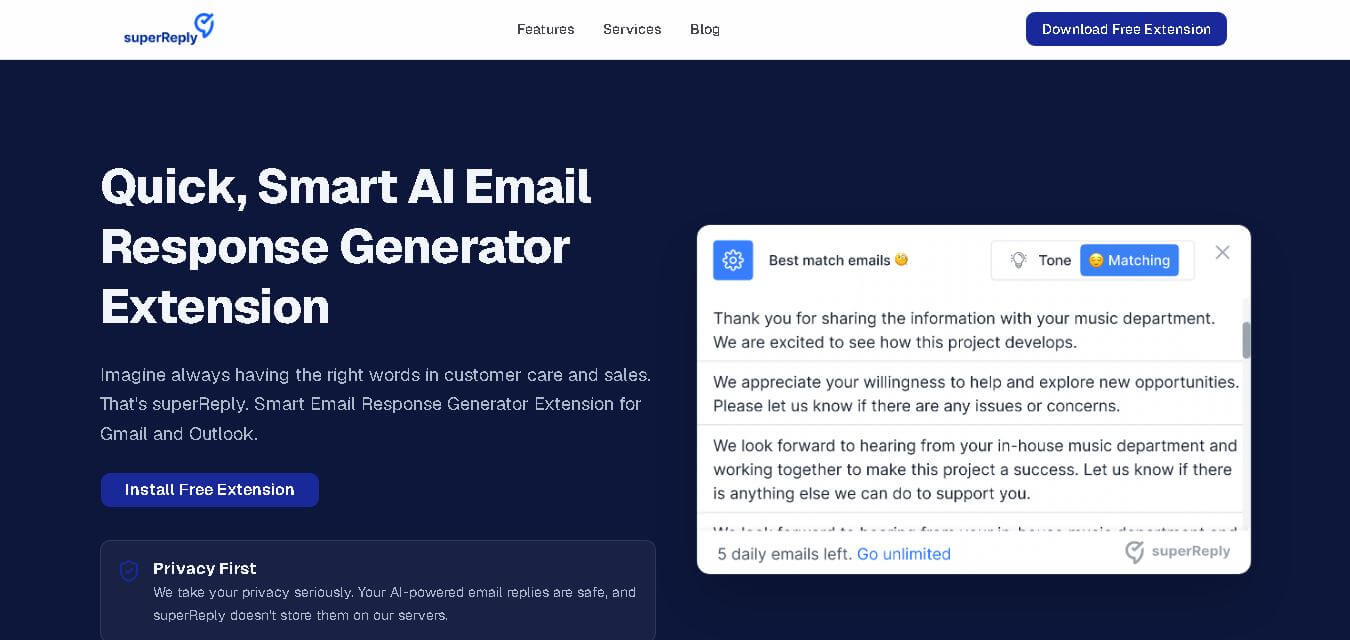
SuperReply helps you write better email responses with contextual AI suggestions, customizable tones, and one-click reply generation. Designed for Gmail and Outlook users, it can reduce writing time while keeping communication professional and personalized. Its free plan provides up to 90 replies monthly, making it useful for individuals and growing teams.
FreemiumView tool
 4.8
4.8Typegrow
Social Media
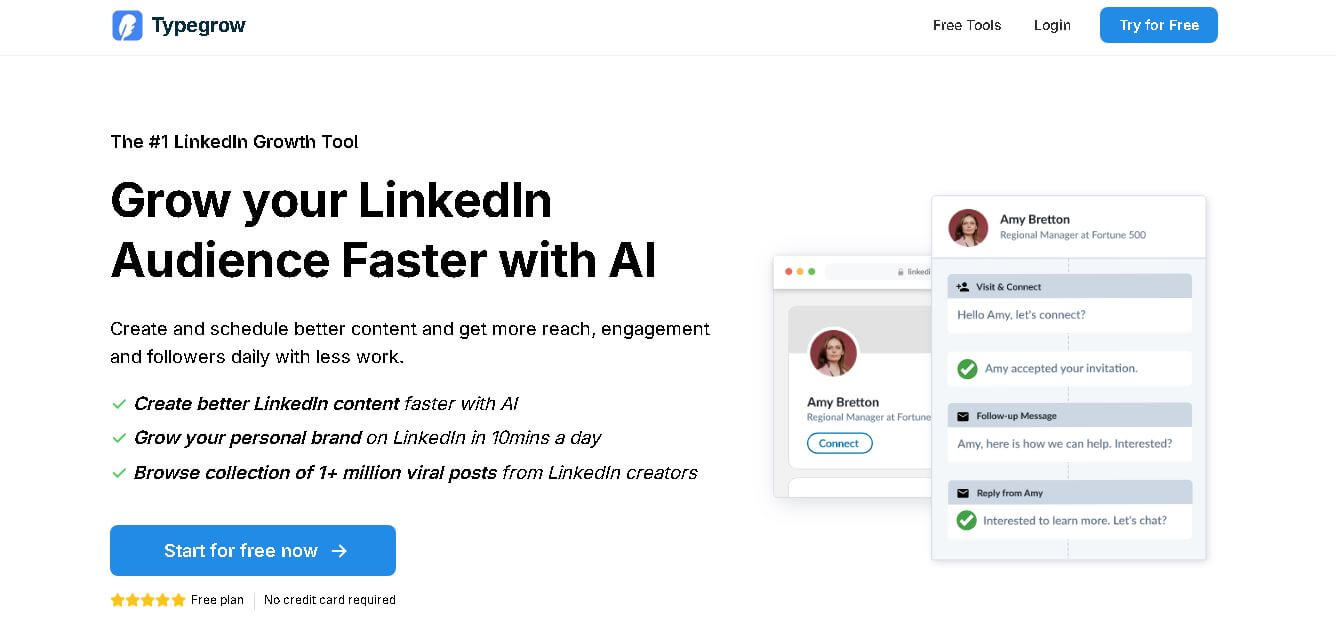
Typegrow helps professionals, creators, businesses, and agencies grow on LinkedIn by simplifying content creation and scheduling. Its toolkit includes AI-assisted post writing, carousel creation, hook generation, formatting, previews, and access to viral LinkedIn content. Users can create consistently, schedule posts, and develop their personal brand with less effort.
FreemiumView tool
 4.8
4.8Funy AI
Art
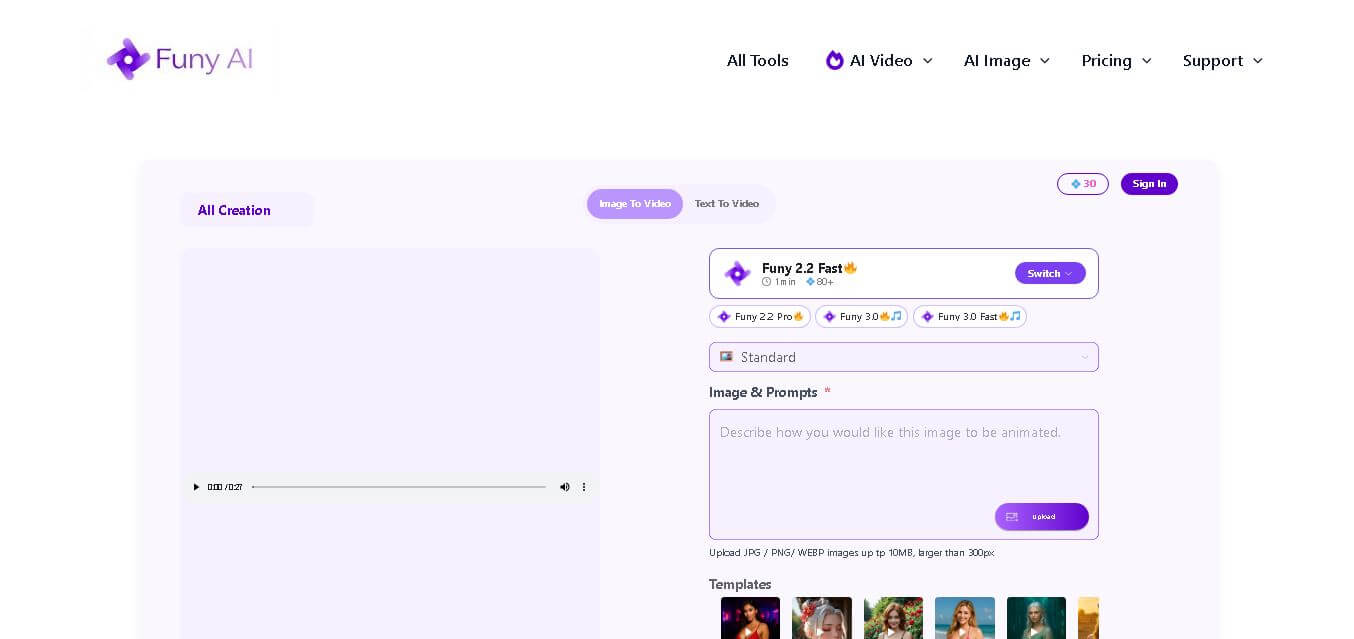
Funy AI brings multiple creative tools into one place for generating, editing, enhancing, and transforming visual content. Users can create videos from text or images, generate artwork, improve photo quality, remove backgrounds, and experiment with creative effects. Its simple interface and no-sign-up access make experimentation convenient for beginners and creators.
FreemiumView tool
 4.7
4.7TYPPO
Video Generator
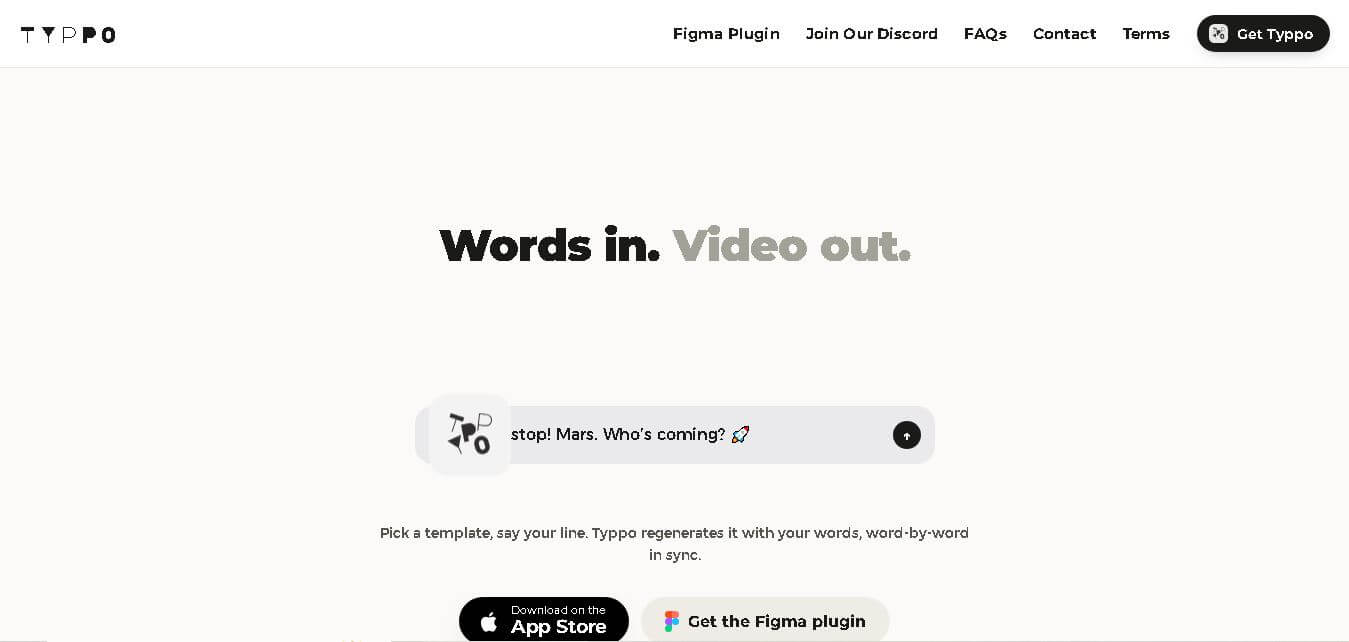
Typpo turns spoken words into animated videos without requiring design skills. Record a message, let the app transform your voice into motion graphics, and share the result on mobile-focused social channels. It supports multiple languages and offers a simple workflow for creators, marketers, communicators, and anyone wanting faster visual content creation.
FreeView tool
 4.6
4.6Mexty AI
Education
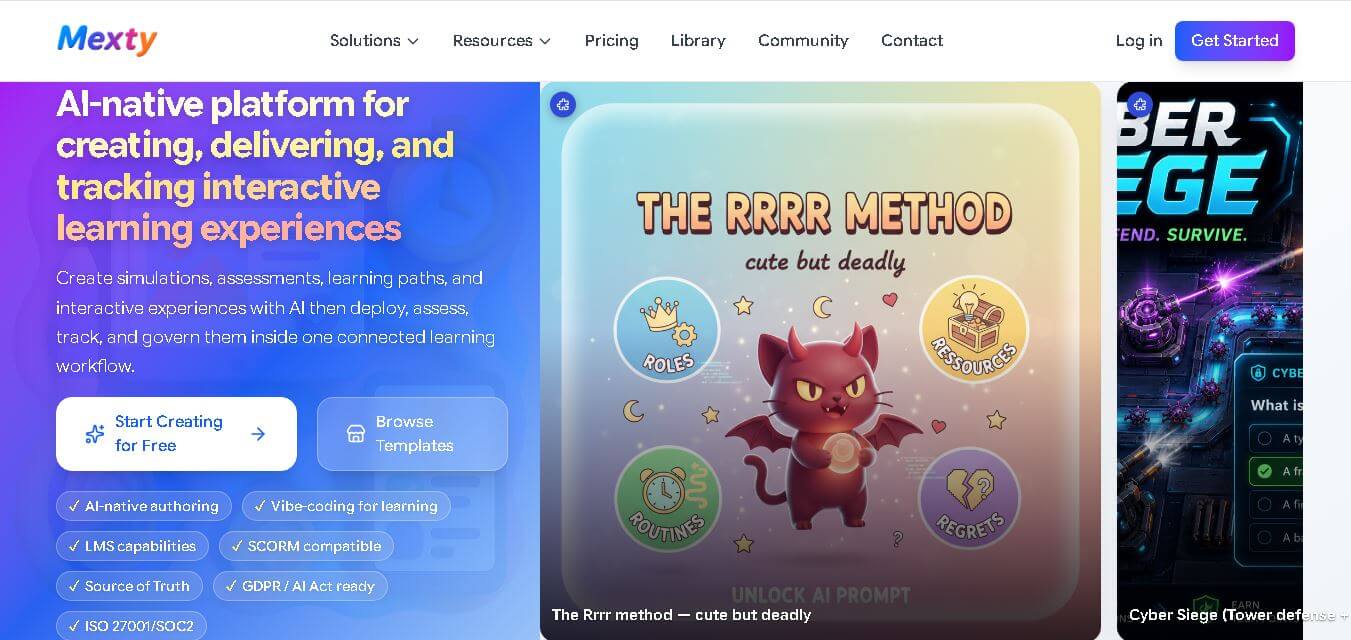
Mexty helps educators, instructional designers, trainers, and learning teams create interactive courses, assessments, simulations, and learning paths. Its AI-assisted workflow supports no-code creation, content editing, analytics, learner tracking, and SCORM export, making it easier to move from an initial learning idea to a complete, engaging experience.
FreemiumView tool
 4.8
4.8AI Coustics
Audio Editing
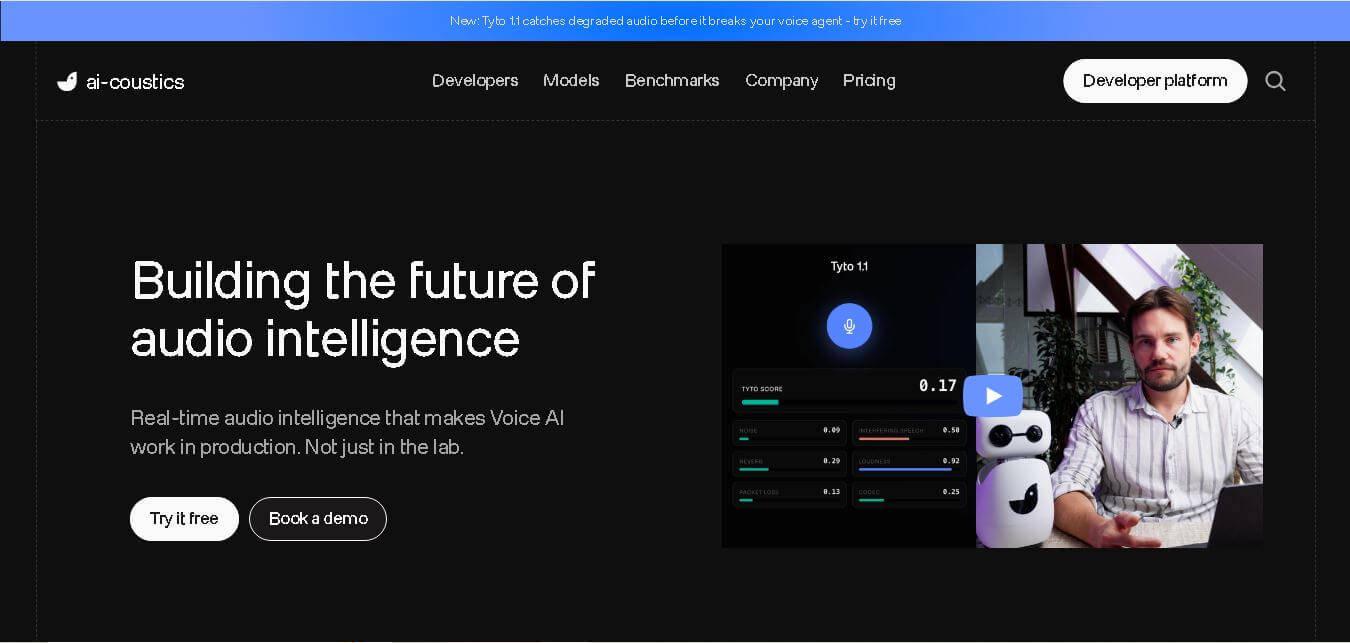
AI Coustics is an AI-powered audio intelligence platform that helps developers improve speech quality for voice AI systems. It enhances, isolates, and analyzes audio in real time, reducing noise and errors, so tools like speech recognition and voice agents perform reliably in real-world conditions.
FreemiumView tool
 4.7
4.7AutoPod
Video Editing
AutoPod is a video podcast editing tool that automates multi-camera editing, social clip creation, and jump cuts. Designed for editors and content creators, it works with Adobe Premiere Pro and supports up to 10 cameras and microphones, helping reduce repetitive editing work and speed up weekly podcast production.
PaidView tool