
Typegrow
Typegrow helps professionals, creators, businesses, and agencies grow on LinkedIn by simplifying content creation and scheduling. Its toolkit includes AI-assisted post writing, carousel creation, hook generation, formatting, previews, and access to viral LinkedIn content. Users can create consistently, schedule posts, and develop their personal brand with less effort.
What is Typegrow?
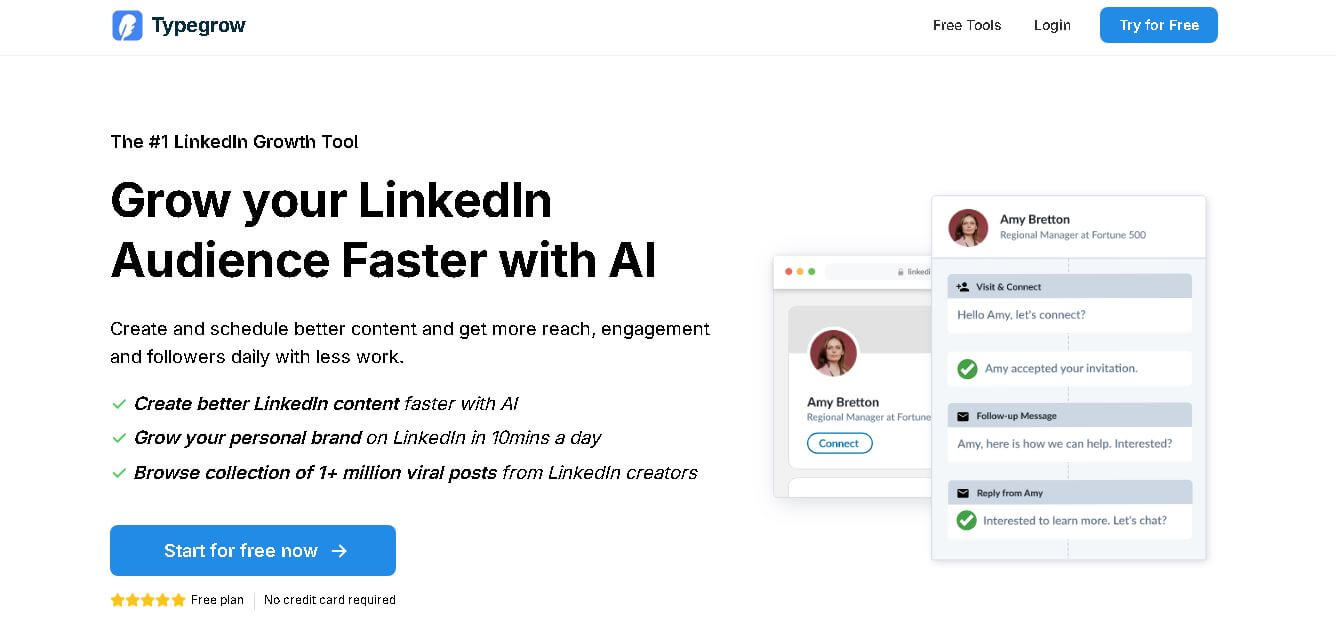
Typegrow is a LinkedIn growth tool designed to help creators, professionals, companies, and agencies create, schedule, and improve LinkedIn content. It combines an AI writing assistant, post scheduler, carousel maker, hook generator, post preview, and viral-post library. Users can streamline content creation while building a stronger LinkedIn presence with less daily effort.
Typegrow reports helping 16,000+ creators grow their LinkedIn audiences and provides access to a library containing 1+ million viral LinkedIn posts. Its free tools include post generation, carousel creation, text formatting, post previews, headline generation, hashtag generation, and character counting. LinkedIn posts can contain up to 3,000 characters, while Typegrow scheduling supports posts up to 50 days ahead. The platform currently promotes a free plan with no credit card required for starting.
- Platform Role: LinkedIn AI Writer, Content Scheduler & PDF Carousel Generator
- Developer & Organization: Typegrow
- Cross-Platform Access: Web Browser (Desktop and Mobile Web) connected directly via official LinkedIn API
Use Cases:
- Generating high-converting LinkedIn post drafts, attention-grabbing hooks, and structured outlines using AI prompts
- Designing and exporting high-resolution PDF document carousels with custom layouts, branding, and slide formatting
- Scheduling posts and multi-slide carousels to auto-publish at optimal audience engagement times
- Researching content inspiration, structural patterns, and viral hooks across a curated library of over 1 million viral LinkedIn posts
- Previewing exact text formatting, bolding, italics, and line breaks before publishing to eliminate feed formatting errors
Technology:
- Large Language Models (LLMs) fine-tuned for professional LinkedIn copy, scroll-stopping hooks, and call-to-action (CTA) generation
- Official LinkedIn REST API integration ensuring account safety without risking browser extension or automation bans
- Interactive Canvas/PDF rendering engine for instant drag-and-drop carousel slide design and vector PDF generation
- Real-time feed preview engine rendering accurate desktop and mobile LinkedIn post layouts
Target Users:
- Founders, CEOs, and executives building personal authority and thought leadership on LinkedIn
- B2B marketers, copywriters, and content strategists maintaining consistent posting schedules
- Growth agencies and consultants managing multi-account LinkedIn content calendars for clients
- Freelancers and job seekers looking to optimize their professional profile and outreach visibility
Acquisition: Independent SaaS platform operating via web application (typegrow.com)

What are the key features of Typegrow?
Typegrow's key platform features are
- AI Post & Hook Generator: Instantly drafts context-rich posts, compelling opening lines (hooks), and relevant hashtags optimized for LinkedIn's algorithm.
- Built-in Carousel Maker: Design slide-based PDF carousels with customizable brand colors, typography, templates, and layouts directly inside the browser.
- Automated Post Scheduler: Queue text posts, single images, and PDF carousels to publish automatically to personal profiles and company pages.
- 1M+ Viral Post Library: Explore a searchable database of top-performing viral LinkedIn posts to analyze successful content structures and topics.
- LinkedIn Text Formatter & Preview: Apply custom bolding, bulleting, and special characters, then preview exact visual rendering across desktop and mobile screens.
- Free Public Micro-Tools: Offers standalone free web utilities, including a LinkedIn Headline Generator, Video Downloader, and Formatting tool.
How much does Typegrow cost?
Typegrow operates on a freemium model with a free tier for basic usage and a straightforward Pro subscription tier for unlimited access.
Free Plan:
- $0 / Free Plan: Basic AI generation credits, access to free web utilities, basic carousel creator, and single personal profile scheduling.
Paid Pro Tier:
- Pro Plan ($29/month or $20/month billed annually at $240/yr): Unlocks unlimited AI post generation, full 1M+ viral post library access, advanced carousel templates, priority support, and LinkedIn Company Page posting.
Disclaimer: Free users receive access to core utilities with usage limits. Full feature access, company page support, and unlimited post generation require a Pro plan subscription.
Who should use Typegrow?
Typegrow is designed for creators, marketers, and businesses building personal brands on LinkedIn, including
- Solopreneurs & Founders: Business leaders needing an all-in-one system to draft, design, and schedule LinkedIn posts in minutes per day.
- Content Marketers & Copywriters: Professionals looking for AI writing assistance and structural inspiration from real viral posts.
- Marketing Agencies: Teams managing client LinkedIn presences with rapid carousel creation and official API publishing.
What are the best alternatives to Typegrow?
Some of the strongest Typegrow alternatives include
What are the pros and cons of Typegrow?
What are the pros of Typegrow?
- All-in-one platform integrating writing, carousel design, scheduling, and inspiration into one workflow
- Uses official LinkedIn API connection, protecting user accounts from automation flag risks
- A massive database of 1M+ viral posts offers actionable inspiration and pattern analysis
- Affordable pricing tier compared to heavier enterprise LinkedIn suites like Taplio
What are the cons of Typegrow?
- LinkedIn-exclusive tool with no cross-posting capabilities for Twitter/X, Instagram, or Threads
- Lacks advanced lead generation databases or automated outreach CRM integrations
- Limited deep account analytics compared to dedicated social listening platforms
Why should you choose Typegrow?
Building a consistent personal brand on LinkedIn usually requires juggling multiple standalone tools—an AI writer, a design tool like Canva for PDF carousels, and a scheduling tool. Typegrow unifies these separate functions into a single tailored workflow. By pairing AI writing assistance with a native carousel builder and a database of proven viral posts, Typegrow lets creators build high-quality LinkedIn content faster without technical complexity.
How does Typegrow compare to competitors?
The primary distinction between Typegrow, Taplio, AuthoredUp, and SuperGrow lies in platform scope and pricing structure. While Taplio offers extensive lead databases and high-tier pricing and AuthoredUp focuses purely on deep browser editing and analytics, Typegrow hits a sweet spot by offering AI drafting, carousels, and scheduling at an accessible price point.
| Feature / Platform | Typegrow | Taplio | AuthoredUp | SuperGrow |
|---|---|---|---|---|
| Core Focus | All-in-One LinkedIn AI Content & Carousels | Enterprise LinkedIn Growth & Lead Gen | Browser Post Formatting & Deep Analytics | LinkedIn Content Generation & Scheduling |
| Starting Price | Free/Pro from $20-$29/mo | From ~$39 to $199/mo | From ~$19.95/mo | From ~$19 to $39/mo |
| Built-in Carousel Maker | Yes (Native PDF slide creator) | Yes | No (Preview only) | Yes |
| Viral Post Library | Yes (1M+ viral posts) | Yes (curated database) | No (focuses on own posts) | Yes |
| Best For | Creators and founders wanting simple, affordable AI writing and carousels | Sales teams needing deep lead extraction and enterprise automation | Creators prioritizing precise post previews and deep personal analytics | Individuals seeking budget-friendly LinkedIn scheduling and AI prompts |
How do we rate Typegrow?
| Parameter | Rating (out of 5) |
|---|---|
| AI Generation & Hook Writing Quality | 4.7 |
| Carousel Builder & Formatting Tools | 4.8 |
| Ease of Use & Dashboard Design | 4.9 |
| Scheduling & API Reliability | 4.8 |
| Value for Money | 4.8 |
| Overall Score | 4.80 |
What is our review and verdict on Typegrow?
Typegrow is an exceptionally well-designed platform for anyone serious about growing their LinkedIn presence. By focusing exclusively on LinkedIn and integrating writing, carousel design, scheduling, and viral post research into one dashboard, it eliminates unnecessary friction. Its usage of official LinkedIn APIs and competitive pricing make it one of the top choices for personal branding in 2026.
Conclusion
Typegrow brings LinkedIn content creation, scheduling, formatting, inspiration, and growth-focused tools into one workflow. With AI-assisted writing, a 1+ million-post viral library, scheduling for up to 50 days, and multiple free LinkedIn utilities, it can reduce the effort required to publish consistently. For creators, professionals, businesses, and agencies focused on LinkedIn growth, Typegrow offers a practical way to organize and improve content creation.
FAQ
What is Typegrow used for?
Typegrow is used to create, optimize, and schedule LinkedIn content while supporting audience growth. You can use its AI assistant for posts, generate hooks, create carousels, preview content, and explore viral posts for inspiration. It is particularly useful when you want a consistent LinkedIn presence without spending hours creating every post.
Who should use Typegrow?
Typegrow is suitable for LinkedIn creators, professionals, founders, marketers, companies, and agencies managing content. If your goal is to build a personal brand, increase visibility, or generate business through LinkedIn, Typegrow provides content creation and scheduling features that can simplify your daily workflow and help you publish more consistently.
Is Typegrow free to use?
Yes, Typegrow currently offers a free plan that users can start without providing a credit card. The website also states that a paid plan is being developed to provide additional features and functionality. Several individual LinkedIn tools, including its post generator and post preview, are available free without registration.
Does Typegrow have an AI content writer?
Yes, Typegrow includes an AI assistant designed to help users create LinkedIn content faster. Its LinkedIn post generator can generate posts from a topic or description, while users can personalize the generated content with their experiences, insights, calls to action, and relevant hashtags before publishing.
Can Typegrow schedule LinkedIn posts?
Yes, Typegrow includes a LinkedIn post scheduler that lets you prepare content in advance rather than publishing manually every day. According to its help documentation, posts can be scheduled up to 50 days ahead, added to predefined daily time slots, or published immediately when you are ready.
Can I schedule LinkedIn carousels with Typegrow?
Yes, Typegrow supports scheduling LinkedIn carousels alongside regular posts. Its website specifically highlights one-click scheduling for posts and carousels. This can help you organize content in advance and maintain a consistent publishing routine instead of repeatedly logging into LinkedIn whenever you want to publish something.
User Reviews
No reviews yet for Typegrow.
Featured Tools
Featured AI tools from TechShark

Melody Genie
MelodyGenie is an AI-powered music generator that creates original songs from simple text prompts. Users can choose styles, moods, and genres, then instantly generate melodies and full tracks, making it easy for creators, marketers, and hobbyists to produce custom music without musical expertise.
Freemium

Kimi AI
Kimi AI is an advanced AI assistant developed by Moonshot AI that helps you chat, research, write, code, and automate tasks in one place. It supports web search, file analysis, and multimodal inputs, and can even run autonomous “agent” workflows to complete complex tasks end-to-end.
Freemium

Fashion Diffusion AI
Fashion Diffusion is an AI-powered fashion design platform that helps brands and designers create clothing designs, virtual try-ons, AI models, product photos, and marketing visuals faster and cost-effectively.
Paid

Veo 4
Veo 4 AI is an AI video creation platform that generates dramatic videos from text, images, audio, and video prompts using realistic motion and synchronized sound.
Paid
Alternatives
Alternatives to Typegrow
The best Typegrow alternatives include Taplio, AuthoredUp, SuperGrow, and MagicPost. While Typegrow offers an affordable all-in-one platform for AI post generation, native PDF carousel building, and API scheduling for LinkedIn, alternatives like Taplio offer broader lead generation workflows and AuthoredUp focuses on advanced post preview formatting and deep analytics.
 4.7
4.7Social Comments GPT
Social Media
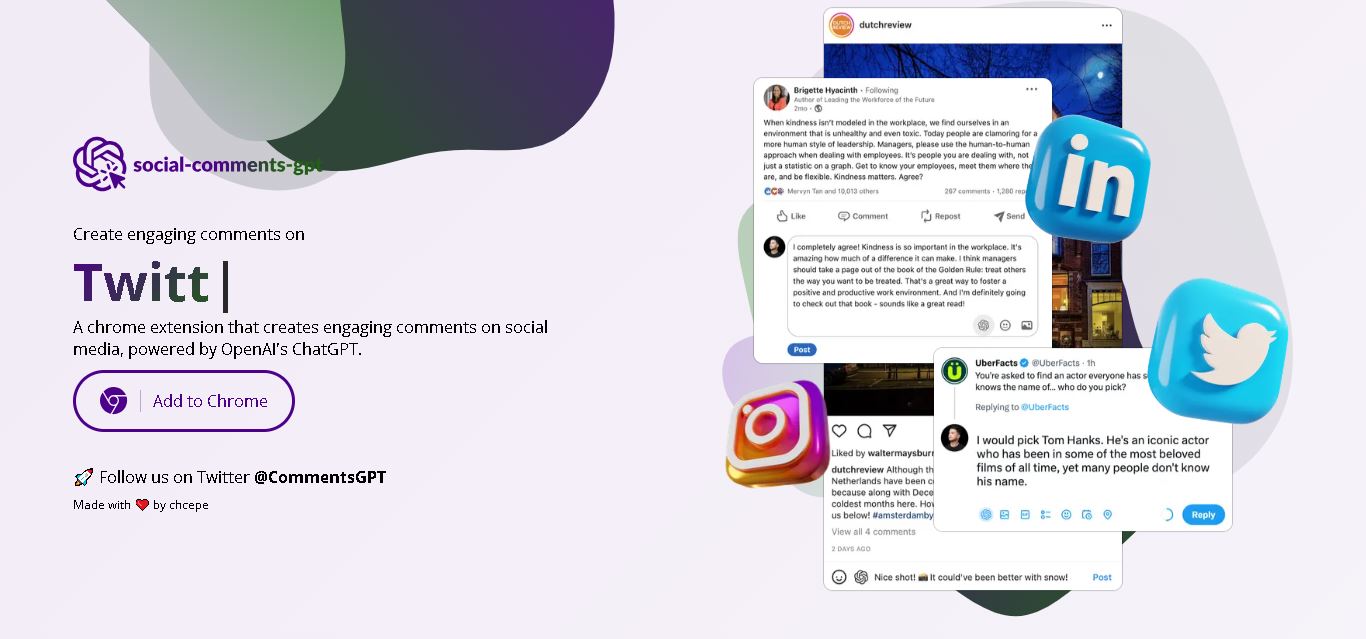
Social Comments GPT helps users draft engaging social media comments with ChatGPT through a Chrome extension. It is useful for professionals, influencers, creators, and marketers who want to respond to posts more efficiently. By generating comment suggestions within supported social networks, it simplifies everyday engagement while leaving users in control of their final replies.
 4.7
4.7Editby
Social Media
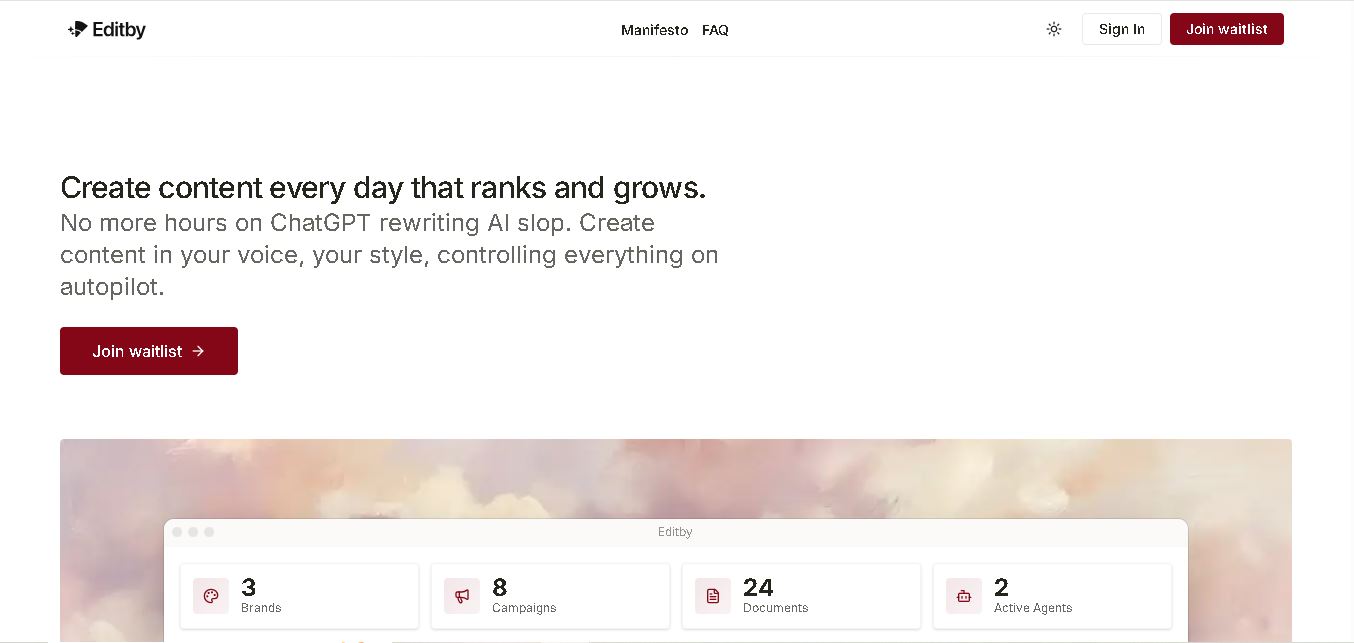
Editby helps marketers, businesses, and creators produce brand-consistent content using AI-assisted writing, research, and automation. It supports blogs, social media posts, newsletters, and press releases while offering customizable brand voices, scheduled content generation, and team collaboration. Its organized campaign workflows help users streamline content planning and maintain a consistent publishing strategy.
 4.8
4.8MagicBrief
Social Media
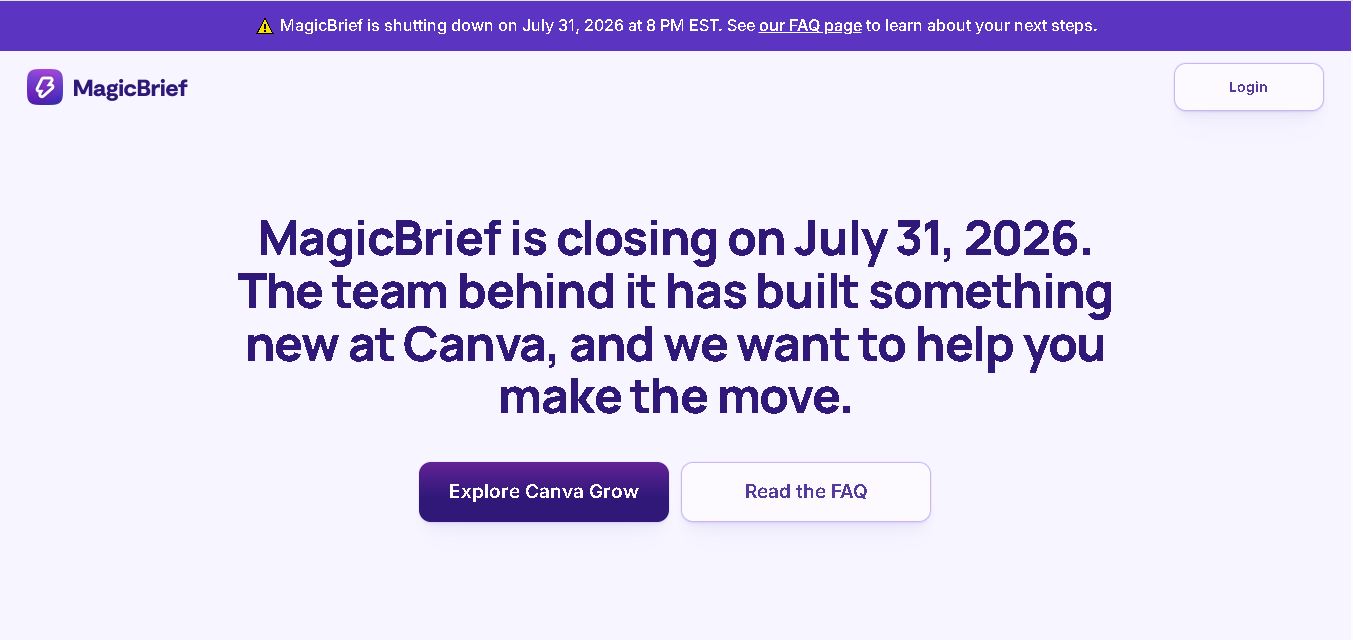
MagicBrief was an advertising creative research and collaboration tool that helped marketers discover inspiring ads, analyze competitors, build storyboards, and organize campaign briefs. It offered AI-assisted video analysis, creative performance insights, and team collaboration. Following its announced shutdown in July 2026, users seeking similar workflows can explore Canva Grow, its successor direction.
 4.7
4.7The Dream AI
Social Media
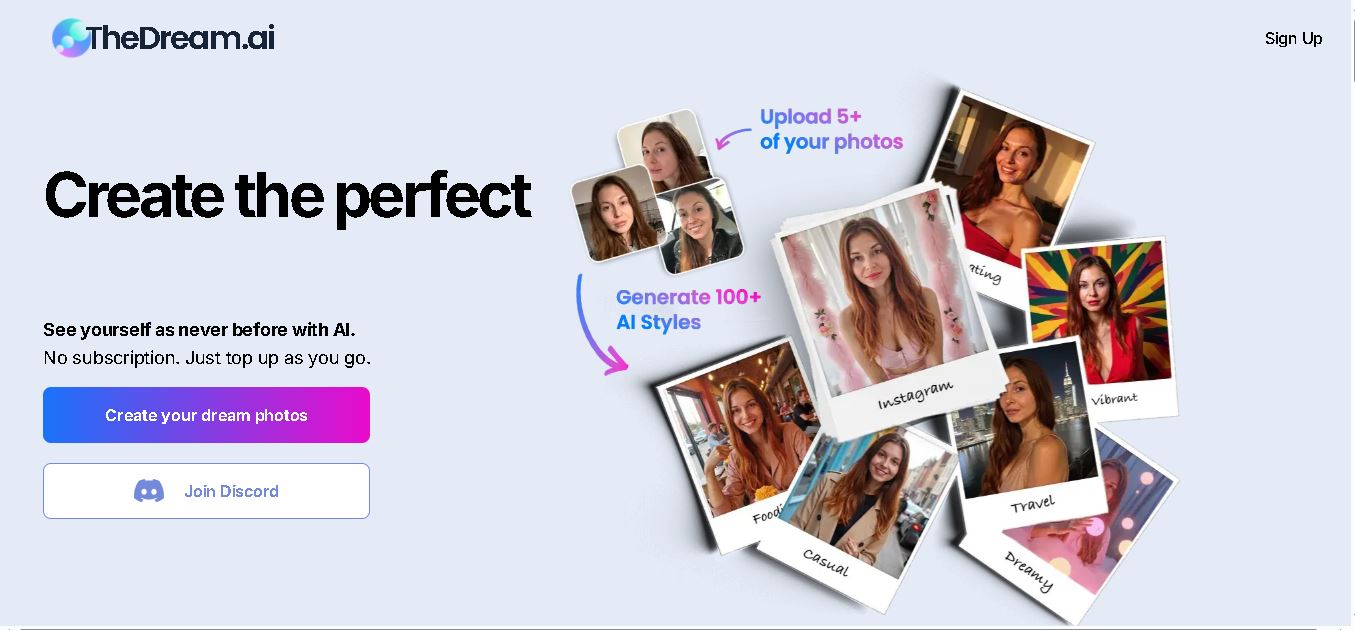
TheDream.ai helps users create personalized AI portraits, profile pictures, and photoshoot-style images from their own photographs. It offers more than 200 styles covering professional, fashion, dating, fitness, and travel themes. Its pay-as-you-go model requires no subscription, making it an option for individuals seeking distinctive digital portraits and creative profile images.
 4.7
4.7TweetEmote
Social Media
TweetEmote helps users generate engaging tweets, replies, and article threads using customizable emotions and writing styles. It is designed for influencers, marketers, content creators, and professionals who want to communicate more expressively on X. Its AI writing features simplify content creation, save time, and help users develop varied social media messages.
 4.8
4.8Devi AI
Social Media
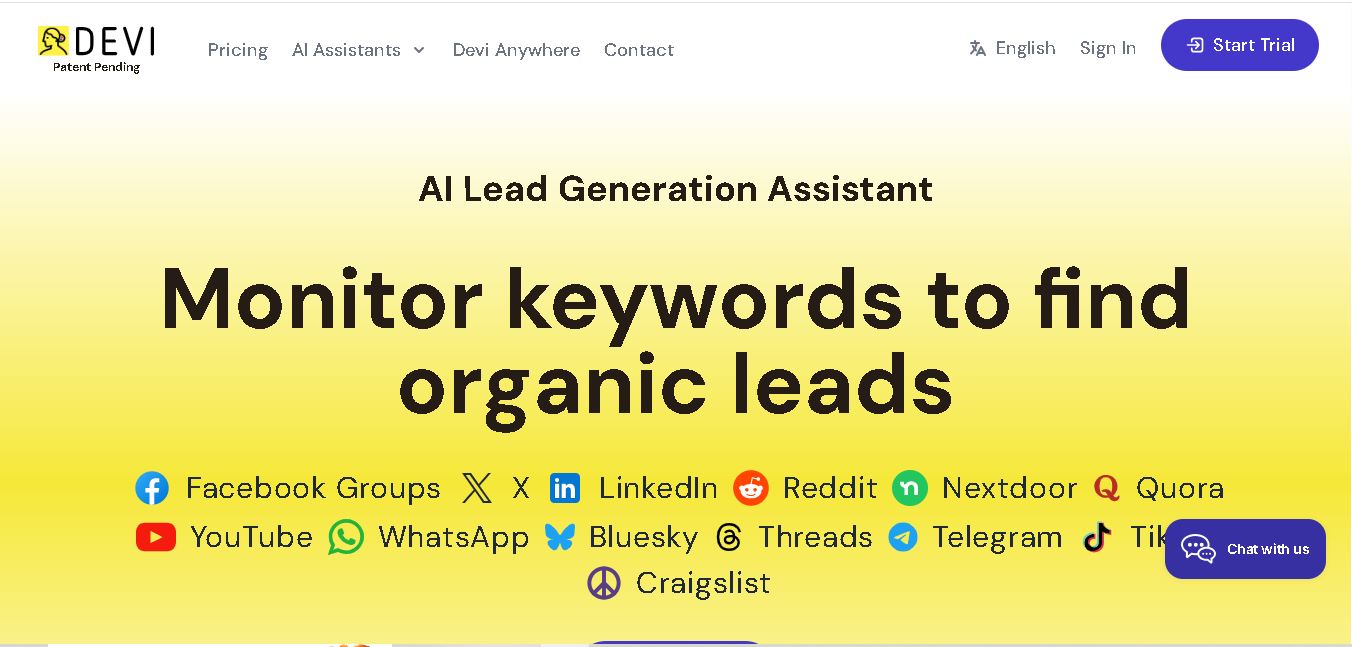
Devi AI helps businesses find potential customers through social media monitoring, keyword tracking, and AI-based buying-intent detection. It generates personalized replies, flags complaints, and supports content creation and scheduling. Designed for marketers, sales professionals, entrepreneurs, and agencies, Devi simplifies lead discovery, outreach, and social media management from a centralized workflow.
 4.7
4.7Social Studio AI
Social Media
Social Studio AI helps creators, businesses, and marketers generate Instagram content, design posts, write captions, and discover relevant hashtags. Its built-in editor supports brand customization, while scheduling features help users organize publishing in advance. The tool simplifies content planning and reduces repetitive work for individuals and agencies managing Instagram marketing activities.
 4.7
4.7Rizz AI
Social Media
Rizz AI is a text-writing assistant that helps users generate messages, improve replies, and communicate more naturally online. Its keyboard-focused approach makes AI writing assistance convenient during everyday conversations. Whether you are drafting a message or looking for a creative response, Rizz AI aims to make digital communication faster and more expressive.
 4.7
4.7Creasquare
Social Media
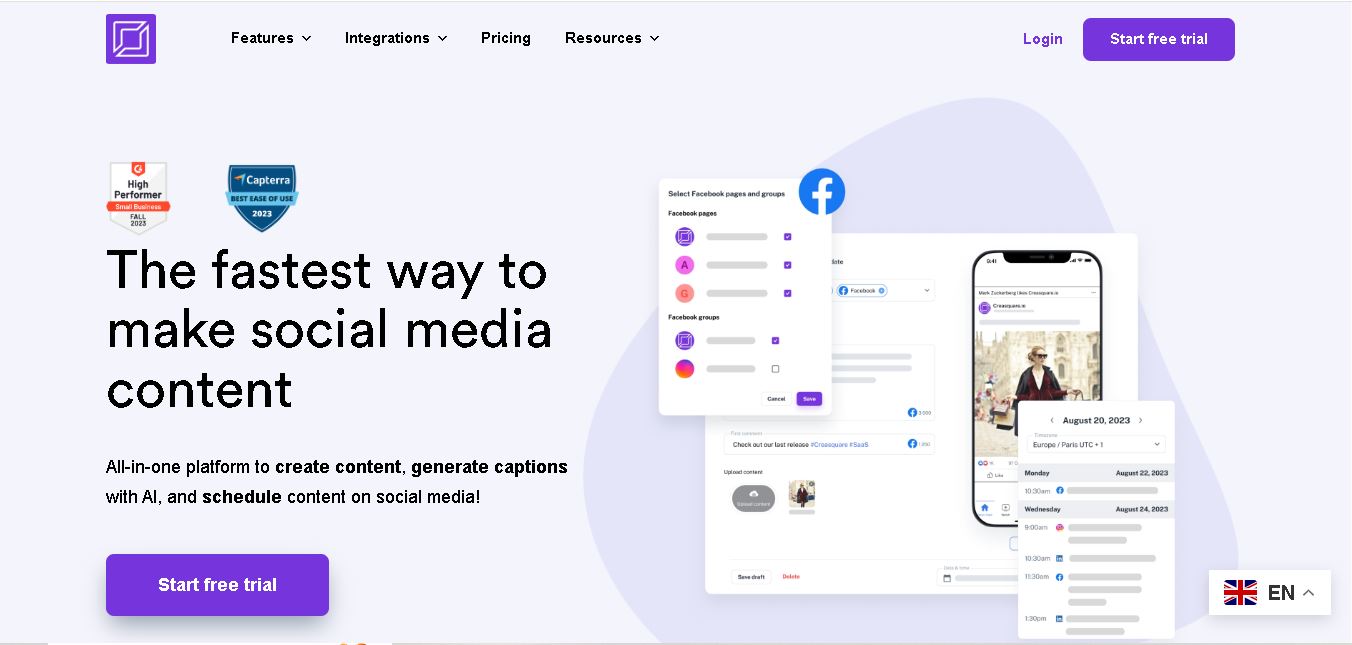
Creasquare helps creators, marketers, and businesses simplify social media management with AI-generated captions, graphic design tools, video creation, and post scheduling. Its Creative Studio, customizable templates, brand kits, and content calendar support organized publishing across multiple social networks. It is useful for maintaining brand consistency and streamlining everyday content workflows.