
ChatHop
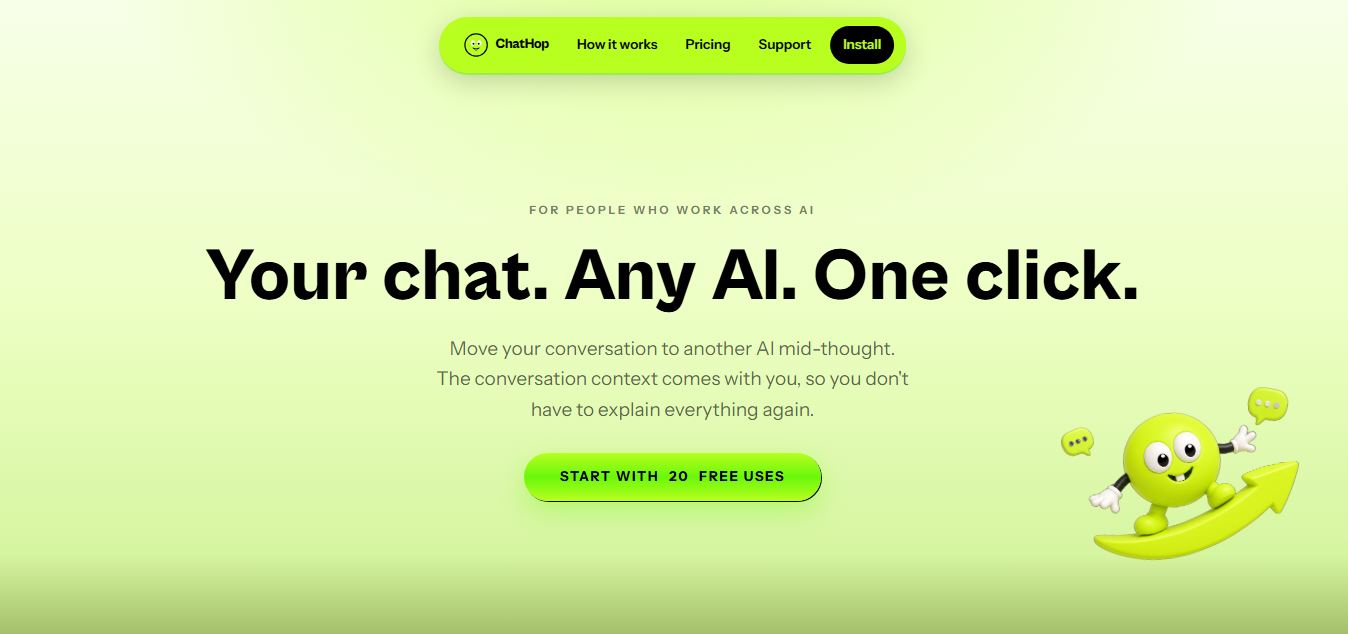
ChatHop is a browser extension and AI workflow utility that lets users transfer ongoing conversations across leading AI assistants (like ChatGPT, Claude, and Gemini) with full context preserved in one click, alongside Markdown export and chat backup tools.
What is ChatHop?
ChatHop is an AI workflow tool (mainly a Chrome extension) that lets you move conversations between different AI assistants like ChatGPT, Claude, and Gemini without starting from scratch. Instead of rewriting your prompt again, it transfers the full chat context in order, so you can continue the same task or get a second opinion instantly. It also allows you to copy, export, or download conversations in different formats, making it useful for research, content work, and multi-AI workflows.
ChatHop is a lightweight AI productivity tool that lets users transfer conversations between AI assistants like ChatGPT, Claude, and Gemini without starting over, preserving full context in chronological order. It offers 20 free actions per month (including transfers, copies, and downloads), with an optional Pro plan for unlimited usage. The tool supports exporting chats as .txt or Markdown files, copying full threads instantly, and continuing workflows across platforms. Designed with privacy in mind, it only accesses data when triggered by the user and requires no account or signup, making it a fast, frictionless workflow enhancer for AI users.
- Platform Role: Cross-AI Conversation Transfer Extension, Context Migration Tool & Chat Export Utility
- Creator: Meir (Product Hunt launch 2026)
- Supported Destinations: Leading web-based conversational AI assistants, including OpenAI ChatGPT, Anthropic Claude, and Google Gemini
- Form Factor: Chromium-based browser extension (Google Chrome, Microsoft Edge, Brave)
Use Cases:
- Bypassing hourly rate limits or message caps on one AI service by instantly hopping to another without re-explaining the task
- Seeking a second opinion or comparative code review by porting complex debugging context from ChatGPT to Claude or Gemini
- Exporting full multi-turn AI conversations to the clipboard as structured Markdown or plain text for documentation in Notion, Obsidian, or Slack
- Saving local backup files (.txt or .md) of critical AI strategy and research threads for long-term project archives
- Reviewing and editing transferred context before dispatching to the new model using composer staging safeguards
Technology:
- DOM-level conversation parsing engine that chronologically captures multi-turn user prompts and model responses
- Context serialization pipeline formatting message histories into clean, token-efficient system briefs for destination composers
- Staging safety architecture: placed in the destination composer for review by default; optional user-controlled auto-send toggle
- Privacy-first local execution: conversation data is read only on user action and is never stored on billing servers or sold for ad profiling
Target Users:
- Software engineers and vibe coders switching between models to compare architectural feedback and code generation
- Researchers, writers, and analysts requiring cross-model verification to eliminate hallucinations
- Everyday AI power users who refuse to be interrupted by sudden service throttling or usage tiers
- Knowledge workers archiving prompt workflows into personal knowledge management (PKM) databases
Acquisition: Browser extension via Chrome Web Store
What are the key features of ChatHop?
ChatHop's key platform features are
- One-Click Context Transfer: Move an entire conversation from one AI assistant to another without manually copy-pasting previous turns.
- Chronological Order Preservation: Retains the full timeline of thoughts, questions, and decisions made across the session.
- Composer Review Staging: Context is populated in the destination AI's input field for user inspection before sending (auto-send is off by default).
- Quick Shortcut Navigation: Quickly repeat your most recent destination transfer using the
Alt+Tkeyboard shortcut. - Full Conversation Export: Copy the complete chat to your clipboard in plain text or clean GitHub-flavored Markdown.
- Granular Copy Options: Copy the latest assistant response or download chats directly as .txt or .md files.
- Zero Account Setup: Start using ChatHop immediately without creating an account, generating a password, or linking credentials.
How much does ChatHop cost?
ChatHop operates on a freemium model providing a free recurring monthly allowance alongside a paid Pro subscription tier for unlimited daily transfers.
Pricing Plans:
- Free Monthly Tier ($0 / month): 20 free transfer and copy actions every calendar month. No sign-up, password, or credit card required. Transfers, full chat copies, response copies, and file downloads consume one use each; failed attempts do not deduct from the allowance.
- ChatHop Pro: Paid subscription providing unlimited conversation transfers, unmetered clipboard copies, priority support, and upcoming multi-destination routing handled securely via Stripe.
Disclaimer: ChatHop resets its 20 free uses on a monthly calendar cycle. Checkout and recurring payments for ChatHop Pro are managed through Stripe. Check chathop.tech for active subscription rates.
Who should use ChatHop?
ChatHop is designed for multi-model AI practitioners and productivity enthusiasts, including
- Developers & Programmers: Porting complex code errors from ChatGPT to Claude 3.5 Sonnet when a deeper architectural analysis is required.
- Content Strategists: Taking an outline drafted in Gemini and moving it seamlessly to ChatGPT for stylistic refinement.
- Power Users on Free AI Tiers: Hopping from one platform to another when sudden usage caps or rate limits hit mid-project.
- Students & Researchers: Archiving long Q&A study sessions into Markdown format for Obsidian or Notion.
What are the best alternatives to ChatHop?
Some of the strongest ChatHop alternatives include
What are the pros and cons of ChatHop?
What are the pros of ChatHop?
- Solves cross-model context loss without requiring users to use separate third-party API keys
- Works directly on the native websites of ChatGPT, Claude, and Gemini without altering their interfaces
- Composer staging prevents accidental sends, giving users full control over prompted context
- Includes high-utility Markdown and plain text export options for PKM and note apps
- Free allowance of 20 monthly transfers requires zero registration or card submission
What are the cons of ChatHop?
- Heavy users will exceed the 20-use free monthly quota and need a Pro subscription
- Subject to breakage whenever supported AI web interfaces make major UI updates
- Currently restricted to Chromium-based desktop browsers via extension
Why should you choose ChatHop?
Different AI foundation models have distinct strengths: Claude excels at programming logic and nuanced prose, ChatGPT dominates broad knowledge and tool reasoning, and Gemini handles massive context windows. However, switching between them historically required copy-pasting disjointed text and re-explaining the entire background. ChatHop removes this barrier. By acting as a one-click context bridge between your favorite AI tools, ChatHop ensures you never lose conversational momentum when switching models.
- Move conversations between ChatGPT, Claude, and Gemini with context intact
- Overcome AI rate limits and bad responses without starting from scratch
- Copy and download multi-turn conversations cleanly as Markdown or text files
- Protect your privacy with local execution and transparent zero-account onboarding
How does ChatHop compare to competitors?
While unified clients like TypingMind require users to supply pay-per-token API keys, and aggregators like ChatHub focus on split-screen simultaneous prompting, ChatHop works on top of the actual native web interfaces you already subscribe to.
| Feature / Platform | ChatHop | TypingMind | ChatHub | Monica |
|---|---|---|---|---|
| Core Mechanism | Context transfer between native web apps | Standalone BYOK web chat UI | Side-by-side multi-bot comparison | Browser sidebar copilot wrapper |
| Native Chatbot Preserved | Yes (ChatGPT, Claude, Gemini web) | No (Custom third-party UI) | No (Custom split-pane layout) | No (Sidebar overlay) |
| API Key Requirement | No API keys required | Requires user API keys | Optional / API support | Subscription credits |
| Markdown / Text Export | Yes (.md / .txt downloads) | Yes (Full export suite) | Basic copy | Export to docs |
| Pricing Structure | Free (20 uses/mo) / Paid Pro | One-time license ($39-$79) + API | Free tier / Premium ~$35 lifetime | Free tier / Paid from $9.90/mo |
| Best For | Hopping native chats mid-thought | Centralized multi-provider API chats | Simultaneous multi-model output tests | Everyday browser writing & research |
How do we rate ChatHop?
| Parameter | Rating (out of 5) |
|---|---|
| Context Transfer Accuracy | 4.9 |
| Workflow Speed & Ease of Use | 4.9 |
| Export Flexibility (Markdown / Text) | 4.8 |
| Privacy & Local Execution | 4.8 |
| Value for Money | 4.7 |
| Overall Score | 4.82 |
What is our review and verdict on ChatHop?
ChatHop solves an annoying modern workflow bottleneck: losing your conversational thread when you need to switch between AI chatbots. By enabling seamless, single-click migrations from ChatGPT to Claude, Gemini, and beyond with context fully intact, it saves users from endless re-prompting and copy-paste busywork. Combined with clean Markdown exports and a generous 20-use free monthly tier that requires no sign-up, ChatHop is a valuable productivity extension for anyone who regularly works across multiple AI models.
Conclusion
ChatHop brings multiple AI tools and conversations into one unified workspace, making it easier to manage ideas and collaborate without switching between platforms. Instead of juggling different apps, users can interact with various AI models in a single interface. This helps streamline workflows and improve productivity. Overall, ChatHop simplifies AI usage, helping individuals and teams stay organized, work faster, and get more value from AI-powered interactions.
FAQ
What does ChatHop actually do?
ChatHop is a productivity tool that lets you move AI conversations between different platforms like ChatGPT, Claude, and Gemini without starting from scratch. Instead of retyping your prompt or context, it transfers the full conversation into another AI tool so you can continue the same task or get a second opinion instantly.
How is ChatHop different from using multiple AI tools manually?
Normally, if you want to switch from one AI tool to another, you have to copy-paste prompts, re-explain context, and rebuild the conversation. ChatHop removes that friction by automatically preserving and transferring the full chat history in order, saving time and reducing repetition.
How does ChatHop work in practice?
ChatHop works as a browser extension. When you’re inside a supported AI tool, you can open ChatHop, choose where you want to send the conversation, and it will insert the entire context into the new tool’s input box. You can review or edit it before sending, so you stay in control of what gets transferred.
What features does ChatHop offer?
ChatHop includes features like conversation transfer, copying full chats, copying the latest response, exporting chats as text or Markdown files, and downloading conversations. It also allows quick reuse of your last destination, making it easier to switch between tools frequently.
Is ChatHop free or paid?
ChatHop offers a free tier with limited usage (around 20 actions per month). After that, users need a paid “Pro” plan for unlimited transfers, copies, and downloads. This makes it accessible for occasional users while still offering scalability for heavy usage.
Is ChatHop safe to use with my conversations?
ChatHop is designed to be privacy-conscious. It only accesses your conversation data when you explicitly choose to transfer or copy it, and it does not use that data for advertising or profiling. However, once you transfer content to another AI platform, that platform’s privacy policy applies.
Who should use ChatHop?
ChatHop is best suited for developers, marketers, researchers, and AI power users who frequently use multiple AI tools. It’s especially useful for workflows where you want to compare outputs, refine prompts across platforms, or continue complex tasks without losing context.
User Reviews
No reviews yet for ChatHop.
Featured Tools
Featured AI tools from TechShark

Melody Genie
MelodyGenie is an AI-powered music generator that creates original songs from simple text prompts. Users can choose styles, moods, and genres, then instantly generate melodies and full tracks, making it easy for creators, marketers, and hobbyists to produce custom music without musical expertise.
Freemium

Kimi AI
Kimi AI is an advanced AI assistant developed by Moonshot AI that helps you chat, research, write, code, and automate tasks in one place. It supports web search, file analysis, and multimodal inputs, and can even run autonomous “agent” workflows to complete complex tasks end-to-end.
Freemium

Fashion Diffusion AI
Fashion Diffusion is an AI-powered fashion design platform that helps brands and designers create clothing designs, virtual try-ons, AI models, product photos, and marketing visuals faster and cost-effectively.
Paid

Veo 4
Veo 4 AI is an AI video creation platform that generates dramatic videos from text, images, audio, and video prompts using realistic motion and synchronized sound.
Paid
Alternatives
Alternatives to ChatHop
The best ChatHop alternatives include TypingMind, ChatHub, and Monica. While ChatHop provides a lightweight browser extension that transfers multi-turn conversation context between native web interfaces like ChatGPT, Claude, and Gemini in one click with 20 free monthly uses, alternatives like TypingMind act as custom standalone chat UIs requiring private API keys and ChatHub offers side-by-side split-screen comparison.
 4.8
4.8ChatTube
Chrome Extension
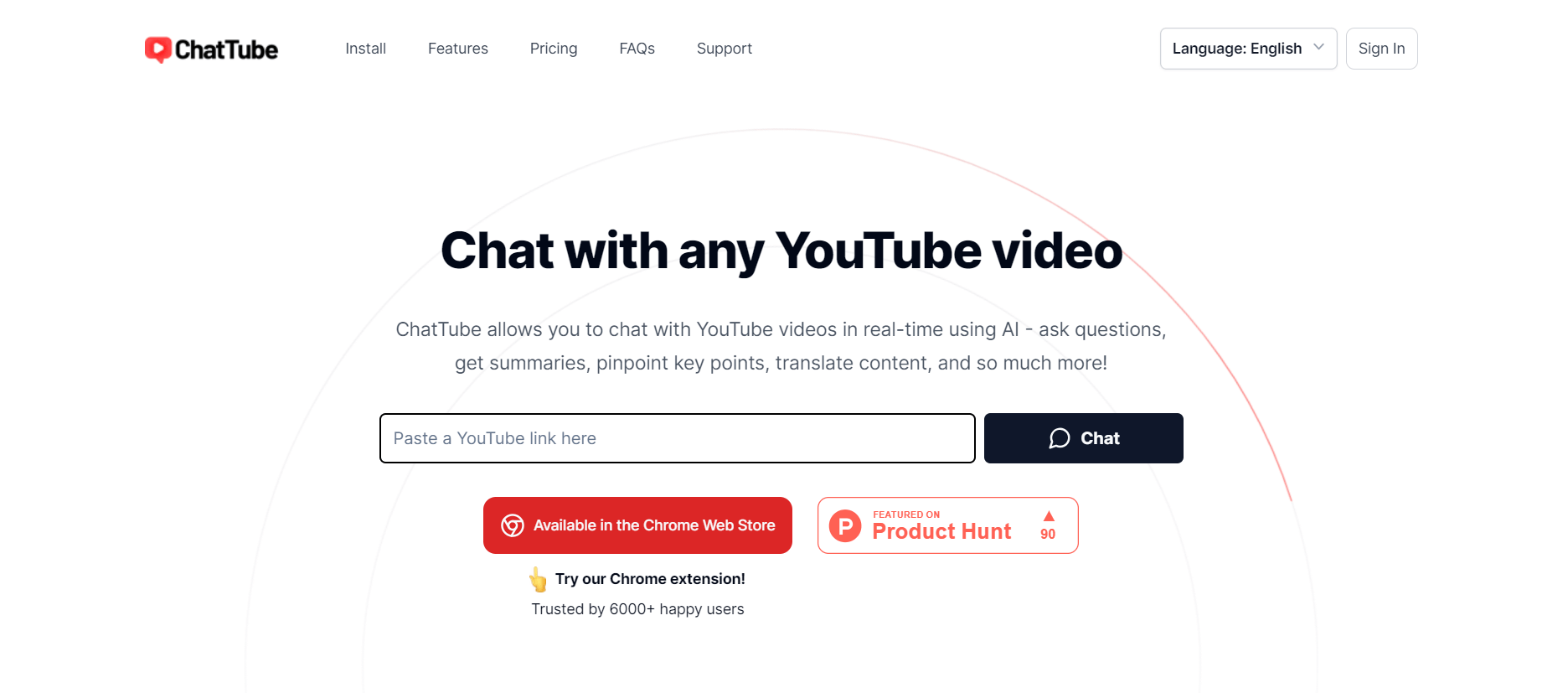
ChatTube helps you understand YouTube videos faster by allowing you to ask questions directly about their content. You can generate summaries, transcripts, translations, mind maps, and locate relevant timestamps without watching an entire video. It is useful for students, researchers, educators, marketers, developers, creators, and professionals working with video content.
 4.7
4.7Casper AI
Chrome Extension
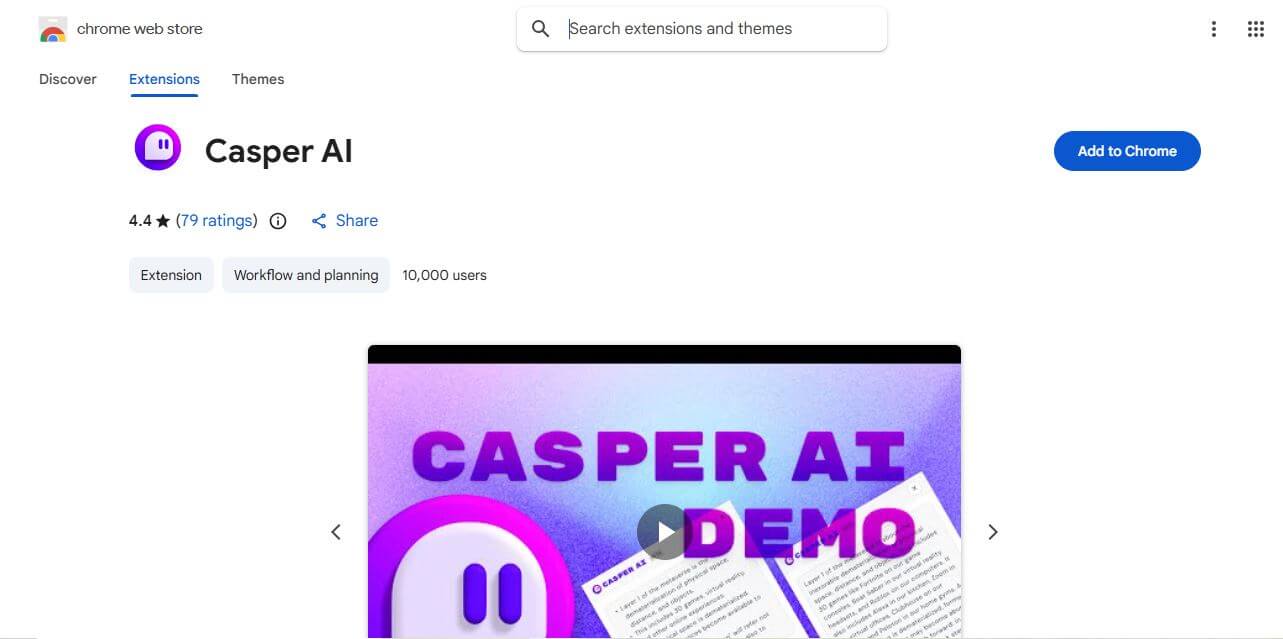
Casper AI is a Chrome extension that helps you summarize web pages and PDFs, create content, and share research insights. Built for information-heavy workflows, it helps analysts, strategists, researchers, policymakers, and business professionals quickly identify important information without manually reading every source from beginning to end. It fits into browsing.
 4.8
4.8Glarity
Chrome Extension
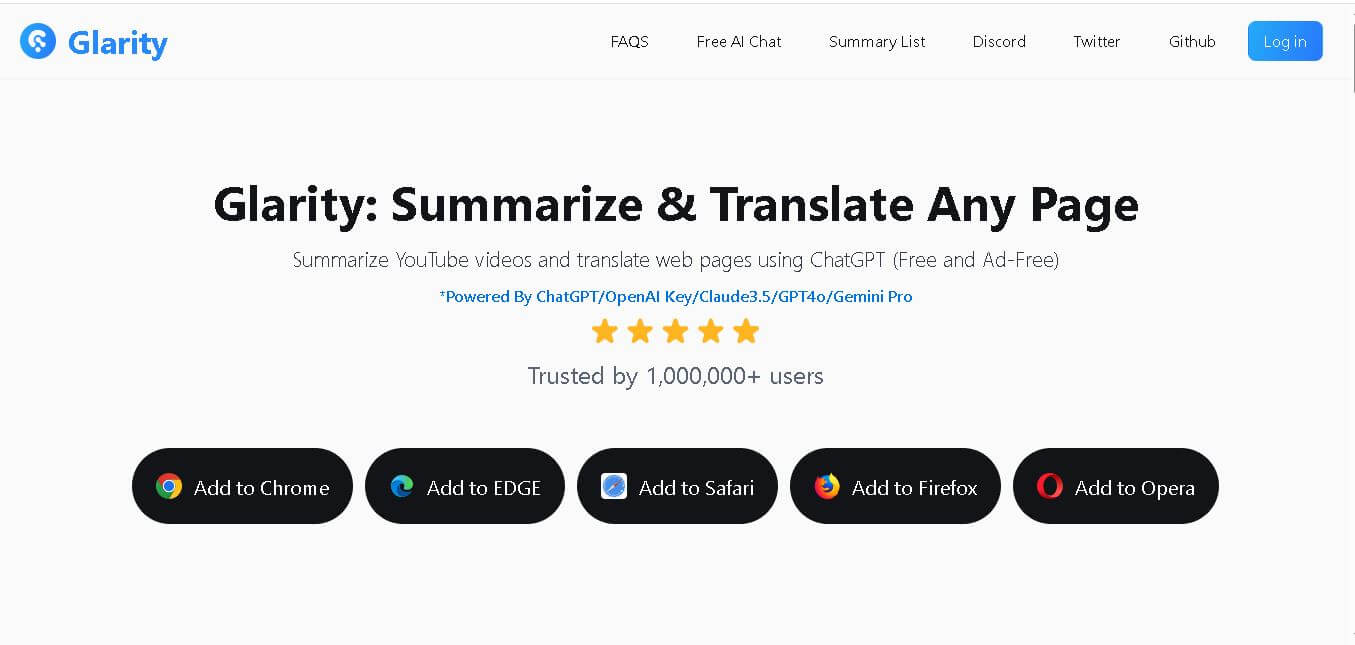
Glarity is a browser extension that helps you summarize, translate, analyze, and interact with online content. You can use it for YouTube videos, webpages, PDFs, searches, emails, and social media. Its AI tools also support writing, research, Q&A, and multilingual reading, helping reduce the time required to process information.
 4.8
4.8AI Toolbox
Chrome Extension
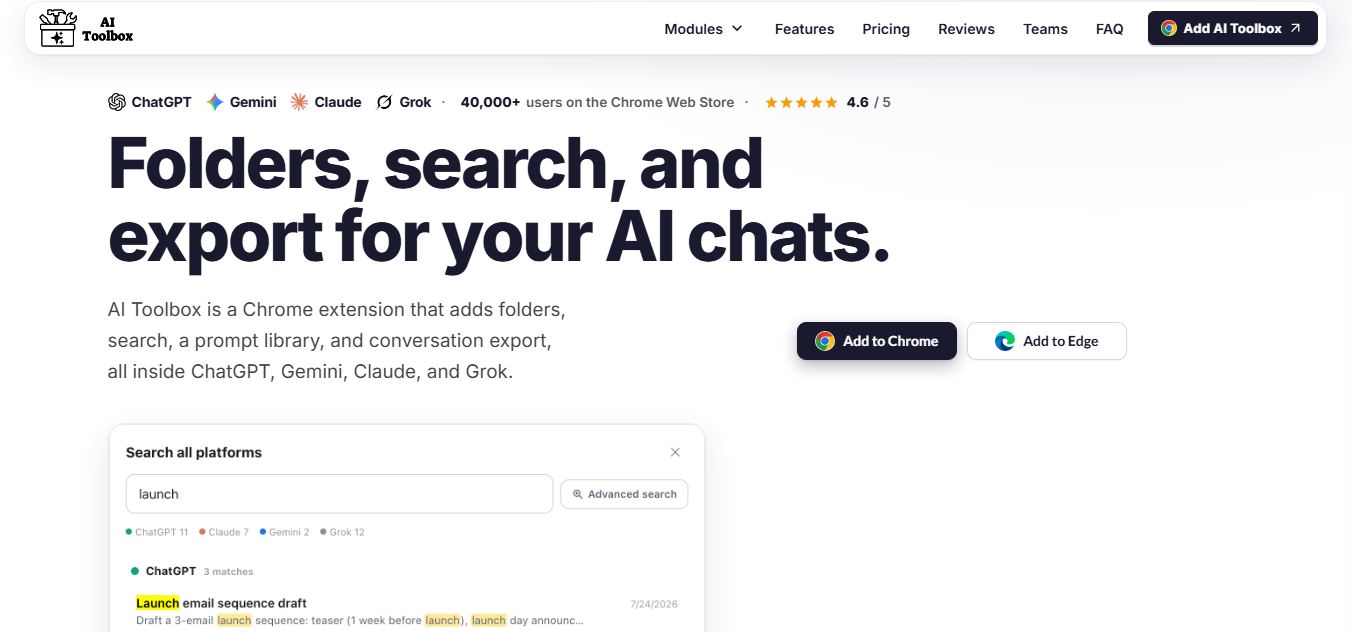
AI Toolbox is a Chrome extension that enhances tools like ChatGPT, Claude, and Gemini with folders, search, prompt libraries, and export features, helping users organize, reuse, and manage AI conversations more efficiently.
 4.8
4.8WhatsApp Web Sender
Chrome Extension
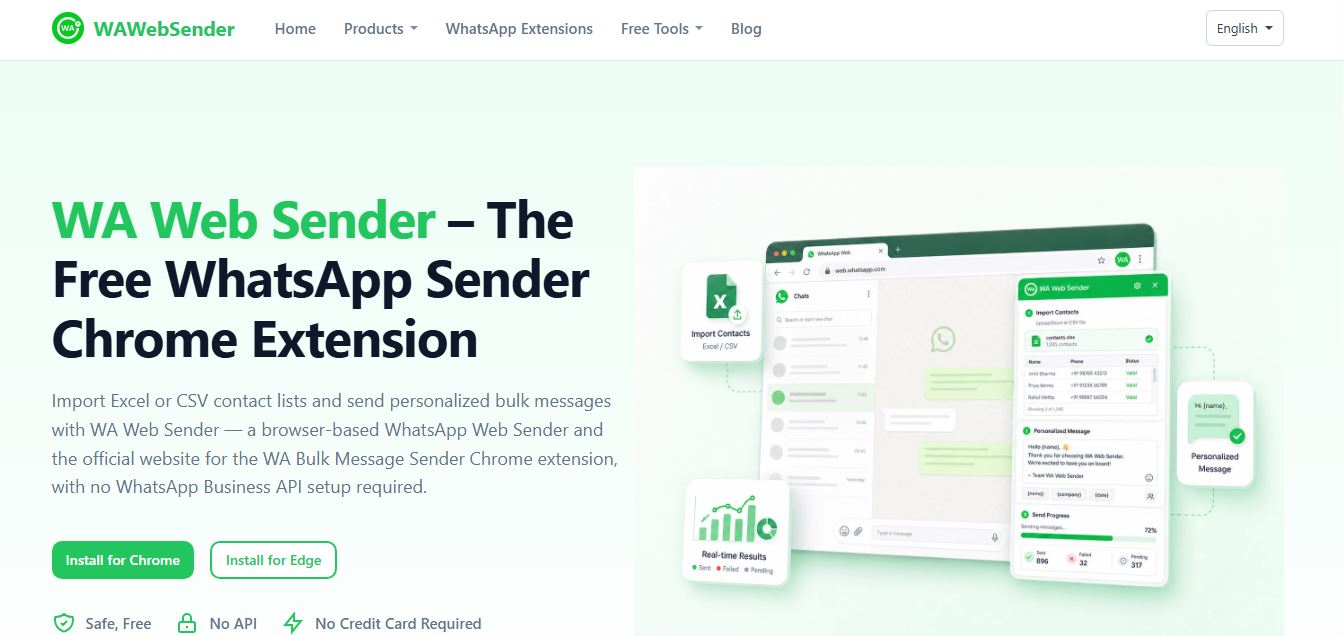
WAWebSender is a browser-based bulk WhatsApp messaging Chrome and Edge extension that enables businesses, marketers, and sales teams to import Excel/CSV contact lists, personalize messages with dynamic variables, attach media, and dispatch paced outbound campaigns directly through WhatsApp Web without requiring the WhatsApp Business API.
 4.9
4.9DeepEye by deepidv
Chrome Extension
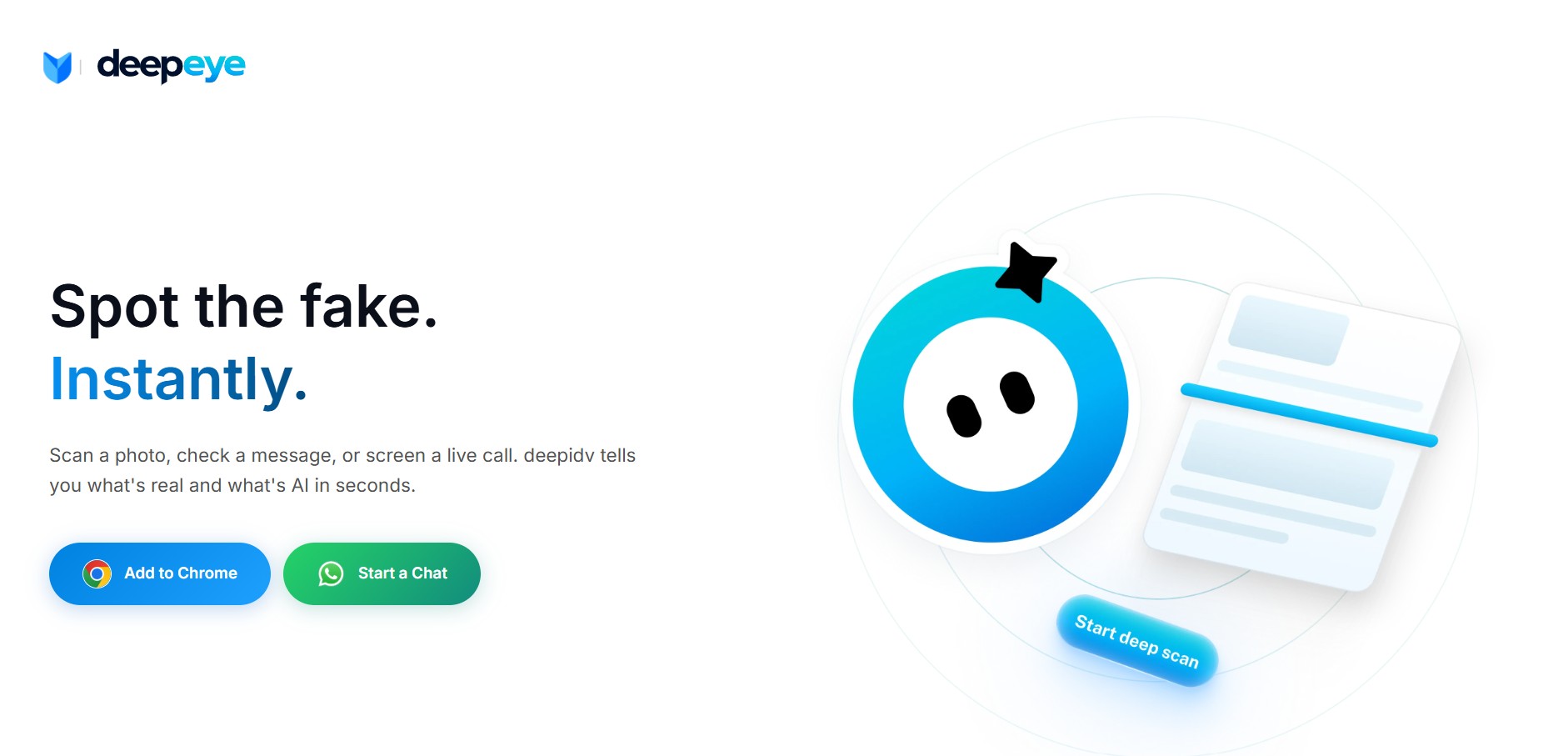
DeepEye (by DeepIDV) is an AI-powered deepfake detection tool that scans images, text, and voice in real time to identify whether content is human-made or AI-generated. It works across Chrome, mobile, and messaging apps, helping users verify authenticity instantly.