
superReply
SuperReply helps you write better email responses with contextual AI suggestions, customizable tones, and one-click reply generation. Designed for Gmail and Outlook users, it can reduce writing time while keeping communication professional and personalized. Its free plan provides up to 90 replies monthly, making it useful for individuals and growing teams.
What is SuperReply?
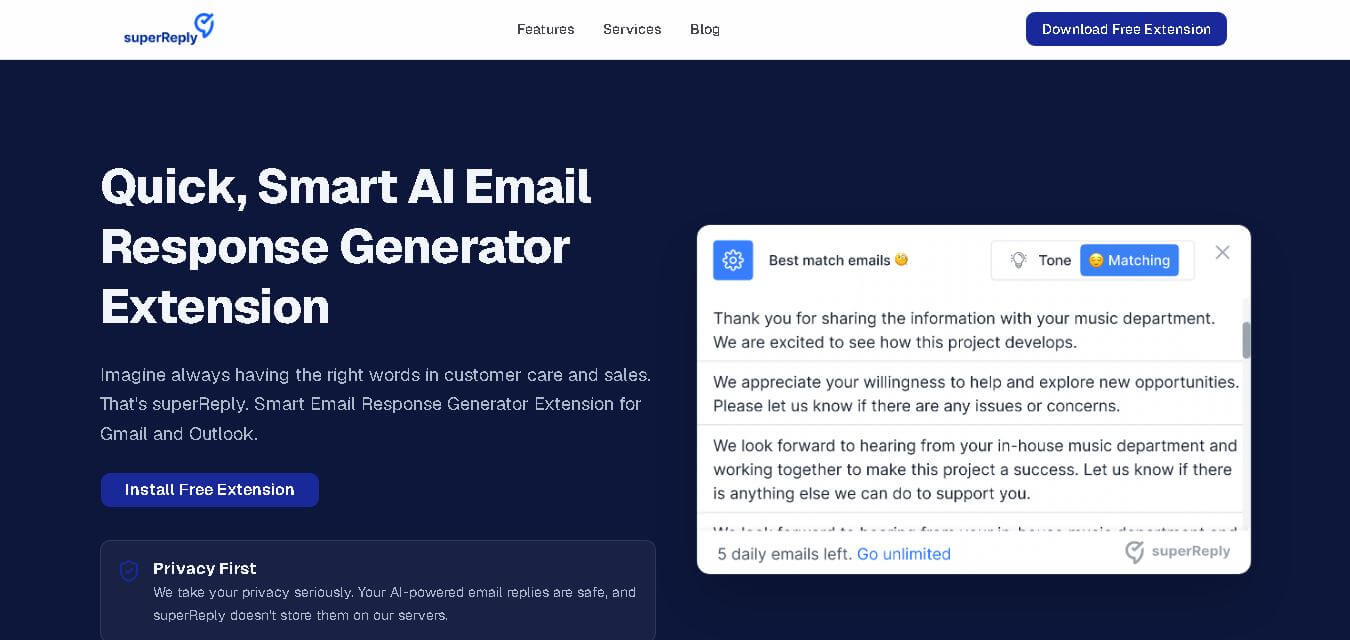
SuperReply is an extension for generating email responses that helps users create personalized replies directly within Gmail and Outlook. It uses contextual AI suggestions to help professionals, freelancers, sales teams, and customer-support users respond faster while maintaining an appropriate tone. The extension also supports tone selection, smart response options, and email response automation.
SuperReply is a Chrome extension launched publicly in January 2023, with its official site describing support for Gmail and Outlook. Users can start with up to 90 AI-generated email replies per month for free. The service supports 8 listed integrations, including Chrome, Gmail, Outlook, WhatsApp, Slack, LinkedIn, Upwork, and Fiverr. SuperReply says it does not store automated email responses on its servers and only accesses emails selected by users.
- Platform Role: AI Email Assistant, Browser Extension & Inbox Productivity Tool
- Developer & Creator: Shahar Shmueli
- Cross-Platform Access: Google Chrome Extension (Integrating with Gmail Web, Outlook Web, LinkedIn, and messaging platforms)
Use Cases:
- Generating instant one-click replies to customer support inquiries and sales outreach emails
- Adjusting response tone to fit formal business, casual networking, or direct negotiation scenarios
- Handling high volumes of routine internal and external communication without manual drafting
- Overcoming writer's block and language barriers for non-native English speakers managing professional inboxes
- Extracting contextual sentiment from long email threads to craft appropriate follow-ups quickly
Technology:
- Large Language Models (LLMs) fine-tuned for conversational context matching and intent classification
- Browser extension overlay architecture injecting action buttons directly into Gmail and Outlook DOM elements
- Privacy-first data architecture operating without persistent storage of generated email content on central servers
- Industry-standard TLS encryption for secure API processing of selected email text
Target Users:
- Busy executives, founders, and managers dealing with continuous email overload
- Sales reps and business development specialists conducting rapid prospect follow-ups
- Customer support agents seeking quick, structured replies to routine customer inquiries
- Freelancers and consultants keeping up with client correspondence while focusing on billable work
Acquisition: Independent SaaS tool operating via web application and browser extension (superreply.co)

What are the key features of SuperReply?
SuperReply's key platform features are
- One-Click AI Response Options: Automatically suggests multiple contextual reply choices directly inside the active email window.
- Tone Matching & Control: Allows users to select desired tones, including formal, casual, persuasive, or humorous, before generating text.
- Native Gmail & Outlook Integration: Seamlessly embeds reply buttons directly into webmail interfaces without needing a separate app tab.
- Multi-Platform Support: Works across web email providers as well as professional messaging platforms like LinkedIn and Slack.
- Privacy-First Architecture: Designed to process selected email text on-the-fly without saving generated message bodies to external databases.
- Generous Free Monthly Allowance: Provides free monthly AI replies to let users evaluate performance without upfront payment.
How much does SuperReply cost?
SuperReply operates on a freemium model, providing free monthly credits with affordable paid upgrades for unlimited usage.
Free Consumer Tier:
- Free Plan ($0/month): Includes up to 90 AI-generated email replies per month, basic tone choices, and browser extension access.
Paid Premium Tiers:
- Pro Subscription (From ~$9 - $20/month): Unlocks unlimited AI email responses, advanced tone controls, priority processing, and multi-platform extension features.
Disclaimer: Free users receive 90 complimentary AI email replies per month. High-volume usage, custom tone presets, and unlimited replies require a paid subscription.
Who should use SuperReply?
SuperReply is designed for professionals and teams managing active web inboxes, including
- Sales & Marketing Teams: Professionals need quick turnaround times on lead inquiries and client communications.
- Customer Service Representatives: Support teams needing clear, polite, and rapid responses to recurring customer queries.
- Entrepreneurs & Freelancers: Business owners looking to minimize administrative email time and focus on core operations.
What are the best alternatives to SuperReply?
Some of the strongest SuperReply alternatives include
- Superhuman AI
- Addy AI (formerly MailMaestro)
- Shortwave AI
- GrammarlyGO
- AImReply
- Copy.ai Email Writer
What are the pros and cons of SuperReply?
What are the pros of SuperReply?
- Direct in-box integration with zero need to copy and paste text back and forth to ChatGPT
- Flexible tone-matching controls ensure generated emails sound appropriate for the scenario
- Generous free tier offering 90 free replies per month before requiring a paid upgrade
- Privacy-focused approach that avoids storing user email content on external servers
What are the cons of SuperReply?
- Primarily dependent on web browser interfaces (Chrome) rather than native desktop app clients
- Complex, nuanced technical emails still require manual user editing and review
- Lacks deep automated CRM sync features found in dedicated sales engagement platforms
Why should you choose SuperReply?
Managing an overflowing inbox takes hours away from deep work. SuperReply solves this bottleneck by bringing conversational artificial intelligence directly into your browser workflow. By offering quick tone selection and automatic context understanding inside Gmail and Outlook, SuperReply enables users to clear their inbox in a fraction of the time while maintaining a professional tone and accuracy.
How does SuperReply compare to competitors?
The primary distinction between SuperReply, Superhuman AI, Addy AI, and Grammarly lies in ecosystem footprint and setup cost. While Superhuman requires adopting an entirely new email client ecosystem and Grammarly operates as a general writing assistant, SuperReply functions as an accessible, lightweight overlay built specifically for fast webmail responses.
| Feature / Platform | superReply | Superhuman AI | Addy AI | GrammarlyGO |
|---|---|---|---|---|
| Core Focus | Browser AI Email Reply Generator | Ultra-Fast Premium Email Client | AI Assistant for Inbox Management | General AI Writing & Grammar Assistant |
| Integration Type | Chrome Extension (Gmail/Outlook Web) | Standalone Web/Desktop Email Client | Chrome Extension / Add-on | Browser Extension & Desktop App |
| Free Tier | Yes (90 replies/mo free) | No free tier (paid only) | Free tier available | Free tier available |
| Tone Controls | Multiple one-click tone options | Custom voice and tone matching | Customizable prompts & tones | Tone and style adjustments |
| Best For | Users wanting quick, lightweight AI email replies in webmail | Executives demanding maximum keyboard speed and inbox zero | Professionals needing custom email draft workflows | Users seeking broad writing assistance across all web apps |
How do we rate SuperReply?
| Parameter | Rating (out of 5) |
|---|---|
| Ease of Setup & Extension Integration | 4.9 |
| Response Quality & Tone Context | 4.7 |
| Privacy & Data Security Handling | 4.8 |
| Speed & Workflow Efficiency | 4.8 |
| Value for Money | 4.8 |
| Overall Score | 4.80 |
What is our review and verdict on SuperReply?
SuperReply delivers a practical, highly efficient solution for anyone struggling with email fatigue. By seamlessly layering AI response suggestions onto Gmail and Outlook Web, it eliminates context-switching and speeds up communication. With its privacy-conscious approach, tone customization, and generous free monthly tier, superReply is an excellent productivity tool for modern professionals.
Conclusion
SuperReply is a practical choice for users who want faster, more personalized email communication without constantly writing replies from scratch. Its contextual suggestions, tone controls, Gmail and Outlook support, and free monthly allowance make it accessible for individuals and professionals. Privacy is another notable consideration, with SuperReply stating that it does not store automated responses. For people handling repetitive or high-volume communication, SuperReply can simplify everyday replies while keeping messages professional and relevant.
FAQ
What is SuperReply used for?
SuperReply is designed to help you respond to emails faster without writing every response from scratch. It generates contextual reply suggestions and lets you adjust the tone for different situations. If you handle sales conversations, customer questions, professional correspondence, or frequent emails, SuperReply can make everyday communication quicker and easier.
Is SuperReply free to use?
Yes, SuperReply offers a free starting option. According to its official website, you can generate up to 90 AI-powered email replies each month without paying. This makes it practical if you receive moderate email volume and want to test AI-assisted responses first. Paid plans are available when you need more usage.
Does SuperReply work with Gmail?
Yes, SuperReply works with Gmail through its Chrome extension. After installing the extension from the Chrome Web Store and signing in, you can refresh Gmail and access the reply assistant directly inside your inbox. This lets you generate suggested responses without repeatedly switching between your email and another application.
Can I use SuperReply with Outlook?
Yes, SuperReply supports Outlook through its Chrome extension. After installation and sign-in, the assistant appears inside your Outlook web inbox. You can then use it to generate email responses based on the conversation and select an appropriate tone. This makes it useful for professionals who manage communication through Outlook.
Can SuperReply change the tone of an email?
Yes, tone selection is one of SuperReply's main features. You can use different response styles depending on the situation, such as professional communication or more casual conversations. The tool generates personalized suggestions based on context, helping you create replies that sound more appropriate instead of sending generic responses.
Does SuperReply store my emails?
According to SuperReply, it does not store automated email responses on its servers. The company also states that the extension only accesses emails you choose to use with the service and uses industry-standard encryption. For privacy-conscious users, these policies can provide additional reassurance when using AI assistance for email communication.
User Reviews
No reviews yet for superReply.
Featured Tools
Featured AI tools from TechShark

Melody Genie
MelodyGenie is an AI-powered music generator that creates original songs from simple text prompts. Users can choose styles, moods, and genres, then instantly generate melodies and full tracks, making it easy for creators, marketers, and hobbyists to produce custom music without musical expertise.
Freemium

Kimi AI
Kimi AI is an advanced AI assistant developed by Moonshot AI that helps you chat, research, write, code, and automate tasks in one place. It supports web search, file analysis, and multimodal inputs, and can even run autonomous “agent” workflows to complete complex tasks end-to-end.
Freemium

Fashion Diffusion AI
Fashion Diffusion is an AI-powered fashion design platform that helps brands and designers create clothing designs, virtual try-ons, AI models, product photos, and marketing visuals faster and cost-effectively.
Paid

Veo 4
Veo 4 AI is an AI video creation platform that generates dramatic videos from text, images, audio, and video prompts using realistic motion and synchronized sound.
Paid
Alternatives
Alternatives to superReply
The best superReply alternatives include Superhuman AI, Addy AI, Shortwave AI, and GrammarlyGO. While superReply provides a lightweight, privacy-focused Chrome extension for one-click contextual email replies inside Gmail and Outlook Web, alternatives like Superhuman offer a complete standalone client experience and GrammarlyGO provides broader general writing assistance.
 4.6
4.6NetworkAI by Wonsulting
Email Assistant
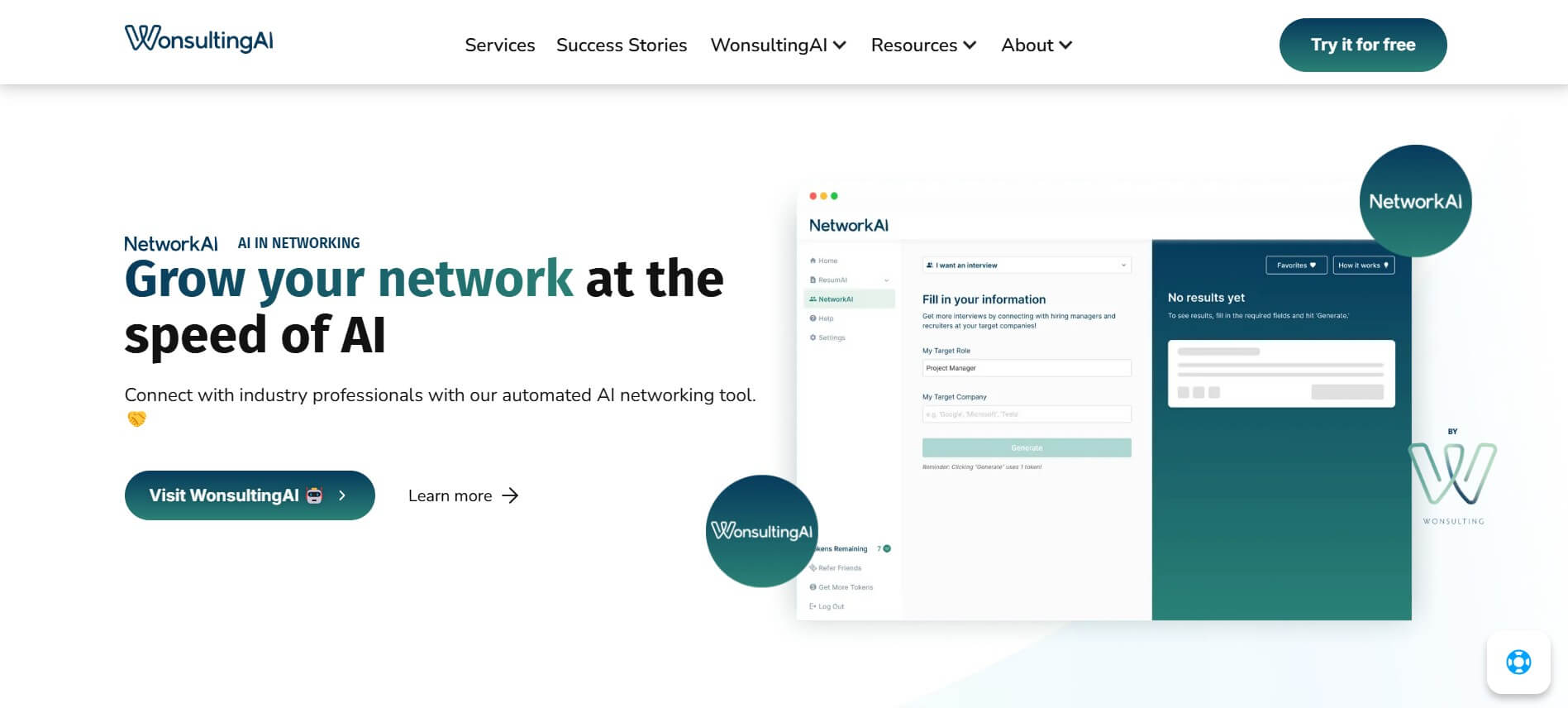
NetworkAI helps job seekers make connections without spending hours searching for contacts or writing outreach. It can identify recruiters and hiring managers, create personalized LinkedIn messages, find company email addresses, and generate resume-based cold emails. It is designed for candidates who want an organized approach to networking and job-search outreach.
 4.8
4.8addy.io
Email Assistant
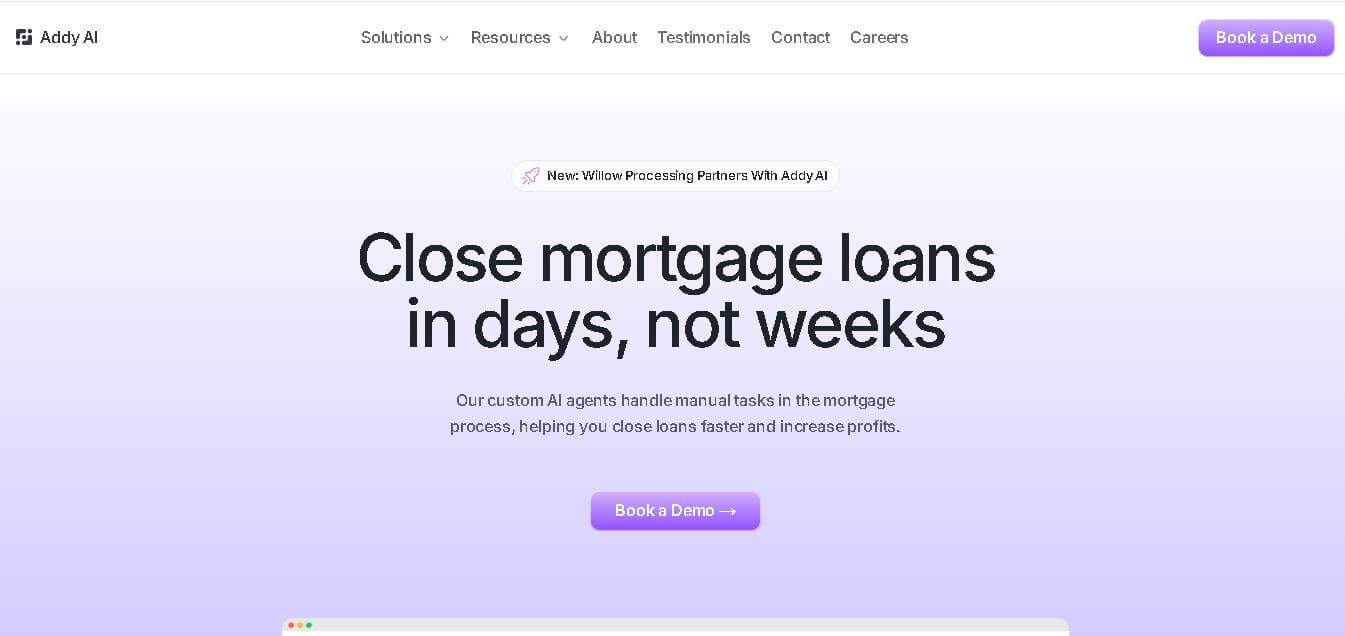
Addy AI is a mortgage lending automation platform that uses specialized AI agents to streamline loan processing. It helps lenders check guidelines, review documents, resolve conditions, request missing information, and connect workflows with existing lending systems, helping mortgage teams reduce repetitive work and process loans more efficiently.
 4.8
4.8SaneBox
Email Assistant
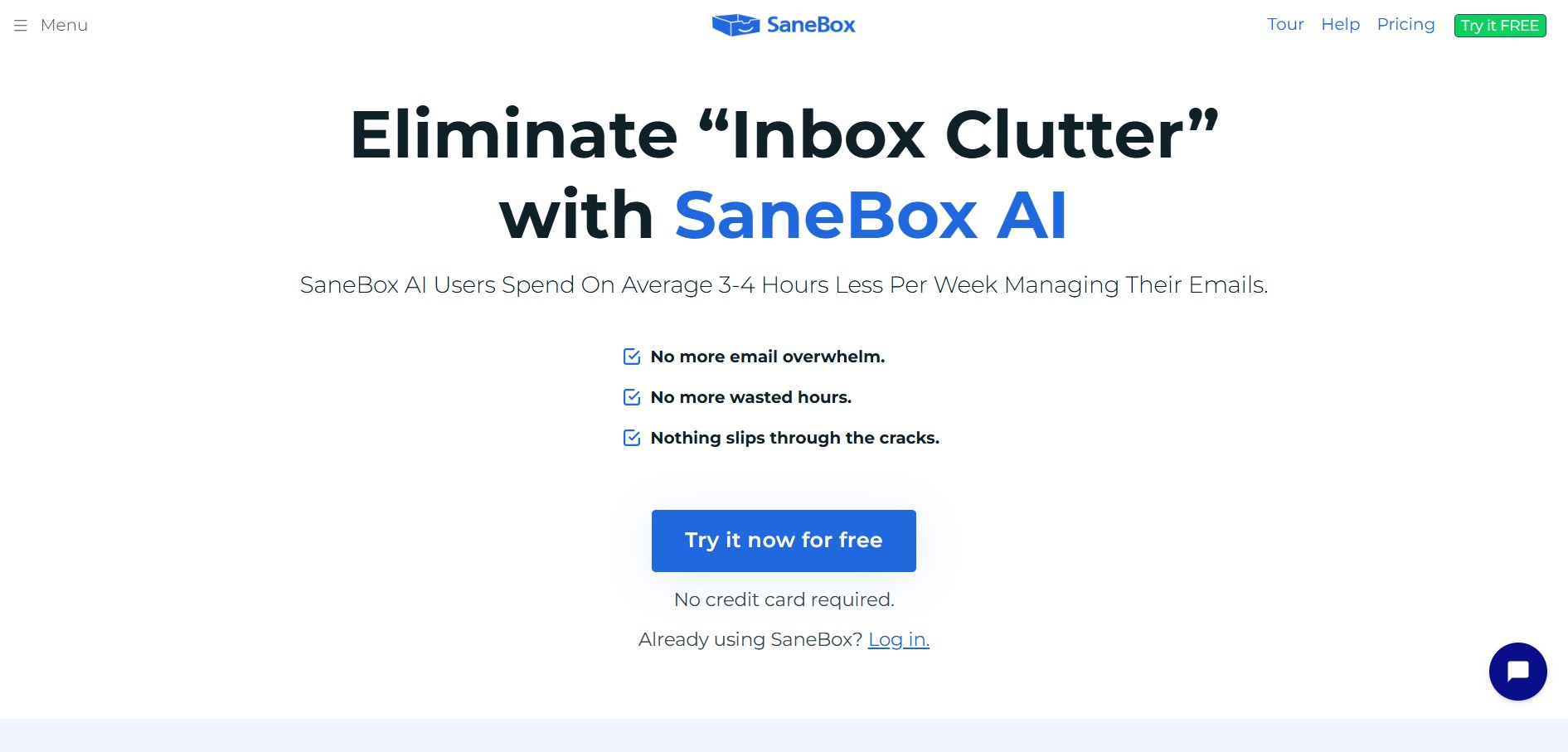
SaneBox is an AI-powered email management and inbox organization service that automatically filters unimportant emails, organizes newsletters, snoozes messages, and tracks unresponded emails across any email provider.
 4.7
4.7Remail
Email Assistant
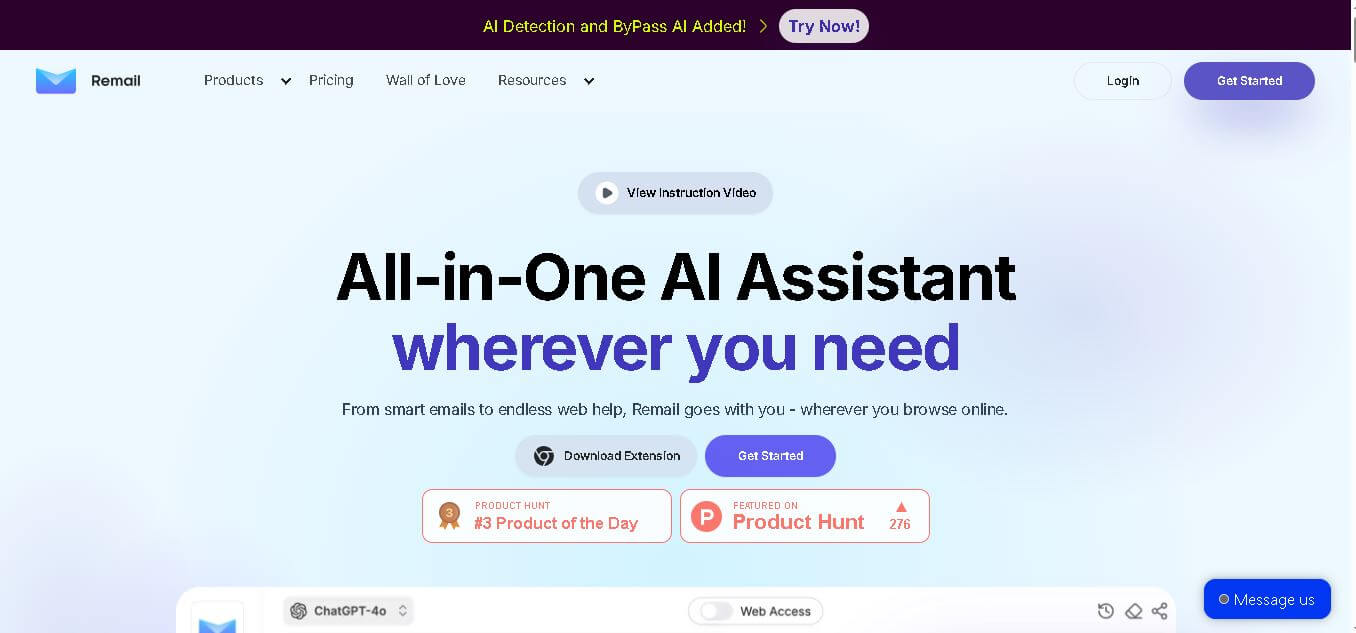
Remail is an all-in-one AI assistant for email writing, web research, content creation, translation, and productivity. Its browser-based tools help users draft replies, summarize webpages and videos, compare AI models, analyze documents, and access contextual AI assistance without constantly switching between different applications.
 4.7
4.7MailerLite
Email Assistant
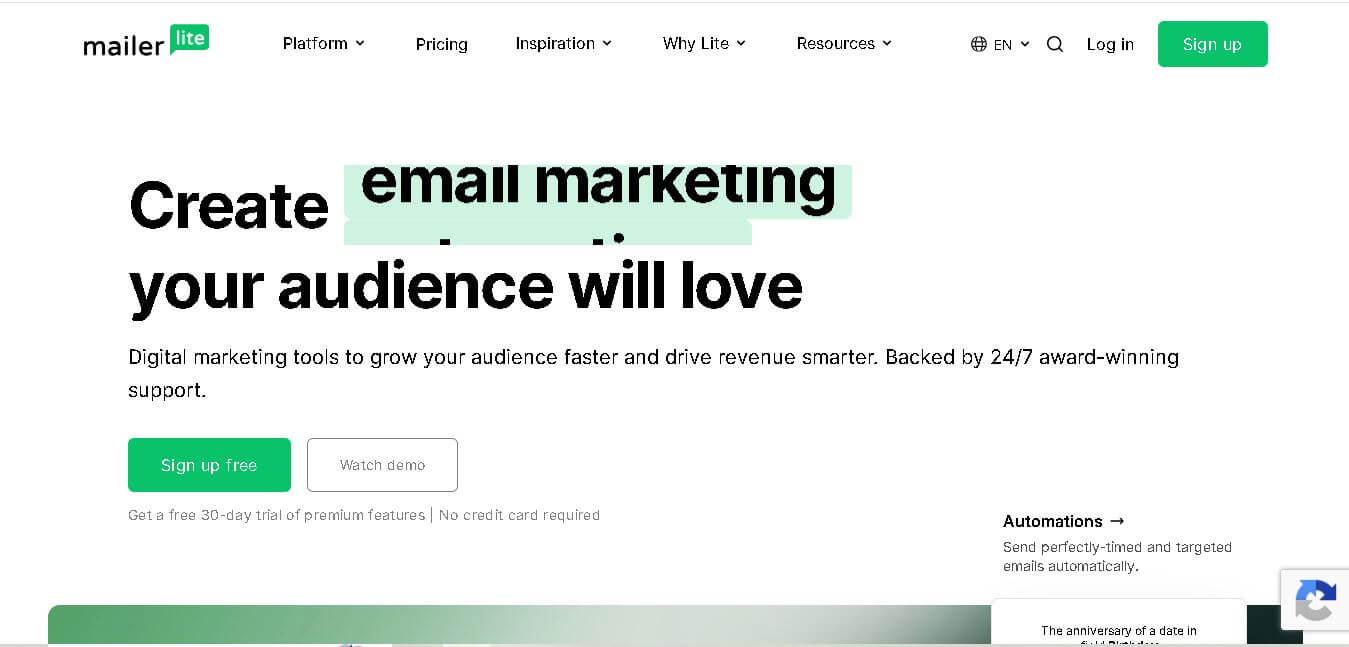
MailerLite is an email marketing solution designed to help creators, small businesses, ecommerce brands, and marketers build audiences, send newsletters, automate campaigns, and create landing pages. It also supports websites, signup forms, digital products, paid newsletters, integrations, and AI-assisted marketing features, making it useful for managing several audience-growth activities from one place.
 4.8
4.8Fellow
Personal Assistant
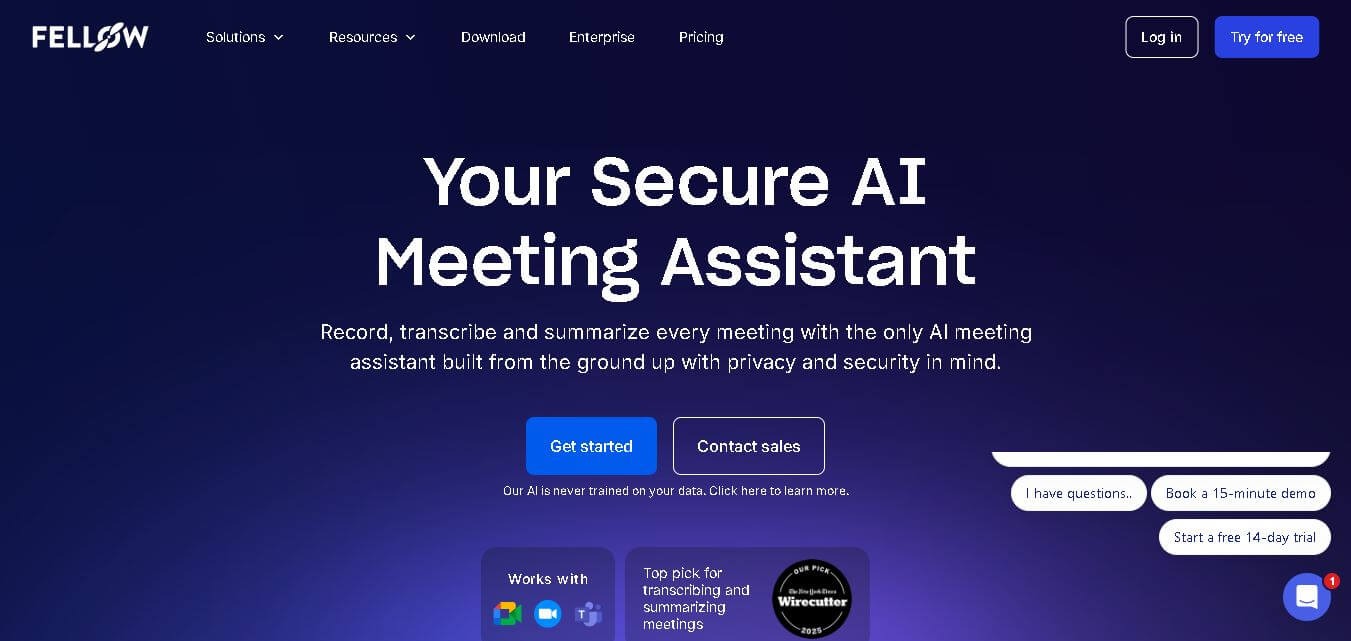
Fellow is an AI-powered meeting assistant and team management platform designed to streamline collaborative agendas, AI meeting transcriptions, summaries, action items, and 1-on-1 accountability structures.
 4.8
4.8Beehiiv
Email Assistant
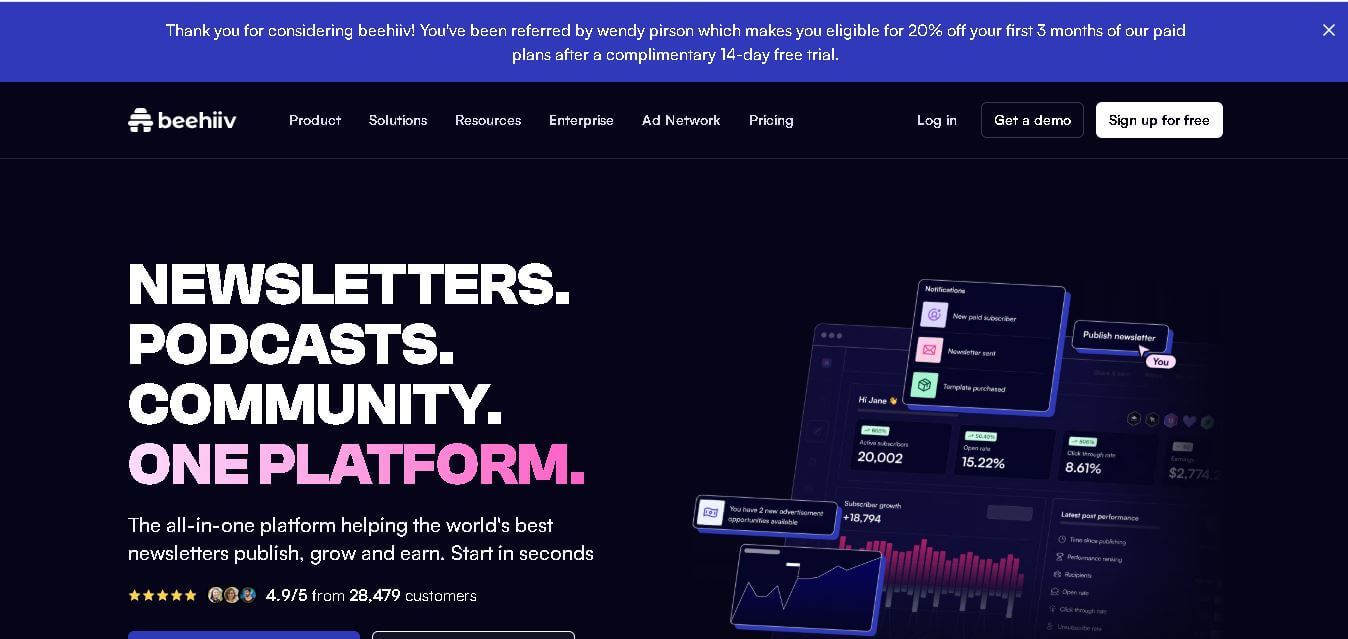
Beehiiv is a newsletter publishing platform that helps creators, businesses, and media brands build, grow, and monetize email audiences from one place. It combines email marketing, website creation, subscriber management, audience analytics, referral programs, automation, and revenue tools, making it easier to turn newsletters into sustainable digital businesses.
 4.9
4.9Angry Email Translator
Email Assistant
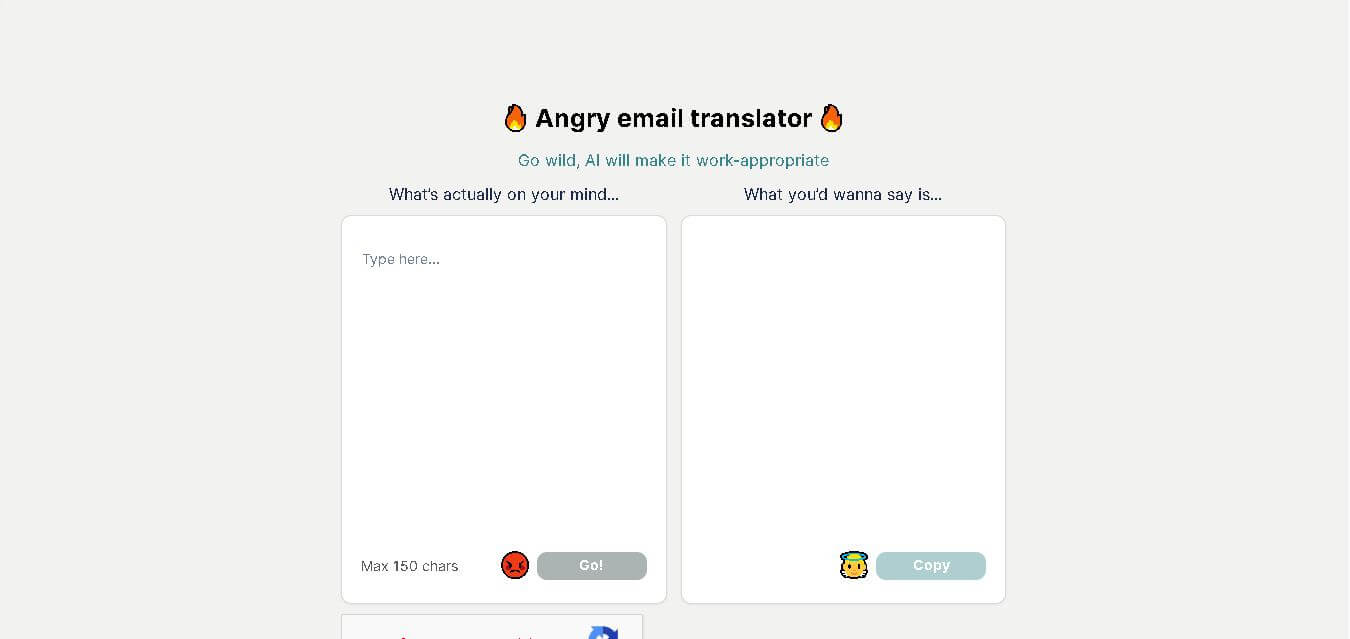
Angry Email Translator is a free AI-powered writing tool that converts angry, emotional emails into calm, professional, and respectful messages. It helps users communicate more effectively while preserving the original intent. Whether you're responding to workplace conflicts or customer complaints, the tool promotes better communication and reduces the risk of misunderstandings.
 4.4
4.4GPTChat for Slack
AI Chatbot Tools
GPTChat AI is an AI-powered chatbot platform that helps users generate content, answer questions, brainstorm ideas, and improve productivity through fast, conversational artificial intelligence.