10 Best AI Testing Tools in 2027: Software Testing, QA Automation & Penetration Testing
Explore the 15 best AI testing tools in 2027 for QA automation, software testing, and penetration testing. Compare features, use cases, and pricing.
Explore moreSoftware testing is changing. Development teams are releasing updates more frequently, applications are becoming more complex, and traditional testing methods can struggle to keep up with continuous development. AI testing tools are helping teams approach this problem differently. They can generate test cases from requirements, automate browser interactions, identify visual changes, maintain test scripts, analyze failures, and evaluate the behavior of AI-powered applications. Security testing is evolving too. AI penetration testing tools can help security teams assess web applications, APIs, networks, and AI systems by identifying potential weaknesses and validating security findings.
But there's an important distinction: AI software testing and AI penetration testing are not the same thing.
AI software testing tools help verify that applications work as expected. AI penetration testing tools focus on finding security weaknesses that could be exploited. Some platforms cover both areas, but many specialize in one. This guide compares 10 AI testing tools across these categories. You'll find practical reviews, key features, pros and cons, pricing considerations, statistics, research resources, and advice on choosing the right platform for your team.
What Are the Best AI Testing Tools in 2027?
The best AI testing tools in 2027 depend on the type of testing you need. For software QA and test automation, the leading options to evaluate include TestMu AI (KaneAI), Katalon, mabl, testRigor, Applitools, Tricentis Testim, Functionize, Keploy, Promptfoo, and QA Wolf. For AI penetration testing and security validation, consider platforms such as XBOW, Horizon3.ai NodeZero, Pentera, Aikido Security, Escape, Strix, Shannon, and Cobalt.
Here are the top recommendations by use case:
| Tool | Best For |
|---|---|
| TestMu AI (KaneAI) | AI-powered end-to-end test creation and execution |
| Katalon | Web, mobile, API, and desktop testing |
| mabl | Low-code AI test automation |
| testRigor | Writing tests in plain English |
| Applitools | AI-powered visual testing |
| Tricentis Testim | AI-assisted UI test automation |
| Functionize | Enterprise AI-powered test automation |
| Keploy | API testing and regression testing |
| Promptfoo | Testing LLM applications and AI model outputs |
| QA Wolf | Managed end-to-end testing |
| XBOW | Autonomous web application penetration testing |
| Horizon3.ai NodeZero | Autonomous network and infrastructure penetration testing |
| Pentera | Automated security validation |
| Aikido Security | Application security and autonomous pentesting |
| Escape | API security testing and AI-assisted application security |
The short recommendation: Start with TestMu AI or Katalon if you need broad software test automation. Consider Applitools for visual testing, Promptfoo for evaluating AI applications, and XBOW or NodeZero when you need authorized security testing.
Key Facts and Statistics About AI Testing
AI testing is moving from experimentation into practical software development and quality engineering workflows. However, adoption does not automatically mean that every team has successfully implemented autonomous testing. The following research findings help explain where the industry stands.
1. 76.8% Adoption of AI in Testing
The 2026 State of Testing Report by PractiTest reports a 76.8% adoption rate of AI in testing. This indicates that AI has become an important part of the testing conversation, although adoption can include different levels of use, from AI-assisted test design to more advanced automation.
Resource: PractiTest – 2026 State of Testing Report
2. Only 15% of Organizations Have Scaled Generative AI in QA Enterprise-Wide
The World Quality Report 2025–2026, published by Capgemini, Sogeti, and OpenText, highlights a gap between experimentation and large-scale adoption.
Its findings include:
- 43% of organizations are experimenting with generative AI in quality engineering.
- 15% have scaled generative AI across the enterprise.
- 60% report challenges with secure, scalable test data.
- 58% report challenges adopting and trusting AI-powered testing tools.
These findings show that buying an AI testing platform is only one part of the process. Data quality, integration, governance, and team skills remain important.
Resource: World Quality Report 2025–2026
3. 61% of QA Teams Report Using AI-Driven Testing
Katalon's 2025 State of Software Quality Report surveyed more than 1,500 QA professionals and reported that 61% of QA teams use AI-driven testing to automate repetitive activities. The report also found that 82% of respondents considered AI skills important for the next three to five years. These figures are based on Katalon's survey and should be understood within that research sample.
Resource: Katalon – 2025 State of Software Quality Report
4. AI Testing Covers More Than Test Case Generation
Modern AI testing platforms can support several stages of the software testing lifecycle:
- Test case generation.
- Test data preparation.
- Test execution.
- Self-healing automation.
- Visual regression detection.
- Failure analysis.
- Test prioritization.
- API and mobile testing.
- LLM and AI agent evaluation.
The Gartner Peer Insights category for AI-augmented software testing describes capabilities that include test scenario generation, test maintenance, automation, prioritization, analysis, and test value scoring.
Resource: Gartner Peer Insights – AI-Augmented Software Testing Tools
What Are AI Testing Tools?
AI testing tools are software platforms that use artificial intelligence, machine learning, computer vision, or large language models to help create, execute, analyze, and maintain tests. Traditional testing often requires testers to manually write test cases, build automation scripts, and update those scripts whenever an application's interface changes. AI-powered testing tools can reduce some of this repetitive work.
For example, a tester might describe a requirement in natural language:
"Verify that a registered user can log in, add a product to the cart, and complete checkout."
An AI-assisted testing platform may use that description to generate test steps, interact with the application, and report whether the expected workflow succeeds. The tester still needs to review the generated test, verify the results, and investigate important failures.
How Do AI Testing Tools Work?
Most AI testing tools combine one or more of the following technologies.
- Machine Learning: Machine learning can help identify patterns in application behavior, test results, and previous failures. It can also support test prioritization and maintenance.
- Natural Language Processing: NLP allows users to describe test scenarios using everyday language. The platform interprets the instructions and converts them into test steps or automation workflows.
- Computer Vision: Computer vision helps identify visual differences between application screens. It can detect changes in layouts, images, buttons, and other interface elements.
- Large Language Models: LLMs can help generate test cases, analyze requirements, summarize errors, create test data, and evaluate AI-generated responses.
- AI Agents: Some newer testing platforms use agents to plan, execute, and adapt multi-step testing workflows. Their level of autonomy varies, and important actions should remain within approved testing boundaries.
Types of AI Testing Tools
Before comparing platforms, understand which category matches your requirements.
| AI Testing Category | Main Purpose | Example Tools |
|---|---|---|
| AI test automation | Generate and execute application tests | TestMu AI, Katalon, mabl |
| Self-healing testing | Adapt automation when application elements change | Testim, Functionize |
| Visual AI testing | Detect visual differences and UI regressions | Applitools |
| API testing | Validate API behavior and responses | Keploy, Katalon |
| LLM testing | Evaluate AI responses and model behavior | Promptfoo |
| Managed QA testing | Provide testing services and automation | QA Wolf |
| AI penetration testing | Find and validate security weaknesses | XBOW, Aikido |
| Network security testing | Validate infrastructure and attack paths | NodeZero, Pentera |
A platform designed for visual regression testing will not necessarily replace an API testing framework. Similarly, a penetration testing agent is not a substitute for an end-to-end functional testing platform. Choose the category first, then compare individual tools.
10 Best AI Software Testing Tools in 2027
1. TestMu AI (formely LambdaTest)
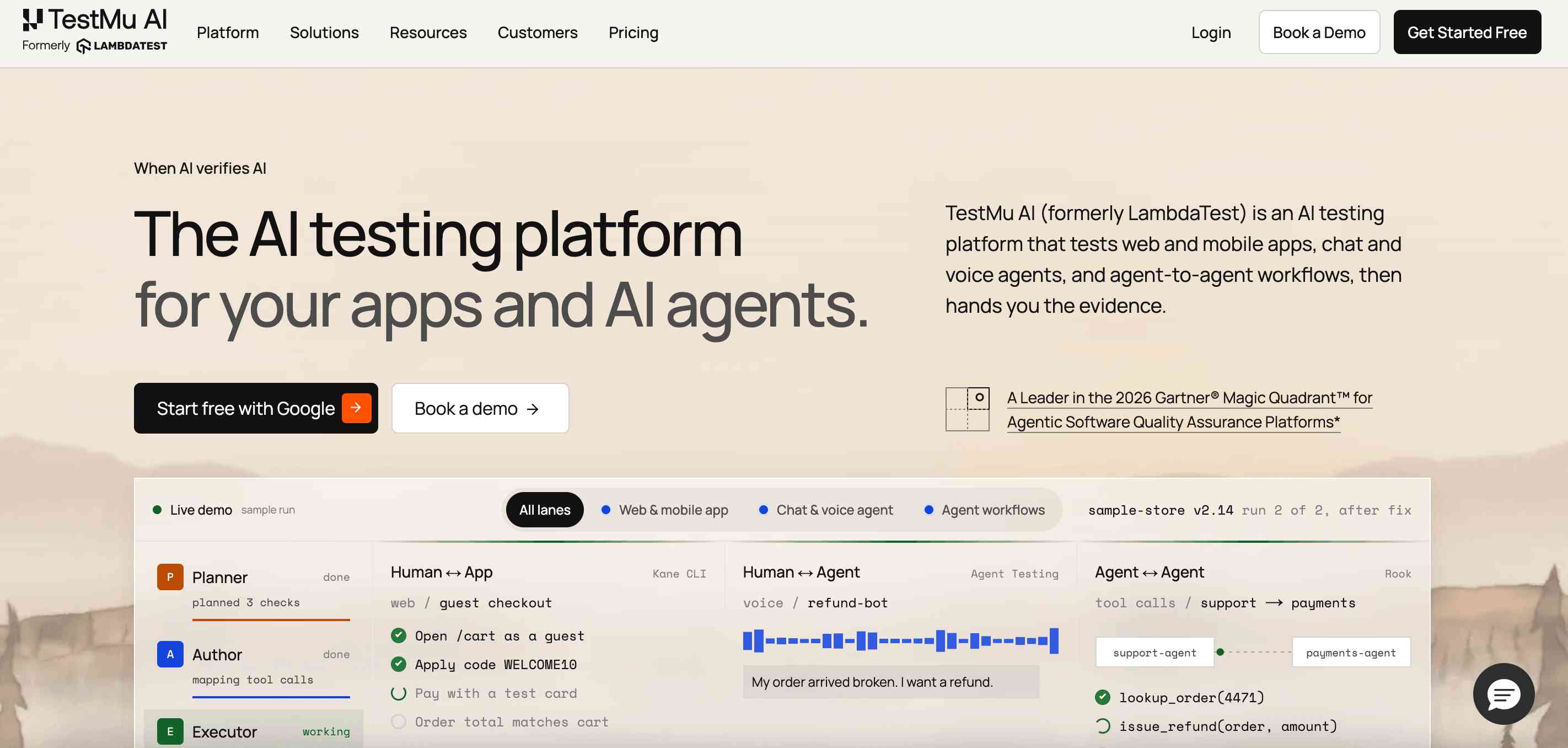
TestMu AI, formerly known as LambdaTest, is an AI-powered quality engineering platform designed to support software testing across web, mobile, and other application environments. One of its major products is KaneAI, an AI testing agent that helps teams create, execute, and maintain tests using natural-language instructions. Instead of manually writing every automation step, testers can describe the workflow they want to validate. KaneAI helps turn those instructions into test scenarios and automation. TestMu AI also offers browser and device testing infrastructure, test execution, visual testing, and capabilities for testing AI agents.
Key Features
- KaneAI for natural-language test authoring.
- AI-assisted end-to-end testing.
- Web and mobile application testing.
- AI-assisted test planning and maintenance.
- Test execution across browser environments.
- Real-device testing infrastructure.
- HyperExecute for test execution orchestration.
- Visual regression testing.
- Accessibility testing.
- AI agent testing capabilities.
- CI/CD integrations.
Pros
- Combines AI test authoring and execution infrastructure.
- Useful for web and mobile testing.
- Supports natural-language test creation.
- Offers a broader quality engineering ecosystem.
- Relevant for teams testing AI-powered applications.
Cons
- The platform has a broad feature set that may require onboarding.
- Advanced capabilities may require higher-tier subscriptions.
- Teams should evaluate usage limits and execution costs.
- AI-generated test cases still need human review.
Pricing: Offers free and paid options across its products. KaneAI, execution infrastructure, and enterprise capabilities have different pricing arrangements. Check the official pricing page for current plans.
Best For: QA teams, developers, automation engineers, and businesses looking for AI-assisted end-to-end testing.
Review:
TestMu AI is a strong option for teams that want AI-assisted test creation alongside an execution platform. TestMu AI is particularly relevant for teams that want to move from written requirements to automated test workflows. Its wider testing ecosystem also makes it worth considering when teams need more than a standalone test-generation tool.
Useful resources:
2. Katalon
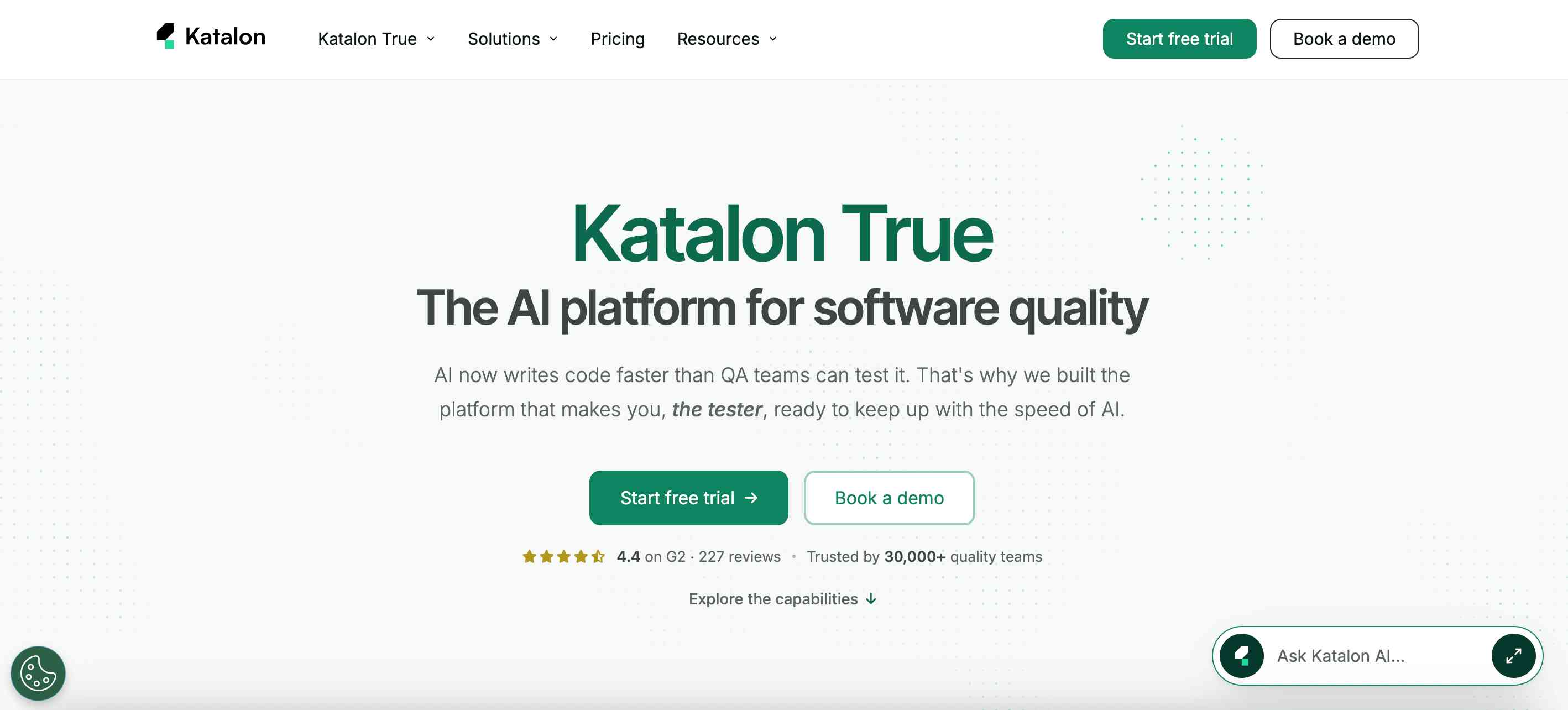
Katalon is a software testing platform that supports web, mobile, API, and desktop application testing. It offers no-code, low-code, and code-based testing approaches, making it suitable for teams with different levels of automation experience. Katalon's AI capabilities support test case generation, locator maintenance, debugging, and release-readiness analysis. Its wider platform combines test automation, test management, execution, and reporting. This makes it useful for organizations that want to manage multiple testing activities within a connected environment.
Key Features
- Katalon AI for test generation and assistance.
- Web application testing.
- Mobile application testing.
- API testing.
- Desktop application testing.
- No-code, low-code, and code-based automation.
- AI-assisted locator healing.
- Test management and reporting.
- Parallel test execution.
- CI/CD integrations.
Pros
- Covers several major testing categories.
- Suitable for technical and non-technical testers.
- Offers flexible automation approaches.
- Combines test execution and management.
- Useful for growing QA teams.
Cons
- Advanced features may require paid subscriptions.
- Teams may need training to use the full platform.
- Some enterprise workflows require additional configuration.
- AI functionality varies by product and plan.
Pricing: Offers free access and paid plans across its products. Enterprise pricing and advanced capabilities depend on the selected configuration.
Best For: QA teams that need web, mobile, API, and desktop testing in one platform.
Review
Katalon is a practical option for businesses that want a broader testing environment instead of buying separate tools for every application type. Its combination of low-code automation, traditional scripting, AI assistance, and test management makes it suitable for different QA teams.
3. mabl
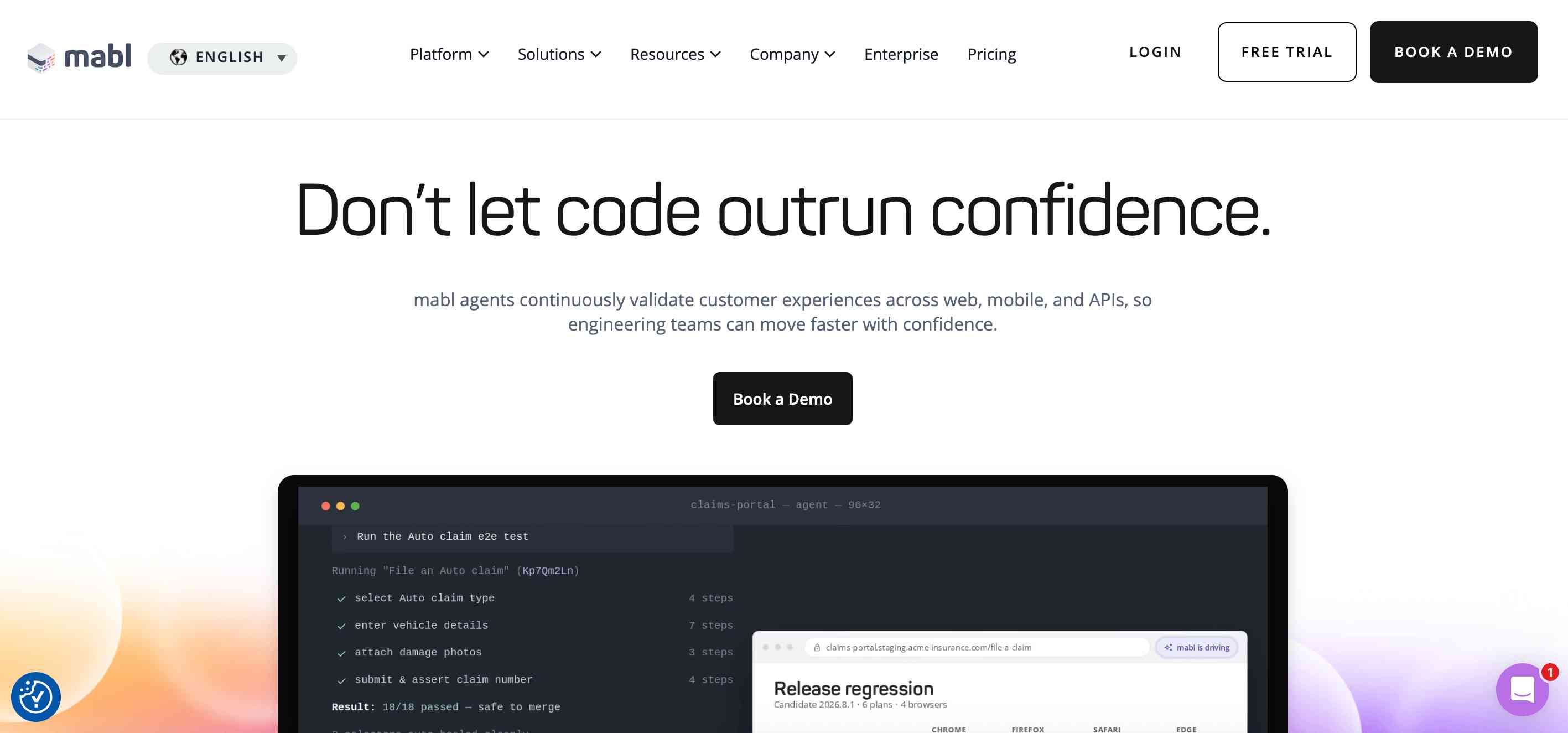
mabl is an AI-powered test automation platform designed to help teams create, execute, and maintain automated tests. It focuses on making end-to-end testing more accessible while providing capabilities for web, API, and other supported testing workflows. Its AI-assisted features can help teams create tests, maintain automation when application interfaces change, and investigate test failures. mabl is particularly relevant to agile development teams that want to integrate automated testing into their development and deployment workflows.
Key Features
- AI-assisted test creation.
- Low-code test automation.
- Web application testing.
- API testing.
- Automatic test maintenance.
- Visual testing capabilities.
- Test failure analysis.
- CI/CD integrations.
- Test reporting and analytics.
- Accessibility and performance-related testing capabilities, depending on configuration.
Pros
- Designed for low-code test automation.
- Useful for continuous testing workflows.
- Supports web and API testing.
- AI can help with test maintenance.
- Suitable for agile and DevOps teams.
Cons
- Pricing may not suit very small teams.
- Native mobile testing coverage should be checked against requirements.
- Advanced capabilities may require additional configuration.
- Teams may need time to build reliable test suites.
Pricing: Commercial platform with pricing based on business requirements and product configuration. Contact mabl for current plans and quotations.
Best For: Agile development teams, SaaS businesses, and QA teams looking for low-code automation.
Review
mabl is worth considering when a team wants to reduce the effort involved in writing and maintaining end-to-end tests. Its low-code approach makes it accessible to a wider range of testers, while its automation and CI/CD capabilities support ongoing software delivery.
4. testRigor
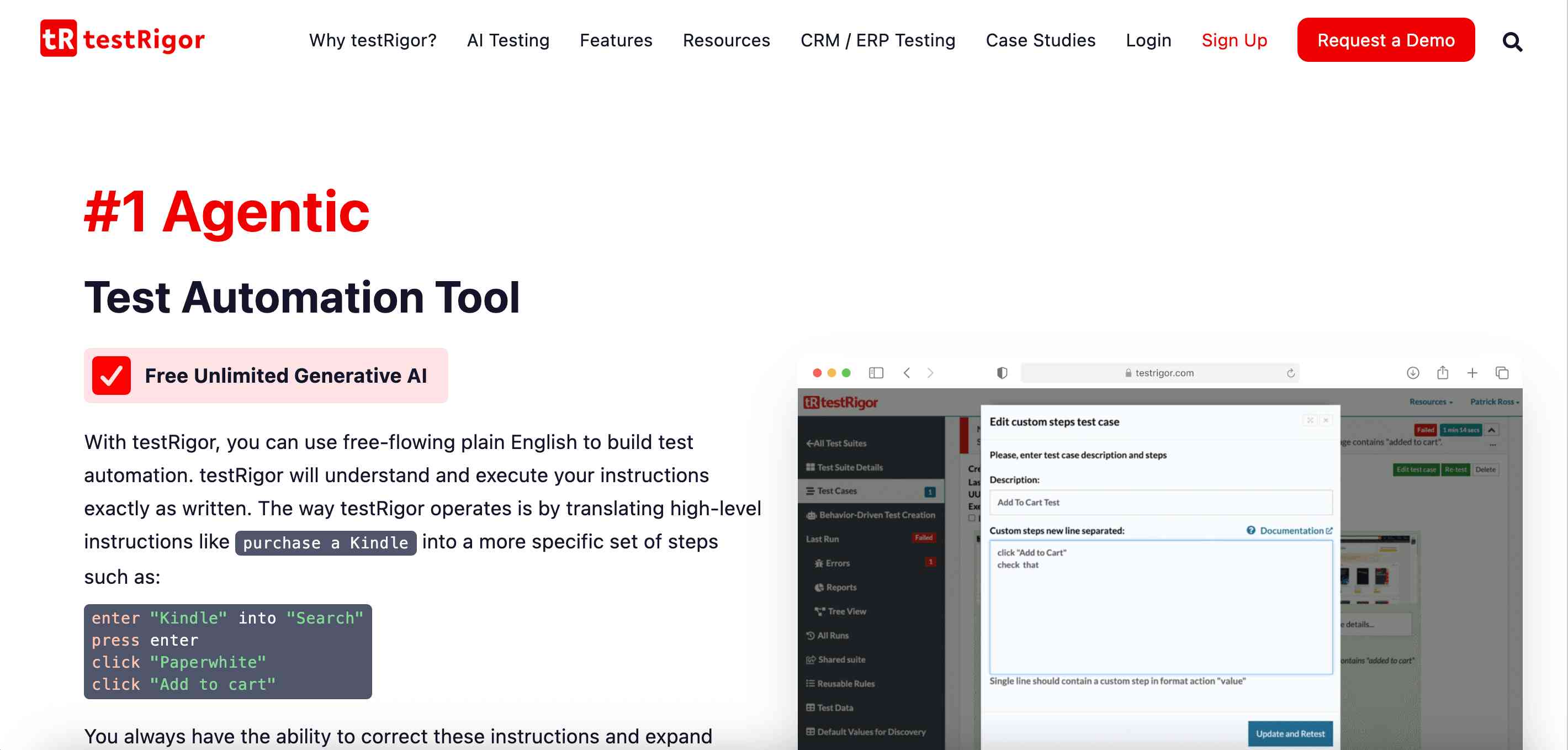
testRigor is an AI-powered test automation platform that allows users to describe test scenarios using natural-language instructions. Its main appeal is reducing the need to write traditional automation scripts for every test case. For example, a tester can describe a user journey in plain English, and the platform can interpret the steps to create and execute a test. This approach can be helpful for QA teams that want business users, manual testers, and automation engineers to collaborate more closely.
Key Features
- Natural-language test creation.
- AI-assisted test automation.
- Web application testing.
- Mobile application testing.
- API testing.
- Cross-browser testing.
- Reusable test steps.
- Test maintenance and reporting.
- CI/CD integrations.
- Test execution and management.
Pros
- Plain-English test authoring.
- Reduces dependence on traditional scripting.
- Useful for manual testers moving into automation.
- Supports multiple testing environments.
- Helps make test cases easier to understand.
Cons
- Natural-language instructions still require careful writing.
- Advanced scenarios may need technical configuration.
- Subscription and execution limits should be checked.
- Not every test can be simplified into a natural-language workflow.
Pricing: Offers a free tier and paid plans. Check the official pricing page for current test limits and enterprise options.
Best For: Manual testers, QA teams, and businesses that want to create automated tests using natural language.
Review
testRigor is useful for teams that want to make test automation less dependent on coding. Its plain-English approach can help testers turn business requirements into repeatable workflows. It is particularly worth evaluating if your QA team spends a lot of time translating manual test cases into automation scripts.
5. Applitools
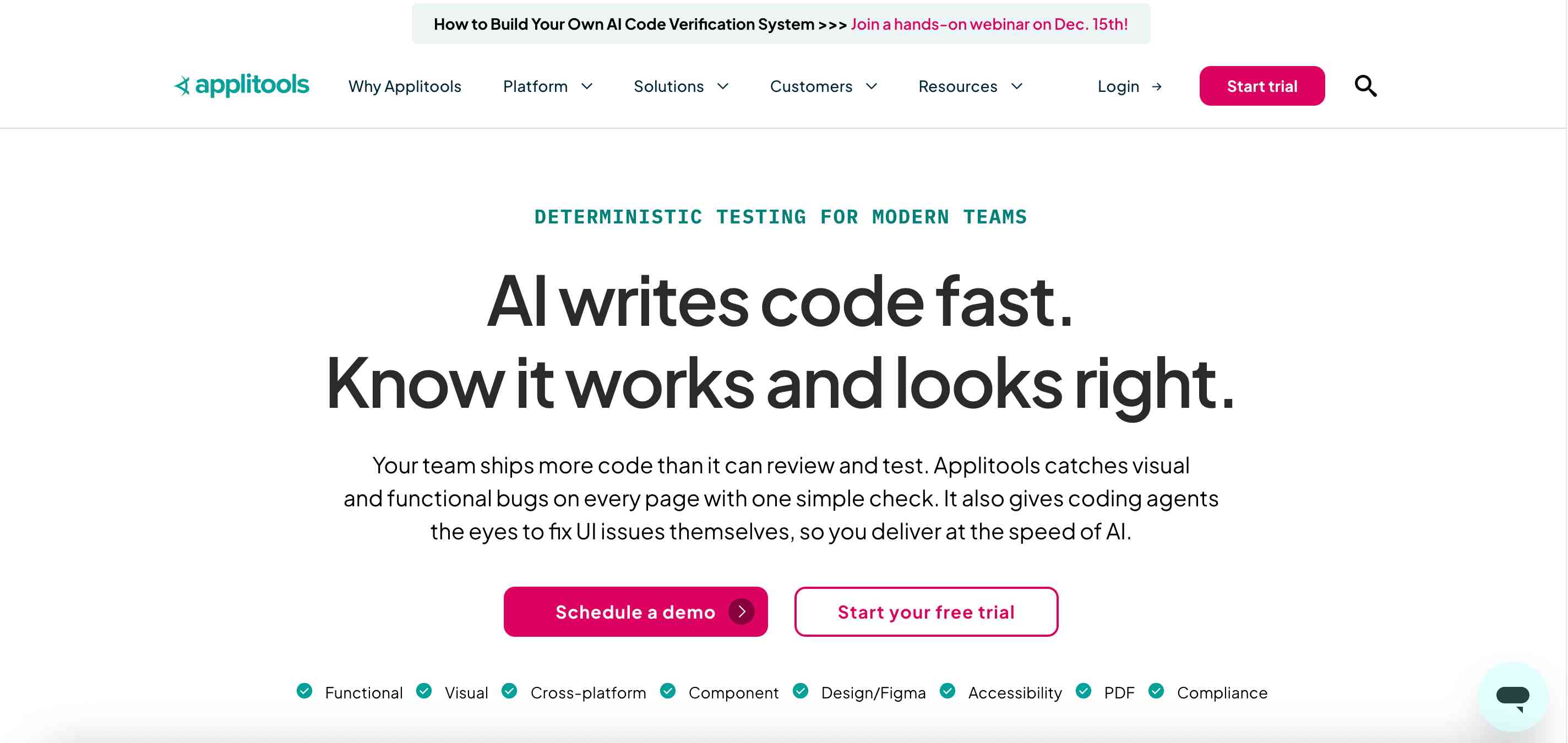
Applitools specializes in visual testing and visual validation for web and mobile applications. Traditional functional tests can confirm that a button works or that a page loads. However, they may not identify every visual issue, such as unexpected spacing changes, broken layouts, incorrect colors, or missing interface elements. Applitools uses Visual AI to compare application appearances and identify visual differences that may require investigation. This makes it particularly useful for businesses with complex interfaces, design systems, and applications that need consistent presentation across different browsers and devices.
Key Features
- Visual AI testing.
- Automated visual regression testing.
- Cross-browser visual validation.
- Responsive layout testing.
- Visual comparison and review.
- Integration with automation frameworks.
- Test reporting and collaboration.
- Visual validation for web and mobile applications.
Pros
- Strong focus on visual regression testing.
- Useful for complex user interfaces.
- Helps identify visual changes beyond functional failures.
- Integrates with existing automation frameworks.
- Supports cross-browser validation.
Cons
- Not a complete replacement for functional testing.
- Visual baselines require careful management.
- Pricing may be high for small teams.
- Teams need to understand which visual differences are acceptable.
Pricing: Offers different commercial plans and trial options. Check the official website for current pricing and visual testing limits.
Best For: Front-end developers, QA teams, design system teams, and businesses with visually complex applications.
Review
Applitools is worth considering when visual quality is an important part of software testing. It addresses a problem that traditional functional tests can overlook: an application can technically work while still looking broken. For teams that already use Playwright, Selenium, Cypress, or other automation frameworks, visual AI can add another layer of quality validation.
6. Tricentis Testim
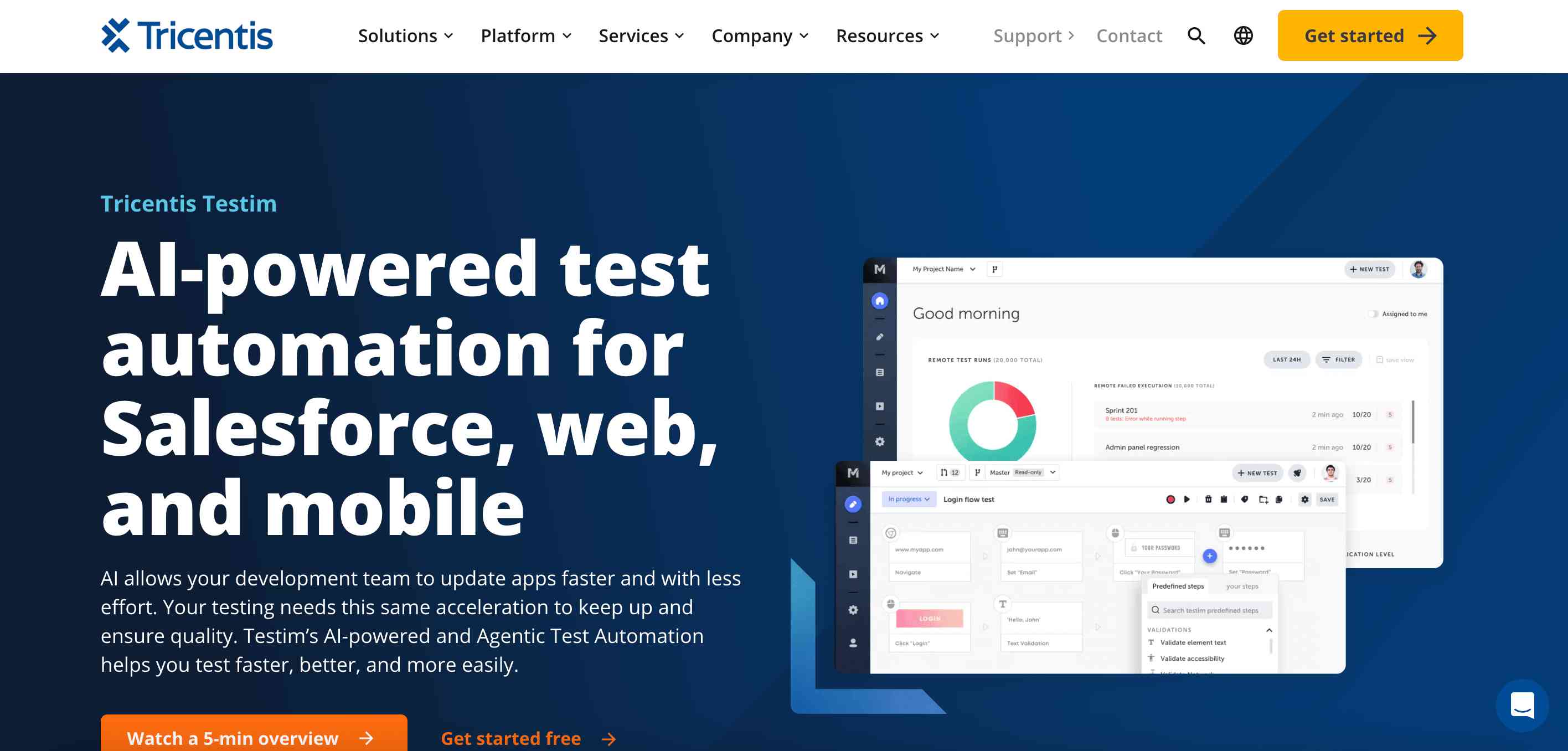
Tricentis Testim is a test automation platform designed to help teams create and maintain reliable application tests. Its AI-assisted capabilities include smart element identification and test maintenance. These features are designed to reduce the amount of manual work required when application interfaces change. Testim is relevant to teams that regularly update web applications and need automated tests that can adapt to certain UI changes.
Key Features
- AI-assisted test authoring.
- Smart element identification.
- Automated UI testing.
- Test maintenance support.
- Reusable test components.
- Test execution and reporting.
- CI/CD integrations.
- Collaboration features.
- Support for enterprise testing workflows.
Pros
- Useful for web UI automation.
- AI-assisted element identification.
- Helps manage tests when interfaces change.
- Supports continuous testing workflows.
- Suitable for teams with frequent application updates.
Cons
- Advanced capabilities may require enterprise plans.
- Teams may need time to establish reliable test coverage.
- Its strongest use cases are not necessarily the same as API or visual testing specialists.
- Pricing is not always publicly listed.
Pricing: Commercial pricing depends on product configuration and business requirements. Contact Tricentis for a current quotation.
Best For: SaaS companies, web application teams, and QA professionals maintaining automated UI tests.
Review
Testim is a useful option for teams whose automated tests frequently break after interface updates. Its AI-assisted element identification can help reduce test maintenance, although it does not remove the need for good test design and human review.
7. Functionize

Functionize is an AI-powered testing platform designed to help organizations automate and maintain application tests. It uses machine learning and AI-assisted capabilities to support test creation, execution, and maintenance across complex application workflows. The platform is particularly relevant to enterprise teams managing large applications where test coverage and ongoing maintenance can become difficult to manage.
Key Features
- AI-powered test automation.
- Natural-language test creation.
- Machine learning-based test maintenance.
- Web application testing.
- Test analytics and reporting.
- Automated test execution.
- Enterprise workflow support.
- Integration with development pipelines.
Pros
- Designed for enterprise testing requirements.
- AI supports test creation and maintenance.
- Useful for large automated test suites.
- Helps teams manage complex application workflows.
- Provides analytics and reporting capabilities.
Cons
- Enterprise pricing may be unsuitable for small teams.
- Implementation may require planning.
- Teams should validate support for their specific technology stack.
- Feature availability depends on product configuration.
Pricing: Enterprise-oriented commercial pricing. Contact Functionize for a current quotation.
Best For: Large businesses, enterprise QA teams, and organizations managing complex web applications.
Review
Functionize is worth evaluating when an organization needs more structured AI-assisted test automation across large applications. Its focus on test creation, maintenance, and analytics makes it relevant to teams that want to scale automation beyond isolated scripts.
8. Keploy
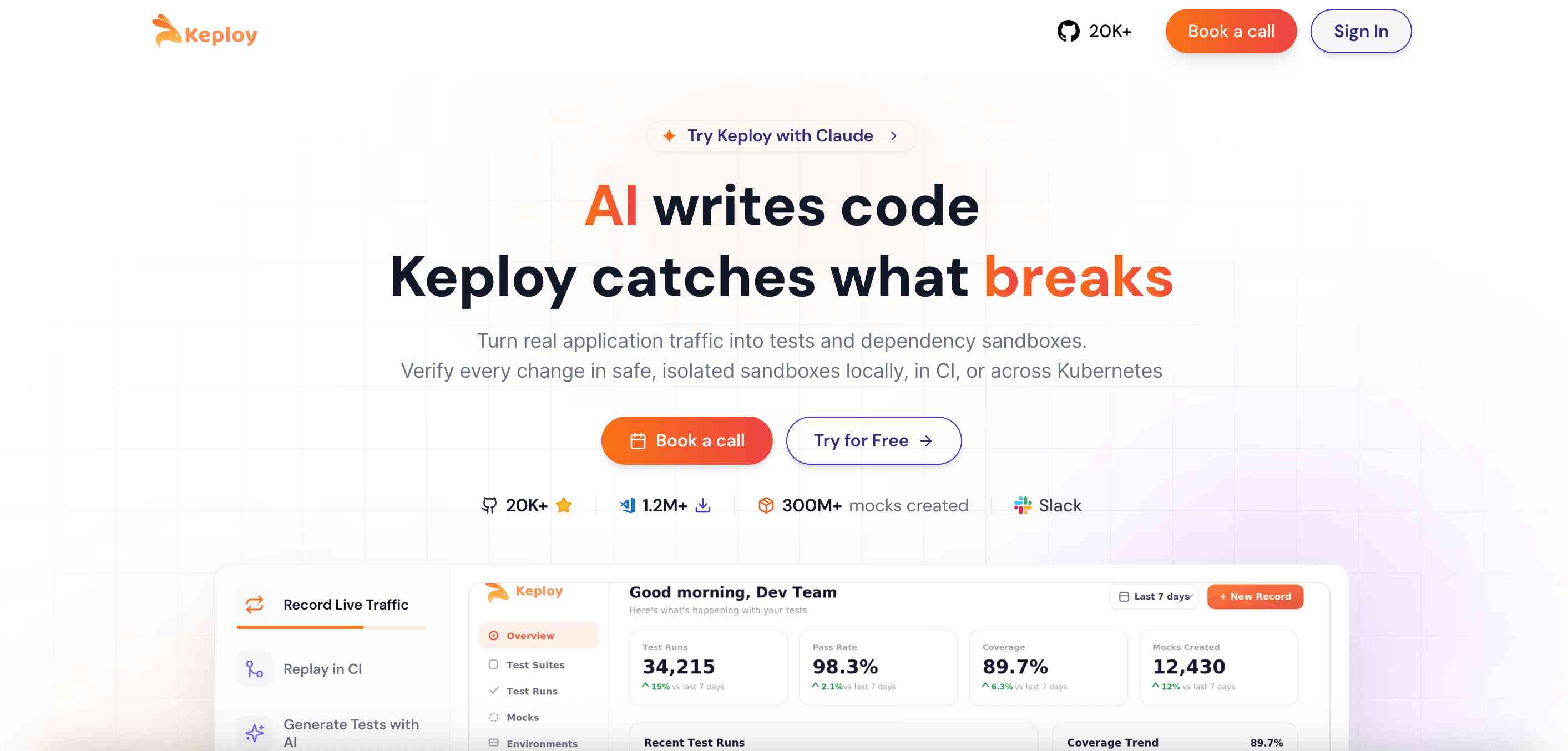
Keploy is a testing platform focused on API testing, test generation, and regression testing. It helps developers generate tests using application traffic and recorded interactions. This can be useful for teams that want to build test coverage around real application behavior rather than manually writing every test from scratch. Keploy is particularly relevant to backend developers and engineering teams working with APIs and microservices.
Key Features
- Automated API test generation.
- Traffic-based test creation.
- API regression testing.
- Test data and mock generation.
- CI/CD integration.
- Support for developer workflows.
- Open-source tooling and community resources.
- Test execution and reporting.
Pros
- Useful for API-focused testing.
- Helps generate tests from recorded traffic.
- Relevant to microservices and backend teams.
- Supports developer-centric workflows.
- Offers open-source components.
Cons
- Not a full replacement for UI automation platforms.
- Teams need to understand their API architecture.
- Generated tests require review and maintenance.
- Advanced requirements may need additional tooling.
Pricing: Offers open-source tooling and commercial offerings. Check the official website for current product and enterprise pricing.
Best For: Backend developers, API teams, and engineering organizations working with microservices.
Review
Keploy is a good option when API reliability is a major testing priority. Its traffic-based approach can help teams generate regression tests from actual application interactions. It is particularly relevant to developers who want testing integrated into their engineering workflow.
9. Promptfoo
Promptfoo is an open-source platform for evaluating and red-teaming large language model applications. Traditional software testing often checks whether an application performs a defined action correctly. Testing an AI application requires additional checks because its responses may vary based on prompts, context, model behavior, and external information. Promptfoo helps teams evaluate LLM outputs, compare models, test prompts, and identify potential security issues. It is especially relevant to businesses developing AI chatbots, RAG applications, AI agents, and other LLM-powered products.
Key Features
- LLM output evaluation.
- Prompt testing and comparison.
- Model benchmarking.
- Automated evaluation workflows.
- Red-team testing capabilities.
- Prompt injection testing.
- CI/CD integration.
- Open-source framework.
- Reporting and evaluation results.
Pros
- Specifically designed for LLM evaluation.
- Supports prompt and model comparison.
- Useful for AI application security testing.
- Offers open-source functionality.
- Can be integrated into development workflows.
Cons
- Requires understanding of LLM evaluation concepts.
- Some testing workflows need custom configuration.
- Results depend on evaluation criteria and test datasets.
- It does not replace conventional software QA or a full penetration test.
Pricing: Offers open-source tools and commercial or enterprise options. Check the official website for current pricing and feature availability.
Best For: AI developers, LLM engineers, AI product teams, and organizations testing generative AI applications.
Review
Promptfoo is an important addition to an AI testing stack when the application itself uses a large language model. It helps teams move beyond checking whether an API responds and evaluate whether the AI output is useful, consistent, and safe under defined test conditions. For teams building AI products, it addresses a different testing requirement from conventional UI automation tools.
10. QA Wolf
QA Wolf is a managed end-to-end testing platform and service designed to help businesses build and maintain automated test coverage. Rather than requiring every team to manage the full automation process internally, QA Wolf provides support for test creation, execution, and maintenance. It is relevant to companies that want to expand test coverage but have limited internal automation engineering resources.
Key Features
- Managed end-to-end test automation.
- Automated browser testing.
- Test creation and maintenance support.
- Test execution and reporting.
- CI/CD integrations.
- Test failure investigation.
- Support for modern web application workflows.
- Quality engineering services.
Pros
- Reduces the internal effort required to maintain test suites.
- Useful for teams without large QA automation departments.
- Focuses on end-to-end application coverage.
- Supports development workflows.
- Combines technology with testing services.
Cons
- Managed service pricing differs from self-service software.
- Teams may have less direct control over some testing activities.
- Coverage and service terms should be reviewed.
- Not necessarily the best fit for organizations wanting a fully self-managed framework.
Pricing: Commercial pricing depends on testing scope and service requirements. Check the official website for current pricing.
Best For: Startups, SaaS companies, and businesses that want managed end-to-end testing.
Review
QA Wolf is worth considering if your team needs automated testing but does not want to manage every part of the process internally. Its managed approach can be useful for organizations that want to improve coverage while keeping their engineering team focused on product development.
What Are the Best AI Penetration Testing Tools?
AI penetration testing tools use artificial intelligence and automated security testing techniques to help identify vulnerabilities in applications, APIs, networks, and other digital assets. These platforms are different from general AI test automation software.
A functional testing platform checks whether a user can successfully complete a checkout process. A penetration testing platform evaluates whether that application contains security weaknesses that could expose data, bypass authorization, or allow unauthorized access. The exact capabilities vary considerably. Some tools focus on web applications and APIs, others test internal networks and identity environments, and some evaluate AI applications and agents.
Important: Penetration testing should only be performed on systems you own or have explicit written authorization to assess. Autonomous tools can generate traffic and perform actions that may affect production systems. Use approved scope, safe test environments, rate limits, and appropriate human oversight.
Key Facts About AI Penetration Testing
- Different autonomy levels: AI pentesting tools range from AI-assisted manual testing to autonomous platforms and human-supervised agents.
- Different testing targets: Some focus on web applications and APIs, while others specialize in internal networks, cloud infrastructure, or AI applications.
- Finding validation matters: A useful security report should provide evidence that a vulnerability is real, not simply a list of possible issues.
- Human review remains important: AI-generated findings should be checked, prioritized, and assessed in the context of business risk.
- AI applications need dedicated security tests: Prompt injection, sensitive information disclosure, excessive agency, and insecure output handling are among the risks highlighted by OWASP.
AI Software Testing vs. AI Penetration Testing
These two categories often appear together in searches for AI testing tools, but they solve different problems.
| Area | AI Software Testing | AI Penetration Testing |
|---|---|---|
| Main objective | Verify application functionality and quality | Identify security weaknesses |
| Primary users | QA engineers and developers | Security engineers and penetration testers |
| Typical tests | Functional, UI, API, visual, regression | Authorization, exposure, security vulnerabilities |
| Main output | Test results, failures, coverage reports | Security findings, evidence, remediation reports |
| Example tools | Katalon, mabl, TestMu AI | XBOW, NodeZero, Pentera |
| Success criteria | Expected behavior works correctly | Security risks are identified and validated |
If you are developing a web application, you may need both categories. Functional testing helps ensure that features work, while security testing helps determine whether those features can be abused.
AI Testing Tools vs. Traditional Testing Tools
AI testing platforms do not make traditional testing frameworks obsolete. They add new ways to create, execute, and maintain tests.
| Comparison | Traditional Testing Tools | AI Testing Tools |
|---|---|---|
| Test creation | Often manually scripted | Can generate tests from natural language or requirements |
| Test maintenance | Manual updates are common | May support AI-assisted or self-healing maintenance |
| Visual testing | Often relies on fixed comparisons | Can use visual AI to assess meaningful differences |
| Failure analysis | Manual investigation and logs | AI-assisted summaries and diagnosis |
| Test prioritization | Rules and manual selection | May use predictive or data-driven prioritization |
| Human involvement | Required | Still required for review and decisions |
AI can reduce repetitive work, but test quality still depends on clear requirements, reliable test data, appropriate coverage, and human judgment.
How to Choose the Best AI Testing Tool in 2027
Choosing an AI testing platform should start with the problem you want to solve, not the number of AI features on its pricing page.
1. Identify Your Testing Requirements
Decide whether you need:
- Web application testing.
- Mobile application testing.
- API testing.
- Visual regression testing.
- Performance testing.
- Accessibility testing.
- LLM application testing.
- AI penetration testing.
A team that primarily tests APIs has different requirements from a team that validates visual layouts or evaluates AI-generated answers.
2. Check Test Creation Capabilities
Some platforms generate test cases from plain-language descriptions. Others create tests from recorded user sessions, requirements, or existing application behavior. Evaluate whether the tool can create meaningful test scenarios from your actual development workflow.
3. Evaluate Self-Healing and Maintenance
Self-healing capabilities can help automated tests adapt when an application's interface changes. However, a self-healing test should not silently accept an incorrect application behavior. Review how the platform handles changed elements, failed assertions, and unexpected results.
4. Review Supported Technologies
Check compatibility with your current development stack.
For example:
- React and other front-end frameworks.
- Web applications.
- Android and iOS applications.
- REST and GraphQL APIs.
- Selenium, Playwright, and Cypress.
- CI/CD platforms.
- GitHub and GitLab.
5. Evaluate Integration With CI/CD
Continuous testing works best when tests are connected to the development pipeline. Look for integrations that allow tests to run during pull requests, builds, deployments, and scheduled regression checks.
6. Compare Reporting and Debugging
A useful testing platform should explain more than whether a test passed or failed.
Look for:
- Error messages.
- Screenshots and recordings.
- Execution logs.
- Failure categorization.
- Root-cause investigation support.
- Test history.
- Coverage reporting.
7. Check AI Transparency and Human Oversight
Ask how AI-generated tests are created and how results are validated. For security testing, understand whether the platform reports unverified possibilities or provides evidence of a reproducible finding. For AI application testing, check how test datasets, evaluation criteria, and expected outputs are managed.
8. Review Security and Data Privacy
Testing tools may access source code, credentials, customer data, application logs, and production-like environments.
Before adoption, review:
- Data encryption.
- Access permissions.
- Data retention.
- Model and AI provider policies.
- Data residency.
- SSO and role-based access.
- Audit logs.
- Deployment options.
- Compliance documentation.
9. Compare Total Cost
Do not compare tools using only their starting subscription price.
Review the cost of:
- Per-user licenses.
- Test execution.
- AI credits.
- Real-device testing.
- Browser infrastructure.
- Managed testing services.
- Enterprise integrations.
- Support and onboarding.
A tool that looks inexpensive at the beginning may become more costly as test volume grows.
How to Implement AI Testing in Your Software Development Workflow
Introducing AI testing does not require replacing your entire QA process.
A gradual implementation is usually easier to manage.
Step 1: Review Your Existing Testing Process
Identify repetitive test cases, common failures, and areas where manual testing consumes the most time.
Step 2: Choose One Testing Use Case
Start with a focused workflow, such as login testing, checkout validation, API regression, or visual testing.
Step 3: Select an AI Testing Platform
Choose a tool that supports your application stack and testing requirements.
Step 4: Prepare Reliable Test Data
Create test accounts, sample records, and controlled test environments. Avoid using sensitive production data without appropriate safeguards.
Step 5: Generate and Review Tests
Use AI to create an initial test suite, then review the steps, assertions, and expected results.
Step 6: Connect Testing to CI/CD
Integrate automated tests into your development pipeline so they can run consistently during code changes and releases.
Step 7: Monitor Test Quality
Track meaningful measures such as test coverage, flaky test rates, escaped defects, execution time, maintenance effort, and false positives.
Step 8: Expand Gradually
Once the first workflow is reliable, extend AI testing to other parts of the application. For penetration testing, define authorized targets and boundaries separately. Do not give an autonomous security tool unrestricted access to production systems.
How to Test AI Applications and AI Agents
AI-powered applications introduce risks that traditional functional testing may not fully cover. A chatbot, RAG application, or AI agent can behave differently depending on its prompt, conversation history, retrieved information, connected tools, and model configuration. This means AI products need dedicated evaluation and security testing.
Important Areas to Test
- Accuracy and Relevance: Check whether the model provides answers that are relevant to the user's question and supported by the available information.
- Hallucinations: Test whether the system invents facts, references, or information when it does not have a reliable answer.
- Prompt Injection: Evaluate whether malicious or misleading instructions can manipulate the model into ignoring its intended rules.
- Sensitive Information Disclosure: Check whether the application reveals confidential information, private user data, or information belonging to other users.
- Excessive Agency: For AI agents connected to tools, verify that they cannot perform actions beyond the permissions granted to them.
- Output Handling: Ensure that generated output is validated and handled safely before it reaches databases, browsers, APIs, or other systems.
- Performance and Reliability: Measure response time, availability, cost, and consistency across repeated tests.
- Bias and Toxicity: Evaluate whether the application produces discriminatory, abusive, or otherwise inappropriate responses under defined test conditions.
Useful Resources for AI Application Testing
- OWASP Top 10 for LLM Applications – A security-focused reference for common LLM application risks.
- NIST AI Resource Center – Resources for AI risk management and testing, evaluation, verification, and validation.
- Promptfoo Documentation – Practical documentation for LLM evaluation and red-team testing.
Key Metrics to Measure AI Testing Performance
Buying an AI testing platform does not automatically improve software quality. You need to measure whether it actually helps your team.
Here are useful metrics to track:
| Metric | What It Measures |
|---|---|
| Test coverage | Percentage of relevant application behavior covered by tests |
| Test pass rate | Percentage of executed tests that pass |
| Defect detection rate | How effectively testing identifies defects |
| Escaped defects | Bugs discovered after release |
| Test execution time | Time required to run test suites |
| Flaky test rate | Tests that produce inconsistent results |
| Test maintenance effort | Time spent updating and repairing tests |
| False positive rate | Reported issues that are not actual defects |
| Vulnerability validation rate | Security findings confirmed with sufficient evidence |
| Mean time to resolution | Time taken to investigate and resolve issues |
For AI applications, also consider tracking:
- Hallucination rate under a defined evaluation set.
- Prompt injection success rate.
- Sensitive data leakage.
- Tool-use policy violations.
- Output consistency.
- Model response latency.
- Cost per evaluation.
These metrics should be measured against a consistent baseline. Otherwise, it becomes difficult to determine whether AI testing is improving the process.
Common Mistakes to Avoid When Using AI Testing Tools
AI testing can make software quality workflows more efficient, but it can also introduce new problems if implemented without a clear strategy.
Avoid these mistakes:
- Choosing a tool just because it advertises AI: Check whether its capabilities solve a real testing problem.
- Trusting generated tests without reviewing them: AI can misunderstand requirements or create weak assertions.
- Ignoring test data quality: Poor test data can produce unreliable results.
- Treating self-healing as automatic correctness: A test that adapts to an interface change may still be validating the wrong behavior.
- Ignoring false positives: Too many incorrect alerts can reduce trust in testing results.
- Skipping manual exploratory testing: Human testers remain important for investigating unexpected behavior and usability problems.
- Using one platform for every testing requirement: Specialized tools may be better for visual, API, performance, or security testing.
- Ignoring privacy and security: Review how source code, credentials, and test data are handled.
- Giving autonomous pentesting agents unrestricted access: Define approved scope, limits, and human checkpoints.
- Not measuring results: Track whether the platform actually improves test coverage, reliability, and maintenance effort.
Conclusion
AI testing tools are becoming an important part of modern software development. They can help teams generate test cases, automate application workflows, maintain test suites, identify visual changes, and evaluate AI-powered products. For broad software testing, TestMu AI and Katalon are strong platforms to evaluate. mabl and testRigor are useful for AI-assisted automation, Applitools specializes in visual testing, and Keploy focuses on API testing. Promptfoo is particularly relevant for teams building LLM applications. If your requirement is security testing, the shortlist changes. XBOW is focused on autonomous web application testing, Horizon3.ai NodeZero on infrastructure and network assessment, Pentera on security validation, and Aikido and Escape on application security. Strix and Shannon are open-source options for teams with the technical expertise to manage their own testing environments.
The most important step is to identify what you actually need to test. Functional quality, visual consistency, API reliability, AI model behavior, and security vulnerabilities are different problems. Choose a platform that fits your application, test the same real-world scenarios across shortlisted tools, and measure the results before making a long-term commitment.
The best AI testing tool is not the one with the longest feature list. It is the one that helps your team find meaningful problems, validate the results, and improve software quality without creating unnecessary complexity.
People are also reading:
- Best AI Fitness Tools
- AI Facts for Kids
- AI Sales Tools
- Best AI Marketing Tool
- Best AI Chat Character Tools
- Best AI Shopify Store Builder
- Best AI Video Transcription Tools
- Best AI Visibility Tools
- AI Video Editing Tools
- AI Project Management Tools
- AI Landing Page Builders
Frequently Asked Questions (FAQs)
1. What are the best AI testing tools in 2027?
Some of the best AI testing tools to evaluate in 2027 include TestMu AI, Katalon, mabl, testRigor, Applitools, Tricentis Testim, Functionize, Keploy, Promptfoo, and QA Wolf. The right platform depends on whether you need end-to-end automation, API testing, visual validation, or LLM evaluation.
2. What are the best AI penetration testing tools?
AI penetration testing tools worth evaluating include XBOW, Horizon3.ai NodeZero, Pentera, Aikido Security, Escape, Strix, Shannon, and Cobalt. They serve different purposes, including autonomous web testing, network validation, application security, open-source testing, and human-led penetration testing.
3. What is the difference between AI testing and AI penetration testing?
AI testing usually refers to using AI to automate or improve software quality assurance. AI penetration testing uses AI-assisted or autonomous security testing to identify potential vulnerabilities in applications, APIs, networks, or infrastructure.
4. Are there free AI testing tools?
Yes. Some platforms offer free plans, trials, or open-source options. Examples include Promptfoo, Strix, Shannon, and selected plans from Katalon, TestMu AI, and other vendors. Check current usage limits and licensing terms before adoption.
5. Which AI testing tool is best for beginners?
testRigor is worth considering for testers who prefer writing test instructions in plain English. Katalon is another option because it supports no-code, low-code, and code-based testing approaches.
6. Which AI testing tool is best for automation?
TestMu AI, Katalon, mabl, and Functionize are useful options for AI-assisted test automation. Compare their application support, test creation methods, maintenance features, and CI/CD integrations.
7. What is self-healing test automation?
Self-healing test automation uses AI or machine learning to help automated tests adapt when application elements or interfaces change. It can reduce maintenance work, but teams should review changes to ensure the test still validates the intended behavior.
8. Which AI testing tool is best for API testing?
Keploy and Katalon are worth considering for API testing. Escape is relevant when the main objective is API security testing rather than functional API validation.
9. Which AI testing tool is best for visual regression testing?
Applitools is a specialized option for visual AI testing. It helps teams identify visual differences in web and mobile applications and can complement existing functional automation frameworks.
10. Which AI tool is best for testing ChatGPT or other LLM applications?
Promptfoo is a useful option for testing LLM applications, prompts, and model outputs. Teams should also use security frameworks such as OWASP's Top 10 for LLM Applications to guide their testing strategy.
11. Can AI testing tools replace manual testers?
No. AI can automate repetitive activities and assist with test creation, execution, and analysis. Human testers remain important for exploratory testing, reviewing generated tests, understanding business requirements, and making quality decisions.
12. Are AI penetration testing tools safe to use?
They can be used responsibly when testing is authorized and properly scoped. Security teams should define approved targets, access permissions, testing windows, rate limits, and human approval requirements before running autonomous tests.
13. What should I look for in AI penetration testing software?
Evaluate supported targets, testing scope, deployment model, autonomy level, finding validation, evidence quality, reporting, retesting, data handling, and human oversight.
14. How much do AI testing tools cost?
Pricing varies widely. Some tools offer free or open-source plans, while enterprise platforms use custom quotations or usage-based pricing. Consider licenses, execution limits, AI credits, infrastructure, integrations, and support when calculating total cost.
15. What is the future of AI testing?
AI testing is moving toward more autonomous test creation, agent-based execution, continuous test maintenance, AI application evaluation, and integrated security validation. Human review, reliable test data, and governance will remain important as these capabilities develop.