
Applitools
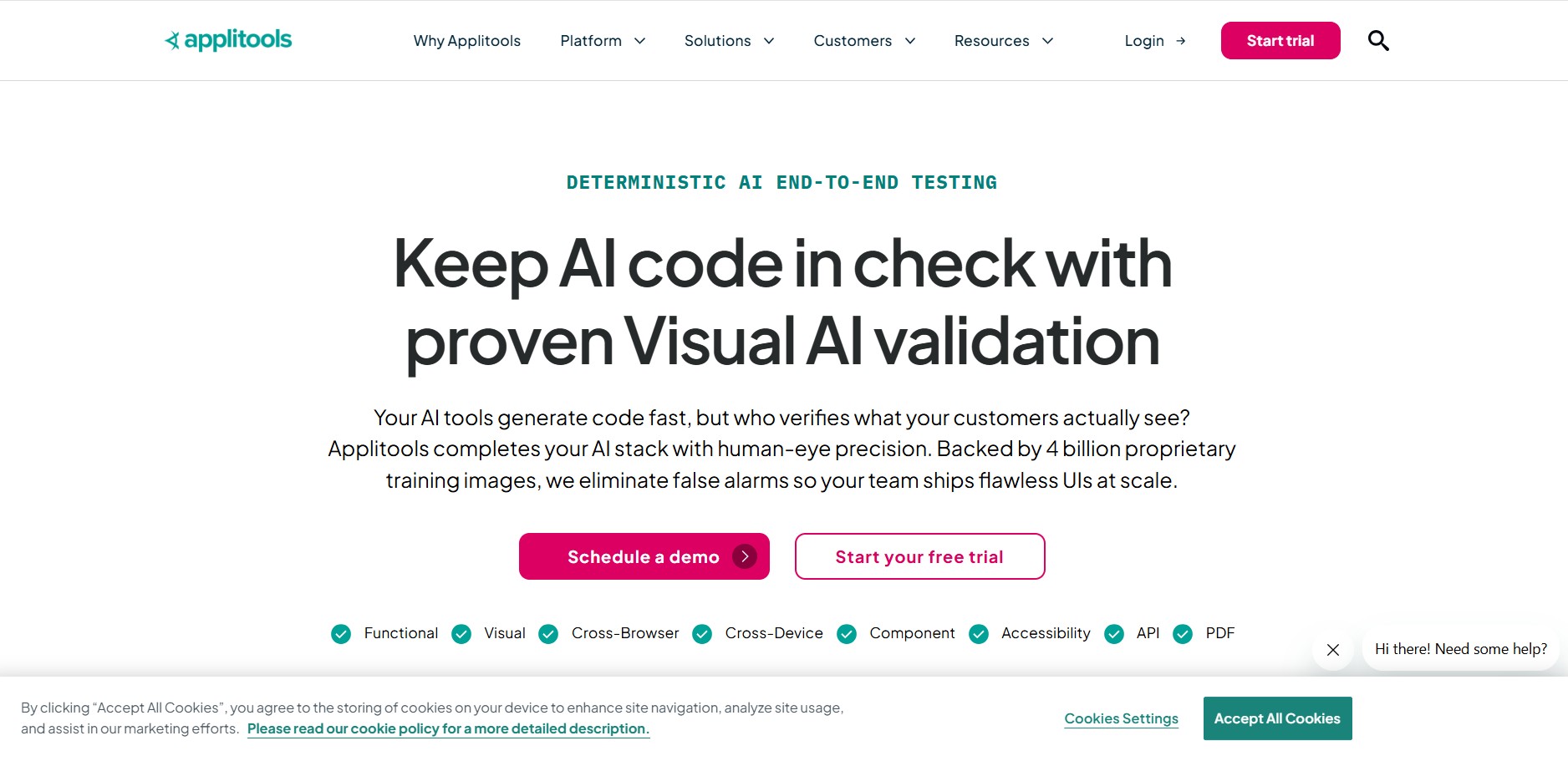
Applitools is an AI-powered visual test automation and monitoring platform featuring Visual AI and the Ultrafast Test Cloud, enabling engineering teams to validate user interfaces across browsers, viewports, and mobile devices without pixel-matching false positives.
What is Applitools?
Applitools is an AI-powered testing platform that helps developers and QA teams make sure their apps look and work perfectly across different devices and browsers. Instead of only checking functionality, it uses Visual AI to detect UI issues like broken layouts or missing elements that traditional tests often miss. It also automates test creation, execution, and maintenance, helping teams release faster with fewer bugs and more confidence.
Applitools is an AI-powered test automation platform focused on visual and functional testing across web, mobile, and APIs. Founded in 2015, it uses Visual AI trained on 4B+ images to detect UI issues with high accuracy. The platform supports 60+ integrations and 30+ SDKs, and has processed 100M+ visual tests and 1B+ validations. Teams report up to 75% faster release cycles, reducing defects and improving overall software quality.
- Platform Role: Visual AI Testing Platform, Automated UI Regression Suite & Cross-Browser Testing Cloud
- Founders & Leadership: Gil Sever, Adam Carmi & Moshe Milman, Applitools Inc. (San Mateo, California)
- Core Ecosystem: Applitools Eyes (Visual AI engine), Ultrafast Test Cloud (parallel cross-browser execution), Autonomous Testing, and Execution Dashboard
Use Cases:
- Catching silent UI regressions, missing elements, and styling overlaps across dynamic web applications before production releases
- Executing visual test suites across dozens of desktop browsers, viewports, and mobile emulators simultaneously via Ultrafast Grid
- Automating PDF, digital document, and localized typography verification across multi-language enterprise portals
- Augmenting existing functional automation suites (Selenium, Cypress, Playwright) with visual assertions in a few lines of code
- Accelerating root-cause debugging by comparing DOM changes and visual differences side by side
Technology:
- Proprietary Visual AI engine trained on millions of UI renderings to replicate human eye perception and eliminate false positives
- Ultrafast Test Cloud rendering DOM snapshots in cloud containers across combinations of Chrome, Safari, Firefox, Edge, and iOS/Android viewports
- Automated Root Cause Analysis (RCA) correlating visual differences directly to underlying CSS and DOM code changes
- Enterprise security framework offering Public Cloud, Dedicated Cloud, and On-Premises deployment options with SOC 2 Type II compliance
Target Users:
- Software Development Engineers in Test (SDETs) and QA automation engineers managing large test suites
- Frontend developers seeking automated visual verification for design systems and complex component libraries
- DevOps and release managers integrating automated visual gating checks into GitHub Actions, GitLab, or Jenkins
- Enterprise digital product teams needing pixel-perfect UI consistency across global, multi-device brands
Acquisition: Enterprise visual test automation and quality intelligence platform
What are the key features of Applitools?
Applitools' key platform features are
- Applitools Eyes (Visual AI): Industry-leading AI comparison engine supporting Strict, Layout, Content, and Exact match levels to inspect pages with zero false alarms.
- Ultrafast Test Cloud: Renders DOM snapshots instantly across multiple browsers and viewport sizes in parallel, completing tests in minutes rather than hours.
- Automated Root Cause Analysis: Pinpoints the exact CSS property, style definition, or HTML element mutation responsible for a visual defect.
- Universal SDK Integration: Native SDKs for Playwright, Cypress, Selenium, WebdriverIO, Puppeteer, Appium, Storybook, and Espresso.
- Auto-Maintenance & Batch Approval: Accepts baseline changes across hundreds of related screens and variants with a single click.
- Autonomous Testing: AI-driven test authoring that crawls applications, identifies critical paths, and applies visual checkpoints automatically.
- Enterprise Deployment Flexibility: Host on multi-tenant public cloud, single-tenant dedicated cloud, or isolated air-gapped on-premises setups.
How much does Applitools cost?
Applitools uses a checkpoint- and usage-based pricing model, offering a permanently free Starter tier alongside custom enterprise packages.
Starter (Free Plan):
- Free ($0 / month): Includes 100 visual checkpoints per month, unlimited users, access to Visual AI features, cross-browser testing, and public cloud hosting for small projects and evaluation.
Paid & Enterprise Plans:
- Eyes / Public Cloud (Custom Quote, approx. $500 - $1,500+ / month): Designed for growing engineering teams, scaled by monthly checkpoint allocations (e.g., 25,000 to 100,000 checkpoints), including full SDK integrations and root cause analysis.
- Ultrafast Test Cloud & Dedicated/On-Prem (Custom Enterprise Quote): High-volume enterprise tier featuring dedicated cloud or on-premises infrastructure, unlimited concurrent sessions, custom SLAs, and enterprise SSO.
Disclaimer: Paid tiers require custom quoting based on monthly visual checkpoint volume, concurrency limits, and hosting infrastructure. Visit applitools.com for current plan details.
Who should use Applitools?
Applitools is designed for engineering, quality, and product organizations, including
- QA Automation Engineers: Replacing brittle assertion scripts with single-line visual snapshot assertions that validate full-page layouts.
- Frontend & Design System Teams: Ensuring components render consistently across all responsive breakpoints and browser engines.
- High-Frequency CI/CD Teams: Running parallel regression checks without slowing down deployment pipelines.
- Regulated Enterprises: Validating customer portals, financial dashboards, and healthcare UIs with on-premises or dedicated cloud compliance.
What are the best alternatives to Applitools?
Some of the strongest Applitools alternatives include
- BrowserStack Percy
- Chromatic (Storybook)
- LambdaTest SmartUI
- Sauce Labs Visual
- Playwright Built-in Screenshot Testing
- Lost Pixel
What are the pros and cons of Applitools?
What are the pros of Applitools?
- Visual AI engine virtually eliminates the false positive rate common in traditional pixel-diffing tools
- Ultrafast Grid delivers fast cross-browser visual verification by rendering DOM snapshots in parallel
- Root cause analysis directly ties visual bugs to specific CSS and DOM code changes
- Extensive framework compatibility supporting Playwright, Cypress, Selenium, and mobile frameworks
- Permanent free tier enables developers to test and evaluate core Visual AI capabilities
What are the cons of Applitools?
- Paid plans require sales engagement with no transparent self-serve checkout for mid-sized teams
- Starter plan checkpoint limit (100/mo) is quickly consumed by production CI/CD test suites
- Specialized exclusively for visual verification—does not replace functional testing frameworks
Why should you choose Applitools?
Traditional screenshot comparison tools rely on strict pixel matching, triggering endless false positives caused by minor anti-aliasing, browser rendering differences, and dynamic content. Applitools solves this fundamental flaw by using Visual AI that understands page structure and layout dynamics just like a human tester. By coupling this intelligence with the Ultrafast Test Cloud, engineering teams can validate entire web and mobile applications across dozens of viewports and browsers in minutes, ensuring UI quality without slowing release velocity.
- Eliminate false positive maintenance with intelligent Visual AI matching modes
- Run cross-browser visual tests in parallel without spinning up multiple virtual machines
- Identify root cause code regressions directly within the test dashboard
- Plug into your existing Playwright, Cypress, or Selenium automated test scripts
How does Applitools compare to competitors?
While Percy and Chromatic rely heavily on pixel diffing and component snapshots, Applitools utilizes cognitive Visual AI algorithms capable of ignoring shifting dynamic content and rendering variations, paired with its cloud-based Ultrafast Grid for parallel rendering.
| Feature / Platform | Applitools | BrowserStack Percy | Chromatic | LambdaTest SmartUI |
|---|---|---|---|---|
| Visual Engine | Cognitive Visual AI (Layout/Content) | Pixel-by-pixel diffing | DOM & pixel snapshot diffing | Pixel & SmartUI comparison |
| Parallel Execution | Ultrafast Test Cloud (DOM capture) | BrowserStack Cloud Browsers | Cloud component rendering | LambdaTest Grid execution |
| Root Cause Analysis | Yes (Direct CSS/DOM pinpointing) | DOM inspection comparison | Storybook state tracking | Basic DOM diffing |
| Free Tier | 100 checkpoints/mo | Limited trial / plan credits | 5,000 snapshots/mo | Free trial credits |
| Pricing Structure | Free tier / Custom enterprise quotes | Self-serve plans from ~$99/mo | Self-serve plans from ~$179/mo | Self-serve plans from ~$19/mo |
| Best For | Complex multi-platform enterprise apps | Teams invested in BrowserStack ecosystem | Storybook frontend component libraries | Budget-conscious teams wanting self-serve |
How do we rate Applitools?
| Parameter | Rating (out of 5) |
|---|---|
| Visual AI Accuracy & False-Positive Prevention | 5.0 |
| Ultrafast Grid Speed & Concurrency | 4.9 |
| Framework SDKs & CI/CD Integration | 4.9 |
| Enterprise Security & Deployment Options | 4.9 |
| Value for Money | 4.5 |
| Overall Score | 4.84 |
What is our review and verdict on Applitools?
Applitools remains the undisputed leader in automated visual regression testing. Its Visual AI engine solves the primary headache of visual testing—false positive fatigue—while the Ultrafast Test Cloud enables fast execution across combinations of viewports and browsers. While the lack of self-serve transparent pricing on paid tiers can be a hurdle for small teams, its technical depth, accuracy, and enterprise scalability make it the premier choice for organizations where digital interface perfection is non-negotiable.
Conclusion
Applitools helps teams catch visual bugs early by using AI to compare UI changes across browsers and devices with high accuracy. Instead of relying on manual checks or brittle tests, it automates visual validation in a way that fits modern development workflows. This improves release confidence while saving time on QA. Overall, Applitools makes visual testing more reliable, scalable, and efficient, helping teams deliver consistent user experiences without slowing down development.
FAQ
What does Applitools actually do?
Applitools is an AI-powered testing platform that helps teams validate how their applications look and function across different browsers, devices, and environments. Instead of just checking if code works, it focuses on visual accuracy, ensuring UI elements render correctly for users. It uses Visual AI to compare layouts, content, and design changes, helping teams catch issues that traditional functional tests often miss.
How is Applitools different from traditional test automation tools?
Unlike traditional tools that rely on pixel-by-pixel comparison or scripted assertions, Applitools uses AI to understand visual differences the way humans do. This allows it to ignore irrelevant changes (like minor rendering differences) while highlighting real UI issues, reducing false positives and test flakiness. It also combines visual, functional, and AI-driven testing into one platform, making it more reliable for modern applications.
What are the core products offered by Applitools?
Applitools mainly offers two core products: Eyes and Autonomous. Applitools Eyes focuses on visual and UI testing using AI, while Applitools Autonomous enables end-to-end test automation, including functional and API testing with AI-generated and self-healing tests. Together, they cover the full testing lifecycle from creation to execution and analysis.
Can Applitools handle cross-browser and cross-device testing?
Yes, Applitools supports testing across a wide range of browsers, screen sizes, and devices. Its Ultrafast Grid technology allows teams to run tests in parallel and render applications across multiple environments quickly, ensuring consistent user experience everywhere without slowing down development cycles.
Does Applitools require coding knowledge to use?
Not necessarily. While developers can integrate Applitools using SDKs and frameworks like Selenium or Playwright, it also offers no-code and low-code options such as codeless recorders and NLP-based test creation. This makes it accessible for QA teams, manual testers, and even non-technical users who want to automate testing workflows.
What kind of pricing and plans does Applitools offer?
Applitools offers tiered pricing based on usage, including a Starter plan, Professional options, and Enterprise-level solutions. Pricing typically depends on factors like the number of tests, pages, and concurrent executions, and it includes features like visual testing, cross-browser support, and CI/CD integrations. A free trial is also available for teams to evaluate the platform before committing.
User Reviews
No reviews yet for Applitools.
Featured Tools
Featured AI tools from TechShark

Melody Genie
MelodyGenie is an AI-powered music generator that creates original songs from simple text prompts. Users can choose styles, moods, and genres, then instantly generate melodies and full tracks, making it easy for creators, marketers, and hobbyists to produce custom music without musical expertise.
Freemium

Kimi AI
Kimi AI is an advanced AI assistant developed by Moonshot AI that helps you chat, research, write, code, and automate tasks in one place. It supports web search, file analysis, and multimodal inputs, and can even run autonomous “agent” workflows to complete complex tasks end-to-end.
Freemium

Fashion Diffusion AI
Fashion Diffusion is an AI-powered fashion design platform that helps brands and designers create clothing designs, virtual try-ons, AI models, product photos, and marketing visuals faster and cost-effectively.
Paid

Veo 4
Veo 4 AI is an AI video creation platform that generates dramatic videos from text, images, audio, and video prompts using realistic motion and synchronized sound.
Paid
Alternatives
Alternatives to Applitools
The best Applitools alternatives include BrowserStack Percy, Chromatic, LambdaTest SmartUI, and Sauce Labs Visual. While Applitools relies on advanced cognitive Visual AI to eliminate false positives and uses the Ultrafast Test Cloud for rapid multi-browser rendering, alternatives like Percy and Chromatic rely on pixel diffing with self-serve pricing models.
 4.9
4.9Testomat.io
Testing
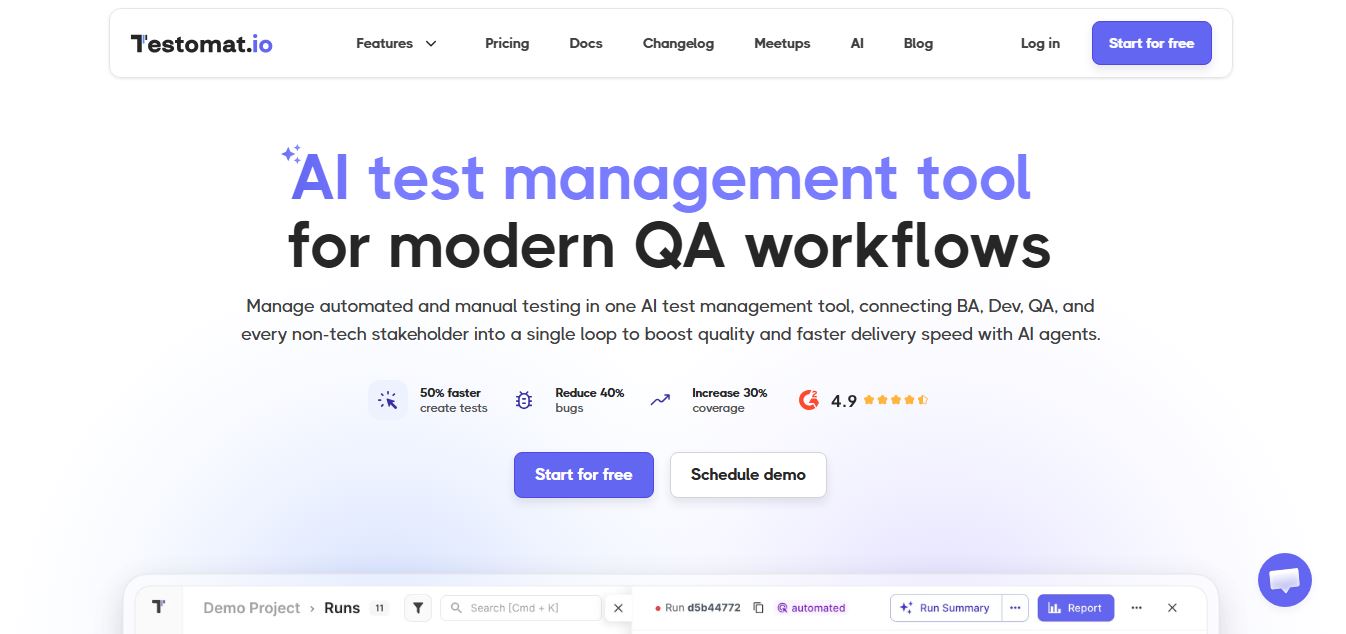
Testomat.io is an AI-powered test management platform that helps teams create, organize, and run manual and automated tests in one place. It uses AI agents to generate test cases, analyze failures, and provide real-time insights, enabling faster releases and more reliable software quality.
 4.9
4.9Momentic AI
Testing
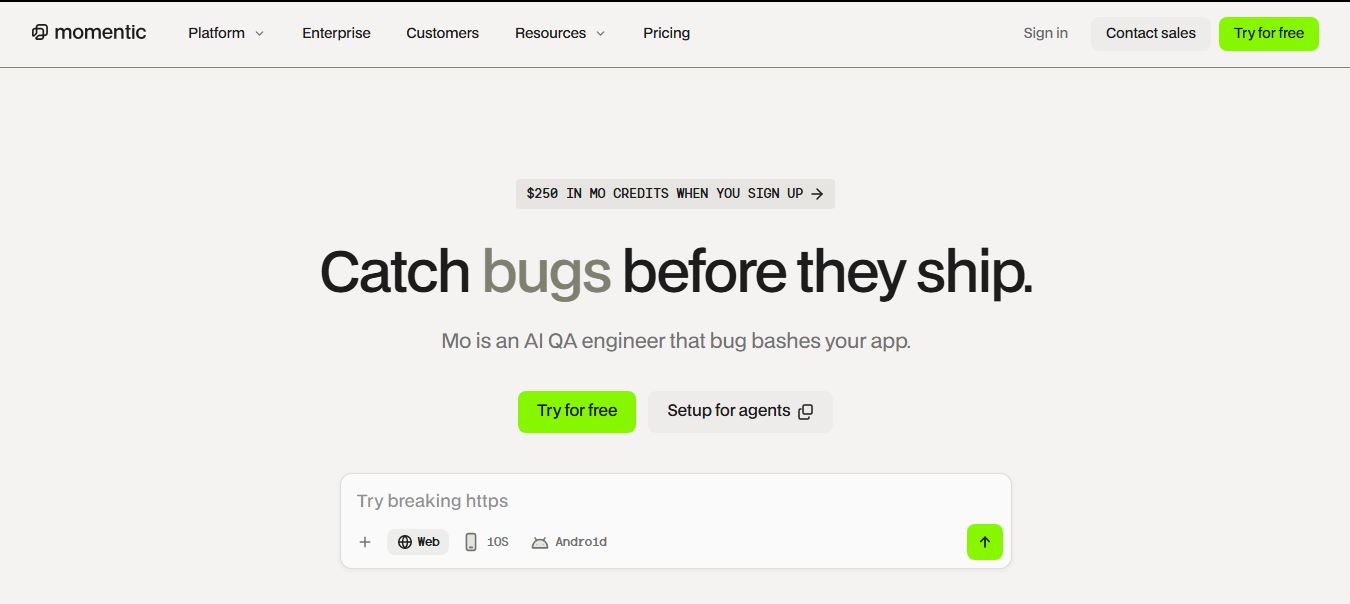
Momentic is an AI-powered test automation platform that helps teams create, run, and maintain end-to-end tests for web and mobile apps using plain English. Its AI agents simulate user behavior, auto-heal tests, and detect real bugs, enabling faster releases and more reliable software.
 4.9
4.9BrowserStack
Testing
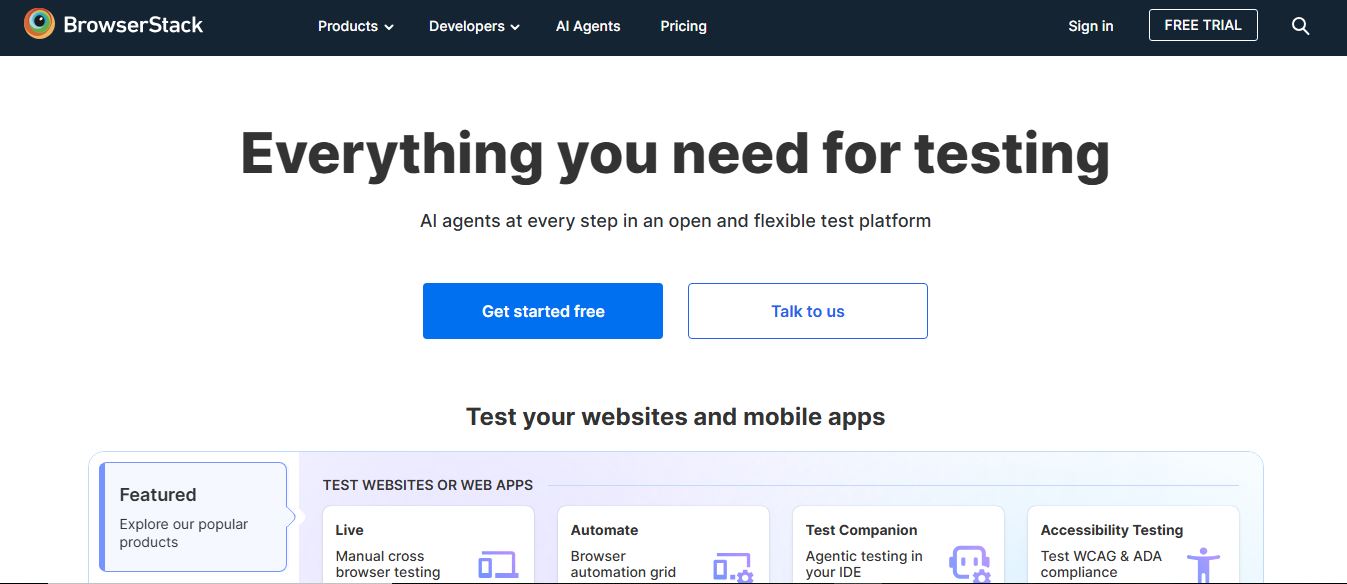
BrowserStack is a cloud-based testing platform that helps developers test websites and mobile apps across real devices, browsers, and operating systems. It offers manual and automated testing, real-time debugging, and AI-driven insights, enabling teams to release high-quality, bug-free software faster.
 4.9
4.9Katalon
Testing
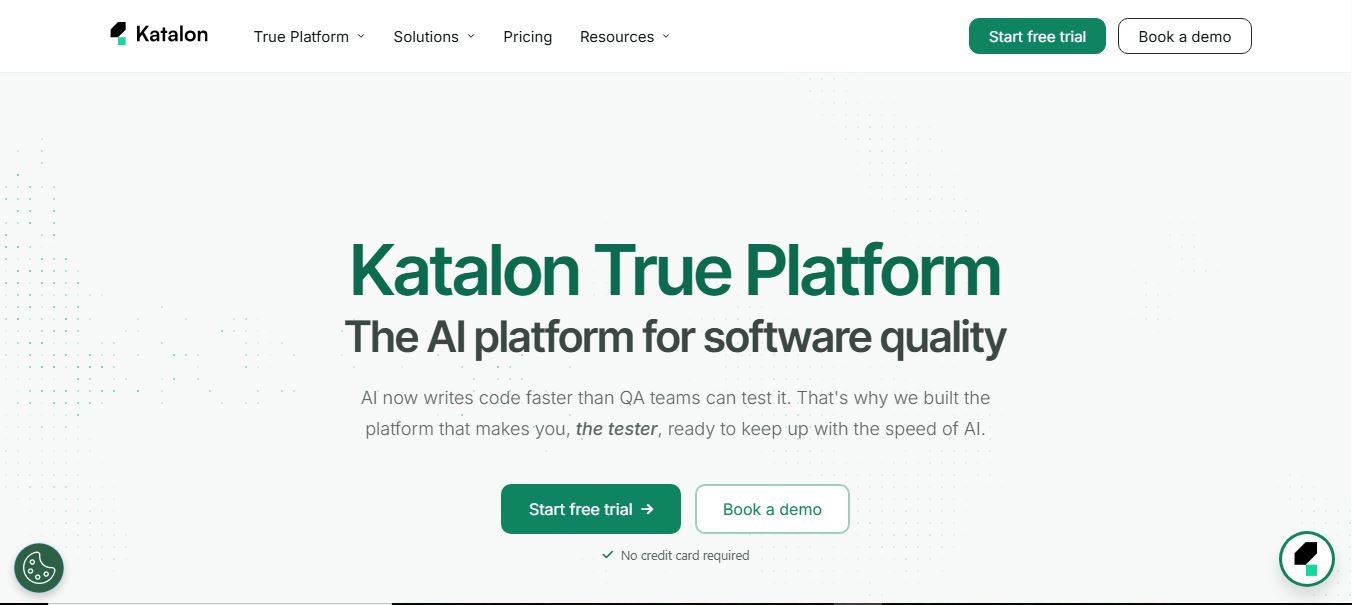
Katalon is an AI-powered software testing platform that helps teams create, run, and manage tests for web, mobile, API, and desktop applications. It unifies test automation, execution, and analytics in one system, using AI to generate tests, heal failures, and improve release quality.
 4.9
4.9Testsigma
Testing
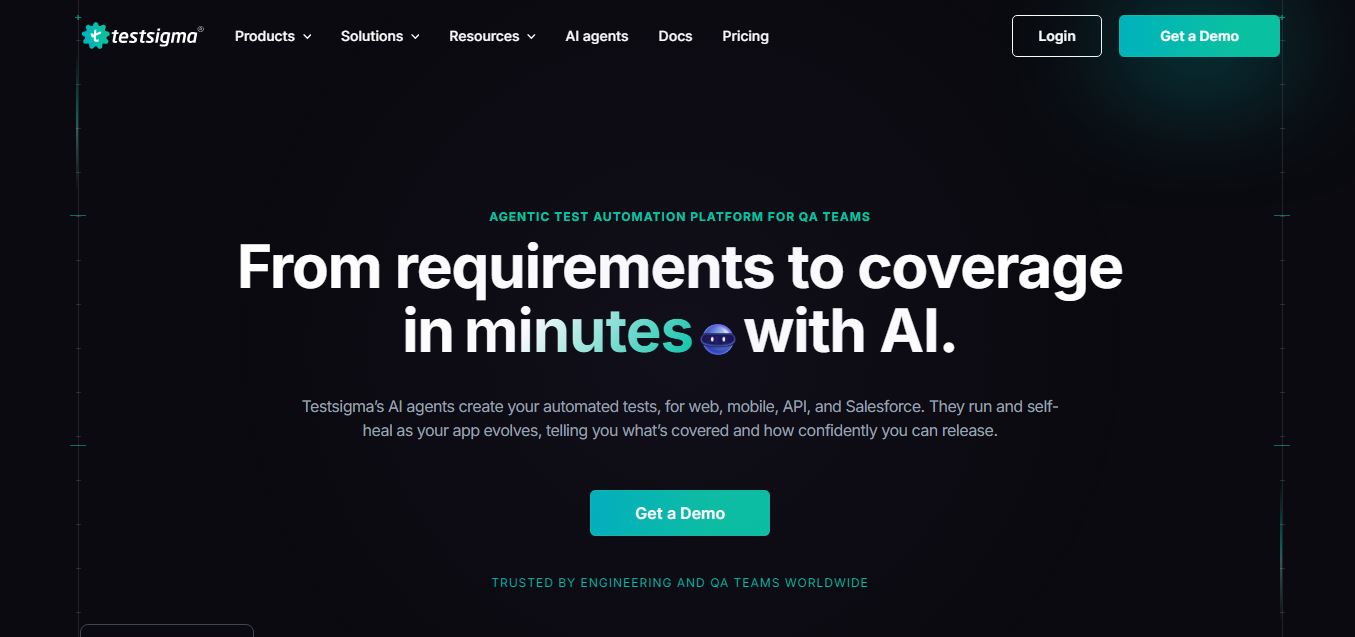
Testsigma is an AI-powered test automation platform that helps teams generate, run, and maintain end-to-end tests for web, mobile, APIs, and enterprise apps. It uses AI agents to create tests, self-heal failures, and analyze results, enabling faster releases and reliable software quality.
 4.9
4.9Cypress
Testing
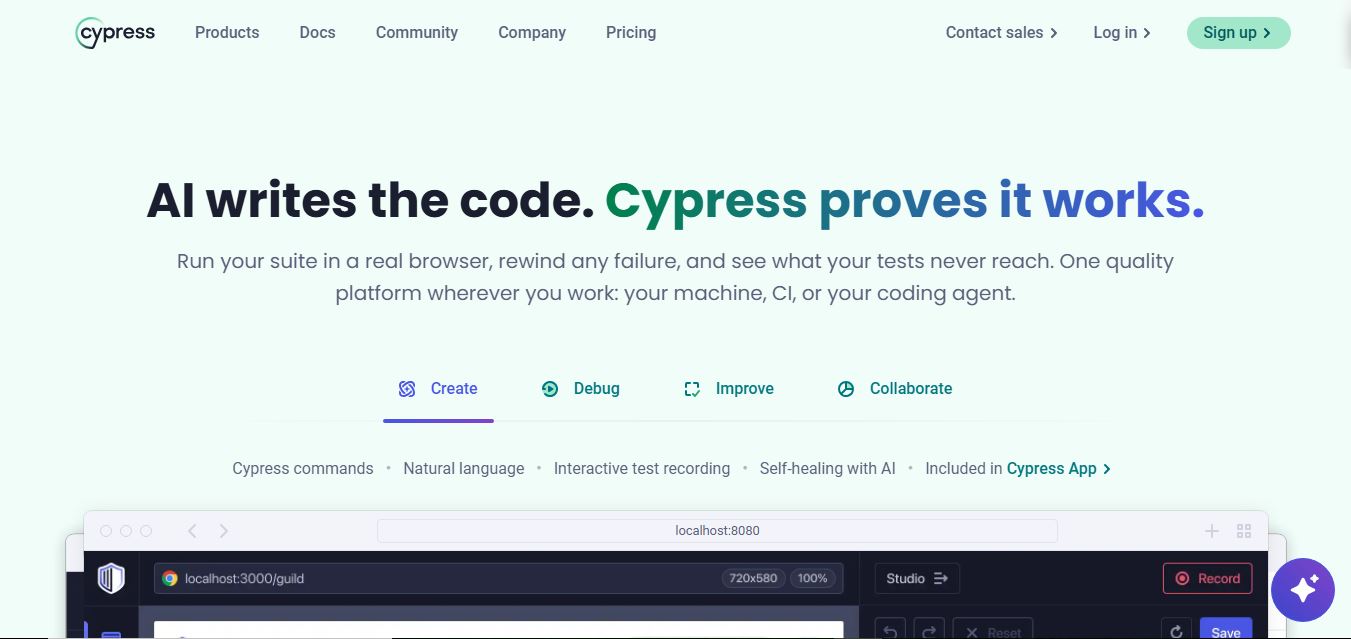
Cypress is an open-source end-to-end testing framework that helps developers test web applications directly in the browser. It enables writing, running, and debugging tests in real time, supports component testing, and integrates with CI pipelines, allowing teams to catch issues early and ship reliable software faster.
 4.9
4.9Playwright
Testing
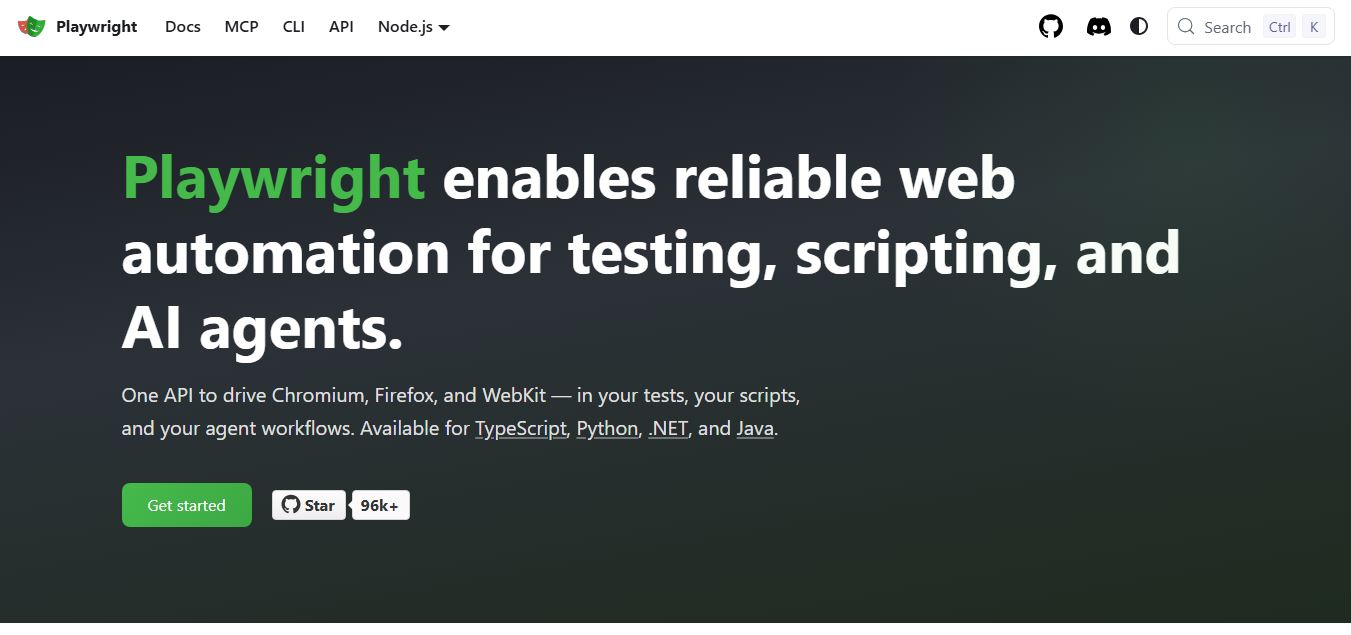
Playwright is an open-source web testing and automation framework by Microsoft that helps developers test web apps across Chromium, Firefox, and WebKit using a single API. It supports end-to-end testing, parallel execution, and auto-waiting, enabling reliable, fast, and scalable testing across modern browsers.
 4.9
4.9Testim
Testing
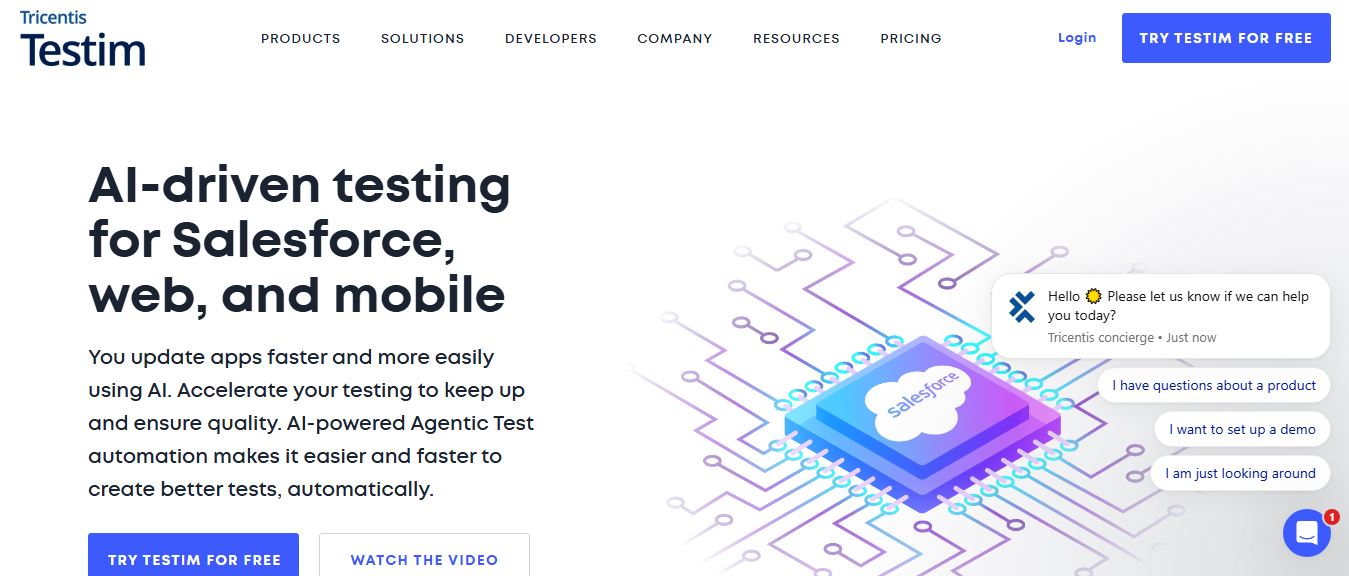
Testim is an AI-powered test automation platform that helps teams create, run, and maintain end-to-end tests for web, mobile, and Salesforce apps. It uses machine learning to generate stable tests, self-heal failures, and integrate with CI/CD, enabling faster releases and improved software quality.
 4.9
4.9mabl
Testing
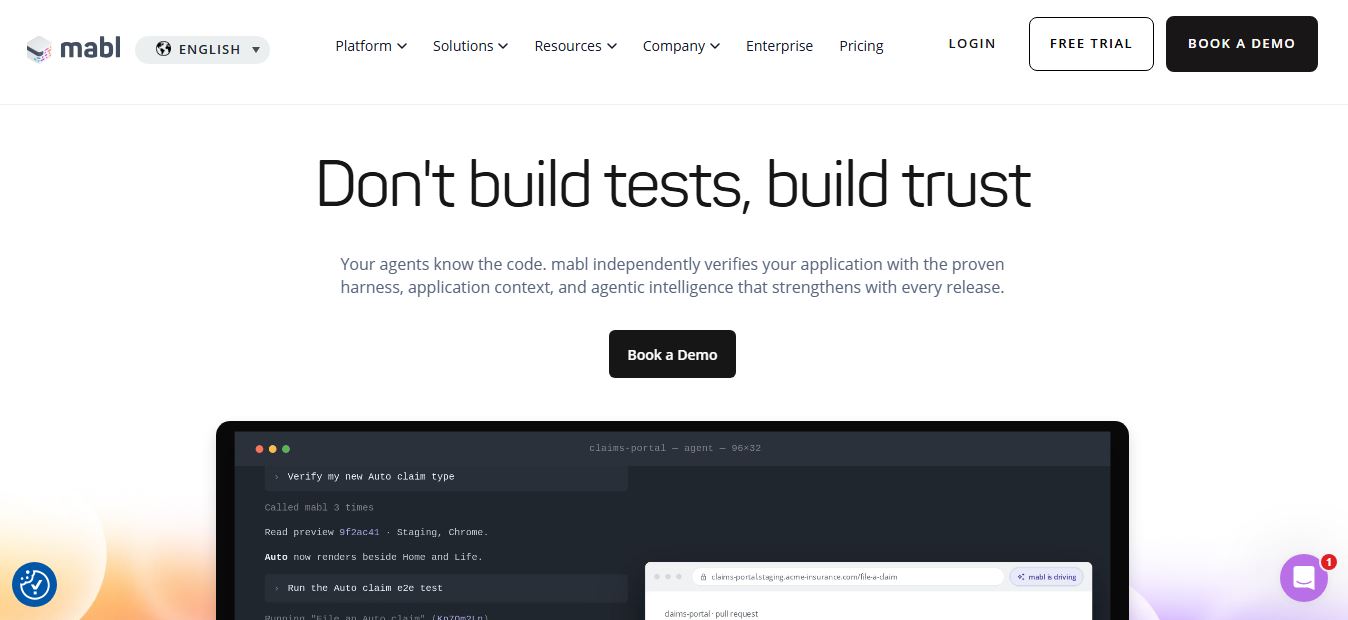
mabl is an AI-powered test automation platform that helps teams create, run, and maintain end-to-end tests for web, mobile, and APIs. It uses AI to generate tests, auto-heal failures, and analyze results, enabling faster releases and reliable software quality without heavy manual QA effort.