
X-Minus
X-Minus AI separates vocals and instruments using AI, ideal for musicians, creators, and remixing tasks.
What is X-Minus?
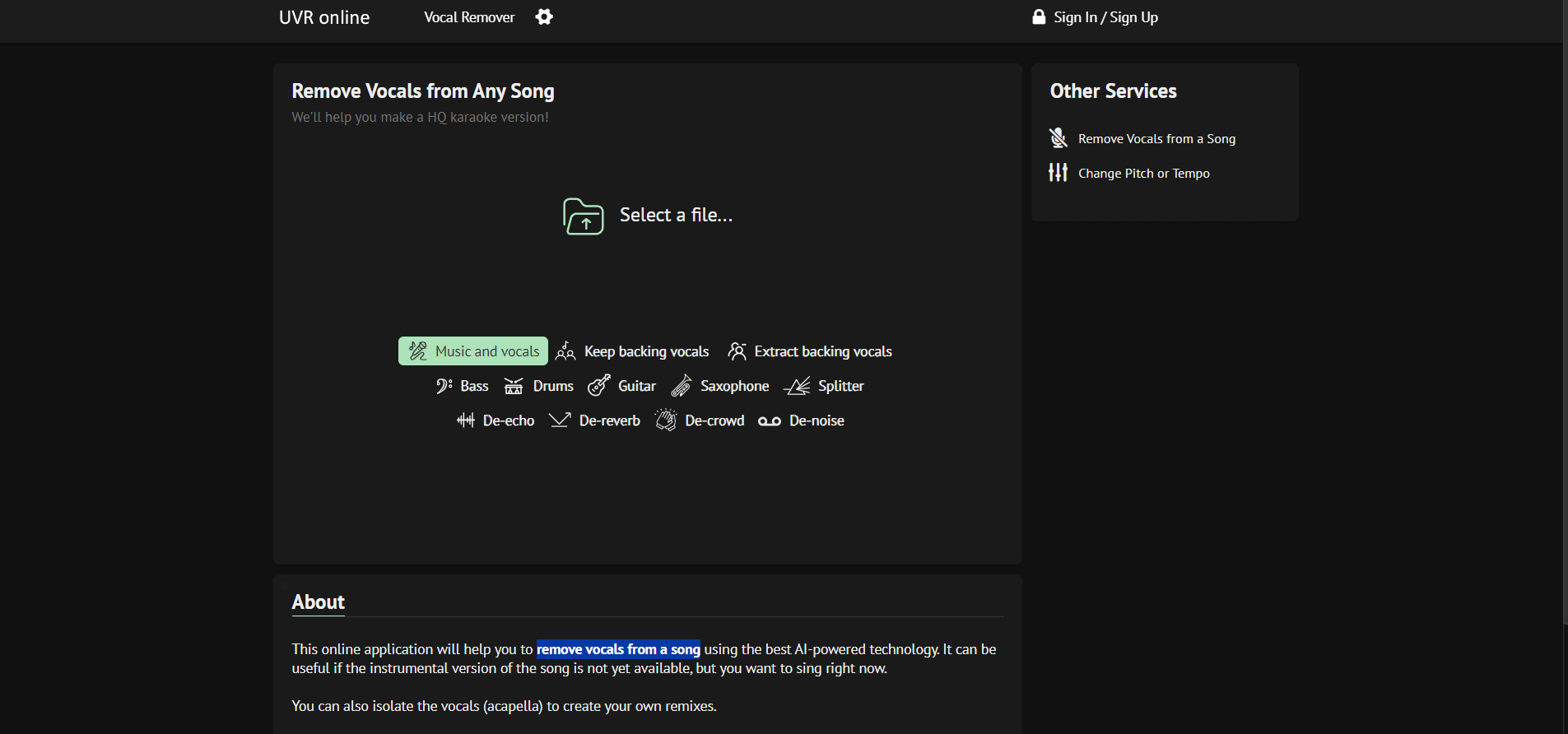
X-Minus AI is an AI-powered audio editing platform that uses artificial intelligence to simplify vocal and instrumental separation. Whether you're a musician, DJ, content creator, or audiophile, this platform allows you to precisely extract vocals, generate karaoke content, isolate instruments, or remix songs. It has features like pitch and tempo control, as well as multi-stem separation, making it a powerful yet user-friendly tool for both beginners and experts. X-Minus AI provides both free and premium plans to meet a range of purposes.
Key Features
X-Minus AI's key features are:
- Vocal and Instrumental Isolation: X-minus helps to separate the vocal track from the music and leave just the instrumental.
- AI-Powered Processing: X-Minus uses AI to separate vocals from the instrumentals and ensure high-quality audio output.
- Multiple Audio Formats: The AI tool supports various audio formats, including MP3, WAV, and FLAC, for both input and output.
- Batch Processing: With X-Minus AI, users can process multiple audio files at once, and it helps DJs or producers.
- Easy-to-Use Interface: The platform offers an easy and clean user interface. and make the audio editing process easy.
Pricing
X-Minus AI offers a free plan for all users
Disclaimer: For the latest and most accurate pricing information, please visit the official X-Minus website.
Who is Using X-Minus?
A diverse range of users and organizations utilize X-Minus:
- Musicians
- Singers
- Music Producers
- DJs
- Content Creators
- Audio Engineers
X-Minus Alternatives
Some of the alternatives are:
- SplitHit
- Audioalter
- SonicMelody
- Demixer
- AI Vocal Remover
- Remove Vocals
X-Minus Video
Conclusion
X-Minus is an AI-powered and easy-to-use AI platform for voice removal and audio tuning. Its features, which include pitch correction and a huge karaoke library, make it a helpful tool for a wide range of users, including musicians, educators, and content creators. With customizable price plans and a commitment to high-quality output, X-Minus provides an effective alternative for individuals wishing to manipulate audio recordings for various purposes.
Also Check:
User Reviews
No reviews yet for X-Minus.
Featured Tools
Featured AI tools from TechShark

Melody Genie
MelodyGenie is an AI-powered music generator that creates original songs from simple text prompts. Users can choose styles, moods, and genres, then instantly generate melodies and full tracks, making it easy for creators, marketers, and hobbyists to produce custom music without musical expertise.
Freemium

Kimi AI
Kimi AI is an advanced AI assistant developed by Moonshot AI that helps you chat, research, write, code, and automate tasks in one place. It supports web search, file analysis, and multimodal inputs, and can even run autonomous “agent” workflows to complete complex tasks end-to-end.
Freemium

Fashion Diffusion AI
Fashion Diffusion is an AI-powered fashion design platform that helps brands and designers create clothing designs, virtual try-ons, AI models, product photos, and marketing visuals faster and cost-effectively.
Paid

Veo 4
Veo 4 AI is an AI video creation platform that generates dramatic videos from text, images, audio, and video prompts using realistic motion and synchronized sound.
Paid
Alternatives
Alternatives to X-Minus
X-Minus AI is an intuitive platform that uses artificial intelligence to isolate vocals, separate instruments, remix songs, and create karaoke, ideal for creators and musicians
 4.8
4.8Trint
Audio Editing
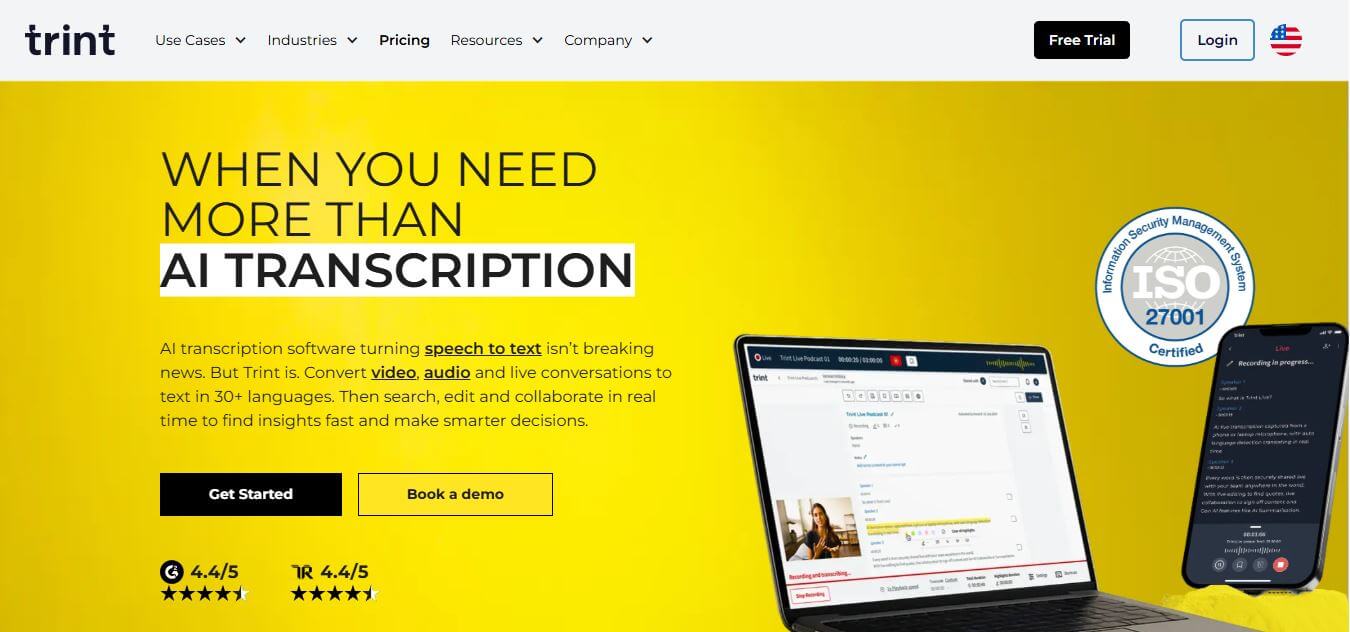
Trint helps professionals turn audio, video, and live conversations into editable, searchable transcripts. It supports multilingual transcription, translation, captions, collaboration, speaker identification, and AI-assisted content discovery. With web, desktop, and mobile workflows, Trint is built for journalists, media teams, businesses, podcasters, researchers, and organizations that need to transform spoken content efficiently.
 4.8
4.8LALAL.AI
Audio Editing
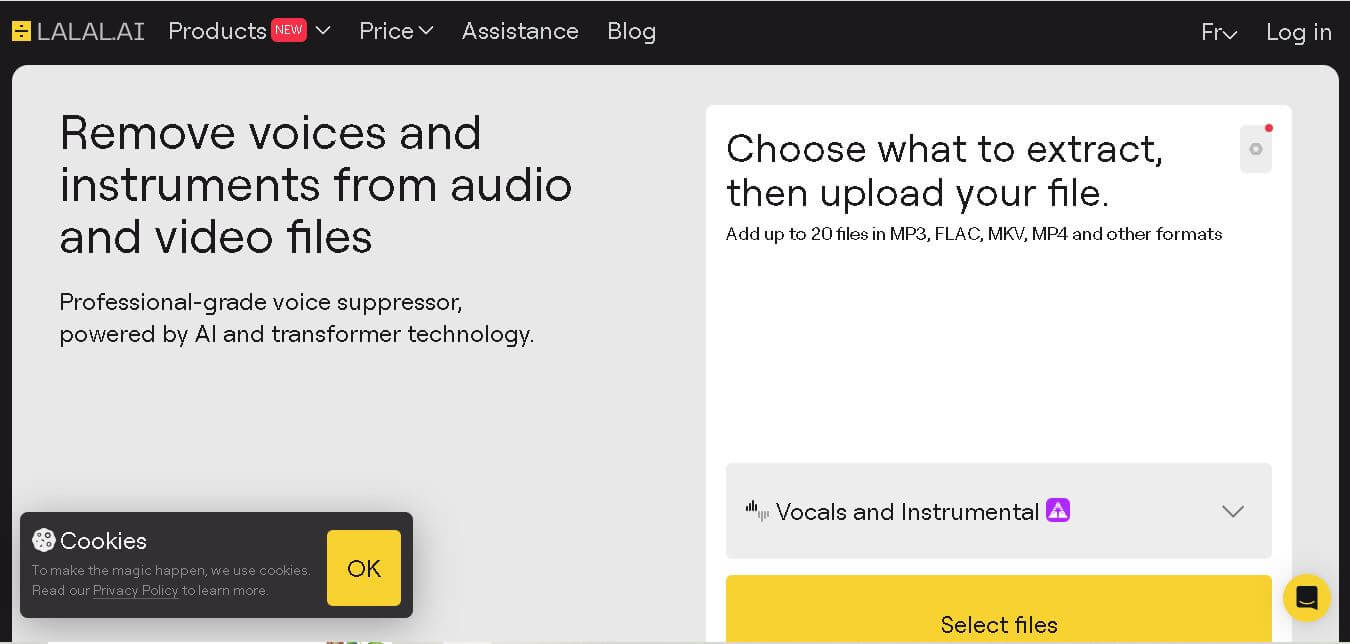
LALAL.AI helps musicians, producers, editors, and creators separate vocals and instruments from existing audio or video recordings. Its tools support stem splitting, vocal removal, voice cleaning, echo reduction, and other audio-processing tasks. Users can work through web, desktop, and mobile applications while choosing different neural networks for separation.
 4.8
4.8AI Coustics
Audio Editing
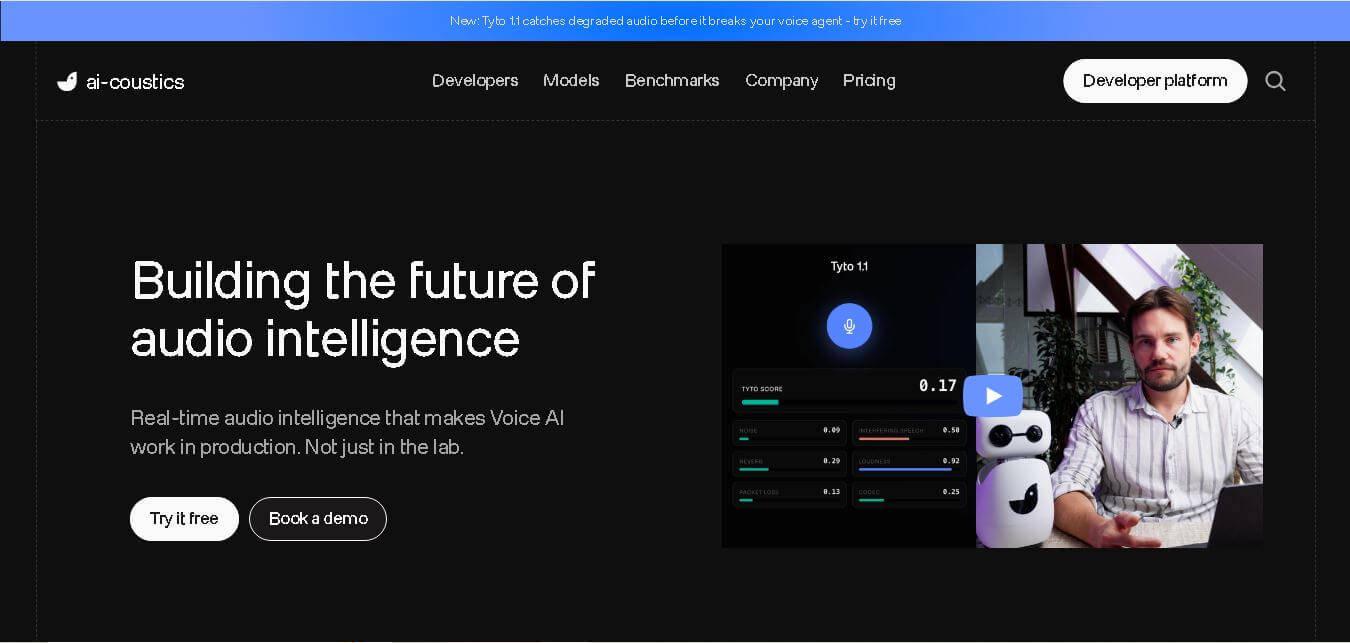
AI Coustics is an AI-powered audio intelligence platform that helps developers improve speech quality for voice AI systems. It enhances, isolates, and analyzes audio in real time, reducing noise and errors, so tools like speech recognition and voice agents perform reliably in real-world conditions.
 4.7
4.7FineVoice AI
Audio Editing
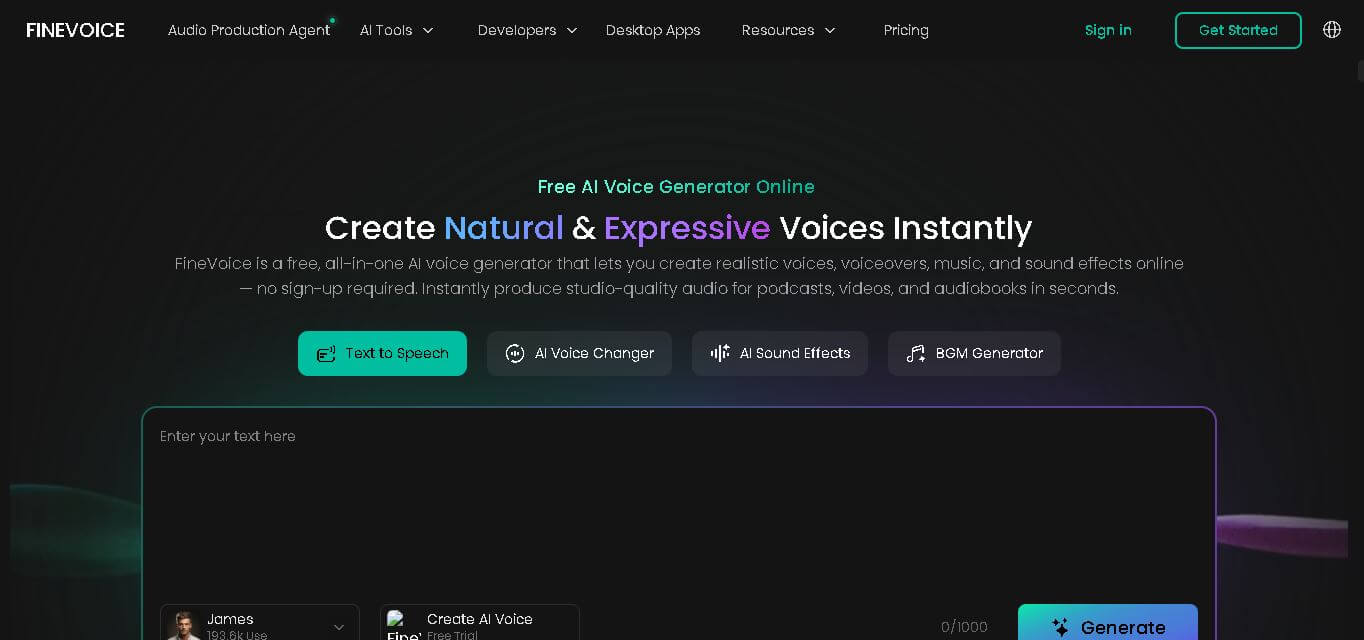
FineVoice helps creators turn text and recordings into natural audio using voice generation, cloning, voice changing, enhancement, transcription, music, and sound-effect tools. With support for 154 languages and 1,500+ voices, it can simplify voiceover production for videos, podcasts, education, gaming, marketing, audiobooks, and other digital content.
 4.6
4.6Cleanvoice AI
Audio Editing
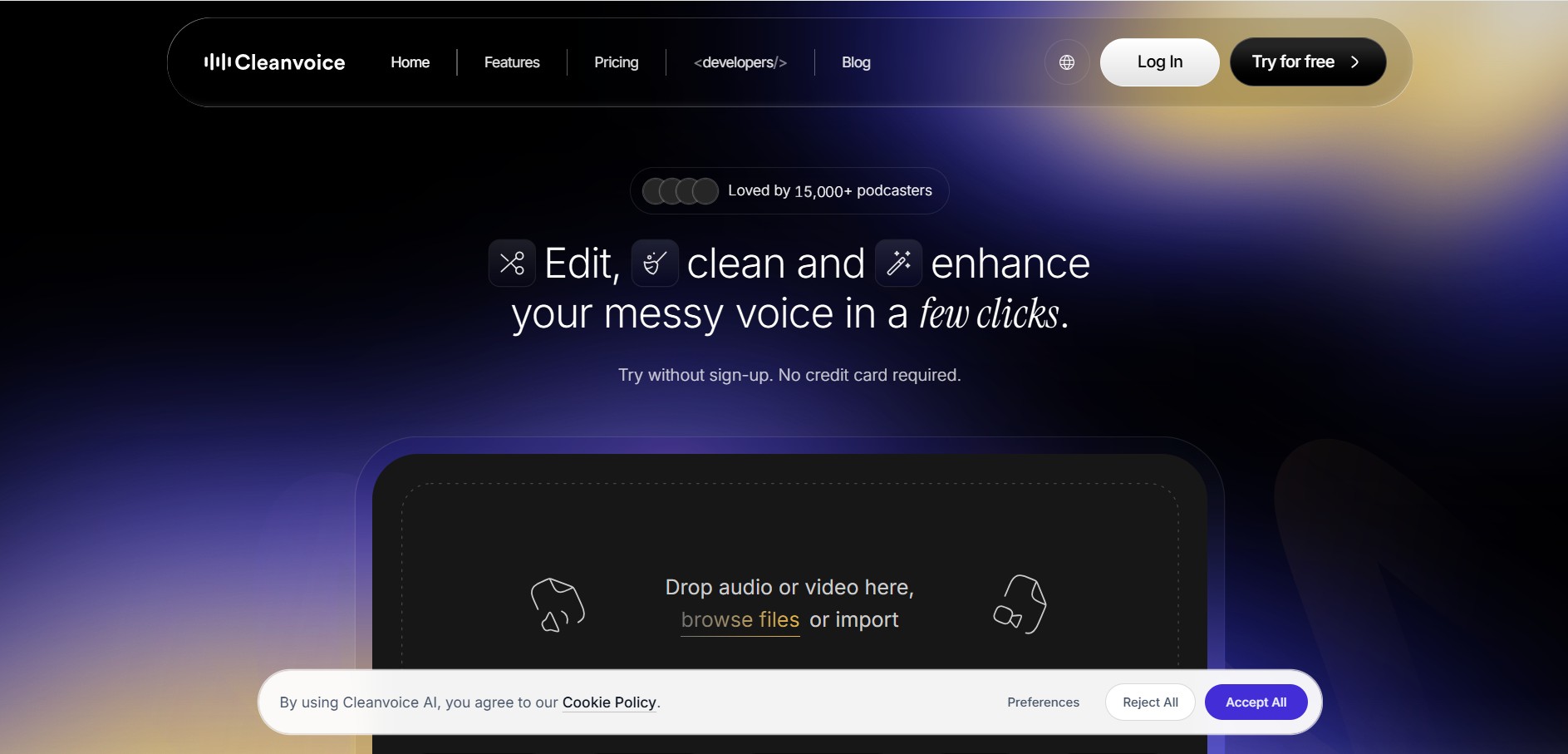
Cleanvoice is a podcast and audio editing tool that automatically improves recordings by removing filler words, background noise, mouth sounds, stutters, and long pauses. It also generates transcripts, summaries, and show notes, helping creators, businesses, and agencies produce professional-quality audio and video content with minimal manual editing.
 4.6
4.6AudioCleaner AI
Audio Editing
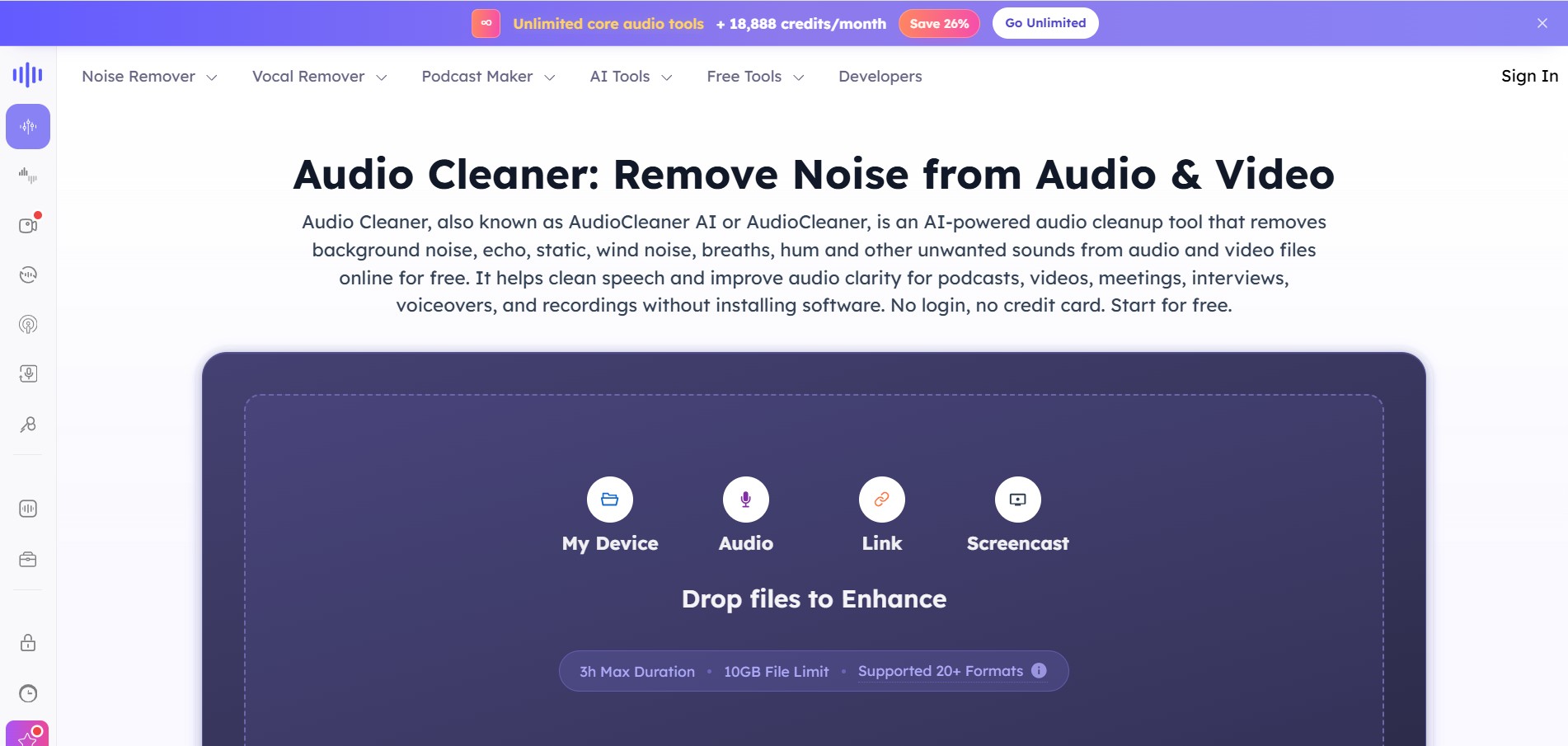
AudioCleaner AI is an online audio enhancement tool that improves sound quality by removing unwanted background noise, echo, static, mouth clicks, and other distractions from audio and video files. It also offers vocal separation, podcast generation, voice transformation, and text-to-speech features, making audio editing faster, simpler, and more accessible.
 4.6
4.6Fathom
Audio Editing
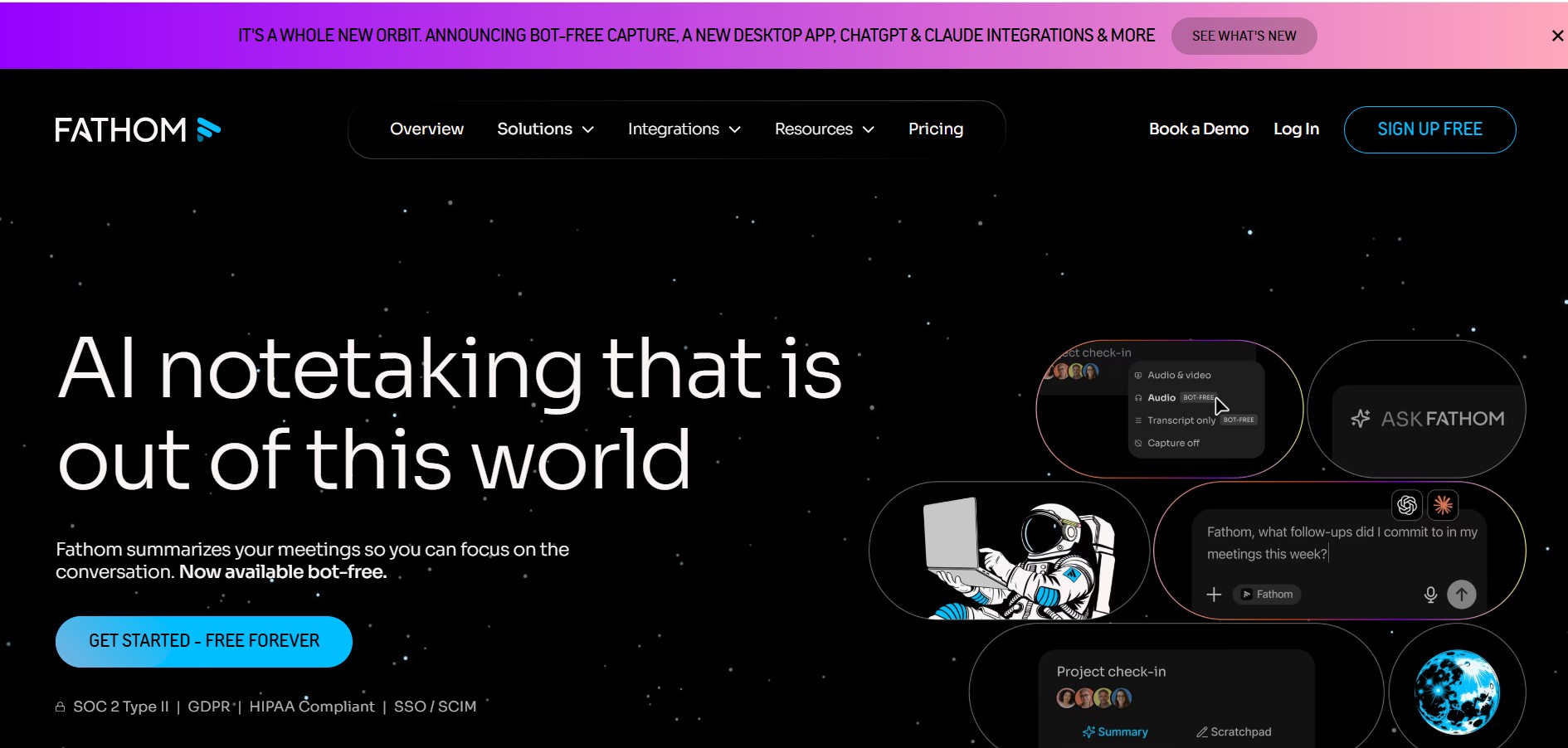
Fathom is an AI-powered notetaker that records, transcribes, highlights, and summarizes meetings instantly, allowing you to stay focused on the conversation rather than taking notes. It integrates with major video conferencing platforms and CRM systems.
 4.8
4.8Speak AI
Transcriber
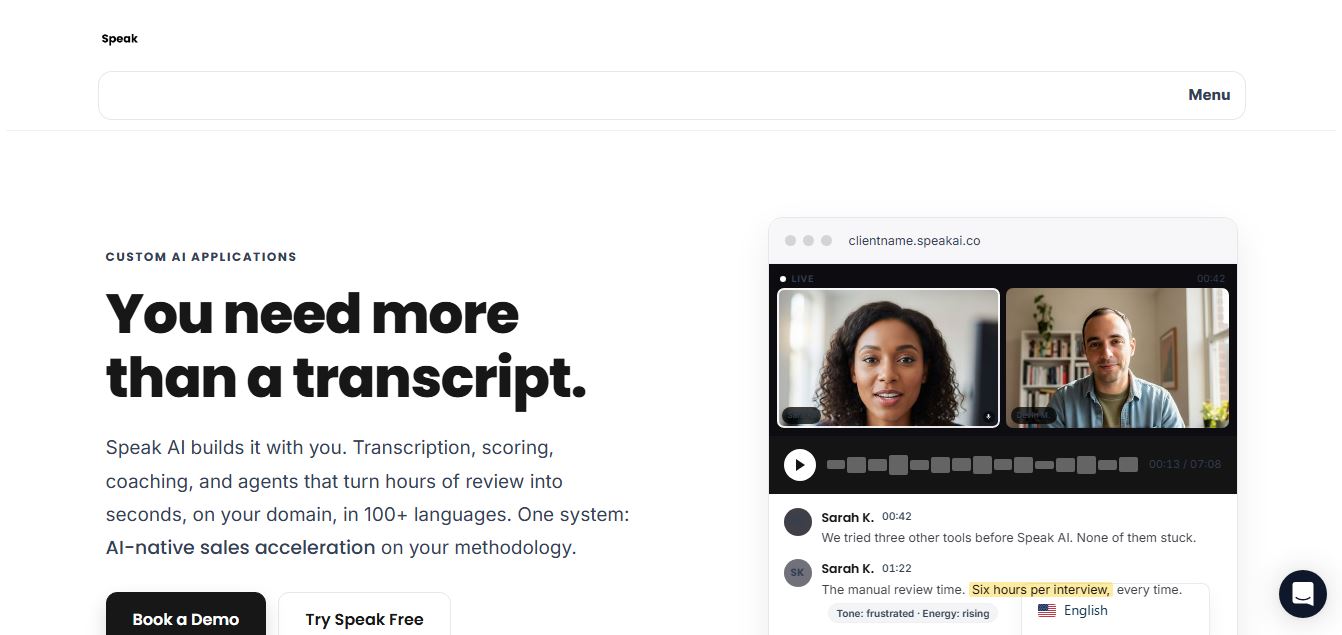
Speak AI is an AI-powered audio transcription, qualitative research, and NLP analysis platform that converts unstructured speech, video recordings, and text into searchable transcripts, sentiment insights, and multi-model AI summaries.
 4.8
4.8Altered AI
Audio Editing
Altered AI (Altered Studio) is a professional Voice AI platform and Speech-to-Speech voice changer that morphs your voice into diverse characters, alters accents, and provides voice cloning, real-time voice skins, and audio cleanup for media production and games.