Whimsical
Whimsical is a collaborative visual workspace that helps teams brainstorm, document ideas, create flowcharts, and build wireframes faster with AI-powered productivity tools.
What is Whimsical AI?
Whimsical AI is a visual collaboration and workspace platform that helps users turn ideas into flowcharts, wireframes, mind maps, diagrams, documents, and whiteboards. It combines visual planning and collaboration in one workspace, allowing product managers, designers, developers, marketers, educators, and business teams to organize ideas and communicate complex information more clearly.
With Whimsical AI, users can generate editable flowcharts, wireframes, and mind maps from text prompts, making it useful for brainstorming, product planning, process mapping, documentation, and UX planning. Its visual workspace also supports real-time collaboration, templates, comments, integrations, and version history.
Founded in 2017, Whimsical has grown into one of the leading visual collaboration platforms for modern teams. The platform offers 6+ visual workspace types, including flowcharts, wireframes, mind maps, docs, whiteboards, and sticky notes. Users can start with a free plan, while paid plans begin at $10 per editor per month with annual billing. It supports real-time collaboration, AI-powered content creation, unlimited viewers, and enterprise-grade security, making it suitable for startups and large organizations alike.
- Founder: Kaspars Dancis (Co-founder and CEO)
- Launch: 2017
- Use Cases: Brainstorming, wireframing, process mapping, project planning, documentation, product development
- Technology: Cloud-based SaaS with AI-powered collaboration and visual workspace technology
- Target Users: Product managers, developers, UX/UI designers, startups, enterprises, educators, consultants, and remote teams
- Acquisition: No publicly announced acquisition as of 2026.
Key Facts and Key Statistics
- Funding Raised: $30 million in Series A funding, led by Accel in 2021.
- Growth: Whimsical reported 3× growth in the year before its Series A funding.
- Teams: Thousands of teams were using Whimsical daily by 2021.
- Core Tools: Supports 4 major visual workflows: diagramming, wireframing, mind mapping, and whiteboarding.
- Free Plan: Starts at $0/month per editor and includes 3 team boards.
- Pro Plan: Costs $10/month per editor with annual billing or $12/month with monthly billing.
- Business Plan: Costs $20/month per editor when billed annually or $24/month when billed monthly.
- AI Features: Whimsical includes AI capabilities for creating diagrams, wireframes, and mind maps and searching workspace content.
- Security: Whimsical is SOC 2 Type 2 compliant and supports GDPR and CCPA requirements.

What Can You Do With Whimsical AI?
Whimsical AI is designed to turn written ideas into visual structures. Instead of manually starting with a blank canvas, users can describe what they want and let the AI create an editable visual that can then be refined.
For example, you can use Whimsical AI to:
- Generate a flowchart from a written process
- Create a mind map from a topic or idea
- Build a wireframe from a product description
- Organize brainstorming ideas
- Visualize user journeys and workflows
- Create diagrams for technical documentation
- Turn complex concepts into easy-to-understand visuals
- Search and work with information inside a whimsical workspace
The current Ask Whimsical feature can generate flowcharts, wireframes, and mind maps while also answering questions about workspace content.
Whimsical AI Key Features
Whimsical AI key features are
- AI Flowchart Generator: Whimsical AI works as an AI flow chart generator that can convert a text description into an editable flowchart. You can describe a process, workflow, user journey, or sequence, and Whimsical AI creates the visual structure for you. This makes it useful when you need a flow chart maker, flowchart builder, or visual process mapping tool without manually creating every shape and connector.
- Flowchart Maker and Builder: Whimsical includes a visual flow chart maker with drag-and-drop editing, predictive shapes, keyboard shortcuts, templates, comments, and an infinite canvas. Its flowchart tools are designed to help teams quickly map processes and communicate how different steps connect.
- Wireframing Tools: Whimsical is also useful for teams looking for simple wireframing tools. Its wireframing workspace lets product managers and UX/UI designers create low-fidelity layouts and quickly communicate product ideas before moving on to detailed design. It is particularly useful during the early stages of product development when teams need to validate structure, navigation, and user flows rather than create high-fidelity visual designs.
- AI Mind Map Generator: Whimsical AI can create editable mind maps directly from text prompts. Users can describe a topic, project, or concept and generate a visual hierarchy of related ideas. If you are researching how to create a mind map, Whimsical provides both manual mind-mapping tools and AI-assisted generation. You can start with a central topic, add branches, organize related ideas, and continue refining the structure.
- Whimsical AI Text to Diagram: Whimsical AI text-to-draw functionality makes it possible to turn natural-language descriptions into visual diagrams. Rather than drawing everything manually, users can describe the information they want to visualize and use AI to create a starting point.
- Whiteboards: Whimsical provides an infinite canvas for diagrams, wireframes, and whiteboarding. Teams can use it for brainstorming, workshops, planning sessions, and collaborative visual thinking.
- Enterprise Security: Whimsical supports business-focused security and administration features, including SSO/SAML and SCIM on the business plan. The company also states that its platform is SOC 2 Type 2 compliant and supports GDPR and CCPA requirements.
Whimsical Pricing
Whimsical currently offers free, Pro, and business plans. Viewers are free, while paid plans are charged per editor.
| Plan | Pricing | Best For |
|---|---|---|
| Free | Free | Individuals and beginners |
| Pro | $10 per editor/month (annual billing) | Small teams |
| Business | $20 per editor/month (annual billing) | Large organizations |
| Enterprise | Custom pricing | Large enterprises requiring advanced security |
The free plan includes 3 team boards, while the Pro plan provides unlimited team boards. Business adds advanced security capabilities such as SSO/SAML and SCIM. Monthly pricing is currently $12 per editor for Pro and $24 per editor for Business.
Disclaimer: For the latest and most accurate pricing information, please visit the official Whimsical website.
Who is using Whimsical?
Whimsical is designed for a broad range of users who need to communicate ideas visually. Common users include:
- Product managers
- UX/UI designers
- Software developers
- Startup founders
- Marketing teams
- Business analysts
- Consultants
- Remote teams
- Educational institutions
- Enterprise organizations
What are the best Whimsical alternatives?
Some Whimsical alternatives are:
- Miro
- Lucidchart
- FigJam
- Mural
- Microsoft Whiteboard
- Canva Whiteboards
- Excalidraw
- Creately
- Draw.io
- EdrawMax
The best alternative depends on what you need. Miro and Mural are strong choices for broader collaborative whiteboarding, Lucidchart is well known for diagramming, and FigJam works particularly well for teams already using the Figma ecosystem.
Pros and Cons
Pros
- Easy-to-use interface
- AI-powered workspace
- Excellent collaboration tools
- Fast diagram creation
- Beautiful templates
- Multiple visualization options
- Affordable pricing
- Enterprise-grade security
Cons
- Limited features in the free plan
- Advanced security only in higher plans
- Fewer integrations than some competitors
- Not intended for high-fidelity UI design
Why Choose Whimsical?
Whimsical is a strong choice for teams that want to move quickly from an idea to a visual representation without learning complicated design software.
Its biggest advantage is the combination of flowcharts, wireframes, mind maps, documents, whiteboards, and AI features in one workspace. This makes it useful throughout the early stages of product development, from brainstorming and requirements gathering to process mapping and wireframing.
Reasons to choose Whimsical:
- Beginner-friendly interface
- AI-assisted workflow creation
- Multiple visual collaboration tools
- Real-time teamwork
- Strong documentation capabilities
- Cloud-based accessibility
- Affordable subscription plans
- Enterprise security options
Whimsical vs. Competitors
The main difference between Whimsical, Miro, Lucidchart, and FigJam is that Whimsical prioritizes speed, simplicity, and visual thinking instead of offering an extensive design ecosystem. It combines whiteboards, documents, wireframes, and mind maps in one lightweight platform, making it especially suitable for product teams, startups, and collaborative planning. Competitors often provide broader enterprise features or advanced diagramming capabilities but may require a steeper learning curve.
| Feature | Whimsical | Miro | Lucidchart | FigJam |
| AI Features | Yes | Yes | Yes | Yes |
| Flowcharts | Yes | Yes | Yes | Limited |
| Wireframes | Yes | Limited | No | Yes |
| Mind Maps | Yes | Yes | Yes | Yes |
| Documentation | Yes | Limited | No | Limited |
| Collaboration | Yes | Yes | Yes | Yes |
| Free Plan | Yes | Yes | Yes | Yes |
| Enterprise Security | Yes | Yes | Yes | Yes |
How Do We Rate Whimsical?
| Category | Rating (Out of 5) |
| Ease of Use | 4.9/5 |
| Features | 4.8/5 |
| AI Capabilities | 4.7/5 |
| Collaboration | 4.9/5 |
| Value for Money | 4.8/5 |
| Overall Rating | 4.8/5 |
Whimsical Review
Whimsical delivers one of the best visual collaboration experiences available in 2026. Its clean interface, AI-powered assistance, and multiple workspace formats make it an excellent choice for product teams, startups, educators, and businesses. The platform balances simplicity with productivity, allowing users to create diagrams, documentation, and brainstorming sessions without unnecessary complexity. While the free plan has limitations, the paid plans provide strong value for collaborative teams seeking an all-in-one visual workspace.
Conclusion
Whimsical is a strong visual collaboration platform for anyone who wants to turn ideas into clear diagrams, flowcharts, wireframes, and mind maps without dealing with a complicated interface. Its AI capabilities speed up visual creation by generating editable content from simple text prompts, while real-time collaboration keeps teams aligned.
For product managers, designers, developers, marketers, educators, and startups, Whimsical provides a practical combination of brainstorming, documentation, wireframing, and diagramming tools. Its free plan makes it easy to test, while the Pro and Business plans add more capacity and team-focused features. Overall, Whimsical earns a 4.8/5 rating for usability, collaboration, AI functionality, and value.
People are also reading:
FAQ
Is Whimsical free to use?
Yes. Whimsical has a Free plan at $0 per editor/month. The Free plan includes access to core workspace functionality and AI credits, while paid plans provide higher limits and additional collaboration and administration features.
Can Whimsical AI create flowcharts?
Yes. Whimsical AI can turn a text prompt into an editable flowchart. It can be used as an AI flow chart generator, helping users create process diagrams, user flows, and other visual workflows.
Can Whimsical AI create mind maps?
Yes. Whimsical AI can generate editable mind maps from text prompts. This makes it useful for brainstorming, planning, research, and organizing complex topics.
How do you create a mind map in Whimsical?
To create a mind map, start with a central topic, add related branches, and organize supporting ideas around the main concept. With Whimsical AI, you can also describe the topic in a text prompt and generate an editable mind map automatically.
Is Whimsical good for wireframing?
Yes. Whimsical is useful for low-fidelity wireframing and early-stage product planning. Its wireframing tools help teams quickly communicate page layouts, user flows, and product concepts before moving to high-fidelity design software.
What is Whimsical AI text to diagram?
Whimsical AI text to diagram is the process of using a natural-language description to generate a visual diagram. Instead of manually placing every element, users can describe the workflow or concept and let Whimsical AI create an editable starting point.
Is Whimsical better than Miro?
It depends on your needs. Whimsical is particularly appealing if you prioritize simple flowcharts, wireframes, mind maps, and documentation in one streamlined workspace. Miro may be a better fit for teams that need a broader collaborative whiteboarding environment.
What are the main alternatives to Whimsical?
Popular alternatives include Miro, Lucidchart, FigJam, Mural, Excalidraw, Creately, Draw.io, Canva Whiteboards, and EdrawMax.
User Reviews
No reviews yet for Whimsical.
Featured Tools
Featured AI tools from TechShark

Melody Genie
MelodyGenie is an AI-powered music generator that creates original songs from simple text prompts. Users can choose styles, moods, and genres, then instantly generate melodies and full tracks, making it easy for creators, marketers, and hobbyists to produce custom music without musical expertise.
Freemium

Kimi AI
Kimi AI is an advanced AI assistant developed by Moonshot AI that helps you chat, research, write, code, and automate tasks in one place. It supports web search, file analysis, and multimodal inputs, and can even run autonomous “agent” workflows to complete complex tasks end-to-end.
Freemium

Fashion Diffusion AI
Fashion Diffusion is an AI-powered fashion design platform that helps brands and designers create clothing designs, virtual try-ons, AI models, product photos, and marketing visuals faster and cost-effectively.
Paid

Veo 4
Veo 4 AI is an AI video creation platform that generates dramatic videos from text, images, audio, and video prompts using realistic motion and synchronized sound.
Paid
Alternatives
Alternatives to Whimsical
The best whimsical alternatives include Miro, Lucidchart, FigJam, Mural, Creately, Microsoft Whiteboard, Excalidraw, Canva Whiteboards, Xmind, and Figma. These platforms offer features such as whiteboarding, flowchart creation, wireframing, mind mapping, and real-time collaboration. While Whimsical focuses on speed and simplicity for product teams, these alternatives cater to different workflows, enterprise needs, design collaboration, and advanced diagramming requirements.
 4.7
4.7Flux.ai
Design
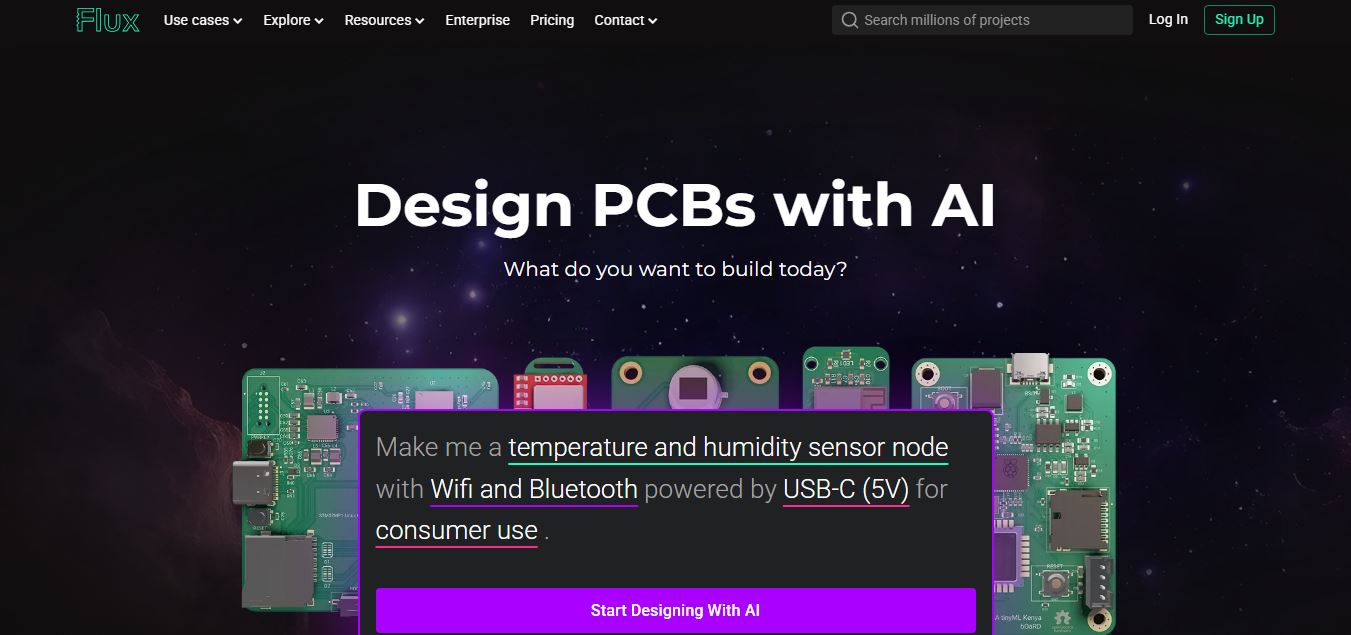
Flux AI is an AI-powered electronics design platform that helps engineers create schematics, design printed circuit boards (PCBs), select components, and optimize routing. Its browser-based workspace supports real-time collaboration, design validation, and manufacturing exports, making hardware development more accessible for individuals, startups, and engineering teams.
 4.8
4.8Repaint
Design
Repaint helps entrepreneurs and small businesses build websites, online stores, booking systems, and custom web applications using AI chat. Users can generate designs, edit content, manage customer accounts, accept payments, and organize business data without traditional coding. It offers subscription plans with different usage limits and business management capabilities.
 4.8
4.8SWAPP
Design
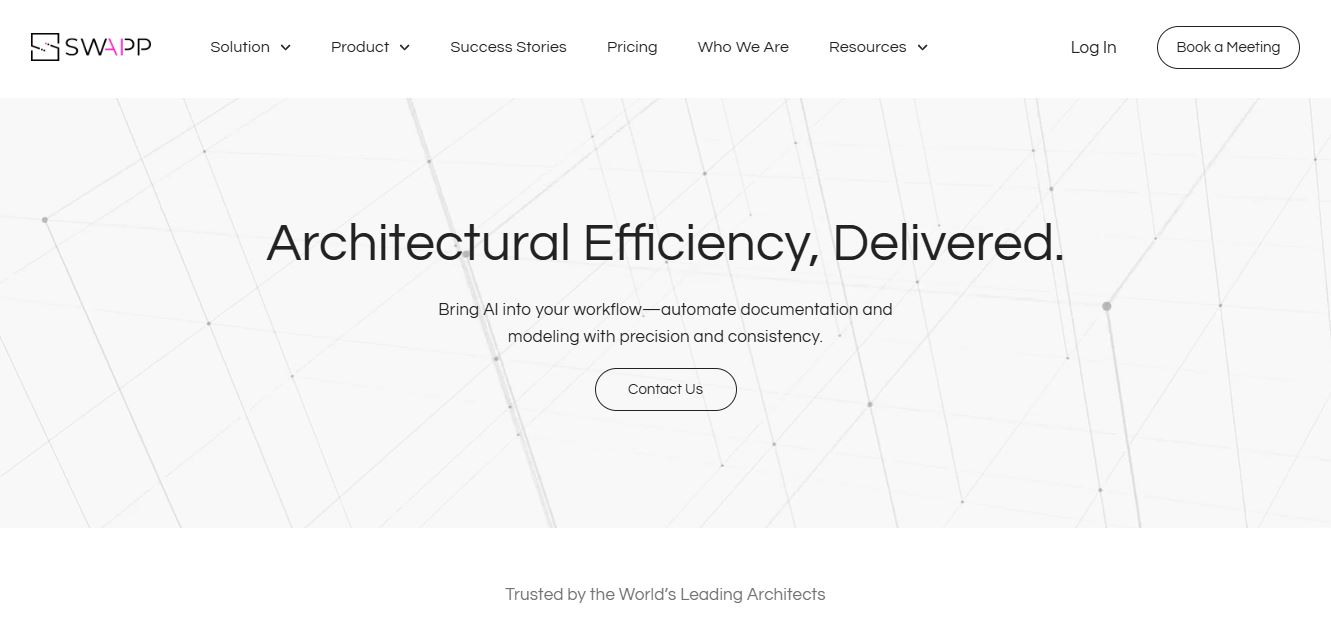
SWAPP helps architecture firms automate construction documentation, BIM modeling, and QA work inside Revit and ArchiCAD. Its Frank agent applies firm-specific standards to repetitive production tasks, while workflow memory preserves organizational knowledge. The platform is suited to teams seeking faster delivery, consistency, and less manual production effort across complex projects.
 4.9
4.9Adobe Stock
Design
Adobe Stock is a creative asset marketplace that helps designers and businesses access millions of royalty-free images, videos, templates, and 3D assets. It integrates with Adobe Creative Cloud, enabling users to search, customize, and license high-quality visuals quickly for marketing, design, and content creation.
 4.9
4.9Yellow Images
Design
Yellow Images is a digital marketplace that helps designers create branding and marketing visuals using high-quality mockups, fonts, PNGs, and graphic assets. It offers a large library of ready-to-use creative resources, enabling faster design workflows for agencies, freelancers, and ecommerce businesses.
 4.9
4.9Placeit
Design
Placeit is a browser-based design platform that helps creators and businesses generate mockups, logos, videos, and marketing visuals using ready-made templates. It allows users to quickly customize designs and download professional assets, making it ideal for ecommerce, social media, and branding without advanced design skills.
 4.8
4.8Figma AI
Design
Figma AI brings generative and assistive tools directly into Figma workflows, helping designers move from ideas to editable designs, visuals, prototypes, and production-ready experiences faster. Users can generate concepts, edit images, search files, automate repetitive work, and collaborate with teammates while keeping creative exploration inside the familiar Figma design environment.
 4.7
4.7PageGPT
Design
PageGPT helps businesses, creators, marketers, and entrepreneurs create customized landing pages and websites with AI. Users can describe their product and preferred style, generate designs with copy and images, then refine the result through chat or drag-and-drop editing. It also supports responsive pages, custom effects, and publishing options.
 4.8
4.8Locofy.ai
Design
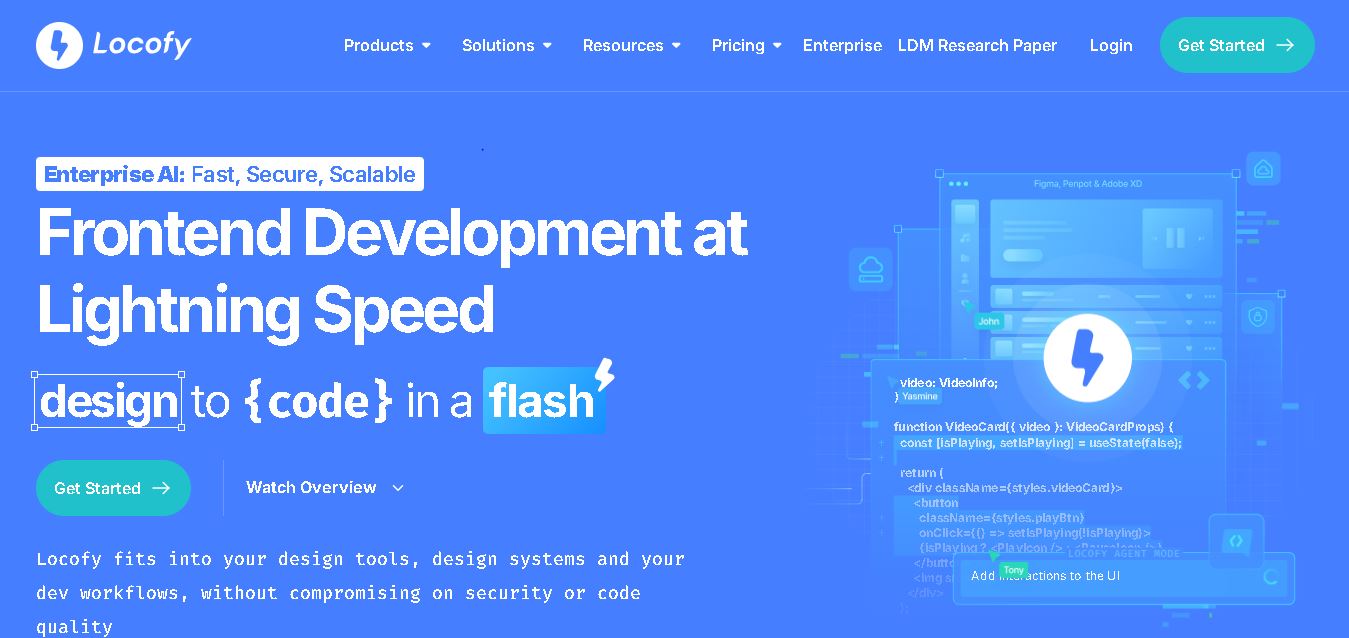
Locofy helps teams transform UI designs into developer-friendly frontend code without rebuilding interfaces manually. It supports popular design tools, web and mobile frameworks, responsive layouts, reusable components, and AI-assisted refinement. Designers can prepare screens while developers customize, export, synchronize, and continue development within familiar workflows and coding environments for teams.