
Vivago AI
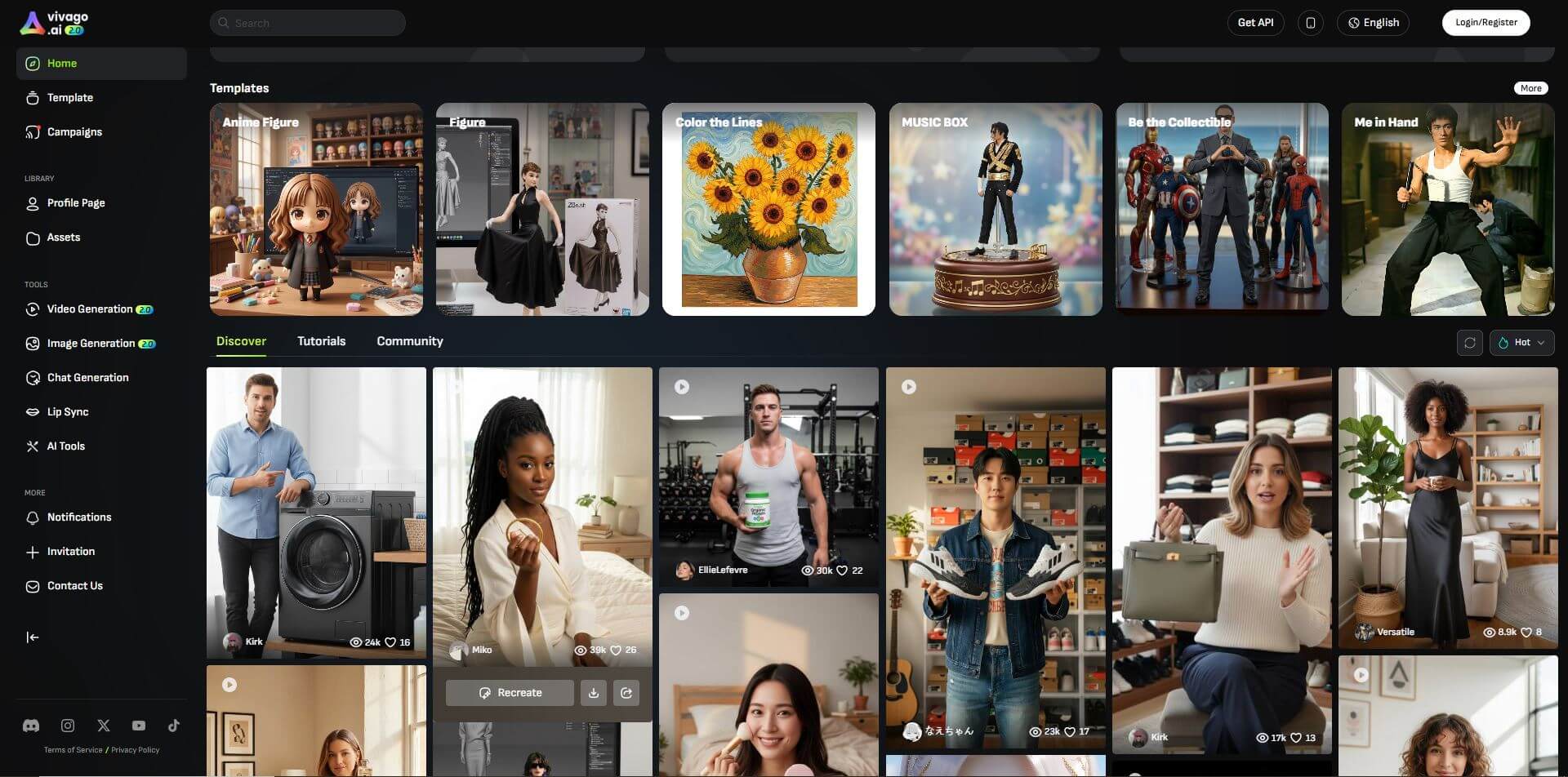
Vivago Studio is a platform for creating videos and images from text or photos. It offers templates, automation, and creative tools to help users quickly produce engaging visual content for social media and marketing.
What is Vivago AI?
Vivago Studio is a modern content creation platform designed to help users turn ideas into engaging videos and visuals with ease. It allows you to create content from simple text prompts or images, making the process fast and efficient. With built-in templates and smart tools, users can produce high-quality visuals without needing advanced editing skills. The platform is especially useful for marketers, creators, and businesses looking to create content consistently. Whether for social media or promotional use, Vivago Studio simplifies the entire creative workflow and helps bring ideas to life quickly.
- Founder / Company: Not publicly disclosed
- Launch: Early 2020s (exact year not specified)
- Headquarters: Not publicly disclosed
- Use Cases: Video creation, image generation, social media content, marketing visuals
- Technology: Generative models, automation tools, template-based creation
- Target Users: Content creators, marketers, businesses, social media managers
- Acquisition: No public acquisition reported
Vivago AI Key Features
Vivago's key features are
- Text & Image to Video: You can turn simple text or images into engaging videos, making content creation quick and effortless.
- Templates Ready to Use: The platform offers pre-designed templates, so you can create professional-looking content without starting from scratch.
- Easy Content Creation: Everything is designed to be simple, allowing users to create videos and visuals without needing editing experience.
- Customizable Output: You can tweak visuals, styles, and elements to match your brand or content needs.
- Fast Workflow: Helps you produce content quickly, which is perfect for staying consistent on social media.
- Multi-Use Platform: Useful for marketing, social media posts, ads, and general content creation.
Vivago AI Pricing
Offers various pricing plans
- Free Access: Basic features available with limited usage or credits
- Subscription Plans: Paid plans unlock higher usage limits and advanced features
- Credit-Based Usage: Content creation (videos/images) may consume credits
- Flexible Plans: Pricing varies based on usage, features, and output needs
- Best Approach: Check the official website for the latest and exact pricing details
Disclaimer: For the latest and most accurate pricing information, please visit the official Vivago AI website.
Who is using Vivago AI?
Vivago Studio is used by a wide range of users who want to create visual content quickly and efficiently. It is especially helpful for individuals and teams who need consistent content for digital platforms.
- Content Creators: Create videos and visuals for social media and online platforms
- Marketers: Design promotional content, ads, and campaigns
- Social Media Managers: Produce regular content for platforms like Instagram and YouTube
- Small Businesses: Create marketing visuals without hiring designers
- Agencies: Manage content creation for multiple clients
- Entrepreneurs: Build brand presence with engaging visuals
Best Vivago AI Alternatives

Pros and Cons
Pros
- Easy to use, beginner-friendly platform
- Quickly creates videos and visuals from simple inputs
- Saves time with templates and automation
- Suitable for social media and marketing content
- No advanced editing skills required
Cons
- Limited customization compared to professional editors
- Output quality may vary based on input
- Advanced features may require paid plans
- Credit or usage limits can restrict content creation
- Not ideal for complex or long-form video projects
Why Choose Vivago AI?
Vivago AI is a great option for anyone who wants to create engaging videos and visuals quickly without dealing with complex tools. It simplifies the entire content creation process, making it easy for beginners while still useful for professionals who need speed and efficiency. Whether you're working on social media, marketing, or branding, it helps you stay consistent with minimal effort.
- Fast Content Creation: Turn ideas into videos and visuals in minutes
- Easy to Use: Beginner-friendly with no editing experience needed
- Ready Templates: Create professional content without starting from scratch
- Time-Saving: Automates repetitive parts of content creation
- Multi-Purpose: Useful for social media, ads, and marketing
- Scalable: Create content consistently and in bulk
How vivago.ai Works?
Vivago.ai makes content creation simple by turning your ideas into videos and visuals through a guided process. You don’t need advanced editing skills—just follow a few easy steps to create engaging content.
- Step 1: Input Your Idea – Start by entering text, a script, or uploading an image you want to convert into a video or visual.
- Step 2: Choose a Template – Select from ready-made templates that match your content style or purpose.
- Step 3: Customize Content – Adjust visuals, text, styles, and elements to fit your brand or message.
- Step 4: Generate Output – The platform processes your input and creates a video or image automatically.
- Step 5: Export & Share – Download your content or share it directly on social media platforms.
This step-by-step workflow helps users create professional-looking content quickly and efficiently.
Vivago AI vs. Competitors
Vivago AI focuses on quick and simple content creation, making it ideal for users who want fast results without complex editing. Compared to tools like Runway ML or Kaiber AI, which offer more advanced controls, Vivago AI stands out for its ease of use and speed.
| Feature / Tool | Vivago AI | Runway ML | Pika Labs | InVideo AI | Canva Video |
|---|---|---|---|---|---|
| Ease of Use | Very Easy | Moderate | Moderate | Easy | Very Easy |
| Video Creation | Yes | Yes | Yes | Yes | Yes |
| Speed | Very Fast | Fast | Fast | Fast | Moderate |
| Customization | Limited | High | Moderate | High | Moderate |
| Templates | Yes | Limited | No | Yes | Yes |
| Best For | Quick Content | Advanced Editing | Creative Videos | Marketing Videos | Social Content |
| Learning Curve | Low | Medium | Medium | Low | Very Low |
| Pricing | Flexible | Paid | Varies | Moderate | Freemium |
How Do We Rate Vivago AI?
We evaluate Vivago AI based on how effectively it helps users create visual content quickly while maintaining quality and ease of use. Our rating focuses on real-world usability for creators, marketers, and businesses.
| Category | Rating (Out of 5) |
|---|---|
| Video & Image Quality | 4.4 |
| Ease of Use | 4.7 |
| Speed | 4.8 |
| Features & Tools | 4.3 |
| Automation | 4.6 |
| Value for Money | 4.3 |
| Flexibility | 4.4 |
| Overall Experience | 4.5 |
| Overall Rating | 4.5 / 5 |
Vivago AI Review
Vivago AI is a practical tool for anyone who wants to create videos and visuals quickly without getting into complex editing. Its biggest strength is how simple the process is—you can turn basic ideas into content within minutes using ready-made templates and automated tools. This makes it especially useful for creators and marketers who need to produce content regularly.
The platform is beginner-friendly, so even users with no design or editing experience can get started easily. However, compared to advanced video tools, it offers limited customization, which might not suit users looking for full creative control.
Overall, Vivago AI is a great choice for fast, efficient content creation, especially for social media and marketing needs.
Conclusion
Vivago AI is a simple and effective tool for creating videos and visuals without spending too much time or effort. It makes content creation fast and accessible, especially for beginners and marketers who need consistent output. While it may not offer deep customization like advanced tools, its ease of use and speed make it a strong choice. Overall, Vivago AI is a great option for anyone looking to quickly turn ideas into engaging visual content.
People are also reading:
FAQ
Is Vivago AI free to use?
Vivago AI offers a free version with limited access to features and usage. To unlock advanced tools, higher limits, and better output quality, users typically need to subscribe to a paid plan.
Who can use Vivago AI?
Vivago AI is suitable for content creators, marketers, businesses, social media managers, and even beginners who want to create engaging visuals without technical expertise.
What can you create with Vivago AI?
Users can create a wide range of content including short videos, promotional visuals, social media posts, and marketing creatives using simple inputs like text or images.
Do I need editing skills to use Vivago AI?
No, Vivago AI is built to be user-friendly. It provides templates and automation features that allow users to create professional-looking content without prior editing experience.
Is Vivago AI good for social media content?
Yes, it is especially useful for platforms like Instagram, TikTok, and YouTube, where quick and engaging visual content is important for growth and engagement.
Are there alternatives to Vivago AI?
Yes, there are several alternatives such as Runway ML, Pika Labs, Kaiber AI, Canva Video, and InVideo AI, which offer similar content creation capabilities.
User Reviews
No reviews yet for Vivago AI.
Featured Tools
Featured AI tools from TechShark

Melody Genie
MelodyGenie is an AI-powered music generator that creates original songs from simple text prompts. Users can choose styles, moods, and genres, then instantly generate melodies and full tracks, making it easy for creators, marketers, and hobbyists to produce custom music without musical expertise.
Freemium

Kimi AI
Kimi AI is an advanced AI assistant developed by Moonshot AI that helps you chat, research, write, code, and automate tasks in one place. It supports web search, file analysis, and multimodal inputs, and can even run autonomous “agent” workflows to complete complex tasks end-to-end.
Freemium

Fashion Diffusion AI
Fashion Diffusion is an AI-powered fashion design platform that helps brands and designers create clothing designs, virtual try-ons, AI models, product photos, and marketing visuals faster and cost-effectively.
Paid

Veo 4
Veo 4 AI is an AI video creation platform that generates dramatic videos from text, images, audio, and video prompts using realistic motion and synchronized sound.
Paid
Alternatives
Alternatives to Vivago AI
Some popular alternatives to Vivago AI include Runway ML, Pika Labs, Kaiber AI, InVideo AI, VEED.io, Canva Video, and Pictory. These tools offer similar video and visual creation features with different levels of customization, speed, and editing control.
 4.9
4.9Clipchamp
Video Generator
Clipchamp is an AI-powered online video editor by Microsoft that helps users record, edit, and share videos directly from the browser. It offers templates, stock media, and AI tools like subtitles, voiceovers, and noise removal, enabling fast, professional video creation without advanced editing skills.
 4.9
4.9CapCut
Video Editing
CapCut is a popular video editing tool that helps creators produce engaging videos with effects, transitions, filters, templates, subtitles, and AI-powered features. Available on multiple platforms, CapCut makes it easy to edit videos for TikTok, Instagram Reels, YouTube Shorts, and other social media channels.
 4.8
4.8Airbrush AI
Image
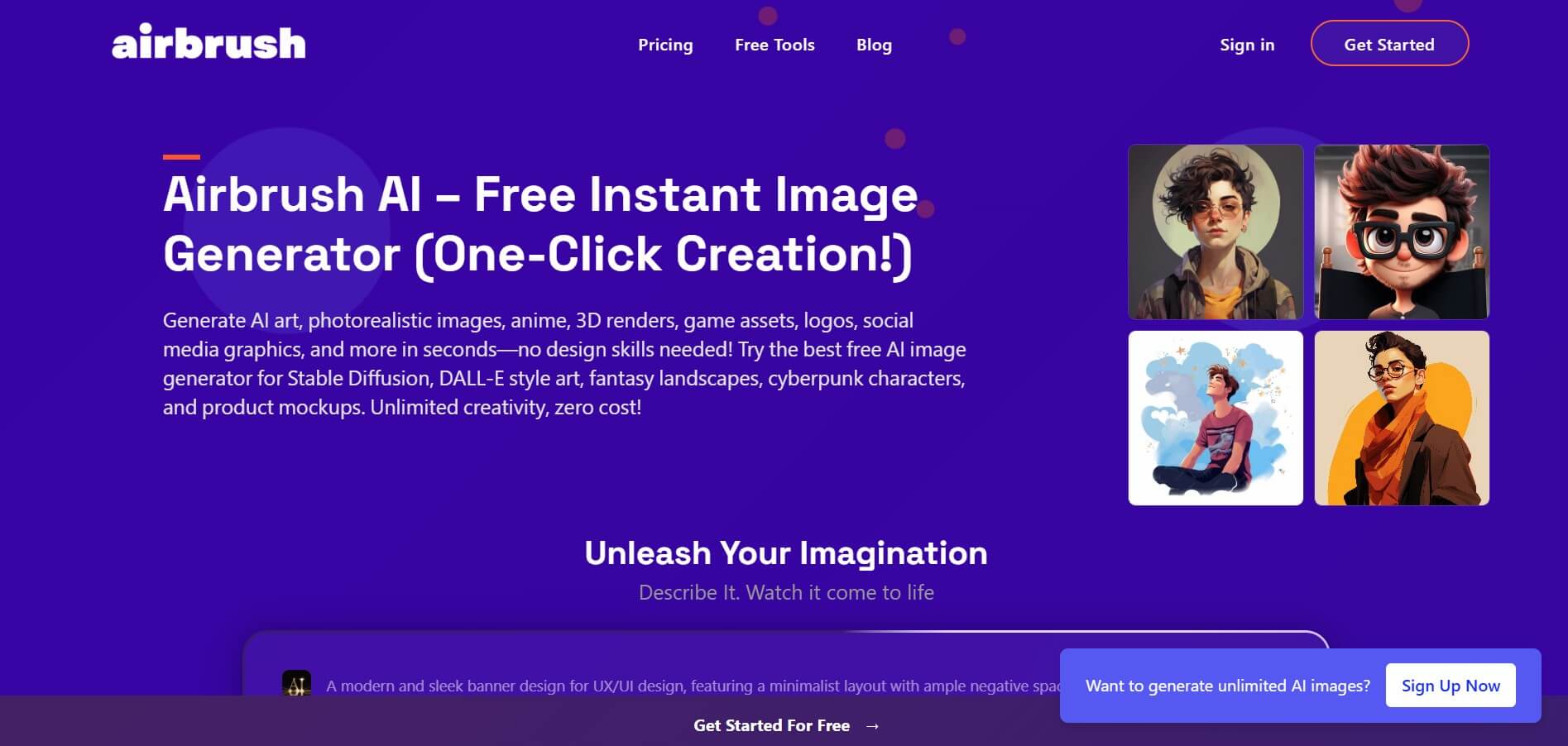
Airbrush is an AI-powered image generation and editing platform that helps users create, enhance, and customize visuals from simple text prompts. It supports multiple AI models and styles, enabling creators to generate artwork, marketing assets, and realistic images quickly without advanced design skills.
 4.9
4.9Pika
Video Generator
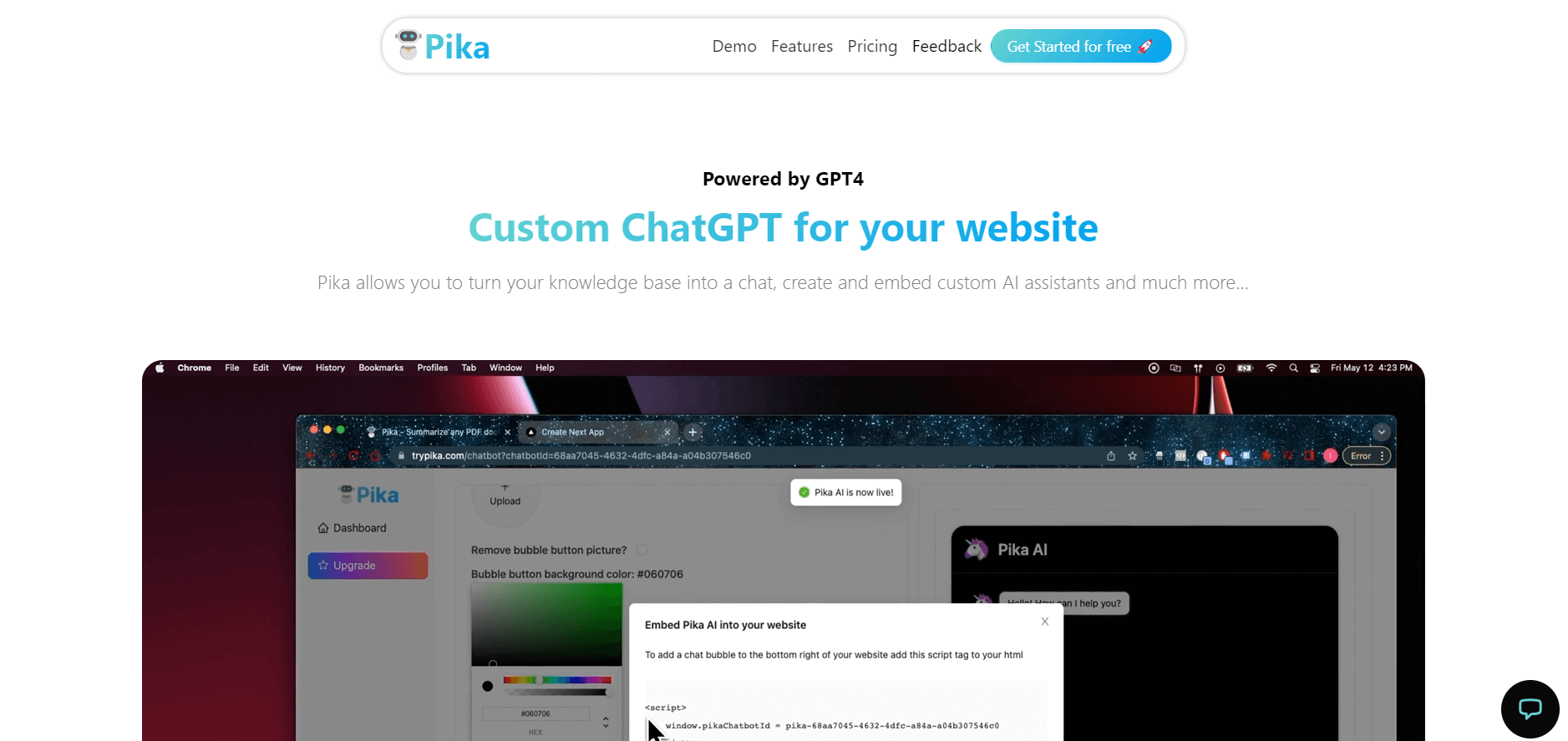
Pika is an AI video generation and creative effects platform that transforms text prompts, still images, and video clips into cinematic video sequences, meme animations, and viral visual effects using its proprietary generative video models.
 4.8
4.8AliveAI
Image
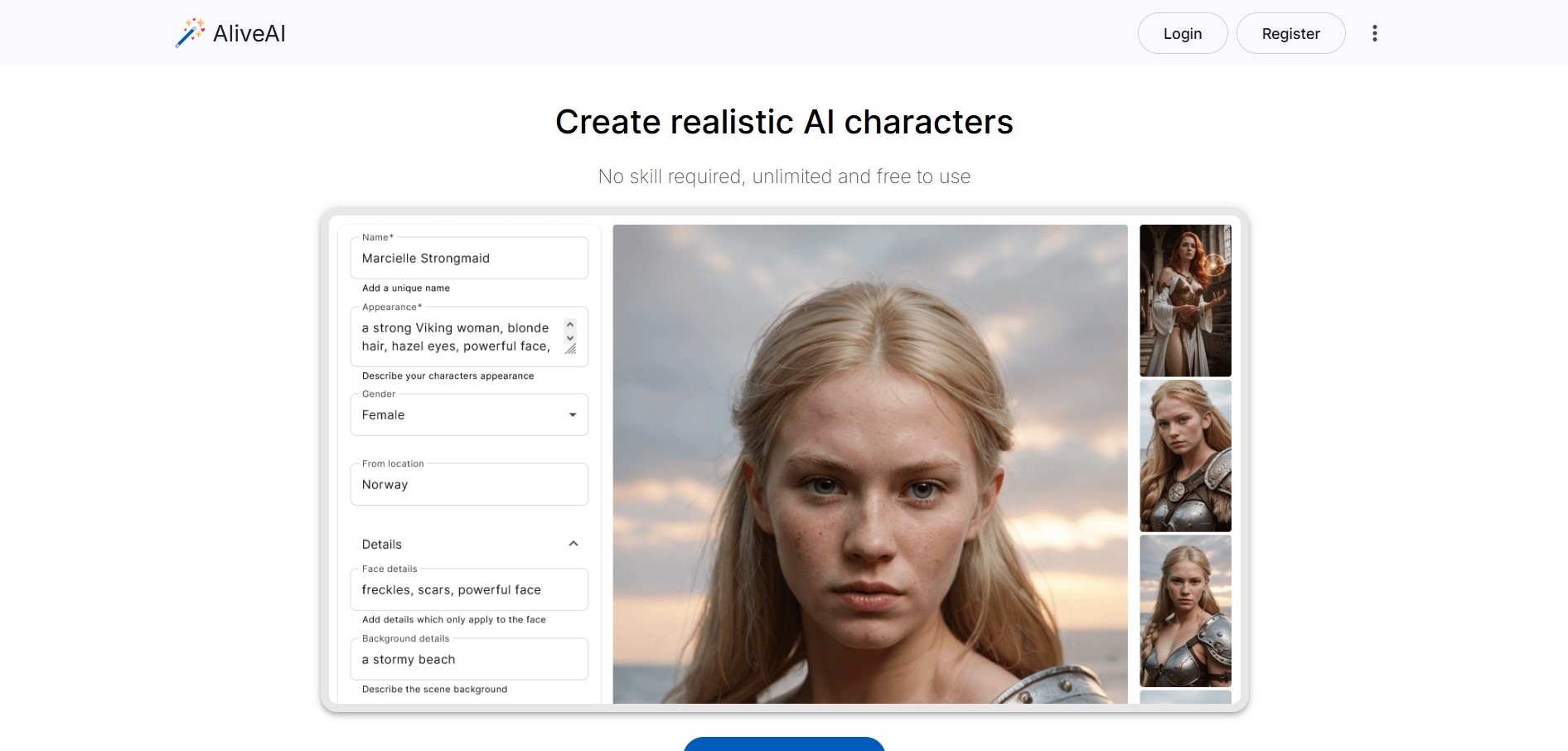
Alive AI is an AI content generation platform that lets users create realistic images, videos, and characters from simple text prompts. It supports multiple styles like realistic and anime, offers editing tools, and even enables interactive character chat, making it useful for creators and apps.
 4.7
4.7Hotshot AI
Video Generator
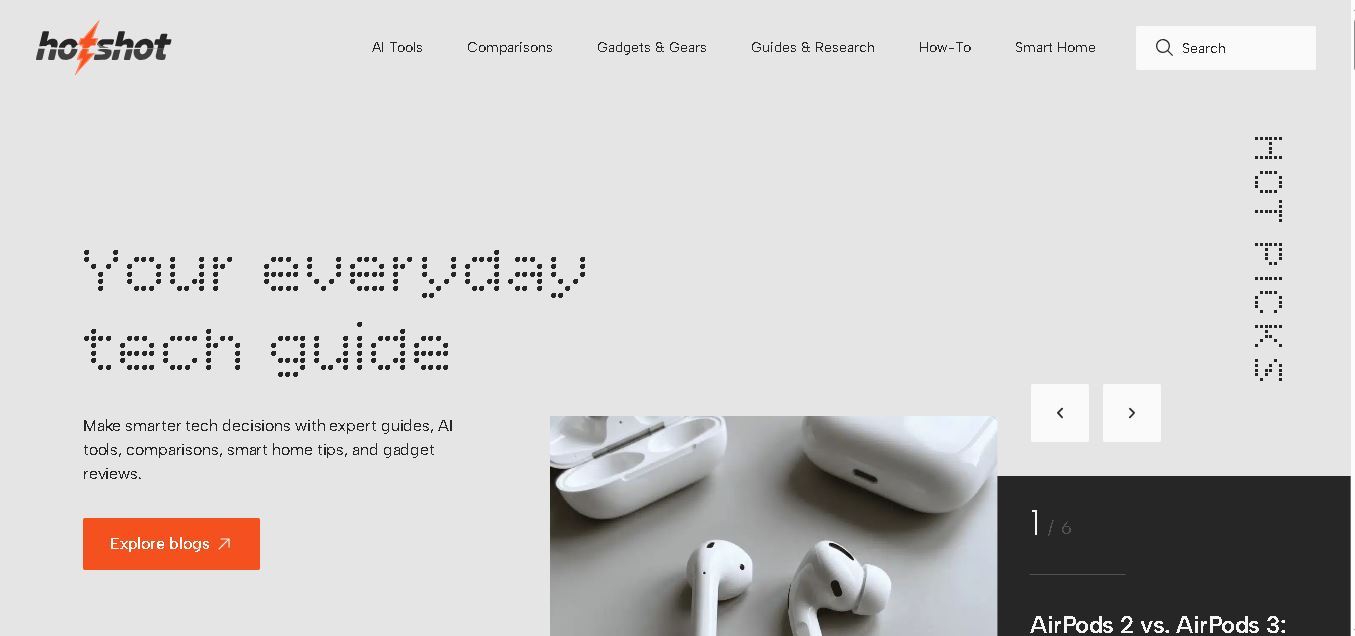
Hotshot is an everyday technology publication covering AI tools, gadgets, smart home technology, comparisons, research, and practical how-to guides. It helps readers understand products, evaluate software, compare options, and solve common technology problems through accessible articles created for people who want clearer information before making technology-related decisions online with confidence.
 4.9
4.9iPic Ai
Image
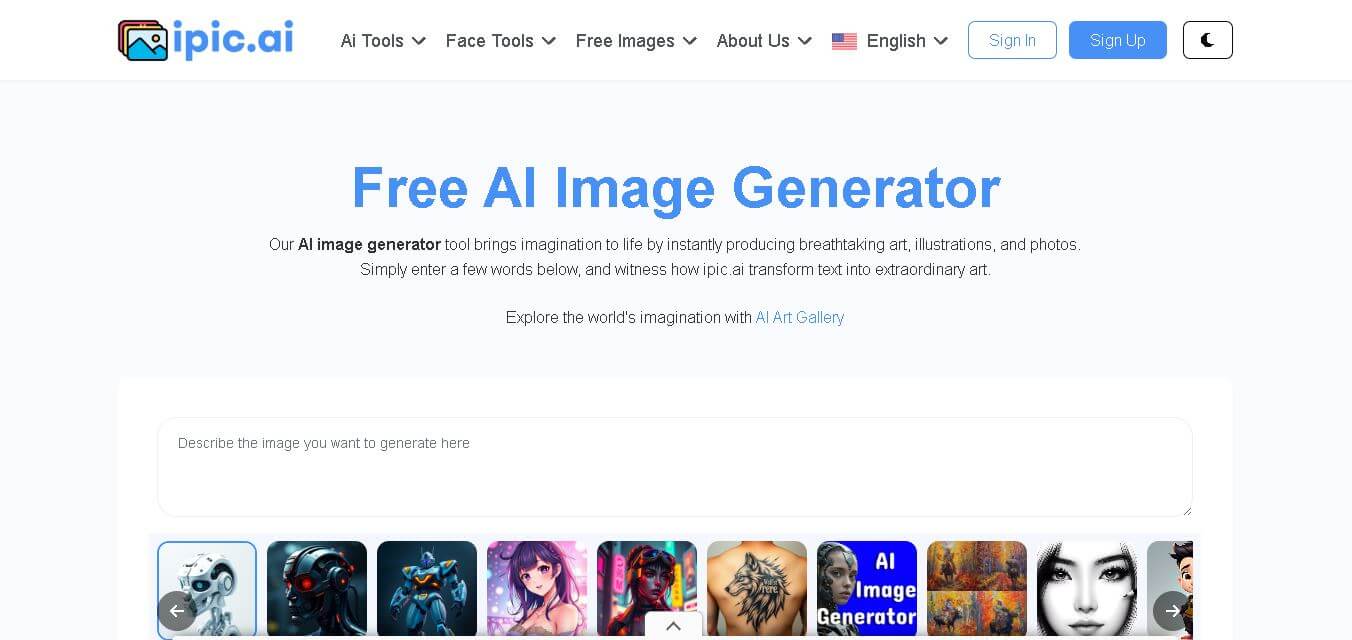
iPic is an AI-powered image generation and editing platform that lets users create visuals from text prompts and enhance photos with tools like background removal, upscaling, and style filters. It’s designed for quick, creative image creation for marketing, social media, and design needs.
Photoleap
Image
Photoleap is an AI-powered photo editing app that helps users create and enhance images with tools like background removal, AI image generation, effects, and retouching. It’s designed for both beginners and creators to easily transform photos into professional-looking visuals and creative designs.
 4.8
4.8Facewow
Image
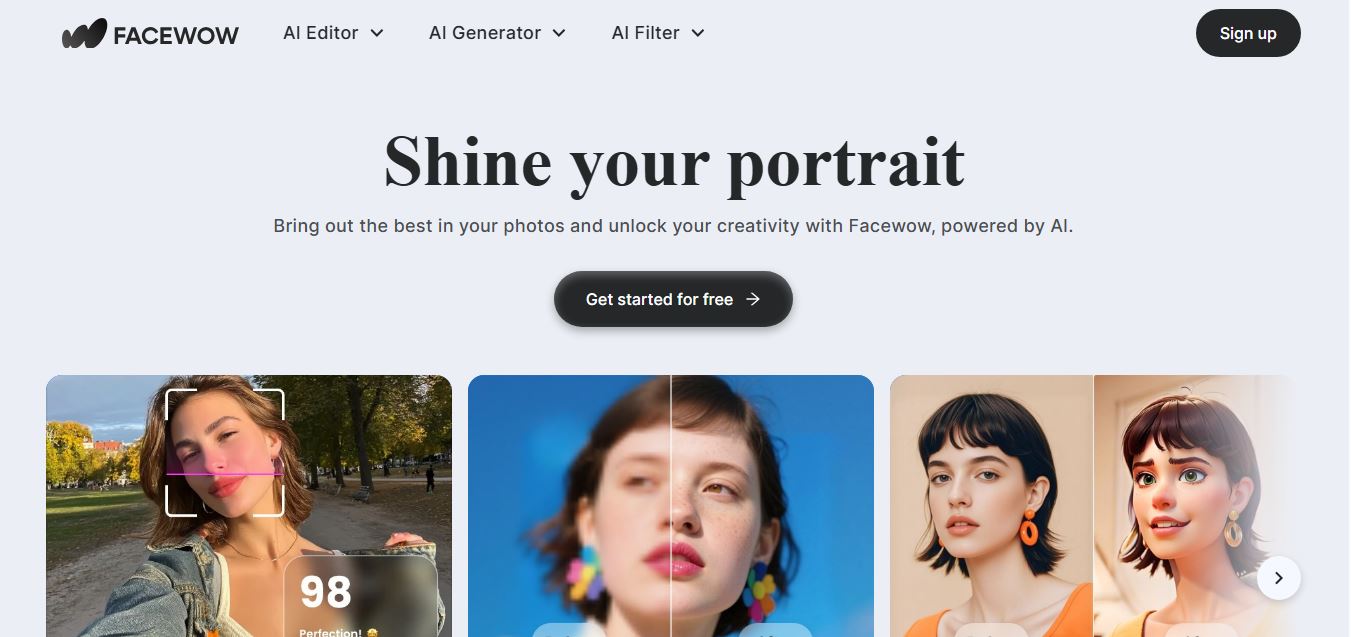
Facewow is an AI-powered photo enhancement tool that helps users improve portraits with features like face retouching, background editing, and image upscaling. It automatically enhances facial details and overall quality, making photos look clearer, more polished, and ready for social media or professional use.