
Visme
Visme is a versatile visual content creation platform for designing presentations, infographics, reports, charts, social media graphics, videos, and interactive materials. Its template library, AI Designer, data visualization tools, branding features, animations, and collaboration capabilities help individuals and teams create professional-looking content efficiently, even without extensive design experience.
What is Visme?
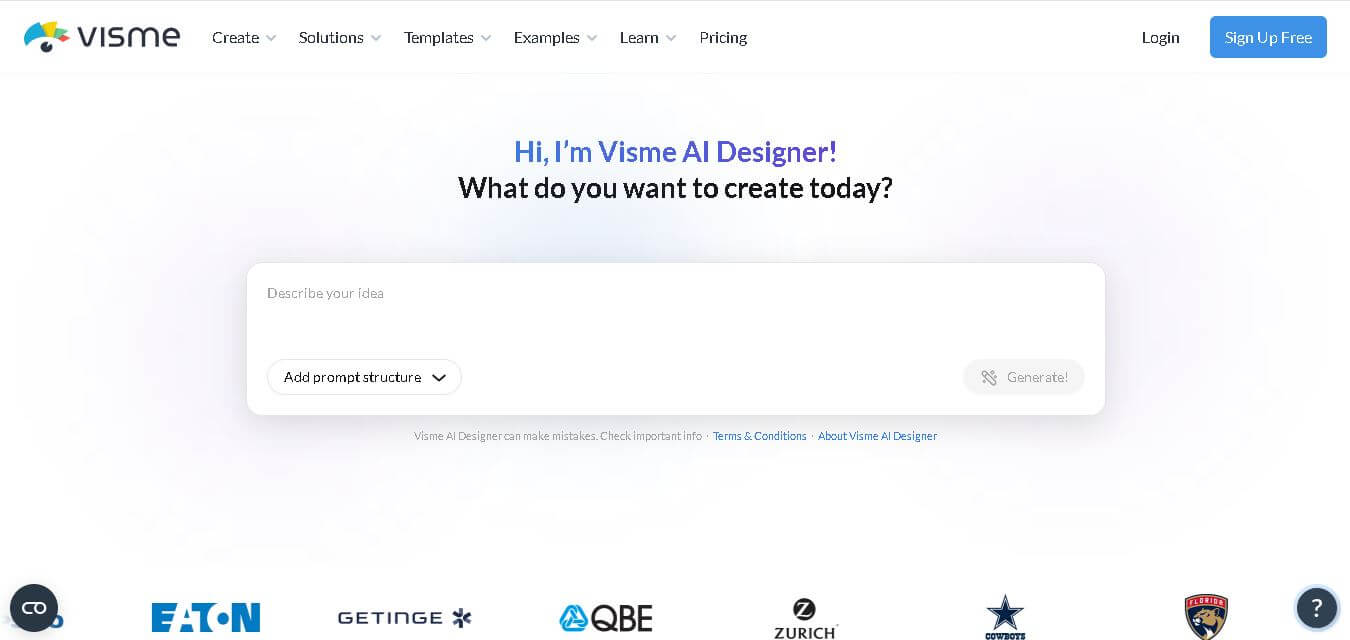
Visme is a visual content creation tool that helps users turn ideas, information, and data into professional presentations, infographics, reports, documents, charts, videos, social media graphics, forms, and interactive content. It combines customizable templates, data visualization, animation, collaboration, branding controls, and AI-assisted design in one workspace. Users can start with templates or generate designs from text prompts using Visme AI Designer. Marketers, educators, businesses, sales teams, project managers, and creators who need polished visual communication without advanced design expertise can use the platform.
Visme currently serves 35M+ leading companies and creators and supports more than 50 content types through its template library. The platform offers thousands of customizable templates, millions of visual assets, AI design capabilities, interactive content tools, collaboration features, and data visualization options. Its pricing includes 4 plans: Basic, Starter, Pro, and Enterprise. The basic plan is free, while annual billing starts at $12.25/month per person for Starter and $24.75/month per person for Pro.
- Founder: Payman Taei
- Launch Year: 2013
Use Cases:
- Designing high-converting sales pitch decks and business presentations
- Converting complex data and survey results into interactive visual infographics
- Creating multi-page digital reports, ebooks, and whitepapers with embedded audio/video
- Managing centralized brand kits and enforcing template consistency across enterprise teams
Technology:
- AI Presentation Maker and AI Image/Text Generator for automated asset block-outs
- Interactive data engine supporting 16+ customizable chart types, maps, and widget displays
- Presenter Studio for pre-recording slide narrations with screen and camera video capture
Target Users:
- Marketing and communications directors building multi-channel content strategies
- Non-profit organizations, educators, and training specialists creating educational materials
- Sales and business development teams needing interactive client presentations
Ecosystem: Cloud-based web application with desktop and mobile browser support, integrating with Google Drive, Dropbox, OneDrive, Hubspot, Slack, and Mailchimp, with exports available in JPG, PNG, PDF, MP4, GIF, PPTX, and HTML5.

Key features of Visme
Visme's key features are
- All-in-One Multi-Format Creator: Enables creation of presentations, infographics, reports, social graphics, and web banners within a single platform interface.
- AI Content Generator: Converts text prompts into full multi-slide presentation decks, AI-generated images, and draft copy in seconds.
- Data Visualization & Charts: Integrates over 16 chart types (including Mekko, waterfall, and Gantt charts) with live data-linking capabilities.
- Interactive Elements & Animations: Supports pop-up hover effects, clickable links, video embeds, and animated characters for web publication.
- Presenter Studio: Built-in video recorder allowing users to present and narrate slides on screen for asynchronous sharing.
- Brand Management & Team Collaboration: Stores custom brand fonts, colors, and logos while offering role permissions and template locking.
Visme Pricing
Visme operates on a freemium model, offering a free basic account alongside tiered individual and team subscriptions billed monthly or annually.
Basic Plan (Free):
- $0 per month
- Includes 500 MB storage, access to standard templates and visual assets, public web link sharing with Visme branding, and low-res JPG exports
Starter Plan:
- $12.25 per month (billed annually at $147/year) or $29 per month (billed monthly)
- Includes 1 GB storage, full template access, removal of Visme branding, and downloads in PNG, JPG, and PDF formats
Pro Plan:
- $24.75 per month (billed annually at $297/year) or $59 per month (billed monthly)
- Includes 10 GB storage, editable PPTX and HTML5 exports, MP4 video downloads, brand kit management, analytics tracking, and Presenter Studio
Enterprise Plan:
- Custom pricing
- Includes custom storage limits, advanced security controls, single sign-on (SSO), custom domain hosting, and dedicated account management
Disclaimer: For the latest and most accurate pricing information, please visit the official Visme AI website.
Is Visme Worth It?
Visme is worth the investment for teams and solopreneurs who regularly produce diverse content formats—such as infographics, reports, and interactive decks—beyond standard slide decks. At $12.25–$24.75/month, it replaces multiple separate subscriptions for graphic design, infographic creation, and presentation software into a single tool.
Real-World Use Cases
- Corporate Annual Reporting: Finance and marketing teams build interactive 40-page digital reports featuring live charts, embedded video, and downloadable PDFs.
- Visual Infographic Marketing: Content marketers transform raw survey data into engaging social infographics that drive backlink authority.
- Asynchronous Sales Pitches: Sales executives record interactive video presentation walk-throughs using Presenter Studio to send directly to prospects.
- Branded Team Asset Management: Design leaders lock brand colors and typography rules across enterprise templates to prevent unauthorized design edits.
Who is using Visme?
Visme is designed for business professionals and creative teams, including
- Marketing & Content Strategy Teams: Marketers creating social graphics, whitepapers, and promotional banners
- Non-Profit & Educational Institutions: Educators and NGO teams designing digestible informational infographics
- Corporate Communications & HR: Internal communications officers delivering company handbooks and onboarding decks
- Sales & Business Development Teams: Account managers needing interactive, trackable pitch decks
Best Visme Alternatives
Some of the strongest Visme alternatives include
Pros and Cons of Visme
Pros
- Comprehensive multi-format ecosystem for presentations, infographics, and reports
- Robust data visualization features with over 16 customizable chart types and maps
- Interactive publishing options, including hover pop-ups, links, and HTML5 exports
- AI-powered presentation generation speeds up initial slide drafting
- Strong brand governance and template locking capabilities for enterprise teams
Cons
- The free plan applies Visme branding and limits export formats to low-res JPG
- Slight learning curve compared to basic drag-and-drop presentation tools
- Exporting complex animated presentations to PPTX can occasionally alter custom transitions
Why Choose Visme?
Visme stands out by giving users true multi-format versatility. Rather than focusing solely on slides like PowerPoint or social graphics like Canva, Visme bridges the gap with professional data visualization tools, interactive HTML5 web publishing, and structured document design in one platform.
- Eliminates the need for separate graphic design and infographic tools
- Provides advanced interactive features like embedded videos and pop-up details
- Features powerful data chart widgets linked to dynamic spreadsheets
- Enables asynchronous presentation recording via Presenter Studio
How Visme Works
- 1. Pick a Project Type: Choose to build a presentation, infographic, report, document, or social post.
- 2. Select a Template or AI Prompt: Start from thousands of pre-made templates or use the AI Generator to build a starting draft.
- 3. Customize Content & Data: Drag and drop visuals, input data into custom charts, and apply company brand kits.
- 4. Export or Publish: Download as PDF, PPTX, MP4, or HTML5, or publish a public/private web link with built-in analytics.
Visme vs. Competitors
The main difference between Visme, Canva, and Piktochart lies in formatting scope and data visualization depth. While Canva excels in quick social graphics and team co-editing, and Piktochart focuses heavily on infographics, Visme balances deep chart visualization, interactive web presentations, and multi-page document design.
| Feature | Visme | Canva | Piktochart |
|---|---|---|---|
| Primary Focus | Interactive Visuals & Infographics | Social Media & Quick Graphic Design | Data-Driven Infographics & Decks |
| Data Visualization Depth | Advanced (16+ chart types & maps) | Moderate | High |
| Interactive Web Export | Yes (HTML5 & Web Links) | Basic | Basic |
| AI Presentation Generator | Yes | Yes (Magic Design) | Limited |
| Starting Price | Free / $12.25 per month | Free / $15.00 per month | Free / $14.00 per month |
How do we rate Visme?
| Parameter | Rating (out of 5) |
|---|---|
| Ease of Use | 4.5 |
| Design Quality & Templates | 4.7 |
| Data Visualization Tools | 4.8 |
| Feature Set | 4.6 |
| Value for Money | 4.4 |
| Overall Score | 4.5 |
Visme Review
Visme is a powerful, highly versatile content creation tool for teams that need to go beyond standard presentations. Its specialized charts, interactive HTML5 elements, and AI drafting tools make it a go-to platform for turning complex business information into visually engaging assets.
Conclusion
Visme stands out as a practical choice for anyone who needs to create professional visual content without managing several separate design applications. Its combination of templates, AI-assisted creation, data visualization, interactive elements, branding tools, collaboration, and multiple content formats makes it useful across marketing, education, sales, business, and nonprofit workflows. The free Basic plan provides an accessible starting point, while paid plans add premium assets, export options, branding, analytics, privacy, and collaboration capabilities. With support for more than 50 content types and a user base of 35M+ companies and creators, Visme offers a broad toolkit for modern visual communication.
FAQ
What is Visme used for?
Visme is useful when you need to turn information into engaging visual content. You can create presentations, infographics, reports, documents, charts, social graphics, videos, forms, and interactive materials. For marketers, educators, sales professionals, and business teams, Visme brings multiple content creation tasks into one workspace instead of relying on several separate design tools.
Is Visme free to use?
Yes, Visme offers a free Basic plan that lets you create unlimited projects and explore its core design features. However, the free version has limitations, including restricted premium assets and download options. If you need premium templates, additional export formats, branding controls, or advanced collaboration, you can upgrade to a paid plan.
How much does Visme cost?
Visme provides four main plans: Basic, Starter, Pro, and Enterprise. Basic is free, while Starter costs $12.25 per person monthly and Pro costs $24.75 when billed annually. Enterprise uses custom pricing and is designed for larger organizations. Pricing and included features can change, so check Visme's official pricing page before purchasing.
Who should use Visme?
Visme is a strong choice for marketers, educators, sales teams, business owners, project managers, nonprofits, and creators who regularly produce visual content. It can be particularly helpful if you need presentations, reports, infographics, social media graphics, or data visualizations while maintaining consistent branding across multiple projects and team members.
Can beginners use Visme without design experience?
Yes. Visme is designed to make visual content creation accessible to users without advanced design skills. You can begin with customizable templates, use drag-and-drop editing, or generate designs through Visme AI Designer. This makes it practical for beginners who want professional-looking presentations, reports, infographics, or social graphics without learning complex design software first.
Does Visme have AI features?
Yes. Visme includes several AI-assisted features, including Visme AI Designer, which can turn a text prompt into a ready-to-use design. Its broader AI toolkit also includes AI presentation creation, document generation, brand design, image generation, text generation, and image editing capabilities, making AI useful across different stages of the visual content creation process.
Can I create presentations with Visme?
Yes. Visme lets you create presentations using templates, blank projects, or its AI Designer. You can customize layouts, add animations, interactive elements, visuals, audio, presenter notes, and other presentation components. This makes it suitable for business presentations, pitch decks, educational material, internal meetings, and client-facing presentations.
User Reviews
No reviews yet for Visme.
Featured Tools
Featured AI tools from TechShark

Melody Genie
MelodyGenie is an AI-powered music generator that creates original songs from simple text prompts. Users can choose styles, moods, and genres, then instantly generate melodies and full tracks, making it easy for creators, marketers, and hobbyists to produce custom music without musical expertise.
Freemium

Kimi AI
Kimi AI is an advanced AI assistant developed by Moonshot AI that helps you chat, research, write, code, and automate tasks in one place. It supports web search, file analysis, and multimodal inputs, and can even run autonomous “agent” workflows to complete complex tasks end-to-end.
Freemium

Fashion Diffusion AI
Fashion Diffusion is an AI-powered fashion design platform that helps brands and designers create clothing designs, virtual try-ons, AI models, product photos, and marketing visuals faster and cost-effectively.
Paid

Veo 4
Veo 4 AI is an AI video creation platform that generates dramatic videos from text, images, audio, and video prompts using realistic motion and synchronized sound.
Paid
Alternatives
Alternatives to Visme
The best Visme alternatives include Canva, Piktochart, Venngage, Prezi, Beautiful.ai, Infogram, and Adobe Express. Canva leads in quick social graphics and team co-editing, Piktochart and Venngage specialize in data-driven infographics, while Prezi offers dynamic zooming presentation canvases.
 4.7
4.7Flux.ai
Design
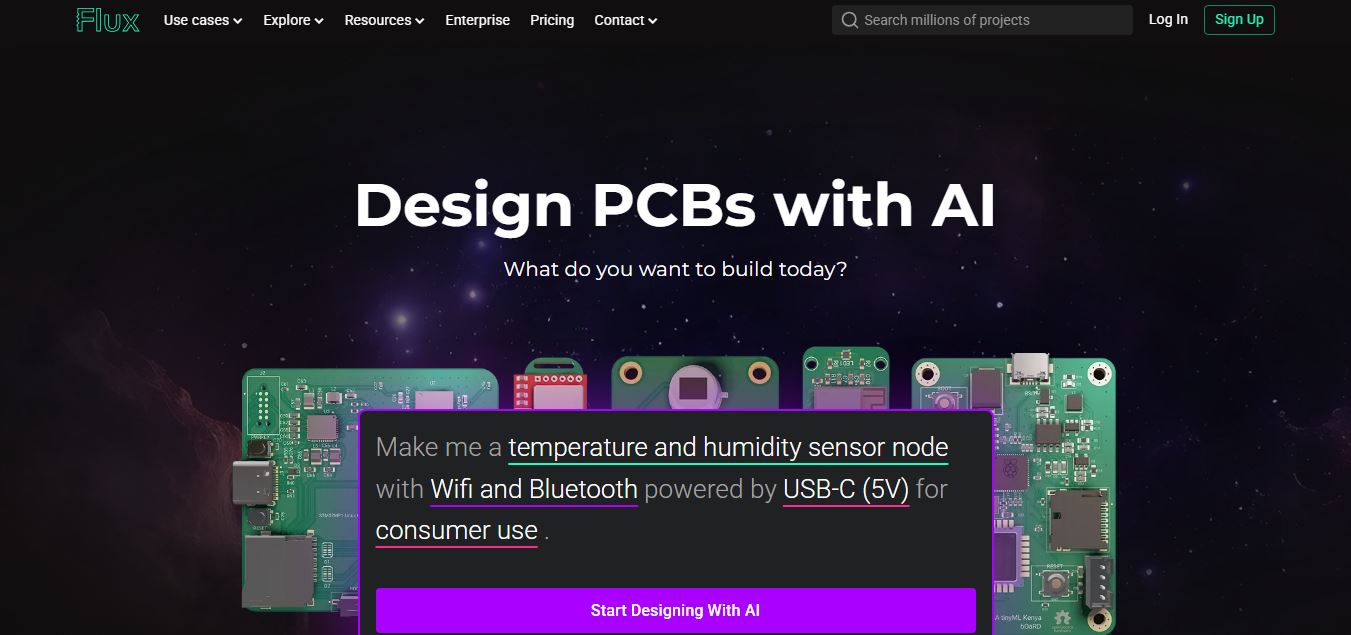
Flux AI is an AI-powered electronics design platform that helps engineers create schematics, design printed circuit boards (PCBs), select components, and optimize routing. Its browser-based workspace supports real-time collaboration, design validation, and manufacturing exports, making hardware development more accessible for individuals, startups, and engineering teams.
 4.8
4.8Repaint
Design
Repaint helps entrepreneurs and small businesses build websites, online stores, booking systems, and custom web applications using AI chat. Users can generate designs, edit content, manage customer accounts, accept payments, and organize business data without traditional coding. It offers subscription plans with different usage limits and business management capabilities.
 4.8
4.8SWAPP
Design
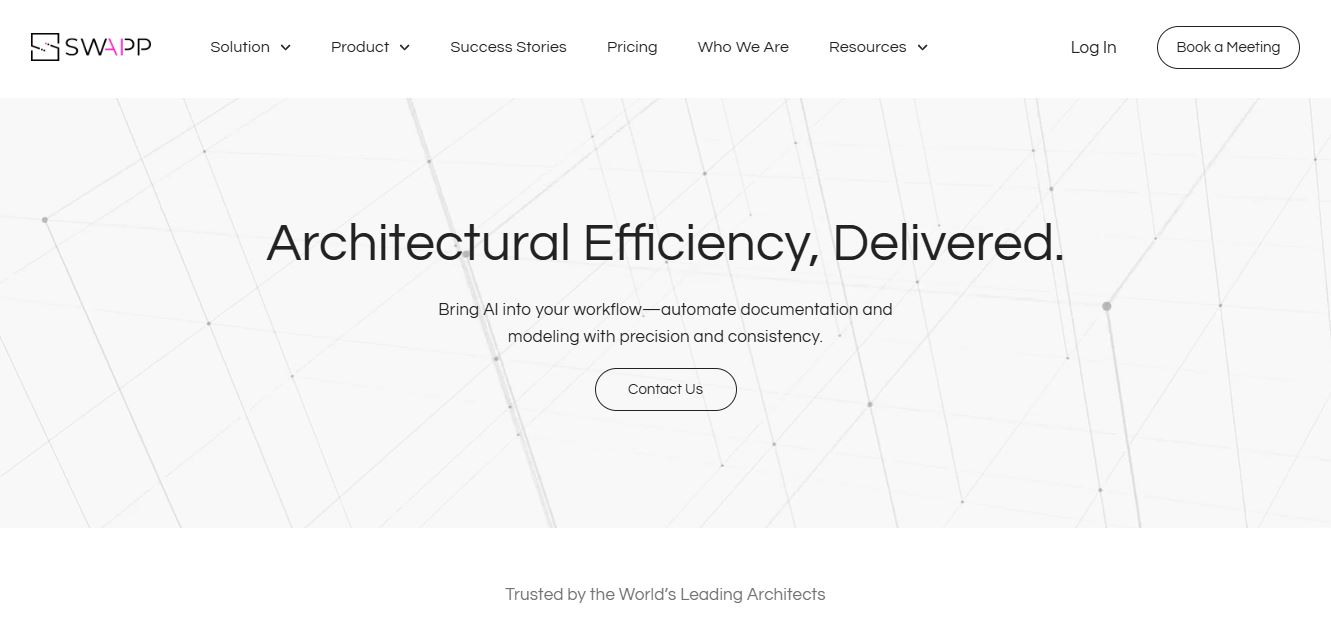
SWAPP helps architecture firms automate construction documentation, BIM modeling, and QA work inside Revit and ArchiCAD. Its Frank agent applies firm-specific standards to repetitive production tasks, while workflow memory preserves organizational knowledge. The platform is suited to teams seeking faster delivery, consistency, and less manual production effort across complex projects.
 4.9
4.9Adobe Stock
Design
Adobe Stock is a creative asset marketplace that helps designers and businesses access millions of royalty-free images, videos, templates, and 3D assets. It integrates with Adobe Creative Cloud, enabling users to search, customize, and license high-quality visuals quickly for marketing, design, and content creation.
 4.9
4.9Yellow Images
Design
Yellow Images is a digital marketplace that helps designers create branding and marketing visuals using high-quality mockups, fonts, PNGs, and graphic assets. It offers a large library of ready-to-use creative resources, enabling faster design workflows for agencies, freelancers, and ecommerce businesses.
 4.9
4.9Placeit
Design
Placeit is a browser-based design platform that helps creators and businesses generate mockups, logos, videos, and marketing visuals using ready-made templates. It allows users to quickly customize designs and download professional assets, making it ideal for ecommerce, social media, and branding without advanced design skills.
 4.8
4.8Figma AI
Design
Figma AI brings generative and assistive tools directly into Figma workflows, helping designers move from ideas to editable designs, visuals, prototypes, and production-ready experiences faster. Users can generate concepts, edit images, search files, automate repetitive work, and collaborate with teammates while keeping creative exploration inside the familiar Figma design environment.
 4.7
4.7PageGPT
Design
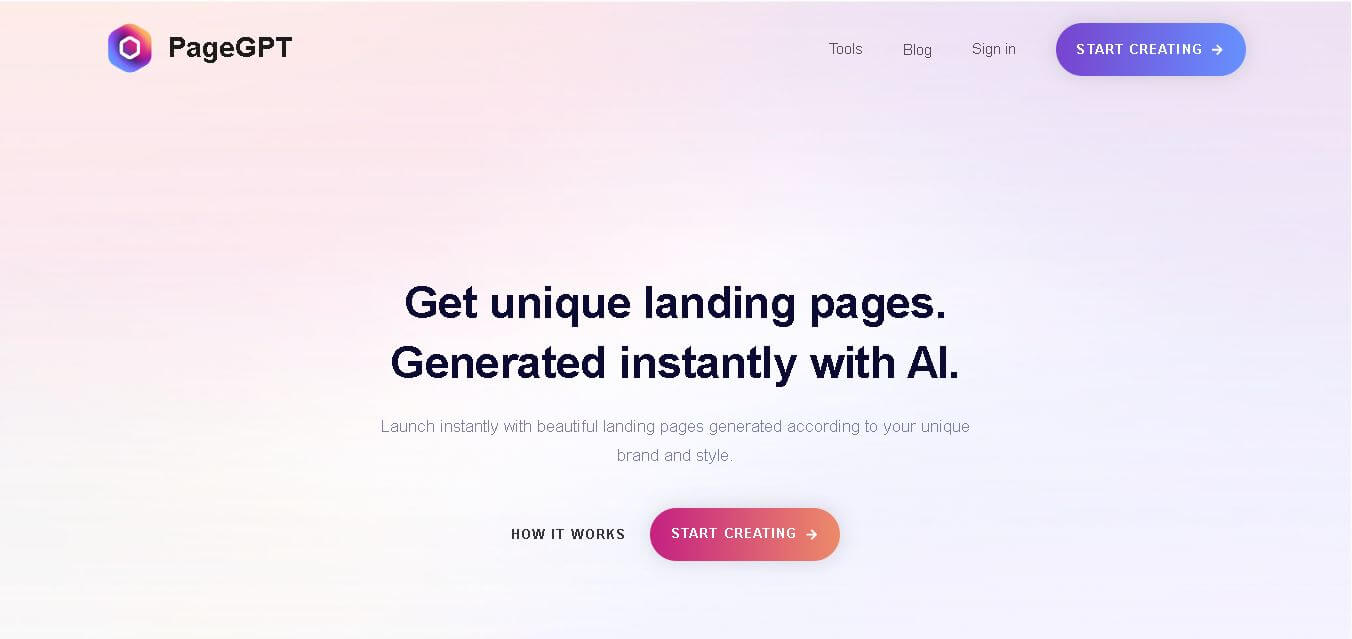
PageGPT helps businesses, creators, marketers, and entrepreneurs create customized landing pages and websites with AI. Users can describe their product and preferred style, generate designs with copy and images, then refine the result through chat or drag-and-drop editing. It also supports responsive pages, custom effects, and publishing options.
 4.8
4.8Locofy.ai
Design
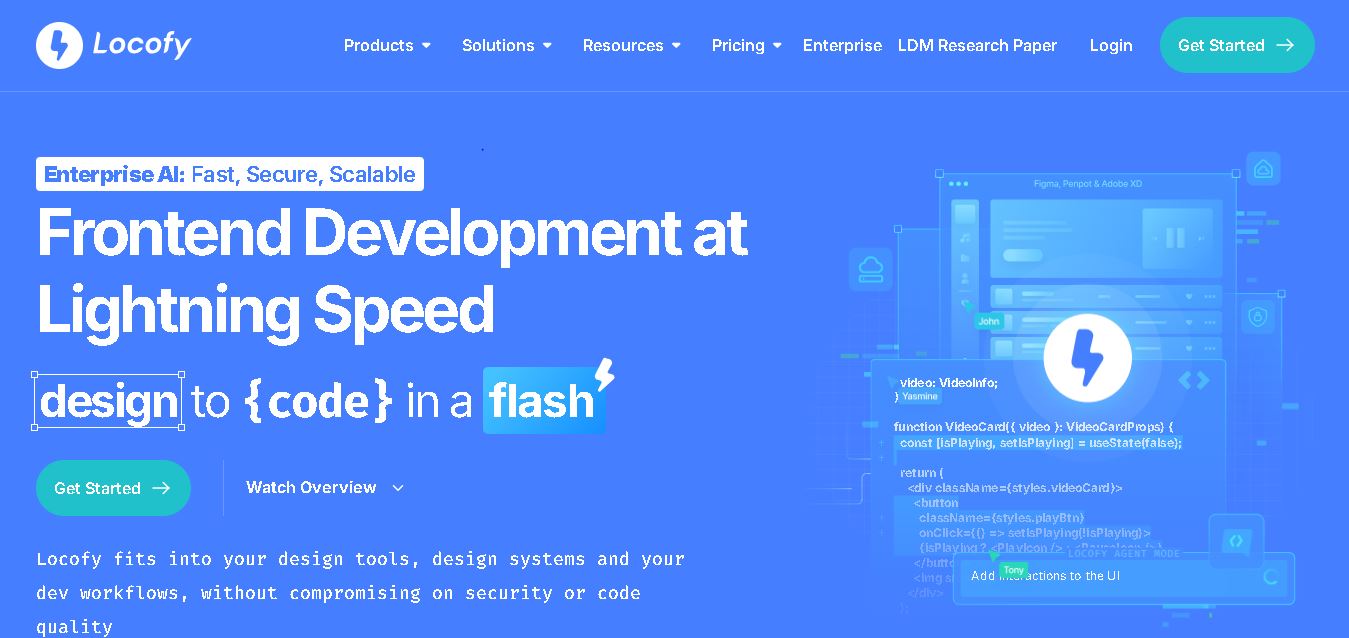
Locofy helps teams transform UI designs into developer-friendly frontend code without rebuilding interfaces manually. It supports popular design tools, web and mobile frameworks, responsive layouts, reusable components, and AI-assisted refinement. Designers can prepare screens while developers customize, export, synchronize, and continue development within familiar workflows and coding environments for teams.