
Videoleap
Videoleap is a mobile-based video editing tool with many AI-powered features that enable users to produce high-quality videos.
What is Videoleap?
Videoleap is an AI-powered video editing platform developed by Lightricks, designed to simplify the video creation process for content creators, marketers, and professionals. With its intuitive interface and AI-driven features, Videoleap AI allows users to easily create and edit high-quality videos, even without prior editing experience. It offers a comprehensive suite of AI-powered tools for efficient and professional video editing, catering to various users, including content creators and small business owners.
Key features
Videoleap's key features are
- AI-Powered Editing Tools: Videoleap uses artificial intelligence (AI) for rapid and precise editing, such as background removal with a single tap, allowing users to remove clutter and focus on their subject.
- Premade Template: Videoleap offers access to a large number of pre-designed templates for multiple platforms, simplifying the video creation process.
- Professional Tools: Videoleap provides a wide range of video effects, filters, transitions, and additional features that allow users to creatively enhance their video content.
- Customizable Filters: Videoleap enables individuals to quickly and simply change filter settings to meet their preferred style.
Pricing
Videoleap has a free plan with limited access, while the paid plan has the following features:
- The monthly plan starts at $7.99/month, and you will get all features with unlimited exports and no ads.
- The yearly plan starts at $59.99/year, and you will get all features with unlimited exports and no ads.
Disclaimer: For the latest and most accurate pricing information, please visit the official ViedoLeap website.
Who is Using VideoLeap?
A diverse range of users and organizations utilize VideoLeap:
- Content Creators
- Video Editors
- Marketers
- Casual Users
- Small Business Owners
- Educators
Videoleap Video
Videoleap Alternatives
Some of the alternatives are listed below:
Conclusion
Videoleap is an AI-powered video editing software that makes content creation easier for users of all skill levels. Content creators, marketers, and owners of small businesses will benefit from features such as AI tools, prepared templates, and professional editing possibilities. Videoleap is available for iOS and Android and offers both free and subscription plans, making it affordable to a wide range of users. Its user-friendly interface and robust capabilities make it an excellent choice for creating high-quality videos quickly.
Also Check:
User Reviews
No reviews yet for Videoleap.
Featured Tools
Featured AI tools from TechShark

Fashion Diffusion AI
Fashion Diffusion is an AI-powered fashion design platform that helps brands and designers create clothing designs, virtual try-ons, AI models, product photos, and marketing visuals faster and cost-effectively.
Paid

Veo 4
Veo 4 AI is an AI video creation platform that generates dramatic videos from text, images, audio, and video prompts using realistic motion and synchronized sound.
Paid
Happy Horse
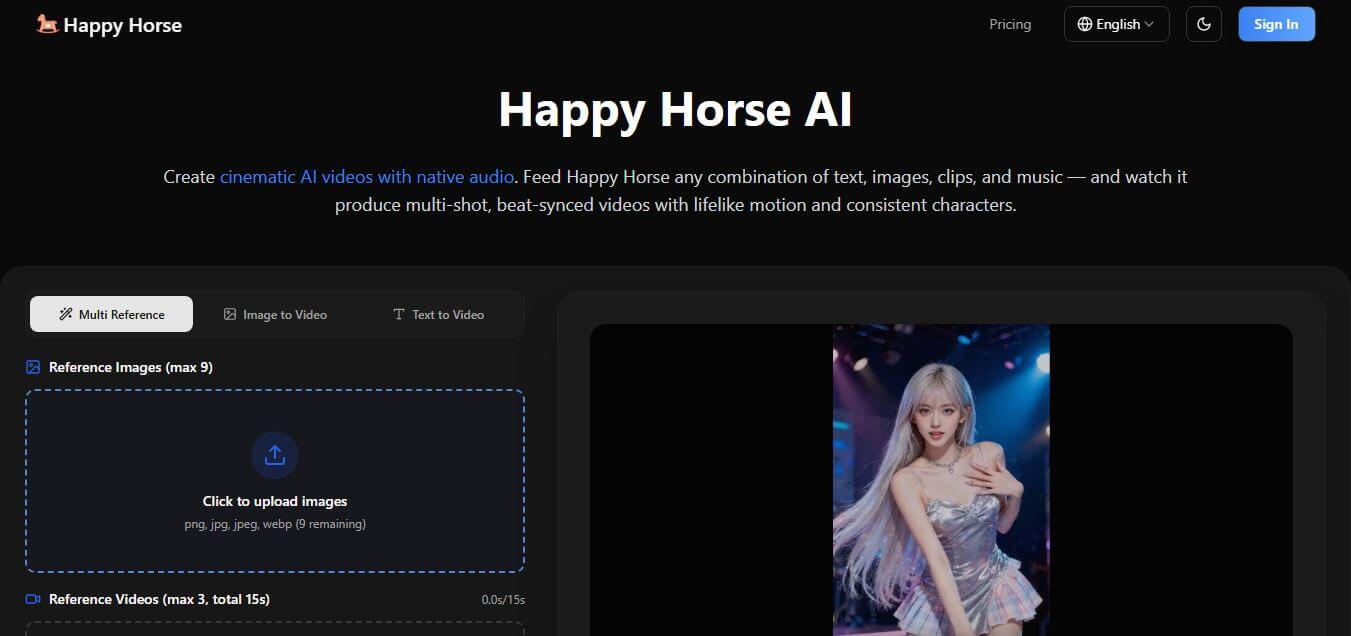
HappyHorse AI is an AI-powered video generator that creates cinematic videos with synchronized audio from text, images, and prompts instantly.
Paid
Seedance 2
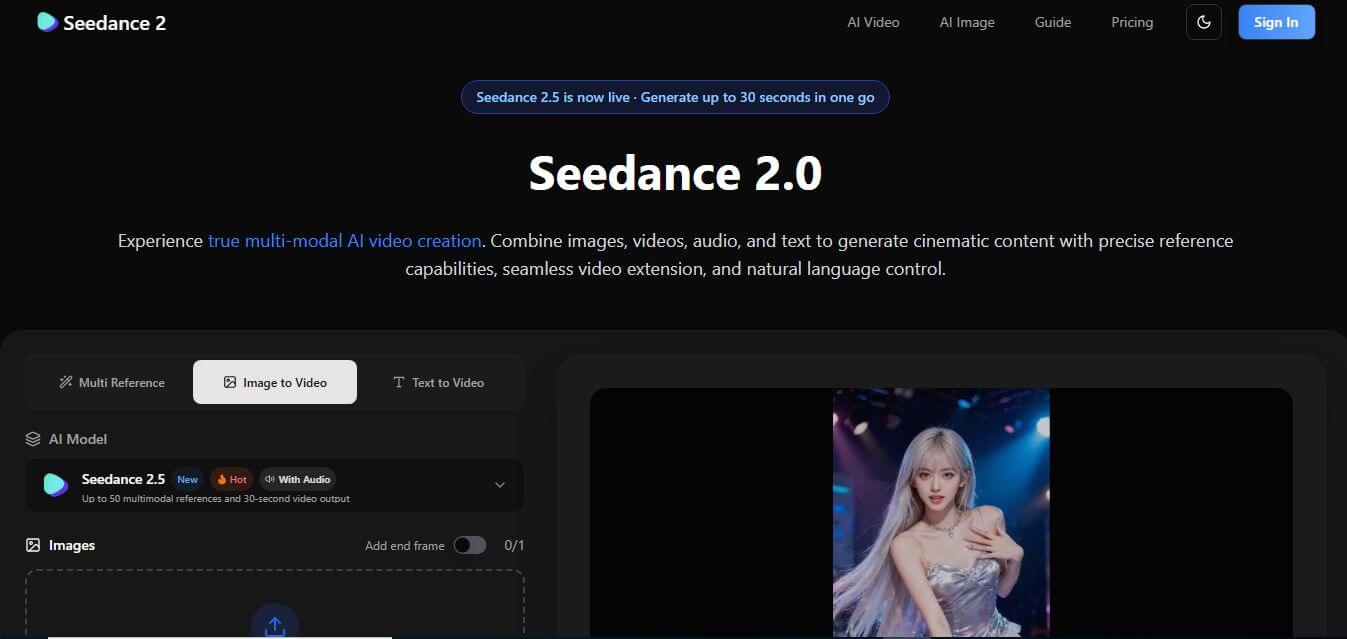
Seedance 2.0 is an AI-powered video generation platform that transforms text, images, audio, and video into cinematic, multi-shot content with advanced motion control, reference-based consistency, and synchronized sound production.
Freemium
Alternatives
Alternatives to Videoleap
Videoleap is an AI-powered video editing platform by Lightricks, offering intuitive tools, templates, and effects to help creators, marketers, and businesses produce professional videos easily.
 4.8
4.8EditBuddy
Video Editing
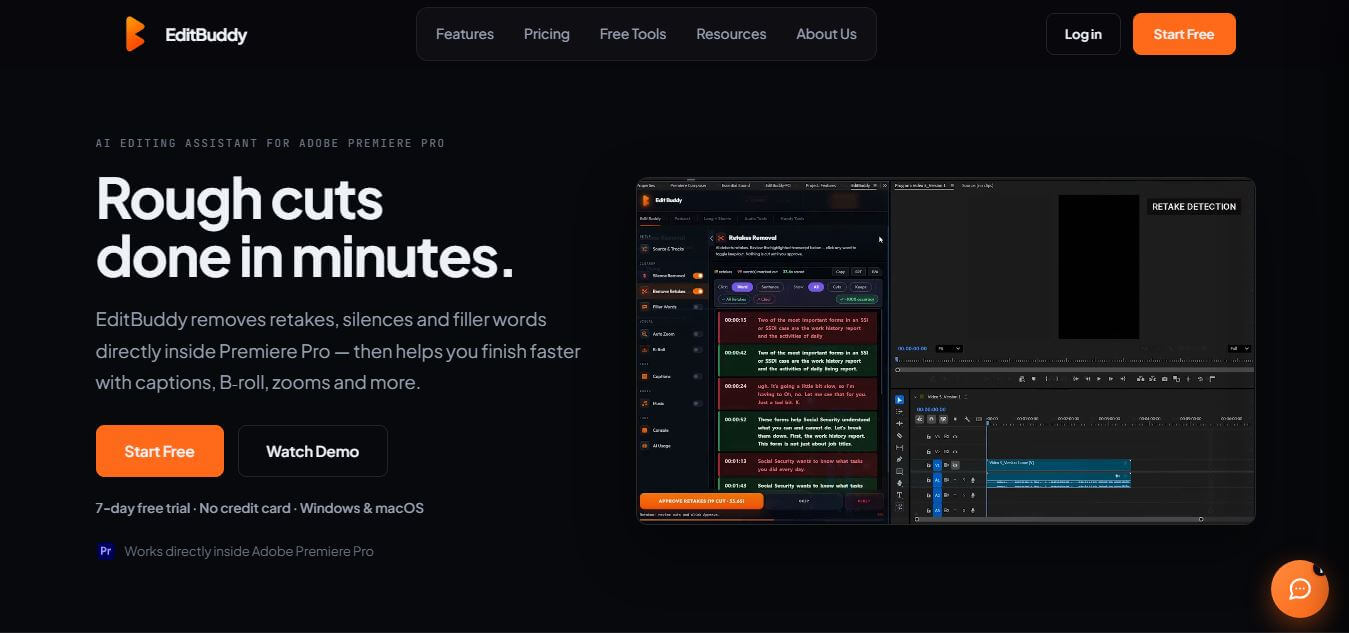
EditBuddy is an AI-powered video editing assistant that works directly inside Adobe Premiere Pro, helping creators speed up their workflow. It automates repetitive tasks like removing silences, detecting retakes, adding captions, and generating short clips, making video editing faster and more efficient.
 4.8
4.8Webcam Motion Capture
Video Editing
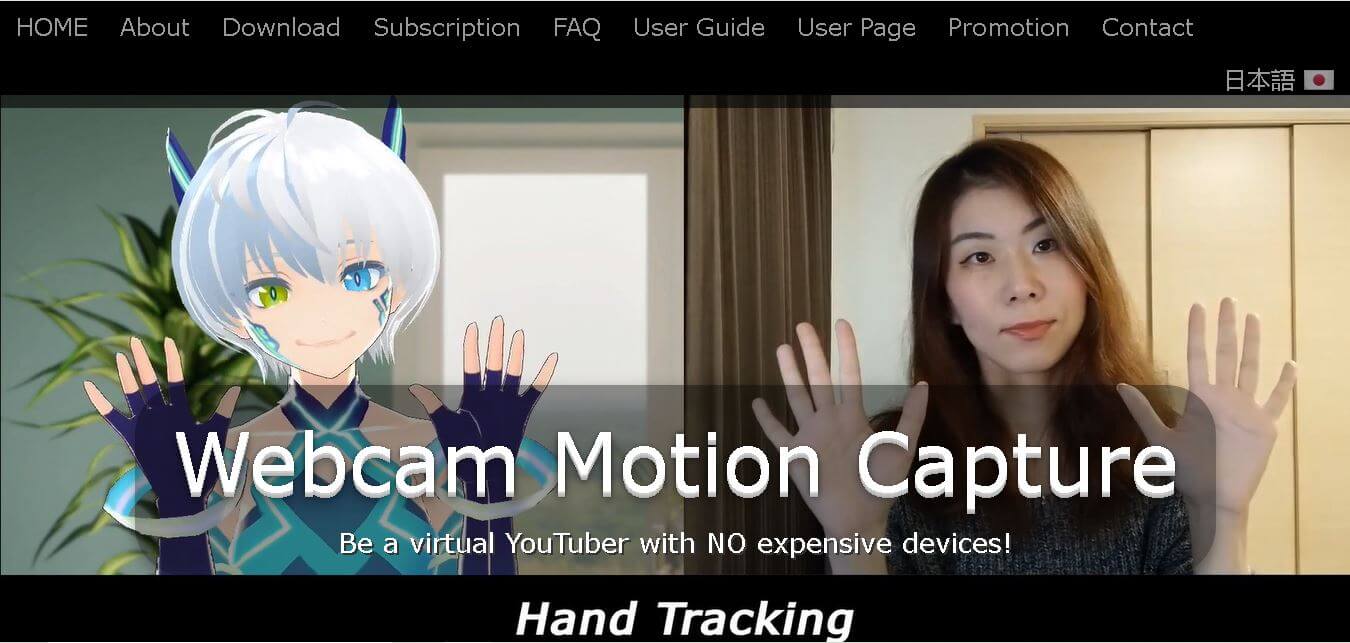
Webcam Motion Capture is an AI-powered motion tracking software that enables VTubers, 3D animators, and content creators to track full-body, hand, finger, and facial movements using only a standard webcam or smartphone camera.
 4.8
4.8Zalcro AI
Video Editing
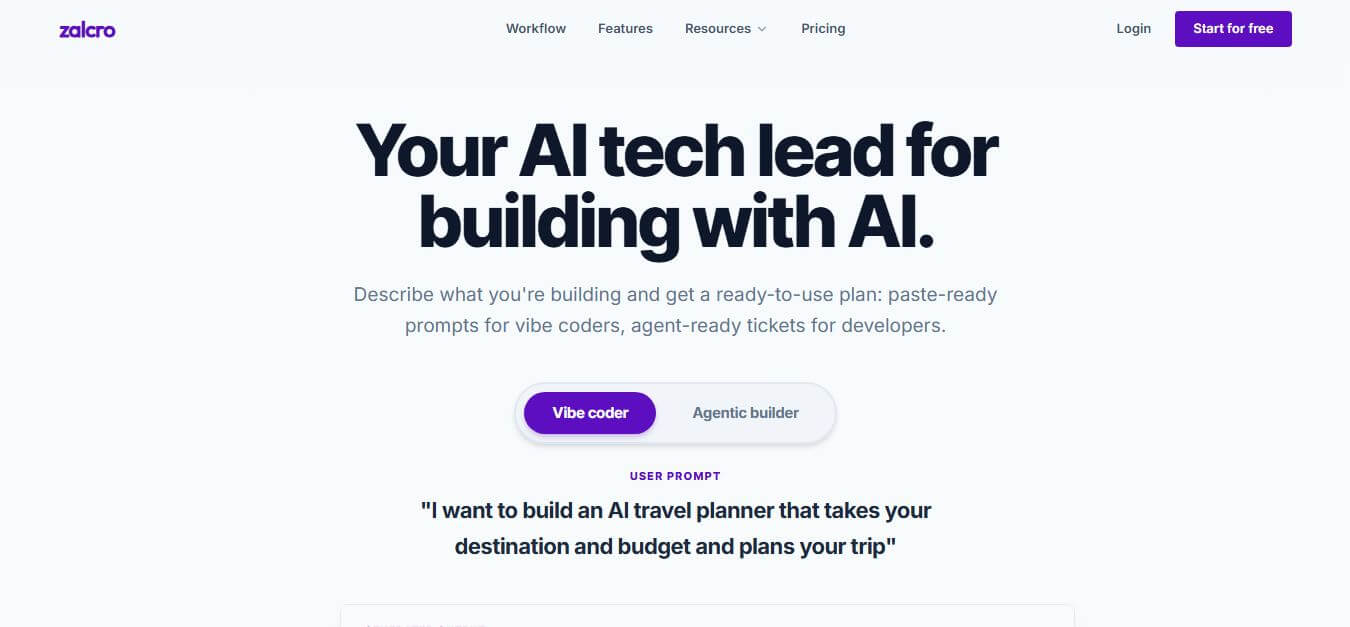
Zalcro AI is a specialized AI software architecture and tech lead planning tool that translates plain-language project ideas into complete Architecture Design Documents (ADDs), system diagrams, and platform-specific Prompt Packs for Vibe Coding workflows.
 4.8
4.8MindStudio
Video Editing
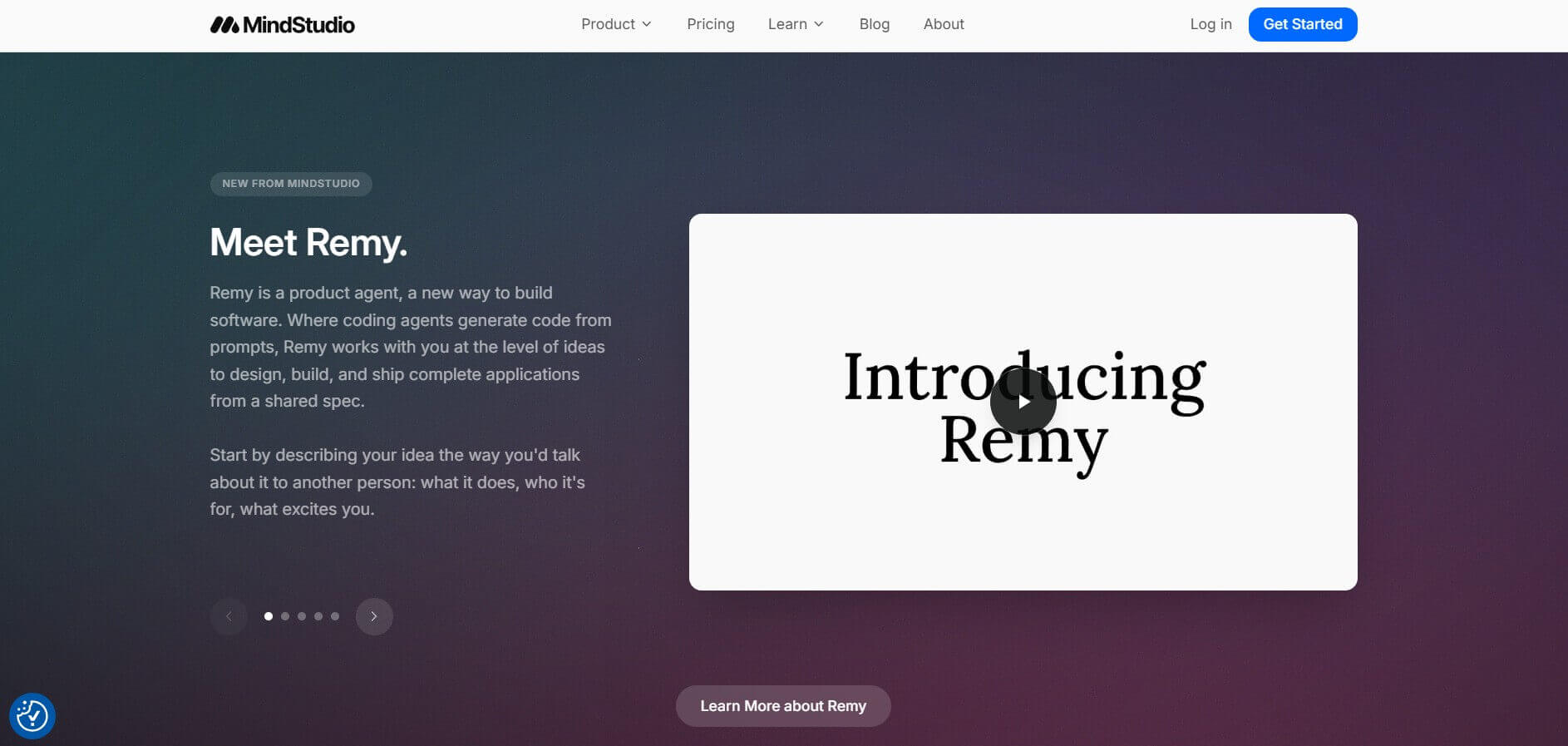
MindStudio by YouAi is a no-code visual platform for designing, building, and deploying custom AI agents, multi-step workflows, and enterprise automation applications.
Nova AI
Video Editing
Nova AI is an online video editing and localization tool that automatically generates subtitles, translates speech, and resizes videos for social media platforms directly in your browser.
Framer
Video Editing
Framer is an interactive website builder and design tool that enables users to design, publish, and deploy responsive websites directly from a visual canvas without writing code.
 4.2
4.2Lumiere AI by Google
Video Editing
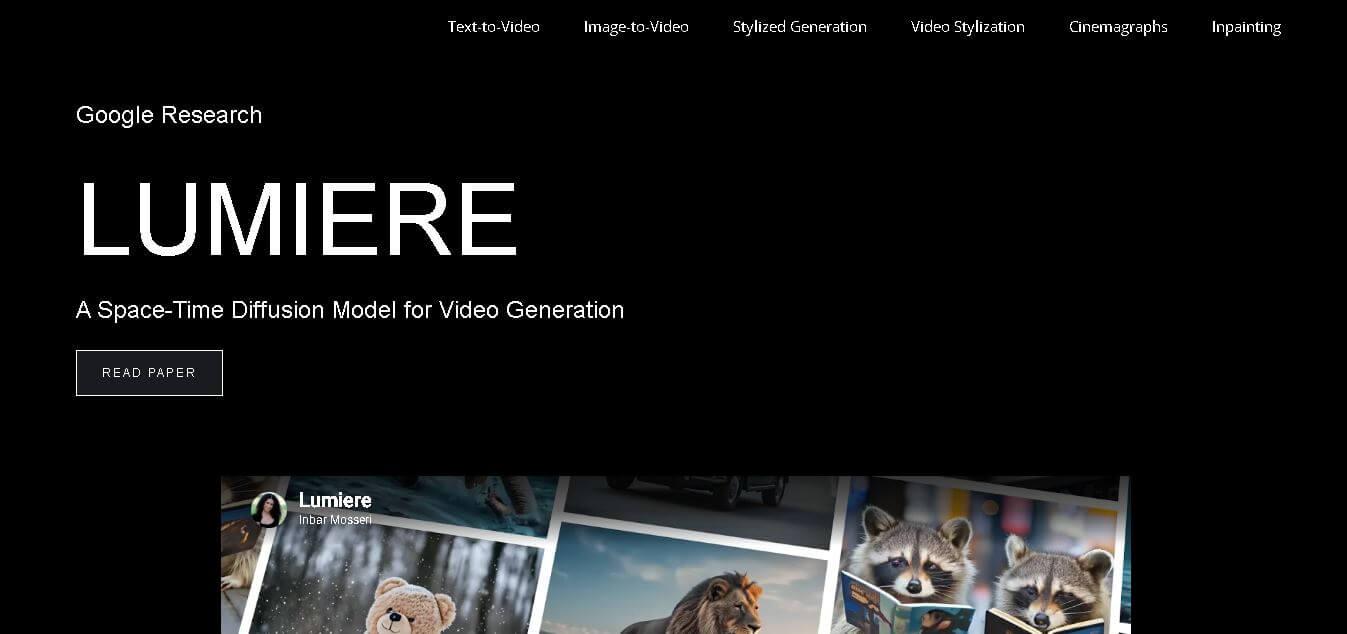
Lumiere is an advanced video generation model that creates realistic, coherent motion videos from text, images, and styles using a unified space-time diffusion approach.
 4.6
4.6AI Dubbing
Video Editing
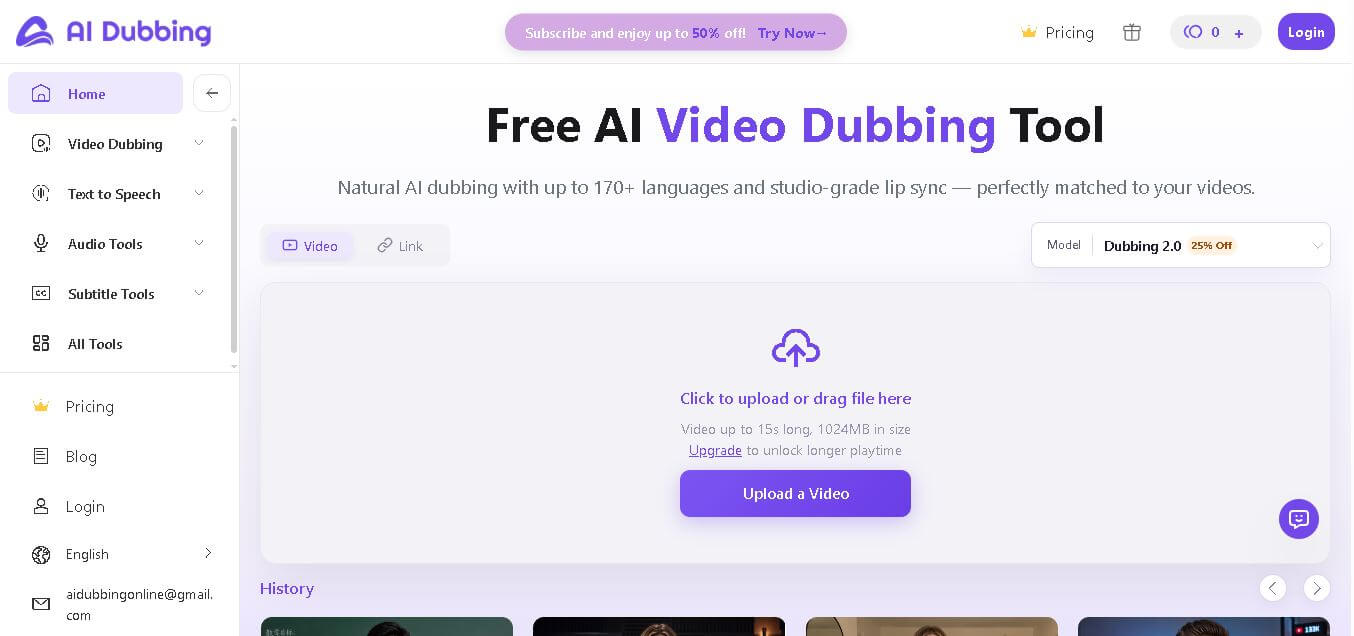
AI Dubbing makes it easy to translate and dub videos into multiple languages with natural voiceovers, helping creators reach a global audience quickly.
 4.4
4.4Short AI
Video Editing
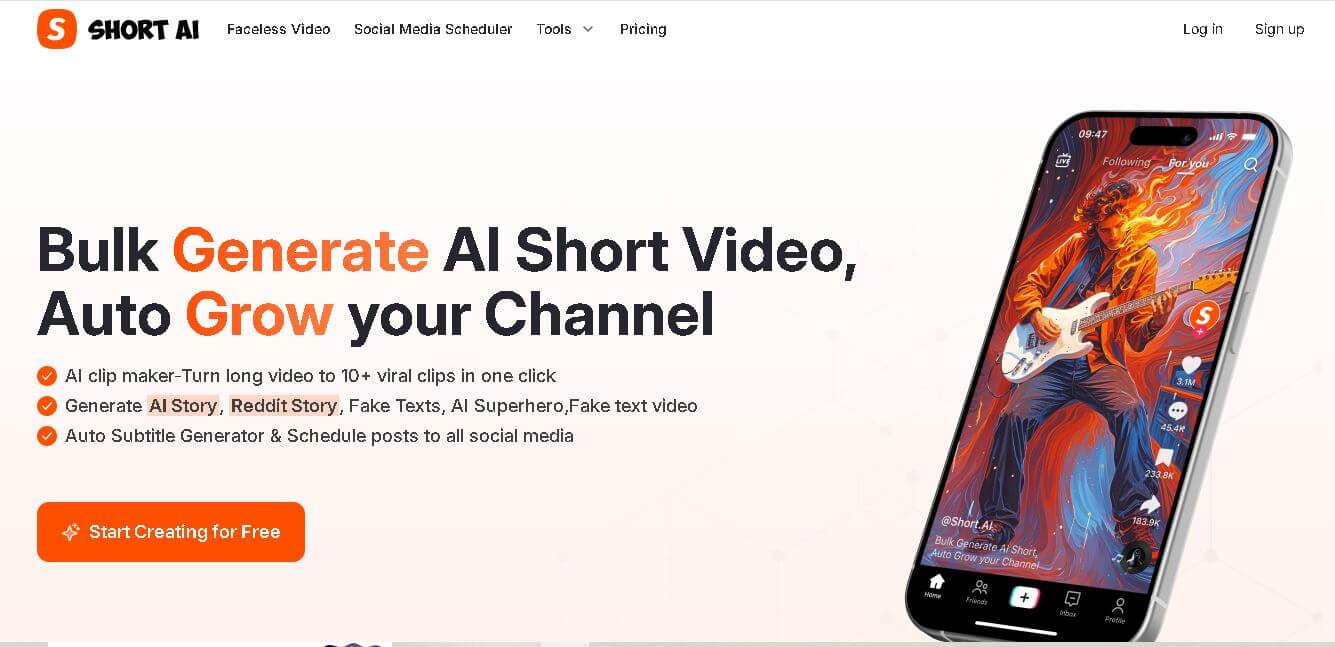
Short AI helps creators generate faceless videos, repurpose long content, add captions, write scripts, and schedule social posts using AI.