
Vidnoz AI
Vidnoz AI is an online video creation platform that uses AI avatars, text-to-speech, voice cloning, and customizable templates to produce videos. It helps businesses, marketers, educators, and creators develop presentations, training materials, and social media content without traditional filming.

What is Vidnoz?
Vidnoz AI is an AI-powered online video creation platform that helps users generate videos using digital avatars, text-to-speech technology, AI-generated scripts, and customizable video templates. It is designed for people and businesses that want to produce professional-looking videos without hiring actors, recording voiceovers, or managing complicated video production workflows. The platform offers a collection of AI avatars, voices, templates, and media assets for different video creation requirements. Users can select an avatar, enter a script, choose a voice, customize the scenes, and generate a video through its online editor.
Vidnoz supports several video formats and use cases, including marketing campaigns, product demonstrations, employee training, educational lessons, presentations, and social media content. Vidnoz has expanded beyond basic avatar videos with features such as prompt-to-video generation, PDF and PowerPoint-to-video conversion, expressive avatars, and AI video translation. These tools help users create and localize video content for different audiences. The platform offers a free plan and paid subscriptions with additional credits, higher export resolution, more advanced avatar capabilities, and collaboration features.
Vidnoz AI: Key Details
| Detail | Information |
|---|---|
| Tool Name | Vidnoz AI |
| Category | AI Video Generator |
| Platform | Online |
| Main Purpose | AI-powered video creation |
| Core Technology | Generative AI, AI avatars, text-to-speech, lip synchronization |
| AI Avatars | 1,800+ on Free; 1,900+ on paid plans (pricing page figures) |
| Video Templates | 3,200+ (official pricing page) |
| Voices | 890 on Free; 2,660+ on paid plans (official pricing page) |
| Free Plan | Yes |
| Paid Plans | Starter, Business, Enterprise |
| Main Features | AI avatars, voiceovers, video translation, text-to-video |
| Official Website | https://www.vidnoz.com/ |
| Pricing Page | https://www.vidnoz.com/pricing.html |

Vidnoz AI Key Features
Vidnoz AI offers several tools for creating and editing videos with artificial intelligence. Its main features include:
- AI Avatar Generator: Choose from a large collection of digital presenters or create personalized avatar videos using your own images.
- Custom Avatar Creation: Create a digital version of yourself or another authorized subject for personalized presentations and branded videos.
- AI Talking Photo: Turn a static portrait into a talking video by adding a script or voiceover with synchronized facial movements.
- AI Voice Generator: Convert written text into natural-sounding speech using different AI voices and supported languages.
- Voice Cloning: Generate personalized voiceovers using a voice sample, subject to consent and applicable usage requirements.
- AI Lip Sync: Synchronize an avatar's mouth movements with generated speech or uploaded audio.
- Expressive Avatars: Use avatars designed to deliver scripts with facial expressions, gestures, and more natural movements.
- AI Video Templates: Start with ready-made templates for marketing, education, presentations, training, and other video projects.
- Text-to-Video Generation: Create video scenes from written scripts or text prompts using the available AI video tools.
- AI Script Assistant: Generate or improve video scripts before creating the final video.
- Video Translation and Dubbing: Translate videos into supported languages and generate localized audio and subtitles.
- PDF and PowerPoint to Video: Convert supported presentations and documents into video content.
- AI Video Editing: Customize scenes, add text, images, music, backgrounds, and other visual elements.
- Media Library: Access stock images, video clips, icons, and other creative assets for video projects.
- SCORM Export: Export supported video content in SCORM format for learning management systems.
Vidnoz AI Pricing
Vidnoz offers a free plan and paid subscriptions for users who need more video creation credits, advanced features, and higher-quality exports. An important change is that Vidnoz introduced a unified credit system. The amount of video content users can generate depends on the feature being used, so the old monthly video-minute limits should not be treated as current plan allowances.
Vidnoz AI Pricing Plans
| Plan | Pricing | Credits and Main Features |
|---|---|---|
| Free | $0/month | Daily credits, videos up to 3 minutes, 720p exports, 1,800+ AI avatars, 3,200+ templates, and 890 voices |
| Starter | Paid subscription | 15 credits/month, 1,900+ avatars, 3,200+ templates, 2,660+ voices, videos up to 60 minutes, 1080p exports, and no watermark |
| Business | Paid subscription | 30 credits/month, 1,900+ avatars, 3,200+ templates, 2,660+ voices, unlimited photo avatars, voice cloning, brand kit, and team features |
| Enterprise | Custom pricing | Custom credits and duration, enterprise features, dedicated support, and customized solutions |
Disclaimer: For the latest and most accurate pricing information, please visit the official Vidnoz AI website.
Who Is Using Vidnoz AI?
Vidnoz AI is designed for individuals, creators, and organizations that need to produce videos without traditional filming and editing workflows.
Its main user groups include:
- Marketing Teams: Create product promotions, advertisements, and branded video campaigns.
- Content Creators: Produce videos for YouTube, Instagram, TikTok, and other social platforms.
- Teachers and Educators: Prepare educational lessons, presentations, and online training videos.
- Business Owners: Create product explainers, sales presentations, and customer communication videos.
- HR Professionals: Develop onboarding videos and employee training materials.
- E-commerce Businesses: Present products through AI-generated presenters and promotional videos.
- Video Production Agencies: Create client videos using templates, avatars, and AI voiceovers.
Vidnoz AI Alternatives
Some of the alternatives are:
Vidnoz AI Video
Pros and Cons of Vidnoz AI
Vidnoz AI offers a broad set of video creation tools, but it also has limitations that users should consider before choosing a subscription.
Pros
- Free Plan Available: Users can explore AI video creation without immediately purchasing a subscription.
- Large Avatar Collection: The platform offers a wide range of digital presenters for different video styles.
- Multiple Video Templates: Ready-made templates help users create videos without starting from scratch.
- AI Voiceovers: Text-to-speech features reduce the need for manual voice recording.
- Voice Cloning: Users can create personalized voiceovers using authorized voice samples.
- Multilingual Video Support: Translation and dubbing features help businesses reach international audiences.
- Easy-to-Use Interface: Its online workflow makes video creation accessible to beginners.
- Multiple Use Cases: Suitable for marketing, education, training, presentations, and social media content.
- Business Features: Paid plans offer branding, collaboration, and other tools for professional workflows.
Cons
- Credit Limitations: Video generation and advanced features consume credits, which can restrict production volume.
- Subscription Costs: Users with regular video production needs may need a paid plan.
- AI Output Requires Review: Generated speech, lip synchronization, expressions, and visuals may need manual adjustments.
- Avatar Realism Can Vary: The quality of generated videos depends on the selected avatar, script, voice, and settings.
- Learning Curve for Advanced Features: Users may need time to understand the different creation tools and customization options.
- Feature Restrictions: Some advanced features and higher-quality outputs are limited to paid subscriptions or add-ons.
Why Choose Vidnoz AI?
Vidnoz AI is worth considering if you regularly need to create videos but do not have access to professional filming equipment, actors, or voiceover services. Its biggest advantage is the combination of AI avatars, voice generation, templates, and video editing tools in one platform. Instead of managing separate applications for presenters, voiceovers, and basic editing, users can complete many of these tasks within Vidnoz.
The platform is also useful for businesses that need to create similar videos in multiple languages. Its translation and dubbing capabilities can help teams prepare localized content for different audiences. For creators, the free plan provides an opportunity to test the platform before upgrading. Businesses can consider Starter or Business subscriptions depending on their production requirements and collaboration needs.
Overall, Vidnoz is a practical option for users who want to simplify avatar-based video creation and produce content at scale.
How Vidnoz AI Works
Vidnoz makes video creation possible through a browser-based workflow. Users can start with a template, select an avatar, or generate a video from a text prompt.
Here is how to create a video using Vidnoz AI:
- Visit the Vidnoz Website: Open https://www.vidnoz.com/ and create an account or sign in.
- Choose a Video Creation Tool: Select the AI video generator, avatar video creator, or another available creation feature.
- Select an Avatar: Choose a ready-made AI avatar or upload an eligible image for a talking-photo video.
- Add Your Script: Enter the text you want the avatar to speak. You can also use the available script assistant.
- Choose an AI Voice: Select a suitable voice, language, and available speaking style.
- Customize the Video: Edit the background, scenes, text, images, music, and other visual elements.
- Generate the Video: Preview your settings and generate the video using the available credits.
- Review and Export: Check the final output, make adjustments if required, and download or share your video according to your plan.
Vidnoz AI vs Competitors
Vidnoz competes with several AI video platforms, including HeyGen, Synthesia, VEED, and Descript. However, these tools have different strengths and are designed for different video production requirements. Vidnoz focuses on AI avatars, voice generation, and template-based video creation. HeyGen is known for avatar-driven videos and localization, while Synthesia emphasizes professional business presentations and training content. VEED and Descript offer broader editing workflows.
| Feature | Vidnoz AI | HeyGen | Synthesia | VEED | Descript |
|---|---|---|---|---|---|
| AI Video Generation | Yes | Yes | Yes | Yes | AI-assisted |
| AI Avatars | Yes | Yes | Yes | Available features vary | Limited compared with avatar platforms |
| Custom Avatars | Yes | Yes | Yes | Limited | Not its main focus |
| Text-to-Speech | Yes | Yes | Yes | Yes | Yes |
| Voice Cloning | Yes | Yes | Available features vary | Available features vary | Yes |
| Video Translation | Yes | Yes | Yes | Yes | Available features vary |
| Video Editing | Yes | Yes | Yes | Yes | Yes |
| Templates | Yes | Yes | Yes | Yes | Yes |
| Best For | Avatar-based video creation | Realistic AI avatar videos | Corporate and training videos | Online video editing | Transcript-based editing |
Comparison note: Features, availability, and plan restrictions vary across products. Check each provider's official website for the latest details.
How Did We Rate Vidnoz AI?
TechShark evaluates AI video tools based on their feature set, usability, output quality, pricing, and practical applications. The following ratings represent TechShark's editorial assessment of Vidnoz AI. They are not independently measured performance benchmarks or verified customer ratings.
| Rating Factor | Rating (Out of 5) |
|---|---|
| AI Video Features | 4.7/5 |
| Avatar Quality | 4.6/5 |
| Voice Generation | 4.7/5 |
| Video Editing | 4.5/5 |
| User Experience | 4.7/5 |
| Ease of Use | 4.8/5 |
| Pricing and Value | 4.5/5 |
| Overall Rating | 4.6/5 |
Vidnoz AI Review
Vidnoz AI is a versatile video creation platform that makes avatar-based video production more accessible. Its combination of AI presenters, text-to-speech, templates, and editing tools allows users to create videos without relying on traditional recording equipment or professional production teams. One of its strongest advantages is the variety of tools available within the platform. Users can create talking-photo videos, generate voiceovers, translate content, and build presentations using digital avatars. These capabilities make Vidnoz useful for marketing, education, employee training, and social media content.
The platform's free plan is another advantage for beginners who want to experiment with AI video generation before purchasing a subscription. However, users who create videos frequently should pay attention to credit consumption, as advanced features can use credits at different rates. Vidnoz is not necessarily the best choice for every video production workflow. Users who need detailed timeline editing may prefer a dedicated editor such as Descript or VEED. Those who prioritize realistic avatar presentations may also want to compare HeyGen and Synthesia before committing to a plan.
TechShark Verdict: Vidnoz AI is a useful option for creators and businesses looking for an accessible AI video generator with avatars, voiceovers, templates, and translation features. Its free plan makes it easy to test, while its paid plans provide additional capabilities for more demanding video workflows. Review the credit system carefully before choosing a subscription.
Conclusion
Vidnoz AI simplifies video creation by combining AI avatars, text-to-speech, voice cloning, video templates, and editing features in one online platform. It helps businesses, marketers, educators, and content creators produce presentations, promotional videos, tutorials, and social media content without traditional filming workflows. Its wide selection of avatars and templates, multilingual voice capabilities, and video translation features make it useful for creating content for different audiences. The free plan is a convenient starting point, while paid subscriptions unlock additional credits, higher-resolution exports, and advanced business features. However, users should understand how Vidnoz's credit system works before subscribing, particularly if they plan to produce videos regularly.
Overall, Vidnoz AI is worth considering for anyone who wants to create avatar-based videos and simplify their video production process using AI.
Also Check:
FAQ
Is Vidnoz AI free to use?
Yes. Vidnoz offers a free plan with daily credits and limited features. Paid subscriptions provide additional credits, higher-resolution exports, and advanced capabilities.
How much does Vidnoz AI cost?
Vidnoz offers Free, Starter, Business, and Enterprise plans. Starter and Business have paid monthly and yearly subscription options, while Enterprise pricing is customized. Visit the official pricing page for current prices.
Can I create an AI avatar with Vidnoz?
Yes. Vidnoz allows users to select from its available AI avatars and create personalized avatar videos. It also offers options for creating custom avatars and talking-photo videos.
Does Vidnoz AI support voice cloning?
Yes. Vidnoz provides voice cloning functionality. Availability and usage limits depend on the subscription or add-on selected. Users should only clone voices they own or have explicit permission to use.
Does Vidnoz support multiple languages?
Yes. Vidnoz provides multilingual AI voices and video translation capabilities. The exact language and voice availability depends on the feature being used.
What are the best Vidnoz AI alternatives?
Some popular alternatives include HeyGen, Synthesia, VEED, Simplified, Descript, and Pictory. Each platform offers different capabilities for avatar generation, editing, and video production.
Does Vidnoz have a watermark?
The Free plan includes a Vidnoz watermark. Paid plans such as Starter and Business offer watermark removal according to the official pricing comparison.
User Reviews
No reviews yet for Vidnoz AI.
Featured Tools
Featured AI tools from TechShark

LandAtlas
LandAtlas is a land investing platform that combines parcel research, skip tracing, buyer matching, contracts, and deal management. It helps land wholesalers and acquisition teams organize property leads, evaluate opportunities, connect with potential buyers, and manage transactions from one workspace.
Paid
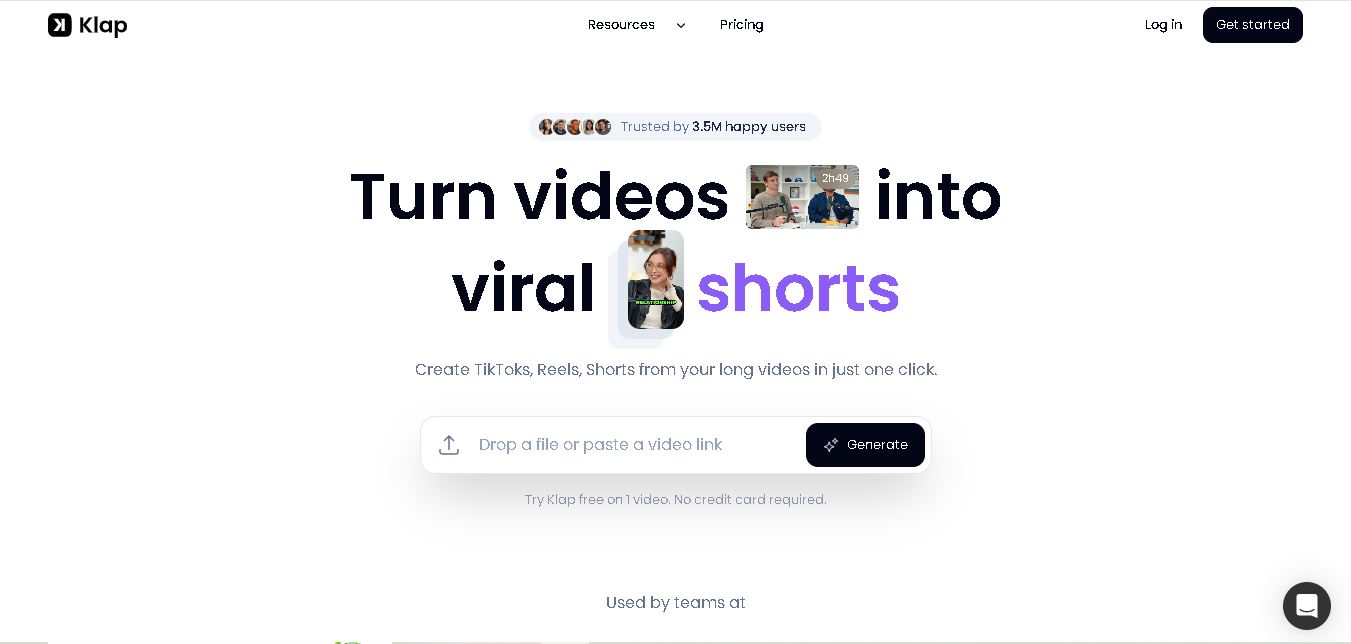
Klap
Klap is an AI video clipping platform that transforms long videos into short-form social media content. It automatically identifies highlights, creates captions, reframes speakers, and schedules clips, helping creators, podcasters, and marketing teams repurpose existing videos with less manual editing.
Free
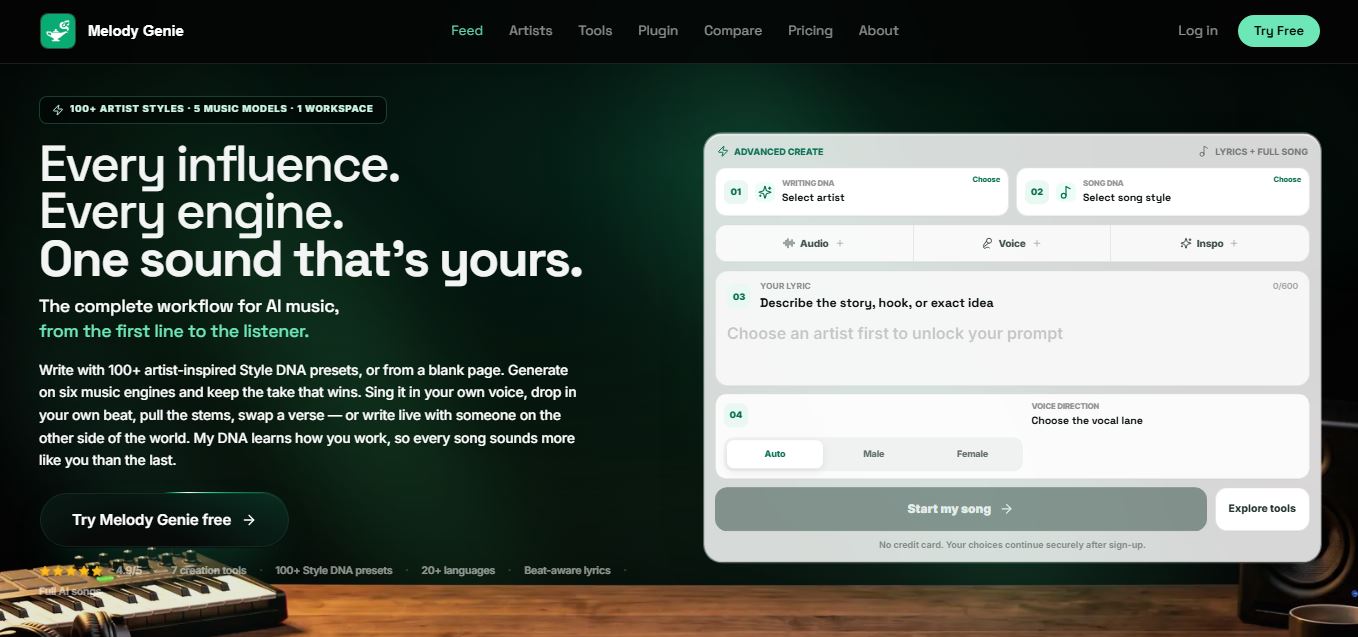
Melody Genie
MelodyGenie is an AI-powered music generator that creates original songs from simple text prompts. Users can choose styles, moods, and genres, then instantly generate melodies and full tracks, making it easy for creators, marketers, and hobbyists to produce custom music without musical expertise.
Freemium
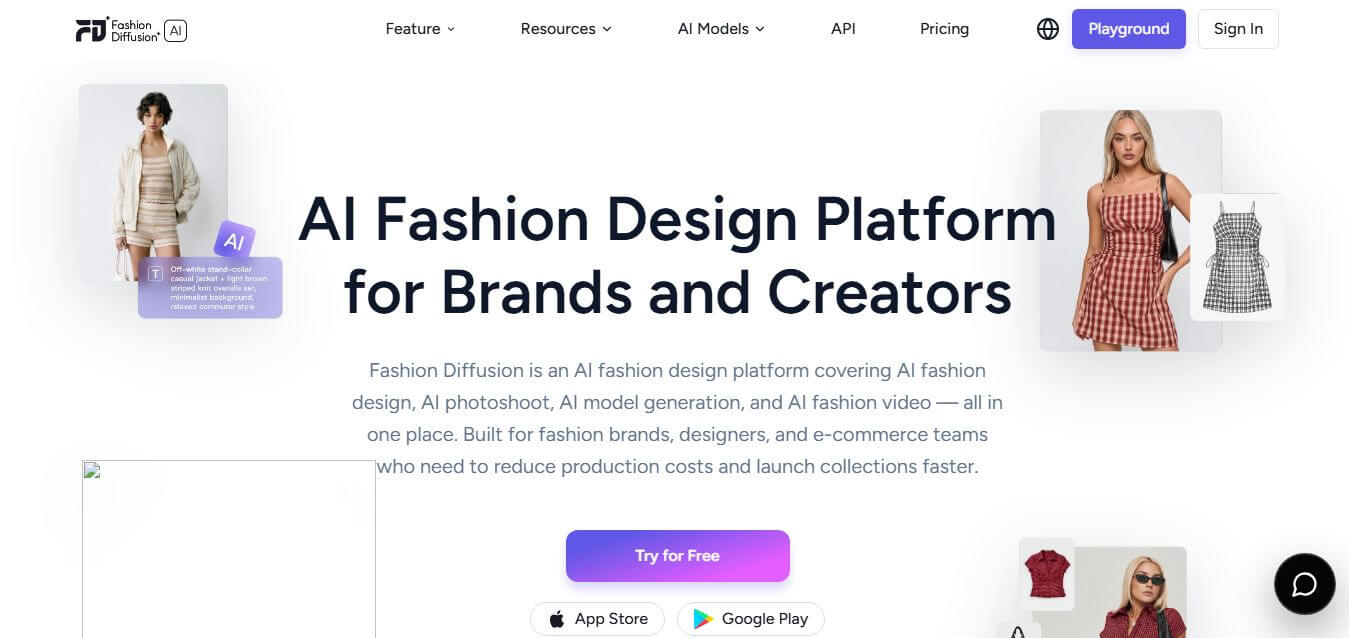
Fashion Diffusion AI
Fashion Diffusion is an AI-powered fashion design platform that helps brands and designers create clothing designs, virtual try-ons, AI models, product photos, and marketing visuals faster and cost-effectively.
Paid
Alternatives
Alternatives to Vidnoz AI
The best alternatives to Vidnoz AI are HeyGen, Synthesia, D-ID, Colossyan, Elai.io, DeepBrain AI, Hour One, VEED.io, and InVideo AI. These AI-powered video creation platforms help users generate videos from text, create realistic AI avatars, produce voiceovers, translate videos, and create professional presentations. Whether you're a content creator, marketer, educator, or business owner, these alternatives make AI video production faster and easier.
 4.7
Kaiber
Video Generator
Kaiber is an AI-powered creative suite for generating videos, images, and audio. It helps musicians, content creators, and marketers turn text prompts, images, and music into engaging visuals. Its tools support image animation, beat-synced video creation, lip-sync, visual restyling, and timeline editing for social media and music videos.
Neural.love
AI Image Enhancer
Neural.love is an AI-powered creative platform for generating images, editing photos, enhancing videos, restoring old media, and animating pictures. It combines multiple AI tools in a browser-based workspace, helping content creators, marketers, photographers, designers, and businesses improve visual content without relying entirely on traditional editing software.
 4.8
Shuffll
Video Editing
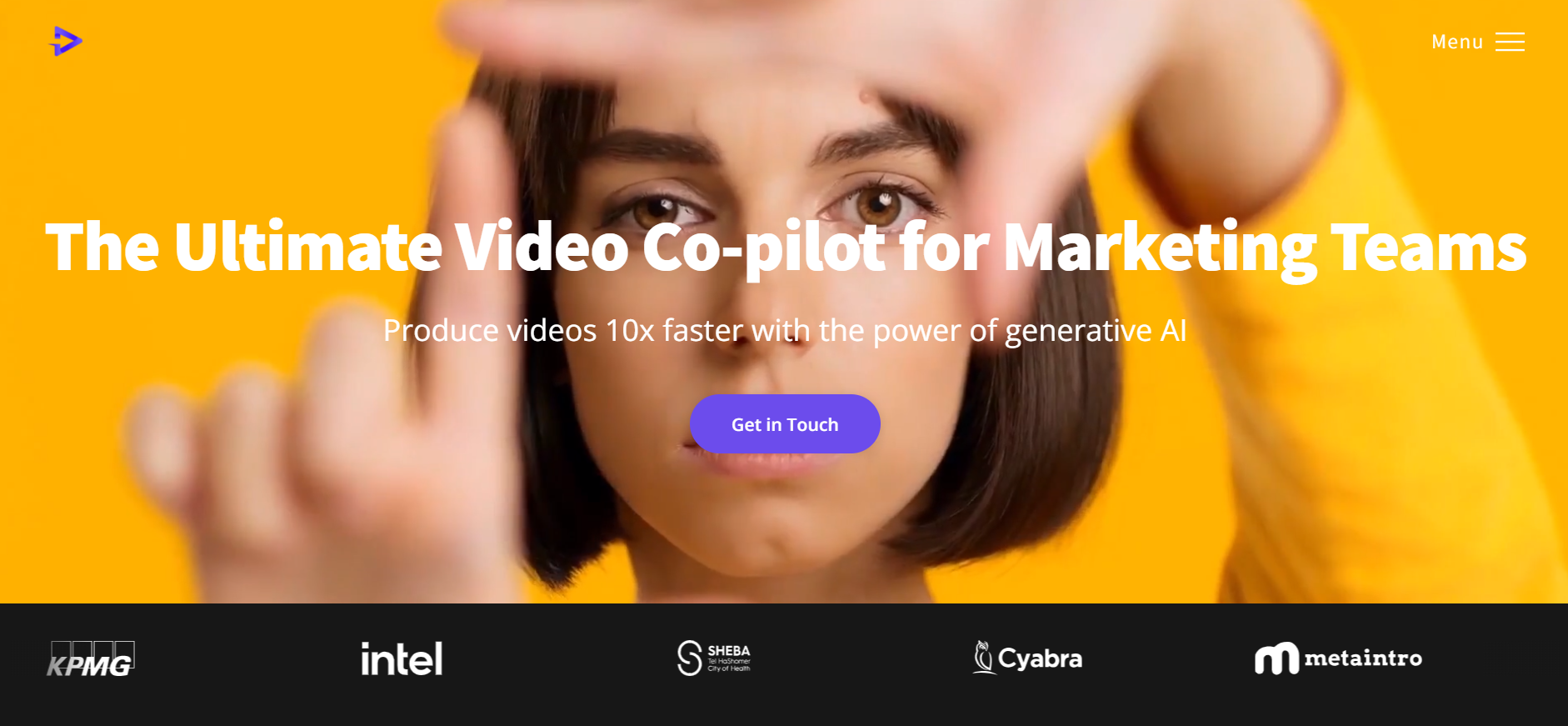
Shuffll goes beyond traditional video creation by connecting personalized video directly to enterprise data and workflows. Its API-first infrastructure, 40+ AI models, automated production, and built-in brand governance make it suitable for organizations that need video at scale. For businesses seeking higher engagement without building large production teams, Shuffll offers a practical way to turn existing data into personalized, on-brand video experiences.
 4.8
Opus Clip (Opus Pro)
Video Editing
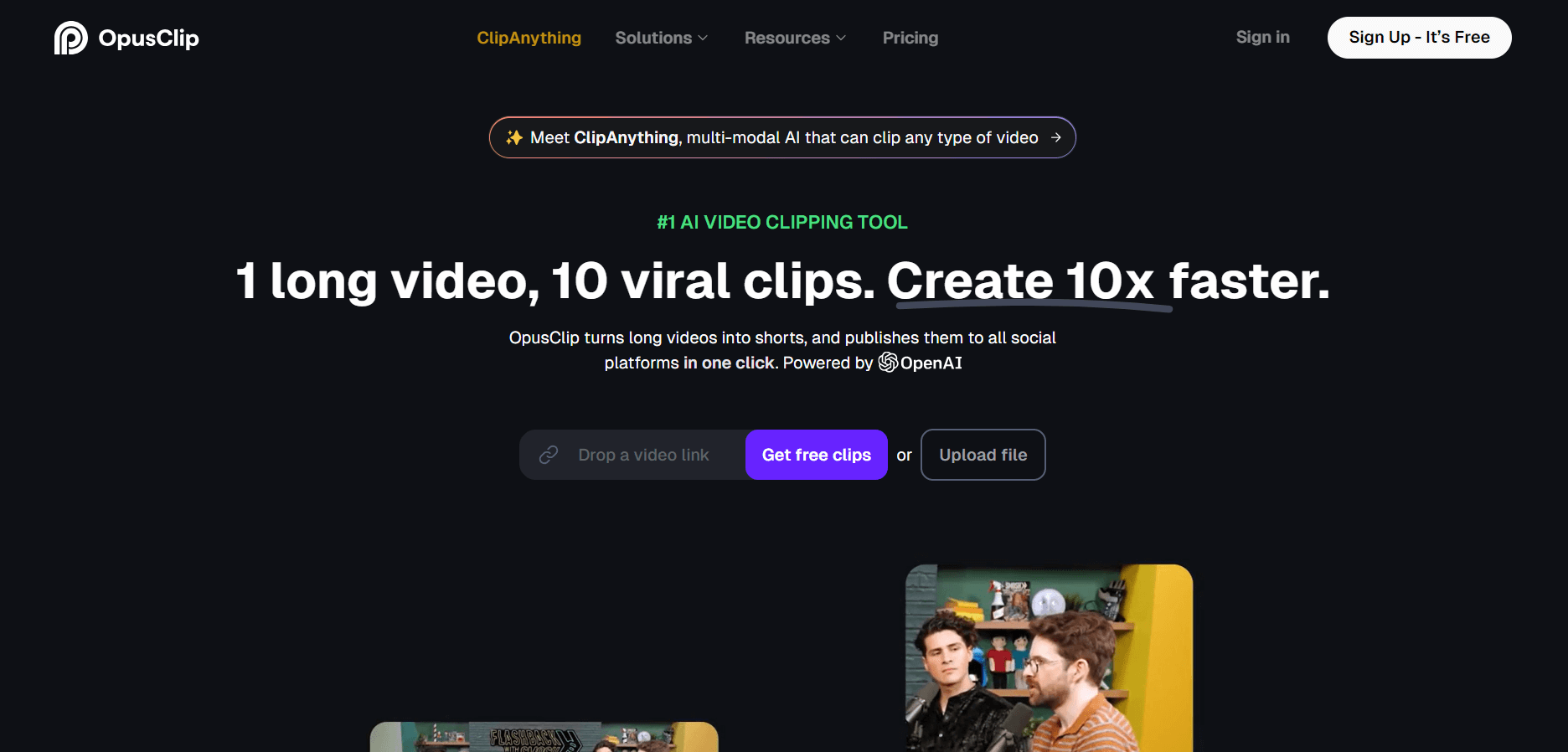
OpusClip helps creators transform long-form videos into short, social-ready clips. It can identify engaging moments, generate captions, reframe footage, add B-roll, enhance audio, and support publishing across major social platforms. It is designed for creators, marketers, podcasters, businesses, and teams that want to scale video content production.
 4.8
Dubbah
Video Editing
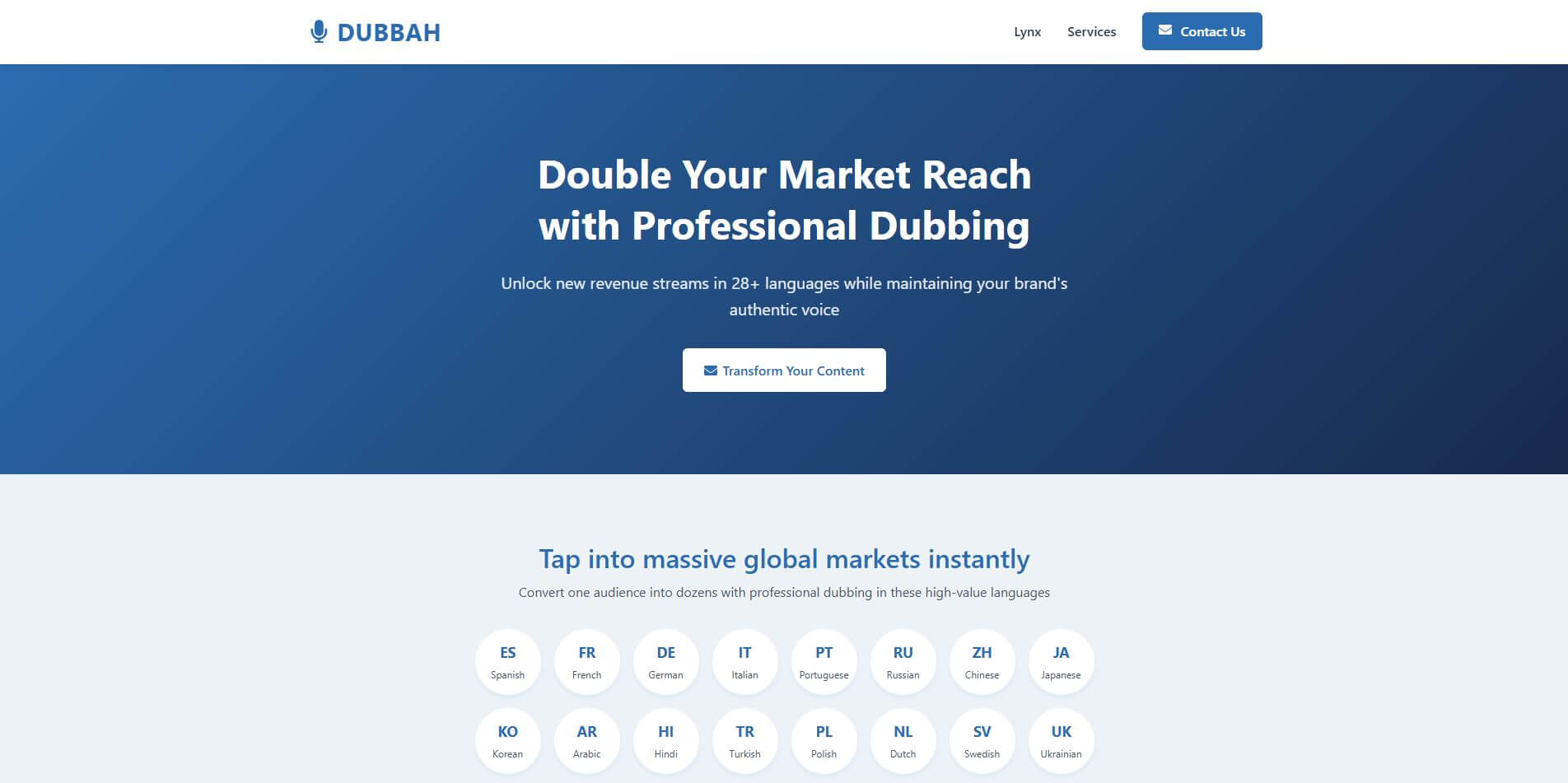
Dubbah helps Mac users translate and dub videos into 14 languages while preserving a familiar speaker voice. The app processes media locally, supports editing translated lines, and works offline after setup. With no account, subscription, or per-minute fee, it offers a simple, straightforward option for creators producing multilingual video content.
 4.9
Clipchamp
Video Generator
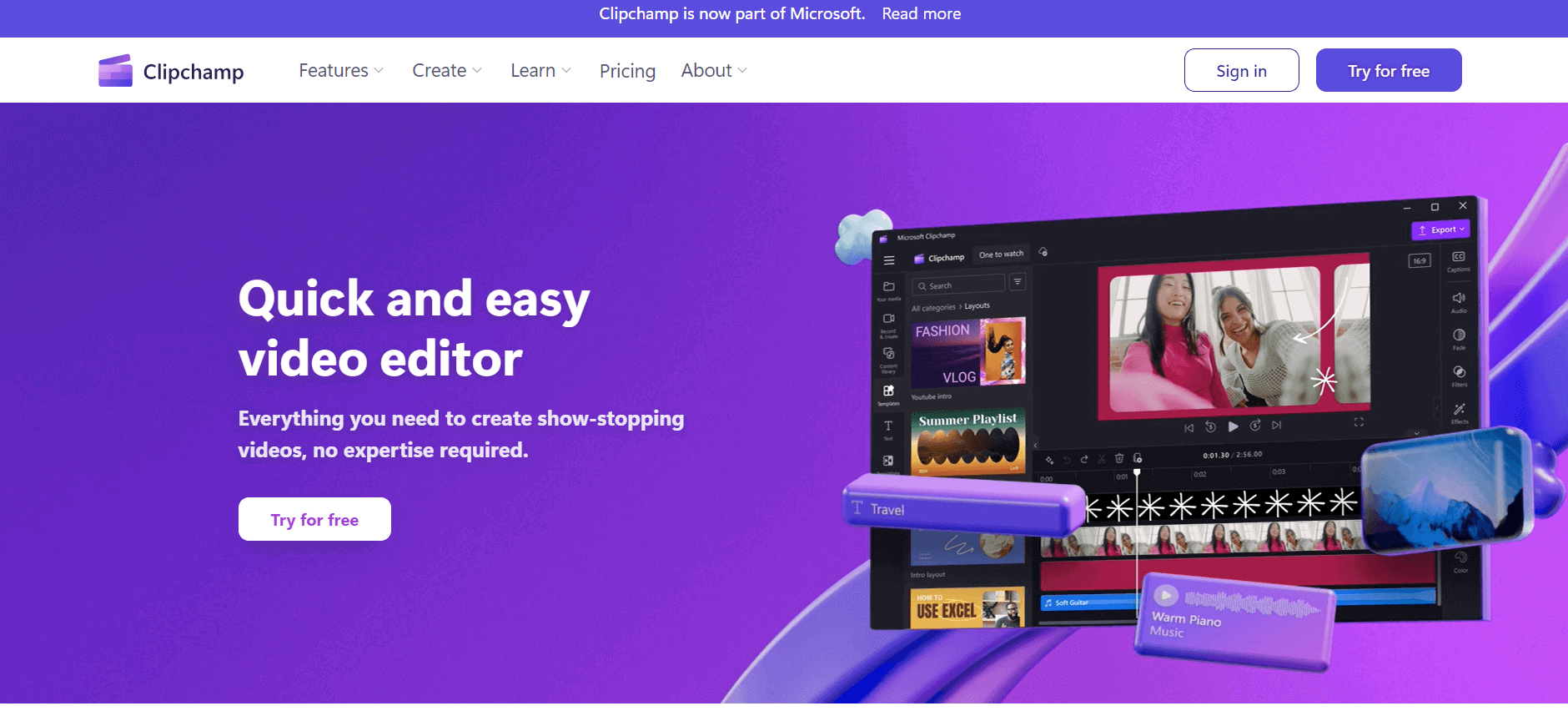
Clipchamp is an AI-powered online video editor by Microsoft that helps users record, edit, and share videos directly from the browser. It offers templates, stock media, and AI tools like subtitles, voiceovers, and noise removal, enabling fast, professional video creation without advanced editing skills.
 4.9
CapCut
Video Editing
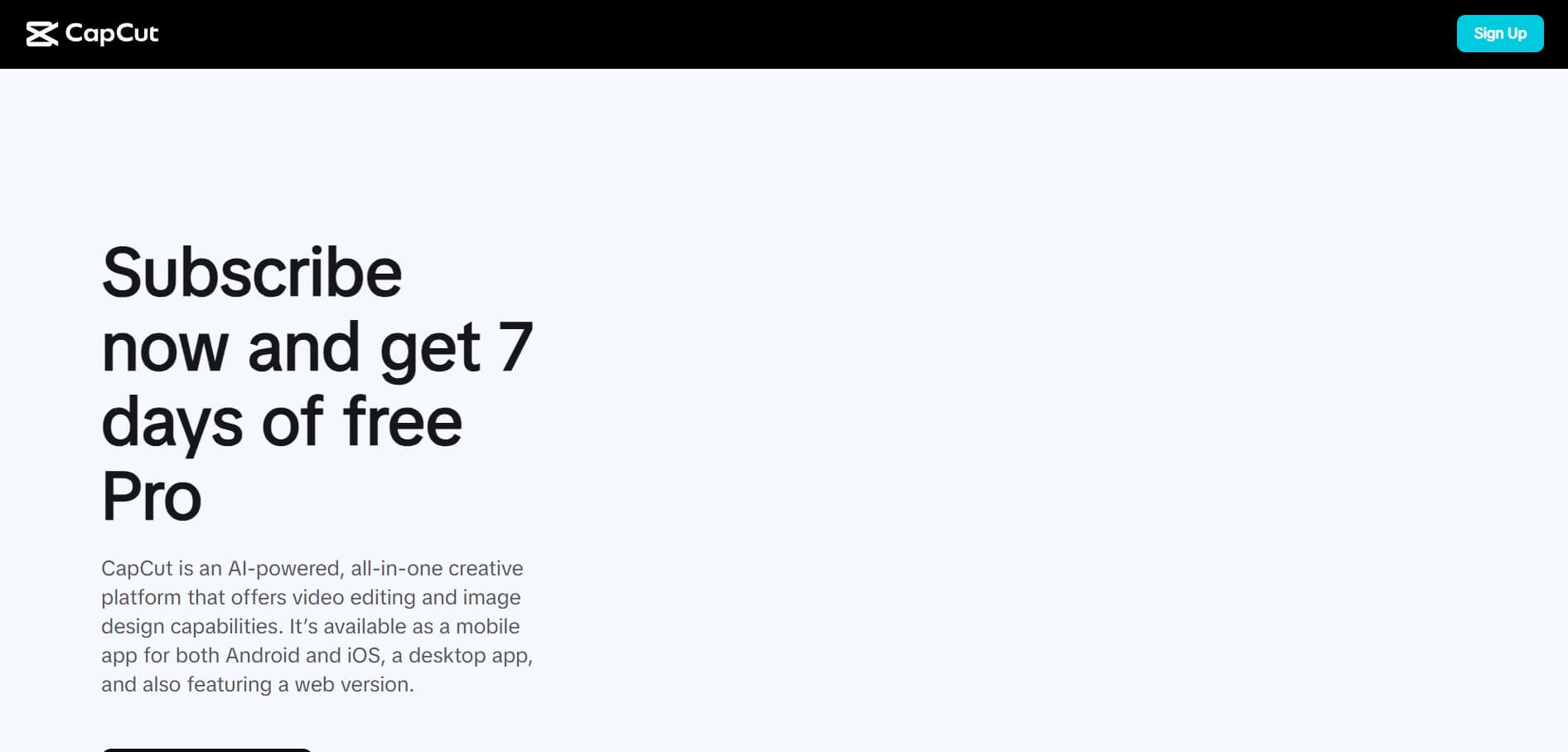
CapCut is an AI-powered video editing platform for creating social media videos, advertisements, tutorials, and promotional content. It combines timeline editing, automatic captions, templates, AI tools, and cross-platform access to help creators produce engaging videos.
 4.9
Media.io
Video Editing
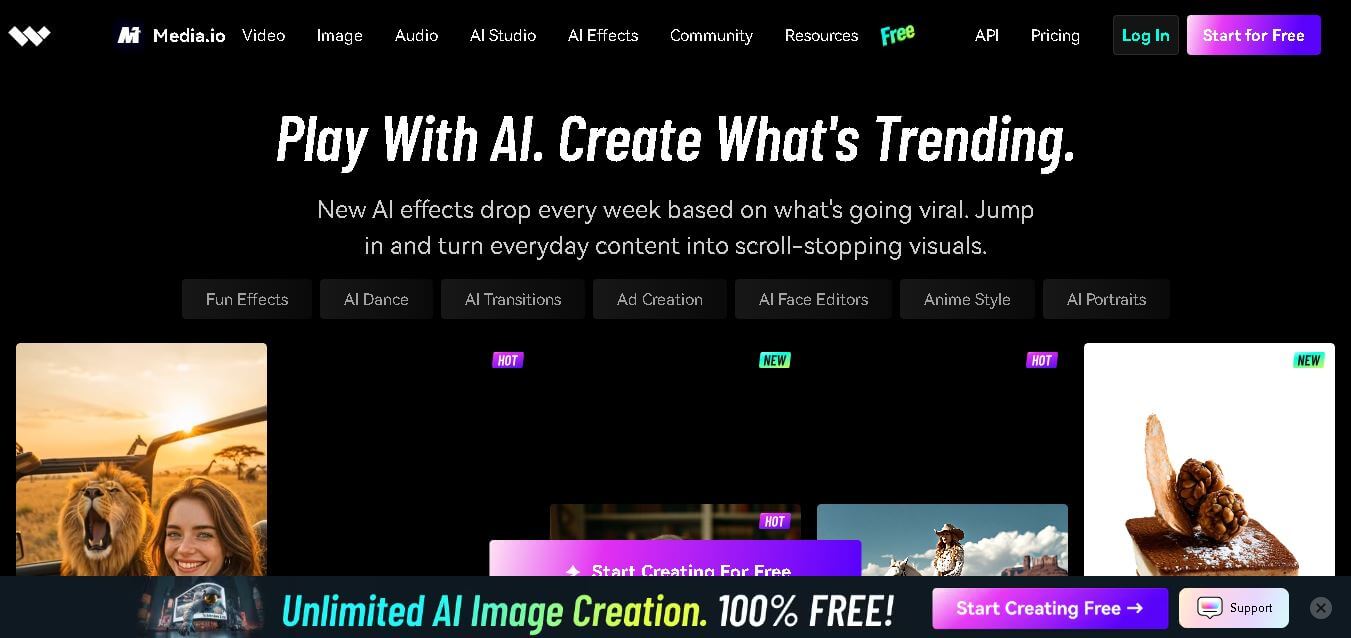
Media.io is an AI-powered creative platform that helps users generate, edit, and enhance videos, images, audio, and ads from simple prompts or assets. It combines AI generation, editing, and workflows in one place, enabling creators to turn ideas into polished content quickly without switching tools.
 4.9
Video Candy
Video Editing
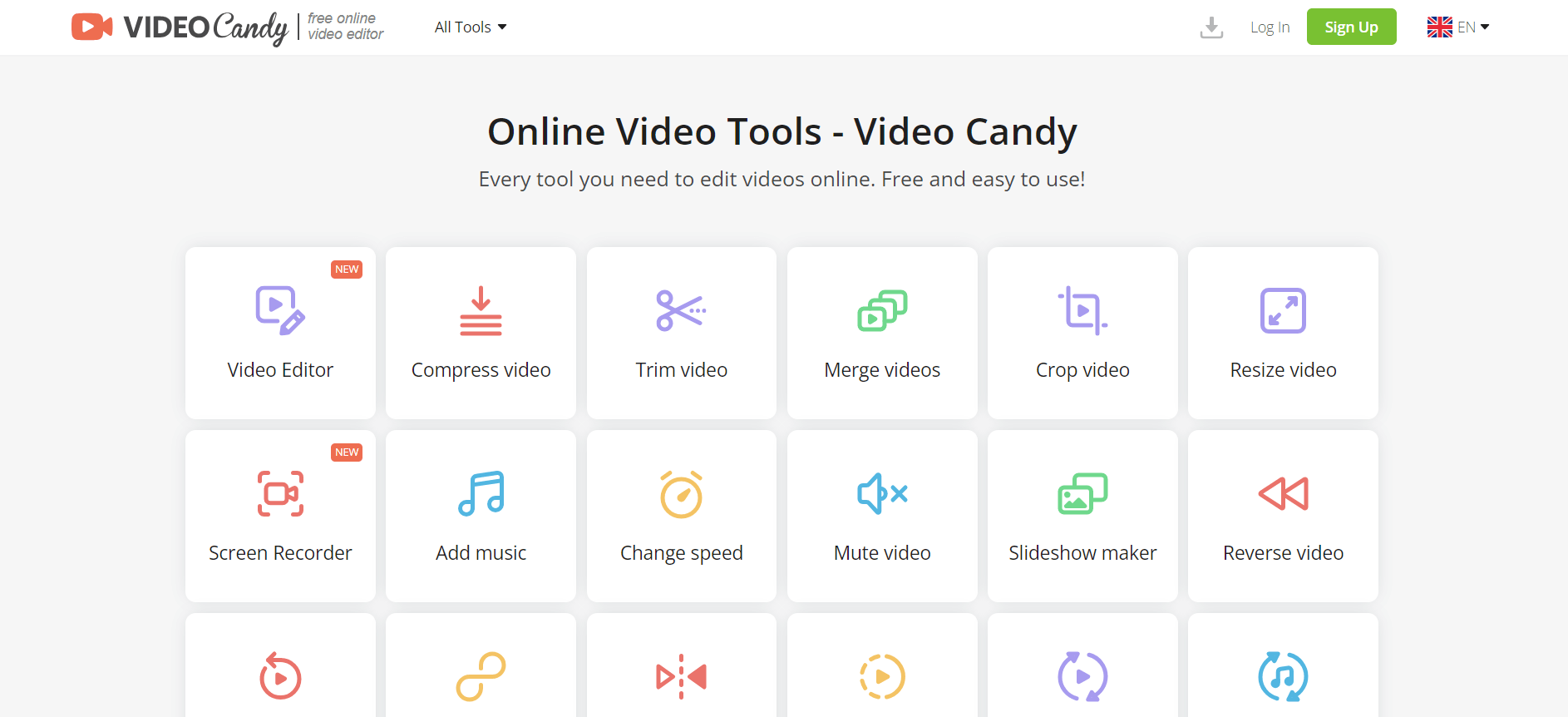
Video Candy is a free online video editing platform that helps users trim, merge, compress, convert, and enhance videos directly in the browser. It offers 70+ tools with a simple drag-and-drop interface, making video editing fast, accessible, and efficient without installing complex software.