
Dubbah
Dubbah helps Mac users translate and dub videos into 14 languages while preserving a familiar speaker voice. The app processes media locally, supports editing translated lines, and works offline after setup. With no account, subscription, or per-minute fee, it offers a simple, straightforward option for creators producing multilingual video content.

What is Dubbah?
Dubbah is a desktop video dubbing application for Mac that translates and re-voices videos into 14 supported languages. It uses on-device AI to translate dialogue, match the original speaker’s voice, and let users review or edit translated lines before exporting. Dubbah is designed for creators who want multilingual videos while keeping their media files on their own computers. After initial setup, it can work without an internet connection.
Dubbah is a free Mac application focused on local video dubbing and multilingual content creation. It supports 14 languages, including Hindi, English, Spanish, Mandarin, Arabic, Japanese, French, German, Korean, Portuguese, Italian, Polish, Turkish, and Tamil. The app supports macOS 13 or later on Apple Silicon and Intel Macs. Dubbah offers voice cloning, line-level editing, offline operation after setup, and video-format support. There are no subscriptions, per-minute fees, or account requirements, and user media is not sent to servers for processing.
- Platform Role: Local AI Video Dubbing & Voice Translation Desktop App
- Developer & Organization: Dubbah Technologies
- Cross-Platform Access: Native macOS Application (macOS 13+ supporting both Apple Silicon and Intel hardware)
Use Cases:
- Dubbing educational videos, video lectures, and tutorial content into multiple global languages
- Translating marketing videos, social media clips, and product walkthroughs for international audiences
- Localization of confidential internal corporate recordings, training videos, and legal footage requiring strict data privacy
- Dubbing video projects on location, in transit, or in environments with limited internet connectivity
- Creating multi-language video variants with voice matching and full text-line timing edits prior to rendering
Technology:
- On-device Automatic Speech Recognition (ASR) engine for local video speech-to-text conversion
- Neural Machine Translation (NMT) local model pipeline tuned for 14 primary global languages
- Voice cloning and zero-shot voice-matching synthesis tuned to preserve original vocal characteristics
- Local hardware-accelerated processing optimized for Apple Silicon Neural Engine and Intel Mac architectures
Target Users:
- Content creators, YouTubers, and educators expanding reach across international markets
- Filmmakers, video editors, and production teams seeking fine-grained line-by-line script and voice control
- Enterprise teams and organizations handling sensitive video content requiring zero cloud data retention
Acquisition: Direct desktop application download at dubbah.co.

What are the key features of Dubbah?
Dubbah's key platform features are
- 100% Local On-Device Processing: Videos remain on your Mac machine, guaranteeing zero cloud storage, server leaks, or AI training on your files.
- 14 Supported Languages: High-accuracy dubbing across Spanish, Mandarin, Hindi, Arabic, Japanese, French, German, Korean, Portuguese, Italian, Polish, Turkish, Tamil, and English.
- Voice Matching & Cloning: Replicates the original speaker's vocal tone, pitch, and identity in the translated language.
- Offline Operation: Fully functional without an active internet connection after initial download and setup.
- Full Line-by-Line Script Control: Review, edit wording, adjust timing, or re-generate specific video segments before finalizing.
- No Registration Required: Download and begin dubbing immediately without creating accounts or submitting credit card details.
How much does Dubbah cost?
Dubbah is available as a completely free desktop application for individual users, alongside specialized enterprise deployment packages.
Free Desktop Application:
- $0 / Completely Free: Free download for macOS 13+ with unlimited video dubbing, no subscriptions, no per-minute processing fees, and zero watermarks.
Enterprise Tier:
- Dubbah for Enterprise (Custom Pricing): Self-hosted server deployment, API access for automated pipelines, custom model integrations, and volume seat licensing.
Disclaimer: Pricing details and enterprise options are subject to update. Check dubbah.co for current platform downloads and custom enterprise queries.
Who should use Dubbah?
Dubbah is designed for Mac creators and professionals, including
- Privacy-Conscious Content Creators: Video producers who want to translate their video library without granting cloud services copyright or training rights.
- Offline Video Editors & Travelers: Editors needing to dub and proof translated video segments without relying on stable high-speed internet.
- Corporate & Enterprise Video Teams: Organizations needing a self-hosted or localized video dubbing tool for confidential internal communications.
What are the best alternatives to Dubbah?
Some of the strongest Dubbah alternatives include
What are the pros and cons of Dubbah?
What are the pros of Dubbah?
- 100% private local execution ensures video files never leave your machine
- Completely free with no subscriptions, per-minute limits, or account creation
- Operates offline without an internet connection
- Granular editing suite for refining text translations, timing, and individual line re-generation
What are the cons of Dubbah?
- Currently restricted to macOS 13+ (no native Windows or Linux desktop apps)
- Processing speed depends on local hardware specs (Apple Silicon or Intel Mac performance)
- Supports 14 core languages, whereas some cloud competitors offer 30+ languages
Why should you choose Dubbah?
Most commercial AI video dubbing services charge high per-minute cloud processing fees and require you to upload unreleased video content to external cloud servers. Dubbah eliminates both cost and privacy risks by running the entire AI transcription, translation, and voice-matching pipeline locally on your Mac. This offers complete control over your content, zero recurring subscription fees, and total peace of mind for sensitive video assets.
How does Dubbah compare to competitors?
While cloud-based tools like ElevenLabs, HeyGen, and Rask AI offer web-based lip-sync and vast language catalogs, they require recurring monthly fees and cloud uploads. Dubbah sets itself apart by operating locally on macOS, providing unlimited free processing with complete privacy and offline usability.
| Feature / Platform | Dubbah | ElevenLabs Dubbing | HeyGen | Rask AI |
|---|---|---|---|---|
| Deployment Type | Local Mac App (macOS 13+) | Cloud Web Platform & API | Cloud Web Platform | Cloud Web Platform |
| Data Privacy | 100% Local (files never leave the device) | Cloud Processing & Storage | Cloud Processing & Storage | Cloud Processing & Storage |
| Pricing Model | 100% Free (Unlimited Use) | Freemium / Per-minute credit tier | Paid Subscription Tiers | Paid Subscription Tiers |
| Offline Capability | Yes (full offline dubbing) | No (Requires Internet) | No (Requires Internet) | No (Requires Internet) |
| Best For | Mac users seeking private, free video dubbing | Creators needing high-fidelity web dubbing | Marketers needing lip-sync AI avatars | Commercial localized video campaigns |
How do we rate Dubbah?
| Parameter | Rating (out of 5) |
|---|---|
| Privacy & Security Architecture | 5.0 |
| Voice Matching & Dubbing Quality | 4.7 |
| Ease of Use & Editor Interface | 4.8 |
| Offline Performance & Speed | 4.6 |
| Value for Money (100% Free) | 5.0 |
| Overall Score | 4.82 |
What is our review and verdict on Dubbah?
Dubbah is a game-changer for content creators and video editors who require private, cost-effective video translation. By packaging local speech-to-text, translation, and neural voice cloning into a lightweight macOS app, Dubbah delivers high-quality dubbing results without subscription paywalls or privacy trade-offs. The ability to edit translated scripts line-by-line prior to export makes it a powerful, dependable desktop utility.
What is the final conclusion on Dubbah?
Dubbah stands out for creators who want multilingual video dubbing with stronger privacy and local processing. Its 14-language support, voice cloning, editing controls, and offline capability create a practical workflow for expanding video reach. Because the app is free and requires no account, it can be especially appealing to independent creators, educators, marketers, and teams seeking a simple Mac-based solution.
FAQ
What types of videos can I dub with Dubbah.co?
You can dub short-form videos such as YouTube clips, TikTok posts, advertisements, product demos, training materials, and educational content.
How many languages does Dubbah.co support?
Dubbah supports approximately 28 to 30 languages, enabling broad global reach.
Will the dubbed video retain the original speaker’s emotion and background music?
Yes. Dubbah uses advanced AI voice-cloning and synchronization to preserve tone, emotion, and background audio in the dubbed content.
How fast is the turnaround time?
Dubbing is completed in just a few minutes, making it quick and efficient compared to traditional methods.
Is Dubbah.co affordable compared to traditional dubbing services?
Yes. It offers a cost-effective solution that saves significant time and money while delivering high-quality dubbing.
User Reviews
No reviews yet for Dubbah.
Featured Tools
Featured AI tools from TechShark

Melody Genie
MelodyGenie is an AI-powered music generator that creates original songs from simple text prompts. Users can choose styles, moods, and genres, then instantly generate melodies and full tracks, making it easy for creators, marketers, and hobbyists to produce custom music without musical expertise.
Freemium

Kimi AI
Kimi AI is an advanced AI assistant developed by Moonshot AI that helps you chat, research, write, code, and automate tasks in one place. It supports web search, file analysis, and multimodal inputs, and can even run autonomous “agent” workflows to complete complex tasks end-to-end.
Freemium

Fashion Diffusion AI
Fashion Diffusion is an AI-powered fashion design platform that helps brands and designers create clothing designs, virtual try-ons, AI models, product photos, and marketing visuals faster and cost-effectively.
Paid

Veo 4
Veo 4 AI is an AI video creation platform that generates dramatic videos from text, images, audio, and video prompts using realistic motion and synchronized sound.
Paid
Alternatives
Alternatives to Dubbah
The best Dubbah alternatives include ElevenLabs, HeyGen, and Rask AI. While Dubbah provides a free, offline, local Mac desktop app with zero data retention, alternatives like ElevenLabs and HeyGen offer web-based cloud AI dubbing with lip-sync technology.
Neural.love
AI Image Enhancer
Neural.love is an AI-powered creative platform for generating images, editing photos, enhancing videos, restoring old media, and animating pictures. It combines multiple AI tools in a browser-based workspace, helping content creators, marketers, photographers, designers, and businesses improve visual content without relying entirely on traditional editing software.
 4.8
4.8Shuffll
Video Editing
Shuffll goes beyond traditional video creation by connecting personalized video directly to enterprise data and workflows. Its API-first infrastructure, 40+ AI models, automated production, and built-in brand governance make it suitable for organizations that need video at scale. For businesses seeking higher engagement without building large production teams, Shuffll offers a practical way to turn existing data into personalized, on-brand video experiences.
 4.8
4.8Opus Clip (Opus Pro)
Video Editing
OpusClip helps creators transform long-form videos into short, social-ready clips. It can identify engaging moments, generate captions, reframe footage, add B-roll, enhance audio, and support publishing across major social platforms. It is designed for creators, marketers, podcasters, businesses, and teams that want to scale video content production.
 4.9
4.9Clipchamp
Video Generator
Clipchamp is an AI-powered online video editor by Microsoft that helps users record, edit, and share videos directly from the browser. It offers templates, stock media, and AI tools like subtitles, voiceovers, and noise removal, enabling fast, professional video creation without advanced editing skills.
 4.9
4.9CapCut
Video Editing
CapCut is a popular video editing tool that helps creators produce engaging videos with effects, transitions, filters, templates, subtitles, and AI-powered features. Available on multiple platforms, CapCut makes it easy to edit videos for TikTok, Instagram Reels, YouTube Shorts, and other social media channels.
 4.9
4.9Media.io
Video Editing
Media.io is an AI-powered creative platform that helps users generate, edit, and enhance videos, images, audio, and ads from simple prompts or assets. It combines AI generation, editing, and workflows in one place, enabling creators to turn ideas into polished content quickly without switching tools.
 4.9
4.9Video Candy
Video Editing
Video Candy is a free online video editing platform that helps users trim, merge, compress, convert, and enhance videos directly in the browser. It offers 70+ tools with a simple drag-and-drop interface, making video editing fast, accessible, and efficient without installing complex software.
 4.8
4.8Vheer
Image
Vheer is a free AI image and video generator that helps users create visuals from text or photos instantly. It includes tools for image editing, background removal, and image-to-video conversion, offering unlimited generations without signup, making it ideal for quick, creative content production.
 4.9
4.9Artlist
Image
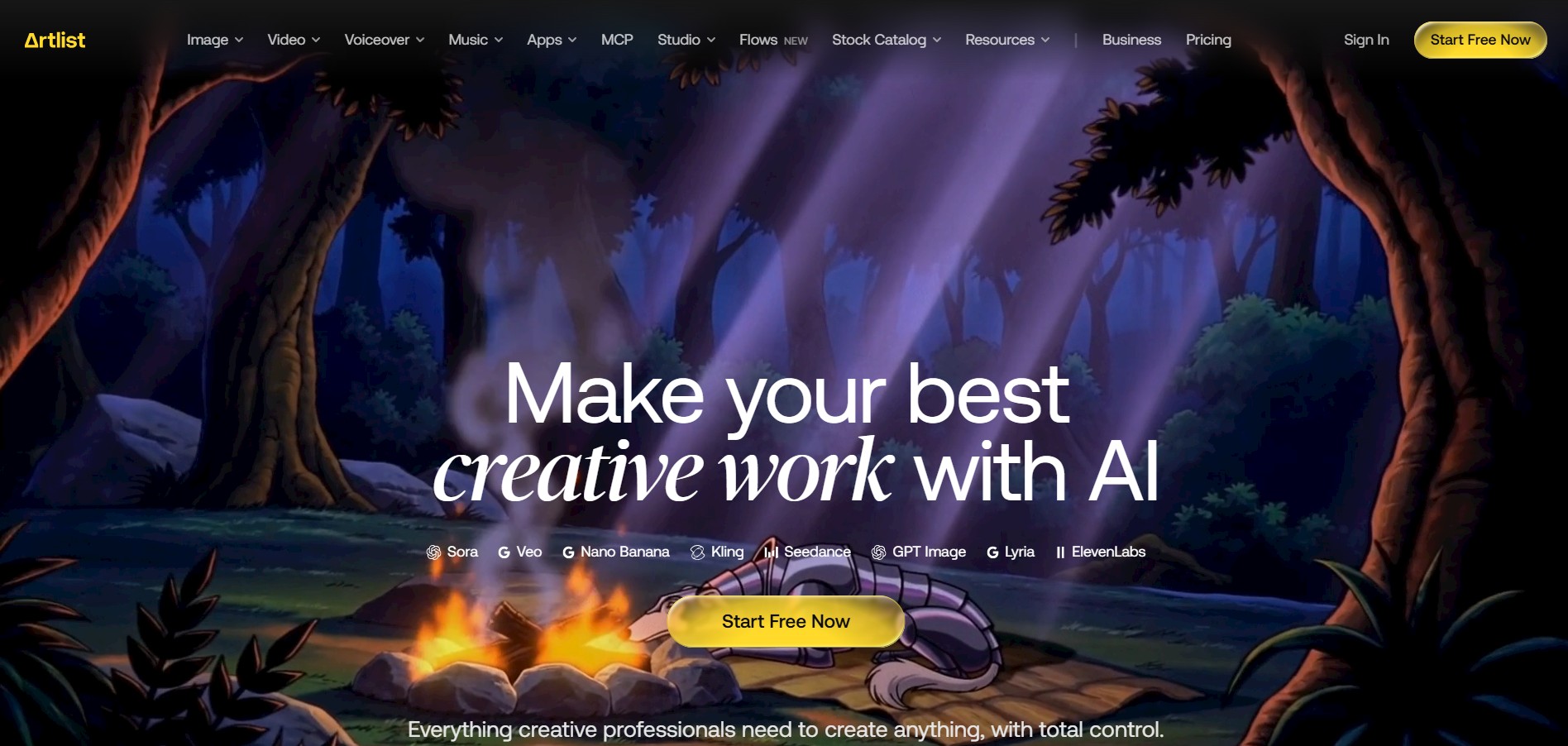
Artlist is a subscription-based platform that provides high-quality royalty-free music, sound effects, and video assets for creators. It helps filmmakers, YouTubers, and marketers access unlimited creative resources, making it easy to produce professional content without worrying about licensing issues.