
Narakeet
Narakeet is an AI-powered text-to-speech and video creation platform that converts scripts, documents, and presentations into narrated audio and videos. It offers multilingual voices, automated synchronization, transcription, and API tools for creators, educators, businesses, and developers.
What is Narakeet?
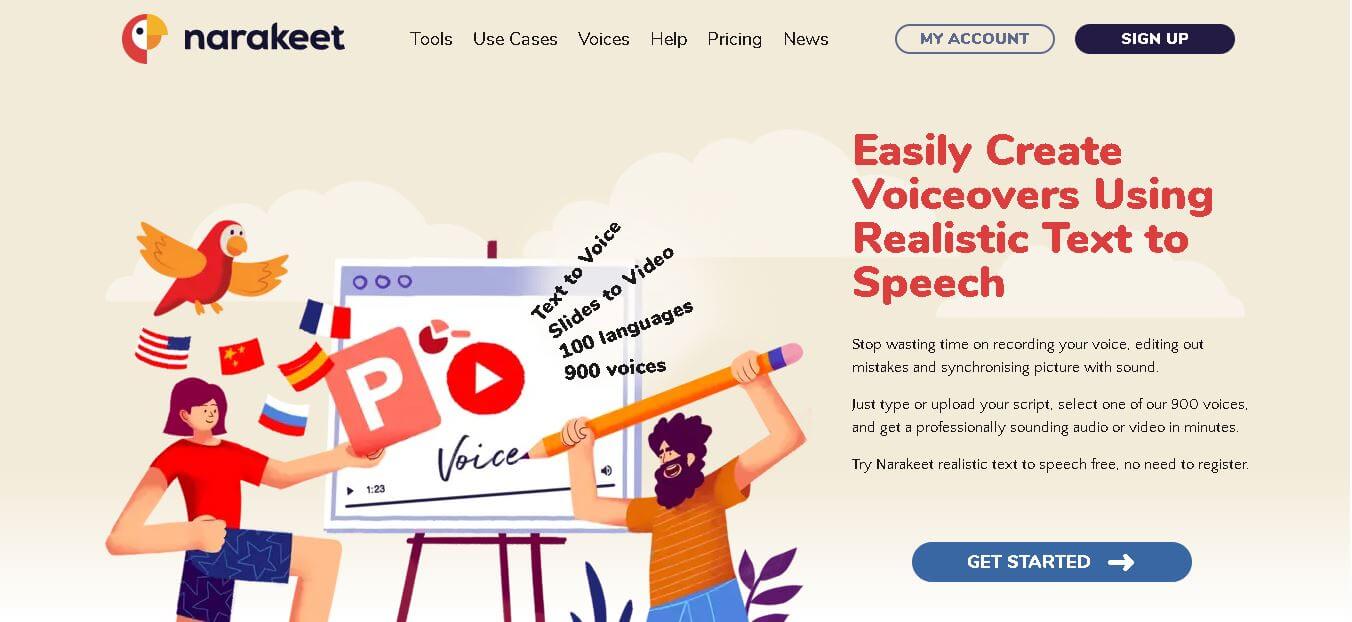
Narakeet is an online text-to-speech and video automation platform that helps users create voiceovers, narrated presentations, and videos from written scripts and visual assets. Instead of recording narration manually, users can upload or write content, select an AI voice, and generate audio or video. The platform supports several input formats and workflows, including Word documents, PowerPoint presentations, Markdown scripts, and subtitle files. It can also synchronize narration with images, video clips, slides, and captions. Users can revise the original script and regenerate the output, making it useful when content needs frequent updates.
Narakeet supports over 900 AI voices across more than 100 languages and accents, enabling global content creation at scale. It can convert text, Word documents, subtitles, and presentations into audio or video in minutes, reducing production time significantly. The platform also supports transcription in 66 languages and automated subtitle generation. According to the homepage, users can create professional voiceovers instantly without recording, making it highly efficient for content teams and educators.
- Founder: Developed by Video Puppet Limited (Narakeet™ brand)
- Launch: Initially launched around 2018 (based on copyright timeline)
Use Cases:
- Voiceovers for YouTube, podcasts, and audiobooks
- E-learning and training videos
- Marketing and product videos
- Subtitle dubbing and localization
Technology:
- Neural text-to-speech synthesis
- AI voice generation with multilingual support
- Automated video and subtitle synchronization
Target Users:
- Content creators and YouTubers
- Educators and e-learning platforms
- Businesses and marketers
- Developers using APIs for automation
Acquisition: No public acquisition; operates independently under Video Puppet Limited

Key Features of Narakeet AI
Narakeet AI's key features are
- AI Text-to-Speech: Converts written scripts and supported documents into audio using AI-generated voices. Users can create voiceovers without recording their own narration.
- 900+ AI Voices: Provides a large collection of voices across 100 languages, including different accents and voice options for multilingual projects.
- Slides to Video: Converts PowerPoint presentations into narrated videos, helping educators and businesses turn existing slides into video lessons and presentations.
- Markdown to Video: Allows users to create videos from Markdown scripts and visual assets, making it useful for tutorials, documentation, and repeatable video workflows.
- Subtitle to Audio: Converts subtitle scripts into spoken narration, supporting workflows for dubbing and localized content.
- Speech-to-Text Transcription: Transcribes audio and video into text in 66 languages. Narakeet announced the full production release of this feature in March 2026.
- Automated Audio and Video Synchronization: Aligns narration with images, video clips, and presentation slides. It can adjust scene timing to match the length of the audio.
- Script-Based Editing: Makes it possible to update narration and video by changing the underlying script rather than manually re-recording every section.
- API and Command-Line Tools: Supports automated audio and video generation through REST APIs, command-line utilities, and integrations such as GitHub Actions.
Narakeet Pricing
Narakeet uses a pay-as-you-go credit model rather than requiring a recurring monthly subscription. Users purchase a package of minutes and spend those credits when generating or transcribing audio and video.
The official pricing documentation currently lists these packages:
|
Plan |
Price |
Pricing details |
|---|---|---|
|
Free |
$0 |
Up to 20 conversions with usage limits |
|
30-minute pack |
$6 |
$0.20 per minute |
|
300-minute pack |
Check official pricing |
Lower per-minute rate |
|
1,000-minute pack |
Check official pricing |
Lower per-minute rate |
|
2,500-minute pack |
Check official pricing |
Lower per-minute rate |
|
10,000-minute pack |
Check official pricing |
Lowest standard per-minute rate |
Narakeet's official documentation states that larger packages reduce the cost per minute, with rates ranging from approximately $0.20 to $0.05 per minute. The 30-minute package is confirmed at $6. The remaining package prices are not displayed in the accessible pricing table, so check the live pricing page before publishing exact amounts.
Disclaimer: For the latest and most accurate pricing information, please visit the official Narakeet AI website.
Who is using Narakeet?
Narakeet is designed for individuals and organizations that need to produce narrated audio and videos without managing a traditional recording and editing workflow.
- Content Creators and YouTubers: Generate voiceovers for tutorials, explainers, educational videos, and other online content.
- Educators and E-learning Platforms: Convert presentations and lesson scripts into narrated learning materials.
- Businesses and Marketers: Create product demonstrations, promotional videos, and internal communication materials.
- Localization Teams: Produce narration in different languages and adapt video content for international audiences.
- Corporate Training Teams: Develop onboarding videos, employee training materials, and instructional presentations.
- Developers: Use APIs and command-line tools to automate audio generation, video production, and documentation workflows.
Best Narakeet Alternatives
Some of the strongest Narakeet AI alternatives include
Pros and Cons
Pros:
- Simple workflow for generating audio and narrated videos.
- Supports 900 voices across 100 languages.
- Converts presentations and scripts into narrated videos.
- Includes speech-to-text transcription in 66 languages.
- Script-based editing makes content updates easier.
- One-time credit purchases instead of mandatory monthly subscriptions.
- Unused credits do not expire.
- API, command-line, and batch-generation support for commercial users.
Cons:
- Free accounts have limited conversion and file-size allowances.
- Commercial use and API access require a paid commercial account.
- It is not a full-featured professional video editor.
- Voice output may require testing to find the right voice and delivery for a project.
- The API video workflow has limitations: the documented video API creates videos from Markdown scripts rather than directly automating PowerPoint conversion.
- Users are charged when they create the full output, even if they do not download it; free previews can help test scripts before generating the final file.
Why Choose Narakeet?
Narakeet is a useful option for people who want to turn written content into narrated audio and videos without spending time recording voiceovers or manually synchronizing every scene. Its combination of text-to-speech, presentation conversion, transcription, and automation makes it suitable for repeatable content-production workflows.
- No Manual Recording: Generate narration directly from written scripts and documents without setting up a microphone or recording studio.
- Large Voice Library: Choose from 900 voices across 100 languages for different audiences and content formats.
- Presentation-to-Video Workflow: Convert existing PowerPoint presentations into narrated videos for lessons, training, and business communication.
- Easy Content Updates: Modify the original script and regenerate the narration instead of recording every section again.
- Automated Synchronization: Align voiceovers with slides, images, video clips, and captions.
- Speech-to-Text Capability: Transcribe audio and video recordings in 66 languages.
- Flexible Credit System: Purchase minutes when needed instead of committing to a recurring subscription.
- Developer Automation: Use REST APIs, command-line tools, and GitHub Actions to integrate media production into existing workflows.
How Narakeet Works
Narakeet uses a script-based workflow to generate voiceovers and narrated videos. Users can start with plain text, a supported document, a subtitle file, or a presentation, depending on the output they want.
Step 1: Choose Your Project Type
Open Narakeet and select the type of content you want to create. You can start with a text-to-speech audio project, a video from a script, or a narrated presentation.
Step 2: Upload or Add Your Content
Enter your script or upload a supported file. For PowerPoint videos, narration can be added to the presenter notes of individual slides. For script-based videos, users can organize narration and visual assets in a Markdown document.
Step 3: Select an AI Voice and Language
Choose a language, accent, and voice from Narakeet's voice library. You can preview available voices before generating the final output. Different voices may pronounce technical words, names, and abbreviations differently, so testing is useful.
Step 4: Customize the Narration
Adjust available speech settings such as voice speed, pitch, pauses, emphasis, and pronunciation. Advanced users can use supported scripting instructions and SSML to control aspects of narration.
Step 5: Preview Your Content
Use the preview feature to test the voice and script before creating the final file. Narakeet provides free previews for commercial accounts, allowing users to experiment with voice settings without spending generation credits.
Step 6: Generate and Export
Create the audio or video and download the finished output in a supported format. For video projects, Narakeet combines the narration with the selected slides or visual assets.
Narakeet API and Automation Capabilities
Narakeet offers developer tools for teams that want to generate audio and video without manually using the website for every project.
Its automation capabilities include:
- REST API: Send requests to generate audio and supported video projects programmatically.
- Command-Line Tools: Integrate generation tasks into scripts and development workflows.
- API Key Management: Create API keys for eligible commercial accounts.
- Voice Listing API: Retrieve available voice names, languages, language codes, and supported styles.
- Batch Audio Creation: Generate multiple audio files for repetitive content requirements.
- Workflow Integration: Use tools such as GitHub Actions to connect media production with automated processes.
There are some important restrictions. API access is available to eligible commercial users, not free accounts. Narakeet's video API supports video creation from Markdown scripts, but it does not currently automate the PowerPoint-to-video workflow directly.
Narakeet vs Competitors
The main difference between Narakeet, Synthesia, Murf AI, Descript, and PlayHT is that Narakeet focuses on converting text, documents, and slides into voiceovers and videos automatically, while Synthesia specializes in AI avatar videos. Murf AI and PlayHT are primarily voice generation tools, and Descript emphasizes advanced editing workflows. Narakeet stands out for automation, multilingual support, and fast content production without requiring manual recording or complex editing.
|
Feature |
Narakeet |
Synthesia |
Murf AI |
Descript |
PlayHT |
|---|---|---|---|---|---|
|
Primary Focus |
Text-to-speech and narrated videos |
AI avatar videos |
AI voiceovers |
Audio and video editing |
AI voice generation |
|
Text-to-Speech |
Yes |
Yes |
Yes |
Yes |
Yes |
|
AI Avatar Videos |
Not its main focus |
Yes |
Not its main focus |
Not its main focus |
Not its main focus |
|
Presentation-to-Video |
Yes |
Yes |
Not its main focus |
Editing-based workflow |
Not its main focus |
|
Multilingual Voices |
900+ voices, 100+ languages |
Multilingual support |
Multilingual support |
Multilingual features |
Multilingual support |
|
Speech-to-Text |
Yes |
Not its main focus |
Not its main focus |
Yes |
Not its main focus |
|
API and Automation |
Yes, for eligible commercial users |
Yes |
Yes |
Available integrations |
API available |
|
Best For |
Script-based audio and video production |
Presenter-style videos |
Professional voiceovers |
Editing audio and video |
AI-generated voices |
How do we rate Narakeet?
| Parameter | Rating (out of 5) |
|---|---|
| Voice Quality | 4 |
| Ease of Use | 5 |
| Features & Capabilities | 4 |
| Speed & Efficiency | 5 |
| Language Support | 5 |
| Integration & API | 4 |
| Value for Money | 4 |
| Overall Rating | 4.4 |
Narakeet Review
Narakeet is a practical AI voiceover and video creation platform for users who want to produce narrated content without handling traditional recording and editing processes. Its biggest strength is the ability to turn scripts, documents, and presentations into audio and videos through a relatively straightforward workflow. The platform's 900+ voices and support for 100+ languages make it particularly useful for creators and organizations producing content for international audiences. Users can generate narration in different languages and update scripts when information changes. Its presentation-to-video and Markdown-to-video workflows also make it relevant for educators, trainers, and businesses that regularly create instructional content.
Narakeet offers more control over narration than a basic text-to-speech converter. Users can adjust voice speed and pitch, add pauses and emphasis, and use pronunciation controls and SSML for supported voices. These features can help improve narration for educational content, product demonstrations, and technical scripts. However, different voices may interpret uncommon names and technical terms differently, so previewing the output is important. Another useful capability is its speech-to-text functionality, which supports transcription in 66 languages. This makes Narakeet more than a conventional text-to-speech generator. Its API and command-line tools also provide options for developers who need to generate audio and video files repeatedly or integrate production into automated workflows.
Narakeet's credit-based pricing is appealing to users who do not want another monthly subscription. The ability to purchase minutes as needed and keep unused credits makes the platform suitable for occasional as well as recurring production work. However, users should remember that free accounts have restrictions, while commercial use, API access, and other advanced features require an eligible paid account. The main limitation is that Narakeet focuses on automated narration and video assembly rather than advanced, timeline-based video editing. Its PowerPoint workflow also does not support embedded videos, animations, or transitions as part of slide conversion. Users who need detailed editing controls, AI presenters, or highly customized video production may prefer a more specialized platform.
Overall, Narakeet is a strong choice for script-based voiceovers, narrated presentations, multilingual content, and automated media production. It is especially useful when speed, repeatability, and straightforward workflows matter more than advanced creative editing.
Conclusion
Narakeet is a versatile AI text-to-speech and video creation platform that helps users turn written scripts, documents, and presentations into narrated media. Its extensive voice library, multilingual support, transcription features, and developer tools make it useful for content creators, educators, businesses, and localization teams. Its one-time credit model is also appealing to users who prefer paying for production capacity instead of maintaining a monthly subscription. Voice customization options such as speed, pitch, pauses, and pronunciation controls provide additional flexibility for different types of narration.
Although Narakeet does not replace a professional video editor or a dedicated AI avatar platform, it offers a convenient solution for automated narration and repeatable video production. If your primary requirement is to create voiceovers, narrated presentations, and multilingual videos efficiently, Narakeet is worth considering.
FAQ
What is Narakeet used for?
Narakeet is used to convert written scripts, documents, and presentations into AI-generated voiceovers and narrated videos. It also supports audio-to-text transcription and automated media production.
Is Narakeet free to use?
Yes. Narakeet offers a free account with up to 20 conversions. However, free accounts have restrictions on script length, file uploads, commercial usage, and access to advanced features.
How much does Narakeet cost?
Narakeet uses one-time credit packages. Its 30-minute package is listed at $6, while larger packages offer lower per-minute rates. Check the official pricing page for the current cost of each package.
Does Narakeet offer a monthly subscription?
Narakeet's standard top-up packages are one-time payments rather than recurring monthly subscriptions. Users purchase credits and spend them as needed. Other account arrangements may be available, so check the official pricing documentation for current options.
Can Narakeet convert PowerPoint presentations into videos?
Yes. Narakeet can convert PowerPoint presentations into narrated videos, allowing users to add voiceovers to existing slides. Narration text can be added to the presenter notes of individual slides.
Does Narakeet support speech-to-text transcription?
Yes. Narakeet offers speech-to-text transcription in 66 languages. Users can upload supported audio or video files and generate text transcripts.
What are the best Narakeet alternatives?
Some alternatives include Murf AI, Synthesia, Descript, PlayHT, Lovo AI, and WellSaid Labs. The right option depends on whether you need voice generation, AI avatar videos, or advanced audio and video editing.
User Reviews
No reviews yet for Narakeet.
Featured Tools
Featured AI tools from TechShark

LandAtlas
LandAtlas is a land investing platform that combines parcel research, skip tracing, buyer matching, contracts, and deal management. It helps land wholesalers and acquisition teams organize property leads, evaluate opportunities, connect with potential buyers, and manage transactions from one workspace.
Paid
Klap
Klap is an AI video clipping platform that transforms long videos into short-form social media content. It automatically identifies highlights, creates captions, reframes speakers, and schedules clips, helping creators, podcasters, and marketing teams repurpose existing videos with less manual editing.
Free
Melody Genie
MelodyGenie is an AI-powered music generator that creates original songs from simple text prompts. Users can choose styles, moods, and genres, then instantly generate melodies and full tracks, making it easy for creators, marketers, and hobbyists to produce custom music without musical expertise.
Freemium
Fashion Diffusion AI
Fashion Diffusion is an AI-powered fashion design platform that helps brands and designers create clothing designs, virtual try-ons, AI models, product photos, and marketing visuals faster and cost-effectively.
Paid
Alternatives
Alternatives to Narakeet
The best Narakeet alternatives includes Synthesia, Murf AI, Descript, PlayHT, and Lovo AI, each offering unique features for voice and video creation. Synthesia focuses on AI avatar videos, while Murf AI and PlayHT specialize in realistic voice generation. Descript provides advanced audio and video editing capabilities, and Lovo AI offers expressive voice synthesis. These tools cater to different needs, making them strong alternatives depending on use case and workflow requirements.
 4.7
ttsMP3
Text-to-Speech
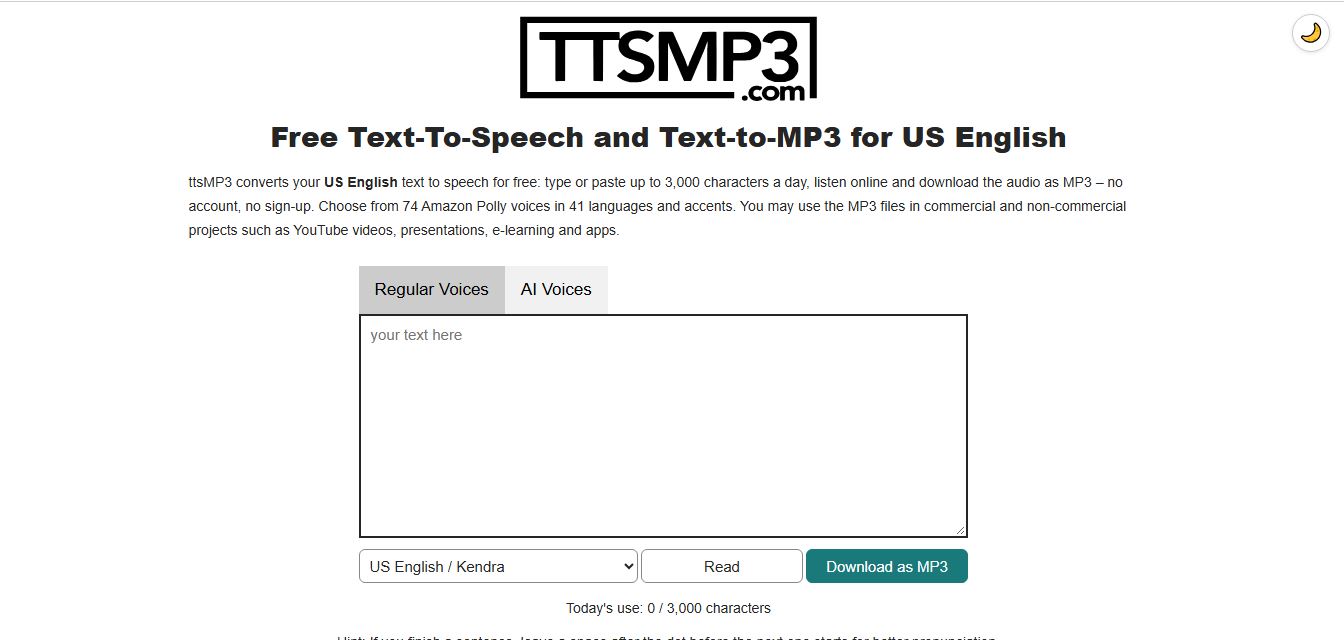
ttsMP3 is an online text-to-speech tool that converts written text into natural-sounding speech and downloadable MP3 files. It offers 74 voices across 41 languages and accents, with controls for speed, pitch, pauses, and emphasis. Users can create voiceovers for YouTube videos, podcasts, presentations, and e-learning content.
 4.9
KittenTTS Web
Text-to-Speech
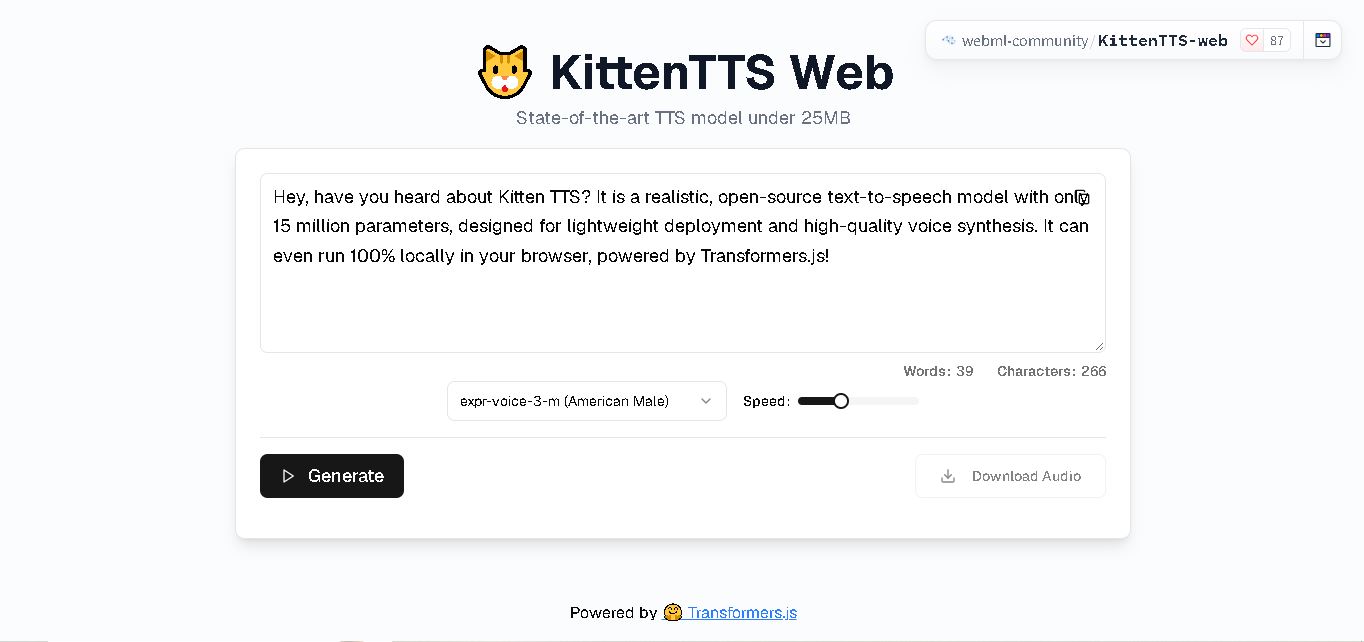
KittenTTS Web is a lightweight text-to-speech demo hosted on Hugging Face Spaces. It helps users explore how written text can be transformed into spoken audio using neural voice synthesis. The project is particularly relevant to developers, content creators, and accessibility-focused users interested in experimenting with compact speech generation technology directly through a web browser.
 4.9
Parler-TTS
Text-to-Speech
Parler-TTS is an open-source text-to-speech tool that transforms written content into natural-sounding audio. It lets developers describe voice characteristics using natural language, including pitch, speaking speed, and recording quality. With publicly available model weights, training resources, and customizable checkpoints, it supports experimentation, research, and tailored speech-generation applications across projects.
 4.9
IMS Toucan
Text-to-Speech
IMS Toucan is an open-source text-to-speech toolkit from the University of Stuttgart designed for multilingual speech generation. It converts text into audio and provides tools for inference, voice and prosody control, and model training. Supporting more than 7,000 languages, it serves developers and researchers exploring technology across linguistic contexts.
 4.8
Verbatik
Text-to-Speech
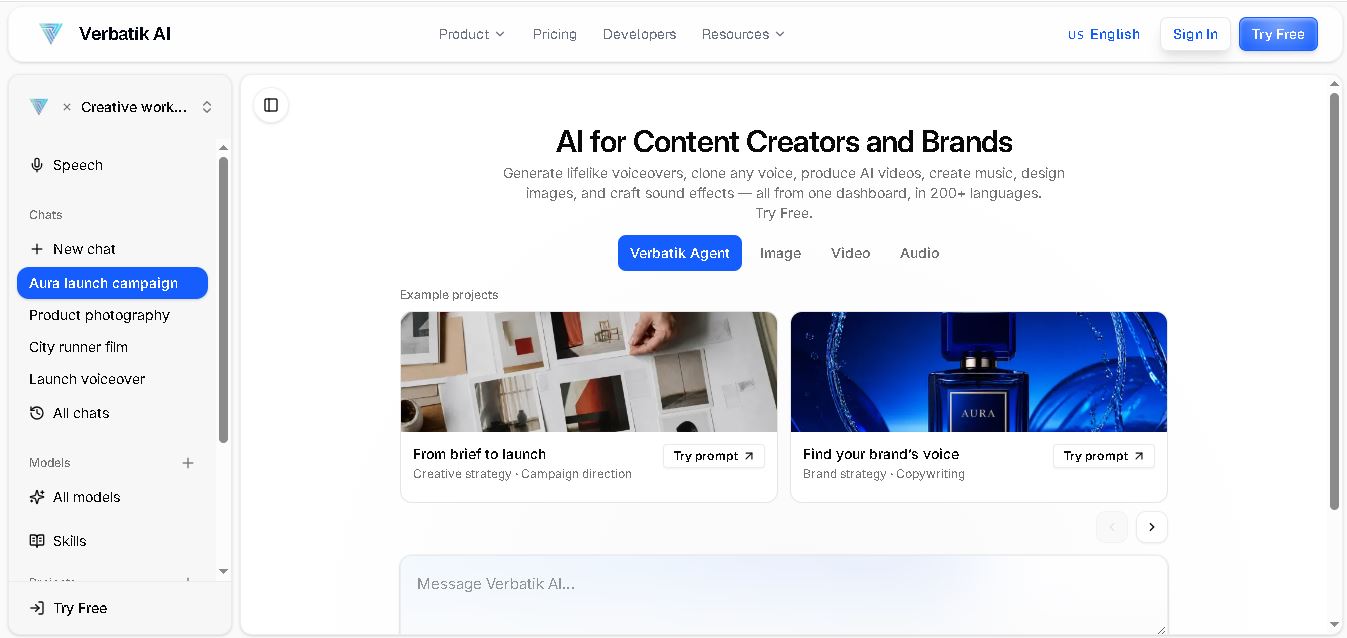
Verbatik AI helps users create realistic voiceovers, clone voices, generate music, and produce multimedia content using artificial intelligence. With multilingual speech, customizable voice settings, and developer APIs, it supports content creators, marketers, educators, and businesses. The platform simplifies audio production, video creation, and content localization from one workspace.
 4.8
Narration Box
Text-to-Speech
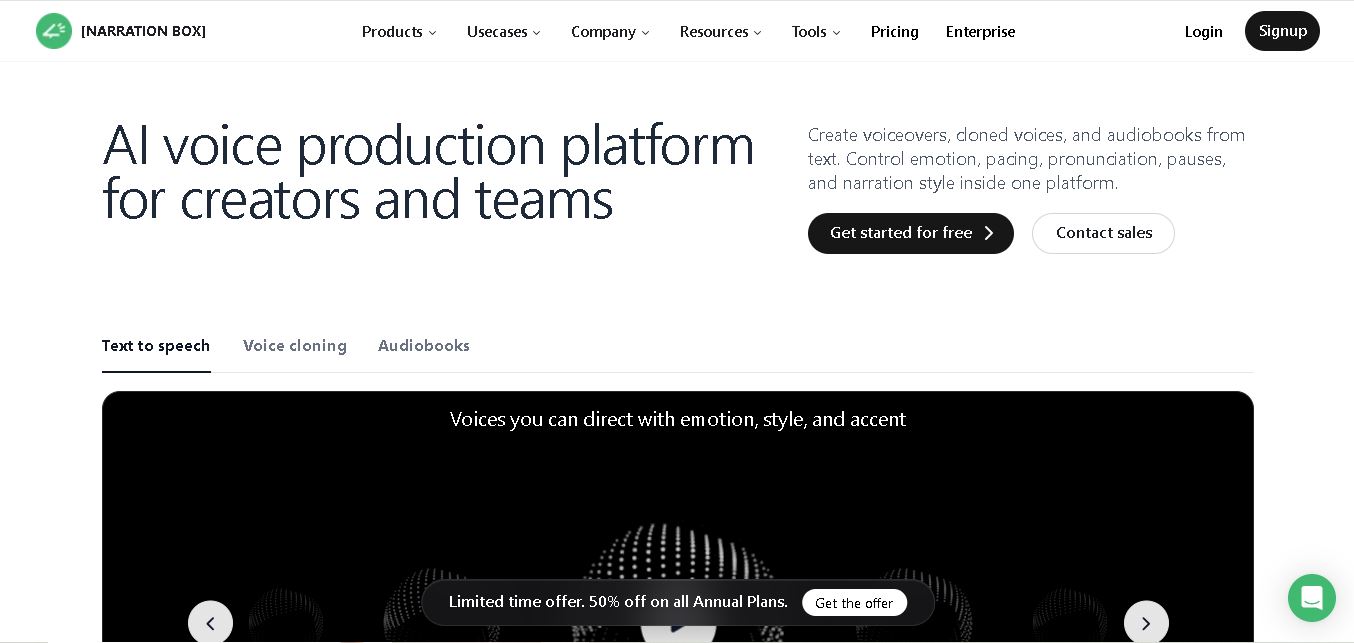
Narration Box is an AI voice generator for creating realistic voiceovers, audiobooks, podcasts, and educational audio from text. It offers over 1,500 AI narrators, 80+ languages and accents, voice cloning, and customizable emotional delivery. Its editing tools help creators produce consistent, multilingual audio content for personal and professional projects.
 4.7
AudioBot
Text-to-Speech
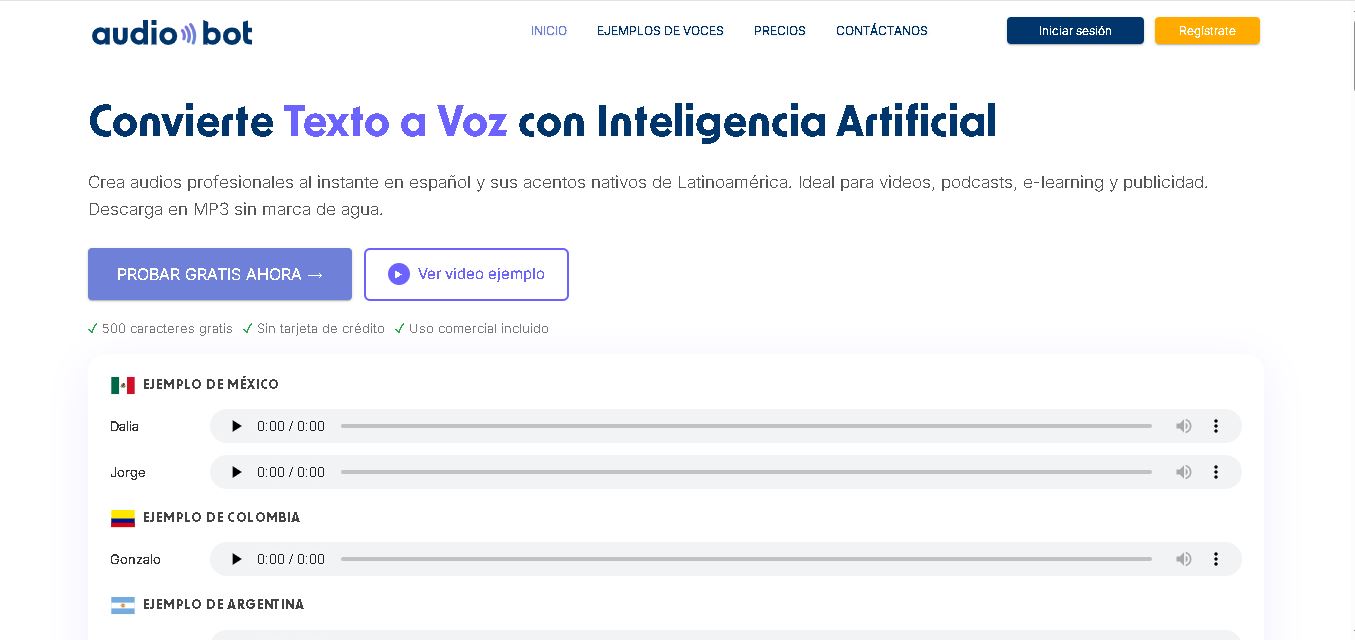
AudioBot converts written text into natural-sounding speech using AI-generated voices. It supports multiple languages and regional accents, making it useful for video voiceovers, presentations, educational materials, and audio content. Users can generate and download audio files, helping simplify narration workflows without requiring traditional recording equipment or voice talent.
 4.7
Audie AI
Text-to-Speech
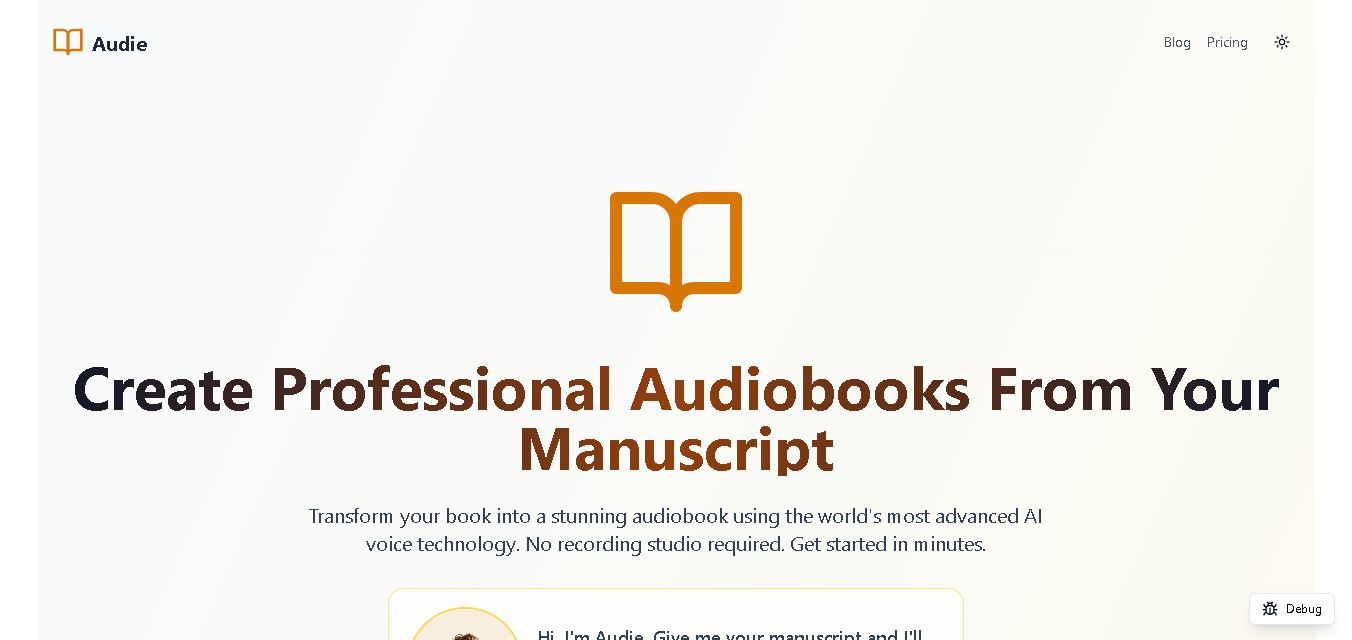
Audie AI is an audiobook creation tool that converts written manuscripts into narrated audio using AI-generated voices. It helps authors and publishers simplify production, explore different narration styles, and reduce reliance on traditional recording studios. With voice selection, advertised voice cloning, and downloadable audio, it supports more accessible audiobook creation for independent creators.
 4.6
Speechelo
Text-to-Speech
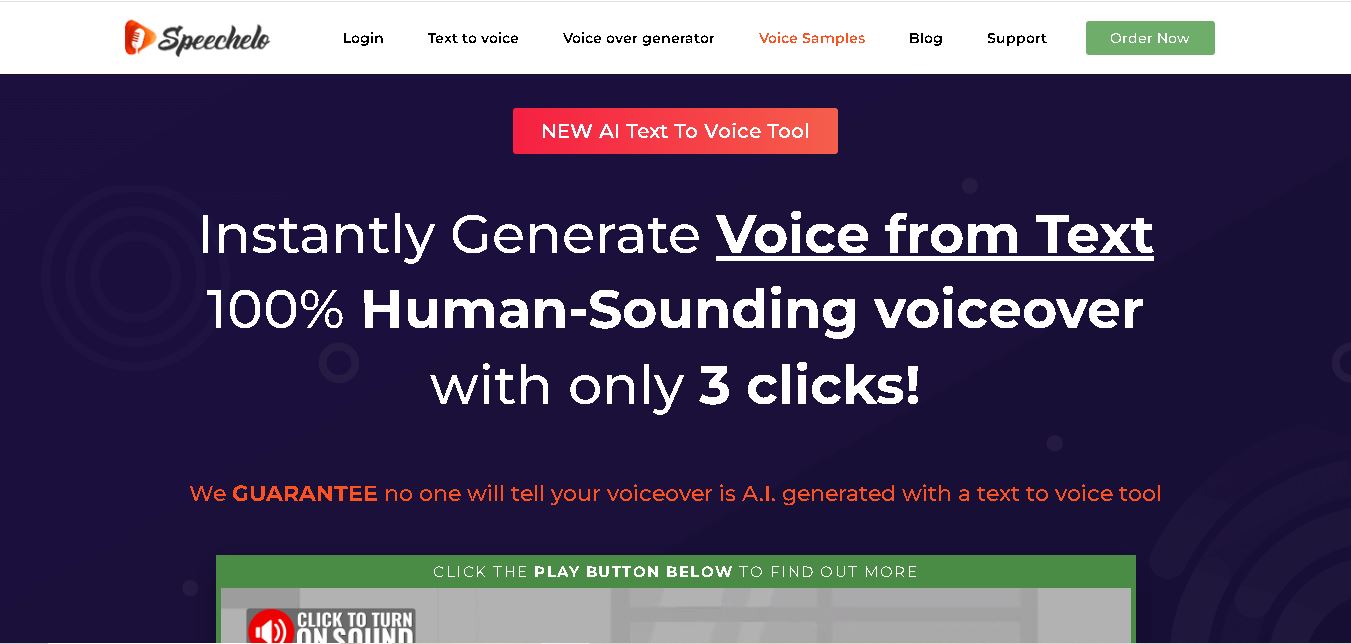
Speechelo is a text-to-speech tool designed to help creators turn written scripts into voiceovers. It offers different voices, languages, tones, and audio adjustments for creating narration. Video creators, educators, marketers, and content teams can use it to produce audio for tutorials, presentations, promotional videos, and other digital content projects.