
TTSMaker
TTSMaker helps users turn written text into speech without requiring advanced audio-editing skills. It supports numerous languages, voice options, multiple audio formats, adjustable speech settings, and downloadable results. Its free version provides a weekly character allowance, while paid plans increase usage limits and add features such as API access and advanced voice controls.
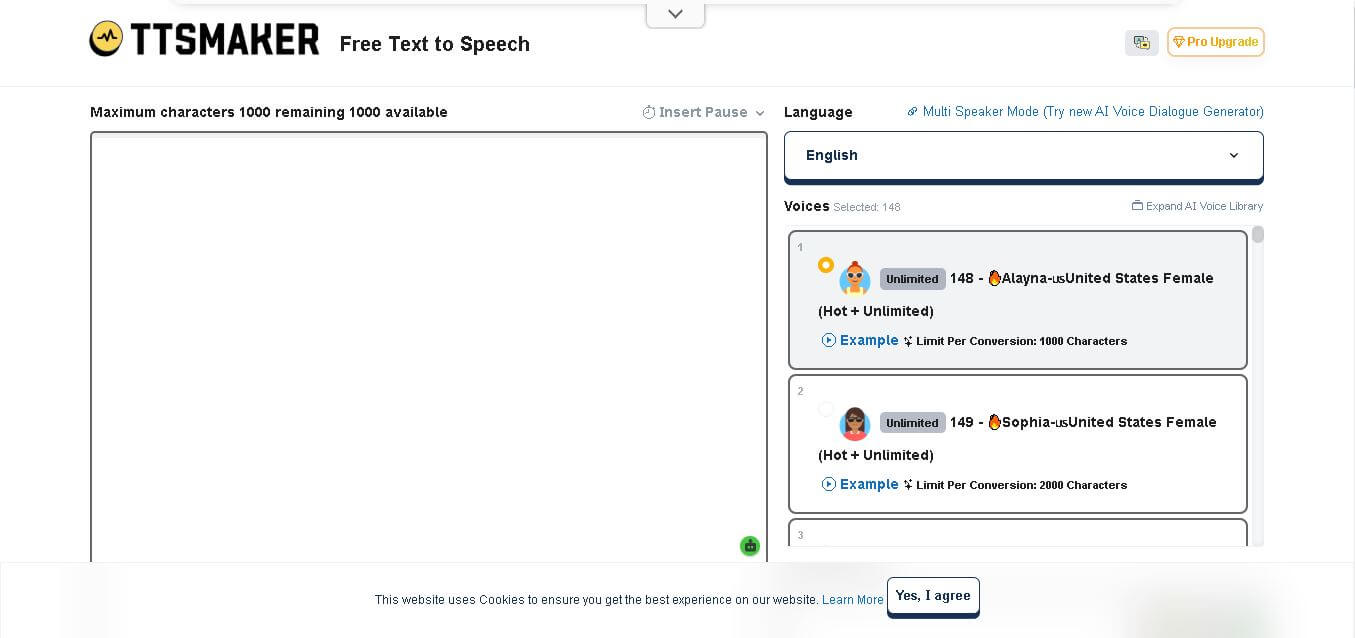
What is TTSMaker?
TTSMaker is an online text-to-speech tool that converts written content into downloadable audio using a wide selection of voices and languages. Users can enter text, choose a language and voice, adjust speech settings, and generate audio for videos, audiobooks, education, podcasts, and marketing. It also supports commercial use of generated audio under its stated terms.
TTSMaker supports 100+ languages and regional language variations, with its current Pro offering providing 600+ AI voices. The free version includes a 20,000-character weekly limit, while paid plans range from 300,000 to 6 million characters per month. The Studio plan supports approximately 138 hours of audio monthly, and Pro plans provide API access. Generated audio can also be used commercially according to TTSMaker’s stated terms.
- Launch Year: 2022
- Core Focus: Free AI Voice Generation, Multilingual Text-to-Speech & Voice Over API
Use Cases:
- Generating voiceovers for YouTube, TikTok, Reels, and social media videos
- Converting articles, books, and educational documents into audiobooks or e-learning audio
- Creating automated phone messages, marketing ads, and product explainers
- Integrating real-time neural speech synthesis into web or mobile apps via API
Technology:
- Deep learning neural network inference models for realistic prosody and rhythm
- Granular voice controls for speed, pitch, volume, and custom pause insertions
- Low-latency Developer REST API for programmatic audio synthesis
Target Users:
- Faceless YouTube creators and video editors seeking fast voiceovers
- Teachers, students, and language learners practicing pronunciation
- Software engineers and app developers building TTS features
Ecosystem: Features a web-based voice studio, multi-speaker dialogue builder, browser extensions, and TTSMaker Pro cloud API.

Key features of TTSMaker
TTSMaker's key features are
- 600+ AI Neural Voices: Access a massive library of voices in 100+ languages and dialects with distinct male, female, and stylistic options.
- Commercial Rights Included: Synthesized audio is completely free for commercial use, including monetization on YouTube, ads, and audiobooks.
- Custom Audio Fine-Tuning: Adjust speech speed, volume, and pitch, and insert custom pauses (up to 10 seconds) to ensure realistic pacing.
- Multi-Speaker Dialogue Mode: Assign different AI voices to individual script lines to create realistic multi-character conversations.
- Flexible Audio Export Formats: Download generated audio instantly as high-quality MP3, WAV, AAC, or OGG files.
- Developer REST API: Integrates speech generation capabilities directly into enterprise applications, automation bots, and web platforms.
TTSMaker Pricing
TTSMaker operates on a freemium model with a completely functional free tool and affordable subscription upgrades for power users.
Free Plan:
- $0/month
- 20,000 characters per week limit (plus unlimited conversions on designated free voices)
- Access to 600+ voices, standard conversion speeds, MP3 downloads, and commercial licensing rights
TTSMaker Pro Plan:
- Starting from $9.99/month or $79/year
- Increases character limits up to 1,000,000+ per month, enables batch processing, WAV lossless downloads, faster processing queues, and higher API priority
Is TTSMaker Worth It?
TTSMaker is exceptionally worth it for content creators, small business owners, and educators who want instant access to clean AI voiceovers without paying expensive monthly fees. Its combination of a generous weekly free allowance, commercial usage rights, and no-signup requirement makes it one of the most accessible text-to-speech platforms available online.
Real-World Use Cases
- Faceless Social Media Channels: Video creators generate clear, engaging voiceovers for faceless YouTube Shorts, TikToks, and instructional reels.
- Multilingual E-Learning: Educators convert textbook chapters and study guides into spoken audio in over 100 foreign languages for students.
- Audiobook Drafts & Narration: Indie authors convert written novel chapters into audio files to preview story pacing and character dialogues.
- IVR Phone Systems & Ads: Small businesses create professional voice greetings and video ad voiceovers without hiring external voice actors.
Who is using TTSMaker?
TTSMaker is designed for a broad audience of content creators and professionals, including
- YouTubers & Video Creators: Editors building rapid voice tracks for informational and viral content
- Educators & Students: Teachers creating accessible audio study materials and foreign language pronunciation guides
- Marketing Agencies: Teams generating fast audio narration for promotional ads and product presentations
- Software Developers: Engineers adding automated voice output to web tools and mobile apps via REST API
Best TTSMaker Alternatives
Some of the strongest TTSMaker alternatives include
- ElevenLabs
- Murf AI
- Speechify
- Play.ht
- NaturalReader
Pros and Cons of TTSMaker
Pros
- 100% free commercial licensing on synthesized audio files
- Generous 20,000 weekly character limit with optional unlimited voices
- No sign-up or account required for basic speech conversion
- Supports over 100 languages and 600+ diverse neural voices
- Enables multi-speaker dialogue setups and precise pause insertions
Cons
- Voice quality and expressive emotion levels can vary across non-English voices
- Advanced speech editing (pitch, speed) is restricted on certain free voices
- Long scripts must be split into chunks under the per-conversion limit
Why Choose TTSMaker?
TTSMaker provides an ideal solution for users who need rapid, reliable voice generation without paywalls or restrictive copyright terms. While premium competitors lock commercial rights behind high monthly plans, TTSMaker delivers studio-ready MP3 exports completely free for commercial use.
- Enables immediate text conversion without registering an account
- Protects your content from YouTube copyright claims with explicit commercial permissions
- Offers multi-speaker support for complex script narration
- Provides low-cost API solutions for developers integrating speech features
How TTSMaker Works
- Input Script: Paste your script into the text editor box on TTSMaker.com.
- Select Language & Voice: Choose your target language and pick from over 600+ available neural AI voices.
- Adjust Parameters: Fine-tune playback speed, pitch, or add pauses between sentences using standard controls.
- Convert & Download: Click "Convert to Speech" to process the audio and download your MP3 or WAV file instantly.
TTSMaker vs. Competitors
The primary difference between TTSMaker, ElevenLabs, and Murf AI is that TTSMaker offers free commercial usage rights and a generous weekly quota without requiring a paid subscription or account creation. While ElevenLabs leads in hyper-realistic emotional voice cloning and Murf AI specializes in studio video editing setups, TTSMaker offers an accessible, zero-cost online solution for daily voiceover needs.
| Feature | TTSMaker | ElevenLabs | Murf AI |
|---|---|---|---|
| Primary Focus | Free Online TTS & Commercial Audio | Hyper-Realistic AI Voice Cloning | Studio Voiceover & Video Sync |
| Free Character Quota | 20,000 chars / week | 10,000 chars / month | 10 min audio / one-time |
| Free Commercial Rights | Yes (100% Free) | No (paid plans only) | No (paid plans only) |
| Account Required | No (Optional for Pro) | Yes | Yes |
| Starting Price | Free / $9.99 Pro | Free / $5 per month | Free / $19 per month |
How do we rate TTSMaker?
| Parameter | Rating (out of 5) |
|---|---|
| Ease of Use | 4.9 |
| Voice Quality | 4.5 |
| Feature Set | 4.6 |
| Value for Money | 4.9 |
| Commercial Rights & Policy | 5.0 |
| Overall Score | 4.7 |
TTSMaker Review
TTSMaker stands as one of the most practical and utility-rich text-to-speech generators online. By providing hundreds of neural voices across global languages with zero-friction access and free commercial licensing, it solves the pain point of expensive audio subscriptions for indie creators. Whether you are generating quick social media narrations or integrating speech into custom web tools, TTSMaker delivers reliable results quickly.
Conclusion
TTSMaker is a practical choice for users who need accessible text-to-speech generation across multiple languages and content types. Its free tier makes experimentation easy, while paid plans provide higher character limits, advanced controls, dialogue features, and API access. With commercial-use support and applications ranging from videos to audiobooks and education, TTSMaker can fit both individual creator workflows and larger content-production needs.
FAQ
What is TTSMaker used for?
TTSMaker is useful whenever you need to turn written content into spoken audio. You can use it for YouTube and TikTok videos, audiobooks, educational materials, language learning, advertisements, podcasts, and voiceovers. It is particularly helpful for creators who want downloadable speech without recording their voice.
Is TTSMaker free to use?
Yes, TTSMaker offers a free version that can be used without a paid subscription. The free plan currently provides a 20,000-character weekly conversion allowance, although some voices may support unlimited free usage. Paid plans are available when you need higher limits, additional controls, or professional features.
How many languages does TTSMaker support?
TTSMaker supports a broad range of languages, including English, Hindi, Spanish, French, German, Arabic, Chinese, Japanese, Korean, Vietnamese, and many others. Its website currently lists numerous regional languages and dialects, while TTSMaker states that its broader offering covers more than 100 languages and variations.
Can I use TTSMaker audio for commercial purposes?
Yes. TTSMaker states that generated audio can be used for commercial purposes without additional fees or permission, provided the usage is lawful and complies with applicable requirements. This makes it suitable for commercial videos, advertising, educational content, podcasts, and other projects where voiceovers are required.
Can I use TTSMaker voices for YouTube and TikTok videos?
Yes, TTSMaker states that its generated audio can be used on platforms including YouTube, TikTok, and podcasts. Source attribution is not mandatory according to its FAQ, although TTSMaker says it appreciates credit when users choose to provide it. Always review the current terms before publishing commercial content.
How do you convert text to speech with TTSMaker?
Using TTSMaker is straightforward. Enter or paste your text into the editor, select the desired language and voice, adjust available settings, and click the conversion option. After processing finishes, you can listen to the generated speech and download the resulting audio file for your project.
What audio formats does TTSMaker support?
TTSMaker provides several audio export options, including MP3, OGG, AAC, OPUS, and WAV. This flexibility makes it easier to use generated speech across different content workflows. You can select an appropriate format depending on whether you need audio for videos, presentations, podcasts, websites, or other multimedia projects.
User Reviews
No reviews yet for TTSMaker.
Featured Tools
Featured AI tools from TechShark

Melody Genie
MelodyGenie is an AI-powered music generator that creates original songs from simple text prompts. Users can choose styles, moods, and genres, then instantly generate melodies and full tracks, making it easy for creators, marketers, and hobbyists to produce custom music without musical expertise.
Freemium

Kimi AI
Kimi AI is an advanced AI assistant developed by Moonshot AI that helps you chat, research, write, code, and automate tasks in one place. It supports web search, file analysis, and multimodal inputs, and can even run autonomous “agent” workflows to complete complex tasks end-to-end.
Freemium

Fashion Diffusion AI
Fashion Diffusion is an AI-powered fashion design platform that helps brands and designers create clothing designs, virtual try-ons, AI models, product photos, and marketing visuals faster and cost-effectively.
Paid

Veo 4
Veo 4 AI is an AI video creation platform that generates dramatic videos from text, images, audio, and video prompts using realistic motion and synchronized sound.
Paid
Alternatives
Alternatives to TTSMaker
The best TTSMaker alternatives include ElevenLabs, Murf AI, Speechify, Play.ht, and NaturalReader. ElevenLabs offers advanced AI voice cloning with realistic emotional depth. Murf AI provides a full voiceover studio complete with video synchronization. Speechify specializes in fast text reading across documents and web browsers, while Play.ht offers realistic conversational AI voice models and audio widget embeds.
 4.9
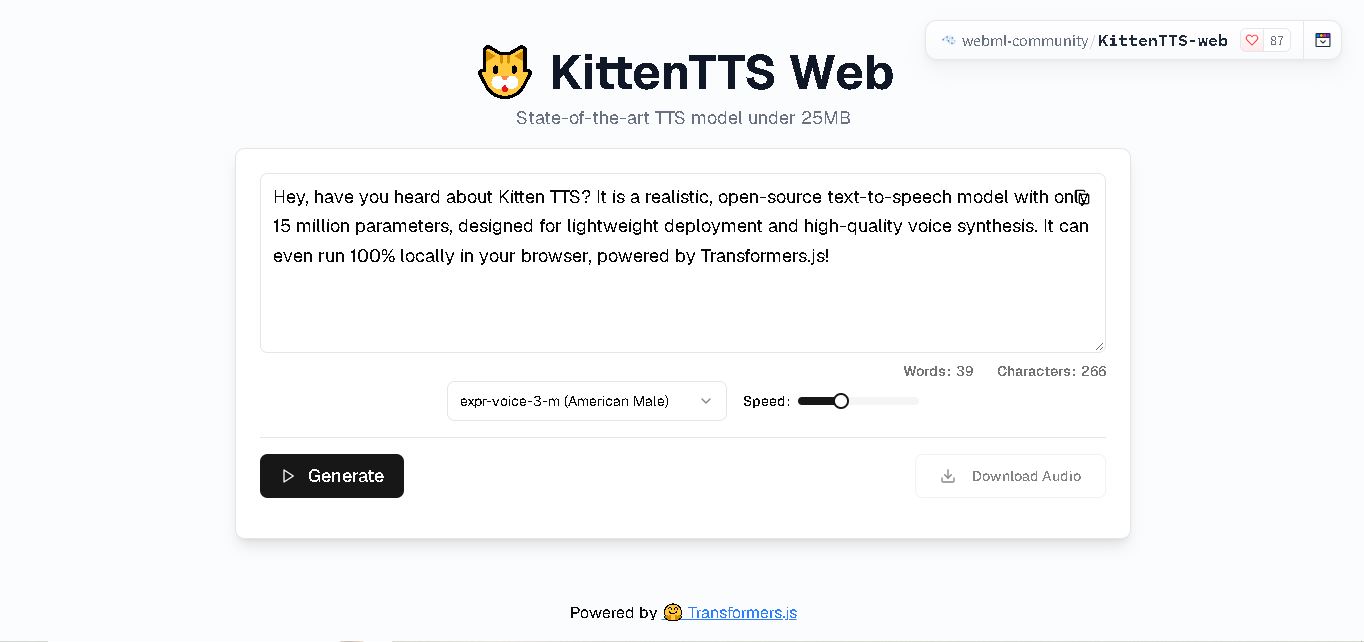
4.9KittenTTS Web
Text-to-Speech
KittenTTS Web is a lightweight text-to-speech demo hosted on Hugging Face Spaces. It helps users explore how written text can be transformed into spoken audio using neural voice synthesis. The project is particularly relevant to developers, content creators, and accessibility-focused users interested in experimenting with compact speech generation technology directly through a web browser.
 4.9
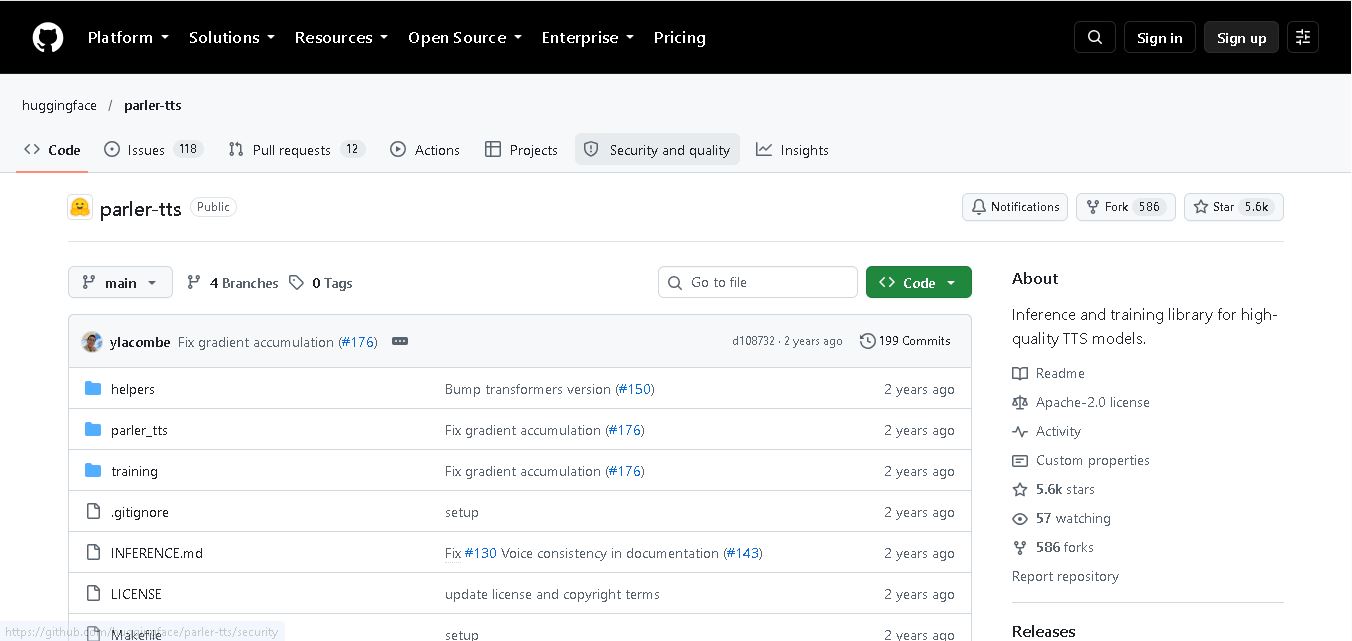
4.9Parler-TTS
Text-to-Speech
Parler-TTS is an open-source text-to-speech tool that transforms written content into natural-sounding audio. It lets developers describe voice characteristics using natural language, including pitch, speaking speed, and recording quality. With publicly available model weights, training resources, and customizable checkpoints, it supports experimentation, research, and tailored speech-generation applications across projects.
 4.9
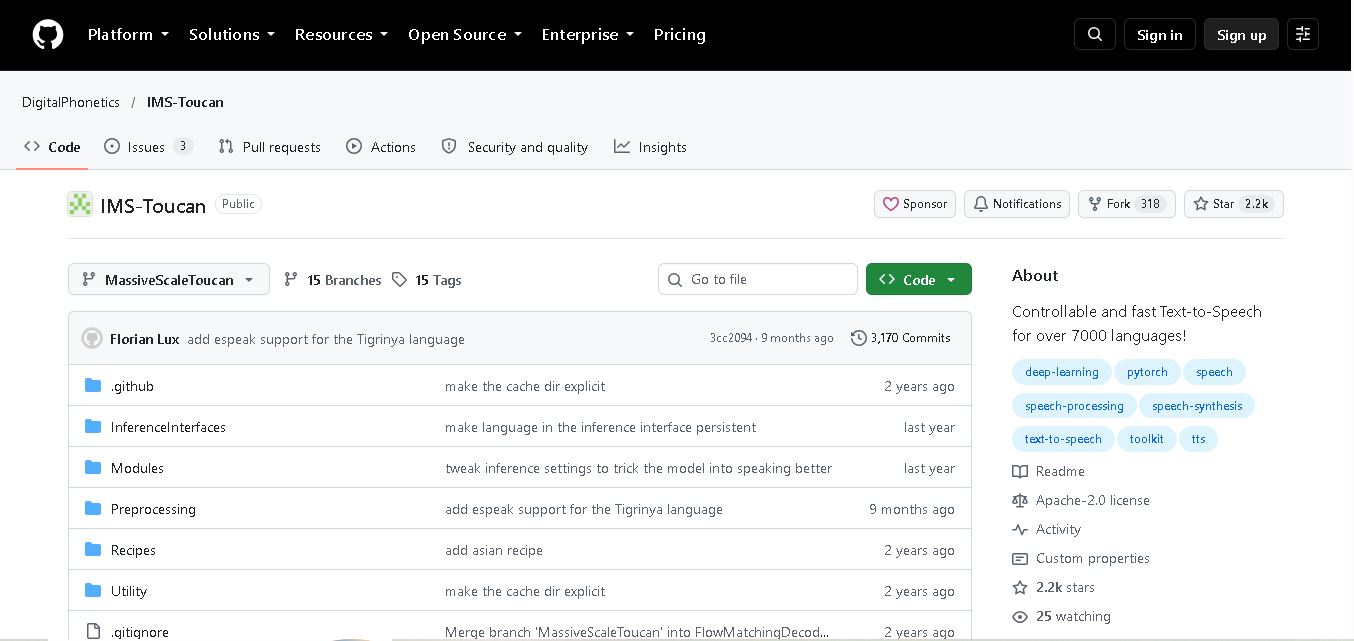
4.9IMS Toucan
Text-to-Speech
IMS Toucan is an open-source text-to-speech toolkit from the University of Stuttgart designed for multilingual speech generation. It converts text into audio and provides tools for inference, voice and prosody control, and model training. Supporting more than 7,000 languages, it serves developers and researchers exploring technology across linguistic contexts.
 4.8
4.8Verbatik
Text-to-Speech
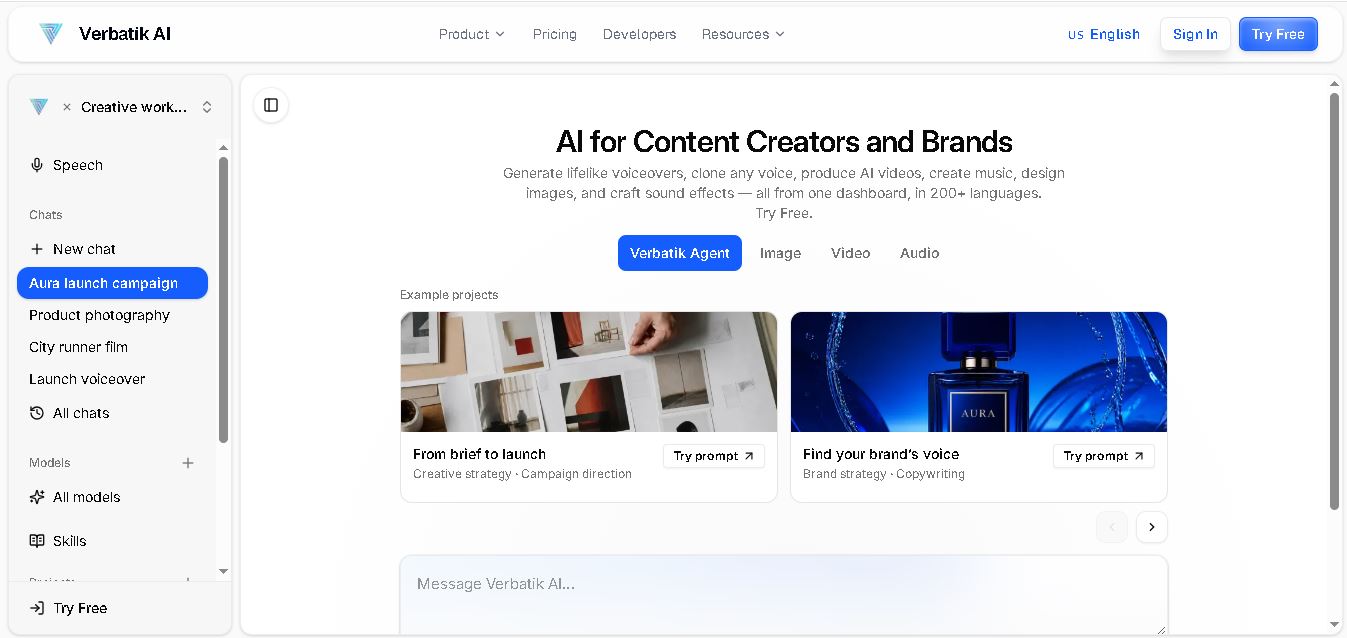
Verbatik AI helps users create realistic voiceovers, clone voices, generate music, and produce multimedia content using artificial intelligence. With multilingual speech, customizable voice settings, and developer APIs, it supports content creators, marketers, educators, and businesses. The platform simplifies audio production, video creation, and content localization from one workspace.
 4.8
4.8Narration Box
Text-to-Speech
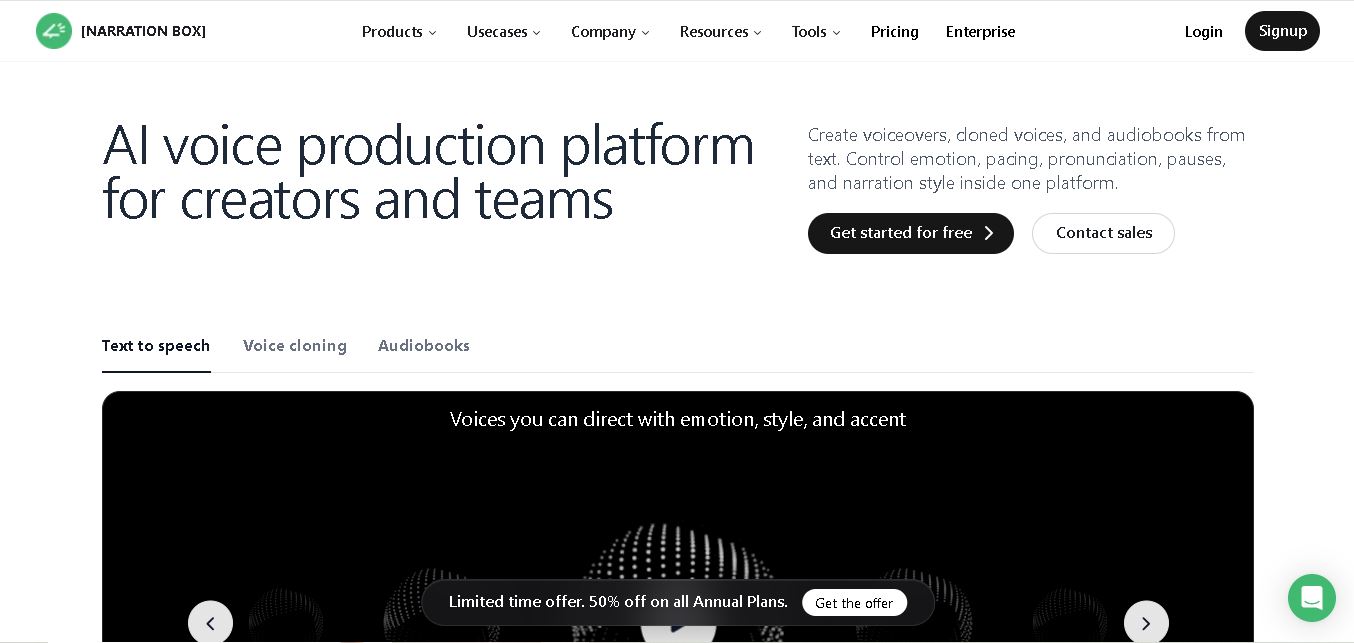
Narration Box is an AI voice generator for creating realistic voiceovers, audiobooks, podcasts, and educational audio from text. It offers over 1,500 AI narrators, 80+ languages and accents, voice cloning, and customizable emotional delivery. Its editing tools help creators produce consistent, multilingual audio content for personal and professional projects.
 4.7
4.7AudioBot
Text-to-Speech
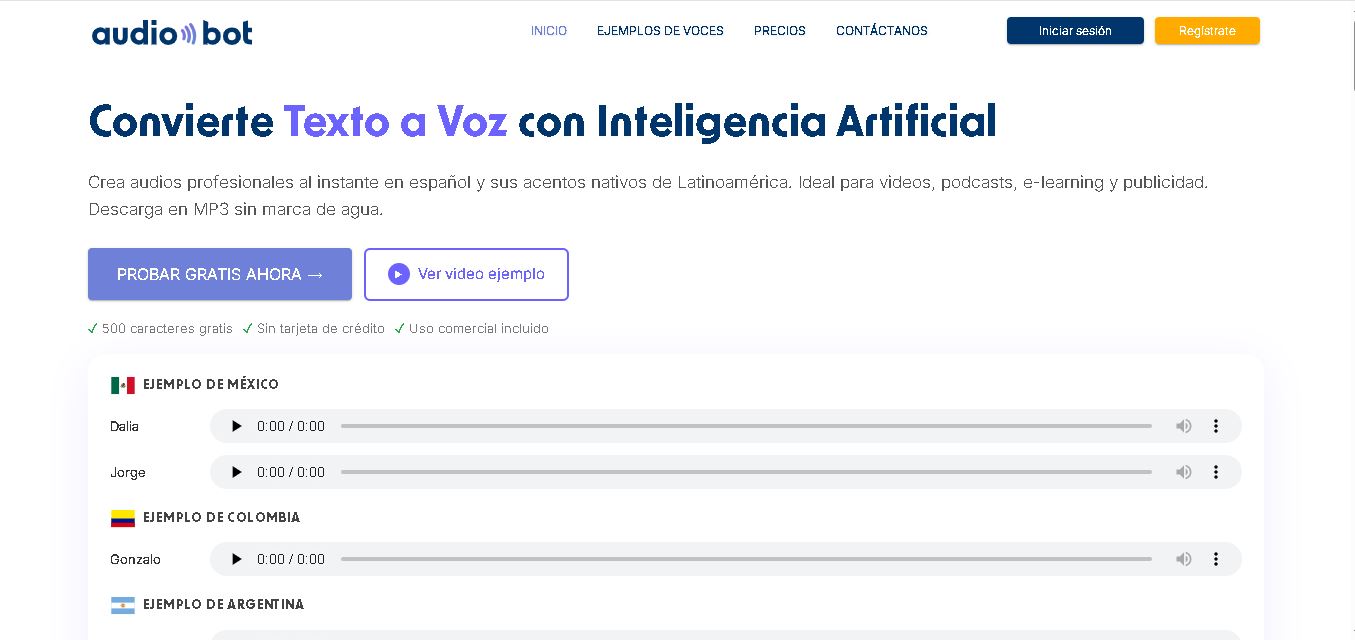
AudioBot converts written text into natural-sounding speech using AI-generated voices. It supports multiple languages and regional accents, making it useful for video voiceovers, presentations, educational materials, and audio content. Users can generate and download audio files, helping simplify narration workflows without requiring traditional recording equipment or voice talent.
 4.7
4.7Audie AI
Text-to-Speech
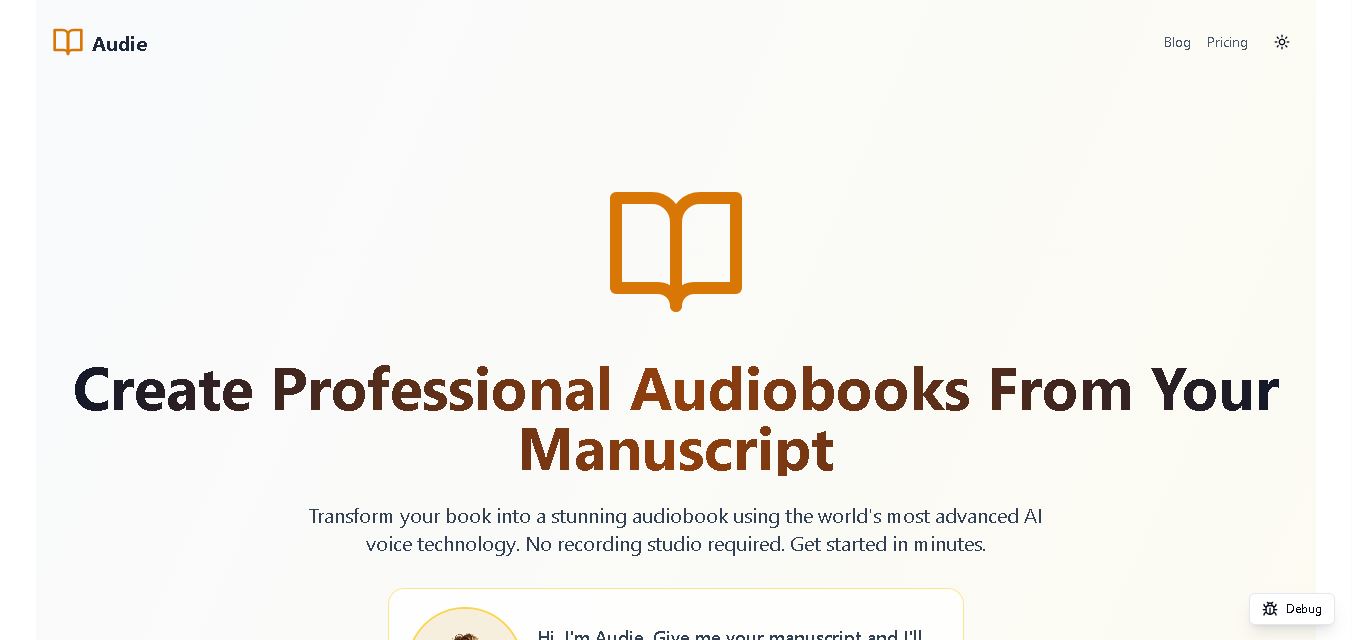
Audie AI is an audiobook creation tool that converts written manuscripts into narrated audio using AI-generated voices. It helps authors and publishers simplify production, explore different narration styles, and reduce reliance on traditional recording studios. With voice selection, advertised voice cloning, and downloadable audio, it supports more accessible audiobook creation for independent creators.
 4.6
4.6Speechelo
Text-to-Speech
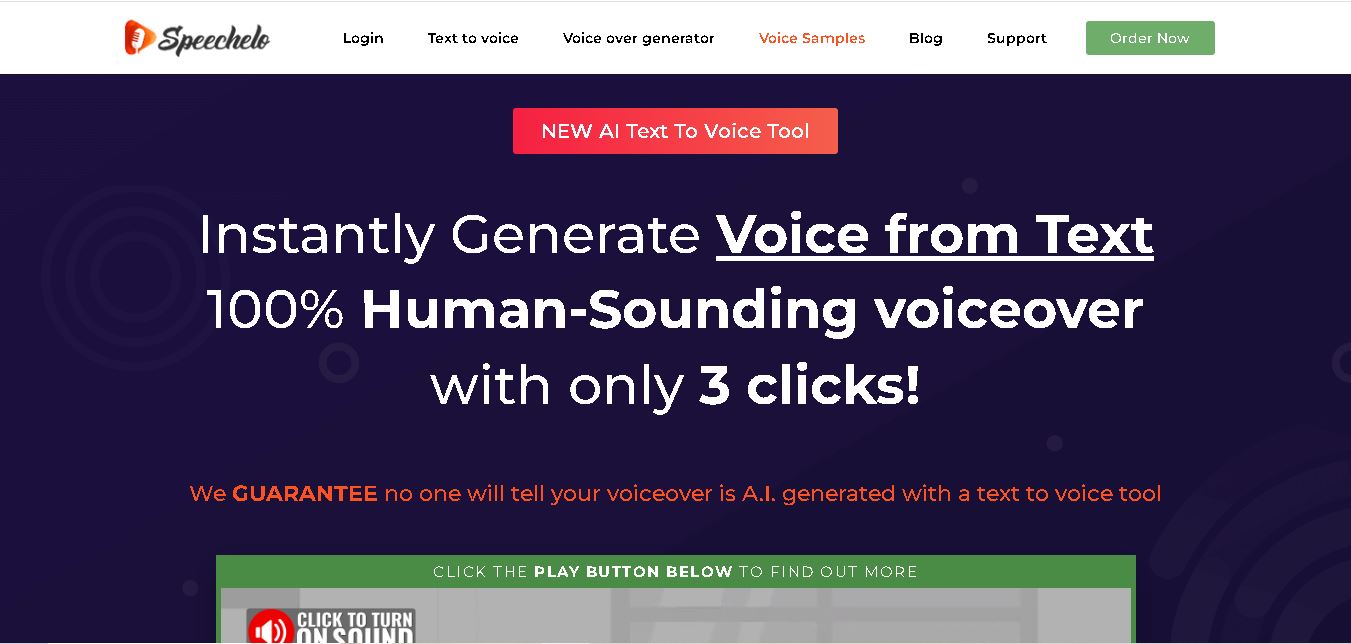
Speechelo is a text-to-speech tool designed to help creators turn written scripts into voiceovers. It offers different voices, languages, tones, and audio adjustments for creating narration. Video creators, educators, marketers, and content teams can use it to produce audio for tutorials, presentations, promotional videos, and other digital content projects.
 4.7
4.7Leelo AI
Text-to-Speech
Leelo AI helps you turn written content into natural-sounding speech without recording your own voice. You can choose from 800+ voices across 142 languages and accents, adjust available voice settings, generate audio, store files in the cloud, export recordings, and use generated speech commercially for different content and communication needs.