
Trickle
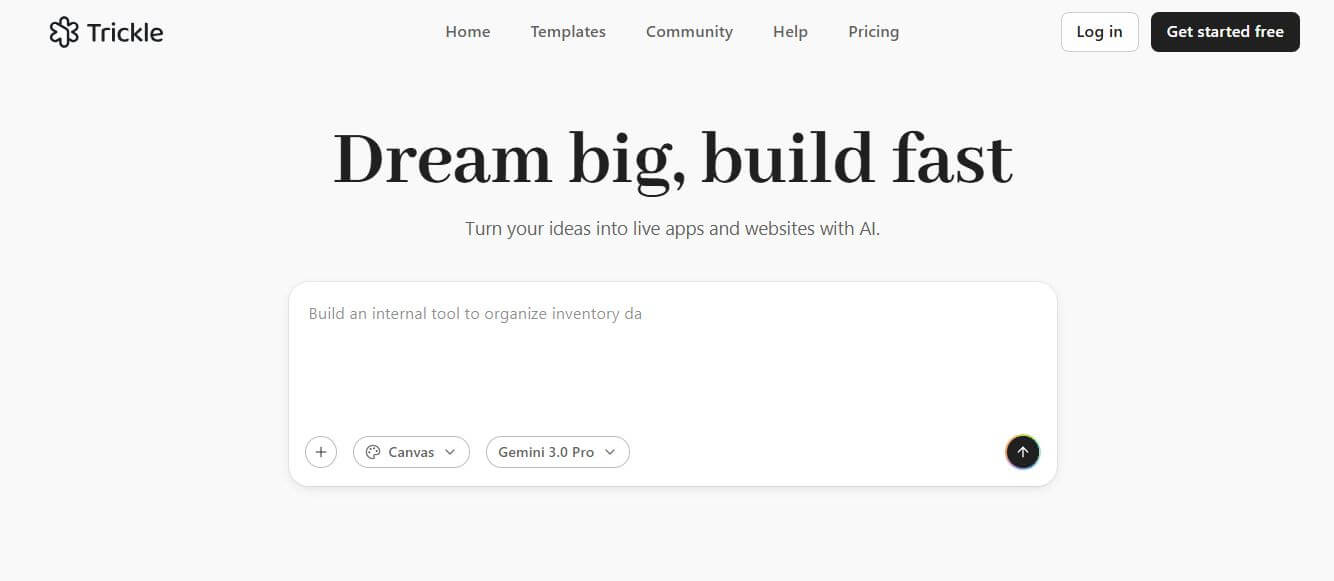
Trickle is an AI-powered builder that turns simple text prompts into fully functional websites, apps, and landing pages. It handles design, code, database, and deployment in one place, helping creators launch ideas quickly without coding or complex setup.
What is Trickle?
Trickle is an AI-powered website builder platform that lets you turn ideas into real apps and websites just by describing them in plain language. Instead of writing code or using complex builders, you simply type what you want, and the platform generates fully functional, deploy-ready products in seconds. It works like a “prompt-to-product” system—handling everything from UI design and backend logic to hosting and databases in one place. This makes it especially useful for founders, creators, and non-developers who want to launch quickly without technical overhead.
With built-in tools for coding, content creation, and deployment, Trickle simplifies the entire development process. Its goal is to make building software as easy as writing an idea, helping users move from concept to live product faster than traditional workflows.
Trickle transforms how digital products are built by bridging the gap between visual context engineering and full-stack software development. By integrating generative UI design, built-in databases, multimodal asset generation, and zero-configuration cloud hosting into a unified canvas, Trickle enables anyone to turn natural-language ideas into working software in minutes, with a free starter plan and paid tiers starting from $20 per month.
- Platform Model: Visual Agentic AI Canvas & Vibe Coding App Builder
- Core Interface: Trickle Magic Canvas
Use Cases:
- Building custom internal tools, CRM dashboards, and database-driven web apps without writing manual code
- Launching high-converting marketing landing pages, waitlists, and interactive lead capture forms in minutes
- Prototyping software MVPs (Minimum Viable Products) with live backend databases and user authentication
- Co-creating app flows visually with AI agents on an infinite canvas with side-by-side multi-page previews
- Automating structured data extraction, screenshot intelligence, and visual knowledge base curation
Technology:
- Visual context-engineering canvas integrating code synchronization and live UI rendering
- Agentic AI development pipeline capable of automatic continuation, error self-healing, and state management
- Integrated serverless backend architecture with built-in relational databases, user authentication, and global CDN hosting
Target Users:
- Startup founders and indie hackers rapidly validating and shipping commercial product ideas
- Product designers and UI/UX leads turning static wireframes into functional web applications
- Marketers and growth operators creating interactive lead funnels, directories, and calculator tools
- Non-technical professionals who want to build software solutions without learning full-stack coding
Acquisition: Operates as an independent visual AI software development platform

Key features of Trickle
Trickle's key features are
- Trickle Magic Canvas: An infinite visual workspace where you can lay out application pages, drop in rules and reference notes, and guide AI agents to generate real full-stack software.
- Bi-Directional Visual & Code Sync: Modify layouts and styling using intuitive drag-and-drop canvas controls while Trickle automatically reflects changes in the underlying code in real time.
- Multi-Page Parallel Preview: View and test multiple application pages and routing flows side-by-side on the same canvas to ensure cohesive user experiences.
- Built-in Relational Database: Set up tables, define schema relationships, and manage dynamic user data directly inside the platform without connecting third-party databases.
- Agentic Error Recovery: Autonomous AI agents that detect runtime issues, automatically debug broken logic, and resume code generation seamlessly.
- Integrated Multimodal Creation: Generate custom UI graphics, icons, and media assets on demand using integrated image and visual AI models.
- One-Click Instant Deployment: Publish your web applications and landing pages live to the web instantly with custom domain support and SSL security.
- Interactive Chat & Prompt Modes: Seamlessly toggle between conversational chat collaboration and spatial canvas manipulation depending on your building style.
Trickle Pricing
Trickle operates on a freemium model with a free starter tier for testing and scalable paid monthly and annual plans for production apps.
Free Plan:
- $0/month: Access to Magic Canvas, basic AI app and page generation, standard hosting, and community templates
Pro Plan:
- $20.00/month (billed monthly or discounted annually)
- Custom domain connectivity, larger database storage allowances, priority AI generation speed, and watermark removal
Premium / Team Plan:
- $50.00/month
- Expanded AI execution capacity, multi-seat team collaboration, advanced database quotas, dedicated hosting bandwidth, and priority support
Disclaimer: For current credit pack additions, custom enterprise builds, and latest tier updates, please visit the official Trickle website at trickle.so.
Who is using Trickle?
Trickle is used by creators, operators, and builders worldwide, including
- Bootstrapped Founders: Prototyping and launching functional web applications and SaaS MVPs in days instead of months
- Growth & Inbound Marketers: Designing interactive landing pages, calculators, and client intake forms that sync with backends
- Designers & Creative Directors: Turning visual ideas and wireframes directly into live, interactive web prototypes
- Operations Teams: Assembling custom internal business dashboards, project trackers, and resource directories
Best Trickle Alternatives
Some of the strongest Trickle alternatives include
Pros and Cons of Trickle
Pros
- Spatial canvas approach provides visual context that linear text-only AI chatbots cannot match
- Generates fully functional, production-ready apps with built-in databases rather than static mockups
- Side-by-side multi-page previews make structural application planning clear and intuitive
- Drag-and-drop adjustments synchronize seamlessly with production-grade code
- Accessible pricing with a generous free plan to start building immediately
Cons
- Custom domains and production database scaling require upgrading to paid plans ($20+/mo)
- Highly complex multi-tier enterprise microservice architectures still require dedicated developer pipelines
- The spatial canvas workflow may require a brief mindset shift for users accustomed to traditional code editors
Why Choose Trickle?
Traditional software development is slow, and generic chatbot coding tools lack visual awareness. Trickle unites spatial design with autonomous AI coding to make software creation as visual and natural as sketching on a whiteboard.
- Allows you to visually guide AI agents with clear canvas context, reference assets, and rules
- Eliminates separate hosting, database setup, and frontend wiring by providing an all-in-one ecosystem
- Lets you preview and interact with complete multi-page workflows simultaneously
- Empowers non-engineers to build and ship real, functional software without writing code
Trickle vs. Competitors
The main difference between Trickle, v0 by Vercel, Lovable, and Bolt.new lies in spatial canvas context and visual collaboration. While v0 focuses on isolated React UI component generation, and Bolt.new runs full-stack dev environments inside a browser IDE, Trickle uses an agentic spatial canvas (Magic Canvas) where design assets, databases, and multi-page flows sit together visually for seamless vibe coding.
| Feature / Tool | Trickle (trickle.so) | v0 by Vercel | Lovable | Bolt.new |
|---|---|---|---|---|
| Core Focus | Agentic Spatial Canvas & Vibe Coding | Generative React UI Components | AI Full-Stack App Builder | In-Browser WebContainer IDE |
| Visual Spatial Canvas | Yes (Magic Canvas interface) | No (Chat + single preview) | No (Chat + app preview) | No (Code IDE + live view) |
| Multi-Page Parallel Previews | Yes (Side-by-side canvas flows) | No | No | No |
| Built-in Relational Database | Yes (Integrated data handling) | External setup (Supabase) | Yes (Supabase integration) | In-memory / external DB |
| Best For | Founders wanting visual app co-creation | Frontend developers needing clean UI code | Indie hackers building full-stack apps | Developers wanting in-browser Node dev |
How do we rate Trickle?
| Parameter | Rating (out of 5) |
|---|---|
| Agentic Canvas & Visual Building UX | 4.9 |
| Code Generation & App Quality | 4.8 |
| Database & Full-Stack Capabilities | 4.7 |
| Deployment & Hosting Ease | 4.9 |
| Value for Money | 4.8 |
| Overall Score | 4.82 |
Trickle Review
Trickle brings a refreshing and intuitive vision to the vibe coding and AI development era. By replacing linear, disconnected chat boxes with an interactive spatial canvas, it gives creators the spatial context needed to build complex, multi-page applications without confusion. The tight integration between visual drag-and-drop tweaks, automatic database storage, and production-ready code generation makes Trickle an exceptional platform for anyone looking to build and deploy web software at the speed of thought.
Conclusion
Trickle AI is a powerful prompt-based platform that turns simple ideas into fully functional websites and apps—without requiring coding or design skills. By allowing users to describe what they want in natural language, it instantly generates layouts, logic, and deployable projects, making it one of the fastest ways to go from concept to live product. Its biggest strength lies in speed and accessibility. With features like built-in hosting, database support, and a visual “Magic Canvas” workspace, users can build, edit, and iterate in real time using just prompts. While complex applications may still require refinement, the ability to prototype and launch quickly is a major advantage.
FAQ
What is Trickle AI?
Trickle AI is an AI-powered app and website builder that lets you create full web apps, landing pages, and tools using simple natural language prompts. Instead of coding manually, you describe what you want, and the platform generates a working product instantly.
How does Trickle AI work?
Trickle works on a prompt-based system. You type instructions like “build a landing page” or “create a signup app,” and the AI generates the design, layout, and logic automatically. It handles both frontend and backend tasks behind the scenes.
What can you do with Trickle AI?
With Trickle, you can build websites, web apps, forms, landing pages, and even simple tools. It also includes features like hosting, database management, and design customization—all inside one platform.
Do you need coding skills to use Trickle?
No, Trickle is designed for non-developers as well. You can create apps just by describing your idea in plain English, making it accessible for founders, marketers, and beginners.
What makes Trickle different from other website builders?
Unlike traditional builders that rely on drag-and-drop or manual coding, Trickle uses “prompt-driven development.” This means you can build and update your app simply by typing instructions, which makes the process much faster and more flexible.
Is Trickle AI free to use?
Yes, Trickle offers a free plan with limited usage, including a set number of AI messages, projects, and database capacity. Paid plans provide more usage limits, custom domains, and advanced features.
User Reviews
No reviews yet for Trickle.
Featured Tools
Featured AI tools from TechShark

Melody Genie
MelodyGenie is an AI-powered music generator that creates original songs from simple text prompts. Users can choose styles, moods, and genres, then instantly generate melodies and full tracks, making it easy for creators, marketers, and hobbyists to produce custom music without musical expertise.
Freemium

Kimi AI
Kimi AI is an advanced AI assistant developed by Moonshot AI that helps you chat, research, write, code, and automate tasks in one place. It supports web search, file analysis, and multimodal inputs, and can even run autonomous “agent” workflows to complete complex tasks end-to-end.
Freemium

Fashion Diffusion AI
Fashion Diffusion is an AI-powered fashion design platform that helps brands and designers create clothing designs, virtual try-ons, AI models, product photos, and marketing visuals faster and cost-effectively.
Paid

Veo 4
Veo 4 AI is an AI video creation platform that generates dramatic videos from text, images, audio, and video prompts using realistic motion and synchronized sound.
Paid
Alternatives
Alternatives to Trickle
The best Trickle alternatives include v0 by Vercel, Lovable, Bolt.new, B12 AI, Framer AI, and Webflow. These platforms provide AI-powered web building, UI component generation, and full-stack software development tools. While Trickle specializes in an agentic spatial canvas with multi-page parallel previews, built-in databases, and visual drag-and-drop code synchronization, alternatives like v0 focus on individual React UI code generation, and Bolt.new operates as an in-browser developer IDE.
 4.9
4.9GPT Engineer
Low-code/No-code
GPT Engineer is an open-source AI coding framework that helps developers generate and improve software from natural-language instructions. It works through a command-line workflow, allowing users to provide project requirements, generate code, execute development steps, and request changes. It also supports customizable prompts, vision-capable models, alternative model providers, Docker, and benchmarking workflows.
Klarent
Low-code/No-code
Klarent (by Fore AI) is an autonomous, AI-powered, no-code QA test automation platform designed to create, execute, and self-heal end-to-end tests for web, native iOS, Android, and cross-platform applications.
 4.8
4.8Glif
Low-code/No-code
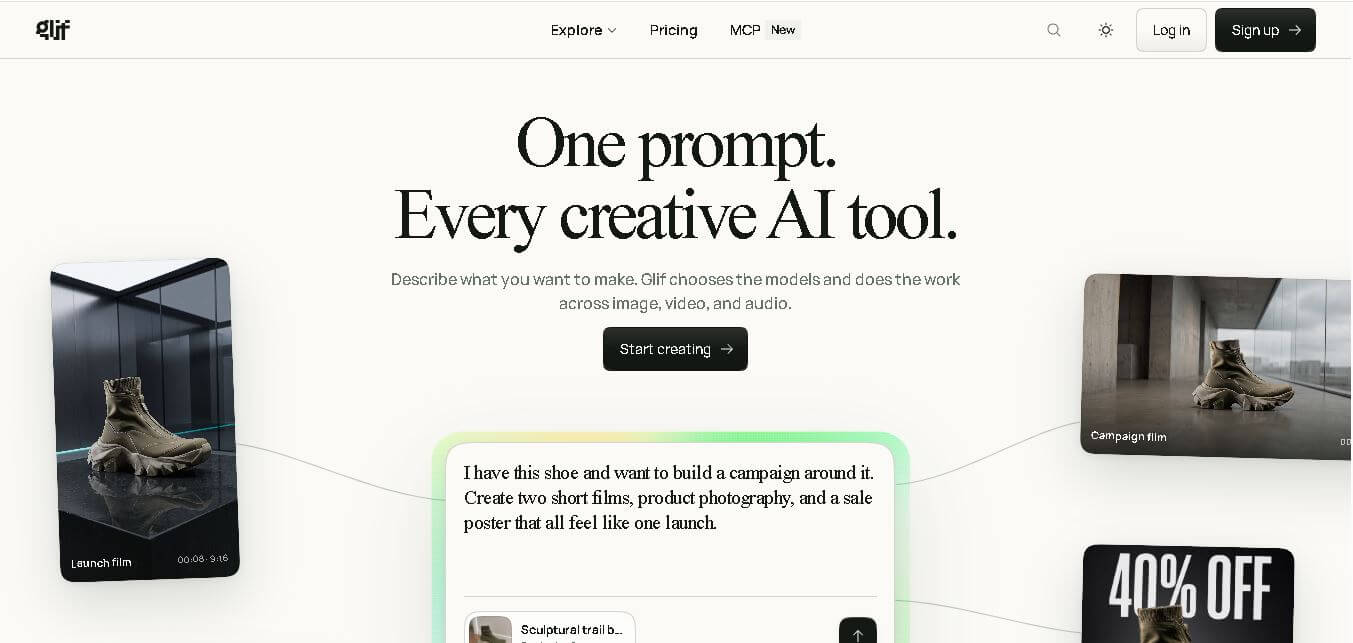
Glif is a conversational creative AI tool for generating images, videos, audio, text, advertisements, product visuals, social media content, and more. It selects suitable AI models and tools based on your request, allowing creators and marketers to develop complete creative projects without manually managing multiple AI platforms or complicated production workflows.
 4.8
4.8Visily AI
Low-code/No-code
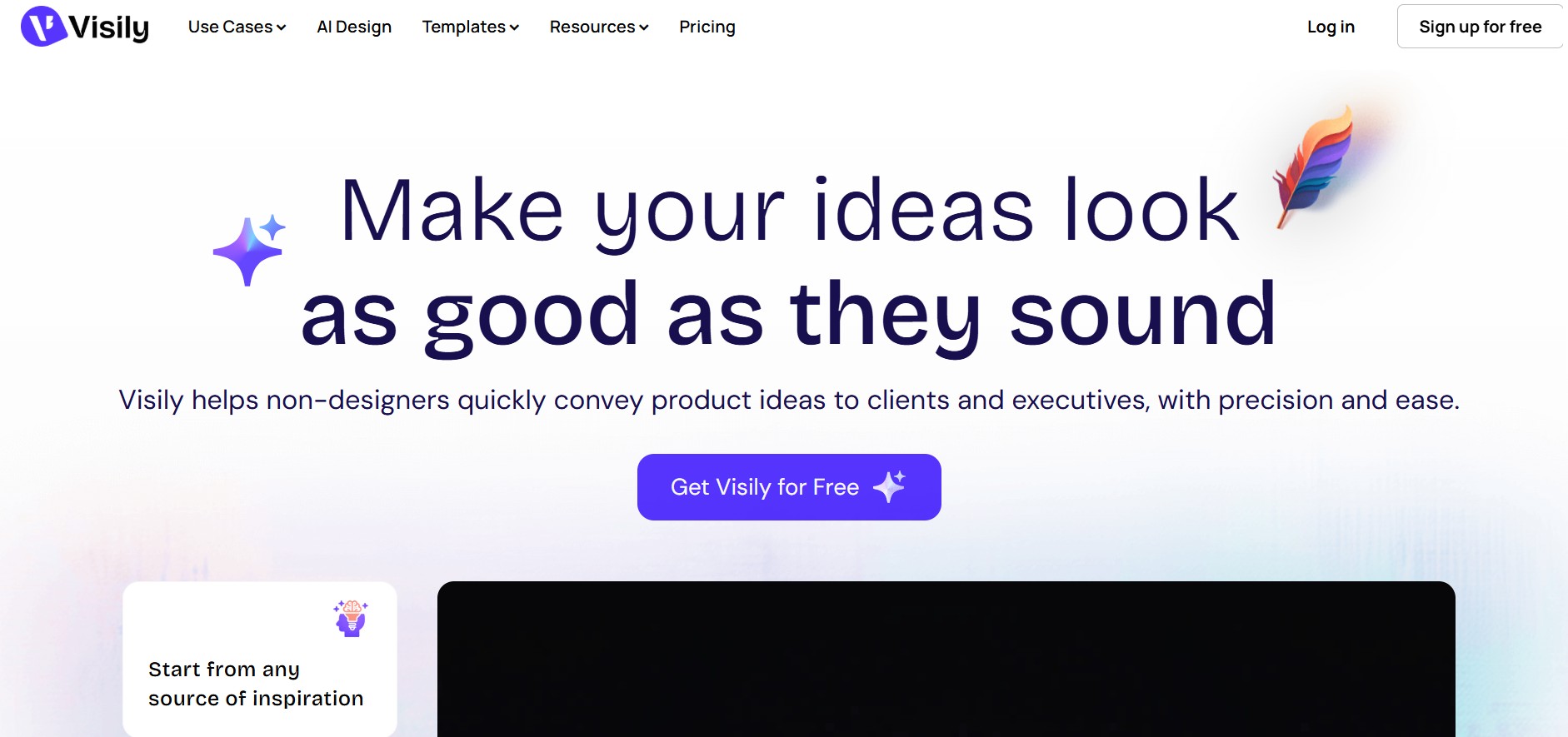
Visily helps teams transform ideas into editable UI designs, wireframes, mockups, diagrams, and prototypes using AI, templates, screenshots, and text prompts. Its collaborative canvas makes it easier for non-designers and product teams to visualize concepts, gather feedback, refine interfaces, and prepare designs for developer or Figma handoff without requiring advanced design skills.
 4.9
4.9Anakin AI
Low-code/No-code
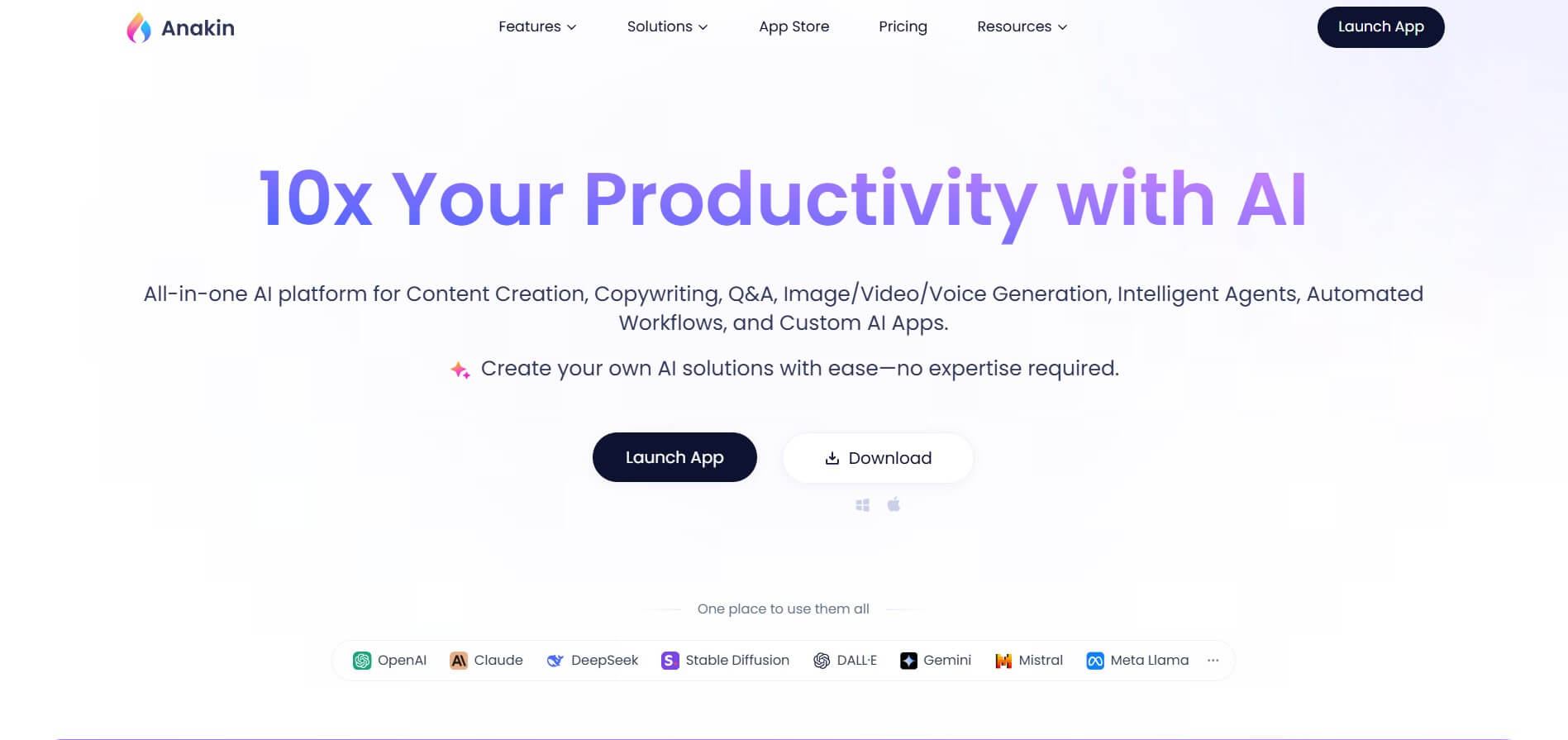
Anakin AI is an all-in-one no-code AI platform and app builder that unifies 1,000+ pre-built AI applications, drag-and-drop workflow automation, batch processing, and multi-model access (OpenAI, Claude, DeepSeek, Gemini, and Grok) under a single interface.
 4.8
4.8Figma Sites
Low-code/No-code
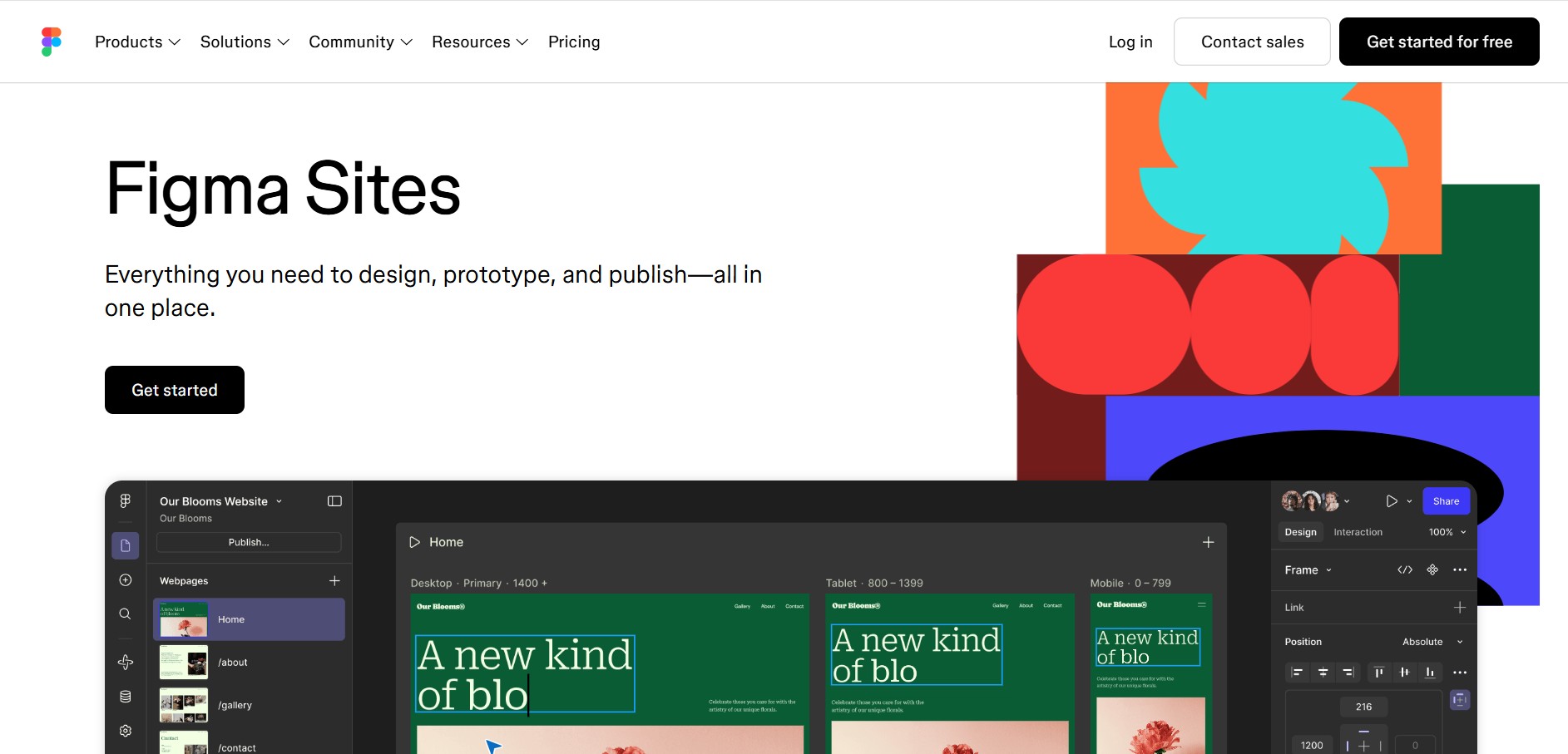
Figma Sites helps designers create, customize, and publish responsive websites directly from the Figma ecosystem. You can reuse existing designs, apply responsive layouts, add interactions, manage website content through CMS, and customize experiences with code or AI. It is especially useful for portfolios, landing pages, business websites, events, and creative projects.
 4.7
4.7Base44 Builder
Low-code/No-code
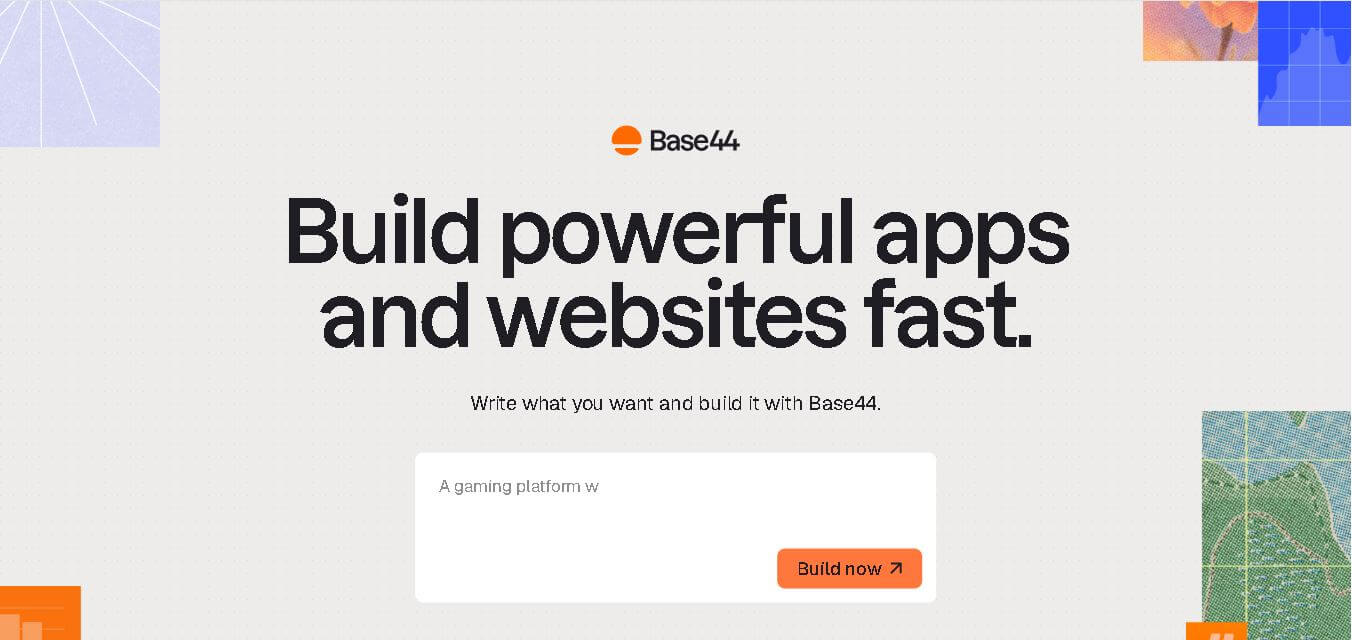
Base44 is a no-code application builder that helps individuals and teams transform ideas into functional apps, websites, and AI agents through simple text prompts. It combines design, hosting, authentication, databases, integrations, and deployment into one workspace, allowing users to build, test, refine, and launch digital products without complex technical setup.
 4.8
4.8WeWeb
Low-code/No-code
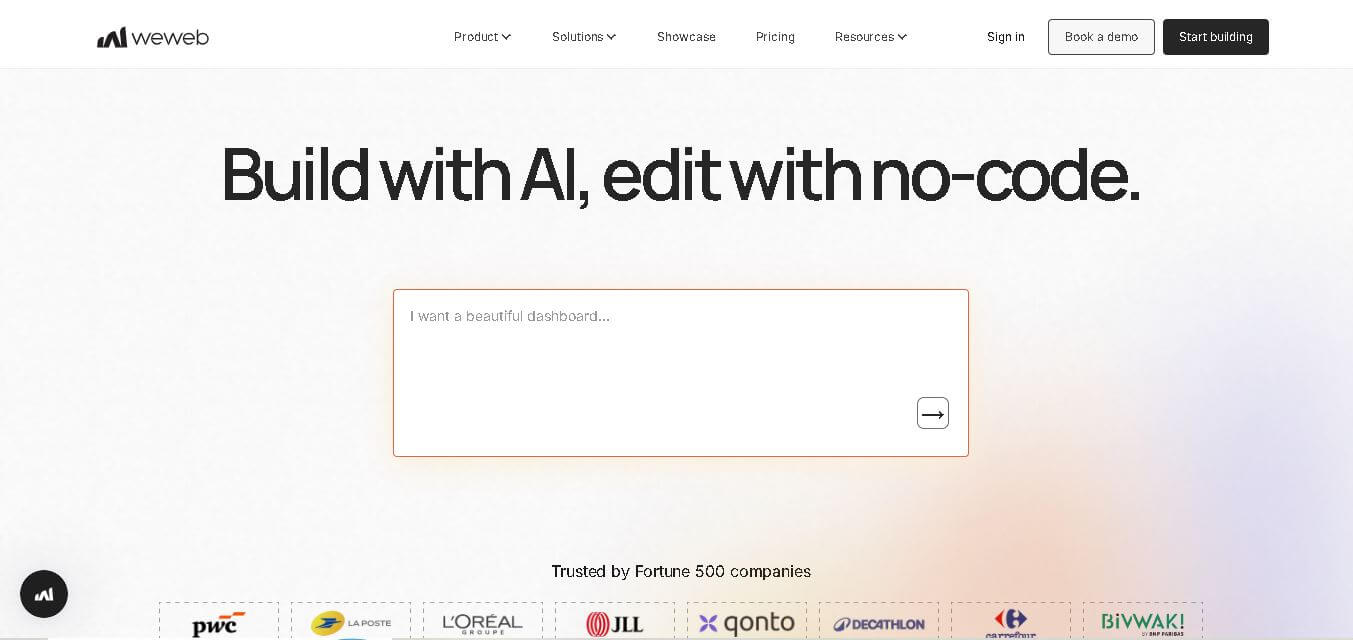
WeWeb is a visual web application builder that enables users to create responsive, production-ready applications without extensive coding. It combines drag-and-drop development, AI-assisted workflows, API integrations, and code export, making it suitable for startups, enterprises, agencies, and developers building custom business applications with complete frontend flexibility.
 4.8
4.8Dust
Low-code/No-code
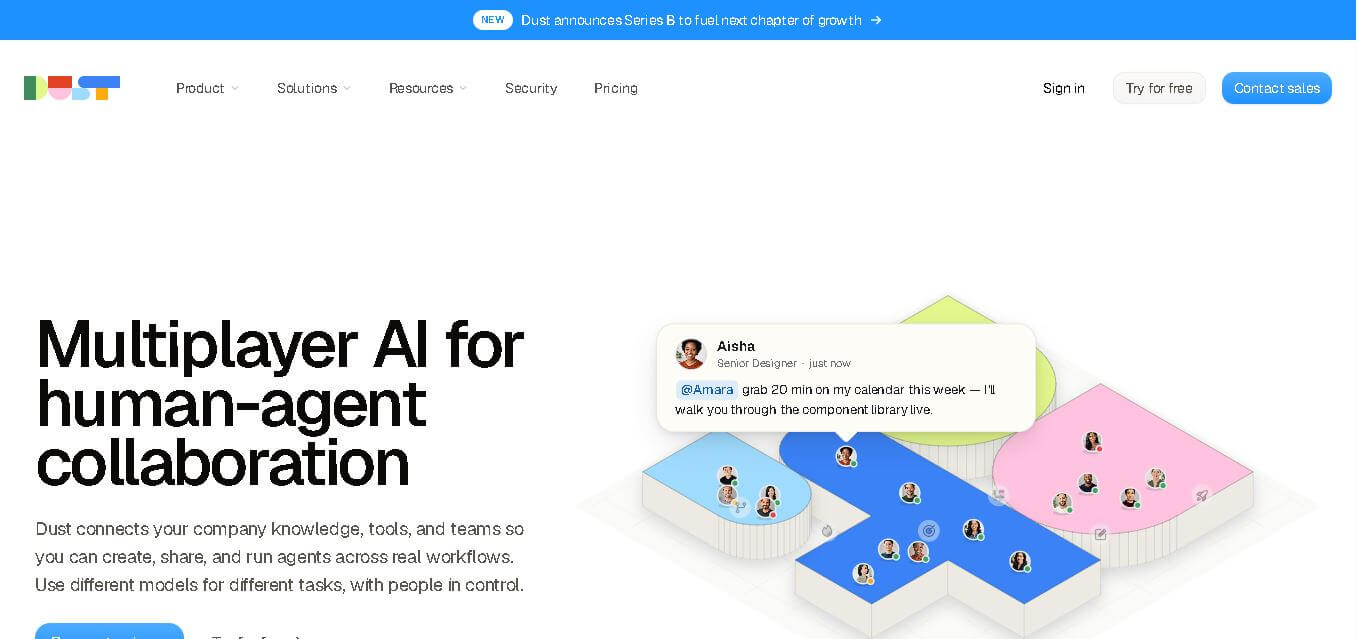
Dust helps teams build and run AI agents that work with company knowledge, connected business tools, and people. It supports collaborative workflows across departments, lets teams choose from 20+ AI models, and provides features for agents, skills, Pods, automations, governance, and usage monitoring.