
ReadSpeaker
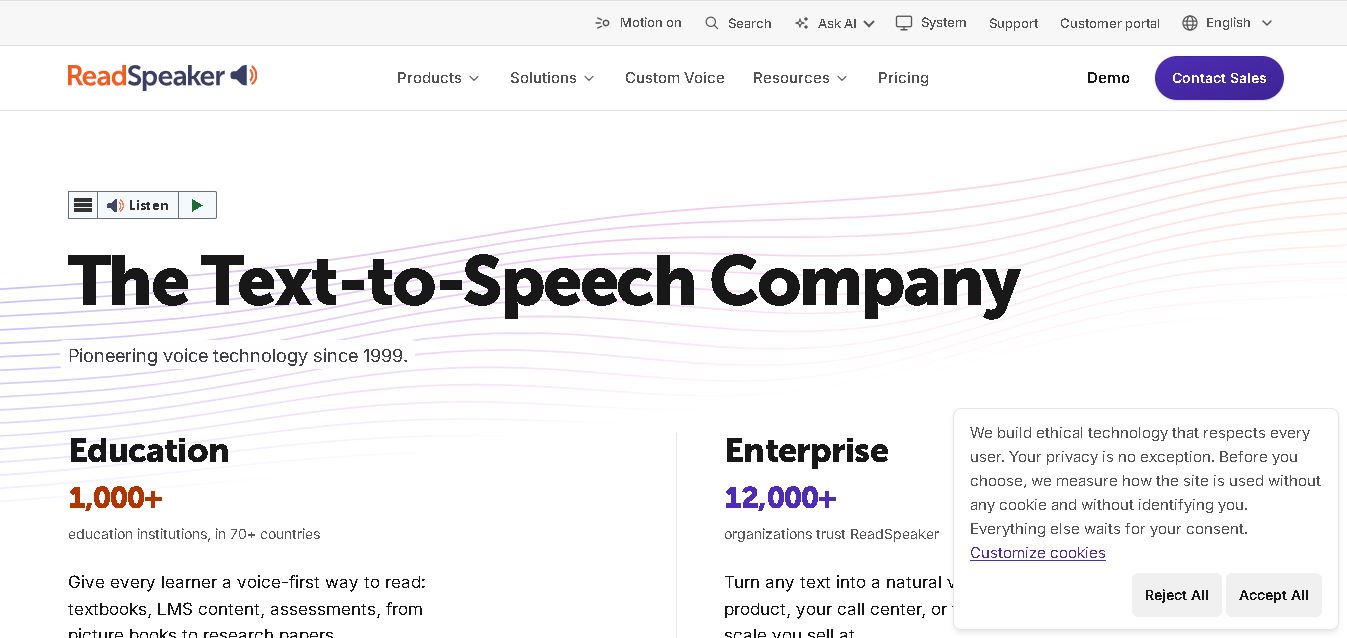
ReadSpeaker helps organizations turn written content into natural-sounding speech for websites, documents, education, applications, and enterprise systems. With 300+ voices and 90+ languages, it supports accessibility, multilingual communication, digital learning, voice generation, and embedded experiences. Its solutions can run through cloud, on-premise, hybrid, offline, and embedded deployment models for organizations.
What is ReadSpeaker?
ReadSpeaker is a text-to-speech technology provider that converts written content into natural-sounding spoken audio for websites, documents, learning environments, applications, and enterprise systems. It offers neural voices, accessibility tools, APIs, SDKs, document reading, voice creation, and offline deployment options. Organizations can use ReadSpeaker to make digital information easier to hear, understand, and access across devices, languages, and user needs.
ReadSpeaker has more than 25 years of speech technology experience, offering 300+ neural voices across 90+ languages. Its webReader is used by 12,000+ organizations across 70+ countries, while its education solutions support more than 1,000 institutions in 70 countries. ReadSpeaker also supports cloud, on-premise, hybrid, offline, and embedded deployments, giving organizations flexible options for accessibility, learning, voice generation, and enterprise applications. Its portfolio covers education, workplace learning, enterprise, accessibility, and embedded voice use cases across many digital environments.
- Parent Company: HOYA Corporation (VoiceText / ReadSpeaker Group)
- Launch Year: 1999
Use Cases:
- Enabling website accessibility and bimodal text-to-speech reading for users with visual impairments or dyslexia
- Integrating cloud-based speech tools into Higher Ed and K-12 Learning Management Systems (LMS)
- Generating custom brand voices for customer care IVR, conversational AI, smart appliances, and automotive devices
- Creating downloadable MP3 audio files and synchronized speech for corporate L&D and e-learning courses
Technology:
- Proprietary Deep Neural Network (DNN) speech synthesis engine producing natural-sounding human voices
- Cloud SaaS APIs, local SDKs, and server-side speech components for cross-platform integration
- Bimodal text highlighting engines for synchronized reading and listening comprehension
Target Users:
- Higher Education accessibility officers and instructional designers optimizing course materials for UDL compliance
- Enterprise AppSec, UI/UX, and accessibility teams upgrading web platforms to conform to WCAG 2.1 standards
- Product managers and developers building voice-enabled mobile applications, IoT devices, and automotive interfaces
- Content creators using writing tools to draft script outlines, accessibility documentation, and instructional materials
Corporate Entity: Operates under HOYA Corporation (ReadSpeaker LLC / ReadSpeaker B.V.)

Key features of ReadSpeaker
ReadSpeaker's key features are
- webReader & docReader Widgets: One-click website and document text-to-speech widgets that read HTML pages, PDFs, and Word documents aloud with synchronized word-by-word highlighting.
- LMS Native Integrations: Deep plug-and-play integrations with popular learning platforms including Canvas, Brightspace by D2L, Moodle, and Blackboard.
- Custom Brand Voice Creation: Tailor-made neural AI voice building that gives enterprise brands a unique, exclusive voice identity across digital touchpoints.
- SpeechCloud API & SDKs: Flexible cloud APIs and lightweight local SDKs allowing developers to embed voice capabilities into iOS, Android, web, and embedded devices.
- Personalized Reading Tools: Features like screen masking, font scaling, page magnification, dictionary lookup, translation, and text-only focus modes.
- Offline Audio Generation: Allows end users and educators to convert written materials into downloadable MP3 files for mobile listening.
- High Security & Compliance Standards: Fully compliant with WCAG 2.1 AA guidelines, ADA requirements, and strict enterprise data privacy frameworks (GDPR/FERPA).
ReadSpeaker Pricing
ReadSpeaker operates on an enterprise quote-based pricing model customized to organization size, deployment type, API volume, or institutional headcount.
Higher Education & K-12 Institutional Tier:
- Custom quote-based annual licensing based on Full-Time Equivalent (FTE) student headcount; includes full LMS integration, webReader, and docReader deployment
Enterprise & Web Accessibility Tier:
- Custom quote-based subscription based on domain traffic, page views, or required language models for website speech-enabling
Developer & SpeechCloud API Tier:
- Custom usage-based pricing or annual commitment tiers based on character volume and API request frequency
Disclaimer: ReadSpeaker does not offer a public self-service consumer tier. Free personalized demos and custom pricing proposals are available upon request. For details, visit readspeaker.com.
Who is using ReadSpeaker?
ReadSpeaker is designed for educational systems, enterprise organizations, and developers, including
- Universities & K-12 School Districts: Providing accessibility accommodations and supporting UDL standards across course portals
- Government & Public Sector Portals: Ensuring official websites comply with accessibility laws and reach diverse populations
- Enterprise Brands & Customer Support: Building custom neural voices for interactive voice response (IVR) systems and virtual assistants
- Content Creators: Using writing tools to draft script outlines, accessibility documentation, and instructional materials
Best ReadSpeaker Alternatives
Some of the strongest ReadSpeaker alternatives include
- Amazon Polly
- Google Cloud Text-to-Speech
- Microsoft Azure Speech Services
- Speechify
- NaturalReader Commercial
- ElevenLabs
Pros and Cons of ReadSpeaker
Pros
- Unmatched LMS ecosystem integration (Canvas, Brightspace, Blackboard, Moodle) for educational accessibility
- Over 110 natural-sounding neural voices across 35+ languages tailored for diverse international audiences
- Full WCAG 2.1 AA compliance out of the box with zero data collection or tracking on user listening habits
- Comprehensive suite of learning tools including bimodal highlighting, text magnification, and dictionary lookup
- Custom voice development services available for enterprise brand identity
Cons
- Requires sales outreach and custom enterprise contract scoping (no instant self-service sign-up)
- Primarily structured for institutional and enterprise deployments rather than individual solo creators
- Custom voice generation and developer API options carry enterprise-level costs
Why Choose ReadSpeaker?
ReadSpeaker is the gold standard for institutions and enterprises seeking complete, compliant, and deeply integrated text-to-speech accessibility.
- Integrates seamlessly into existing LMS and web portals without complex development work
- Enhances learning outcomes through proven UDL-compliant bimodal reading and highlighting tools
- Guarantees strict user privacy and compliance with international accessibility regulations
- Backed by decades of dedicated voice AI research and HOYA Corporation's global infrastructure
- Offers end-to-end voice solutions from web widgets to custom branded synthetic neural voices
ReadSpeaker vs. Competitors
The main difference between ReadSpeaker, Amazon Polly, Google Cloud Text-to-Speech, and Speechify is that ReadSpeaker offers complete turn-key web widgets, document readers, and native LMS integrations designed specifically for enterprise accessibility and education compliance out of the box, whereas Amazon Polly and Google Cloud TTS are raw cloud developer APIs requiring custom development, and Speechify is primarily a consumer-focused speed reading application.
| Feature / Tool | ReadSpeaker (readspeaker.com) | Amazon Polly | Google Cloud TTS | Speechify |
|---|---|---|---|---|
| Core Focus | Enterprise Accessibility & LMS Speech Solutions | Cloud Developer Speech Synthesis API | Cloud Developer Voice Generation API | Consumer & Individual Speed Reading App |
| LMS Integration | Native (Canvas, Brightspace, Moodle, Blackboard) | Requires Custom API Integration | Requires Custom API Integration | Browser Extension / App Only |
| Web Accessibility Widgets | Yes (webReader & docReader embedded widgets) | No (API only) | No (API only) | Chrome Extension widget |
| Custom Brand Voices | Yes (Bespoke enterprise neural voice creation) | Yes (AWS Brand Voice program) | Yes (Custom Voice add-on) | No (Standard voice library) |
| Starting Price Range | Quote-based Enterprise / Institutional Licensing | Pay-as-you-go (~$4 per 1M characters) | Pay-as-you-go (~$4–$16 per 1M characters) | Free / ~$11.58–$29.00/month |
| Best For | Turn-key institutional accessibility & LMS deployment | Developer app integration within AWS stack | Developer app integration within Google Cloud | Individual personal reading & study productivity |
How do we rate ReadSpeaker?
| Parameter | Rating (out of 5) |
|---|---|
| Voice Quality & Naturalness | 4.8 |
| LMS & Web Integration Capability | 5.0 |
| Accessibility & UDL Features | 4.9 |
| Language & Voice Variety | 4.8 |
| Value for Money | 4.7 |
| Overall Score | 4.84 |
ReadSpeaker Review
ReadSpeaker has long set the standard for accessible text-to-speech solutions across global education and enterprise sectors. Rather than focusing solely on consumer audio generation or raw developer APIs, ReadSpeaker bridges the gap with completely packaged accessibility widgets and deep native LMS integrations. Features like bimodal reading, document rendering, and font adjustment empower diverse learners and users with disabilities to access digital content effortlesly. With a robust global voice portfolio, custom brand voice capabilities, and strict compliance with global privacy and accessibility laws, ReadSpeaker remains a premier choice for institutions prioritizing digital inclusion.
Conclusion
ReadSpeaker is a strong choice for organizations that need reliable text-to-speech, accessibility, multilingual support, or scalable voice technology. Its broad language coverage, neural voices, educational tools, APIs, SDKs, and flexible deployment options make it suitable for varied use cases. Whether you manage a website, LMS, enterprise application, or assistive technology product, ReadSpeaker provides configurable solutions designed for inclusive digital experiences.
FAQ
What can ReadSpeaker be used for?
ReadSpeaker is useful when you want visitors, students, employees, or customers to listen instead of reading. It can turn website content, documents, learning materials, and other digital text into spoken audio. Its accessibility-focused features, multilingual voices, highlighting, adjustable speed, and browser-based options make content easier to consume across different needs.
How many languages and voices does ReadSpeaker support?
Yes. ReadSpeaker supports more than 90 languages and offers 300+ voices across its solutions. Language and voice availability depends on the specific product, but organizations can support accents and multilingual audiences. This makes ReadSpeaker suitable for websites, education, enterprise communication, accessibility programs, and applications serving users with varied language preferences.
What products does ReadSpeaker offer?
ReadSpeaker offers several products rather than one specific tool. webReader adds text-to-speech to websites, docReader reads documents, TextAid provides literacy support, and speech Maker supports voice content creation. Developers can also use APIs and SDKs for integration. This range lets organizations choose solutions based on accessibility, education, content, or application requirements.
How much does ReadSpeaker cost?
ReadSpeaker pricing depends on the product, deployment, usage, languages, licenses, and organization size. Its models can include subscriptions, annual licensing, pay-per-use, or customized enterprise agreements. TextAid individual subscriptions start at $9 per month, while institutional and enterprise solutions require tailored pricing. Contact ReadSpeaker for a quote based on your needs.
Is ReadSpeaker suitable for accessibility?
Yes. ReadSpeaker offers accessibility features designed to help people with dyslexia, low vision, reading difficulties, language-learning needs, and other accessibility requirements. webReader supports keyboard access, adjustable speed, voice and font settings, highlighting, and reading aids. ReadSpeaker also states that webReader is WCAG 2.2 AA compliant, supporting more inclusive experiences.
Can ReadSpeaker be integrated into websites and applications?
ReadSpeaker can be integrated into websites, learning management systems, applications, documents, and other online environments. Its portfolio includes APIs, SDKs, embedded solutions, and server-based options. Depending on the product, deployment can be cloud-based, on-premise, hybrid, offline, or embedded, giving technical teams and developers flexibility when building speech-enabled digital experiences today.
User Reviews
No reviews yet for ReadSpeaker.
Featured Tools
Featured AI tools from TechShark

Melody Genie
MelodyGenie is an AI-powered music generator that creates original songs from simple text prompts. Users can choose styles, moods, and genres, then instantly generate melodies and full tracks, making it easy for creators, marketers, and hobbyists to produce custom music without musical expertise.
Freemium

Kimi AI
Kimi AI is an advanced AI assistant developed by Moonshot AI that helps you chat, research, write, code, and automate tasks in one place. It supports web search, file analysis, and multimodal inputs, and can even run autonomous “agent” workflows to complete complex tasks end-to-end.
Freemium

Fashion Diffusion AI
Fashion Diffusion is an AI-powered fashion design platform that helps brands and designers create clothing designs, virtual try-ons, AI models, product photos, and marketing visuals faster and cost-effectively.
Paid

Veo 4
Veo 4 AI is an AI video creation platform that generates dramatic videos from text, images, audio, and video prompts using realistic motion and synchronized sound.
Paid
Alternatives
Alternatives to ReadSpeaker
The best ReadSpeaker alternatives include Amazon Polly, Google Cloud Text-to-Speech, Microsoft Azure Speech Services, Speechify, NaturalReader Commercial, and ElevenLabs. These platforms provide speech synthesis, accessibility tools, and audio generation APIs. While ReadSpeaker excels with out-of-the-box LMS integrations, web accessibility widgets, and UDL educational tools, alternatives like Amazon Polly and Google Cloud TTS offer direct developer cloud APIs, and Speechify caters primarily to individual personal reading productivity.
 4.9
4.9KittenTTS Web
Text-to-Speech
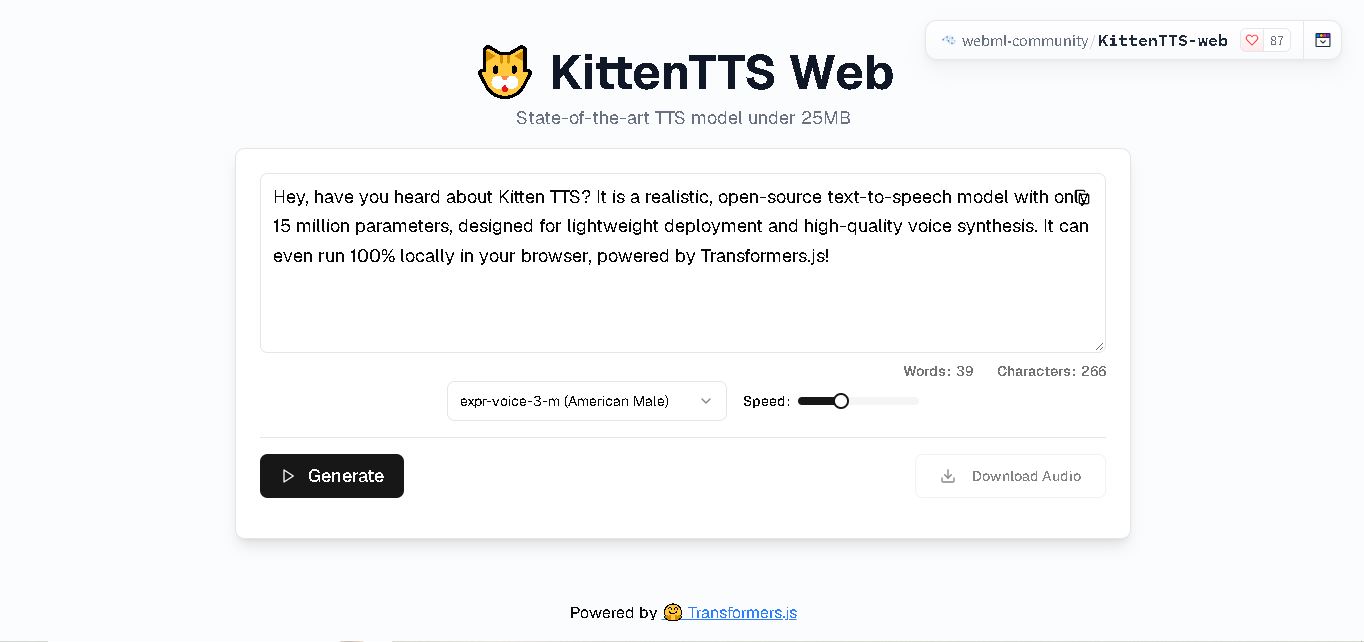
KittenTTS Web is a lightweight text-to-speech demo hosted on Hugging Face Spaces. It helps users explore how written text can be transformed into spoken audio using neural voice synthesis. The project is particularly relevant to developers, content creators, and accessibility-focused users interested in experimenting with compact speech generation technology directly through a web browser.
 4.9
4.9Parler-TTS
Text-to-Speech
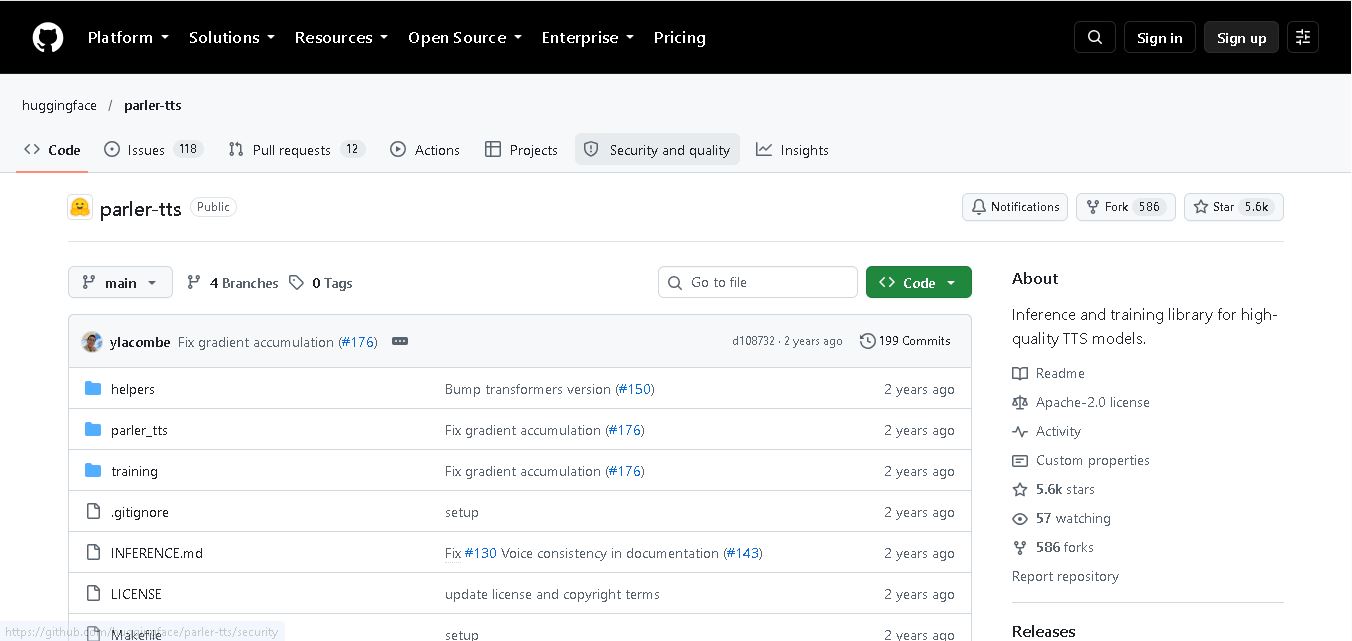
Parler-TTS is an open-source text-to-speech tool that transforms written content into natural-sounding audio. It lets developers describe voice characteristics using natural language, including pitch, speaking speed, and recording quality. With publicly available model weights, training resources, and customizable checkpoints, it supports experimentation, research, and tailored speech-generation applications across projects.
 4.9
4.9IMS Toucan
Text-to-Speech
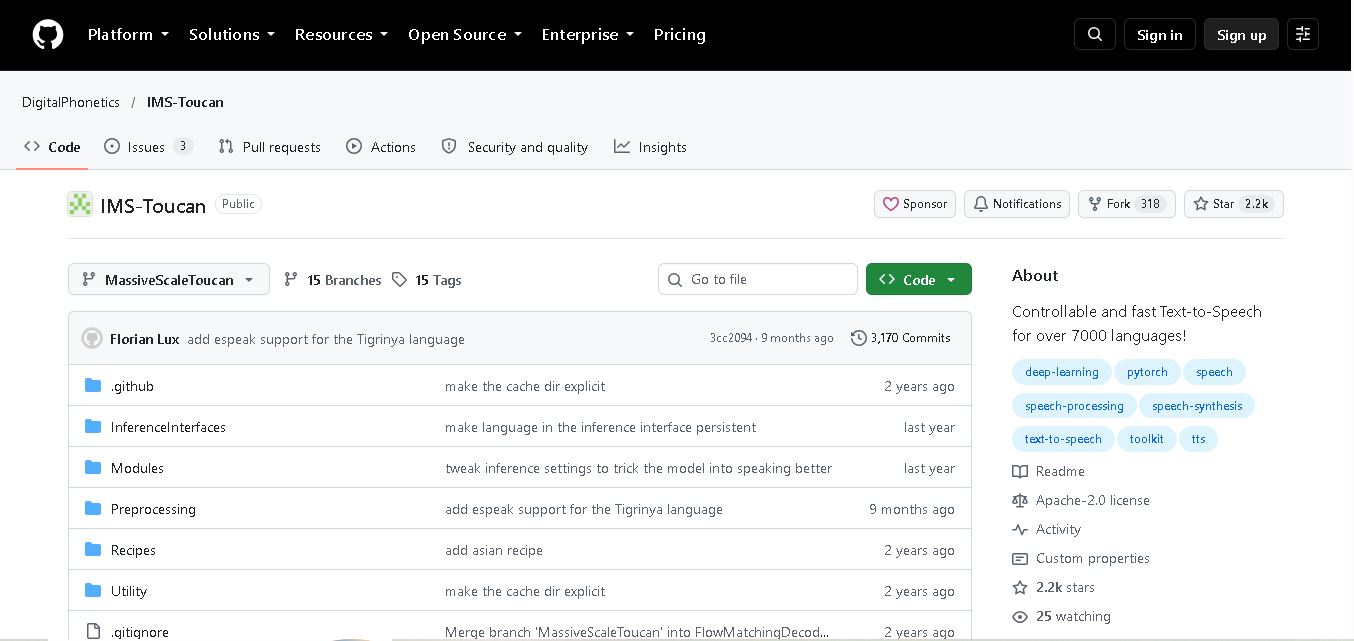
IMS Toucan is an open-source text-to-speech toolkit from the University of Stuttgart designed for multilingual speech generation. It converts text into audio and provides tools for inference, voice and prosody control, and model training. Supporting more than 7,000 languages, it serves developers and researchers exploring technology across linguistic contexts.
 4.8
4.8Verbatik
Text-to-Speech
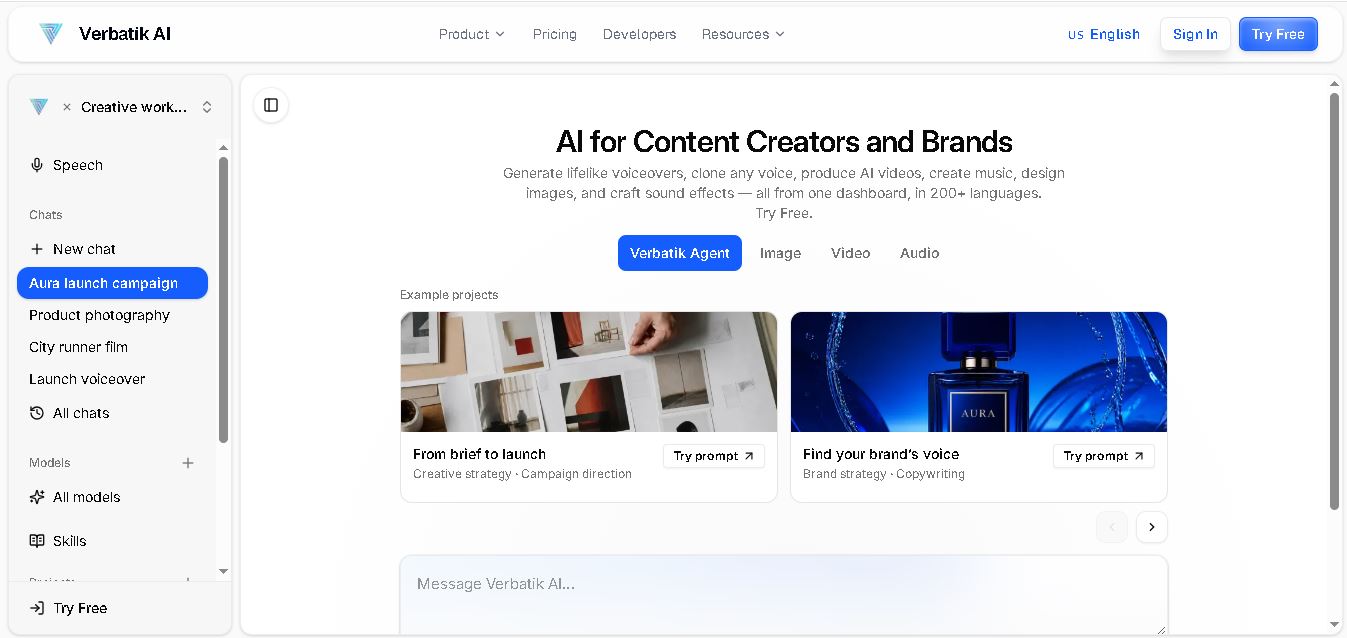
Verbatik AI helps users create realistic voiceovers, clone voices, generate music, and produce multimedia content using artificial intelligence. With multilingual speech, customizable voice settings, and developer APIs, it supports content creators, marketers, educators, and businesses. The platform simplifies audio production, video creation, and content localization from one workspace.
 4.8
4.8Narration Box
Text-to-Speech
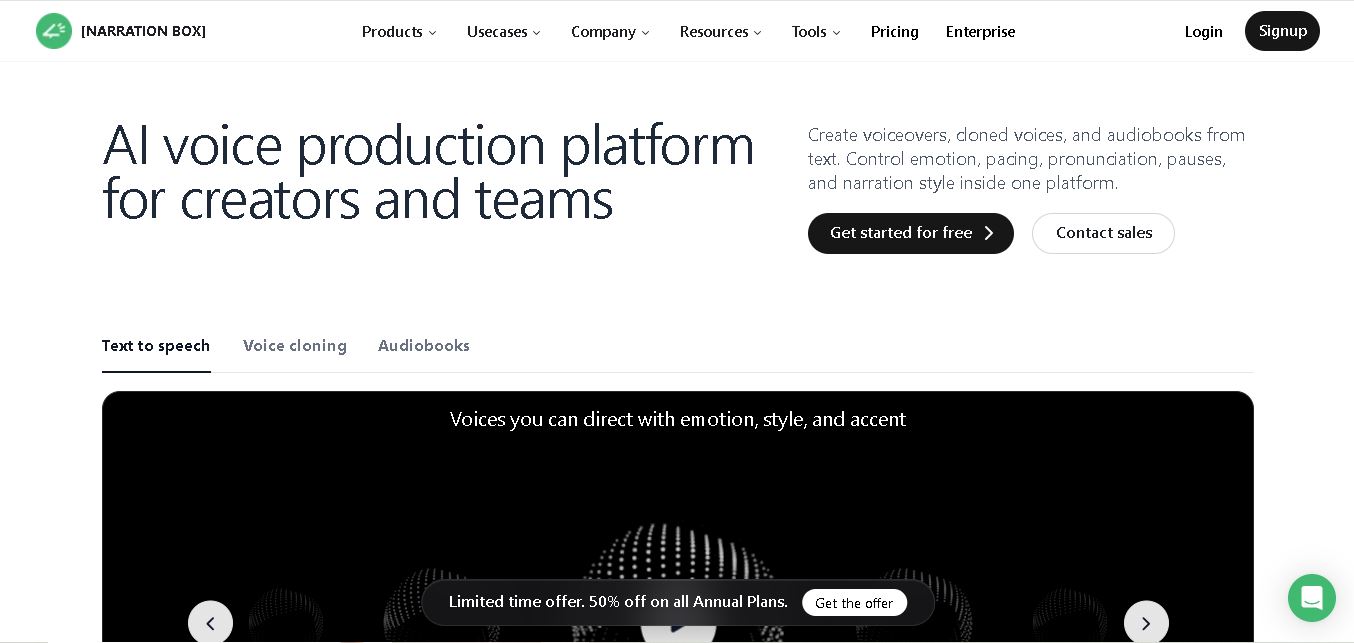
Narration Box is an AI voice generator for creating realistic voiceovers, audiobooks, podcasts, and educational audio from text. It offers over 1,500 AI narrators, 80+ languages and accents, voice cloning, and customizable emotional delivery. Its editing tools help creators produce consistent, multilingual audio content for personal and professional projects.
 4.7
4.7AudioBot
Text-to-Speech
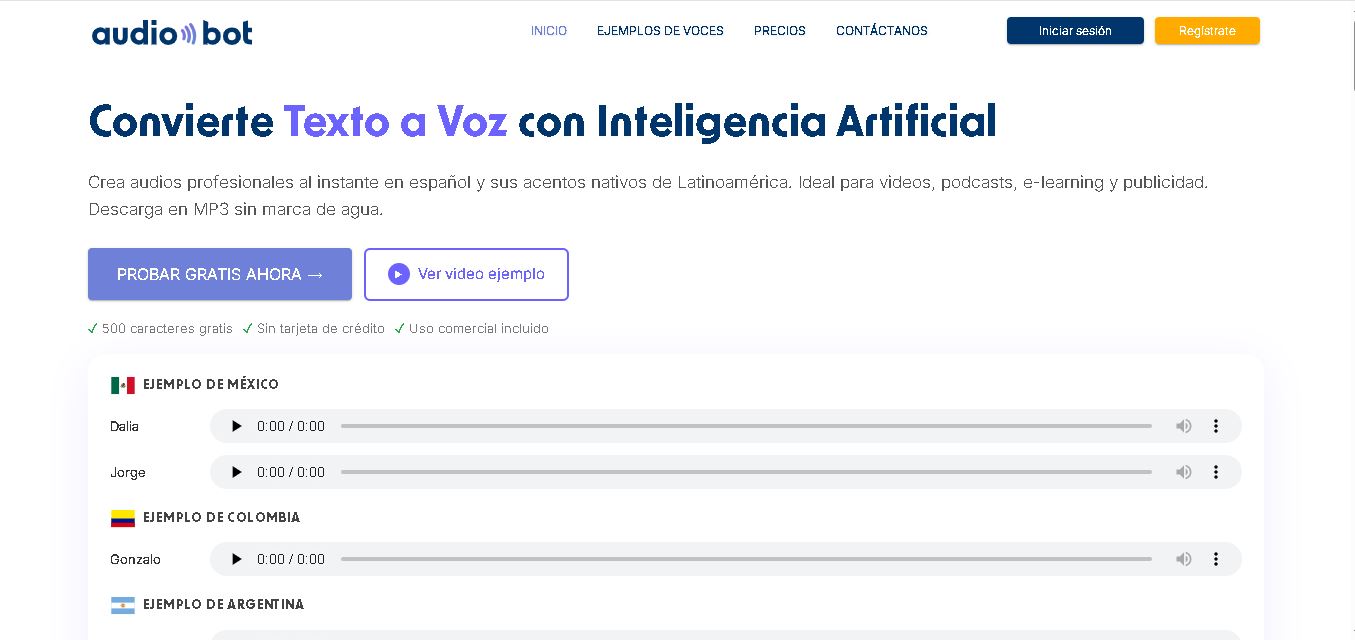
AudioBot converts written text into natural-sounding speech using AI-generated voices. It supports multiple languages and regional accents, making it useful for video voiceovers, presentations, educational materials, and audio content. Users can generate and download audio files, helping simplify narration workflows without requiring traditional recording equipment or voice talent.
 4.7
4.7Audie AI
Text-to-Speech
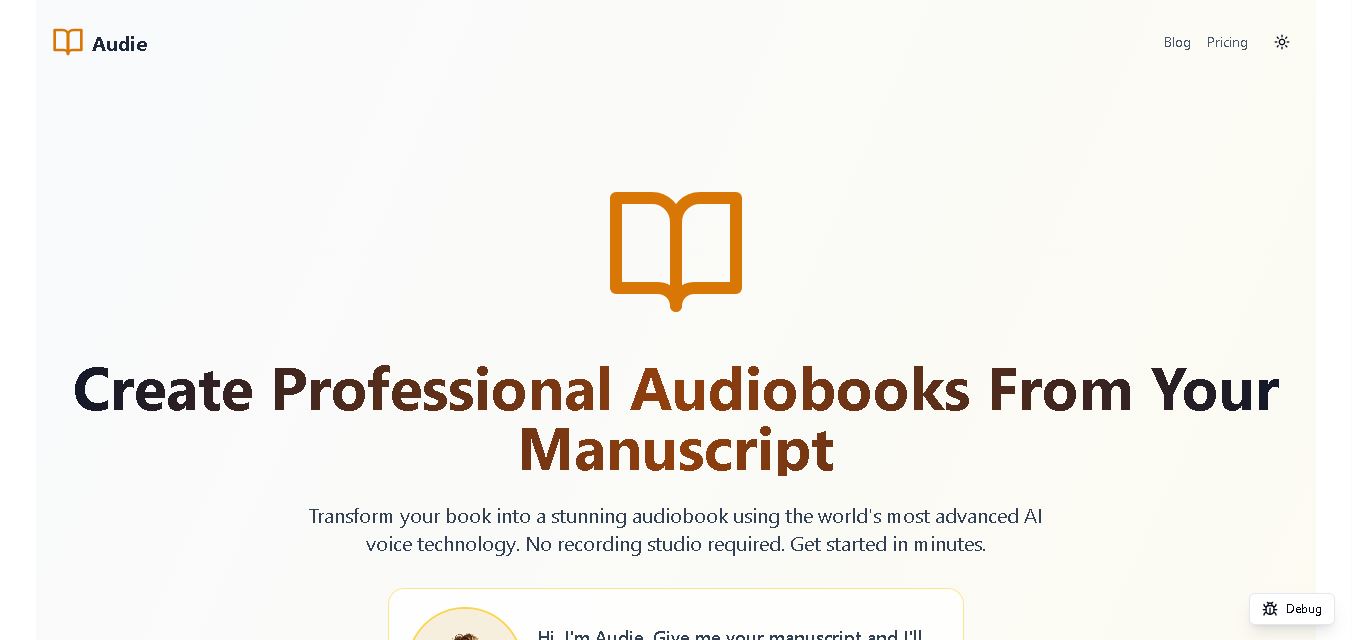
Audie AI is an audiobook creation tool that converts written manuscripts into narrated audio using AI-generated voices. It helps authors and publishers simplify production, explore different narration styles, and reduce reliance on traditional recording studios. With voice selection, advertised voice cloning, and downloadable audio, it supports more accessible audiobook creation for independent creators.
 4.6
4.6Speechelo
Text-to-Speech
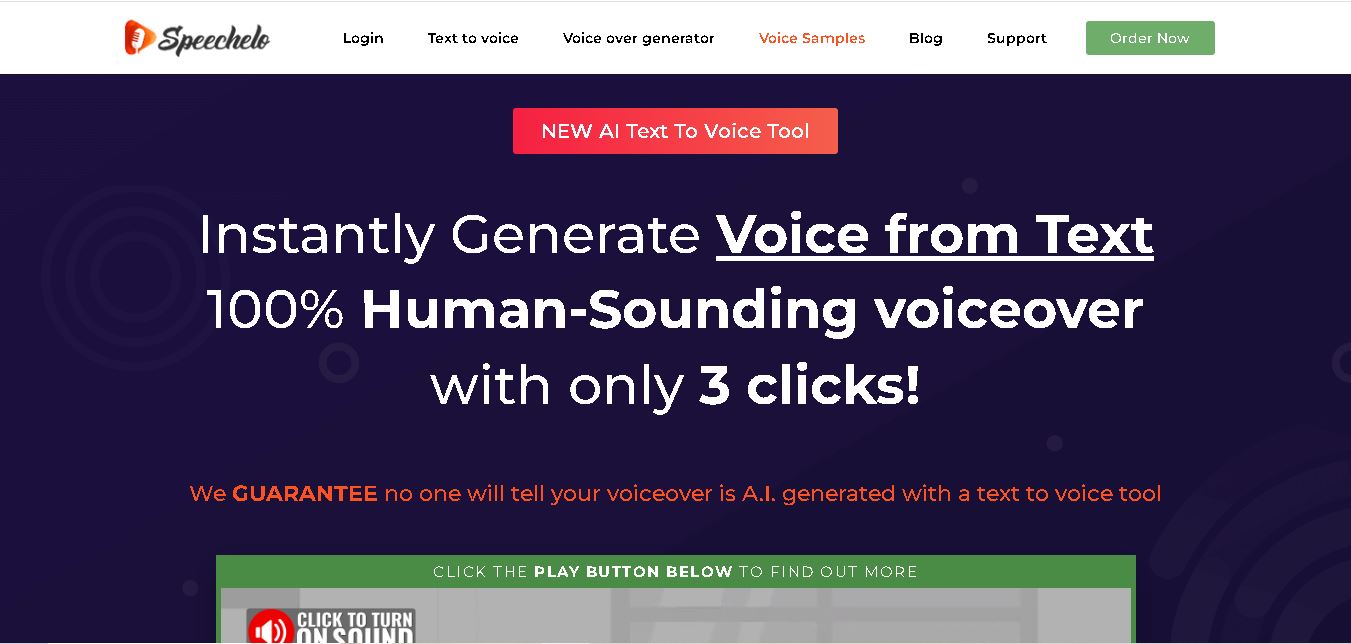
Speechelo is a text-to-speech tool designed to help creators turn written scripts into voiceovers. It offers different voices, languages, tones, and audio adjustments for creating narration. Video creators, educators, marketers, and content teams can use it to produce audio for tutorials, presentations, promotional videos, and other digital content projects.
 4.7
4.7Leelo AI
Text-to-Speech
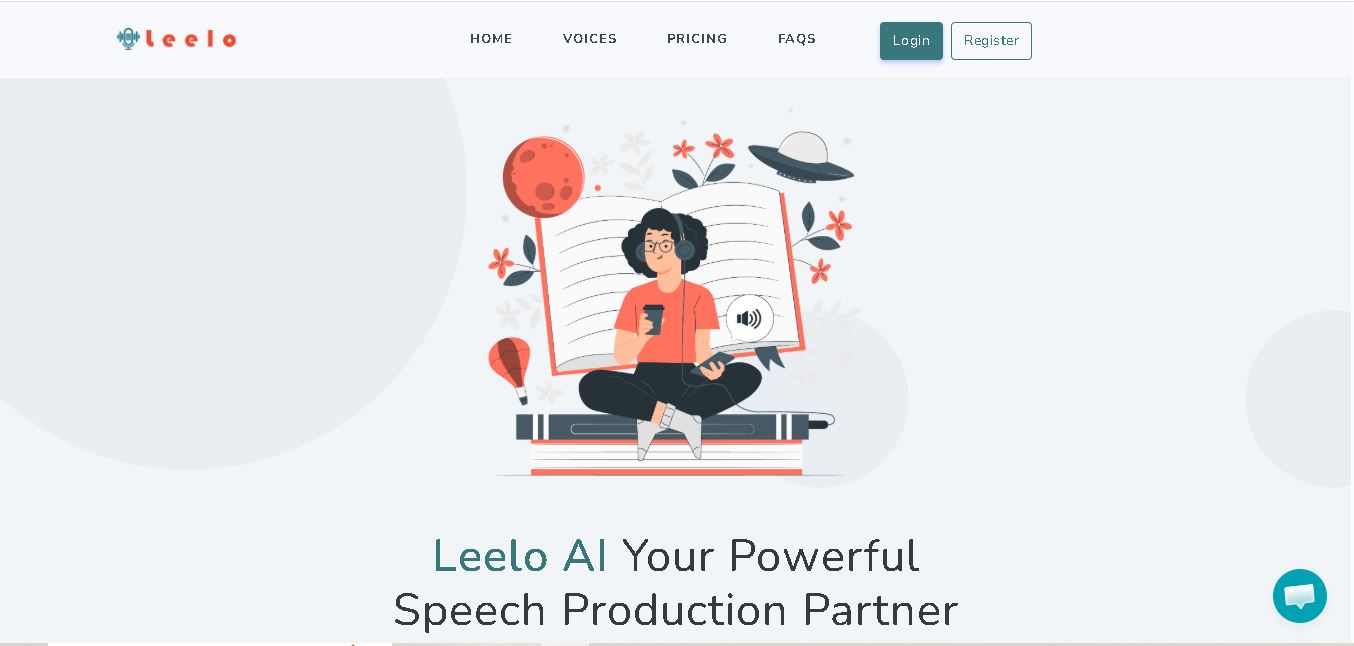
Leelo AI helps you turn written content into natural-sounding speech without recording your own voice. You can choose from 800+ voices across 142 languages and accents, adjust available voice settings, generate audio, store files in the cloud, export recordings, and use generated speech commercially for different content and communication needs.