
Pixo
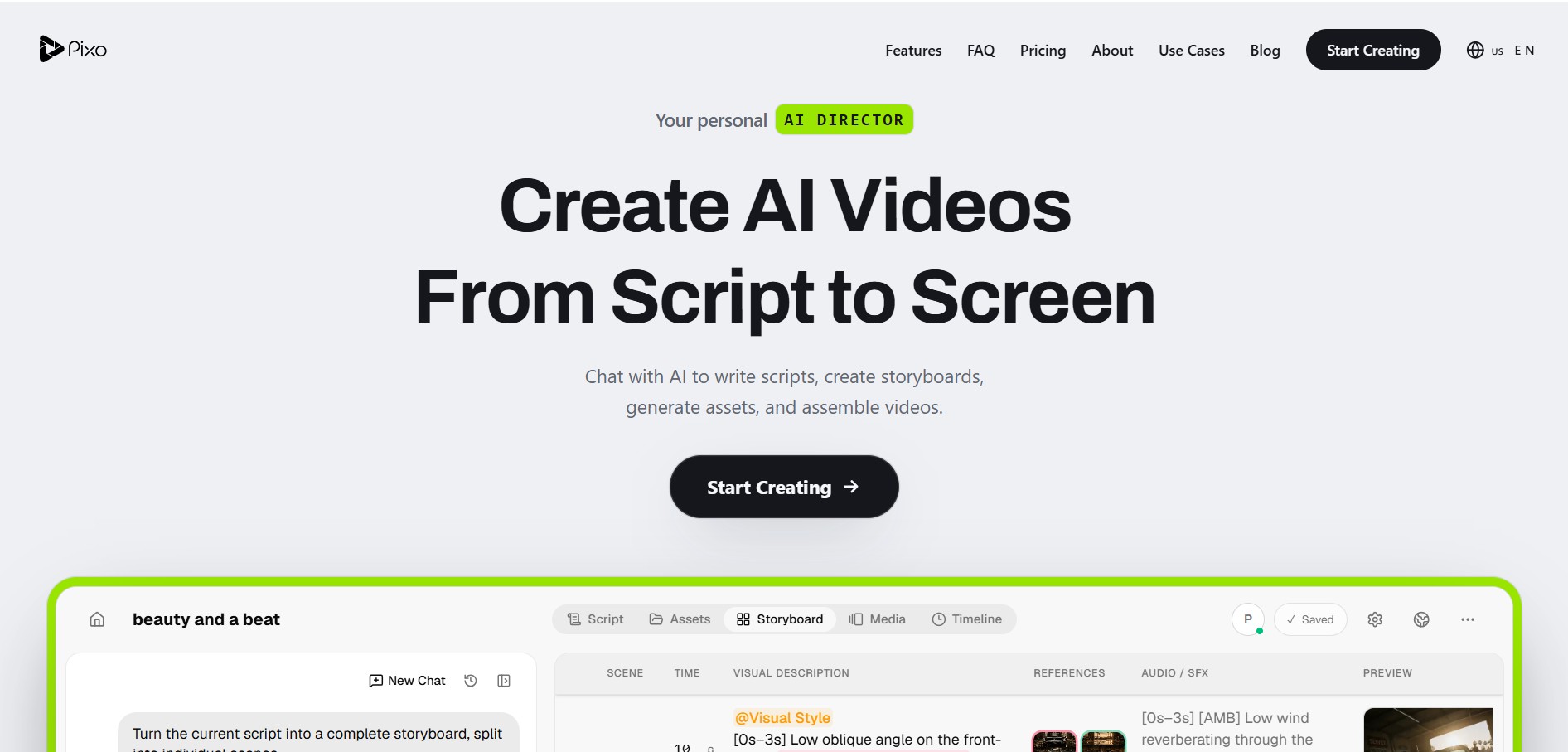
Pixo is an AI video creation platform that acts like a personal “AI director,” helping you turn an idea into a complete video through a single chat. It can write scripts, create storyboards, generate scenes, add voiceovers, and assemble everything into a final edited video automatically.
What is Pixo?
Pixo is an AI-powered video creation platform that works like a personal AI director, helping you go from a simple idea to a fully edited video in one place. Instead of using multiple tools, you can just describe what you want, and it generates a script, builds a scene-by-scene storyboard, creates visuals, voiceovers, and sound, and assembles everything into a finished video. It also lets you control each shot before rendering, reuse consistent characters and styles across scenes, and edit everything on a timeline, making it easier to produce professional videos for content, marketing, or storytelling without complex workflows or technical skills.
Engineered around the philosophy of “Direct, don't edit,” Pixo provides an autonomous personal Video Agent inside an interactive chat and timeline workspace. Starting with a simple text concept, rough topic outline, or full screenplay, Pixo's AI agent performs research, drafts scripts, structures shot-by-shot visual storyboards, casts persistent characters with locked visual references, and renders scenes using top foundation video models. Rather than locking users into a single model, Pixo brings leading video engines—including Google Veo (3.1), Kling (3.0), Hailuo (2.3), and Seedance (2.0/2.5)—under one roof with independent shot-level regeneration controls. Pixo offers a Free plan (200 credits upon signup, no credit card required) alongside tiered subscriptions starting from $9.90 per month (billed annually) or $19.90 month-to-month.
- Platform Role: Script-to-Screen AI Video Agent, Multi-Model Production Studio & Storyboard Canvas
- Integrated Model Ecosystem: Google Veo 3.1, Kling 3.0, Minimax Hailuo 2.3 & Seedance 2.0 / 2.5
- Production Workflow: Conversational Scripting → Visual Storyboarding → Multi-Model Rendering → Timeline Assembly
Use Cases:
- Transforming rough creative concepts or lesson plans into shot-by-shot storyboards with camera directions and visual notes
- Directing cinematic music videos, narrative short films, and dramatic teasers while locking character faces and outfits across all scenes
- Producing high-converting e-commerce product demonstrations, explainer clips, and B2B SaaS video showcases
- Creating episodic social media content, YouTube video chapters, and TikToks/Reels with cohesive narrative pacing
- Iterating on individual weak shots by regenerating specific storyboard panels without re-rendering or disrupting the rest of the project
Technology:
- Conversational video directing agent decomposing creative briefs into structured scene sequences, visual cues, and audio beats
- Persistent character and aesthetic embedding engine anchoring subject identity and style consistency across scene generations
- Multi-engine video orchestration layer dynamically dispatching scene renders across Veo, Kling, Hailuo, and Seedance runtimes
Target Users:
- Filmmakers, directors, and screenwriters previsualizing scripts and creating complete animated short films
- Content creators, faceless YouTube channel operators, and podcasters turning long scripts into visual narrative videos
- Marketing teams and digital agencies producing multi-scene video advertisements and brand campaigns quickly
- Educators and course creators turning static curriculum outlines into engaging multi-scene instructional videos
Acquisition: Operates as an independent private creative AI video platform

Key features of Pixo
Pixo's key platform features are
- Conversational Script-to-Screen Agent: Chat directly with an AI video agent that helps write original scripts, refines scene dialogue, and formats scenes into film-ready screenplay structure.
- Shot-by-Shot Storyboard Canvas: Automatically unpacks your script into visual storyboard cards displaying scene order, camera angle, action description, and audio cues before rendering.
- Multi-Model Cinematography Engine: Mix and match top video engines per scene—selecting Google Veo for photorealism, Kling for dynamic camera moves, or Hailuo for fast turnaround—within the same project.
- Persistent Character & Style Anchor: Upload reference headshots or define character archetypes; Pixo maintains facial geometry, clothing, and aesthetic tone across scene shifts.
- Independent Shot Regeneration: Reroll or modify individual storyboard panels with updated prompts or camera controls without having to re-render the entire video.
- Interactive Media Timeline: Inspect scene timing, visual descriptions, reference tags, background music, and voiceover audio on an integrated assembly timeline.
- Collaborative Team Workspaces: Real-time project collaboration allowing team members to review storyboard cards, leave inline comments, and approve cuts concurrently.
- Multi-Aspect Ratio & 4K Export: Generate and export video projects in 16:9 widescreen (YouTube/LMS) or 9:16 vertical (TikTok/Reels) in resolutions up to 4K.
Pixo Pricing
Pixo operates on a tiered credit subscription structure with up to 55% discounts on annual billing, accompanied by a free trial allocation.
Free Plan:
- $0 / Free Plan: 200 free starter credits, access to all AI models, 1 concurrent generation, up to 50 images, voice clips, and community support (no credit card required)
Standard Subscription Plans:
- Basic Plan: $9.90 / month (billed annually at $118.80/yr) or $19.90 month-to-month | 1,000 credits (~11 videos, 250 images, 166 voice clips), 1080p max resolution, 2 concurrent generations, and priority support
- Pro Plan (Most Popular): $39.90 / month (billed annually at $478.80/yr) or $84.90 month-to-month | 4,200 credits (~50 videos, 1,050 images, 700 voice clips), 4K max resolution, 5 concurrent generations, unlimited projects, and up to 5 team members
- Max Plan: $199.90 / month (billed annually at $2,398.80/yr) or $439.90 month-to-month | 22,000 credits (~261 videos, 5,500 images, 3,666 voice clips), 4K max resolution, 10 concurrent generations, unlimited projects, unlimited team members, dedicated support, and API access
Disclaimer: Credit consumption varies depending on chosen generative model, video duration, and output resolution tier. For current pricing tiers and credit top-up packs, visit pixo.video/pricing.
Who is using Pixo?
Pixo is used by video creators, independent filmmakers, and marketing teams, including
- Independent Filmmakers & Animators: Planning and generating narrative short films without large production budgets or specialized 3D software
- Commercial Video Agencies: Rapidly producing storyboard treatments and video ad variations for client review in hours instead of weeks
- Musicians & Record Labels: Creating stylized, beat-aligned music videos using dynamic camera movements and cinematic visuals
- YouTubers & Faceless Channels: Turning research scripts and podcast recordings into fully illustrated video content
Best Pixo Alternatives
Some of the strongest Pixo alternatives include
- FoxCut
- Runway
- Luma Dream Machine
- Kling AI
- InVideo AI
Pros and Cons of Pixo
Pros
- Unifies the entire script-to-screen production pipeline (writing, storyboarding, generation, and editing) in one workspace
- Integrates leading frontier video models (Google Veo, Kling, Hailuo, Seedance) under a single subscription
- Maintains character identity and visual style consistency across multiple scenes using reference locks
- Storyboard-first directing allows creators to inspect and edit scenes before burning generation credits
- Accessible pricing starting at $9.90/month with 200 free starter credits upon signup
Cons
- High-volume 4K rendering and multi-scene generation can consume monthly credits quickly
- Cloud-only web platform requires a stable, high-bandwidth internet connection to preview and stream video cards
- Complex physical object interactions across rapid action shots may occasionally require regenerating panels
Why Choose Pixo?
Most AI video tools leave you stranded with disconnected 5-second video clips that cannot be cut together because characters change appearance, lighting shifts, and camera movements clash. Traditional video creation requires coordinating multiple separate apps for scripting, voiceover, generation, and editing. Pixo solves this by functioning as a unified production studio.
- Directs the entire production process from script to finished video within a single conversational workspace
- Ensures your lead characters look consistent across every scene in your story
- Lets you choose the best generative engine for each specific shot without paying for separate subscriptions
- Allows you to review and tweak your storyboard structure before spending generation credits
Pixo vs. Competitors
The main difference between Pixo, FoxCut, Runway, and InVideo AI lies in model consolidation and workflow philosophy. While InVideo AI relies heavily on stock footage clips, and Runway functions as a single-model ecosystem centered around Gen-3/4, Pixo combines an AI directing agent with a multi-model engine hub (Veo, Kling, Hailuo, Seedance)—enabling users to storyboard, lock characters, and edit multi-shot narratives inside an integrated timeline.
| Feature / Platform | Pixo (pixo.video) | FoxCut (foxcut.ai) | Runway (Gen-3/4) | InVideo AI |
|---|---|---|---|---|
| Core Focus | Script-to-Screen Video Agent & Storyboard Studio | Directable AI Studio, Storyboard & MCP | Proprietary Video Diffusion Suite | Stock-Footage & Text-to-Video Maker |
| Integrated Models | Veo 3.1, Kling 3.0, Hailuo 2.3, Seedance 2.0/2.5 | Kling, Wan, Veo, Sora, FLUX, Recraft | Runway proprietary models only | Proprietary + stock asset aggregators |
| Conversational Directing Agent | Yes (End-to-end video agent) | Yes (Directing prompts & MCP) | Prompt box only | Prompt-to-video copilot |
| Persistent Character Locking | Yes (Reference locks across scenes) | Yes (Character cast preservation) | Custom elements / actors | Stock avatars / actors |
| Starting Price | Free (200 cr) / From $9.90/mo | From $9.00 / month | From $15.00 / month | Free basic / From $20/mo |
| Best For | Creators wanting an AI agent to storyboard & generate movies | Filmmakers & agents needing MCP camera control | High-end post-production VFX teams | Marketers creating quick stock-media explainer videos |
How do we rate Pixo?
| Parameter | Rating (out of 5) |
|---|---|
| Script-to-Screen Workflow & Storyboard Canvas | 5.0 |
| Multi-Model Aggregation (Veo, Kling, Hailuo, Seedance) | 5.0 |
| Character Consistency & Style Retention | 4.9 |
| Collaborative Editing & Team Workspaces | 4.8 |
| Value for Money ($9.90/mo & 200 Free Credits) | 4.9 |
| Overall Score | 4.92 |
Pixo Review
Pixo represents a practical shift in the AI video production space by transitioning the creative process from isolated clip generation to coherent, structured filmmaking. By combining an AI directing agent with a shot-by-shot storyboard canvas and multi-model aggregation (Veo, Kling, Hailuo, Seedance), it provides creators with both creative control and production efficiency. The ability to lock persistent characters across scenes solves one of the biggest continuity challenges in AI filmmaking, while the independent shot regeneration workflow ensures users don't waste credits rebuilding entire projects. For creators, marketers, and filmmakers looking to produce complete video projects, Pixo is a comprehensive and accessible studio platform.
Conclusion
Pixo simplifies generative video production by serving as an end-to-end directing workspace. With its conversational script-to-screen agent, multi-model engine hub (Veo, Kling, Hailuo, Seedance), persistent character locking, and interactive storyboard timeline, Pixo gives creators and teams the tools needed to turn creative concepts into cohesive, polished video productions.
FAQ
What is Pixo and how is it different from other AI video tools?
Pixo is an AI video creation platform that acts like a full “AI director”—you describe your idea, and it turns it into a script, storyboard, and final video. Unlike basic tools that only generate clips, Pixo handles the entire workflow from concept to finished edit.
Can Pixo really create a full video from just a prompt?
Yes. You can start with a simple description, and Pixo converts it into a multi-scene storyboard, generates each shot, adds voiceover and sound effects, and assembles everything into a complete video.
What makes Pixo better than typical text-to-video tools?
Most tools generate single clips. Pixo focuses on multi-scene storytelling—breaking your idea into structured scenes, controlling camera angles, and maintaining consistency across the entire video instead of disconnected outputs.
What kind of videos can I create with Pixo?
You can create YouTube videos, ads, product demos, music videos, social media content, educational videos, and even short films—all within the same platform using AI-generated visuals and audio.
Does Pixo support multiple AI models?
Yes. Pixo integrates multiple leading AI models (like Veo, Kling, Hailuo, and others) so you can choose the best one for each scene instead of relying on a single model.
Do I need video editing or technical skills to use Pixo?
No. The platform is designed for non-technical users—just describe your idea, and the AI agent handles scripting, scene planning, and editing. You can still tweak shots manually if needed.
User Reviews
No reviews yet for Pixo.
Featured Tools
Featured AI tools from TechShark

Melody Genie
MelodyGenie is an AI-powered music generator that creates original songs from simple text prompts. Users can choose styles, moods, and genres, then instantly generate melodies and full tracks, making it easy for creators, marketers, and hobbyists to produce custom music without musical expertise.
Freemium

Kimi AI
Kimi AI is an advanced AI assistant developed by Moonshot AI that helps you chat, research, write, code, and automate tasks in one place. It supports web search, file analysis, and multimodal inputs, and can even run autonomous “agent” workflows to complete complex tasks end-to-end.
Freemium

Fashion Diffusion AI
Fashion Diffusion is an AI-powered fashion design platform that helps brands and designers create clothing designs, virtual try-ons, AI models, product photos, and marketing visuals faster and cost-effectively.
Paid

Veo 4
Veo 4 AI is an AI video creation platform that generates dramatic videos from text, images, audio, and video prompts using realistic motion and synchronized sound.
Paid
Alternatives
Alternatives to Pixo
The best Pixo alternatives include FoxCut (foxcut.ai), Runway (Gen-3/Gen-4 Turbo), Luma Dream Machine, Kling AI, InVideo AI, and Stivio (stivio.ai). These tools provide AI video generation, storyboarding, and video editing workflows. While Pixo specializes in an autonomous script-to-screen AI video agent that builds shot-by-shot storyboards with persistent character casting across engines like Google Veo, Kling, Hailuo, and Seedance, alternatives like Runway operate as proprietary single-model post-production studios, and InVideo AI relies primarily on stock footage libraries.
 4.7
4.7Kaiber
Video Generator
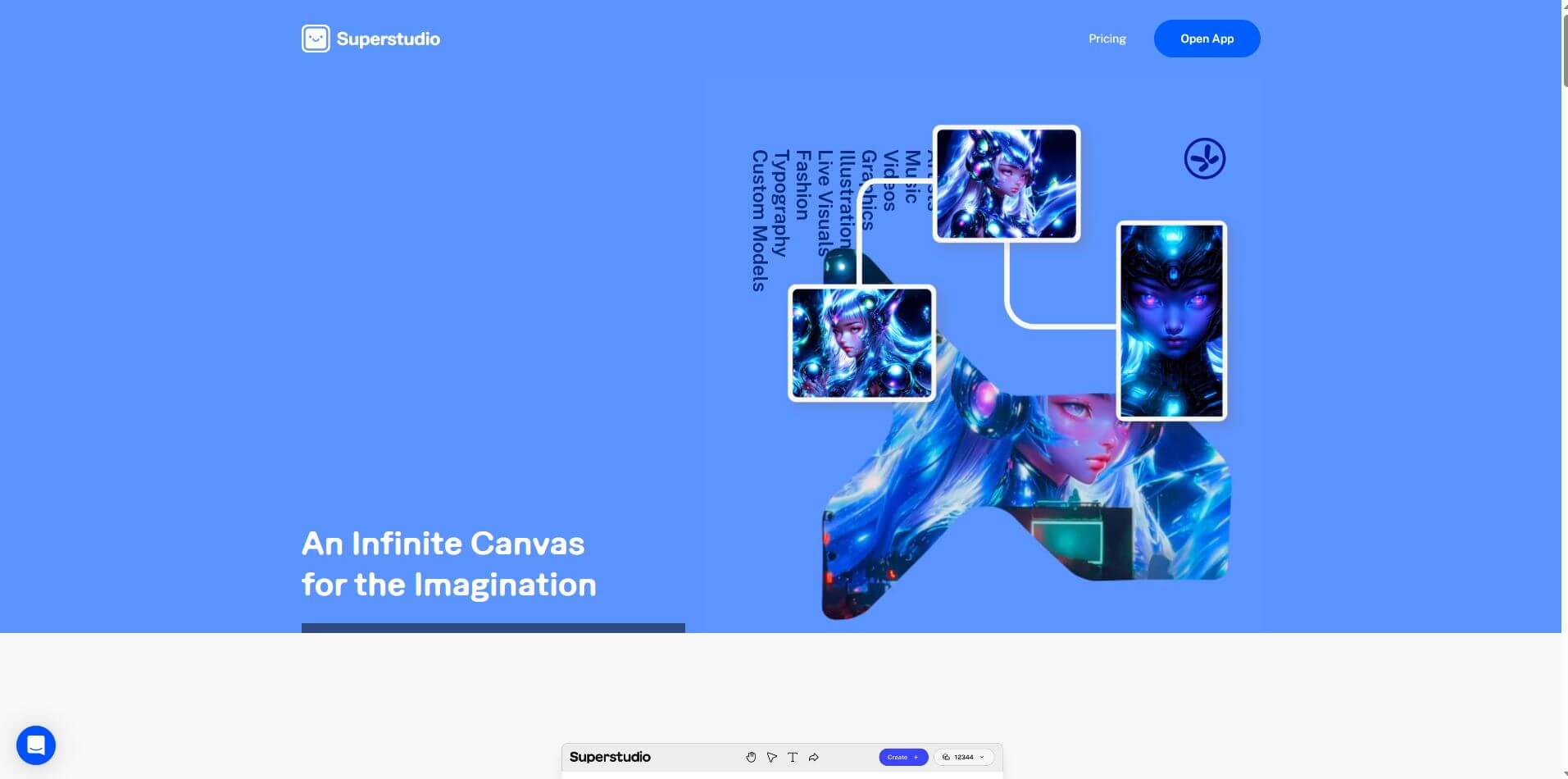
Kaiber is an AI-powered creative suite for generating videos, images, and audio. It helps musicians, content creators, and marketers turn text prompts, images, and music into engaging visuals. Its tools support image animation, beat-synced video creation, lip-sync, visual restyling, and timeline editing for social media and music videos.
 4.8
4.8VideoDubber
Video Enhancer
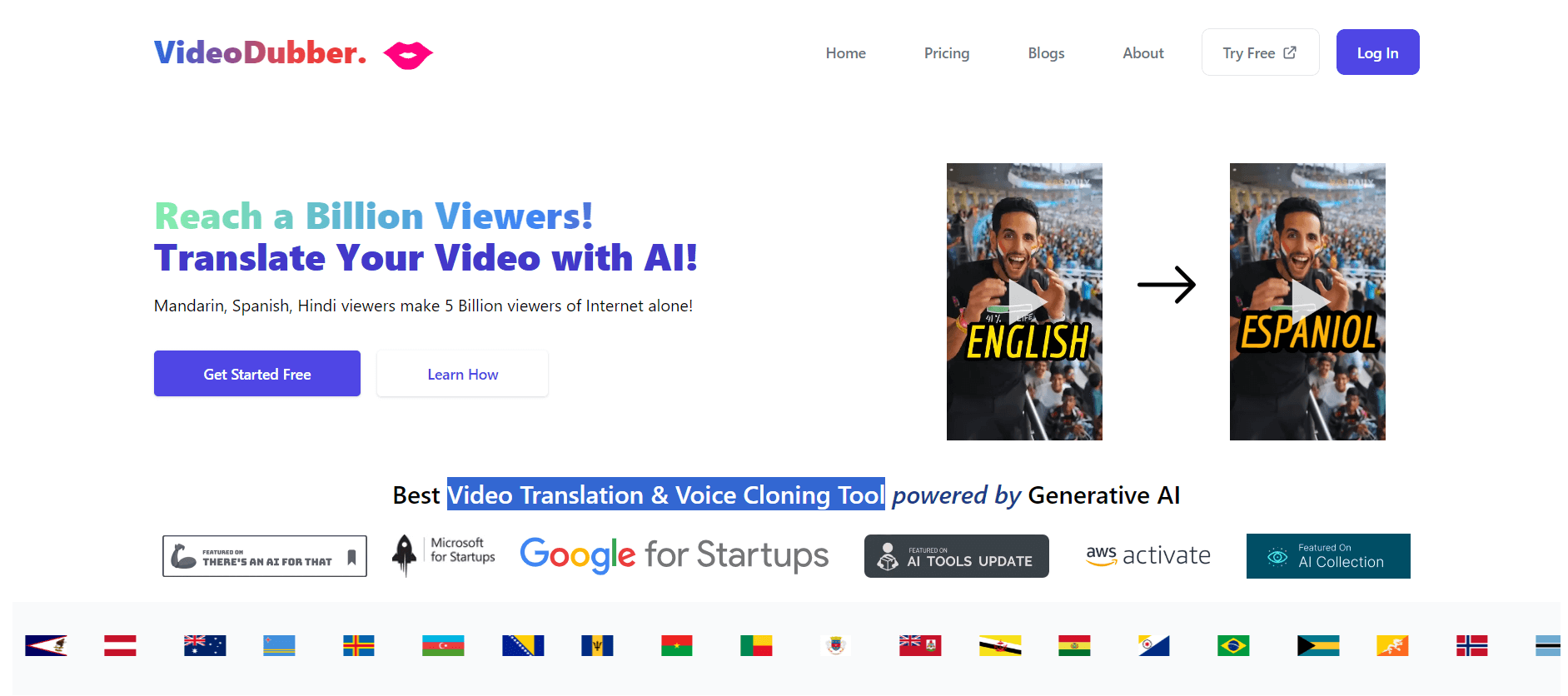
VideoDubber is an AI-powered video translation and dubbing platform that helps creators, businesses, and educators reach global audiences. It translates videos into 150+ languages, clones voices, synchronizes lip movements, generates subtitles, and preserves background audio. Users can edit translations and export localized videos for multiple platforms.
 4.9
4.9Clipchamp
Video Generator
Clipchamp is an AI-powered online video editor by Microsoft that helps users record, edit, and share videos directly from the browser. It offers templates, stock media, and AI tools like subtitles, voiceovers, and noise removal, enabling fast, professional video creation without advanced editing skills.
 4.9
4.9CapCut
Video Editing
CapCut is a popular video editing tool that helps creators produce engaging videos with effects, transitions, filters, templates, subtitles, and AI-powered features. Available on multiple platforms, CapCut makes it easy to edit videos for TikTok, Instagram Reels, YouTube Shorts, and other social media channels.
 4.9
4.9Pika
Video Generator
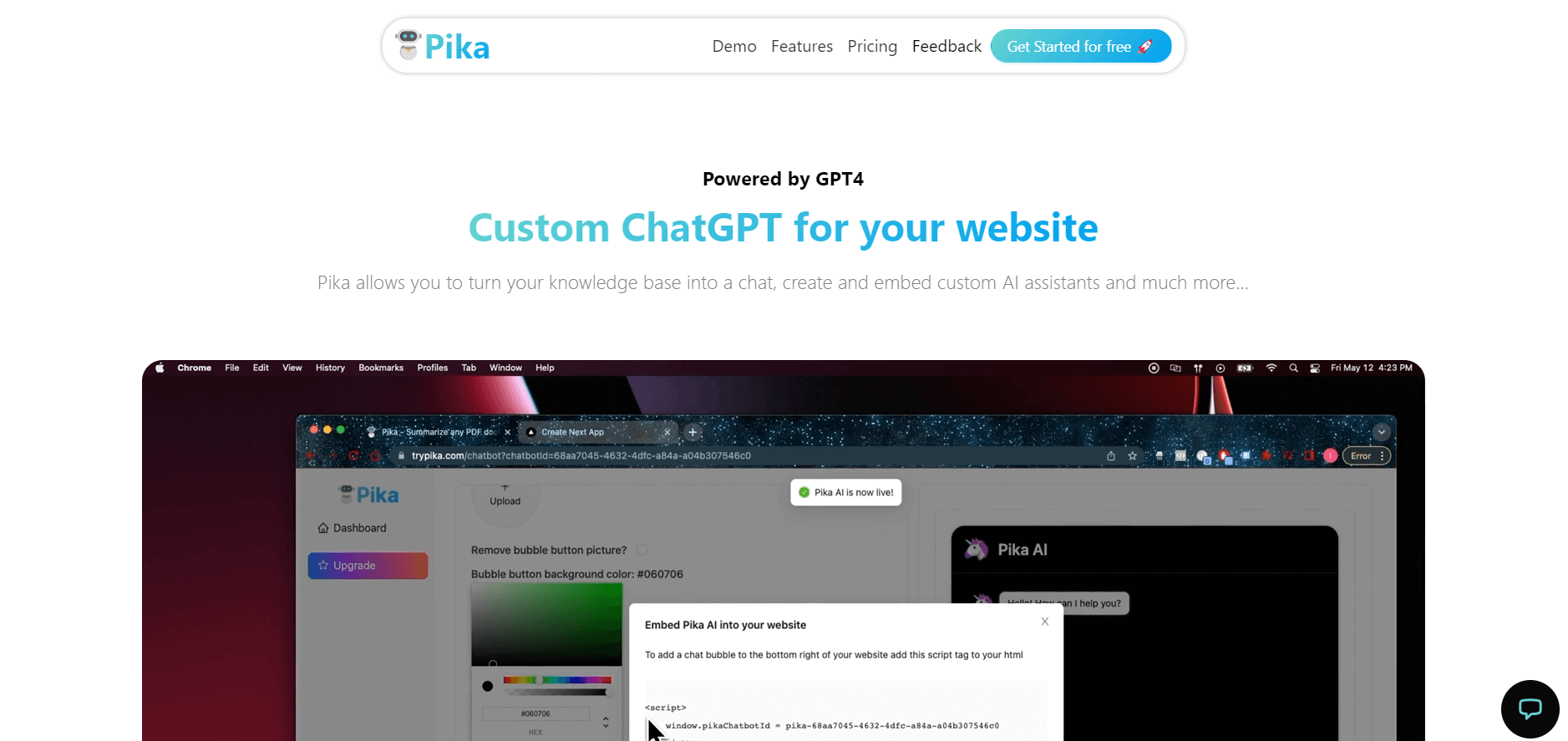
Pika is an AI video generation and creative effects platform that transforms text prompts, still images, and video clips into cinematic video sequences, meme animations, and viral visual effects using its proprietary generative video models.
 4.7
4.7Hotshot AI
Video Generator
Hotshot is an everyday technology publication covering AI tools, gadgets, smart home technology, comparisons, research, and practical how-to guides. It helps readers understand products, evaluate software, compare options, and solve common technology problems through accessible articles created for people who want clearer information before making technology-related decisions online with confidence.
 4.7
4.7VideoPlus AI
Video Generator
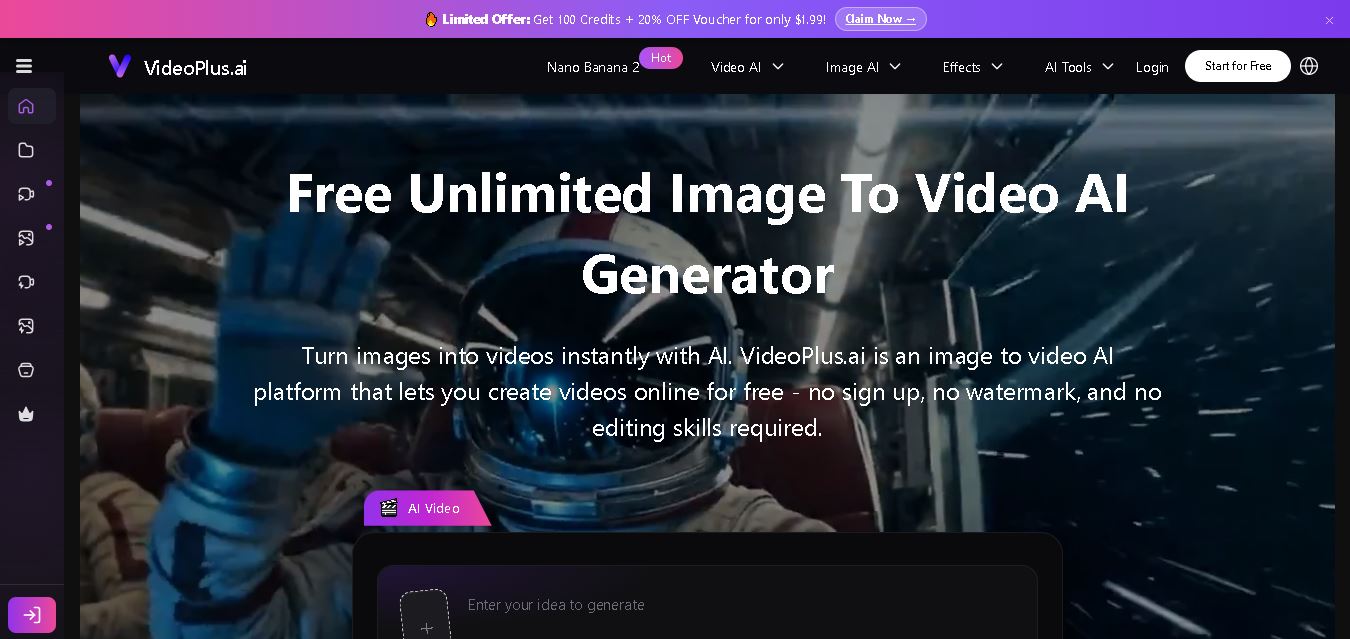
VideoPlus.ai is a versatile AI creation platform for generating and transforming videos and images. It supports text-to-video, image-to-video, reference-to-video, video-to-video, animation, image generation, enhancement, lip syncing, and creative effects. Multiple AI video models are available, making it useful for creators, marketers, designers, and businesses.
 4.7
4.7VideoTube
Video Generator
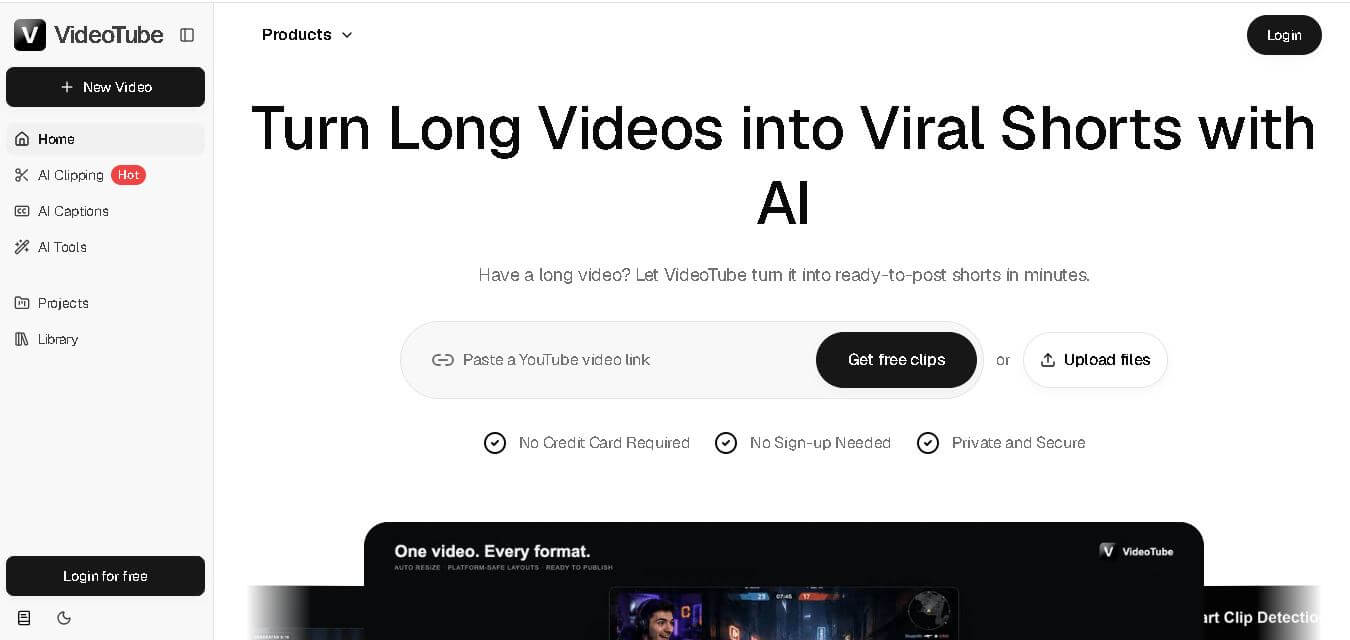
VideoTube helps creators transform long videos into short, social-ready content with AI. It can detect engaging moments, generate captions, remove filler, add B-roll, and automatically reframe videos for vertical platforms. Podcasters, YouTubers, educators, marketers, and agencies can repurpose existing content faster without relying on complicated video editing workflows.
 4.7
4.7TYPPO
Video Generator
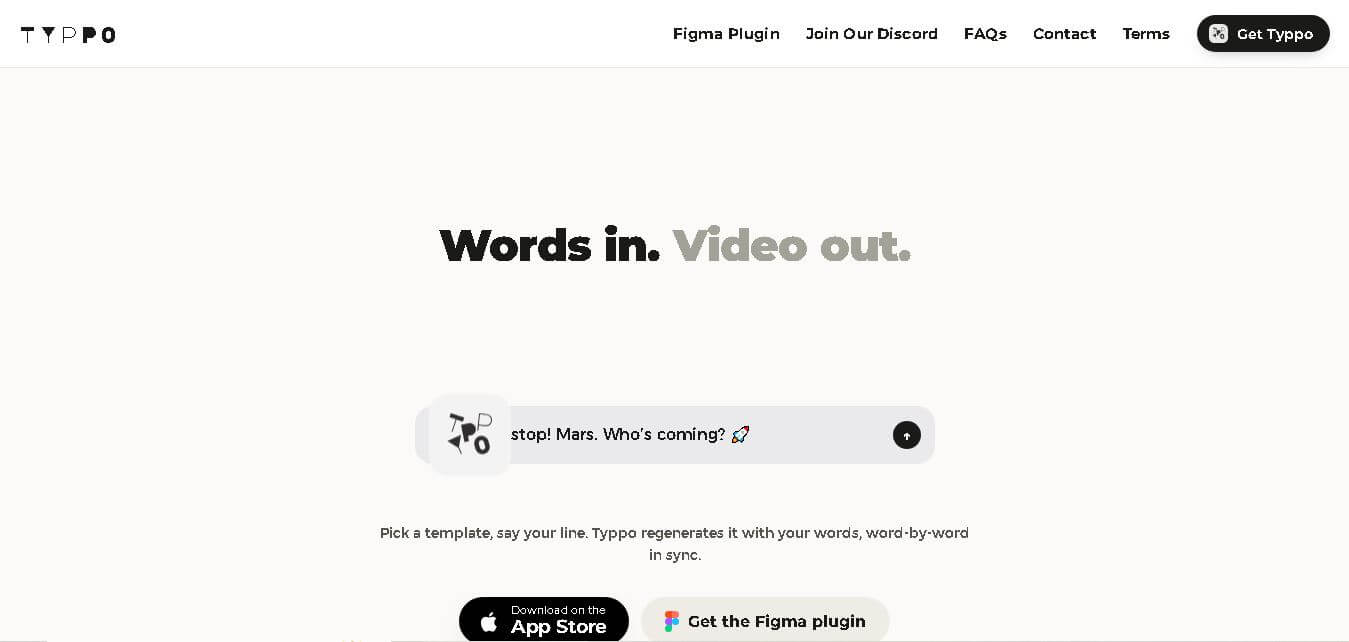
Typpo turns spoken words into animated videos without requiring design skills. Record a message, let the app transform your voice into motion graphics, and share the result on mobile-focused social channels. It supports multiple languages and offers a simple workflow for creators, marketers, communicators, and anyone wanting faster visual content creation.