
Pixlr
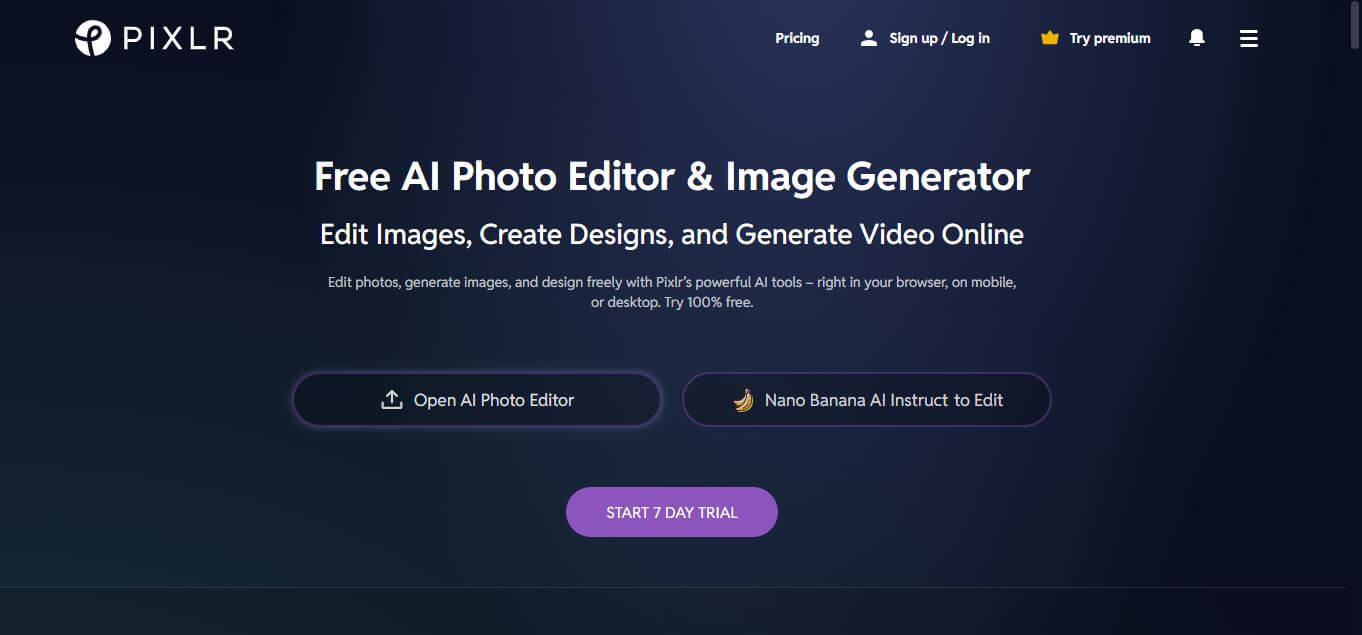
Pixlr is a browser-based AI photo editor and graphic design suite that combines layer-based photo retouching (Pixlr E), template-driven social design (Pixlr X), and generative AI tools like generative fill, background removal, and AI image generation.
What is Pixlr?
Pixlr is a cloud-based image editing, graphic design, and generative AI visual suite founded by Ola Sevandersson and operated under the Inmagine Group. Built as a lightweight, browser-native alternative to heavy desktop editing suites, Pixlr delivers full raster image manipulation, layer management, vector typography, and automated generative tools directly in modern web browsers without complex installation or high hardware demands.
Built around the philosophy of “Next-generation photo editing and creative design for everyone,” Pixlr bifurcates traditional graphic workflows into two distinct web interfaces: Pixlr E (for detailed, multi-layer professional retouching and precision adjustments) and Pixlr X (for quick template customization and social media graphics). Both environments are supercharged by an expanding layer of generative AI tools, including AI Generative Fill, automatic background removal, generative expansion, and text-to-image synthesis.
- Platform Role: Browser-Based Photo Editor, Graphic Design Suite & Generative AI Creative Studio
- Founder & Parent Company: Ola Sevandersson / Inmagine Group
- Cross-Platform Access: Web browser (Chrome, Safari, Firefox, Edge), desktop applications (Windows & macOS), and mobile apps (iOS & Android)
Use Cases:
- Performing professional photo retouching, color grading, frequency separation, and multi-layer compositing in Pixlr E
- Creating fast social media banners, YouTube thumbnails, marketing flyers, and collages in Pixlr X using pre-built templates
- Removing backgrounds from product photography and portraits with one-click automated AI cutout tools
- Replacing or adding objects seamlessly into existing scenes using AI generative Fill and contextual inpainting
- Upscaling low-resolution assets into crisp, high-definition visuals using AI Super Resolution and sharpening filters
Technology:
- WebGL-accelerated canvas engine enabling responsive, GPU-accelerated layer rendering directly inside web browsers
- Dual-tier interface design: Pixlr E (expert multi-tool raster layout) and Pixlr X (simplified express creation)
- Proprietary generative AI models powering text-to-image synthesis, generative fill, AI outpainting, and object removal
- Extensive asset catalog incorporating millions of royalty-free stock photos, decorative typography, stickers, and design templates
Target Users:
- Social media managers, digital creators, and influencers producing high-velocity promotional graphics and thumbnails
- E-commerce store operators and marketplace sellers cleaning product photography and cutting out backgrounds on demand
- Students, educators, and casual hobbyists wanting an accessible Photoshop alternative without expensive software licenses
- Freelance graphic designers and marketers requiring quick browser edits while working across multiple machines or Chromebooks
Acquisition: Online creative software platform developed by Inmagine Group

What are the key features of Pixlr?
Pixlr's key platform features are
- Pixlr E (Advanced Editor): Traditional photo editing workspace featuring layers, clipping masks, clone stamps, curves, levels, and blend modes.
- Pixlr X (Express Design): Streamlined template-based editor built for fast social media posts, quick cropping, text overlays, and collages.
- AI Generative Fill & Expand: Highlight unwanted elements to replace them via text prompts, or expand canvas boundaries with context-aware outpainting.
- One-Click AI Background Removal: Automatically isolates subjects from backgrounds, creating transparent PNG cutouts in seconds.
- AI Image Generator: Generates photorealistic visuals, digital illustrations, and 3D concept art from natural language prompts.
- Generative Upscaling & Enhancement: Sharpens low-resolution images and restores blurry portraits using AI Super Resolution algorithms.
- Extensive Asset Library: Access to thousands of premade templates, vector icons, decorative fonts, and stock photo elements.
- Native File Format Support: Opens and exports major image formats including PNG, JPEG, WEBP, SVG, and native layered PXZ/PXD project files.
How much does Pixlr cost?
Pixlr operates on a freemium pricing structure, offering free browser editing alongside low-cost subscription tiers that remove ads, lift daily save limits, and provide monthly AI generation credits.
Free Plan:
- Free Plan ($0 / month): Full access to basic tools in Pixlr E and Pixlr X, supported by ads, with a daily cap on saved files and 20 starter AI credits.
Paid Consumer Tiers:
- Plus Plan ($1.99 / month billed annually, or $2.49 monthly): Completely ad-free interface, unlimited daily saves, 1 concurrent AI generation, and 80 monthly AI credits.
- Premium Plan ($7.99 / month billed annually, or $9.99 monthly): 1,000 monthly AI credits, 4 concurrent generations, access to all image/video/audio generative models, private mode for AI generations, and full access to premium templates, fonts, and assets.
Ultra & Power Plans:
- Ultra Plan ($19.99 / month billed annually, or $24.99 monthly): 5,000 monthly AI credits, unlimited fast image generations (fair use), 8 concurrent runs, priority processing queue, and extended high-res exports.
- Ultra MAX ($39.99 / month billed annually, or $49.99 monthly): Doubles AI credits to 10,000 monthly with expanded concurrent rendering allowances.
Disclaimer: Basic editing tools across Pixlr E and Pixlr X remain free to use with ads and save caps. Advanced generative fill, batch processing, and ad-free usage require an active Plus or Premium subscription. Full pricing is available at pixlr.com/pricing.
Who should use Pixlr?
Pixlr is designed for digital creators, small business operators, and marketers, including
- Social Media Content Creators: Designing thumbnails, story graphics, and carousel banners quickly without booting up heavy desktop software.
- E-Commerce Sellers & Small Businesses: Creating transparent background cutouts and adjusting lighting on product inventory photos.
- Chromebook & Laptop Users: Editing multi-layer raster images smoothly on low-spec hardware thanks to browser-based cloud acceleration.
- Casual Designers & Students: Learning layer-based photo editing fundamentals without committing to Adobe Creative Cloud subscriptions.
What are the best alternatives to Pixlr?
Some of the strongest Pixlr alternatives include
- Canva
- Photopea
- Adobe Photoshop (Web / Creative Cloud)
- Fotor
- BeFunky
- Affinity Photo
What are the pros and cons of Pixlr?
What are the pros of Pixlr?
- Dual-editor ecosystem (Pixlr E and Pixlr X) caters perfectly to both precision photo editors and quick graphic creators
- Affordable entry tier (Plus at $1.99/mo) provides an inexpensive way to remove ads and unlock unlimited image saves
- Zero-install browser setup runs smoothly on budget laptops, Macs, PCs, and Chromebooks
- Integrated generative AI tools (Generative Fill, Outpainting, Cutout) streamline repetitive editing tasks
- Familiar interface layout that makes transitioning from traditional desktop software like Photoshop intuitive
What are the cons of Pixlr?
- The free tier includes prominent banner ads and enforces a daily save cap on exported files
- Lacks advanced CMYK color proofing, deep RAW camera profile processing, and vector pen controls found in dedicated desktop tools
- Generative AI features consume monthly credits that can deplete rapidly on entry-level plans
Why should you choose Pixlr?
Professional desktop photo editing software often demands high-end graphics cards, multi-gigabyte hard drive installations, and steep monthly licensing fees. Pixlr solves this by bringing powerful, layer-based raster editing straight into your browser tab. Whether you need the surgical precision of masks and curves in Pixlr E or the speed of templates and generative AI fill in Pixlr X, Pixlr delivers an agile, accessible design suite at an unbeatable price point.
- Edit complex layered images in your browser with zero installation overhead
- Choose between deep manual controls (Pixlr E) or quick automated layouts (Pixlr X)
- Automate background removal and inpainting with integrated generative AI models
- Enjoy one of the most budget-friendly premium upgrades on the web starting at just $1.99/month
How does Pixlr compare to competitors?
The primary distinctions between Pixlr, Canva, Photopea, and Adobe Photoshop lie in workflow balance, hardware footprint, and cost. While Canva prioritizes structured marketing templates with minimal raster photo retouching, and Photopea aims to replicate the exact Photoshop desktop interface with heavy ad placements, Pixlr balances lightweight raster editing with accessible template design and integrated AI generation at an economical subscription rate.
| Feature / Platform | Pixlr | Canva | Photopea | Adobe Photoshop (Web/Desktop) |
|---|---|---|---|---|
| Core Focus | Dual-Mode Browser Photo Editing & AI Design | Template-First Social & Marketing Graphics | Free Browser-Based Photoshop Clone | Industry-Standard Professional Raster Suite |
| Layer & Mask Control | Full raster layers, masks & curves (Pixlr E) | Basic element stacking & vector shapes | Complete Photoshop-equivalent layer stack | Industry benchmark non-destructive layers |
| Generative AI Tools | Generative Fill, Expand, AI Cutout & Image Gen | Magic Studio (Magic Eraser, Magic Media) | Basic Stable Diffusion / third-party plugins | Adobe Firefly Generative Fill & Expand |
| Installation Requirement | None (100% web-native, optional desktop app) | None (Web browser & mobile apps) | None (100% web browser) | Heavy desktop install (Web version limited) |
| Pricing Structure | Free tier / Plus from $1.99/mo / Premium $7.99/mo | Free tier / Pro from $15/mo | Free (Ad-supported) / Premium from $5/mo | Paid subscription from $22.99/mo |
| Best For | Affordable browser photo retouching and fast AI design | Non-designers creating business marketing assets | Users needing an exact free Photoshop replica in browser | Professional commercial retouching and print pre-press |
How do we rate Pixlr?
| Parameter | Rating (out of 5) |
|---|---|
| Photo Editing & Layer Versatility (Pixlr E) | 4.8 |
| Generative AI Tools & Cutout Speed | 4.8 |
| Ease of Use & Express Design (Pixlr X) | 4.9 |
| Browser Performance & Low-Spec Accessibility | 4.9 |
| Value for Money | 4.9 |
| Overall Score | 4.86 |
What is our review and verdict on Pixlr?
Pixlr remains one of the most practical and accessible visual editing suites on the modern web. By pairing deep, layer-oriented photo retouching with fast social templates and intelligent generative AI enhancements, it bridges the gap between complex software and casual design tools. With plans starting as low as $1.99 per month to remove ads and lift save caps, Pixlr delivers outstanding value for creators, small businesses, and budget-conscious designers.
Conclusion
Pixlr makes photo editing quick and accessible by offering powerful tools directly in the browser without heavy software. From basic adjustments to AI-powered features like background removal and enhancements, it covers both simple and advanced needs. Its lightweight design and intuitive interface make it ideal for beginners and casual creators. Overall, Pixlr delivers a flexible editing experience that saves time while still producing high-quality visuals for everyday creative projects.
FAQ
What is Pixlr and what does it actually do?
Pixlr is an AI-powered online photo editor and creative suite that lets you edit images, generate visuals, and design content directly in your browser. It combines photo editing, AI image generation, video creation, and design tools into one platform, making it a strong alternative to traditional desktop software.
How is Pixlr different from Photoshop or other editors?
Pixlr stands out because it runs entirely in the browser and requires no installation, while tools like Photoshop are desktop-based and more complex. It focuses on speed, ease of use, and AI automation, allowing users to perform advanced edits like background removal or generative fill with just a few clicks.
What features does Pixlr offer?
Pixlr offers a wide range of features including AI image generation, background removal, object removal, generative fill, image upscaling, filters, templates, and collage creation. It also includes advanced tools like text-to-video, face swap, and AI-assisted editing, making it a full creative toolkit rather than just a photo editor.
Can Pixlr generate images and videos using AI?
Yes, Pixlr includes AI tools that allow users to create images from text prompts and generate videos from text or images. These features use advanced models like Stable Diffusion and others, enabling creators to produce high-quality visuals without traditional design skills.
Is Pixlr free or paid?
Pixlr offers a free version with many core features available without signup, making it accessible for casual users. It also provides premium plans with additional AI credits, advanced tools, and an ad-free experience for professionals or teams needing more capabilities.
Who should use Pixlr?
Pixlr is ideal for content creators, marketers, designers, students, and small businesses who need fast and affordable image editing. It’s especially useful for social media content, marketing visuals, and quick edits where speed and simplicity matter more than complex design workflows.
User Reviews
No reviews yet for Pixlr.
Featured Tools
Featured AI tools from TechShark

Melody Genie
MelodyGenie is an AI-powered music generator that creates original songs from simple text prompts. Users can choose styles, moods, and genres, then instantly generate melodies and full tracks, making it easy for creators, marketers, and hobbyists to produce custom music without musical expertise.
Freemium

Kimi AI
Kimi AI is an advanced AI assistant developed by Moonshot AI that helps you chat, research, write, code, and automate tasks in one place. It supports web search, file analysis, and multimodal inputs, and can even run autonomous “agent” workflows to complete complex tasks end-to-end.
Freemium

Fashion Diffusion AI
Fashion Diffusion is an AI-powered fashion design platform that helps brands and designers create clothing designs, virtual try-ons, AI models, product photos, and marketing visuals faster and cost-effectively.
Paid

Veo 4
Veo 4 AI is an AI video creation platform that generates dramatic videos from text, images, audio, and video prompts using realistic motion and synchronized sound.
Paid
Alternatives
Alternatives to Pixlr
The best Pixlr alternatives include Canva, Photopea, Adobe Photoshop, Fotor, and BeFunky. While Pixlr provides a versatile dual-mode web editor (Pixlr E for layered precision and Pixlr X for template speed) paired with AI background cutout and generative fill at an affordable $1.99/month starting tier, alternatives like Canva focus strictly on non-designer templates and Photopea aims to replicate the full desktop Photoshop interface.
 4.8
4.8Airbrush AI
Image
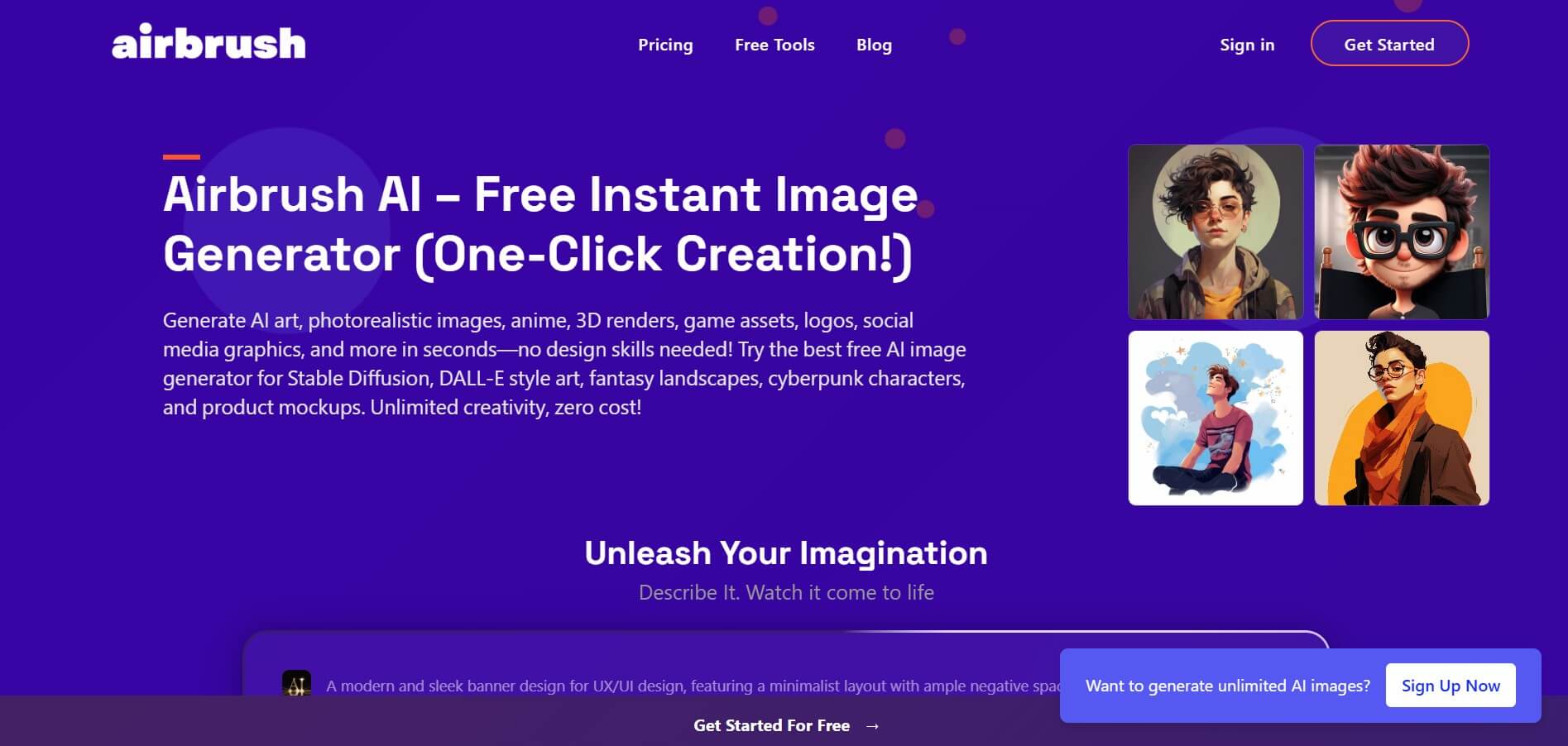
Airbrush is an AI-powered image generation and editing platform that helps users create, enhance, and customize visuals from simple text prompts. It supports multiple AI models and styles, enabling creators to generate artwork, marketing assets, and realistic images quickly without advanced design skills.
 4.8
4.8AliveAI
Image
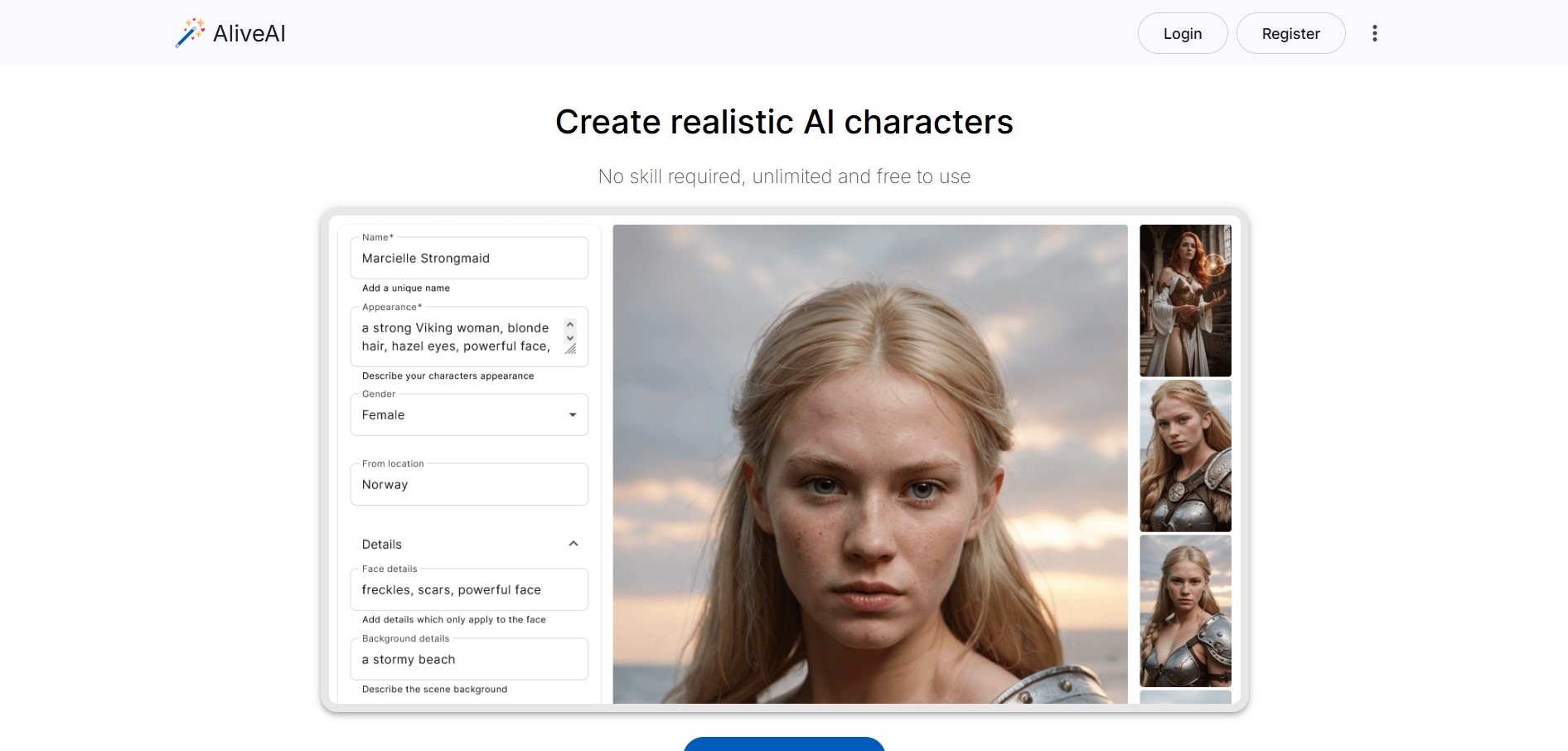
Alive AI is an AI content generation platform that lets users create realistic images, videos, and characters from simple text prompts. It supports multiple styles like realistic and anime, offers editing tools, and even enables interactive character chat, making it useful for creators and apps.
 4.9
4.9iPic Ai
Image
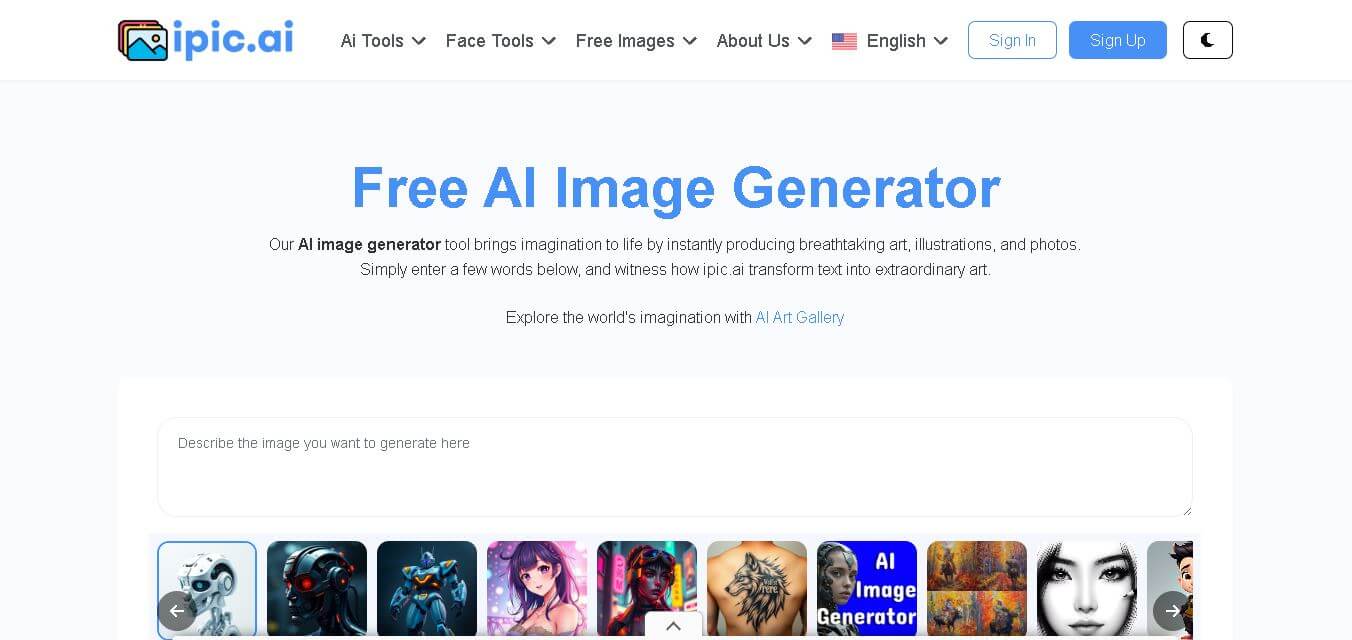
iPic is an AI-powered image generation and editing platform that lets users create visuals from text prompts and enhance photos with tools like background removal, upscaling, and style filters. It’s designed for quick, creative image creation for marketing, social media, and design needs.
Photoleap
Image
Photoleap is an AI-powered photo editing app that helps users create and enhance images with tools like background removal, AI image generation, effects, and retouching. It’s designed for both beginners and creators to easily transform photos into professional-looking visuals and creative designs.
 4.8
4.8Facewow
Image
Facewow is an AI-powered photo enhancement tool that helps users improve portraits with features like face retouching, background editing, and image upscaling. It automatically enhances facial details and overall quality, making photos look clearer, more polished, and ready for social media or professional use.
 4.8
4.8Getimg AI
Image
Getimg AI is an all-in-one AI creative studio and API platform that consolidates 20+ foundation models (including FLUX, Google Veo, Kling, Sora, Seedream, and Wan) across text-to-image, video generation, audio synthesis, and canvas editing under a unified credit balance.
 4.9
4.9Civitai
Image
Civitai is the world's largest open-source generative AI model repository and creative community platform, hosting hundreds of thousands of checkpoints, LoRAs, and embeddings across SD 1.5, SDXL, Pony, Illustrious, and FLUX.1 with integrated cloud generation, LoRA training, and creator monetization.
 4.9
4.9OpenAI Sora
Text-to-Image
OpenAI Sora is a flagship diffusion-transformer text-to-video and image-to-video generation model developed by OpenAI, capable of simulating complex real-world physical dynamics, camera movement, synchronized audio, and multi-shot cinematic video sequences up to 1080p resolution.
 4.9
4.9Leonardo AI
Design
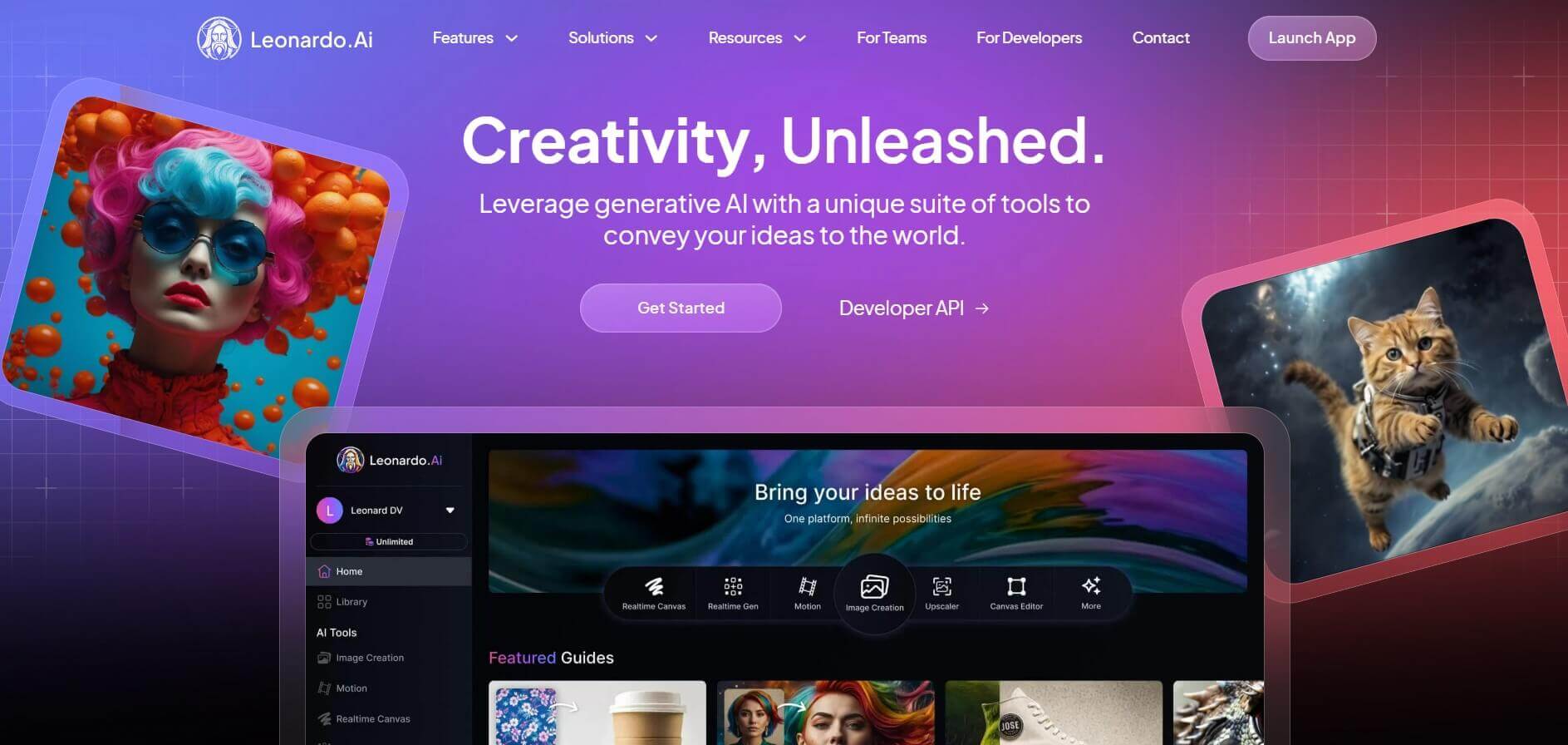
Leonardo is an advanced generative AI platform for image and video creation, featuring custom model fine-tuning (LoRA training), Real-Time Canvas, Real-Time Generation, and multi-model support across proprietary Phoenix, Lucid, and FLUX architectures.