Photoleap
Photoleap is an AI-powered photo editing app that helps users create and enhance images with tools like background removal, AI image generation, effects, and retouching. It’s designed for both beginners and creators to easily transform photos into professional-looking visuals and creative designs.
What is Photoleap?
Photoleap is an AI-powered image editing and creative design app that helps users transform images into high-quality visuals and digital art. It offers tools like background removal, object replacement, photo enhancement, and text-to-image generation, allowing users to create unique content with minimal effort. The app also includes features such as AI filters, face editing, image overlays, and animation tools. Designed for creators, marketers, and everyday users, Photoleap combines professional editing capabilities with simple, one-tap AI tools to make photo editing fast and intuitive.
Photoleap is developed by Lightricks, the globally acclaimed software company behind productivity and creative hits like Facetune and Videoleap. The app has achieved tens of millions of downloads across iOS and Android, securing top positions in the Apple App Store's photo and video category. Trusted by professional photographers, digital artists, and social media influencers, Photoleap leverages cutting-edge generative AI models to render complex visual edits in seconds.
- Creator / Organization: Lightricks Ltd.
- Launch Year: 2017 (Evolved from the original Enlight app into Photoleap)
Use Cases:
- Generating custom digital artwork and fantasy scenes using text-to-image generative AI prompts
- Performing professional multi-layer photo editing, blending, and precise masking
- Removing unwanted objects, power lines, and photobombers from vacation and portrait photos seamlessly
- Creating striking social media graphics, flyers, posters, and marketing collaterals using pre-built templates
Technology:
- Generative AI text-to-image diffusion models for prompt-based art rendering
- Advanced neural object segmentation and automatic background removal algorithms
- Multi-layer blending engine supporting custom opacity, blend modes, and brush masks
Target Users:
- Digital artists, graphic designers, and mobile creators exploring generative AI
- Social media influencers, marketers, and brand builders designing eye-catching posts
- Photographers needing fast, on-the-go touchups, sky replacements, and object removals
- Content creators using writing tools to draft campaign concepts, design briefs, and social media captions
Corporate Entity: Operates as a flagship product of Lightricks Ltd.

Key features of Photoleap
Photoleap's key features are
- AI Image Generator (Text-to-Image): Type descriptive prompts to generate stunning digital paintings, realistic photos, 3D renders, and abstract concepts instantly.
- AI Object Eraser & Remover: Clean up photos by effortlessly erasing photobombers, text, power lines, and unwanted distractions with a single brush stroke.
- Instant Background Swap & Eraser: Automatically isolate portrait subjects and replace dull backgrounds with surreal landscapes, studio gradients, or AI-generated scenes.
- Multi-Layer Photo Editing: Combine multiple photos, textures, and graphic elements across independent layers with professional blend modes and masking controls.
- AI Headshots & Avatars: Transform everyday selfies into polished corporate headshots, superhero concepts, or stylized artistic avatars.
- Photo Animation & Kinetic Effects: Add motion to static images—such as flowing water, moving clouds, and flickering neon lights—to create dynamic social visuals.
- Graphic Design Templates: Access a massive library of ready-to-use templates for Instagram posts, stories, marketing banners, and flyers.
- AI Skin & Face Retouching: Smooth skin, adjust facial lighting, whiten teeth, and enhance portraits with professional-grade retouching brushes.
Photoleap Pricing
Photoleap operates on a freemium model with free basic editing tools alongside weekly and annual subscription options unlocking full AI generative suites.
Free Plan:
- $0/month
- Basic photo editing tools, standard filters, cropping, and limited trial access to AI features with watermarked exports
Pro Weekly Plan:
- Starts at approximately $3.99 to $5.99/week
- Ideal for short-term creative projects or temporary access to unlimited AI generations
Pro Annual Plan:
- Starts at $39.99 to $59.99/year (approx. $3.33 to $5.00/month billed annually)
- Unlocks unlimited AI text-to-image generations, unwatermarked high-resolution exports, all advanced layers, and premium design templates
Disclaimer: For the latest promotional discounts, regional app store pricing, and subscription terms, please visit the official Photoleap website at photoleapapp.com or check mobile app store listings.
Who is using Photoleap?
Photoleap is designed for a broad range of visual creators and mobile artists, including
- Social Media Influencers: Crafting eye-catching Instagram posts, stories, and TikTok thumbnails with AI art
- Digital Artists & Illustrators: Blending photos and generative AI prompts to create surreal concept art and digital collages
- Small Business Owners: Designing professional marketing flyers, social ads, and product photos without desktop software
- Mobile Photographers: Quick-fixing lighting, removing blemishes, and swapping skies on vacation photos
- Hobbyists & Students: Experimenting with fun face swaps, photo animations, and creative filters
Best Photoleap Alternatives
Some of the strongest Photoleap alternatives include
- Adobe Photoshop Express
- Canva
- Picsart AI Photo Editor
- Facetune (Lightricks)
- Fotor
- Procreate (iPad)
Pros and Cons of Photoleap
Pros
- Exceptional fusion of traditional multi-layer photo editing with cutting-edge generative AI tools
- Powerful text-to-image art generator renders highly creative and detailed visuals from simple prompts
- Precise object eraser and background removal tools rival desktop editing software
- Extensive library of graphic design templates, fonts, and artistic filters
- Intuitive mobile interface optimized for both iOS and Android touchscreens
Cons
- Free version includes watermarks and restricts access to advanced AI generation features
- Weekly subscription pricing can add up quickly if left active over long periods
- Complex multi-layer projects can consume significant mobile device RAM and battery life
- Steeper learning curve for users looking to master advanced blending and masking tools
Why Choose Photoleap?
Photoleap is the ideal choice for mobile creators, designers, and photo enthusiasts who want a professional-grade digital art studio in the palm of their hand.
- Combines deep multi-layer photo editing with state-of-the-art generative AI art tools
- Removes background clutter and unwanted objects in seconds with single-tap precision
- Turns text descriptions into striking digital paintings and realistic visuals
- Offers hundreds of creative templates for fast social media and marketing design
- Backed by Lightricks' award-winning mobile imaging technology
Photoleap vs. Competitors
The main difference between Photoleap, Picsart, Canva, and Adobe Photoshop Express is that Photoleap specializes in advanced multi-layer photo manipulation paired with powerful text-to-image generative AI art creation, whereas Picsart focuses on social sticker communities and templates, Canva centers on graphic design layouts, and Photoshop Express provides streamlined touchups. Photoleap stands out for its artistic blending precision and high-end generative AI features.
| Feature / Tool | Photoleap (photoleapapp.com) | Picsart AI | Canva | Adobe Photoshop Express |
|---|---|---|---|---|
| Core Focus | AI Art & Multi-Layer Photo Editing | Social Photo Editing & Design | Graphic Design & Templates | Quick Mobile Photo Retouching |
| Text-to-Image AI Art | Yes (Advanced Generator) | Yes (AI Image Gen) | Yes (Magic Media) | Limited AI Firefly Prompts |
| Multi-Layer Editing | Yes (Professional Blending) | Yes | Yes (Elements & Pages) | Basic Overlays |
| Object Eraser & Cutouts | Yes (High Precision) | Yes | Yes (Background Remover) | Yes (Healing Brush) |
| Starting Paid Price | ~$3.99/week or $39.99/year | ~$5.00/week or $47.99/year | $15.00/month (Pro) | Free / Adobe CC Plan |
| Best For | Creative AI Art & Photo Collages | Social Media Content Creators | Marketing Banners & Documents | Clean & Fast Photo Corrections |
How do we rate Photoleap?
| Parameter | Rating (out of 5) |
|---|---|
| Generative AI Art & Text-to-Image | 4.9 |
| Multi-Layer Editing & Masking Precision | 4.9 |
| Object Eraser & Background Tools | 5.0 |
| Interface Usability & Mobile Experience | 4.8 |
| Value for Money | 4.7 |
| Overall Score | 4.86 |
Photoleap Review
Photoleap by Lightricks stands out as one of the most creatively liberating photo editing applications available for mobile and desktop creators. By successfully bridging traditional multi-layer photo retouching with state-of-the-art generative AI art tools, it gives users the power of a desktop design studio right in their pockets. Whether you are erasing background distractions, blending multiple textures across intricate masks, or rendering surreal digital artwork from a simple text prompt, Photoleap executes complex edits with remarkable speed and precision. For social media influencers, digital artists, and mobile photographers seeking a versatile creative toolkit, Photoleap is an exceptional platform.
Conclusion
Photoleap makes creative photo editing more accessible by combining powerful tools with an intuitive mobile interface. Instead of relying on complex desktop software, users can enhance images, remove backgrounds, and create artistic effects directly from their device. This makes it ideal for creators and social media users. Overall, Photoleap simplifies advanced editing, helping users turn ideas into visually striking content quickly while maintaining creative flexibility.
FAQ
What is Photoleap and how does it work?
Photoleap is an AI-powered photo editing and design app that allows users to create, edit, and enhance images directly from their mobile device. It works by combining traditional editing tools with advanced AI features like background removal, object replacement, and text-to-image generation, enabling users to transform photos into professional visuals or creative artwork with minimal effort.
What features does Photoleap offer?
Photoleap offers a wide range of features including AI image generation, photo retouching, background editing, image upscaling, filters, overlays, and collage creation. It also includes creative tools like face swapping, cartoon effects, AI avatars, text-to-image generation, and image blending, making it a complete photo editing and digital art platform.
Can Photoleap generate images from text?
Yes, Photoleap includes a text-to-image AI generator that allows users to describe an image in words and instantly generate visuals based on that prompt. Users can choose styles, customize outputs, and create unique artwork, making it useful for content creation, design, and social media visuals.
Is Photoleap free to use?
Photoleap offers a free version with access to basic editing tools and features. However, advanced AI tools, premium filters, and high-end creative features are available through a paid subscription, which can be explored via a free trial (typically 7 days).
What can you use Photoleap for?
Photoleap can be used for creating social media content, professional headshots, digital art, marketing creatives, and personal photo edits. It is widely used by creators, designers, and businesses to produce eye-catching visuals quickly without requiring advanced design skills.
Does Photoleap support advanced photo editing?
Yes, Photoleap includes advanced editing tools such as layer-based editing, image blending, object removal, color correction, and retouching. These features allow users to perform professional-level edits while still benefiting from AI automation for faster results.
Who should use Photoleap?
Photoleap is ideal for content creators, social media managers, designers, marketers, and anyone looking to create high-quality visuals quickly. It is especially useful for users who want powerful editing capabilities combined with AI tools to streamline creative workflows and produce professional results.
User Reviews
No reviews yet for Photoleap.
Featured Tools
Featured AI tools from TechShark

Melody Genie
MelodyGenie is an AI-powered music generator that creates original songs from simple text prompts. Users can choose styles, moods, and genres, then instantly generate melodies and full tracks, making it easy for creators, marketers, and hobbyists to produce custom music without musical expertise.
Freemium

Kimi AI
Kimi AI is an advanced AI assistant developed by Moonshot AI that helps you chat, research, write, code, and automate tasks in one place. It supports web search, file analysis, and multimodal inputs, and can even run autonomous “agent” workflows to complete complex tasks end-to-end.
Freemium

Fashion Diffusion AI
Fashion Diffusion is an AI-powered fashion design platform that helps brands and designers create clothing designs, virtual try-ons, AI models, product photos, and marketing visuals faster and cost-effectively.
Paid

Veo 4
Veo 4 AI is an AI video creation platform that generates dramatic videos from text, images, audio, and video prompts using realistic motion and synchronized sound.
Paid
Alternatives
Alternatives to Photoleap
The best Photoleap alternatives include Adobe Photoshop Express, Canva, Picsart AI Photo Editor, Facetune, Fotor, and Procreate. These platforms provide photo editing, graphic design, and AI art generation tools. While Photoleap specializes in advanced multi-layer photo manipulation paired with powerful text-to-image generative AI art creation, alternatives like Picsart focus on social sticker communities and templates, Canva centers on graphic design layouts, and Photoshop Express provides streamlined touchups. Choosing the right tool depends on whether you require creative photo blending and AI art or standard graphic design layouts.
 4.8
4.8Airbrush AI
Image
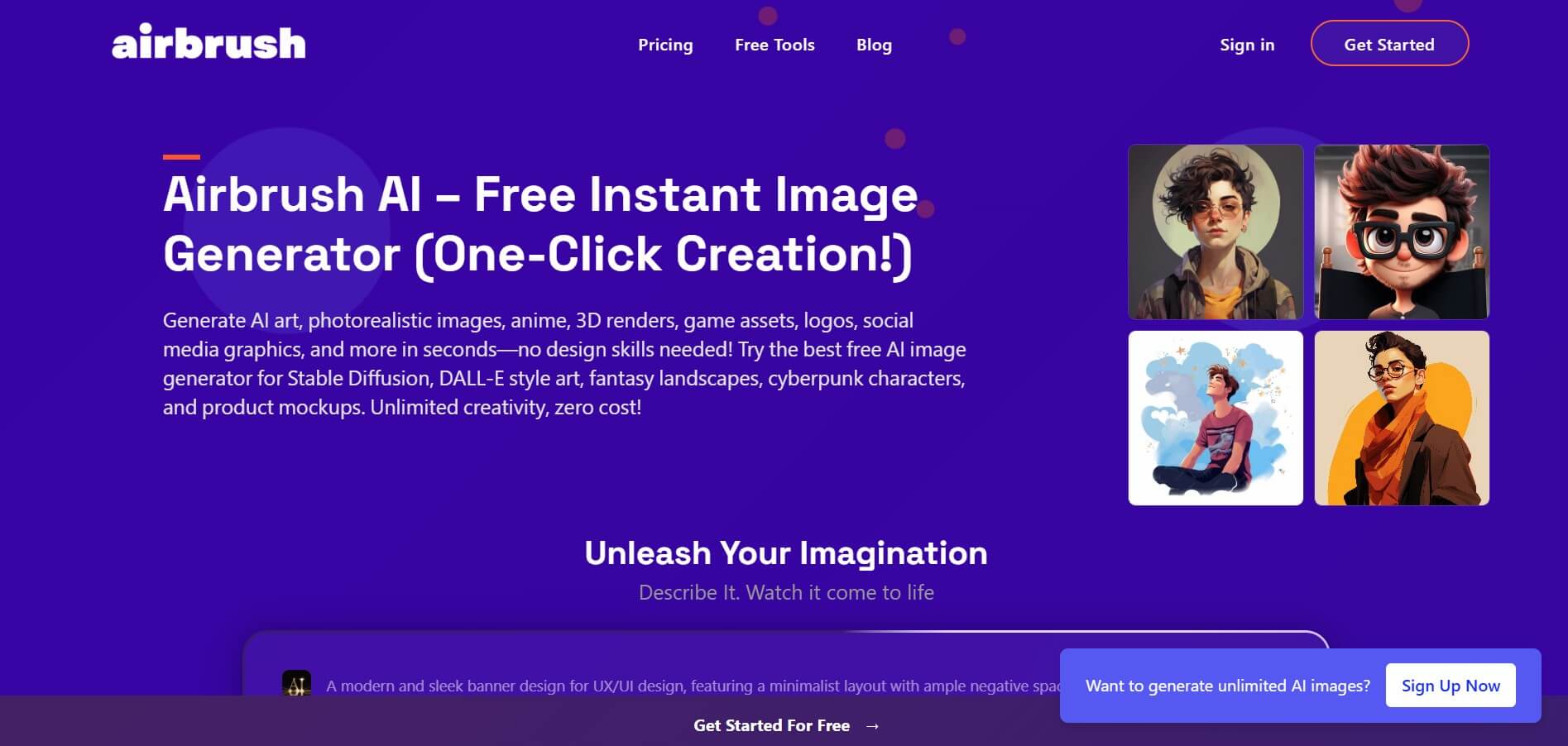
Airbrush is an AI-powered image generation and editing platform that helps users create, enhance, and customize visuals from simple text prompts. It supports multiple AI models and styles, enabling creators to generate artwork, marketing assets, and realistic images quickly without advanced design skills.
 4.8
4.8AliveAI
Image
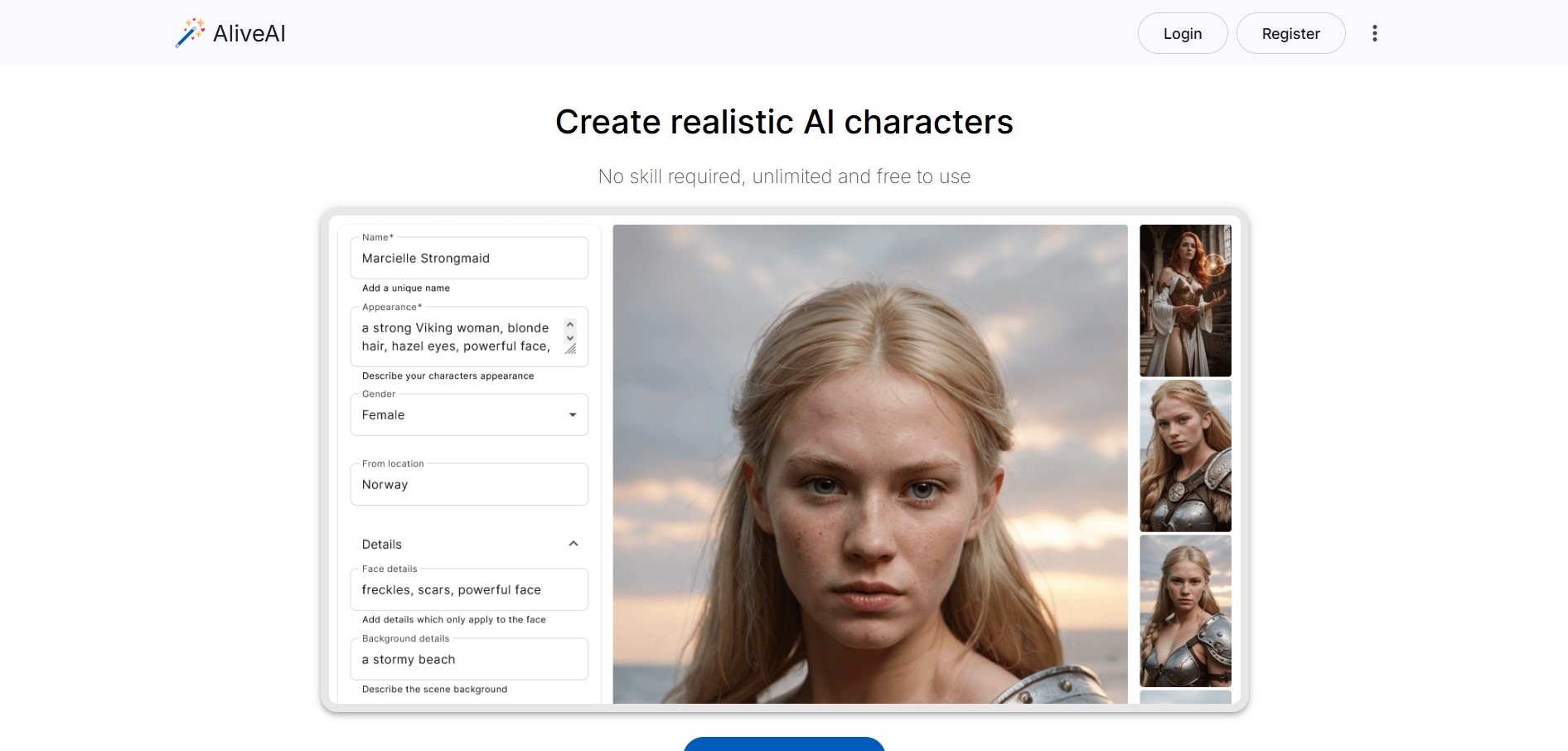
Alive AI is an AI content generation platform that lets users create realistic images, videos, and characters from simple text prompts. It supports multiple styles like realistic and anime, offers editing tools, and even enables interactive character chat, making it useful for creators and apps.
 4.9
4.9iPic Ai
Image
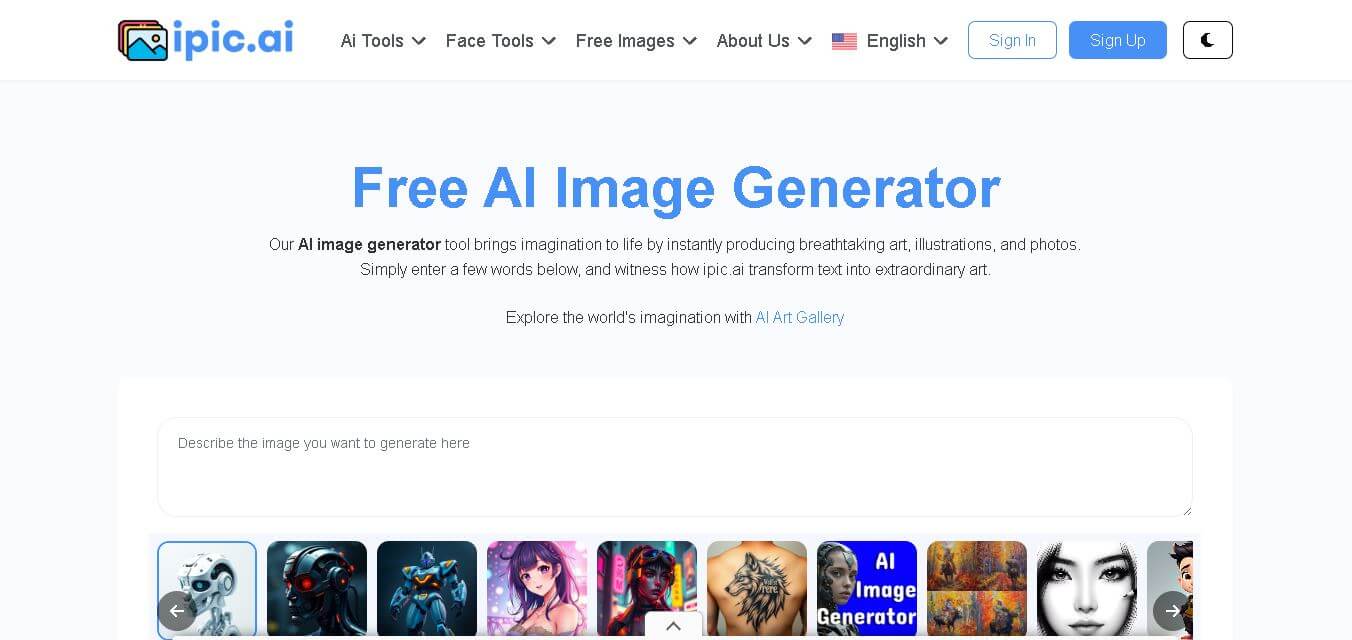
iPic is an AI-powered image generation and editing platform that lets users create visuals from text prompts and enhance photos with tools like background removal, upscaling, and style filters. It’s designed for quick, creative image creation for marketing, social media, and design needs.
 4.8
4.8Facewow
Image
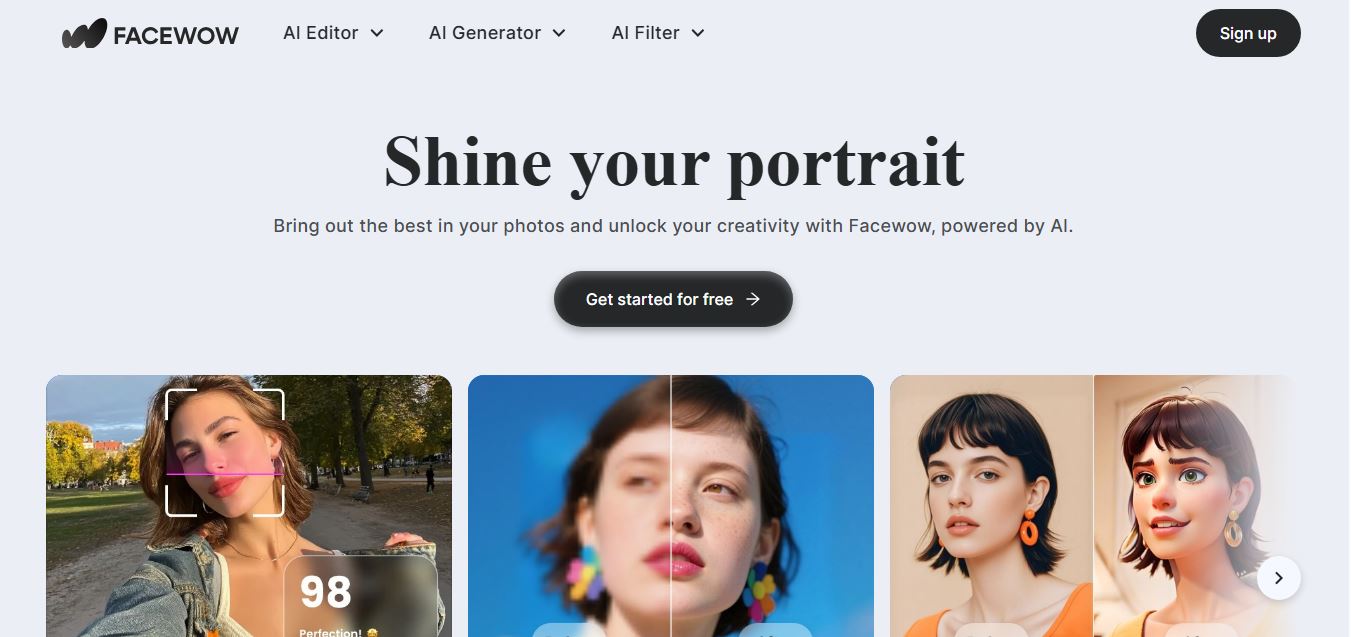
Facewow is an AI-powered photo enhancement tool that helps users improve portraits with features like face retouching, background editing, and image upscaling. It automatically enhances facial details and overall quality, making photos look clearer, more polished, and ready for social media or professional use.
 4.8
4.8Getimg AI
Image
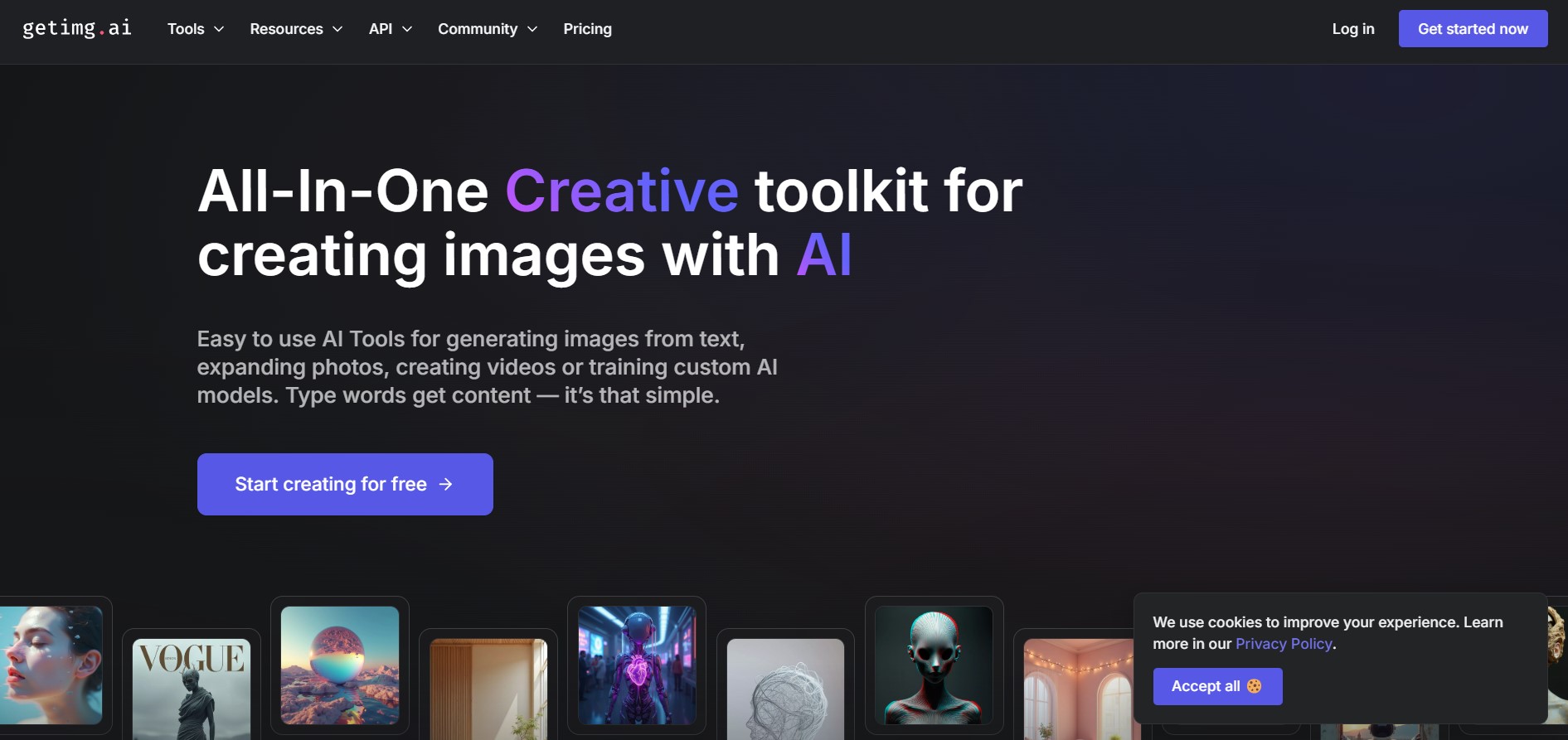
Getimg AI is an all-in-one AI creative studio and API platform that consolidates 20+ foundation models (including FLUX, Google Veo, Kling, Sora, Seedream, and Wan) across text-to-image, video generation, audio synthesis, and canvas editing under a unified credit balance.
 4.9
4.9Civitai
Image
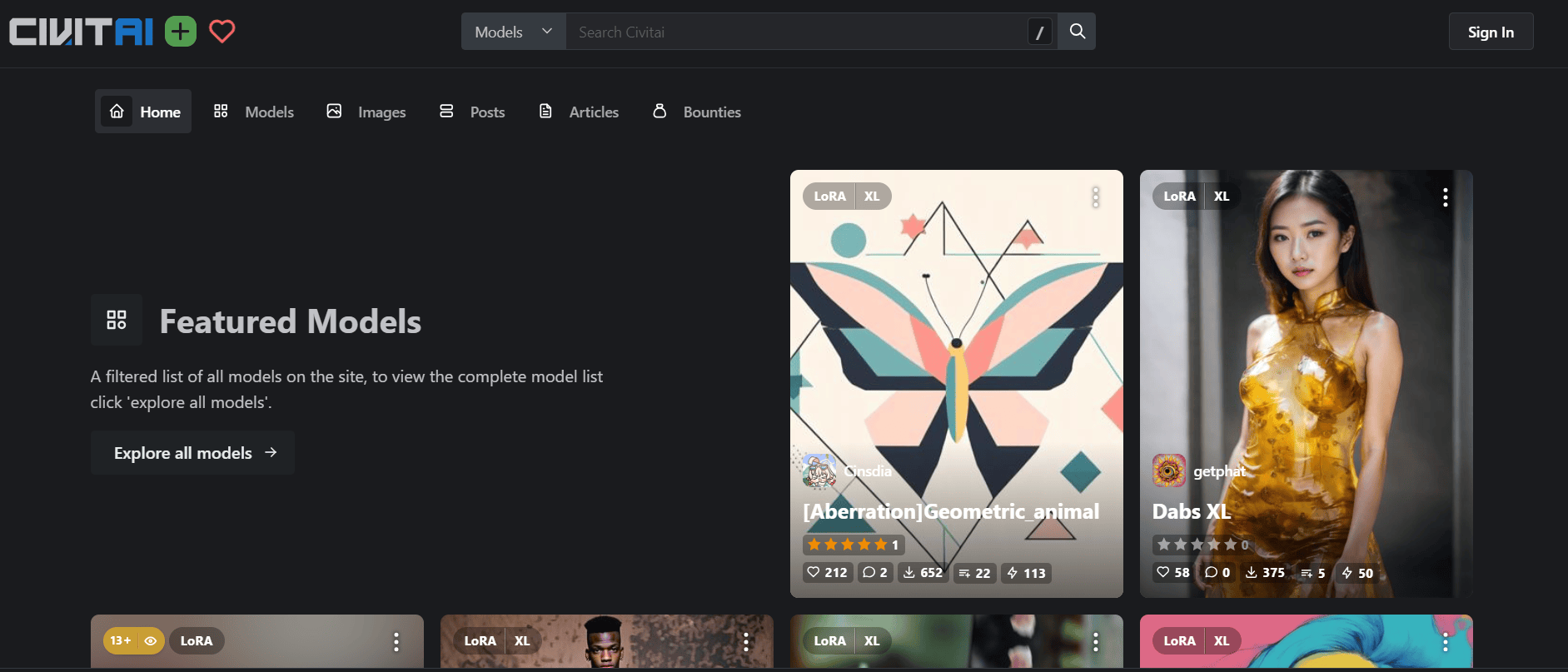
Civitai is the world's largest open-source generative AI model repository and creative community platform, hosting hundreds of thousands of checkpoints, LoRAs, and embeddings across SD 1.5, SDXL, Pony, Illustrious, and FLUX.1 with integrated cloud generation, LoRA training, and creator monetization.
 4.9
4.9OpenAI Sora
Text-to-Image
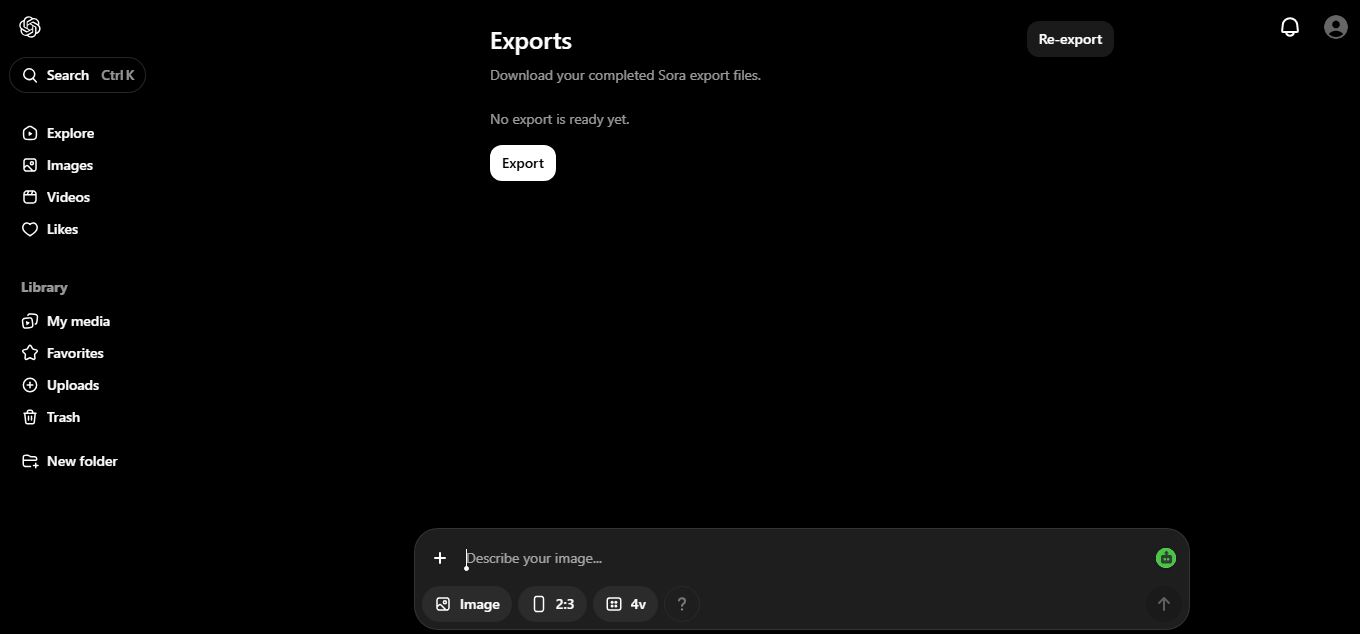
OpenAI Sora is a flagship diffusion-transformer text-to-video and image-to-video generation model developed by OpenAI, capable of simulating complex real-world physical dynamics, camera movement, synchronized audio, and multi-shot cinematic video sequences up to 1080p resolution.
 4.9
4.9Leonardo AI
Design
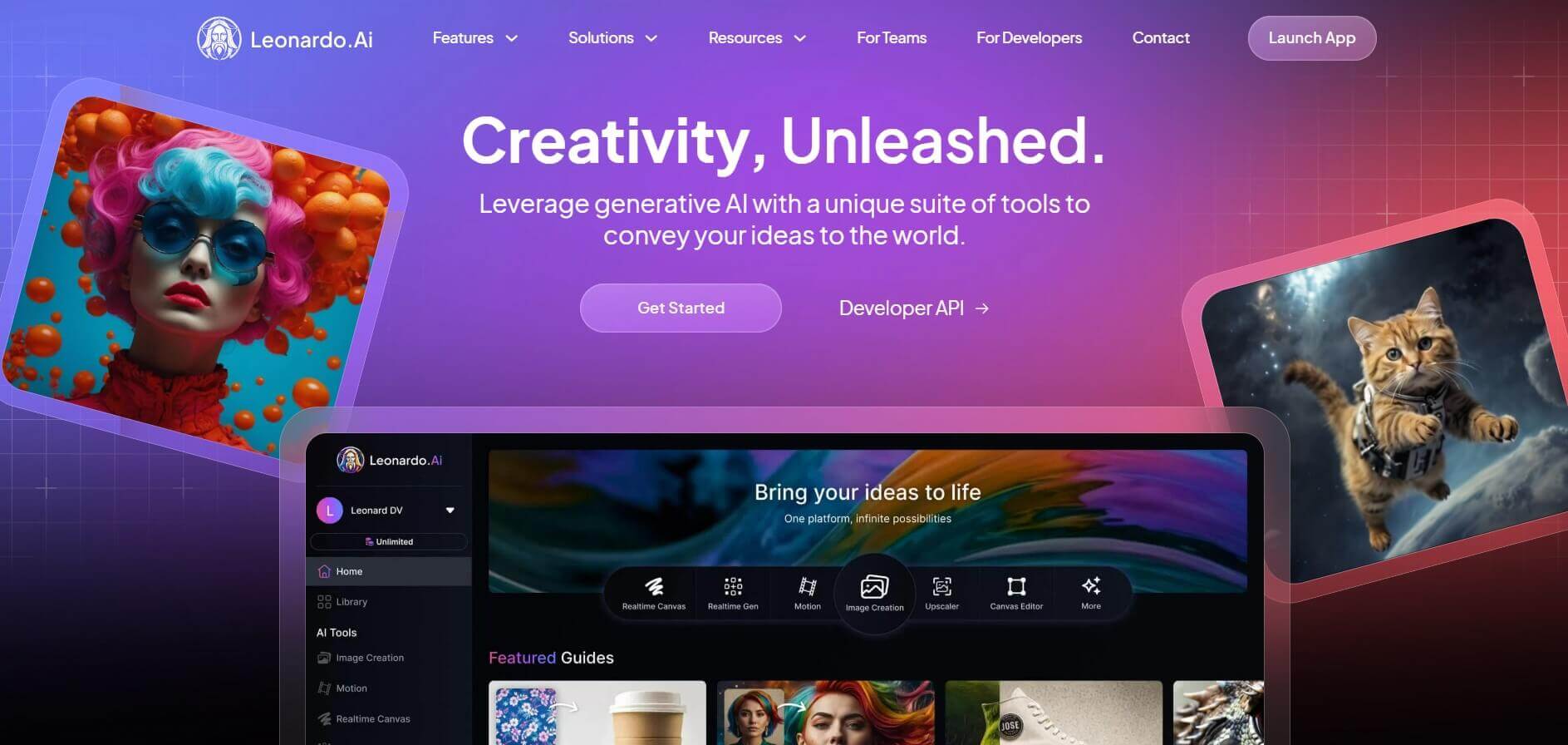
Leonardo is an advanced generative AI platform for image and video creation, featuring custom model fine-tuning (LoRA training), Real-Time Canvas, Real-Time Generation, and multi-model support across proprietary Phoenix, Lucid, and FLUX architectures.
 4.9
4.9Pixlr
Image
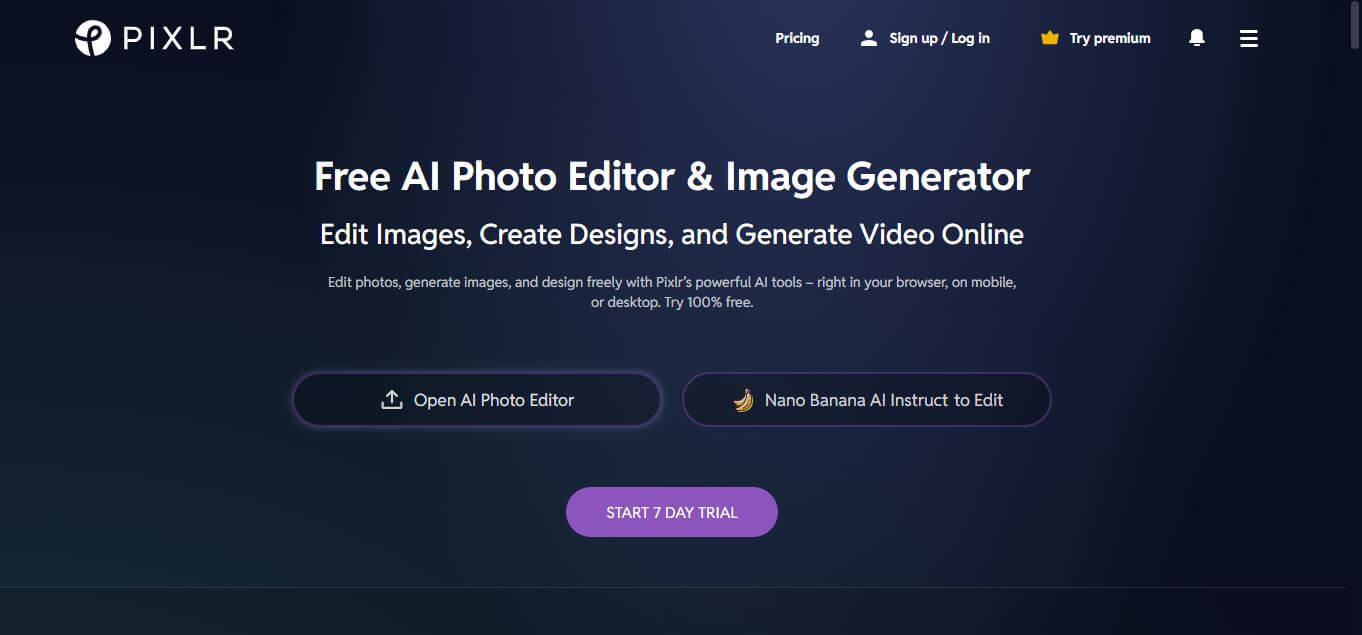
Pixlr is a browser-based AI photo editor and graphic design suite that combines layer-based photo retouching (Pixlr E), template-driven social design (Pixlr X), and generative AI tools like generative fill, background removal, and AI image generation.