
Civitai
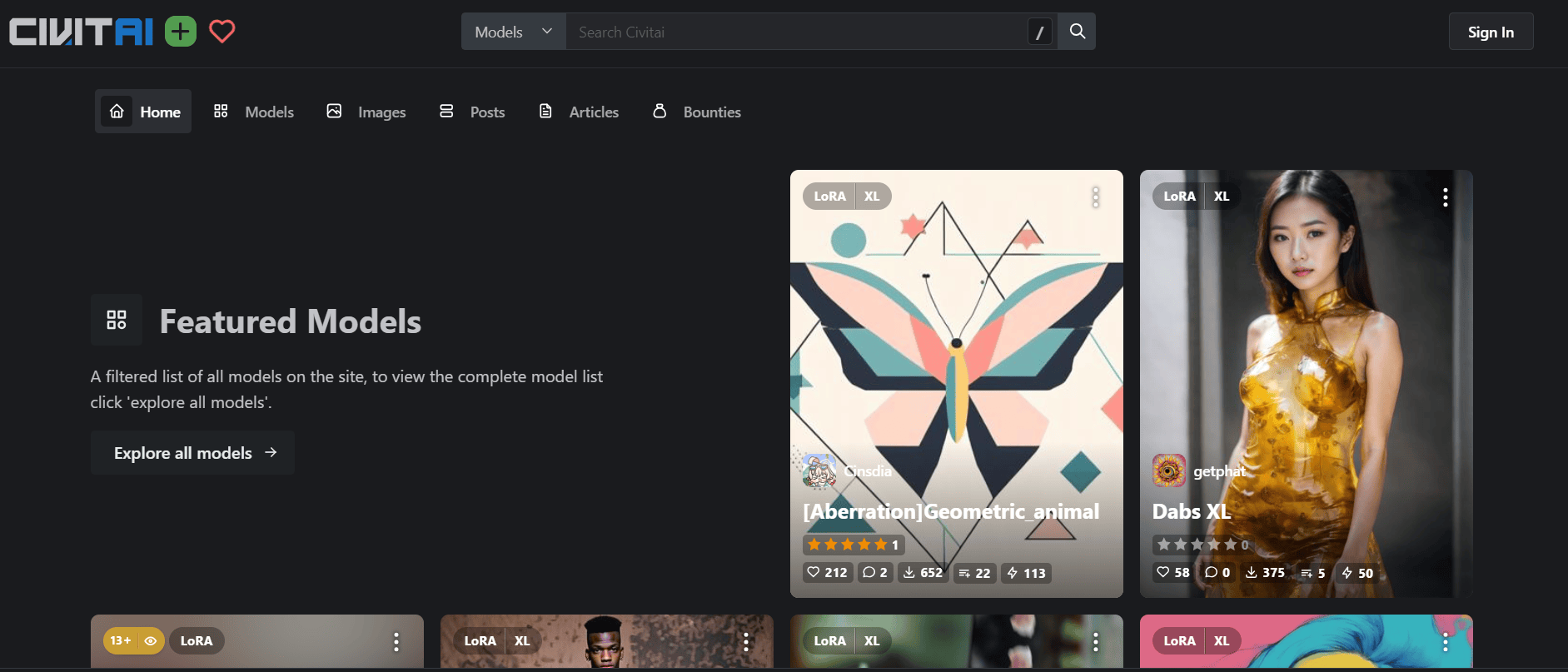
Civitai is an AI model-sharing and image-generation platform where creators discover, download, and publish community-developed models. It supports checkpoints, LoRAs, embeddings, cloud generation, and custom model training for artists and developers exploring open generative AI workflows.
What is Civitai?
Civitai is an online community and repository for discovering, sharing, and using generative AI models. It is particularly well known among Stable Diffusion creators and other open-model enthusiasts. Users can explore thousands of community-published resources, including checkpoints, LoRA adapters, embeddings, and other model-related files. The platform also provides cloud-based creation tools, allowing users to generate images without setting up a local AI environment. Through its model pages and image galleries, creators can inspect prompts, model selections, seeds, and other generation settings shared by community members. This helps users understand how particular visual results were produced and experiment with similar workflows.
Built around the mission to “Discover, create, and share open-source generative AI art,” Civitai bridges the gap between complex local model installations and accessible cloud creation. Instead of requiring multi-gigabyte local storage and expensive high-VRAM graphics rigs, Civitai provides in-browser on-site image/video generation and cloud-based LoRA training powered by its native platform compute currency, Buzz.
- Platform Role: Open-Source AI Model Repository, Cloud Image/Video Generator & AI Creator Community
- Founder & Leadership: Justin Maier (Founder & CEO, Civitai)
- Ecosystems Supported: FLUX.1, Stable Diffusion XL (SDXL), SD 1.5, Pony Diffusion, Illustrious, and generative video engines (WAN, Kling, LTX-Video, HunyuanVideo)
Use Cases:
- Discovering and downloading hundreds of thousands of community-trained LoRAs, checkpoints, and embeddings for local use in ComfyUI or Automatic1111
- Generating high-resolution images and video clips directly in the cloud without installing Python environments or owning dedicated GPU hardware
- Stacking multiple LoRAs with custom weights on top of frontier base models (SDXL, Illustrious, FLUX.1) for specialized art styles and consistent characters
- Training custom character, style, or concept LoRAs directly in the cloud using automated Civitai training recipes
- Monetizing custom model weights and fine-tunes through on-platform licensing fees, early access paywalls, and creator tips via Buzz
Technology:
- Comprehensive open-weights artifact registry hosting checkpoints, LoRA adapters, textual inversions, VAEs, and hypernetworks
- Cloud orchestration generation engine allowing users to run complex multi-LoRA pipelines and sampling algorithms on demand
- Automated cloud LoRA trainer utilizing the AI toolkit to fine-tune models on SD1, SDXL, and FLUX foundations with automated tagging and sample verification
- Civitai Vault & Civitai Link infrastructure enabling one-click synchronization between browser model pages and local desktop IDEs/WebUIs
Target Users:
- Digital artists, concept designers, and illustrators exploring niche visual styles, photorealism, or anime aesthetics
- Model trainers, machine learning hobbyists, and fine-tuners looking to share, showcase, and monetize their custom LoRAs
- Beginner creators who lack high-end gaming or workstation GPUs but want to generate images using community-favorite checkpoints
- Power users running local Automatic1111 or ComfyUI environments looking for direct, verified model downloads with full prompt metadata
Acquisition: Independent generative AI media repository and creator platform

What are the key features of Civitai?
Civitai's key platform features are
- AI Model Repository: Explore and download community-created checkpoints, LoRAs, embeddings, and other generative AI resources. Models are organized by architecture, category, popularity, and other discovery filters.
- Cloud Image Generation: Generate AI images directly through the browser without installing local software or configuring a GPU environment. Available models and generation options depend on current platform support and Buzz balance.
- LoRA Stacking: Combine compatible LoRA adapters with supported base models to experiment with different characters, visual styles, and artistic concepts.
- Cloud LoRA Training: Upload a training dataset, configure training parameters, and use Civitai's cloud infrastructure to create custom LoRA models. The platform's training system supports different engines for supported model families.
- Prompt and Metadata Transparency: Explore community images and inspect available prompts, seeds, model names, and generation settings. This helps creators understand and reproduce different image-generation workflows.
- Civitai Link: Connect the online model repository with supported local AI applications and workflows, making it easier to manage model downloads and local resources.
- Civitai Vault: Provides cloud-based model storage for eligible users, helping them manage selected model resources.
- Creator Monetization: Eligible creators can earn through model-generation compensation, licensing fees, paid model access, tips, and other supported creator activities.
- Buzz Credit System: Use Buzz, Civitai's virtual platform currency, for eligible cloud generation, training, and other paid activities.
- Content Discovery and Community: Follow creators, explore model collections, participate in discussions, and discover new AI-generated artwork.
- Content Filtering and Moderation: Provides content visibility controls and moderation systems to help users manage what they see and publish. Civitai also checks generated and uploaded content against its policies.
How much does Civitai cost?
Civitai follows a freemium pricing model. Browsing the community and downloading available models are generally free, while cloud image generation, model training, and certain premium features use Buzz credits or paid memberships.
Free Usage & Community Earning:
- Free Tier ($0 / month): Unlimited free model and resource downloads, public image posting, and daily Blue Buzz allowances earned through daily logins, reactions, and community participation.
Supporter & Creator Memberships:
- Bronze Membership ($10 / month): 10,000 Green Buzz monthly, 5% bonus on extra Buzz purchases, 1.5x daily reward multiplier, 3 private models, and ad-free browsing.
- Silver Membership ($25 / month): 25,000 Green Buzz monthly, 10% bonus on Buzz purchases, 2.5x daily reward multiplier, 10 private models, priority generation queue, and expanded Civitai Vault storage.
- Gold Membership ($50 / month): 50,000 Green Buzz monthly, 20% bonus on Buzz purchases, 4x daily reward multiplier, up to 100 private models, unlimited monetization caps, and maximum generation priority.
Pay-As-You-Go Buzz Packs & Training:
- A la Carte Buzz: Available for one-off purchases (e.g., $5 for 5,000 Buzz). Typical SDXL/Pony generations cost ~1–4 Buzz, FLUX.1 runs cost ~5–15 Buzz, and cloud LoRA training runs start around 500 Buzz (~$0.50).
Disclaimer: Downloading models for local execution is completely free. Cloud on-site generation and LoRA training use Buzz credits, which can be earned for free or purchased through memberships and credit packs at civitai.com.
Who should use Civitai?
Civitai is designed for AI creators, model developers, and digital artists who want access to community-developed generative AI resources.
- Local AI Creators and Prompt Engineers: Users working with ComfyUI and other compatible Stable Diffusion interfaces who need checkpoints, LoRAs, and model resources.
- Digital Artists and Illustrators: Creators exploring different visual styles, illustration techniques, character designs, and concept art.
- Hardware-Constrained Designers: Users who want to experiment with cloud-based image generation instead of purchasing expensive GPU hardware.
- Model Authors and Trainers: Developers and enthusiasts who want to train, publish, share, and monetize custom AI models.
- AI Hobbyists and Beginners: People learning how generative AI models work through community examples, prompts, and downloadable resources.
- Creative Teams: Designers and content teams experimenting with repeatable AI image-generation workflows.
What are the best alternatives to Civitai?
Some of the strongest Civitai alternatives include
What are the pros and cons of Civitai?
Pros
- Extensive collection of community-created checkpoints, LoRAs, and other AI resources.
- Free access to many downloadable model files.
- Community images provide useful prompts and generation metadata.
- Cloud generation helps users experiment without setting up a local GPU environment.
- Cloud LoRA training makes custom model development more accessible.
- Creator monetization tools provide ways to earn from eligible models and creative resources.
- Supports different model families and workflows used by the open generative AI community.
- Active community for discovering new models, sharing techniques, and learning.
Cons
- The large number of community uploads can make it difficult to identify the most suitable models.
- Cloud generation and training require Buzz credits.
- Generation queues and resource availability can vary.
- Different model licenses may impose different usage and commercial restrictions.
- Some models require technical knowledge and compatible local software.
- Content moderation and platform policies may restrict certain models and generation workflows.
- New users may find the model categories, LoRA settings, and generation parameters complicated.
Why Should You Choose Civitai?
Civitai is particularly useful for creators who want more control over AI image-generation workflows than closed, preset-based image generators typically provide. Its model repository and creator community allow users to experiment with different checkpoints, LoRAs, and generation settings.
- Explore Open-Weight Models: Discover community-created checkpoints, LoRAs, and embeddings for different image-generation architectures.
- Learn from Community Creations: Inspect available prompts, seeds, and generation settings to understand how other creators produce their images.
- Generate Images Online: Experiment with supported models through cloud-based generation without configuring a local GPU environment.
- Train Custom LoRAs: Build custom character, style, and concept models through supported cloud-training workflows.
- Connect with Local AI Tools: Download compatible model resources for use with applications such as ComfyUI.
- Monetize Creative Resources: Eligible creators can earn through licensing fees, paid access, generation compensation, and other supported options.
- Access a Creative Community: Discover new models, follow creators, participate in discussions, and share original work.
One important advantage is that Civitai gives users access to the underlying model ecosystem rather than limiting them to a single proprietary image-generation model. However, downloading a model does not automatically grant unrestricted commercial rights; users should review the license attached to each model.
How Does Civitai Work?
Civitai provides two main workflows: discovering and downloading existing AI models and using supported cloud tools to generate images or train custom models.
Step 1: Create an Account
Visit Civitai.com and create an account to access community features, save resources, and explore available creation tools.
Step 2: Discover AI Models
Browse the Models section to find checkpoints, LoRAs, embeddings, and other resources. Use available filters to narrow your search by model architecture, category, popularity, and other criteria.
Step 3: Review Model Details
Open a model page to examine its description, example images, supported base model, version information, and available generation metadata. Always check the model's license and usage restrictions before downloading or using it commercially.
Step 4: Download or Generate
You can download compatible model files for supported local applications or use Civitai's browser-based generator with available models. Cloud generation uses Buzz credits according to the selected workflow.
Step 5: Customize Your Generation
Select a supported base model, choose compatible LoRAs, and adjust generation settings such as prompts and other available parameters. Different model combinations can produce different visual styles and results.
Step 6: Train a Custom LoRA
If you want a personalized model, upload a suitable image dataset to the supported training workflow, select the training configuration, and submit the job. Civitai's training infrastructure processes the job and makes the resulting model available when it completes and passes applicable checks.
Step 7: Publish and Share
Publish eligible models and generated images to the community. Add descriptions, tags, and relevant metadata so other users can discover and understand your work.
How does Civitai compare to competitors?
The main difference between Civitai, Hugging Face, RunDiffusion, Leonardo AI, and Midjourney is their approach to open models and AI creation. Civitai combines model discovery, community galleries, and cloud generation. Hugging Face is more focused on machine learning repositories and developer collaboration. RunDiffusion provides managed cloud environments, Leonardo AI offers a more accessible creative-generation workflow, and Midjourney focuses on its proprietary image-generation experience.
| Feature / Platform | Civitai | Hugging Face | RunDiffusion | Midjourney |
|---|---|---|---|---|
| Core Focus | Visual Model Repository & AI Creator Community | General ML Git Repository & Code Hub | Managed Cloud GPU Studio & ComfyUI | Proprietary Artistic Image Generation |
| Model Weights Download | Yes (100% free community downloads) | Yes (Raw git/LFS weights) | Cloud hosted (Import/Export available) | No (Closed proprietary black box) |
| On-Site Generation | Yes (Buzz-metered web generator) | Spaces (Gradio/Streamlit demos) | Yes (Pre-loaded ComfyUI/Auto1111) | Yes (Discord / Web app) |
| Cloud LoRA Training | Yes (Automated web recipes via Buzz) | AutoTrain / Manual script setups | Kohya cloud integration | No (Style reference/cref only) |
| Pricing Structure | Free downloads / Memberships ($10-$50/mo) / Buzz | Free tier / Compute usage / Pro ($9/mo) | Hourly compute / Plans from $35.99/mo | Paid subscription from $10/mo |
| Best For | Discovering LoRAs, inspecting prompt recipes, and affordable cloud testing | Machine learning developers hosting weights and code | Professional design teams wanting managed ComfyUI cloud instances | Users wanting instant, high-aesthetic images without fine-tuning weights |
How Do We Rate Civitai?
The following scores are TechShark's editorial assessment of Civitai's model library, community features, generation workflows, and usability. They are not customer-review averages or independently benchmarked performance results.
|
Parameter |
Rating (out of 5) |
|---|---|
|
Model Library & Variety |
5.0 |
|
Community & Discovery |
5.0 |
|
Prompt Metadata & Transparency |
4.8 |
|
Cloud Generation |
4.5 |
|
LoRA Training Accessibility |
4.5 |
|
Ease of Use |
4.0 |
|
Value for Money |
4.5 |
|
Overall Rating |
4.6/5 |
Review
Civitai is one of the most useful platforms for people working with open generative AI models. Its biggest strength is the combination of a large community-driven model repository, visual examples, and resources for experimenting with different AI image-generation workflows. The platform is particularly valuable for Stable Diffusion and other open-model users. Instead of relying on a single image-generation engine, creators can explore checkpoints, LoRAs, embeddings, and different model families to achieve specific visual styles. This level of flexibility makes Civitai useful for artists who want more control over their generated images.
Another major advantage is its community-driven learning environment. Model pages and image posts can provide prompts, seeds, model information, and other generation parameters. Beginners can use these examples to understand how different models work, while experienced users can experiment with new combinations and techniques. Civitai's cloud generation and LoRA training tools also help reduce the technical barriers associated with running generative AI locally. Users without powerful GPUs can experiment with supported models through browser-based workflows. Model developers can also train and publish custom resources without managing every part of the underlying infrastructure themselves.
The platform's creator economy adds another dimension. Model authors can earn through generation compensation, licensing fees, paid access, and other supported monetization features. The 2026 Creator Program also provides creator analytics and a structured approach to monetization, although its banking and payout rules require careful attention. However, Civitai is not necessarily the easiest platform for beginners. Its large resource library can be overwhelming, and understanding checkpoints, LoRA weights, model compatibility, and generation parameters requires some learning. Cloud creation also depends on Buzz credits, while local generation requires compatible software and hardware. Licensing and content policies are additional considerations. Users need to check individual model permissions before using resources commercially and follow the platform's current restrictions when uploading or generating content.
Overall, Civitai is a strong choice for AI artists, model developers, and creators who want access to open generative AI resources. Its model library, community knowledge, and cloud tools make it a valuable platform for experimenting with AI-generated visuals and building more customized creative workflows.
Conclusion
Civitai has established itself as an important destination for discovering, sharing, and experimenting with open generative AI models. Its extensive collection of checkpoints, LoRAs, embeddings, community-generated examples, and cloud creation tools makes it useful for both beginners and experienced AI creators. The platform's biggest advantage is the flexibility it offers. Users can download models for compatible local applications, experiment with supported cloud generation tools, train custom LoRAs, and learn from the wider AI creator community. Although its technical complexity, Buzz-based generation costs, and model licensing conditions require some attention, Civitai remains a valuable resource for people exploring open-weight AI image generation.
If you want to discover community-created models, experiment with different visual styles, or build customized AI image-generation workflows, Civitai is worth exploring.
FAQ
What is Civitai and what does it actually do?
Civitai is a community-driven platform and marketplace for generative AI models, mainly focused on image and video creation. It allows users to browse, download, share, and even generate content using AI models like Stable Diffusion, making it a central hub for AI art creators and developers.
How is Civitai different from tools like Midjourney or DALL·E?
Unlike closed AI tools, Civitai focuses on open-source ecosystems where users can download and use models locally or modify them. Instead of just generating images, it acts as a marketplace and community hub where creators share models, workflows, and techniques, giving more control and flexibility.
What can you actually download from Civitai?
Civitai hosts a wide range of AI resources including checkpoints (full models), LoRAs (fine-tuned styles or characters), embeddings, and workflows. These assets can be used with tools like Stable Diffusion to generate images in specific styles, characters, or concepts.
Can you generate images or videos directly on Civitai?
Yes, Civitai includes built-in generation tools that let users create images and videos directly in the browser without installing anything. These features use a credit system (called “Buzz”) based on compute usage, allowing both free and paid users to generate content on the platform.
Is Civitai free or paid?
Civitai is mostly free to use for browsing and downloading models. However, generating images, training models, or accessing premium features may require Buzz credits or paid memberships, making it a freemium platform with optional upgrades.
Who should use Civitai?
Civitai is ideal for AI artists, designers, developers, and hobbyists who want more control over AI-generated content. It’s especially useful for users working with Stable Diffusion or open models who need access to custom styles, characters, and advanced workflows.
User Reviews
No reviews yet for Civitai.
Featured Tools
Featured AI tools from TechShark

LandAtlas
LandAtlas is a land investing platform that combines parcel research, skip tracing, buyer matching, contracts, and deal management. It helps land wholesalers and acquisition teams organize property leads, evaluate opportunities, connect with potential buyers, and manage transactions from one workspace.
Paid

Klap
Klap is an AI video clipping platform that transforms long videos into short-form social media content. It automatically identifies highlights, creates captions, reframes speakers, and schedules clips, helping creators, podcasters, and marketing teams repurpose existing videos with less manual editing.
Free

Melody Genie
MelodyGenie is an AI-powered music generator that creates original songs from simple text prompts. Users can choose styles, moods, and genres, then instantly generate melodies and full tracks, making it easy for creators, marketers, and hobbyists to produce custom music without musical expertise.
Freemium

Fashion Diffusion AI
Fashion Diffusion is an AI-powered fashion design platform that helps brands and designers create clothing designs, virtual try-ons, AI models, product photos, and marketing visuals faster and cost-effectively.
Paid
Alternatives
Alternatives to Civitai
The best Civitai alternatives include Hugging Face, RunDiffusion, Leonardo.Ai, Midjourney, and SeaArt AI. While Civitai serves as the premier community repository for discovering, downloading, and stacking open-source checkpoints and LoRAs (FLUX.1, SDXL, Pony) alongside low-cost cloud generation and LoRA training via Buzz, alternatives like Hugging Face focus broadly on general machine learning code and Midjourney provides a closed proprietary generation black box.
 4.7
Kaiber
Video Generator
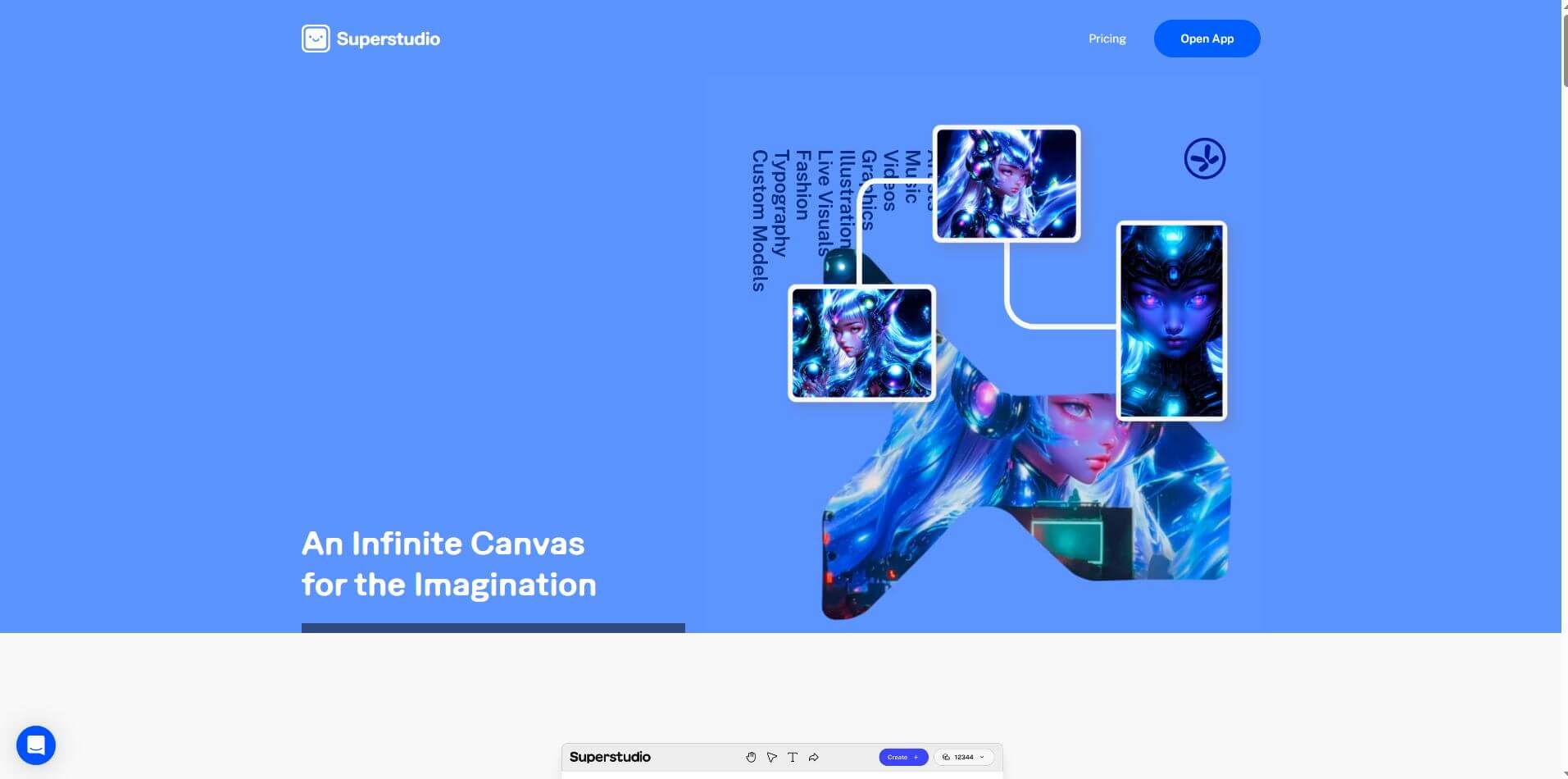
Kaiber is an AI-powered creative suite for generating videos, images, and audio. It helps musicians, content creators, and marketers turn text prompts, images, and music into engaging visuals. Its tools support image animation, beat-synced video creation, lip-sync, visual restyling, and timeline editing for social media and music videos.
 4.8
VideoDubber
Video Enhancer
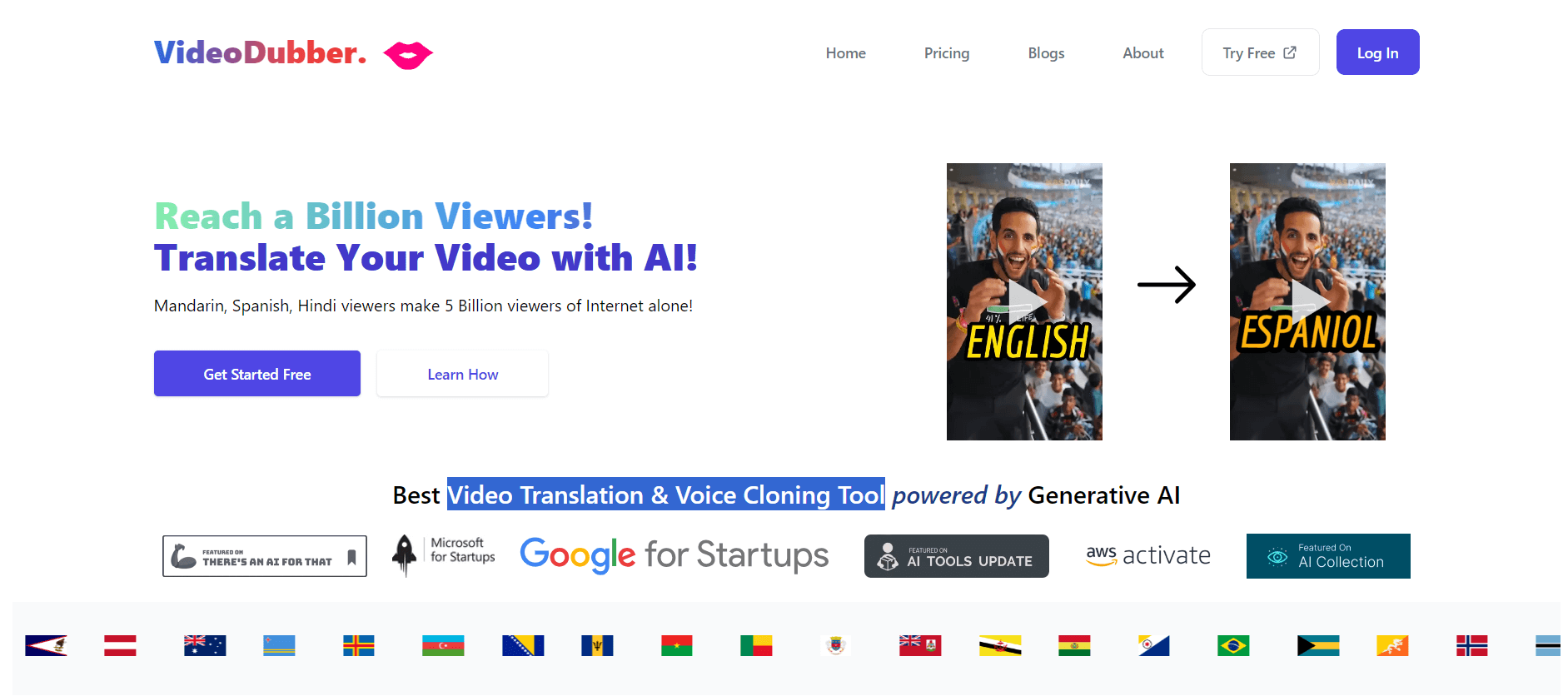
VideoDubber is an AI-powered video translation and dubbing platform that helps creators, businesses, and educators reach global audiences. It translates videos into 150+ languages, clones voices, synchronizes lip movements, generates subtitles, and preserves background audio. Users can edit translations and export localized videos for multiple platforms.
 4.9
Clipchamp
Video Generator
Clipchamp is an AI-powered online video editor by Microsoft that helps users record, edit, and share videos directly from the browser. It offers templates, stock media, and AI tools like subtitles, voiceovers, and noise removal, enabling fast, professional video creation without advanced editing skills.
 4.9
CapCut
Video Editing
CapCut is an AI-powered video editing platform for creating social media videos, advertisements, tutorials, and promotional content. It combines timeline editing, automatic captions, templates, AI tools, and cross-platform access to help creators produce engaging videos.
 4.8
Airbrush AI
Image
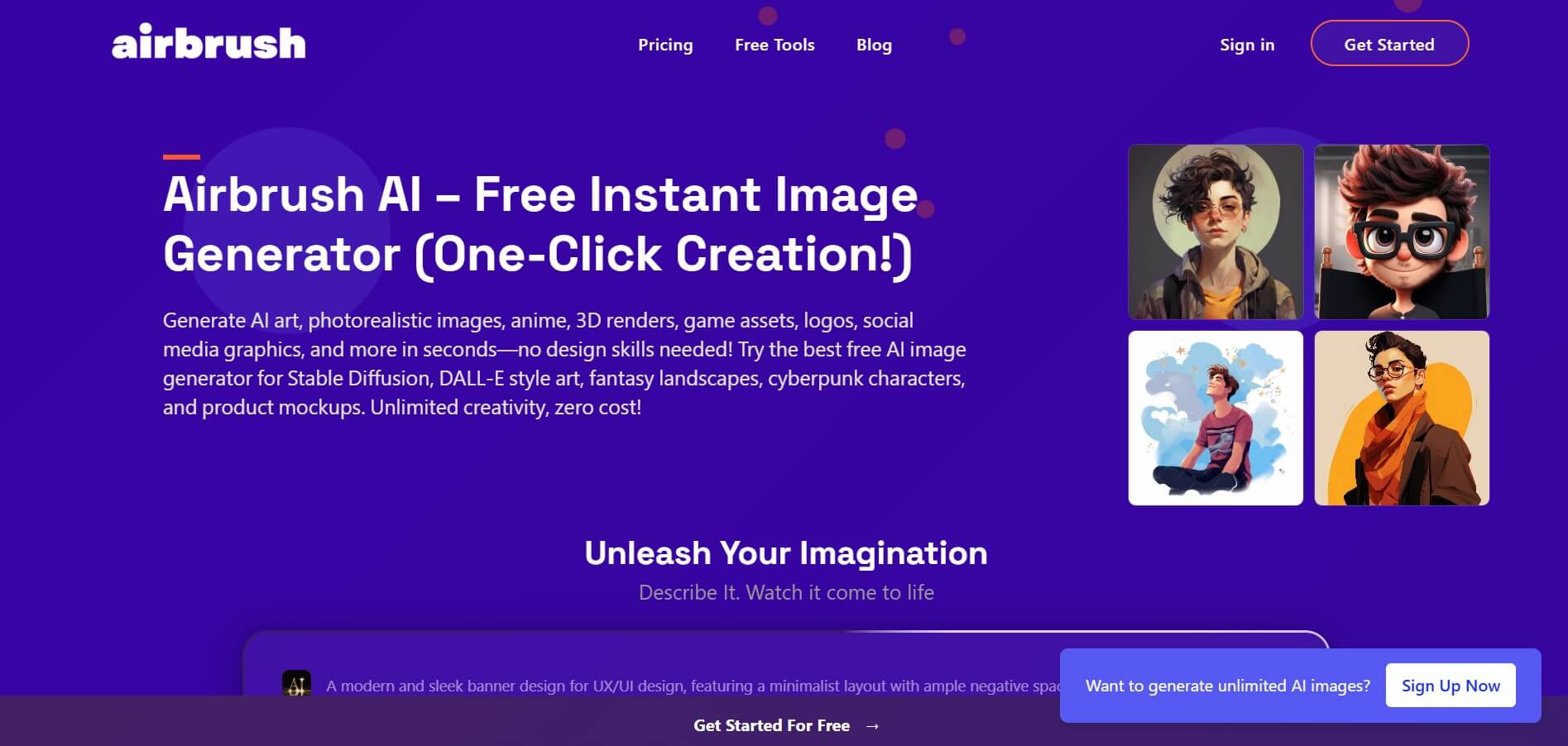
Airbrush is an AI-powered image generation and editing platform that helps users create, enhance, and customize visuals from simple text prompts. It supports multiple AI models and styles, enabling creators to generate artwork, marketing assets, and realistic images quickly without advanced design skills.
 4.9
Pika
Video Generator
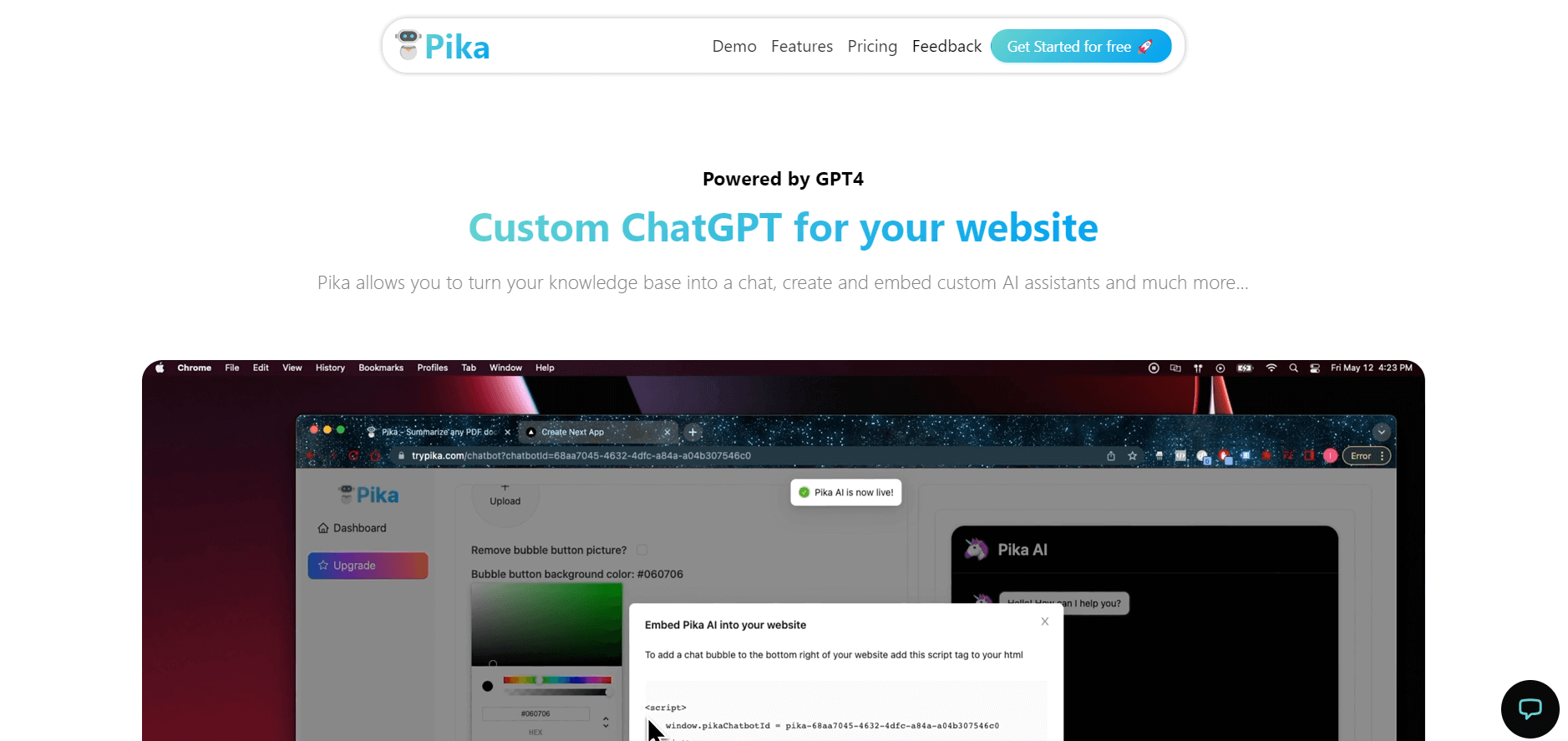
Pika is an AI video generation and creative effects platform that transforms text prompts, still images, and video clips into cinematic video sequences, meme animations, and viral visual effects using its proprietary generative video models.
 4.8
AliveAI
Image
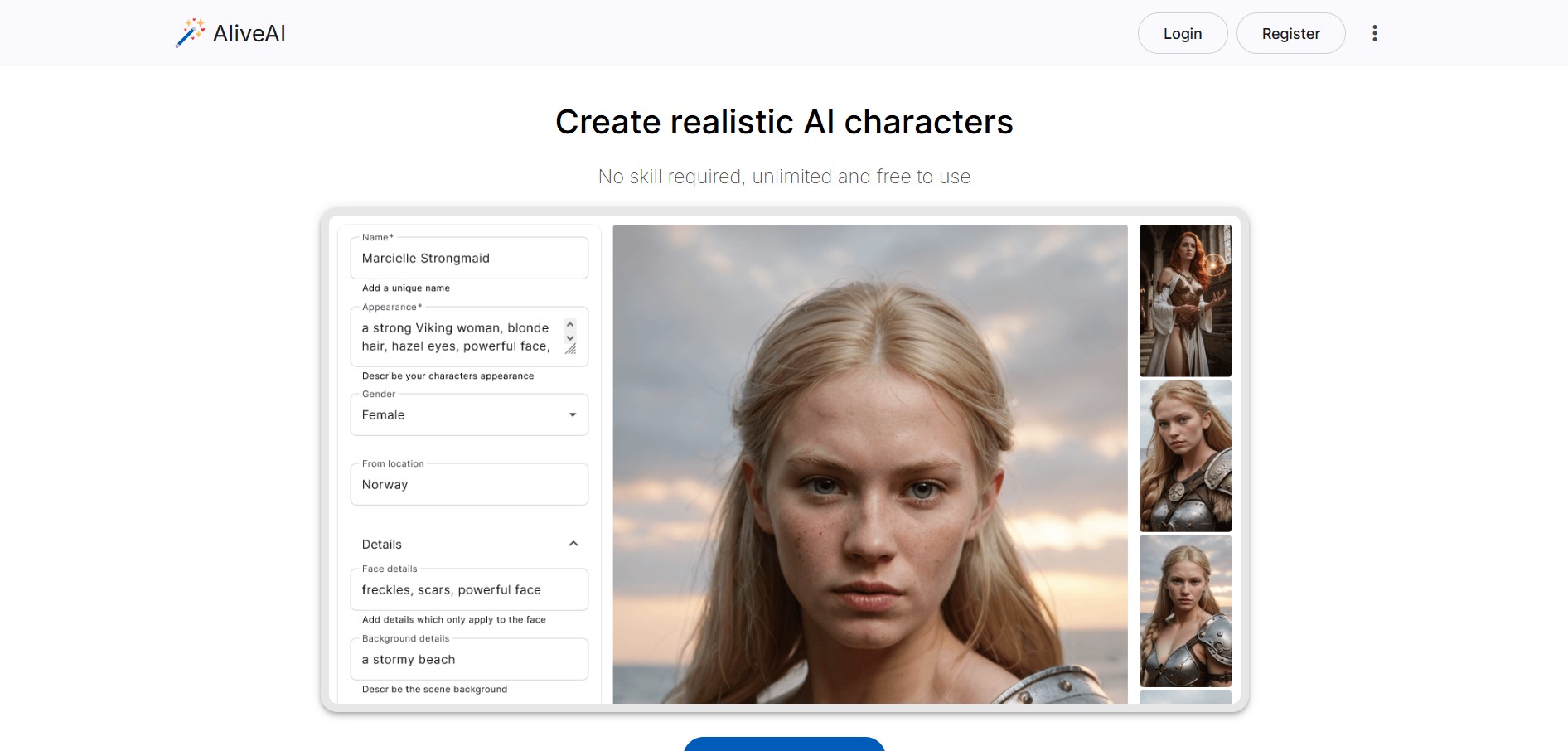
Alive AI is an AI content generation platform that lets users create realistic images, videos, and characters from simple text prompts. It supports multiple styles like realistic and anime, offers editing tools, and even enables interactive character chat, making it useful for creators and apps.
 4.7
Hotshot AI
Video Generator
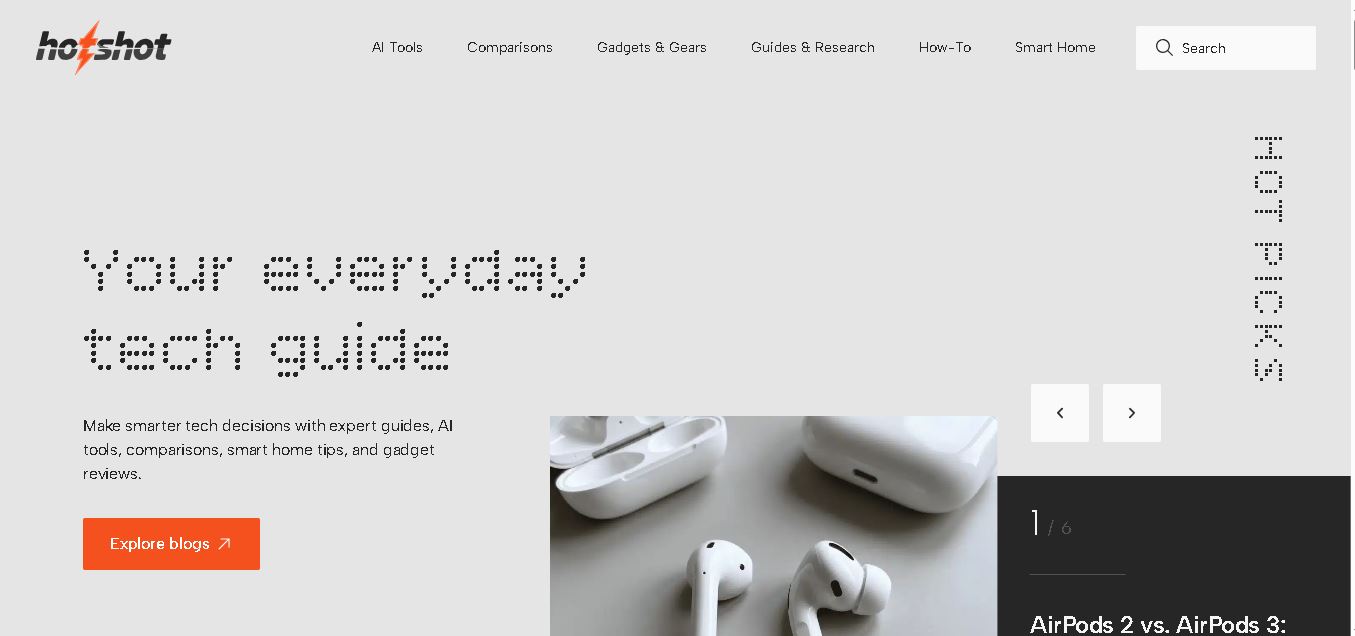
Hotshot is an everyday technology publication covering AI tools, gadgets, smart home technology, comparisons, research, and practical how-to guides. It helps readers understand products, evaluate software, compare options, and solve common technology problems through accessible articles created for people who want clearer information before making technology-related decisions online with confidence.
 4.9
iPic Ai
Image
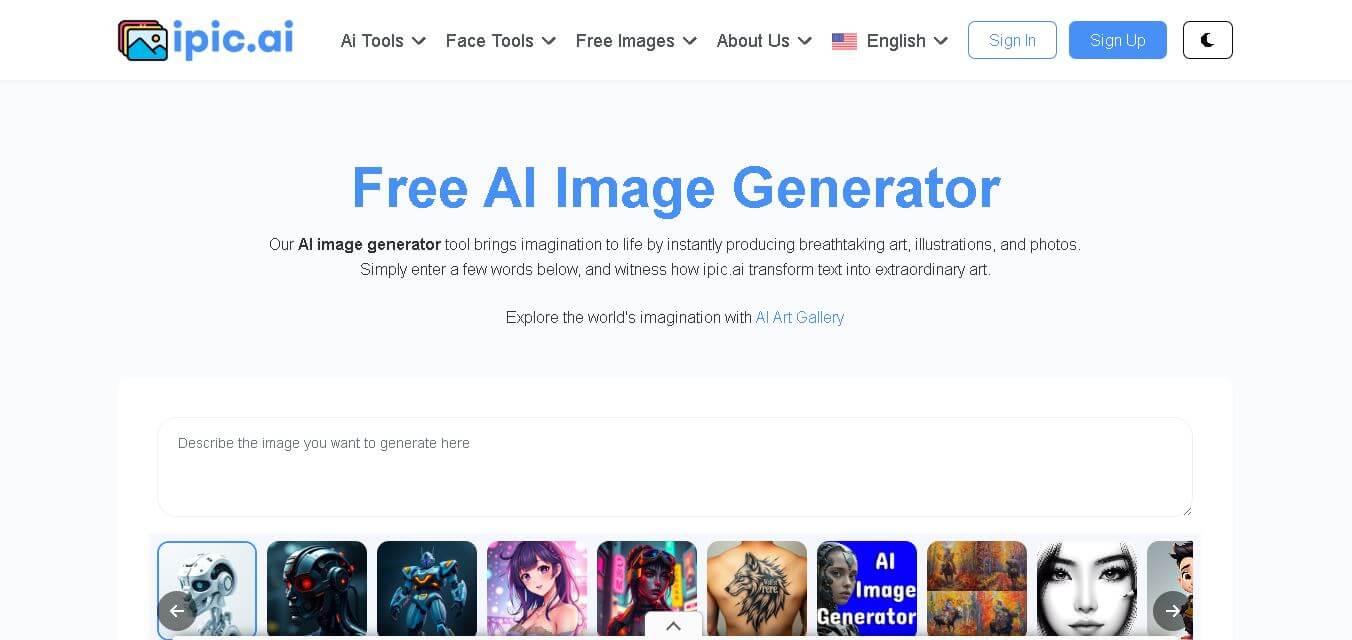
iPic is an AI-powered image generation and editing platform that lets users create visuals from text prompts and enhance photos with tools like background removal, upscaling, and style filters. It’s designed for quick, creative image creation for marketing, social media, and design needs.