
Open Interpreter
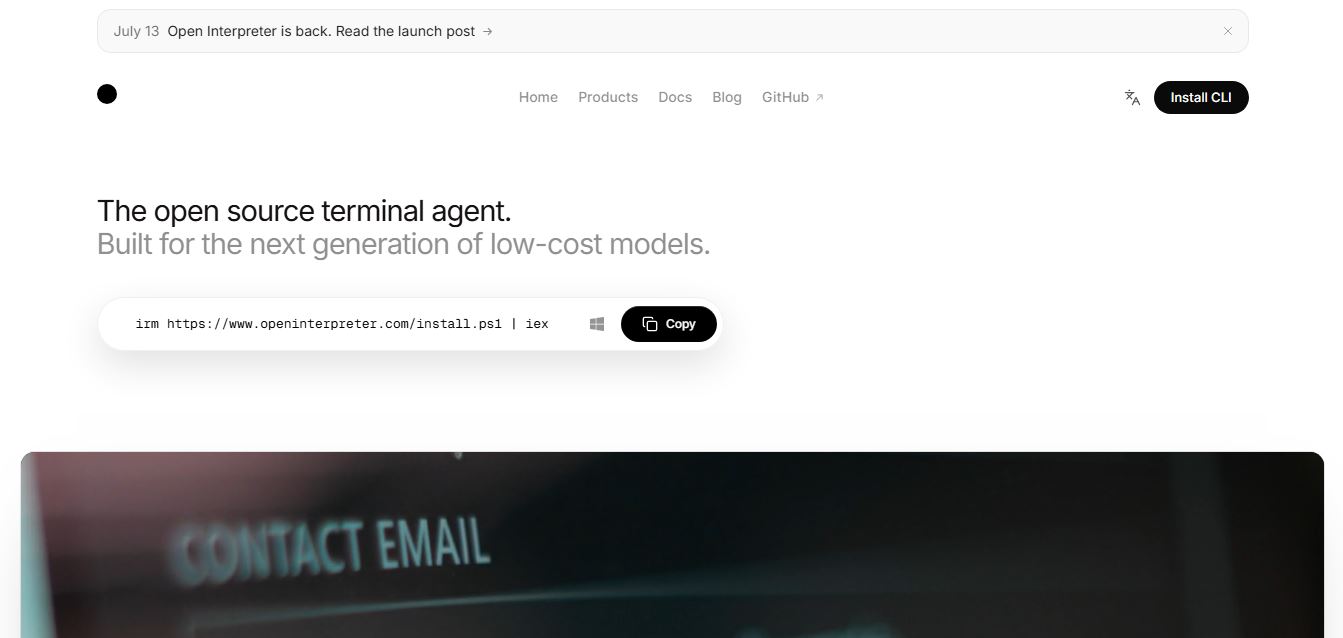
Open Interpreter is an open-source AI coding agent that lets developers execute commands, edit files, and automate programming tasks using natural language.
What is Open Interpreter AI?
Open Interpreter is an AI-powered coding platform that allows developers to interact with their computers in plain language. It runs directly in the terminal, allowing you to change code, perform commands, manage files, automate small workflows, and accomplish development work without having to write each command yourself. In contrast to many other AI coding aids, Open Interpreter accepts a variety of AI providers, including OpenAI, Anthropic, DeepSeek, Qwen, and even local language models. It also includes built-in sandboxing for safer execution and remains provider-agnostic, making it a versatile option for software developers, DevOps engineers, AI researchers, and larger technical teams looking for quick coding automation.
Open Interpreter is an Apache 2.0-licensed open-source project supporting dozens of AI providers and multiple coding harnesses. Its GitHub repository has gained more than 67,000 stars and over 5,800 forks, demonstrating strong developer adoption. Recent benchmark testing showed DeepSeek V4 Flash solving 53 out of 89 Terminal-Bench tasks and Kimi-K2.5 solving 50 out of 89 tasks using Open Interpreter's model-specific harnesses, highlighting its strong coding performance and efficiency.
- Founder: Killian Lucas
- Launch: 2023 (Original Python project), redesigned terminal agent relaunched in July 2026
- Use Cases:
- AI coding assistance
- Software development
- Code editing
- Task automation
- Terminal automation
- Data analysis
- Browser automation
- Local AI workflows
- Technology:
- Rust
- Python
- Large Language Models
- Codex architecture
- Sandbox execution
- MCP support
- Target Users:
- Software developers
- DevOps engineers
- AI engineers
- Open-source contributors
- Technical teams
- Acquisition:
- No public acquisition has been announced.

Open Interpreter Key Features
Open Interpreter key features are
- Natural Language Terminal Control: Control your computer using plain English commands to execute terminal tasks, manage files, and automate workflows without manually typing complex commands.
- Multi-Model AI Support: Connect with leading AI models from OpenAI, Anthropic, DeepSeek, Qwen, Kimi, Ollama, LM Studio, OpenRouter, and other providers, giving you complete flexibility.
- Local AI Model Compatibility: Run Open Interpreter with locally hosted language models to improve privacy, reduce API costs, and maintain full control over sensitive data.
- Secure Sandbox Execution: Execute commands in isolated sandbox environments with permission controls, reducing risks when testing scripts or running AI-generated code.
- AI-Powered Code Editing: Create, modify, refactor, and debug code across multiple programming languages using natural language instructions directly from the terminal.
- Cross-Platform Support: Works seamlessly on Windows, macOS, and Linux, allowing developers to use the same AI-powered workflows across different operating systems.
- Project-Aware Conversations: Maintains context across coding sessions, enabling the AI to understand project structure and provide more accurate code suggestions and automation.
- File and Folder Management: Read, create, rename, organize, and edit files or entire project directories using simple conversational prompts.
- Workflow Automation: Automate repetitive development tasks such as project setup, dependency installation, testing, documentation generation, and deployment commands.
- Model Context Protocol (MCP) Support: Integrates with MCP servers to connect external tools, databases, APIs, and custom services for extended AI capabilities.
Open Interpreter Pricing
Open Interpreter offers various pricing plans
| Plan | Price | Details |
|---|---|---|
| Open Source | Free | Full access to the Open Interpreter software under the Apache 2.0 license. |
| Local AI Models | Free | Use with Ollama, LM Studio, or other supported local models without API charges. |
| OpenAI API | Pay as you go. | Usage-based pricing according to your selected OpenAI model. |
| Anthropic API | Pay as you go. | Costs depend on the Claude model and API usage. |
| DeepSeek API | Pay as you go. | Usage-based pricing set by DeepSeek. |
| OpenRouter | Pay as you go. | Access multiple AI models with provider-specific pricing. |
| Enterprise | Custom | Custom deployment, support, and enterprise solutions available upon request. |
Disclaimer: For the latest and most accurate pricing information, please visit the official Open Interpreter website.
Who is using the Open Interpreter?
A diverse range of users and organizations utilize Open Interpreter
- Software developers
- AI application developers
- DevOps professionals
- Machine learning engineers
- Open-source contributors
- Research organizations
- Startup engineering teams
- Technical educators
- Automation specialists
- Enterprise development teams
What are the Best Open Interpreter Alternatives?
Some open-interpretation alternatives are
- Claude Code
- OpenAI Codex
- Cursor AI
- GitHub Copilot
- Continue
- Aider
- Windsurf
- Cline
- Codeium
- Tabnine
Pros and Cons
Pros
- Completely open source
- Supports many AI providers
- Strong local model compatibility
- Built-in security sandbox
- Cross-platform support
- Active developer community
- Flexible workflow automation
- Commercial-friendly license
Cons
- Requires terminal knowledge
- Setup may challenge beginners
- Performance depends on the selected AI model
- Some advanced features require external APIs
Why Choose Open Interpreter?
Open Interpreter is an excellent choice for developers who want complete control over their AI coding workflow and don't want to be locked into a single AI provider.
Reasons to choose Open Interpreter:
- Free and open-source software
- Supports local and cloud AI models
- Built-in secure sandbox
- Compatible with multiple coding environments
- Works across Windows, macOS, and Linux
- Highly customizable workflows
- Excellent for AI-assisted programming
- Regular community-driven updates
Open Interpreter vs Competitors
The main difference between Open Interpreter, Cursor AI, GitHub Copilot, Claude Code, and OpenAI Codex is that Open Interpreter is completely open source, provider-agnostic, and supports local AI models with secure sandboxing. Cursor AI and GitHub Copilot focus mainly on IDE integration, while Claude Code and Codex are optimized for their respective ecosystems. Open Interpreter gives developers greater flexibility, customization, and model choice for AI-powered coding.
| Feature | Open Interpreter | Cursor AI | GitHub Copilot | Claude Code |
|---|---|---|---|---|
| Open Source | Yes | No | No | No |
| Local AI Support | Yes | Limited | No | No |
| Multi-Provider Support | Yes | Partial | No | Limited |
| Terminal Automation | Yes | Limited | No | Yes |
| Sandbox Security | Yes | No | No | Yes |
| Cross Platform | Yes | Yes | Yes | Yes |
| Commercial License | Apache 2.0 | Proprietary | Proprietary | Proprietary |
How do we rate Open Interpreter?
| Category | Rating (Out of 5) |
|---|---|
| AI Capabilities | 4.8 |
| Ease of Use | 4.3 |
| Features | 4.9 |
| Performance | 4.7 |
| Value for Money | 5.0 |
| Security | 4.8 |
| Customization | 5.0 |
| Community Support | 4.8 |
| Documentation | 4.6 |
| Overall Rating | 4.8 |
Open Interpreter Review
Open Interpreter is one of the most powerful open-source AI coding agents available today. Its support for multiple AI providers, local language models, secure sandboxing, and terminal-based automation makes it an excellent option for developers seeking flexibility. Unlike proprietary AI coding assistants, Open Interpreter gives users full control over their workflows while maintaining strong security features. Although beginners may experience a learning curve, experienced developers will appreciate its extensive customization, open-source ecosystem, and cost-effective deployment options.
Conclusion
Open Interpreter stands out as a powerful AI coding tool that combines open-source flexibility with enterprise-level functionality. It allows you to employ a number of AI providers, provides sandbox-style execution that feels safer, and assists developers in automating coding activities more smoothly. If you're considering cloud AI services or local language models, Open Interpreter adapts to how you work. Open Interpreter is still one of the best options for anyone seeking a customizable alternative to proprietary AI coding helpers.
People are also reading
FAQ
What is Open Interpreter?
Open Interpreter is an open-source AI coding agent that lets users control their computer and execute programming tasks using natural language.
Is Open Interpreter free?
Yes. It is free and open-source under the Apache 2.0 License.
Which AI models does Open Interpreter support?
It supports OpenAI, Anthropic, DeepSeek, Qwen, Kimi, Ollama, LM Studio, OpenRouter, and many other providers.
Can Open Interpreter run local AI models?
Yes. It supports locally hosted language models for private development.
Is Open Interpreter safe?
Yes. It includes built-in sandboxing and permission controls to improve execution safety.
User Reviews
No reviews yet for Open Interpreter.
Featured Tools
Featured AI tools from TechShark

Melody Genie
MelodyGenie is an AI-powered music generator that creates original songs from simple text prompts. Users can choose styles, moods, and genres, then instantly generate melodies and full tracks, making it easy for creators, marketers, and hobbyists to produce custom music without musical expertise.
Freemium

Kimi AI
Kimi AI is an advanced AI assistant developed by Moonshot AI that helps you chat, research, write, code, and automate tasks in one place. It supports web search, file analysis, and multimodal inputs, and can even run autonomous “agent” workflows to complete complex tasks end-to-end.
Freemium

Fashion Diffusion AI
Fashion Diffusion is an AI-powered fashion design platform that helps brands and designers create clothing designs, virtual try-ons, AI models, product photos, and marketing visuals faster and cost-effectively.
Paid

Veo 4
Veo 4 AI is an AI video creation platform that generates dramatic videos from text, images, audio, and video prompts using realistic motion and synchronized sound.
Paid
Alternatives
Alternatives to Open Interpreter
The best Open Interpreter alternatives include Cursor AI, GitHub Copilot, Claude Code, OpenAI Codex, Continue, Aider, Windsurf, Cline, Codeium, and Tabnine. These AI coding assistants offer features such as intelligent code completion, automated debugging, terminal assistance, pair programming, and workflow automation. While most alternatives are proprietary, Open Interpreter remains unique because of its open-source architecture, local AI compatibility, provider-agnostic design, and secure sandboxing for advanced development workflows.
 4.9
4.9GPT Engineer
Low-code/No-code
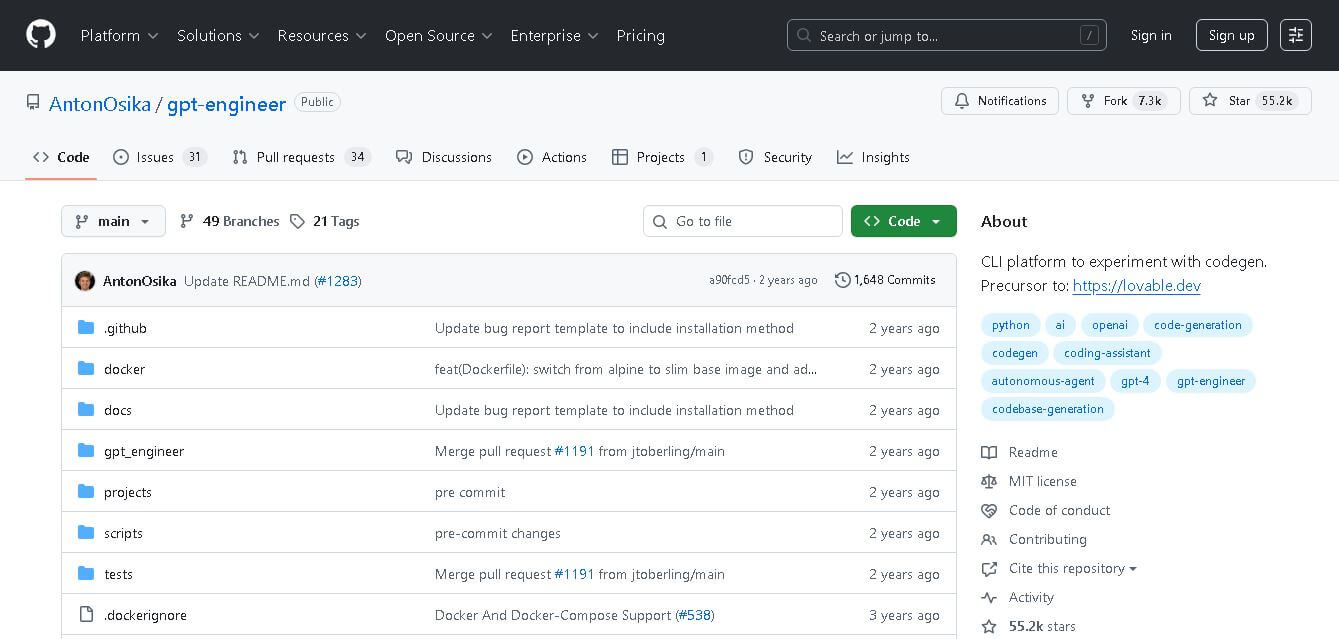
GPT Engineer is an open-source AI coding framework that helps developers generate and improve software from natural-language instructions. It works through a command-line workflow, allowing users to provide project requirements, generate code, execute development steps, and request changes. It also supports customizable prompts, vision-capable models, alternative model providers, Docker, and benchmarking workflows.
Klarent
Low-code/No-code
Klarent (by Fore AI) is an autonomous, AI-powered, no-code QA test automation platform designed to create, execute, and self-heal end-to-end tests for web, native iOS, Android, and cross-platform applications.
 4.8
4.8Glif
Low-code/No-code
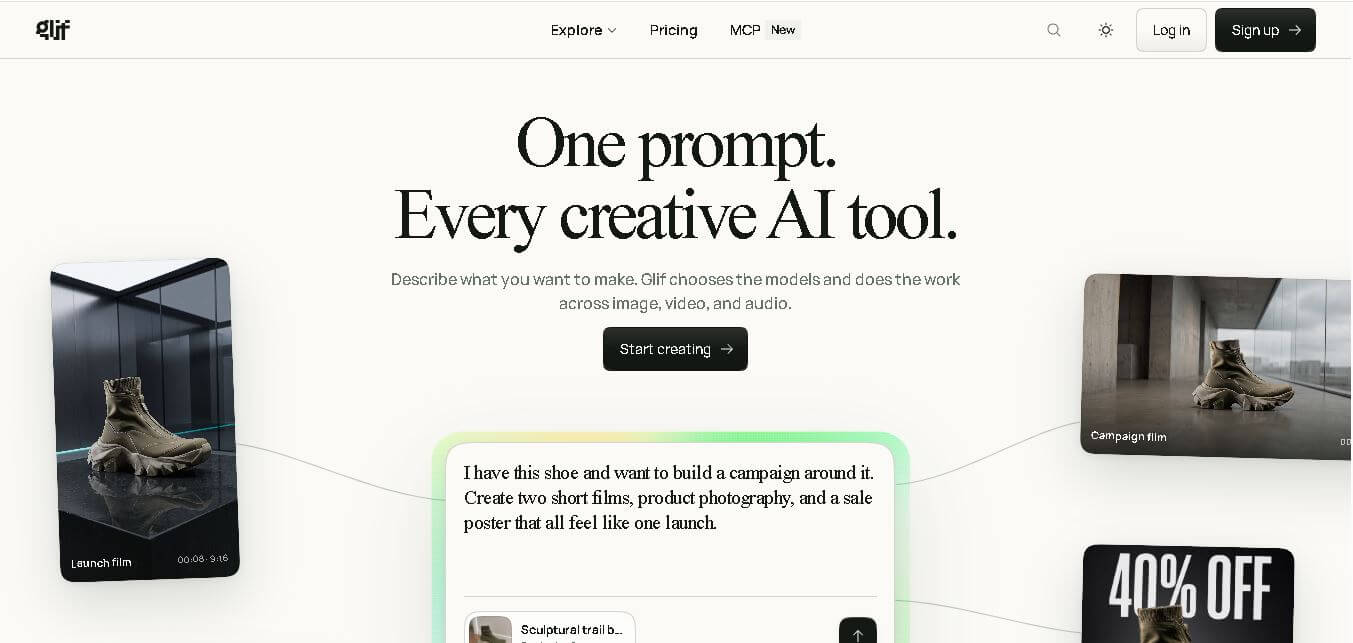
Glif is a conversational creative AI tool for generating images, videos, audio, text, advertisements, product visuals, social media content, and more. It selects suitable AI models and tools based on your request, allowing creators and marketers to develop complete creative projects without manually managing multiple AI platforms or complicated production workflows.
 4.8
4.8Visily AI
Low-code/No-code
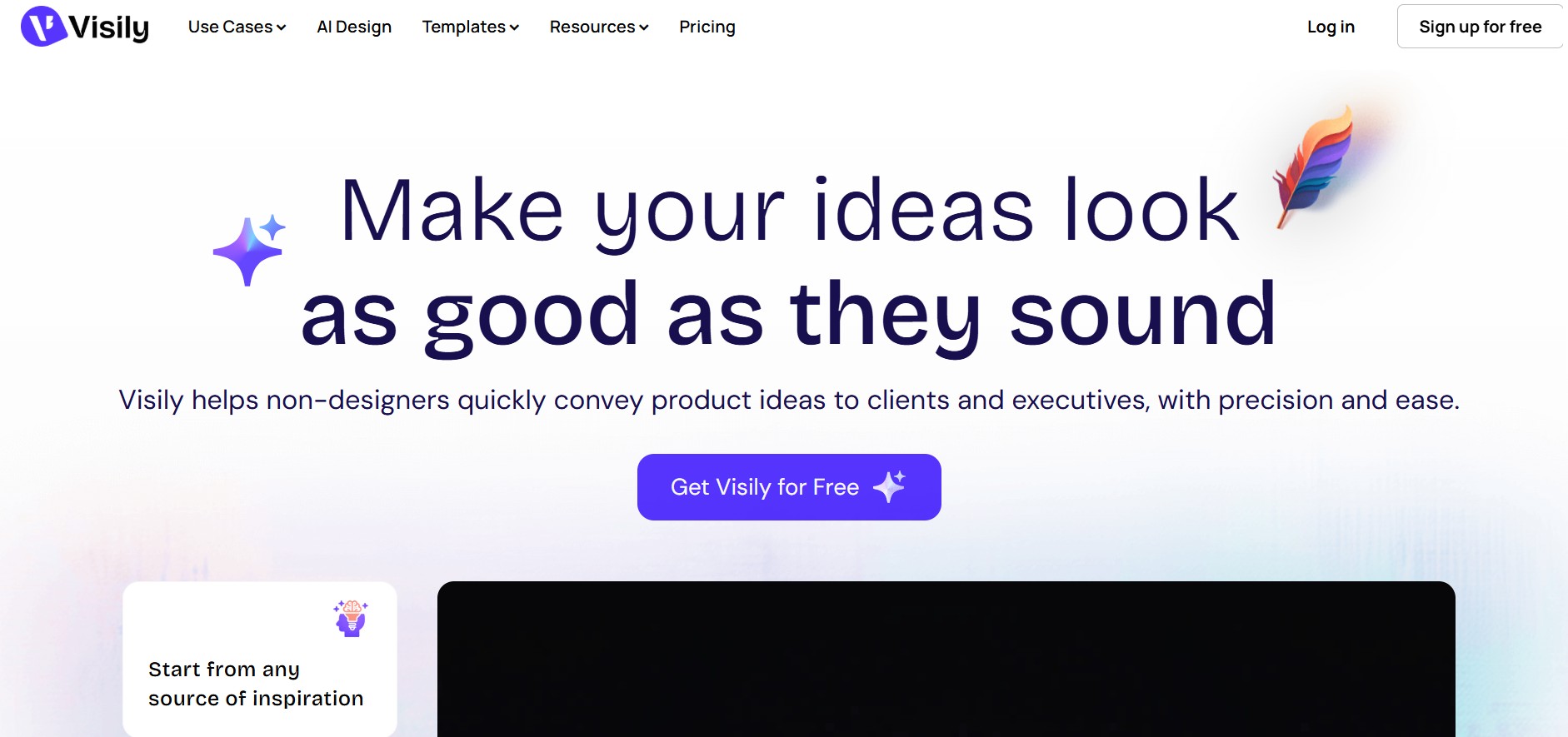
Visily helps teams transform ideas into editable UI designs, wireframes, mockups, diagrams, and prototypes using AI, templates, screenshots, and text prompts. Its collaborative canvas makes it easier for non-designers and product teams to visualize concepts, gather feedback, refine interfaces, and prepare designs for developer or Figma handoff without requiring advanced design skills.
 4.9
4.9Anakin AI
Low-code/No-code
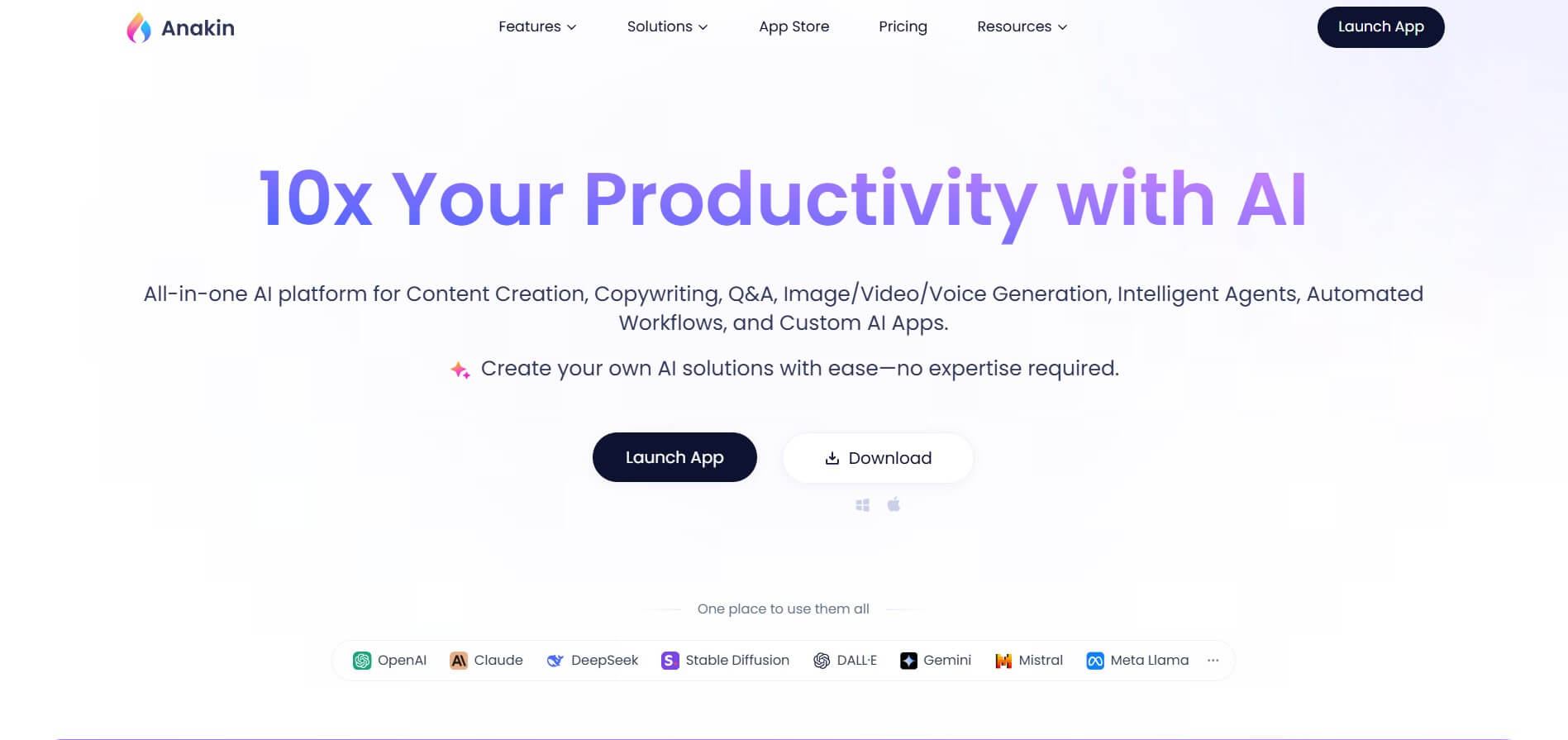
Anakin AI is an all-in-one no-code AI platform and app builder that unifies 1,000+ pre-built AI applications, drag-and-drop workflow automation, batch processing, and multi-model access (OpenAI, Claude, DeepSeek, Gemini, and Grok) under a single interface.
 4.8
4.8Figma Sites
Low-code/No-code
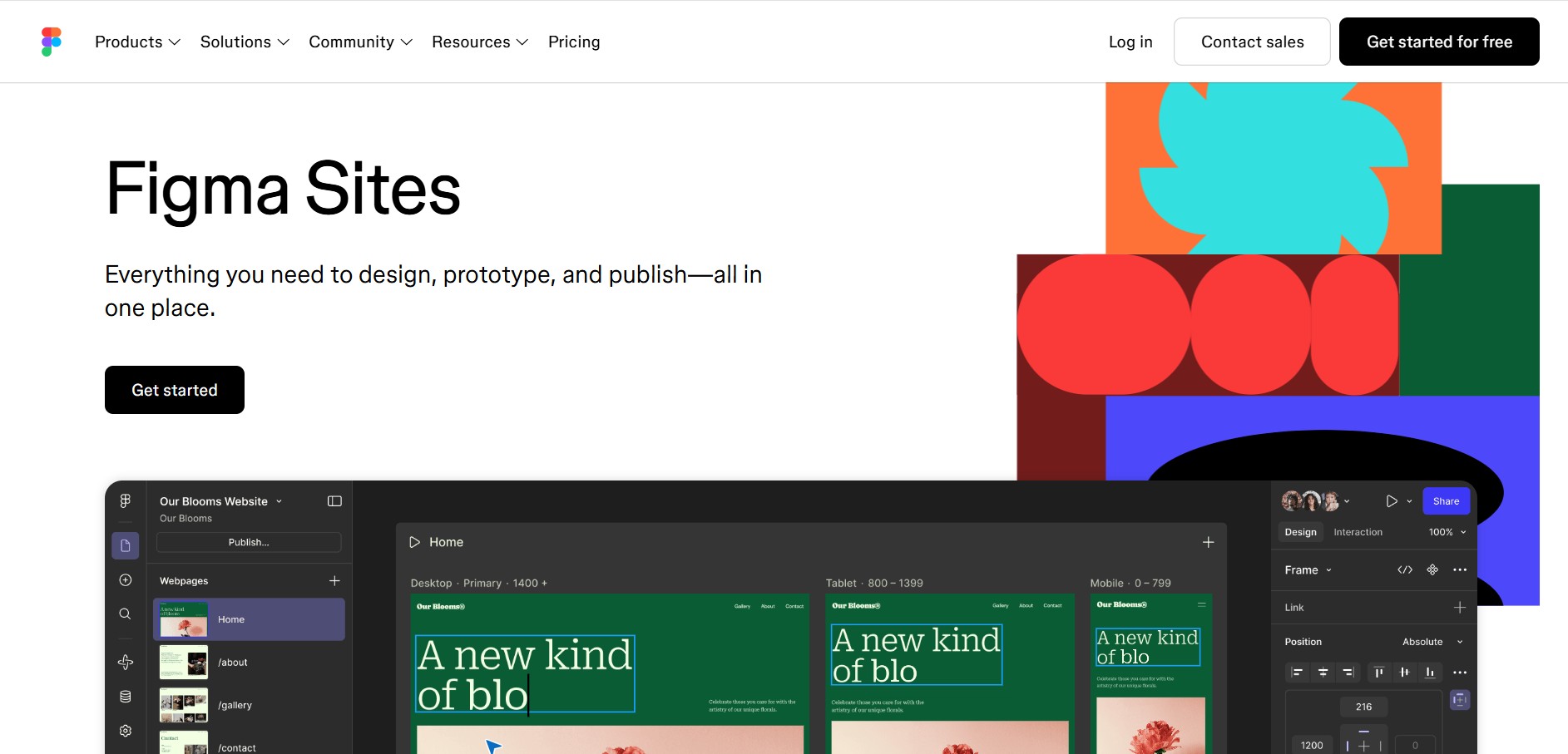
Figma Sites helps designers create, customize, and publish responsive websites directly from the Figma ecosystem. You can reuse existing designs, apply responsive layouts, add interactions, manage website content through CMS, and customize experiences with code or AI. It is especially useful for portfolios, landing pages, business websites, events, and creative projects.
 4.7
4.7Base44 Builder
Low-code/No-code
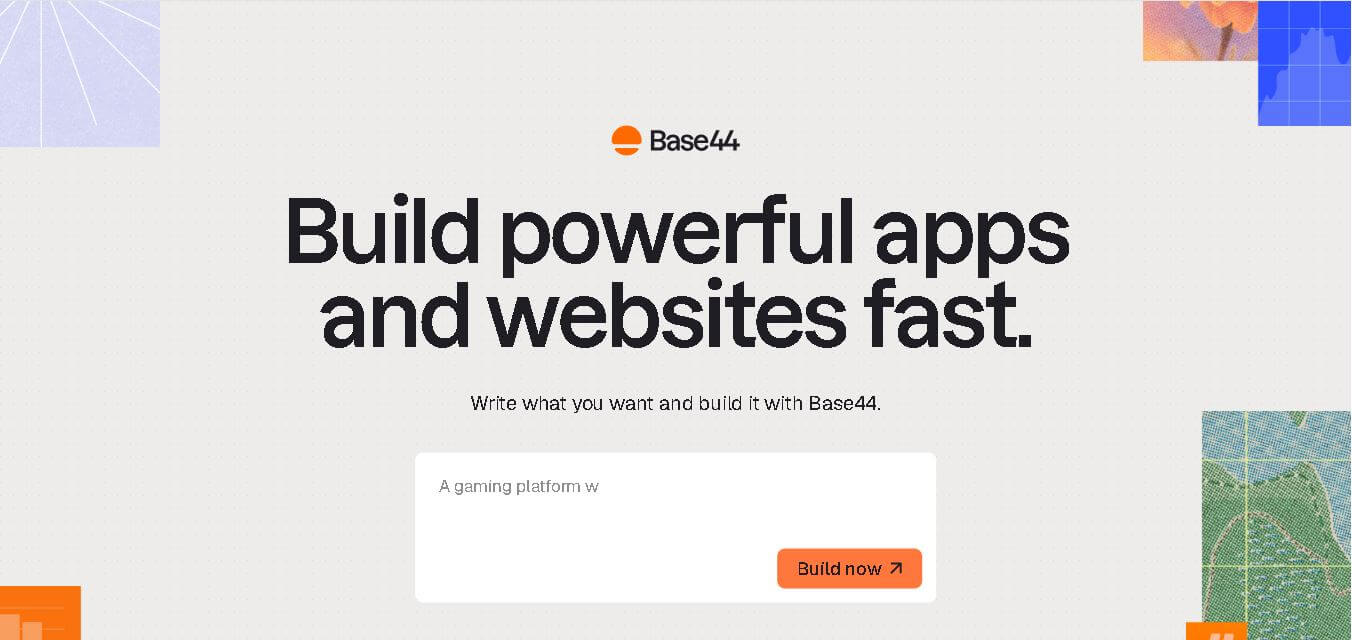
Base44 is a no-code application builder that helps individuals and teams transform ideas into functional apps, websites, and AI agents through simple text prompts. It combines design, hosting, authentication, databases, integrations, and deployment into one workspace, allowing users to build, test, refine, and launch digital products without complex technical setup.
 4.8
4.8WeWeb
Low-code/No-code
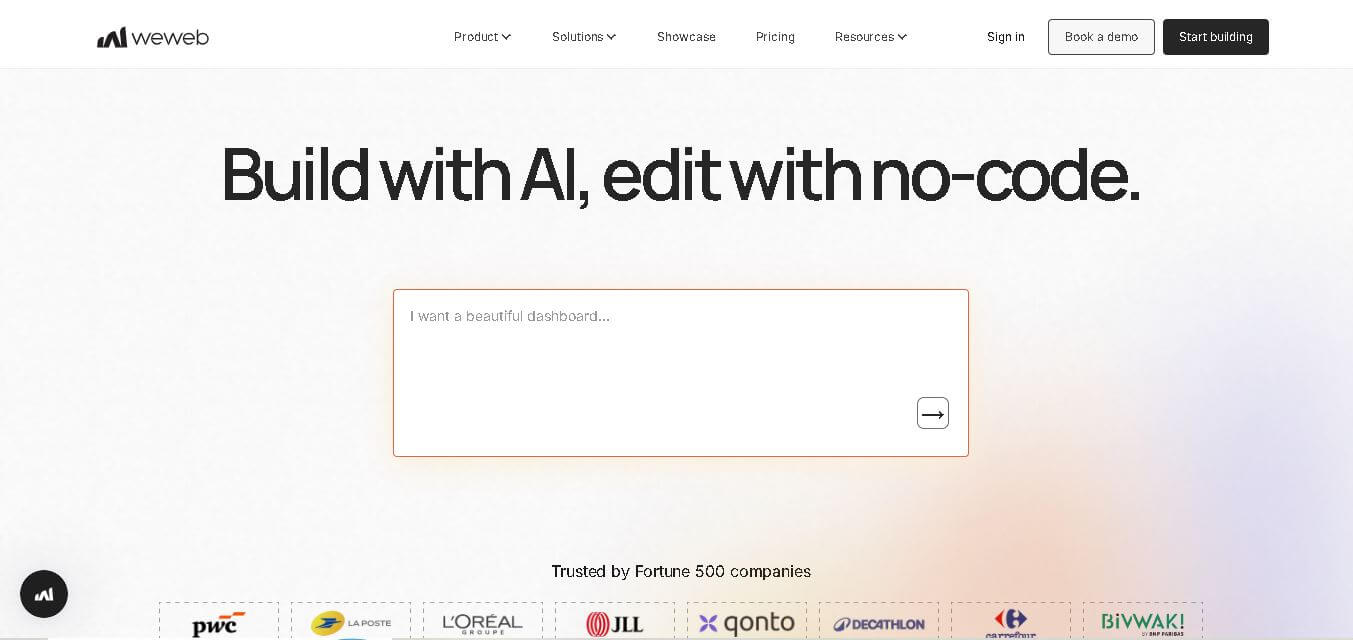
WeWeb is a visual web application builder that enables users to create responsive, production-ready applications without extensive coding. It combines drag-and-drop development, AI-assisted workflows, API integrations, and code export, making it suitable for startups, enterprises, agencies, and developers building custom business applications with complete frontend flexibility.
 4.8
4.8Dust
Low-code/No-code
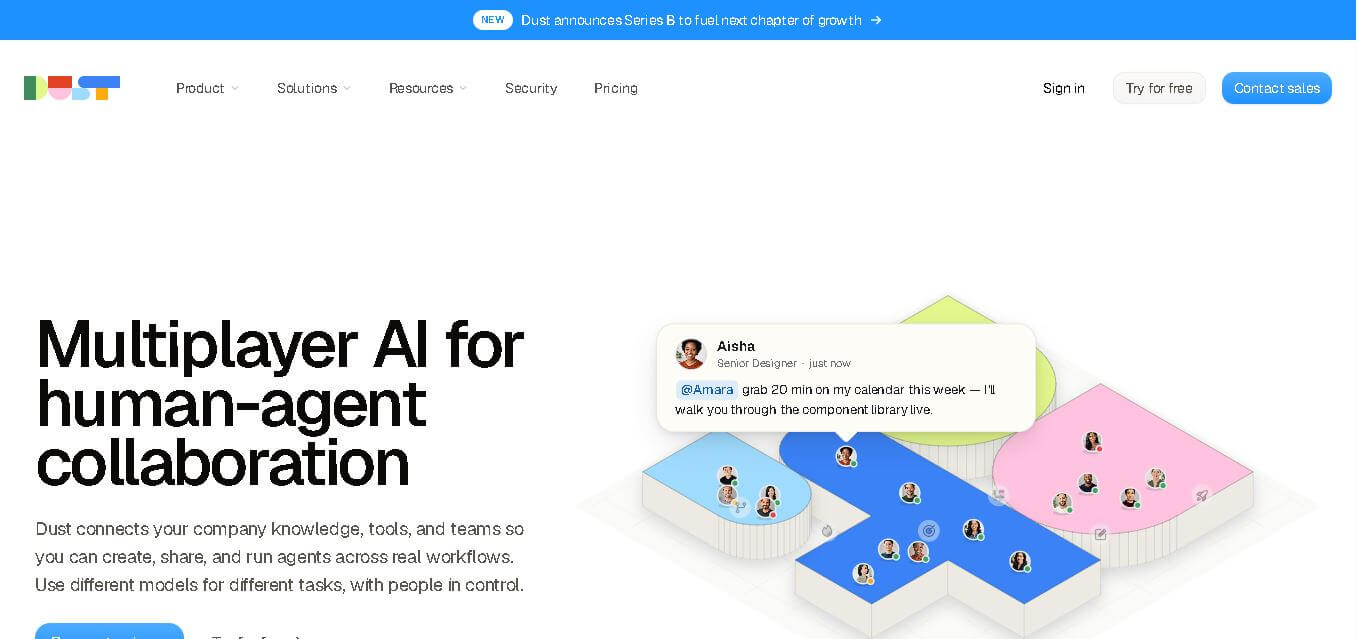
Dust helps teams build and run AI agents that work with company knowledge, connected business tools, and people. It supports collaborative workflows across departments, lets teams choose from 20+ AI models, and provides features for agents, skills, Pods, automations, governance, and usage monitoring.