
LightPDF
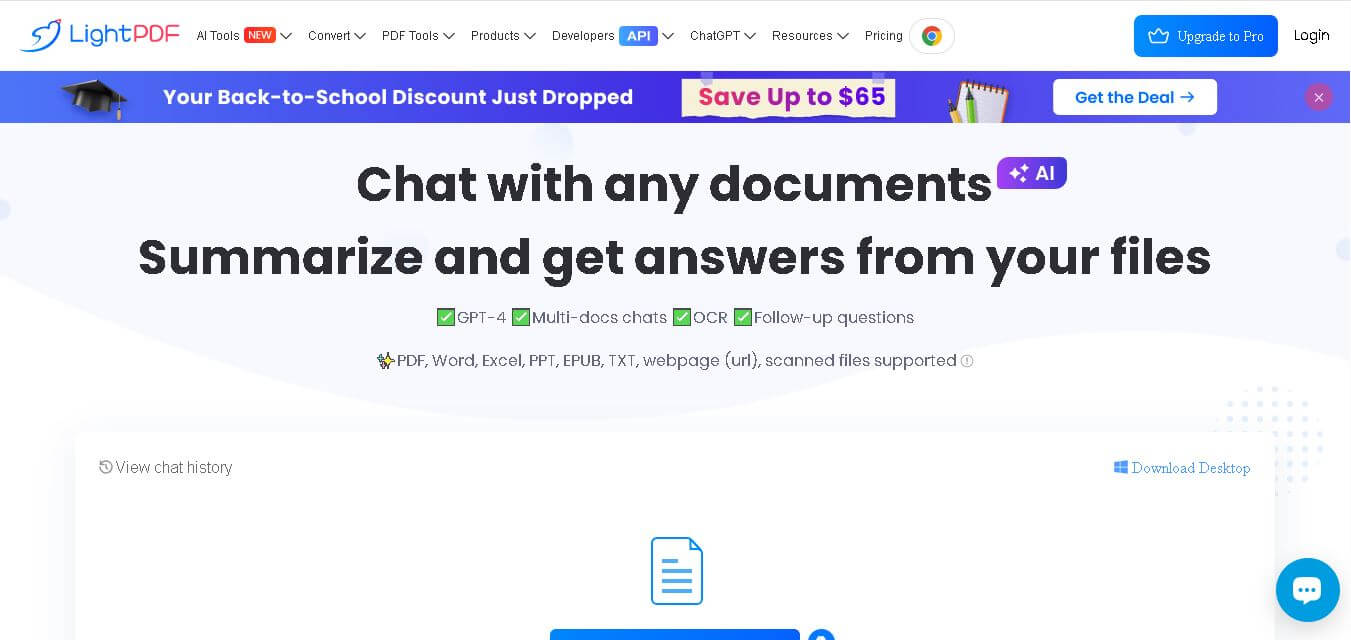
LightPDF (lightpdf.com) is an AI-powered PDF editing, conversion, and document analysis platform that enables users to edit, OCR, sign, compress, and interact conversational-style with PDF files across web and desktop environments.
What is LightPDF?
LightPDF is a feature-rich, web-based and desktop-compatible PDF management platform and AI document assistant engineered to simplify document editing, conversion, and interactive analysis.
Built around the mission to “Provide accessible, all-in-one PDF editing and AI document analysis tools to eliminate document friction for students, businesses, and legal professionals,” LightPDF combines traditional PDF manipulation with generative AI interaction.
- Platform Role: AI PDF Editor, Document Converter, OCR Scanner & Conversational AI Analysis Assistant
- Developer & Organization: Wangxu Technology Co., Ltd. (Apowersoft)
- Cross-Platform Access: Web Browser (Chrome, Safari, Edge), Windows Desktop Application, macOS, iOS, and Android
Use Cases:
- Interrogating dense academic papers, legal contracts, and financial reports using conversational AI chat
- Editing PDF text, replacing images, inserting hyper-links, and redacting sensitive information directly
- Converting PDF files to and from Microsoft Word, Excel, PowerPoint, JPG, PNG, and CAD formats
- Extracting editable text from scanned documents and images using high-precision OCR technology
- Merging, splitting, compressing, e-signing, and watermarking PDF files for team collaboration
Technology:
- Generative AI models fine-tuned for semantic document understanding, summarization, and table extraction
- Optical Character Recognition (OCR) engine supporting multi-language scanned text recognition
- Cloud-synced multi-device framework ensuring seamless document editing across desktop and mobile devices
- High-grade TLS document encryption protocols protecting client uploaded files and privacy data
Target Users:
- Students, researchers, and academics reviewing lengthy research papers and PDF textbooks
- Business analysts, accountants, and legal professionals needing rapid contract and report analysis
- Remote teams and freelancers requiring fast document editing, e-signatures, and format conversion
- Administrative personnel handling batch document processing, scanning, and PDF compression
Acquisition: Self-serve cloud platform and downloadable desktop software operated by LightPDF (lightpdf.com)

What are the key features of LightPDF?
LightPDF's primary platform features include
- AI Chat with PDF & Web URLs: Interact conversationally with multi-page PDFs or web links to generate instant summaries, key takeaways, and specific data extracts.
- Full-Featured PDF Text & Visual Editor: Modify native text, add or swap image assets, alter page layouts, and add hyperlinks directly inside PDF files.
- OCR & Scanned Document Converter: Transforms non-selectable PDF scans and photos into fully searchable and editable Word or Excel files.
- Batch PDF Conversion & Compression: Convert multiple documents simultaneously to or from Office formats and shrink PDF file sizes without quality loss.
- Electronic Signatures & Security: Add custom digital signatures, password protection, watermarks, and permanent redactions to sensitive documents.
- Cloud Document Sync & Sharing: Save files to cloud storage, collaborate via shareable links, and access documents across mobile and desktop apps.
How much does LightPDF cost?
LightPDF operates on a freemium model with free online web tools, supported by weekly, monthly, and annual subscription options unlocking advanced AI credits, desktop apps, and batch processing.
Free Access Tier:
- Free Web Version ($0): Access basic web tools for quick conversion, editing, and limited AI file interactions.
Paid Premium Subscription Plans:
- Weekly Pass (~$4.90 - $13.99/week): Designed for short-term projects requiring full unlocked tools and high AI credit allowances.
- Monthly VIP Plan (~$9.90 - $19.90/month): Unlocks multi-platform desktop/mobile software, full OCR, batch processing, and 1,000 monthly AI credits.
- Annual VIP Plan (~$21.90 - $59.90/year): Best value tier offering unlimited desktop app usage, multi-device cloud sync, and priority AI processing credits.
Disclaimer: Pricing, promotional discounts, and AI credit limits are managed by Wangxu Technology Co., Ltd. and may vary by region or campaign. Check lightpdf.com/pricing for active rates.
Who should use LightPDF?
LightPDF is built for a wide spectrum of users, including
- Students & Researchers: Academics summarizing dense papers, extracting reference citations, and converting scanned study materials.
- Business Analysts & Marketers: Professionals converting PDF financial tables into Excel and summarizing market trends fast.
- Legal & Admin Personnel: Office managers redacting sensitive terms, adding digital signatures, and compressing client documentation.
What are the best alternatives to LightPDF?
Top alternatives to LightPDF include
- Adobe Acrobat Pro
- iLovePDF
- Smallpdf
- PDFgear
- UPDF
- ChatPDF
What are the pros and cons of LightPDF?
What are the pros of LightPDF?
- Combines traditional PDF editing tools with advanced AI document chat in one platform
- Cross-platform support spanning web browsers, Windows, macOS, iOS, and Android
- High-accuracy OCR engine for scanned PDF text extraction
- Flexible pricing tiers including weekly passes for short project needs
What are the cons of LightPDF?
- Advanced AI analysis and batch OCR usage burn through monthly credit allocations
- Free web tier imposes size limits on uploaded PDF files
- Desktop application requires a paid VIP subscription for full offline feature access
Why should you choose LightPDF?
Managing PDFs usually requires juggling separate tools for editing, converting, compressing, and AI summarizing. LightPDF unifies these capabilities into a single clean application. By offering robust OCR, e-signature capabilities, and direct conversational AI against documents, LightPDF makes handling complex documents significantly faster and more affordable than legacy enterprise PDF software.
How does LightPDF compare to competitors?
Compared to legacy tools like Adobe Acrobat Pro, LightPDF offers a much lower cost entry point while providing modern AI chat functionality built directly into the interface. While single-purpose AI tools like ChatPDF only analyze document text, LightPDF provides complete full-suite editing, OCR, format conversion, and watermarking capabilities alongside AI features.
| Feature / Platform | LightPDF | Adobe Acrobat Pro | iLovePDF | ChatPDF |
|---|---|---|---|---|
| Core Focus | AI PDF Editor & Document Chat | Enterprise PDF Publishing & Editing | Fast Online PDF Utilities | AI PDF Text Q&A Chat |
| AI Document Chat | Yes (Built-in with credit tiers) | Yes (Acrobat AI Assistant addon) | Basic AI features | Yes (Primary feature) |
| PDF Text & Image Editing | Yes (Full editing suite) | Yes (Industry standard) | Basic text insertion | No |
| OCR Technology | Yes (Multi-language scanned extraction) | Yes (Advanced OCR) | Yes (Limited on free tier) | No |
| Best For | All-in-one affordable PDF editing and AI analysis | Enterprise organizations requiring advanced print/publishing features | Users needing quick, simple web conversions | Casual users wanting conversational document search only |
How do we rate LightPDF?
| Parameter | Rating (out of 5) |
|---|---|
| AI Document Chat & Analysis Accuracy | 4.8 |
| PDF Editing & Conversion Tools | 4.7 |
| OCR Precision & Formatting Integrity | 4.7 |
| Cross-Platform Usability & Design | 4.8 |
| Value for Money & Plan Pricing | 4.6 |
| Overall Score | 4.72 |
What is our review and verdict on LightPDF?
LightPDF is an exceptional, highly versatile tool that modernizes how users handle PDF documents. By combining standard PDF editing, conversion, and OCR with conversational AI document analysis, it solves almost every PDF challenge in a single place. For students, business professionals, and teams looking for an affordable alternative to enterprise PDF software, LightPDF is an outstanding choice.
What is the final conclusion on LightPDF?
LightPDF successfully bridges the gap between traditional PDF management and generative AI innovation. With its easy interface, cross-platform reach, and smart analysis features, LightPDF transforms static PDF files into editable, interactive assets.
User Reviews
No reviews yet for LightPDF.
Featured Tools
Featured AI tools from TechShark

Melody Genie
MelodyGenie is an AI-powered music generator that creates original songs from simple text prompts. Users can choose styles, moods, and genres, then instantly generate melodies and full tracks, making it easy for creators, marketers, and hobbyists to produce custom music without musical expertise.
Freemium

Kimi AI
Kimi AI is an advanced AI assistant developed by Moonshot AI that helps you chat, research, write, code, and automate tasks in one place. It supports web search, file analysis, and multimodal inputs, and can even run autonomous “agent” workflows to complete complex tasks end-to-end.
Freemium

Fashion Diffusion AI
Fashion Diffusion is an AI-powered fashion design platform that helps brands and designers create clothing designs, virtual try-ons, AI models, product photos, and marketing visuals faster and cost-effectively.
Paid

Veo 4
Veo 4 AI is an AI video creation platform that generates dramatic videos from text, images, audio, and video prompts using realistic motion and synchronized sound.
Paid
Alternatives
Alternatives to LightPDF
The best LightPDF alternatives include Adobe Acrobat Pro, iLovePDF, Smallpdf, and UPDF. While LightPDF combines full-suite PDF editing, multi-language OCR, and conversational AI document analysis at an affordable price point, alternatives like Adobe Acrobat focus on complex enterprise publishing, and iLovePDF focuses on basic web document conversions.
 4.9
4.9Equals
Spreadsheets
Equals is an AI-powered spreadsheet and GTM analytics platform that helps teams connect live data, build dashboards, and answer business questions using natural language. It combines a managed data warehouse, spreadsheet, and AI analyst, enabling faster, reliable insights without SQL or complex data tools.
 4.9
4.9Google Sheets
Spreadsheets
Google Sheets is a cloud-based spreadsheet tool that helps users create, edit, and collaborate on data in real time. It supports formulas, charts, automation, and integrations with Google Workspace, enabling teams to manage data, analyze information, and build workflows from anywhere with shared access.
 4.9
4.9Row Zero
Spreadsheets
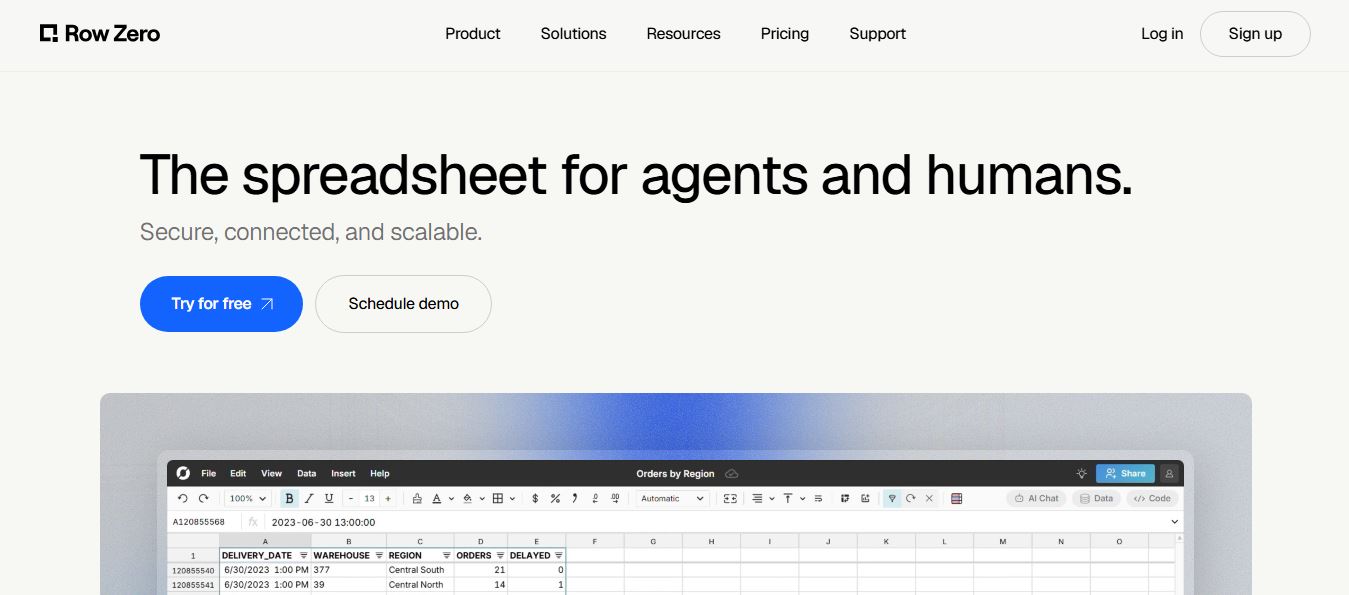
Row Zero is an AI-powered cloud spreadsheet platform that helps teams analyze massive datasets using familiar spreadsheet workflows. It connects directly to data warehouses, auto-updates live data, and scales to billions of rows, enabling fast, secure, and collaborative data analysis without traditional spreadsheet limitations.
 4.9
4.9Grist AI Spreadsheet Generator
Spreadsheets
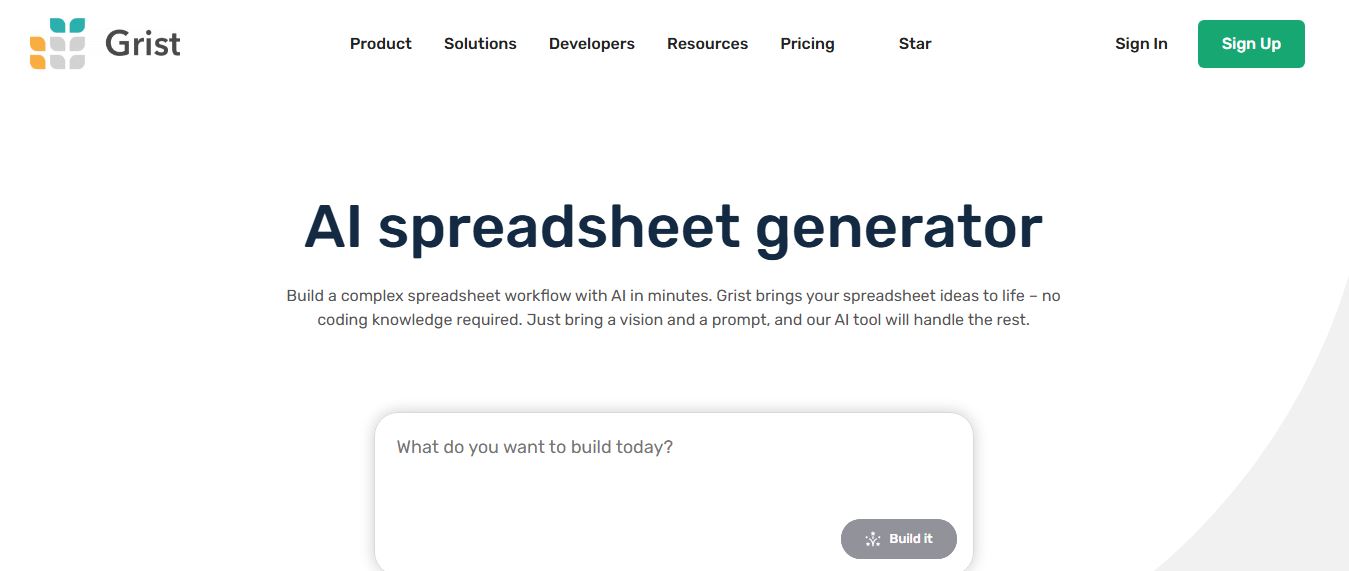
Grist AI Spreadsheet Generator (getgrist.com/ai/spreadsheet-generator/) is an open-source, relational AI spreadsheet and custom application builder that turns text prompts into structured relational databases, Python formulas, dashboards, and access rules via an in-product AI Assistant and Model Context Protocol (MCP).
 4.9
4.9Shortcut AI
Spreadsheets
Shortcut AI is an AI-powered Excel agent that helps finance teams build financial models, analyze data, and automate complex spreadsheet workflows using natural language. It generates formulas, structures reports, and processes data with high accuracy, enabling faster decision-making and reducing manual analysis work.
 4.9
4.9Microsoft Excel
Spreadsheets
Microsoft Excel AI (Copilot for Excel) is an AI-powered assistant that helps users analyze data, write formulas, create charts, and generate insights using natural language. It automates complex tasks, highlights trends, and builds reports, enabling faster, data-driven decisions directly within Excel workflows.
 4.9
4.9Coefficient
Spreadsheets
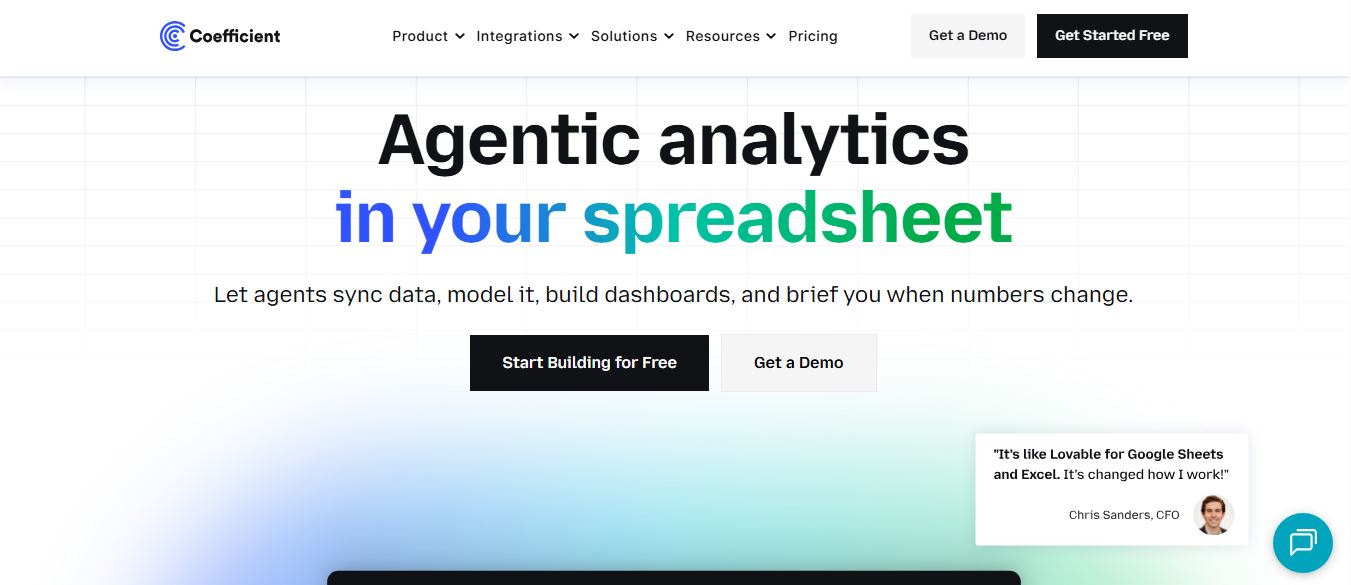
Coefficient is an AI-powered spreadsheet automation platform that connects live data from tools like Salesforce, HubSpot, and databases directly into Google Sheets and Excel. It enables real-time reporting, automated refreshes, and AI-driven analysis, helping teams build dashboards and workflows without manual exports or coding.
 4.9
4.9SheetGPT
Spreadsheets
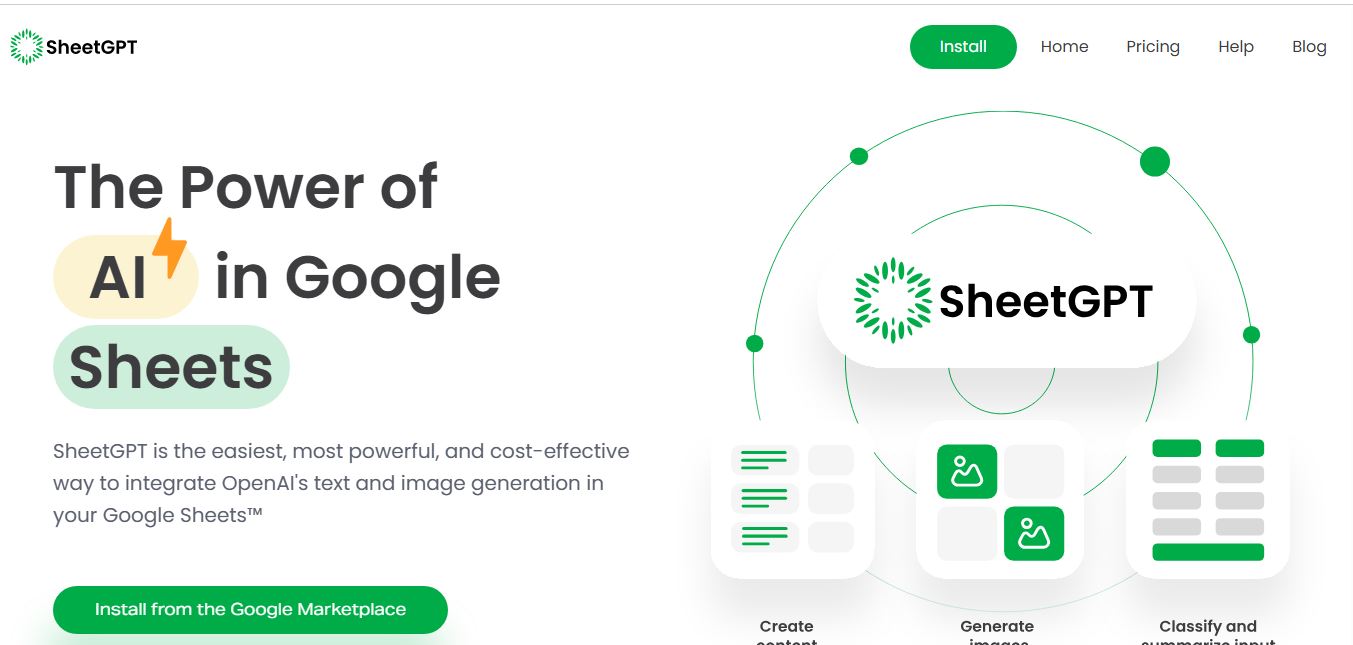
SheetGPT is an AI-powered Google Sheets add-on that helps users generate content, analyze data, and automate tasks using simple formulas like =GPT(). It integrates models like ChatGPT, Claude, and Gemini, enabling faster workflows for summarization, translation, classification, and large-scale spreadsheet operations.
 4.9
4.9GPT for Work
Spreadsheets
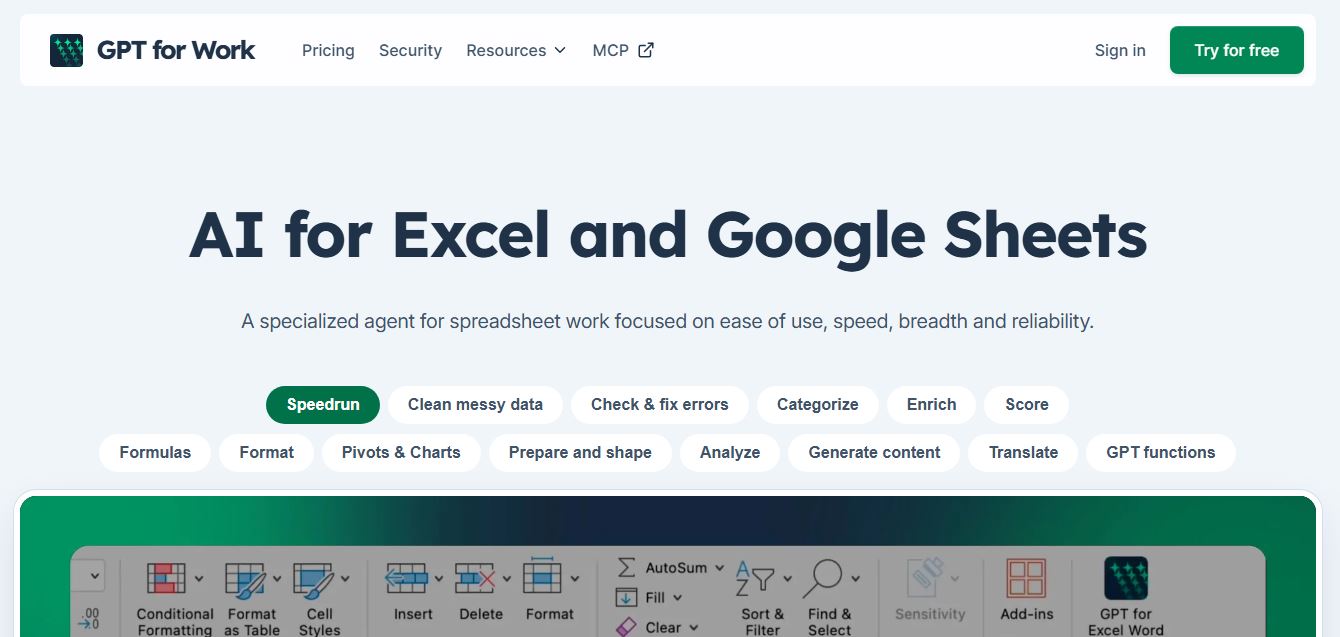
GPT for Work is an AI-powered spreadsheet assistant that helps users automate tasks in Excel and Google Sheets using natural language. It writes formulas, cleans data, generates content, and processes thousands of rows in bulk, enabling faster analysis, workflow automation, and data-driven decision-making.