
Guidde
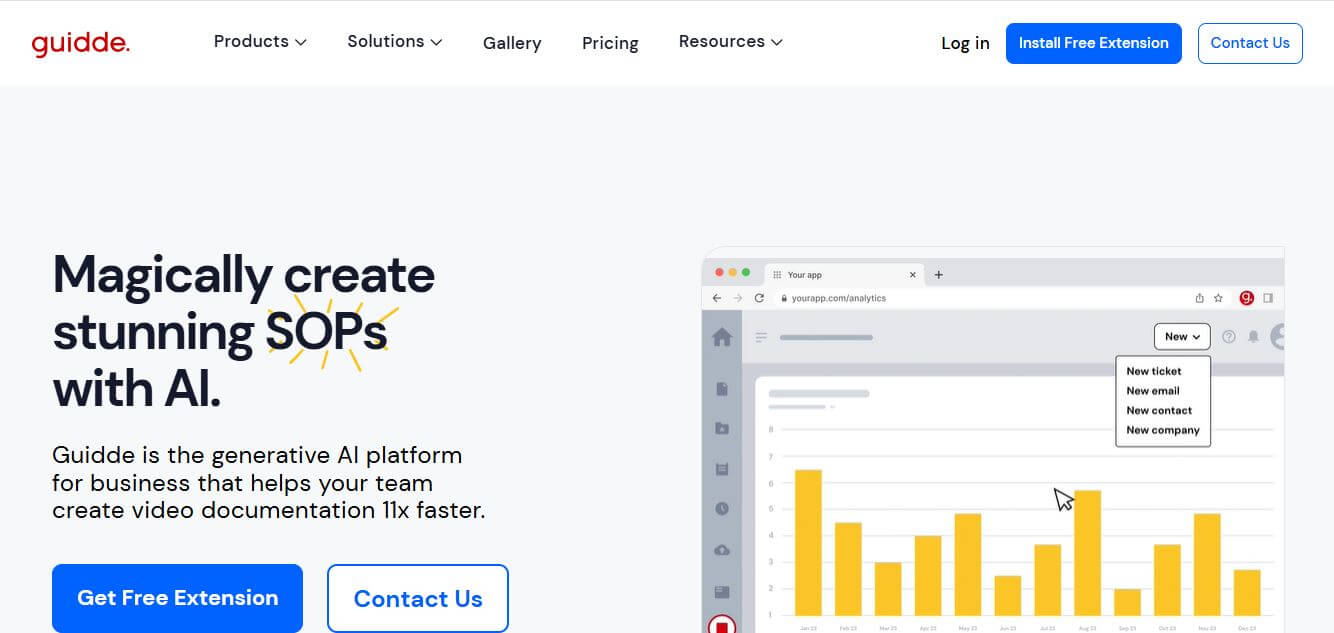
Guidde is a generative AI video documentation and training platform that captures screen workflows across web and desktop apps, automatically producing structured, step-by-step how-to videos and written guides complete with synthetic voiceovers in 100+ languages.
What is Guidde?
Guidde is an AI-powered video documentation platform that helps teams turn everyday workflows into step-by-step video guides in minutes. You simply record your screen, and it automatically creates a structured tutorial with captions, voiceovers, and highlights—no editing skills needed. It’s widely used for onboarding, training, SOPs, and customer support, allowing companies to capture and share knowledge much faster while keeping content clear, consistent, and easy to follow
Designed around the concept of turning screen recordings into studio-quality documentation 11x faster, Guidde automates the heavy lifting of instructional design. Instead of requiring users to record voice takes, stitch video timelines, or manually type step instructions, Guidde automatically generates chapter markers, contextual callouts, and natural-sounding AI voiceovers in over 100 languages and accents.
- Platform Role: AI Video Documentation Platform, Automated SOP Generator & Customer Training Studio
- Founders & Leadership: Dan Suissa (CEO & Co-Founder) and Yoav Vered (CTO & Co-Founder)
- Core Ecosystem: Browser Extension (Chrome/Edge), Desktop Capture App, Video Editor Studio, Brand Kit, and Enterprise Broadcast Engine
Use Cases:
- Generating professional customer support how-to videos to resolve repetitive support tickets quickly
- Creating standard operating procedures (SOPs) and internal employee onboarding workflows without manual screenshot editing
- Documenting new software feature releases for product marketing and customer success announcements
- Localizing technical training video guides into dozens of international languages using automated AI voice translation
- Embedding interactive, click-through tutorials directly into web apps, knowledge bases, and help centers
Technology:
- Computer vision screen capture that identifies UI elements, clicks, and page transitions automatically
- Generative NLP models that summarize screen actions into clear, numbered instructional steps
- Multilingual neural voiceover synthesis providing natural-sounding narration across 100+ languages and accents
- Enterprise-grade security featuring SOC 2 Type II certification, automated PII blurring, and SSO authentication
Target Users:
- Customer support and customer success teams building visual answers for ticket deflection
- Operations and IT managers standardizing internal documentation and system handoffs
- Product managers and sales enablement leads demonstrating software features and workflows
- HR and corporate training specialists creating self-paced onboarding materials
Acquisition: Specialized video documentation and training platform
What are the key features of Guidde?
Guidde's key platform features are
- Automated Step Generation: Records your screen clicks and automatically writes clear, numbered instructional steps for each action.
- AI Multilingual Voiceovers: Synthesizes professional narration across 100+ languages and regional accents without requiring a microphone.
- Interactive Click-Through Demos: Converts recorded video workflows into interactive, step-by-step guides for hands-on learning.
- Smart PII Blurring: Automatically obscures sensitive customer information, credentials, and confidential form fields in recordings.
- Multi-Format Exports: Export finished documentation as high-definition MP4 videos, animated GIFs, formatted PDFs, or embeddable HTML.
- Brand Kit Customization: Apply company logos, custom color palettes, and corporate typography consistently across all guides.
- Desktop & Web Capture: Record workflows across standard browser tabs as well as native desktop enterprise applications.
How much does Guidde cost?
Guidde operates on a creator-based subscription model with an open free plan alongside scalable paid tiers for growing teams.
Pricing Plans:
- Free Plan ($0 / month): Up to 25 how-to video guides, browser extension capture, manual voiceover recording, link sharing, and basic animations with Guidde watermarking.
- Pro Plan ($19 - $23 / creator / month billed annually or $29 monthly): Unlimited video creation, watermark removal, custom Brand Kit, multi-format exports (MP4, PDF, PPT), and sensitive info blurring.
- Business Plan ($39 - $50 / creator / month billed annually or $59 monthly): Everything in Pro plus unlimited text-to-speech AI voices, desktop app capture, video-from-document conversion, advanced analytics, and team collaboration controls.
- Enterprise Plan (Custom Pricing): Custom volume licensing, SSO/SCIM integration, automated multi-language translation, advanced security governance, and dedicated customer success management.
Disclaimer: Pricing is billed per active creator seat. Viewers and end-users can access and consume guides for free. Check guidde.com/pricing for active billing rates.
Who should use Guidde?
Guidde is designed for teams modernizing their documentation workflows, including
- Customer Success Managers: Creating personalized onboarding tutorials and quick troubleshooting guides for clients.
- Technical Support Agents: Replacing lengthy email explanations with 30-second step-by-step video walkthroughs.
- IT & Systems Administrators: Documenting internal software installations, permissions setups, and enterprise tool configurations.
- RevOps & Sales Enablement Teams: Standardizing CRM update processes and sales pipeline procedures across global teams.
What are the best alternatives to Guidde?
Some of the strongest Guidde alternatives include
- Scribe
- Supademo
- Loom
- Floik
- Tango
- Komoot / Vidyard
What are the pros and cons of Guidde?
What are the pros of Guidde?
- Drastically cuts documentation time by generating instructional videos and text steps automatically
- High-quality synthetic voiceovers eliminate the need for microphone equipment or spoken recording takes
- Supports multi-format distribution including downloadable MP4s, PDFs, and embedded web players
- Built-in privacy redaction easily obscures passwords and confidential customer data
- Free plan allows creators to produce up to 25 complete guides without credit card commitment
What are the cons of Guidde?
- Desktop application capture and AI text-to-speech voiceovers require upgrading to the Business tier
- Frequent UI updates in documented software may require re-recording workflow steps
- Per-creator pricing scales rapidly for larger teams with multiple contributing authors
Why should you choose Guidde?
Traditional documentation methods force teams to choose between static screenshot documents that nobody reads or polished videos that take hours to script, record, and edit. Guidde unites the best of both worlds. By automatically turning screen clicks into structured, narrated how-to videos and written step guides simultaneously, Guidde enables organizations to deliver clear, professional training materials with minimal production effort.
- Capture software workflows and generate narrated video tutorials in seconds
- Translate training materials into 100+ languages using lifelike AI voice synthesis
- Export content seamlessly across MP4 video, PDF manuals, and interactive web embeds
- Protect confidential corporate information with automatic PII blurring tools
How does Guidde compare to competitors?
While Scribe concentrates on static screenshot-based SOPs and Loom specializes in real-time camera-and-screen recordings, Guidde uniquely focuses on AI-narrated video creation with synthetic multilingual voices and dual video-and-text outputs.
| Feature / Platform | Guidde | Scribe | Supademo | Loom |
|---|---|---|---|---|
| Primary Output | AI-narrated video & written steps | Static screenshot SOP guides | Interactive click-through demos | Live video webcam & screen recording |
| AI Synthetic Voiceover | Yes (100+ languages & accents) | No | AI voiceover on select plans | No (Live microphone only) |
| Capture Scope | Browser & desktop applications | Browser & desktop (Pro) | Browser & desktop | Browser & desktop |
| Export Options | MP4, GIF, PDF, PPT, Embed | PDF, Markdown, HTML, Embed | MP4, GIF, Embed, Demo Hubs | MP4, Link, Embed |
| Pricing Structure | Free (25 guides) / Pro from $19/creator/mo | Free / Pro from $23/user/mo | Free / Scale from $38/creator/mo | Free / Business at $12.50/user/mo |
| Best For | Automated video tutorials & AI voiceovers | Step-by-step visual SOP documents | Interactive product tours & sandboxes | Async team video communication |
How do we rate Guidde?
| Parameter | Rating (out of 5) |
|---|---|
| Workflow Capture & Step Detection | 4.9 |
| AI Voiceover Quality & Localization | 4.8 |
| Export Flexibility & Embedding | 4.8 |
| UI Simplicity & Editing Experience | 4.8 |
| Value for Money | 4.7 |
| Overall Score | 4.80 |
What is our review and verdict on Guidde?
Guidde is a significant advancement in operational productivity and knowledge management. By automating video generation, narrative scripting, and multilingual voiceovers from simple screen captures, it allows teams to produce polished tutorials without dedicated multimedia skills. While full access to desktop capture and synthetic voices requires the business plan, its speed, high deliverability, and multi-format export capabilities make Guidde an invaluable platform for customer success and operational enablement.
Conclusion
Guidde makes creating how-to content fast and scalable by turning workflows into step-by-step video guides automatically. Instead of manually recording and editing tutorials, teams can generate polished documentation with minimal effort. This is especially useful for onboarding, training, and internal knowledge sharing. Overall, Guidde simplifies documentation, saves time, and helps teams communicate processes more clearly through engaging, easy-to-follow video guides.
FAQ
What does Guidde actually do?
Guidde is an AI-powered video documentation platform that turns any workflow into a step-by-step video guide automatically. You simply record your screen while performing a task, and the tool converts it into a structured tutorial with captions, voiceover, and visual highlights. This makes it easy to create SOPs, product demos, and training materials without needing editing skills.
How is Guidde different from Loom or traditional screen recorders?
Unlike tools like Loom that just record videos, Guidde uses AI to automatically transform recordings into polished, instructional content. It generates scripts, adds voiceovers, creates step-by-step flows, and even formats the output into documentation-style videos. This saves hours of manual editing and makes the content more structured and easier to follow.
How does Guidde work in practice?
Guidde works through a browser extension or desktop app where you record your workflow. Once you stop recording, the AI processes your actions—like clicks and inputs—and converts them into a narrated, step-by-step guide. You can then edit the script, change the voice, add branding, and share or export the final video instantly.
What features does Guidde offer?
Guidde includes features like AI-generated voiceovers, automatic captions, step-by-step storyboarding, video editing tools, and smart sharing options. It also supports exporting videos into formats like MP4, PDF, and presentations, along with integrations into tools like knowledge bases and support systems. Advanced plans include analytics, privacy controls, and multi-language support.
Who should use Guidde?
Guidde is best suited for customer support teams, SaaS companies, product teams, and HR/L&D teams that need to create training or help content at scale. It’s especially valuable for onboarding, internal documentation, and reducing repetitive support queries by enabling users to self-serve through visual guides.
Is Guidde free or paid?
Guidde offers a free plan with limited usage (around 25 videos), making it easy to get started. Paid plans start around $19–$39 per creator per month depending on features, unlocking unlimited videos, branding, exports, advanced AI voice options, analytics, and enterprise-level controls.
User Reviews
No reviews yet for Guidde.
Featured Tools
Featured AI tools from TechShark

Melody Genie
MelodyGenie is an AI-powered music generator that creates original songs from simple text prompts. Users can choose styles, moods, and genres, then instantly generate melodies and full tracks, making it easy for creators, marketers, and hobbyists to produce custom music without musical expertise.
Freemium

Kimi AI
Kimi AI is an advanced AI assistant developed by Moonshot AI that helps you chat, research, write, code, and automate tasks in one place. It supports web search, file analysis, and multimodal inputs, and can even run autonomous “agent” workflows to complete complex tasks end-to-end.
Freemium

Fashion Diffusion AI
Fashion Diffusion is an AI-powered fashion design platform that helps brands and designers create clothing designs, virtual try-ons, AI models, product photos, and marketing visuals faster and cost-effectively.
Paid

Veo 4
Veo 4 AI is an AI video creation platform that generates dramatic videos from text, images, audio, and video prompts using realistic motion and synchronized sound.
Paid
Alternatives
Alternatives to Guidde
The best Guidde alternatives include Scribe, Supademo, Loom, and Tango. While Guidde focuses on automatically converting screen workflows into video tutorials complete with AI voice narration in 100+ languages alongside written guides starting from $19/creator/month, alternatives like Scribe concentrate on static screenshot SOP documents and Loom provides live camera-and-screen video messaging.
 4.9
4.9Clipchamp
Video Generator
Clipchamp is an AI-powered online video editor by Microsoft that helps users record, edit, and share videos directly from the browser. It offers templates, stock media, and AI tools like subtitles, voiceovers, and noise removal, enabling fast, professional video creation without advanced editing skills.
 4.9
4.9CapCut
Video Editing
CapCut is a popular video editing tool that helps creators produce engaging videos with effects, transitions, filters, templates, subtitles, and AI-powered features. Available on multiple platforms, CapCut makes it easy to edit videos for TikTok, Instagram Reels, YouTube Shorts, and other social media channels.
 4.9
4.9Pika
Video Generator
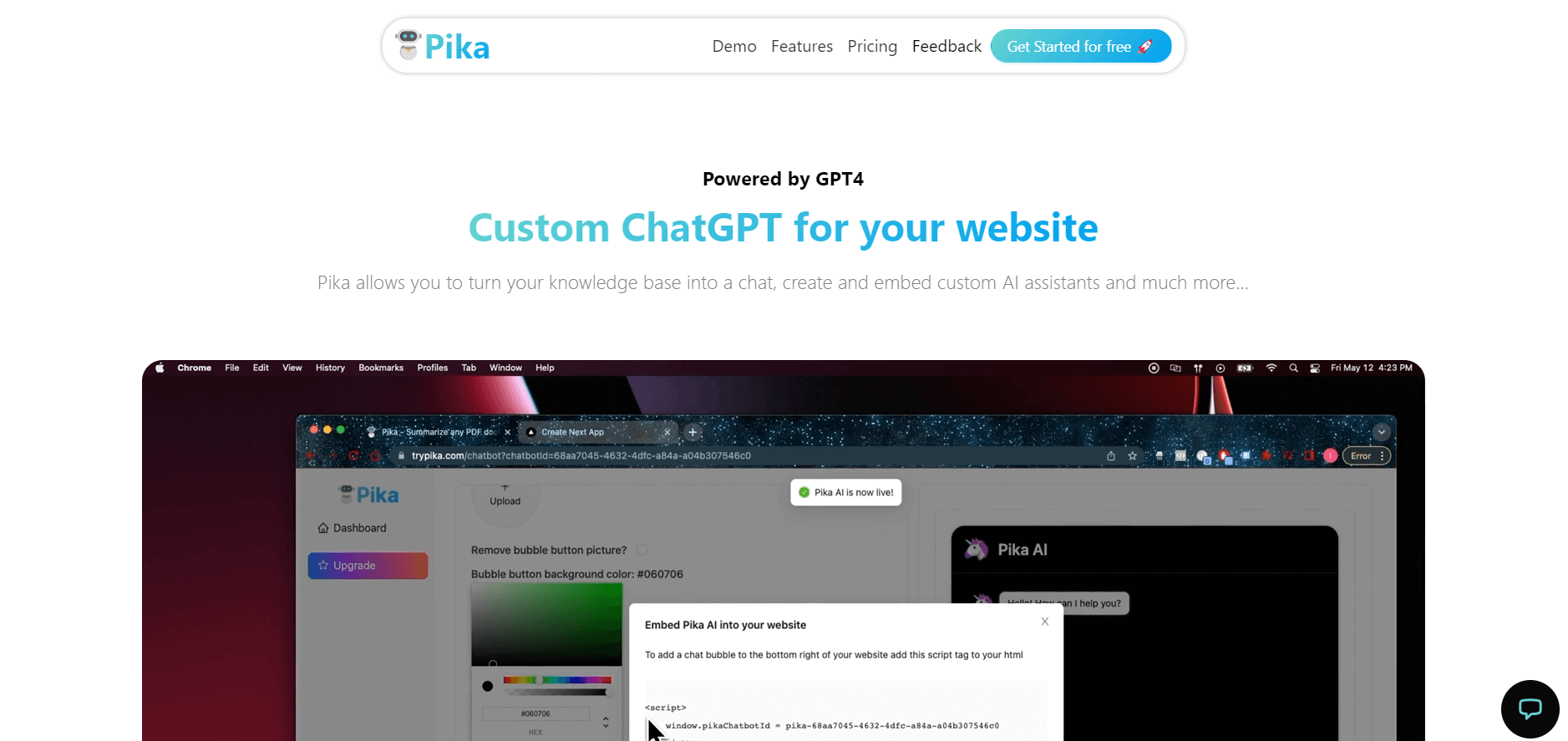
Pika is an AI video generation and creative effects platform that transforms text prompts, still images, and video clips into cinematic video sequences, meme animations, and viral visual effects using its proprietary generative video models.
 4.7
4.7Hotshot AI
Video Generator
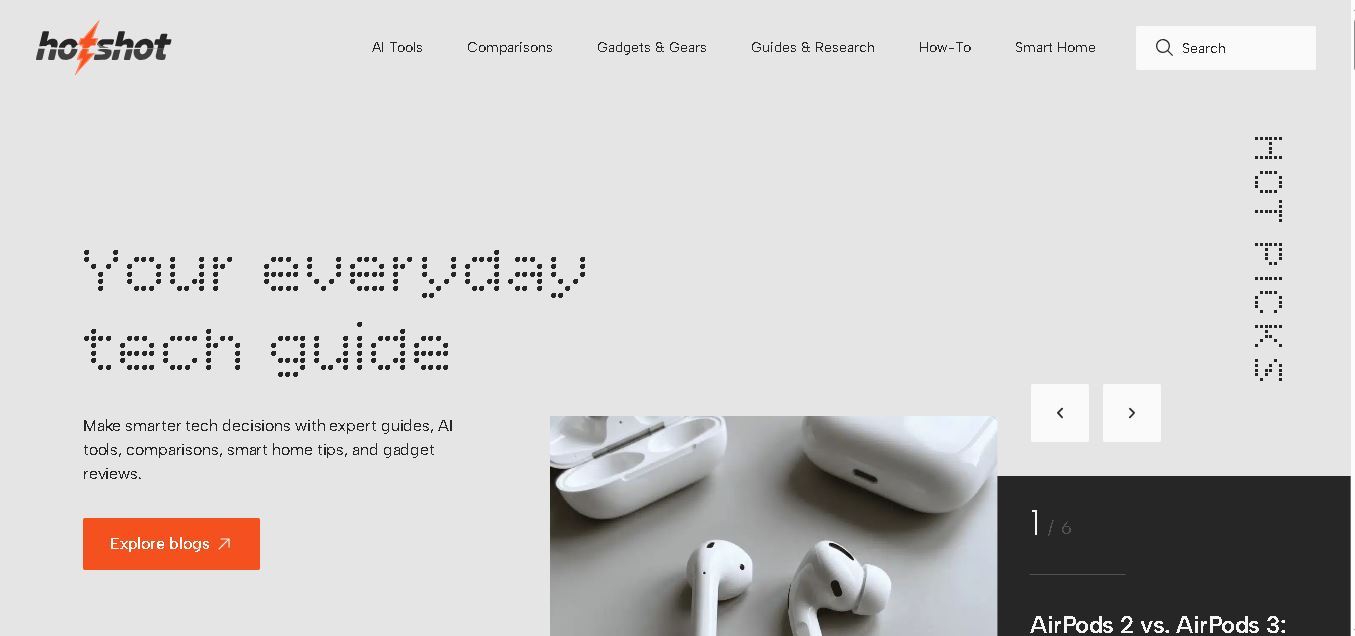
Hotshot is an everyday technology publication covering AI tools, gadgets, smart home technology, comparisons, research, and practical how-to guides. It helps readers understand products, evaluate software, compare options, and solve common technology problems through accessible articles created for people who want clearer information before making technology-related decisions online with confidence.
 4.7
4.7VideoPlus AI
Video Generator
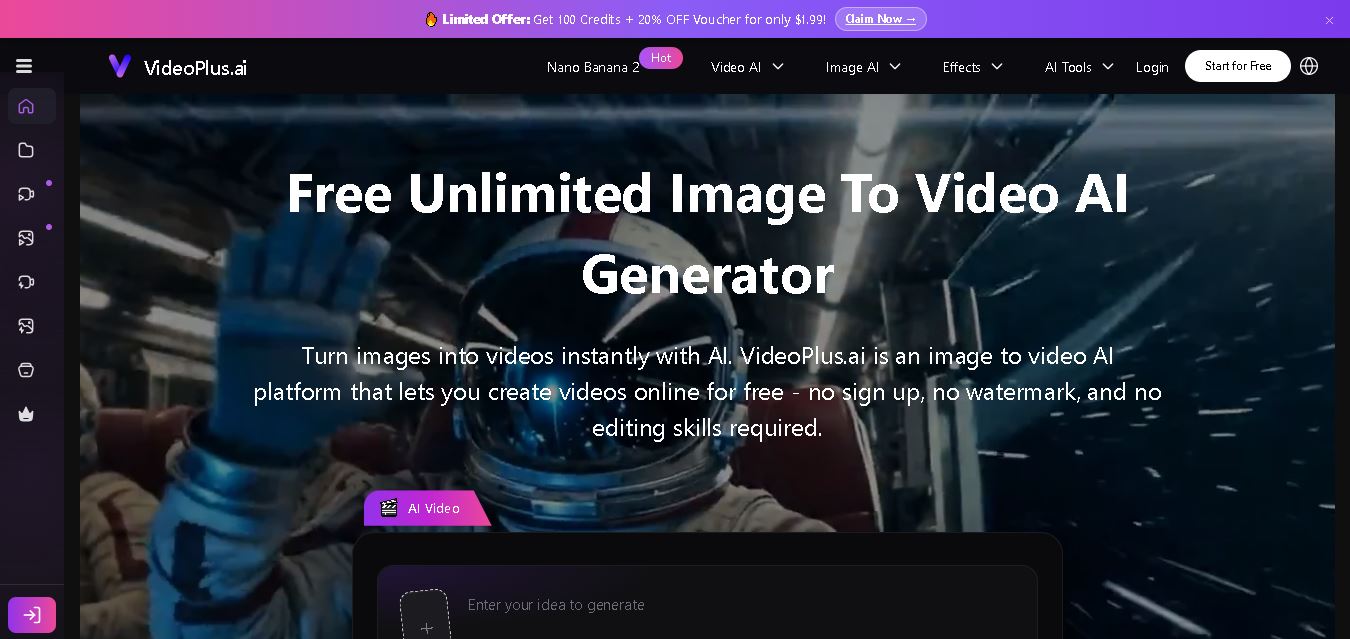
VideoPlus.ai is a versatile AI creation platform for generating and transforming videos and images. It supports text-to-video, image-to-video, reference-to-video, video-to-video, animation, image generation, enhancement, lip syncing, and creative effects. Multiple AI video models are available, making it useful for creators, marketers, designers, and businesses.
 4.7
4.7VideoTube
Video Generator
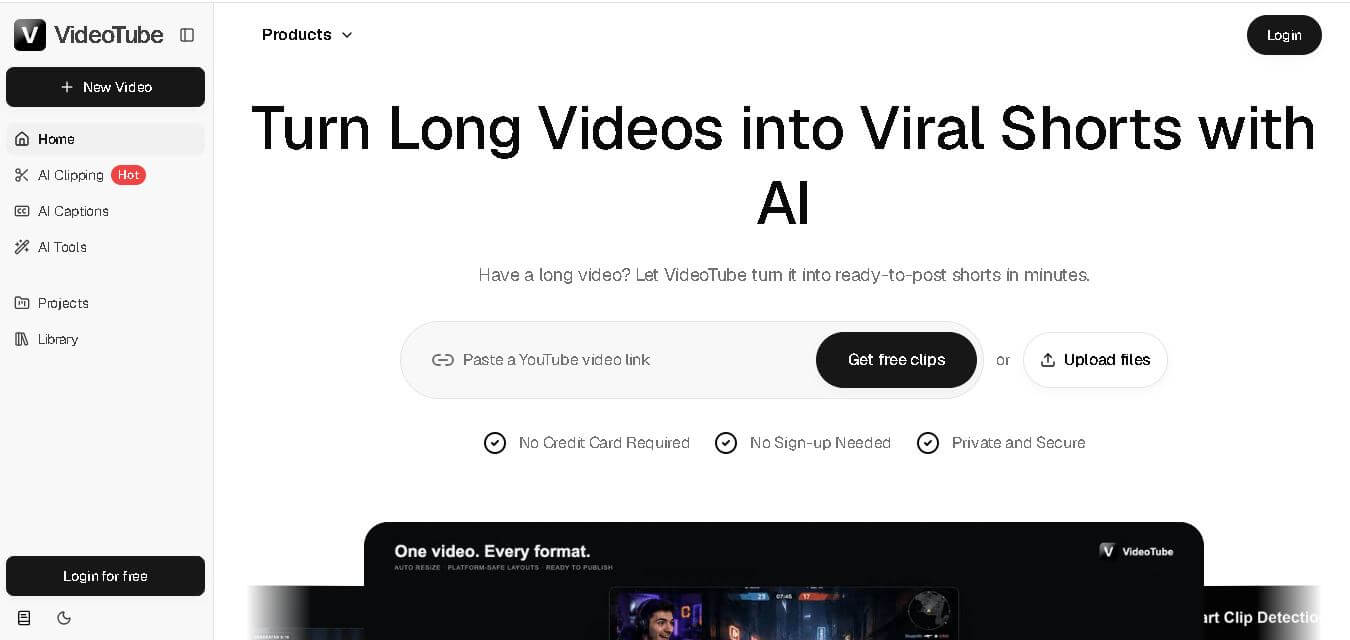
VideoTube helps creators transform long videos into short, social-ready content with AI. It can detect engaging moments, generate captions, remove filler, add B-roll, and automatically reframe videos for vertical platforms. Podcasters, YouTubers, educators, marketers, and agencies can repurpose existing content faster without relying on complicated video editing workflows.
 4.7
4.7TYPPO
Video Generator
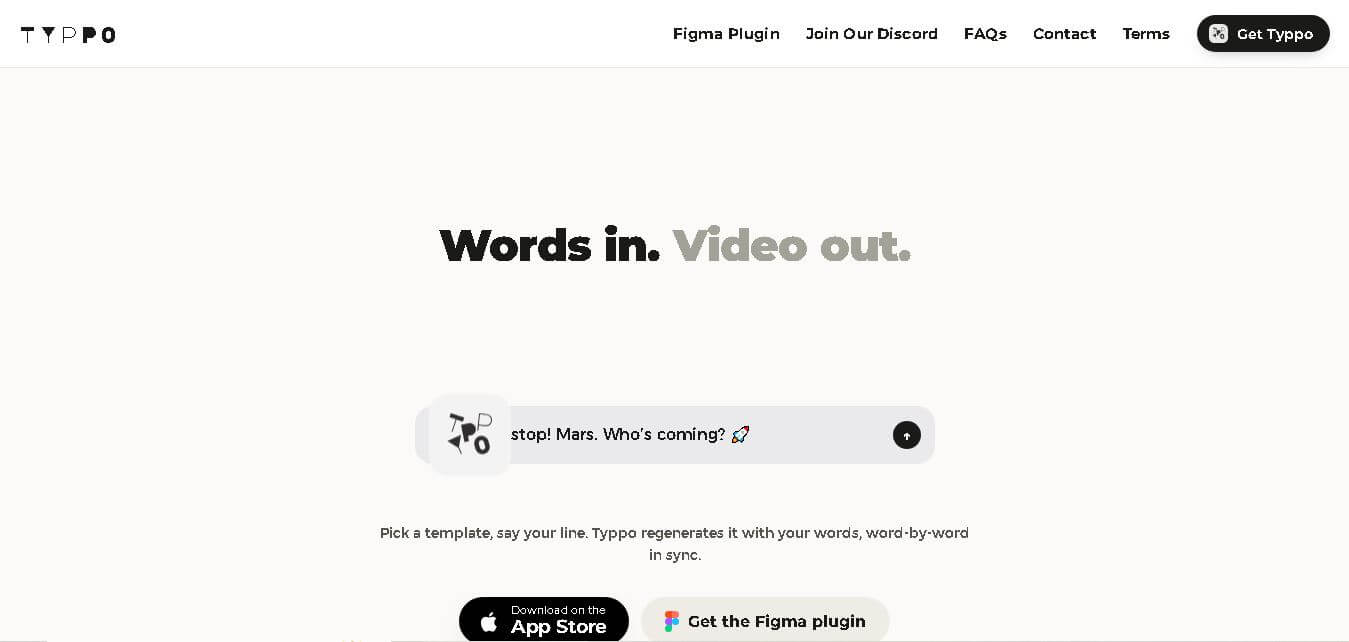
Typpo turns spoken words into animated videos without requiring design skills. Record a message, let the app transform your voice into motion graphics, and share the result on mobile-focused social channels. It supports multiple languages and offers a simple workflow for creators, marketers, communicators, and anyone wanting faster visual content creation.
 4.8
4.8Pollo AI
Video Generator
Pollo AI helps creators generate videos and visual content from text, images, and creative prompts. It combines multiple AI video models in one platform and supports workflows such as text-to-video, image-to-video, avatars, video transformation, and reference-based generation. A free tier lets users explore its core creative capabilities before upgrading.
iMini AI
Video Generator
iMini AI (imini.com) is an all-in-one AI creative agent and generative content hub that combines leading AI models into a single interface for generating images, videos, presentations, branding, and deep research reports.