
Gigasheet
Gigasheet is an AI-powered spreadsheet analytics platform that helps teams analyze massive datasets without coding, databases, or complex data engineering tools.
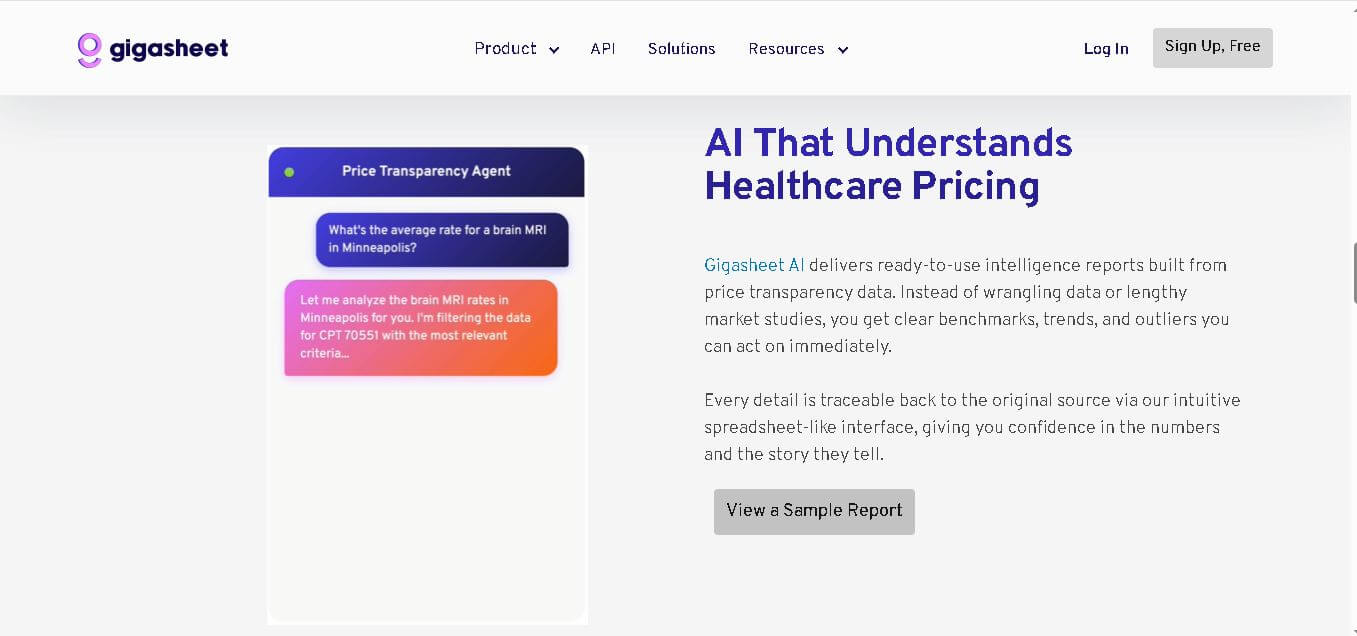
What is Gigasheet AI?
Gigasheet is an AI-powered spreadsheet platform that kind of changes how organizations go through and manage massive datasets. It’s built with a spreadsheet-style interface that feels familiar, so users can handle billions of rows of information without needing to code or have deep database expertise. In practice, businesses use Gigasheet for things like cybersecurity analysis, day-to-day operational insights, marketing intelligence, and that broader kind of large-scale data exploration.
The whole idea is that it blends cloud scalability, AI-assisted workflows, and collaborative analytics so the more complex data work becomes a lot simpler. And yeah, it’s not just the features either; the speed is noticeable, plus the tools are fairly intuitive. So enterprise-level big data analysis becomes accessible to non-technical teams while also reducing the reliance on traditional data engineering infrastructure in a way that feels more straightforward than before.
Gigasheet supports analysis of billions of rows of structured data directly in the browser. Cybersecurity investigations, operational analytics, and business intelligence workflows widely use the platform. Its cloud-native infrastructure removes the need for local storage or expensive hardware while enabling collaborative large-scale data processing for teams worldwide.

Founders
- Jason Hines
- Ben Senturia
Launch Date: Founded in 2019
Use Cases
- Cybersecurity investigations
- Threat intelligence analysis
- Large dataset exploration
- Business intelligence reporting
- Marketing analytics
- Operational data monitoring
- Compliance investigations
Technology
- AI-powered analytics
- Cloud-native infrastructure
- Spreadsheet-style interface
- Big data processing engine
- Collaborative analytics tools
- Data enrichment automation
Key Features
Gigasheet's key features are
- Massive Dataset Handling: Gigasheet allows users to work with billions of rows of structured data directly from a web browser without requiring specialized hardware or database systems.
- Spreadsheet-Like Interface: The platform provides a familiar spreadsheet environment, making advanced data analysis easier for non-technical users and business teams.
- AI-Assisted Analytics: AI-powered workflows help users identify trends, clean datasets, and generate faster insights from complex information.
- Fast Data Filtering: Users can quickly sort, filter, and query large datasets in real time without performance slowdowns commonly found in traditional spreadsheets.
- Cloud-Based Collaboration: Teams can securely collaborate on large-scale datasets from different locations while maintaining centralized access and visibility.
- Data Enrichment Tools: The platform enriches datasets with additional contextual information, helping businesses improve decision-making and reporting accuracy.
- Cybersecurity Investigation Support: Security teams use Gigasheet to investigate suspicious activity, analyze threat data, and process large security logs efficiently.
- No-Code Accessibility: Business professionals can perform enterprise-level analytics without SQL, Python, or data engineering knowledge.
Pricing
- Custom Enterprise Plans
- Scalable Team Pricing
- Demo-Based Access
- Contact Sales Model
Disclaimer: For the latest and most accurate pricing information, please visit the official Gigasheet website.
Who is using Gigasheet?
A diverse range of users and organizations utilize Gigasheet
- Cybersecurity teams
- Data analysts
- Enterprise organizations
- Marketing departments
- Operations managers
- Threat intelligence professionals
- Compliance teams
- Research organizations
Alternatives
Some Gigasheet alternatives are
- Microsoft Excel
- Google Sheets
- Tableau
- Snowflake
- Airtable
- Databricks
Pros & Cons
Pros
- Handles extremely large datasets
- No coding knowledge required
- Cloud-based accessibility
- Fast filtering and querying
- User-friendly spreadsheet interface
- Useful for cybersecurity analytics
- Supports team collaboration
Cons
- Enterprise-focused pricing
- Limited offline functionality
- Advanced features may require onboarding
- Smaller businesses may find it expensive
How Did We Rate Gigasheet?
- Creative Accuracy: 8.7/10
- User Experience: 9.1/10
- Tools & Capabilities: 9.3/10
- Speed & Efficiency: 9.4/10
- Creative Freedom: 8.5/10
- Trust & Transparency: 8.8/10
- Help & Community: 8.4/10
- Value for Money: 8.6/10
- Ecosystem Fit: 9.0/10
- Overall Score: 8.9/10
Conclusion
Gigasheet kind of stands out as a powerful AI-driven analytics platform for organizations that deal with huge datasets, you know. It keeps things in a spreadsheet-style experience so there are fewer technical barriers, and teams can analyze billions of rows without having to write complex code or wrestle with database management too much. Honestly, it feels especially useful in cybersecurity, operations, and business intelligence workflows where speed counts and scalability is a must. Because it’s cloud-native, with AI-powered automation plus collaboration abilities, the whole thing simplifies enterprise-grade data analysis for modern teams. If a business wants a no-code option for large-scale analytics, then Gigasheet’s flexible and scalable environment can really help.
People are also reading
FAQ
What is Gigasheet used for?
Gigasheet is used for analyzing massive datasets, cybersecurity investigations, business intelligence reporting, and operational analytics.
Does Gigasheet require coding skills?
No, Gigasheet is designed with a spreadsheet-style interface that allows non-technical users to analyze large datasets without coding.
Can Gigasheet handle billions of rows?
Yes, the platform is built to process and analyze billions of rows of structured data directly in the cloud.
Is Gigasheet cloud-based?
Yes, Gigasheet operates as a cloud-native platform accessible through a web browser.
Who should use Gigasheet?
Cybersecurity professionals, analysts, operations teams, marketers, and enterprises handling large-scale data can benefit from Gigasheet.
User Reviews
No reviews yet for Gigasheet.
Featured Tools
Featured AI tools from TechShark

Melody Genie
MelodyGenie is an AI-powered music generator that creates original songs from simple text prompts. Users can choose styles, moods, and genres, then instantly generate melodies and full tracks, making it easy for creators, marketers, and hobbyists to produce custom music without musical expertise.
Freemium

Kimi AI
Kimi AI is an advanced AI assistant developed by Moonshot AI that helps you chat, research, write, code, and automate tasks in one place. It supports web search, file analysis, and multimodal inputs, and can even run autonomous “agent” workflows to complete complex tasks end-to-end.
Freemium

Fashion Diffusion AI
Fashion Diffusion is an AI-powered fashion design platform that helps brands and designers create clothing designs, virtual try-ons, AI models, product photos, and marketing visuals faster and cost-effectively.
Paid

Veo 4
Veo 4 AI is an AI video creation platform that generates dramatic videos from text, images, audio, and video prompts using realistic motion and synchronized sound.
Paid
Alternatives
Alternatives to Gigasheet
Gigasheet alternatives include Verisl, Cytora, Shift Technology, Socotra, earnix, and Guidewire. Gigasheet enables businesses to explore, filter, enrich, and analyze billions of rows of data using a spreadsheet-style interface. It simplifies big data management for security, marketing, operations, and research teams without requiring technical expertise.
 4.8
4.8Soroco
Workflow Automation
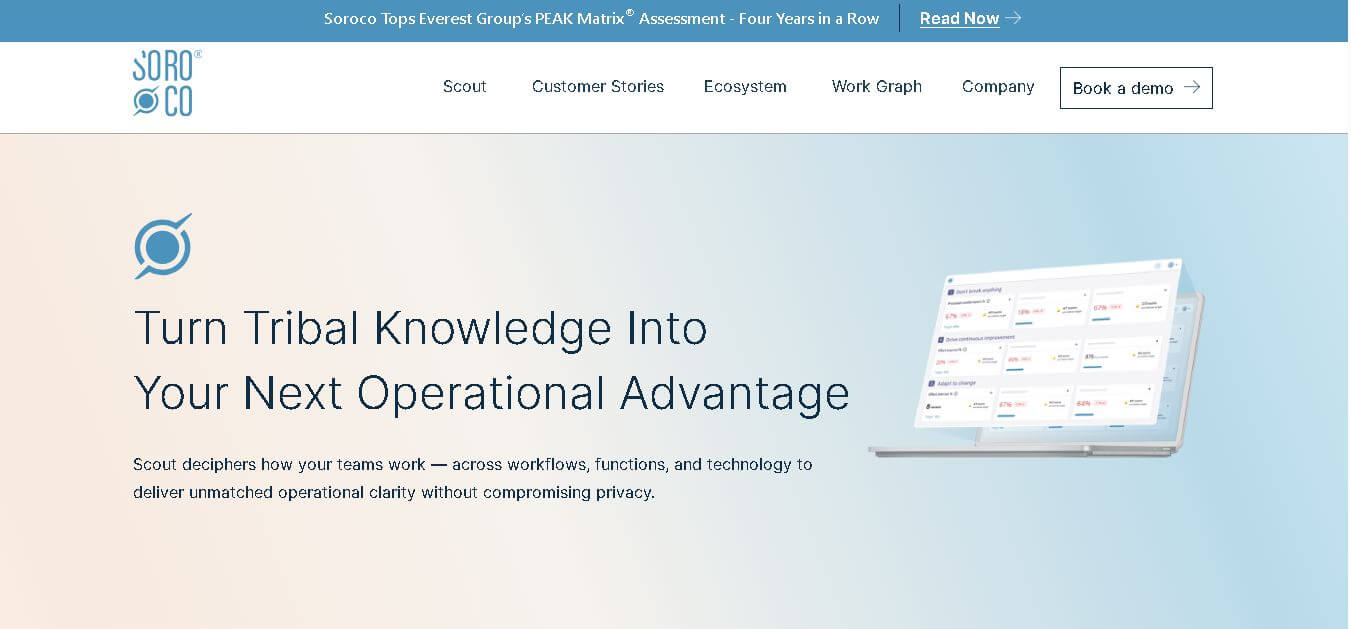
Soroco helps enterprises understand and improve how people and AI agents perform everyday work. Its Scout platform maps real workflows, identifies bottlenecks, measures operational effort, and highlights automation opportunities. Organizations can use its insights to improve productivity, optimize costs, strengthen decision-making, and build more effective human-AI workflows.
 4.9
4.9GPT Engineer
Low-code/No-code
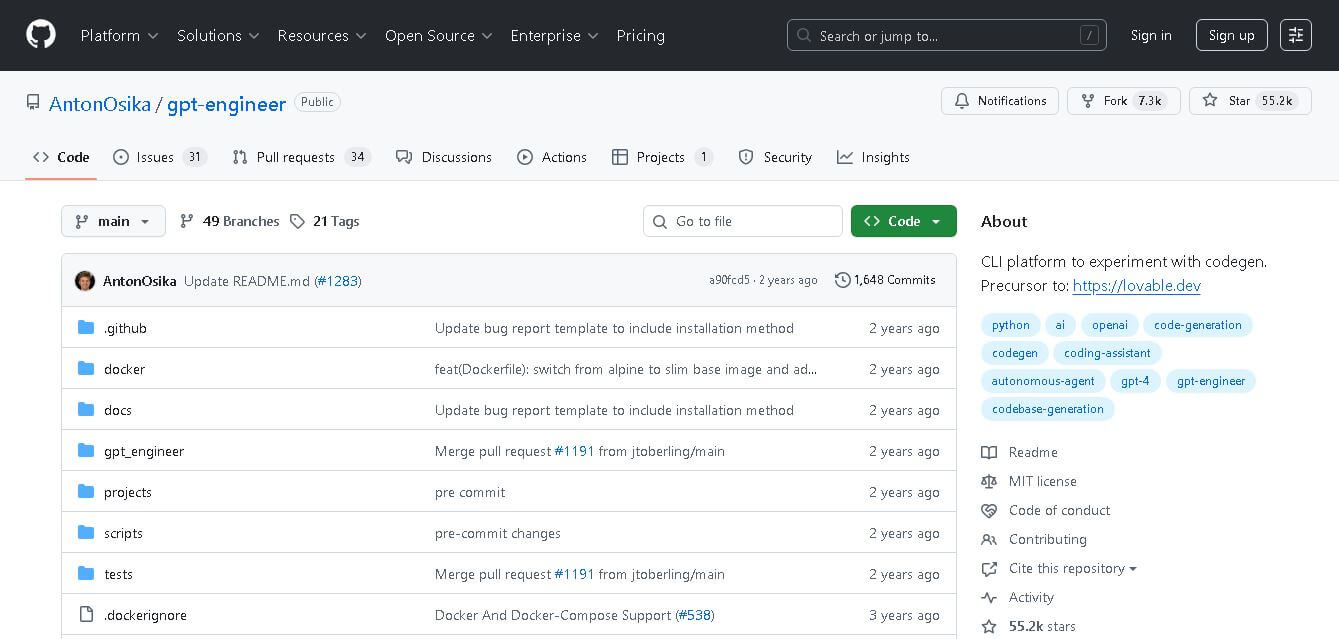
GPT Engineer is an open-source AI coding framework that helps developers generate and improve software from natural-language instructions. It works through a command-line workflow, allowing users to provide project requirements, generate code, execute development steps, and request changes. It also supports customizable prompts, vision-capable models, alternative model providers, Docker, and benchmarking workflows.
 4.9
4.9Gemini 4 Argon
Workflow Automation
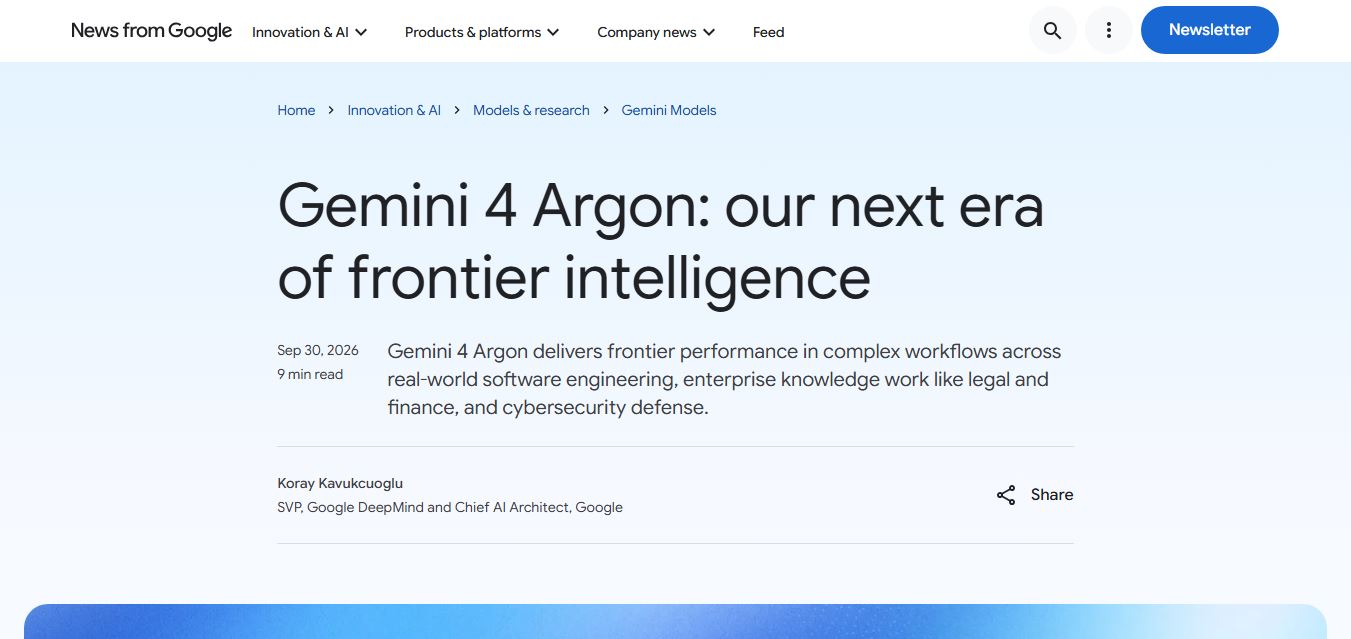
Gemini 4 Argon is Google DeepMind’s most advanced AI model, built for complex, long-running tasks like software engineering, finance, legal work, and cybersecurity. It delivers deep reasoning, handles multi-step workflows, and processes large context inputs, making it ideal for enterprise automation and high-level problem solving.
 4.8
4.8Kissflow
No Code
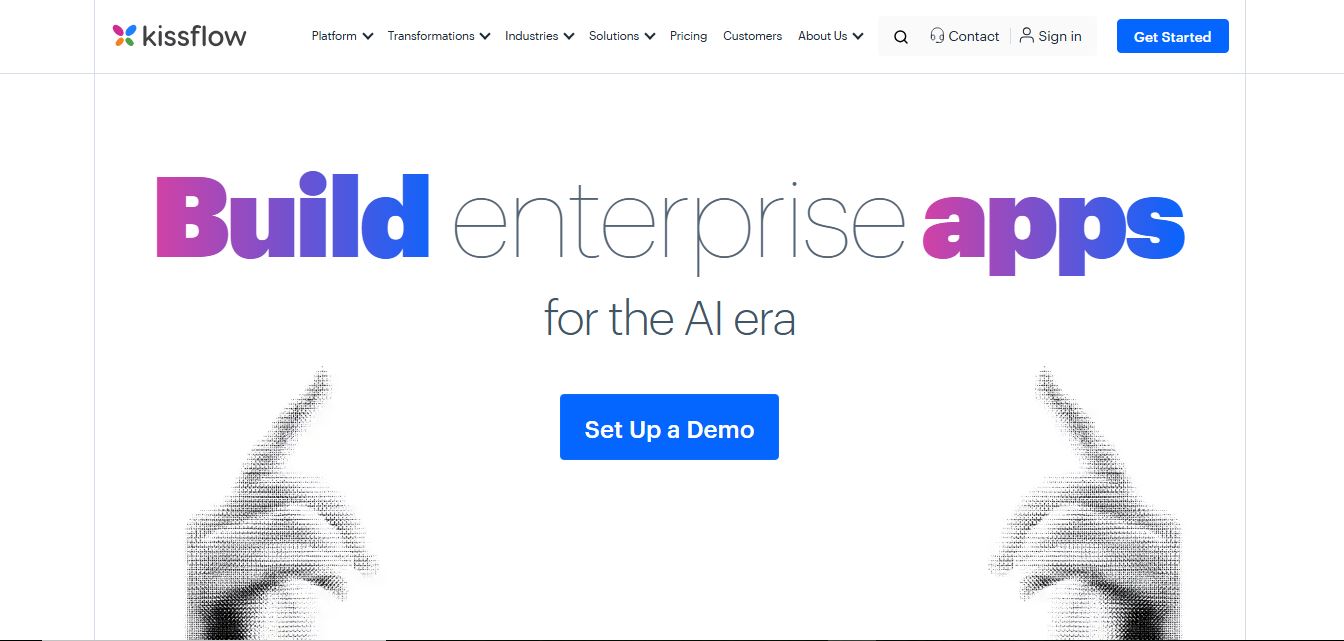
Kissflow is a low-code workflow automation and business process management platform that helps teams build apps, automate approvals, and manage operations without heavy coding. It centralizes workflows, improves visibility, and speeds up processes across departments like HR, finance, and procurement.
ROK Solution
Workflow Automation
ROK Solution is an organization-centric hyperautomation and Identity Governance and Administration (IGA) platform that aligns no-code app development, BPM, generative AI, and automated access rights directly with a real-time, living organizational chart.
Klarent
Low-code/No-code
Klarent (by Fore AI) is an autonomous, AI-powered, no-code QA test automation platform designed to create, execute, and self-heal end-to-end tests for web, native iOS, Android, and cross-platform applications.
 4.8
4.8Lindy
AI Agent
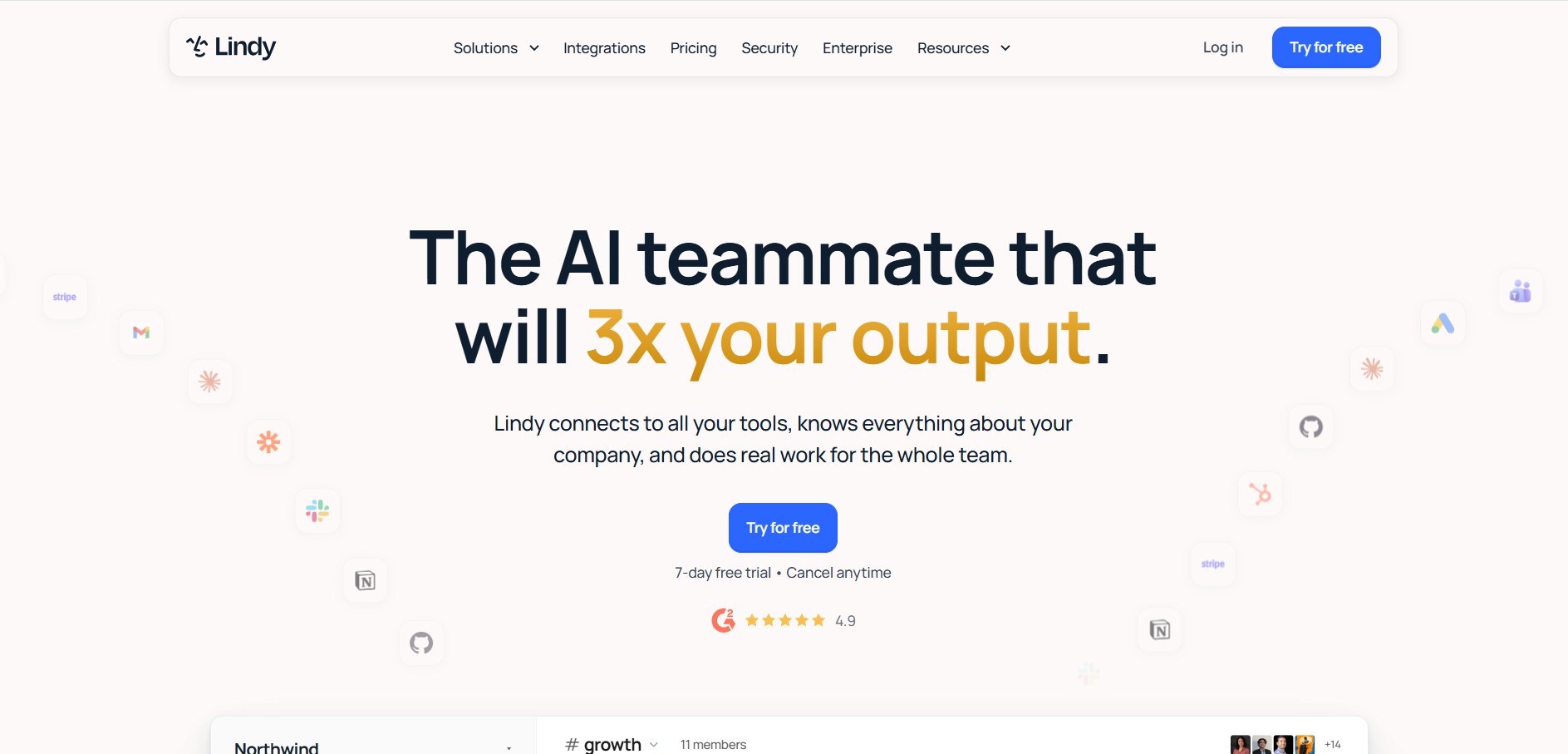
Lindy is an AI medical and business workflow automation platform that builds autonomous AI agents ('Lindys') capable of handling inbox management, customer support, lead qualification, medical scribing, and voice operations.
 4.8
4.8Glif
Low-code/No-code
Glif is a conversational creative AI tool for generating images, videos, audio, text, advertisements, product visuals, social media content, and more. It selects suitable AI models and tools based on your request, allowing creators and marketers to develop complete creative projects without manually managing multiple AI platforms or complicated production workflows.
 4.9
4.9Jinba
Workflow Automation
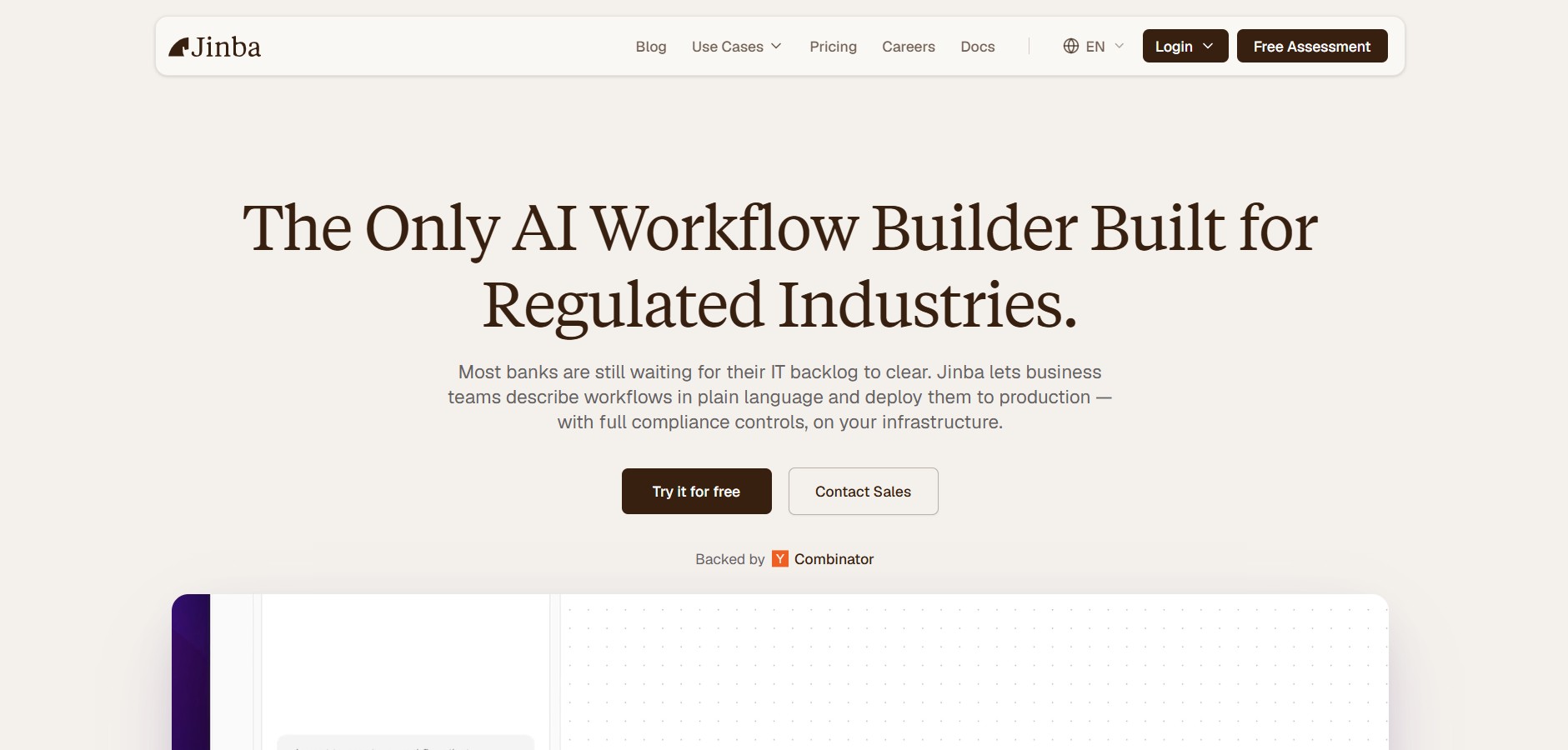
Jinba is an enterprise AI workflow automation platform that enables teams to build, edit, and deploy production-ready automations using natural language prompts, visual drag-and-drop orchestration, and SOC II compliant execution environments.